ToolMage
Sign in

Best 45 No Code & Low Code AI tools for Development

Popular No Code & Low Code AI tools in Development include Base44, Blink, Rork, Creao, WeWeb, Vibecode, YouWare, Trickle, NocoBase, and Create, helping you work more efficiently.

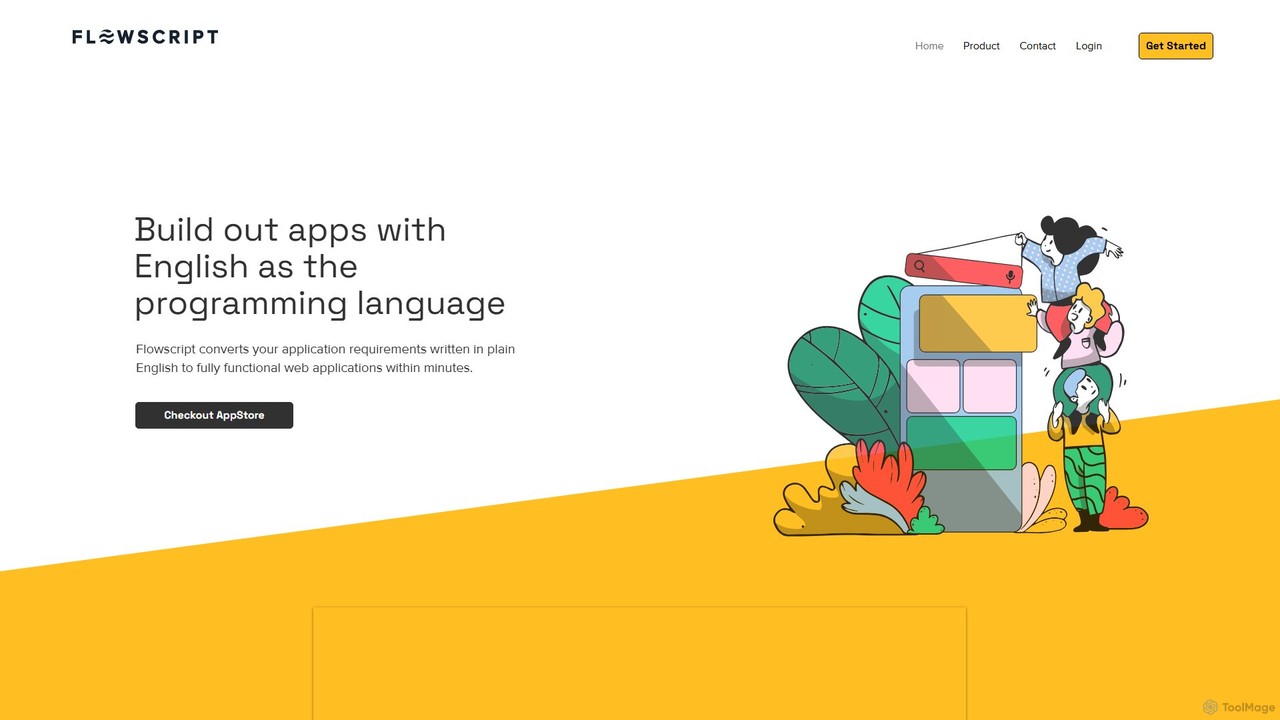
Flowscript

Flowscript

Flowscript is a revolutionary no-code platform that transforms plain English into fully functional web applications. Its AI-powered engine interprets your requirements to build apps with complex workflows, robust data management, and security rules in minutes. This empowers anyone, regardless of technical skill, to become a developer, streamlining processes and bringing ideas to life at the speed of thought.

Internal Tools
Visits 3.3KFavorites 98Likes 100
Fliplet
Freemium

Fliplet

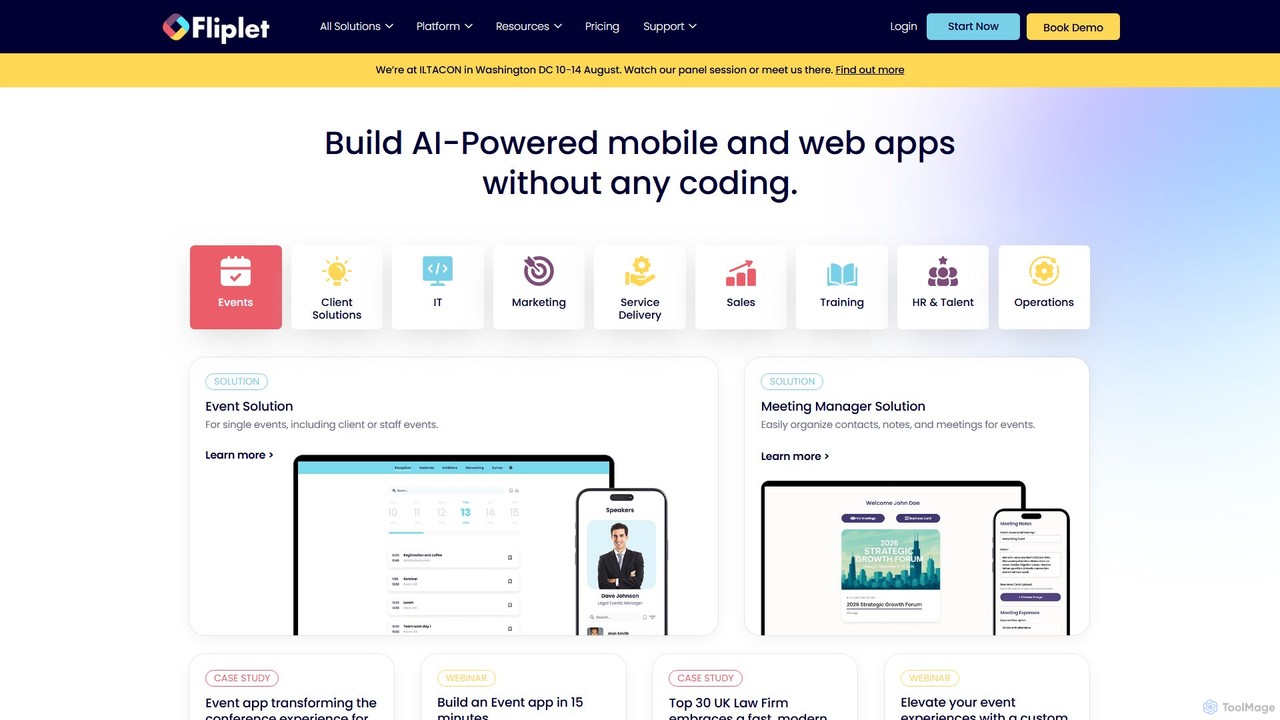
Fliplet is an AI-powered no-code and low-code platform that enables organizations to build custom mobile and web applications. It simplifies app creation with a drag-and-drop interface while offering full code control for advanced customization. Fliplet focuses on enterprise-grade security, seamless integrations, and powerful AI features to enhance user experience and productivity.

Chatbot Builder
Visits 57.4KFavorites 110Likes 117
WeWeb
Freemium

WeWeb

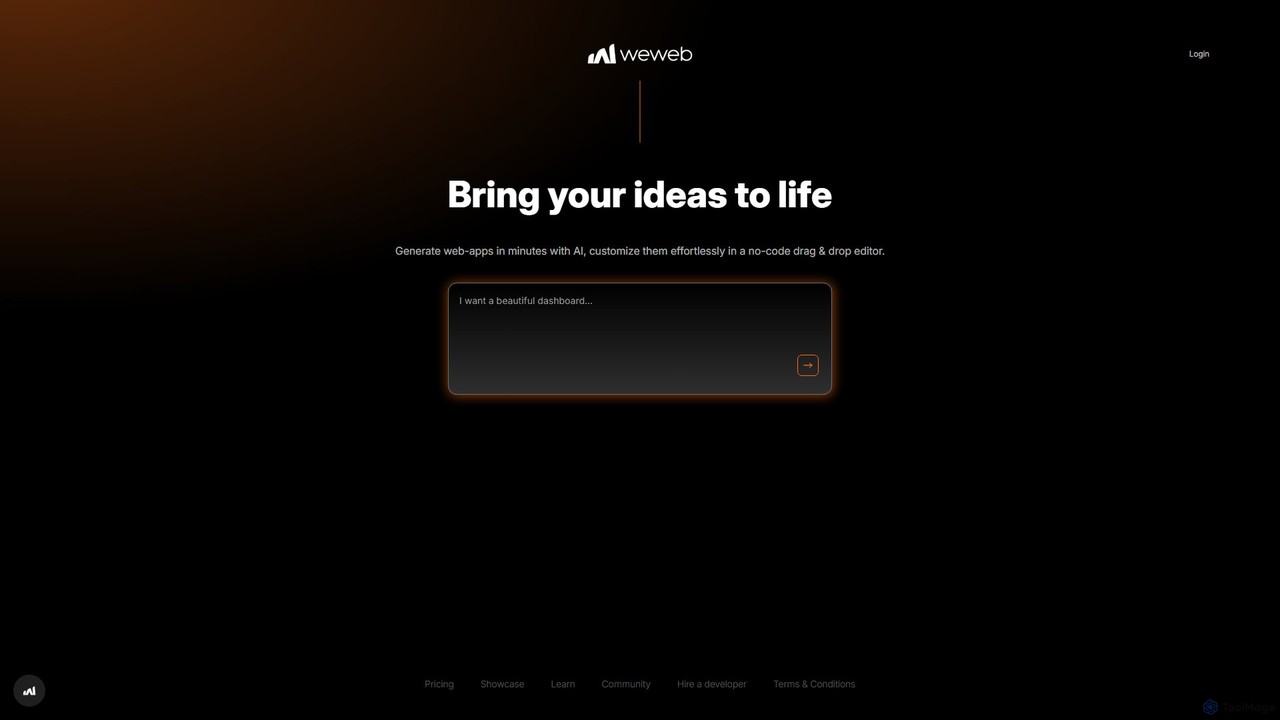
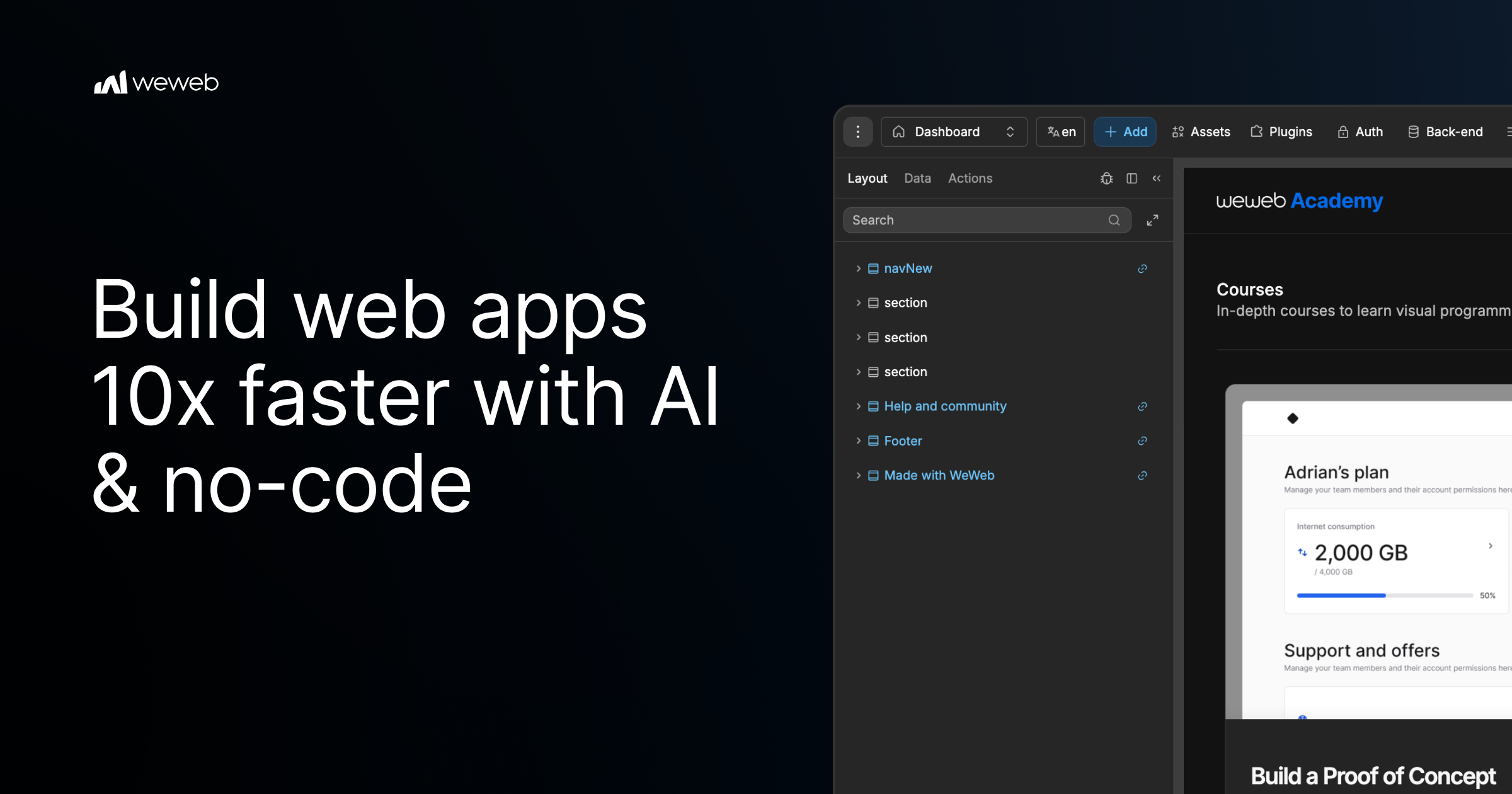
WeWeb is a no-code/low-code platform that leverages AI to build production-grade web applications 10x faster. It combines an AI generator with a powerful visual drag-and-drop editor, allowing users to create scalable SaaS, marketplaces, and internal tools with complete design freedom and backend flexibility.

Saas Builder
Visits 378.9KFavorites 110Likes 118
CodeConductor
Paid

CodeConductor

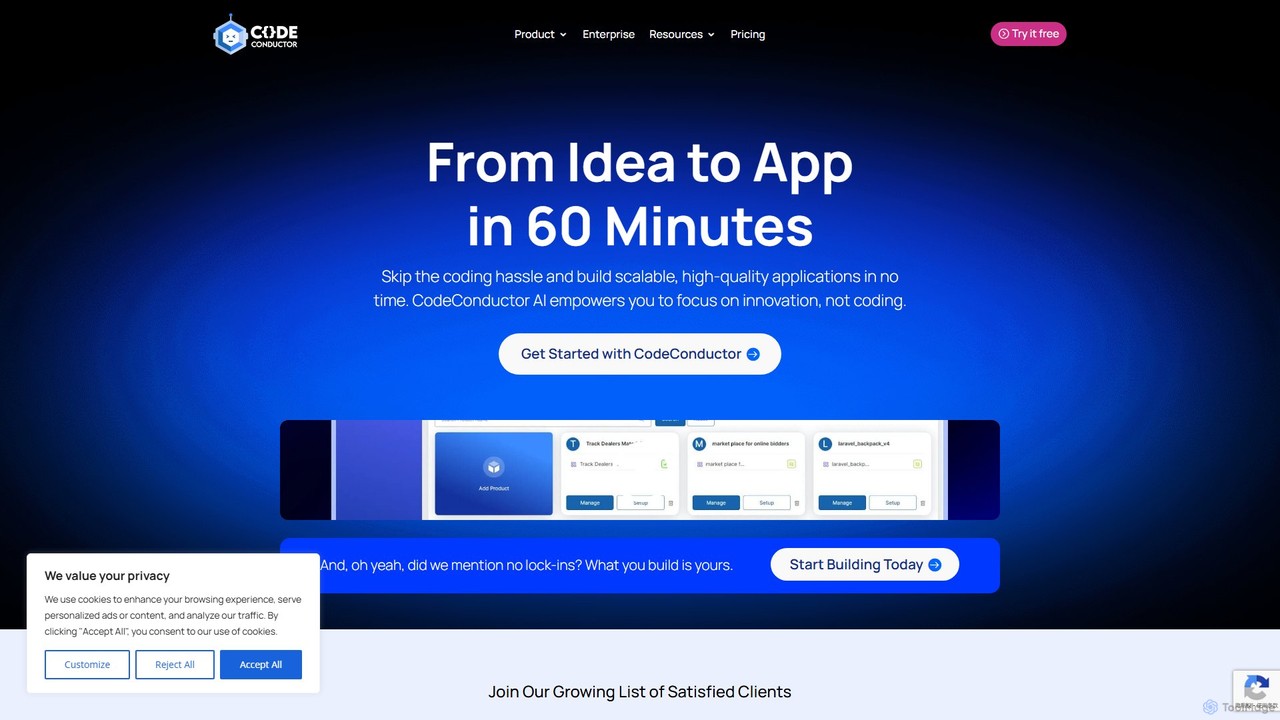
CodeConductor is an AI-powered software development platform that transforms natural language prompts into scalable, production-ready full-stack applications. It enables users to build, deploy, and scale web and mobile apps in minutes, offering full code ownership and eliminating vendor lock-in. Designed for startups and enterprises, it accelerates development, from MVPs to complex internal tools.

Application Builder
Visits 53KFavorites 105Likes 106
idealink
Freemium

idealink

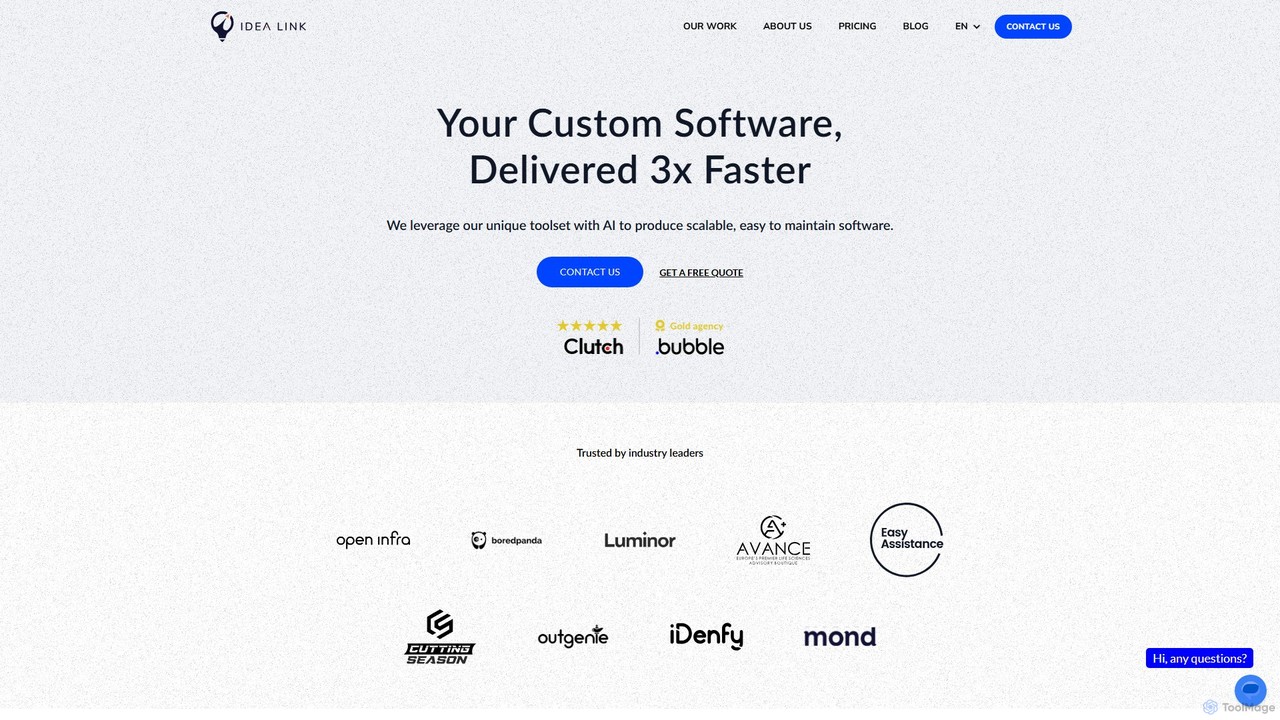
idealink is a no-code and low-code development agency that leverages AI to build custom software, SaaS products, and mobile apps 3x faster. They offer end-to-end services from design to deployment and provide a free AI-powered tool to estimate project costs, timelines, and features.

Consulting
Visits 10.2KFavorites 89Likes 98
Rork
Freemium

Rork

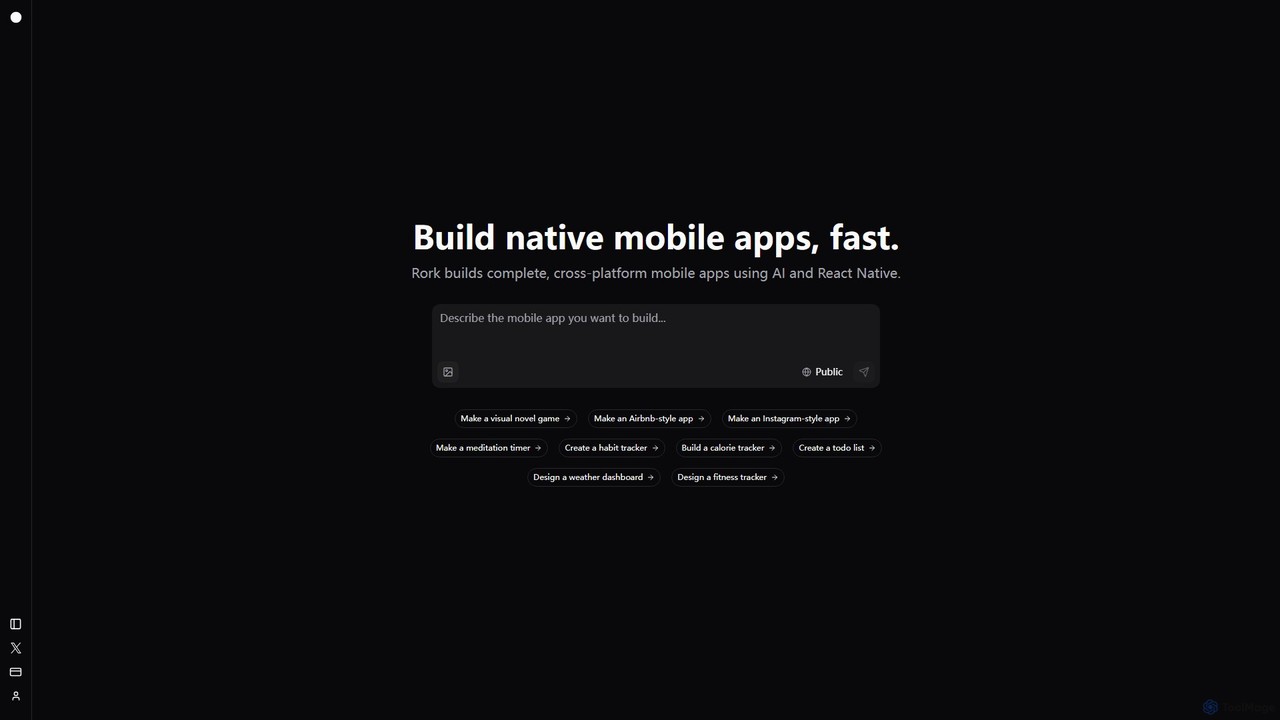
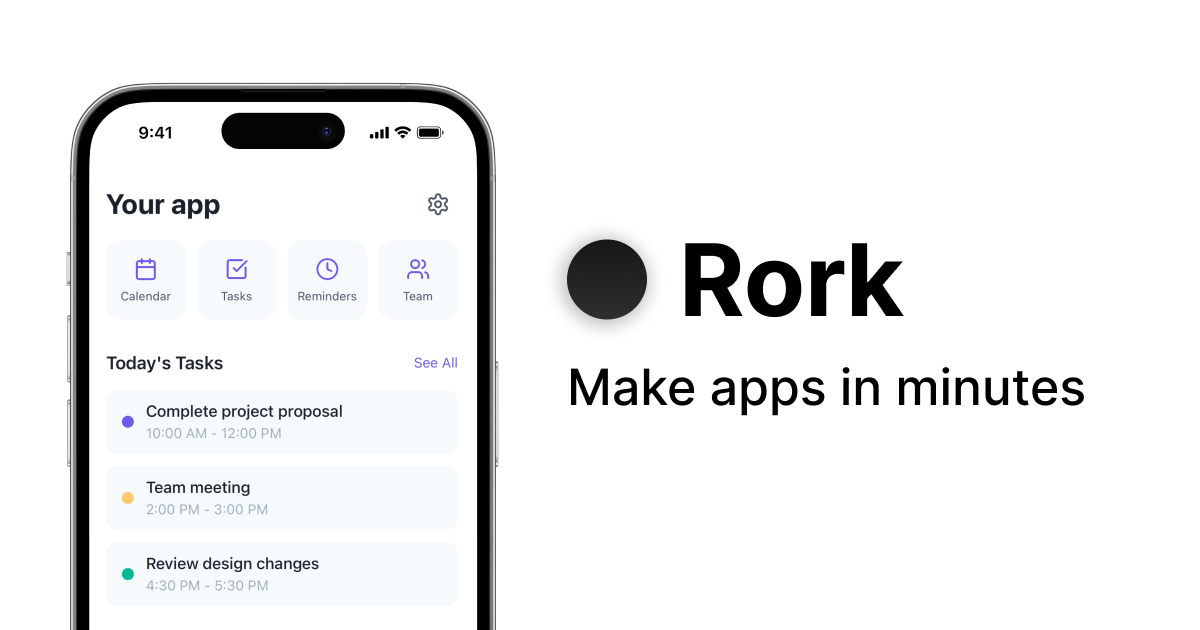
Rork is an AI-powered development platform that transforms simple text prompts into complete, native, cross-platform mobile apps in minutes. Using React Native, it allows users to "vibe code" their ideas, generating functional applications for iOS and Android without writing a single line of code. Ideal for rapid prototyping, MVPs, and accelerating development, Rork makes app creation accessible to everyone, from entrepreneurs to seasoned developers.

Mobile App Building
Visits 1.1MFavorites 106Likes 120
Farspeak
Freemium

Farspeak

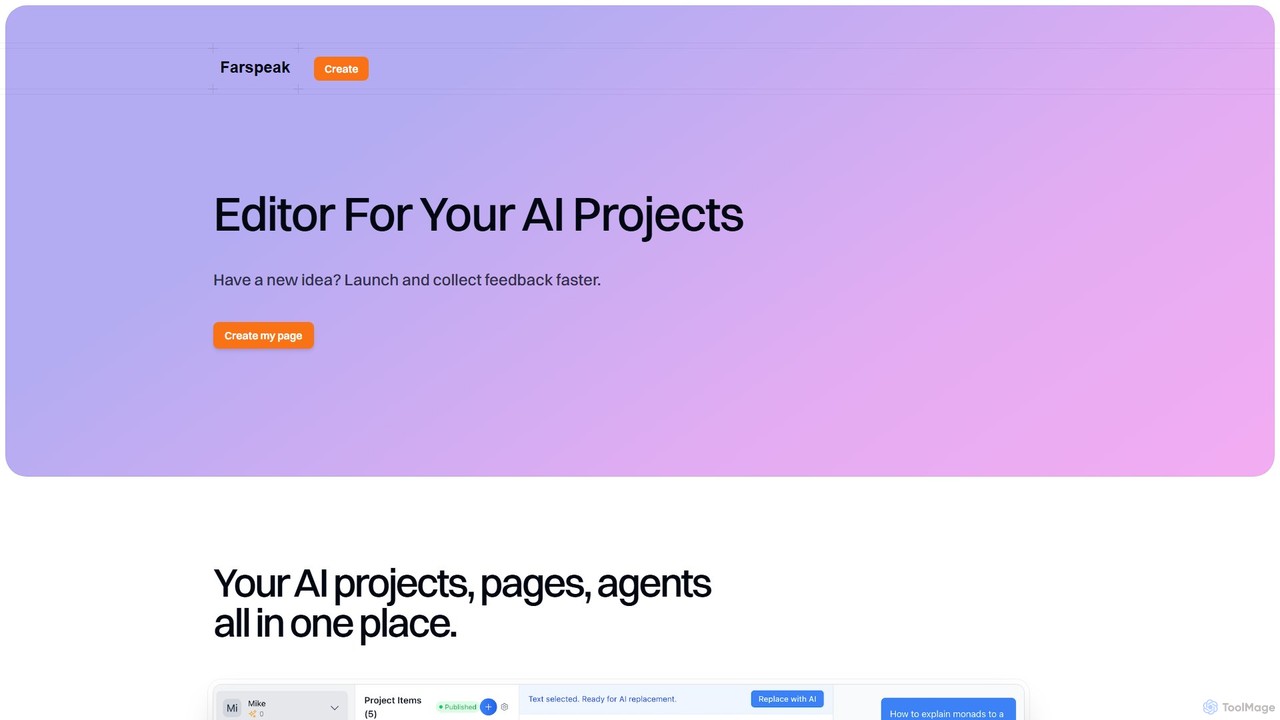
Farspeak is an AI development platform for rapid prototyping and deployment. It enables users to build, launch, and iterate on AI projects, pages, and agents without extensive coding. The platform provides a centralized editor and publishing tools to streamline workflows, run experiments, and gather user feedback quickly.

Prototyping
Visits 3.4KFavorites 124Likes 127
Sutro
Freemium

Sutro

Sutro is an AI-powered application builder that transforms natural language prompts into secure, custom software in minutes. Designed for non-technical users, it automates the entire development process, from generating requirements to building full-stack web and mobile apps. Sutro helps businesses replace expensive SaaS, streamline internal workflows, and create custom productivity tools without writing a single line of code, emphasizing speed, security, and accessibility.

Internal Tools
Visits 5.1KFavorites 89Likes 89
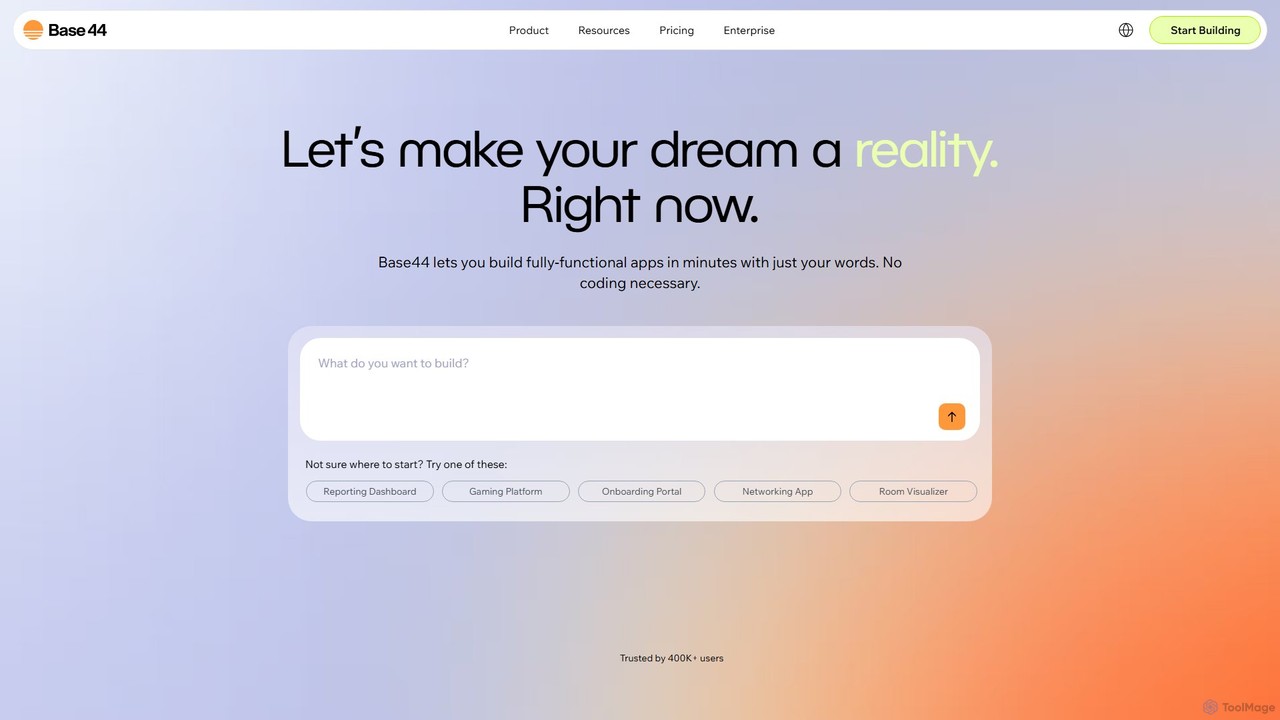
Base44
Freemium

Base44

Base44 is an AI-powered, no-code platform that enables users to build fully-functional web applications in minutes using natural language. No coding is required. Simply describe your idea, and the AI handles the backend, database, user authentication, and deployment, turning your concept into a ready-to-use app.

Internal Tools
Visits 18MFavorites 103Likes 122
langsaas
Freemium

langsaas

A no-code platform for building, deploying, and managing custom AI applications powered by Large Language Models (LLMs). Effortlessly create chatbots, content generators, and automation workflows with a visual interface, multi-LLM support, and knowledge base integration.

Chatbots
Visits 3.3KFavorites 106Likes 94
Create
Freemium

Create

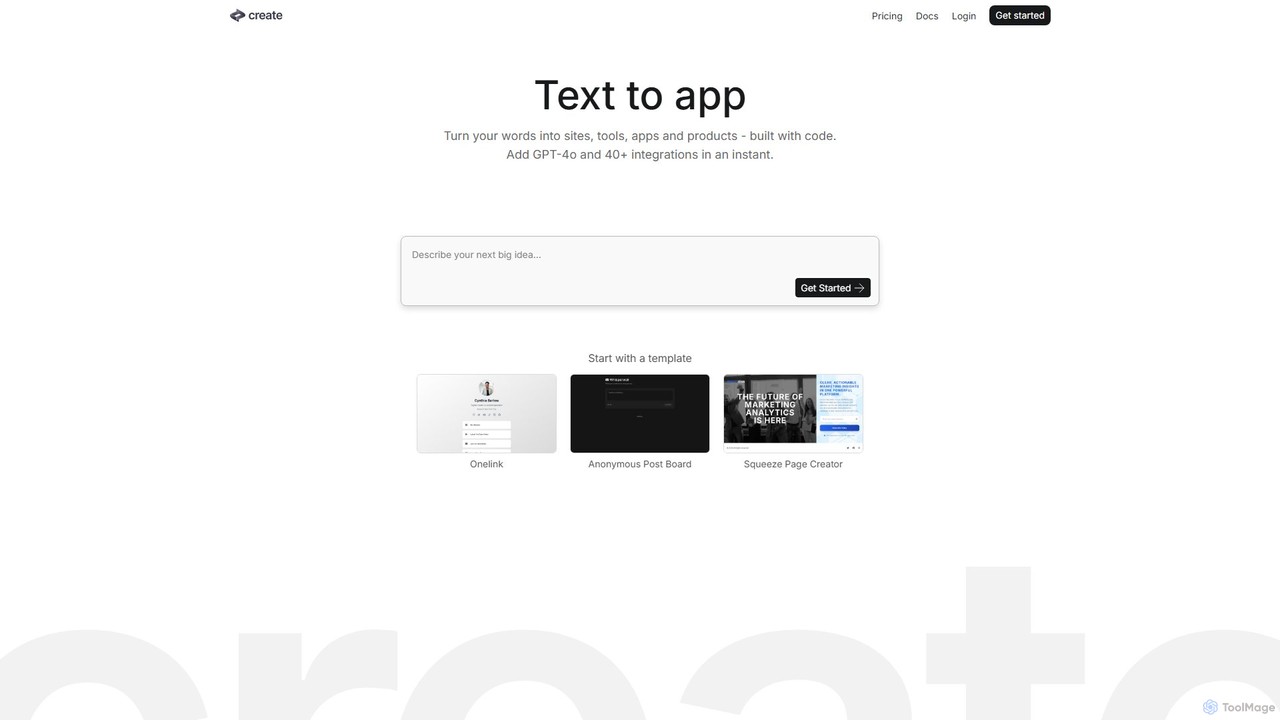
Create is a no-code AI application builder that transforms your text descriptions into functional websites, tools, and apps. Integrate powerful AI models like GPT-4o and Claude 3.5, connect to any API, and launch your project without writing a single line of code. Ideal for building prototypes, internal tools, and AI-powered products quickly.

No Code & Low Code
Visits 116.6KFavorites 105Likes 107
CodeScope
Freemium

CodeScope

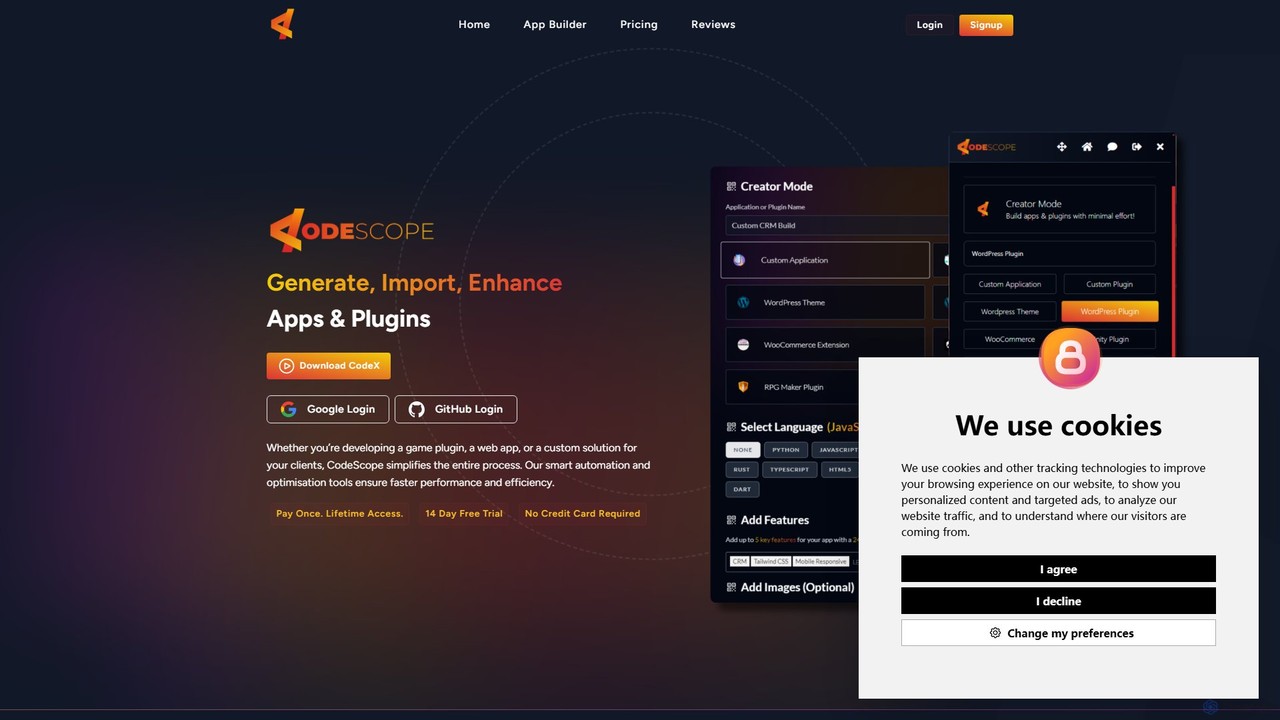
CodeScope is an AI-powered platform that enables users to create custom applications, plugins, and themes without writing code. It can generate, inspect, and optimize code, or import existing projects for AI-driven enhancement, significantly speeding up the development process.

No Code & Low Code
Visits 3.5KFavorites 128Likes 138
AppifyText.ai
Freemium

AppifyText.ai

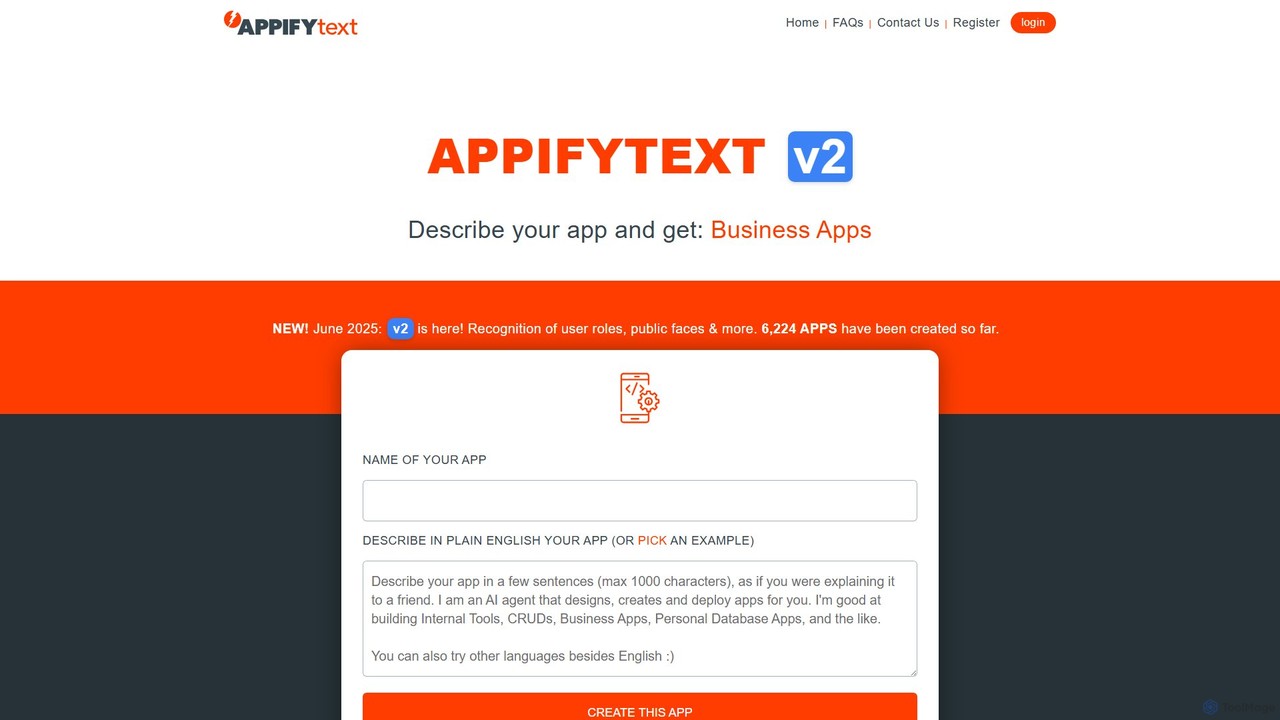
AppifyText.ai is an AI-powered platform that transforms plain English descriptions into functional, responsive web applications. It specializes in creating internal tools, CRUD apps, and data-driven business applications without requiring any coding knowledge, enabling rapid development and deployment.

Internal Tools
Visits 3.3KFavorites 120Likes 105
ubdroid
Freemium

ubdroid

ubdroid is an AI-powered no-code platform that enables users to create native Android applications from simple text descriptions or design mockups. It automates the entire development process, from UI design to backend logic, making app creation accessible to everyone, regardless of their technical skills.

App Builder
Visits 3.5KFavorites 77Likes 75
ZAPT
Freemium

ZAPT

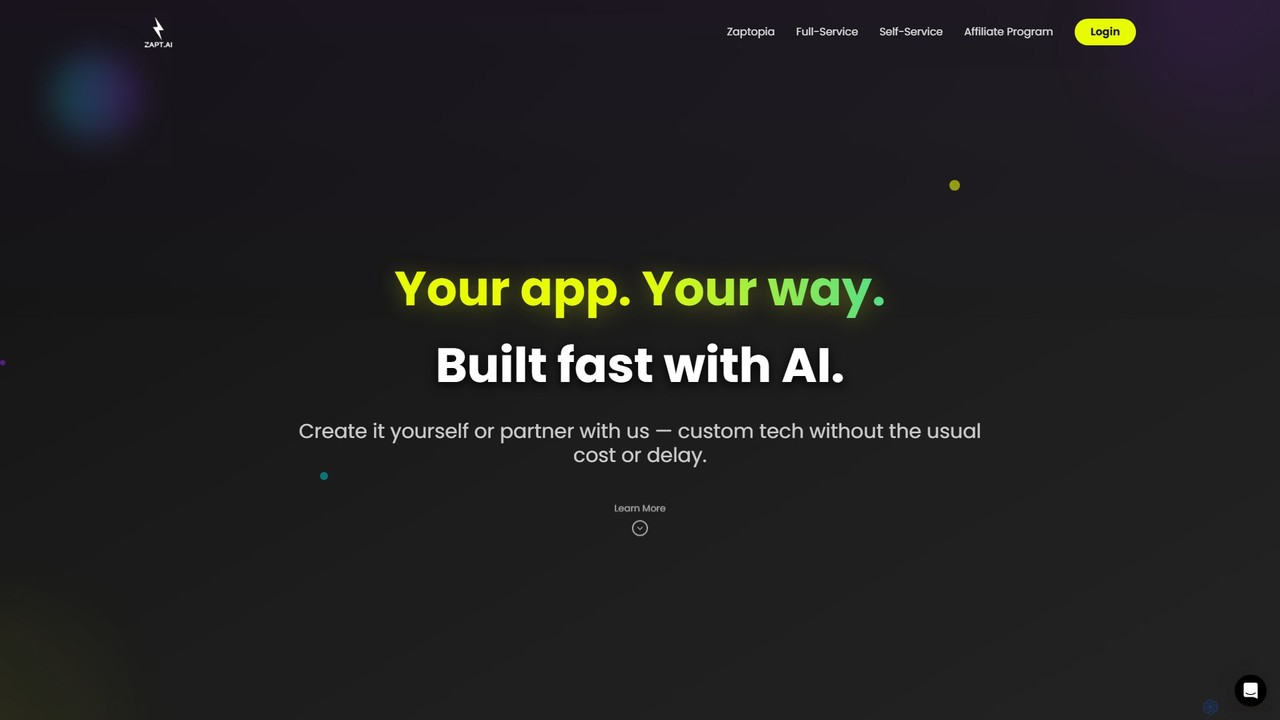
ZAPT is an AI-powered platform that enables anyone to build custom applications without writing a single line of code. Whether you have an idea for a business tool, a community app, or a personal project, ZAPT provides the tools to bring it to life quickly and affordably. You can build it yourself with the AI-assisted self-serve platform or partner with their expert team for a full-service development experience.

Ai App Builder
Visits 3.4KFavorites 125Likes 118
Trickle
Freemium

Trickle

Trickle is an AI-powered platform that allows users to build functional web applications and websites using natural language. Simply describe your idea, and Trickle's AI will generate the app, complete with a visual canvas for co-creation, a built-in database, and hosting. It's designed for rapid prototyping and development without needing to write any code.

Web Design
Visits 187.7KFavorites 110Likes 120
vly.ai
Freemium

vly.ai

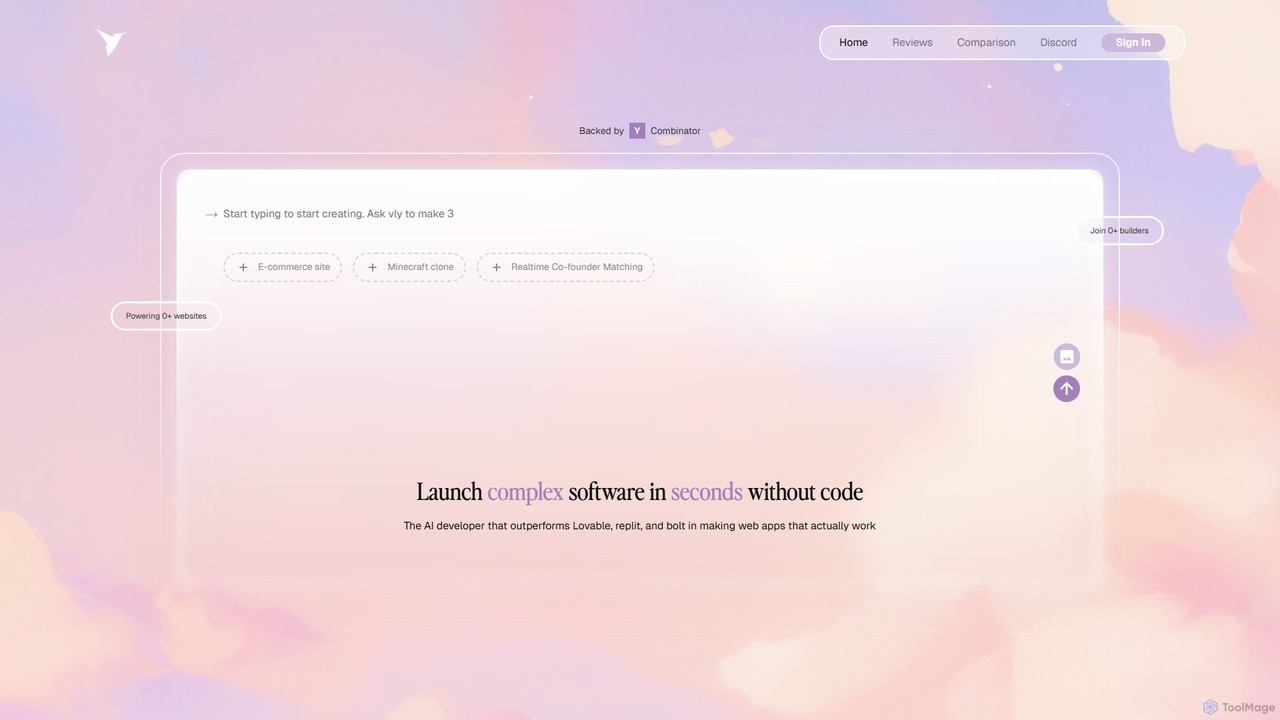
vly.ai is a Y Combinator-backed AI developer that builds full-stack web applications from natural language prompts. It allows users to create complex, custom software with a built-in database, authentication, and integrations, effectively turning English into a programming language. Ideal for startups and non-technical founders.

Startup Tools
Visits 17.8KFavorites 107Likes 115
Promptitude.io
Freemium

Promptitude.io

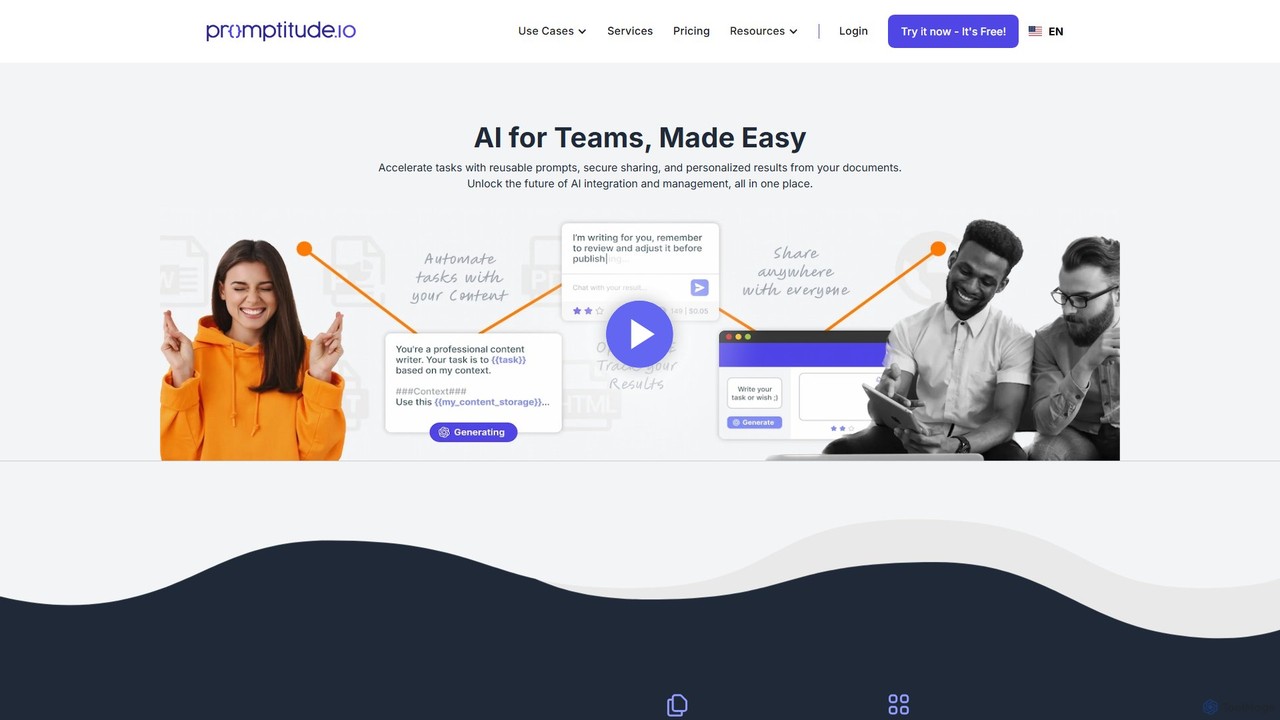
Promptitude.io is a comprehensive prompt management platform designed for teams and developers. It allows you to create, test, manage, and deploy AI prompts into any application or workflow in minutes via a simple REST API. It supports multiple AI providers like OpenAI, Alibaba Qwen, and Sonar, enabling flexible and efficient AI integration without vendor lock-in. The platform centralizes prompt engineering, collaboration, and performance monitoring.

Workflow Automation
Visits 18.2KFavorites 118Likes 116
AppAsap
Freemium

AppAsap

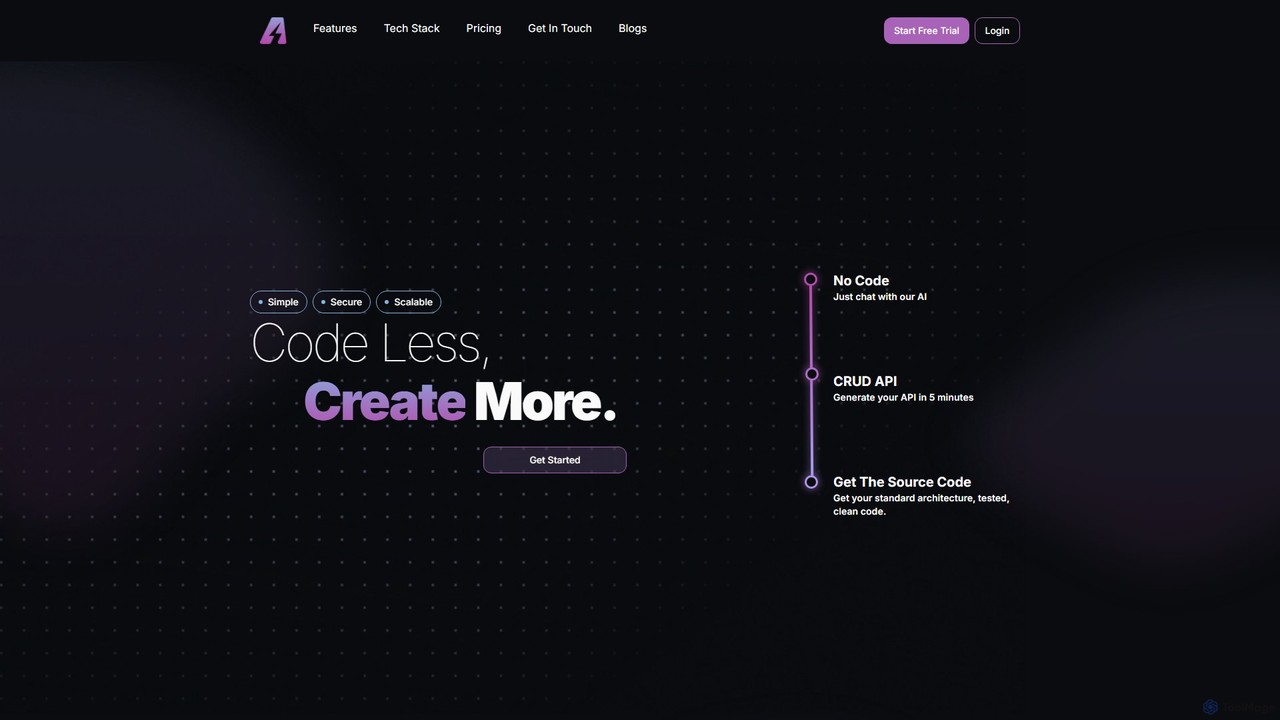
AppAsap is an AI-powered platform that transforms your app ideas into reality through simple chat conversations. It automates the creation of backend APIs, databases, and front-end interfaces, providing you with clean, scalable source code. Ideal for developers and entrepreneurs looking to accelerate their development process and launch applications faster with minimal coding.

Backend
Visits 3.3KFavorites 122Likes 100
goptimise
Freemium

goptimise

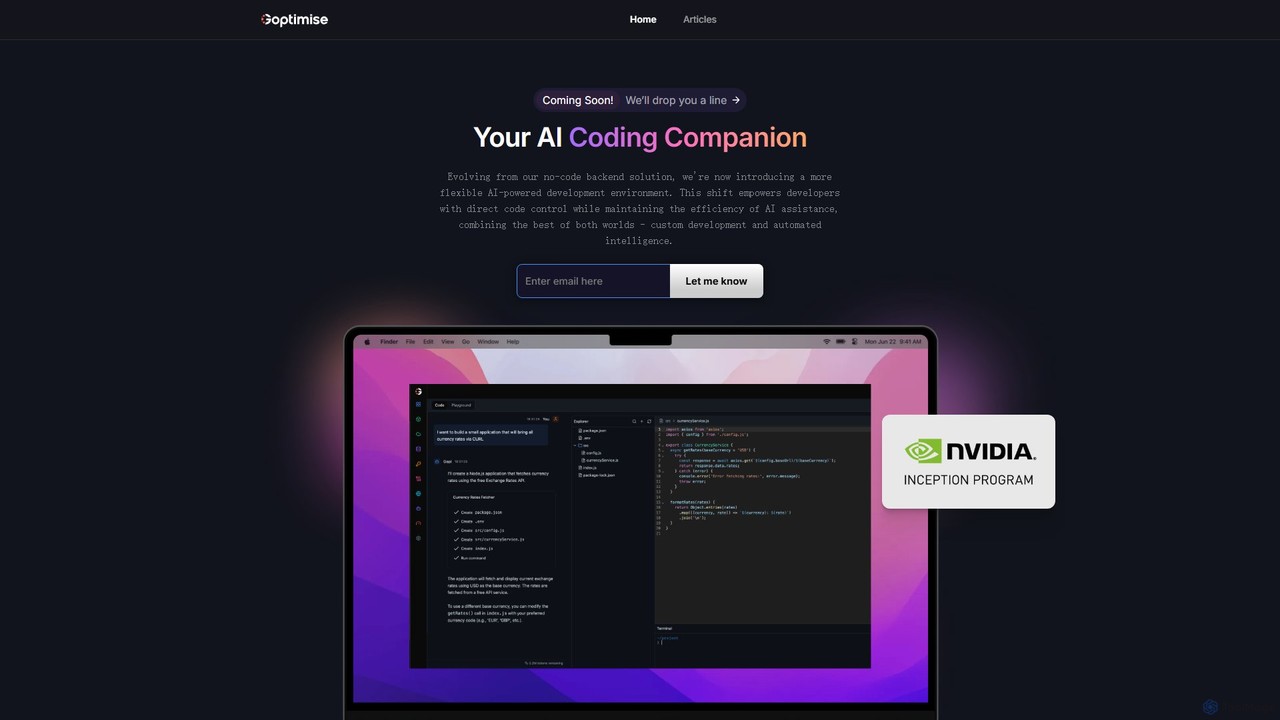
Goptimise is an AI-powered development platform that accelerates software creation. It combines a no-code/low-code backend and API builder with an intelligent coding assistant. It enables developers and startups to build, deploy, and monitor backends with minimal effort, generate and debug code with AI, and manage projects seamlessly.

Code Assistant
Visits 3.4KFavorites 84Likes 114
functorz
Freemium

functorz

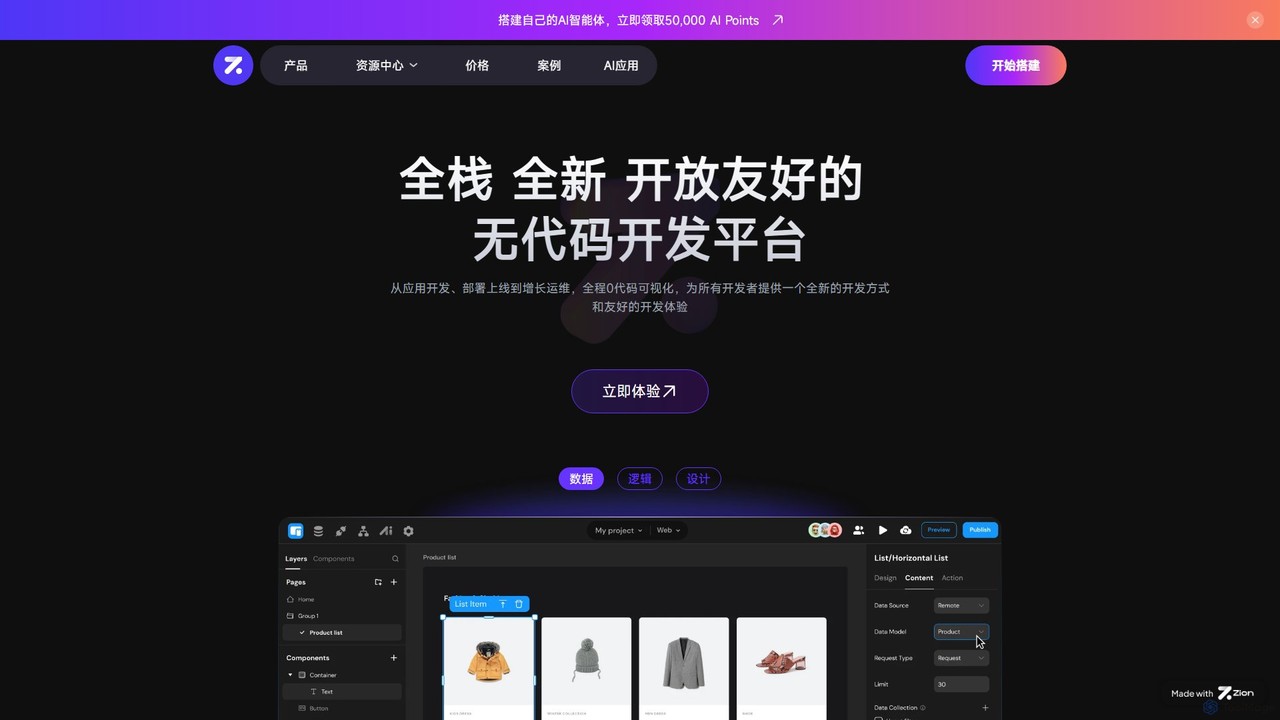
functorz is a full-stack, no-code development platform that empowers users to build and deploy complex applications without writing code. It specializes in creating AI-powered apps, SaaS solutions, and consumer-grade web applications through a visual, drag-and-drop interface.

Ai Chatbot Builder
Visits 20.5KFavorites 131Likes 131

About No Code & Low Code

No-Code & Low-Code platforms are visual development environments that enable users to create applications with minimal to no traditional programming. They operate on the principle of visual modeling, using drag-and-drop interfaces, pre-built components, and logic builders to abstract away complex code. This approach democratizes software development, allowing business users and 'citizen developers' to build and deploy functional applications rapidly. While No-Code is designed for non-technical users, Low-Code provides an escape hatch for developers to add custom code for greater complexity.

Core Features

  • Visual App Builder: Design user interfaces and application logic using a drag-and-drop graphical environment.
  • Pre-built Components & Templates: Accelerate development with a library of ready-to-use UI elements, data models, and application templates.
  • Data Integration Connectors: Seamlessly connect applications to third-party services, databases, and APIs with pre-configured connectors.
  • Workflow & Process Automation: Visually define and automate business processes, triggers, and conditional logic without writing code.
  • One-Click Deployment: Publish and manage web and mobile applications across different platforms with a single click.

Use Cases

These platforms are widely used by business analysts, product managers, and IT departments. Common applications include building internal tools like custom CRMs or inventory management systems, automating complex business workflows such as employee onboarding, and developing customer-facing portals or mobile apps.

How to Choose

When selecting a platform, first assess the required technical skill level (No-Code vs. Low-Code). Evaluate the platform's scalability and performance capabilities for your expected user load. Check its integration library to ensure it connects with your existing systems. Also, consider vendor lock-in, data export policies, and the pricing model's alignment with your growth plans.

Featured tool rankings

No Code & Low Code use cases

1

Build a Custom Internal Tool

A marketing department needs a centralized system to manage campaign requests and track budgets, but the IT backlog is six months long. Using a No-Code platform, a marketing operations manager designs and builds a custom application in under a week. They create data forms for requests, set up an automated approval workflow, and build a real-time dashboard to visualize campaign performance. This empowers the team to manage their own processes without coding expertise, reducing reliance on IT for internal tooling.

2

Automate a Business Process

An HR team spends hours manually managing the employee onboarding process. With a Low-Code platform, an HR specialist automates the entire workflow. A new hire entry triggers a series of automated tasks: IT is notified to provision equipment, Finance is prompted to set up payroll, and the new employee receives a welcome packet. This automation reduces errors, ensures consistency, and frees up the HR team to focus on more strategic initiatives.

3

Develop a Minimum Viable Product (MVP)

A startup founder wants to validate a new business idea without investing heavily in custom development. Using a No-Code platform, they build a functional MVP in two weeks. The app includes user registration, service provider profiles, a booking system, and a simple payment integration. This allows them to launch quickly, gather real user feedback, and demonstrate traction to potential investors before committing to a full-scale, coded solution.

4

Create a Customer-Facing Portal

A real estate agency wants to provide clients with a secure portal to track their property transaction status and view documents. A business analyst uses a Low-Code platform to build this portal. It integrates with their existing CRM to pull real-time data. Clients can log in, see a timeline of their transaction, upload required documents securely, and message their agent directly. This improves customer experience and transparency while reducing administrative overhead.

5

Digitize Legacy Paper-Based Processes

A manufacturing company relies on paper forms for quality control checks, leading to data entry errors and delays. A process improvement manager uses a No-Code mobile app builder to create a digital inspection app. Workers can now complete checklists on tablets, take photos of defects, and submit reports instantly. The data is automatically saved to a central database and visualized on a dashboard for managers, enabling real-time quality monitoring and trend analysis.

6

Extend Functionality of Existing Systems

A company uses a large enterprise software suite but needs a specific functionality that isn't available out-of-the-box. Instead of a costly and slow custom development project, a developer uses a Low-Code platform with strong integration capabilities. They build a small, specialized application that seamlessly connects to the core system's API, reads and writes data, and provides the needed functionality to a specific team. This approach is faster and more agile than modifying the core enterprise system.

No Code & Low Code FAQ

What are No-Code & Low-Code platforms?

No-Code and Low-Code platforms are tools that allow you to build software applications through a visual, graphical interface instead of writing traditional code. No-Code platforms are designed for users with no programming background, enabling them to create applications using drag-and-drop components. Low-Code platforms are similar but offer the option for developers to write custom code for more complex features, providing greater flexibility and power.

What is the main difference between No-Code and Low-Code?

The primary difference lies in the target user and the degree of coding required. No-Code platforms are for non-technical users (like business analysts) and aim to eliminate coding entirely. Low-Code platforms are for developers or IT professionals to accelerate development, but they still allow and often require some coding for customization and complex logic. Essentially, No-Code prioritizes simplicity and speed, while Low-Code balances speed with power and flexibility.

Who should use No-Code & Low-Code tools?

These tools serve a wide range of users. No-Code is ideal for:

  • Business users solving their own problems without waiting for IT.
  • Entrepreneurs testing a new business idea with an MVP.
  • Department managers automating internal team workflows.
Low-Code is suited for:
  • Professional developers looking to build applications faster.
  • IT departments needing to clear application backlogs quickly.
  • Businesses that need to build custom applications with complex integrations.

Can you build complex and scalable applications with these platforms?

Yes, especially with Low-Code platforms. While No-Code is often best for simpler internal tools or MVPs, modern Low-Code platforms are capable of building enterprise-grade, scalable, and secure applications. They can handle complex business logic, large datasets, and high user volumes. However, the scalability and complexity depend heavily on the specific platform chosen. It's crucial to evaluate a platform's architecture, hosting options, and performance limits before committing to it for a mission-critical application.

How do I choose the right No-Code or Low-Code platform?

To choose the right platform, consider these factors:

  • Your Team's Skills: Do you need a pure No-Code solution for business users, or a Low-Code platform for developers?
  • Application Complexity: Is it a simple internal form or a complex customer-facing portal with integrations?
  • Integration Needs: List all the existing systems (CRMs, databases, APIs) the new application must connect to.
  • Scalability and Security: Ensure the platform meets your requirements for user growth, data security, and compliance.
  • Total Cost of Ownership: Look beyond the subscription fee to include costs for user licenses and data storage.