ToolMage
Sign in

Best 104 Creative Tools for Productivity

Popular Creative Tools in Productivity include Vocal Remover, Splice, Kling AI, Mureka, LANDR Composer, Recraft, Kaze, dzine, Astra, and ImagePrompt, helping you work more efficiently.

TemPolor
Freemium

TemPolor

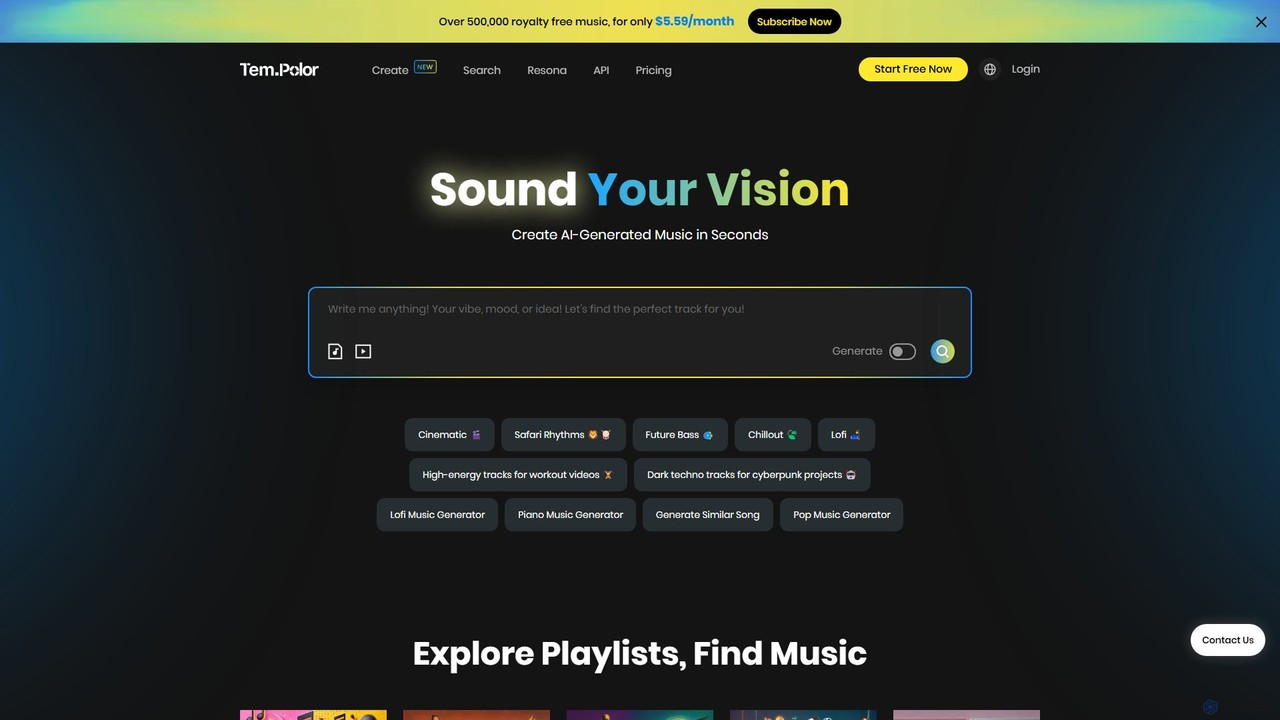
TemPolor is an AI-powered music generator designed for content creators. Instantly create unique, royalty-free tracks from text prompts, images, or videos. Access a vast library of over 500,000 tracks across numerous genres. Ideal for videos, podcasts, and commercial projects, offering a simple subscription for high-quality, watermark-free downloads with a lifetime commercial license.

Music Generation
Visits 123.1KFavorites 111Likes 116
MPT
Freemium

MPT

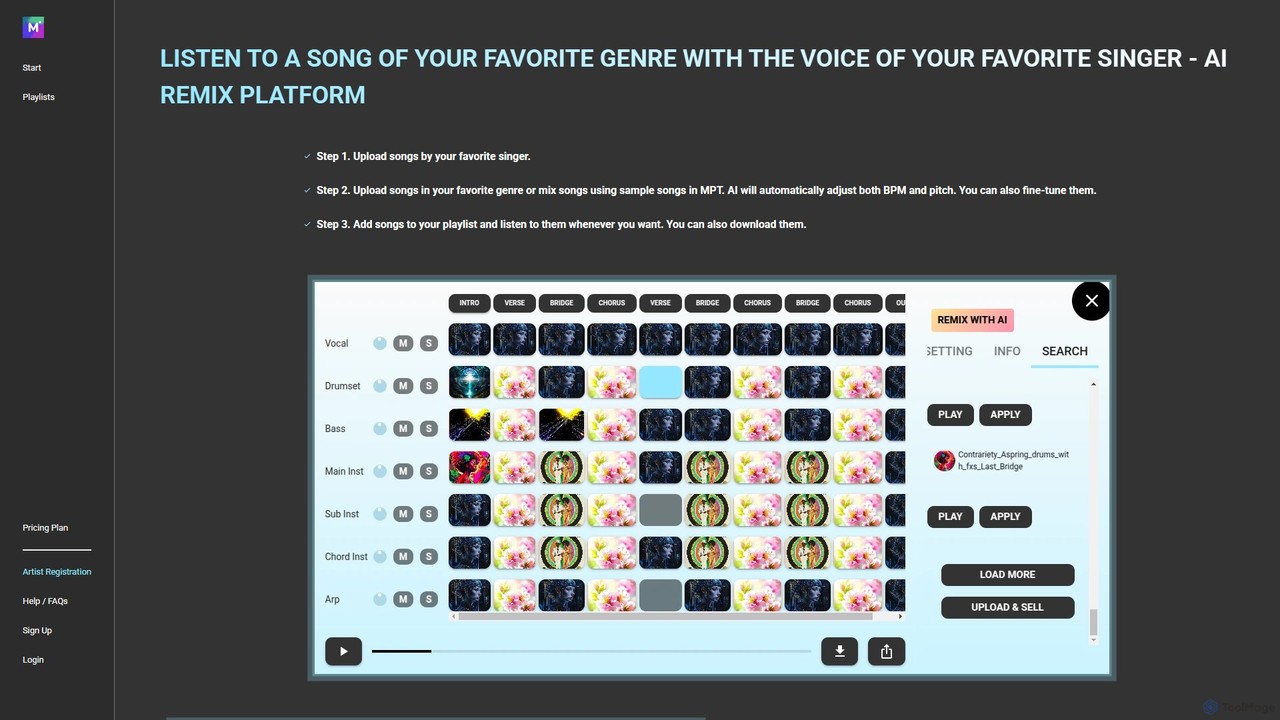
MPT is an AI-powered music platform that allows users to upload, create, and remix songs with ease. Separate songs into elements like vocals and instrumentals, then combine them to create unique mashups. The AI automatically adjusts BPM and pitch for seamless integration.

Music Generation
Visits 5.8KFavorites 140Likes 134
LANDR Composer
Paid

LANDR Composer

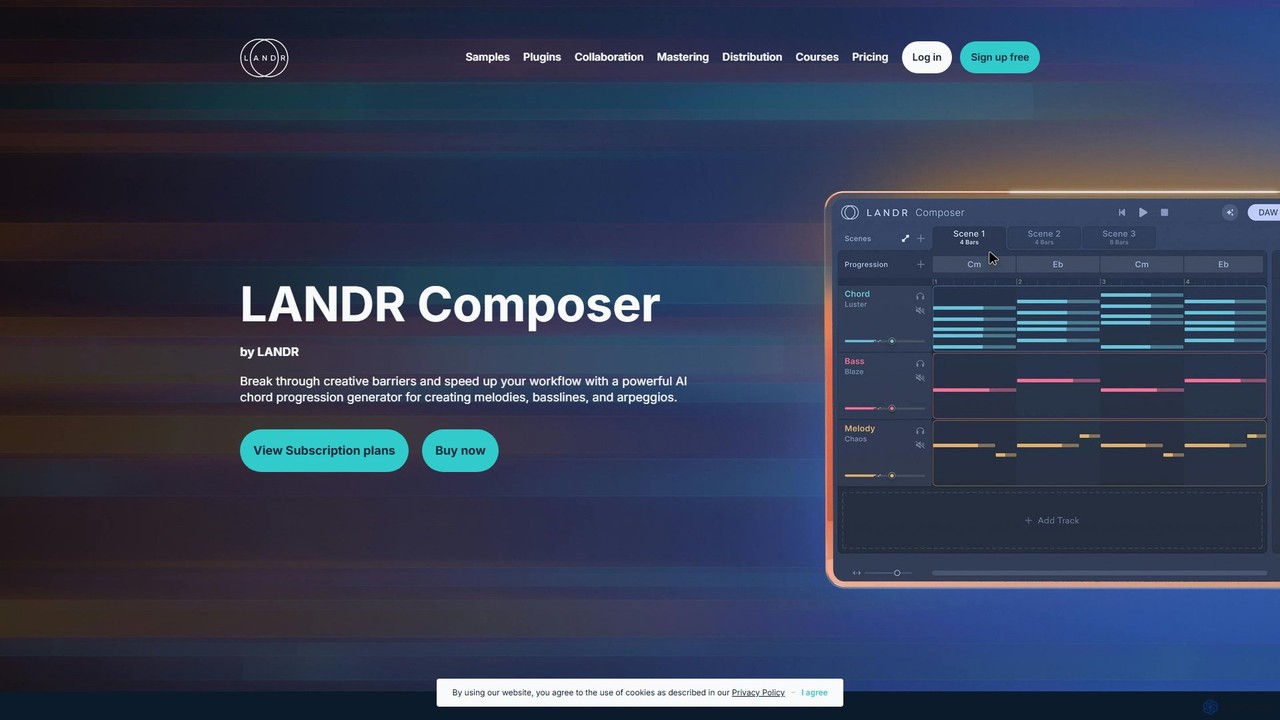
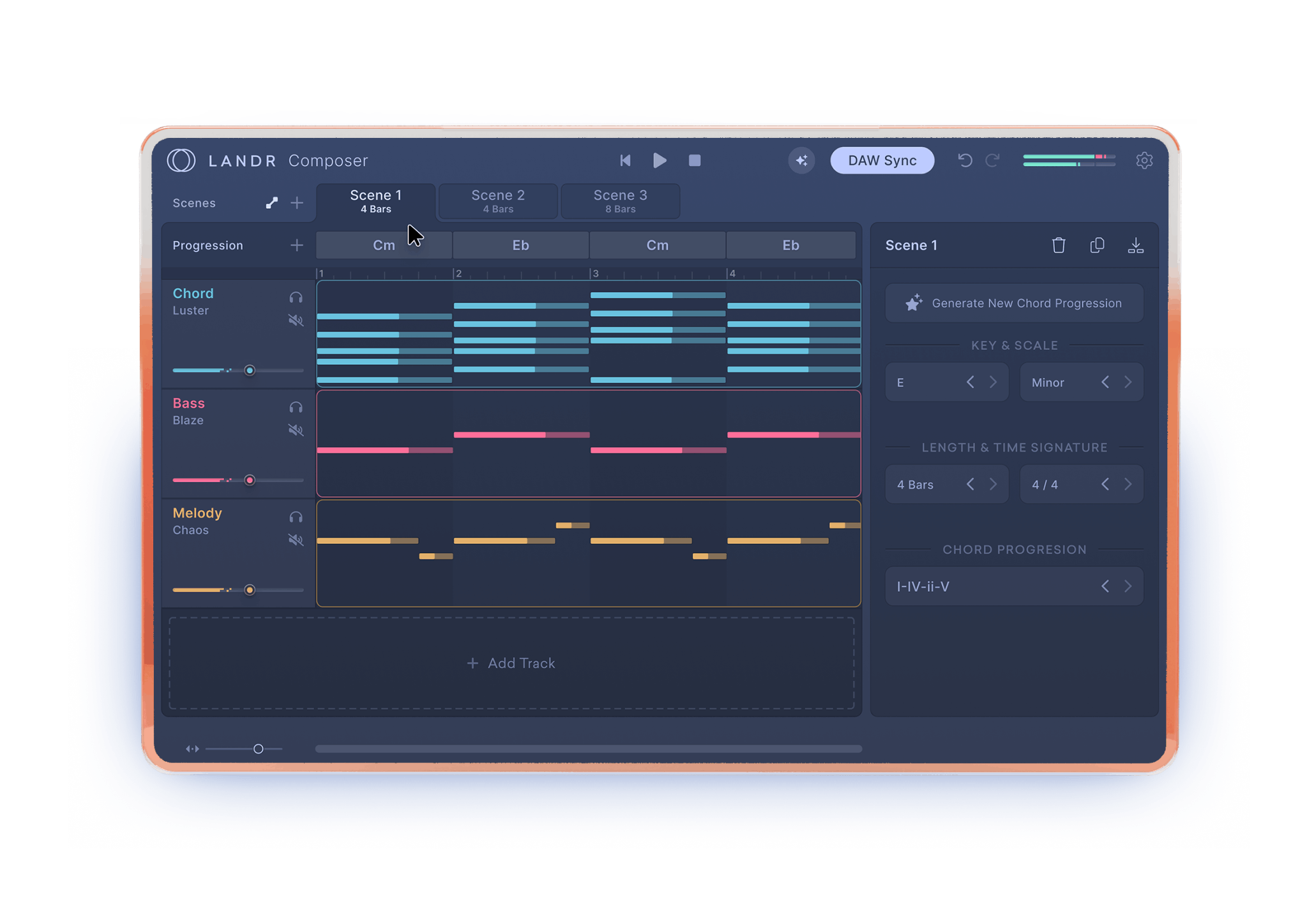
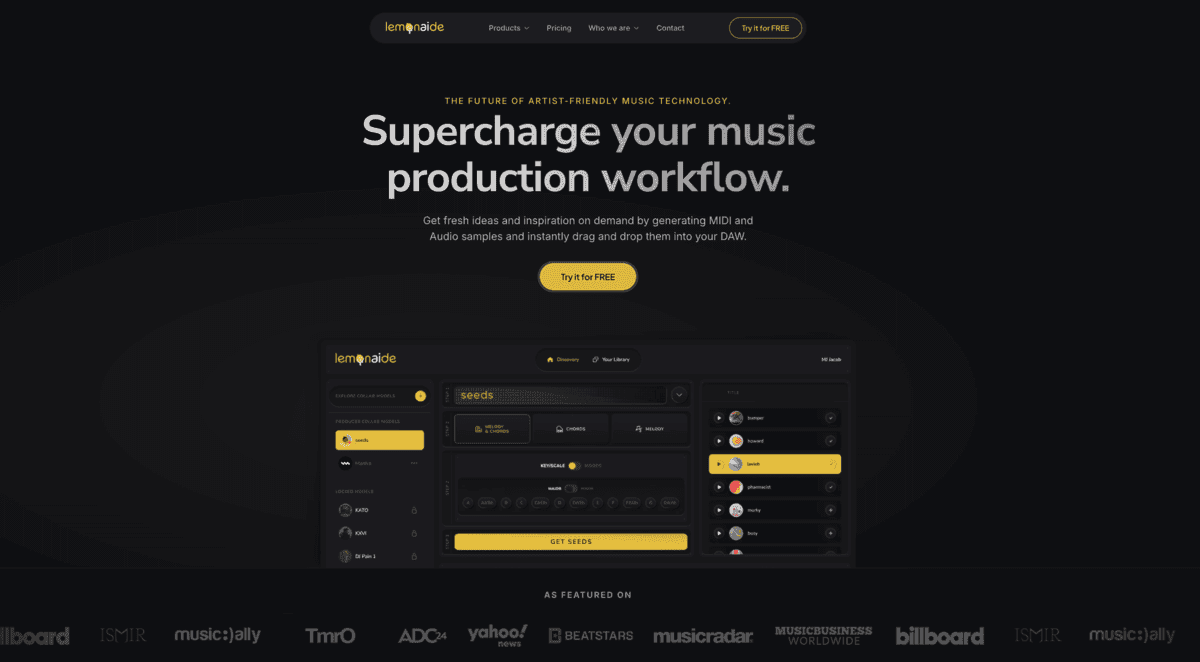
LANDR Composer is a powerful AI plugin that generates inspiring chord progressions, melodies, basslines, and arpeggios. It's designed to break through creative barriers and accelerate the music production workflow for artists of all skill levels, integrating seamlessly with any DAW.

Production
Visits 1.8MFavorites 136Likes 133
AI Genie
Freemium

AI Genie

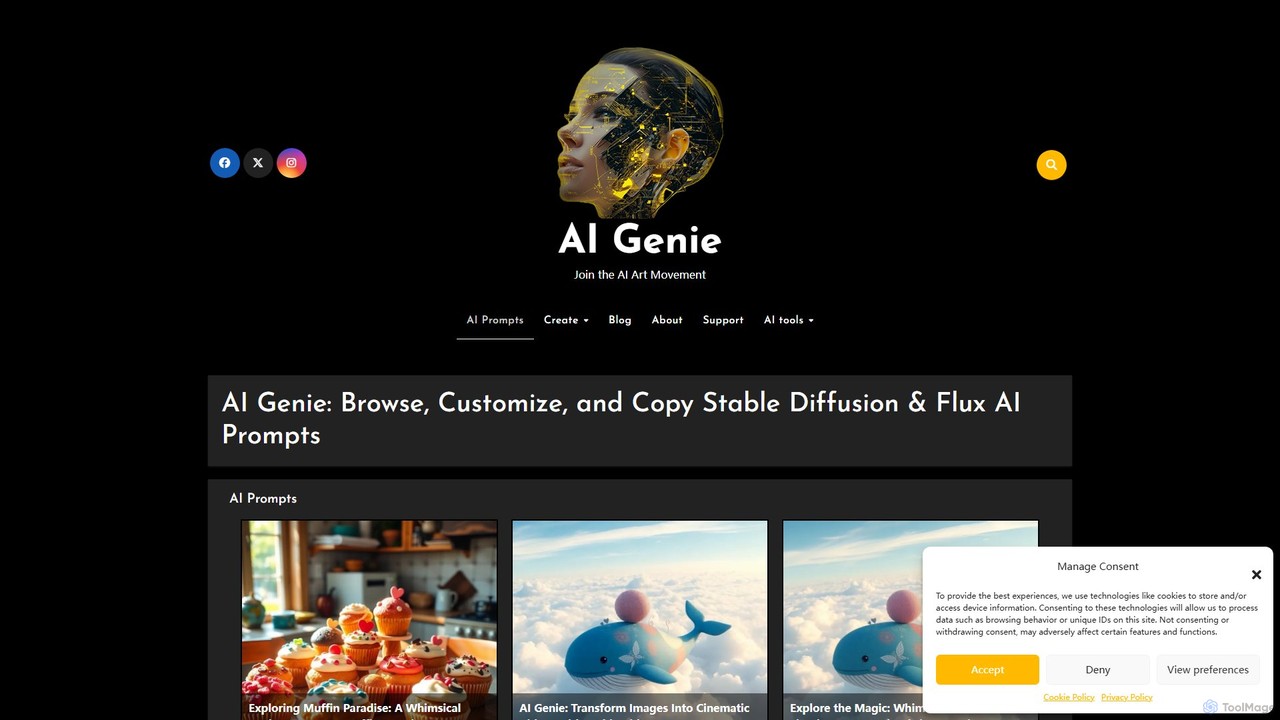
AI Genie is an iOS app designed for AI art enthusiasts and creators. It provides a vast library of high-quality prompts for Stable Diffusion, Flux AI, and Stable Video Diffusion, allowing users to browse, customize, and copy complex prompts with ease. It simplifies prompt engineering and helps create stunning images and videos.

Ai Art
Visits 5.7KFavorites 123Likes 118
Weights
Freemium

Weights

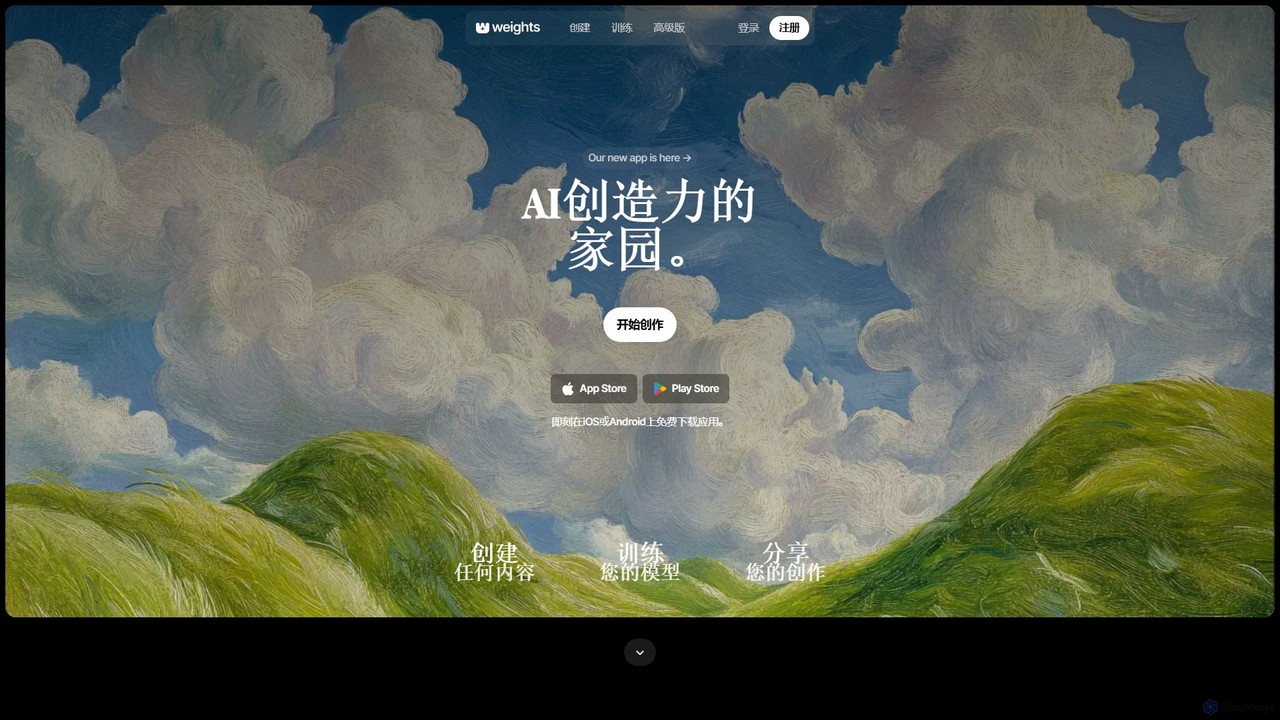
Weights is a comprehensive AI creativity platform that allows users to generate images, audio, and videos, train custom AI models, and engage with a vibrant community. It offers free tools across web, mobile (iOS/Android), and a dedicated desktop app for audio.

Voice Generation
Visits 297.7KFavorites 146Likes 157
audimee
Freemium

audimee

Audimee is an AI-powered vocal platform that enables music producers and creators to convert vocals using royalty-free AI voices, train custom voice models, create copyright-free covers, and generate harmonies. It offers a complete suite of tools for modern vocal production.

Music Generation
Visits 492.7KFavorites 109Likes 113
HatchCanvas
Freemium

HatchCanvas

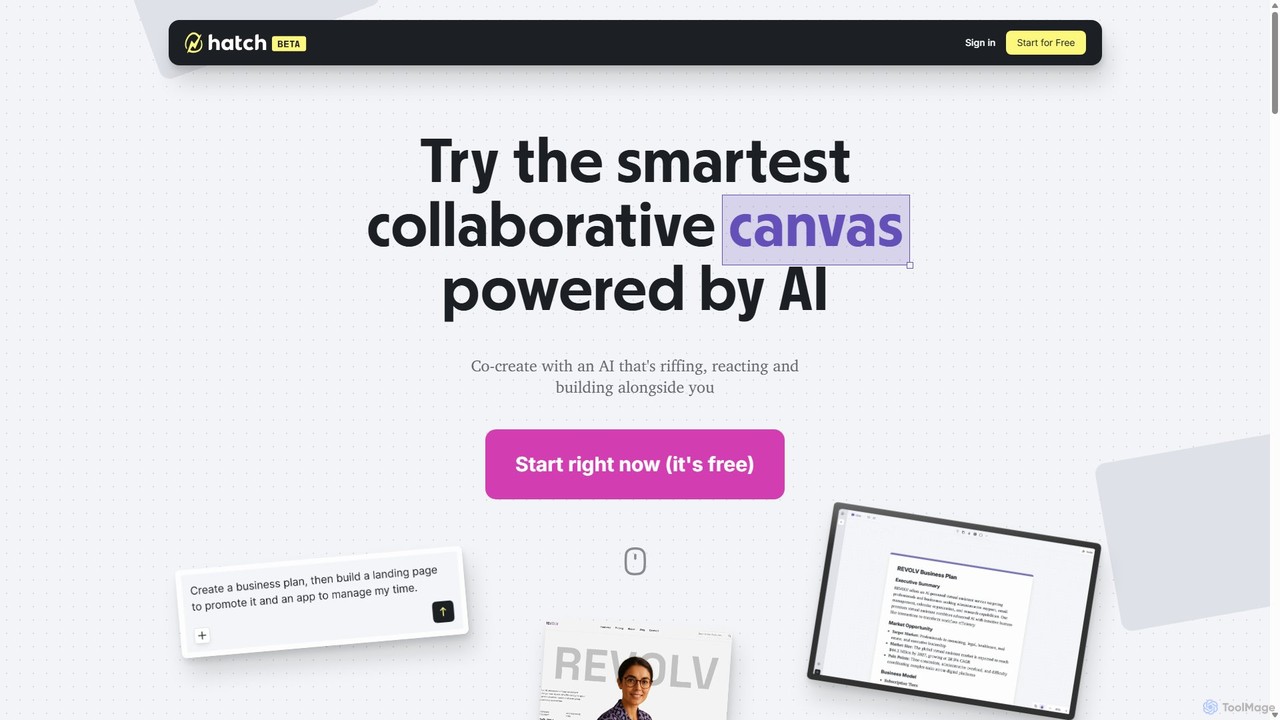
HatchCanvas is an AI-powered design and visual creation platform that transforms your ideas into stunning graphics. Effortlessly generate unique images, marketing assets, social media posts, and concept art from simple text prompts. It's the ultimate creative canvas for marketers, designers, and content creators to accelerate their workflow and produce high-quality visuals in minutes.

Image Generation
Visits 8KFavorites 143Likes 129
m00d
Free

m00d

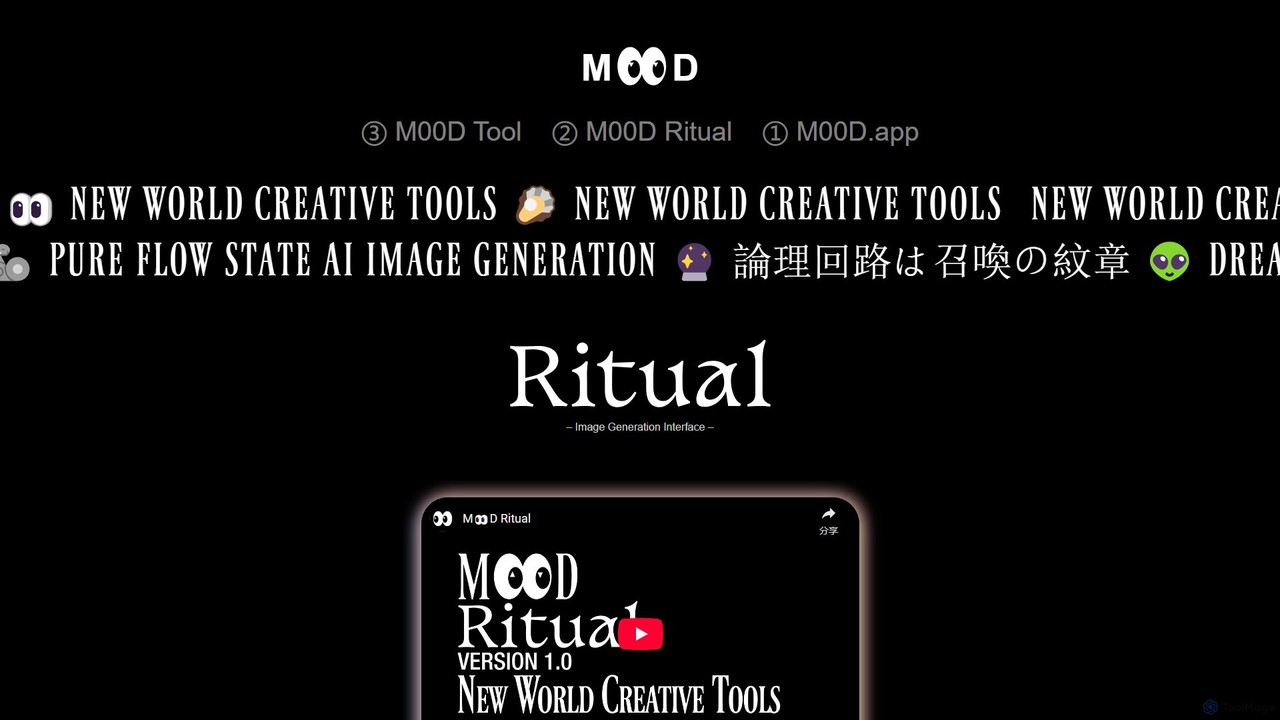
m00d is a powerful, locally-run AI image generation suite for creative professionals. It offers a sophisticated interface for Stable Diffusion (SDXL & 1.5), featuring text-to-image, inpainting, and upscaling. Its unique advantages include a collaborative multiplayer mode, a timeline-based workflow, and the ability to pool GPU resources from multiple machines for accelerated rendering. It's a free, downloadable application for Windows (NVIDIA) and Mac (Apple Silicon), built for a pure 'flow state' creative experience.

Image Generation
Visits 5.7KFavorites 141Likes 137

About Creative Tools

Creative Tools are a class of AI-powered applications designed to augment, inspire, and automate human creativity. Leveraging generative models, these tools can produce original content, suggest novel ideas, and refine existing work across various media like text, images, and music. They are widely used by artists, writers, and designers to accelerate brainstorming, overcome creative blocks, and explore new artistic possibilities. As a key component of Productivity, they streamline the creative workflow, transforming abstract concepts into tangible assets with greater efficiency.

Core Features

  • Idea Generation: Produces unique concepts, prompts, and mind maps to kickstart the creative process.
  • Content Creation: Generates original text, images, music, or code based on user-inputted prompts.
  • Style Transfer & Remixing: Applies specific artistic styles to existing content or combines elements to create new variations.
  • Creative Refinement: Offers suggestions for improving drafts, checking for consistency, and providing alternative designs or phrasing.

Use Cases

These tools are invaluable for marketing teams developing campaign concepts, game designers creating concept art, and content creators producing blog posts or social media updates. They also assist musicians in composing soundtracks and writers in overcoming plot hurdles, making them versatile across numerous creative industries.

How to Choose

When selecting a Creative Tool, consider its primary domain (e.g., writing, visual art, music). Evaluate the balance between user control and automation to ensure it matches your workflow. Check for integration capabilities with your existing software, such as Adobe Creative Suite or Figma. Finally, assess the quality, originality, and licensing terms of the generated output.

Featured tool rankings

Creative Tools use cases

1

Generating Marketing Campaign Concepts

A marketing manager needs to brainstorm ideas for a new product launch. Instead of a traditional brainstorming session, they use an AI creative tool. By inputting a product brief detailing the target audience and key features, the tool generates a wide array of slogans, visual concepts for ads, and social media post ideas. This allows the team to quickly evaluate diverse creative directions, saving hours of initial ideation time and providing novel angles that might not have emerged otherwise.

2

Creating Concept Art for Game Development

A game artist is in the pre-production phase for a new fantasy game and needs to visualize characters. They use an AI image generation tool, providing detailed text prompts like "elven rogue with glowing daggers, dark forest background, cinematic lighting." The AI produces multiple high-quality visual interpretations in various styles within minutes. This process allows the artist to rapidly iterate on character designs, explore different aesthetics, and present a rich set of visual concepts to the development team, significantly accelerating the creative workflow.

3

Composing Royalty-Free Background Music

A video creator needs a unique soundtrack for their latest YouTube video. Instead of searching through stock music libraries, they use an AI music generation tool. They specify the desired mood (e.g., 'uplifting and adventurous'), genre ('orchestral'), and duration (3 minutes). The AI composes a custom, royalty-free music track that perfectly fits the video's pacing and emotional tone. This saves significant time and licensing costs, while providing a unique audio identity that enhances the production value of their content.

4

Overcoming Writer's Block for a Novel

An author is struggling with a difficult chapter in their novel, unsure how a character should react in a specific scene. They use an AI writing assistant as a brainstorming partner. By feeding the tool the context of the scene and the character's personality traits, they ask it to generate several possible dialogue options or plot developments. While the author may not use the AI's output directly, the suggestions spark new ideas and help them see the scene from a different perspective, effectively breaking the writer's block and allowing them to move forward with the story.

5

Rapid Prototyping for UI/UX Design

A UI/UX designer needs to create several mockups for a new app feature to present to stakeholders. Using a creative AI tool, they can turn a simple hand-drawn sketch or a text description into a polished wireframe or even a high-fidelity mockup. The tool can also generate variations in color palettes, typography, and layout. This enables the designer to explore a much wider range of design solutions in a fraction of the time it would take manually, facilitating faster feedback loops and more informed design decisions.

6

Crafting Personalized Social Media Content

A social media manager is responsible for creating daily content across multiple platforms. To maintain engagement, they use an AI creative tool to generate varied and platform-specific copy. By providing a core message or a link to a blog post, the tool can draft a professional LinkedIn update, a concise and witty tweet, and an engaging Instagram caption, complete with relevant hashtag suggestions. This automates the repetitive task of rephrasing content, freeing up the manager to focus on strategy, community interaction, and performance analysis.

Creative Tools FAQ

What are AI Creative Tools?

AI Creative Tools are software applications that use artificial intelligence to assist in or automate the creation of new content. They function as collaborative partners, helping users generate ideas, produce drafts, and explore variations. Unlike tools that simply edit existing content, these are often generative, capable of producing original text, images, music, and more from simple text prompts. They are designed to augment human creativity, not replace it.

How do I choose the right AI Creative Tool?

To choose the right tool, consider these factors:

  • Creative Domain: Select a tool specialized for your need, whether it's writing, image generation, music composition, or video editing.
  • Level of Control: Decide if you want a tool that generates complete works from a prompt or one that offers more granular control and acts as an assistant.
  • Integration: Check if the tool integrates with your existing workflow and software (e.g., as a plugin for Figma or a web browser).
  • Output Quality and Style: Review examples of the tool's output to ensure its quality and aesthetic align with your vision.
What is the difference between Creative Tools and general Productivity Tools?

General Productivity Tools, like project managers or spreadsheets, are designed to organize and manage existing work and workflows. Their primary goal is efficiency in execution. AI Creative Tools are a specialized subset of productivity tools that focus specifically on the *generation* of new ideas and content. While they also enhance productivity, they do so by accelerating the creative process itself—from brainstorming to initial drafting—rather than just managing the tasks around it.

Can AI Creative Tools replace human artists and writers?

Currently, these tools are best viewed as powerful assistants or collaborators rather than replacements. They excel at generating ideas, automating repetitive tasks, and exploring numerous variations quickly. However, they often lack the deep contextual understanding, emotional intelligence, and unique life experiences that a human creator brings to their work. The most effective use involves a partnership where AI handles the breadth of exploration, and the human provides the depth, curation, and final intent.

What kind of content can AI Creative Tools generate?

The range of content is broad and constantly expanding. Common types of generated content include:

  • Text: Articles, blog posts, marketing copy, emails, fiction, poetry, and computer code.
  • Visuals: Photorealistic images, illustrations in various styles, logos, 3D models, and design mockups.
  • Audio: Original music tracks across different genres, sound effects, and synthetic voiceovers.
  • Video: Short video clips from text prompts, animations, and automated video editing suggestions.