ToolMage
Sign in

Best 28 Data Extraction AI tools for Productivity

Popular Data Extraction AI tools in Productivity include easycomment, PhantomBuster, thunderbit, POKY, DocuClipper, Generect, URLtoText, boundaryml, invoicedataextraction, and extracta.ai, helping you work more efficiently.

ReceiptUp
Freemium

ReceiptUp

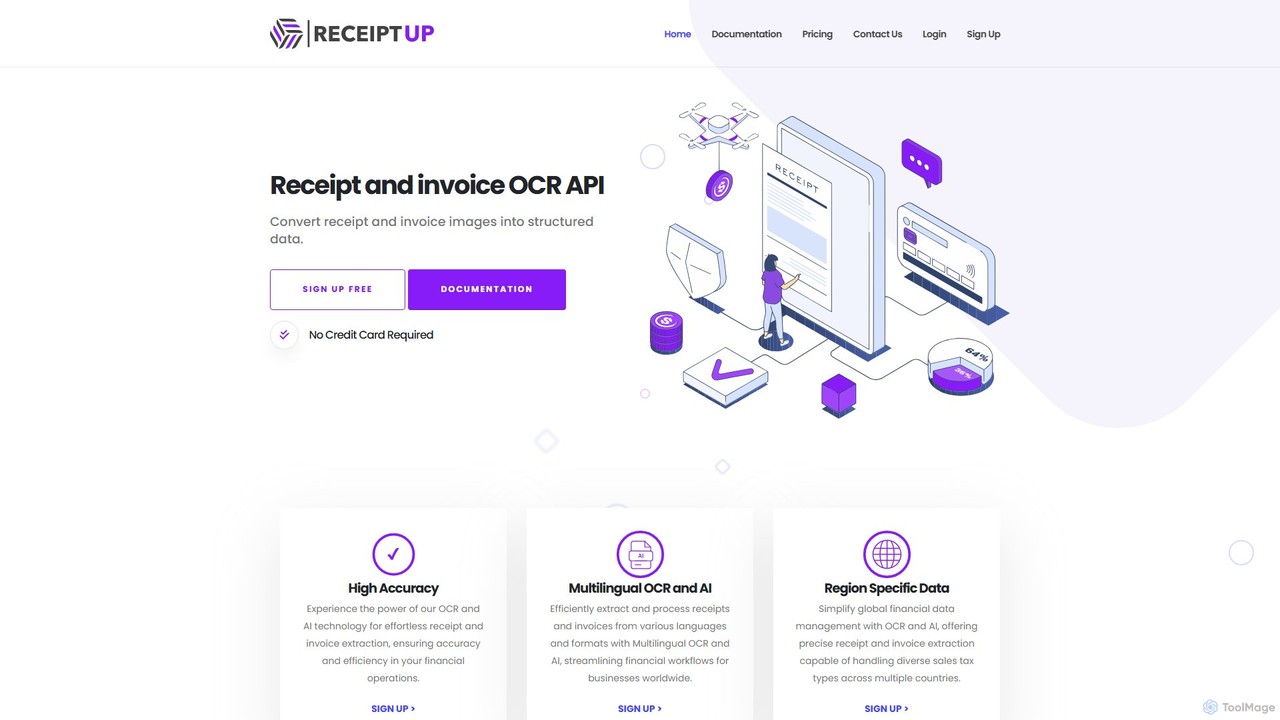
ReceiptUp is a powerful OCR and AI-powered API that automatically converts receipt and invoice images into structured JSON data. Designed for developers and businesses, it accurately extracts key information like merchant details, totals, taxes, and line items. With multilingual support and region-specific data handling, it streamlines financial workflows, automates expense management, and enhances data analytics, offering a free trial to get started.

Api
Visits 5.7KFavorites 134Likes 138
FormToExcel
Freemium

FormToExcel

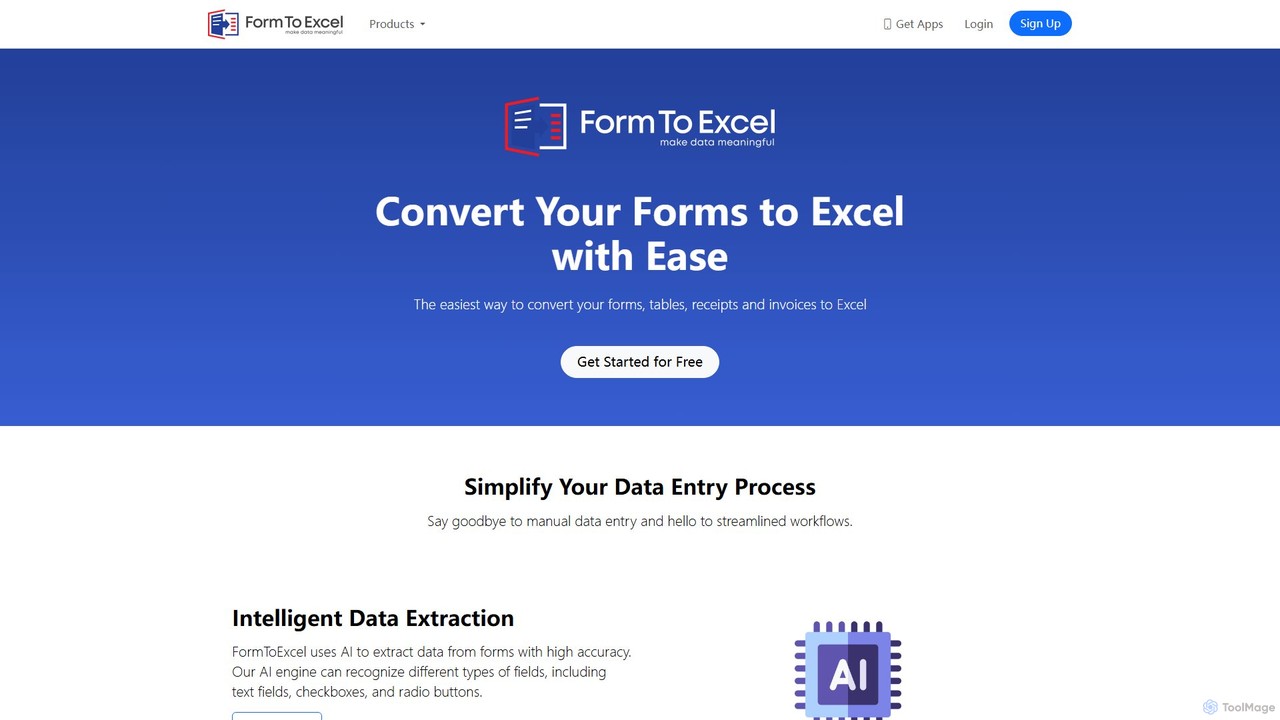
FormToExcel is an AI-powered data extraction tool that automates the conversion of documents into structured Excel spreadsheets. It uses advanced OCR technology to accurately extract data from PDFs, images, scanned forms, and invoices, eliminating manual data entry and improving workflow efficiency.

Document Management
Visits 10.2KFavorites 134Likes 117
URLtoText
Freemium

URLtoText

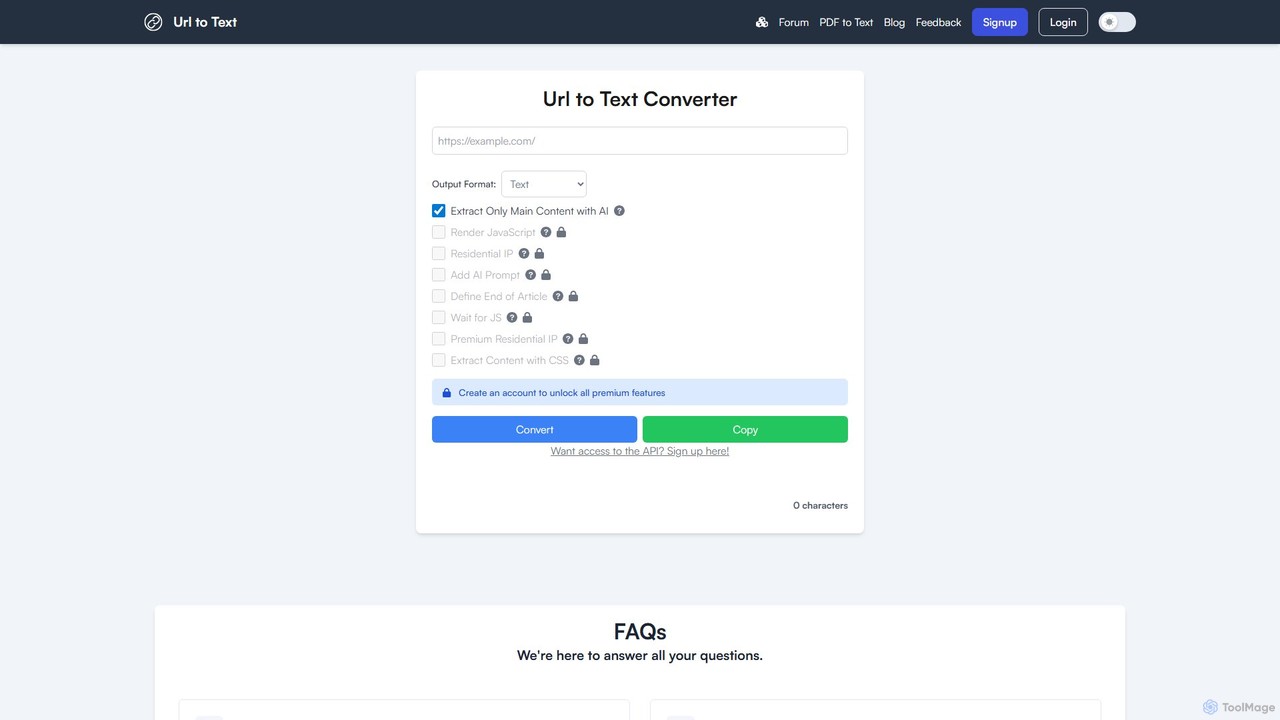
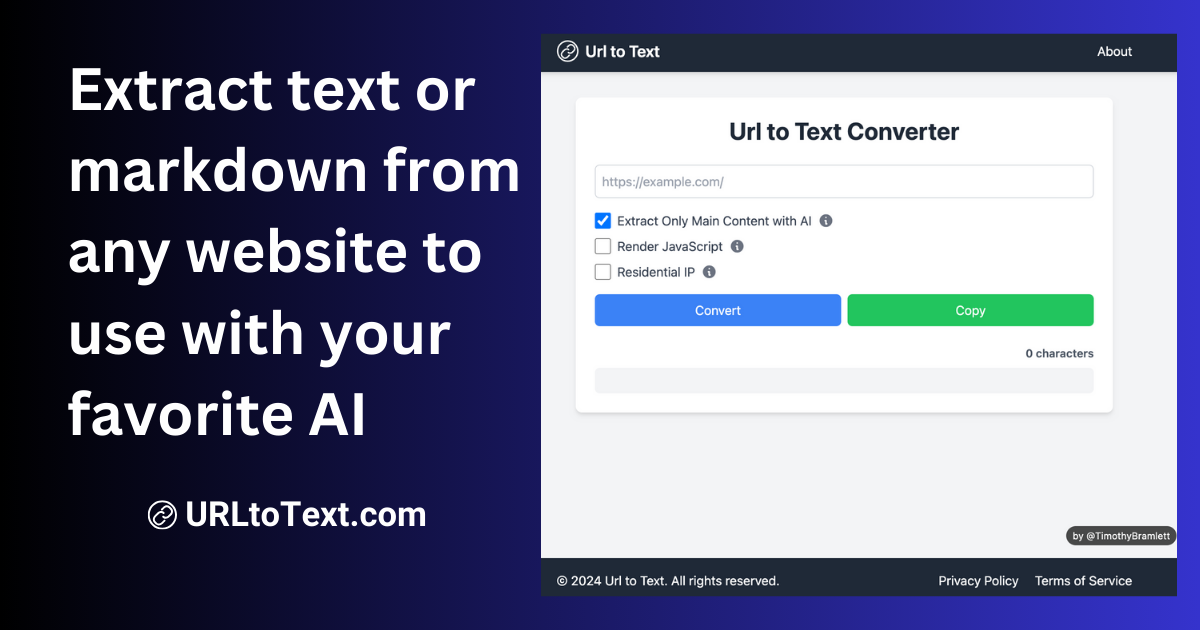
URLtoText is an AI-powered tool that extracts clean, structured text from any website or PDF. It intelligently removes ads, sidebars, and other clutter to provide only the main content. Featuring JavaScript rendering, residential IP proxies, and a developer API, it's designed for researchers, developers, and businesses needing reliable data extraction from both static and dynamic web pages.

Content Curation
Visits 51.8KFavorites 152Likes 145
BoringLead
Freemium

BoringLead

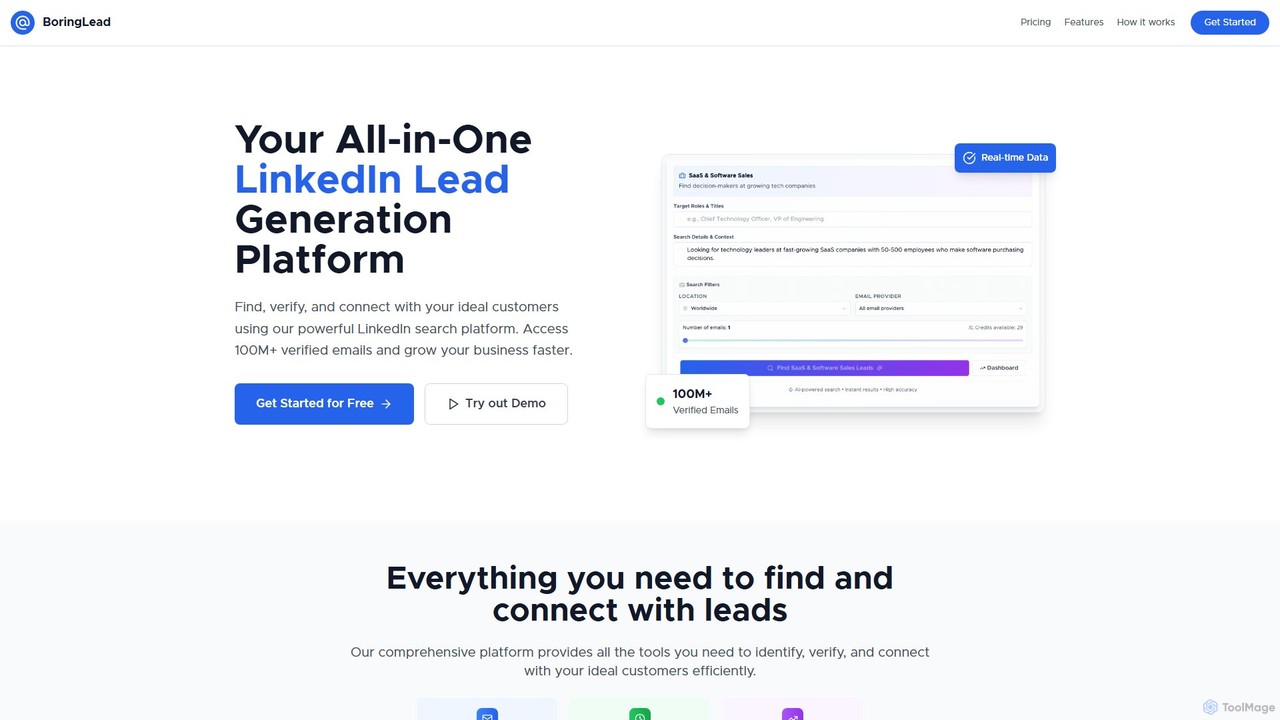
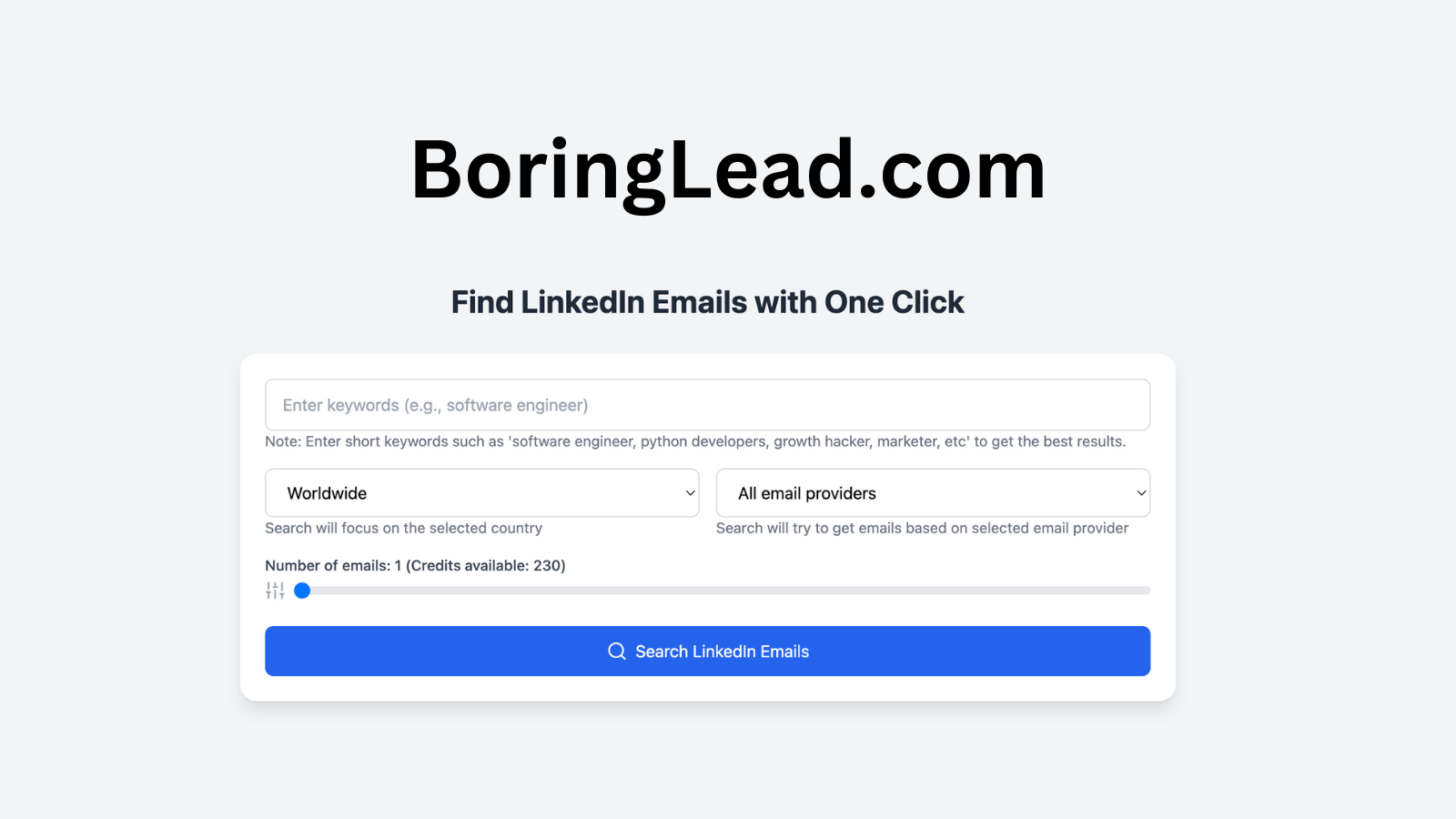
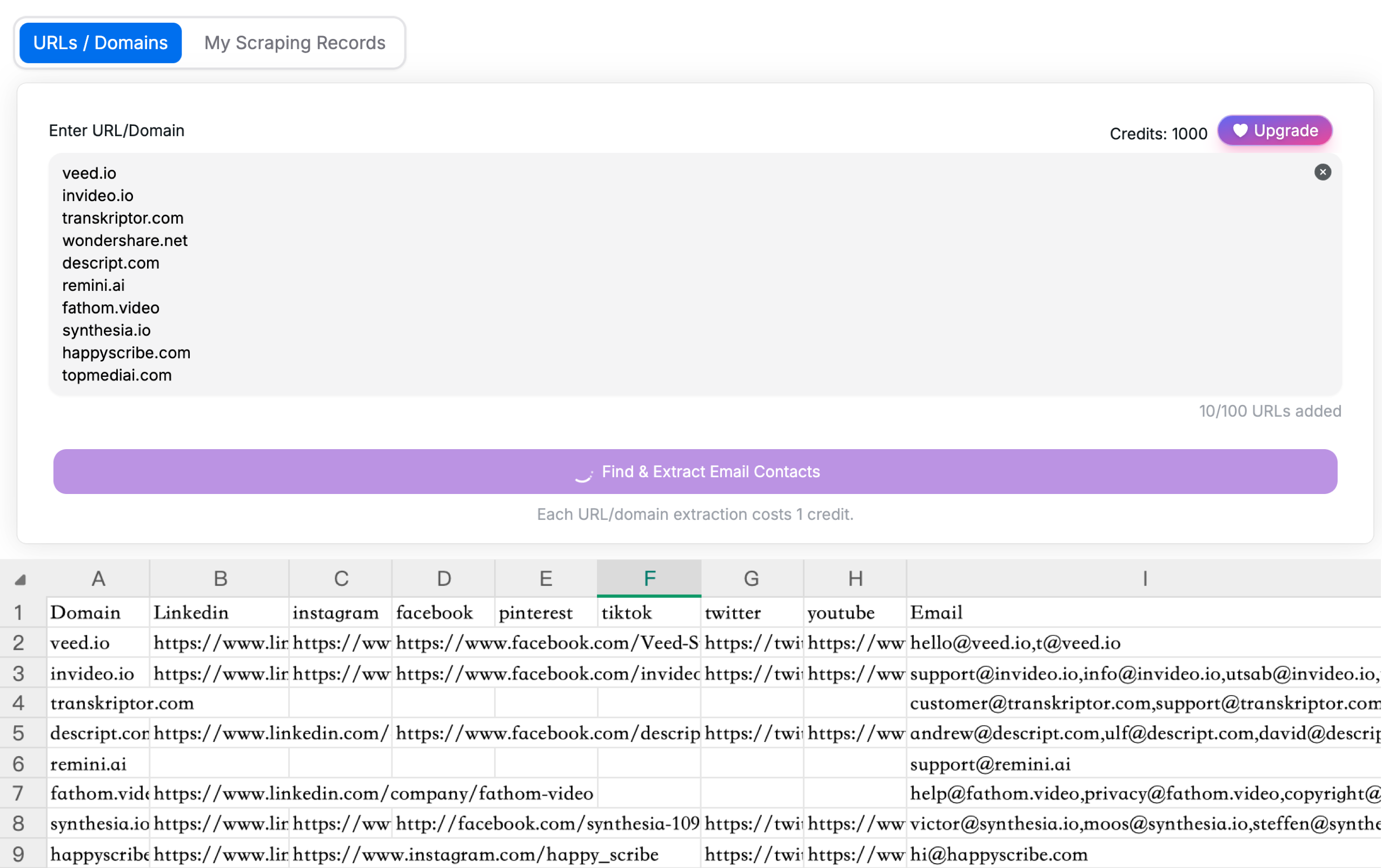
BoringLead is an AI-powered lead generation platform designed to find, verify, and connect with ideal customers from LinkedIn. It offers access to a database of over 100 million verified emails, extracts rich LinkedIn profile data, and uses advanced filters for precise targeting. The platform also includes a free tool to extract emails from website URLs, streamlining outreach and research.

Email Marketing
Visits 6.2KFavorites 149Likes 154

About Data Extraction

AI Data Extraction tools are a class of software designed to automatically identify and pull specific information from various sources like websites, documents, and images. Leveraging technologies such as Natural Language Processing (NLP) and Optical Character Recognition (OCR), these tools parse unstructured content and convert it into structured, usable formats like spreadsheets or databases. This automation is crucial for businesses seeking to gather market intelligence, generate leads, or digitize paper-based workflows, significantly reducing manual data entry. As a specialized area within Productivity, they focus specifically on the acquisition and structuring of raw information.

Core Features

  • Web Scraping: Automatically crawls websites to extract data such as product prices, user reviews, or contact details.
  • Document Parsing: Intelligently reads and extracts key information from PDFs, invoices, contracts, and reports.
  • Optical Character Recognition (OCR): Converts text within images or scanned documents into machine-readable, editable data.
  • Structured Data Export: Organizes and exports the extracted information into formats like CSV, JSON, Excel, or directly to a database via API.

Use Cases

These tools are widely used across various industries. Market researchers use them to monitor competitor pricing, e-commerce businesses to aggregate product listings, and financial analysts to collect market data. They are also essential in administrative roles for automating the processing of invoices and receipts, and for sales teams to build lead lists from online directories.

How to Choose

When selecting a Data Extraction tool, consider the types of sources you need to process (websites, PDFs, images). Evaluate the user interface—some offer no-code, point-and-click solutions, while others require programming skills. Also, assess its scalability for large-volume tasks, the available export formats (e.g., CSV, API), and, for web scraping, its ability to handle anti-bot measures.

Featured tool rankings

Data Extraction use cases

1

Automate Competitor Price Monitoring

E-commerce managers and market analysts can use AI Data Extraction tools to systematically scrape competitor websites. By setting up automated crawlers, they can collect real-time data on product prices, stock availability, and promotions without manual checks. The tool extracts this information and organizes it into a structured dashboard or spreadsheet. This allows for dynamic pricing strategies, identification of market trends, and a clear competitive advantage, saving dozens of hours of manual work each week.

2

Streamline Invoice and Receipt Processing

Accounting and finance departments can eliminate manual data entry by using tools with OCR capabilities. When an invoice or receipt is scanned or received as a PDF, the tool automatically identifies and extracts key fields like invoice number, date, vendor name, total amount, and line items. This structured data can then be directly exported to accounting software like QuickBooks or SAP, reducing errors, accelerating payment cycles, and freeing up staff for more analytical tasks.

3

Build Targeted Sales Lead Lists

Sales and marketing teams can accelerate lead generation by extracting contact information from online sources. Instead of manually copying names, job titles, companies, and email addresses from professional networks, online directories, or conference attendee lists, a data extraction tool can automate the process. It can be configured to find specific profiles based on industry or role, gathering thousands of potential leads into a clean CSV file ready for import into a CRM system.

4

Aggregate Real Estate Market Data

Real estate agents and investors can gain a comprehensive market overview by pulling data from multiple listing services (MLS) and property websites. These tools can collect information on property prices, features (e.g., square footage, number of bedrooms), location, days on market, and agent details. By consolidating this data into a single database, users can perform in-depth analysis, identify investment opportunities, and provide clients with data-driven advice more effectively.

5

Conduct Academic or Scientific Research

Researchers and academics often need to gather large datasets from scientific journals, public records, or online archives. Data extraction tools can automate the collection of text, citations, experimental data, and other relevant information from thousands of documents or web pages. This enables large-scale text analysis, meta-analyses, and the creation of comprehensive databases for study, dramatically speeding up the literature review and data collection phases of a research project.

6

Monitor Brand Mentions and News

Public relations and marketing professionals can track online sentiment and news coverage by setting up tools to scan news sites, blogs, and social media platforms. The tool can be configured to extract any mention of a brand, product, or key executive, along with the source, author, and publication date. This creates a real-time feed of media coverage, allowing teams to quickly respond to stories, measure campaign impact, and analyze public perception without relying solely on expensive media monitoring services.

Data Extraction FAQ

What are AI Data Extraction tools?

AI Data Extraction tools are applications that use artificial intelligence, such as machine learning and natural language processing, to automatically identify and pull specific data from unstructured sources. Unlike manual copying, they can understand the context and structure of documents, websites, or images to extract relevant information (e.g., names from a list, prices from a product page) and convert it into an organized format like a CSV or JSON file.

How do I choose the right Data Extraction tool?

To choose the right tool, first identify your primary data source (websites, PDFs, images). Then, consider these factors:

  • Ease of Use: Do you need a no-code, visual interface or can you handle a tool that requires programming?
  • Scalability: Will you be extracting data from a few pages or millions?
  • Features: Do you need OCR for documents, or advanced web scraping features like IP rotation?
  • Integration: How will you use the data? Check for export options like CSV, JSON, or direct API access.

What's the difference between Data Extraction and Web Scraping?

Web Scraping is a specific type of Data Extraction focused solely on pulling information from websites. Data Extraction is a broader term that encompasses web scraping as well as extracting information from other sources like PDF documents, emails, scanned images (using OCR), and databases. Essentially, all web scraping is data extraction, but not all data extraction is web scraping.

What kind of data can be extracted with these tools?

These tools can extract a vast range of data types, depending on the source. Common examples include:

  • Web Data: Product prices, user reviews, real estate listings, news articles, social media posts.
  • Document Data: Invoice details (vendor, amount, date), contract clauses, contact information from resumes.
  • Image Data: Text from scanned receipts, license plates from photos, labels on products.
The output is typically structured for easy analysis.

Who can benefit from using Data Extraction tools?

A wide range of professionals benefit from these tools. Marketers and sales teams use them for lead generation and competitor analysis. Financial analysts aggregate market data and company reports. E-commerce businesses monitor pricing and product catalogs. Accountants automate invoice processing. Researchers collect data from academic papers and public records. Essentially, anyone who spends significant time manually collecting information from digital or physical documents can improve their productivity.