ToolMage
Sign in

Best 5 Documentation Automation AI tools for Productivity

Popular Documentation Automation AI tools in Productivity include Upheal, HEALWELL AI, LoveHeart, Gobshelp, and WorkStreamer, helping you work more efficiently.

Gobshelp
Freemium

Gobshelp

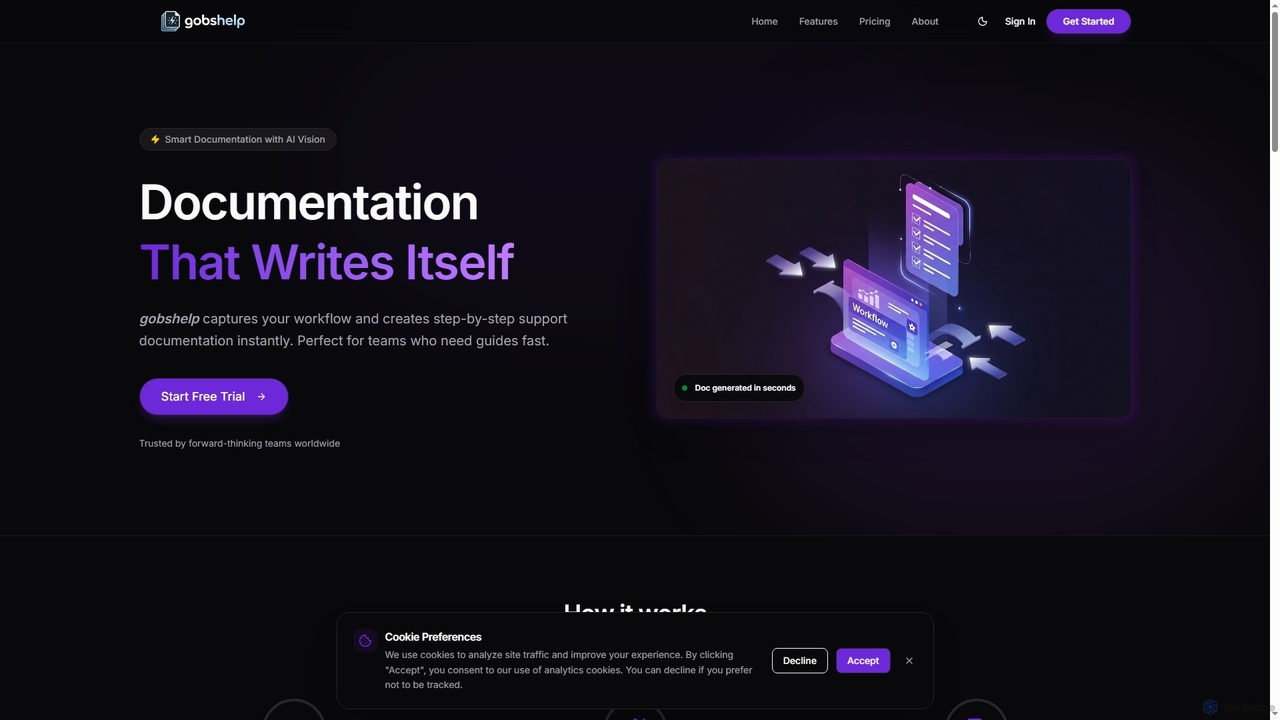
Gobshelp is an AI-powered smart documentation tool that instantly captures your workflows and transforms them into step-by-step support guides. It's designed to automate the creation of help articles, SOPs, and training materials, saving teams significant time and effort.

Technical Writing
Visits 4.7KFavorites 74Likes 83
Upheal
Freemium

Upheal

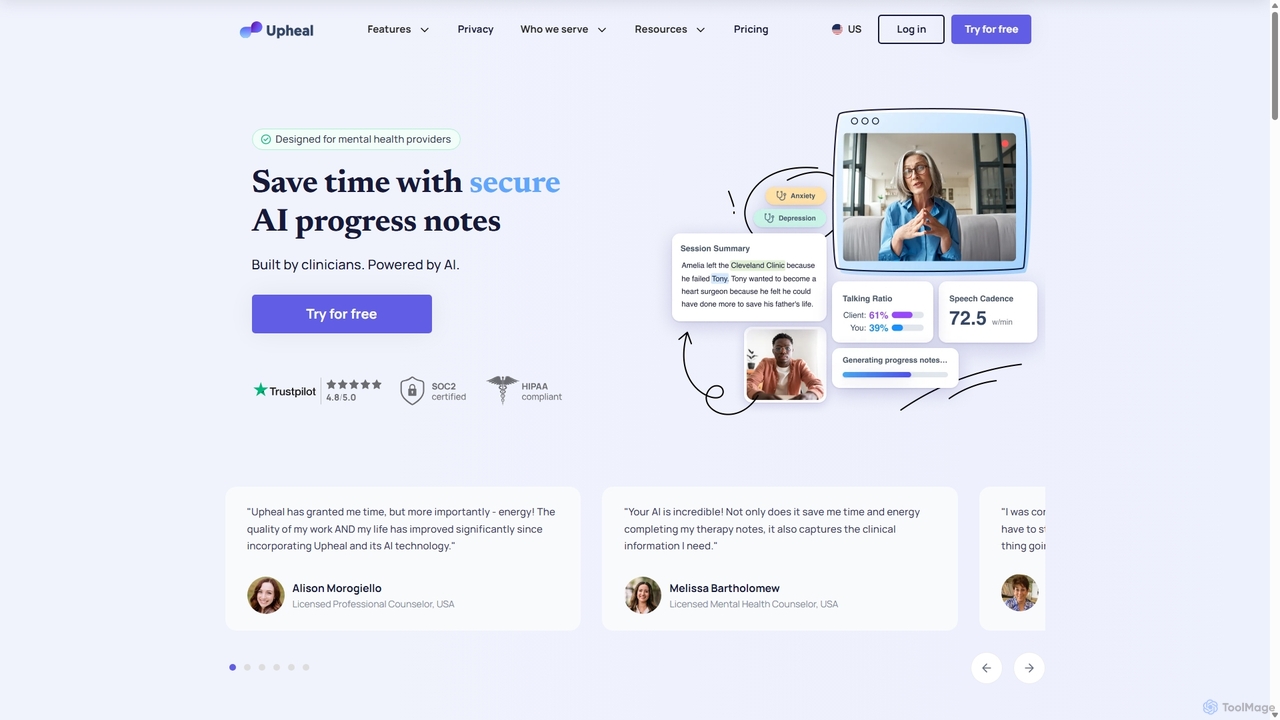
Upheal is an AI-powered platform designed for mental health professionals. It automates the creation of clinical progress notes, saving therapists up to 90% of their documentation time. The platform is HIPAA compliant, supports various note formats, generates treatment plans, and integrates with any EHR to help clinicians stay present and focused on their clients.

Transcription
Visits 339.8KFavorites 132Likes 137
WorkStreamer
Paid

WorkStreamer

WorkStreamer is an accelerator platform designed to streamline and speed up Oracle implementations. It automates training documentation, simplifies project requirements management, and enhances testing events with visual, step-by-step guides, reducing project timelines and improving efficiency.

Testing
Visits 4.7KFavorites 130Likes 126
LoveHeart
Freemium

LoveHeart

LoveHeart (now Mana) is an AI-powered platform designed for Early Childhood Education (ECE). It acts as an educator's aide, automating documentation, generating personalized learning plans, and providing pedagogical coaching. It saves time, improves quality, and supports educators in creating better outcomes for children.

Early Childhood
Visits 15.4KFavorites 105Likes 106
HEALWELL AI

HEALWELL AI

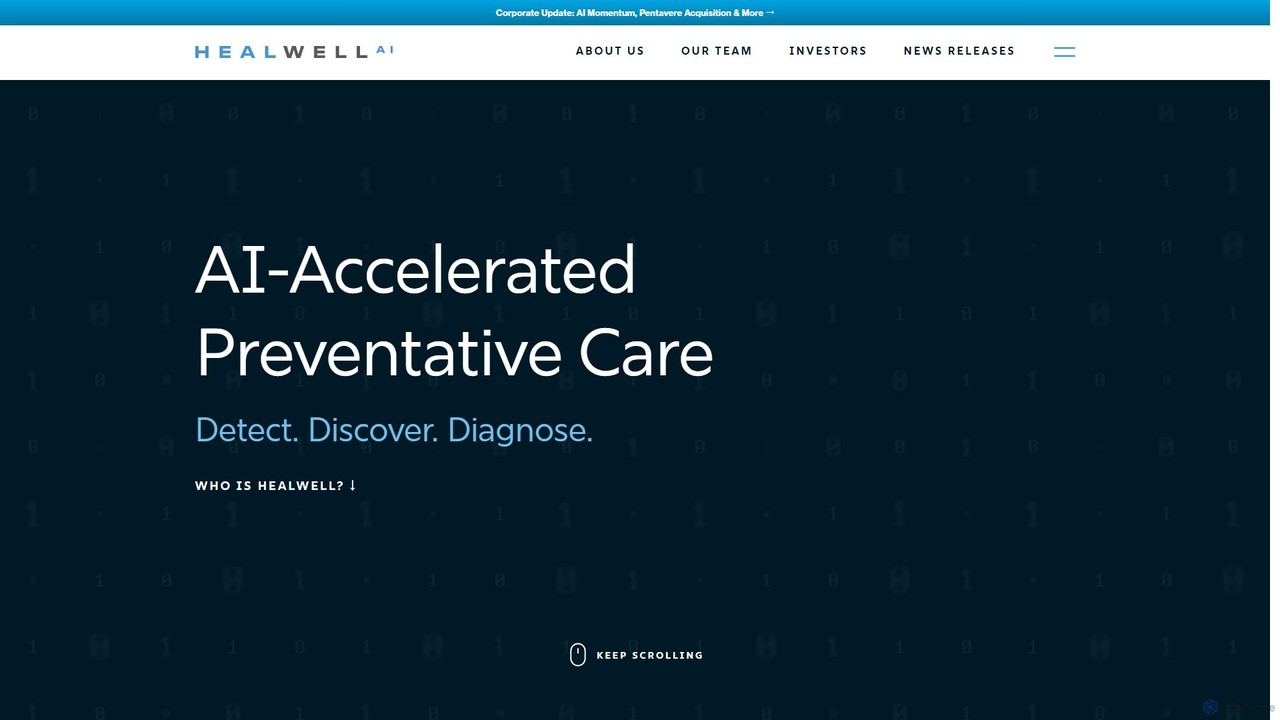
HEALWELL AI is a healthcare technology company specializing in AI and data science for preventative care. Its platform offers an AI-powered clinical co-pilot that assists healthcare providers with the early detection and identification of rare and chronic diseases, improving patient outcomes and clinical efficiency.

Predictive Analytics
Visits 21.6KFavorites 111Likes 113

About Documentation Automation

Documentation Automation tools are AI-powered solutions designed to streamline the creation, management, and updating of various documents. Leveraging natural language processing (NLP) and machine learning, they automate repetitive tasks like content generation, data extraction, and formatting. This significantly reduces manual effort, enhances document accuracy, and ensures consistency across an organization's knowledge assets. As a key component of overall productivity, these tools free up valuable time for more strategic work.

Core Features

  • Automated Content Generation: Automatically drafts documents, reports, or sections based on input data or templates.
  • Data Extraction & Integration: Extracts relevant information from various sources and integrates it into documents.
  • Version Control & Compliance: Manages document versions and ensures adherence to regulatory or internal standards.
  • Template-Based Creation: Generates consistent documents using predefined templates and dynamic content fields.
  • Knowledge Base Synthesis: Compiles and updates knowledge base articles from diverse information sources.

Use Cases

Technical writers can automate the generation of API documentation from code comments. Sales teams can quickly assemble personalized proposals by pulling data from CRM systems. HR departments can streamline the creation of employee handbooks and policy documents.

How to Choose

Consider integration capabilities with existing tools like CRM or code repositories. Look for customization and flexibility in tailoring templates and workflows. Verify data protection measures and adherence to industry-specific compliance. Assess the tool's scalability to handle increasing document volumes and user numbers.

Documentation Automation use cases

1

Automate Technical Documentation Generation

For software development teams and technical writers, Documentation Automation tools can automatically generate API documentation, user manuals, and release notes directly from source code comments, design specifications, or project management data. This eliminates manual transcription errors, ensures documentation is always up-to-date with code changes, and significantly accelerates the documentation lifecycle, allowing developers to focus on coding and writers on refining content.

2

Streamline Sales Proposal Creation

Sales professionals often spend hours compiling customized proposals. AI-powered Documentation Automation can pull client-specific data from CRM systems, product information from databases, and pre-approved legal clauses, then assemble a personalized, professional proposal in minutes. This not only saves valuable selling time but also ensures brand consistency and accuracy across all client communications, improving response times and conversion rates.

3

Generate Regulatory Compliance Reports

In highly regulated industries like finance, healthcare, or legal, generating compliance reports is a complex, time-consuming, and error-prone task. Documentation Automation tools can automatically gather data from various internal systems, apply specific regulatory templates, and generate audit-ready reports. This ensures adherence to strict guidelines, reduces the risk of non-compliance penalties, and frees up legal and compliance teams for strategic oversight rather than manual data compilation.

4

Create Dynamic Employee Handbooks & Policies

HR departments frequently update employee handbooks, policy documents, and onboarding materials. Documentation Automation allows HR professionals to maintain a central source of truth for policies and automatically generate customized handbooks for different regions or employee groups. Changes made to core policies are instantly reflected across all relevant documents, ensuring consistency, reducing administrative burden, and providing employees with accurate, up-to-date information.

5

Synthesize Knowledge Base Articles

Customer support teams and knowledge managers can leverage Documentation Automation to synthesize new knowledge base articles or update existing ones from support tickets, chat logs, and product updates. The AI can identify common issues, extract solutions, and format them into clear, concise articles. This continuously enriches the knowledge base, reduces the workload on support agents, and empowers customers to find answers independently, improving overall service efficiency.

6

Automate Financial Report Generation

Finance departments can utilize Documentation Automation to generate various financial reports, such as quarterly earnings reports, budget analyses, or expense summaries. By integrating with accounting software and data analytics platforms, these tools can automatically populate templates with up-to-date financial figures, charts, and textual explanations. This significantly speeds up reporting cycles, minimizes human error in data transcription, and allows financial analysts to focus on interpretation and strategic planning.

Documentation Automation FAQ

What is Documentation Automation?

Documentation Automation refers to the use of AI and software to automatically create, manage, and update various types of documents. These tools leverage natural language processing (NLP) and machine learning to perform tasks like content generation, data extraction, formatting, and version control. The primary goal is to reduce manual effort, improve document accuracy and consistency, and accelerate the documentation lifecycle across an organization.

How does AI enhance Documentation Automation?

AI significantly enhances Documentation Automation by enabling more intelligent and dynamic processes. AI-powered tools can understand context, generate human-like text, extract specific data points from unstructured content, and even learn from past document revisions to suggest improvements. This goes beyond simple template filling, allowing for more sophisticated content creation, intelligent data integration, and proactive identification of inconsistencies or outdated information, making the automation process smarter and more adaptable.

What types of documents can be automated using AI?

A wide range of documents can be automated, including technical documentation (API docs, user manuals), sales proposals, legal contracts, regulatory compliance reports, financial statements, HR policies, marketing materials, and internal knowledge base articles. Essentially, any document that involves repetitive content, data integration from multiple sources, or adherence to specific templates and formatting rules is a strong candidate for automation.

What are the key benefits of using Documentation Automation tools?

The primary benefits include significant time savings by eliminating manual, repetitive tasks, leading to increased productivity. These tools also enhance accuracy by reducing human error in data entry and content creation, and ensure consistency across all documents through standardized templates and automated updates. Furthermore, they improve compliance by making it easier to adhere to regulatory requirements and free up skilled personnel to focus on more strategic, high-value activities.

How does Documentation Automation differ from general AI content generation tools?

While both involve AI-driven content creation, Documentation Automation specifically focuses on structured, often data-driven, and highly standardized documents within an organizational context. It emphasizes accuracy, consistency, integration with enterprise systems (like CRM, ERP, code repositories), and adherence to specific templates and compliance rules. General AI content generation tools, on the other hand, are broader, often used for creative writing, marketing copy, or brainstorming, with less emphasis on data integration, strict formatting, or enterprise-level document management.