ToolMage
Sign in

Best 32 No Code Platform for Productivity

Popular No Code Platform in Productivity include Ultralytics, b12, Plug&Pay, Weblium, Pixpa, Landingi, Stacker, Grapesjs, WotNot, and MyShell AI, helping you work more efficiently.

WebPro.ai
Freemium

WebPro.ai

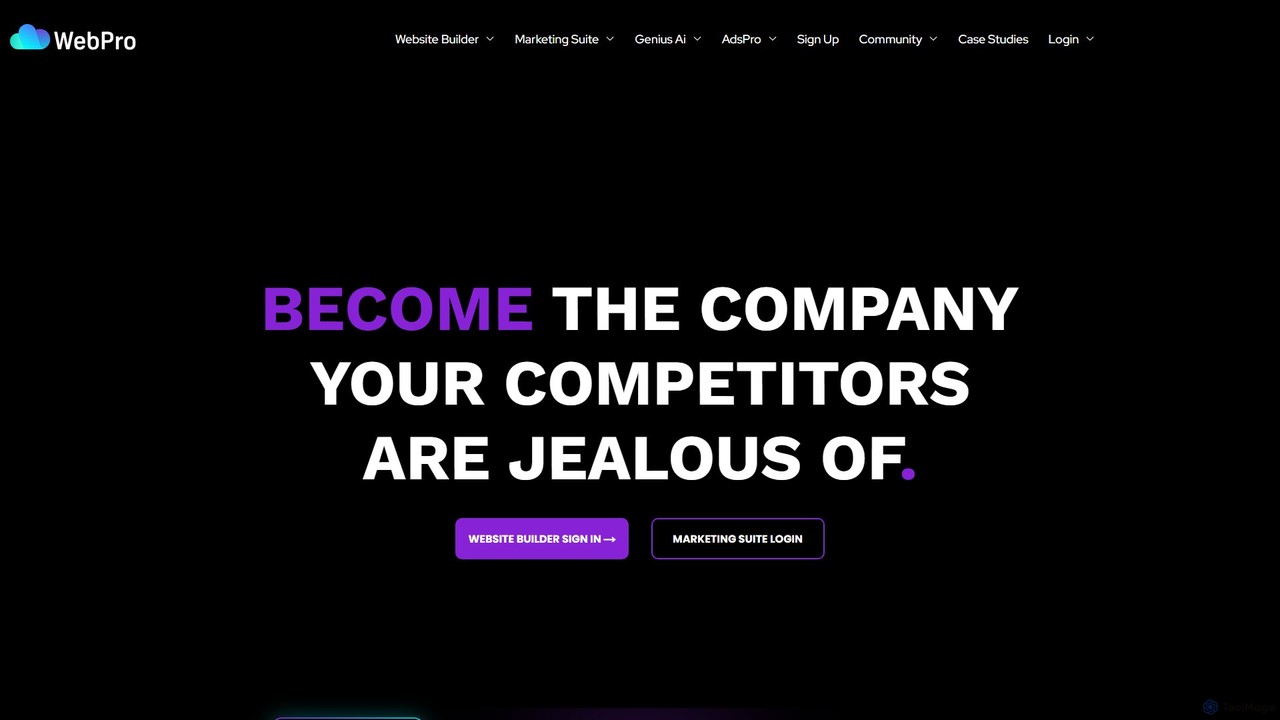
WebPro.ai is an all-in-one, AI-powered platform designed for businesses to effortlessly build websites, manage marketing campaigns, and create digital ads. It combines an intuitive website builder with a comprehensive marketing suite and an AI ad generator, enabling users to establish a professional online presence and grow their business with ease, saving significant time and resources.

All In One Marketing
Visits 7.7KFavorites 168Likes 160
b12
Freemium

b12

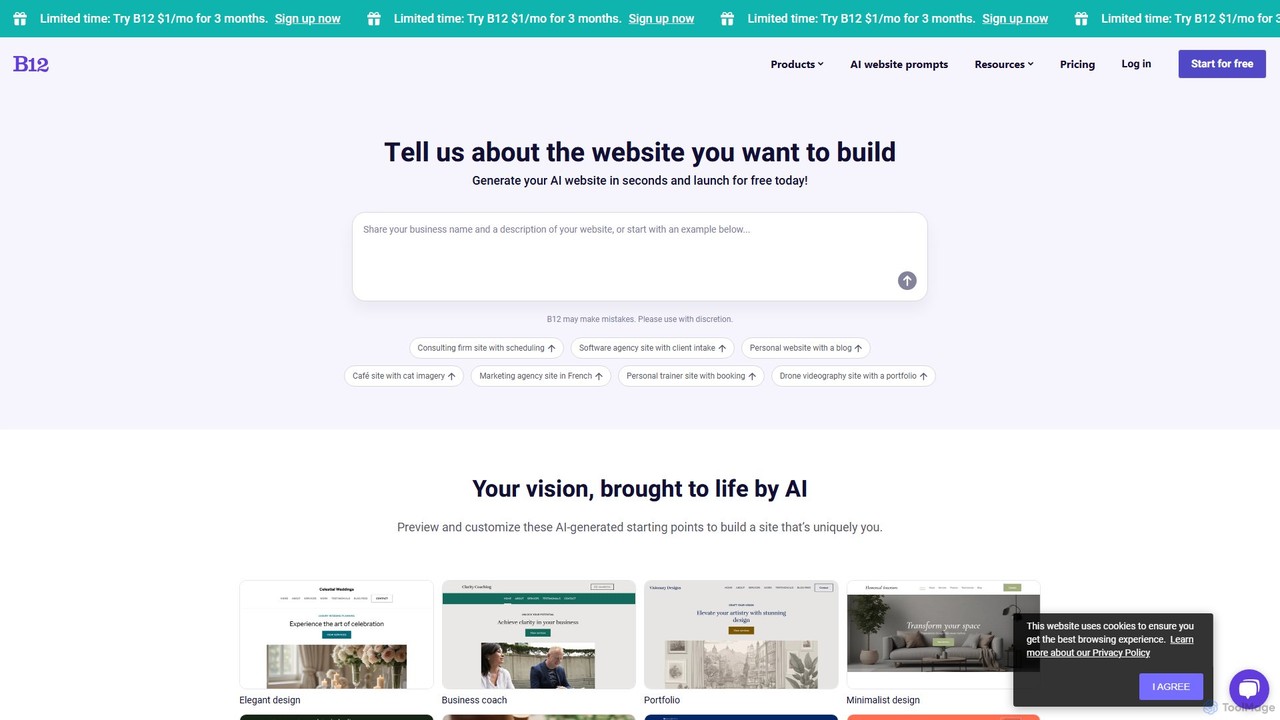
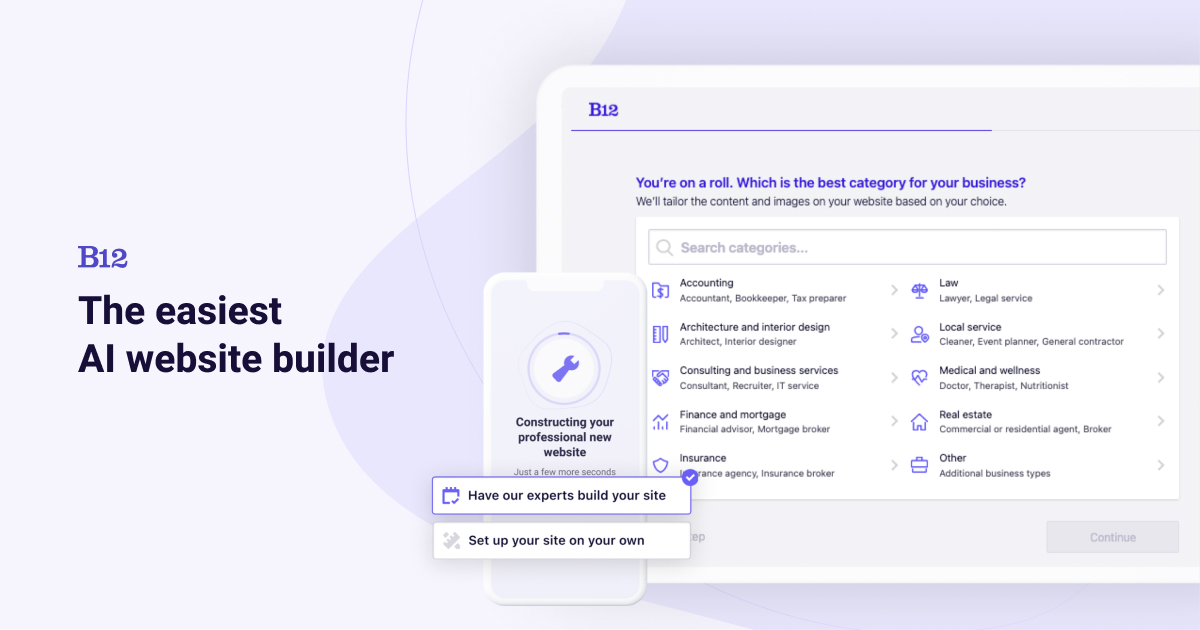
b12 is an AI-powered website builder designed for professional service providers and small businesses. Simply describe your business, and b12's AI instantly generates a professional, mobile-friendly website draft. It combines AI efficiency with an easy-to-use editor and optional access to human experts for design, copywriting, and SEO, helping you launch a complete online presence quickly.

Landing Page Builder
Visits 480KFavorites 161Likes 172
Plug&Pay
Freemium

Plug&Pay

Plug&Pay is an AI-powered sales funnel and website builder that enables entrepreneurs to launch a profitable online business in minutes. It simplifies creating high-converting landing pages, checkouts, and upsells for selling digital products, coaching, physical goods, or subscriptions, all without any technical skills.

Website Builder
Visits 370.9KFavorites 141Likes 122
scene
Freemium

scene

scene is an intelligent AI-powered website builder that enables users to create professional, fully-functional websites in minutes. By leveraging artificial intelligence, it automates the design, content creation, and optimization processes, making web development accessible to everyone, regardless of their technical skills.

Generative Art
Visits 10KFavorites 164Likes 167
Clara Health
Paid

Clara Health

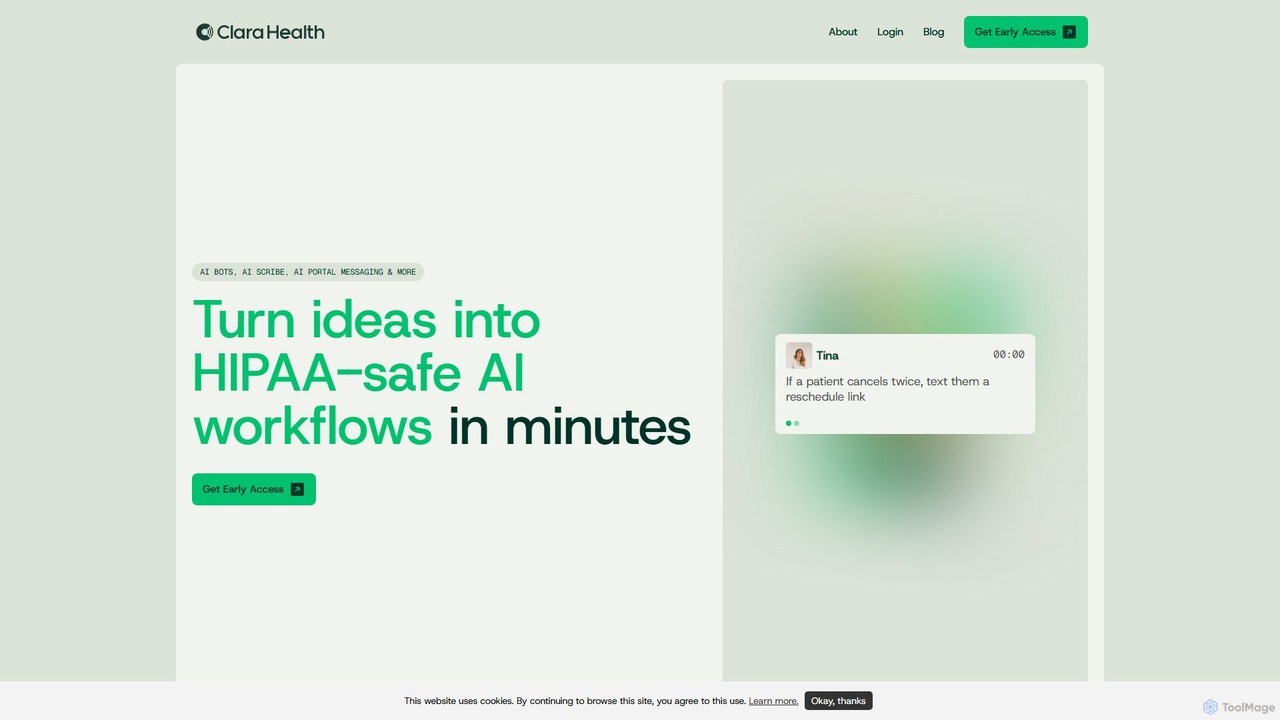
Clara Health is a no-code, HIPAA-compliant AI platform designed for healthcare teams. It enables providers to build and deploy custom AI workflows in minutes using a simple chat interface, automating tasks like patient scheduling, billing follow-ups, prior authorizations, and clinical documentation without needing any engineering resources.

Ai Chatbots
Visits 5.3KFavorites 126Likes 127
Checkbox
Paid

Checkbox

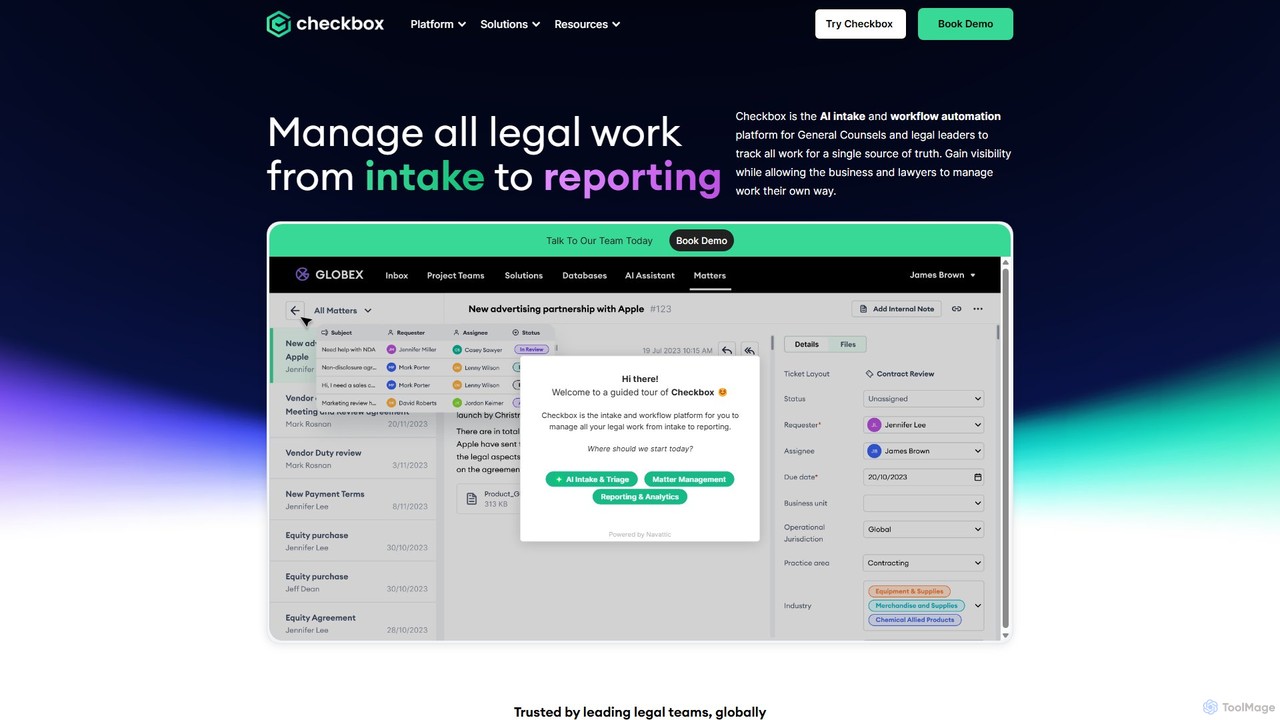
Checkbox is an AI-powered, no-code platform designed for legal teams to automate intake, triage, and workflows. It centralizes all legal requests from channels like email, Slack, and Salesforce into a single service hub. By automating repetitive tasks and providing comprehensive matter management and reporting, Checkbox empowers legal departments to increase efficiency, gain full visibility over their work, and focus on high-impact strategic initiatives.

Operations Management
Visits 41.7KFavorites 149Likes 145
Genai
Freemium

Genai

Genai is a no-code platform that empowers anyone to build professional AI chatbots in minutes. Train your chatbot using various data sources like websites, YouTube videos, and PDFs to create a custom assistant for customer support, lead generation, or personal use. No coding skills are required, making advanced AI accessible to everyone.

Chatbot
Visits 6.1KFavorites 172Likes 186
RPGGO
Freemium

RPGGO

RPGGO is an AI-powered, no-code platform for creating and playing text-based RPGs. It leverages a sophisticated AI game engine to generate dynamic narratives, intelligent NPCs with memory, and real-time visuals and audio, making game development accessible to everyone.

Image Generation
Visits 19.4KFavorites 138Likes 118

About No Code Platform

No-Code Platforms are development environments that enable users to create applications and automate workflows using visual interfaces instead of traditional programming. These tools leverage drag-and-drop components, pre-built templates, and logic builders to abstract away complex code. This approach empowers business users, entrepreneurs, and designers to build, test, and deploy custom software solutions independently. As a key part of the Productivity ecosystem, they dramatically accelerate development cycles and reduce reliance on specialized IT resources.

Core Features

  • Visual Application Builder: Design user interfaces and application logic with drag-and-drop controls.
  • Integrated Database: Manage and store application data directly within the platform without external setup.
  • Third-Party Integrations: Connect seamlessly with hundreds of external services and APIs like Stripe, Google Sheets, and Salesforce.
  • Workflow Automation: Create complex, multi-step automated processes triggered by specific events or schedules.
  • One-Click Deployment: Publish web and mobile applications to the public with a single click.

Use Cases

No-Code Platforms are widely used by operations managers to build internal tools, marketers to create interactive landing pages and automate lead nurturing, and entrepreneurs to rapidly prototype and launch Minimum Viable Products (MVPs). They are ideal for creating customer portals, project management dashboards, and simple e-commerce sites.

How to Choose

When selecting a No-Code Platform, evaluate its scalability to ensure it can support future growth. Assess the breadth of its integration library to confirm it connects with your existing tools. Consider the platform's template variety, pricing structure (per user vs. per workflow), and the overall ease of use for non-technical team members.

Featured tool rankings

No Code Platform use cases

1

Build a Custom Internal Tool

An operations manager needs a custom dashboard to track project statuses and resource allocation, but the IT department has a six-month backlog. Using a no-code platform, the manager designs a visual interface with forms for data entry and dashboards that display real-time analytics. They connect it to their team's shared calendar and Slack, creating automated notifications for deadlines. The entire tool is built and deployed in under a week, providing immediate visibility into team productivity without writing a single line of code.

2

Launch a Minimum Viable Product (MVP)

A startup founder wants to validate a new business idea for a niche marketplace without a large upfront investment in development. They use a no-code platform to build a functional MVP. This includes user registration, profile creation, product listing pages, and a simple checkout process integrated with a payment gateway. This allows them to launch quickly, gather real user feedback, and demonstrate traction to potential investors before committing to a full custom-coded application.

3

Automate a Marketing & Sales Funnel

A marketing team aims to streamline their lead management process. They use a no-code platform to connect their website's contact form directly to their CRM. They build a workflow that automatically segments new leads based on form inputs, adds them to a specific email marketing sequence, and assigns a follow-up task to a sales representative in their project management tool. This automation eliminates manual data entry, reduces lead response time, and ensures a consistent follow-up process.

4

Create a Customer-Facing Portal

A consulting firm wants to provide clients with a secure portal to access project documents, view progress reports, and communicate with their team. Instead of a complex custom build, they use a no-code platform to create a password-protected web app. The portal features a document repository, a task tracker linked to an internal database, and a messaging feature. This enhances the client experience and centralizes communication, all built and managed by the business team.

5

Develop a Simple Mobile App

A local community organization needs a simple mobile app for an upcoming festival to display event schedules, maps, and vendor information. Using a no-code mobile app builder, they design the app's layout, populate the content through a simple spreadsheet-like database, and enable push notifications for important announcements. They are able to publish the app to both iOS and Android app stores in a fraction of the time and cost of traditional mobile development.

6

Digitize Manual Business Processes

A small manufacturing company relies on paper forms and spreadsheets for inventory management and order tracking, leading to errors and delays. The business owner uses a no-code platform to build a simple application for employees to update inventory levels via their phones. The app automatically calculates stock levels, sends low-stock alerts, and generates daily order reports. This digitization improves accuracy, saves hours of manual work, and provides a real-time view of the business operations.

No Code Platform FAQ

What is a No-Code Platform?

A No-Code Platform is a software development tool that allows individuals, even those without technical skills, to build applications through a graphical user interface. Instead of writing code, users assemble applications using pre-built, drag-and-drop components and visual workflow editors. These platforms are designed to create everything from simple websites and mobile apps to complex business process automations and internal tools, significantly speeding up the development process.

How do I choose the right No-Code Platform?

To choose the right No-Code Platform, consider these factors:

  • Project Type: Is your goal to build a web app, mobile app, internal tool, or automation? Different platforms specialize in different areas.
  • Scalability: Evaluate if the platform can handle your expected user load and data volume as you grow.
  • Integrations: Ensure it can connect with the essential third-party services your business relies on, such as CRMs, payment gateways, or marketing tools.
  • Pricing: Compare pricing models—some charge per user, per app, or based on usage (e.g., workflow runs)—to find one that fits your budget.
What's the difference between No-Code and Low-Code platforms?

The primary difference lies in the target user and the need for coding. No-Code platforms are designed for business users and non-developers, requiring zero coding knowledge. They use purely visual interfaces. Low-Code platforms are aimed at developers and IT professionals to accelerate development. They offer visual tools but also allow for custom code to be added for more complex logic, extended functionality, and deeper integrations, providing greater flexibility at the cost of a higher technical barrier.

Who can benefit from using No-Code Platforms?

A wide range of users can benefit from No-Code Platforms. Business owners and entrepreneurs can quickly build MVPs and internal tools without hiring developers. Marketing and sales teams can create landing pages and automate workflows. Operations managers can digitize manual processes and build custom dashboards. Essentially, anyone with a clear idea for an application or a process to improve, but who lacks coding skills, can leverage these tools to bring their vision to life.

Are there limitations to what No-Code Platforms can build?

Yes, while powerful, No-Code Platforms have limitations. They may struggle with applications requiring highly complex, custom algorithms, heavy computational processing, or very specific hardware integrations. Performance at a massive scale (millions of users) can also be a concern for some platforms. While you can build a wide variety of standard business applications, projects that require deep customization beyond the platform's provided components might be better suited for low-code or traditional development.