ToolMage
Sign in

Best 169 Presentations AI tools for Productivity

Popular Presentations AI tools in Productivity include Kimi, Gamma, HeyGen, Genially, MiriCanvas, Slidesgo, Gaoding Design, Vidnoz, Napkin AI, and Microsoft Designer, helping you work more efficiently.

Genially
Freemium

Genially

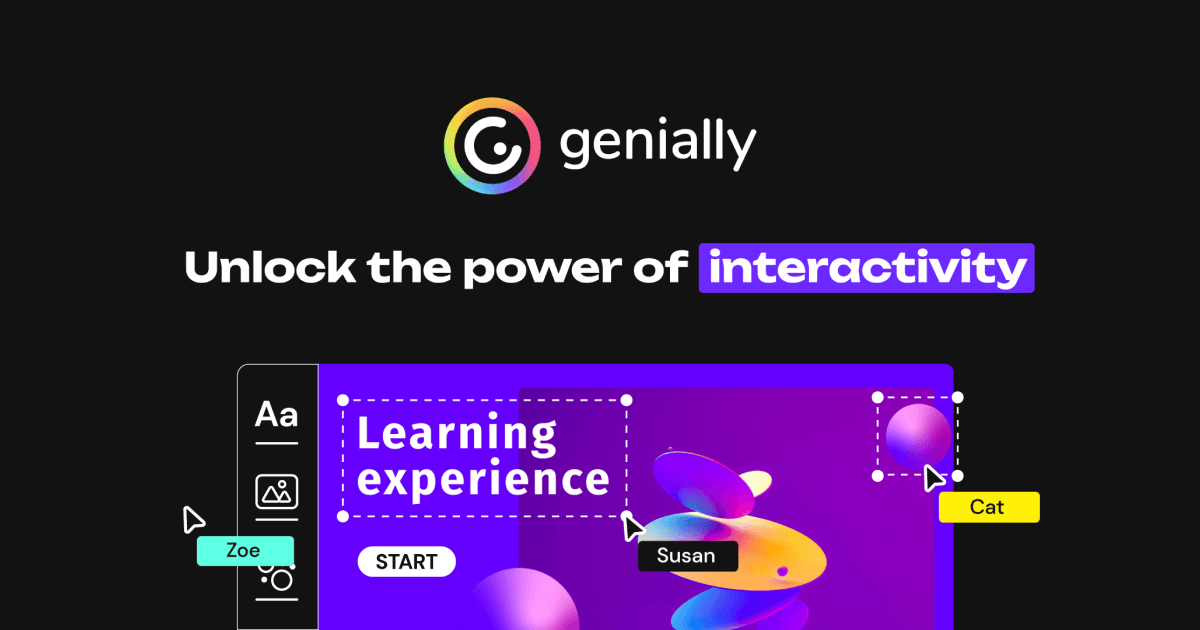
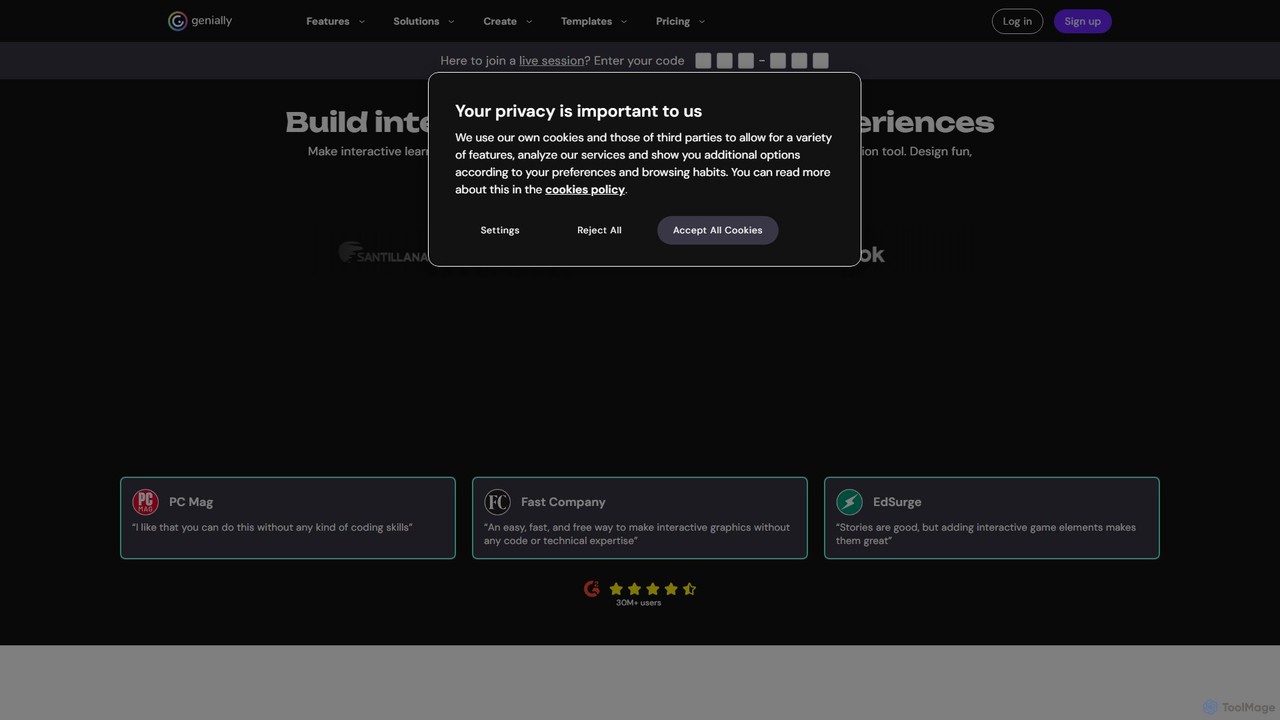
Genially is an all-in-one online tool for creating stunning interactive and animated content. Without any coding skills, users can design presentations, infographics, gamified quizzes, and eLearning materials. It leverages AI to accelerate content creation, making it ideal for educators, marketers, and corporate trainers to boost audience engagement.

Infographics
Visits 10.2MFavorites 139Likes 150

About Presentations

AI Presentation tools are a category of AI-powered software designed to automate and enhance the creation of visual presentations. These tools leverage artificial intelligence, including natural language processing and computer vision, to analyze input content, suggest designs, and generate slides. They significantly streamline the process of transforming raw text, data, or outlines into polished, engaging, and professional-looking slide decks, boosting productivity within the broader productivity suite.

Core Features

  • Content Generation: Automatically converts text, outlines, or documents into structured presentation slides.
  • Design Automation: Applies intelligent layouts, themes, and visual styles based on content and brand guidelines.
  • Media Integration: Suggests and embeds relevant images, icons, charts, and videos to enhance visual appeal.
  • Audience Adaptation: Tailors presentation content, tone, and visual complexity for specific target audiences.
  • Collaboration & Export: Supports real-time team collaboration and exports to popular formats like PPTX, PDF, or Google Slides.

Applicable Scenarios

These tools are invaluable for business professionals creating pitch decks, educators preparing lecture materials, and marketers designing campaign presentations. They are also widely used by consultants for client reports and by entrepreneurs for investor pitches, where speed and visual quality are paramount.

How to Choose

When selecting an AI presentation tool, consider its input flexibility (text, data, audio), the level of design customization offered, and its integration capabilities with existing presentation software like PowerPoint or Google Slides. Evaluate the range of output formats supported and the overall ease of use, ensuring it aligns with your team's technical proficiency and workflow.

Featured tool rankings

Presentations use cases

1

Automated Sales Pitch Deck Creation

Sales professionals can rapidly generate personalized pitch decks for prospective clients. By inputting CRM data, product specifications, and client needs, the AI tool automatically structures the presentation, suggests relevant slides, and incorporates branding, significantly reducing preparation time and ensuring consistent messaging across the sales team.

2

Rapid Academic Lecture Preparation

Educators and researchers can transform lengthy academic papers, research findings, or lecture notes into clear, visually engaging presentation slides. The AI analyzes the content, identifies key points, and suggests appropriate layouts and visuals, enabling quick creation of comprehensive and digestible educational materials for students.

3

Marketing Campaign Presentation Design

Marketing teams utilize AI presentation tools to quickly design compelling presentations for new campaign launches, product updates, or performance reviews. Inputting campaign briefs, market data, and creative assets allows the AI to generate visually consistent and impactful slides, ensuring brand alignment and efficient communication of marketing strategies.

4

Investor Deck Generation for Startups

Startup founders can efficiently create professional and persuasive investor pitch decks. By feeding in their business plan, financial projections, and market analysis, the AI tool helps structure a compelling narrative, designs visually appealing slides, and highlights key metrics, enabling founders to focus on content rather than design intricacies.

5

Internal Report & Meeting Summary Slides

Managers and business analysts can convert detailed internal reports, project updates, or meeting minutes into concise, visual summary presentations. The AI extracts critical information, organizes it into digestible slides with charts and graphs, and ensures clarity, facilitating quicker understanding and decision-making among internal stakeholders.

6

Event Keynote Speech Visuals

Public speakers and event organizers can generate dynamic and engaging visual aids for keynote speeches or conference presentations. By providing the speech transcript or key talking points, the AI tool designs slides that complement the spoken content, suggesting impactful imagery and ensuring a cohesive visual experience for the audience.

Presentations FAQ

What are AI Presentation tools?

AI Presentation tools are software applications that use artificial intelligence to automate and assist in the creation of presentations. They analyze user input like text, data, or outlines, then generate slides, suggest designs, integrate media, and structure content to produce professional-looking presentations with minimal manual effort. These tools aim to enhance efficiency and design quality.

How do AI Presentation tools work?

These tools typically work by employing natural language processing (NLP) to understand the content provided by the user. They then use design algorithms and computer vision to select appropriate layouts, themes, fonts, and visual elements. Some advanced tools can also integrate with data sources to generate charts or suggest relevant images, learning from user preferences and design best practices.

What are the main benefits of using AI for presentations?

The primary benefits include significant time savings by automating repetitive design tasks, improved design consistency and professionalism, and enhanced creativity through AI-suggested layouts and media. They also help users, even those without design skills, create visually appealing presentations, allowing them to focus more on the message and less on the mechanics of slide creation.

How to choose the best AI Presentation tool?

To choose the best AI presentation tool, consider your specific needs: evaluate its ability to handle your input types (text, data, voice), the level of design customization it offers, and its integration with other tools you use (e.g., PowerPoint, Google Slides). Also, assess its ease of use, pricing model, and the quality of its generated output to ensure it meets your professional standards.

Can AI Presentation tools replace human designers?

AI Presentation tools are powerful assistants, but they are not designed to fully replace human designers. They excel at automating repetitive tasks, generating initial drafts, and ensuring design consistency. However, human designers bring nuanced creativity, strategic thinking, and a deep understanding of audience psychology that AI currently cannot replicate, especially for highly complex or bespoke presentation needs. They augment, rather than replace, human creativity.