ToolMage
Sign in

Best 273 Video Editing AI tools for Video

Popular Video Editing AI tools in Video include Adobe, Envato Elements, Clipchamp, Epidemic Sound, aifaceswap, Media.io, Insta360, Wondershare, Topaz Labs, and Remaker AI, helping you work more efficiently.

facy
Freemium

facy

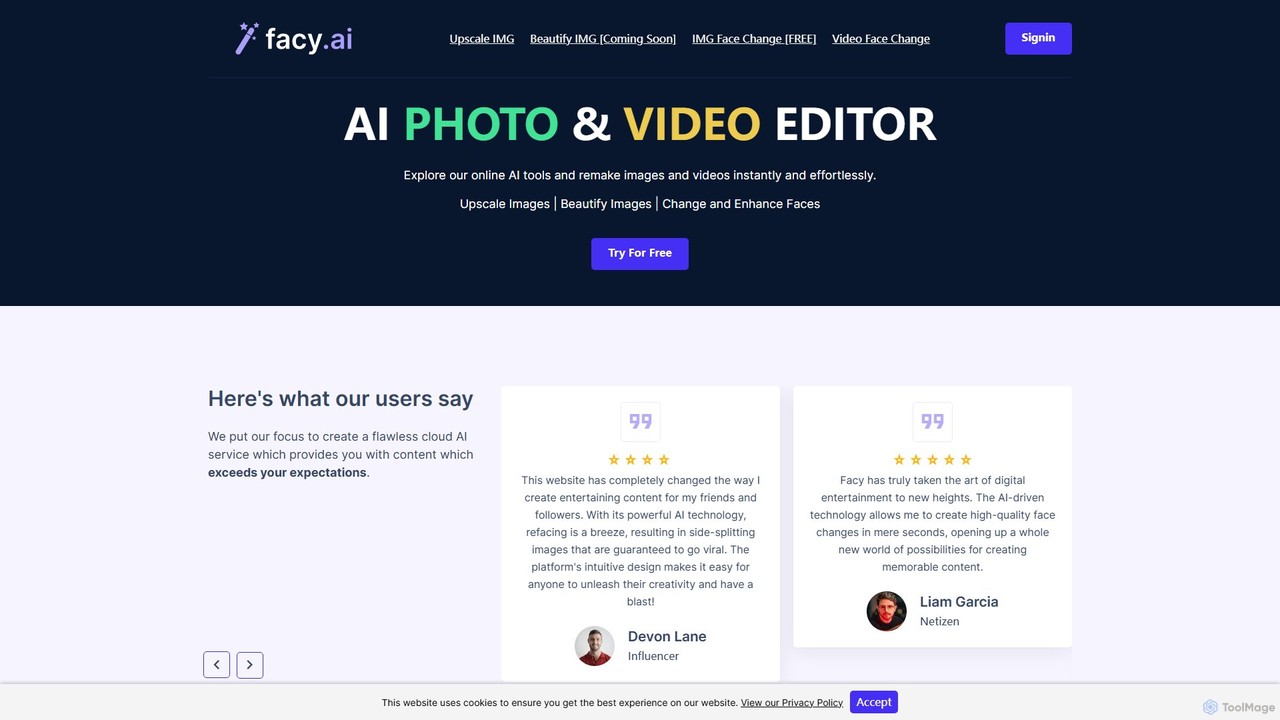
facy is a user-friendly AI-powered platform specializing in high-quality face swapping for both images and videos. It also offers a powerful AI image upscaler to enhance photo resolution. Designed for content creators, social media users, and anyone looking for fun, facy allows you to create entertaining and viral-worthy content in seconds. The platform provides free image face swaps and a freemium model for advanced features like video swaps and 4x image upscaling, making it accessible to everyone.

Meme Generator
Visits 531.3KFavorites 136Likes 128
Introhook
Freemium

Introhook

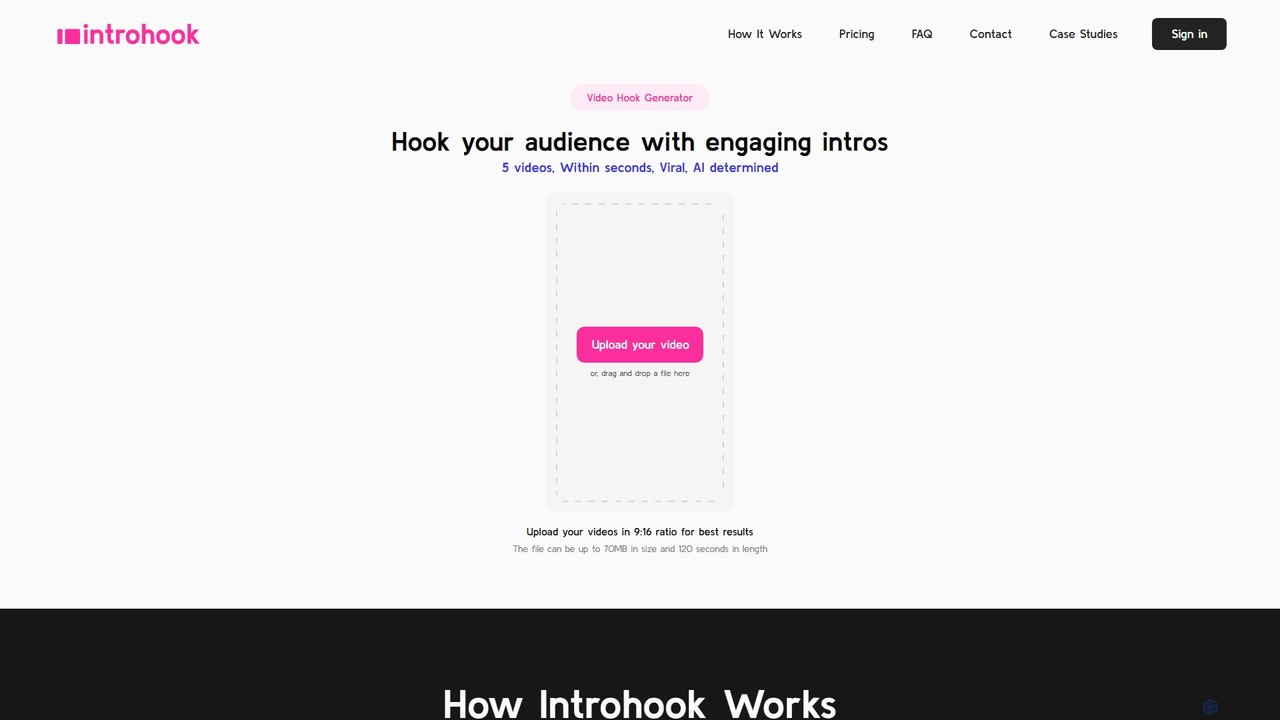
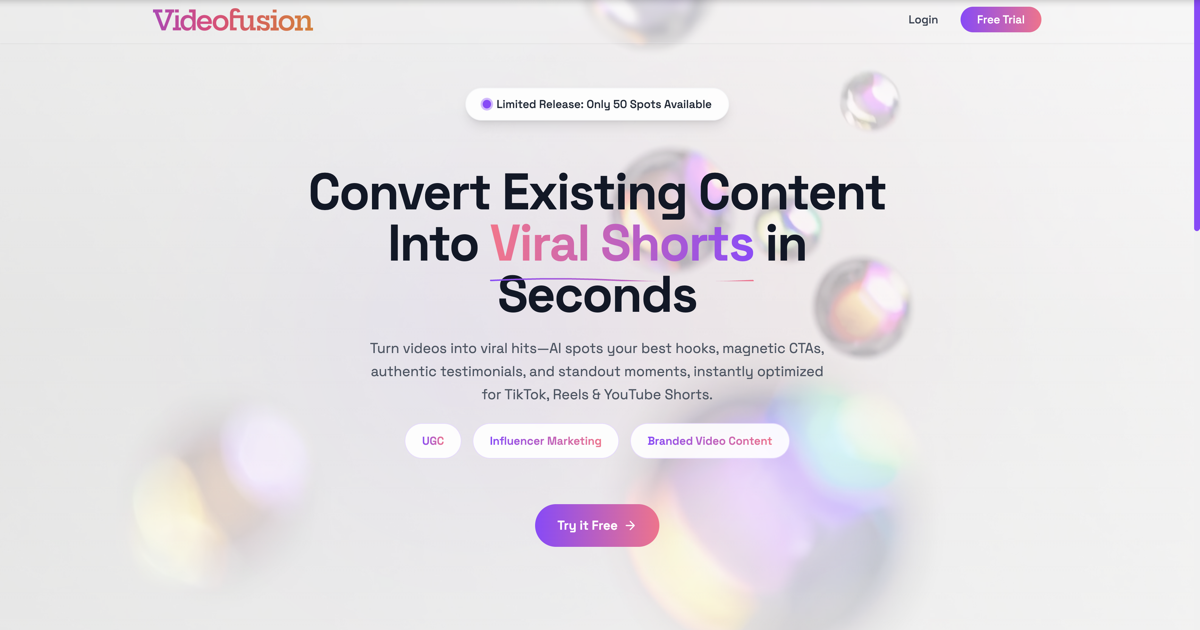
Introhook is an AI-powered video hook generator designed to boost viewer engagement for short-form videos. It automatically adds captivating, AI-selected intros to your content, helping you capture audience attention in the critical first few seconds and increase the chances of your videos going viral on platforms like TikTok, Instagram Reels, and YouTube Shorts.

Advertising
Visits 6KFavorites 141Likes 144
SliceTube
Freemium

SliceTube

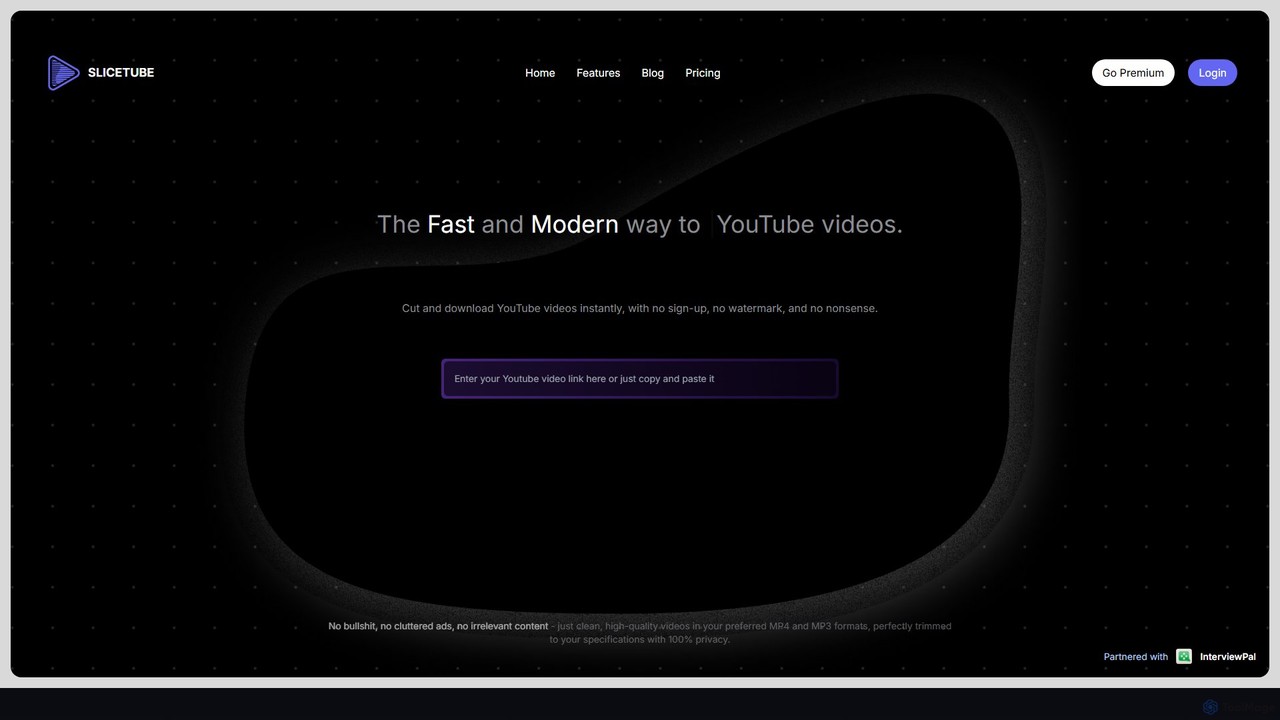
SliceTube is a fast, modern web tool for instantly cutting, trimming, and downloading YouTube videos. It offers a clean, ad-free experience with no watermarks. Users can download clips in high-quality formats like MP4, MP3, and WEBM, with support for up to 4K resolution. It's perfect for content creators, students, and anyone needing to quickly repurpose YouTube content without complex software or sign-ups.

Downloader
Visits 499.7KFavorites 159Likes 149
IdentifAI
Freemium

IdentifAI

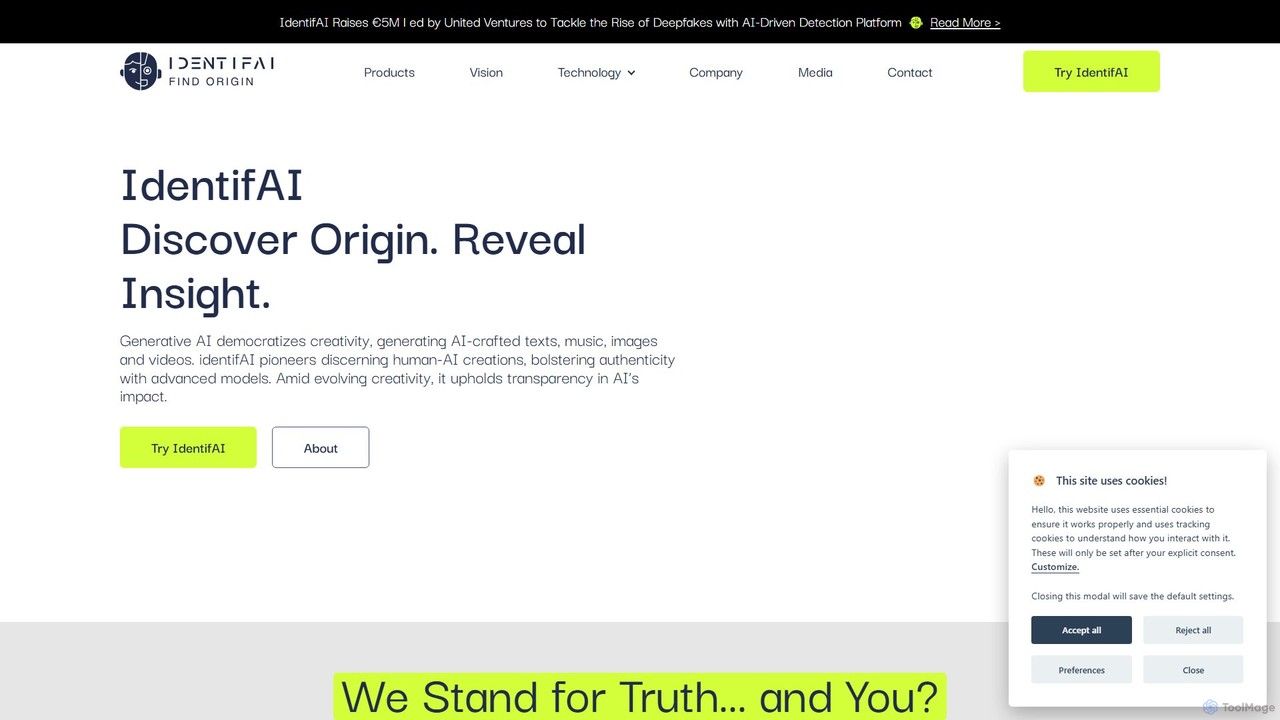
IdentifAI is an advanced AI detection platform designed to identify AI-generated or manipulated content. It analyzes images, videos, and audio files to detect deepfakes and other synthetic media, ensuring content authenticity and integrity. With both a user-friendly web application and a powerful API, it serves individuals, developers, and enterprises in combating misinformation and digital fraud.

Api
Visits 8.9KFavorites 142Likes 140
Lazybird
Freemium

Lazybird

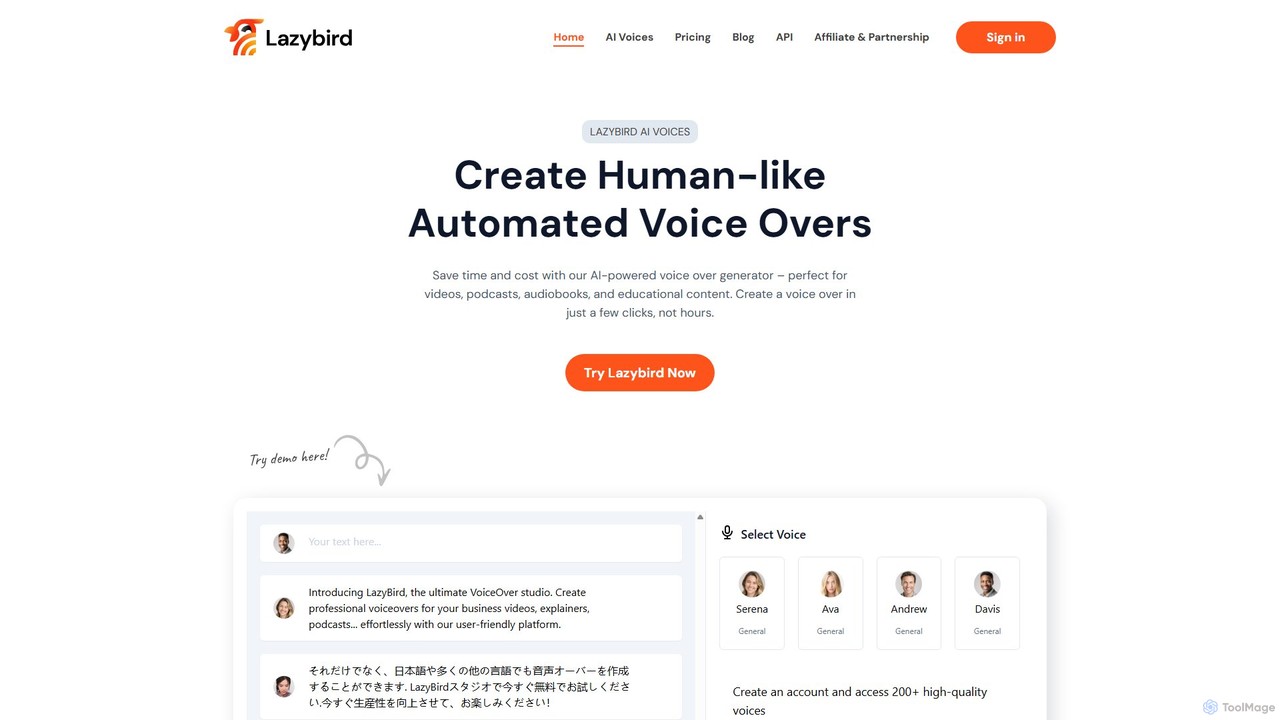
Lazybird is an AI-powered text-to-speech generator that creates high-quality, human-like voice-overs for various content types. With over 200 voices in 100+ languages, it's perfect for videos, podcasts, audiobooks, and educational materials. The platform offers detailed customization of pitch, speed, and pauses, along with voice cloning capabilities. Its cost-effective, pay-as-you-go model makes it accessible for creators and businesses of all sizes.

Text To Speech
Visits 19.6KFavorites 152Likes 160
Clipchamp
Freemium

Clipchamp

Clipchamp is a user-friendly, AI-powered online video editor from Microsoft. It enables everyone, from beginners to professionals, to create stunning videos with features like AI-driven text-to-speech, automatic subtitles, and smart editing tools. Available on browsers, Windows, and iOS, it's an all-in-one solution for content creators, businesses, and educators.

Text To Speech
Visits 7.2MFavorites 126Likes 133
AISaver
Freemium

AISaver

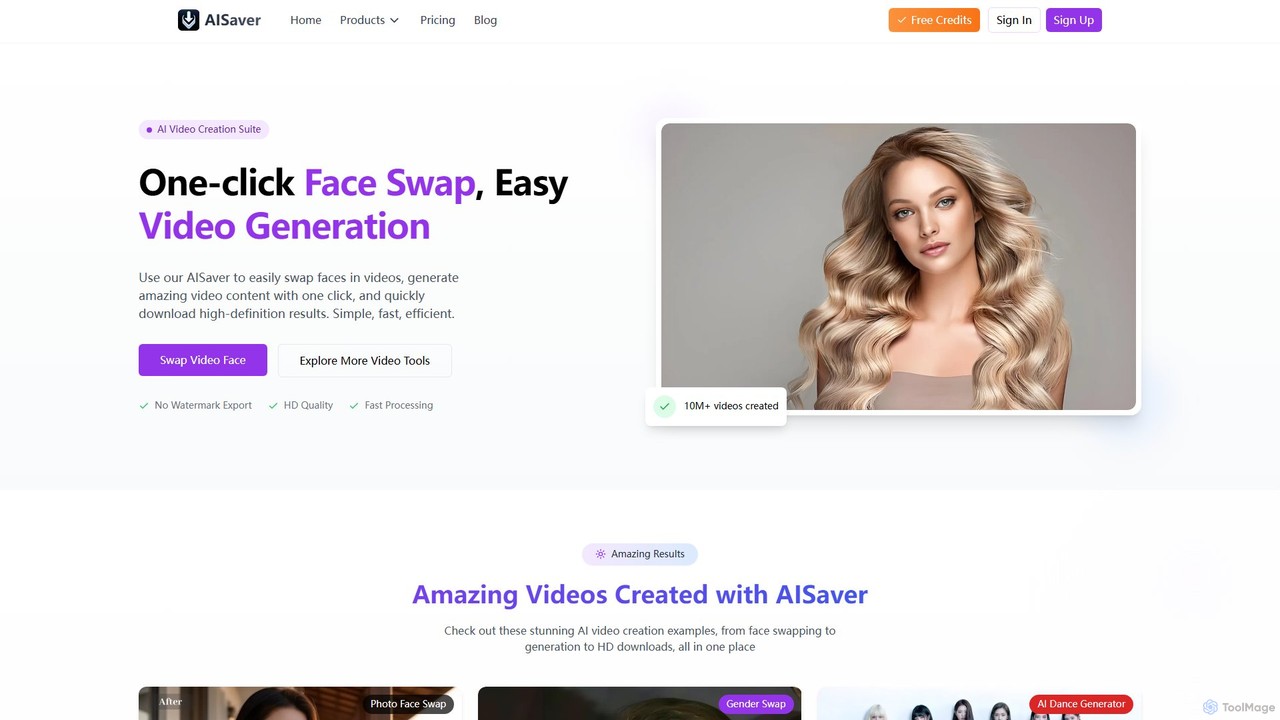
AISaver is a comprehensive AI video creation suite offering one-click face swapping, video generation from images and text, video enhancement, and a powerful video downloader. It's designed for users of all skill levels to create high-quality, engaging video content quickly and efficiently, without watermarks.

Face Swap
Visits 93.5KFavorites 145Likes 125
Simplified
Freemium

Simplified

Simplified is an all-in-one AI marketing platform designed for modern teams. It integrates graphic design, video editing, AI writing, and social media management into a single, collaborative workspace. Create, collaborate, and scale your marketing content effortlessly with powerful AI tools, extensive templates, and seamless workflow automation.

Writing
Visits 483.8KFavorites 135Likes 145
Presentory
Freemium

Presentory

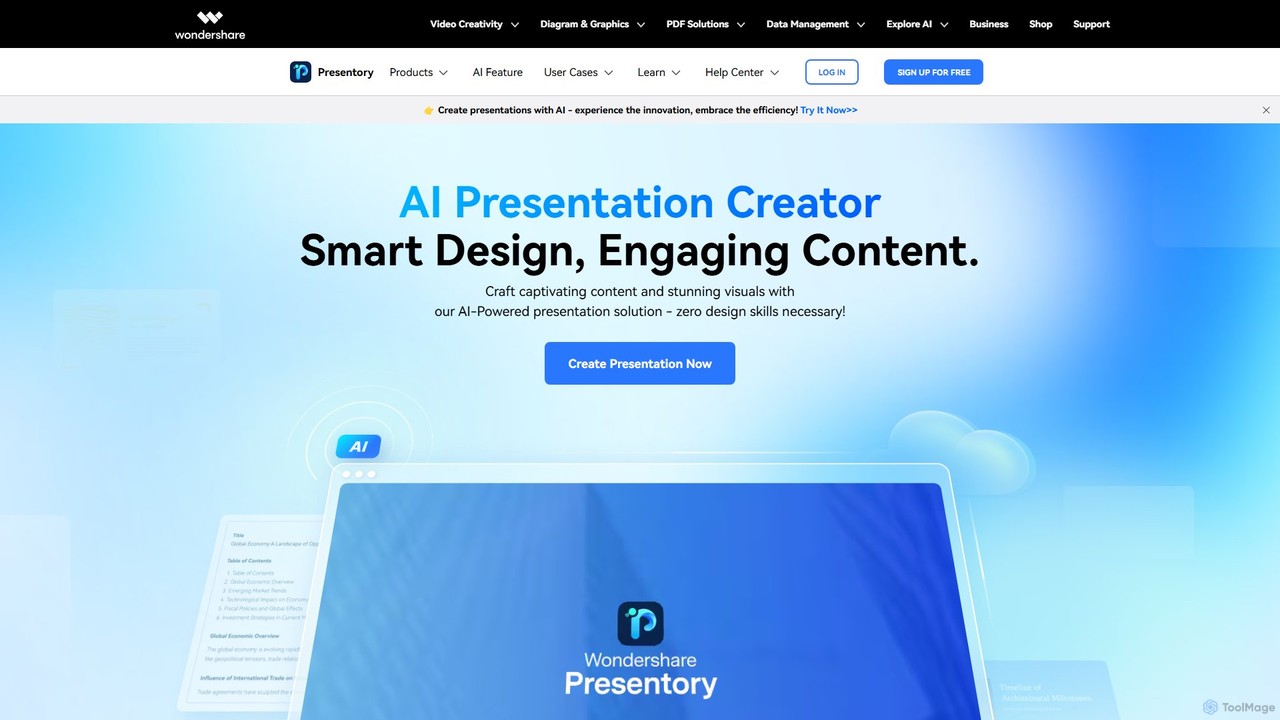
Presentory is an AI-powered presentation maker by Wondershare that enables users to create professional and engaging presentations effortlessly. Leveraging GPT-4, it automates content generation, visual design, and layout adjustments. Ideal for business, education, and marketing, it requires no design skills and offers features like AI image generation, video presentation recording, and seamless sharing in various formats.

Elearning
Visits 15.2KFavorites 109Likes 120
Text2Audio
Free

Text2Audio

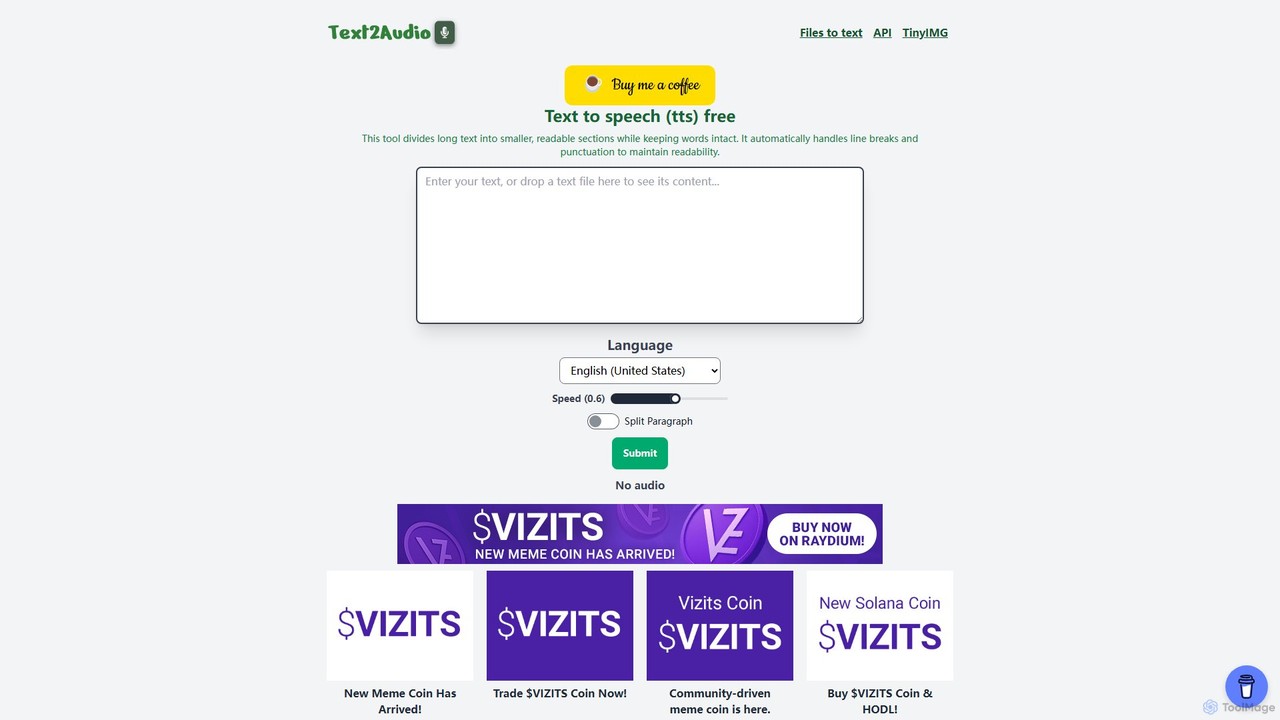
Text2Audio is a free, web-based text-to-speech (TTS) tool that converts written text into natural-sounding audio. It supports a vast array of languages, allows for voice speed customization, and provides instant MP3 downloads. Ideal for content creators, students, and accessibility purposes.

Text To Speech
Visits 5.8KFavorites 142Likes 157
falcocut
Freemium

falcocut

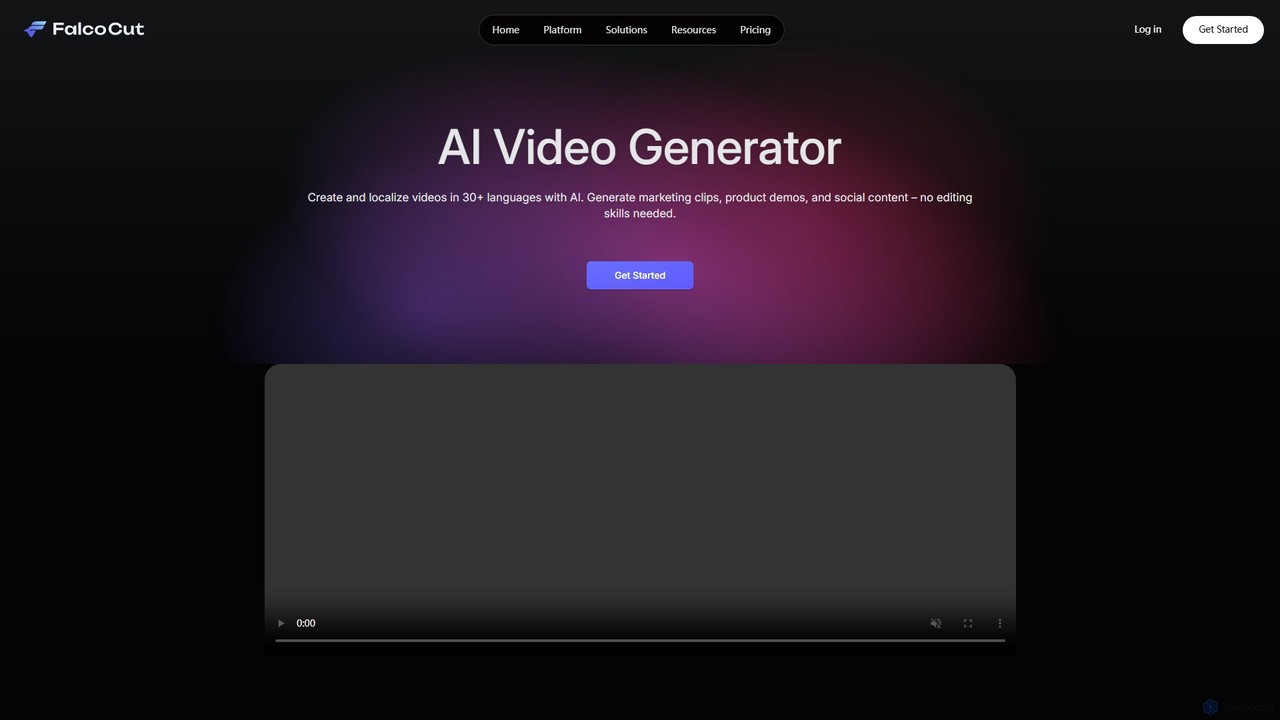
FalcoCut is an AI-powered video generator designed for creating and localizing social media and marketing content. It enables users to translate videos into over 30 languages with features like realistic lip-sync, voice cloning, and AI avatars. No advanced editing skills are required, making it ideal for marketers, content creators, and businesses aiming for a global audience.

Voice Cloning
Visits 5.8KFavorites 148Likes 153
Meitu
Freemium

Meitu

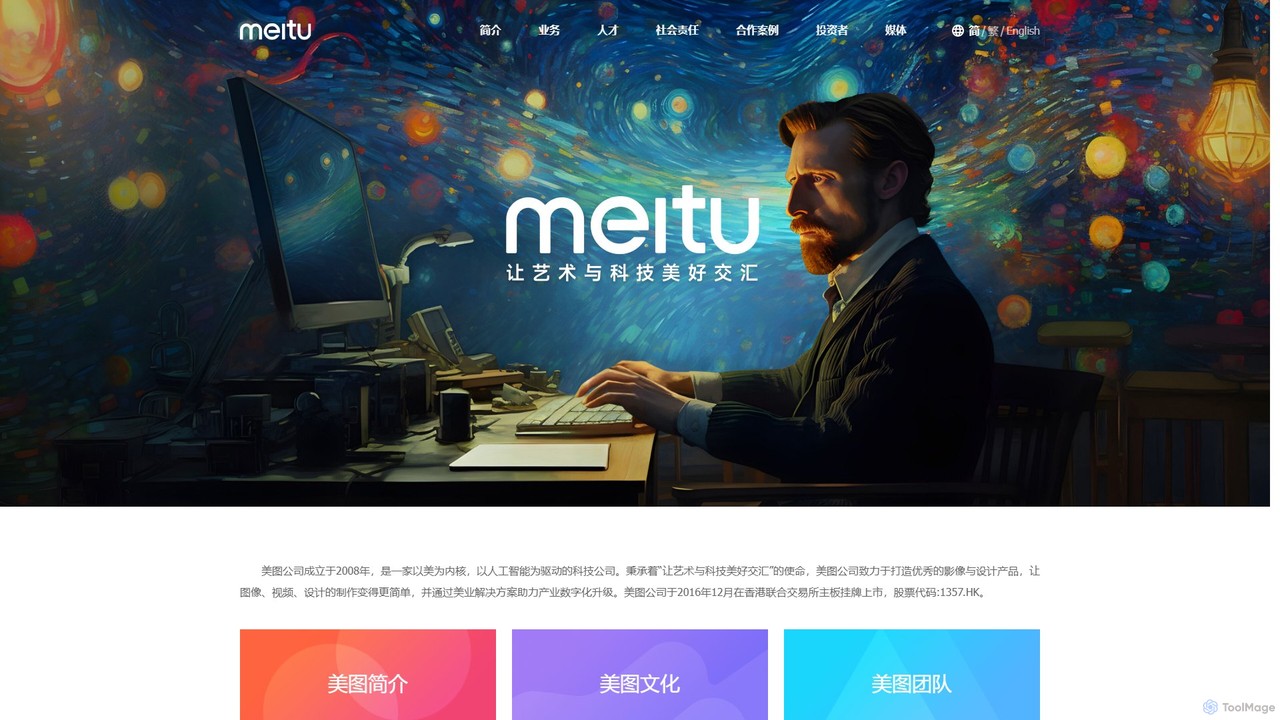
Meitu is a comprehensive suite of AI-powered tools for photo and video editing, graphic design, and professional creative workflows. It simplifies complex tasks like photo retouching, video quality restoration, and content creation, making advanced editing accessible to everyone from casual users to businesses.

Graphic Design
Visits 935.3KFavorites 152Likes 156
TubeOnAI
Freemium

TubeOnAI

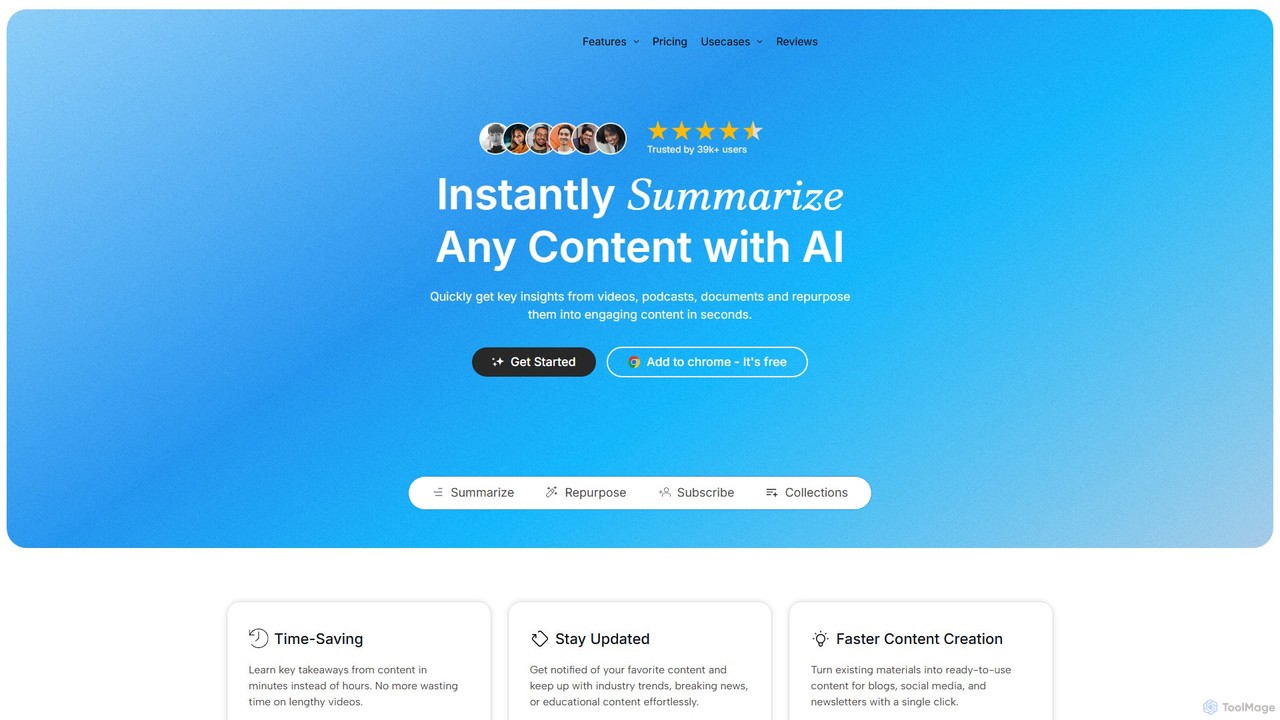
TubeOnAI is an all-in-one AI-powered platform that instantly summarizes diverse content like YouTube videos, podcasts, web articles, and documents (PDFs, Google Docs). It also excels at repurposing this content into various formats such as blog posts, social media threads, and video scripts, significantly boosting productivity for creators, marketers, and students.

Repurposing
Visits 119.5KFavorites 164Likes 156
Claap
Freemium

Claap

Claap is an AI-powered meeting and sales intelligence platform that automatically records, transcribes, and summarizes video meetings. It helps sales teams automate administrative tasks, understand deal-winning patterns, and accelerate rep onboarding, turning conversations into actionable insights.

Feedback Management
Visits 157.7KFavorites 128Likes 131
aifaceswap
Freemium

aifaceswap

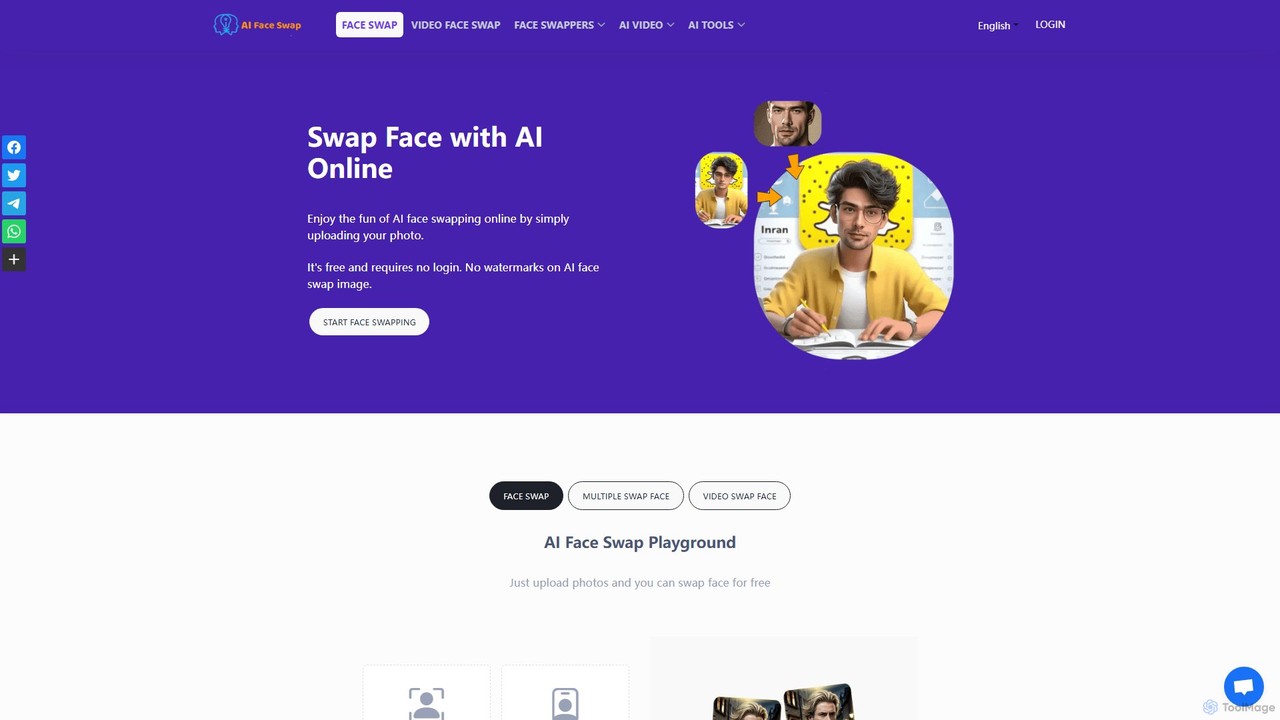
A powerful and free online AI tool for seamlessly swapping faces in both images and videos. Create hilarious memes, transform into celebrities, or produce high-quality video edits in seconds without any sign-up required for basic features.

Face Swap
Visits 6.6MFavorites 120Likes 111
Lumen Digital
Freemium

Lumen Digital

Lumen Digital is an AI-powered creative suite for generating and enhancing stunning visual content. Ideal for artists, marketers, and creators, it offers advanced tools for AI image generation, video enhancement, and dynamic lighting effects to bring your creative visions to life with cinematic quality.

Digital Art
Visits 5.9KFavorites 118Likes 124
360 Bangong
Freemium

360 Bangong

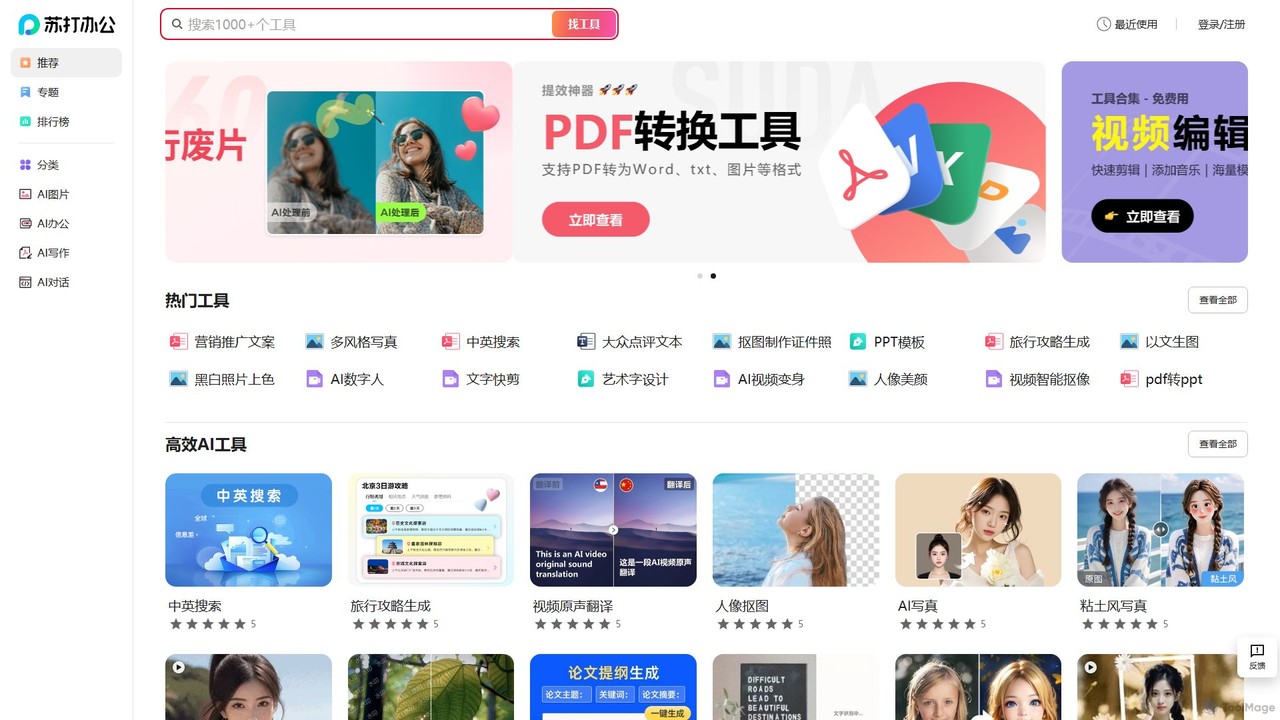
360 Bangong is an all-in-one AI-powered office and creative suite developed by 360. It integrates a vast array of tools for writing, image generation and editing, video creation, PDF conversion, and design, aiming to significantly boost productivity for professionals, students, and content creators.

Image Generator
Visits 75.5KFavorites 157Likes 162
Video Tap
Freemium

Video Tap

Video Tap is an AI-powered platform that transforms a single video into over 10 different types of marketing content. It automatically generates SEO-optimized blog posts, viral social media clips, transcripts, summaries, emails, and more, saving creators and marketers hours of manual work.

Content Creation
Visits 18.3KFavorites 137Likes 153
kolorize
Freemium

kolorize

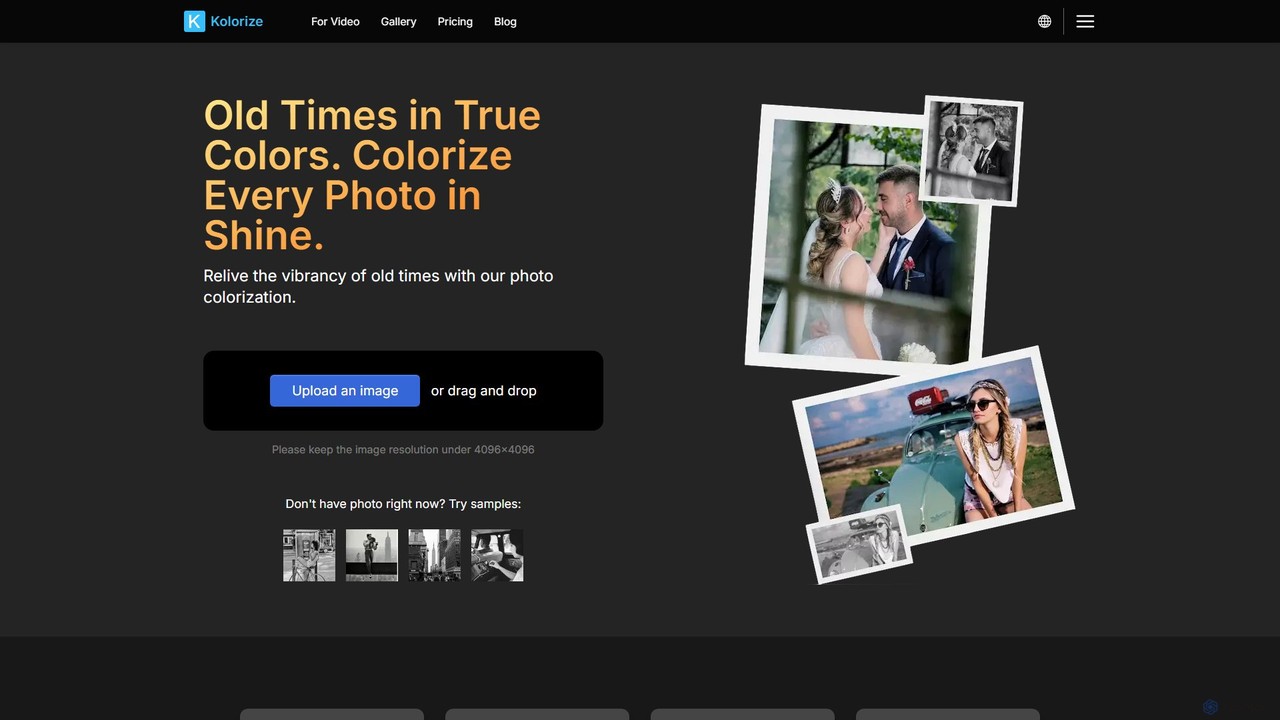
Kolorize is an AI-powered online tool that breathes new life into black and white photos and videos by adding realistic, vibrant colors. Using advanced proprietary algorithms, it can colorize monochrome images, restore faded colors, and even enhance video footage. It offers unlimited free previews, allowing users to pay only when they are satisfied with the result. It's perfect for reviving family memories, historical archives, and classic films.

Image Editing
Visits 131.3KFavorites 154Likes 127
Malloy
Freemium

Malloy

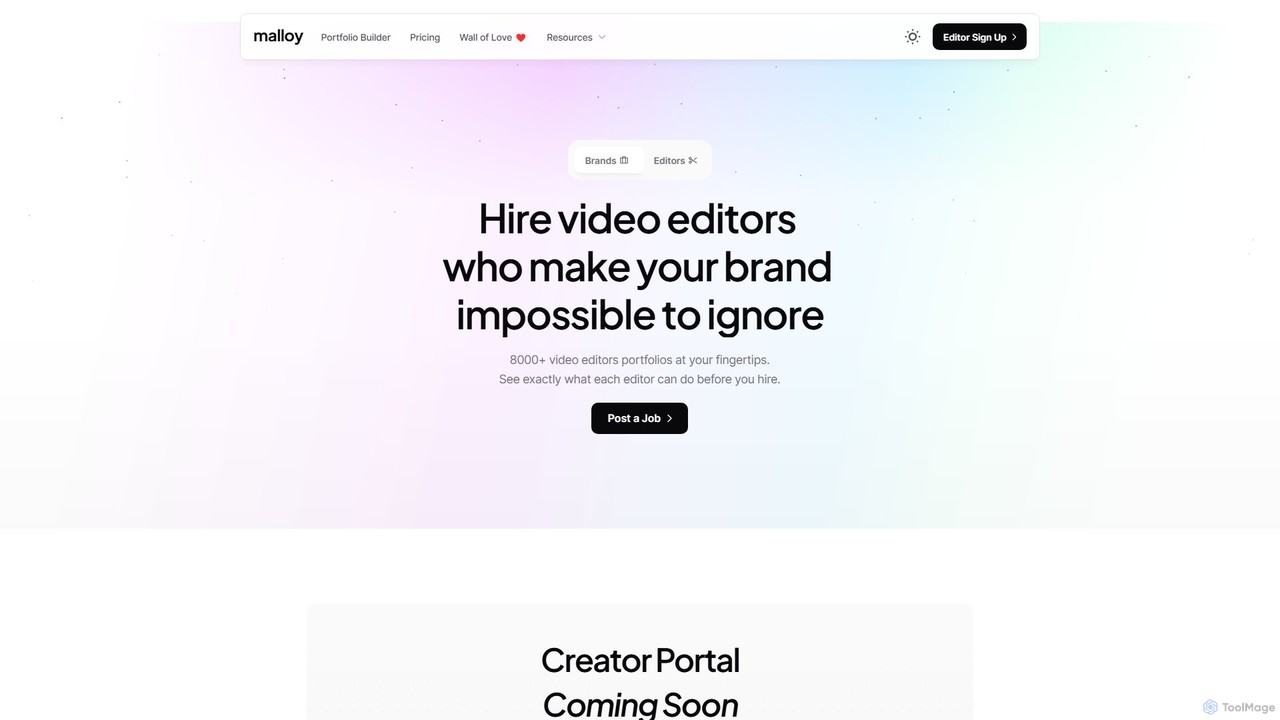
Malloy is a dual-purpose platform connecting brands with over 8,500 vetted video editors and empowering editors to build professional portfolios. It features an AI-powered search for hirers to find talent by niche and tools. For editors, it offers a quick portfolio builder with analytics, custom domains, and AI tools like a job scanner and creative prompts to streamline workflows and secure more clients.

Marketplace
Visits 175.7KFavorites 109Likes 109
Moyin
Freemium

Moyin

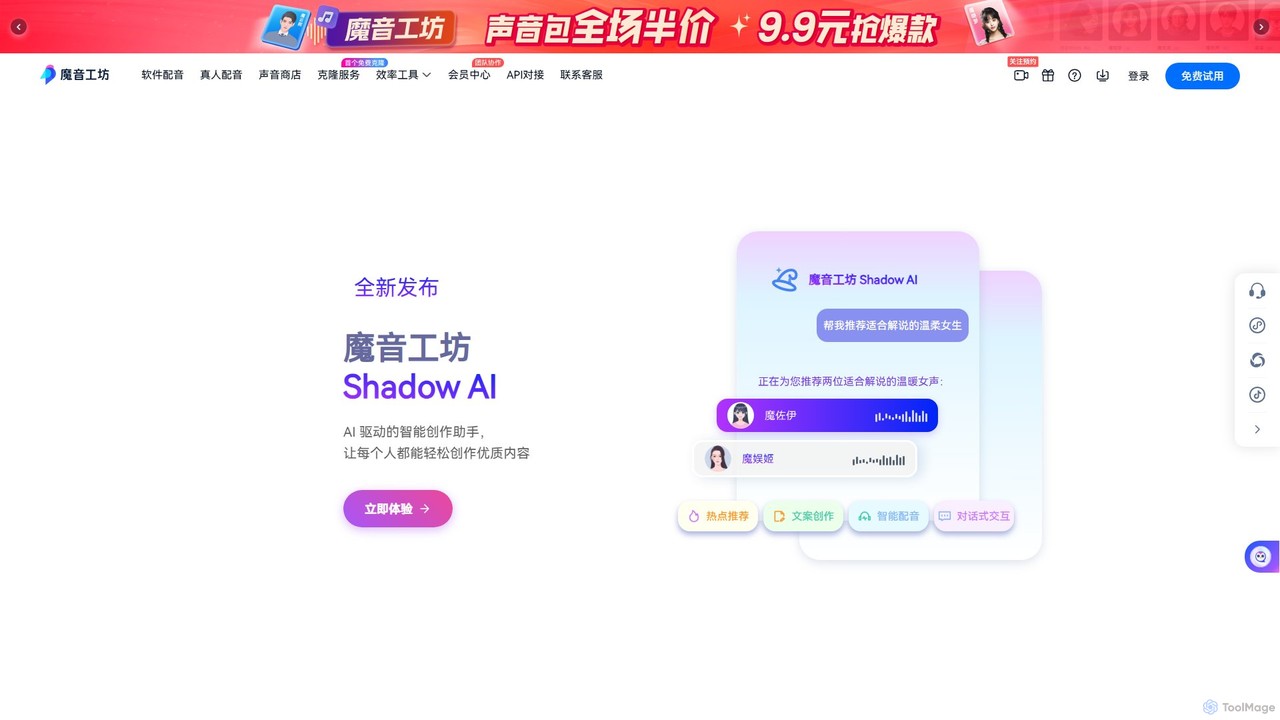
Moyin is an AI-powered voice generation and content creation platform, specializing in high-quality dubbing for short videos, audiobooks, and advertisements. It offers a vast library of over 1500 realistic voice styles, an advanced audio editor, and integrated video creation tools to streamline the entire content production workflow for creators and teams.

Voice Synthesis
Visits 80.1KFavorites 120Likes 140
Oomol
Freemium

Oomol

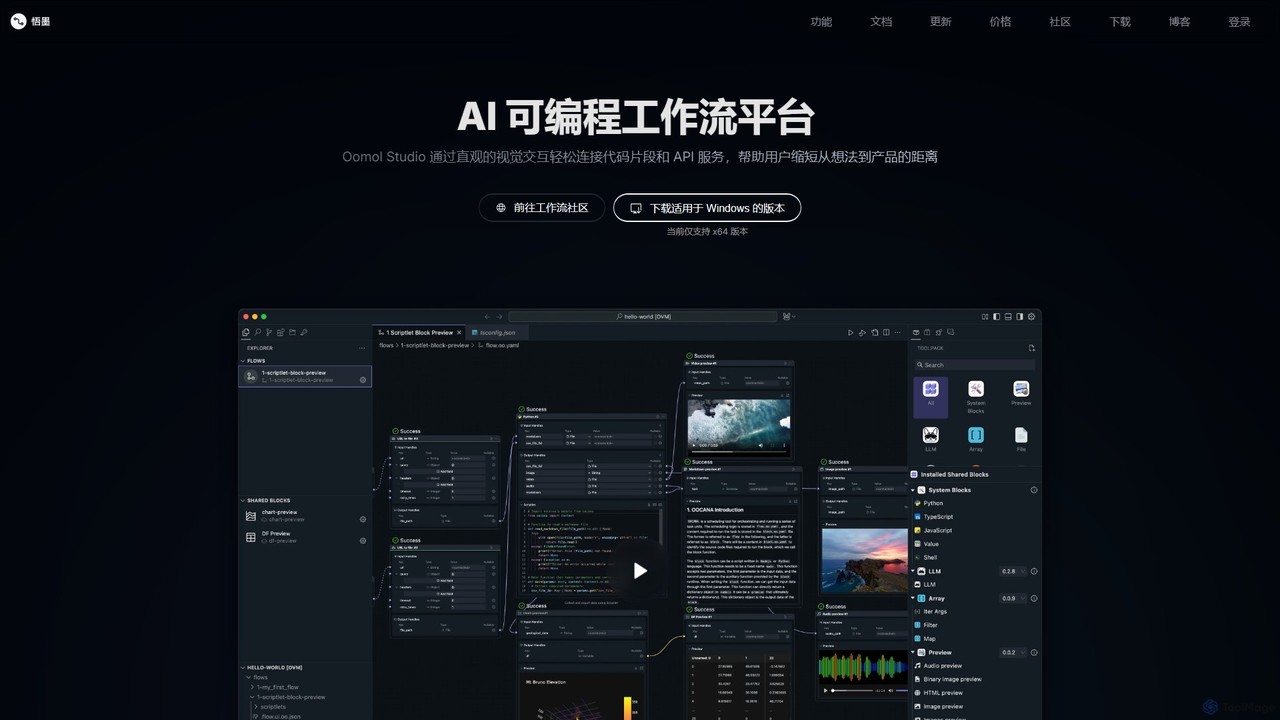
Oomol is an AI-programmable workflow platform that allows users to visually connect code snippets and APIs. It combines a drag-and-drop interface with a professional code editor, enabling rapid development and automation of tasks in data science, multimedia processing, and more, all within a unified, containerized environment.

Low Code No Code
Visits 38.9KFavorites 138Likes 139
soundifytext
Freemium

soundifytext

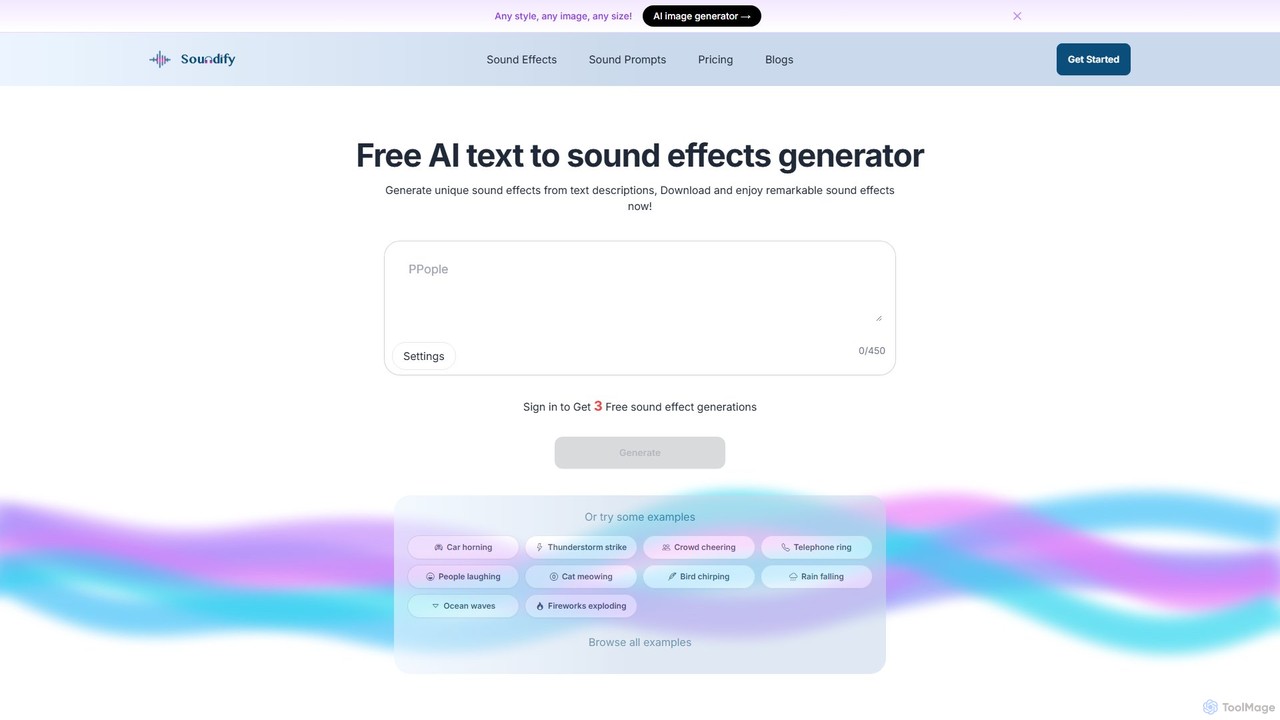
Soundifytext is an AI-powered sound effects generator that transforms text descriptions into unique, high-quality audio clips. Ideal for content creators, video editors, and game developers, it offers a fast, easy way to create custom, royalty-free sounds for any project, from TikTok videos to professional podcasts.

Sound Effects
Visits 8.7KFavorites 154Likes 137
DVDFab
Freemium

DVDFab

DVDFab is a comprehensive multimedia toolkit for DVD/Blu-ray/4K UHD backup, ripping, and conversion. It features AI-powered video enhancement to upscale resolution up to 8K, convert SDR to HDR, and denoise footage. The suite also includes tools for downloading videos and music from over 1000 streaming services.

Audio Editing
Visits 724.7KFavorites 131Likes 111

About Video Editing

AI Video Editing tools are applications that leverage artificial intelligence to automate and enhance the video creation process. These tools use machine learning algorithms to analyze video content, enabling features like automated scene detection, smart reframing, and text-based editing. This significantly accelerates post-production workflows, allowing creators to produce high-quality content faster and more efficiently. AI-powered features handle tedious tasks, freeing up editors to focus on creative storytelling and polishing the final product.

Core Features

  • Automated Scene Detection: Intelligently identifies and splits clips based on scene changes, camera angles, or content shifts, saving hours of manual logging.
  • Text-Based Video Editing: Automatically transcribes video audio, allowing you to edit the video by simply editing the text transcript.
  • Smart Reformatting: Automatically reframes horizontal video for vertical formats (like TikTok or Reels), keeping the main subject in the frame.
  • AI-Powered Effects & Enhancement: Applies advanced color grading, background removal, noise reduction, and style transfers with minimal user input.
  • Filler Word Removal: Automatically detects and removes filler words (e.g., 'um', 'ah') and long pauses from speech-heavy videos.

Use Cases

AI Video Editing tools are ideal for social media managers, content creators, and marketing teams who need to produce a high volume of content quickly. They are also valuable for corporate trainers creating educational materials and journalists on tight deadlines. Any workflow involving transcription, repurposing content for different platforms, or cleaning up interview footage can benefit immensely.

How to Choose

When selecting an AI Video Editing tool, first evaluate the specific AI features that match your workflow—do you need text-based editing or smart reframing most? Consider its integration capabilities with traditional editing software like Adobe Premiere Pro or Final Cut Pro. Also, assess the tool's performance and processing speed, especially for high-resolution footage. Finally, compare pricing models, whether subscription-based or pay-per-use, to align with your budget and project frequency.

Featured tool rankings

Video Editing use cases

1

Repurpose Long-Form Content for Social Media

A content marketer needs to adapt a 20-minute webinar into multiple short clips for TikTok, Instagram Reels, and YouTube Shorts. Instead of manually scrubbing through the footage to find engaging moments, they use an AI video editor. The tool automatically transcribes the entire webinar, identifies key topics and viral-worthy soundbites, and suggests several short clips. Using the smart reformatting feature, it instantly converts the 16:9 video into vertical 9:16 clips, automatically keeping the speaker centered. This process reduces a day's work to under an hour.

2

Streamline Documentary and Interview Editing

A documentary filmmaker has hours of interview footage to sift through. Using an AI video editor with text-based editing, the entire audio is transcribed in minutes. The filmmaker can now search for keywords to instantly find relevant sections. Instead of setting in and out points on a timeline, they simply highlight the desired text in the transcript, and the corresponding video clips are added to the sequence. They can also delete text to remove sections of video, making the rough cut assembly process as easy as editing a text document and saving dozens of hours.

3

Automate Highlight Reel Generation for Gaming

A Twitch streamer wants to create a weekly highlight reel for their YouTube channel but lacks the time to re-watch hours of streams. They upload their raw stream recordings to an AI video editing tool. The AI, trained on gaming content, automatically detects key moments like kills, victories, and funny reactions. It then compiles these clips into a draft highlight reel, even adding simple transitions. The streamer only needs to spend a few minutes reviewing, reordering clips, and adding their own commentary, turning a multi-hour editing task into a 30-minute process.

4

Enhance Corporate Training Videos Efficiently

An HR department records a virtual training session led by a manager. The raw footage contains many filler words ('ums', 'ahs') and awkward pauses. Using an AI video editor, the training coordinator can automatically remove all filler words and shorten long silences with a single click. The tool also auto-generates accurate subtitles, which can then be translated into multiple languages for a global workforce. This transforms a rough recording into a professional, easy-to-follow training module without needing a professional video editor.

5

Apply Creative Visual Effects without Technical Skills

An independent musician wants to create a visually striking music video on a tight budget. They lack the skills for complex visual effects like rotoscoping or style transfer. Using an AI video editor, they can upload their performance footage and apply various artistic styles with a single click, transforming their video to look like a painting or an animation. The AI handles the frame-by-frame processing automatically. They can also use AI background removal to place themselves in different virtual environments without a green screen, achieving a high-production look with minimal effort and cost.

6

Fast-Track News Package Production

A broadcast journalist covering a live event needs to produce a news package for airtime in two hours. They upload field interviews and B-roll footage to an AI editing platform. The AI instantly transcribes all interviews, allowing the journalist to quickly find the most impactful quotes. Using scene detection, the tool automatically logs and categorizes the B-roll footage. The journalist can then quickly assemble a sequence by dragging relevant transcript sections and suggested B-roll clips onto a timeline. This rapid assembly process allows them to meet the tight deadline, a task that would be nearly impossible with traditional editing workflows.

Video Editing FAQ

What is AI Video Editing?

AI Video Editing refers to using software that incorporates artificial intelligence to automate or assist in the video post-production process. Unlike traditional editors that rely entirely on manual commands, AI tools can analyze content to perform tasks like automatically detecting scenes, transcribing audio for text-based editing, removing filler words, or reframing shots for different aspect ratios. The primary goal is to handle repetitive and time-consuming tasks, allowing human editors to focus more on creative aspects like storytelling and pacing.

How is AI Video Editing different from traditional editors like Adobe Premiere Pro?

The main difference lies in automation and content awareness. Traditional editors like Premiere Pro or Final Cut Pro are powerful toolkits that require the user to perform every action manually. AI video editors act as an intelligent assistant within the editing process. For example:

  • Traditional: You manually watch footage and set in/out points to create clips.
  • AI: The tool can automatically identify scenes or highlight key moments for you.
  • Traditional: You manually sync audio and create subtitles.
  • AI: The tool auto-transcribes and syncs subtitles, and even allows editing the video by editing the text.

Many AI tools are designed to complement, not replace, traditional editors. They speed up the initial rough cut and preparation stages, with the final polish often still done in a traditional NLE (Non-Linear Editor).

Who should use AI Video Editing tools?

AI video editing tools are beneficial for a wide range of users. They are particularly useful for:

  • Content Creators & YouTubers: To quickly edit vlogs, tutorials, and gaming videos by automating tasks like cutting silences and generating subtitles.
  • Social Media Managers: To rapidly repurpose one piece of content into multiple formats for different platforms (e.g., 16:9 to 9:16).
  • Marketers: To efficiently create promotional videos, testimonials, and webinar highlights without a large production team.
  • Educators & Corporate Trainers: To clean up lecture recordings and create professional-looking training materials with ease.
  • Beginners: To produce high-quality videos without needing to learn the complex interfaces of professional editing software.
How do I choose the right AI Video Editing tool?

Choosing the right tool depends on your specific needs. Consider these factors:

  • Primary Use Case: Are you mainly editing interviews (look for text-based editing), creating social media clips (prioritize smart reframing), or producing vlogs (filler word removal is key)?
  • Workflow Integration: Does the tool export projects or XML files that can be opened in professional software like Premiere Pro or DaVinci Resolve for final color grading and sound mixing?
  • Ease of Use: Evaluate the user interface. Some tools are designed for absolute beginners, while others offer more advanced controls for experienced editors.
  • Pricing Model: Compare subscription costs, pay-per-minute of video processed, or one-time purchase options. Choose one that aligns with your project volume and budget.
  • Performance: Check reviews or use trial versions to assess how quickly the tool processes and exports your videos, especially with 4K or higher resolution footage.
Can AI completely replace human video editors?

Currently, AI is best viewed as a powerful assistant rather than a complete replacement for human editors. AI excels at objective, repetitive, and data-driven tasks like transcription, scene detection, and removing simple errors. However, it lacks the nuanced understanding of storytelling, emotional pacing, comedic timing, and creative intent that a human editor brings to a project. The most effective workflow often involves using AI to handle the tedious 80% of the work (like organizing footage and creating a rough cut), freeing up the human editor to focus on the creative 20% that truly elevates the final product.