ToolMage
Sign in
Fenvox
Web Development · 1.5K monthly visits

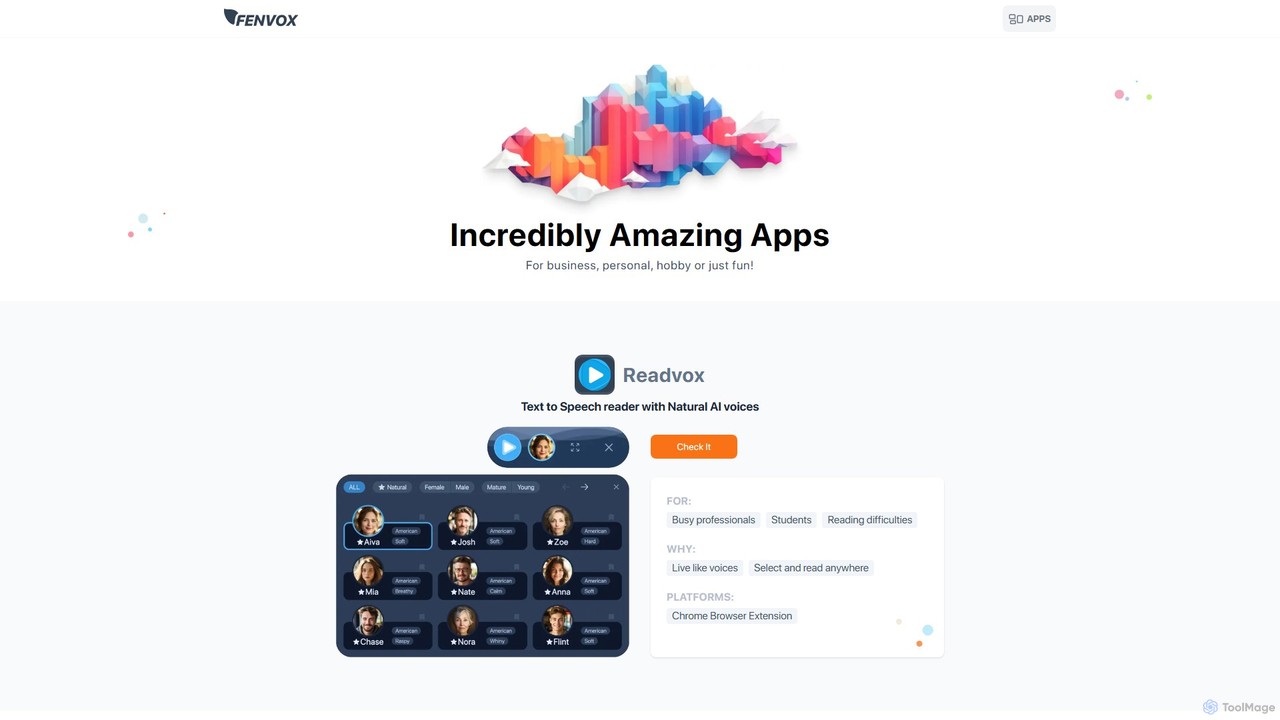
Fenvox is a versatile suite of applications designed for business, creativity, and personal productivity. It offers a range of tools, from team activity analytics and text-to-speech readers to creative generators for artists and handy toolkits for developers. Each app is crafted to solve specific problems and enhance workflows across different domains.
VS
Readvox
Chrome Extensions · 44.7K monthly visits

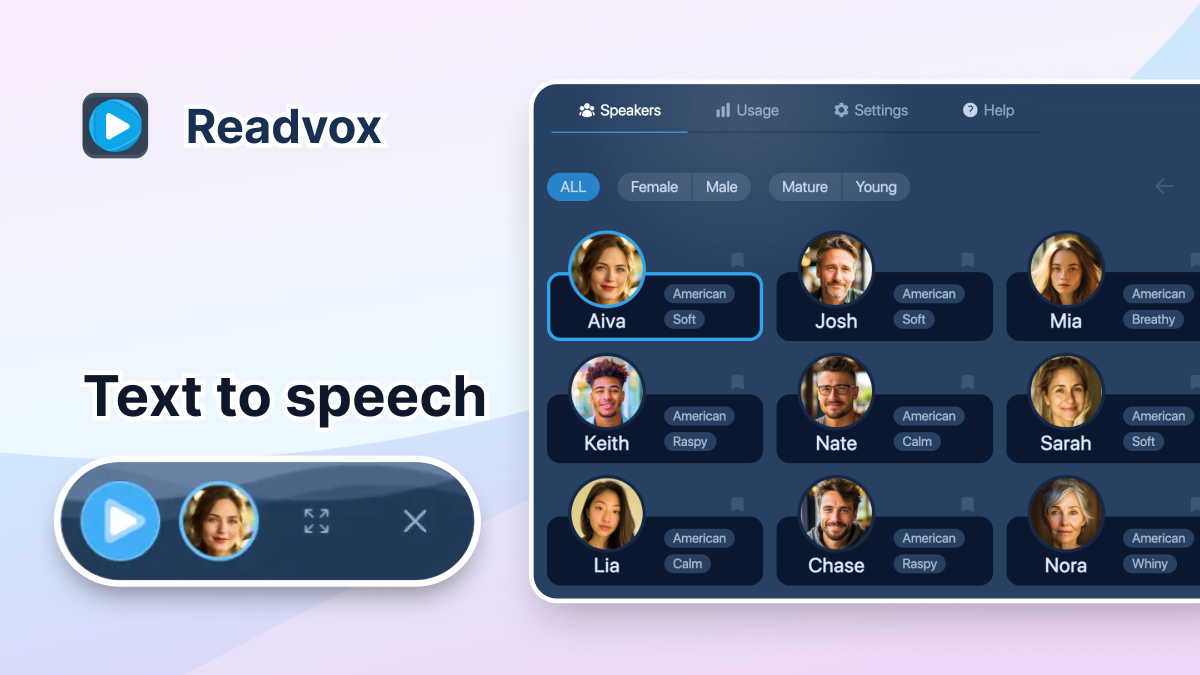
Readvox is an AI-powered text-to-speech Chrome extension that converts web pages, PDFs, and Google Docs into natural-sounding audio. Listen to articles, books, and documents while multitasking, improving productivity and accessibility with its high-quality voices and customizable reading controls.

Fenvox vs Readvox: pricing, features, traffic, and use cases

Compare Fenvox and Readvox across positioning, pricing, traffic, and user feedback using structured factual data.

Updated Aug 19, 2026

Product overview

Fenvox Product overview

Fenvox is a versatile suite of applications designed for business, creativity, and personal productivity. It offers a range of tools, from team activity analytics and text-to-speech readers to creative generators for artists and handy toolkits for developers. Each app is crafted to solve specific problems and enhance workflows across different domains.

Preview

Readvox Product overview

Readvox is an AI-powered text-to-speech Chrome extension that converts web pages, PDFs, and Google Docs into natural-sounding audio. Listen to articles, books, and documents while multitasking, improving productivity and accessibility with its high-quality voices and customizable reading controls.

Preview

Detailed feature comparison

FeatureFenvoxReadvox
Primary categoryWeb DevelopmentChrome Extensions
Added2025-08-042025-08-06
PricingFreemiumFreemium
Official websitefenvox.comreadvox.com
Product typeWebsiteBrowser extension
Performance data
User ratingNot verifiedNot verified
Comments00
Monthly visits1.5K44.7K
Monthly growth2377%6.6%
Favorites131105
DetailsView detailsView details

Fenvox vs Readvox monthly traffic

Compare Fenvox and Readvox by monthly reach, traffic trend, visit depth, top regions, and acquisition sources.

How to interpret the traffic data

In the Fenvox vs Readvox monthly traffic comparison, Fenvox currently shows 1.5K visits and Readvox shows 44.7K; Readvox has about 29.6 times the visible traffic of Fenvox, an absolute difference of about 43.2K visits. This reflects visible reach, not feature quality or paid users.

Both tools provide verified traffic details, so monthly trends, visit depth, regions, and acquisition sources can be compared on the same basis.

Fenvox monthly traffic:

Latest traffic

Monthly visits
1.5K
Avg. visit duration
0:27
Pages per visit
2.67
Bounce rate
35.88%
Data updated 2026-06-15

Monthly traffic trend

  • 2025/9: 5.8K Monthly visits
  • 2026/1: 1.2K Monthly visits
  • 2026/2: 3K Monthly visits
  • 2026/3: 932 Monthly visits
  • 2026/4: 61 Monthly visits
  • 2026/5: 1.5K Monthly visits

Top regions

Top 5 countries/regions
Country/regionPercentageTraffic
🇮🇩Indonesia65.67%992
🇫🇷France34.33%519

Search keywords

random silhouettes generatortella prompt

Readvox monthly traffic:

Latest traffic

Monthly visits
44.7K
Avg. visit duration
0:48
Pages per visit
1.88
Bounce rate
44.16%
Data updated 2026-06-11

Monthly traffic trend

  • 2025/9: 53.3K Monthly visits
  • 2026/1: 45.1K Monthly visits
  • 2026/2: 51.5K Monthly visits
  • 2026/3: 36.2K Monthly visits
  • 2026/4: 42K Monthly visits
  • 2026/5: 44.7K Monthly visits

Top regions

Top 5 countries/regions
Country/regionPercentageTraffic
🇺🇸United States57.82%25.9K
🇧🇷Brazil20.66%9.2K
🇩🇪Germany7.61%3.4K
🇬🇧United Kingdom7.57%3.4K
🇨🇦Canada6.34%2.8K

Traffic sources

Source typePercentageTraffic
Direct90.15%40.3K
Referral9.04%4K
Email0.81%362

Search keywords

how to increase anabolic statereadvoxreadvox cancel subscriptionreadvox says refresh and try again. i refreshed, but it still says the same thing.why is readvox starting over after i unpause?
Traffic-based selection guidance: If public market visibility is an important first-pass criterion, investigate Readvox first. The final choice should still follow taxonomy, use case, and a real trial because higher traffic does not prove broader capabilities or better workflow fit.

Usage comparison

Compare the core capabilities of Fenvox and Readvox

Fenvox Core features

Text To Speech
Web Development
Team Management

Readvox Core features

Text To Speech
Chrome Extensions
Assistive Technology

Use cases

Fenvox Use cases

chrome extension
text to speech
art generator
color palette
css inspector
developer tools
employee monitoring
productivity analytics
silhouette generator
team management

Readvox Use cases

chrome extension
text to speech
accessibility
audio reader
google docs
kindle reader
pdf reader
productivity
read aloud
screen reader
TTS

Fenvox vs Readvox:In-depth comparison and selection guidance

First decide whether the products solve the same kind of need

This in-depth Fenvox vs Readvox comparison uses only the product records, taxonomy, audience, traffic, and community signals available on this page. Fenvox is primarily listed under “Web Development”, while Readvox is primarily listed under “Chrome Extensions”, so the first decision is whether your actual task matches their recorded scope.

The structured fields currently show these decision-relevant differences: Primary category (Fenvox: Web Development; Readvox: Chrome Extensions); Product type (Fenvox: Website; Readvox: Browser extension); Monthly visits (Fenvox: 1.5K; Readvox: 44.7K); Monthly growth (Fenvox: 2377%; Readvox: 6.6%); Favorites (Fenvox: 131; Readvox: 105). These facts are more useful for selection than brand visibility alone.

What market visibility and monthly traffic mean

In the Fenvox vs Readvox monthly traffic comparison, Fenvox currently shows 1.5K visits and Readvox shows 44.7K; Readvox has about 29.6 times the visible traffic of Fenvox, an absolute difference of about 43.2K visits. This reflects visible reach, not feature quality or paid users.

Both tools provide verified traffic details, so monthly trends, visit depth, regions, and acquisition sources can be compared on the same basis.

If public market visibility is an important first-pass criterion, investigate Readvox first. The final choice should still follow taxonomy, use case, and a real trial because higher traffic does not prove broader capabilities or better workflow fit.

Product positioning, use cases, and roles

Fenvox and Readvox currently overlap in shared categories: Text To Speech; shared tags: chrome extension and text to speech. This can place both on the same shortlist, but it does not prove equal implementation, depth, or cost.

Fenvox's unique categories/tags are Web Development, Team Management, art generator, color palette, css inspector, developer tools, employee monitoring, and productivity analytics; Readvox's are Chrome Extensions, Assistive Technology, accessibility, audio reader, google docs, kindle reader, pdf reader, and productivity. These unique fields are the strongest differentiators: validate the product whose recorded scope matches the task instead of following traffic alone.

What ratings, comments, and favorites can tell you

Fenvox has no verified rating, 0 comments, 131 favorites, and 142 likes;Readvox has no verified rating, 0 comments, 105 favorites, and 103 likes。

Neither product has enough rating or comment samples for a credible reputation ranking.

Selection guidance by actual need

When to evaluate Fenvox first

Put Fenvox on the priority trial list when the task aligns with “Web Development” and especially Web Development, Team Management, art generator, color palette, css inspector, and developer tools. This follows recorded positioning and does not imply unlisted capabilities are absent.

Fenvox also currently records: pricing is freemium, product type is website, 1.5K verified monthly visits, no verified user rating. Verify any hard requirement around price, platform, or reach before trial, and do not let sparse review data substitute for testing.

When to evaluate Readvox first

Put Readvox on the priority trial list when the task aligns with “Chrome Extensions” and especially Chrome Extensions, Assistive Technology, accessibility, audio reader, google docs, and kindle reader. This follows recorded positioning and does not imply unlisted capabilities are absent.

Readvox also currently records: pricing is freemium, product type is browser extension, 44.7K verified monthly visits, no verified user rating. Verify any hard requirement around price, platform, or reach before trial, and do not let sparse review data substitute for testing.

How to validate the recommendation before deciding

The available data describes positioning, public visibility, and community signals, but it cannot prove output quality, speed, integration effort, privacy, or long-term cost in your workflow. Before deciding, run the same representative tasks in Fenvox and Readvox, then record completion time, accuracy, manual corrections, and the real paid threshold. A like-for-like trial turns this comparison into a defensible adoption decision.

Comparison FAQ

How should I choose between Fenvox and Readvox?
Compare positioning, pricing, taxonomy, and traffic maturity, then verify the latest details on each official website.
Where does this comparison data come from?
The factual baseline is derived from product, taxonomy, traffic, and community data. Reviewed editorial conclusions show their source and verification date.
What do unknown fields mean?
Unknown means there is not enough reliable evidence; the page does not fill gaps with assumptions.

Related AI tools

Voice Out
Freemium

Voice Out

Voice Out is a leading text-to-speech (TTS) Chrome extension that converts any written content—from webpages and PDFs to Google Docs—into natural-sounding audio. Supporting over 60 languages with 100+ AI-powered voices, it enhances productivity, aids learning, and improves accessibility for all users. Listen to content while multitasking, proofread documents, or give your eyes a rest.

Screen Reader
Visits 78.8KFavorites 87Likes 77
GPT Reader
Free

GPT Reader

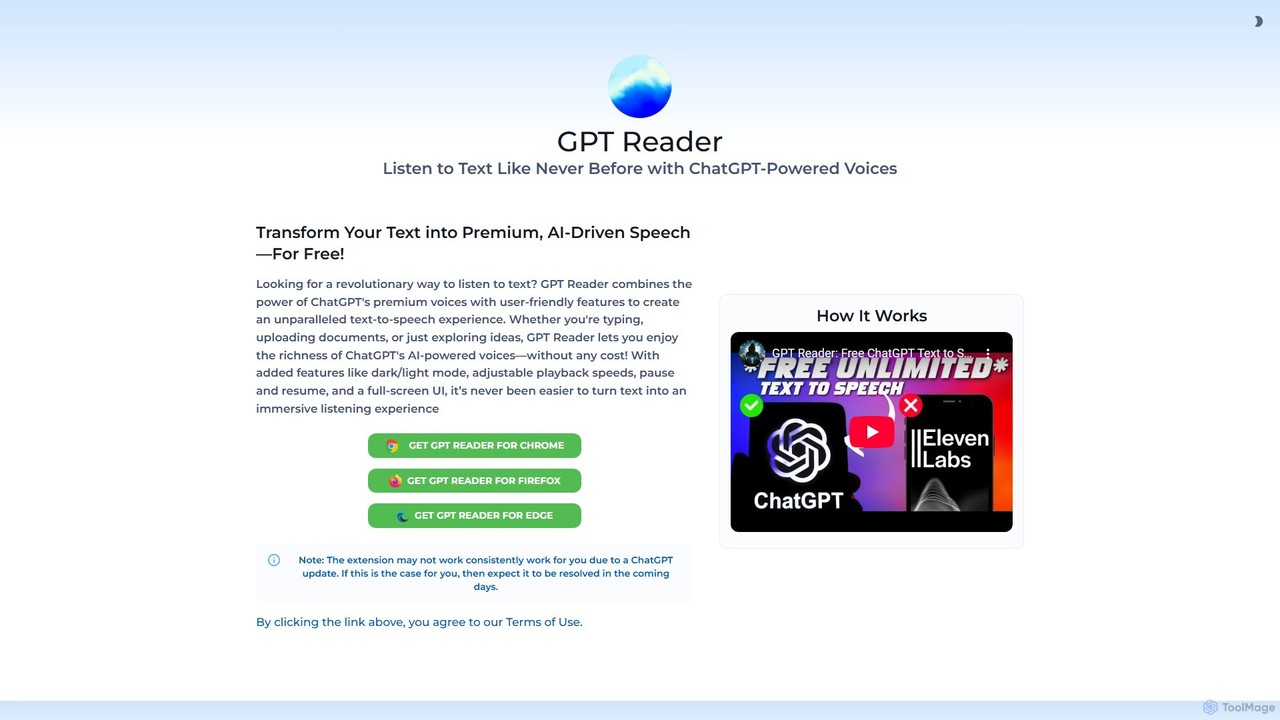
A free text-to-speech browser extension that uses premium, natural-sounding voices from ChatGPT. Convert articles, documents, and any selected text into high-quality audio for enhanced productivity and accessibility.

Screen Reader
Visits 49KFavorites 118Likes 126
Speak4Me
Freemium

Speak4Me

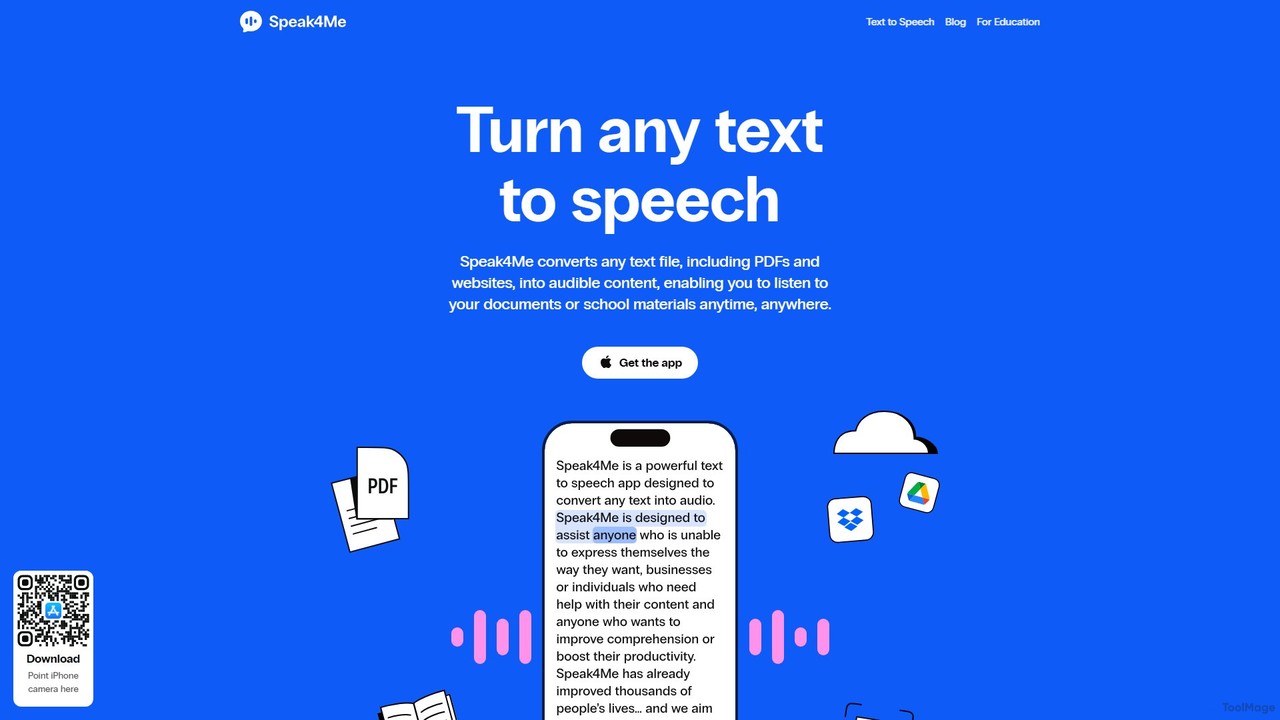
Speak4Me is an advanced text-to-speech iOS app that converts any text from documents, websites, or scanned pages into natural-sounding audio. It features AI-powered chat for summarizing and querying documents, seamless cloud integration, and robust accessibility tools for users with dyslexia or ADHD. Listen to content on the go, increase productivity, and enhance your reading and learning experience.

Assistive Technology
Visits 10.8KFavorites 126Likes 129
WebWhisper
Free

WebWhisper

WebWhisper is a free Chrome extension that instantly converts any webpage, article, or blog post into a high-quality audio podcast. It allows you to listen to web content on the go, create playlists for later, and even access them offline. With natural-sounding AI voices and automatic language detection, it transforms your reading experience into an effortless listening one, reducing eye strain and boosting productivity.

Screen Reader
Visits 5.2KFavorites 118Likes 145
Speechify
Freemium

Speechify

Speechify is a leading AI-powered text-to-speech (TTS) reader that transforms any text into natural-sounding audio. It helps users listen to documents, articles, PDFs, and emails on any device, boosting productivity and making content more accessible. Ideal for students, professionals, and anyone with reading difficulties like dyslexia.

Text To Speech
Visits 6.7MFavorites 98Likes 85
Audeus
Freemium

Audeus

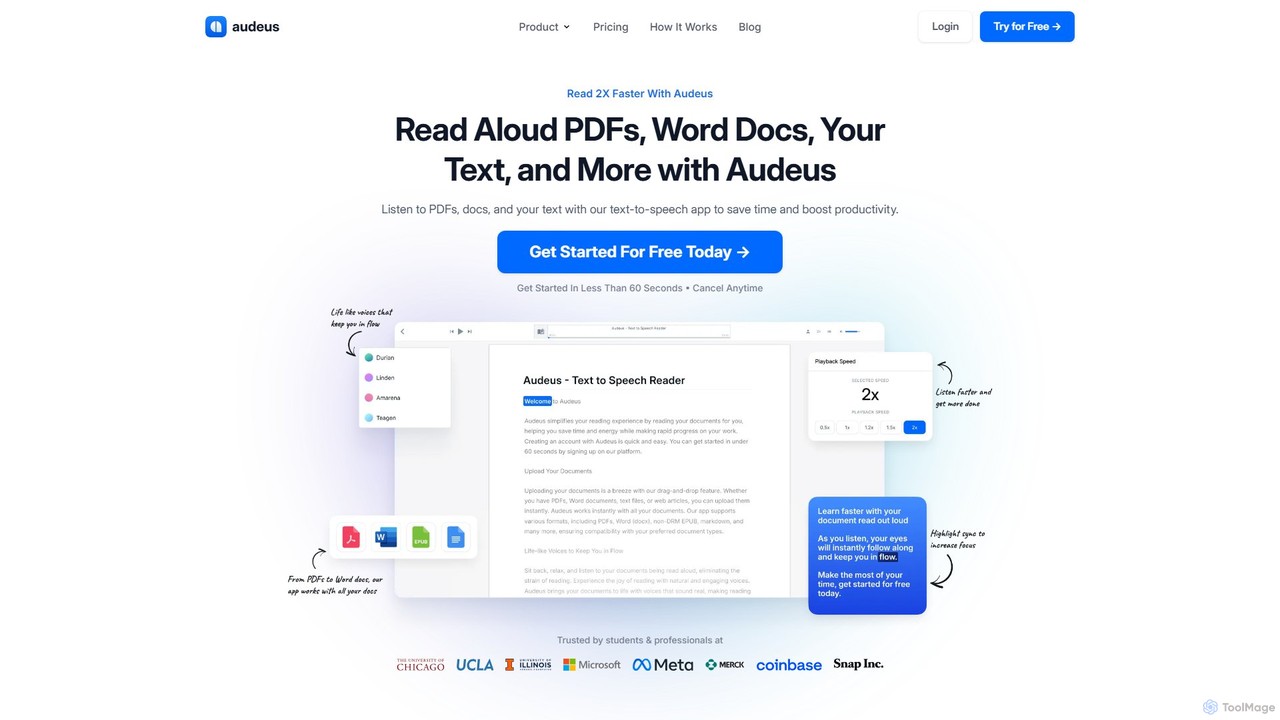
Audeus is an advanced AI-powered text-to-speech (TTS) reader that transforms documents, web articles, and text into natural-sounding audio. It's designed for students, professionals, and anyone looking to increase productivity, improve focus, and absorb information more effectively. By listening and reading simultaneously with synced highlighting, users can double their reading speed, reduce eye strain, and enhance comprehension. It supports various formats like PDF, Word, and EPUB, and works seamlessly across devices.

Text To Speech
Visits 58.1KFavorites 156Likes 142
Audioread
Freemium

Audioread

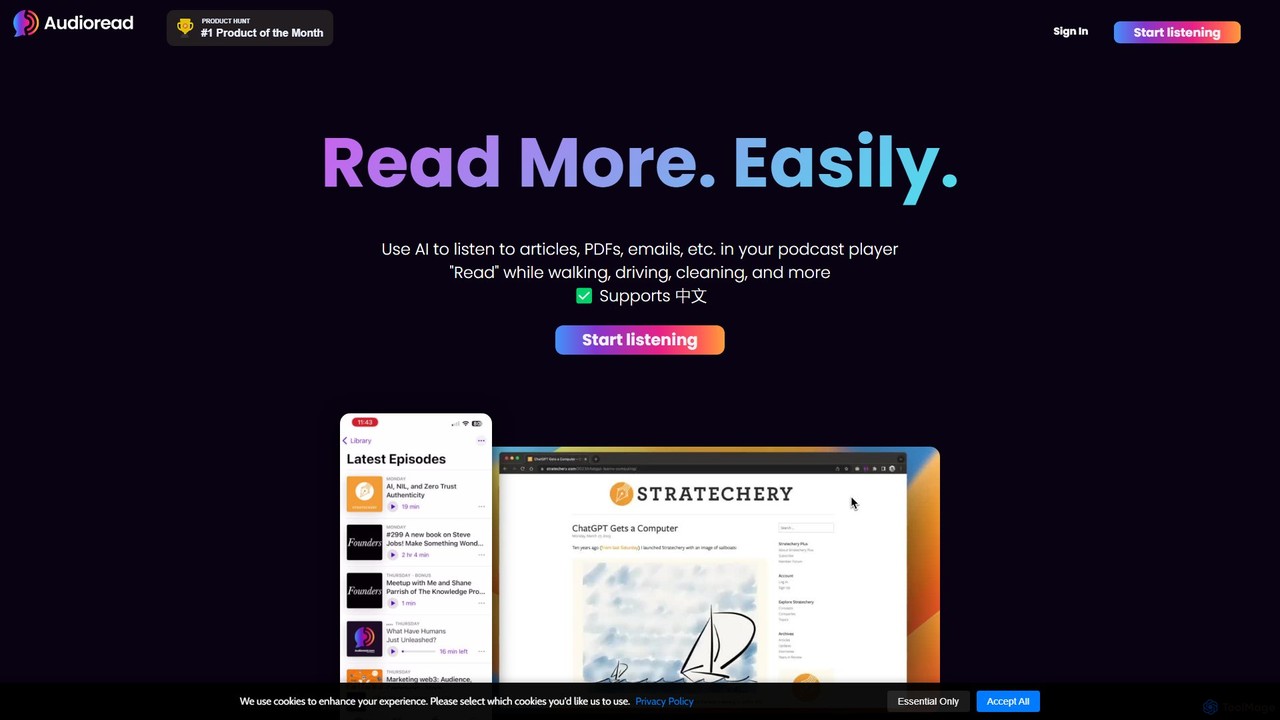
Audioread is an advanced AI text-to-speech tool that converts any text—articles, PDFs, emails, and more—into ultra-realistic, natural-sounding audio. Listen on the go via your favorite podcast app, the web player, or by downloading MP3s. It's designed for long-form listening, helping busy individuals multitask and consume content efficiently.

Text To Speech
Visits 31.1KFavorites 101Likes 116
Peech
Freemium

Peech

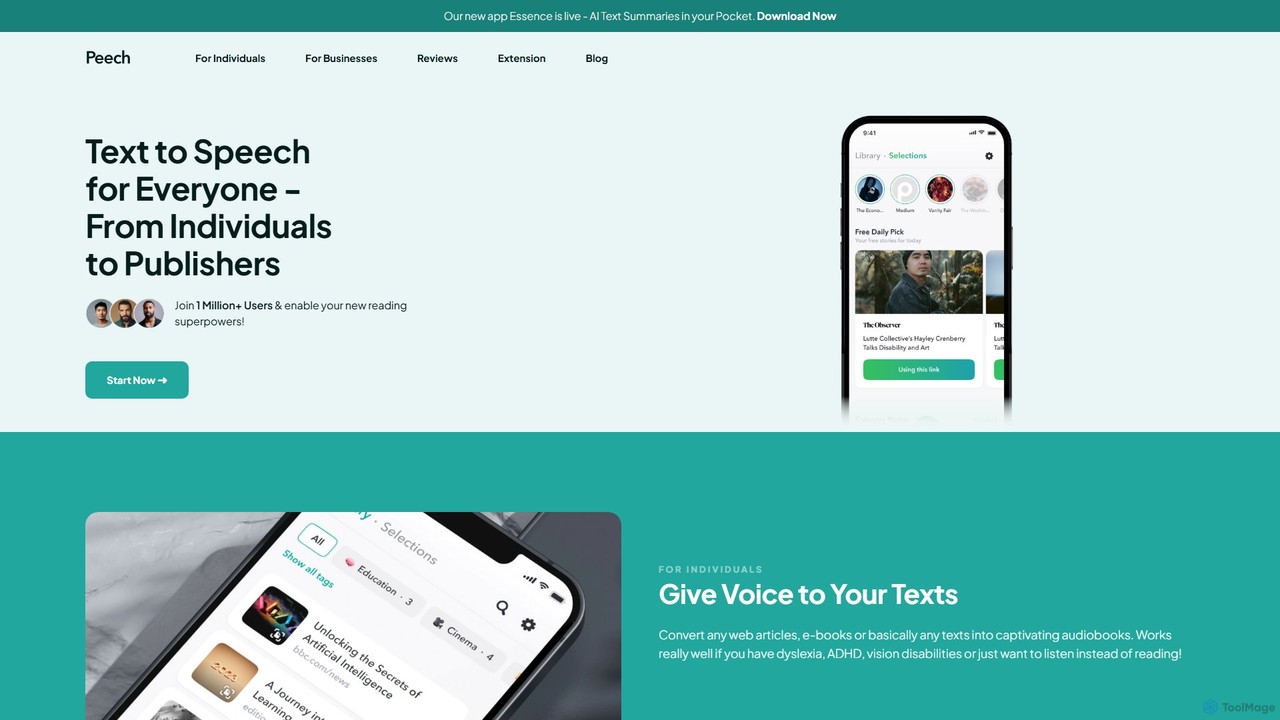
Peech is an AI-powered text-to-speech reader that converts any text, including web articles, PDFs, e-books, and even images, into high-quality, natural-sounding audio. Designed for individuals and publishers, it enhances productivity, accessibility for users with reading difficulties like dyslexia, and provides a cost-effective way to create audiobooks. Available on iOS, Android, and as a Chrome extension.

Reading Aid
Visits 449.4KFavorites 148Likes 139
Crikk
Freemium

Crikk

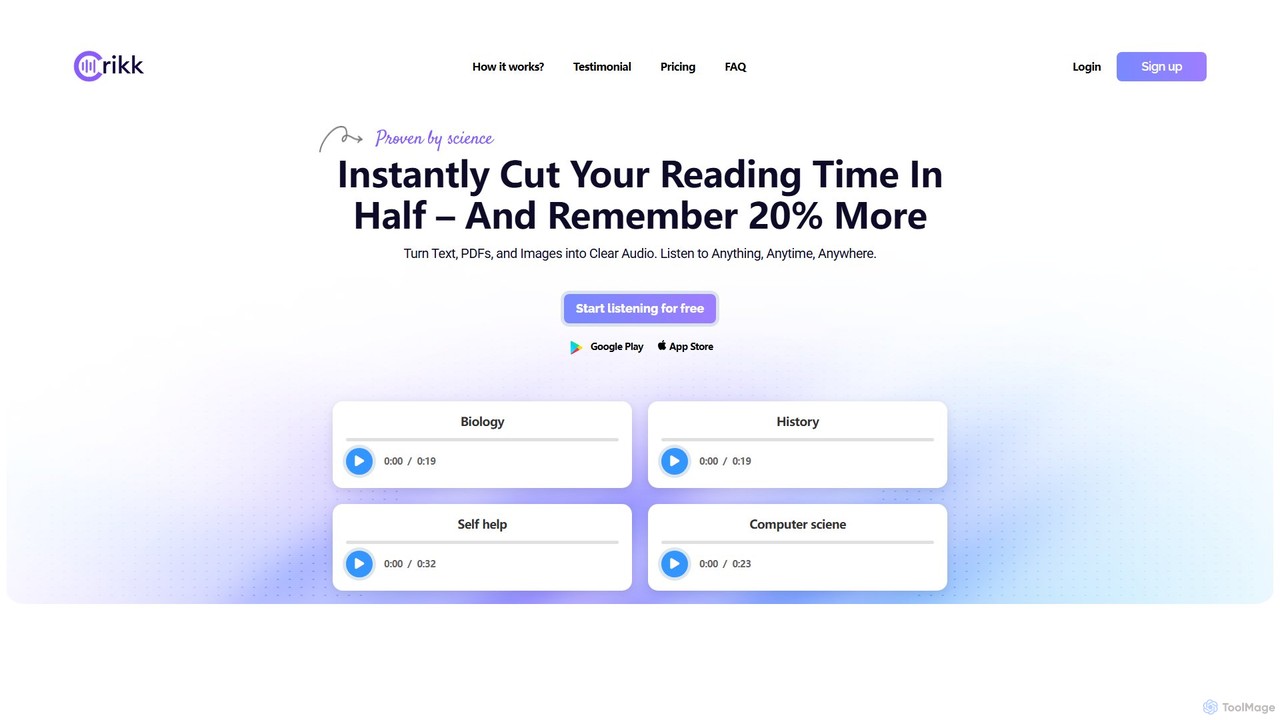
Crikk is an AI-powered text-to-speech tool that converts documents, PDFs, and even images into natural-sounding audio. It's designed to enhance learning, boost productivity, and create professional voiceovers. With features like synchronized text highlighting, adjustable playback speed, and support for over 90 languages, Crikk makes it easy to listen to any content, anytime, anywhere, on web, Android, and iOS devices.

Voice Generation
Visits 338.7KFavorites 114Likes 117
Outtloud
Freemium

Outtloud

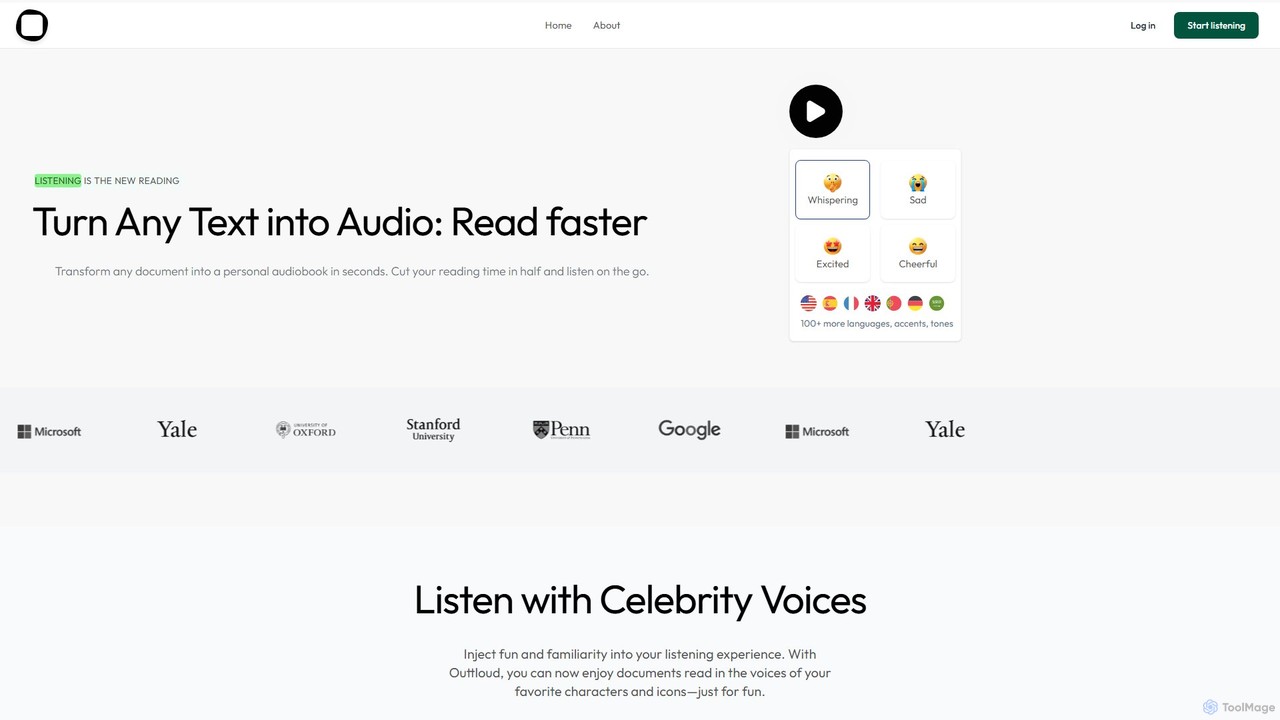
Outtloud is an AI-powered text-to-speech tool that converts any document (PDF, EPUB) or web content into high-quality, natural-sounding audio. It features over 100 voices in 50+ languages, emotional tones, and even celebrity voice clones. Designed for productivity and accessibility, it can create AI podcasts from web searches, generate summaries, and includes tools for bookmarking and annotation, making it ideal for students, researchers, and busy professionals.

Reading Aid
Visits 6.6KFavorites 110Likes 91
Clipboard TTS
Freemium

Clipboard TTS

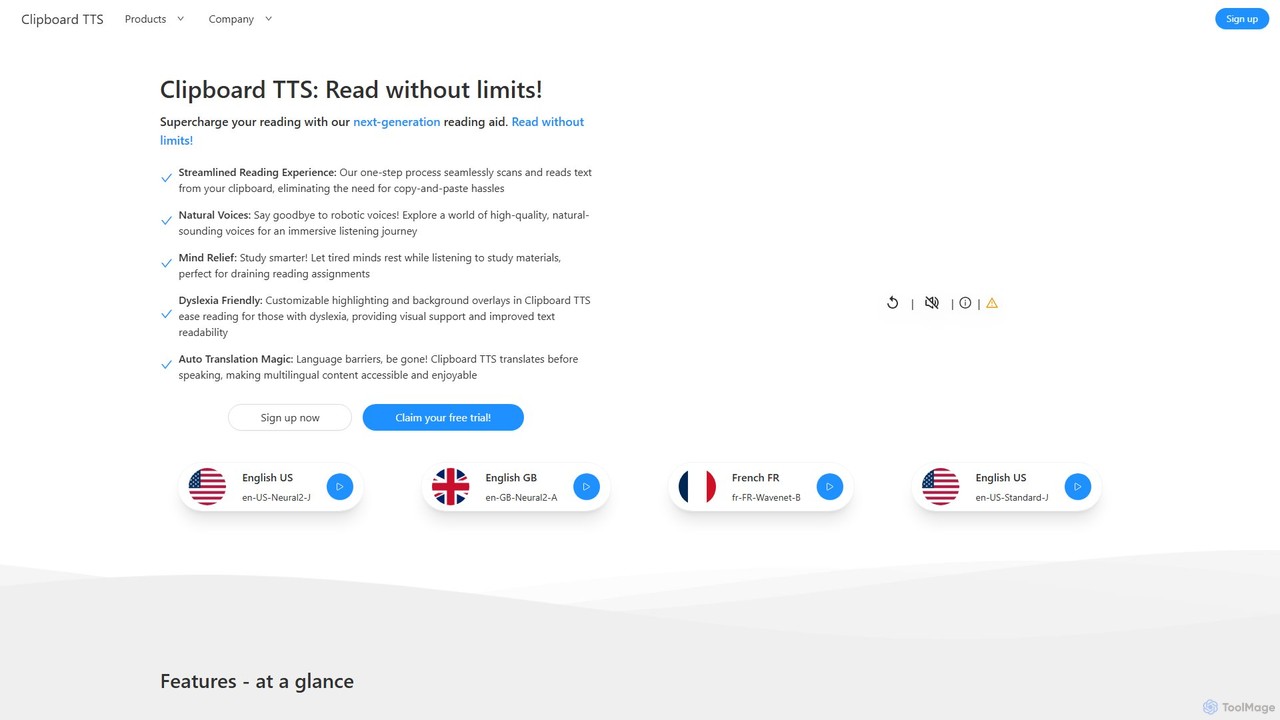
An advanced text-to-speech application for Windows and Linux that automatically reads text from your clipboard. It features natural voices, auto-translation, OCR, and extensive accessibility tools, including dyslexia-friendly options, to create a seamless and powerful reading experience.

Reading Aid
Visits 4.2KFavorites 141Likes 126
My Queue
Freemium

My Queue

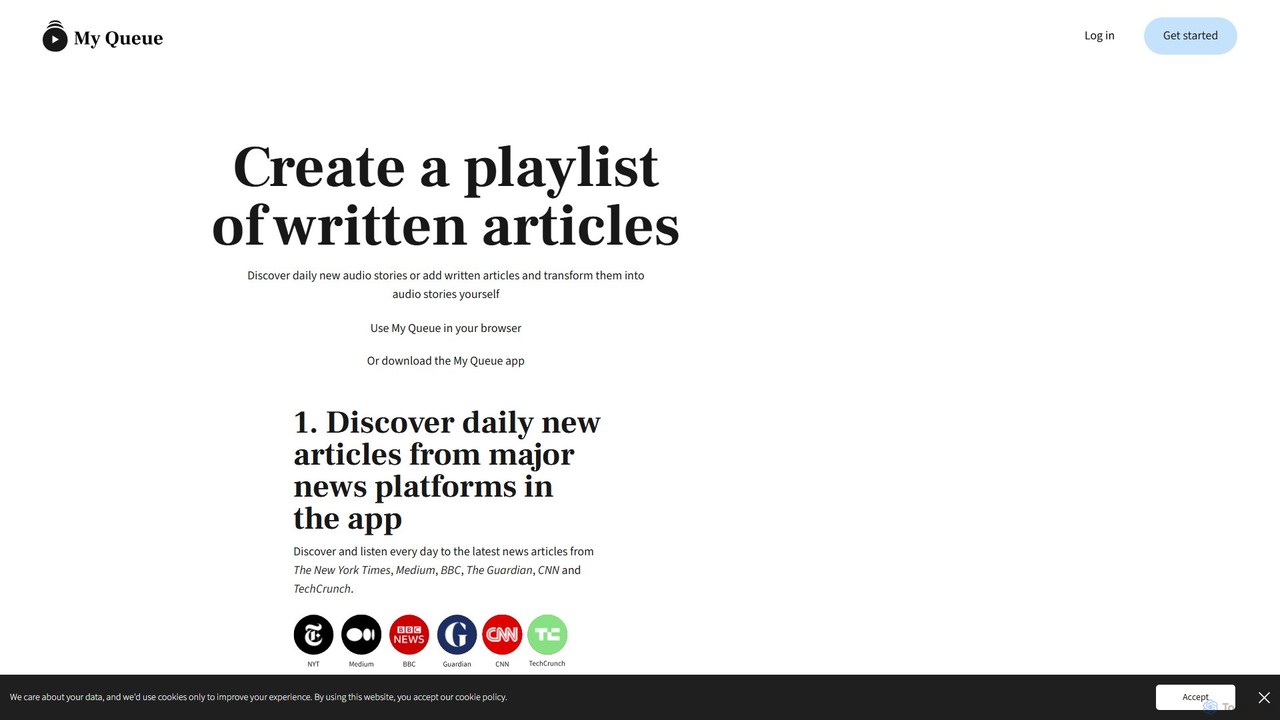
My Queue transforms written articles from the web into a personal audio playlist. Save content from news sites and blogs using a browser extension or by pasting a link. Listen on the go with mobile and desktop apps to reduce screen time. It supports 48 languages, offers customizable playback, and helps you stay informed while multitasking.

Audio Generation
Visits 4.1KFavorites 111Likes 107
iListen
Freemium

iListen

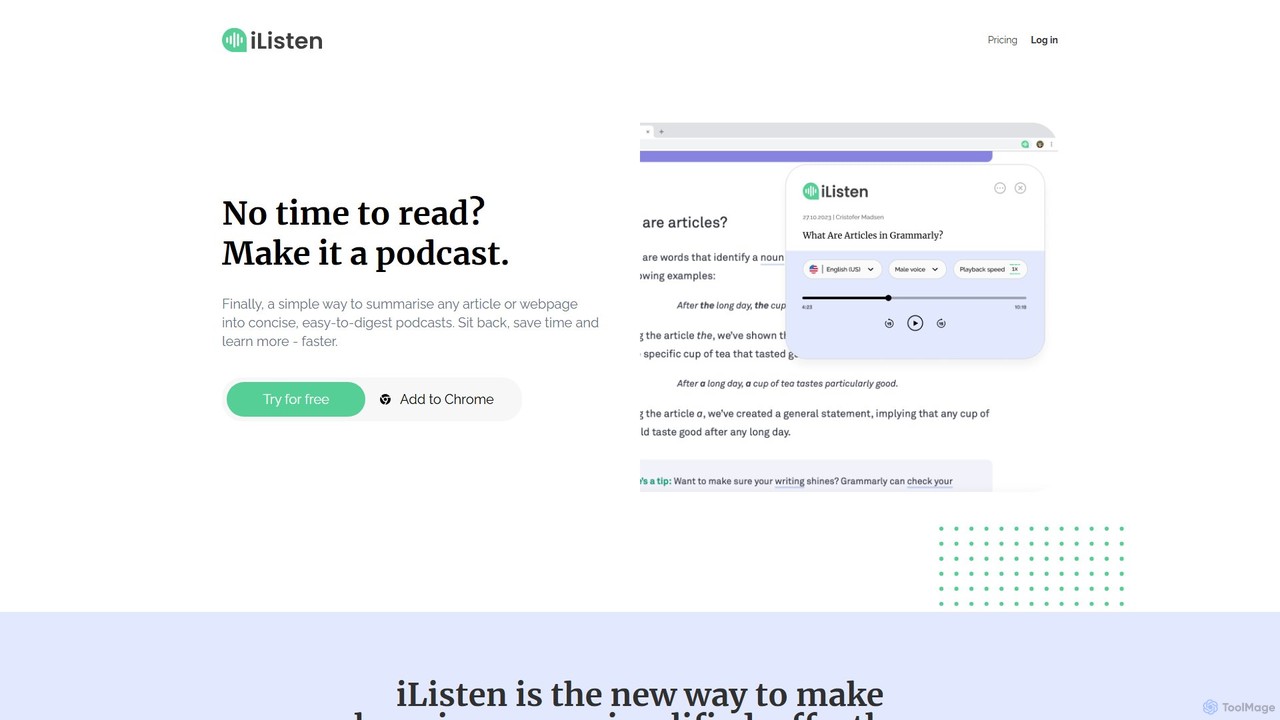
iListen is an AI-powered tool that transforms any online article or webpage into a concise, easy-to-digest audio podcast. It allows users to save time and learn on the go by listening to summarized content. With features like customizable summary lengths, various voice options, and a personal podcast library, iListen makes information consumption effortless, efficient, and memorable.

Reading Assistant
Visits 4.1KFavorites 78Likes 78
ElevenReader
Freemium

ElevenReader

ElevenReader is an advanced AI-powered text-to-speech application that converts any written text into incredibly natural-sounding audio. Leveraging the state-of-the-art voice synthesis technology from ElevenLabs, it allows you to listen to articles, documents, PDFs, and emails on the go. Ideal for multitasking, learning, and accessibility, ElevenReader transforms your reading material into a personal audiobook library with a wide range of lifelike voices and languages.

Reading Assistant
Visits 838KFavorites 120Likes 109
article2audio
Freemium

article2audio

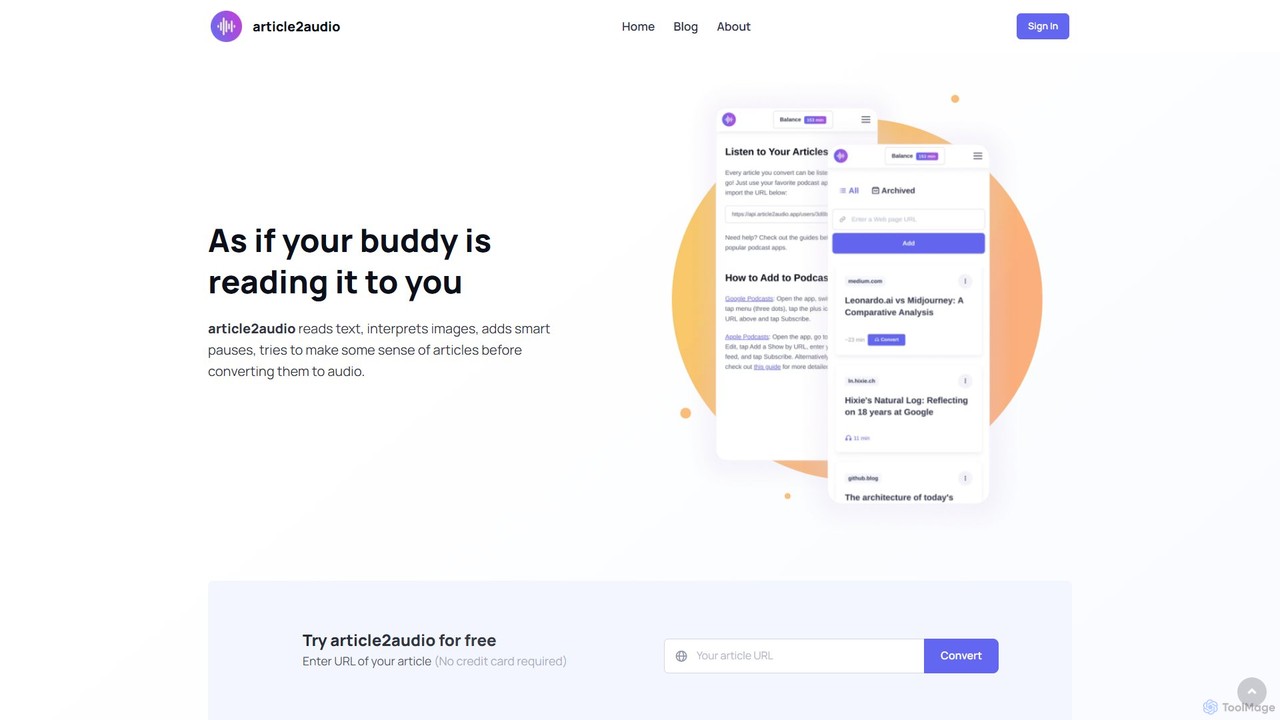
article2audio is an advanced AI-powered text-to-speech tool that converts online articles into natural, human-like audio. It goes beyond simple narration by interpreting images, summarizing tables, and handling complex text like code. This makes listening to web content more engaging and informative, as if a friend were reading it to you. Ideal for turning your reading list into a personal podcast.

Voice Generation
Visits 7.6KFavorites 171Likes 177