ToolMage
Sign in
Motion
Presentations ยท 2.3K monthly visits

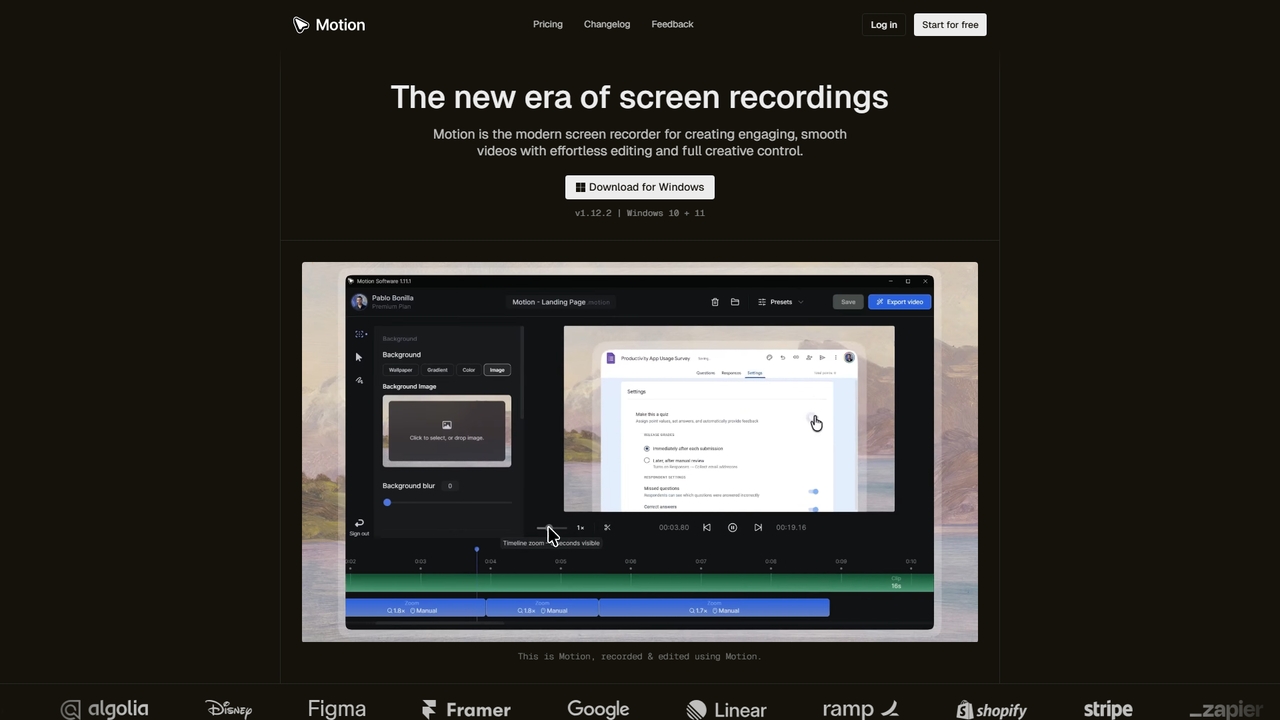
Motion is a modern screen recorder and video editor designed specifically for Windows. It enables users to create smooth, professional-looking screen recordings effortlessly, with built-in smart editing tools that automatically handle animations like cursor movements and zooms. Perfect for creating tutorials, demos, marketing content, and more, Motion offers a powerful yet intuitive workspace for both beginners and professionals.

VS
Screenity
Bug Reporting ยท 43.8K monthly visits

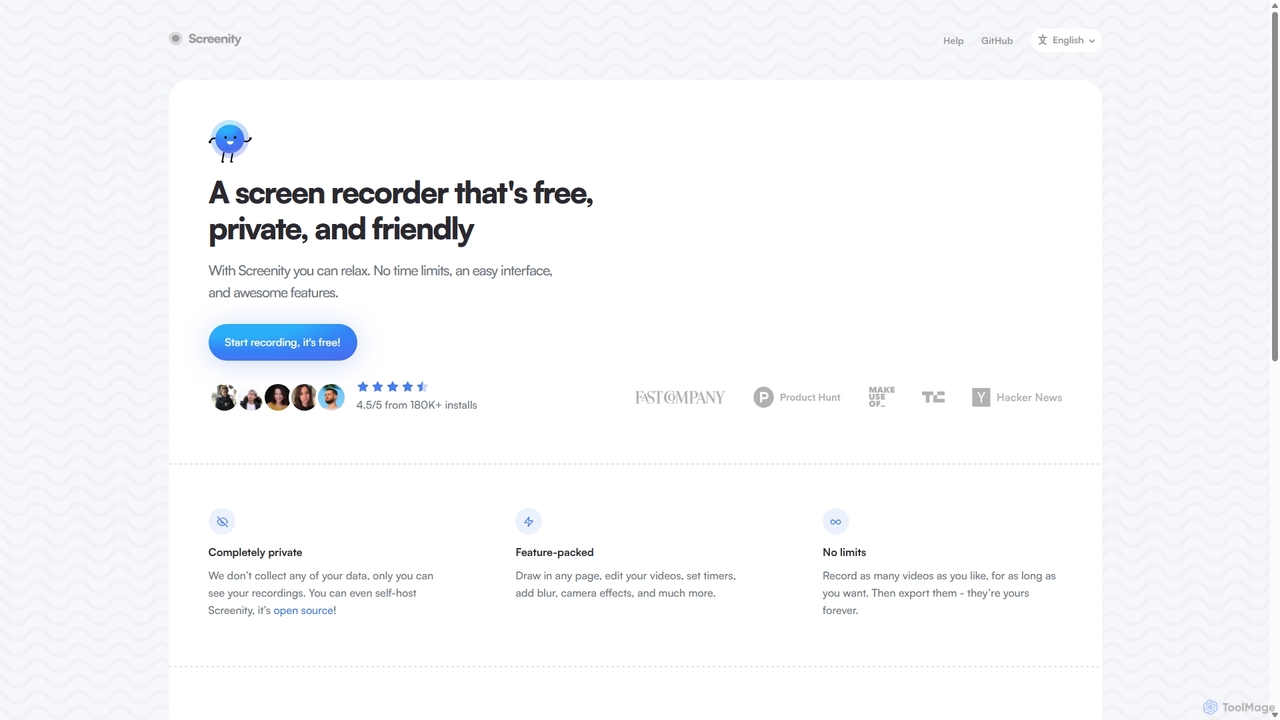
Screenity is a powerful, free, and privacy-focused screen and camera recorder for Chrome. It offers unlimited recording, annotation tools, and basic video editing without collecting any user data. Ideal for creating tutorials, demos, and presentations.

Motion vs Screenity: pricing, features, traffic, and use cases

Compare Motion and Screenity across positioning, pricing, traffic, and user feedback using structured factual data.

Updated Aug 18, 2026

Product overview

Motion Product overview

Motion is a modern screen recorder and video editor designed specifically for Windows. It enables users to create smooth, professional-looking screen recordings effortlessly, with built-in smart editing tools that automatically handle animations like cursor movements and zooms. Perfect for creating tutorials, demos, marketing content, and more, Motion offers a powerful yet intuitive workspace for both beginners and professionals.
Preview

Screenity Product overview

Screenity is a powerful, free, and privacy-focused screen and camera recorder for Chrome. It offers unlimited recording, annotation tools, and basic video editing without collecting any user data. Ideal for creating tutorials, demos, and presentations.

Preview

Detailed feature comparison

FeatureMotionScreenity
Primary categoryPresentationsBug Reporting
Added2026-03-172025-09-10
PricingFreemiumFree
Official websitewww.motion.softwarescreenity.io
Product typeAppBrowser extension
Performance data
User ratingNot verifiedNot verified
Comments00
Monthly visits2.3K43.8K
Monthly growth-27.3%-1.6%
Favorites6118
DetailsView detailsView details

Motion vs Screenity monthly traffic

Compare Motion and Screenity by monthly reach, traffic trend, visit depth, top regions, and acquisition sources.

How to interpret the traffic data

In the Motion vs Screenity monthly traffic comparison, Motion currently shows 2.3K visits and Screenity shows 43.8K; Screenity has about 18.7 times the visible traffic of Motion, an absolute difference of about 41.5K visits. This reflects visible reach, not feature quality or paid users.

Both tools provide verified traffic details, so monthly trends, visit depth, regions, and acquisition sources can be compared on the same basis.

Motion monthly traffic:

Latest traffic

Monthly visits
2.3K
Avg. visit duration
0:05
Pages per visit
1.49
Bounce rate
40.75%
Data updated 2026-06-15

Monthly traffic trend

  • 2026/1: 2.6K Monthly visits
  • 2026/2: 2.1K Monthly visits
  • 2026/3: 4.3K Monthly visits
  • 2026/4: 3.2K Monthly visits
  • 2026/5: 2.3K Monthly visits

Top regions

Top 5 countries/regions
Country/regionPercentageTraffic
๐Ÿ‡ฎ๐Ÿ‡ณIndia58.26%1.4K
๐Ÿ‡บ๐Ÿ‡ธUnited States41.74%978

Search keywords

motionmotion downloadmotion loginmotion pricingmotion software free download

Screenity monthly traffic:

Latest traffic

Monthly visits
43.8K
Avg. visit duration
1:54
Pages per visit
2.65
Bounce rate
40.47%
Data updated 2026-06-15

Monthly traffic trend

  • 2025/9: 45.9K Monthly visits
  • 2026/1: 31.2K Monthly visits
  • 2026/2: 34.2K Monthly visits
  • 2026/3: 47K Monthly visits
  • 2026/4: 44.5K Monthly visits
  • 2026/5: 43.8K Monthly visits

Top regions

Top 5 countries/regions
Country/regionPercentageTraffic
๐Ÿ‡บ๐Ÿ‡ธUnited States46.14%20.2K
๐Ÿ‡ฎ๐Ÿ‡ณIndia21.26%9.3K
๐Ÿ‡ซ๐Ÿ‡ทFrance12.83%5.6K
๐Ÿ‡ง๐Ÿ‡ทBrazil10.03%4.4K
๐Ÿ‡ป๐Ÿ‡ณVietnam9.74%4.3K

Traffic sources

Source typePercentageTraffic
Direct81.8%35.9K
Referral18.2%8K

Search keywords

record browser with censored partsscreemityscreenityscreen recorder-chromescreensity github
Traffic-based selection guidance: If public market visibility is an important first-pass criterion, investigate Screenity first. The final choice should still follow taxonomy, use case, and a real trial because higher traffic does not prove broader capabilities or better workflow fit.

Usage comparison

Compare the core capabilities of Motion and Screenity

Motion Core features

Screen Recording
Presentations
Video Editing

Screenity Core features

Screen Recording
Bug Reporting
Tutorial Creation
Video Creation

Use cases

Motion Use cases

screen recorder
content creation
demo videos
presentation tool
tutorial creation
video editor
video export
windows app
zoom animations

Screenity Use cases

screen recorder
annotation
chrome extension
free tool
open source
privacy
screen capture
tutorial maker
video editing
video recording

Best suited roles

Motion Best suited roles

Content Creator
Educator
Marketing Manager
Product Manager
Software Developer
Customer Support Specialist
Project Manager
Social Media Manager
Trainer
UX/UI Designer

Screenity Best suited roles

Content Creator
Educator
Marketing Manager
Product Manager
Software Developer
Customer Support
QA Tester
Sales Representative
UI/UX Designer

Motion vs Screenity๏ผšIn-depth comparison and selection guidance

First decide whether the products solve the same kind of need

This in-depth Motion vs Screenity comparison uses only the product records, taxonomy, audience, traffic, and community signals available on this page. Motion is primarily listed under โ€œPresentationsโ€, while Screenity is primarily listed under โ€œBug Reportingโ€, so the first decision is whether your actual task matches their recorded scope.

The structured fields currently show these decision-relevant differences: Primary category (Motion: Presentations; Screenity: Bug Reporting); Product type (Motion: App; Screenity: Browser extension); Pricing (Motion: Freemium; Screenity: Free); Monthly visits (Motion: 2.3K; Screenity: 43.8K); Monthly growth (Motion: -27.3%; Screenity: -1.6%). These facts are more useful for selection than brand visibility alone.

What market visibility and monthly traffic mean

In the Motion vs Screenity monthly traffic comparison, Motion currently shows 2.3K visits and Screenity shows 43.8K; Screenity has about 18.7 times the visible traffic of Motion, an absolute difference of about 41.5K visits. This reflects visible reach, not feature quality or paid users.

Both tools provide verified traffic details, so monthly trends, visit depth, regions, and acquisition sources can be compared on the same basis.

If public market visibility is an important first-pass criterion, investigate Screenity first. The final choice should still follow taxonomy, use case, and a real trial because higher traffic does not prove broader capabilities or better workflow fit.

Product positioning, use cases, and roles

Motion and Screenity currently overlap in shared categories: Screen Recording; shared tags: screen recorder; shared roles: Content Creator, Educator, Marketing Manager, Product Manager, and Software Developer. This can place both on the same shortlist, but it does not prove equal implementation, depth, or cost.

Motion's unique categories/tags are Presentations, Video Editing, content creation, demo videos, presentation tool, tutorial creation, video editor, and video export; Screenity's are Bug Reporting, Tutorial Creation, Video Creation, annotation, chrome extension, free tool, open source, and privacy. These unique fields are the strongest differentiators: validate the product whose recorded scope matches the task instead of following traffic alone.

What ratings, comments, and favorites can tell you

Motion has no verified rating, 0 comments, 6 favorites, and 8 likes๏ผ›Screenity has no verified rating, 0 comments, 118 favorites, and 120 likesใ€‚

Neither product has enough rating or comment samples for a credible reputation ranking.

Selection guidance by actual need

When to evaluate Motion first

Put Motion on the priority trial list when the task aligns with โ€œPresentationsโ€ and especially Presentations, Video Editing, content creation, demo videos, presentation tool, and tutorial creation, or the users include Customer Support Specialist, Project Manager, Social Media Manager, and Trainer. This follows recorded positioning and does not imply unlisted capabilities are absent.

Motion also currently records: pricing is freemium, product type is app, 2.3K verified monthly visits, no verified user rating. Verify any hard requirement around price, platform, or reach before trial, and do not let sparse review data substitute for testing.

When to evaluate Screenity first

Put Screenity on the priority trial list when the task aligns with โ€œBug Reportingโ€ and especially Bug Reporting, Tutorial Creation, Video Creation, annotation, chrome extension, and free tool, or the users include Customer Support, QA Tester, Sales Representative, and UI/UX Designer. This follows recorded positioning and does not imply unlisted capabilities are absent.

Screenity also currently records: pricing is free, product type is browser extension, 43.8K verified monthly visits, no verified user rating. Verify any hard requirement around price, platform, or reach before trial, and do not let sparse review data substitute for testing.

How to validate the recommendation before deciding

The available data describes positioning, public visibility, and community signals, but it cannot prove output quality, speed, integration effort, privacy, or long-term cost in your workflow. Before deciding, run the same representative tasks in Motion and Screenity, then record completion time, accuracy, manual corrections, and the real paid threshold. A like-for-like trial turns this comparison into a defensible adoption decision.

Comparison FAQ

How should I choose between Motion and Screenity?
Compare positioning, pricing, taxonomy, and traffic maturity, then verify the latest details on each official website.
Where does this comparison data come from?
The factual baseline is derived from product, taxonomy, traffic, and community data. Reviewed editorial conclusions show their source and verification date.
What do unknown fields mean?
Unknown means there is not enough reliable evidence; the page does not fill gaps with assumptions.

Related AI tools

Vmaker
Freemium

Vmaker

Vmaker is an all-in-one AI video creation and editing suite. It enables users to generate videos from text, audio, or documents using AI avatars, record screens in 4K, and edit footage with a powerful AI editor. Key features include auto-subtitles, background removal, and content repurposing tools, designed for marketers, content creators, and L&D teams.

Training
Visits 490.4KFavorites 114Likes 119
Velo
Freemium

Velo

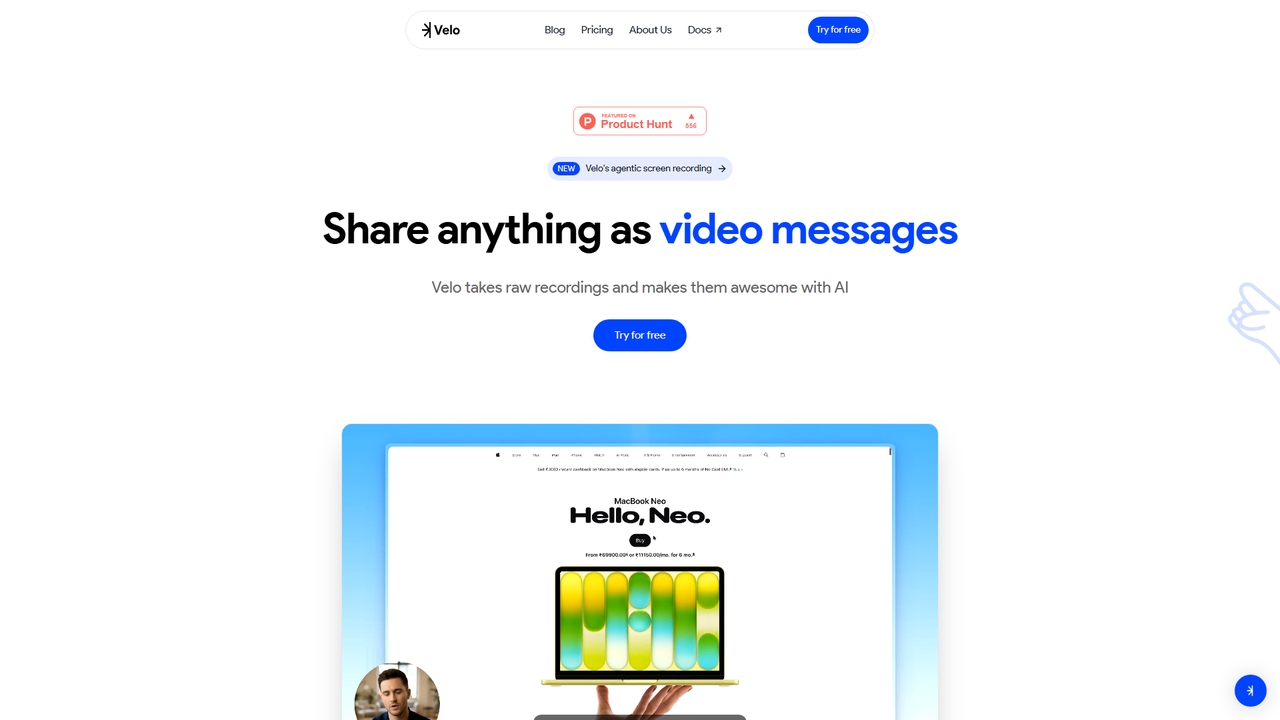
Velo is an AI-powered video messaging platform that transforms raw screen recordings into professional, share-ready videos. It utilizes agentic screen recording and creates hyper-realistic AI Avatars to help sales, product, support, marketing, education, and creator teams communicate complex ideas effortlessly.

Training
Visits 24.2KFavorites 12Likes 16
Tella
Freemium

Tella

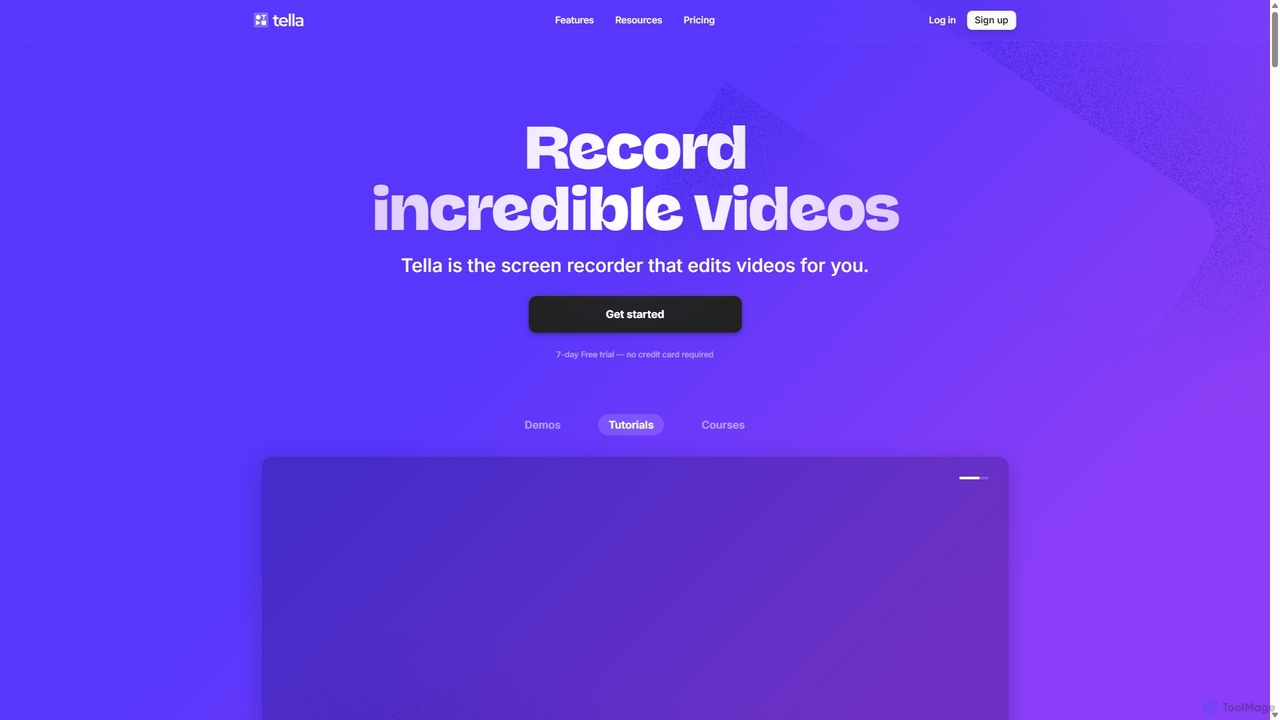
Tella is an AI-powered screen recorder and video editor for Mac & Windows that simplifies video creation. It automatically removes silences and filler words, offers transcript-based editing, and provides professional customization options like backgrounds, layouts, and zooms. Ideal for creating tutorials, product demos, and online courses in minutes, not hours.

E Learning
Visits 385.4KFavorites 130Likes 126
Tight Studio
Freemium

Tight Studio

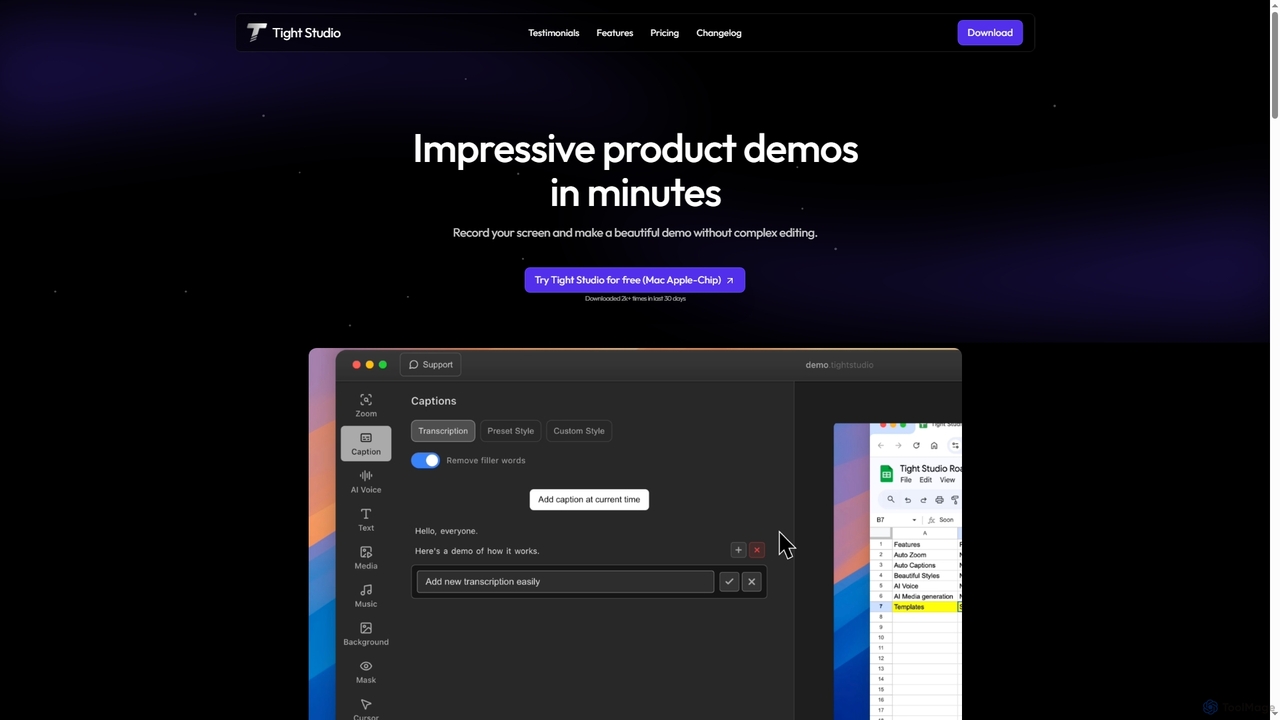
Tight Studio is an AI-powered screen recording and video editing application for Mac, designed to create professional product demos and tutorials in minutes. It features smart zoom, automatic captions, AI narration, and an intuitive editor, enabling users without editing skills to produce high-quality, engaging videos effortlessly.

Tutorials
Visits 4.7KFavorites 103Likes 95
VEED.IO
Freemium

VEED.IO

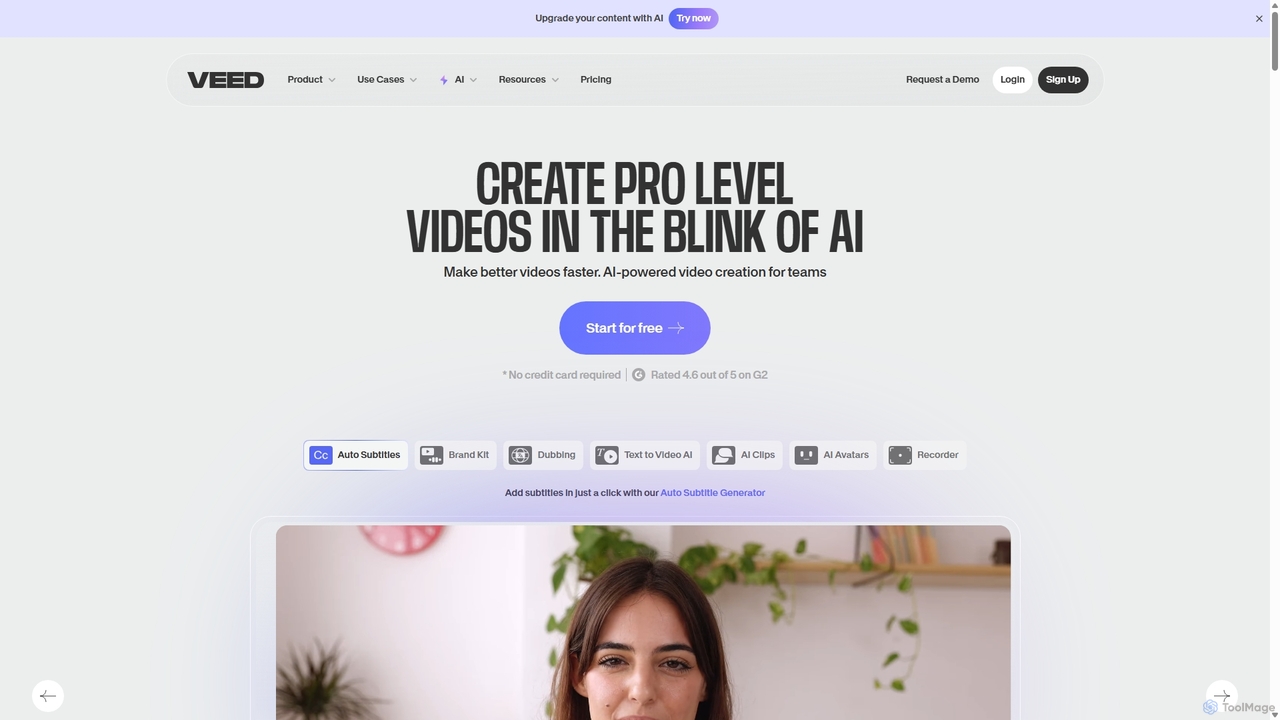
VEED.IO is a powerful, AI-driven online video editor designed for teams and creators. It simplifies professional video creation with a suite of intuitive tools, including auto-subtitling, text-to-video, AI avatars, and collaborative workspaces. Create, edit, and share high-quality videos directly from your browser, no complex software required.

Social Media
Visits 9.8MFavorites 125Likes 134
Retina
Free

Retina

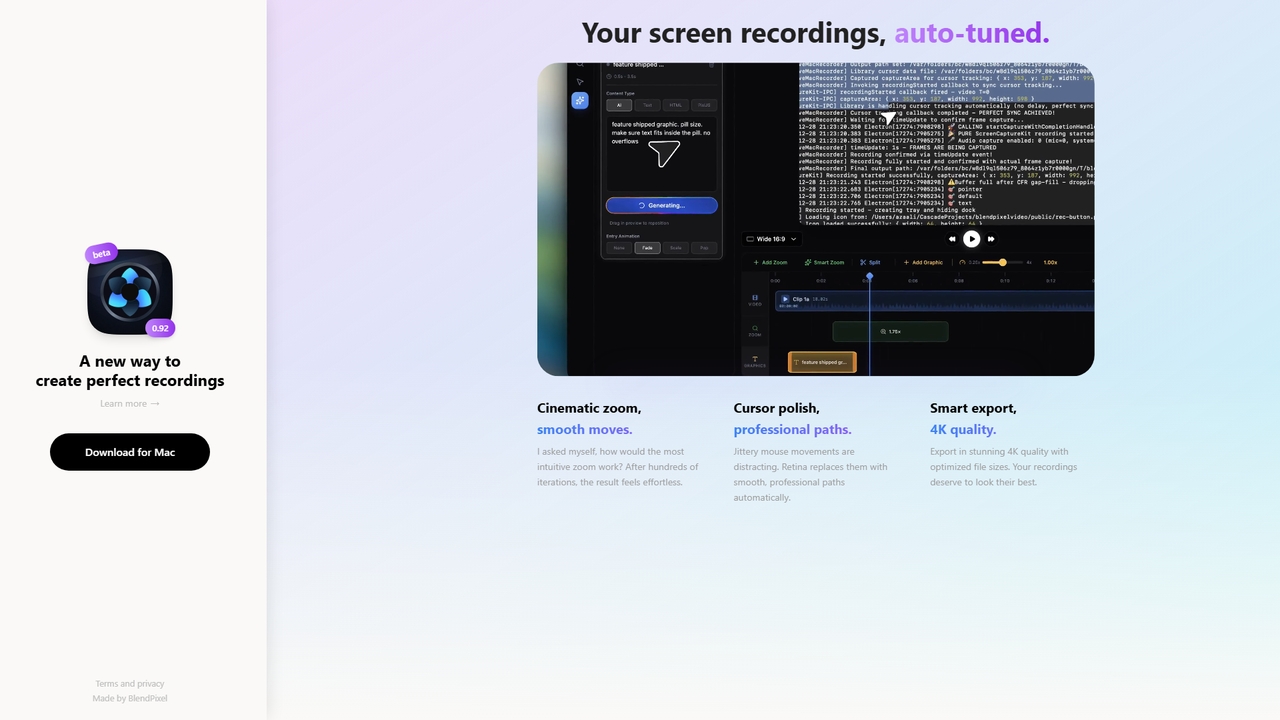
Retina is a screen recording tool for macOS that automatically polishes recordings with cinematic zoom, smooth cursor paths, and smart 4K export. It's currently in a free public beta, focusing on making recordings effortless and beautiful.

3D
Visits 4.8KFavorites 5Likes 5
MiniMax Agent
Freemium

MiniMax Agent

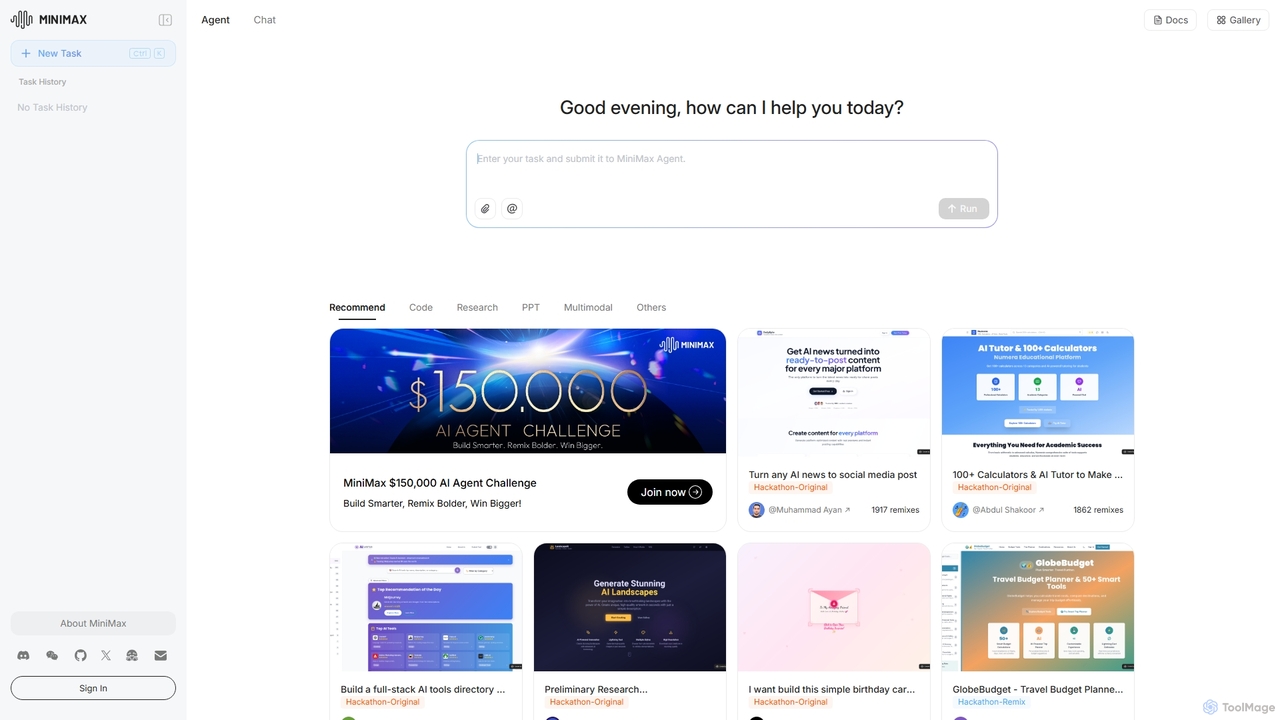
MiniMax Agent is a powerful AI agent platform designed to automate complex tasks, from building full-stack websites and generating presentations to conducting in-depth research. By leveraging natural language prompts, users can minimize effort and maximize intelligence, creating sophisticated digital products and content with unprecedented speed and efficiency. The platform features a collaborative gallery for sharing and remixing projects.

Low Code No Code
Visits 1.1MFavorites 122Likes 110
OnlyPrompts
Freemium

OnlyPrompts

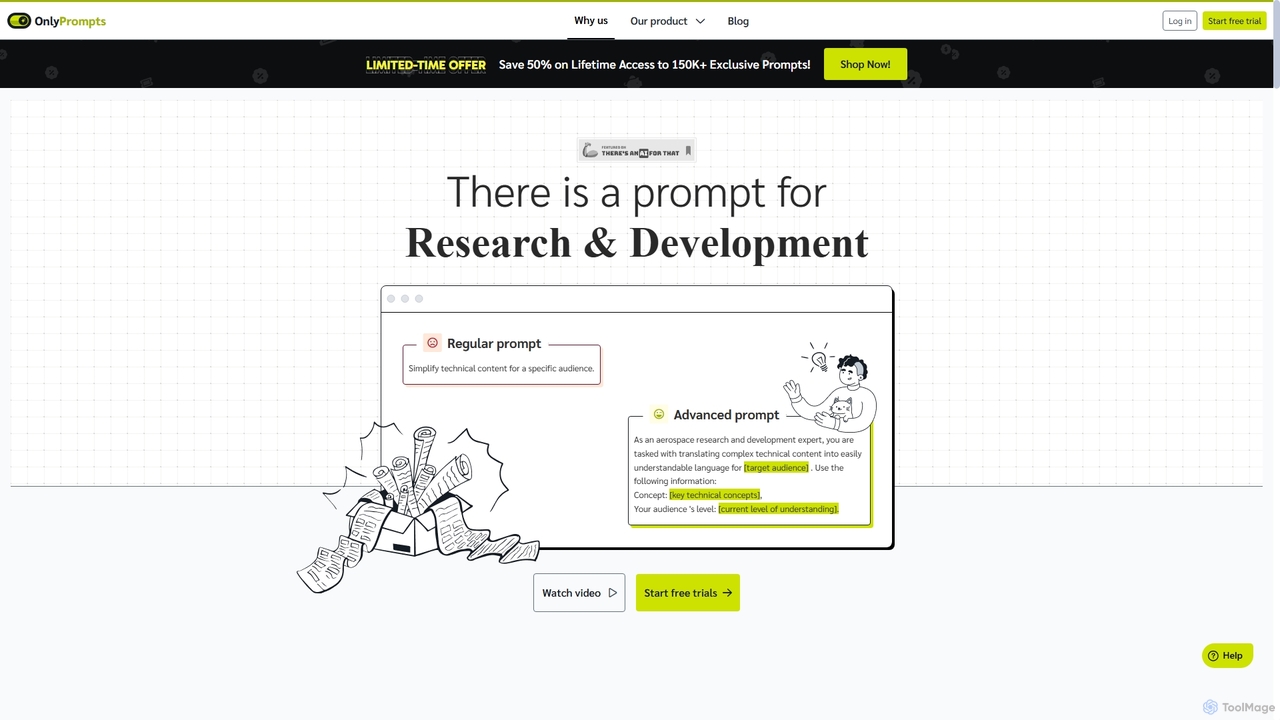
OnlyPrompts is the ultimate AI prompt library, offering over 150,000 expertly crafted prompts for 37,000+ tasks. It features an integrated AI assistant compatible with GPT-4 and Claude 3, side-by-side prompt testing, and customizable templates. Designed for professionals in marketing, HR, finance, and more, it streamlines workflows, enhances productivity, and elevates the quality of AI-generated content.

Operations
Visits 7.7KFavorites 138Likes 138
Wondershare
Freemium

Wondershare

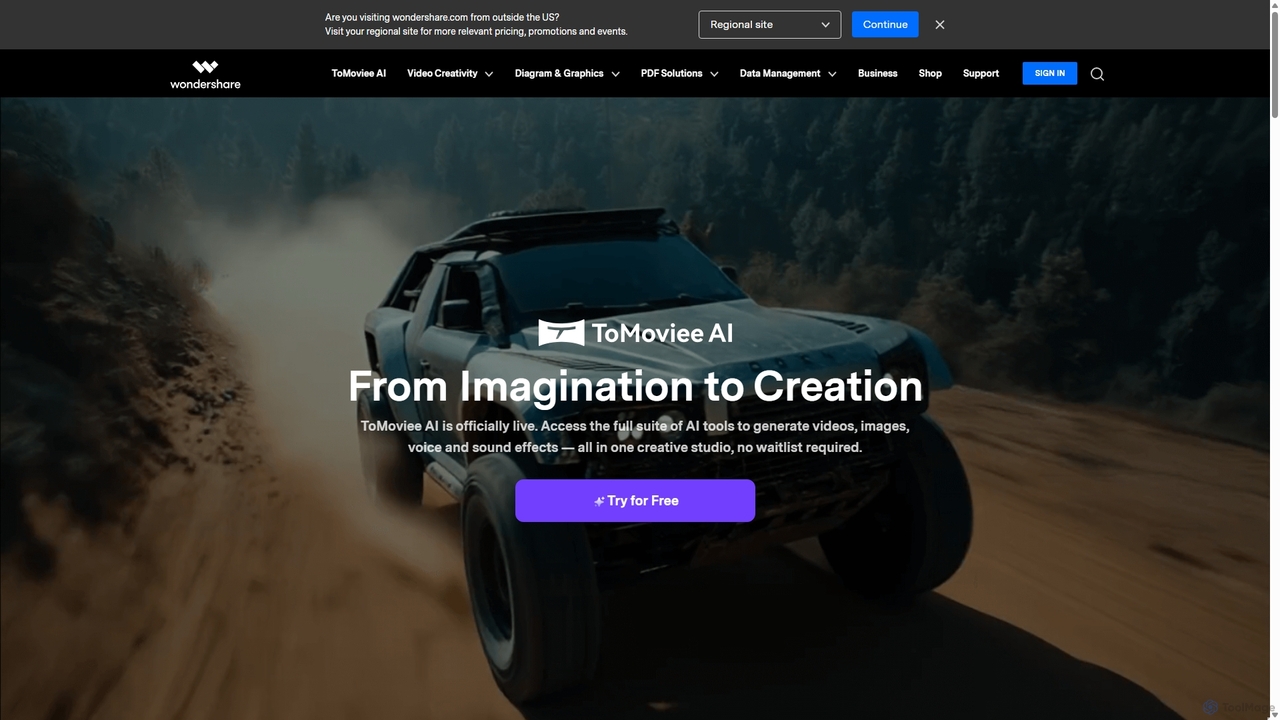
Wondershare offers a comprehensive suite of AI-powered software for creativity, productivity, and utility. From the advanced video editor Filmora and AI content generator ToMoviee to the powerful PDFelement and data recovery tools, Wondershare simplifies digital experiences for millions of users worldwide. It provides intuitive, powerful solutions for content creators, businesses, and individuals to create, manage, and secure their digital assets with ease.

Diagramming
Visits 11MFavorites 88Likes 123
Jyek
AD

Jyek

Jyek is an AI agent platform that understands objectives, creates execution plans, uses tools, and delivers verifiable results for complex, multi-step tasks.

Automation
Visits 2.5KFavorites 4Likes 6
Zoom
Freemium

Zoom

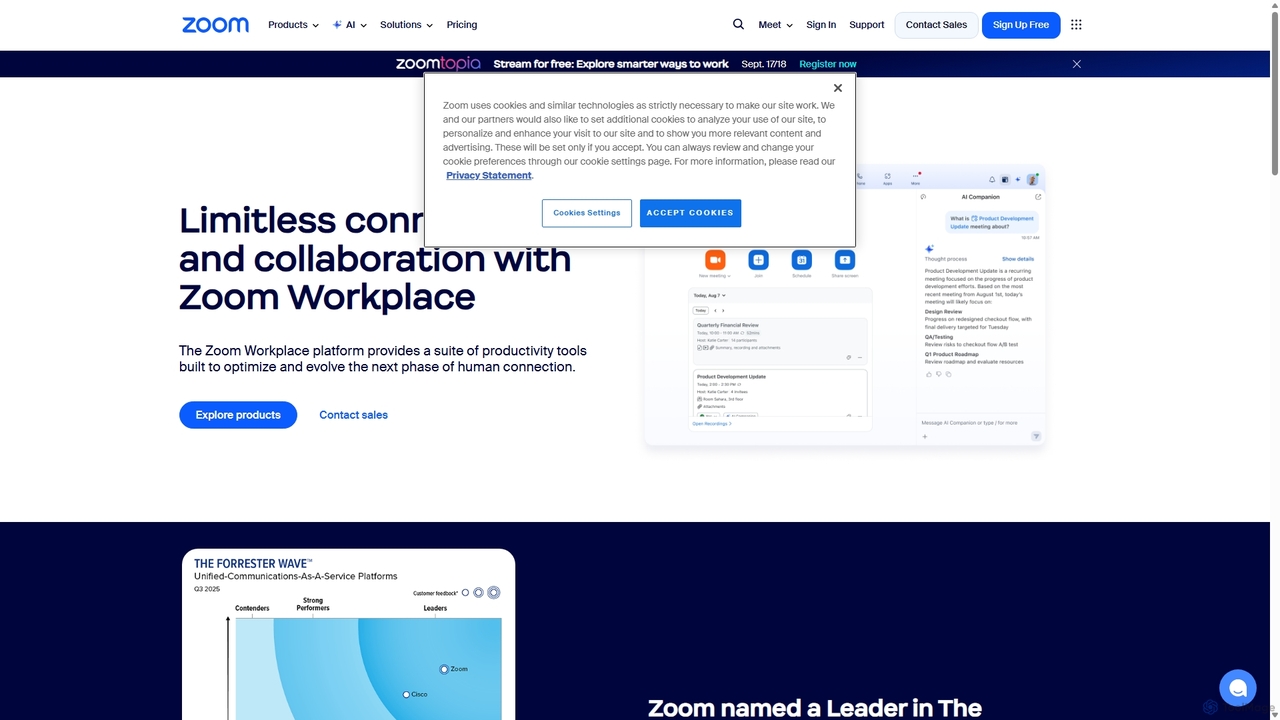
Zoom is an AI-first, unified collaboration platform that connects people through video meetings, phone calls, team chat, webinars, and more. Featuring the AI Companion, it streamlines workflows, summarizes meetings, and enhances productivity for remote and hybrid teams across all industries.

Meeting Management
Visits 87.9MFavorites 123Likes 122
CapCut
Freemium

CapCut

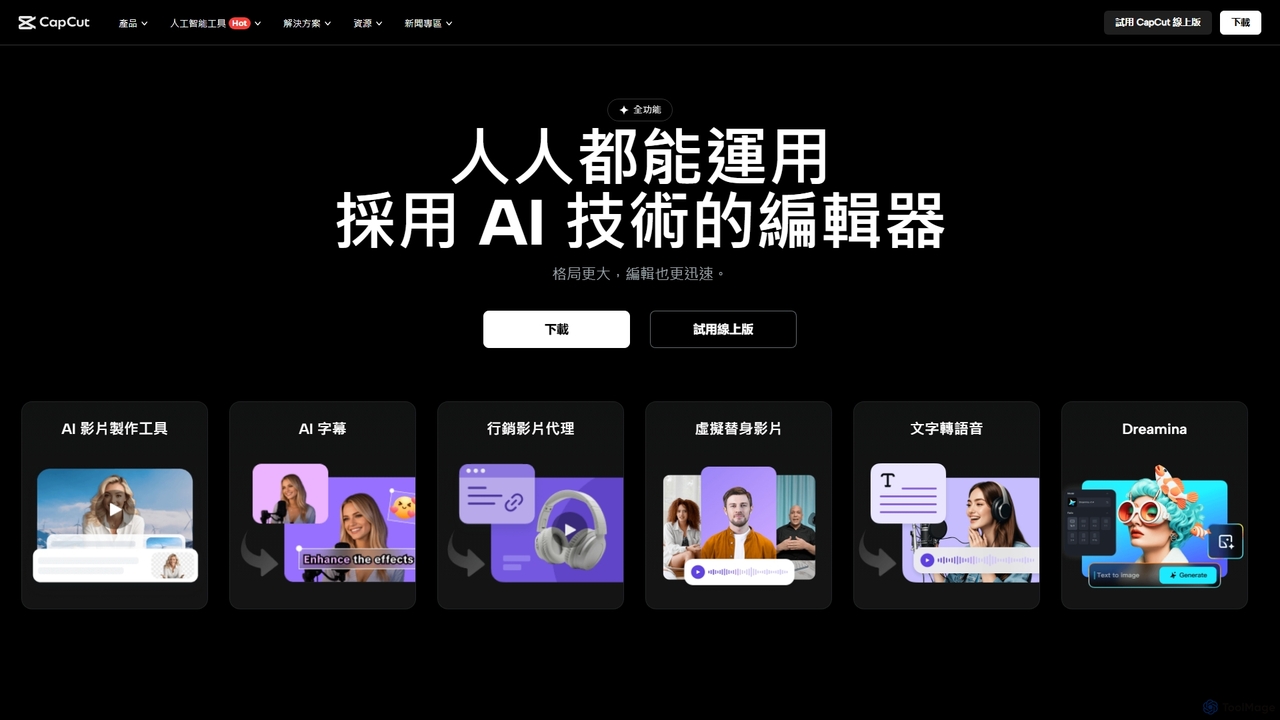
CapCut is a powerful, all-in-one AI video editor and creative suite. It simplifies content creation with intuitive tools for video editing, graphic design, and team collaboration. It offers a wide range of AI features like auto-captions, script-to-video, background removal, and video upscaling, making professional-quality content accessible to everyone, from beginners to pros, across web, desktop, and mobile platforms.

Graphics
Visits 53MFavorites 115Likes 122
Top AI Tools
Free

Top AI Tools

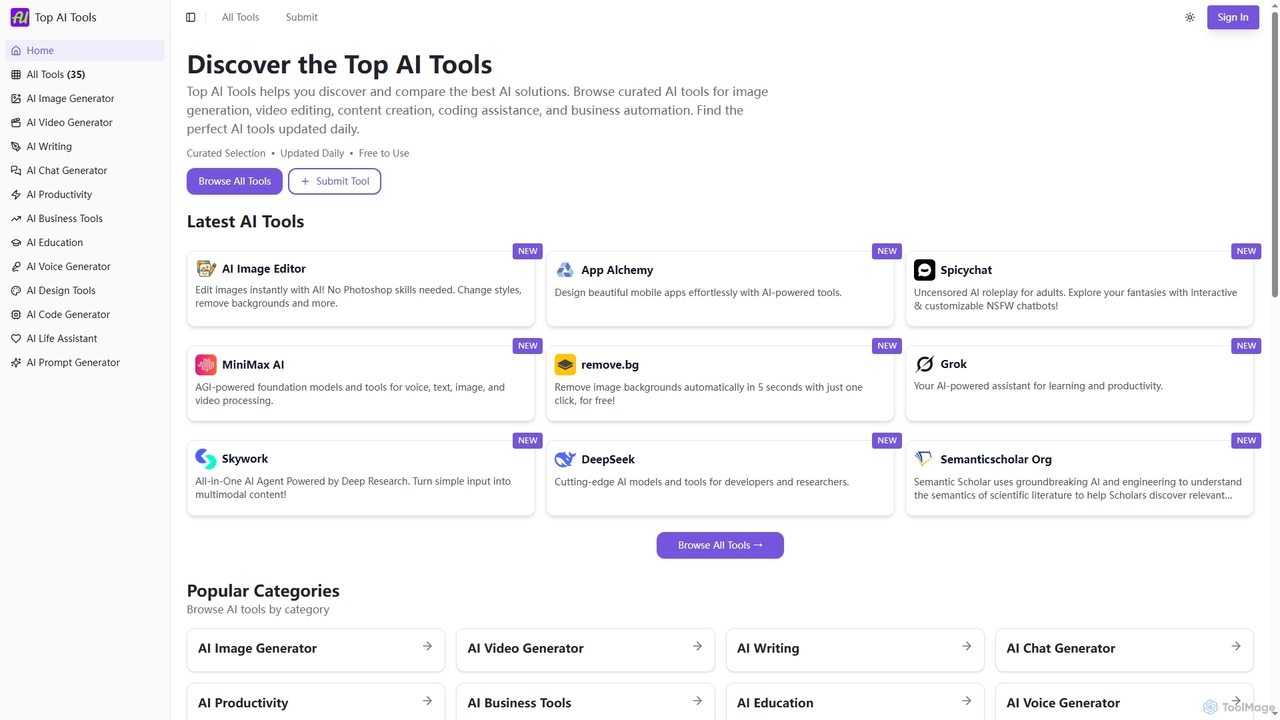
Top AI Tools is a comprehensive, free-to-use directory that helps users discover, compare, and explore the best AI-powered software solutions across various categories. It provides curated listings, detailed information on features and pricing, and daily updates to simplify the search for the perfect AI tool for any need.

Discovery
Visits 11.7KFavorites 123Likes 120
Filmora
Freemium

Filmora

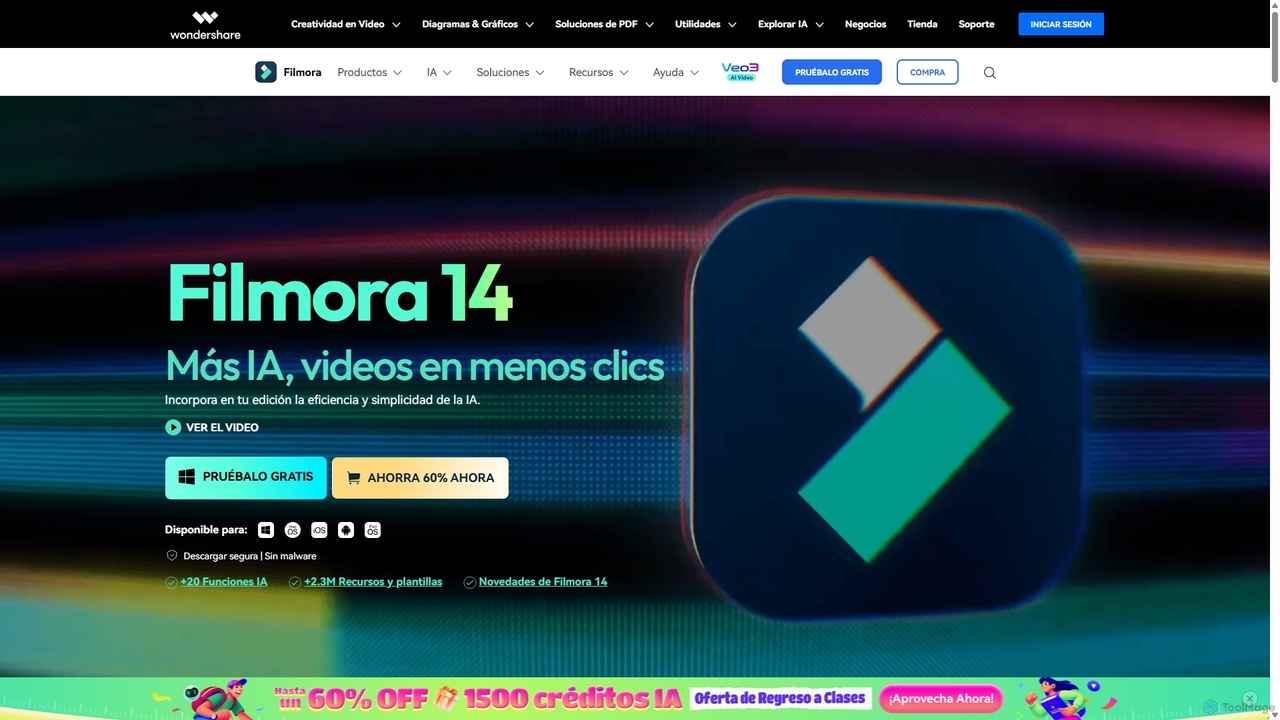
Filmora is an AI-powered video editor that simplifies the creation process for both beginners and professionals. It offers a vast suite of AI tools, including smart clip generation, text-to-video, and advanced audio enhancement, combined with a user-friendly interface and a massive library of effects and resources to make video editing faster and more creative.
Social Media
Visits 635.7KFavorites 133Likes 128
Filmora
Freemium

Filmora

Filmora is a powerful yet user-friendly AI video editor designed for creators of all levels. It integrates advanced AI tools like text-to-video, smart cutout, and an AI music generator to streamline the editing process. It offers a rich library of effects, templates, and stock media, making it easy to create professional-quality videos for social media, marketing, or personal projects on Windows and macOS.

Video Generation
Visits 87.5KFavorites 132Likes 142