

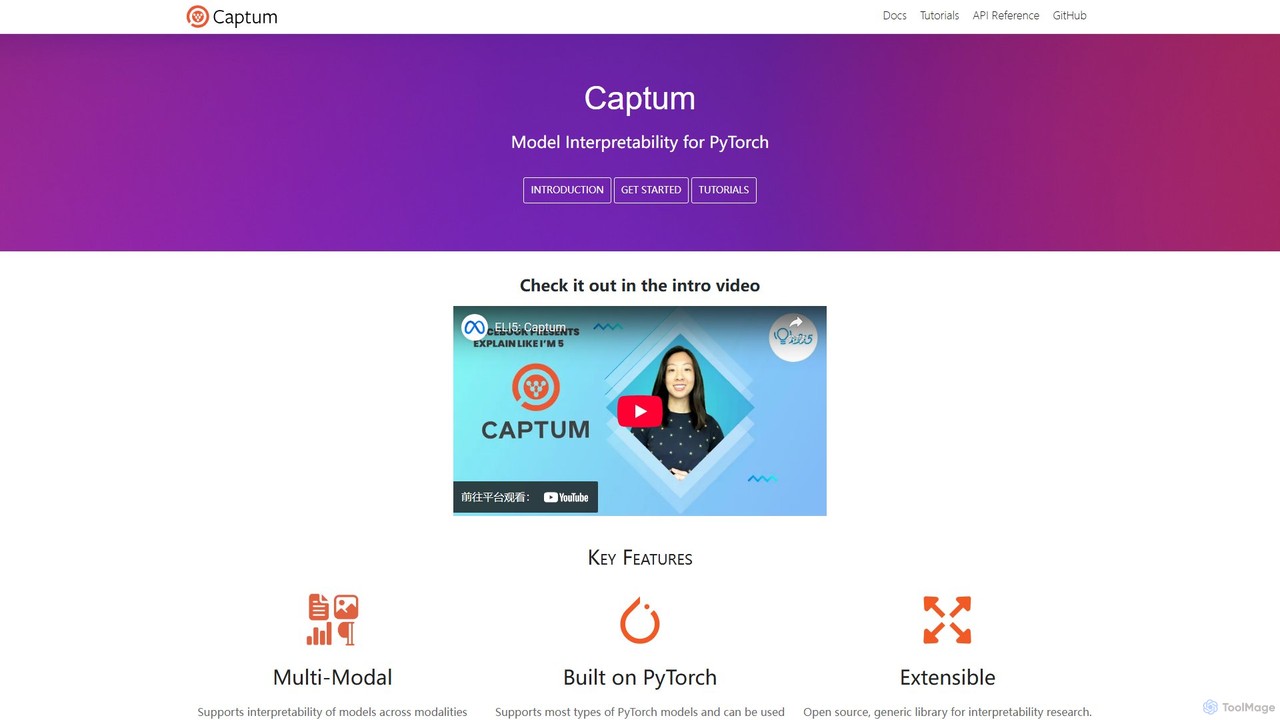
Captum Overview
Captum, derived from the Latin word for "comprehension," is an open-source, extensible library for model interpretability built on PyTorch. In an era of increasingly complex AI models, understanding the 'why' behind a model's decision is crucial. Captum addresses this need by providing researchers and developers with powerful tools to dissect and understand how their models arrive at specific outputs. It helps demystify these "black box" models by attributing their predictions back to the input features, making AI more transparent and trustworthy.
Developed and maintained by the PyTorch team, Captum is designed for a broad audience, including machine learning researchers, model developers, and application engineers. Researchers can use it to easily implement and benchmark new interpretability algorithms, while developers can leverage it to debug models, identify biases, and improve performance. Application engineers can use its insights to provide end-users with meaningful explanations for model-driven outcomes, such as product recommendations or content filtering.
How to use Captum
Getting started with Captum is straightforward for anyone familiar with PyTorch. The process generally involves these steps:
- Installation: Install the library into your Python environment using a package manager. It's as simple as running
pip install captumor the recommended conda command:conda install captum -c pytorch. - Model and Data Preparation: Load your pretrained PyTorch model and prepare it for evaluation by calling
model.eval(). You also need to define your input tensor(s) and a baseline tensor. The baseline represents a neutral or non-informative input (e.g., a tensor of zeros or a random noise tensor) and is used as a reference point for attribution algorithms like Integrated Gradients. - Select and Instantiate an Algorithm: Captum offers a wide range of attribution algorithms. You choose one that fits your needs—for example,
IntegratedGradientsfor gradient-based attribution—and instantiate it with your model:ig = IntegratedGradients(model). - Compute Attributions: Use the
.attribute()method of your chosen algorithm instance. You pass your input tensor, the baseline, and often a target class index to specify which output you want to explain. The method returns the attribution scores, which have the same shape as your input. - Analyze and Visualize: The returned attribution scores indicate the importance of each input feature. High positive or negative scores signify features that strongly influenced the prediction. For visual data, these scores can be used to generate heatmaps (saliency maps). Captum also includes a powerful visualization tool, Captum Insights, to interactively explore these attributions.
Core Features of Captum
- State-of-the-Art Algorithms: Provides a comprehensive suite of attribution algorithms, including Integrated Gradients, GradientSHAP, DeepLIFT, Saliency, Occlusion, Feature Ablation, and LIME.
- Multi-Modal Support: Natively supports interpreting models across various data types, including vision (images), text (NLP), and complex multimodal models that combine different data sources (e.g., Visual Question Answering).
- Seamless PyTorch Integration: As a core PyTorch library, it works flawlessly with any
torch.nn.Module, requiring minimal code changes to your existing projects. - Layer and Neuron Attribution: Allows you to go beyond input features and attribute predictions to specific hidden layers and even individual neurons using methods like Layer Conductance, offering deeper model insights.
- Extensibility: Designed as an open-source, generic framework, it allows researchers to easily add, implement, and benchmark their own novel interpretability algorithms.
- Captum Insights: An interactive visualization widget that helps users understand attributions for specific examples, compare attributions from different models or methods, and debug model behavior without writing extensive visualization code.
- Advanced Analysis Tools: Includes functionalities for more than just feature attribution, such as concept-based explanation (TCAV), identifying influential training examples (TracInCP), and evaluating model robustness.
Use Cases for Captum
Captum's versatility makes it applicable in numerous domains:
- Natural Language Processing (NLP): For a sentiment analysis model, Captum can highlight which words or phrases (e.g., "brilliant," "awful") most influenced the positive or negative classification. In question-answering models like BERT, it can show which parts of the context were most important for finding the answer.
- Computer Vision: When an image classifier identifies a 'zebra', Captum can generate a heatmap showing that the model focused on the stripes, not the background, confirming correct behavior or revealing a spurious correlation.
- Model Debugging: If a model makes an unexpected prediction, developers can use Captum to see which features caused the error. This can help identify issues like data leakage or biases learned from the training set.
- Recommender Systems: Understand why a DLRM (Deep Learning Recommendation Model) recommended a particular item by attributing the prediction to specific user history features or item attributes.
- Healthcare and Science: In medical imaging, it can help researchers understand which parts of a scan led a model to a diagnosis, increasing trust and aiding in scientific discovery.
Advantages of Captum
Captum stands out as a leading tool for model interpretability due to several key advantages:
- Official PyTorch Library: Being part of the official PyTorch ecosystem guarantees long-term support, stability, and seamless integration.
- Comprehensive and Versatile: Its wide array of algorithms covers different theoretical approaches to interpretability, making it a one-stop-shop for most XAI needs.
- Ease of Use: Despite the complexity of the underlying methods, Captum provides a unified and simple API (the
.attribute()method) across all algorithms. - Open Source and Community-Driven: The library is free to use and benefits from contributions from a global community of researchers and developers, ensuring it stays at the forefront of interpretability research.
- Excellent Documentation: The project offers extensive tutorials, detailed API documentation, and practical examples that cater to both beginners and advanced users.
Pricing and Plans
Captum is a completely free, open-source library distributed under the BSD 3-Clause license. There are no pricing plans, subscriptions, or hidden costs. It can be freely used in academic research and commercial applications.
Traffic
Latest traffic
Status
Monthly traffic trend
- 2025-9: 18.2K
- 2026-1: 15.7K
- 2026-2: 15.6K
- 2026-3: 19.5K
- 2026-4: 16.6K
- 2026-5: 14.9K
Geography
Top 5 countries / regions
- 🇺🇸United States56.2%
- 🇻🇳Vietnam12.9%
- 🇮🇹Italy11.1%
- 🇫🇷France10.5%
- 🇩🇪Germany9.2%
Traffic sources
| Source type | Percentage |
|---|---|
Direct | 91.8% |
Referral | 8.3% |
Top keywords
| Keyword | Cost per click |
|---|---|
| captum | $0.00 |
| captum tutorial | $0.00 |
| feature ablation in captum | $0.00 |
| feature importance captum | $0.00 |
| integrated gradients | $0.00 |
Captum Videos on YouTube

NetApp Instaclustr


Ch.Jithender Sai
PyTorch
Captum Alternatives

Lightning AI
Lightning AI is a cloud platform designed to build, train, and deploy AI models at scale. It combines the popular open-source PyTorch Lightning framework with Lightning AI Studio, a collaborative, browser-based environment with zero setup. Access powerful GPUs, scale from a laptop to the cloud seamlessly, and accelerate your entire AI development workflow.
Platform As A Service (Paas)
Ludwig
Ludwig is a low-code, open-source deep learning framework that simplifies building and training custom AI models. Using declarative YAML configurations, users can easily create complex models, including LLMs, for multi-modal and multi-task learning without extensive boilerplate code. It's designed for scalability, production-readiness, and integrates with popular tools like HuggingFace and MLFlow.
Model Training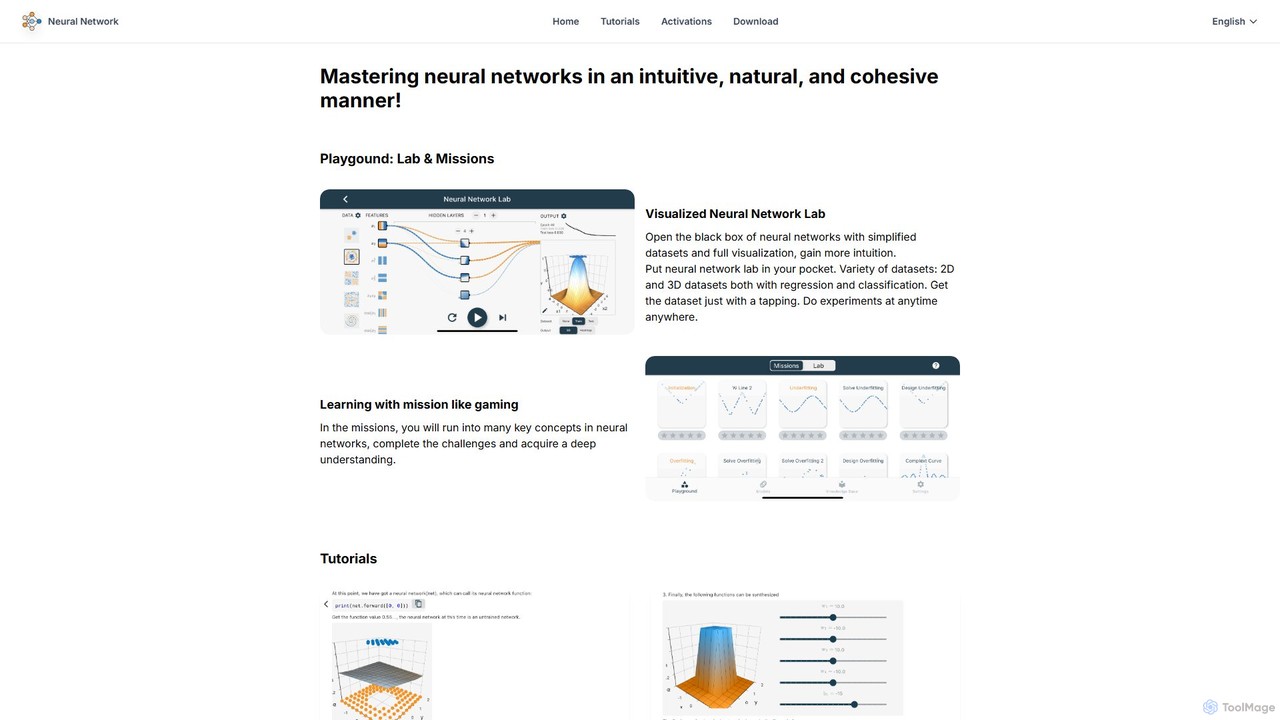
leapai
An interactive educational platform for mastering neural networks and deep learning. leapai uses visual labs, gamified missions, and a drag-and-drop model editor to make complex AI concepts intuitive and accessible for students, developers, and enthusiasts.
Machine Learning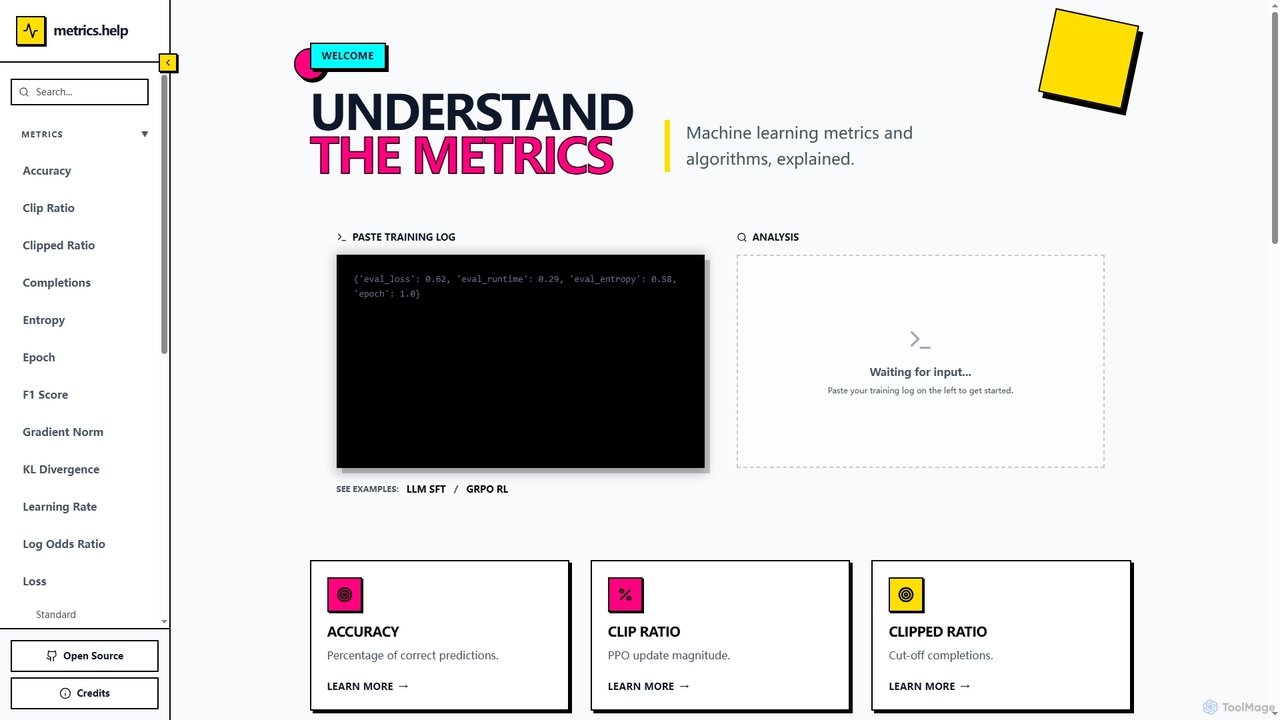
Metrics Help
Metrics Help is an open-source web tool for machine learning practitioners. It functions as a comprehensive guide and an interactive analyzer for ML training metrics. Users can paste training logs to get instant explanations for key metrics like accuracy, loss, and perplexity, aiding in model performance analysis and debugging.
Model Training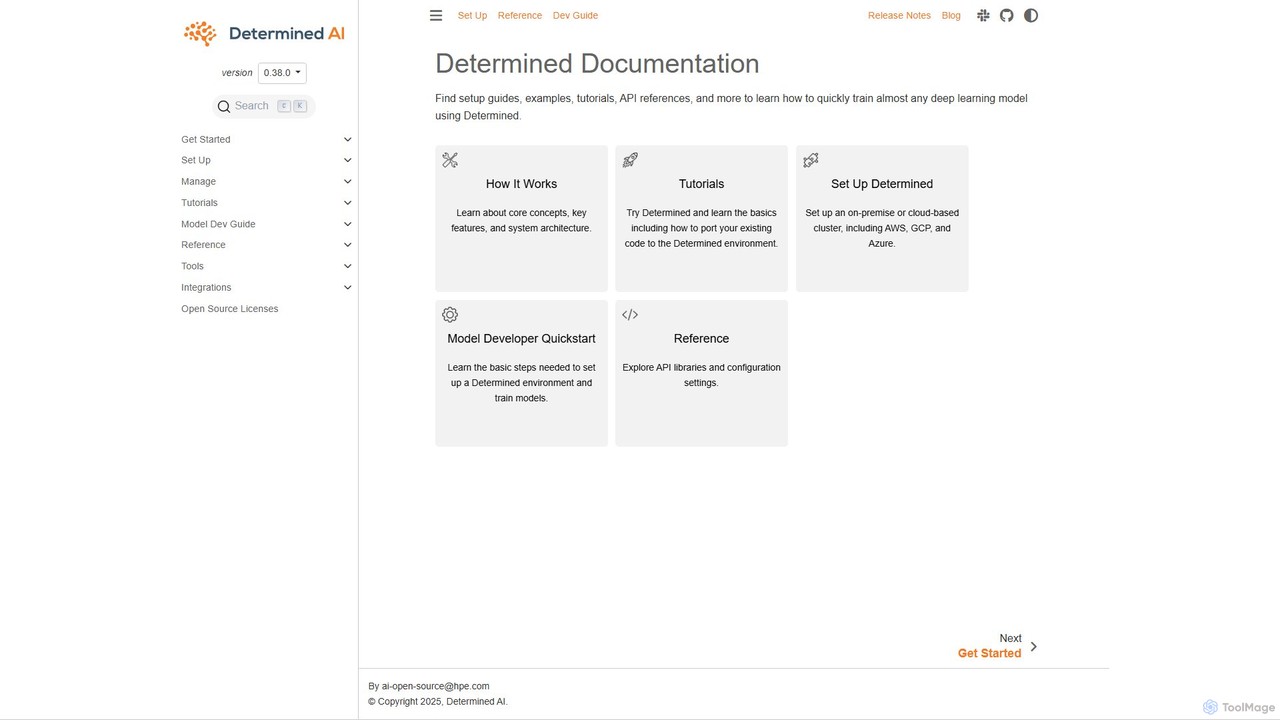
Determined AI
Determined AI is an open-source deep learning training platform that simplifies and accelerates model development. It offers integrated tools for hyperparameter tuning, distributed training, and experiment tracking, enabling data scientists to train better models faster and more efficiently.
Data ScienceCaptum Categories
Captum Embed Widget
Copy this embed code to place the badge on your blog, article, or product site and send readers directly to this ToolMage detail page.

Related AI tools
Fast.ai
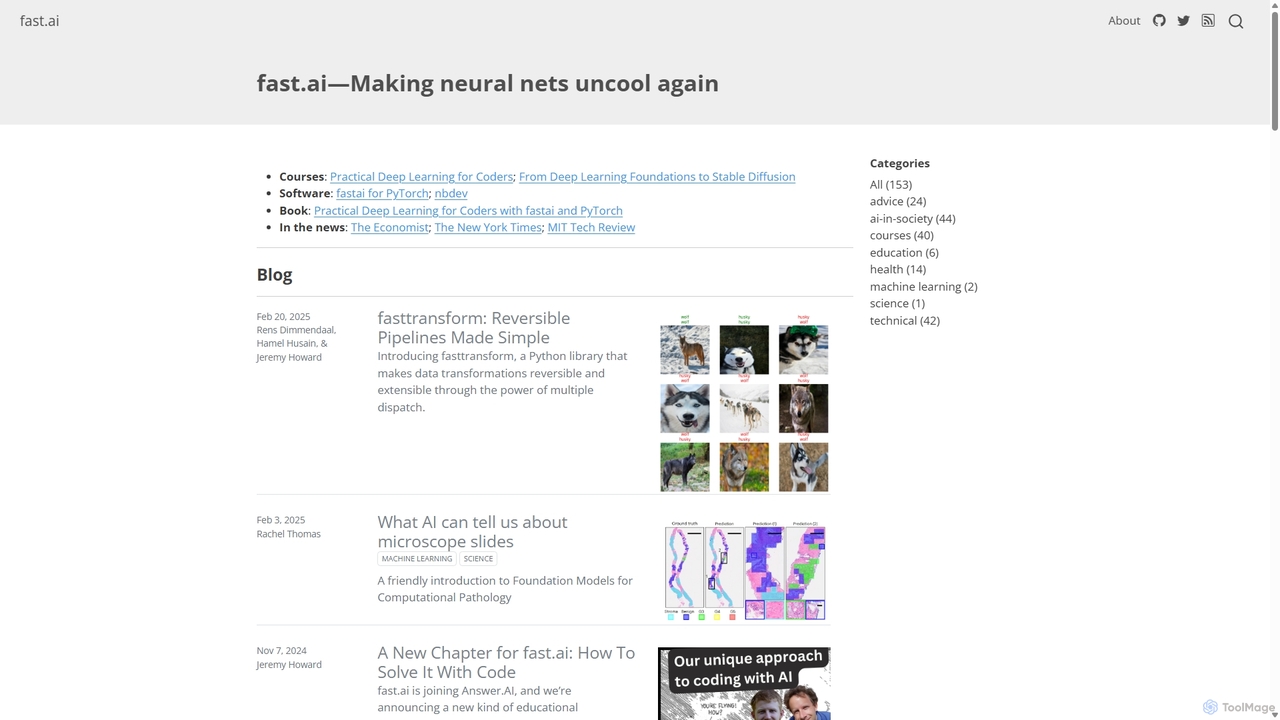
Fast.ai is a research institute dedicated to making deep learning accessible to everyone. It offers free courses, an open-source software library (fastai), cutting-edge research, and a vibrant community, empowering coders of all backgrounds to become deep learning practitioners.
Machine Learning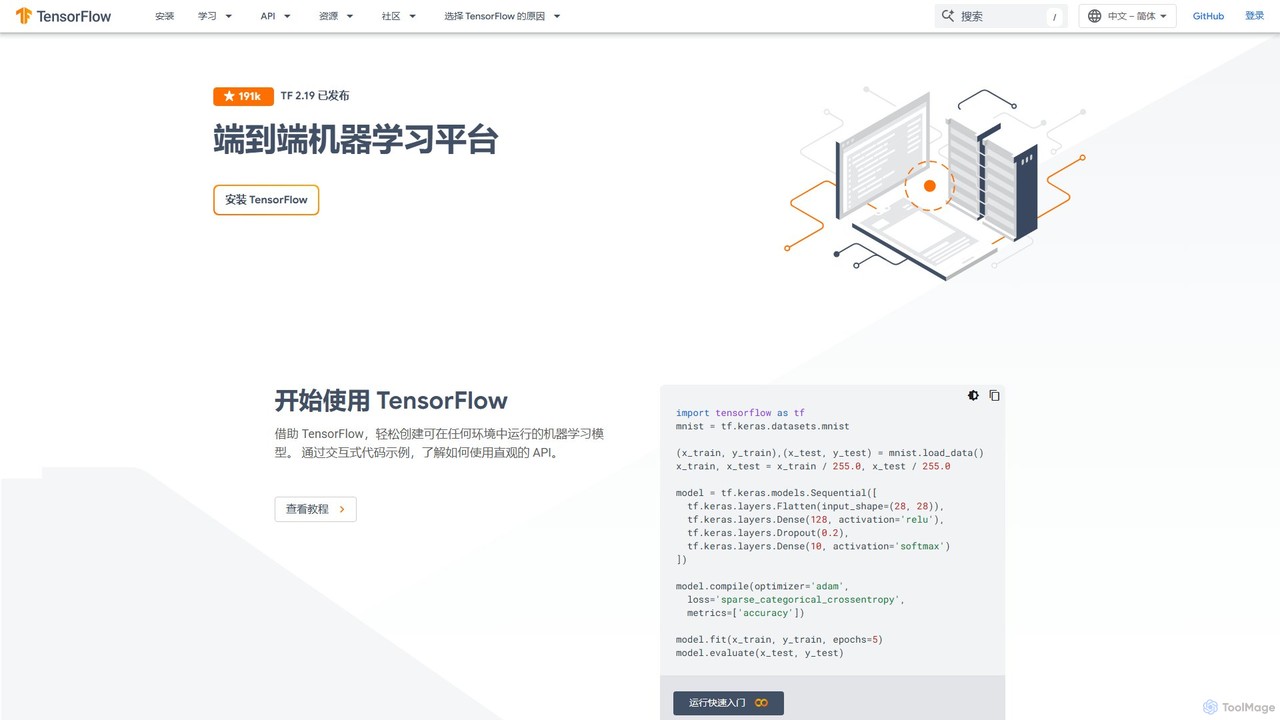
TensorFlow
TensorFlow is an end-to-end open-source platform for machine learning developed by Google. It provides a comprehensive, flexible ecosystem of tools, libraries, and community resources that lets researchers and developers build and deploy ML-powered applications. From beginners to experts, TensorFlow offers intuitive high-level APIs for easy model building and powerful low-level APIs for advanced research, enabling deployment across servers, edge devices, and browsers.
FrameworksLightning AI
Lightning AI is a cloud platform designed to build, train, and deploy AI models at scale. It combines the popular open-source PyTorch Lightning framework with Lightning AI Studio, a collaborative, browser-based environment with zero setup. Access powerful GPUs, scale from a laptop to the cloud seamlessly, and accelerate your entire AI development workflow.
Platform As A Service (Paas)Ludwig
Ludwig is a low-code, open-source deep learning framework that simplifies building and training custom AI models. Using declarative YAML configurations, users can easily create complex models, including LLMs, for multi-modal and multi-task learning without extensive boilerplate code. It's designed for scalability, production-readiness, and integrates with popular tools like HuggingFace and MLFlow.
Model Trainingleapai
An interactive educational platform for mastering neural networks and deep learning. leapai uses visual labs, gamified missions, and a drag-and-drop model editor to make complex AI concepts intuitive and accessible for students, developers, and enthusiasts.
Machine LearningMetrics Help
Metrics Help is an open-source web tool for machine learning practitioners. It functions as a comprehensive guide and an interactive analyzer for ML training metrics. Users can paste training logs to get instant explanations for key metrics like accuracy, loss, and perplexity, aiding in model performance analysis and debugging.
Model TrainingDetermined AI
Determined AI is an open-source deep learning training platform that simplifies and accelerates model development. It offers integrated tools for hyperparameter tuning, distributed training, and experiment tracking, enabling data scientists to train better models faster and more efficiently.
Data Science
hyperficient
hyperficient is an open-source AI tool for developers and ML engineers that automates the search for the most efficient fine-tuning strategies for neural networks. It significantly reduces computational costs, GPU time, and manual effort, enabling optimal model performance on limited resources.
Libraries
Weights & Biases
Weights & Biases is the leading MLOps platform for developers to build better models faster. It helps machine learning teams track experiments, version datasets, manage model lifecycles, and collaborate seamlessly. Ideal for everything from academic research to enterprise-level AI development.
Visualization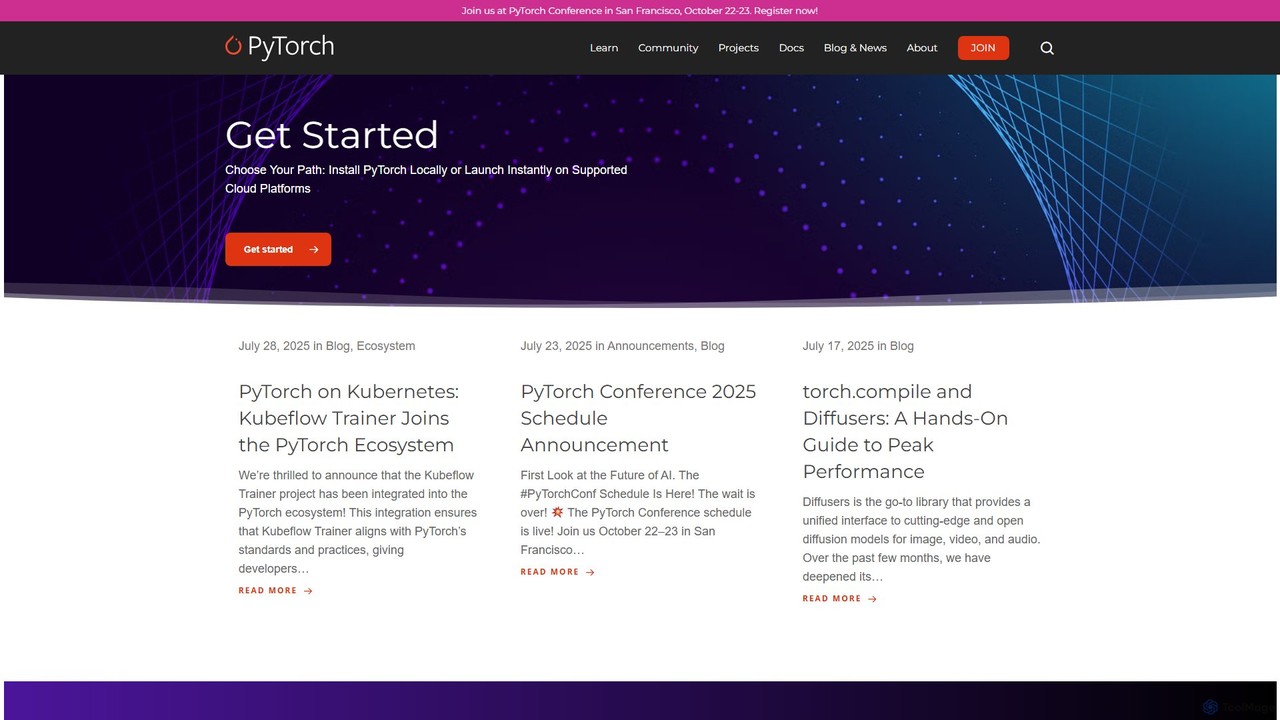
PyTorch
PyTorch is an open-source machine learning framework based on the Torch library, used for applications such as computer vision and natural language processing. It offers a flexible, Python-first environment that accelerates the path from research prototyping to production deployment.
Deep Learning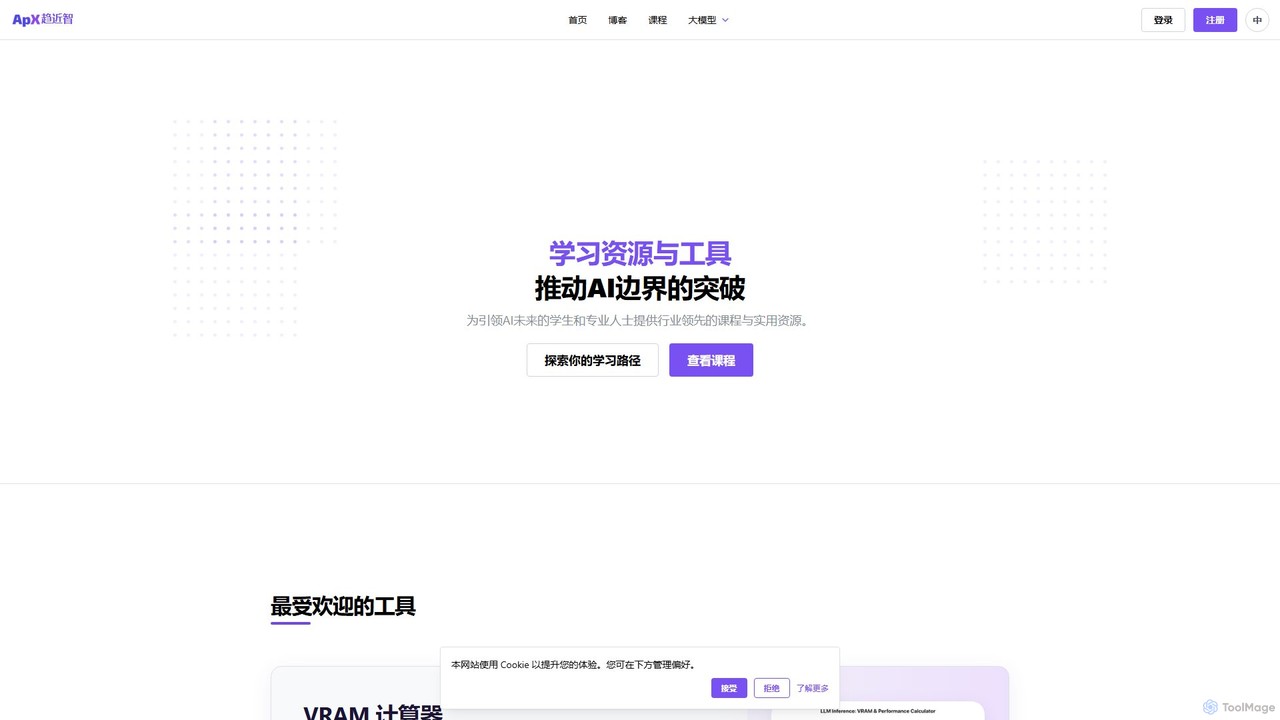
ApX Machine Learning
ApX Machine Learning is an educational platform for AI engineers and students, providing practical courses, in-depth guides, and tools like a VRAM calculator. It focuses on bridging the gap between AI theory and real-world application, covering everything from LLM construction to hardware requirements.
Resource
MLflow
MLflow is an open-source platform for managing the end-to-end machine learning lifecycle. It enables developers and data scientists to track experiments, package code into reproducible runs, version and share models, and deploy them to production, supporting both traditional ML and modern GenAI applications.
Data Science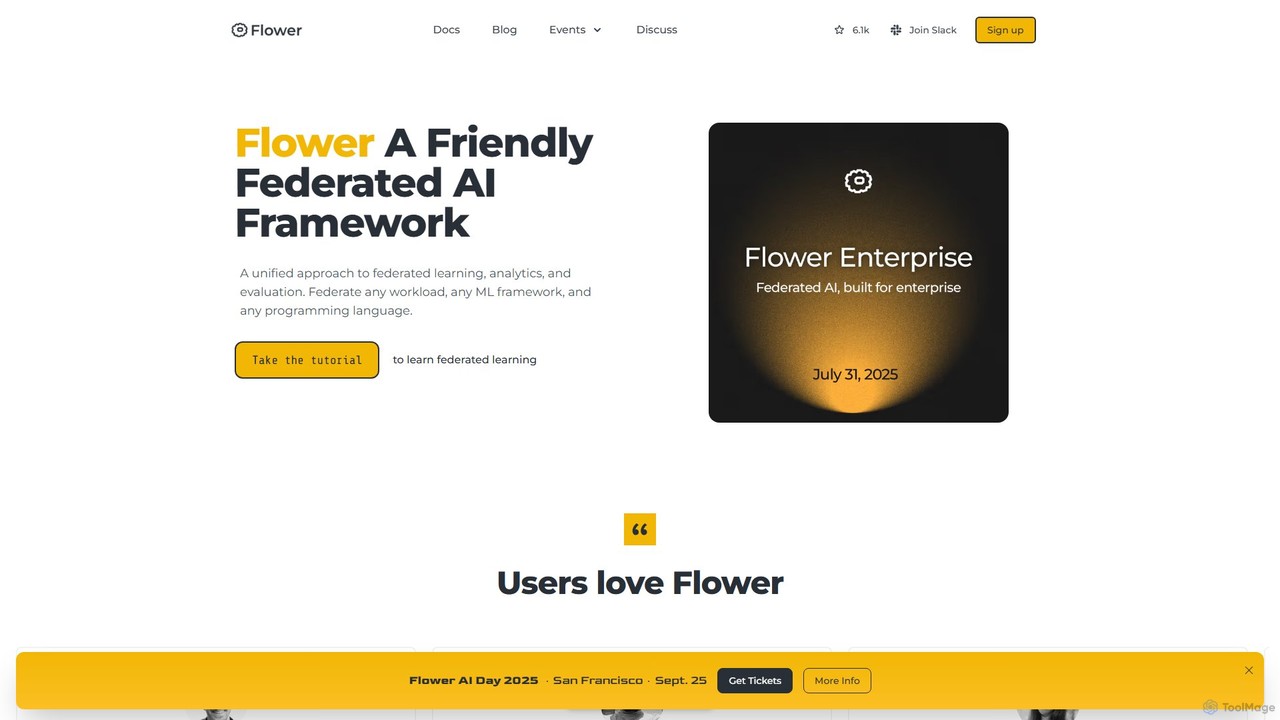
Flower
Flower is a friendly, open-source framework for federated learning, analytics, and evaluation. It enables training AI models on decentralized data across various devices and platforms without compromising privacy, supporting numerous ML frameworks like PyTorch, TensorFlow, and Hugging Face.
Frameworks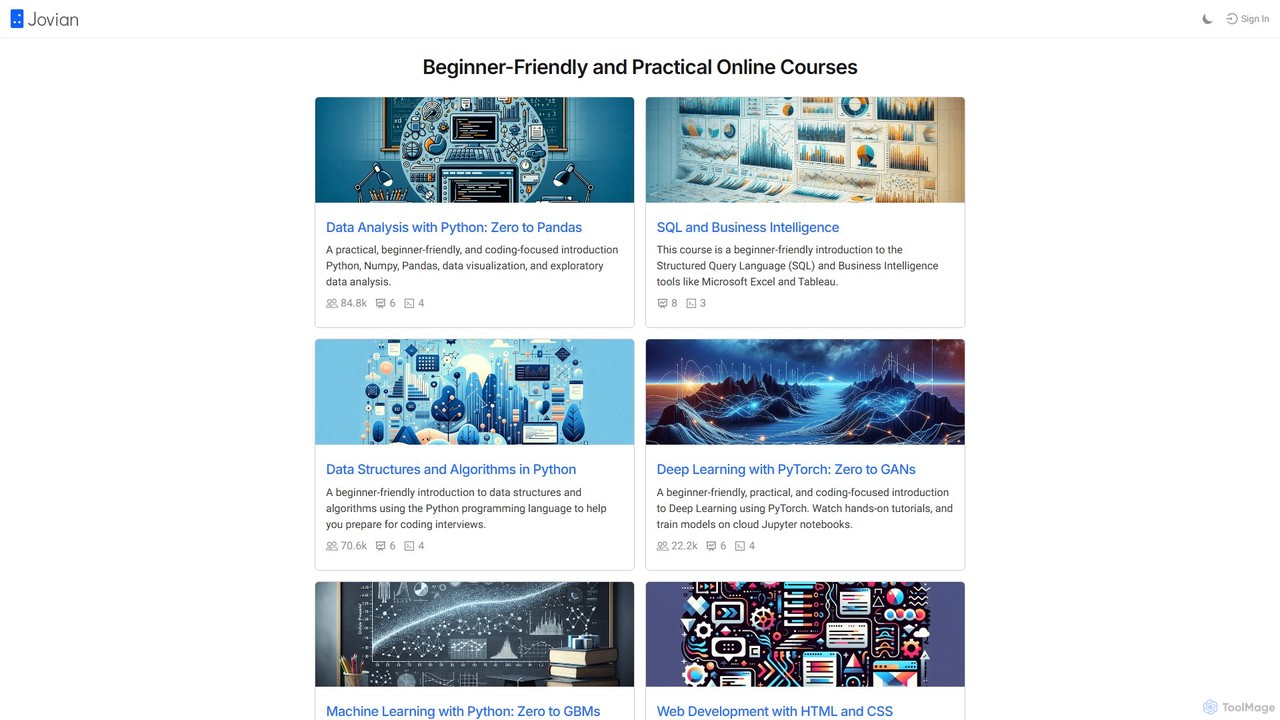
Jovian
Jovian is an online learning platform offering practical, beginner-friendly courses in data science, machine learning, and web development. It focuses on hands-on learning using Python, PyTorch, and other modern technologies, featuring cloud-based Jupyter notebooks and real-world projects to build job-ready skills.
Coding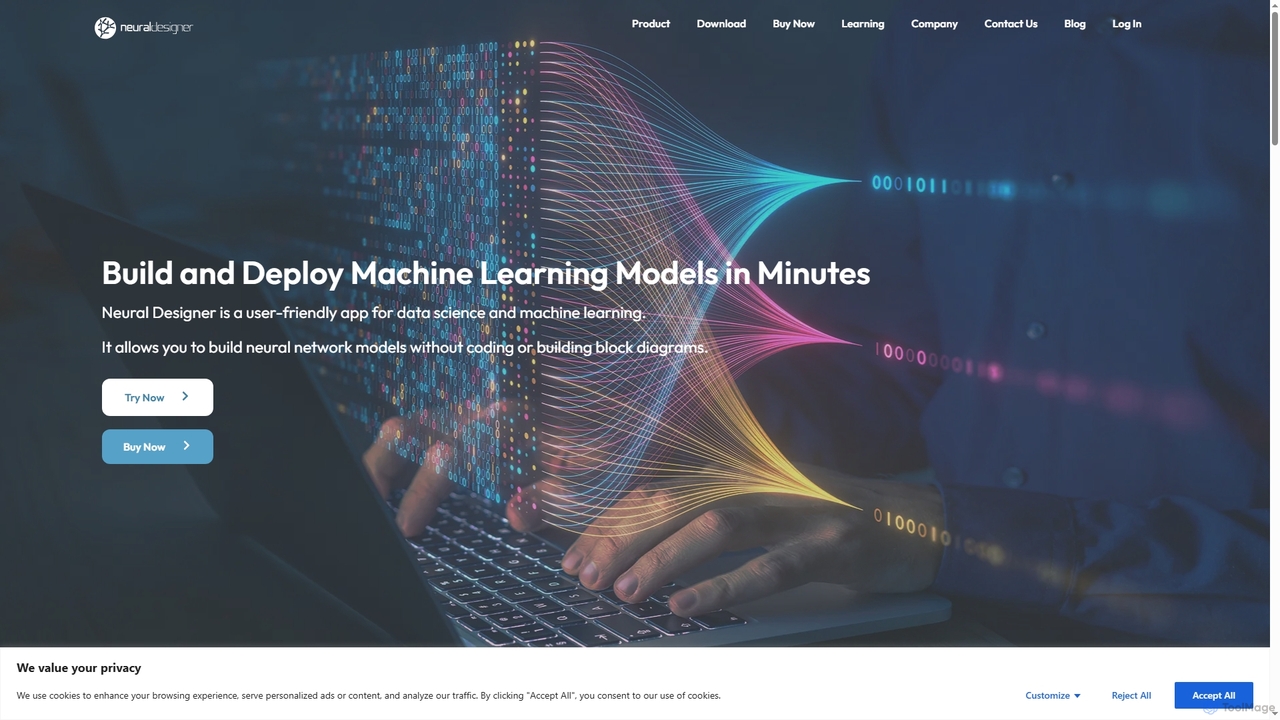
Neural Designer
Neural Designer is a user-friendly, no-code machine learning platform specializing in neural networks. It enables users to build, train, and deploy advanced AI models for approximation, classification, and forecasting without writing any code or complex block diagrams. Designed for data scientists and organizations, it offers high performance, energy efficiency, and superior accuracy across various industries.
Predictive Analytics
Captum Comments (0)
Sign in to comment.
Sign inNo comments yet.