

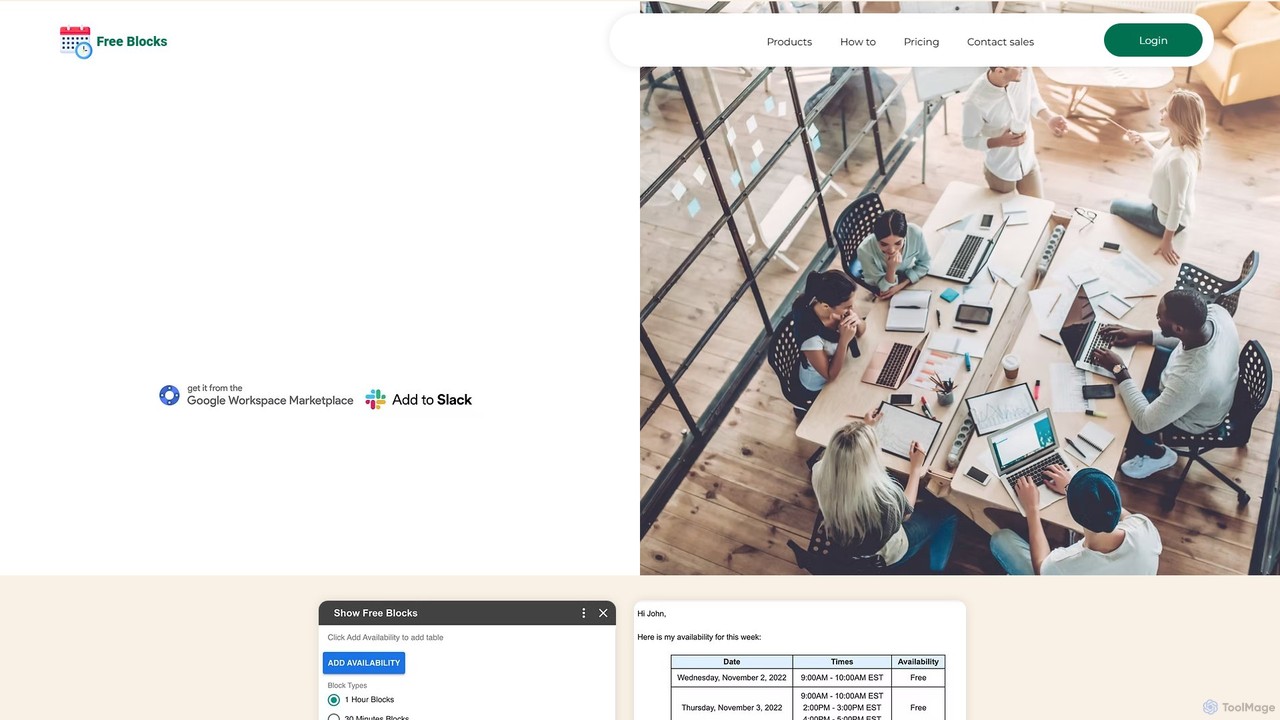
Free Blocks Overview
Free Blocks is a powerful and intuitive scheduling tool designed to revolutionize how individuals and teams coordinate meetings. It eliminates the tedious back-and-forth emails typically associated with finding a suitable meeting time. By integrating directly with your existing digital ecosystem, including Google Calendar, Gmail, and Slack, Free Blocks provides a seamless and efficient scheduling experience. The core of the application is its ability to read your real-time availability from your Google Calendar and present it in a clear, professional, and easily shareable format.
Whether you're a freelancer coordinating with clients, a sales representative booking demos, or a manager aligning with your team, Free Blocks streamlines the entire process. You can either insert a visually appealing table of your hand-picked available time slots directly into an email or share a personal booking page link where others can book a time with you at their convenience. This dual approach offers flexibility for any situation, making scheduling faster, more professional, and less prone to errors.
How to use Free Blocks
Getting started with Free Blocks is simple and straightforward, designed to integrate into your workflow with minimal effort. Here’s a typical user journey:
- Installation: Begin by visiting the Google Workspace Marketplace and installing the Free Blocks add-on for your Google account.
- Grant Permissions: Authorize Free Blocks to access your Google Calendar. This is a secure, one-time step that allows the tool to read your free/busy schedule. Your calendar details are kept private; only the times you choose to share are visible.
- Compose and Share in Gmail: When writing an email in Gmail, click the Free Blocks icon in the compose window. A panel will appear, displaying your calendar.
- Select Availability: Browse your calendar and click to select the specific time slots you wish to offer for the meeting. You have the flexibility to choose slots of varying lengths and across different days. You can also block off entire days you don't want to be available.
- Insert into Email: Once you've selected your preferred times, click a button to automatically insert a clean, professional HTML table of these slots into your email.
- Use Your Booking Page: Alternatively, grab the link to your personal booking page. Share this link via email, chat, or on your website. Recipients can view your real-time availability and book a meeting in just a few clicks. The event is then automatically added to both your and the attendee's calendars.
- Slack Integration: Connect Free Blocks to your Slack workspace to receive booking notifications or even share availability directly within channels or direct messages.
Core Features of Free Blocks
- Seamless Google Calendar Sync: Connects directly to your primary Google Calendar to ensure the availability you share is always accurate and up-to-date.
- Direct Gmail Integration: Works as a Google Workspace add-on, allowing you to insert availability tables without ever leaving your Gmail compose window.
- Personal Booking Pages: Create a personalized, shareable page where others can view your availability and book meetings with you directly.
- Slack Integration: Streamline communication by sharing availability and receiving notifications within your Slack workspace.
- Visual Availability Tables: Generates clean, easy-to-read HTML tables that present your free time slots professionally within emails.
- Selective Time Sharing: You maintain full control and privacy by hand-picking the exact time slots you want to offer.
- One-Click Scheduling: Recipients can confirm a time with minimal effort, reducing friction and speeding up the booking process.
- Team Collaboration: Ideal for coordinating meetings between large groups, helping to find the best time for everyone quickly.
Use Cases for Free Blocks
Free Blocks is versatile and valuable for a wide range of professionals and scenarios:
- Sales Teams: Sales representatives can quickly offer demo slots to leads, reducing the sales cycle and improving conversion rates.
- Recruiters: HR and recruitment professionals can efficiently schedule interviews with candidates, avoiding scheduling conflicts and delays.
- Consultants and Freelancers: Easily share availability with clients for consultations, project check-ins, and kickoff meetings.
- Internal Team Meetings: Project managers and team leads can find a common time for team syncs, brainstorming sessions, or one-on-ones without a long email chain.
- Customer Support: Support agents can schedule troubleshooting or onboarding calls with customers, providing a better service experience.
- Educators and Students: Teachers can set up office hours, and students can coordinate group project meetings.
Advantages of Free Blocks
The primary advantage of Free Blocks is its combination of simplicity, power, and cost-effectiveness. It accelerates results by turning a process that could take days of back-and-forth communication into a task that takes seconds. The direct integration with industry-leading software like Google Calendar and Slack means it fits into existing workflows without requiring users to learn a new, separate platform. By presenting availability in a professional format, it enhances your professional image. Most importantly, it is completely free, offering features that many competitors place behind a paywall.
Pricing and Plans
Free Blocks is committed to making scheduling seamless and accessible to everyone. As stated on the official website, the tool is completely free to use. There are no hidden fees, subscription tiers, or premium features that require payment. You can download and use its full range of features, including Google Calendar integration, personal booking pages, and availability sharing, at no cost.
Traffic
Latest traffic
Status
Monthly traffic trend
- 2025-7: 199
- 2025-8: 0
- 2025-9: 1.2K
- 2026-3: 0
- 2026-4: 0
- 2026-5: 381
Geography
Top 5 countries / regions
- 🇺🇸United States100.0%
Top keywords
| Keyword | Cost per click |
|---|---|
| blocked al on free | $0.00 |
Free Blocks Alternatives
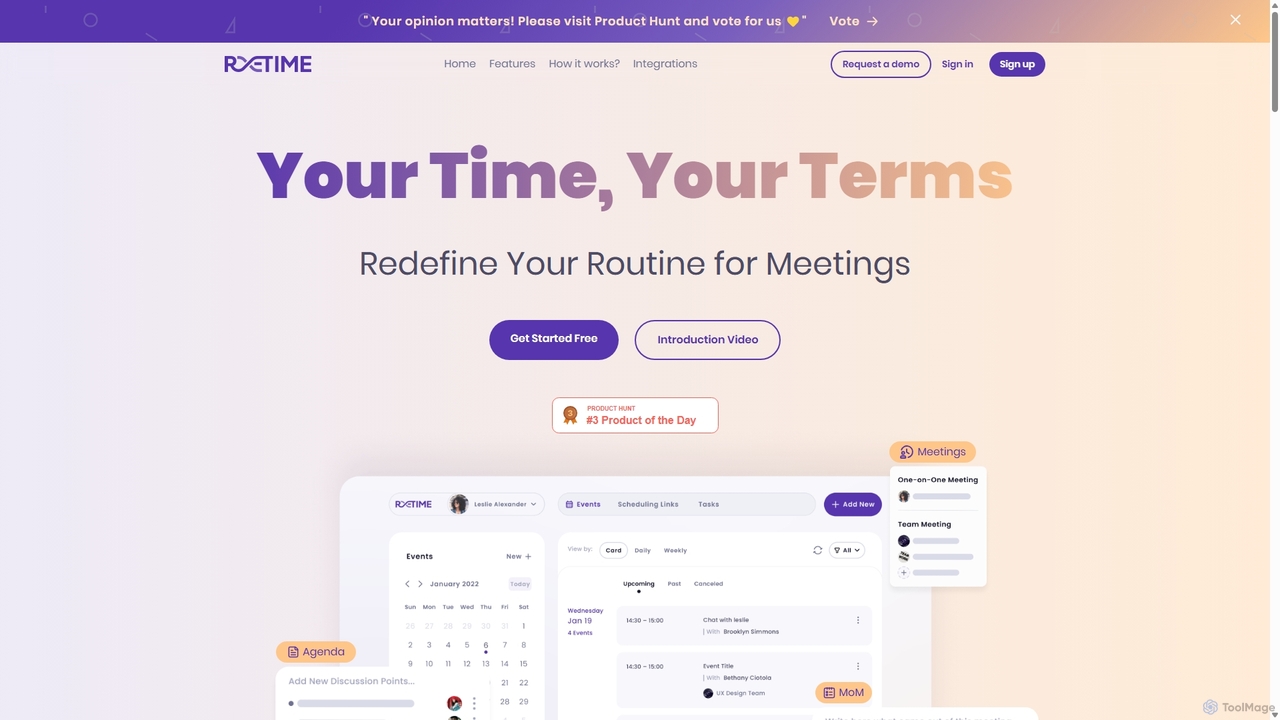
Retime
Retime is an intelligent meeting scheduling and management platform designed to streamline your workflow. It goes beyond simple booking by integrating agenda creation, action item tracking, and seamless calendar synchronization to make every meeting productive and outcome-oriented.
Calendar Management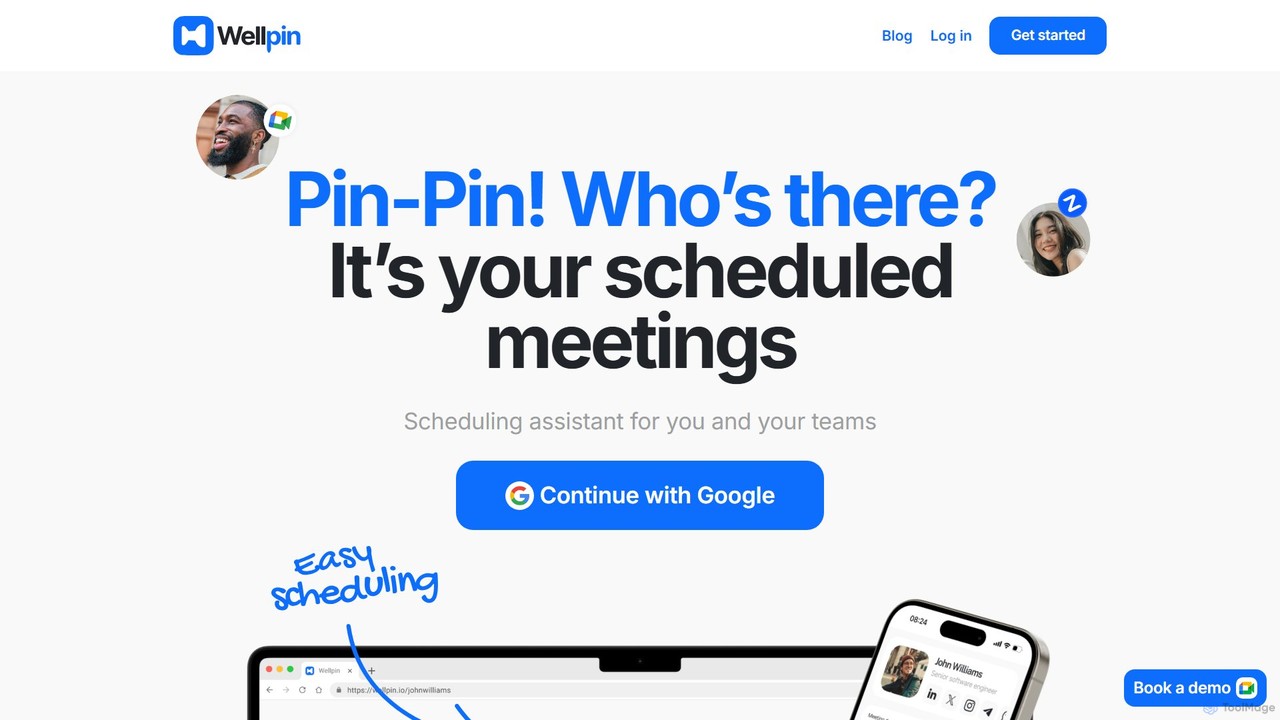
Wellpin
Wellpin is an AI-powered scheduling assistant designed for individuals and teams. It simplifies meeting arrangements by syncing with your calendars, preventing double bookings with AI conflict detection, and providing a single link for all your scheduling needs. Ideal for recruiters, sales teams, educators, and consultants.
Booking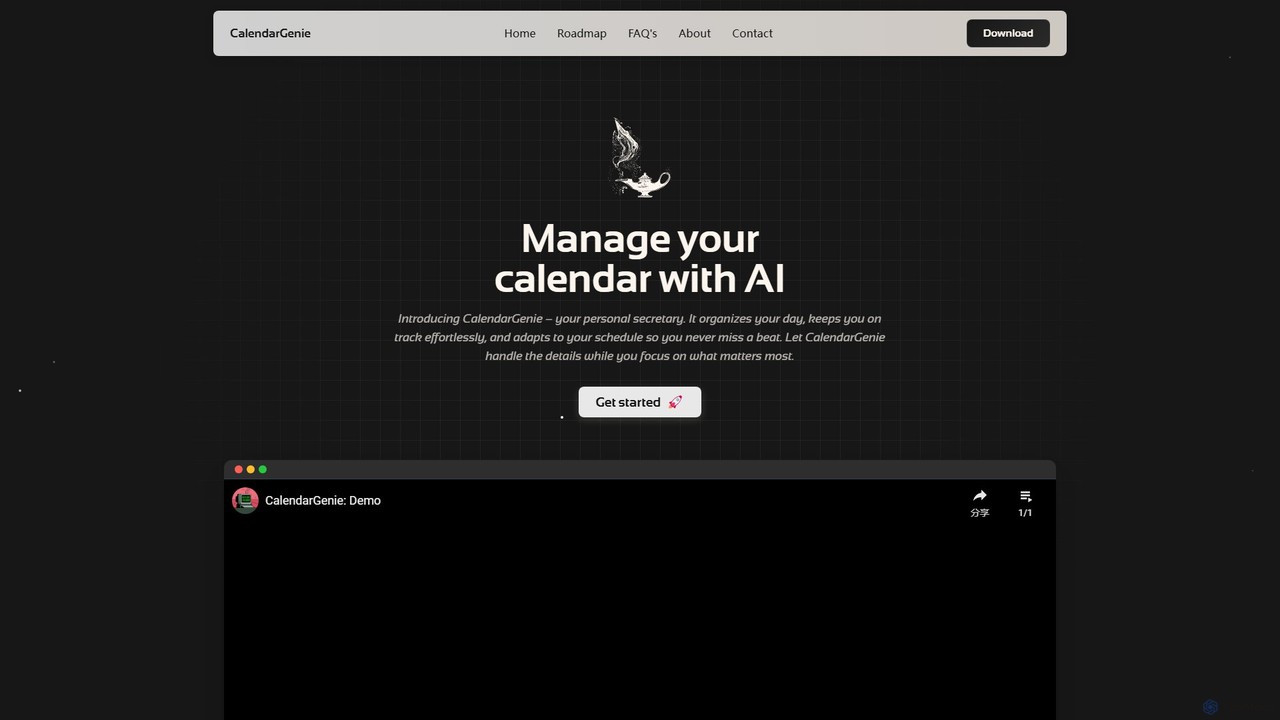
CalendarGenie
CalendarGenie is a free, AI-powered calendar assistant that acts as your personal secretary. Effortlessly manage your schedule by creating, modifying, and deleting events using simple, natural language prompts. It integrates with Google Calendar to streamline your day, adapt to your routine, and help you focus on what matters most.
Assistant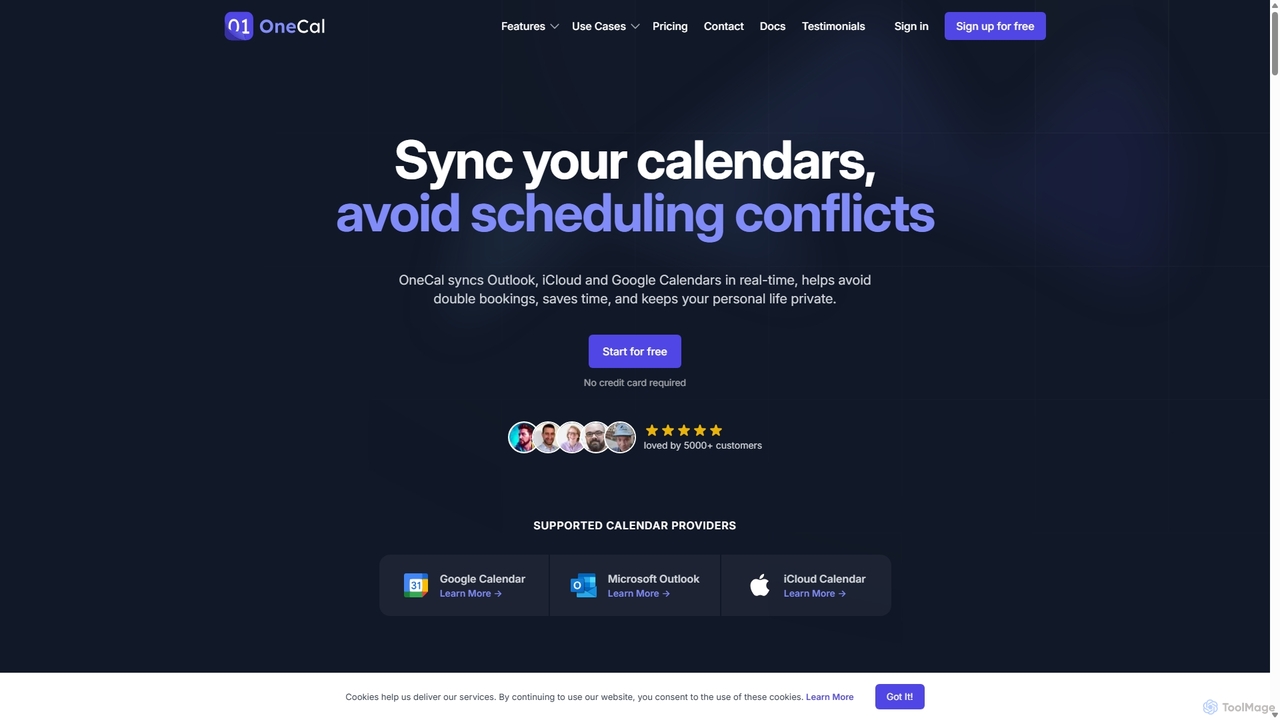
OneCal
OneCal is a powerful calendar automation tool that syncs Outlook, Google, and iCloud calendars in real-time. It helps professionals and teams avoid double bookings, save time on scheduling, and maintain privacy by consolidating all events into a unified view and providing customizable scheduling links.
Time Management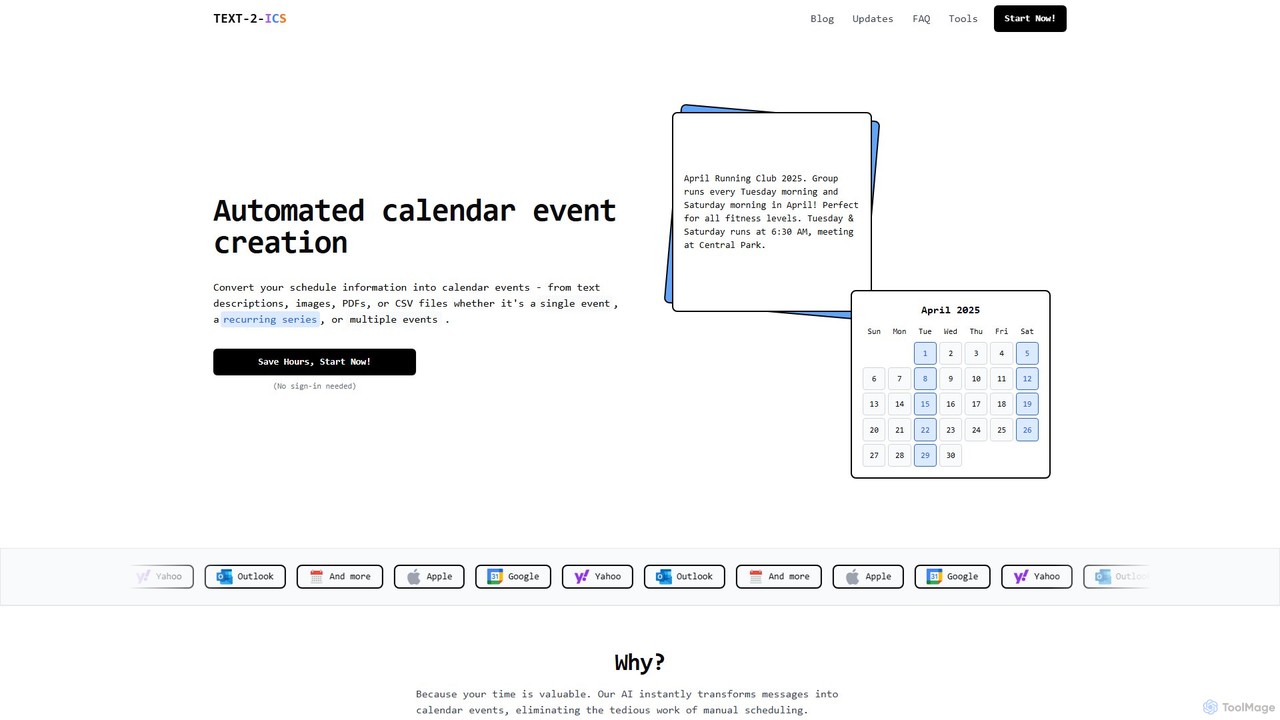
Text-2-ICS
An AI-powered tool that instantly converts text, images, PDFs, and CSV files into calendar events (.ics files). It uses natural language processing to automatically extract event details, saving you from tedious manual scheduling. Supports single, recurring, and multiple events.
ConverterFree Blocks Categories
Free Blocks Embed Widget
Copy this embed code to place the badge on your blog, article, or product site and send readers directly to this ToolMage detail page.

Related AI tools
Wellpin
Wellpin is an AI-powered scheduling assistant designed for individuals and teams. It simplifies meeting arrangements by syncing with your calendars, preventing double bookings with AI conflict detection, and providing a single link for all your scheduling needs. Ideal for recruiters, sales teams, educators, and consultants.
BookingCalendarGenie
CalendarGenie is a free, AI-powered calendar assistant that acts as your personal secretary. Effortlessly manage your schedule by creating, modifying, and deleting events using simple, natural language prompts. It integrates with Google Calendar to streamline your day, adapt to your routine, and help you focus on what matters most.
Assistant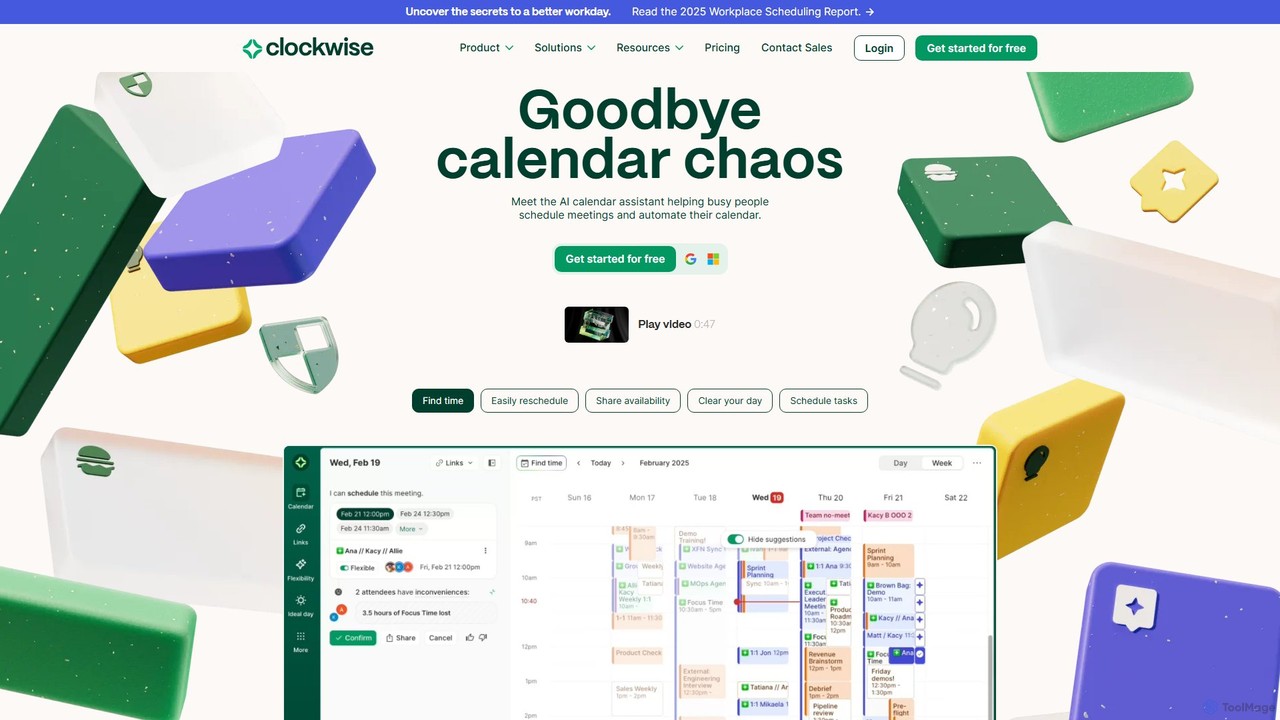
getclockwise
Clockwise is an AI-powered time management and calendar assistant that optimizes your schedule for maximum productivity. It intelligently rearranges meetings to create longer blocks of uninterrupted Focus Time, automates team scheduling, and acts as your personal assistant to manage your calendar effortlessly.
Calendar Management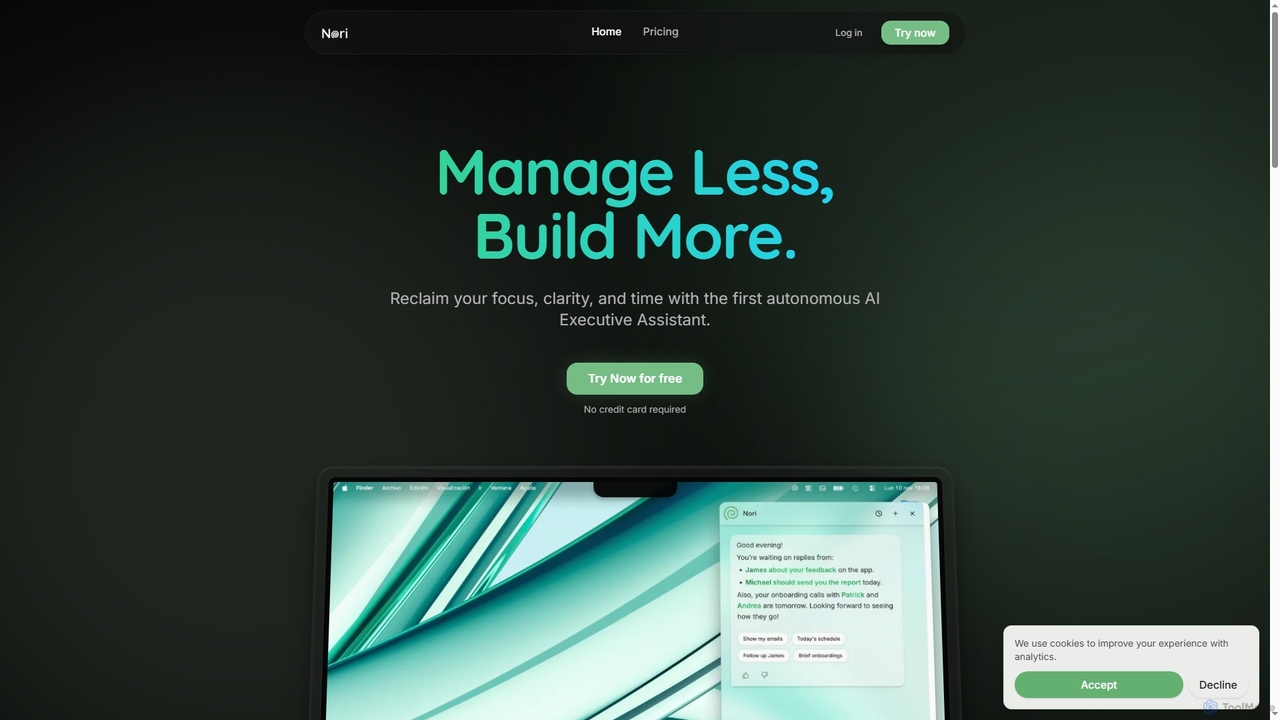
Nori
Nori is an autonomous AI Executive Assistant designed to help founders and executives reclaim their time and focus. It intelligently manages your day, prioritizes tasks, handles follow-ups, sets reminders, and coordinates meetings across calendars, integrating seamlessly with Gmail and Google Calendar.
Executive AssistantRetime
Retime is an intelligent meeting scheduling and management platform designed to streamline your workflow. It goes beyond simple booking by integrating agenda creation, action item tracking, and seamless calendar synchronization to make every meeting productive and outcome-oriented.
Calendar ManagementOneCal
OneCal is a powerful calendar automation tool that syncs Outlook, Google, and iCloud calendars in real-time. It helps professionals and teams avoid double bookings, save time on scheduling, and maintain privacy by consolidating all events into a unified view and providing customizable scheduling links.
Time ManagementText-2-ICS
An AI-powered tool that instantly converts text, images, PDFs, and CSV files into calendar events (.ics files). It uses natural language processing to automatically extract event details, saving you from tedious manual scheduling. Supports single, recurring, and multiple events.
Converter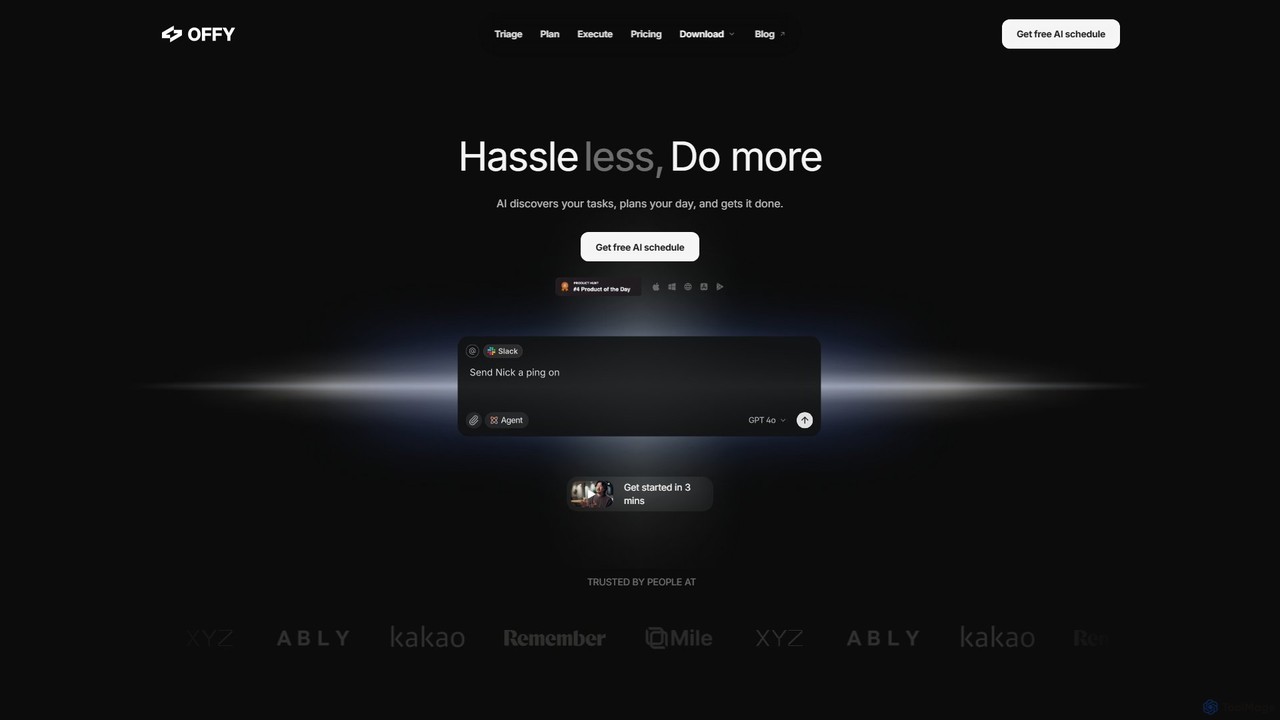
OFFLIGHT
OFFLIGHT is an AI-powered task management tool that automatically discovers tasks from your apps like Gmail and Slack, creates intelligent, time-based plans, and helps you execute them. Centralize your workflow and boost productivity with your personal AI assistant, Offy.
Personal Assistant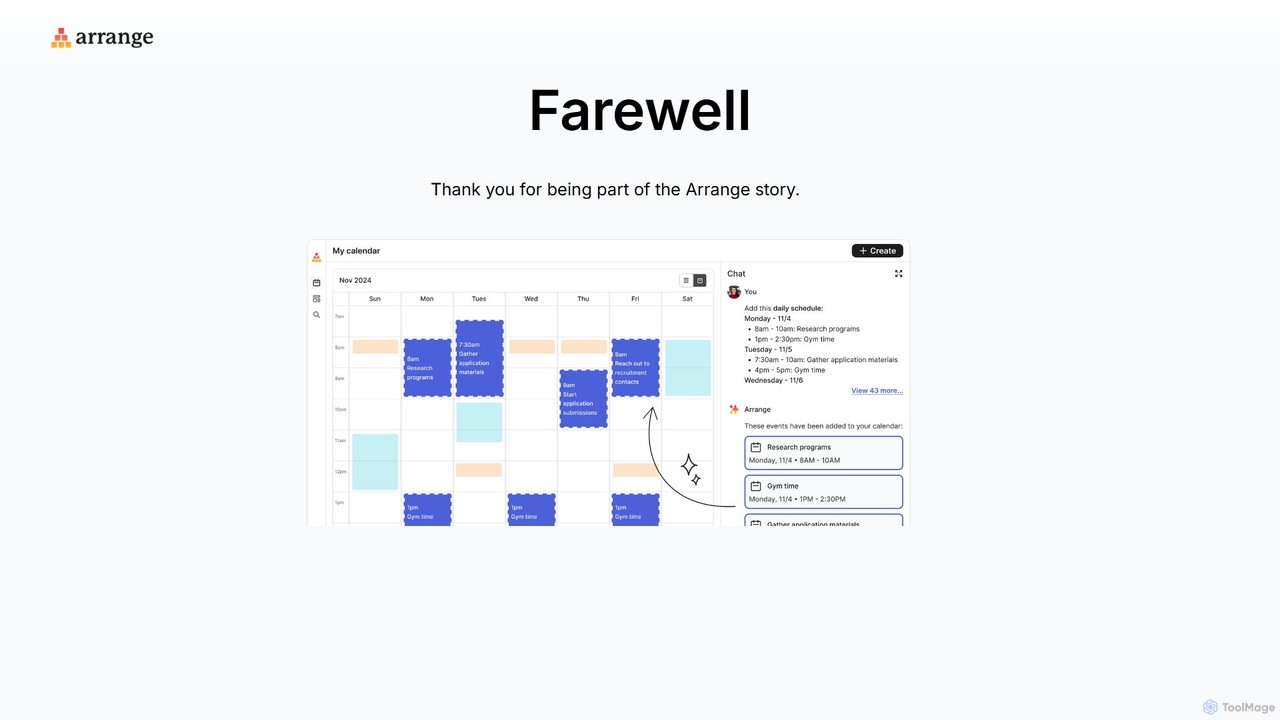
Arrange
Arrange is an AI-powered scheduling assistant that intelligently converts your text-based plans, emails, and messages into organized calendar events. It uses natural language processing to understand dates, times, and participants, automating the entire scheduling process to save you time and effort.
Task Management
Focus Fox
Focus Fox is an AI-powered assistant designed to streamline your productivity by simplifying calendar and event management. Using natural language, you can instantly create events, organize your schedule, and manage tasks, allowing you to focus on what truly matters. It integrates with your existing calendars to provide a seamless experience.
Ai Assistant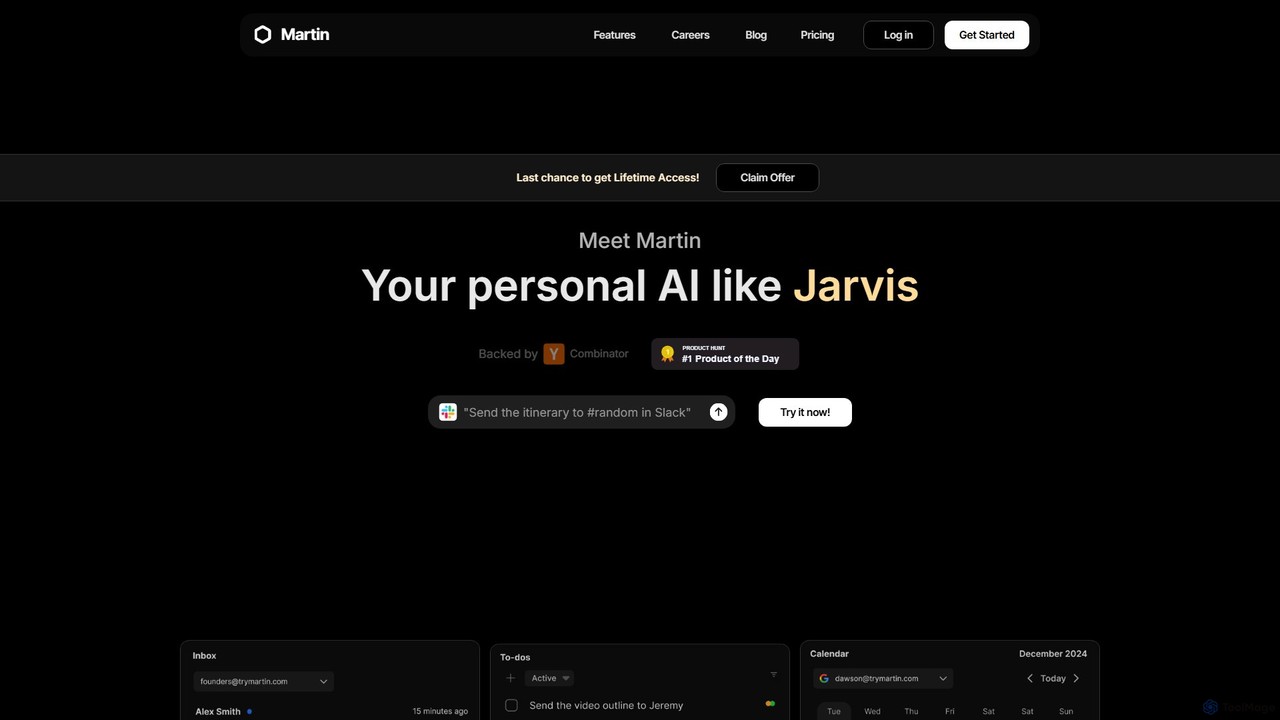
Martin
Martin is a personal AI assistant, like Jarvis, designed to streamline your life by managing tasks, communications, and schedules. Interact with Martin via text, call, email, or Slack to set reminders, send messages, manage your calendar, and automate daily workflows. It integrates seamlessly with your existing apps to boost your productivity.
Email Assistant
The Librarian
The Librarian is an AI personal assistant designed to supercharge your productivity. It integrates with Google Workspace (Gmail, Calendar, Drive) to automate tasks like drafting emails, summarizing conversations, scheduling meetings, and instantly finding documents. Accessible via Web, WhatsApp, and Slack, it helps you focus on what truly matters by streamlining your daily workflow.
Assistant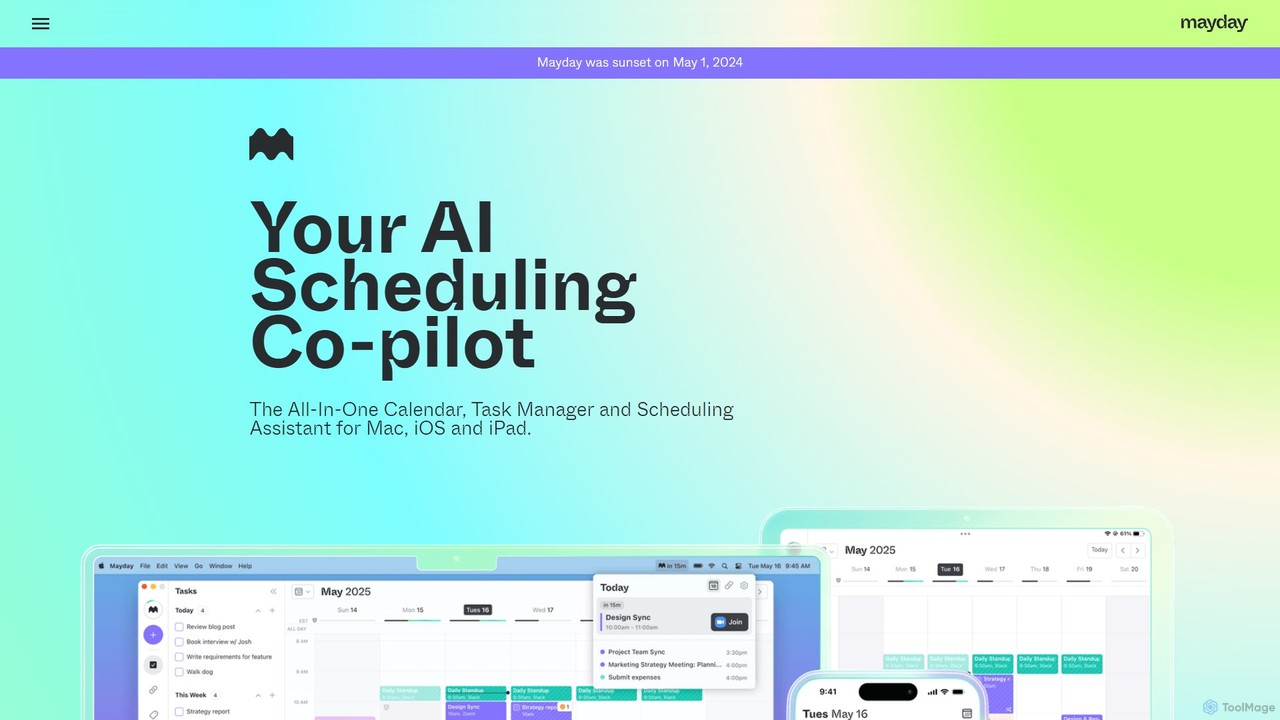
Mayday
Mayday was an AI-assisted calendar designed to protect your time and automate scheduling. It unified multiple calendars, intelligently scheduled tasks, and used features like buffer time and smart tags to create a more manageable schedule. Please note: Mayday was discontinued on May 1, 2024.
Calendar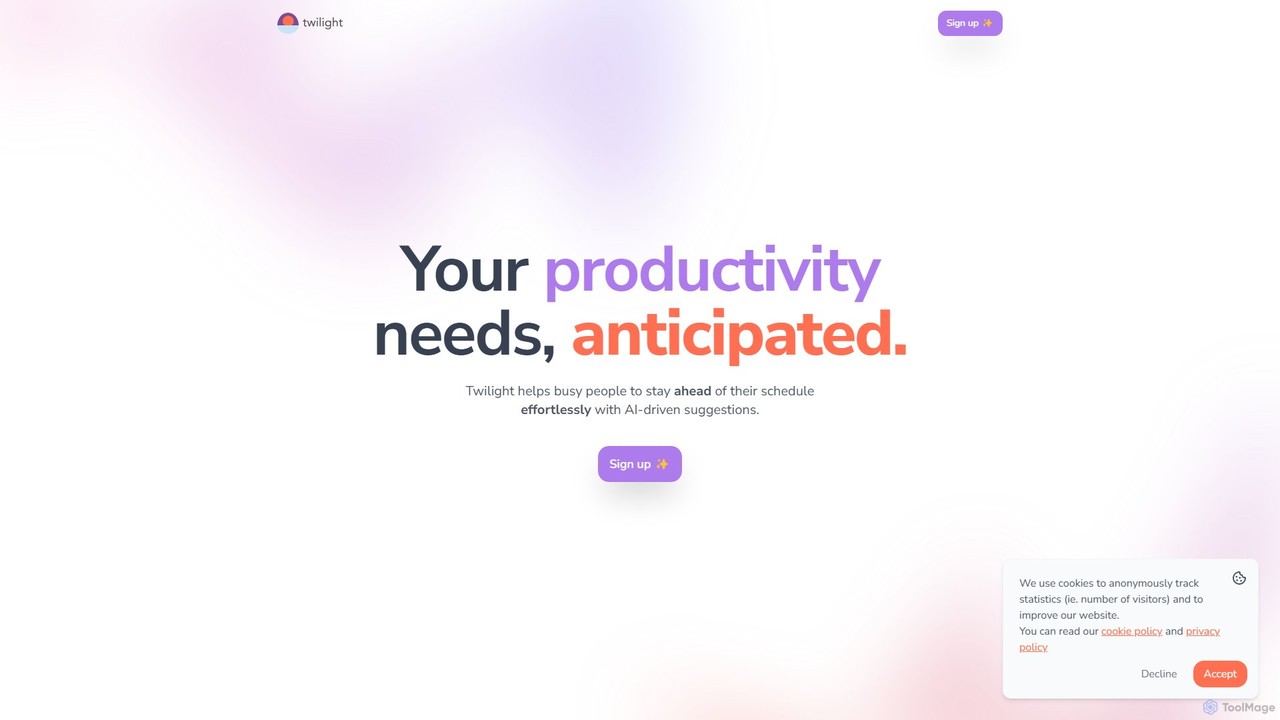
Twilight
Twilight is an AI-driven personal assistant that anticipates your productivity needs. It intelligently manages your schedule with proactive suggestions, automates rescheduling, prevents overbooking, and helps you focus on what truly matters by organizing your workflow.
Calendar Management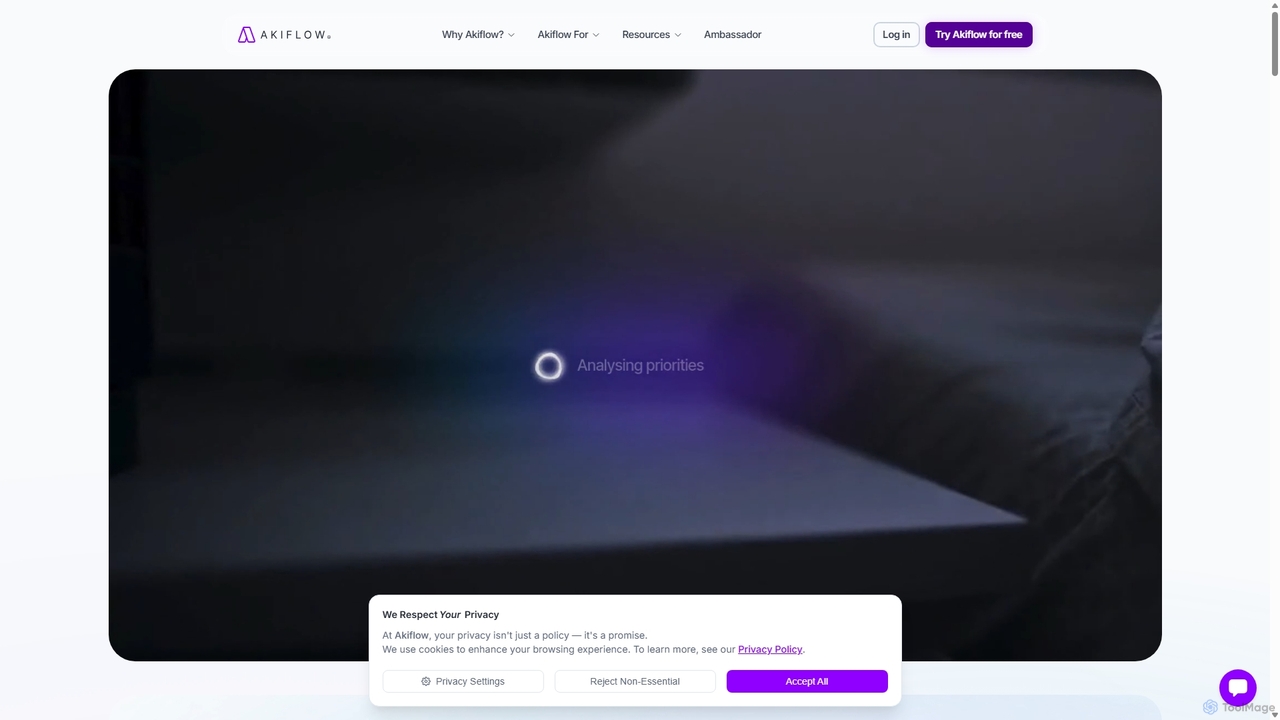
Akiflow
Akiflow is an AI-powered time blocking and task management platform that consolidates all your tasks and calendars into a single, unified workspace. Featuring Aki, an AI executive assistant, it helps you automate scheduling, manage routines, and organize your day with unparalleled speed and efficiency, eliminating the need to switch between multiple apps.
Automation
Free Blocks Comments (0)
Sign in to comment.
Sign inNo comments yet.