

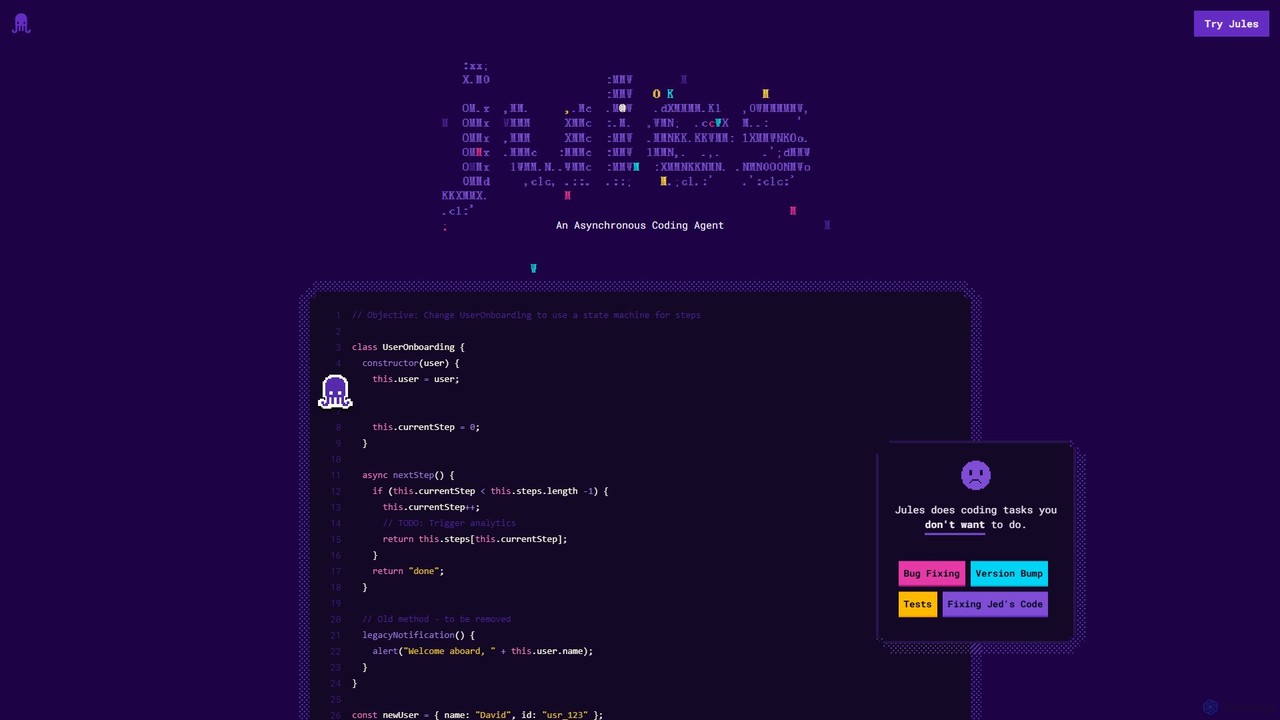
Jules Overview
Jules is a cutting-edge, experimental AI coding agent developed by Google, designed to function as an asynchronous partner for software developers. It leverages the advanced capabilities of the Gemini 2.5 Pro model to understand and interact with your codebase directly within your GitHub workflow. Jules excels at automating a wide range of coding tasks, from simple bug fixes and documentation updates to complex feature implementation and large-scale refactoring. By operating asynchronously, it allows developers to delegate tasks and continue with their work, receiving notifications only when input or approval is needed.
The core principle of Jules is to augment the developer, not replace them. It provides a transparent and controllable process. After receiving a task via a natural language prompt, Jules analyzes the repository, devises a detailed execution plan, and presents it to the user for approval. This ensures that the developer maintains full control over the direction of the changes. Once the plan is approved, Jules proceeds to modify the code and presents the changes as a clear 'diff' for review, culminating in a ready-to-merge pull request. This seamless integration into the standard Git workflow makes it an intuitive and powerful tool for any development team.
How to use Jules
Using Jules is designed to be a straightforward extension of your existing development process. Here is a step-by-step guide to get started:
- Login and Connect: Begin by visiting the Jules website and signing in with your Google account. You will then be prompted to connect your GitHub account, granting Jules permission to access either all or selected repositories.
- Select Repository and Branch: Once connected, choose the specific GitHub repository and branch you want Jules to work on. The default branch is selected automatically, but you can easily switch to any other branch.
- Write a Detailed Prompt: This is the most crucial step. Provide a clear, specific, and detailed prompt describing the task you want Jules to perform. For example, 'Refactor the authentication service to use async/await instead of promises' or 'Add unit tests for the `calculatePrice` function in `billing.js` and ensure 100% coverage.'
- (Optional) Provide Context: For enhanced accuracy, you can create an `AGENTS.md` file in the root of your repository. In this file, describe your project's architecture, conventions, and tools. Jules will use this file to better understand the context and generate more relevant code.
- Review the Plan: After you submit the prompt, Jules will analyze your request and codebase to generate a step-by-step plan. You must review and approve this plan before any code is written.
- Review the Code Changes: Upon plan approval, Jules will execute the task and present a 'diff' of all the changes made. This allows you to meticulously review every line of code.
- Merge the Pull Request: Finally, Jules will create a pull request (PR) on GitHub containing all the approved changes. You can review the PR, run it through your CI/CD pipeline, and merge it into your codebase.
Core Features of Jules
- Asynchronous Task Execution: Assign tasks to Jules and let it work in the background. You can close the browser and will be notified when your input is required.
- Deep GitHub Integration: Seamlessly connects to your repositories, understands your code, and creates pull requests, fitting naturally into the developer workflow.
- AI-Powered Planning (Gemini 2.5 Pro): Utilizes Google's state-of-the-art Gemini 2.5 Pro model to create intelligent, context-aware plans for complex coding tasks.
- Interactive Review and Approval: Provides multiple checkpoints for user control, including plan approval, diff review, and final PR review, ensuring code quality and alignment with project goals.
- Automated Pull Request Generation: Automates the final step of creating a well-formed pull request, complete with a summary of changes.
- Contextual Understanding with AGENTS.md: Improves its effectiveness by reading a dedicated `AGENTS.md` file that describes your project's unique characteristics.
- Audio Change Summaries: Offers a unique feature to generate an audio summary of the code changes, allowing you to quickly get up to speed on the modifications.
Use Cases for Jules
Jules is versatile and can be applied to numerous development scenarios:
- Bug Fixing: Describe a bug reported in an issue tracker, and Jules can analyze the code, identify the root cause, and generate a patch.
- Feature Development: Provide specifications for a new feature, and Jules can write the boilerplate and initial implementation, giving you a head start.
- Code Refactoring: Perform large-scale code modernizations, such as upgrading framework versions (e.g., migrating a Next.js project to use the App Directory), or converting a codebase to TypeScript.
- Dependency Management: Handle the tedious task of updating outdated dependencies, resolving version conflicts, and modifying the code to accommodate breaking changes.
- Documentation and Testing: Automatically generate or update documentation for functions and components, or write unit and integration tests to improve code coverage.
Advantages of Jules
Jules offers significant advantages for individual developers and teams:
- Increased Productivity: By automating repetitive and time-consuming coding tasks, Jules frees up developers to focus on high-level architecture, complex logic, and creative problem-solving.
- Enhanced Code Quality: Can be tasked to enforce coding standards, add tests, and perform refactoring, leading to a more maintainable and robust codebase.
- Accelerated Development Cycles: Reduces the time it takes to complete tasks like bug fixes and minor feature additions, shortening the overall development lifecycle.
- Developer-in-Control: The multi-stage review process ensures that developers are always in command, preventing unwanted or incorrect code from being merged.
- Seamless Workflow Integration: Works with the tools developers already use (GitHub), requiring minimal changes to existing processes.
Pricing and Plans
Jules is currently an experimental project from Google and is available for free during this phase. As the tool evolves and moves out of the experimental stage, pricing plans may be introduced. Users are encouraged to check the official website for the most up-to-date information on availability and pricing.
Traffic
Latest traffic
Status
Monthly traffic trend
- 2025-9: 718.1K
- 2026-1: 742.5K
- 2026-2: 525.1K
- 2026-3: 315.3K
- 2026-4: 476.6K
- 2026-5: 638.7K
Geography
Top 5 countries / regions
- 🇺🇸United States41.5%
- 🇮🇳India30.8%
- 🇩🇪Germany13.4%
- 🇷🇺Russia8.6%
- 🇵🇱Poland5.7%
Traffic sources
| Source type | Percentage |
|---|---|
Direct | 58.4% |
Referral | 40.5% |
Email | 1.2% |
Top keywords
| Keyword | Cost per click |
|---|---|
| google jules | $3.54 |
| google jules ai | $1.86 |
| jules | $0.77 |
| jules ai | $2.49 |
| jules google | $2.62 |
Jules Videos on YouTube

WorldofAI
![Jules AI: Google’s FREE AI Coding Agent Is Changing Everything [Forget Copilot]](https://i.ytimg.com/vi/SmDRYU2-bK8/maxresdefault.jpg)

Nathan Sebhastian

Cloud with Karl


BitBiasedAI
Jules Alternatives

Tembo
Tembo is an asynchronous AI software engineer designed to automate critical development tasks. It acts as a tireless AI teammate, monitoring systems, fixing bugs, optimizing databases, and converting tickets into code, allowing engineering teams to focus on building new features and increasing velocity.
Code Assistant
All Hands AI (OpenHands)
All Hands AI (OpenHands) is a leading open-source AI coding agent designed to automate software development. It helps engineers with tasks like code reviews, refactoring, bug fixing, and test generation. Available as a flexible SaaS, self-hosted, or open-source solution, it integrates with tools like GitHub and GitLab to accelerate development cycles and improve code quality.
Code Generation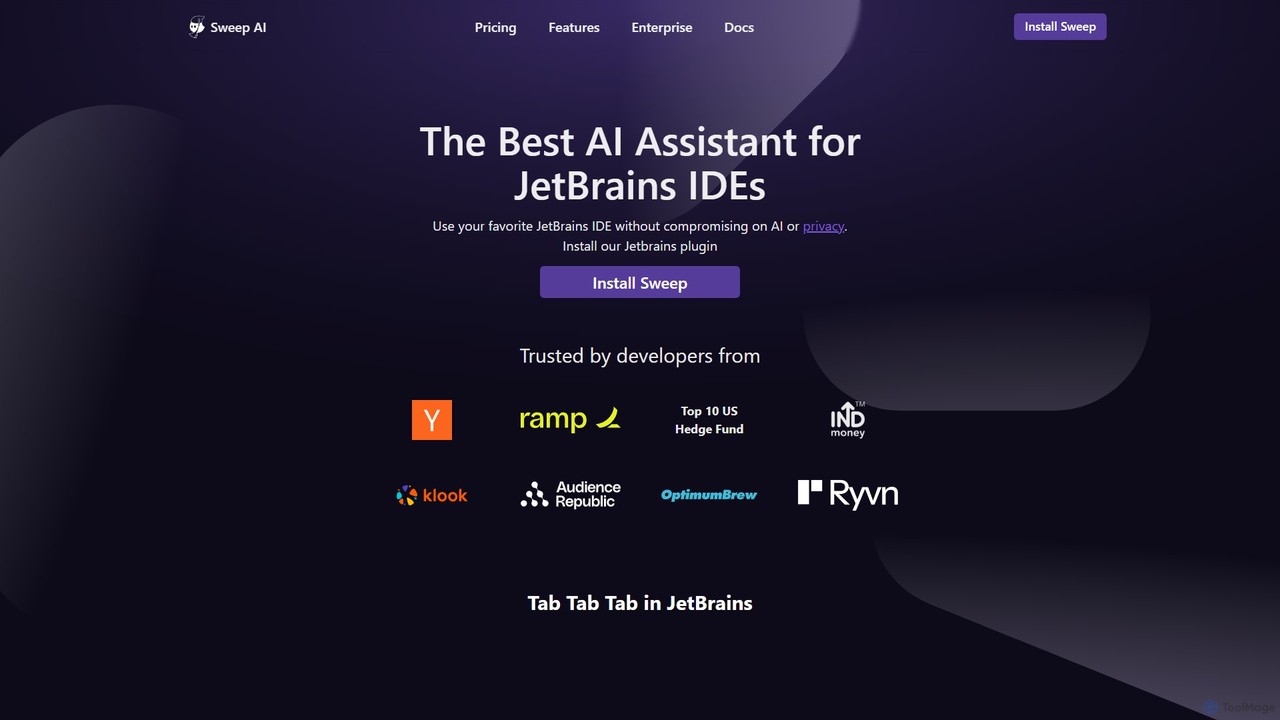
Sweep
Sweep is an AI-powered developer assistant designed as a plugin for JetBrains IDEs. It enhances coding productivity with intelligent 'next-edit' autocomplete and an AI agent that understands your entire codebase to handle complex, multi-file changes, run tests, and fix bugs. Sweep prioritizes privacy with a zero data retention policy and offers on-premise deployment for enterprises.
Code Generation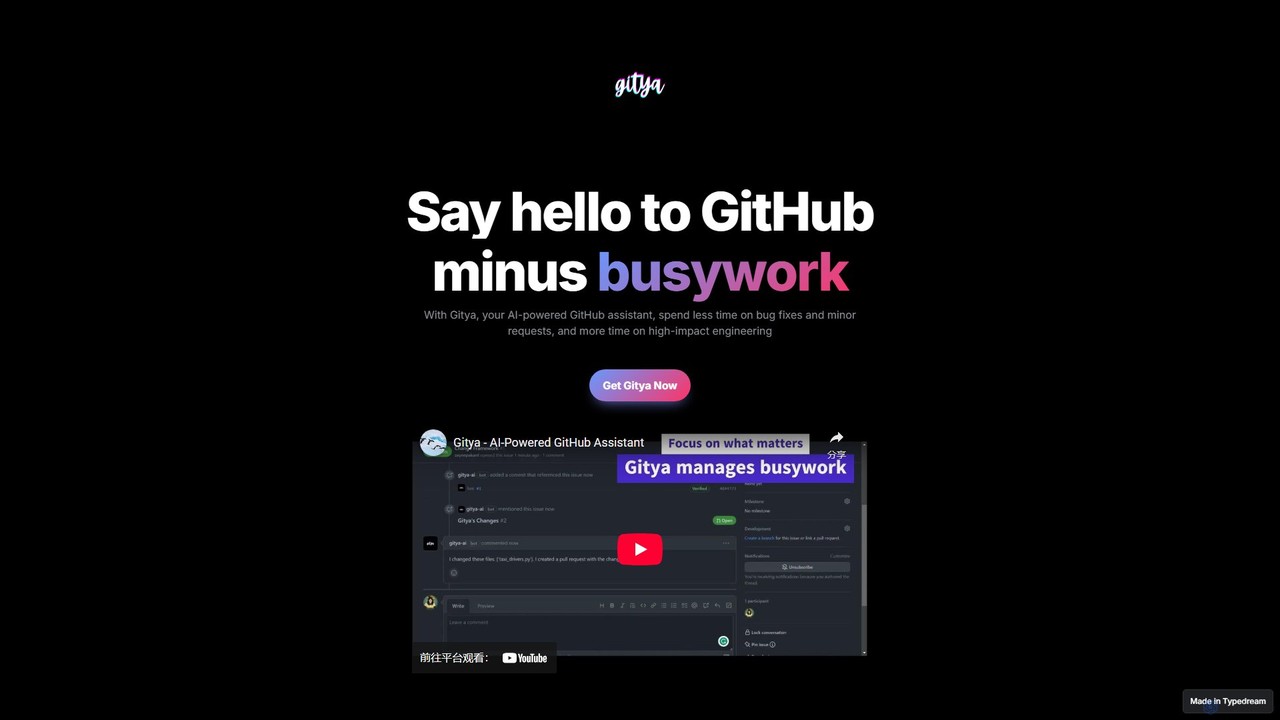
gitya
gitya is an AI-powered GitHub assistant designed to automate routine development tasks. It helps teams by handling minor bug fixes, managing pull requests with automated reviews, and resolving simple tickets, allowing developers to focus on high-impact engineering and innovation.
Version Control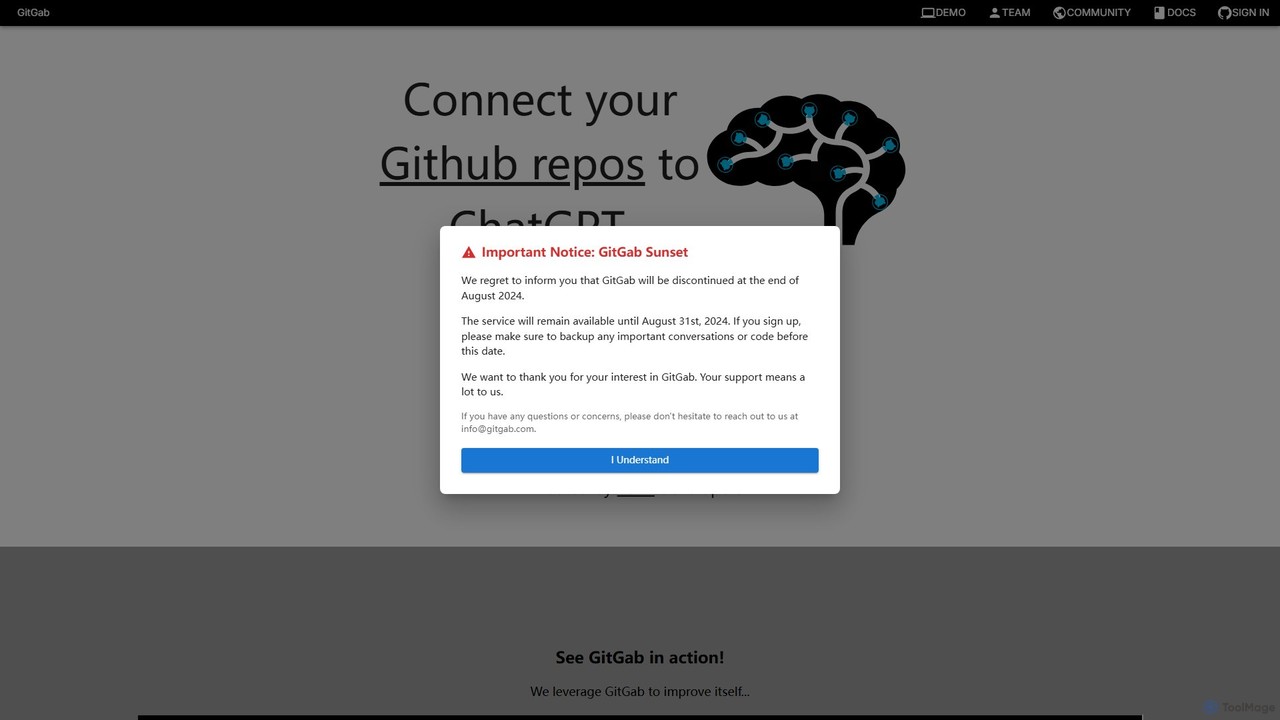
GitGab
GitGab is an advanced AI code assistant that leverages top models like ChatGPT, Claude, and Gemini. It uniquely contextualizes your entire codebase, including multiple repositories and local files, to help you implement features, find bugs, write documentation, and optimize code with unparalleled accuracy.
Code GenerationJules Categories
Jules Embed Widget
Copy this embed code to place the badge on your blog, article, or product site and send readers directly to this ToolMage detail page.

Related AI tools
Tembo
Tembo is an asynchronous AI software engineer designed to automate critical development tasks. It acts as a tireless AI teammate, monitoring systems, fixing bugs, optimizing databases, and converting tickets into code, allowing engineering teams to focus on building new features and increasing velocity.
Code AssistantAll Hands AI (OpenHands)
All Hands AI (OpenHands) is a leading open-source AI coding agent designed to automate software development. It helps engineers with tasks like code reviews, refactoring, bug fixing, and test generation. Available as a flexible SaaS, self-hosted, or open-source solution, it integrates with tools like GitHub and GitLab to accelerate development cycles and improve code quality.
Code GenerationSweep
Sweep is an AI-powered developer assistant designed as a plugin for JetBrains IDEs. It enhances coding productivity with intelligent 'next-edit' autocomplete and an AI agent that understands your entire codebase to handle complex, multi-file changes, run tests, and fix bugs. Sweep prioritizes privacy with a zero data retention policy and offers on-premise deployment for enterprises.
Code Generationgitya
gitya is an AI-powered GitHub assistant designed to automate routine development tasks. It helps teams by handling minor bug fixes, managing pull requests with automated reviews, and resolving simple tickets, allowing developers to focus on high-impact engineering and innovation.
Version ControlGitGab
GitGab is an advanced AI code assistant that leverages top models like ChatGPT, Claude, and Gemini. It uniquely contextualizes your entire codebase, including multiple repositories and local files, to help you implement features, find bugs, write documentation, and optimize code with unparalleled accuracy.
Code Generation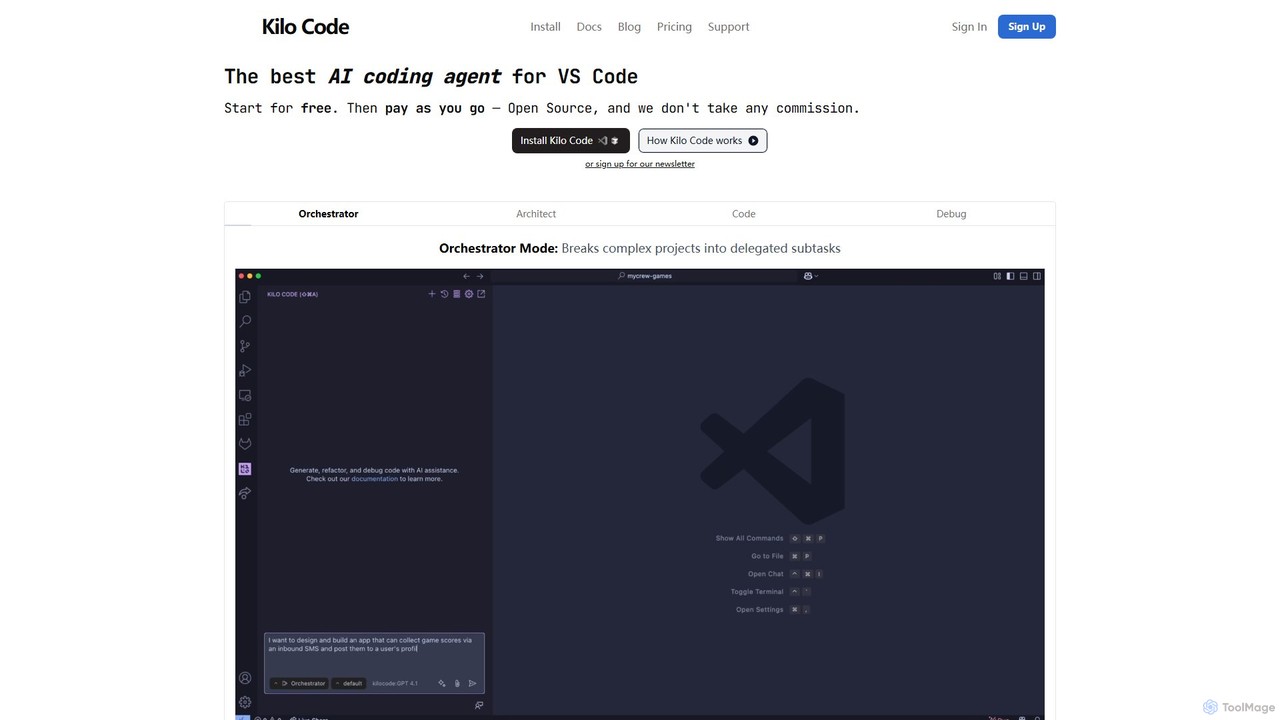
Kilo Code
Kilo Code is a powerful, open-source AI coding agent for VS Code. It features a multi-agent system (Orchestrator, Architect, Code, Debug) to automate complex development tasks, from design to debugging. It's highly customizable, context-aware, and prioritizes user privacy with a "bring your own key" model and no data training.
Code Assistant
Pierre
Pierre is an AI-powered code review assistant designed to streamline the development workflow. It automatically analyzes pull requests, identifies bugs, suggests improvements, and summarizes changes, helping teams ship higher-quality code faster and reduce developer frustration.
Code Quality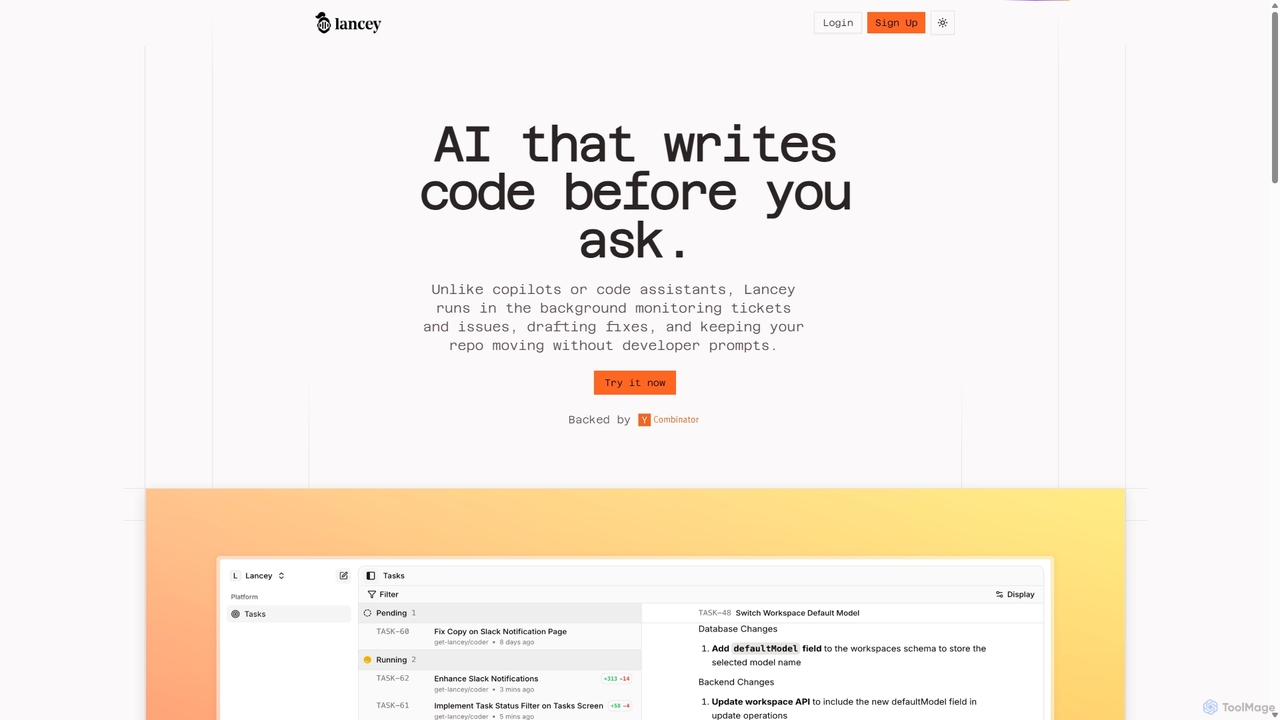
Lancey
Lancey is an asynchronous AI agent that automates software development by monitoring support channels and issue trackers. It proactively identifies bugs, drafts code fixes, and generates ready-to-review pull requests, significantly reducing bug resolution time and freeing up developers to focus on new features.
Issue Tracking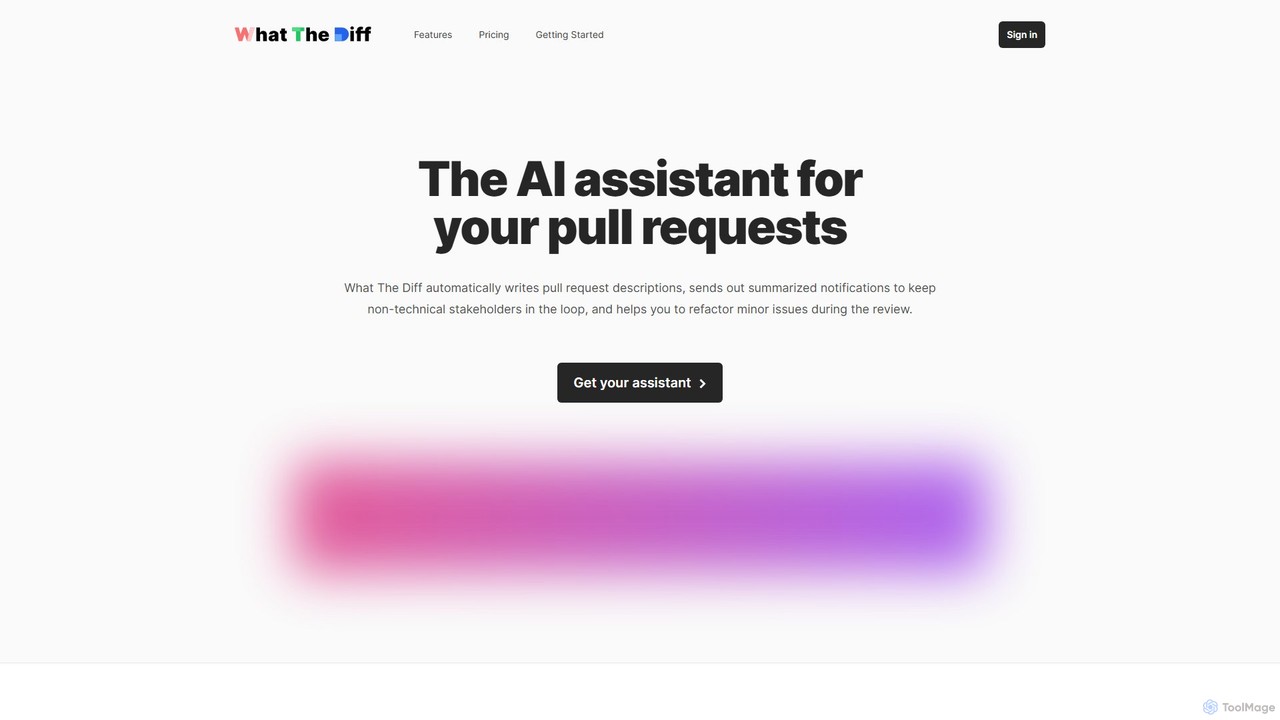
What The Diff
What The Diff is an AI-powered code review assistant that integrates with GitHub and GitLab. It automatically generates pull request descriptions, sends summarized notifications to stakeholders, and helps refactor code directly within the review process, streamlining development workflows.
Code Review
Autoplans
Autoplans is an AI-powered development orchestration platform that automates the entire software development workflow. It uses intelligent agents to transform project ideas into structured plans, generate code, and create GitHub pull requests, aiming to accelerate development by up to 10x.
Code Generation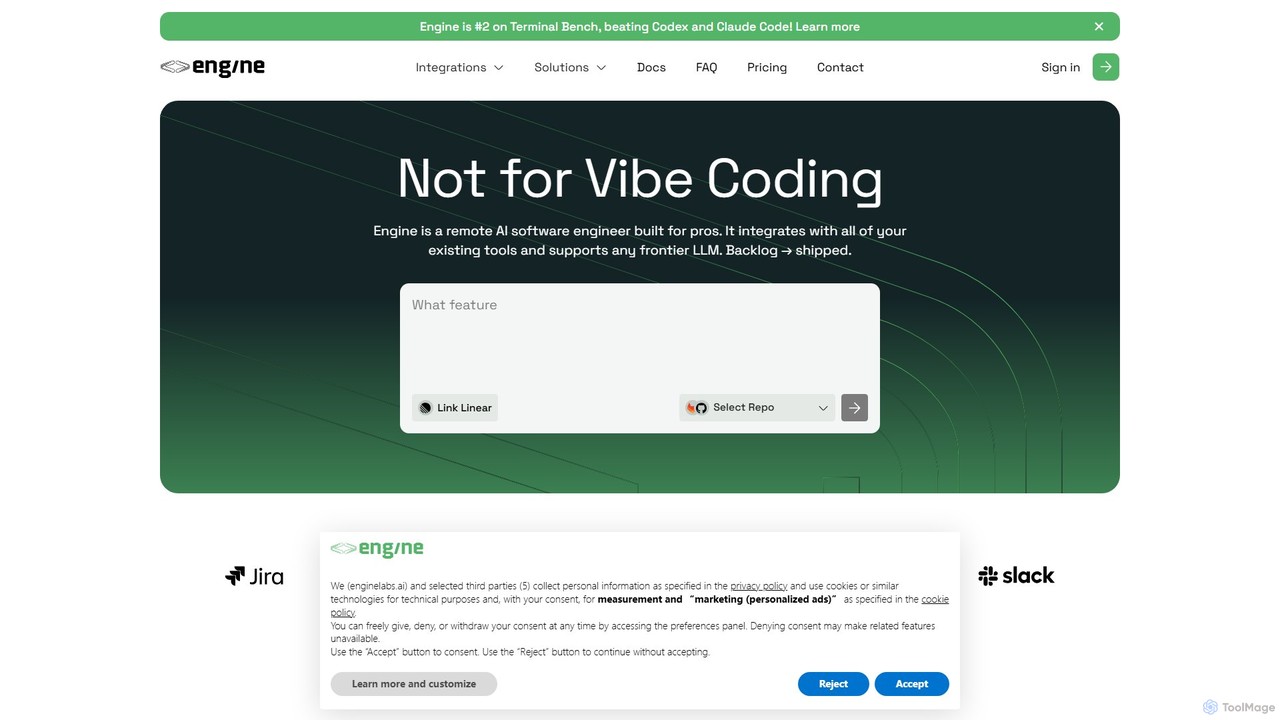
Engine
Engine is an AI software engineer designed for professional development teams. It integrates with your existing tools like GitHub and Linear to autonomously fix bugs, ship features, and clear your backlog by creating and managing pull requests, effectively acting as a remote AI team member.
Version Control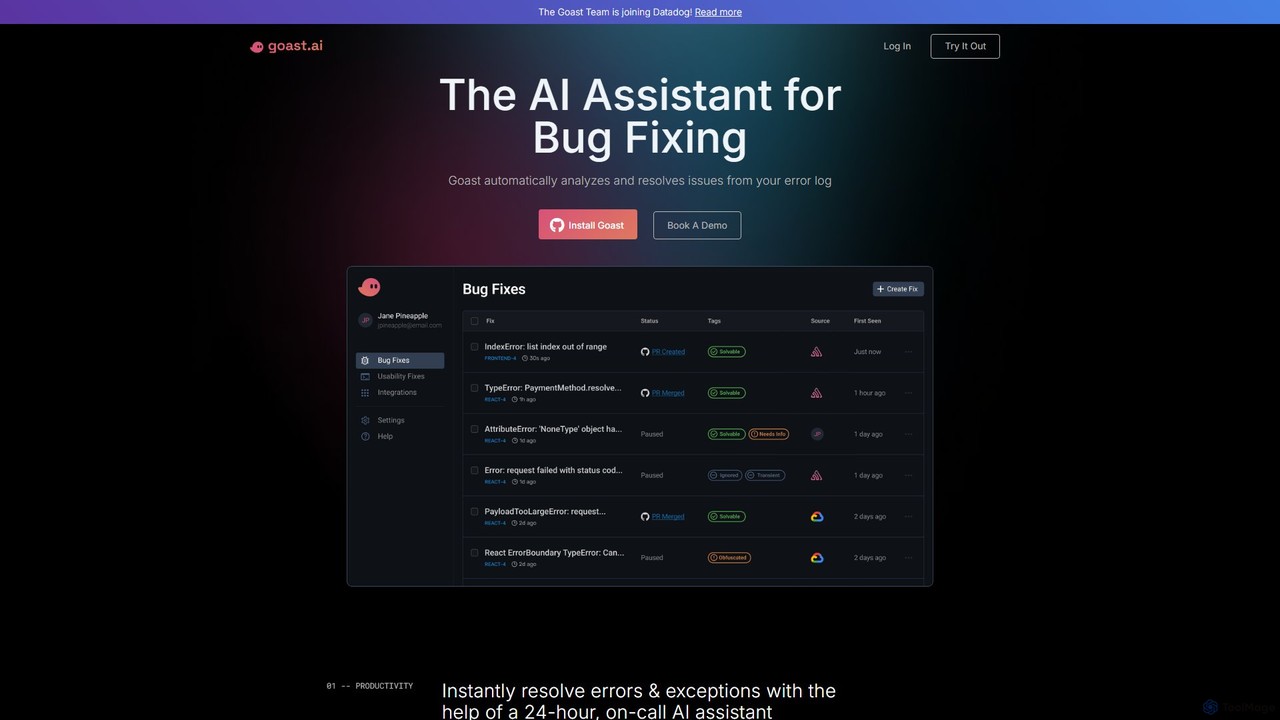
Goast.ai
Goast.ai is an AI-powered assistant designed for engineering teams to automate bug fixing. It analyzes error logs, identifies the root cause, and automatically generates pull requests with code fixes, significantly speeding up the resolution process. NOTE: The Goast.ai team has been acquired by and joined Datadog.
Code Review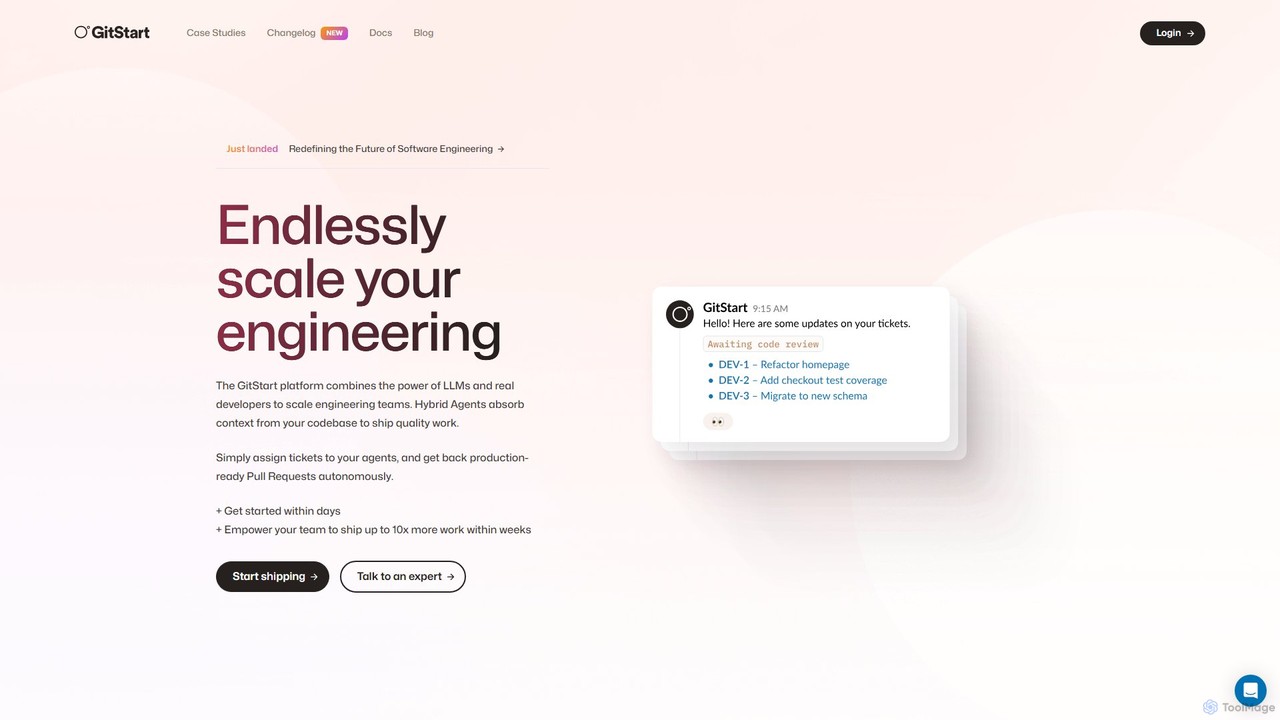
GitStart
GitStart is an elastic engineering platform that scales your software development capacity on demand. It combines powerful AI agents with a global network of expert developers to autonomously handle engineering tickets and deliver production-ready pull requests, allowing your core team to ship up to 10x more work.
Software Development
Jyek
Jyek is an AI agent platform that understands objectives, creates execution plans, uses tools, and delivers verifiable results for complex, multi-step tasks.
Automation
Producta
Producta is an AI-powered software development assistant that automates the entire workflow from a Linear ticket to a GitHub pull request. It intelligently clarifies tasks, generates, tests, and refines code, integrating seamlessly into your existing development process to accelerate bug fixes and feature implementation.
Automation
Jules Comments (0)
Sign in to comment.
Sign inNo comments yet.