

wallow Overview
Wallow is an innovative, AI-driven platform designed to be the ultimate creative space for visual thinkers, designers, artists, and teams. It transforms the way you collect, organize, and develop ideas by providing a smart, collaborative canvas for your inspiration. Wallow moves beyond traditional bookmarking tools by integrating artificial intelligence to not only store your findings but also to help you generate new concepts and discover related content, making the creative process more dynamic and efficient.
The core of Wallow is the 'wall,' a flexible, infinite canvas where you can gather all sorts of digital content. Whether it's images from across the web, videos, text snippets, links, or your own uploaded files, Wallow centralizes everything in one visually appealing and organized space. This eliminates the clutter of scattered browser tabs, folders, and notes, allowing you to see the bigger picture and make connections you might have otherwise missed.
How to use wallow
Getting started with Wallow is intuitive and straightforward. Here's a typical workflow:
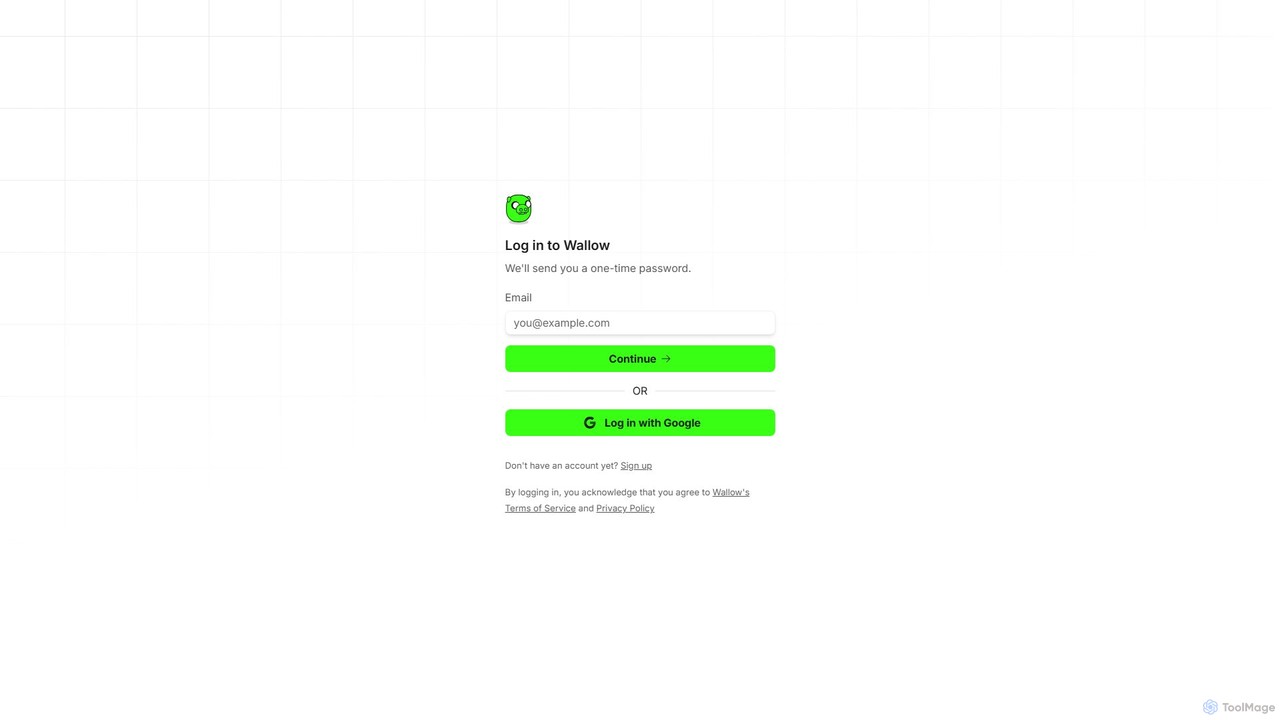
- Sign Up: Create an account using your email or Google account to get started.
- Create a Wall: Start a new project by creating a 'wall.' You can have multiple walls for different projects, clients, or personal interests.
- Gather Inspiration: Use the Wallow browser extension (web clipper) to instantly save images, links, and text from any website directly to your chosen wall. You can also upload files directly from your computer.
- Leverage AI: This is where Wallow shines. Use the AI image generator to create unique visuals from simple text prompts directly on your wall. The AI can also automatically tag your saved items and suggest related content to expand your creative horizons.
- Organize and Arrange: Drag and drop items on your wall to create the perfect layout. Wallow offers various views, including grid and freeform, allowing you to structure your mood board exactly how you envision it. Add notes and annotations to provide context or jot down ideas.
- Collaborate and Share: Invite team members, clients, or friends to view and contribute to your walls in real-time. You can set permissions for each collaborator. For broader sharing, generate a public link to showcase your collection to anyone, even if they don't have a Wallow account.
Core Features of wallow
- AI Image Generation: Create original images and art from text descriptions directly within your mood boards.
- Smart Web Clipper: A powerful browser extension to capture inspiration from anywhere on the web with a single click.
- Real-Time Collaboration: Work together with your team on the same wall simultaneously, seeing changes as they happen.
- Universal Content Support: Save and organize images, videos, GIFs, links, text notes, and documents in one place.
- Intelligent Organization: AI-powered auto-tagging and smart search make it easy to find what you need, even in large collections.
- Flexible Layouts: Choose between structured grids or a freeform canvas to arrange your content creatively.
- Private & Shared Walls: Keep your projects private or share them with specific people or the public.
Use Cases for wallow
Wallow is a versatile tool suitable for a wide range of creative and professional tasks:
- Designers & Artists: Creating mood boards for branding projects, UI/UX research, fashion collections, and artistic inspiration.
- Marketing & Social Media Teams: Planning campaigns, curating content for social media, and analyzing competitor visual strategies.
- Product Managers & Developers: Collecting user feedback, visual bug reports, and design inspiration for new features.
- Interior Designers & Architects: Building visual concepts for clients, gathering material samples, and organizing project plans.
- Personal Use: Planning events like weddings, designing home renovations, creating travel itineraries, or curating personal style guides.
Advantages of wallow
Wallow stands out by blending inspiration gathering with AI-powered creation. Its primary advantage is its ability to serve as a single source of truth for visual projects, reducing friction and enhancing creativity. The AI features not only speed up the organization process but also act as a creative partner, helping to overcome creative blocks. The seamless real-time collaboration makes it an invaluable asset for remote and distributed teams, ensuring everyone is on the same visual page.
Pricing and Plans
Wallow operates on a freemium model, making it accessible to everyone.
- Free Plan: Ideal for individuals and casual users. It typically includes a limited number of walls, limited storage, and a set number of monthly AI credits.
- Pro Plan: Designed for professionals and power users. This plan usually offers unlimited walls, significantly more storage, a generous amount of AI credits, and advanced features like version history and priority support.
- Team Plan: Built for agencies, studios, and businesses. It includes all Pro features plus centralized billing, team management dashboards, shared asset libraries, and enhanced security and collaboration controls.
wallow Alternatives

GitHub
GitHub is the world's leading AI-powered developer platform for building, shipping, and maintaining software. It provides Git-based version control, collaborative tools, and a complete DevOps lifecycle, supercharged by GitHub Copilot, an advanced AI code assistant that accelerates development and enhances code quality.
Code Assistant
Google Workspace
Google Workspace is an integrated suite of secure, cloud-native collaboration and productivity apps powered by Google AI. It includes Gmail, Docs, Drive, Calendar, Meet, and more, designed to help teams of all sizes connect, create, and collaborate efficiently and securely from any device.
Office Suite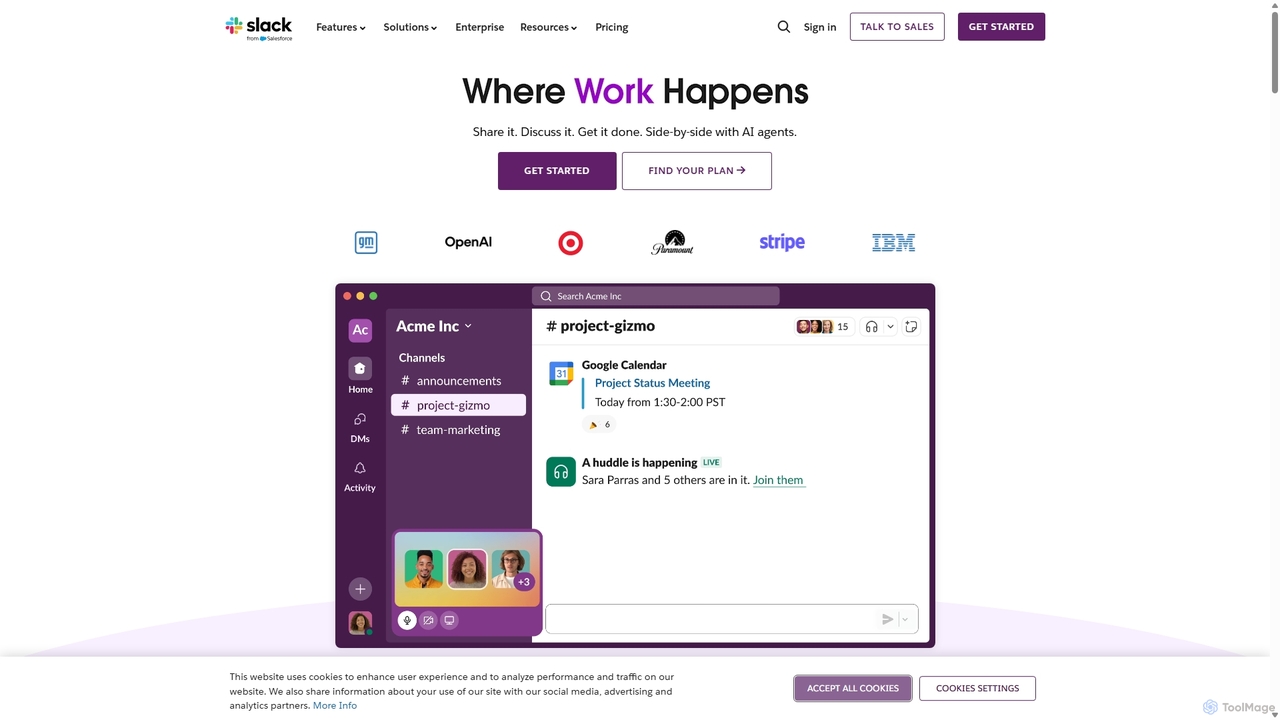
Slack
Slack is an AI-powered collaboration hub that connects your people, partners, and tools. It replaces email with faster, better-organized communication through channels. With integrated AI, workflow automation, and thousands of apps, Slack centralizes your work to boost productivity and streamline project management.
Project Management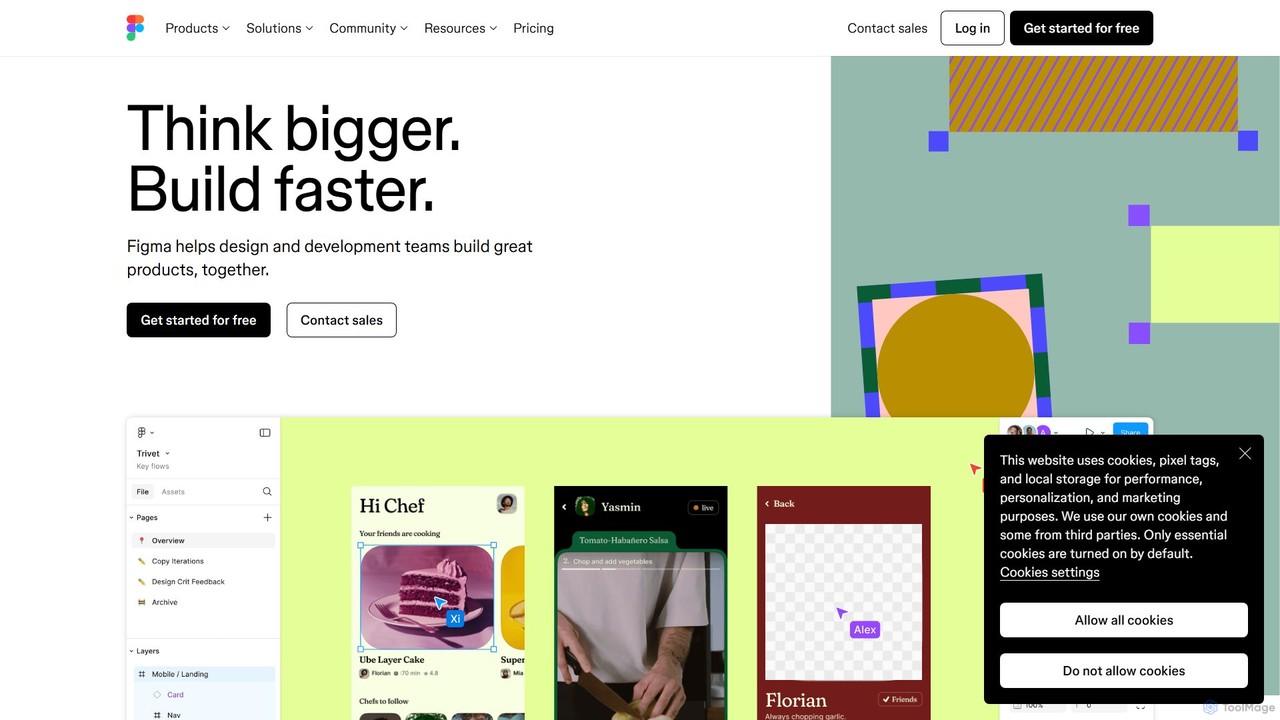
Figma
Figma is a leading collaborative interface design platform that allows teams to design, prototype, and gather feedback in one place. Powered by AI, it accelerates workflows from brainstorming in FigJam to creating high-fidelity designs and handing off to developers with Dev Mode, unifying the entire product development process.
Ui Ux Design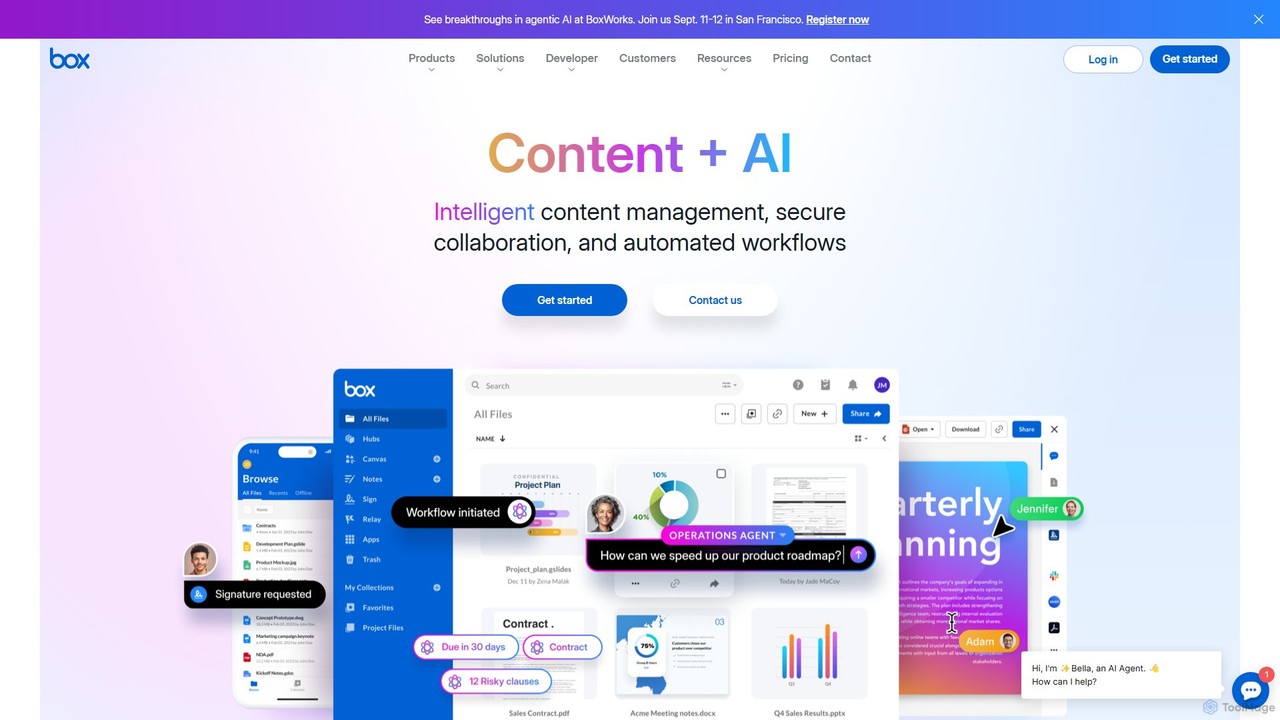
Box
Box is an AI-powered intelligent content management platform that provides secure cloud storage, seamless collaboration, and automated workflows. It enables businesses to manage the entire content lifecycle, from creation and sharing to e-signature, classification, and retention, all while leveraging AI to unlock insights from unstructured data.
Document Managementwallow Categories
wallow Embed Widget
Copy this embed code to place the badge on your blog, article, or product site and send readers directly to this ToolMage detail page.

Related AI tools
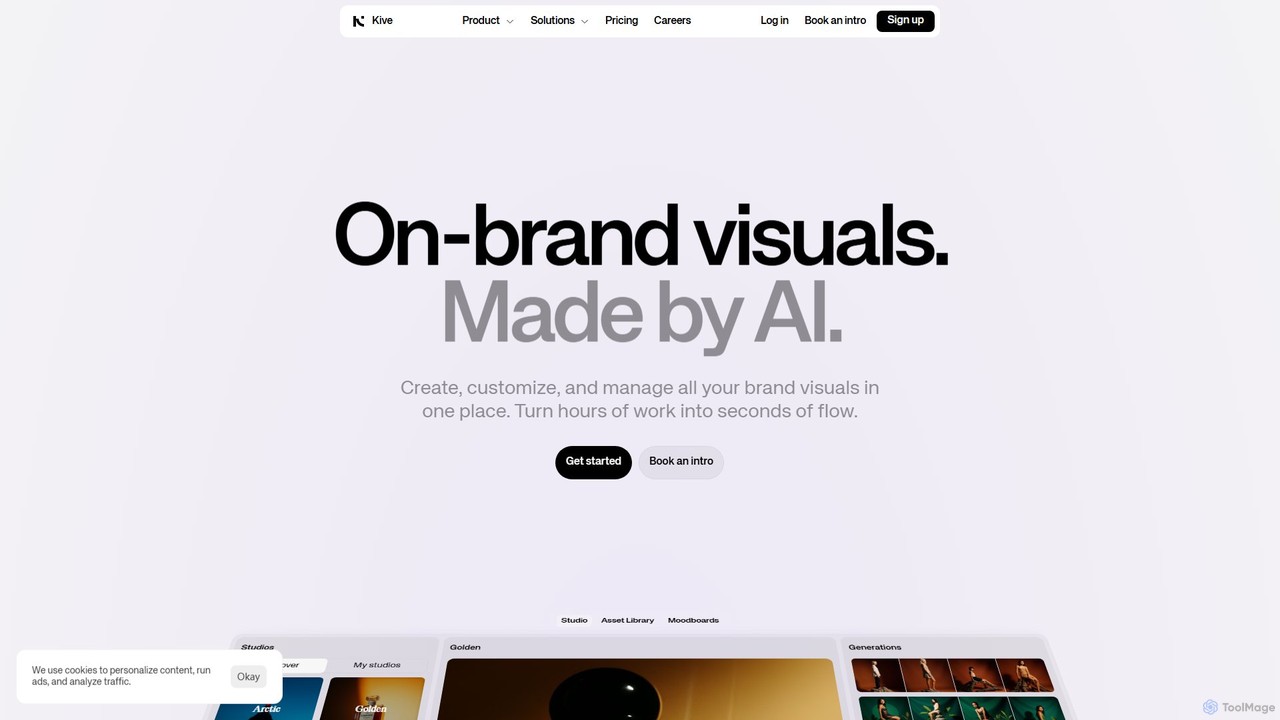
Kive
Kive is an all-in-one AI-powered platform designed for brands, agencies, and creatives to generate, manage, and scale on-brand visual content. It combines AI image and video generation with a smart creative asset management system. Users can create professional product shots, lifestyle images, and videos from text prompts, integrate real products into AI scenes, and organize everything in a searchable library without manual tagging.
Image Generator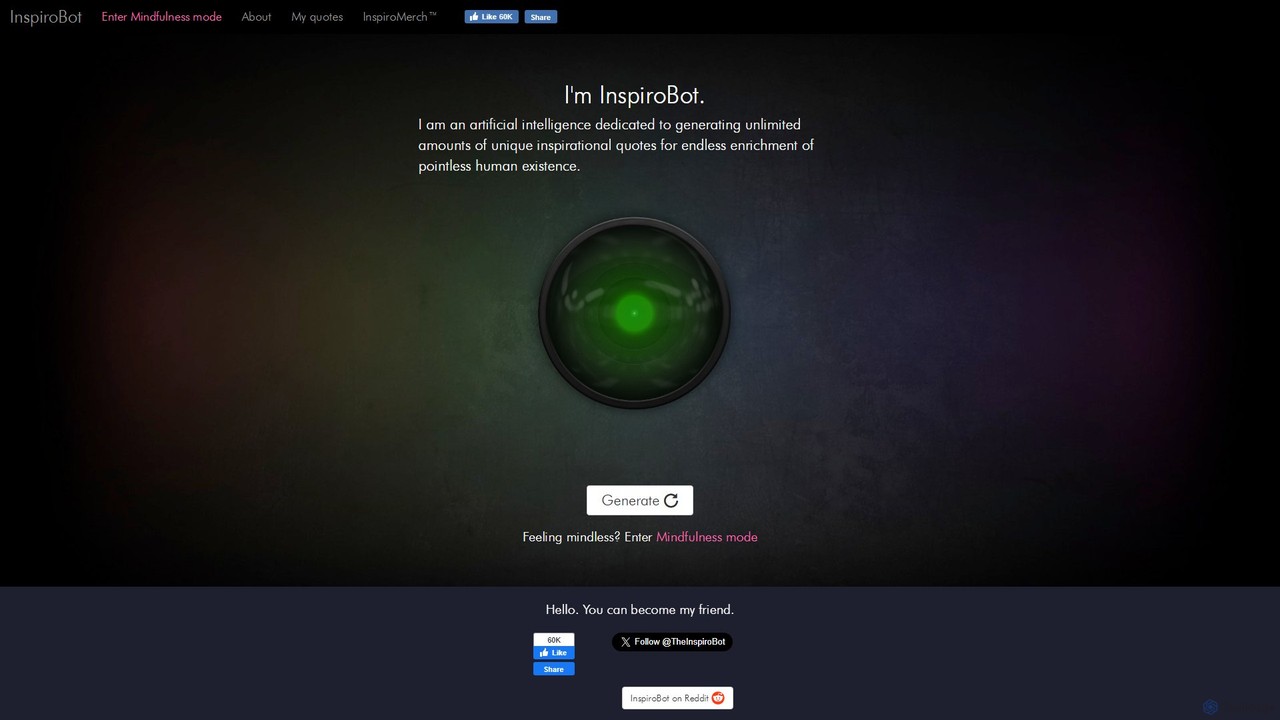
InspiroBot
InspiroBot is a unique AI dedicated to generating an unlimited supply of often absurd, surreal, and humorous 'inspirational' quotes. It pairs random text with images, creating bizarre and memorable content perfect for entertainment, creative sparks, and social sharing.
Inspiration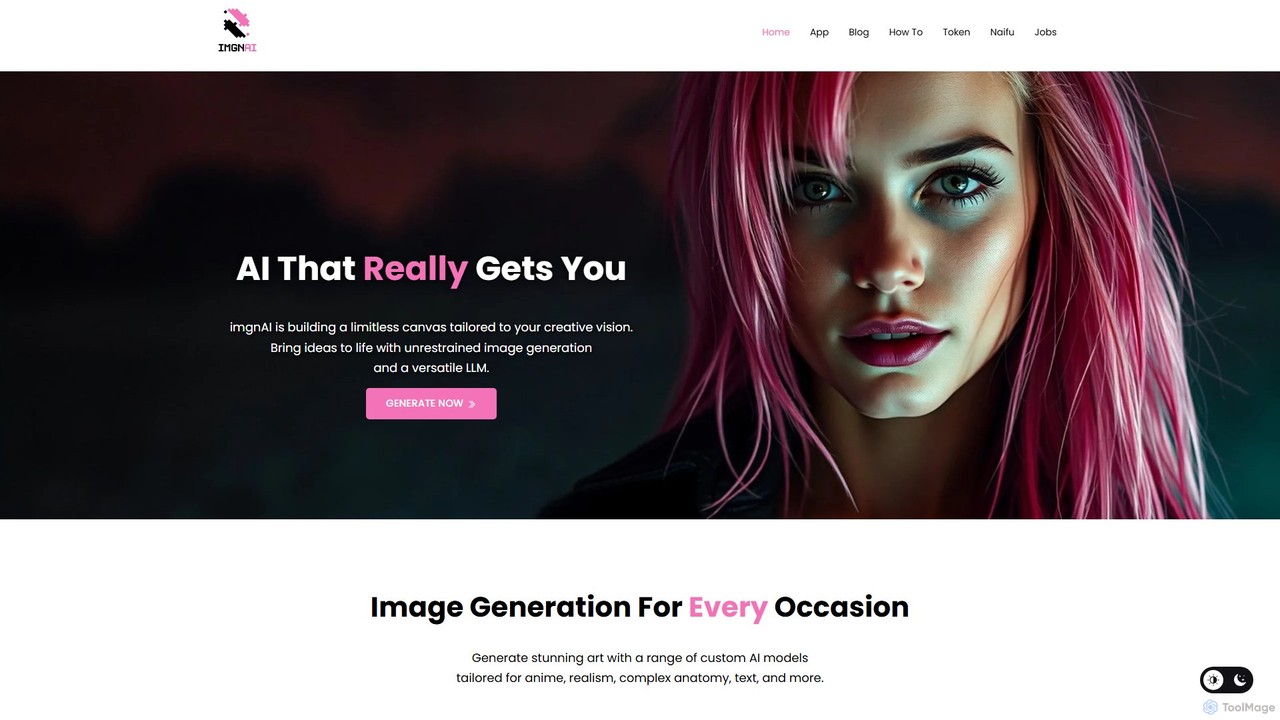
imgnai
imgnai is a powerful AI image generator that transforms text prompts into stunning, unique visuals. Designed for artists, marketers, and creators, it offers a user-friendly interface to produce high-quality art, illustrations, and photorealistic images in seconds, streamlining the creative process.
Design Assistant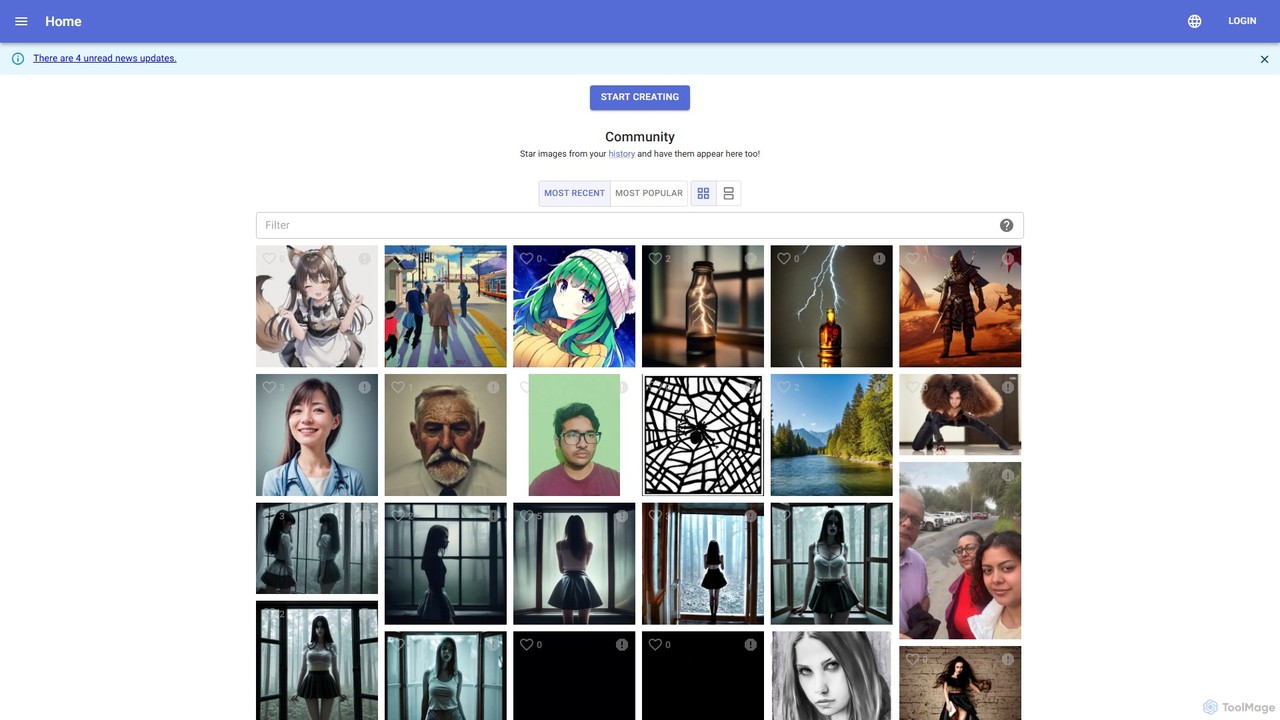
kiri.art
kiri.art is a web-based AI image generator powered by Stable Diffusion. It features a user-friendly interface and a strong focus on community, allowing users to create, share, and discover AI-generated art. It offers advanced controls for detailed image customization, making it suitable for both beginners and experienced artists.
Generative Art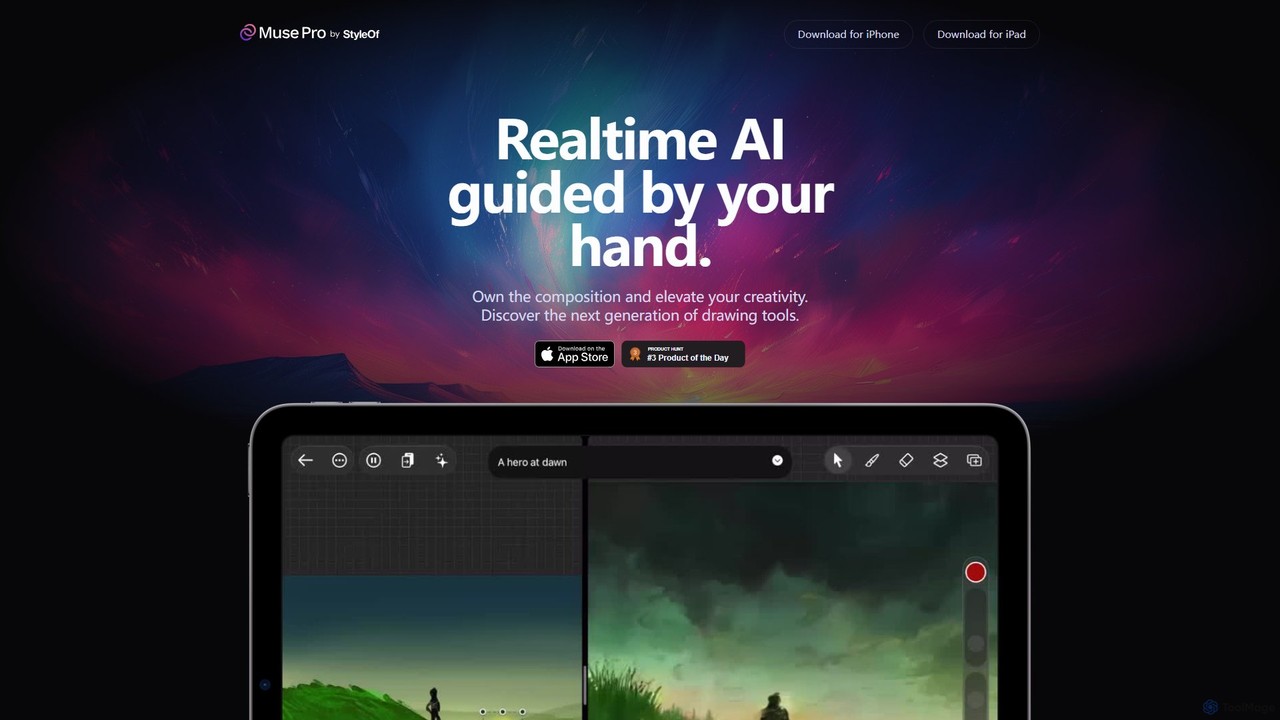
Muse Pro
Muse Pro is a revolutionary iPad drawing app that merges your creative strokes with real-time AI assistance. Guided by your hand and text prompts, it allows artists to co-create stunning visuals, explore endless variations, and enhance their work with powerful, intuitive tools. It's the next generation of digital art, where you are always in control of the composition.
Image Generation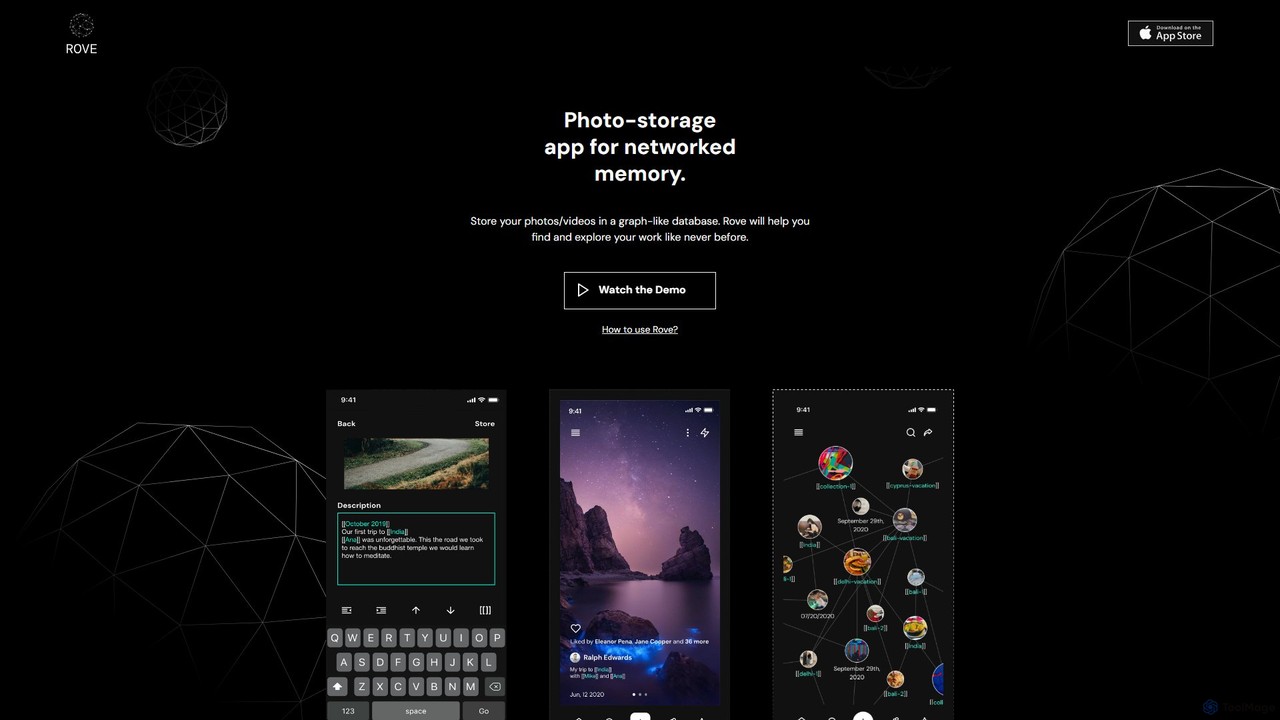
Rove
Rove is an AI-powered media management app that replaces traditional folders with a dynamic, graph-based system. Organize your photos and videos by creating interconnected nodes for themes, moods, and concepts. This intuitive 'second brain' approach helps you rediscover memories and inspiration through natural, non-linear exploration.
Inspiration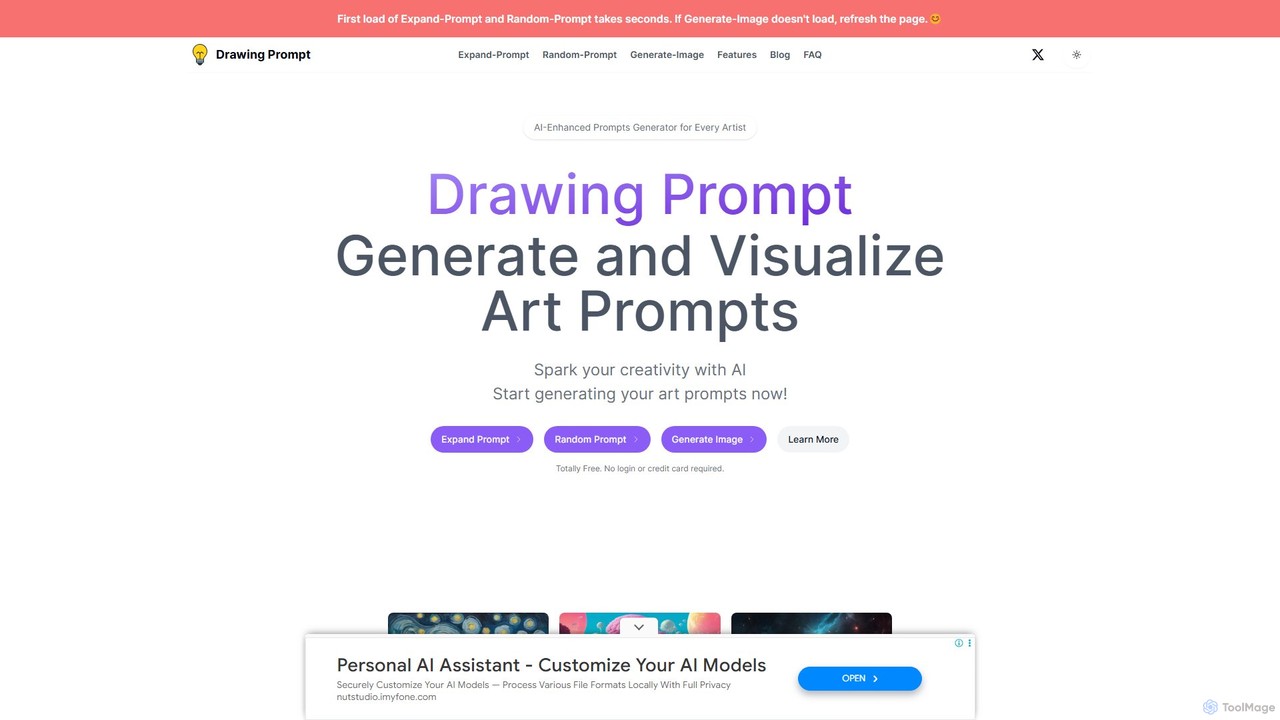
Drawing Prompt
Drawing Prompt is a free AI-powered tool for artists to overcome creative blocks. It generates, expands, and visualizes art prompts using advanced LLMs and the SDXL image model. Turn simple words into detailed prompts or create stunning images directly, with no login or fees required.
Prompt Generation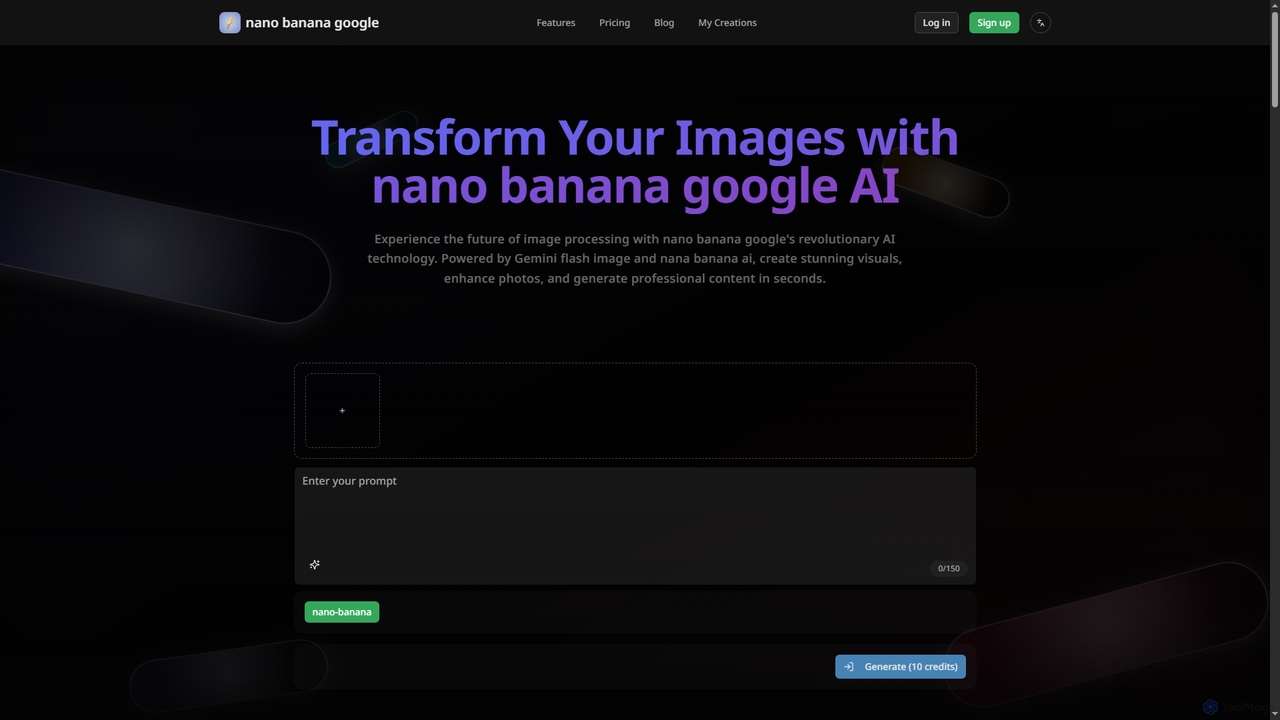
Nanobanana Google
Nanobanana Google is an advanced AI image processing platform powered by Gemini Flash Image and Nana Banana AI. It enables users to generate stunning visuals, enhance photos, apply artistic styles, and automate image tasks with unparalleled efficiency and quality.
Generation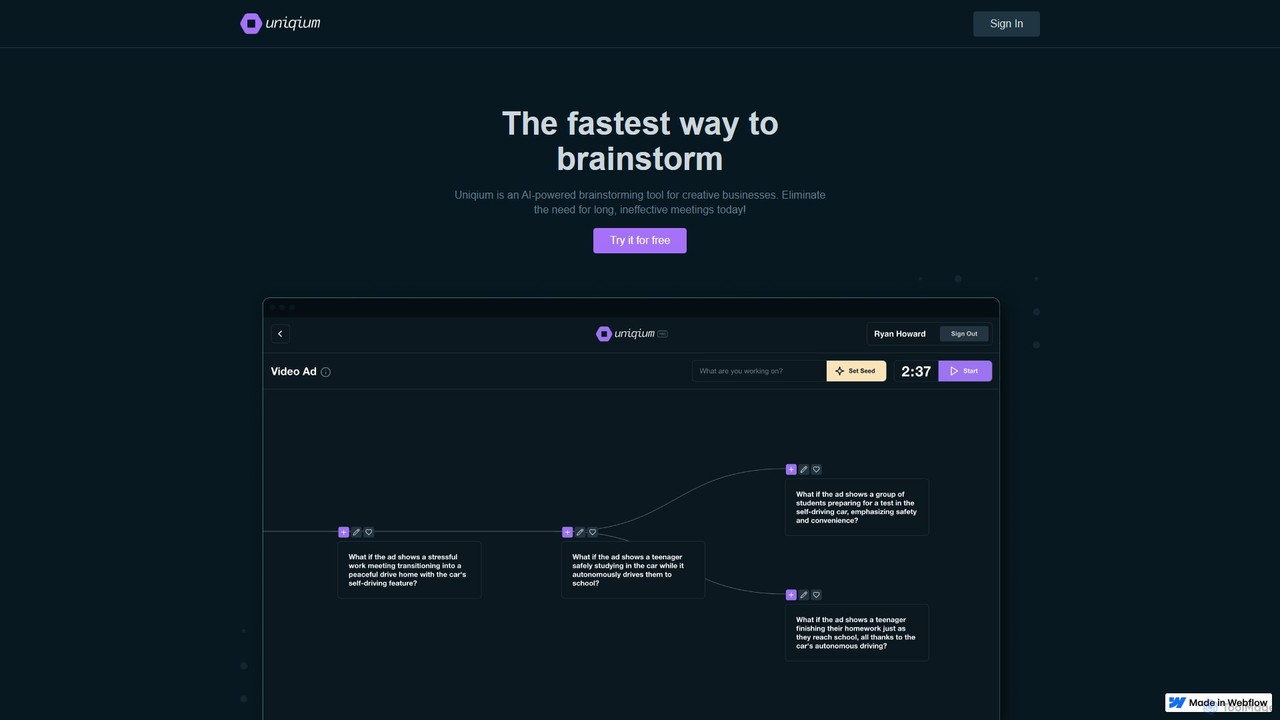
Uniqium
Uniqium is an AI-powered brainstorming platform designed for creative businesses. It replaces inefficient meetings with fast, focused, and individual AI-assisted sessions, helping teams generate high-quality ideas in minutes.
Collaboration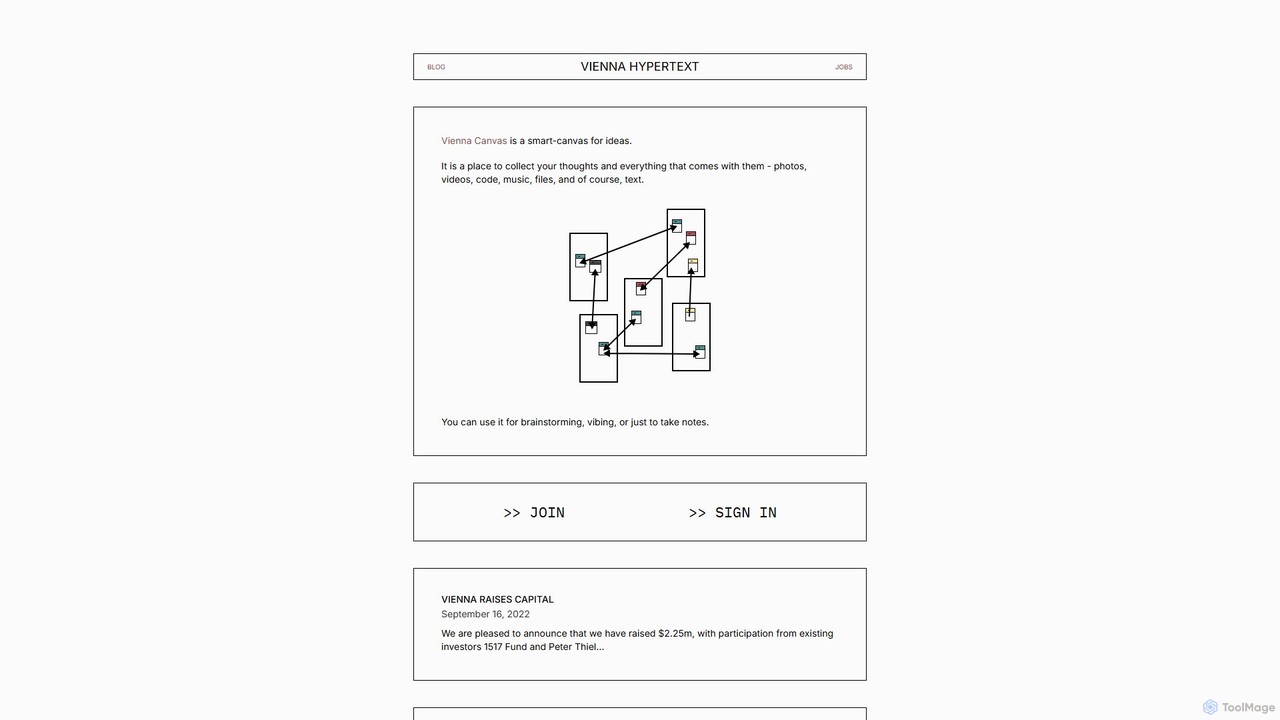
vienna
vienna is a networked smart-canvas designed for creative and intellectual work. It provides a freeform space to collect, connect, and develop ideas using text, images, videos, code, and more. Ideal for brainstorming, research, and visual note-taking.
Brainstorming
This Campsite Does Not Exist
This Campsite Does Not Exist is a unique AI tool that generates an endless stream of beautiful, imaginary campsite images. Using the Flux-Pro model, it creates new, high-quality visuals every hour, complete with evocative descriptions. It's a perfect source of inspiration for artists, writers, and nature lovers, offering a free and accessible gallery of AI-generated art focused on the serene and adventurous spirit of camping.
Generative Art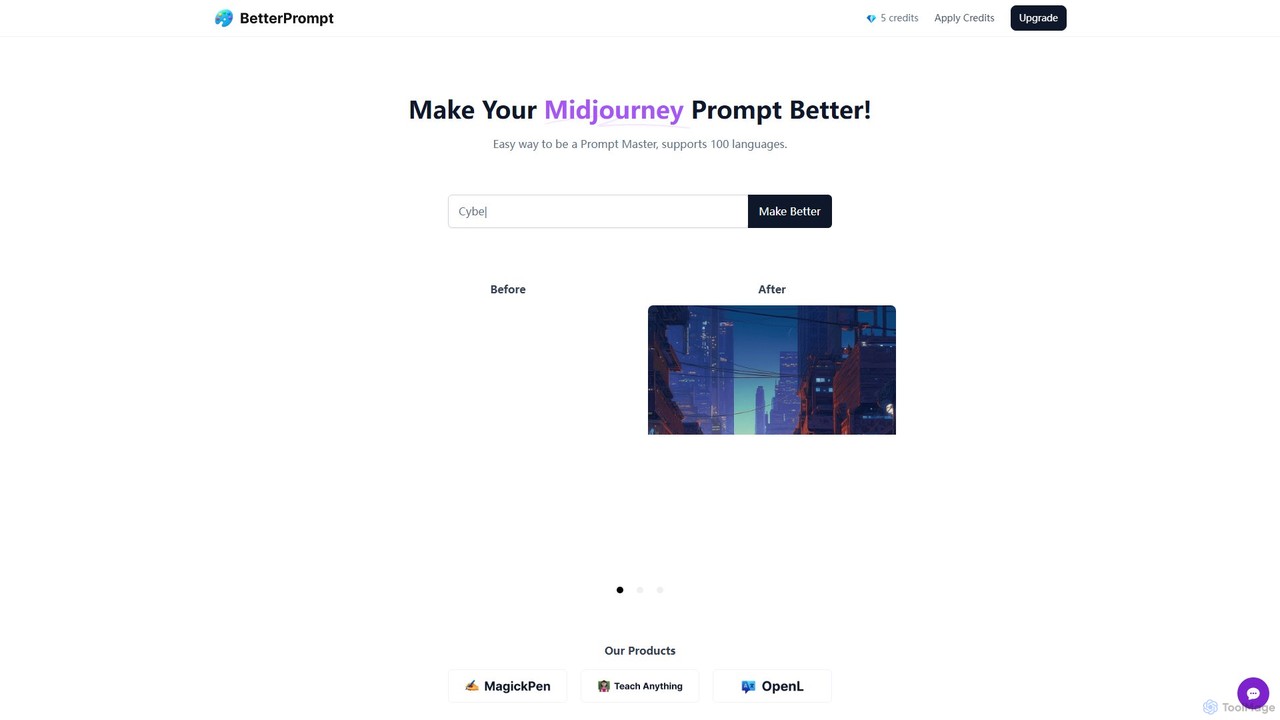
BetterPrompt
BetterPrompt is a free AI-powered tool that enhances your Midjourney prompts. It transforms simple text ideas into detailed, artistic, and effective prompts, helping you create stunning AI images effortlessly. It supports over 100 languages, making it accessible to a global audience of artists and creators.
Ai Art
kuart.io
kuart.io is an AI-powered platform that transforms standard QR codes into stunning, scannable works of art. By simply providing a URL and a descriptive prompt, users can generate unique and visually appealing QR codes that enhance brand engagement and aesthetic appeal for marketing campaigns, business cards, and events.
Image Generation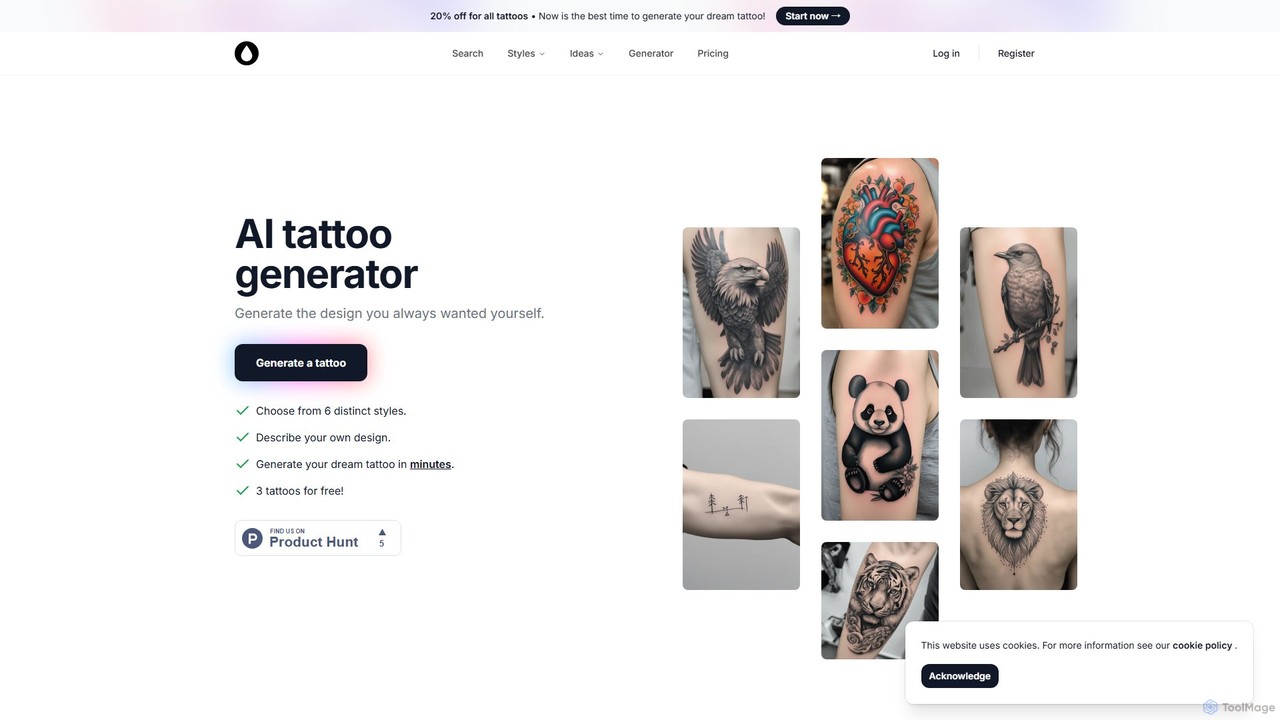
AI Tattoo Generator
AI Tattoo Generator is an innovative tool that transforms your text ideas into unique, custom tattoo designs in seconds. Choose from various artistic styles like Realistic, Watercolor, and Sketch to visualize your perfect body art, eliminating creative blocks and ensuring you get a design you'll love forever.
Tattoo Design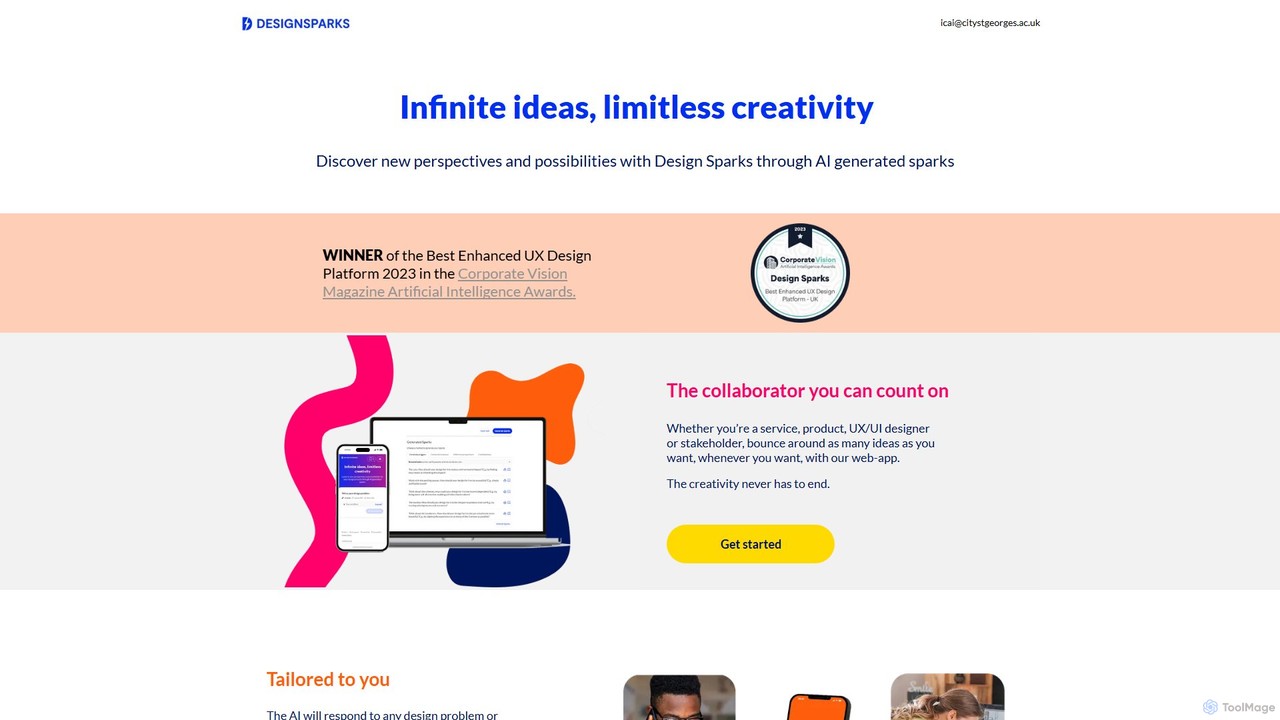
Design Sparks
Design Sparks is an AI-powered ideation tool for designers and creators. It uses advanced AI and creative problem-solving techniques to generate innovative ideas, or "sparks," for any design challenge. Input your problem via text, URL, or PDF to overcome creative blocks, explore new perspectives, and foster sustainable, circular design thinking.
Ideation
wallow Comments (0)
Sign in to comment.
Sign inNo comments yet.