ToolMage
Sign in

Best 244 Communication AI tools

Popular Communication AI tools include Google Workspace, Slack, Zoom, DingTalk, Loom, Haller.ai, Superhuman, Close, Typeless, and Even Realities, helping you work more efficiently.

VN Translator
Freemium

VN Translator

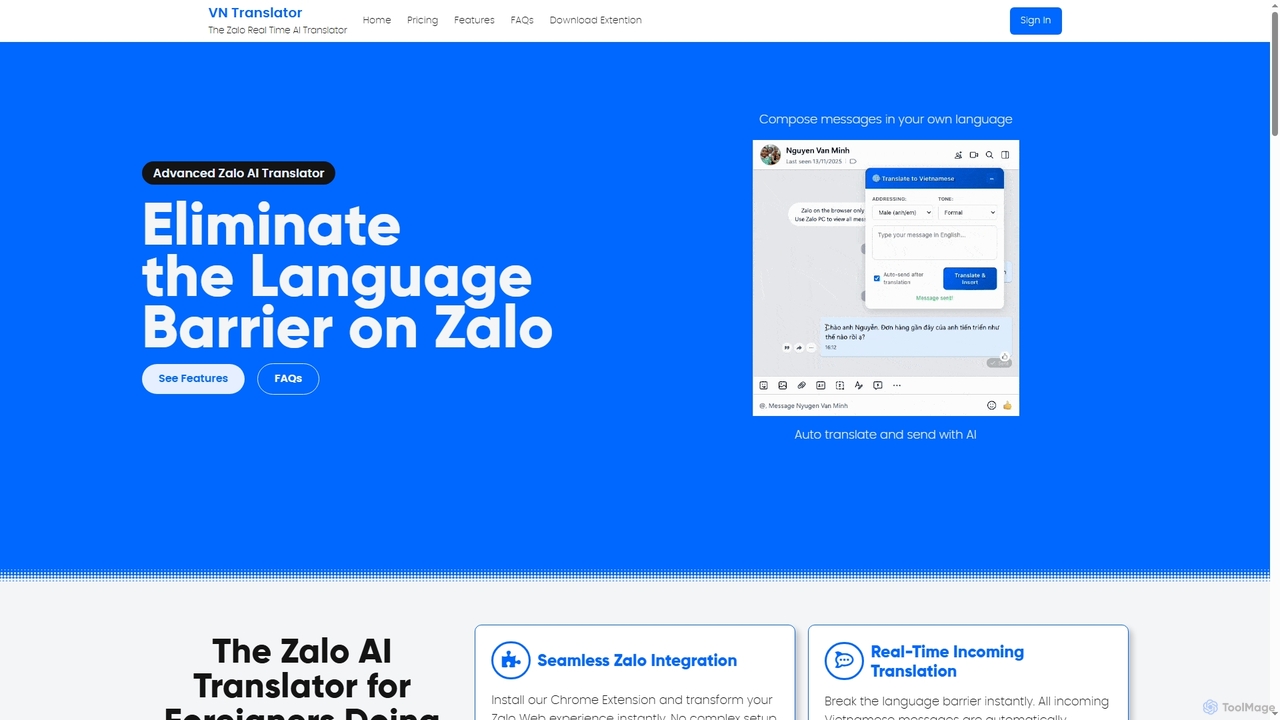
VN Translator is an advanced AI-powered Chrome extension designed for real-time Zalo translation, specifically for expats and businesses in Vietnam. It breaks language barriers by automatically translating incoming Vietnamese messages and allowing users to compose replies in their native language, ensuring culturally accurate communication.

International Business
Visits 6.2KFavorites 51Likes 69
Dex
Freemium

Dex

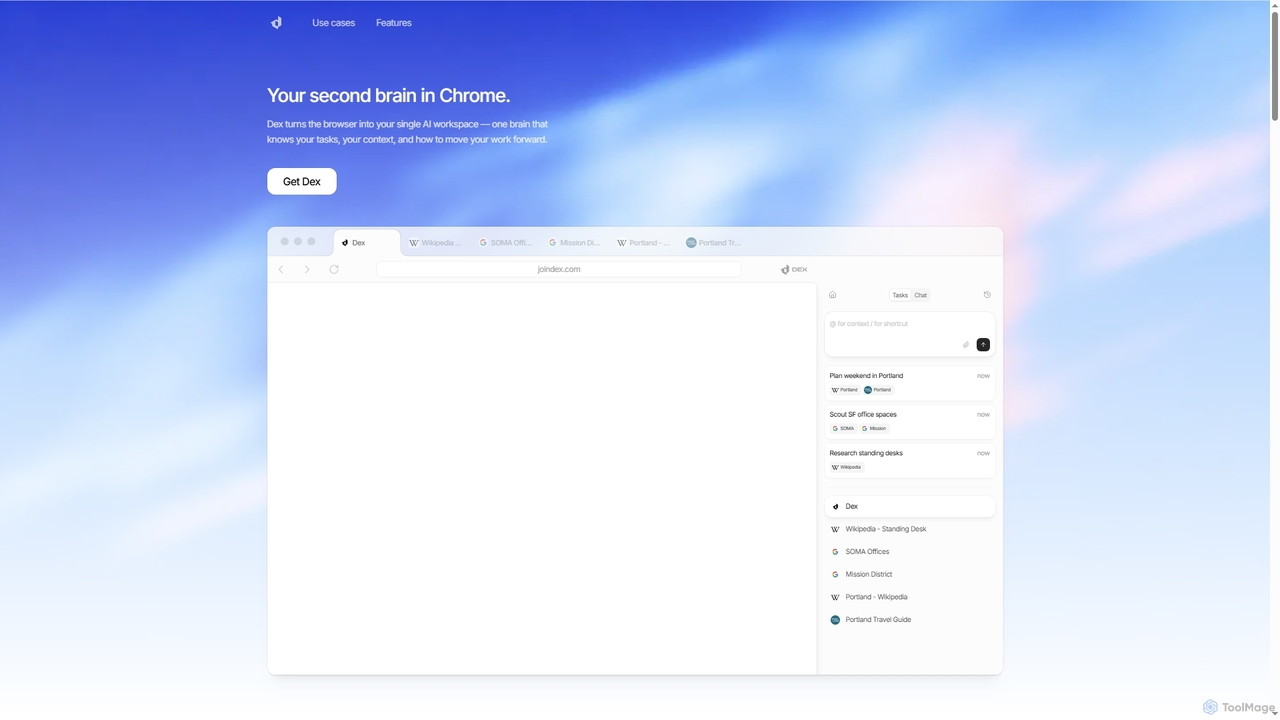
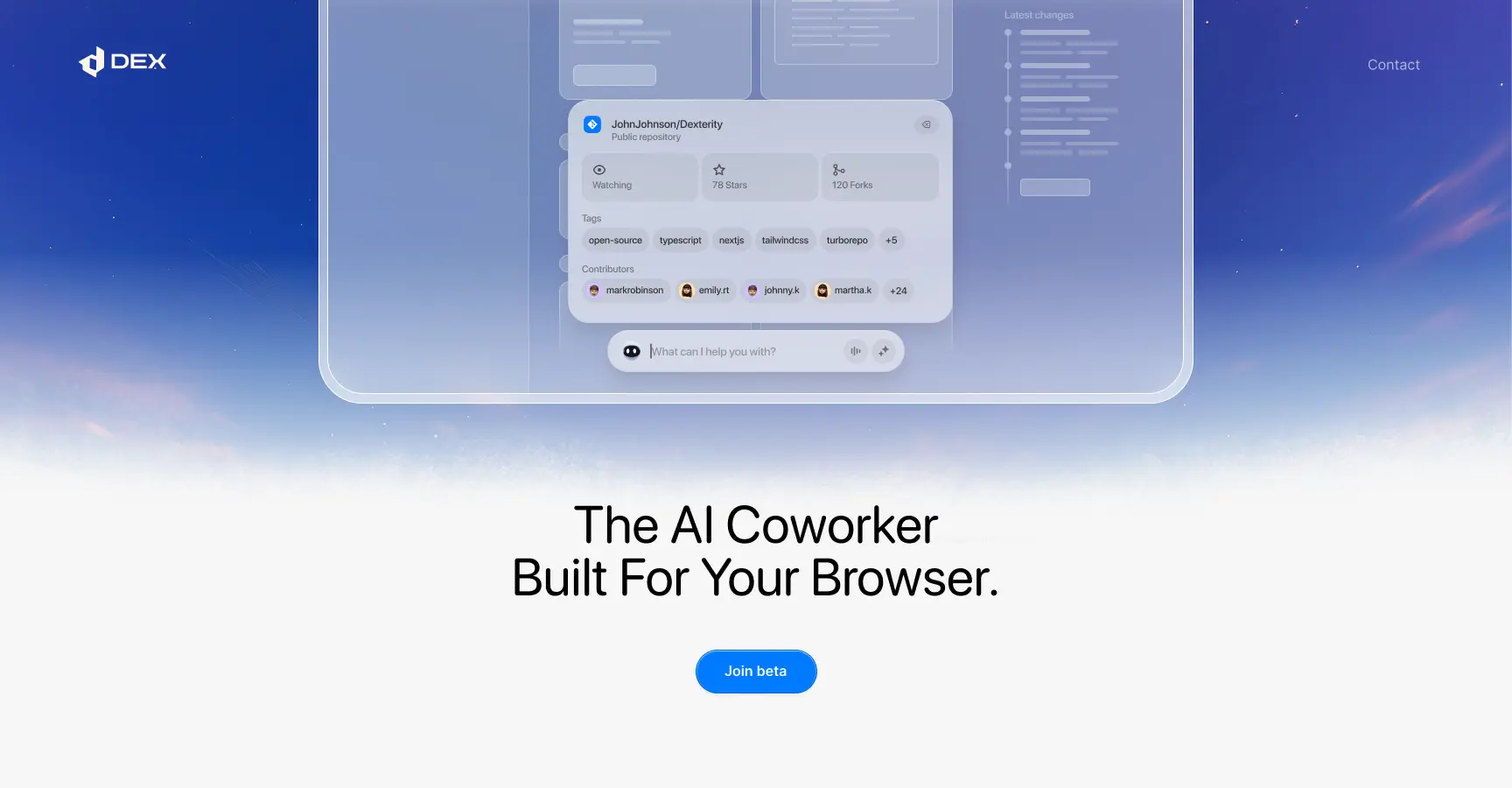
Dex is an AI-powered Chrome extension that transforms your browser into a smart, integrated workspace. It acts as your second brain, managing tasks, understanding context, and proactively moving your work forward by connecting with over 14 applications to eliminate context switching and boost productivity.

Workflow Automation
Visits 22KFavorites 67Likes 85
Vocal
Freemium

Vocal

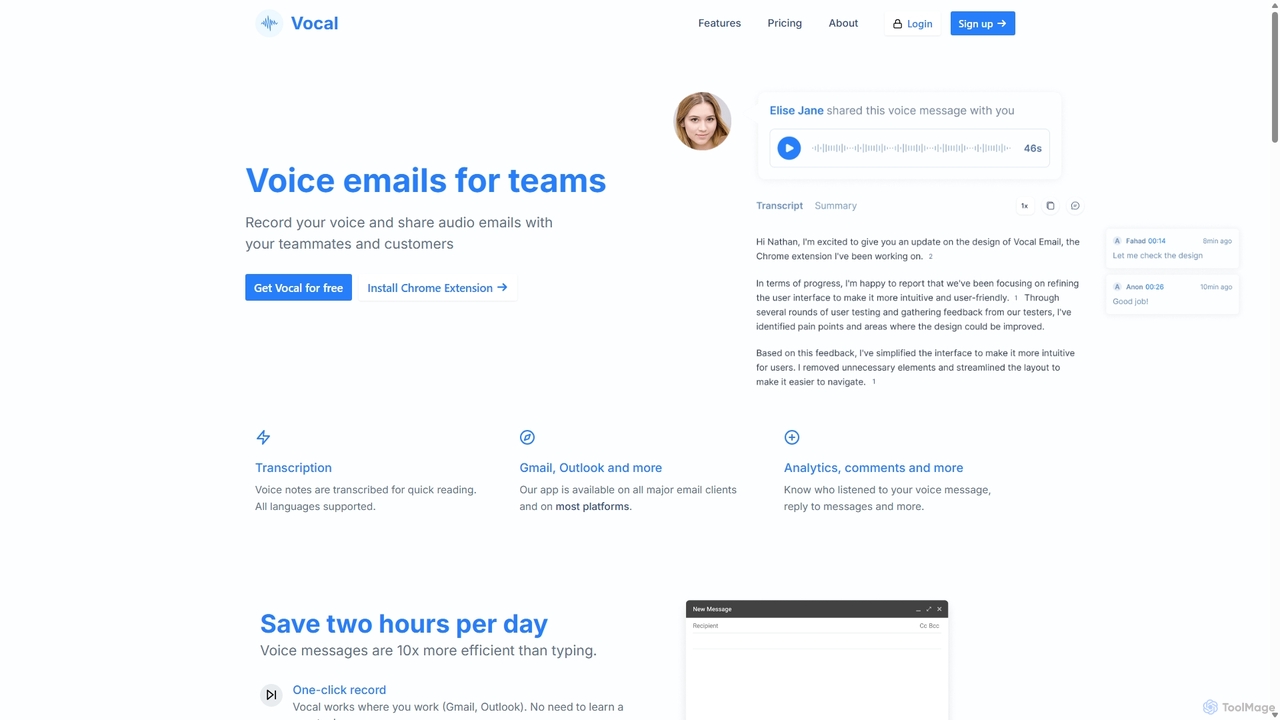
Vocal enhances email communication by allowing users to send voice messages directly within Gmail and Outlook. It simplifies sending personal, nuanced audio notes as .mp3 attachments or shareable links, making communication more expressive. Features include automatic transcription, listen insights, and customization options to improve engagement and efficiency.

Messaging
Visits 38.1KFavorites 185Likes 170
VoiceType
Freemium

VoiceType

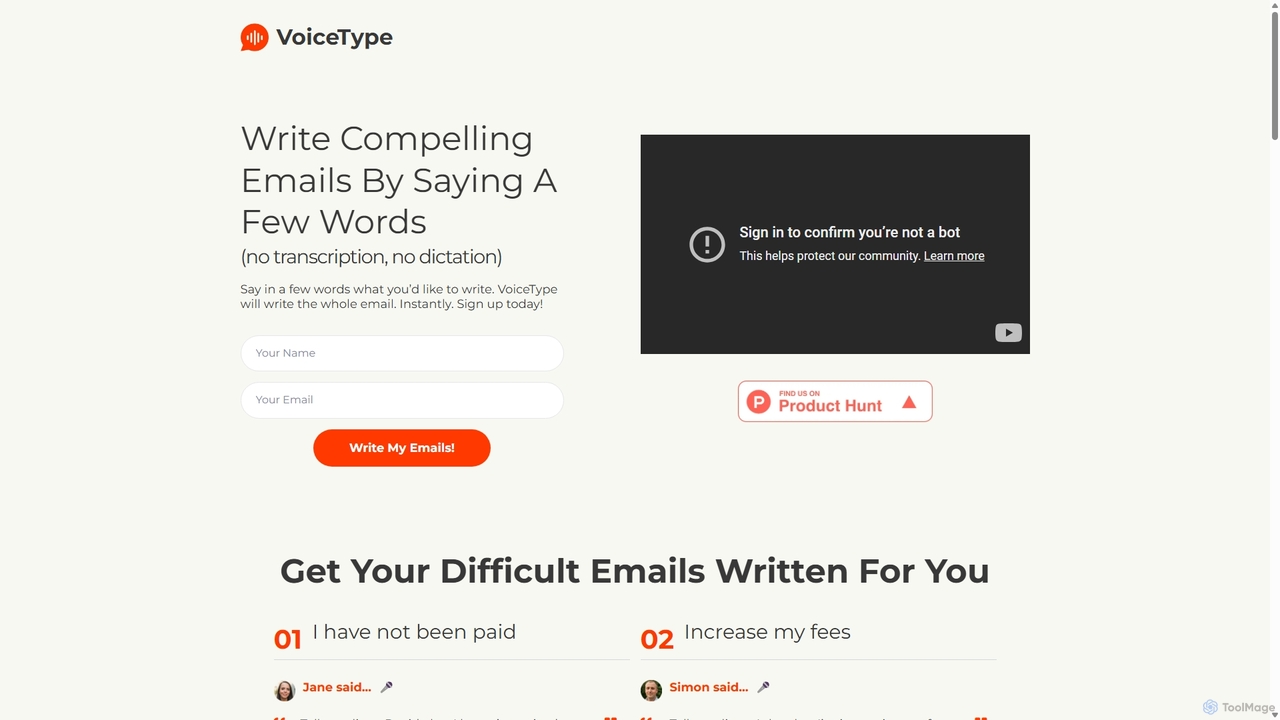
VoiceType is an AI-powered Chrome extension for Gmail that transforms short voice prompts into fully composed, professional emails. Instead of dictation, you simply explain the intent of your message, and VoiceType drafts a polished, grammatically correct email instantly. It's designed to save time, improve communication quality, and assist users with writing difficulties like dyslexia.

Assistive Technology
Visits 8KFavorites 106Likes 125
Write Brain
Freemium

Write Brain

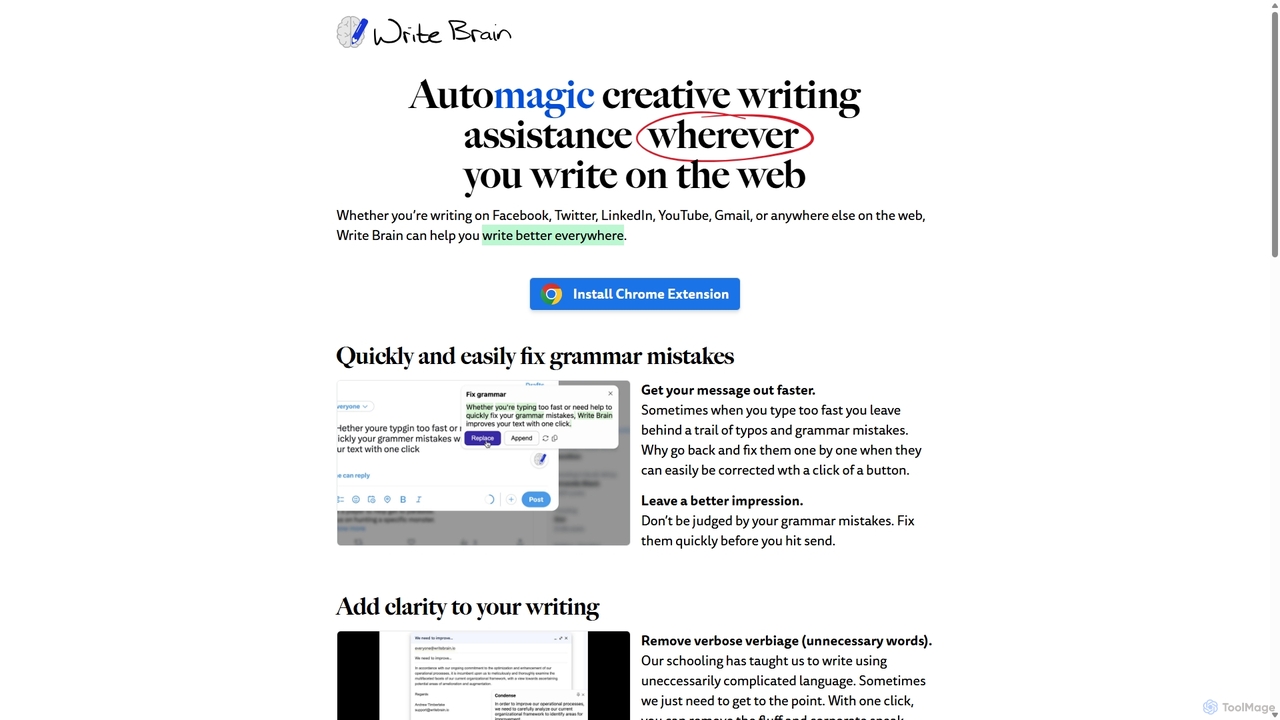
Write Brain is an AI-powered Chrome extension that serves as a comprehensive writing assistant. It helps users fix grammar, improve clarity, enhance writing style with descriptive language, translate text instantly, and add relevant emojis, working seamlessly across websites like Gmail, Facebook, and Twitter.

Chrome Extensions
Visits 5.5KFavorites 150Likes 139
Chatgpt Services
Freemium

Chatgpt Services

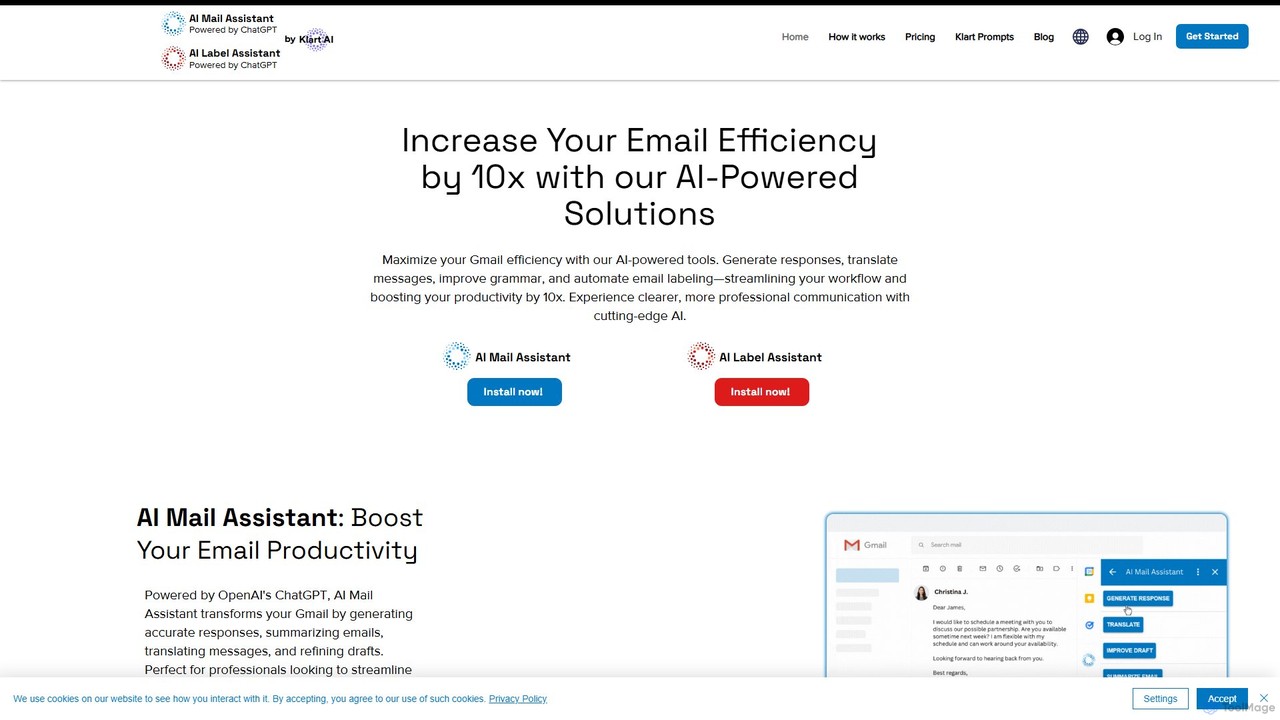
Chatgpt Services offers a suite of AI-powered Gmail add-ons, including AI Mail Assistant and AI Label Assistant. Powered by GPT-4o, it boosts your email productivity by generating smart responses, summarizing threads, translating messages in 13 languages, improving grammar, and automating email labeling and organization. Streamline your workflow and enhance communication directly within Gmail.

Translation
Visits 5.5KFavorites 112Likes 122
Hiwriter
Free

Hiwriter

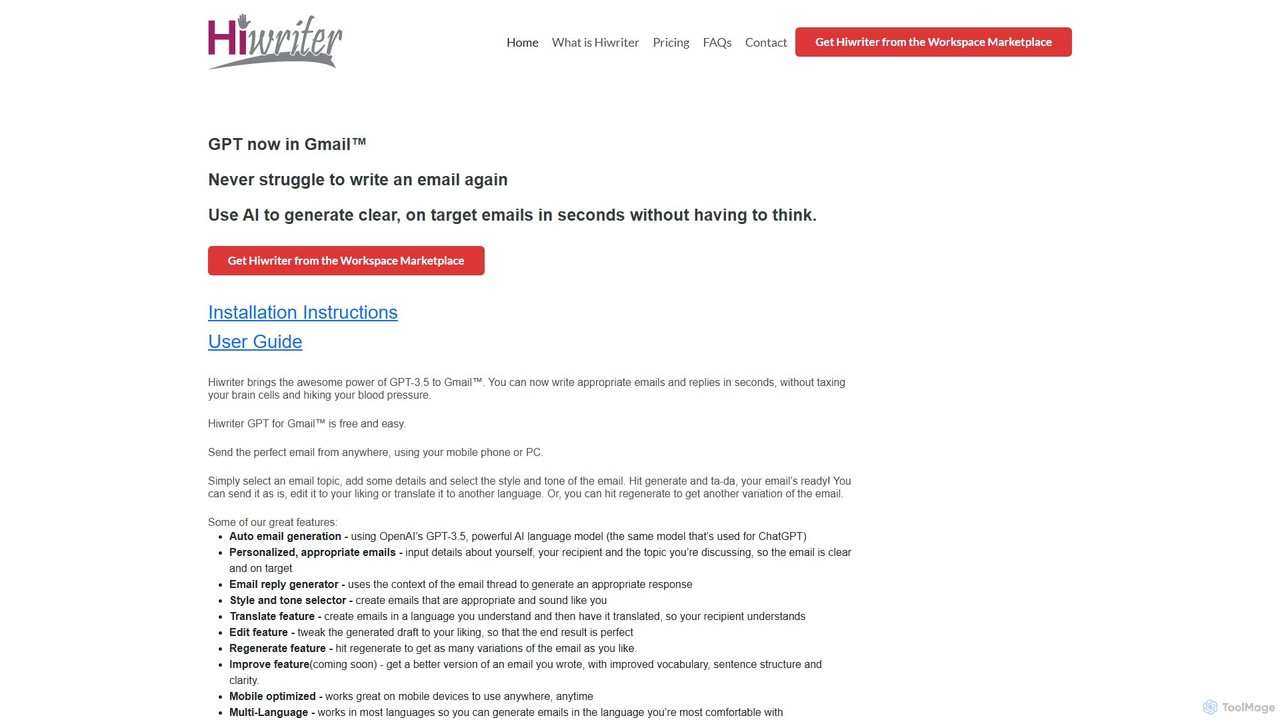
Hiwriter is a free AI-powered extension for Gmail that uses GPT-3.5 to help you write clear, effective, and perfectly toned emails in seconds. It generates new emails, creates contextual replies, and works seamlessly on both desktop and mobile devices.

Chrome Extensions
Visits 5.4KFavorites 131Likes 144
Kaption AI
Freemium

Kaption AI

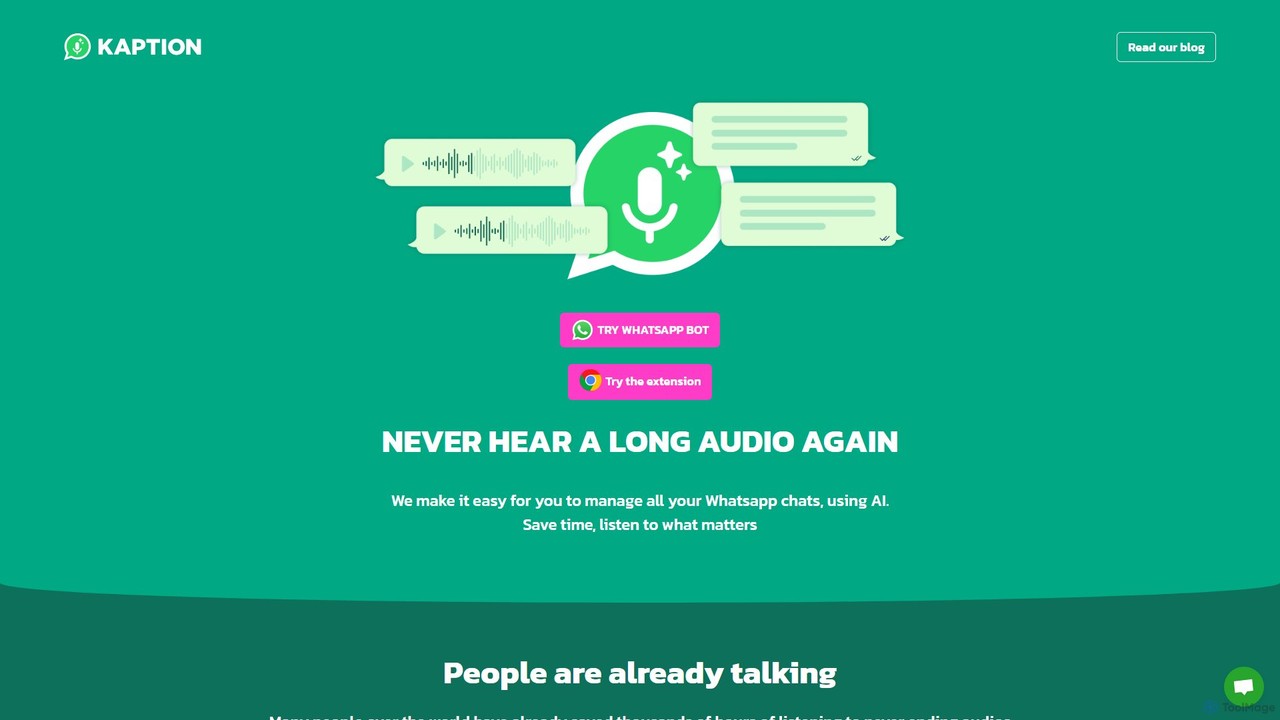
Kaption AI is a powerful Chrome extension for WhatsApp Web that uses AI to transcribe audio messages into text, generate concise summaries of long conversations, and suggest smart replies. It's designed to save you time, boost productivity, and make messaging more accessible.

Chrome Extensions
Visits 27.9KFavorites 115Likes 126
Ellie
Freemium

Ellie

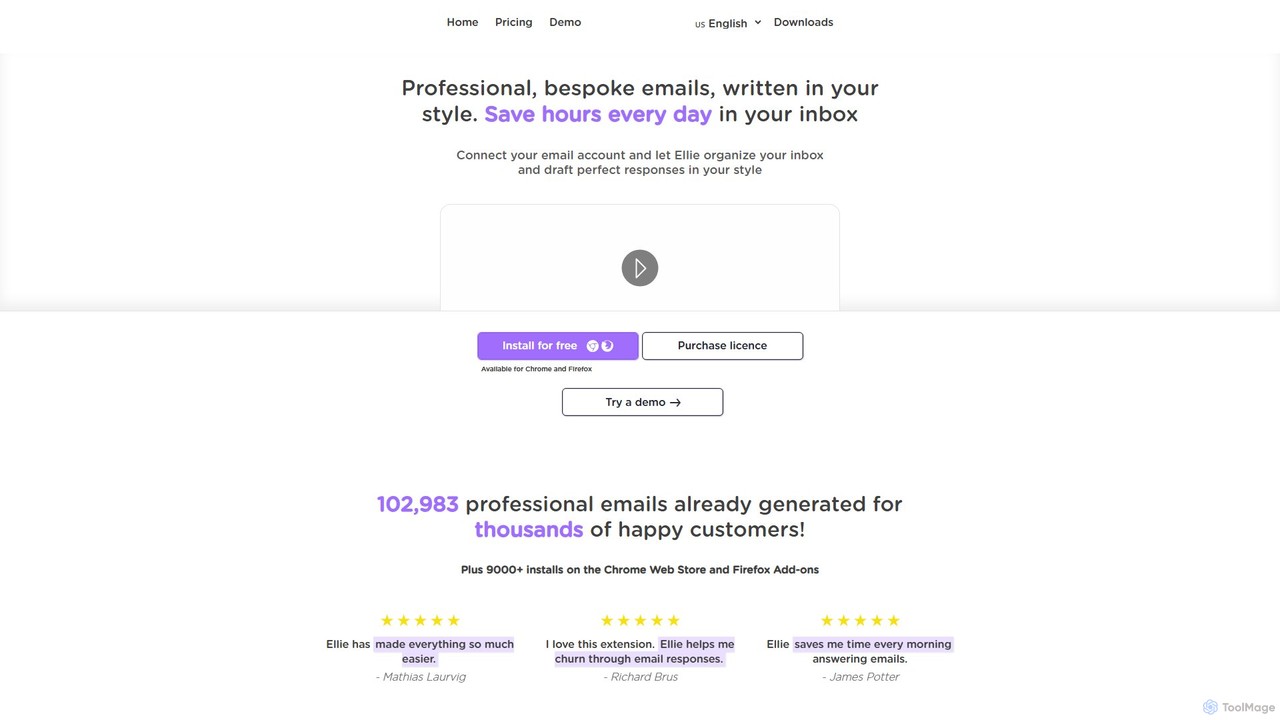
Ellie is an AI-powered email assistant that saves you hours every day. It learns from your writing style to draft intelligent, personalized, and context-aware replies directly in your inbox. Supporting multiple languages and integrating with Gmail and Outlook, Ellie helps you manage email overload, overcome reply anxiety, and boost your productivity.

Email
Visits 9.5KFavorites 112Likes 113
Hana
Freemium

Hana

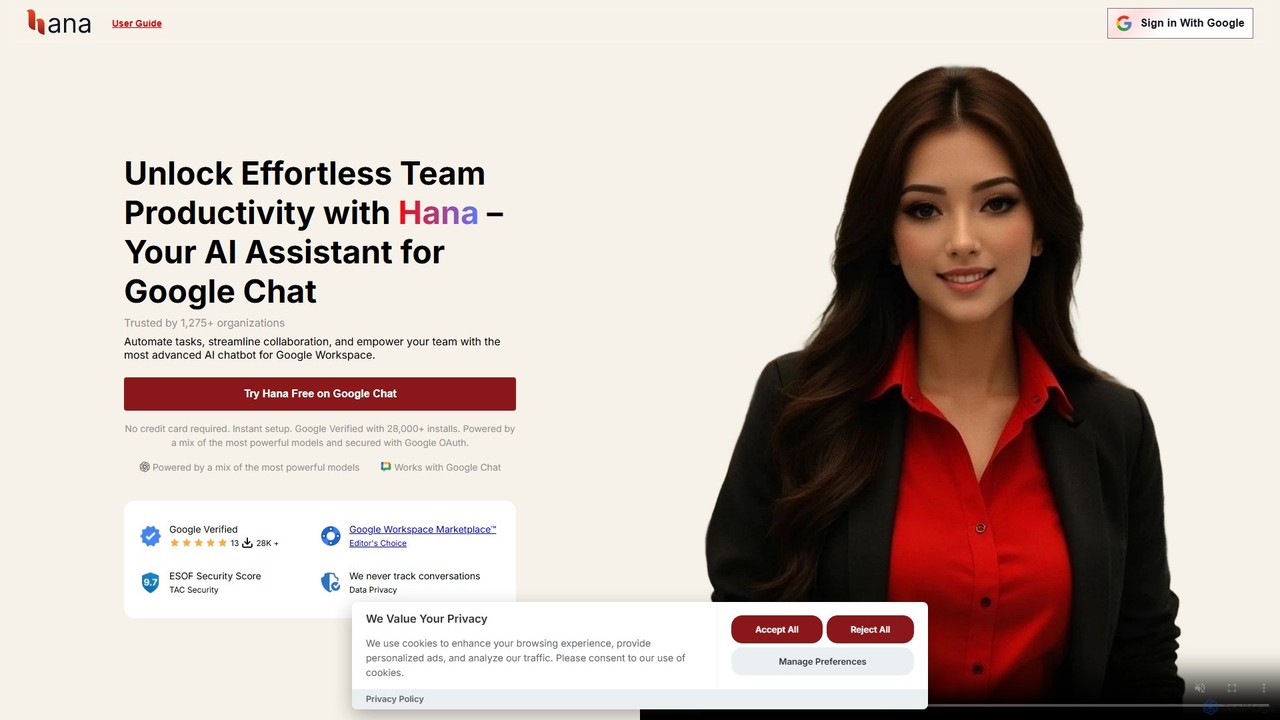
Hana is an advanced AI assistant for Google Chat, designed to enhance team productivity. It automates tasks, manages a shared knowledge base, and streamlines collaboration by integrating directly into your Google Workspace. Acting as a virtual teammate, Hana handles reminders, project updates, and provides instant, context-aware answers, all within your familiar chat environment.

Knowledge Management
Visits 6.4KFavorites 109Likes 107
Duet Mail
Freemium

Duet Mail

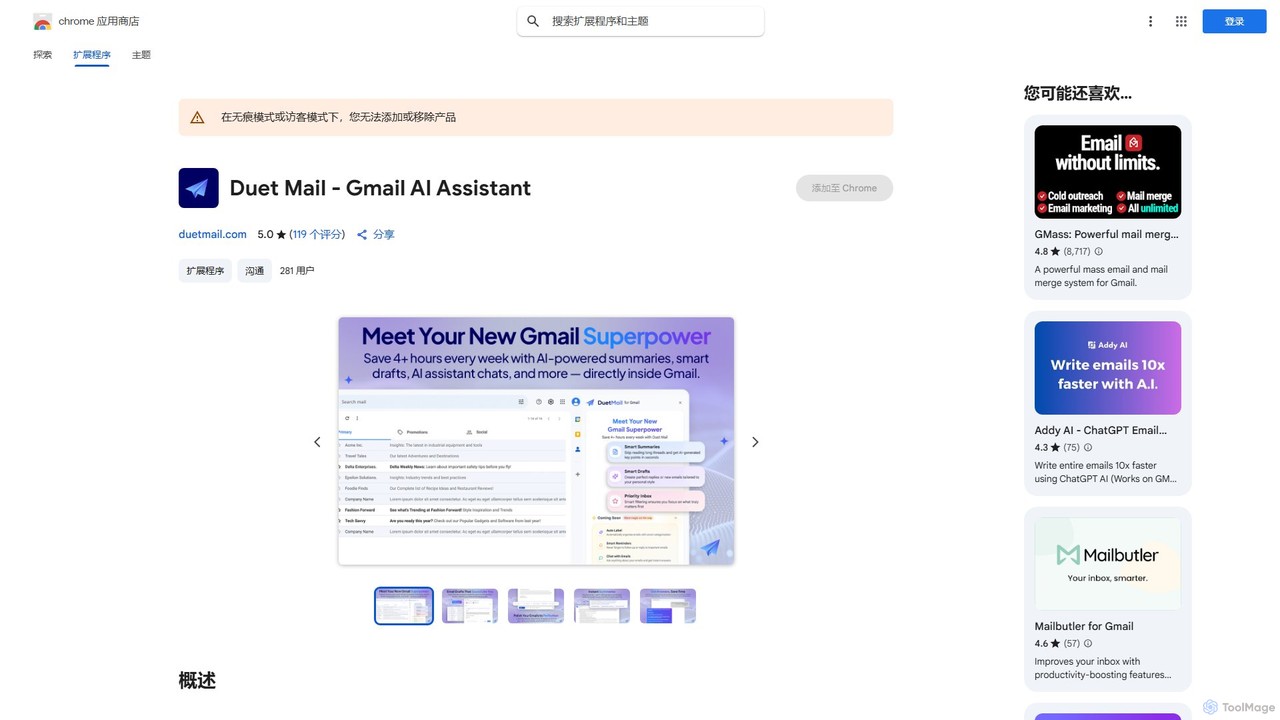
Duet Mail is an AI-powered Gmail assistant that supercharges your inbox. It helps you draft emails in your personal style, provides instant summaries of long threads, sets smart follow-up reminders, and categorizes important messages. Save hours each week and reclaim control over your email.

Chrome Extensions
Visits 58.2KFavorites 138Likes 153
chatgptoutlookaddin
Paid

chatgptoutlookaddin

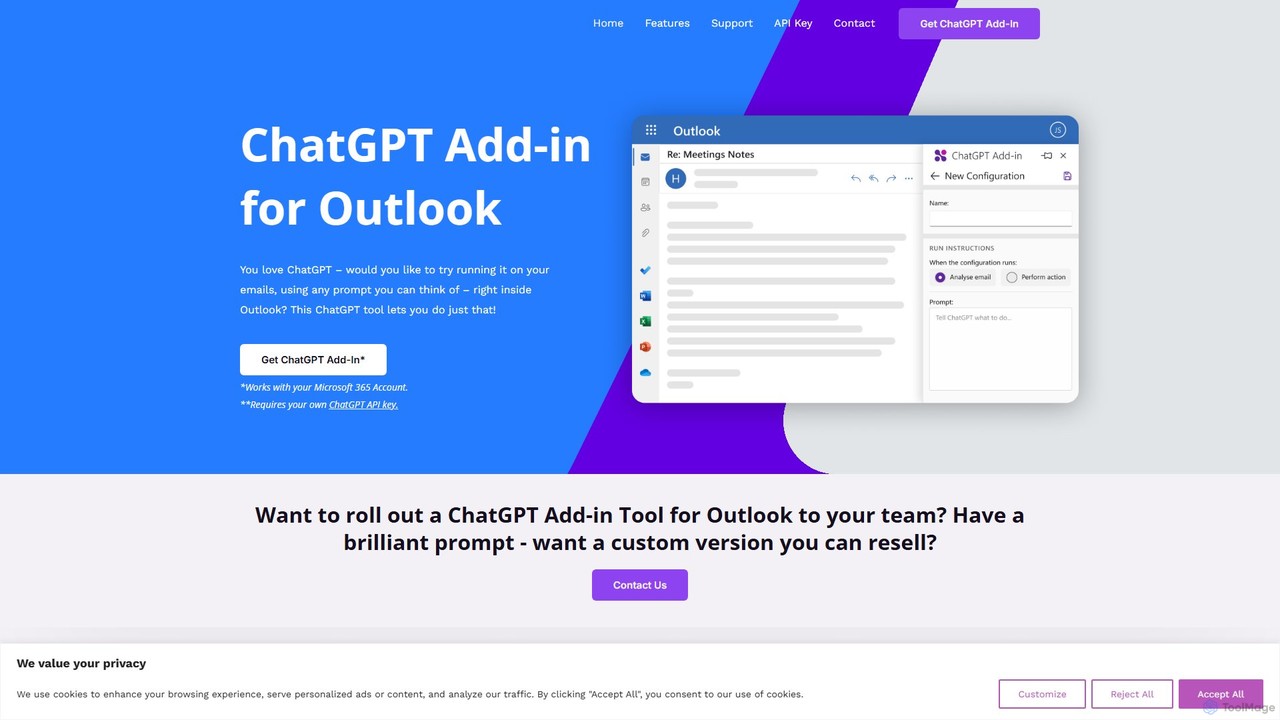
An AI-powered add-in that integrates ChatGPT directly into Microsoft Outlook. It allows users to summarize, draft, and manage emails using customizable prompts, streamlining communication and boosting productivity without leaving the inbox. Requires a Microsoft 365 account and a personal OpenAI API key.

Workflow Automation
Visits 9.7KFavorites 128Likes 126
MailMaestro
Freemium

MailMaestro

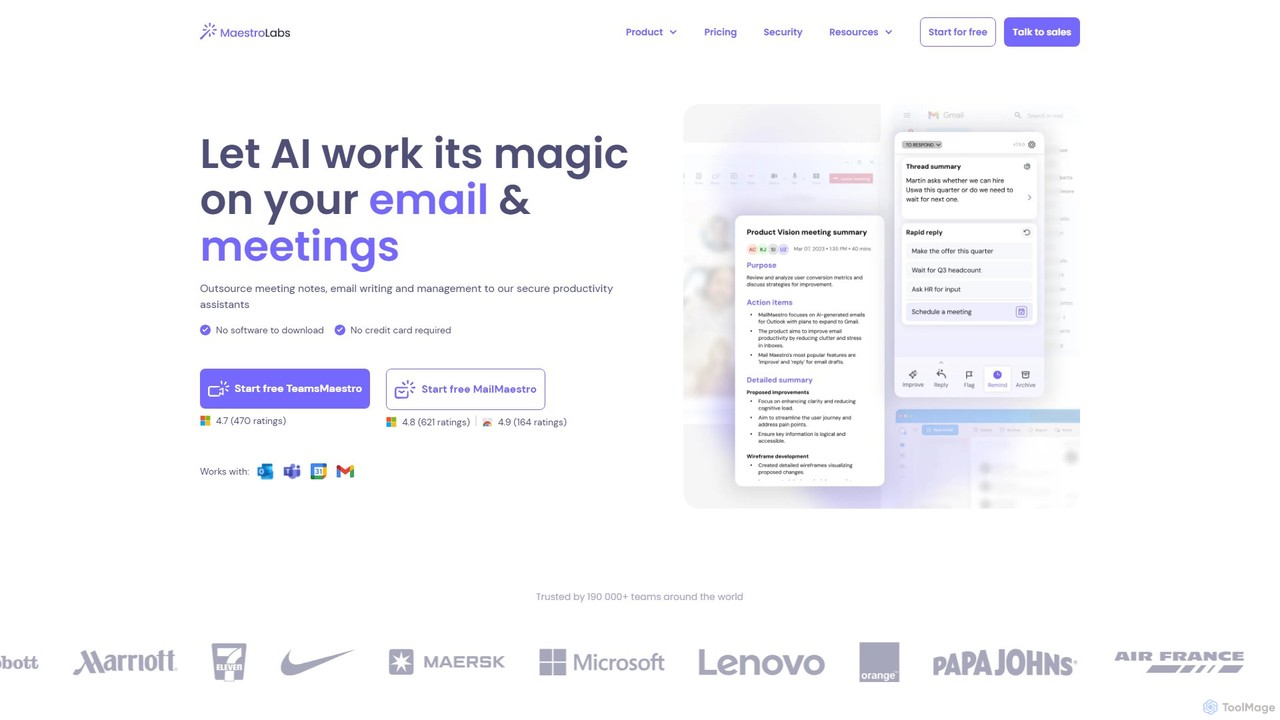
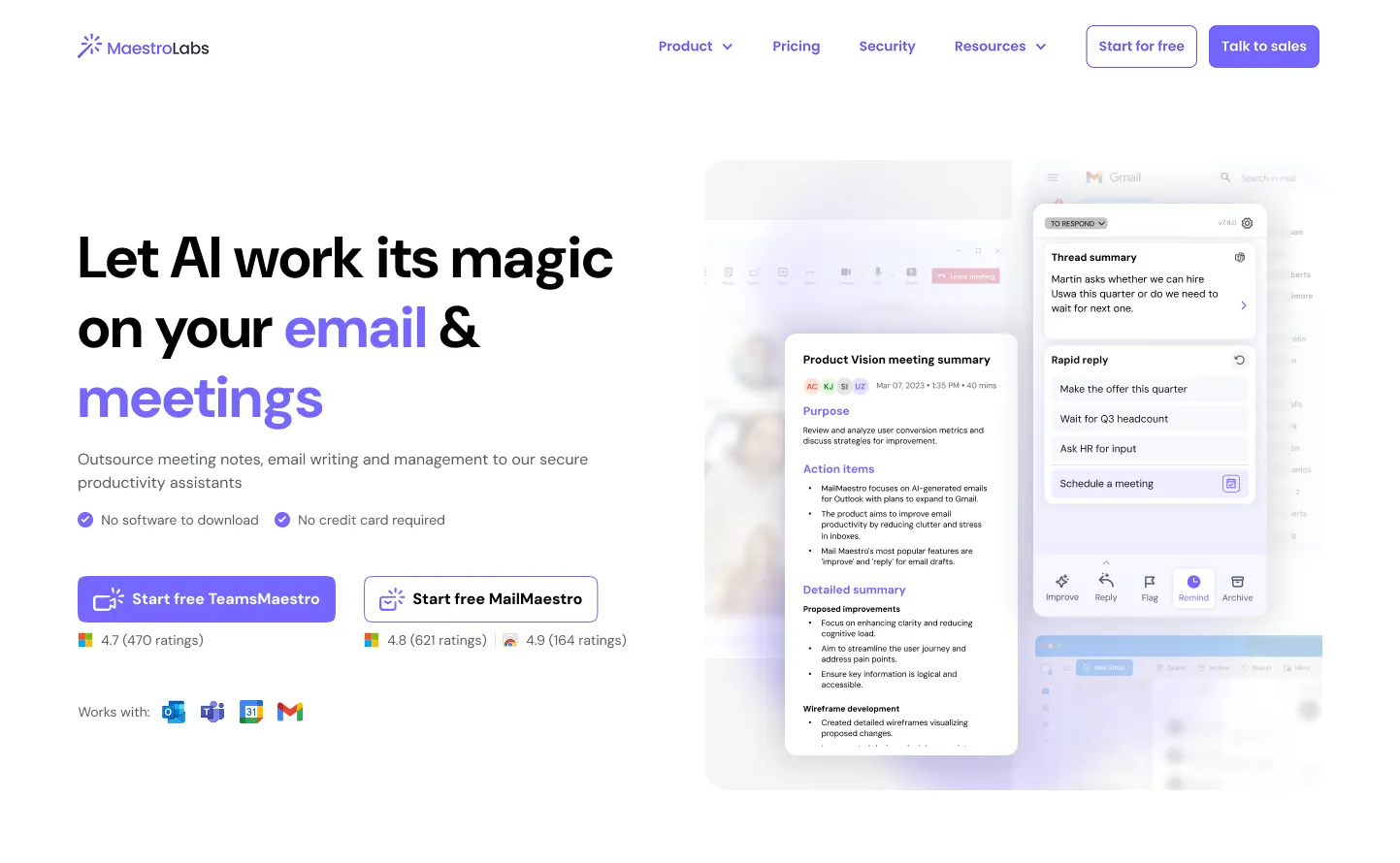
MailMaestro is a secure AI productivity assistant for email and meetings. It integrates with Outlook, Gmail, and Teams to help you draft replies, summarize long threads, manage your inbox, and capture meeting action items. Save hours each week and enhance your communication with smart, multilingual support.

Meeting Assistant
Visits 59.2KFavorites 137Likes 135

About Communication

AI Communication tools are a class of software that leverages artificial intelligence to enhance, automate, and analyze human interaction. These tools utilize technologies like Natural Language Processing (NLP), speech recognition, and sentiment analysis to understand context, translate languages, and generate human-like responses. They are primarily used to streamline customer support, break down language barriers in global teams, and personalize marketing outreach. By automating repetitive tasks and providing data-driven insights, these tools enable more efficient and effective communication across various channels.

Core Features

  • Intelligent Chatbots: Engage in natural, context-aware conversations to answer queries and guide users.
  • Real-time Translation: Instantly translate text and speech between multiple languages during live interactions.
  • Sentiment Analysis: Analyze text to determine the emotional tone (positive, negative, neutral) of the writer.
  • Email & Message Assistance: Draft, summarize, and suggest improvements for emails and other written communications.
  • Speech-to-Text & Transcription: Accurately convert spoken words into written text for documentation and analysis.

Use Cases

These tools are widely adopted in customer service departments to power 24/7 support chatbots and analyze customer feedback. Global corporations use them to facilitate multilingual meetings and internal communications. Marketing and sales teams leverage them for personalizing outreach campaigns and managing social media interactions at scale.

How to Choose

When selecting an AI Communication tool, consider its integration capabilities with your existing platforms (e.g., CRM, Slack). Evaluate the accuracy and range of its language support. Assess its scalability to handle your volume of interactions and ensure it meets your data security and privacy standards.

Featured tool rankings

Communication use cases

1

Automating Multilingual Customer Support

A global e-commerce company implements an AI-powered chatbot on its website and messaging apps. This bot uses real-time translation to provide 24/7 support in over 20 languages. When a customer from Japan asks a question in Japanese, the bot instantly understands, finds the relevant information in the English knowledge base, translates the answer back to Japanese, and responds. This process reduces average response time from hours to seconds, decreases the workload on human agents by 60%, and significantly improves customer satisfaction scores for non-English speaking users.

2

Enhancing Global Team Collaboration

A multinational tech company uses an AI meeting assistant integrated with its video conferencing platform. During a meeting with teams from Germany, Brazil, and the US, the tool provides real-time speech-to-text transcription and translation. A German engineer speaks in German, and their words appear as English and Portuguese subtitles for other participants. After the meeting, the AI generates a concise summary, highlights key decisions, and lists action items with assigned owners, all distributed automatically. This eliminates language barriers, ensures everyone is aligned, and saves hours of manual note-taking and summary writing.

3

Personalizing Sales and Marketing Outreach

A B2B software company's sales team uses an AI email assistant to scale their outreach efforts. The tool analyzes a prospect's LinkedIn profile and company website to suggest personalized opening lines and talking points. It also helps draft follow-up sequences based on the prospect's engagement (or lack thereof). The built-in sentiment analysis feature alerts the salesperson if a reply sounds negative or hesitant, allowing them to tailor their next response more effectively. This approach leads to a 30% increase in reply rates and helps the team focus on building relationships rather than on manual writing tasks.

4

Improving Accessibility with Speech-to-Text

A university makes its online lectures more accessible by using an AI transcription service. The tool automatically converts the audio from video lectures into accurate, time-stamped text. This provides deaf and hard-of-hearing students with a real-time transcript to follow along. Furthermore, all students can use the transcript to search for specific keywords within a lecture, easily review complex topics, and create study notes. The university saw a marked improvement in engagement and academic performance among students with hearing impairments and received positive feedback from the entire student body for providing a more flexible learning resource.

5

Streamlining Internal HR Communications

A large corporation's HR department deploys an internal AI chatbot on their intranet and Slack. Employees can ask the chatbot common questions about company policies, benefits enrollment, leave requests, and payroll. The chatbot provides instant, accurate answers 24/7, referencing the official HR knowledge base. This frees up the HR team from answering hundreds of repetitive queries each week, allowing them to focus on more strategic initiatives like employee development and talent acquisition. Employee satisfaction with HR services improves due to the immediate availability of information.

6

Monitoring Brand Reputation with Sentiment Analysis

A consumer electronics brand uses an AI communication tool to monitor its brand sentiment across social media, news articles, and review websites. The tool automatically collects mentions of the brand and its products, then applies sentiment analysis to classify each mention as positive, negative, or neutral. The marketing team receives a daily dashboard and real-time alerts for significant spikes in negative sentiment. This allows them to quickly address customer complaints, manage potential PR crises before they escalate, and identify positive user-generated content to amplify. The insights also inform product development by highlighting recurring issues or highly-praised features.

Communication FAQ

What are AI Communication tools?

AI Communication tools are software applications that use artificial intelligence technologies like Natural Language Processing (NLP) and machine learning to improve or automate human interaction. They can understand, process, and generate human language in both text and speech. Key examples include intelligent chatbots for customer service, real-time translation apps that break down language barriers, and AI email assistants that help draft professional messages. Their primary goal is to make communication more efficient, accurate, and accessible.

How to choose the right AI Communication tool?

To choose the right tool, first define your primary need (e.g., customer support, internal collaboration, or sales outreach). Then, consider these factors:

  • Integration: Does it connect smoothly with your existing software like CRM, helpdesk, or messaging platforms?
  • Language Support: Does it support the languages and dialects of your target audience with high accuracy?
  • Scalability: Can the tool handle your current and future volume of communications without a drop in performance?
  • Customization & Control: How much can you customize its responses, tone, and workflow to match your brand voice and business rules?
  • Security: Does it comply with data privacy regulations like GDPR or CCPA and offer robust security features?
What's the difference between AI chatbots and rule-based chatbots?

The key difference lies in how they process information. Rule-based chatbots follow a predefined script or decision tree. They can only respond to specific commands or keywords they are programmed to recognize, making them suitable for simple, predictable tasks like FAQs. AI chatbots, on the other hand, use Natural Language Processing (NLP) to understand the user's intent, context, and sentiment, even if the phrasing is new or complex. They can handle a wider range of queries, learn from interactions, and provide more natural, human-like conversations.

What are the main functions of AI Communication tools?

AI Communication tools offer a range of functions designed to make interaction smarter and more efficient. Key functions include:

  • Automated Response Generation: Creating contextually appropriate replies for emails, chats, and social media.
  • Real-time Translation: Translating spoken or written language instantly to facilitate cross-lingual conversations.
  • Sentiment Analysis: Gauging the emotional tone of written text to understand customer feedback or public opinion.
  • Speech-to-Text Transcription: Converting audio from meetings, calls, or videos into searchable, editable text.
  • Content Summarization: Condensing long articles, emails, or documents into key points for quick understanding.
Who can benefit from using AI Communication tools?

A wide range of users can benefit from AI Communication tools. Customer service teams use them to provide 24/7 support and handle high volumes of inquiries. Global businesses leverage them to overcome language barriers in international meetings and collaborations. Marketing and sales professionals use them to personalize outreach and analyze customer sentiment. Content creators and students benefit from transcription and summarization features. Additionally, they are crucial for improving digital accessibility, helping individuals with disabilities to communicate and access information more easily.