ToolMage
Sign in

Best 43 3D AI tools for Design

Popular 3D AI tools in Design include Leonardo.ai, Pacdora, Coohom, Spline, Rosebud AI, TextureLab, Snap AR, arcadium3d, AiHouse, and Endless Tools, helping you work more efficiently.

Bench
Paid

Bench

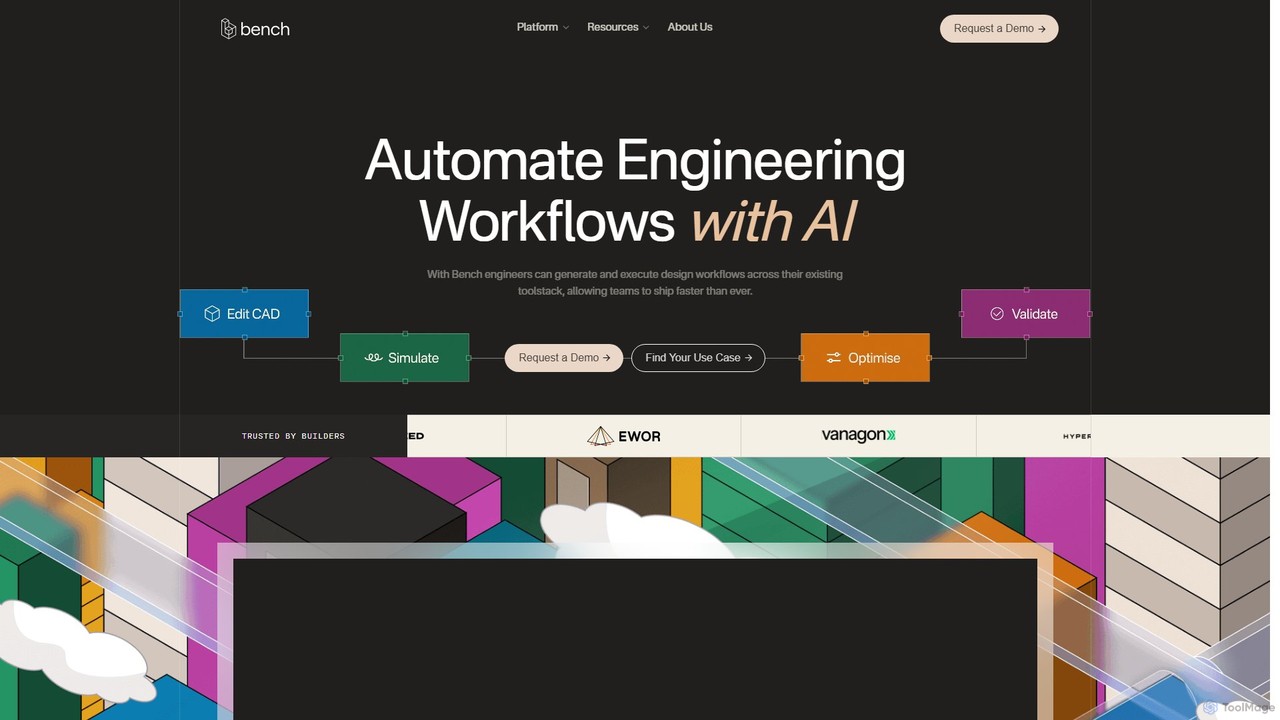
Bench is an AI-powered platform that automates engineering workflows. It integrates with your existing CAD, CAE, and PLM toolstack, enabling engineers to generate and execute complex design workflows, run parallel simulations, and automate revisions, ultimately accelerating product development and time-to-market.

3D
Visits 9.5KFavorites 150Likes 143
Mason

Mason

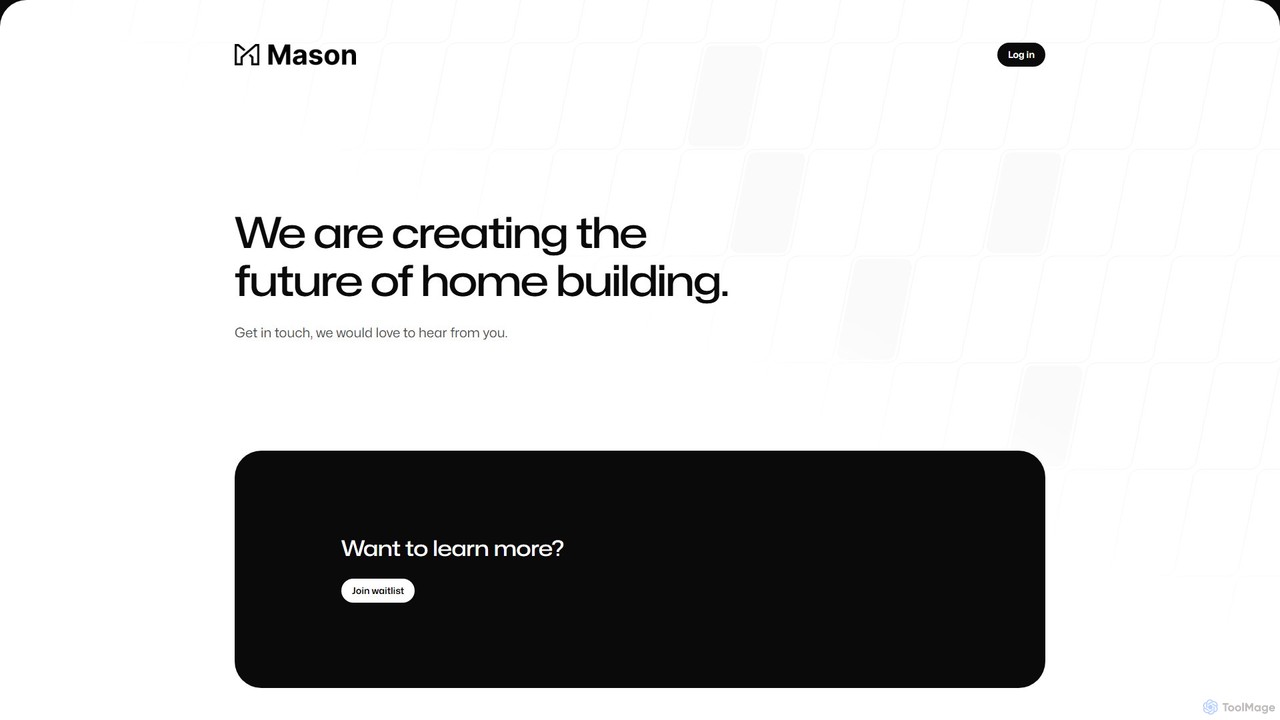
Mason is an AI-powered platform designed to revolutionize the homebuilding industry. It leverages artificial intelligence for generative design, project management, and cost estimation, enabling architects, builders, and developers to construct homes more efficiently, accurately, and sustainably.

3D
Visits 6.7KFavorites 142Likes 144
Draw3D
Freemium

Draw3D

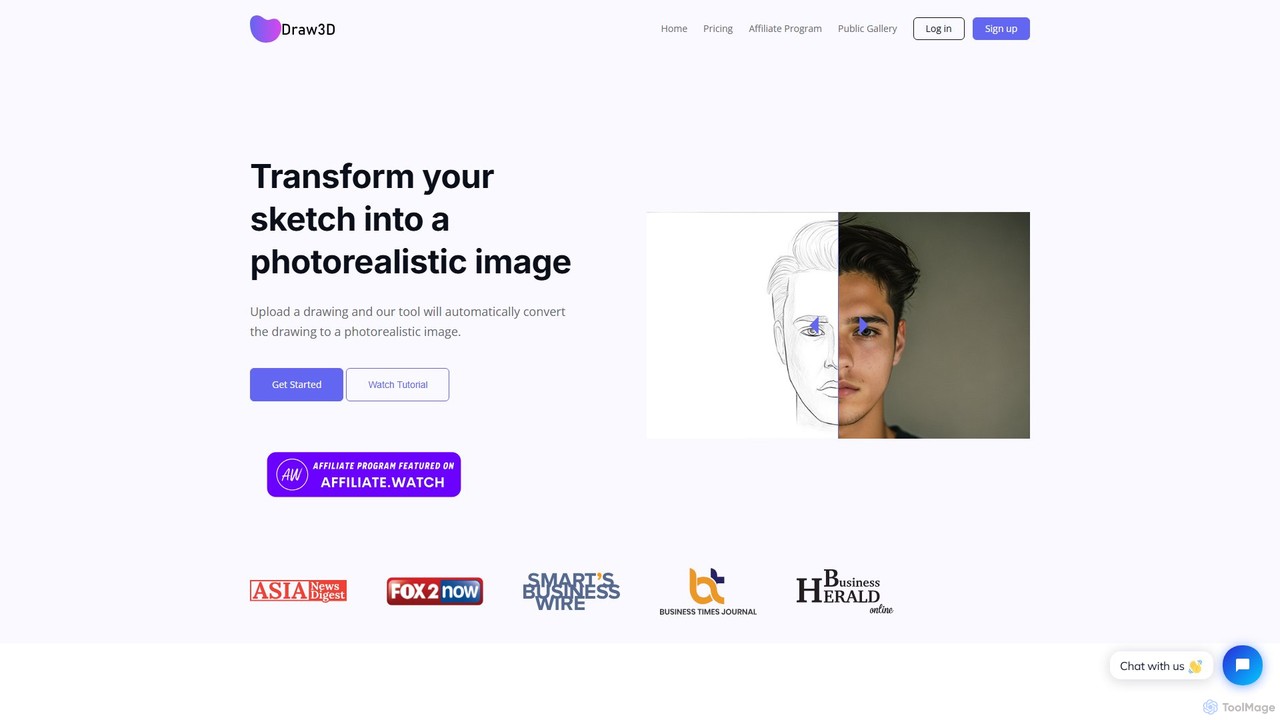
Draw3D is a powerful AI tool that transforms your sketches into photorealistic images. It can handle detailed drawings of landscapes, animals, and objects, bringing your creative ideas to life instantly. It also features unique sculpture-to-photo conversion, a 4x image upscaler, and a built-in editor for a complete creative workflow.

Drawing
Visits 6.1KFavorites 173Likes 181
Endless Tools
Freemium

Endless Tools

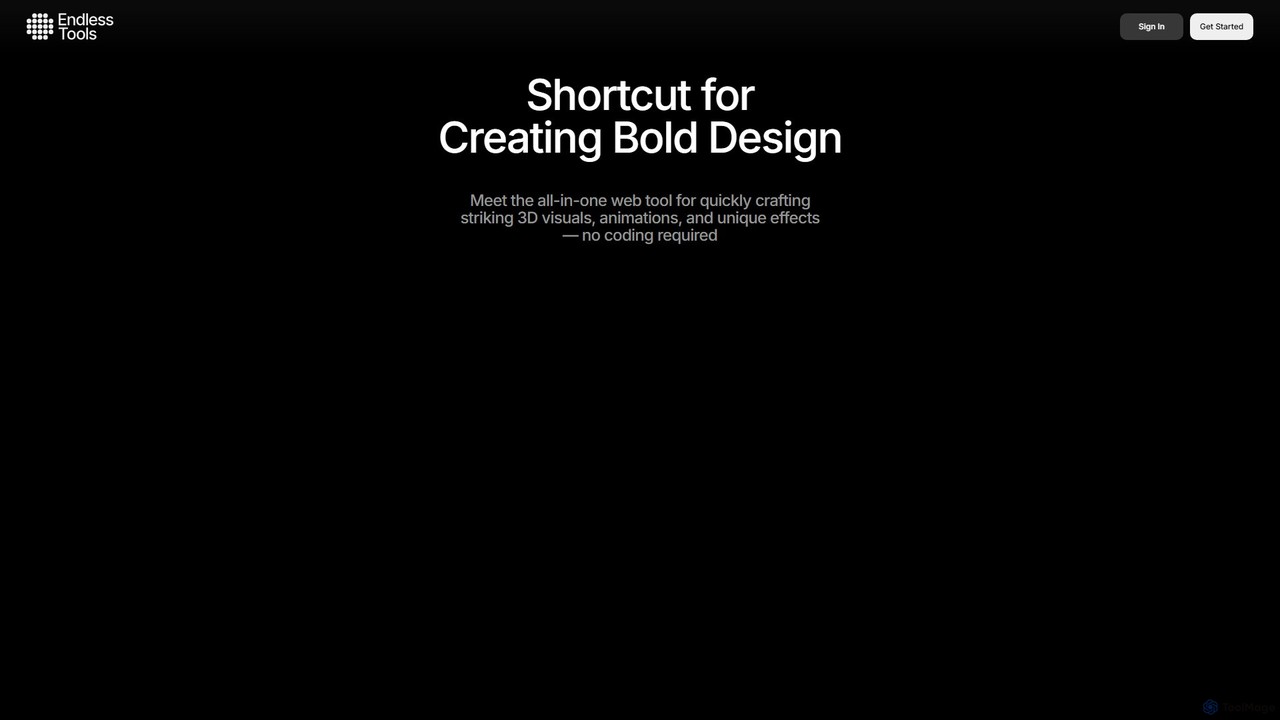
An all-in-one, no-code web tool for creating striking 3D visuals, animations, and interactive effects. Effortlessly transform SVGs into 3D objects, apply unique materials and effects, and embed interactive designs directly into your website. Ideal for designers, marketers, and creatives.

3D
Visits 68.4KFavorites 127Likes 127
GameGen-X
Paid

GameGen-X

GameGen-X is a revolutionary AI-powered platform designed for game developers. It utilizes a diffusion transformer model to generate entire open-world games, including dynamic environments, characters, and events, from simple text prompts. This tool dramatically accelerates the game development process.

3D
Visits 5.6KFavorites 151Likes 154
Backflip AI
Freemium

Backflip AI

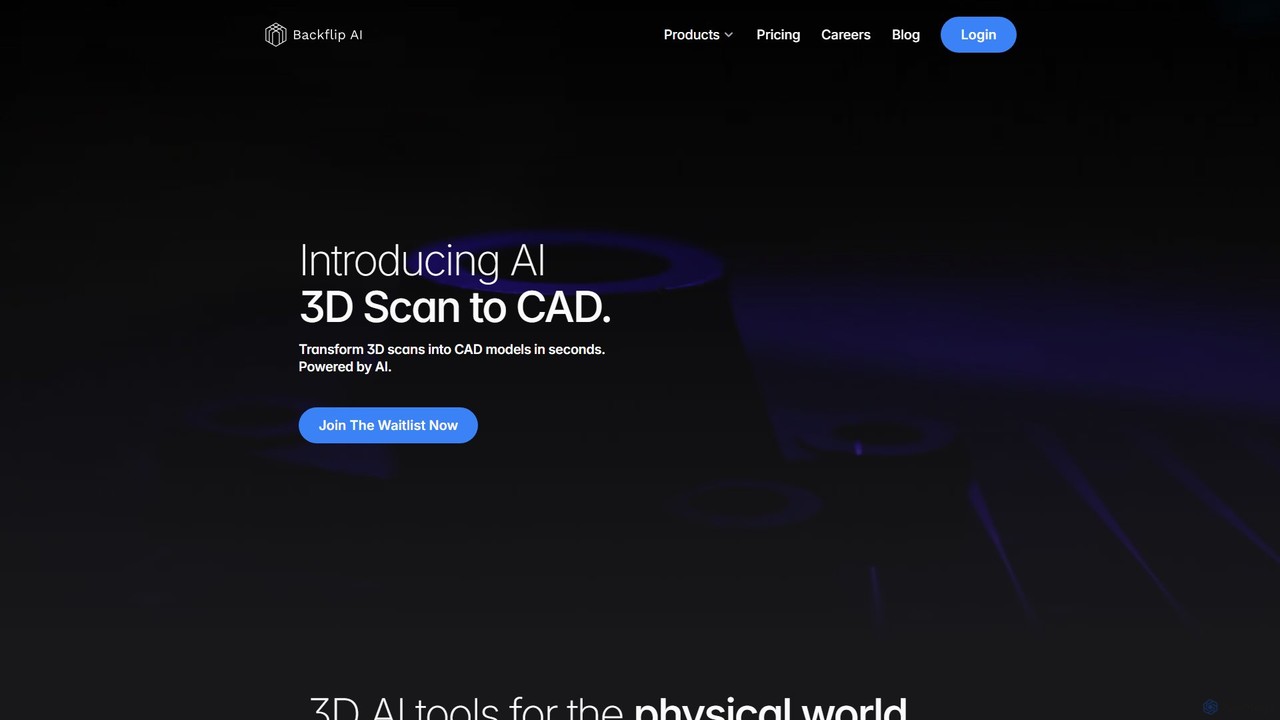
Backflip AI is a powerful platform that transforms 3D design workflows. It features AI-driven tools to convert 3D scans into parametric CAD models in seconds and generate 3D mesh models from text, images, or sketches. It's designed to accelerate engineering, manufacturing, and creative processes.

Modeling
Visits 27.2KFavorites 104Likes 127
Pacdora
Freemium

Pacdora

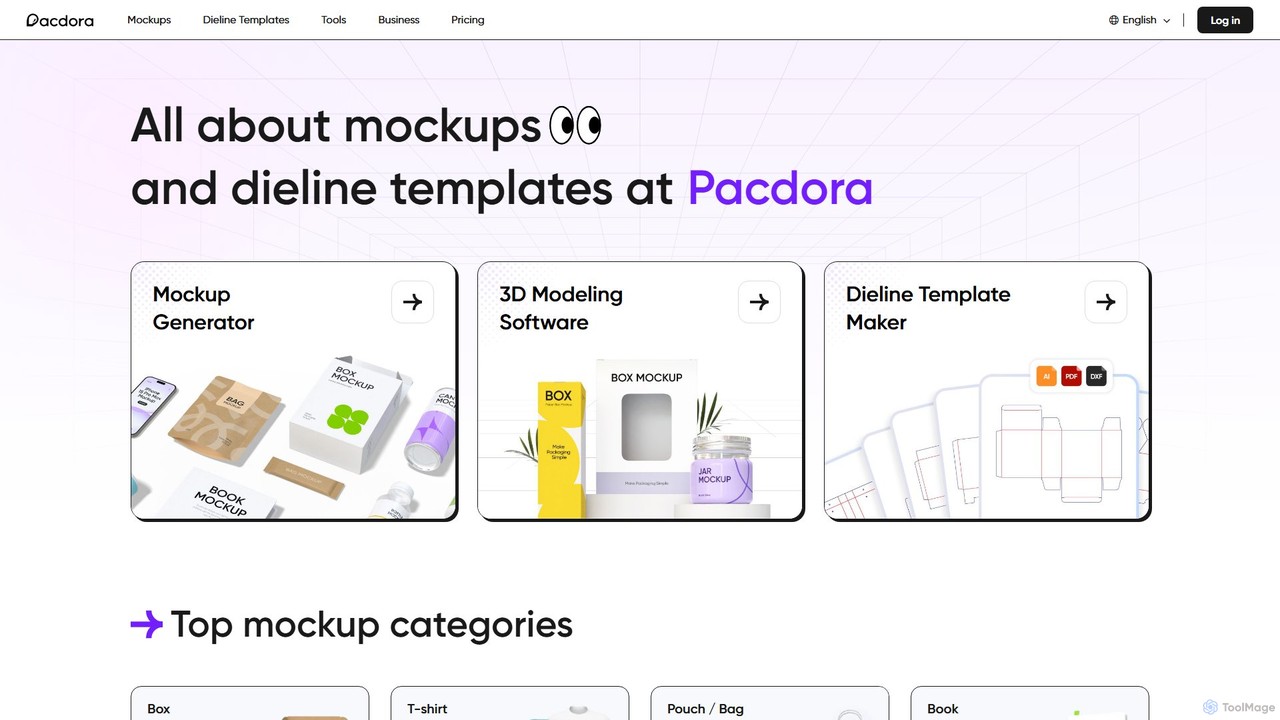
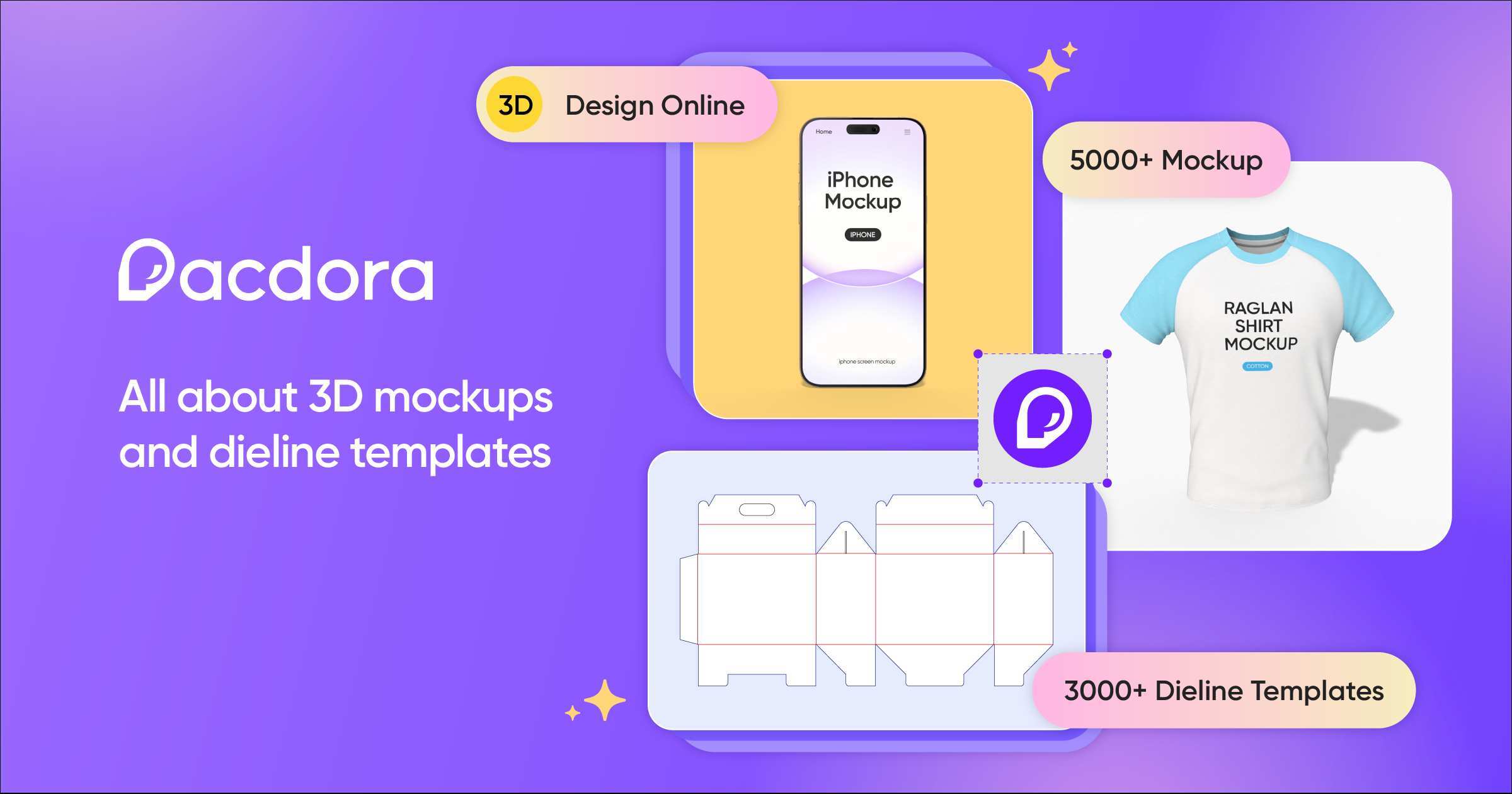
Pacdora is an all-in-one online design platform specializing in 3D mockups, dieline templates, and product visualization. It features a user-friendly mockup generator, a professional dieline maker, intuitive 3D modeling software, and an AI background generator. Ideal for designers, marketers, and e-commerce businesses, Pacdora simplifies the creation of photorealistic product presentations without requiring complex software or technical skills.

3D
Visits 1.7MFavorites 106Likes 108
CRXAI
Freemium

CRXAI

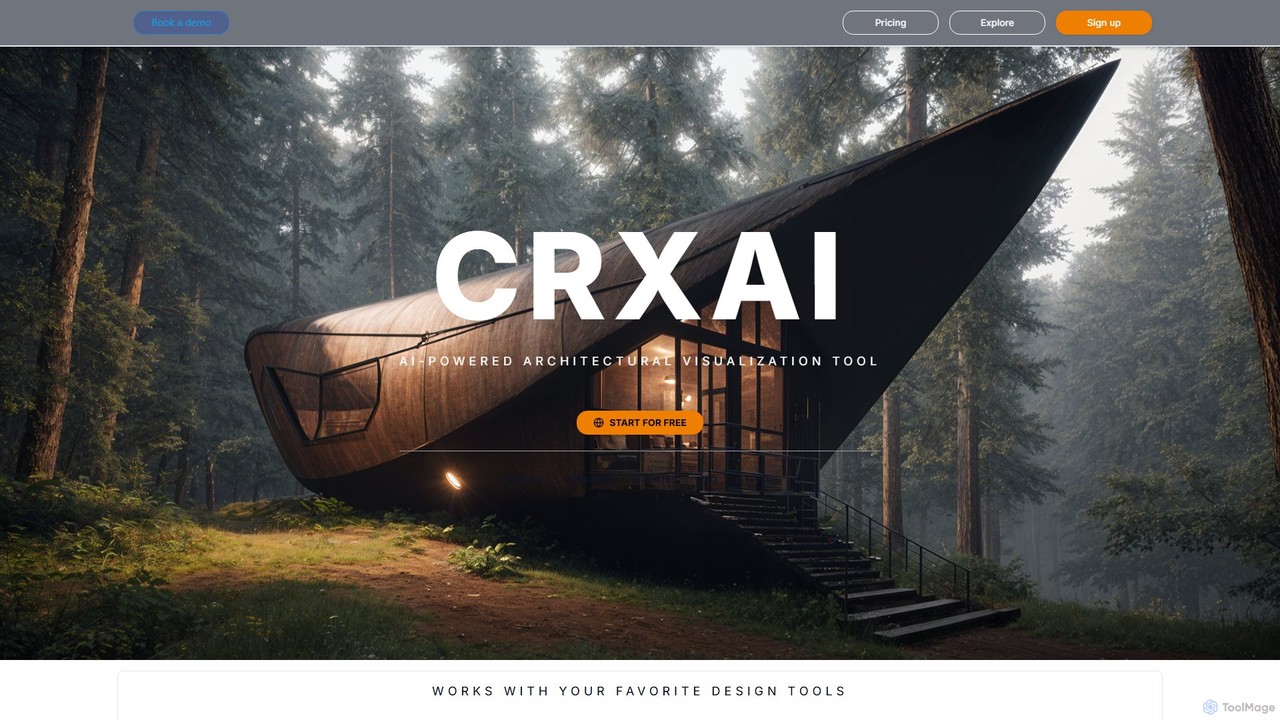
CRXAI is an AI-powered rendering and visualization tool specifically designed for architects and designers. It transforms text prompts, 3D models, sketches, and photos into high-quality, photorealistic architectural visuals, streamlining the design workflow and accelerating creative exploration.

3D
Visits 5.6KFavorites 157Likes 161
AiHouse
Freemium

AiHouse

AiHouse is an all-in-one, AI-powered 3D interior design and manufacturing software. It enables professionals to create photorealistic visualizations, 2D/3D floor plans, and interactive virtual tours in minutes. With a library of over 80 million 3D models and seamless design-to-manufacturing integration, AiHouse streamlines the entire workflow for interior designers, architects, and furniture businesses, boosting sales and efficiency.

3D
Visits 119.7KFavorites 140Likes 143
arcsolutions
Paid

arcsolutions

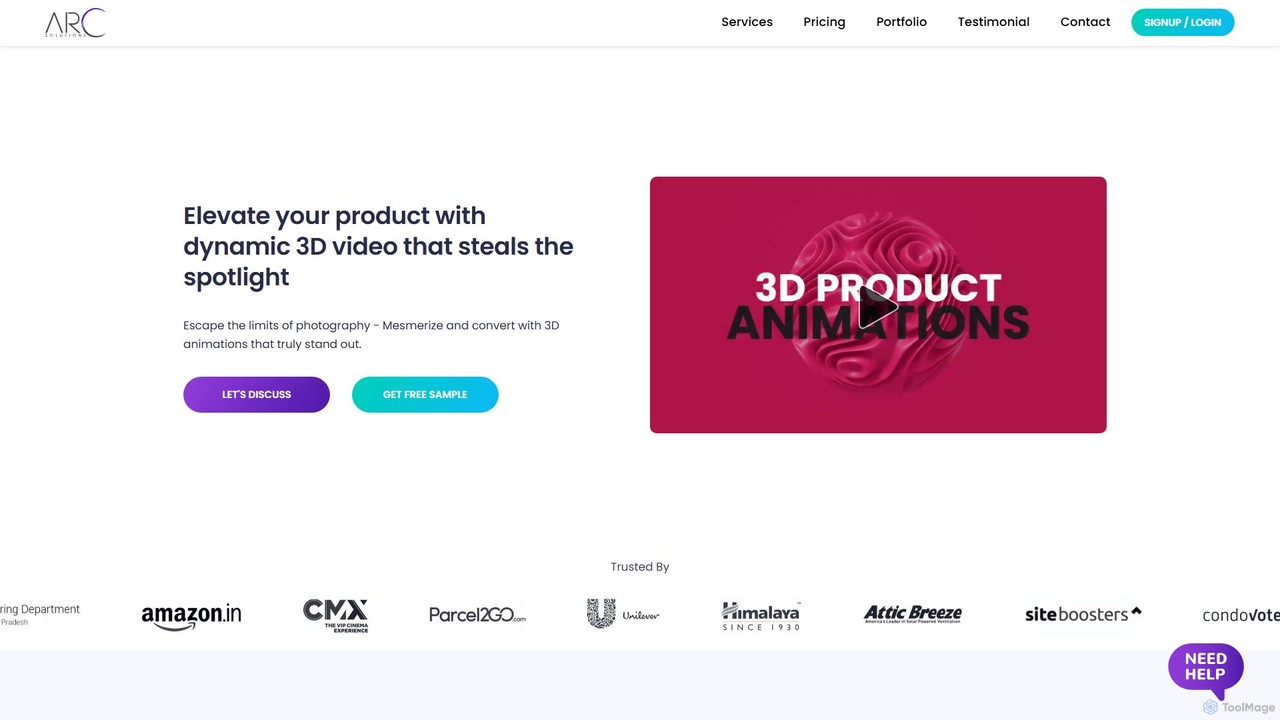
arcsolutions is a creative service specializing in high-quality 3D product animation videos. It transforms product concepts into dynamic, realistic CGI ads, offering features like 360-degree turntables, exploded views, and particle simulations. Ideal for marketers and businesses seeking to elevate their product presentation beyond traditional photography and videography, enhancing brand appeal and customer understanding.

3D
Visits 5.6KFavorites 144Likes 157
Pixela.ai
Free

Pixela.ai

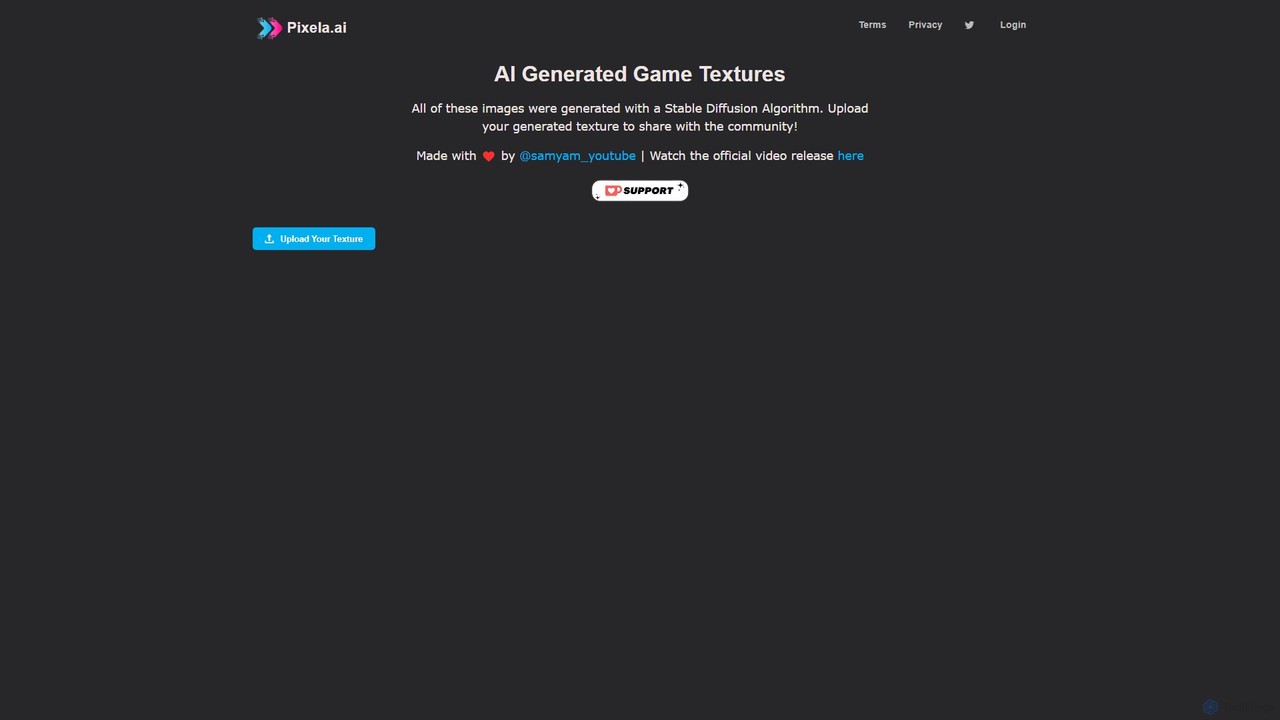
Pixela.ai is an AI-powered platform specializing in generating high-quality, seamless game textures using a Stable Diffusion algorithm. It offers a vast library of community-generated textures and allows users to create their own unique assets from text prompts. Ideal for game developers, 3D artists, and designers looking to accelerate their workflow.

3D
Visits 12.2KFavorites 127Likes 124
Leonardo.ai
Freemium

Leonardo.ai

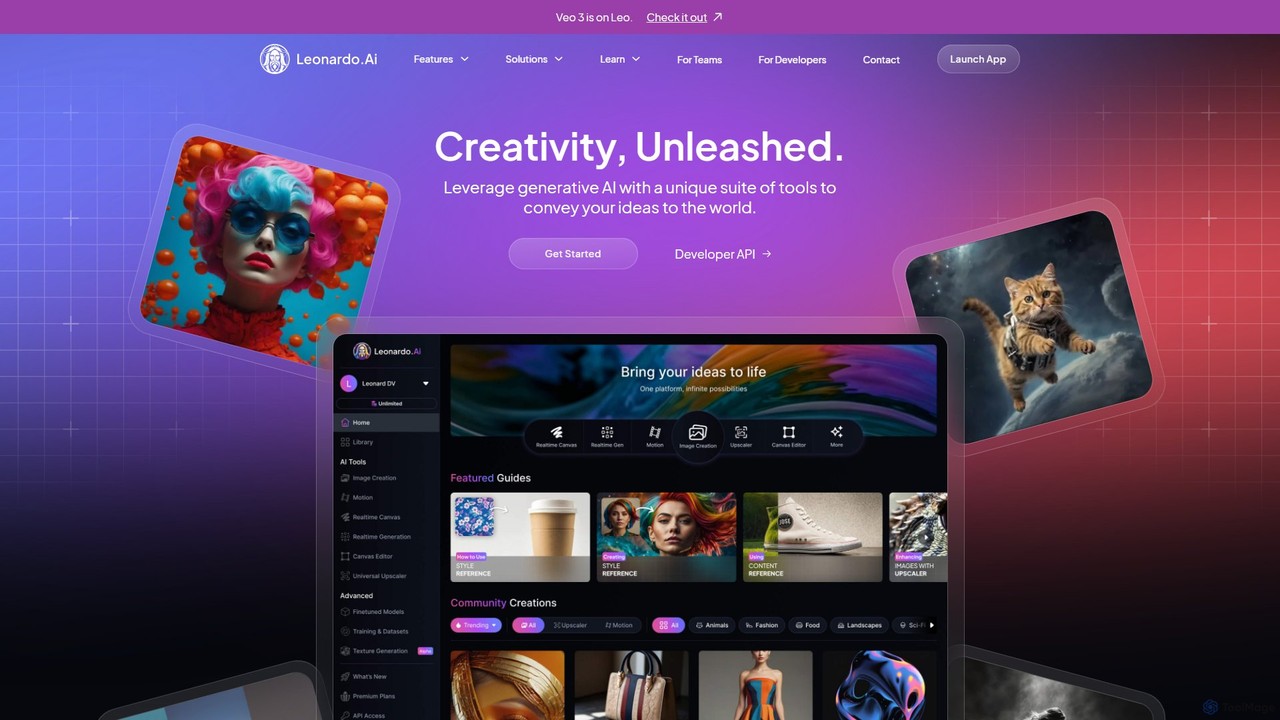
Leonardo.ai is a comprehensive generative AI suite for creating high-quality visual assets. It offers a wide range of tools, including image and video generation, AI Canvas, 3D texturing, and numerous fine-tuned models. Ideal for individual creators, collaborative teams, and developers, it emphasizes quality, speed, and style consistency.

Generative Art
Visits 10.9MFavorites 136Likes 133
Rosebud AI
Freemium

Rosebud AI

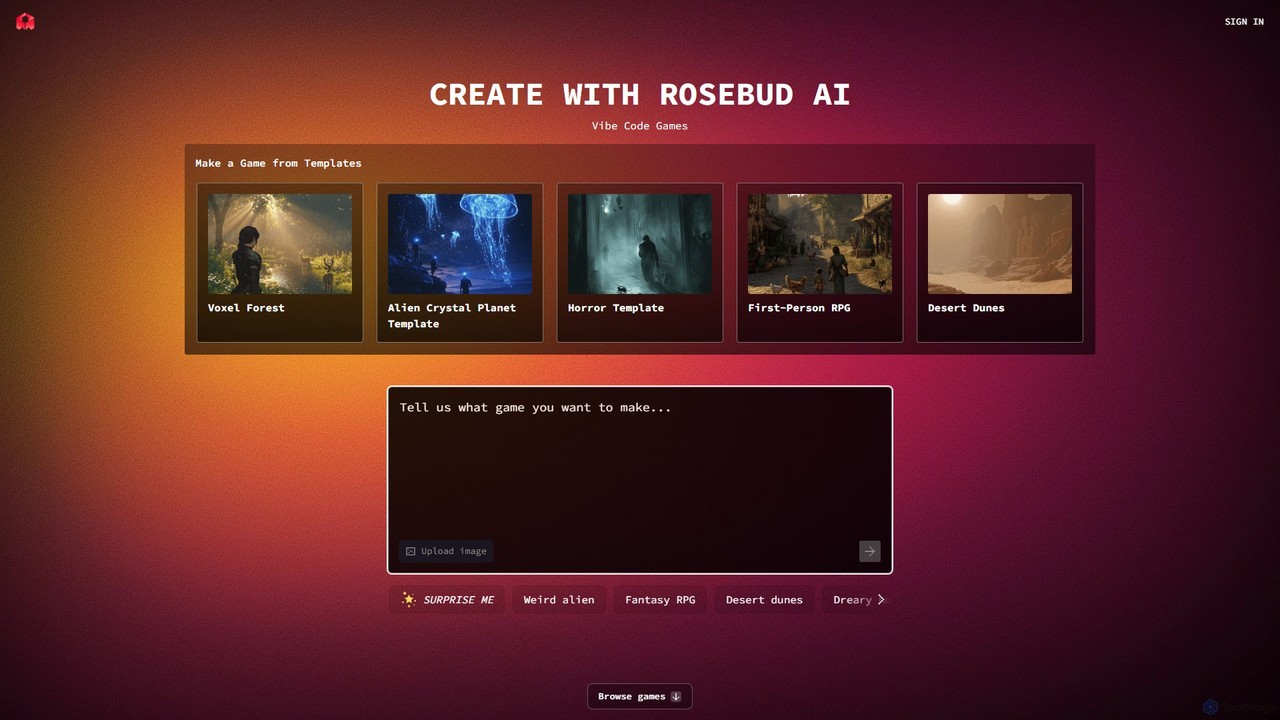
Rosebud AI is a revolutionary web-based platform that empowers users to create 2D and 3D games, interactive worlds, and simple applications using natural language. Through its unique "Vibe Coding" feature, you can describe game mechanics, assets, and environments, and the AI will generate them for you, no coding or downloads required.

3D
Visits 703KFavorites 155Likes 134
RenderAI
Freemium

RenderAI

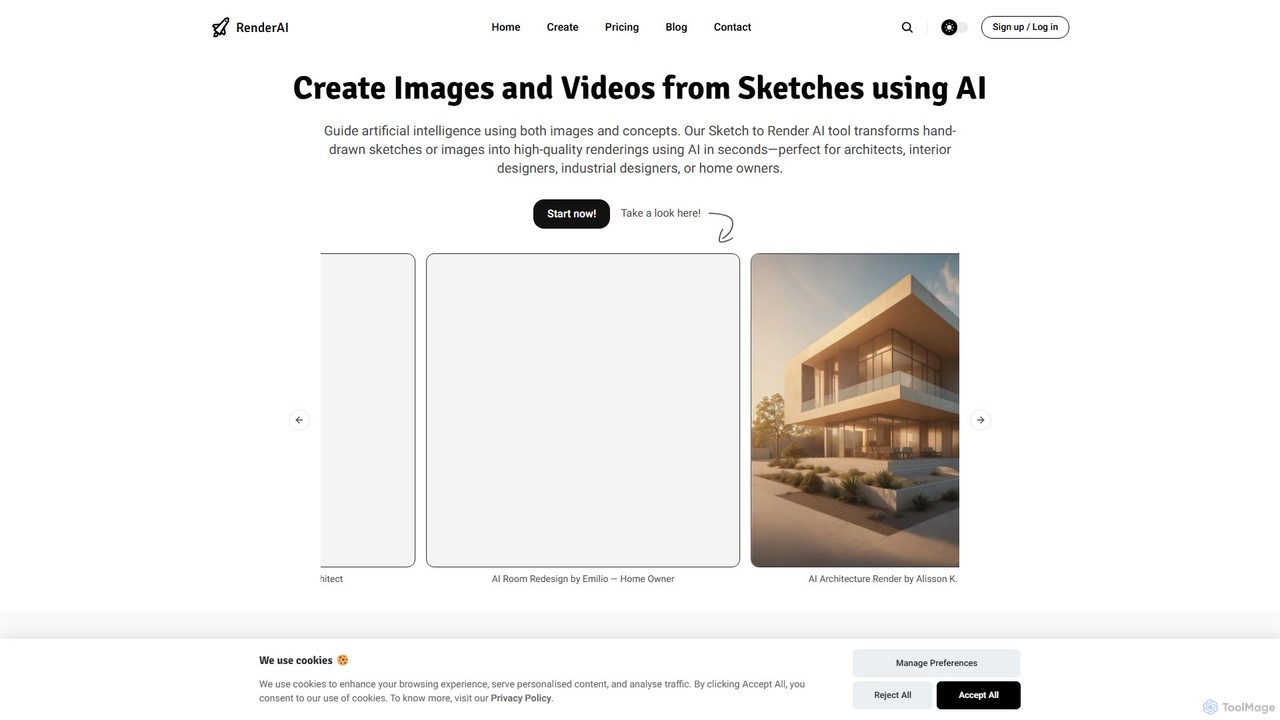
RenderAI is an AI-powered platform that transforms sketches, drawings, and screenshots into photorealistic renders and videos in seconds. Designed for architects, designers, marketers, and homeowners, it eliminates the need for complex 3D software, enabling rapid visualization of concepts for presentations, marketing, and project approvals.

3D
Visits 22.5KFavorites 125Likes 123
LuminaBrush
Freemium

LuminaBrush

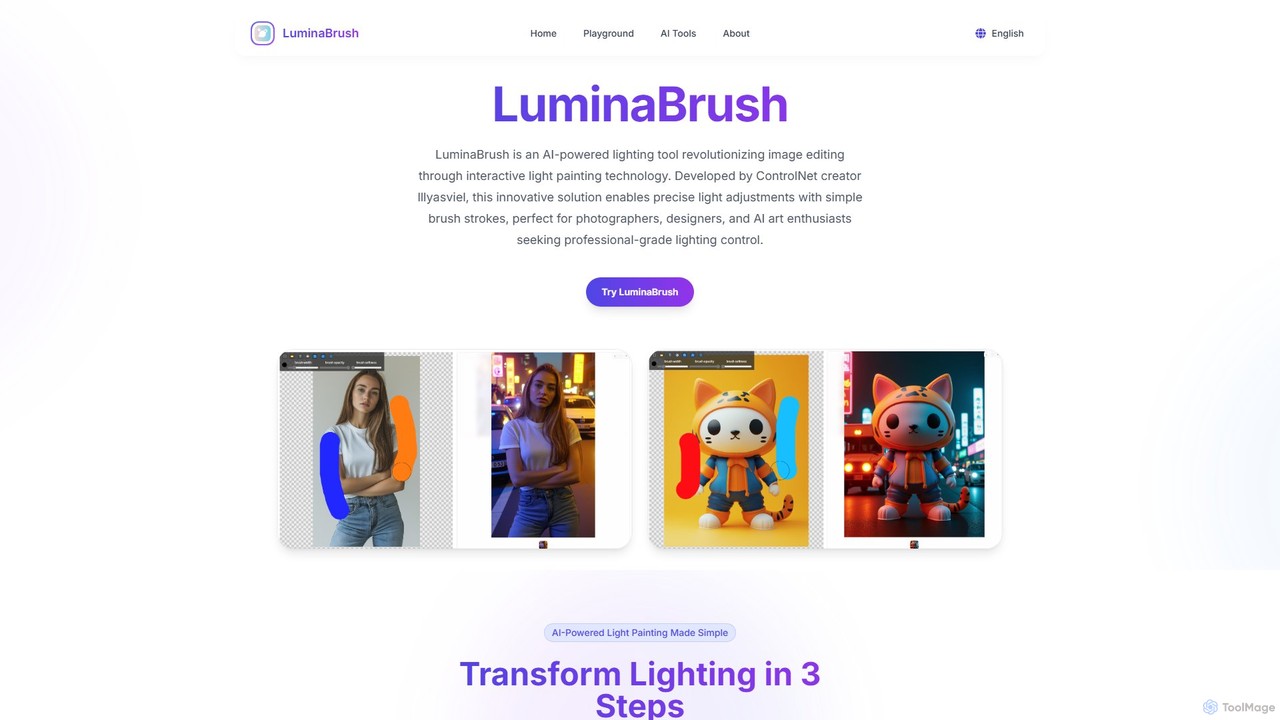
LuminaBrush is a revolutionary AI-powered lighting tool developed by the creator of ControlNet. It enables users to intuitively 'paint' realistic lighting and shadows onto any image with simple brush strokes, transforming photos and AI-generated art with professional-grade illumination control. Ideal for photographers, digital artists, and designers.

3D
Visits 5.6KFavorites 130Likes 141
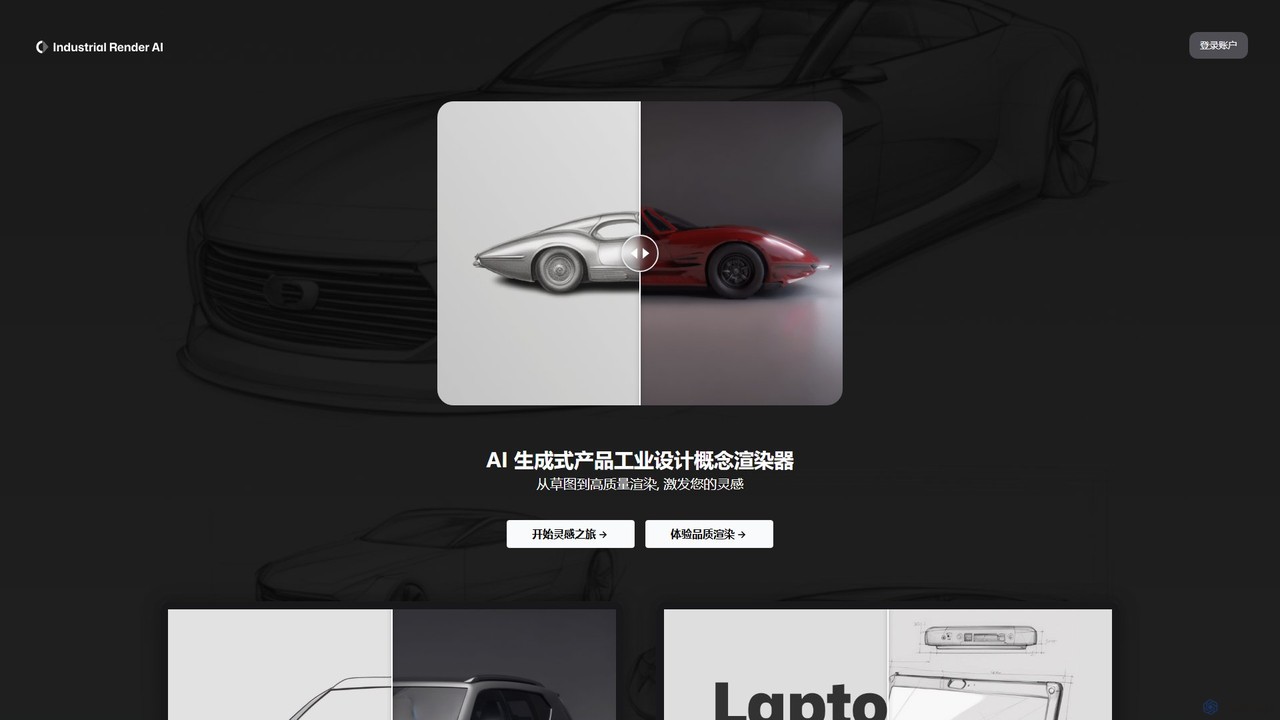
Industrial Render AI
Freemium

Industrial Render AI

An AI-powered tool for industrial designers that transforms sketches and ideas into photorealistic product renderings. It also functions as a GPT-based assistant to provide design inspiration, analyze trends, and accelerate the creative process from concept to visualization.

3D
Visits 7.2KFavorites 139Likes 159
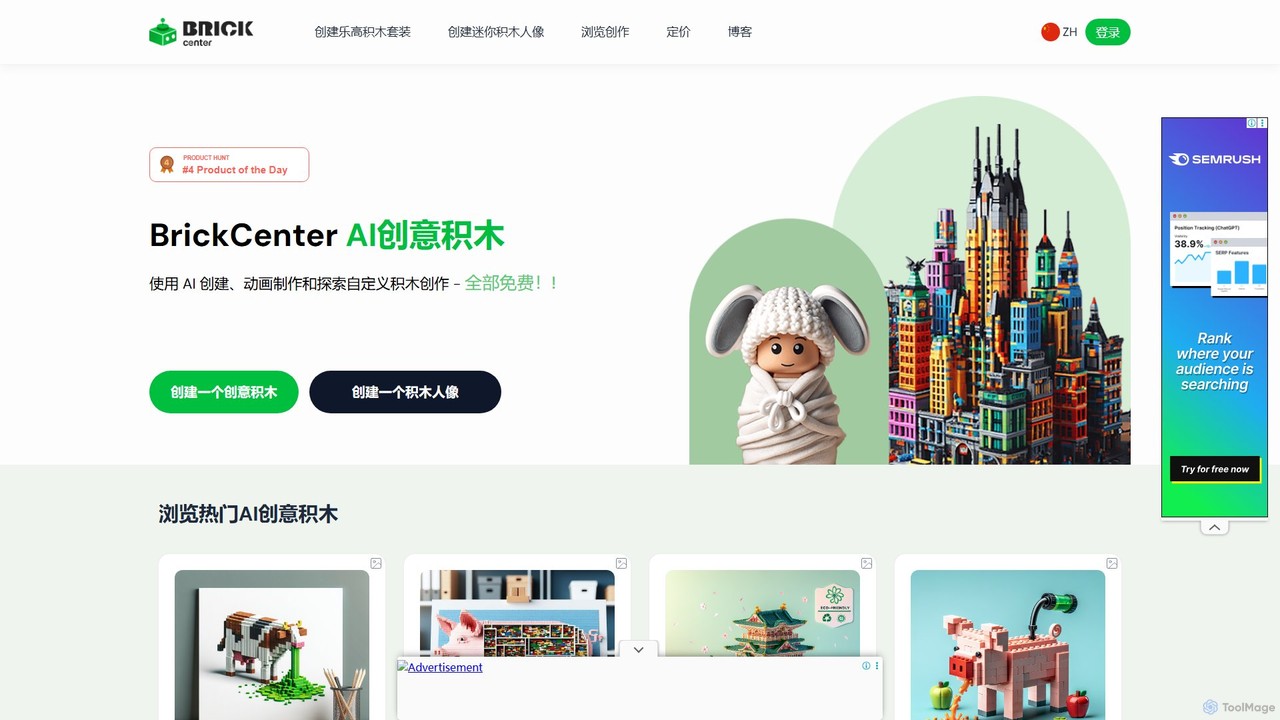
BrickCenter
Freemium

BrickCenter

BrickCenter is an innovative AI-powered platform that allows users to generate custom brick sets, minifigures, and animations from simple text descriptions or images. Unleash your creativity and bring your imaginative ideas to life in the form of detailed, buildable brick models and share them with a vibrant community.

3D
Visits 8.8KFavorites 129Likes 131
sv3d.online
Freemium

sv3d.online

sv3d.online is an AI-powered tool that transforms single images into dynamic, orbital 3D videos. Leveraging Stability AI's advanced Stable Video 3D (SV3D) model, it allows users to generate captivating 360-degree views of objects without any 3D modeling expertise. Ideal for e-commerce, marketing, and creative projects, it simplifies the creation of engaging product showcases and animations.

3D
Visits 5.6KFavorites 98Likes 89
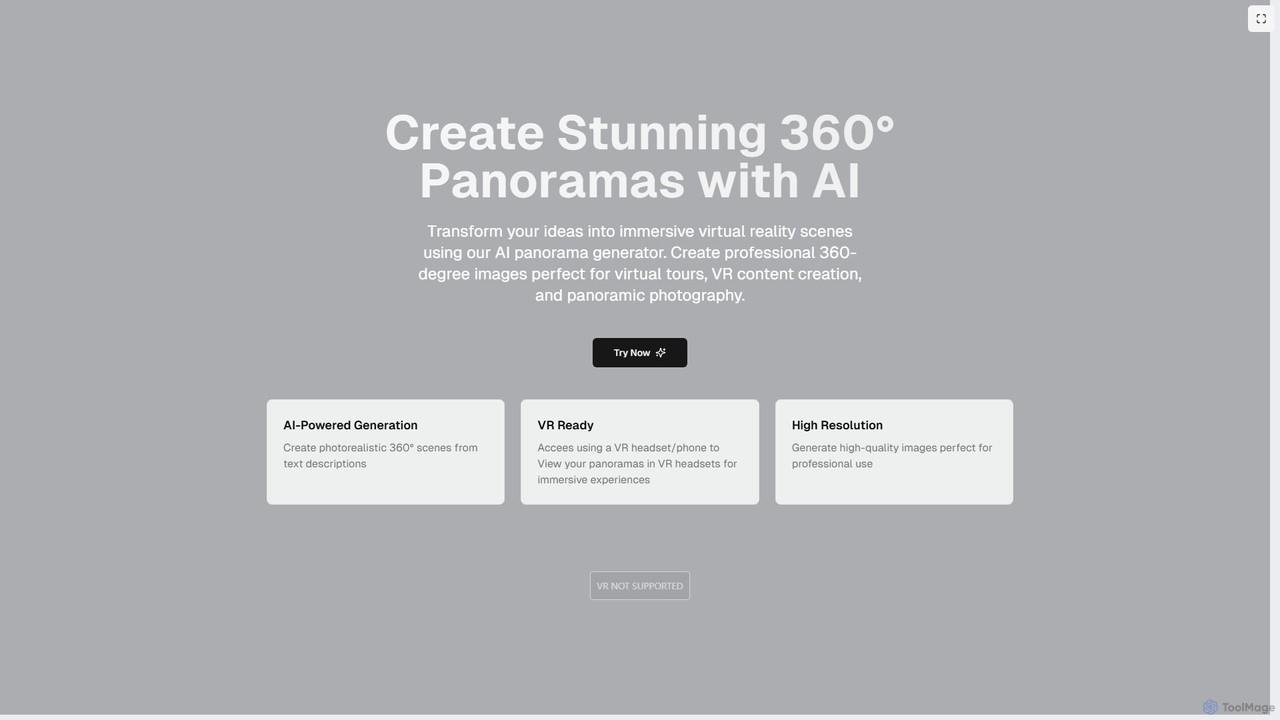
PanoPulse
Freemium

PanoPulse

PanoPulse is an AI-powered generator that transforms text descriptions into stunning, high-resolution 360° panoramic images. Ideal for creating immersive VR content, virtual tours, and game environments, it allows users to generate photorealistic scenes in minutes. The platform is VR-ready, enabling instant viewing in VR headsets.

3D
Visits 7.9KFavorites 181Likes 177

About 3D

3D AI tools are a category of advanced software that leverage artificial intelligence to automate and enhance various stages of 3D content creation. These tools utilize machine learning, generative models, and computer vision to streamline workflows, from conceptualization to final rendering. They empower designers, artists, and developers to generate complex 3D assets, textures, and animations with unprecedented speed and efficiency. This significantly reduces manual effort and opens new possibilities for innovation in fields like game development, architectural visualization, and product design.

Core Features

  • AI-Powered 3D Model Generation: Automatically create detailed 3D models from text descriptions, 2D images, or simple sketches.
  • Intelligent Texturing & Material Creation: Generate realistic and diverse textures, PBR materials, and surface details with AI.
  • Automated Rigging & Animation: Streamline the process of character rigging and generate dynamic animation sequences from motion data or prompts.
  • Scene Reconstruction & Photogrammetry Enhancement: Convert multiple 2D images or videos into accurate 3D environments and objects, often enhancing traditional photogrammetry.
  • 3D Asset Optimization: Automatically simplify meshes, reduce polygon counts, and optimize models for performance across different platforms.

Applicable Scenarios

AI 3D tools are invaluable for professionals in various creative and technical industries. Game developers use them to rapidly prototype and populate virtual worlds with unique assets, while architectural firms leverage them for quick visualization of building designs. Product designers benefit from accelerated iteration cycles, generating numerous design variations and realistic mockups. Additionally, content creators for virtual reality and augmented reality platforms utilize these tools to build immersive digital experiences efficiently.

How to Choose

When selecting an AI 3D tool, consider its specific functionalities, such as model generation, texturing, or animation capabilities, to match your primary needs. Evaluate its compatibility and integration with your existing 3D software ecosystem (e.g., Blender, Unity, Unreal Engine). Assess the quality and realism of the AI-generated output, as well as the level of control and customization offered. Finally, factor in the user-friendliness, learning curve, and pricing model to ensure it aligns with your team's expertise and budget.

Featured tool rankings

3D use cases

1

Game Asset Rapid Prototyping

Game developers can utilize AI 3D tools to quickly generate a wide array of 3D assets, such as environmental props, modular building components, or character accessories, directly from text prompts or concept art. This significantly accelerates the prototyping phase, allowing artists to iterate on designs faster and populate game worlds with diverse content without extensive manual modeling, saving hundreds of hours in production time.

2

Architectural Design Visualization

Architects and interior designers can transform 2D floor plans, sketches, or even simple textual descriptions into detailed 3D architectural models and realistic renderings. AI tools can automatically generate structural elements, furniture, and textures, enabling clients to visualize proposed designs in an immersive 3D space. This streamlines the design review process and helps secure client approvals more efficiently.

3

E-commerce Product Virtual Photography

E-commerce businesses can leverage AI 3D tools to create high-quality, photorealistic 3D models of their products from a few reference images. These models can then be placed in various virtual environments, generating diverse product shots for online catalogs, marketing campaigns, or augmented reality shopping experiences. This eliminates the need for expensive physical photoshoots and offers endless customization possibilities.

4

Film & Animation Background Generation

Filmmakers and animators can use AI 3D tools to generate complex background environments, futuristic cityscapes, or natural landscapes with minimal manual effort. By inputting stylistic descriptions or concept art, artists can quickly create detailed 3D sets and props, allowing them to focus on character animation and storytelling. This dramatically reduces the time and resources typically required for environment modeling.

5

Industrial Design & Prototyping

Industrial designers can employ AI 3D tools to rapidly generate multiple design iterations for new products, exploring various forms, textures, and functional elements based on initial specifications. The AI can suggest novel design solutions and create detailed prototypes for virtual testing and client feedback. This accelerates the product development cycle and fosters greater innovation.

6

Virtual Reality & Metaverse Environment Creation

Content creators for virtual reality (VR) experiences and metaverse platforms can use AI 3D tools to build expansive and immersive digital worlds. From generating unique flora and fauna to constructing intricate buildings and interactive objects, AI streamlines the creation of complex 3D assets. This allows for faster development of rich, engaging virtual environments that enhance user immersion.

3D FAQ

What are AI 3D tools?

AI 3D tools are software applications that integrate artificial intelligence, such as machine learning and generative models, to automate and assist in the creation, manipulation, and optimization of 3D content. They are designed to streamline complex 3D workflows, enabling users to generate models, textures, animations, and entire scenes with greater speed and efficiency than traditional manual methods. These tools are transforming industries like gaming, film, architecture, and product design by making 3D creation more accessible and productive.

How do AI 3D tools differ from traditional 3D software?

The primary difference lies in automation and intelligence. Traditional 3D software (e.g., Blender, Maya) relies heavily on manual input and skilled artists for every detail. AI 3D tools, conversely, leverage algorithms to perform tasks like generating models from text, creating textures, or automating rigging, often requiring minimal user input. While traditional software offers granular control, AI tools excel at accelerating repetitive tasks, generating variations, and enabling non-experts to create complex 3D assets, often integrating with traditional software for refinement.

What types of 3D content can AI tools generate?

AI 3D tools can generate a wide variety of 3D content. This includes: 3D Models (from simple props to complex characters and environments), Textures and Materials (realistic PBR textures, stylized surfaces), Animations (character movements, procedural animations), Scene Layouts (populating environments with assets), and even 3D Reconstructions from 2D images or videos. The capabilities are rapidly expanding, allowing for increasingly sophisticated and diverse outputs.

How can I choose the best AI 3D tool for my project?

To choose the best AI 3D tool, first identify your specific needs: do you primarily need model generation, texturing, animation, or optimization? Next, consider the tool's compatibility with your existing software ecosystem and workflow. Evaluate the quality and style of its output to ensure it meets your aesthetic and technical standards. Also, assess its ease of use, learning curve, and the level of customization it offers. Finally, compare pricing models and community support to find a solution that fits your budget and technical requirements.

Can AI 3D tools integrate with existing 3D software like Blender or Unity?

Yes, many AI 3D tools are designed with integration in mind. They often provide export options in standard 3D file formats (e.g., FBX, OBJ, GLB) that can be easily imported into popular traditional 3D modeling software like Blender, Maya, 3ds Max, or game engines such as Unity and Unreal Engine. Some advanced tools even offer direct plugins or APIs for seamless integration, allowing artists to leverage AI-generated content within their familiar environments for further refinement and scene assembly.