ToolMage
Sign in

Best 1,687 Design AI tools

Popular Design AI tools include Canva, Figma, Quark, remove.bg, Shutterstock, CapCut, Baidu AI Search, Google Gemini, Miro, and Manus, helping you work more efficiently.

AI web designer
Freemium

AI web designer

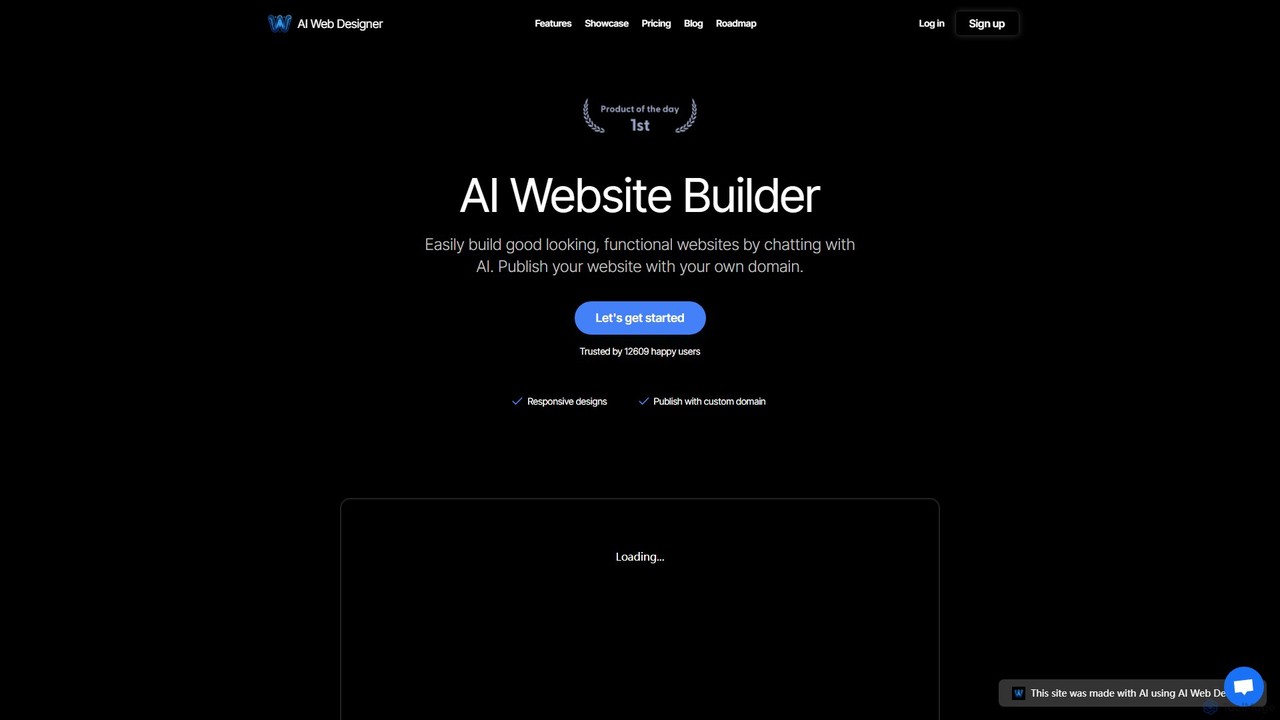
AI Web Designer is a revolutionary AI-powered website builder that allows you to create stunning, functional websites in minutes simply by chatting with an AI. No coding or design experience is needed. Just describe your ideal website, and the AI, powered by Claude 3.5 Sonnet, will generate it for you. Easily edit elements, add sections, and publish with your own custom domain.

Web Design
Visits 5.8KFavorites 147Likes 166

illostration
Freemium

illostration

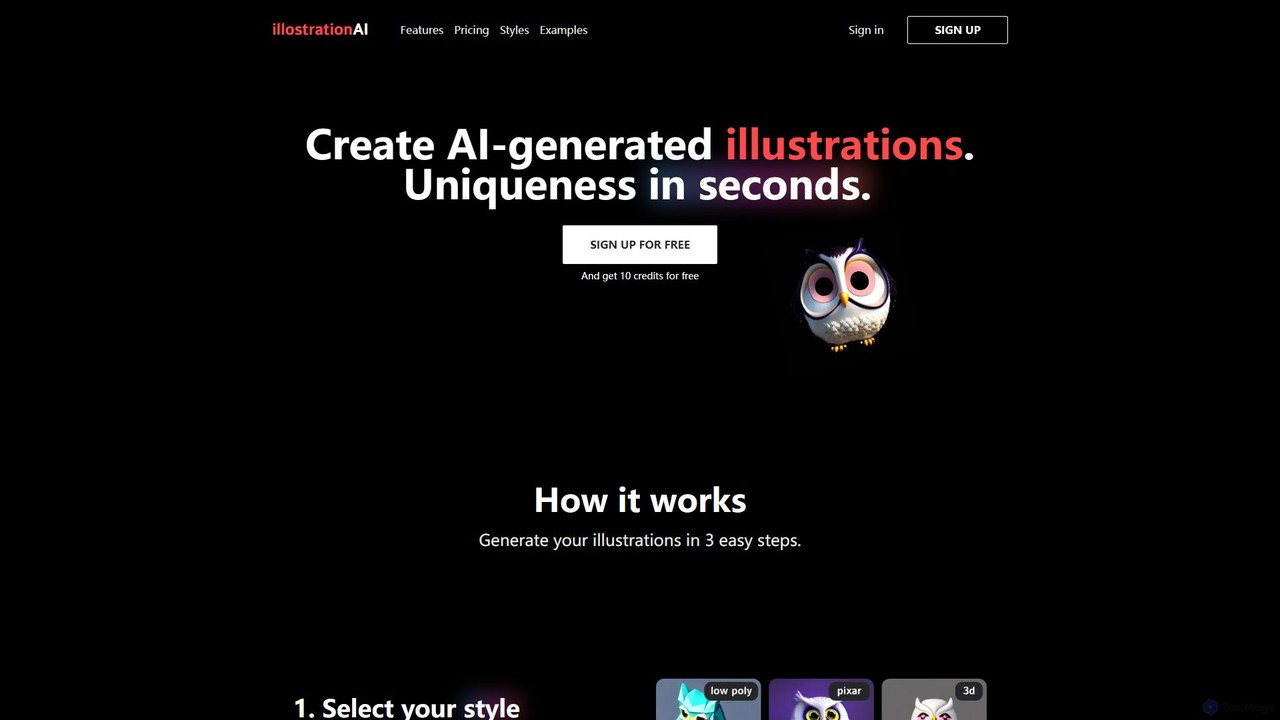
illostration is an AI-powered tool that generates unique, high-quality illustrations from text descriptions in seconds. It offers a wide variety of artistic styles, including 3D renders, vector art, Pixar style, and pixel art. Users can easily create and refine artwork, making it ideal for designers, marketers, and content creators who need custom visuals quickly.

Image Generator
Visits 5.7KFavorites 145Likes 172
Customily
Paid

Customily

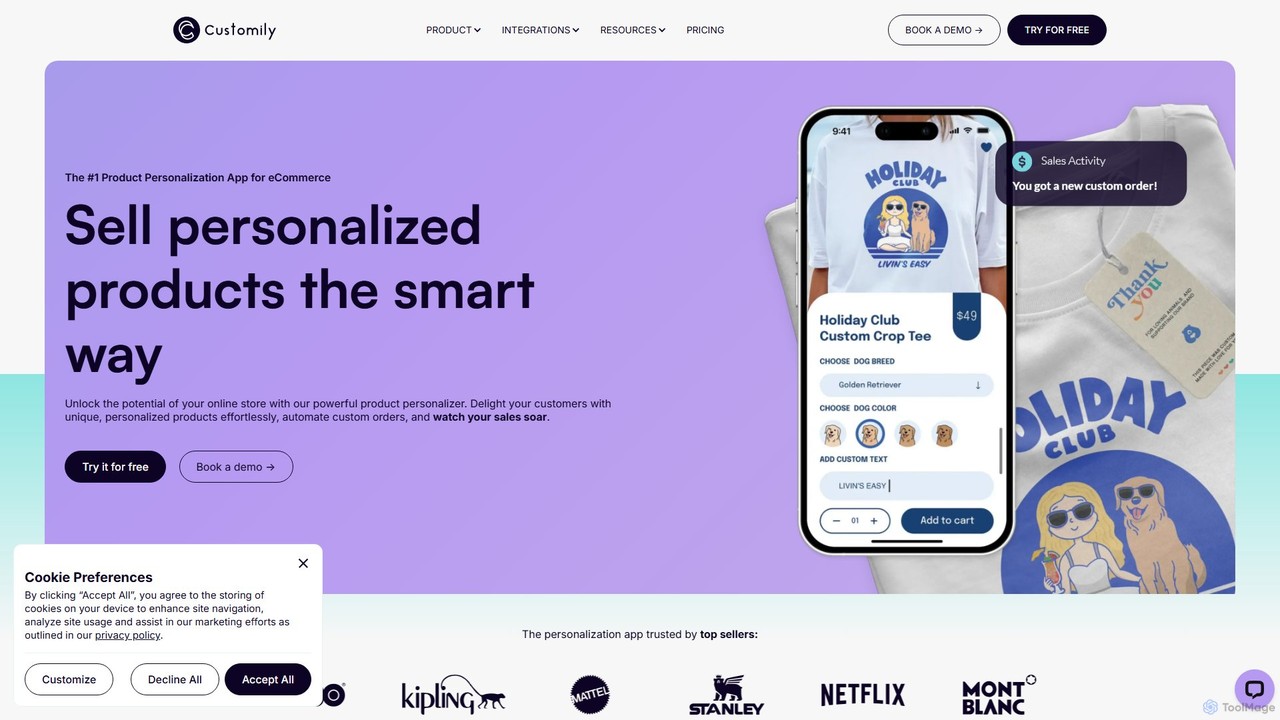
Customily is a leading product personalization software for e-commerce businesses. It allows online stores to offer customers advanced customization options with live previews, automating the creation of print-ready files to streamline fulfillment and boost sales.

Product Design
Visits 193.3KFavorites 143Likes 133
Genially
Freemium

Genially

Genially is an all-in-one online tool for creating stunning interactive and animated content. Without any coding skills, users can design presentations, infographics, gamified quizzes, and eLearning materials. It leverages AI to accelerate content creation, making it ideal for educators, marketers, and corporate trainers to boost audience engagement.

Infographics
Visits 10.2MFavorites 139Likes 150
renderahouse
Freemium

renderahouse

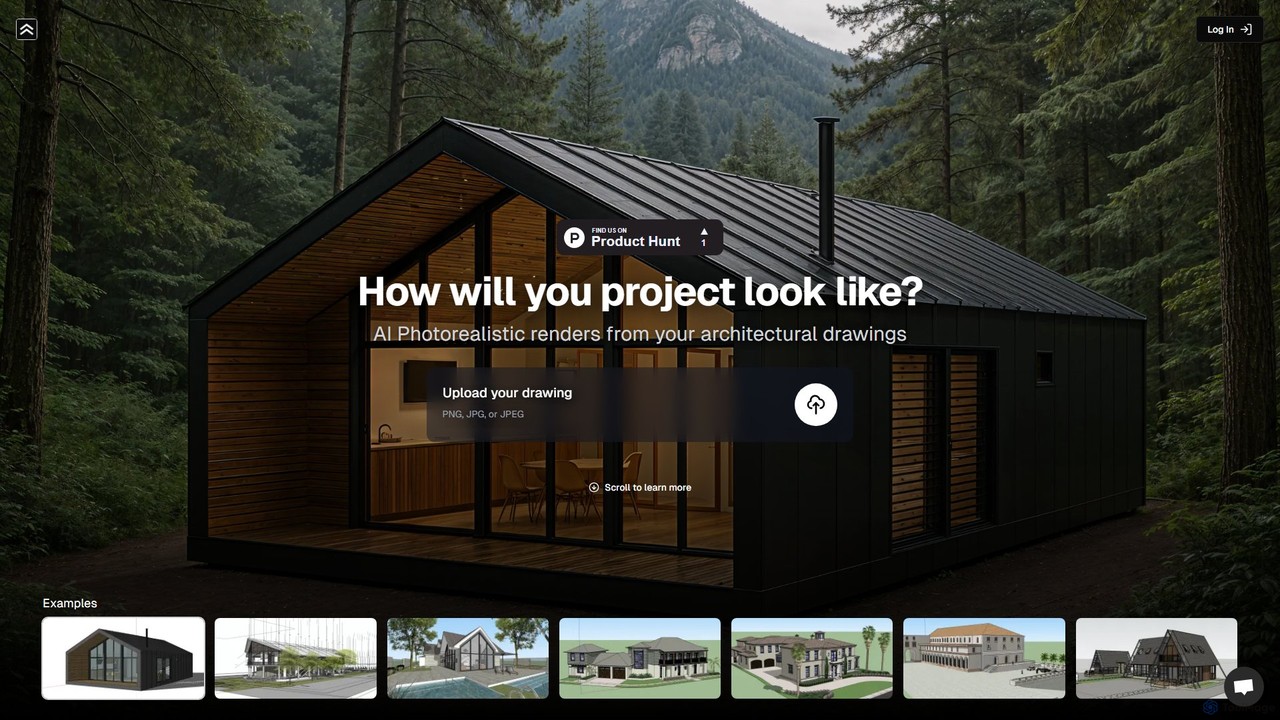
renderahouse is an AI-powered platform that transforms architectural drawings, sketches, and blueprints into stunning, photorealistic renders in seconds. It offers various environmental settings, accurate lighting, and material textures, making it ideal for architects and designers to visualize and present projects without complex software or long rendering times.

Architecture
Visits 70.6KFavorites 133Likes 145
artiro
Freemium

artiro

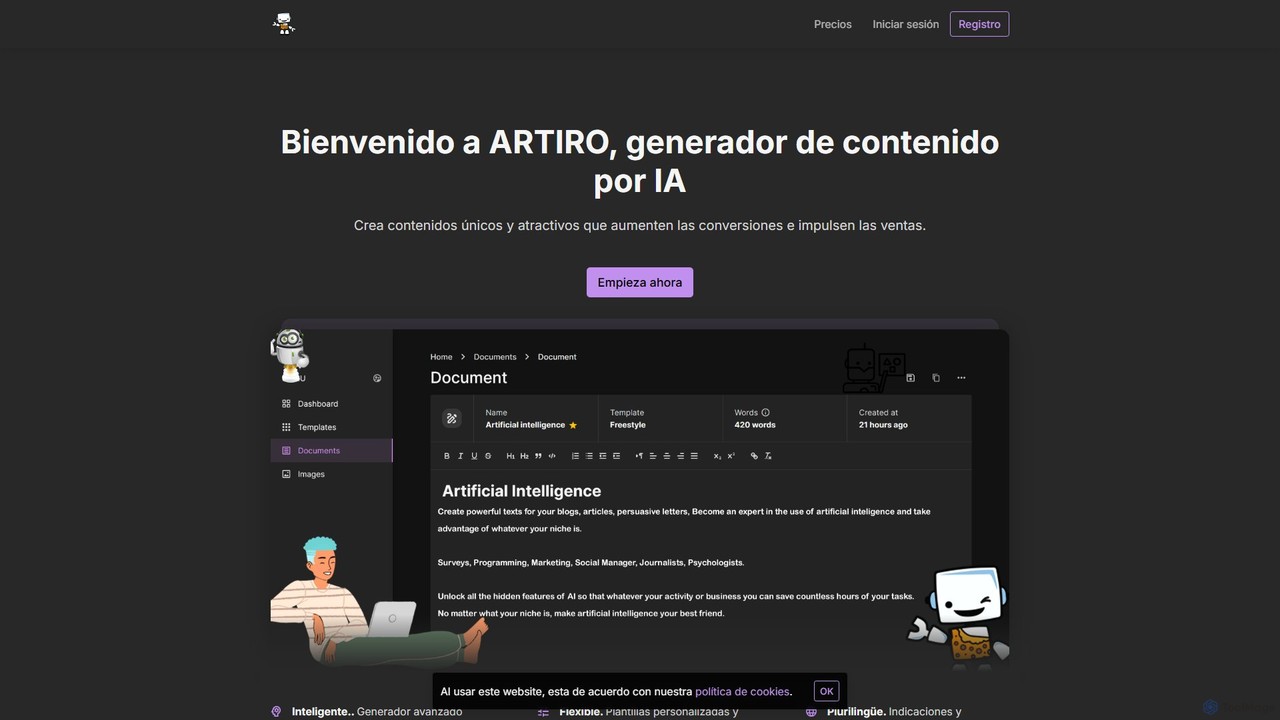
artiro is an all-in-one AI-powered platform for content creation. It generates unique text for blogs and marketing, creates stunning images in various styles, transcribes audio files into editable documents, and offers interactive AI chat. With over 50 templates and support for 30+ languages, artiro streamlines creative workflows for marketers, writers, and businesses, boosting productivity and engagement.

Transcription
Visits 5.7KFavorites 108Likes 105
m00d
Free

m00d

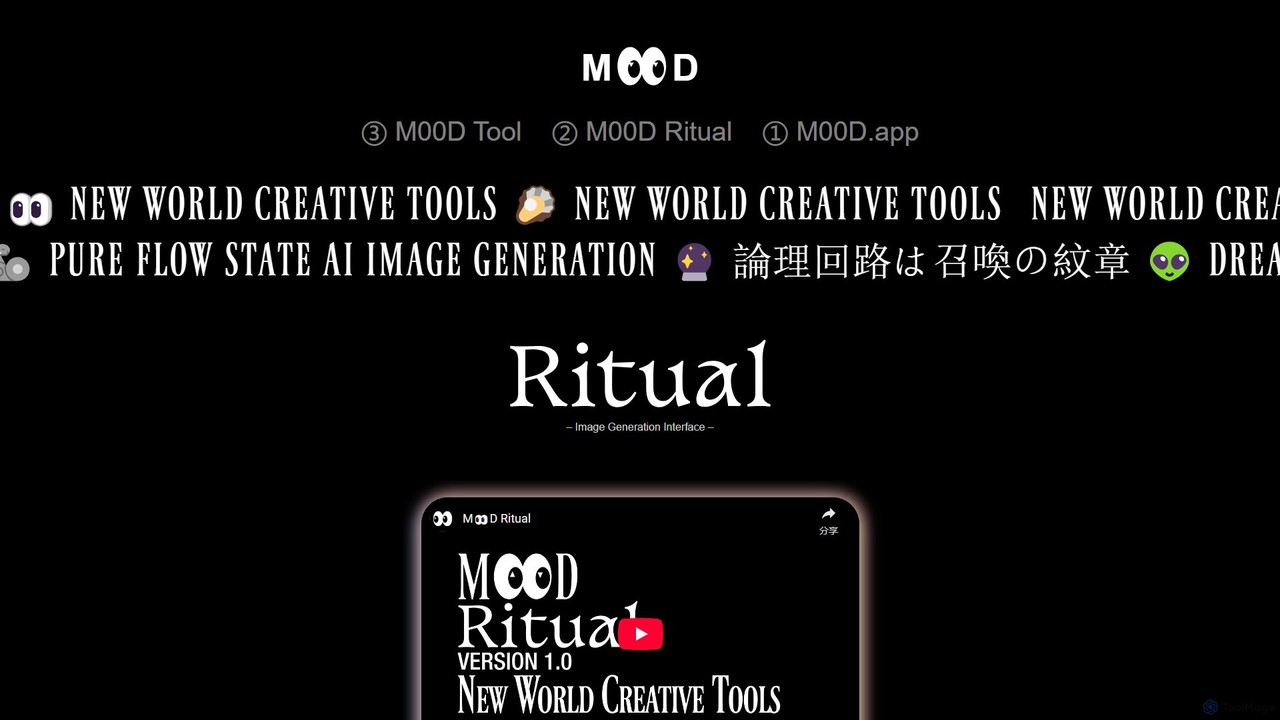
m00d is a powerful, locally-run AI image generation suite for creative professionals. It offers a sophisticated interface for Stable Diffusion (SDXL & 1.5), featuring text-to-image, inpainting, and upscaling. Its unique advantages include a collaborative multiplayer mode, a timeline-based workflow, and the ability to pool GPU resources from multiple machines for accelerated rendering. It's a free, downloadable application for Windows (NVIDIA) and Mac (Apple Silicon), built for a pure 'flow state' creative experience.

Image Generation
Visits 5.7KFavorites 141Likes 137

About Design

Design AI tools are a category of artificial intelligence-powered applications that automate, assist, and enhance various stages of the design process. These tools leverage machine learning, computer vision, and generative AI to understand design principles, analyze visual data, and create new visual content. They empower designers, marketers, and businesses to accelerate creative workflows, generate diverse design options, and personalize visual assets at scale, transforming traditional design paradigms.

Core Features

  • Generative Image & Art: Create unique images, illustrations, and art from text prompts or sketches.
  • Layout & UI/UX Optimization: Automate the arrangement of elements, suggest optimal layouts, and generate UI components.
  • Style Transfer & Enhancement: Apply artistic styles to images, upscale resolutions, and refine visual quality.
  • Content Personalization: Generate tailored design variations for specific audiences or marketing campaigns.
  • 3D Model & Texture Generation: Create 3D assets and realistic textures for gaming, architecture, and product design.

Use Cases

AI Design tools are invaluable across various sectors, from marketing agencies needing rapid content creation to product teams developing user interfaces. They assist graphic designers in exploring new styles, help e-commerce businesses generate diverse product visuals, and enable architects to visualize complex structures efficiently.

How to Choose

When selecting an AI Design tool, consider its specific capabilities (e.g., image generation vs. layout design), integration with your existing design software, the quality and style of its output, ease of use for your team, and pricing model. Evaluate whether it offers sufficient customization and control to meet your creative vision.

Featured tool rankings

Design use cases

1

Generate Diverse Marketing Visuals

Marketing teams and content creators can utilize AI Design tools to quickly produce a wide array of visual assets for social media campaigns, advertisements, and blog posts. By inputting brand guidelines or simple text prompts, they can generate multiple image variations, banners, and infographics, significantly reducing the time spent on manual design and enabling rapid A/B testing for optimal engagement.

2

Automate UI/UX Component Creation

UI/UX designers and product developers can leverage AI to automate the generation of user interface elements such as icons, buttons, and even entire layout suggestions. This allows for faster prototyping and iteration, freeing designers to focus on complex problem-solving and user experience strategy rather than repetitive component creation. AI can also analyze user data to suggest optimized design flows.

3

Personalize E-commerce Product Images

E-commerce businesses can use AI Design tools to create personalized product images and lifestyle shots at scale. Instead of expensive photoshoots for every variation, AI can generate product mockups in different settings, with various models, or customized for individual customer preferences, enhancing conversion rates and providing a richer shopping experience without extensive manual effort.

4

Develop Concept Art and Illustrations

Artists, illustrators, and game developers can employ AI Design tools to rapidly generate concept art and explore diverse visual styles for characters, environments, and objects. By providing initial sketches or descriptive text, AI can produce numerous creative iterations, accelerating the ideation phase and providing a broad palette of options for further refinement and development.

5

Enhance and Upscale Visual Content

Photographers, videographers, and digital artists can utilize AI Design tools to enhance the quality of existing visual content. This includes upscaling low-resolution images without losing detail, removing noise, sharpening blurry elements, and even colorizing old photographs or footage. This capability is crucial for repurposing legacy content or improving assets for high-resolution displays.

6

Design Architectural Visualizations

Architects and interior designers can use AI Design tools to quickly generate realistic 3D visualizations and renderings of building designs, interior spaces, and landscape concepts. By inputting blueprints or basic models, AI can apply textures, lighting, and environmental elements, allowing clients to visualize projects more effectively and facilitating faster design approval processes.

Design FAQ

What are AI Design tools?

AI Design tools are software applications that use artificial intelligence, primarily machine learning and generative AI, to assist and automate various design tasks. They can generate images, optimize layouts, transfer styles, and personalize content. These tools aim to enhance creativity, accelerate workflows, and enable designers to produce high-quality visual assets more efficiently.

How do AI Design tools work?

AI Design tools typically work by training on vast datasets of images, designs, and text. Generative AI models, like GANs (Generative Adversarial Networks) or Diffusion Models, learn patterns and styles, allowing them to create new, original content from prompts or existing inputs. Other tools use machine learning for tasks like object recognition, style analysis, or predictive layout optimization.

What are the main benefits of using AI in design?

The main benefits of using AI in design include significant time savings through automation of repetitive tasks, enhanced creativity by generating diverse design options, and the ability to personalize content at scale. AI tools can also improve design quality, provide data-driven insights for optimization, and lower the barrier to entry for non-designers to create professional-looking visuals.

How do AI Design tools compare to traditional design software?

AI Design tools complement, rather than replace, traditional design software. While traditional tools offer precise manual control and a wide range of editing capabilities, AI tools excel at automation, generation, and optimization. Designers often use AI tools for initial ideation, rapid prototyping, and generating variations, then refine the output using traditional software like Photoshop or Illustrator.

Who can benefit from using AI Design tools?

A wide range of professionals can benefit from AI Design tools. This includes graphic designers, UI/UX designers, marketing professionals, content creators, e-commerce businesses, architects, and even individuals without formal design training. Anyone needing to create, enhance, or personalize visual content efficiently and at scale can find value in these AI-powered solutions.