ToolMage
Sign in

Best 26 Web Development AI tools for Developer Tools

Popular Web Development AI tools in Developer Tools include WhatFontIs, Spline, Webutility, Google Chrome, Cliptics, eyeballer, FaviCraft, CodeAI, js2ts, and MyColorHub, helping you work more efficiently.

Crit Design
Freemium

Crit Design

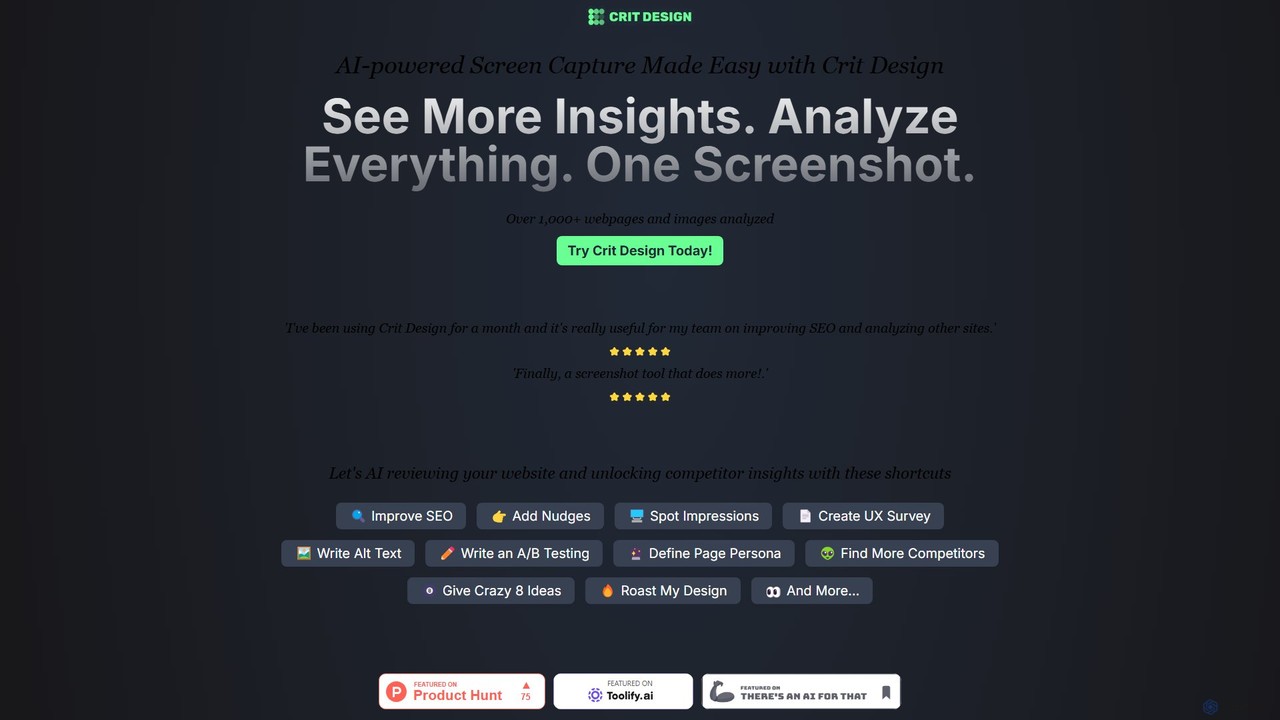
Crit Design is an AI-powered browser extension that supercharges your design and analysis workflow. Capture any webpage or upload an image to get instant feedback, SEO suggestions, competitor analysis, UX insights, and more. Powered by advanced vision models like GPT-4V, it's the ultimate co-pilot for designers, marketers, and developers.

Ux
Visits 4.9KFavorites 137Likes 129
WhatFontIs
Freemium

WhatFontIs

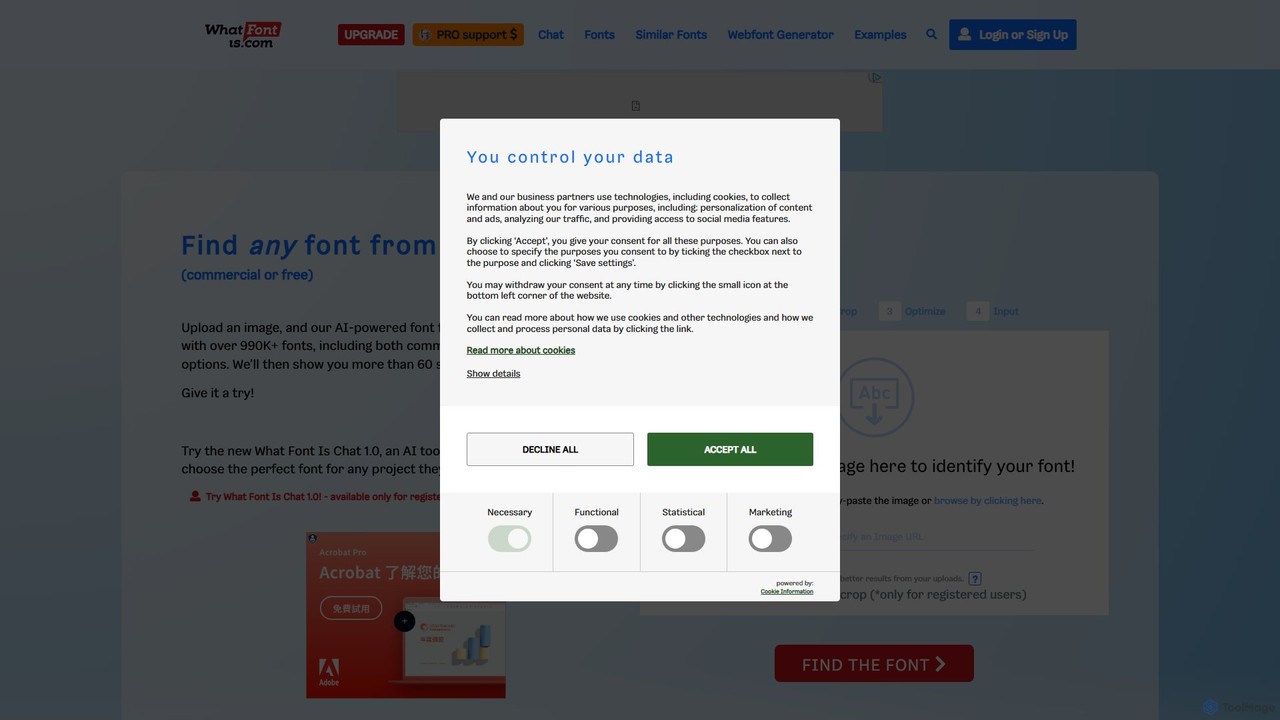
WhatFontIs is an AI-powered font finder that helps you identify any font from an image. Simply upload a picture or provide a URL, and its advanced recognition technology will search a database of over 990,000 fonts to find the exact match or similar alternatives. It's an essential tool for designers, developers, and marketers to quickly find and use the perfect font for their projects, supporting both free and commercial options.

Font
Visits 2MFavorites 119Likes 130

About Web Development

AI Web Development tools are a specialized class of software within developer tools that use artificial intelligence to automate and accelerate the creation of websites and web applications. These tools leverage large language models and generative AI to translate natural language prompts, design mockups, or user requirements directly into functional code like HTML, CSS, and JavaScript. Their primary value lies in drastically reducing development time, lowering the barrier to entry for creating web projects, and enabling rapid prototyping. This allows developers to focus on complex logic and architecture while AI handles repetitive coding tasks.

Core Features

  • Code Generation: Automatically writes clean, standards-compliant code for UI components, entire pages, or backend logic from simple text descriptions.
  • UI/UX Design Automation: Generates website layouts, color palettes, and visual elements based on design prompts or wireframes, often with Figma or Sketch integration.
  • Automated Testing and Debugging: Identifies bugs in existing code, suggests fixes, and generates unit or end-to-end test cases to ensure application quality.
  • Responsive Design Conversion: Analyzes a desktop design and automatically generates the necessary code to make it fully responsive across various devices.
  • Deployment and Optimization: Automates deployment pipelines and analyzes website performance, suggesting optimizations for speed and efficiency.

Use Cases

These tools are valuable for a wide range of users, from frontend developers looking to speed up component creation to full-stack engineers automating backend APIs. UI/UX designers use them to quickly turn static designs into interactive prototypes. Startups and entrepreneurs also leverage these tools to build minimum viable products (MVPs) without a large engineering team, significantly accelerating their time-to-market.

How to Choose

When selecting an AI Web Development tool, consider the specific programming languages and frameworks it supports (e.g., React, Vue, Svelte). Evaluate its integration capabilities with your existing workflow, such as version control (GitHub) and design tools (Figma). Assess the quality and customizability of the generated code. Finally, consider the pricing model and whether it aligns with your project scale, from individual use to enterprise-level deployment.

Featured tool rankings

Web Development use cases

1

Rapid Prototyping for a New Product Idea

A startup founder with a clear product vision but limited technical resources needs to create a functional prototype to present to potential investors. Instead of hiring a development team, they use an AI web development tool. They describe the landing page layout, key features like a sign-up form and a feature showcase section, and the desired visual style. The AI generates a complete, responsive webpage with HTML, CSS, and basic JavaScript in minutes. This allows the founder to iterate on the design and user flow quickly, creating a compelling demo that effectively communicates their vision without significant upfront investment.

2

Generating Complex UI Components for Developers

A frontend developer is tasked with building a complex data table component in a React application. The requirements include sorting, filtering, pagination, and inline editing. Writing this from scratch would be time-consuming. The developer uses an AI code generation tool, providing a detailed prompt: "Create a React component for a data table with columns for ID, Name, Email, and Status. Implement client-side sorting for all columns, a search bar for filtering by Name, and pagination for every 10 rows." The AI generates the complete JSX and CSS code, including state management hooks, which the developer can then integrate and customize, saving hours of manual coding.

3

Automating Website A/B Testing Variations

A marketing team wants to optimize the conversion rate of their main landing page. They need to test multiple variations of headlines, call-to-action (CTA) buttons, and hero images. Manually creating each version is inefficient. They use an AI web development tool that integrates with A/B testing platforms. The team provides the base page and specifies the elements to vary, for example: "Generate 5 alternative headlines focused on 'cost savings' and 3 different CTA button colors." The AI automatically creates the different page versions and can even set up the experiment in a connected testing tool, streamlining the entire optimization process.

4

Modernizing Legacy Codebases

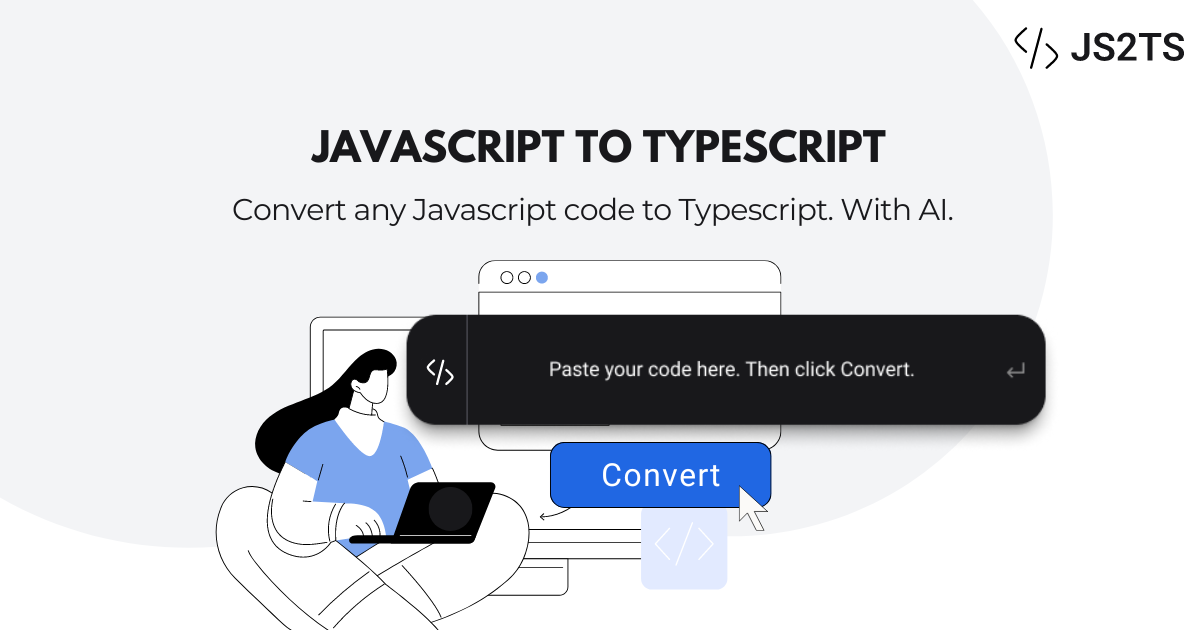
A company maintains a critical internal application built with an outdated JavaScript framework like jQuery. Migrating it to a modern framework like Vue.js is a major undertaking. A software engineer uses an AI-powered refactoring tool. The tool analyzes the existing jQuery code, understands its functionality (e.g., DOM manipulation, event handling), and automatically generates the equivalent Vue.js components and logic. While human oversight is still needed to review and finalize the code, the AI handles the bulk of the tedious translation work, reducing the migration project timeline from months to weeks.

5

No-Code Website Creation for Small Businesses

A small business owner, like a local baker, needs a professional website but lacks coding skills and a large budget. They use a conversational AI website builder. The owner simply chats with the AI, describing their business: "I run a bakery called 'Sweet Treats'. I need a homepage with a gallery of my cakes, a contact page with a map, and an 'About Us' page." The AI asks follow-up questions about color preferences and style, then generates a complete, mobile-friendly website. The owner can then make minor adjustments using a simple visual editor, launching their online presence in a single afternoon.

6

Automated End-to-End Testing Script Generation

A Quality Assurance (QA) engineer needs to write end-to-end tests for a new e-commerce checkout flow. This process is typically manual and repetitive. Using an AI testing tool, the engineer describes the user journey in plain English: "Start at the product page, click 'Add to Cart', navigate to the cart, click 'Proceed to Checkout', fill in the shipping details with test data, and verify the order summary page." The AI tool translates this description into a complete, executable test script using a framework like Cypress or Playwright. This automates the creation of robust test suites, increases test coverage, and frees up the QA team to focus on more complex exploratory testing.

Web Development FAQ

What are AI Web Development tools?

AI Web Development tools are applications that use artificial intelligence to assist in or automate tasks related to creating websites and web applications. Unlike traditional tools, they can understand natural language or visual inputs to generate code (HTML, CSS, JS), design user interfaces, write test scripts, and even optimize website performance. Their main purpose is to act as a 'copilot' for developers, significantly speeding up development cycles and reducing repetitive work.

How do AI Web Development tools differ from traditional website builders like Wix?

The key difference lies in flexibility and target audience. Traditional website builders (e.g., Wix, Squarespace) offer a template-based, drag-and-drop experience for non-technical users, which limits customization. AI Web Development tools, on the other hand, are often aimed at developers or technically-inclined users. They generate actual code from prompts, offering far greater control, customization, and the ability to build complex, bespoke applications. Essentially, builders provide a pre-defined framework, while AI tools provide a powerful coding assistant.

What programming languages and frameworks do these AI tools support?

Support varies widely between tools, but most focus on the core technologies of the web. Common supported languages include:

  • Frontend: HTML, CSS, JavaScript, and TypeScript.
  • Frameworks: Popular frameworks like React, Vue.js, Svelte, and Angular are frequently supported for component generation.
  • Backend: Some tools also support backend languages like Python (with Django/Flask), Node.js (with Express), and Ruby.

It's crucial to check the specific documentation of a tool to ensure it aligns with your preferred technology stack before committing to it.

How should I choose the right AI Web Development tool?

Choosing the right tool depends on your specific needs. Consider these factors:

  • Your Technical Skill: Are you a professional developer needing a code assistant, or a non-coder needing a full website generator?
  • Project Requirements: Does the tool support your required frameworks (e.g., React, Vue)? Does it generate clean, maintainable code?
  • Workflow Integration: Look for tools that integrate with your existing software, such as Figma for design import or GitHub for version control.
  • Output Quality: Test the tool with a small project. Evaluate the accuracy of the generated code or design and how much manual refinement is needed.
Can AI completely replace web developers?

No, AI is unlikely to completely replace web developers. Instead, it is evolving into a powerful augmentation tool, similar to how calculators augmented mathematicians. AI excels at handling repetitive, pattern-based tasks like writing boilerplate code or converting designs. However, human developers remain essential for strategic thinking, complex problem-solving, system architecture design, creative UI/UX decisions, and understanding nuanced client requirements. The role of the developer is shifting from a pure coder to a supervisor and architect who leverages AI to build better products faster.