ToolMage
Sign in

Best 71 No Code AI tools for Development

Popular No Code AI tools in Development include Wix Studio, Perchance, Webflow, welovenocode, Glide, Softr, OnSpace.ai, Crocoblock, Appy Pie, and Sleek, helping you work more efficiently.

Koxy AI
Freemium

Koxy AI

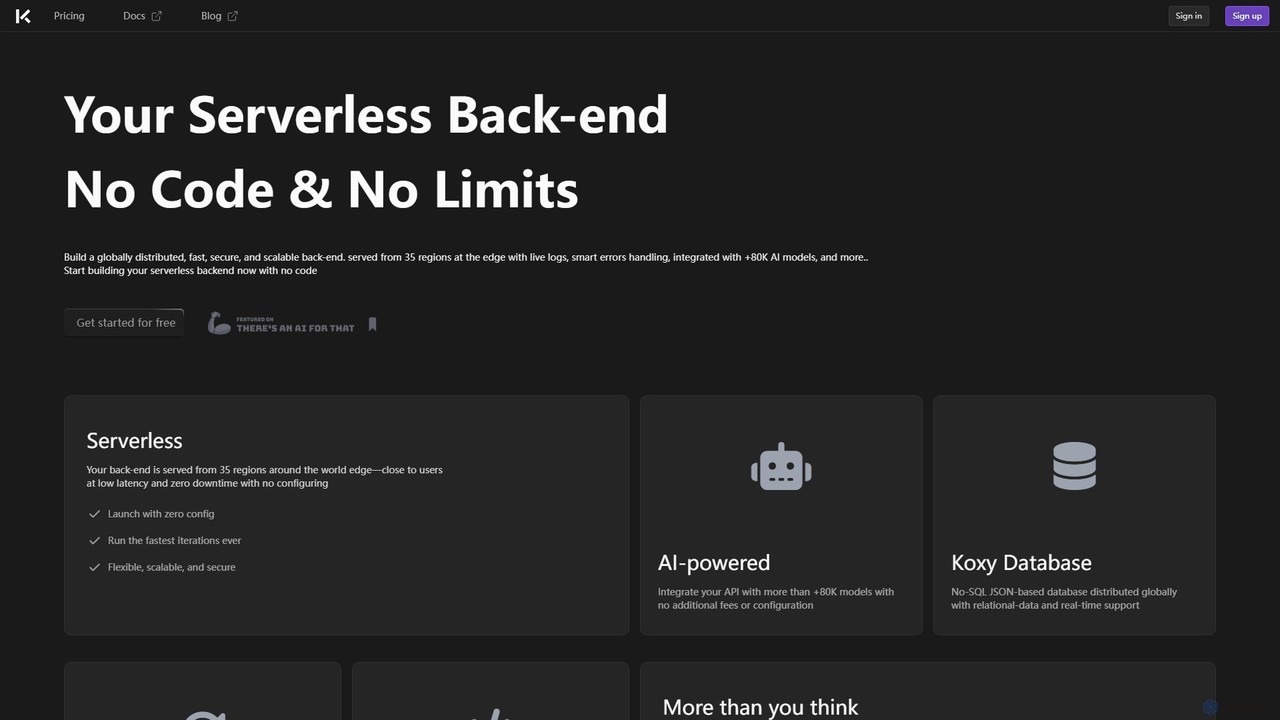
Koxy AI is a no-code platform for building AI-powered, serverless back-ends. It enables developers and creators to build globally distributed, fast, and scalable applications by integrating with over 80,000 AI models, a real-time No-SQL database, and custom cloud functions without writing complex back-end code.

Backend
Visits 10.2KFavorites 98Likes 102
CodeFlying
Freemium

CodeFlying

CodeFlying is an AI-powered development platform that automatically generates software, mini-programs, and web applications from a single sentence. It empowers innovators and non-technical users to build and deploy functional apps using natural language, drastically reducing development time and complexity.

App Builder
Visits 38.4KFavorites 85Likes 81
Unshackled
Paid

Unshackled

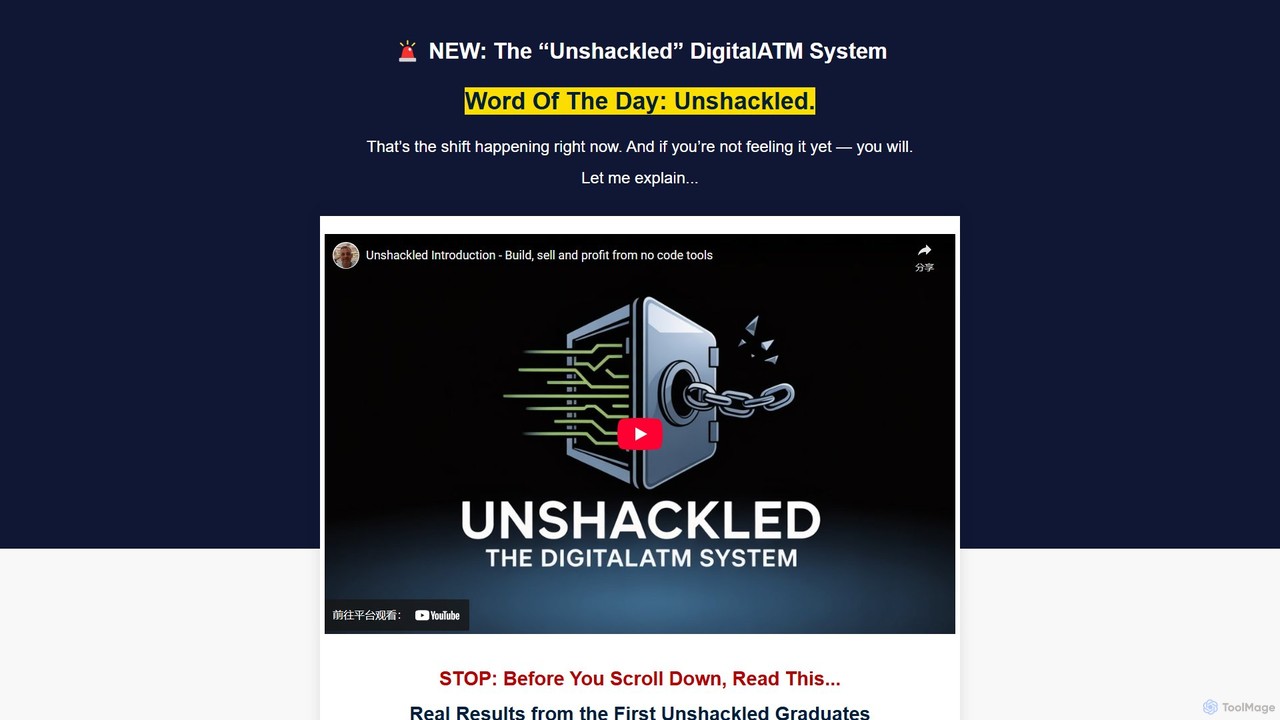
Unshackled is a comprehensive training system by Anthony Hayes that teaches you how to build, launch, and sell your own no-code AI tools. Learn to generate tool ideas, use AI prompts to create software, write sales copy, and build a profitable 'Digital ATM'—a buyer's list for recurring revenue. This program is designed for entrepreneurs and marketers without any coding experience, enabling them to ship products quickly and compete in the digital market.

Entrepreneurship
Visits 6KFavorites 103Likes 106
Valueonboard
Paid

Valueonboard

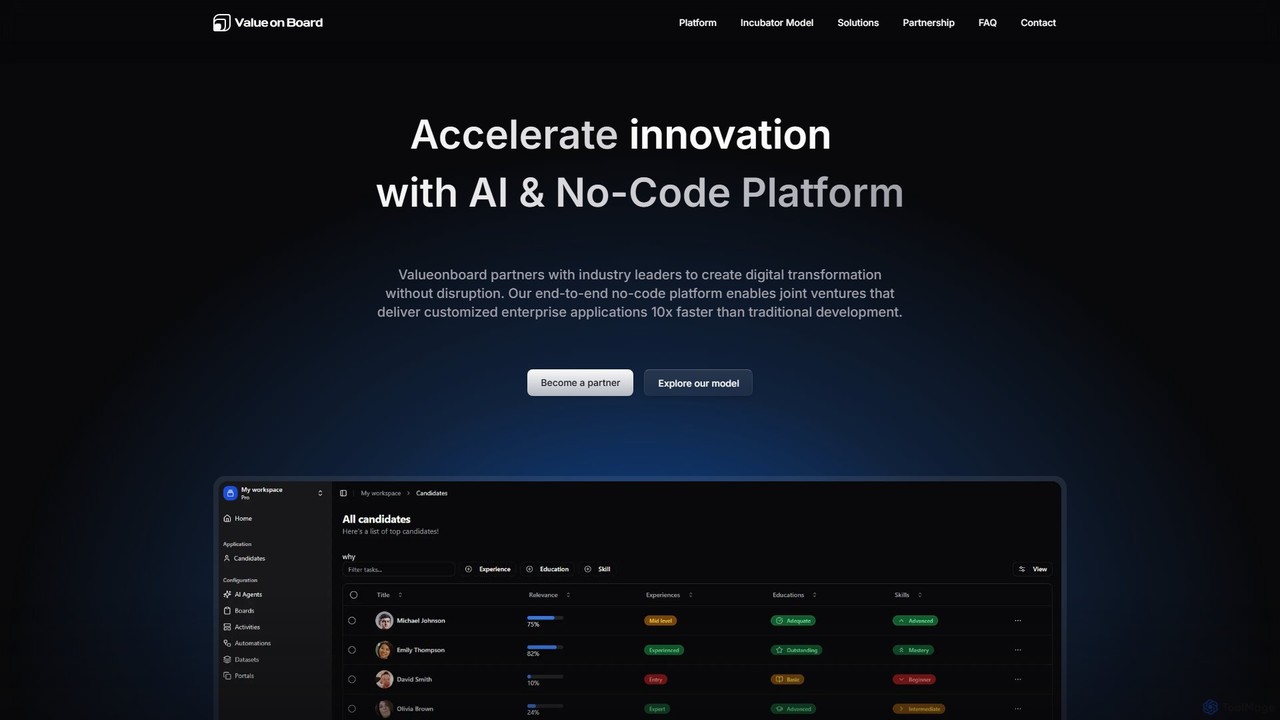
Valueonboard is an AI-powered no-code platform that partners with industry leaders to create custom enterprise applications. Through a strategic joint venture model, it accelerates digital transformation, enabling businesses to build and deploy complex solutions 10x faster than traditional methods without needing technical expertise.

Enterprise Solutions
Visits 4.4KFavorites 135Likes 133
builditforme
Freemium

builditforme

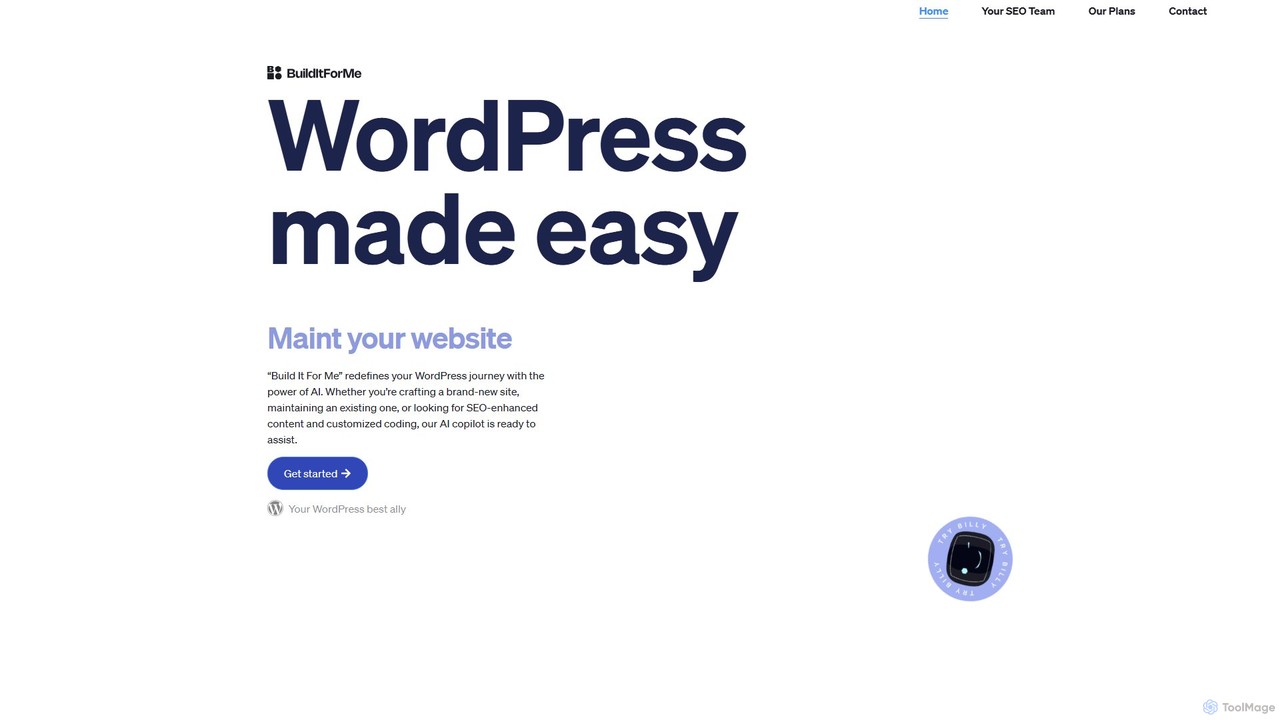
builditforme is an AI-powered copilot for WordPress that simplifies website creation and management. Named "Billy," this plugin assists users of all skill levels in building sites, generating SEO-optimized content with its Writer Bot, and creating custom interactive widgets with its no-code Widget Builder. It's your all-in-one solution for maintaining a professional and engaging WordPress website effortlessly.

No Code
Visits 6.9KFavorites 117Likes 129
Calculator Tools
Freemium

Calculator Tools

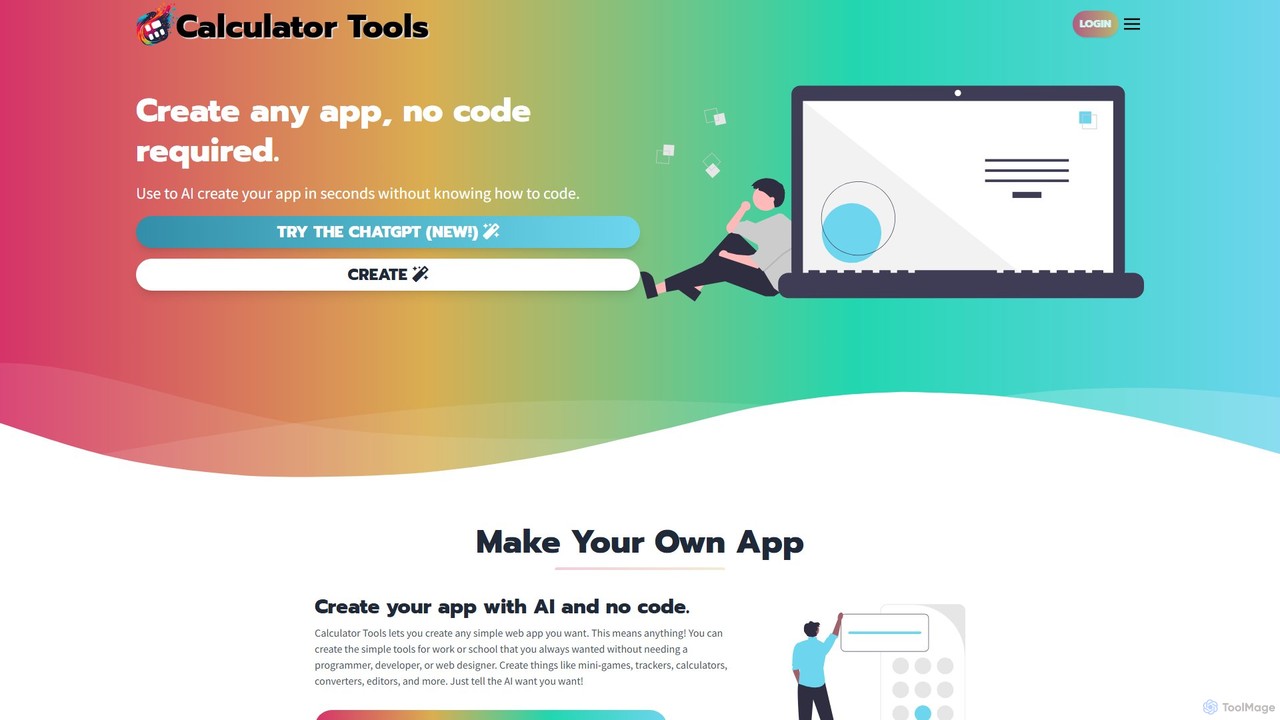
Calculator Tools is an AI-powered, no-code platform that enables anyone to instantly create custom web apps, calculators, tools, and games. Simply describe your idea, upload an image, or provide a screenshot, and the AI will generate a functional application for you to use, edit, and share.

Generative Ai
Visits 5.5KFavorites 132Likes 115
Wix Studio
Freemium

Wix Studio

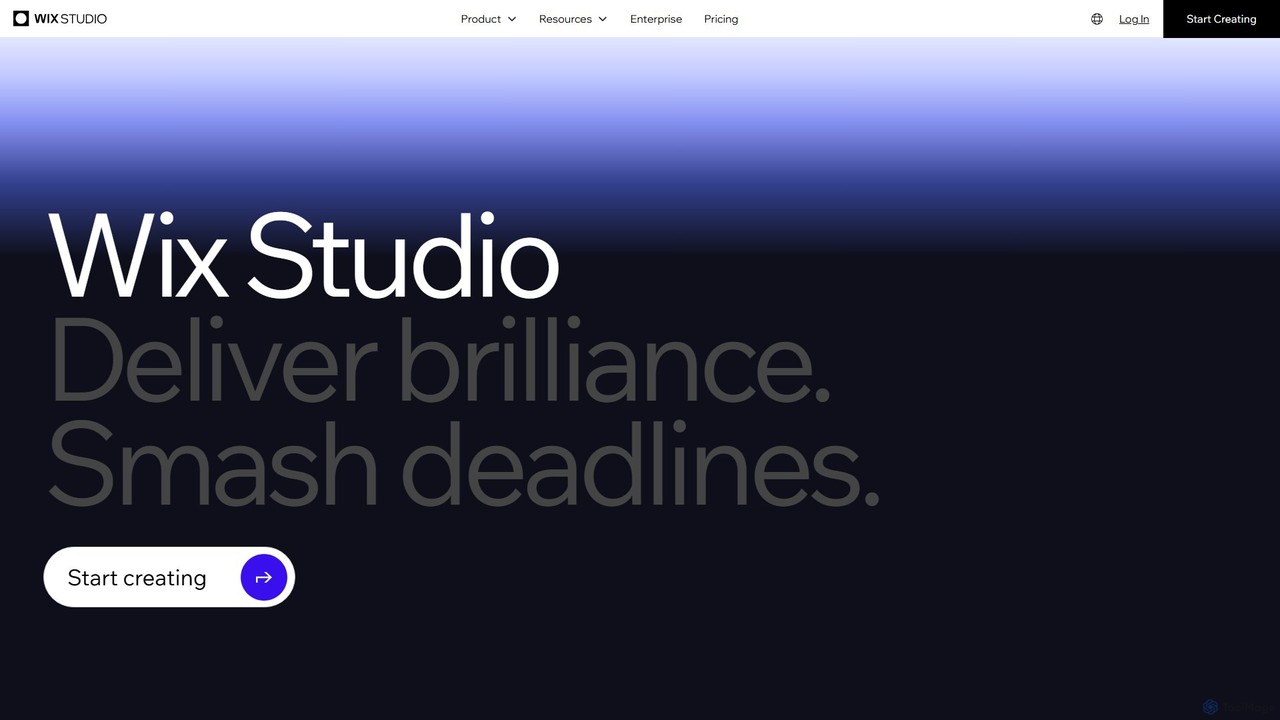
Wix Studio is an advanced, flexible web creation platform designed for agencies, freelancers, and enterprises. It combines a sophisticated visual design canvas with responsive AI, no-code animations, and custom CSS capabilities. The platform also includes a full-stack development environment (Velo), integrated business solutions, and robust tools for team collaboration and client management, all built on secure, scalable infrastructure.

No Code
Visits 33.6MFavorites 94Likes 95
Linguana
Freemium

Linguana

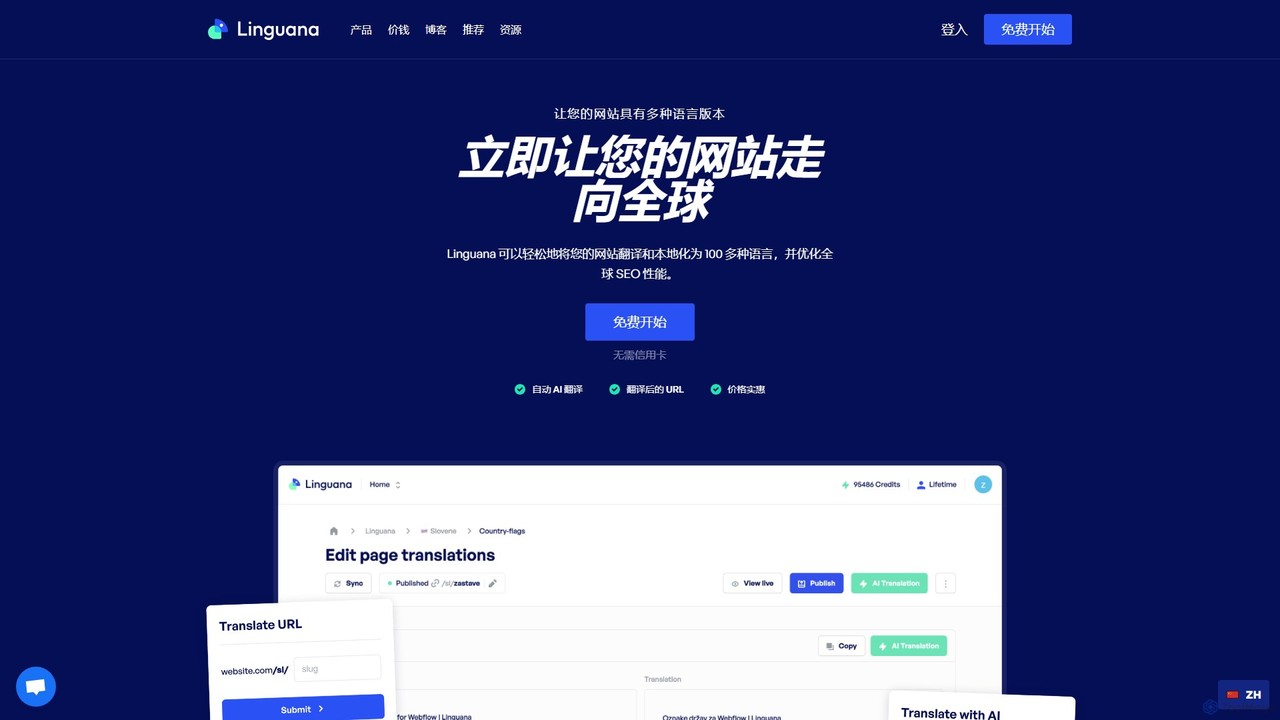
Linguana is an AI-powered, no-code website localization tool that automatically translates sites built on platforms like Framer, Webflow, and WordPress. It focuses on creating SEO-friendly multilingual sites using subdirectory structures, helping businesses expand their global reach and improve search engine visibility in over 100 languages.

No Code
Visits 11.5KFavorites 129Likes 142
snappy
Freemium

snappy

snappy by Appy Pie is an AI-powered no-code platform that enables users to create custom mobile apps for iOS and Android without any programming knowledge. Simply describe your app idea, and the AI will generate a functional prototype. It's designed for entrepreneurs, small businesses, and creators to quickly and affordably bring their app concepts to life through an intuitive drag-and-drop interface.

App Builder
Visits 106KFavorites 138Likes 159
CodeGrow
Freemium

CodeGrow

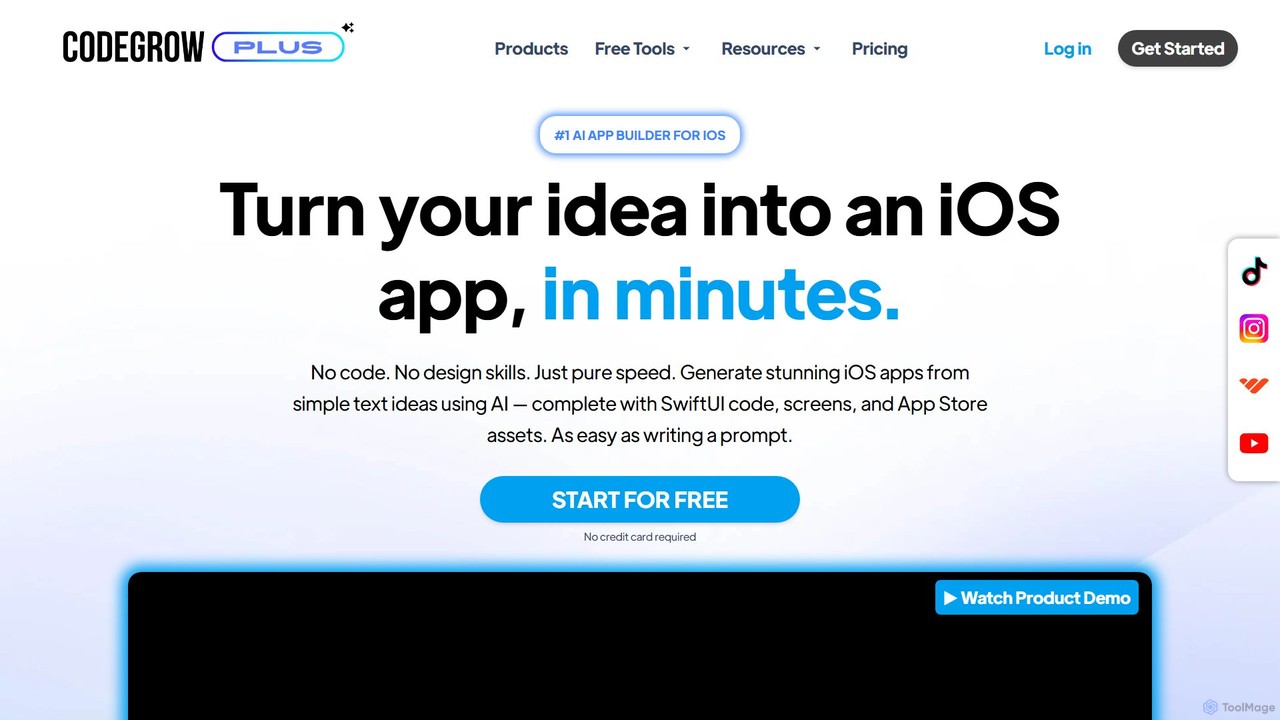
CodeGrow is a revolutionary AI-powered, no-code platform that transforms your app ideas into fully functional native iOS apps in minutes. Simply describe your idea, and the AI generates the complete app structure, SwiftUI code, screens, and even App Store assets, making app creation accessible to everyone.

Code Generation
Visits 5.3KFavorites 136Likes 131
Zeroqode
Paid

Zeroqode

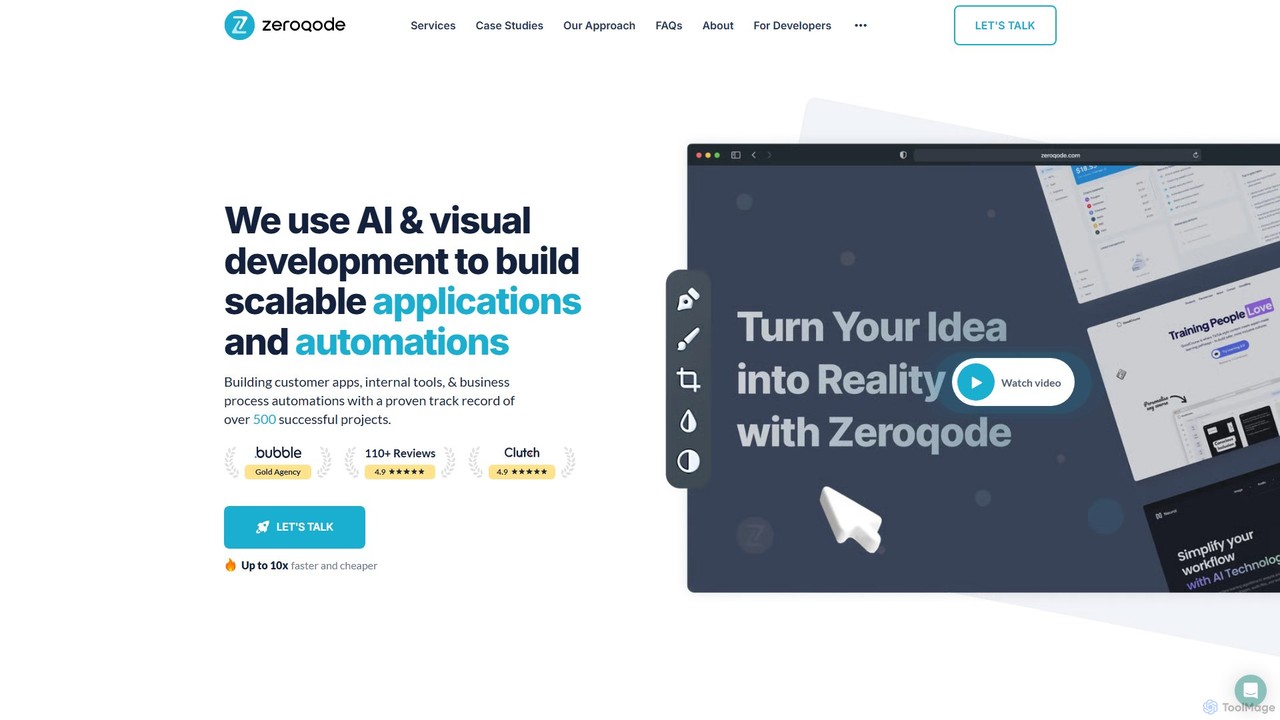
Zeroqode is a leading no-code and AI development agency that builds scalable web and mobile applications, SaaS products, and business automations. As a Bubble.io Gold Tier Agency, they offer a faster, more cost-effective alternative to traditional coding, delivering custom solutions up to 10x quicker. They provide end-to-end services, from MVP development to complex enterprise-grade systems, supported by the largest library of Bubble plugins.

Agency
Visits 59.4KFavorites 114Likes 105
Blaze
Paid

Blaze

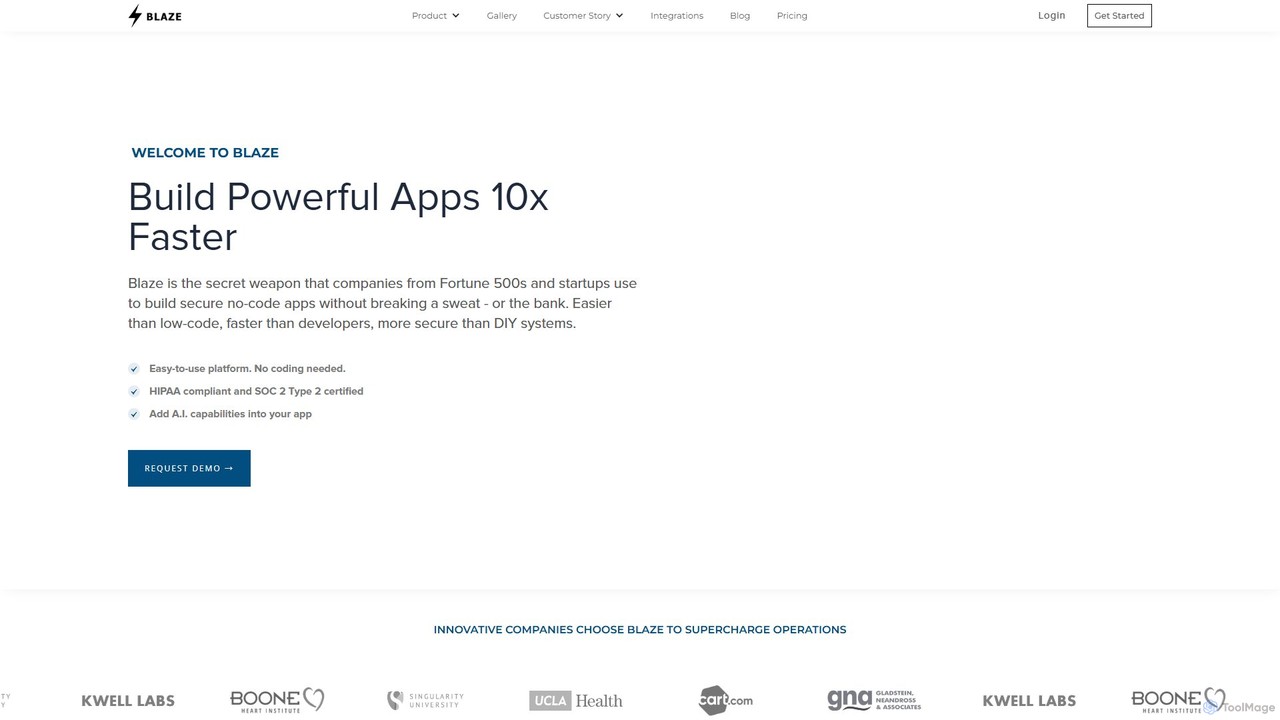
Blaze is a powerful all-in-one no-code platform for building custom web applications, internal tools, and customer portals. It empowers both non-technical and technical users to create complex, secure, and scalable software with a drag-and-drop interface, seamless API integration, and built-in AI capabilities. Blaze is particularly strong in regulated industries like healthcare, offering SOC 2 Type 2 and HIPAA compliance.

Crm
Visits 33.1KFavorites 88Likes 98
Jet Admin
Freemium

Jet Admin

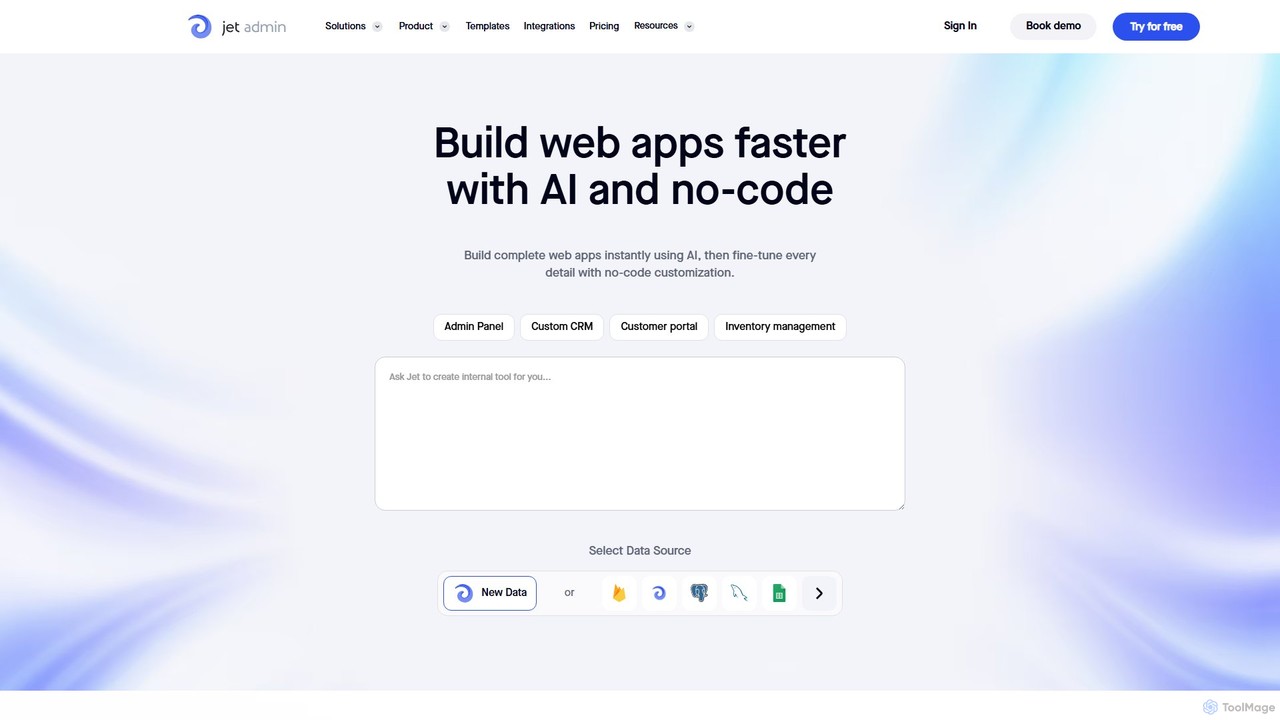
Jet Admin is an AI-powered no-code/low-code platform for building custom business applications like admin panels, CRMs, and customer portals. It enables users to connect to any data source, automate complex workflows, and design pixel-perfect user interfaces without extensive coding, significantly accelerating internal tool development.

Internal Tools
Visits 48.6KFavorites 121Likes 130
swiftspeed
Freemium

swiftspeed

Swiftspeed is an AI-powered, no-code app builder that enables users to create native Android and iOS applications without writing a single line of code. It specializes in converting existing websites into fully functional mobile apps in minutes. The platform offers extensive customization, real-time editing, and a wide range of features, including e-commerce integration, push notifications, and monetization options, making it ideal for businesses, agencies, and individuals.

No Code
Visits 38.4KFavorites 109Likes 113
Lupan
Freemium

Lupan

Lupan is a powerful no-code AI development platform that enables users to build and deploy custom AI intelligent agents and applications. Lupan provides a one-stop solution with a visual workflow builder, transforming innovative ideas into next-generation AI tools without writing a single line of code. It's ideal for creating chatbots, internal tools, and automated workflows quickly and efficiently.

Customer Support
Visits 5.1KFavorites 124Likes 125
Syntetica
Freemium

Syntetica

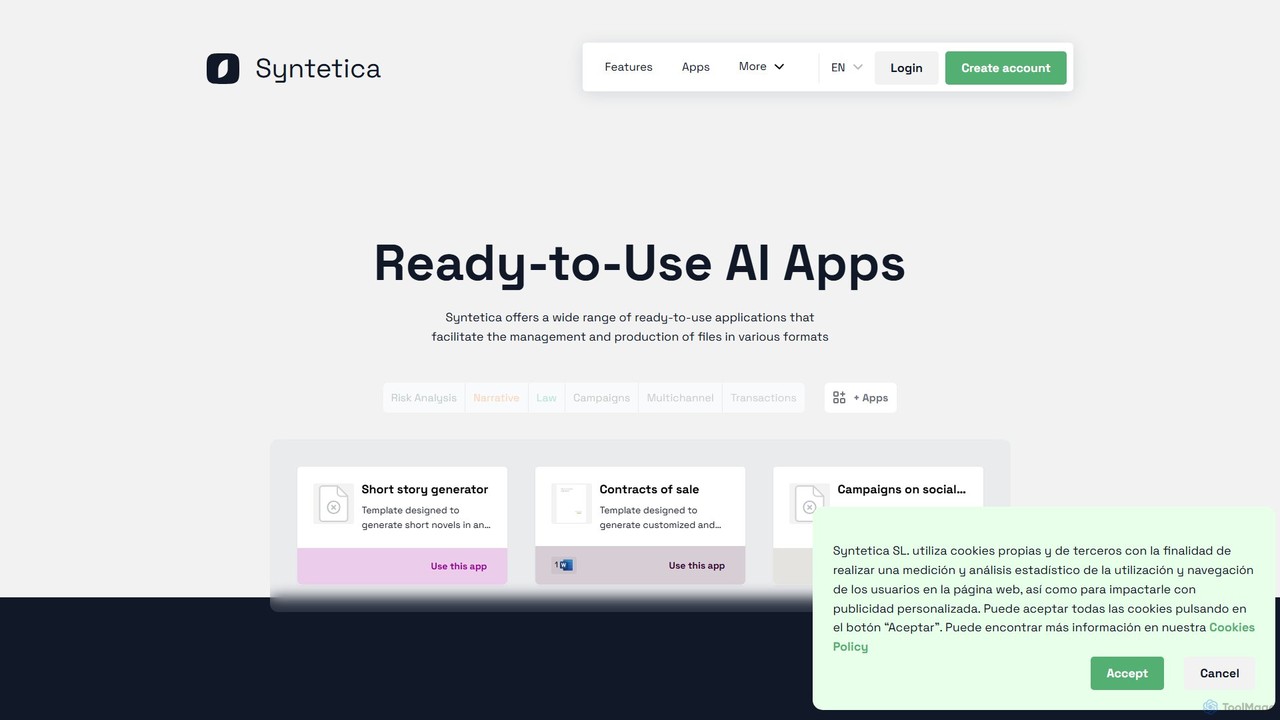
Syntetica is a no-code AI platform that empowers users to build custom applications and automate complex content generation workflows. It allows you to create repeatable processes using various file formats as input, collaborate with teams in real-time, and generate outputs like documents, reports, and interactive content without any coding knowledge.

Document Management
Visits 5.6KFavorites 133Likes 137
Magic Loops
Freemium

Magic Loops

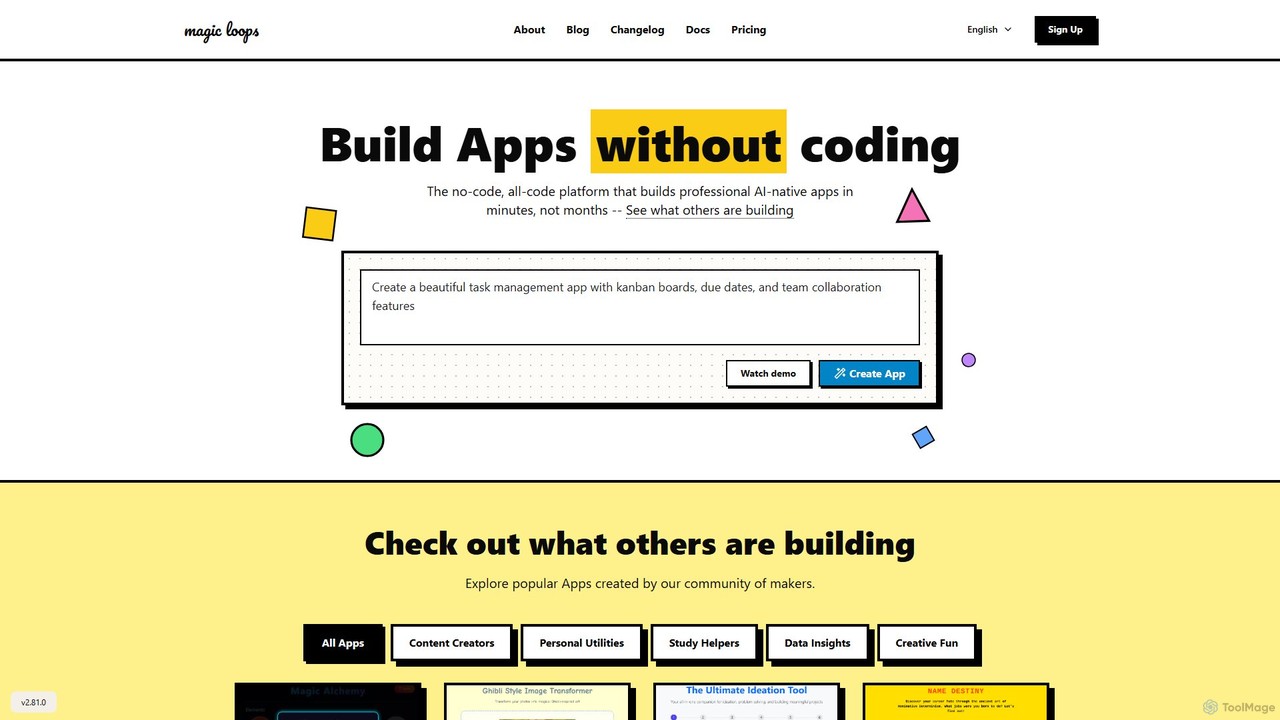
Magic Loops is a no-code/low-code platform that empowers you to build professional, AI-native applications in minutes. Simply describe your idea in plain English, and Magic Loops generates the underlying workflow and user interface. It's perfect for creators, developers, and businesses looking to rapidly prototype and deploy AI-powered tools, automations, and utilities without extensive coding.

Builders
Visits 10.2KFavorites 132Likes 127
Goodspeed
Paid

Goodspeed

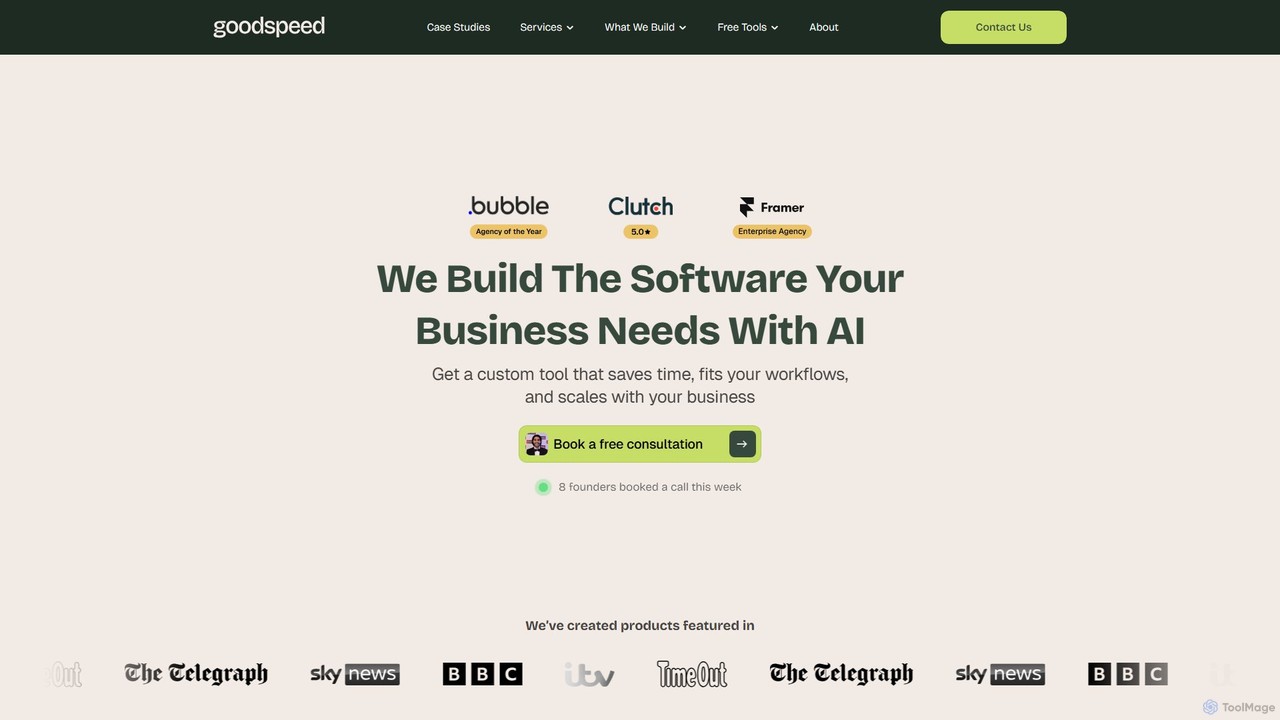
Goodspeed is a no-code and AI development agency that builds custom software, internal tools, and automated workflows for businesses. They transform inefficient processes into streamlined, custom-fit solutions, delivering high-quality products like dashboards, mobile apps, and client portals in weeks, not months, to save time and boost productivity.

Consulting
Visits 32KFavorites 118Likes 101
Mocha
Freemium

Mocha

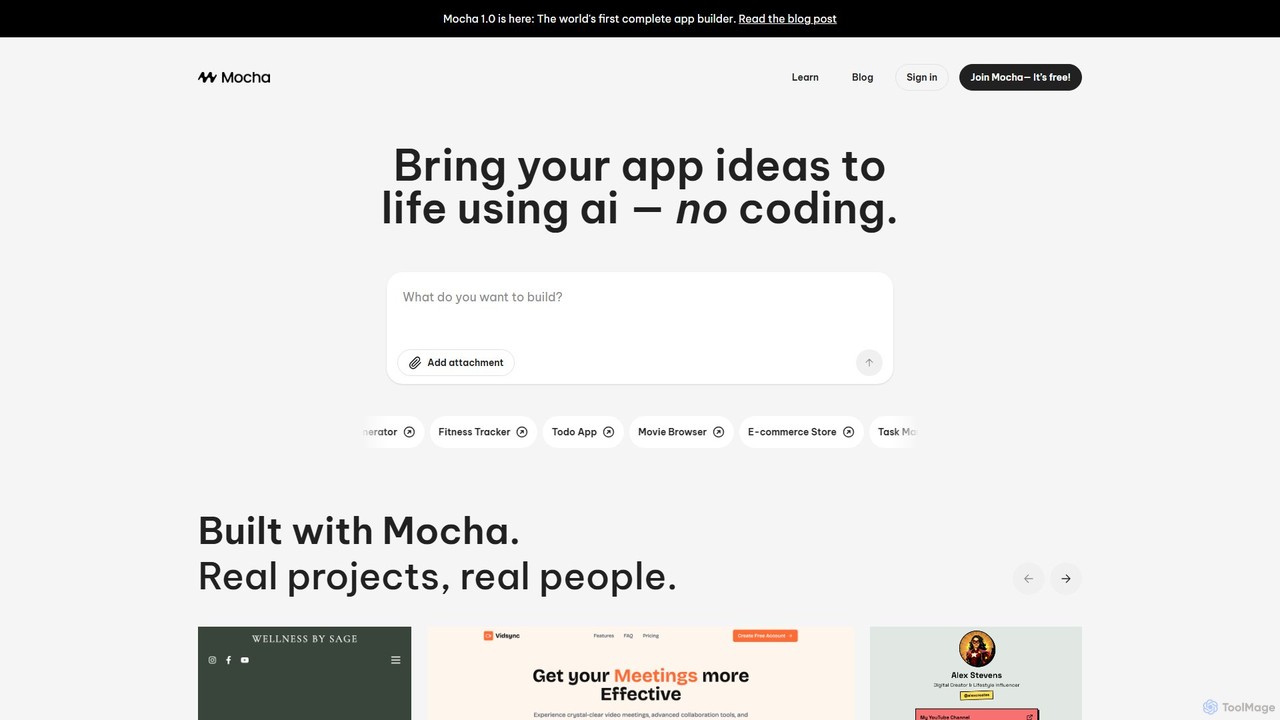
Mocha is an AI-powered, no-code platform that enables entrepreneurs and non-technical users to build full-stack web applications using plain English. It's an all-in-one solution, providing a database, authentication, storage, and one-click deployment, transforming ideas into functional software without writing any code.

Entrepreneurship
Visits 150.8KFavorites 116Likes 122
Perchance
Free

Perchance

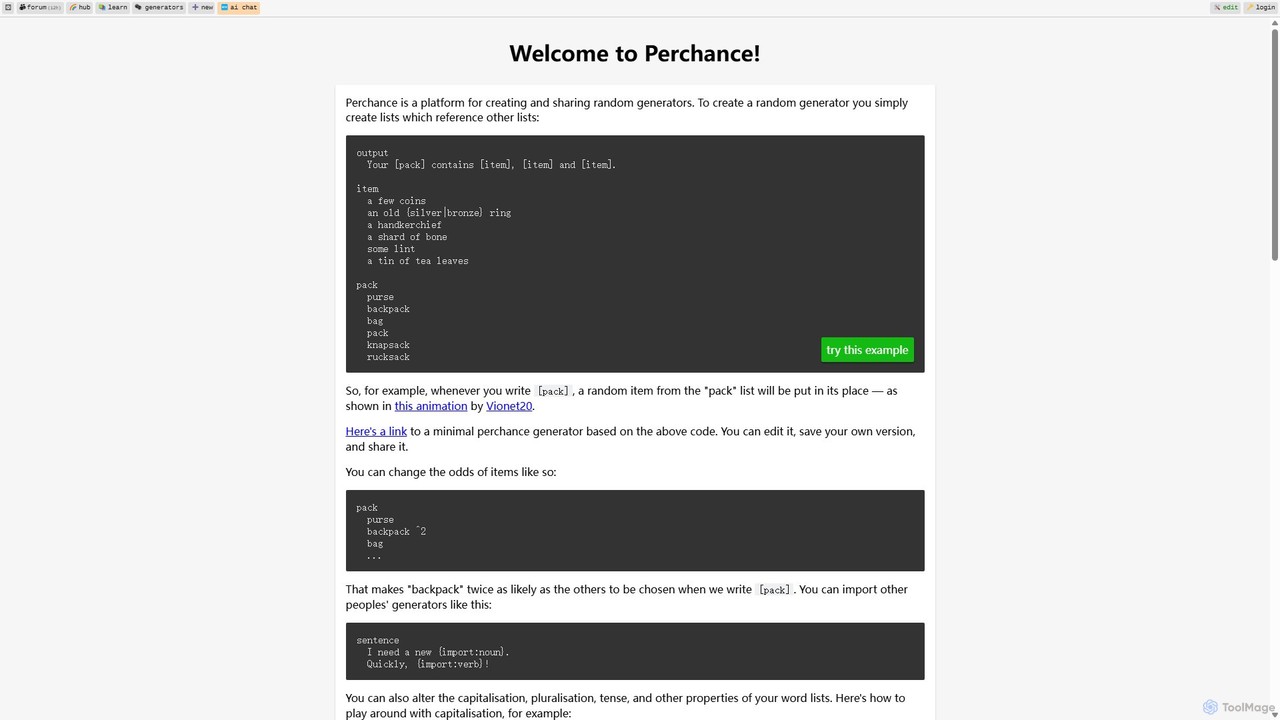
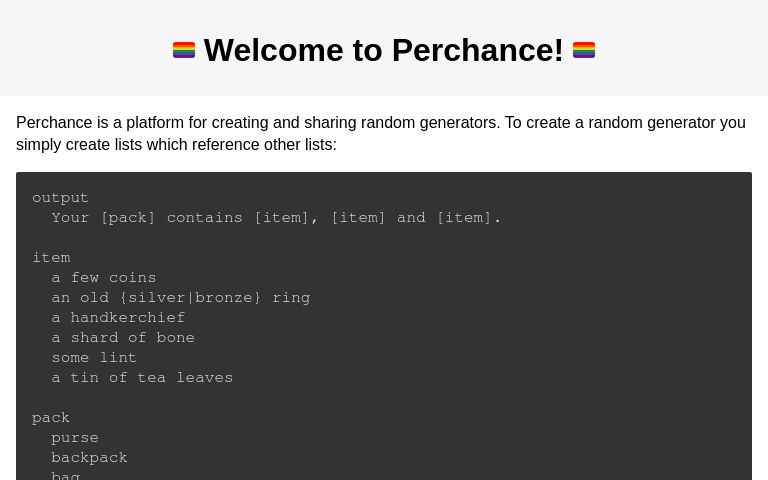
Perchance is a powerful, free platform for creating and sharing complex random text generators. It uses a simple, list-based syntax that is easy for beginners but offers advanced features like probability weighting, dynamic odds, and API integration for developers and creative professionals.

No Code
Visits 25.1MFavorites 110Likes 87
Glide
Freemium

Glide

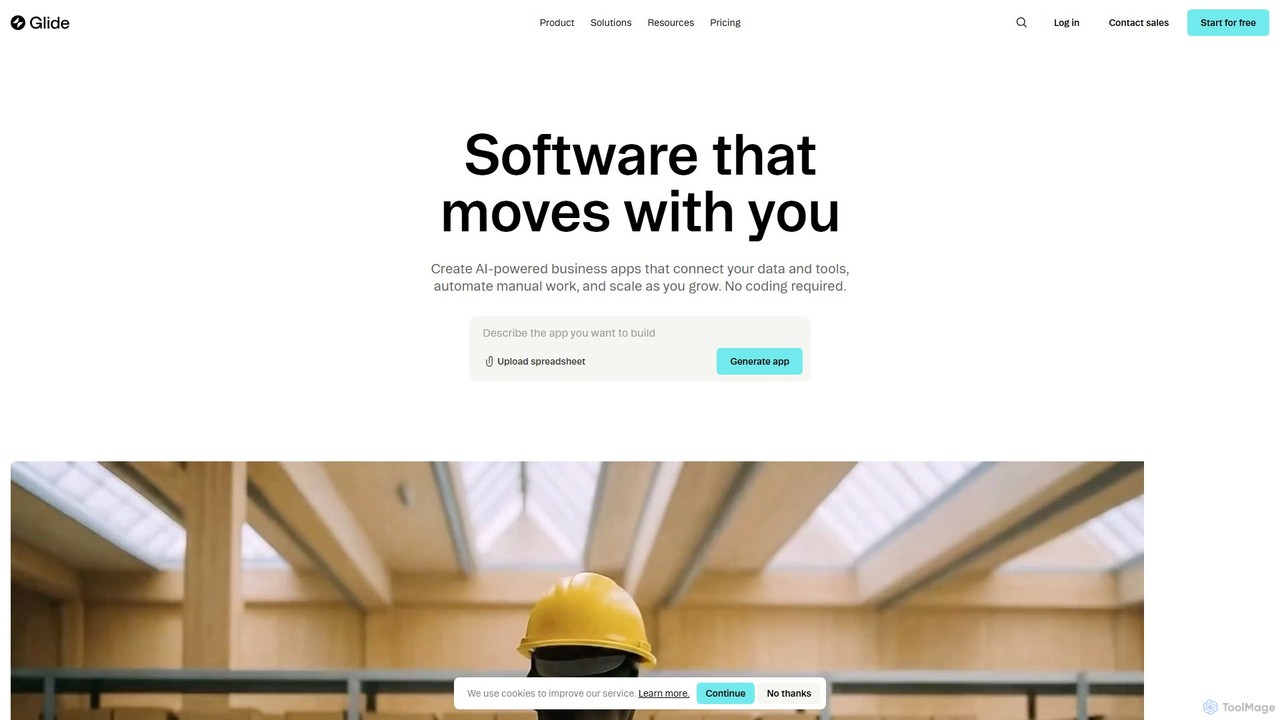
Glide is a no-code platform that empowers users to build custom, AI-powered business applications from their existing data. Create portals, dashboards, CRMs, and inventory management tools without writing a single line of code, accelerating business operations and processes.

Analytics
Visits 983.7KFavorites 119Likes 118
Appy Pie
Freemium

Appy Pie

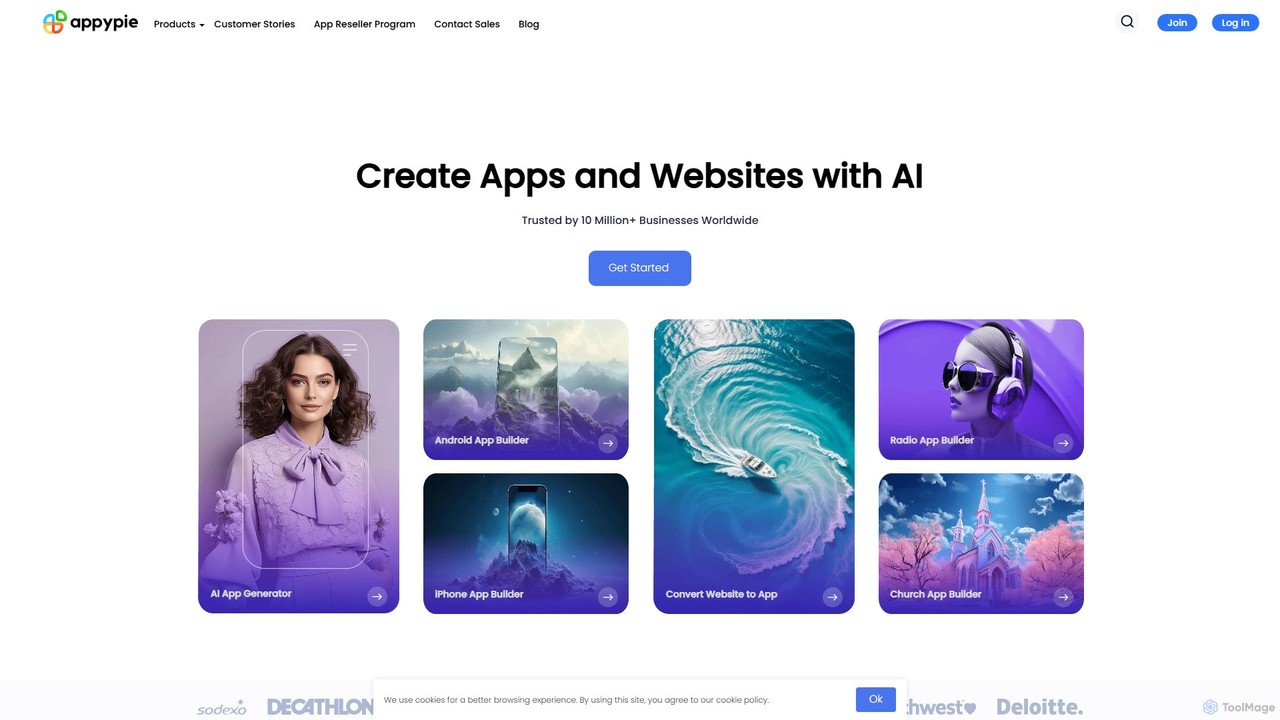
Appy Pie is a leading AI-powered no-code development platform that enables users to create mobile apps, websites, and other digital solutions without any coding. Simply describe your idea, and the AI generator will build a functional foundation for you to customize and launch quickly.

App Builder
Visits 285KFavorites 119Likes 108
appaca
Freemium

appaca

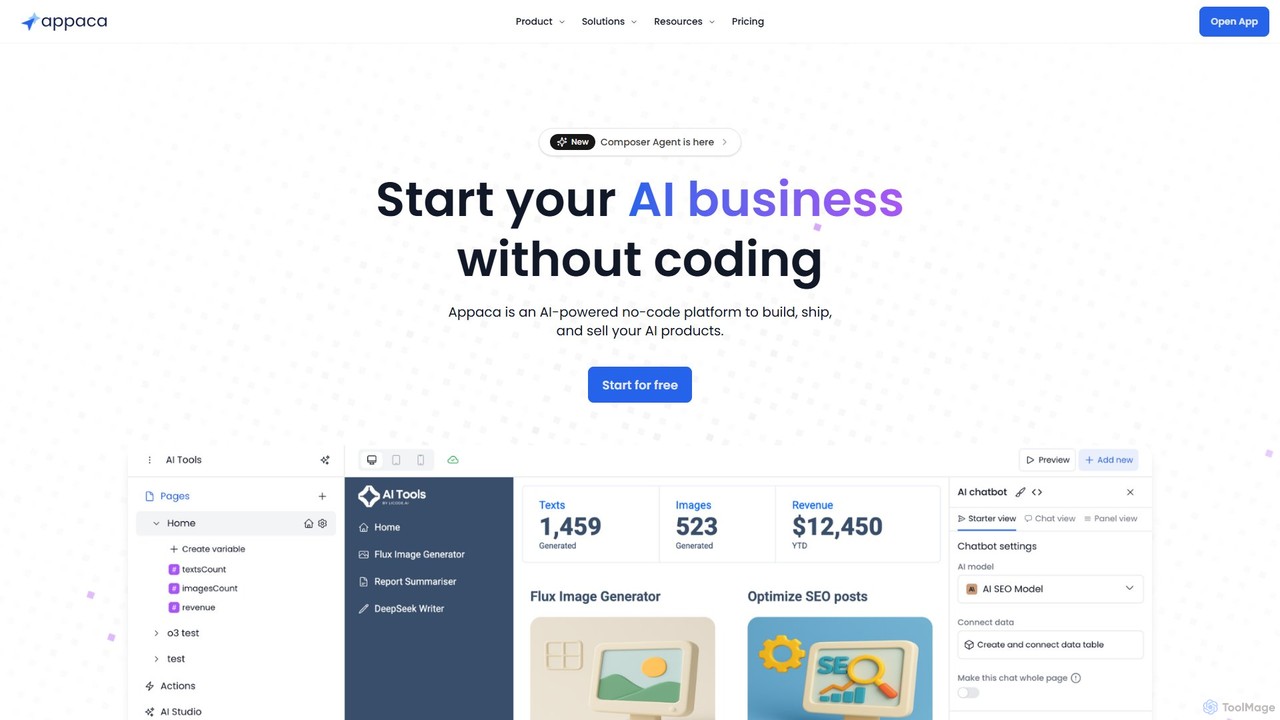
Appaca is an AI-powered, no-code platform that enables users to build, ship, and sell full-stack AI applications. It provides an all-in-one solution with a visual UI builder, agentic workflow creation, integrated databases, user authentication, and Stripe-powered monetization. Users can leverage top AI models like GPT-4o, Claude 3.5, and Gemini to create everything from SaaS products to internal tools without writing any code.

Saas
Visits 61.4KFavorites 132Likes 122
Bullet Launch
Paid

Bullet Launch

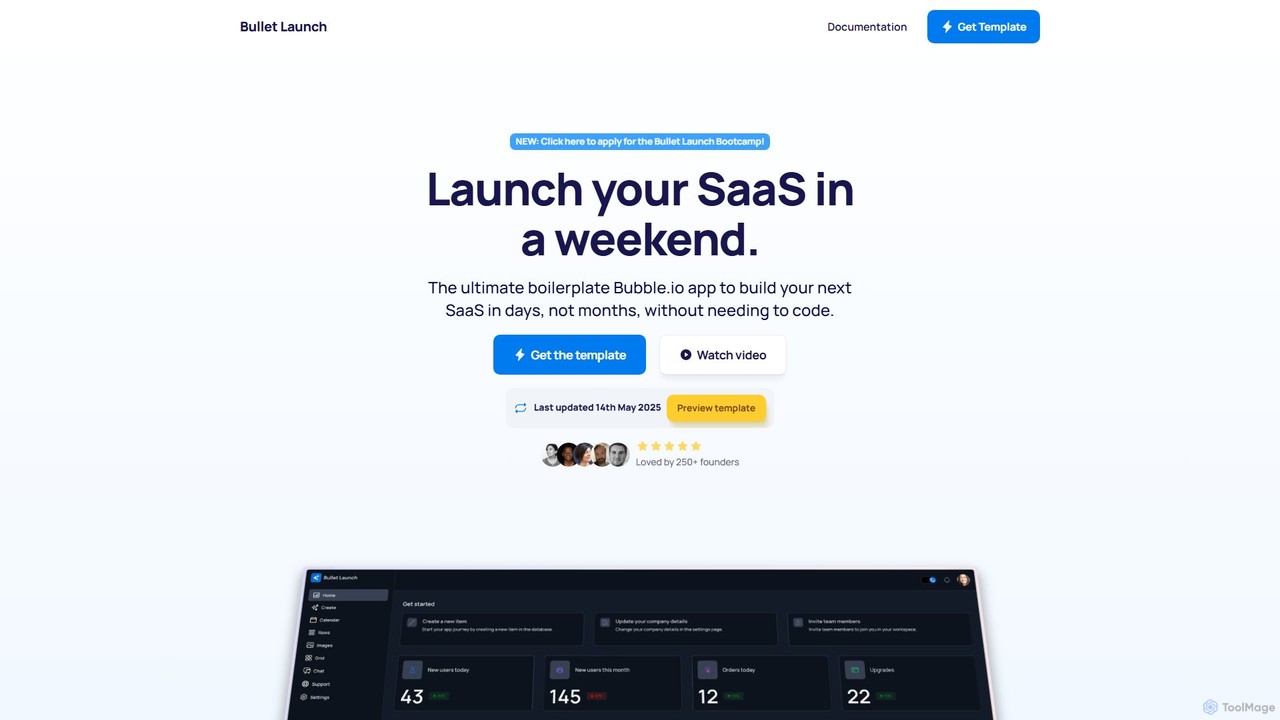
Bullet Launch is the ultimate Bubble.io SaaS boilerplate designed for founders and developers. It accelerates app development by providing a pre-built, scalable, and responsive template with features like user authentication, subscription billing, and ready-to-use AI integrations. Launch your SaaS in days, not months, and save over 100 hours of development time.

Saas
Visits 5.3KFavorites 121Likes 120

About No Code

No-code tools are development platforms that enable users to create applications and automate workflows without writing any code. They utilize visual, drag-and-drop interfaces and pre-built components to abstract away complex programming. This approach empowers non-technical users, such as marketers and business analysts, to build functional software solutions quickly. It significantly lowers the barrier to entry for software development, allowing for rapid prototyping and deployment of digital products.

Core Features

  • Visual Interface Builder: Design user interfaces for web and mobile apps by dragging and dropping elements.
  • Workflow Automation: Create complex business logic and data flows using visual, logic-based editors.
  • Pre-built Templates & Components: Start projects with ready-to-use building blocks for common functionalities.
  • Integrated Database: Manage application data within the platform without needing to configure a separate database.
  • API Integration Connectors: Easily connect applications to third-party services like Stripe, Google Maps, or Slack.

Use Cases

No-code platforms are ideal for startups building Minimum Viable Products (MVPs), marketing teams creating interactive landing pages, and operations departments automating internal processes like approval workflows or data entry. They are also used by small businesses to build custom internal tools and client portals without hiring developers.

How to Choose

When selecting a no-code tool, consider the platform's scalability for future growth, the breadth of its integration library, and its data handling capabilities. Also, evaluate the learning curve, the quality of community support and documentation, and whether the pricing model aligns with your budget and expected usage.

Featured tool rankings

No Code use cases

1

Build a Custom CRM for a Small Business

A sales manager at a small business, without any coding skills, needs a tool to track leads and deals. Using a no-code platform, they visually design a custom CRM. They drag and drop fields for contacts, deal stages, and communication logs. They then create an automation where a new lead from a web form automatically creates a contact record and assigns it to a sales representative. This results in a tailored CRM, built in days instead of months, that perfectly fits their sales process and improves team efficiency.

2

Automate Employee Onboarding Workflow

An HR manager wants to streamline the onboarding process for new hires. Using a no-code automation tool, they design a workflow that triggers when a new employee is added to the HR system. The workflow automatically sends a welcome email, creates user accounts in Slack and Asana, assigns introductory training modules, and schedules a check-in meeting with their manager. This automation reduces manual administrative work, prevents errors, and ensures every new hire receives a consistent and welcoming experience.

3

Develop a Minimum Viable Product (MVP)

An entrepreneur has an idea for a new mobile app but lacks the budget for a development team. They use a no-code app builder to create a functional MVP. They design the user interface, set up a user database for sign-ups and logins, and implement core features like posting content and user profiles. This allows them to launch a working version of their app in a few weeks, gather real user feedback, and validate their business idea before seeking investment for a full-scale build.

4

Create a Client Portal for a Service Agency

A design agency wants to provide clients with a secure area to track project progress and exchange files. Using a no-code platform, they build a client portal. They create a database of clients and projects, then build a front-end with a login system. Once logged in, clients can view a dashboard with project timelines, access shared documents, and use a built-in form to submit feedback. This portal, built without a developer, enhances client communication and provides a more professional service experience.

5

Launch an Interactive Marketing Campaign

A marketing team needs to create an engaging landing page for a new product launch that includes a quiz to recommend the right product variant to customers. Instead of waiting for the development team, a marketer uses a no-code website builder. They design the page, embed a quiz created with another no-code tool, and set up logic to display different results based on the user's answers. The page is built and launched in a single day, allowing the team to be more agile and responsive to market opportunities.

6

Build a Simple E-commerce Store

A local artist wants to sell their artwork online but has no technical background. They use a no-code e-commerce platform to build their online store. They choose a design template, upload product photos and descriptions, set prices, and configure payment processing by connecting their Stripe account. The platform also handles inventory management and order notifications automatically. Within a weekend, the artist has a fully functional e-commerce site ready to take orders, without writing a single line of code.

No Code FAQ

What are no-code tools?

No-code tools are software development platforms that allow users to build applications using graphical user interfaces instead of writing code. They use visual, drag-and-drop components to assemble functional applications, websites, and automations. This approach empowers individuals without technical backgrounds, often called 'citizen developers', to create their own digital solutions quickly and cost-effectively.

What is the difference between no-code and low-code?

The main difference is the target audience and the requirement for coding. No-code platforms are designed for non-technical users (e.g., marketers, business analysts) and require zero coding. Low-code platforms are for professional developers to accelerate their work; they offer visual tools but still allow or require custom code for complex logic and integrations. In short, no-code prioritizes simplicity and speed for business users, while low-code offers greater flexibility and power for developers.

Who is best suited to use no-code platforms?

No-code platforms are ideal for a wide range of users who need to build digital solutions without coding. This includes:

  • Entrepreneurs who want to quickly build and test a Minimum Viable Product (MVP).
  • Marketers creating landing pages, forms, and campaign-specific microsites.
  • Business Analysts and Operations Managers automating internal workflows and building departmental tools.
  • Small Business Owners who need a website, CRM, or internal management system without a large budget.
What are the main limitations of no-code tools?

While powerful, no-code tools have some limitations. Scalability can be a concern for applications with very high traffic or complex processing needs. Customization is often restricted to the platform's available components, making highly unique features difficult to implement. There is also a risk of 'vendor lock-in', as migrating a complex application built on one no-code platform to another system can be challenging or impossible.

How do I choose the right no-code tool?

To choose the right tool, first clearly define your project's requirements. Then, evaluate platforms based on these key factors:

  • Functionality: Does it support the core features you need (e.g., database, user authentication, payments)?
  • Integrations: Can it connect with the other software you already use (e.g., Slack, Mailchimp, Google Sheets)?
  • Scalability: Can the platform handle your expected user growth and data volume?
  • Pricing: Does the pricing model fit your budget as your application grows?
  • Learning Curve: How intuitive is the platform, and what support resources (documentation, tutorials, community) are available?