ToolMage
Sign in

Best 35 Chatbots AI tools for Productivity

Popular Chatbots AI tools in Productivity include Coze, miniapps.ai, SendPulse, Delphi, Gooey.AI, Lamatic.ai, Langbase, TalkTo.ai, aichatsms, and LLMStack, helping you work more efficiently.

Crawl AI
Freemium

Crawl AI

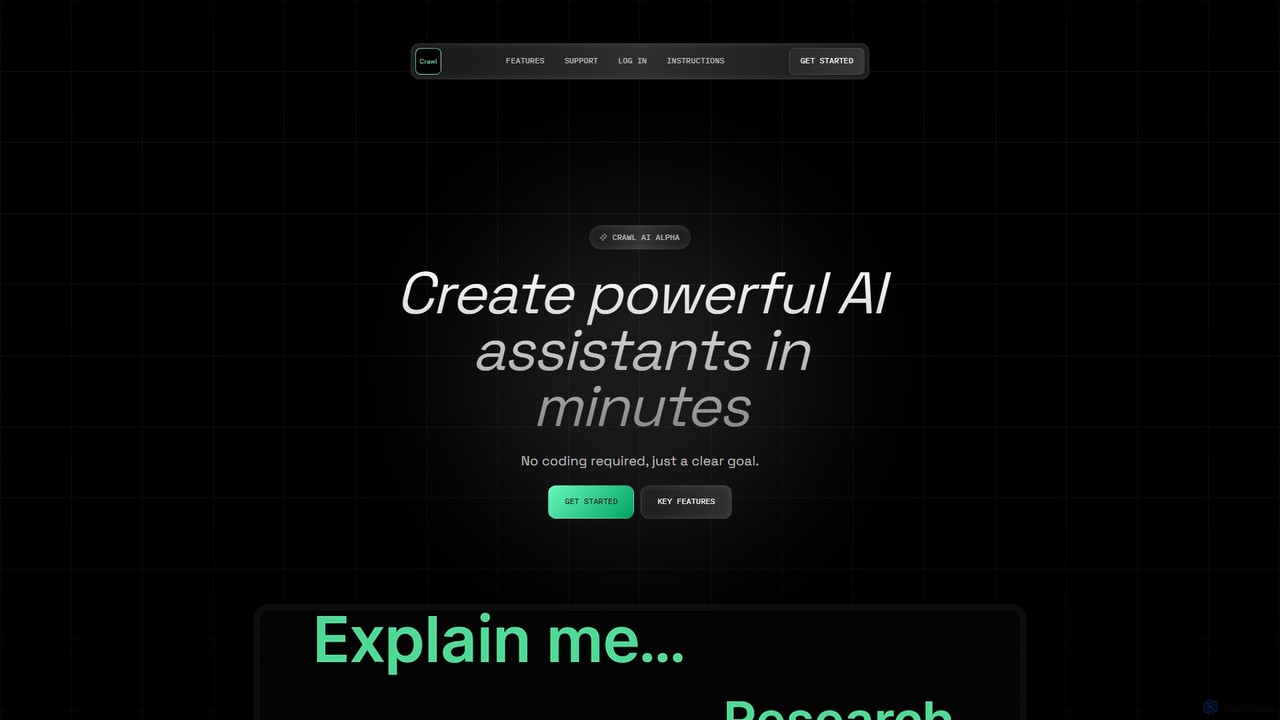
Crawl AI is a no-code platform that enables users to build custom AI assistants by automatically crawling web data. It integrates web scraping with AI development, allowing you to create specialized assistants trained on specific topics, websites, or your own uploaded documents without any technical expertise.

Data Collection
Visits 6.5KFavorites 130Likes 120
llongterm
Freemium

llongterm

llongterm is a developer-focused API providing persistent, long-term memory for AI applications and agents. It enables AI to remember user interactions over years, creating structured, human-readable knowledge maps for truly personalized and context-aware experiences.

Memory Management
Visits 5.5KFavorites 114Likes 114
aichatsms
Freemium

aichatsms

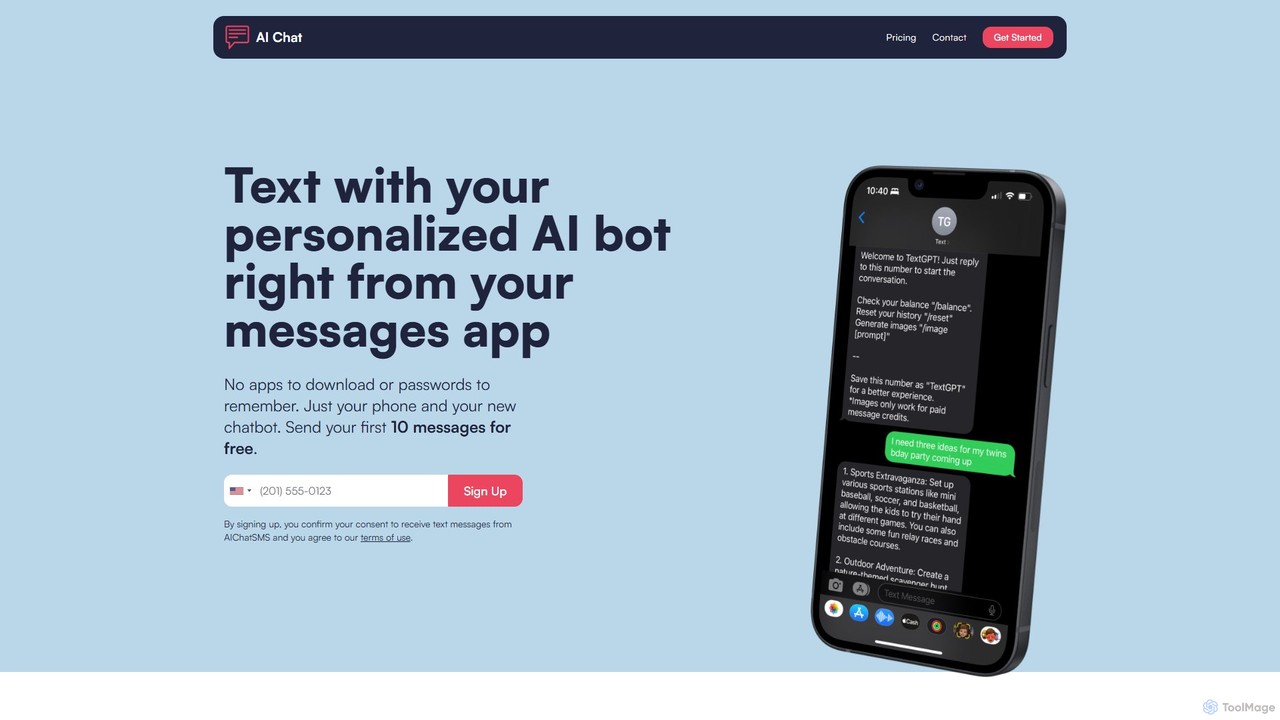
aichatsms provides a personalized AI chatbot that you can interact with directly through your phone's native SMS/text messaging app. No downloads, passwords, or API keys required. It features customizable personalities, long-term memory, and AI image generation, making advanced AI accessible and incredibly simple to use for daily tasks, companionship, and creative projects.

Generative Art
Visits 10KFavorites 134Likes 142
Langbase
Freemium

Langbase

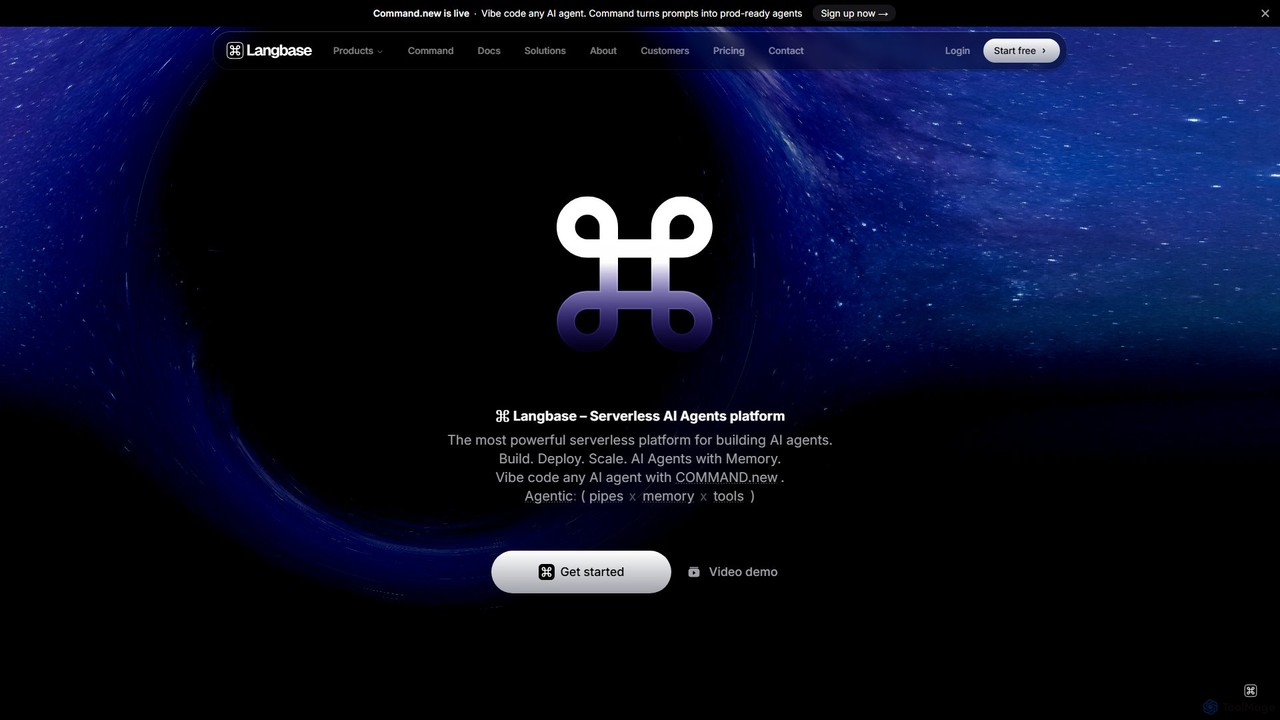
Langbase is a serverless developer platform designed for building, deploying, and scaling AI agents. It provides a unified infrastructure with features like composable AI agents (Pipes), long-term memory (RAG), and a single API for over 250 LLMs, empowering any developer to create powerful AI applications with an exceptional developer experience.

Infrastructure
Visits 32.9KFavorites 121Likes 128
Delphi
Freemium

Delphi

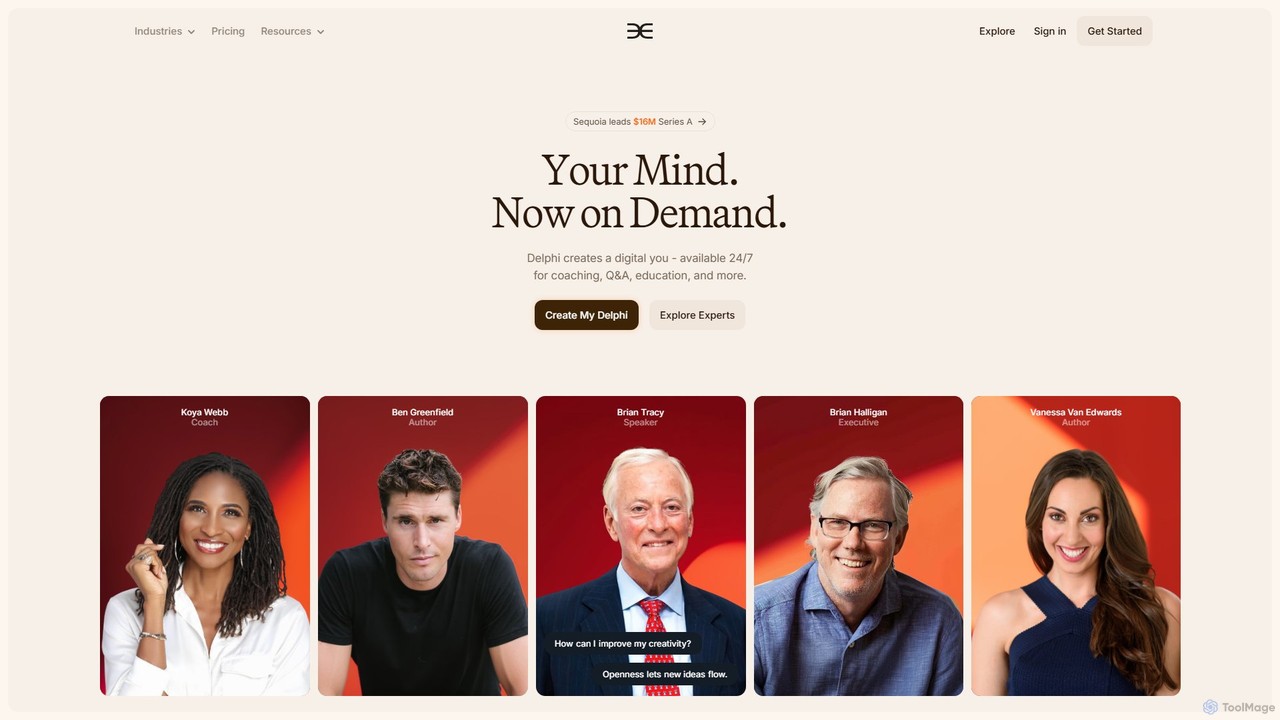
Delphi is an AI platform that creates a digital clone of you. By training on your content (text, audio, video), it builds an interactive "Digital Mind" that can answer questions, provide coaching, and engage with your audience 24/7 across various platforms, effectively scaling your expertise and impact.

Automated Support
Visits 280.8KFavorites 101Likes 112
askjinni
Freemium

askjinni

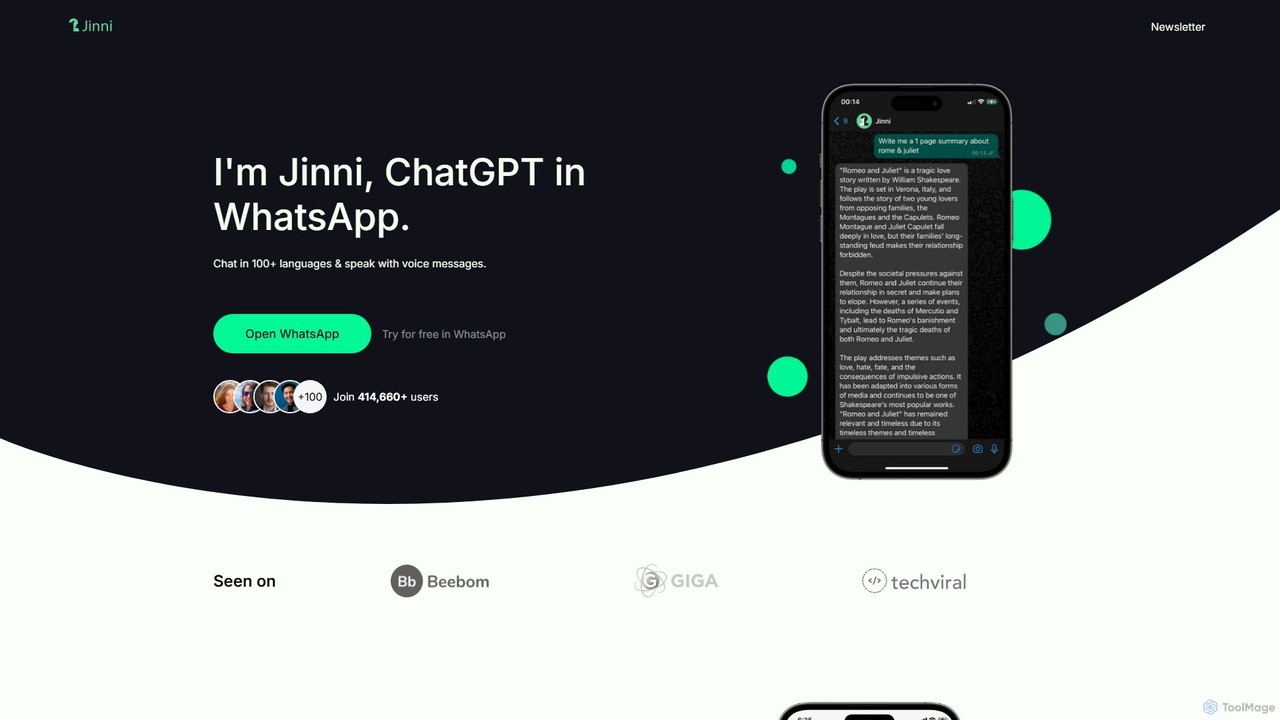
askjinni is a powerful AI assistant integrated directly into WhatsApp. Get instant answers, learn new subjects with a personal tutor, draft emails and content with a writing assistant, and even generate images. It supports voice messages and prioritizes user privacy with GDPR compliance.

Tutoring
Visits 5.7KFavorites 126Likes 141
TaskingAI
Freemium

TaskingAI

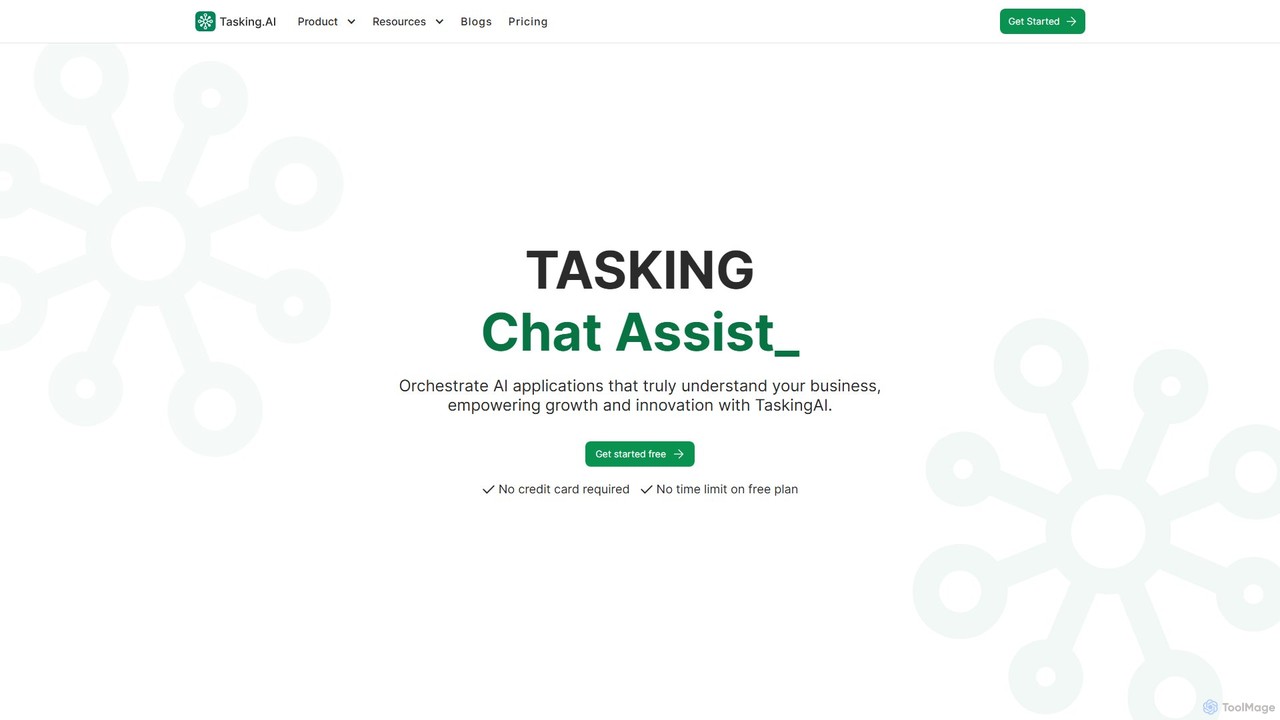
TaskingAI is an open-source AI-native application development platform designed to orchestrate sophisticated AI applications. It enables users to build, test, and deploy custom AI assistants and agents using various large language models (LLMs), Retrieval-Augmented Generation (RAG) with their own data, and powerful tool integrations. It offers a flexible, cloud-based environment for both no-code builders and developers.

Customer Support
Visits 7.2KFavorites 100Likes 122
Sciedu
Freemium

Sciedu

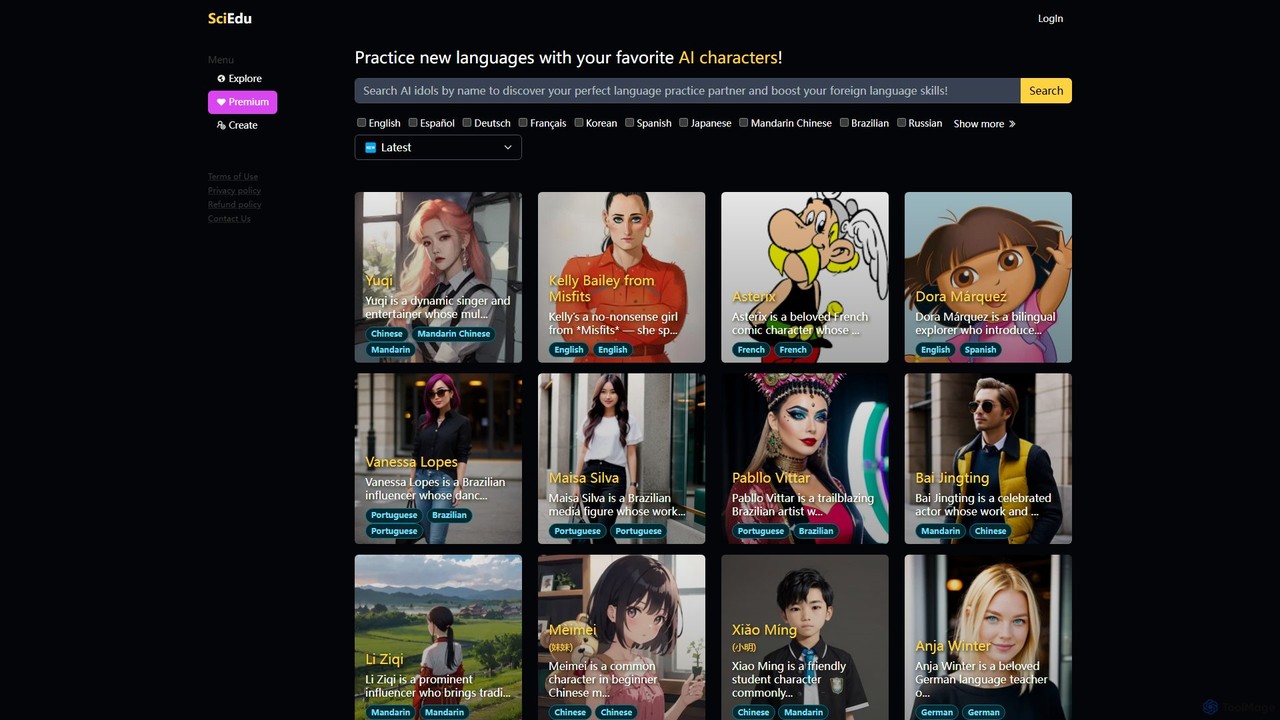
Sciedu is an AI-powered language learning platform where you can practice speaking and texting by chatting with AI-powered virtual idols. Choose from a diverse roster of celebrities, fictional characters, and cultural icons to make language practice immersive, engaging, and fun. It offers a personalized, interactive way to master languages like English, Spanish, Japanese, and Korean.

Language Learning
Visits 5.4KFavorites 179Likes 164
LLMStack
Freemium

LLMStack

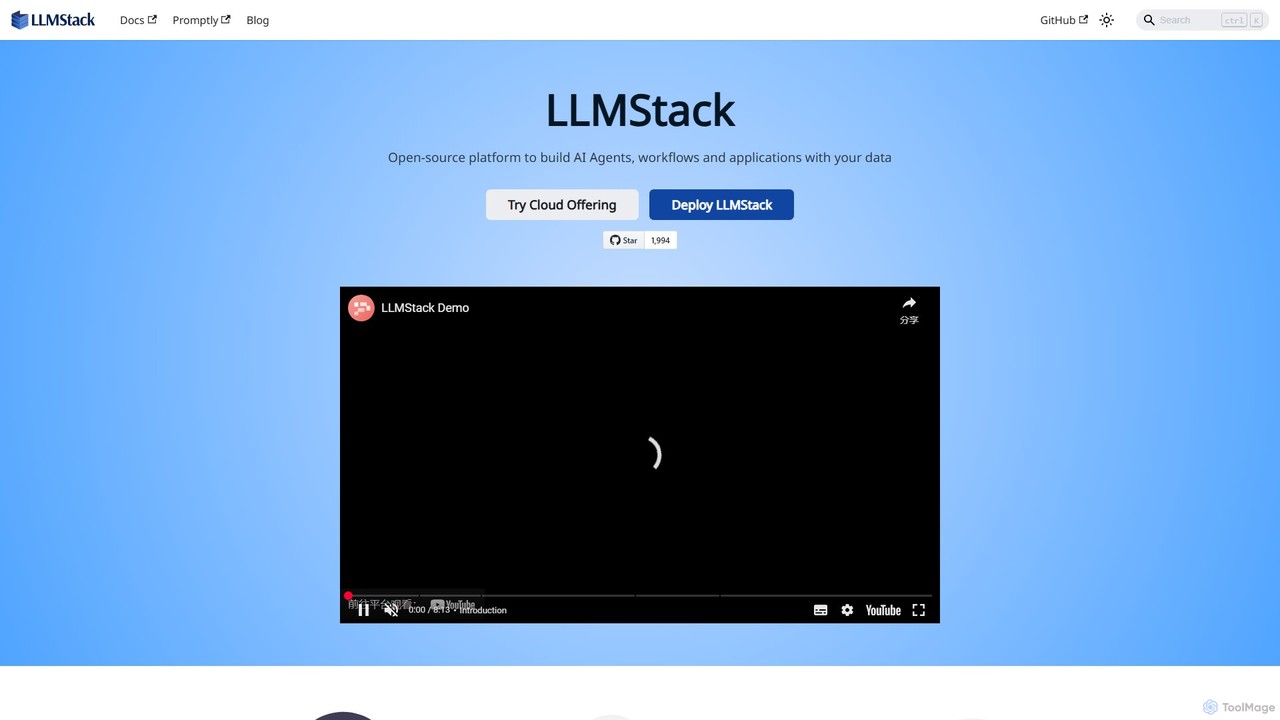
LLMStack is a no-code/low-code platform for building and deploying AI agents and applications. It specializes in Retrieval-Augmented Generation (RAG), allowing users to connect their own data to powerful LLMs like GPT, Gemini, and Claude to create custom chatbots, search tools, and more, with collaborative features.

Knowledge Base
Visits 9.5KFavorites 138Likes 168
Lamatic.ai
Freemium

Lamatic.ai

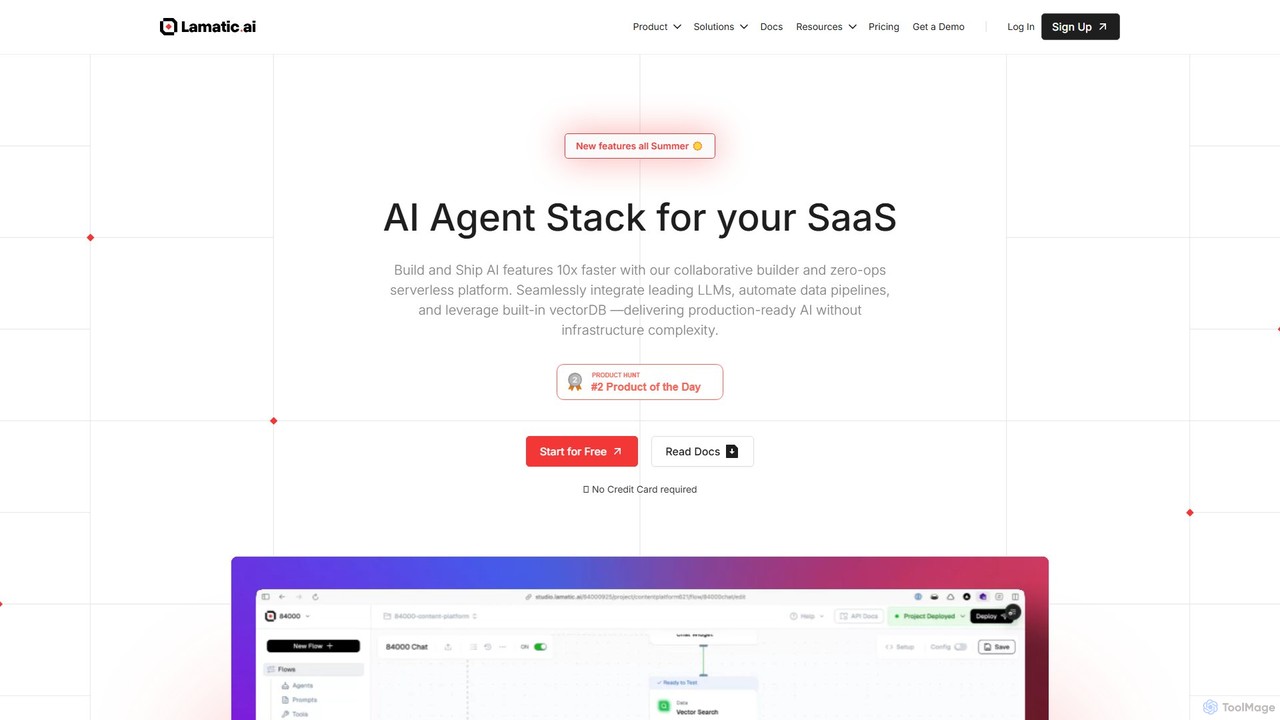
Lamatic.ai is a comprehensive platform designed for engineering teams to build, connect, and deploy AI agents on both cloud and edge environments. It features a visual flow builder, pre-built templates, and seamless one-click integrations to accelerate the development of agentic AI systems, from chatbots to image generators.

Ai Agent Development
Visits 36.4KFavorites 112Likes 116
xokind
Freemium

xokind

xokind is an advanced AI platform for building and deploying personalized, empathetic AI agents. Create no-code chatbots and virtual assistants with unique personalities, connect them to knowledge bases, and deploy them across multiple channels for customer support, personal coaching, or interactive marketing.

Virtual Assistant
Visits 6.1KFavorites 134Likes 112

About Chatbots

Chatbots are AI-powered software designed to simulate human conversation through text or voice interactions. These tools leverage Natural Language Processing (NLP) and Natural Language Understanding (NLU) to interpret user intent, process requests, and provide relevant, real-time responses. As a key component of productivity, chatbots automate repetitive communication tasks, enabling businesses to offer 24/7 support, qualify leads, and streamline internal workflows without constant human intervention. Their ability to integrate with various platforms makes them a versatile solution for enhancing user engagement and operational efficiency.

Core Features

  • Natural Language Processing (NLP): Understands and interprets the nuances of human language, not just keywords.
  • 24/7 Automated Responses: Provides instant, consistent answers to user queries at any time of day.
  • Multi-channel Integration: Deploys across websites, mobile apps, and messaging platforms like WhatsApp or Facebook Messenger.
  • Conversation Flow Builder: Offers visual interfaces to design, build, and customize conversational paths without coding.
  • Backend System Integration: Connects with CRMs, helpdesks, and databases to fetch information and perform actions.

Use Cases

Chatbots are widely adopted across various industries for external and internal communication. In e-commerce and SaaS, they are used for customer support and lead generation, answering product questions and scheduling demos. In human resources, they automate employee onboarding and answer policy-related questions. For IT departments, they function as a first-line helpdesk, resolving common issues like password resets.

How to Choose

When selecting a chatbot tool, first evaluate its NLP capabilities—how well it understands context and intent. Consider its integration options to ensure it connects seamlessly with your existing software stack (e.g., CRM, ticketing systems). Assess the ease of use of its conversation builder and the level of customization available. Finally, review its analytics features to measure performance and identify areas for improvement in conversational flows.

Featured tool rankings

Chatbots use cases

1

Automating 24/7 Customer Support

An e-commerce store manager uses an AI chatbot to provide instant support to customers around the clock. The chatbot is trained on the store's FAQ, product details, and return policies. When a customer asks about their order status, shipping times, or how to make a return, the chatbot instantly provides an accurate answer by accessing the integrated order management system. This frees up the human support team to handle complex inquiries, reducing response times and improving overall customer satisfaction.

2

Qualifying Sales Leads on a Website

A marketing manager for a B2B SaaS company implements a chatbot on their pricing page. The chatbot proactively engages visitors, asking questions to understand their needs, company size, and budget. Based on the responses, it qualifies them as a marketing qualified lead (MQL) and, if appropriate, offers to schedule a demo directly on the sales team's calendar. This process automates the top of the sales funnel, ensuring the sales team spends their time on high-potential prospects.

3

Streamlining Internal IT Helpdesk Support

An IT support lead in a large corporation deploys a chatbot within the company's internal messaging platform (e.g., Slack or Microsoft Teams). Employees can interact with the bot to resolve common issues like password resets, software access requests, or VPN troubleshooting. The chatbot guides them through step-by-step solutions or automatically creates a support ticket with all necessary information for more complex problems. This reduces the number of simple, repetitive tickets, allowing the IT team to focus on critical infrastructure issues.

4

Automating Appointment Booking for Services

The owner of a local service business, like a hair salon or a dental clinic, embeds a chatbot on their website. This bot handles all appointment scheduling. It shows available time slots, collects customer information, sends booking confirmations, and even processes pre-payments. It can also handle rescheduling and cancellation requests automatically. This eliminates the need for a receptionist to manage bookings over the phone, reducing administrative overhead and preventing double-bookings.

5

Conducting Conversational User Surveys

A product manager wants to gather feedback on a new feature. Instead of using a static form, they deploy a chatbot to engage users in a conversational survey. The chatbot asks open-ended questions and can adapt its follow-up questions based on the user's sentiment and previous answers. This approach feels more natural and engaging for the user, leading to higher completion rates and richer, more detailed qualitative feedback compared to traditional survey forms.

6

Facilitating New Employee Onboarding

An HR manager sets up an onboarding chatbot for new hires. From day one, the chatbot proactively guides new employees through essential tasks, such as setting up their accounts, completing paperwork, and understanding company benefits. It can answer common questions about company culture, policies, and who to contact for specific issues. This provides a consistent and accessible source of information, helping new employees feel supported and become productive faster, while reducing the administrative burden on the HR team.

Chatbots FAQ

What is an AI chatbot?

An AI chatbot is a computer program that uses artificial intelligence, particularly Natural Language Processing (NLP), to simulate human-like conversations with users. Unlike simple rule-based bots, AI chatbots can understand user intent, handle complex queries, and learn from interactions to improve their responses over time. They are commonly used for customer service, lead generation, and automating internal support tasks across various digital channels.

How to choose the right chatbot for my business?

To choose the right chatbot, consider these factors:

  • Primary Goal: Determine if you need it for customer support, sales, or internal automation. This will define the required features.
  • Integration Capabilities: Ensure it can connect with your essential tools like CRM, helpdesk software, and messaging platforms.
  • Ease of Use: Evaluate the conversation builder. Choose a no-code/low-code platform if you don't have a dedicated development team.
  • NLP Quality: Assess its ability to understand user intent and context, especially for complex, non-linear conversations.
  • Scalability: Select a tool that can grow with your business in terms of conversation volume and feature complexity.
What's the difference between an AI chatbot and a rule-based chatbot?

The key difference lies in how they process information. A rule-based chatbot follows a pre-defined script or decision tree. It can only respond to specific commands and keywords it's programmed to recognize, making it suitable for simple, predictable FAQs. An AI chatbot uses machine learning and NLP to understand the user's intent, context, and sentiment. It can handle variations in language, learn from conversations, and manage more complex, dynamic interactions, making it more flexible and human-like.

What are the key functions of a modern chatbot platform?

Modern chatbot platforms typically offer a suite of functions to build and manage conversational AI. Key features include a visual drag-and-drop conversation builder, a powerful Natural Language Processing (NLP) engine for intent recognition, multi-channel deployment options (website, apps, social media), integration capabilities via APIs, and a comprehensive analytics dashboard to track performance metrics like engagement rates and resolution times.

Which departments can benefit from using chatbots?

Chatbots offer productivity benefits across multiple departments. Customer Support can automate responses to common questions, reducing ticket volume. Sales and Marketing can use them to qualify leads 24/7 and guide users through the sales funnel. Human Resources (HR) can streamline onboarding and answer internal policy questions. IT Departments can deploy them as a first-line helpdesk to resolve simple technical issues, freeing up specialists for more complex tasks.