ToolMage
Sign in

Best 6 Cost Management AI tools for Productivity

Popular Cost Management AI tools in Productivity include Salad, Aporia, Zetic.ai, llm_price, ModelFusion, and Blackman AI, helping you work more efficiently.

Blackman AI
Paid

Blackman AI

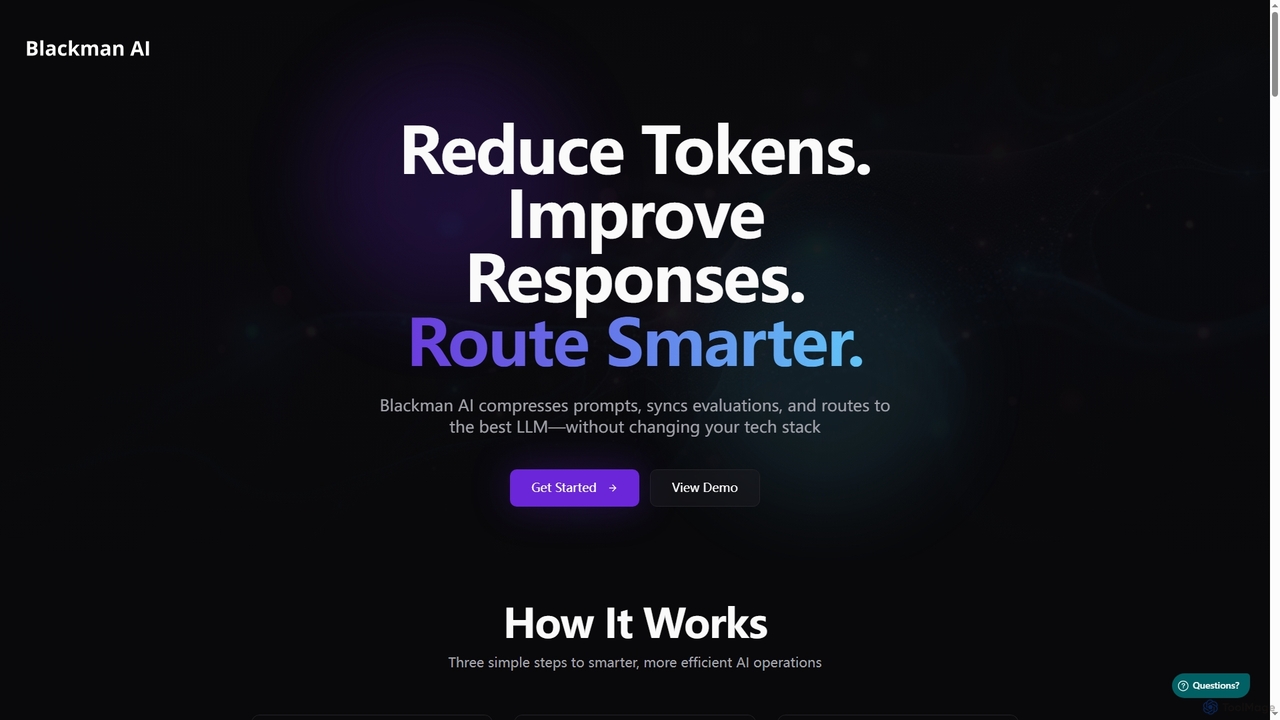
Blackman AI is an intelligent platform designed to optimize AI operations by reducing token usage, improving LLM responses, and routing requests to the most cost-effective models. It provides real-time analytics and robust security features without altering your existing tech stack.

Model Routing
Visits 5.6KFavorites 108Likes 102
Zetic.ai
Freemium

Zetic.ai

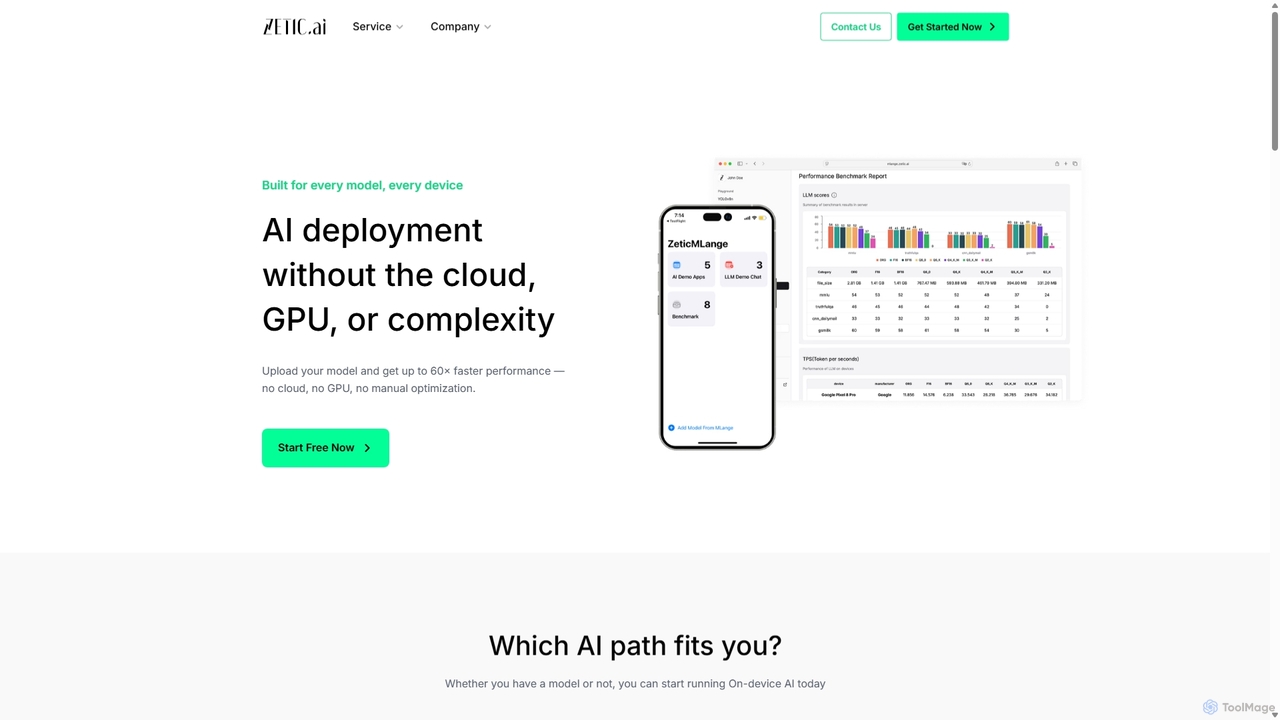
Zetic.ai is a platform that enables developers to deploy AI models directly on edge devices, eliminating the need for expensive GPU servers. Its automated pipeline, ZETIC.MLange, optimizes and converts models for on-device execution, achieving up to 60x faster performance with NPU acceleration while ensuring data privacy and reducing latency.

Edge Computing
Visits 12.3KFavorites 153Likes 136
ModelFusion
Freemium

ModelFusion

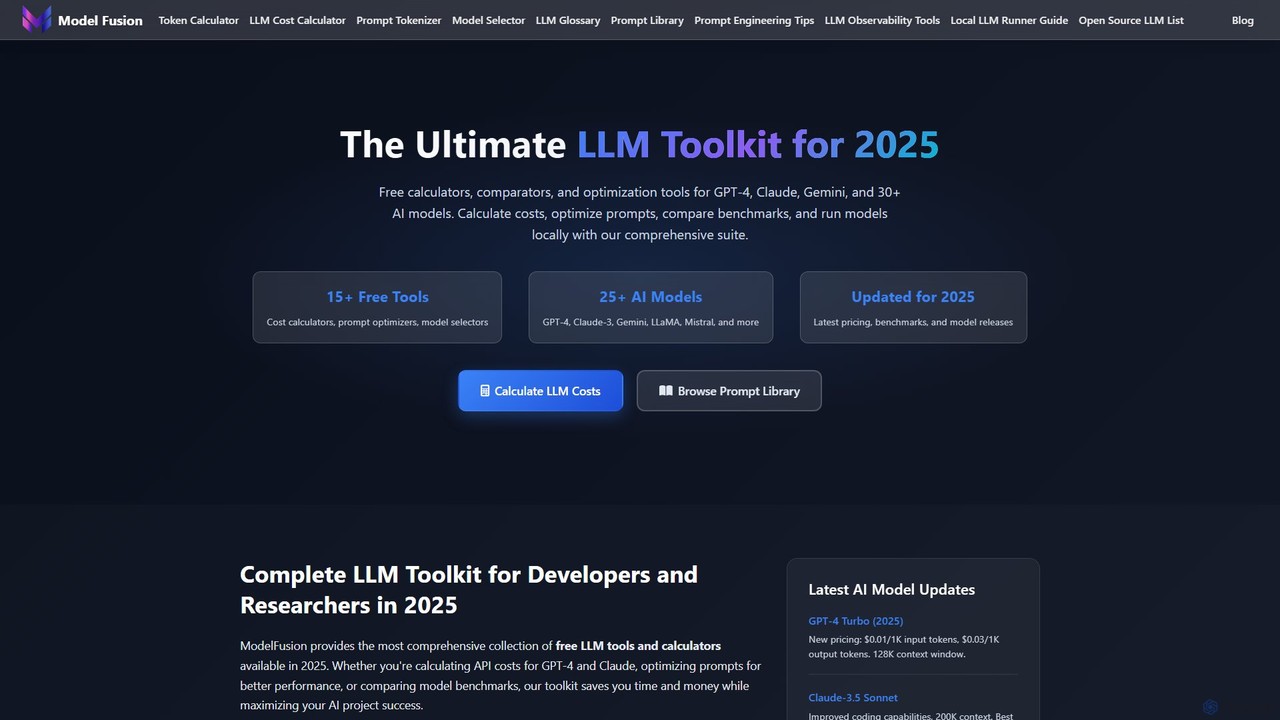
ModelFusion is an all-in-one LLM toolkit for developers and researchers. It offers a suite of free tools, including a cost calculator, prompt library, and model comparator for over 30 AI models like GPT-4, Claude, and Gemini. It also provides a unified API and local model running guides to streamline AI development and optimize costs.

Api
Visits 6.5KFavorites 123Likes 120
Salad
Paid

Salad

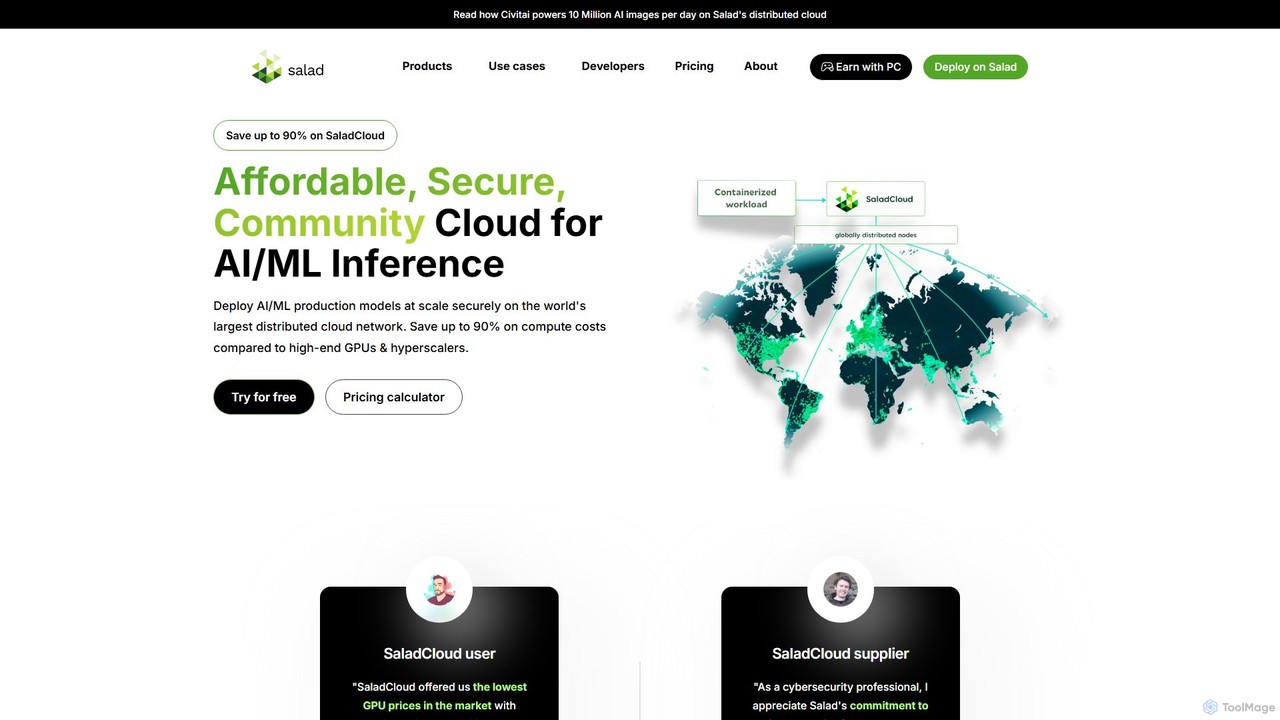
Salad is a distributed GPU cloud platform that harnesses unused computing power from a global network of consumer PCs. It offers businesses highly affordable and scalable on-demand GPU resources for AI/ML workloads, model training, and inference, reducing compute costs by up to 90% compared to traditional cloud providers.

Model Deployment
Visits 619.3KFavorites 135Likes 132
Aporia
Freemium

Aporia

Aporia is an enterprise-grade platform providing AI Guardrails and Observability for any AI workload. It ensures AI applications are secure, reliable, and compliant by preventing issues like prompt injections, data leakage, and hallucinations, while also offering detailed cost management for LLMs.

Monitoring
Visits 13.2KFavorites 121Likes 118
llm_price
Free

llm_price

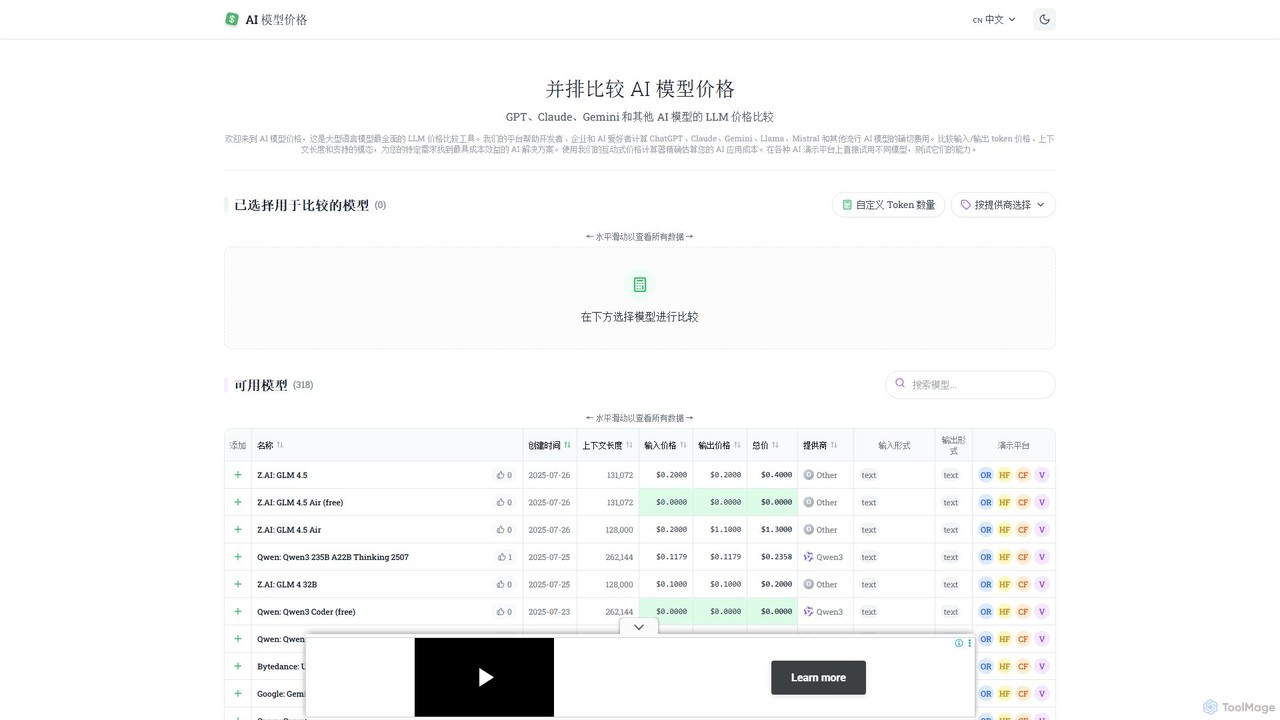
llm_price is a comprehensive comparison tool for Large Language Model (LLM) API pricing. It enables developers, businesses, and AI enthusiasts to easily compare the costs of hundreds of models from providers like OpenAI, Google, Anthropic, and Mistral. With an interactive cost calculator and side-by-side analysis of token prices, context lengths, and modalities, it simplifies the process of selecting the most cost-effective AI solution for any project.

Api Management
Visits 11.5KFavorites 112Likes 123

About Cost Management

Cost Management tools are AI-powered platforms designed to monitor, analyze, and optimize technology-related expenditures. Leveraging integrations with cloud providers and SaaS applications, they automatically aggregate usage data to provide a unified view of spending. These tools help organizations prevent budget overruns, identify savings opportunities, and make data-driven decisions about resource allocation. By providing predictive forecasting and anomaly detection, they offer proactive control over financial operations, directly enhancing overall productivity by ensuring resources are used efficiently.

Core Features

  • Real-time Cost Tracking: Continuously monitors spending across multiple services, projects, and teams.
  • Budgeting and Forecasting: Enables setting spending limits, creating budgets, and predicting future costs based on historical data.
  • Anomaly Detection: Automatically identifies unusual spending patterns or sudden cost spikes to prevent waste.
  • Optimization Recommendations: Provides actionable insights to reduce costs, such as rightsizing resources or eliminating unused assets.
  • Cost Allocation and Reporting: Attributes costs to specific teams, projects, or products for accurate chargeback and detailed reporting.

Use Cases

These tools are essential for FinOps professionals, DevOps engineers, IT managers, and finance departments in technology-driven companies. They are commonly used for managing multi-cloud infrastructure costs (AWS, Azure, GCP), controlling SaaS subscription sprawl, and allocating project-specific budgets in development agencies or large enterprises.

How to Choose

When selecting a Cost Management tool, consider the breadth of its integrations with your existing cloud and SaaS providers. Evaluate the granularity of its reporting and cost allocation capabilities. Assess the sophistication of its AI-driven optimization recommendations and the responsiveness of its anomaly detection alerts. Finally, consider its pricing model and scalability to ensure it aligns with your organization's growth.

Cost Management use cases

1

Cloud Cost Optimization for Startups

A tech startup uses a cost management tool to monitor its AWS bill. The AI-powered platform analyzes usage patterns and identifies several underutilized EC2 instances running 24/7. Based on the tool's recommendation, the DevOps team implements a rightsizing plan and schedules non-production instances to shut down outside of business hours. This proactive measure reduces their monthly cloud spend by 30%, freeing up capital for product development and extending their financial runway.

2

Managing SaaS Subscription Sprawl

An enterprise IT department uses a cost management tool to gain visibility into its software-as-a-service (SaaS) portfolio. By integrating with financial and SSO systems, the tool automatically discovers all active subscriptions, identifies redundant applications with overlapping functionality, and flags unused licenses. The IT manager uses this data to consolidate tools, negotiate better enterprise-wide contracts, and de-provision accounts for former employees, resulting in a 20% reduction in annual software spending.

3

Project-Based Budget Tracking for Agencies

A digital marketing agency uses a cost management tool to track cloud expenses for each client project. By using resource tagging, they allocate costs from shared infrastructure (like databases and Kubernetes clusters) to specific client accounts. The tool generates automated monthly reports showing the exact cost-to-serve for each client, enabling the agency to ensure project profitability, provide transparent billing, and accurately quote future projects based on historical resource consumption data.

4

Anomaly Detection to Prevent Bill Shock

A development team is testing a new data processing pipeline. A misconfiguration causes an infinite loop, leading to a massive spike in data transfer costs. The team's cost management tool, with its AI-powered anomaly detection, identifies this unusual activity within hours. It sends an immediate alert to the team lead via Slack, who can then quickly intervene to stop the process and fix the bug. This prevents a potential five-figure overage on their monthly cloud bill, a classic case of 'bill shock'.

5

Strategic Cost Allocation for FinOps Teams

A FinOps team at a large corporation uses a cost management platform to implement a comprehensive cost allocation strategy. They work with engineering teams to enforce a strict resource tagging policy. The platform then automatically ingests these tags to allocate shared infrastructure costs (e.g., networking, shared databases) back to the specific business units that consume them. This creates a culture of cost accountability and enables the finance department to accurately track the total cost of ownership (TCO) for each product line.

6

Forecasting AI Model Training Costs

A data science team is planning to train a new large language model on a cloud GPU cluster. Before starting, they use a cost management tool's forecasting feature. By inputting the expected instance types, number of hours, and data transfer volume, the tool provides a detailed cost projection for the entire training job. This allows the team to secure the necessary budget approval, compare the cost-effectiveness of different cloud providers, and schedule the job during off-peak hours to take advantage of lower spot instance pricing.

Cost Management FAQ

What are AI Cost Management tools?

AI Cost Management tools are specialized software platforms that help organizations monitor, analyze, and optimize their spending on cloud services and SaaS applications. They use AI and machine learning to provide features like real-time cost visibility, budget tracking, anomaly detection to prevent unexpected bills, and actionable recommendations for cost reduction. These tools are a core component of FinOps (Cloud Financial Management) practices, enabling collaboration between finance, engineering, and business teams to maximize the value of cloud investments.

How do I choose the right Cost Management tool?

Choosing the right tool depends on your specific needs. Consider these key factors:

  • Integrations: Ensure the tool connects seamlessly with all your cloud providers (AWS, Azure, GCP), Kubernetes clusters, and major SaaS applications.
  • Cost Allocation Granularity: Check if the tool can allocate costs accurately based on your tagging strategy, shared resources, and business units.
  • Optimization Features: Evaluate the quality of its AI-driven recommendations. Does it suggest rightsizing, purchasing reserved instances, or eliminating waste effectively?
  • Alerting and Reporting: Assess its ability to provide timely anomaly alerts and customizable reports that are relevant to different stakeholders (engineers, finance, executives).
What's the difference between a Cost Management tool and a native cloud billing dashboard?

While native cloud billing dashboards (like AWS Cost Explorer or Azure Cost Management) provide basic cost visibility, specialized Cost Management tools offer more advanced capabilities. Key differences include:

  • Multi-Cloud and SaaS Support: Third-party tools provide a single pane of glass for all your tech spending, not just one provider.
  • Advanced AI Recommendations: They often use more sophisticated algorithms for anomaly detection and optimization suggestions than native tools.
  • Enhanced Cost Allocation: They offer more flexible ways to allocate shared and untagged costs, providing a truer picture of costs per project or product.
  • Automation: Many tools can automate cost-saving actions, such as shutting down idle resources, which native dashboards typically cannot do.
Who benefits most from using Cost Management tools?

Various roles across an organization benefit from these tools. FinOps Professionals use them to build a culture of cost accountability. DevOps and Engineering Teams get visibility into the cost impact of their code and infrastructure, enabling them to build more cost-efficiently. Finance Departments gain accurate, real-time data for budgeting and forecasting. IT Managers use them to control SaaS sprawl and optimize software licensing. Finally, Executives receive high-level dashboards to understand the ROI of their cloud and technology investments.

Can Cost Management tools actually reduce my cloud bill?

Yes, but they are not a magic button. These tools provide the visibility, insights, and recommendations needed to reduce costs. The actual savings depend on your organization's commitment to acting on these recommendations. Common ways they help reduce bills include:

  • Identifying and eliminating idle or underutilized resources (waste).
  • Recommending the purchase of cost-saving plans like Reserved Instances or Savings Plans.
  • Detecting costly anomalies or misconfigurations before they escalate.
  • Providing data to help teams re-architect applications for better cost efficiency.

Effective use of these tools, as part of a broader FinOps strategy, consistently leads to significant cost savings.