Freemium
From Process
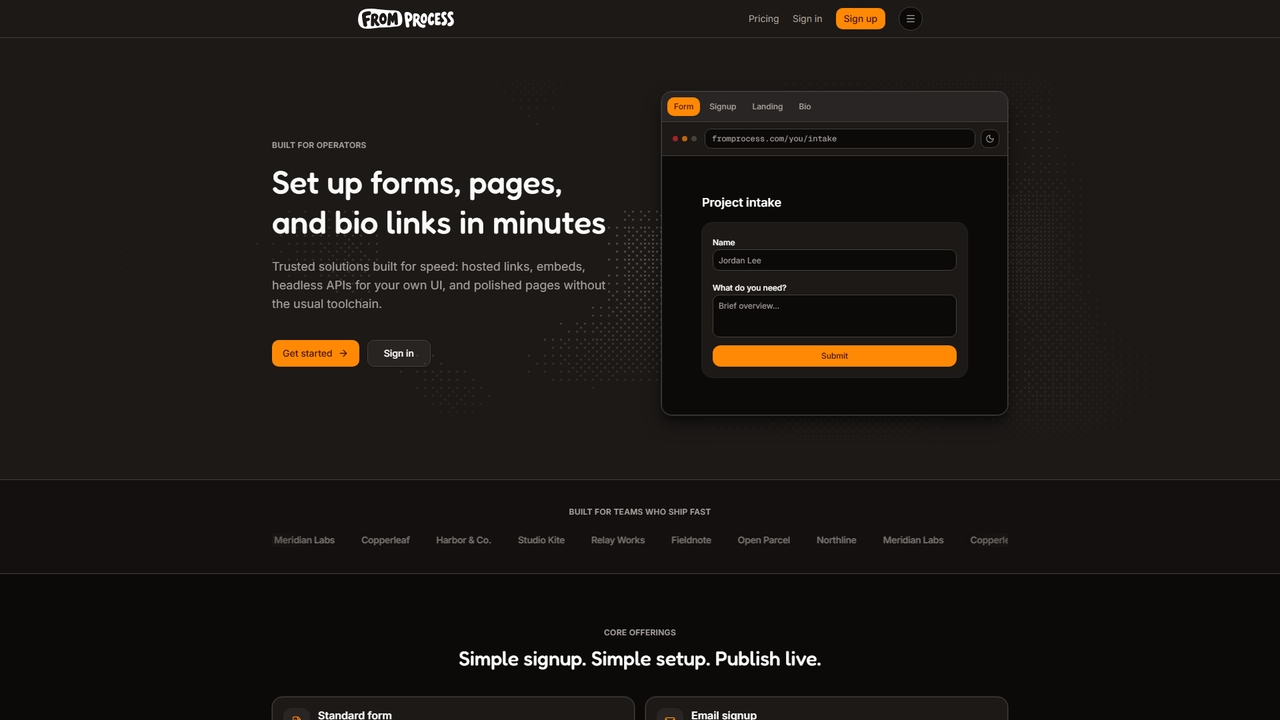
A platform for operators to quickly create forms, pages, and bio links with embedded options and agent support.
Link ManagementVisits 6.5KFavorites 29Likes 41
Popular Form Builder AI tools in Productivity include Quiz Maker, Yay! Forms, Grasshopper Signup, Weavely, Deformity, Meiro, Feathery, Formisoft, Nexform, and twilix, helping you work more efficiently.
A platform for operators to quickly create forms, pages, and bio links with embedded options and agent support.
Link Management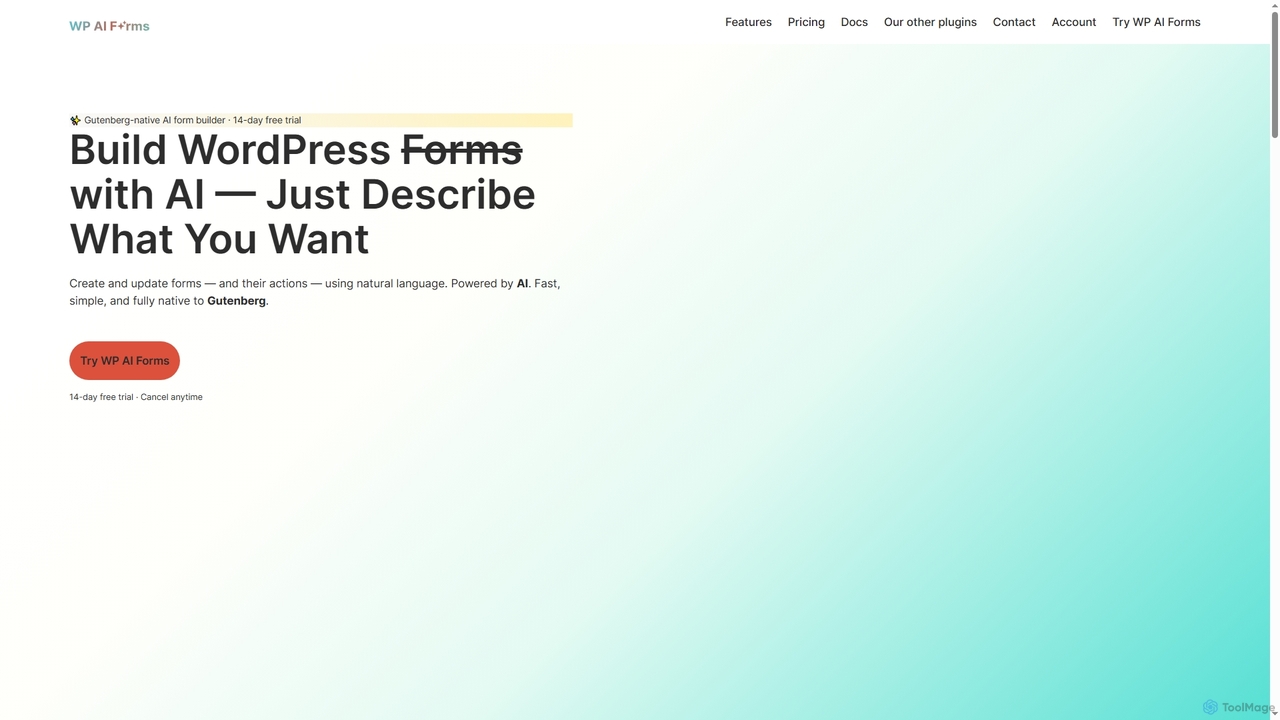
WP AI Forms is a Gutenberg-native WordPress plugin that leverages AI to instantly create and update forms using natural language. It simplifies form building, allowing users to describe their desired form and watch it appear, complete with fields, layouts, validation, and actions.
Content Generation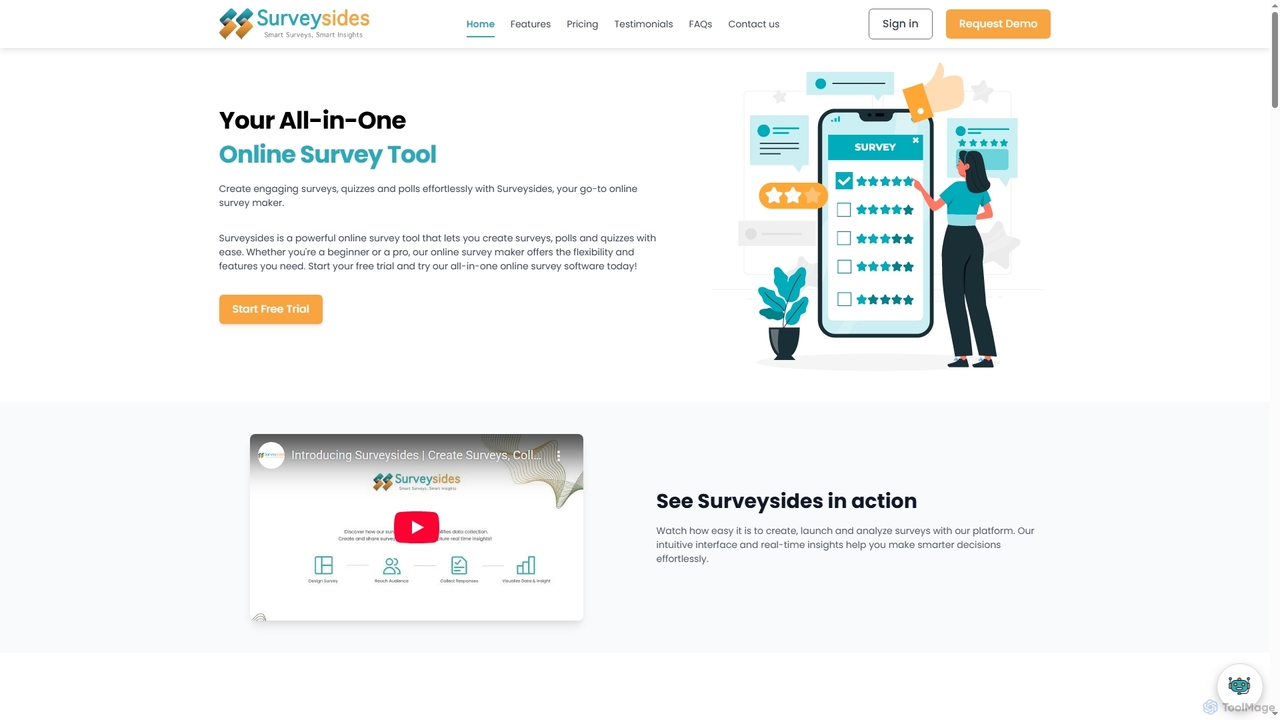
Surveysides is an all-in-one online survey tool designed to help users effortlessly create engaging surveys, quizzes, and polls. It offers an intuitive interface, advanced question types, and AI-powered analytics to transform raw feedback into actionable insights, enabling smarter decision-making for businesses, educators, and researchers.
Sentiment Analysis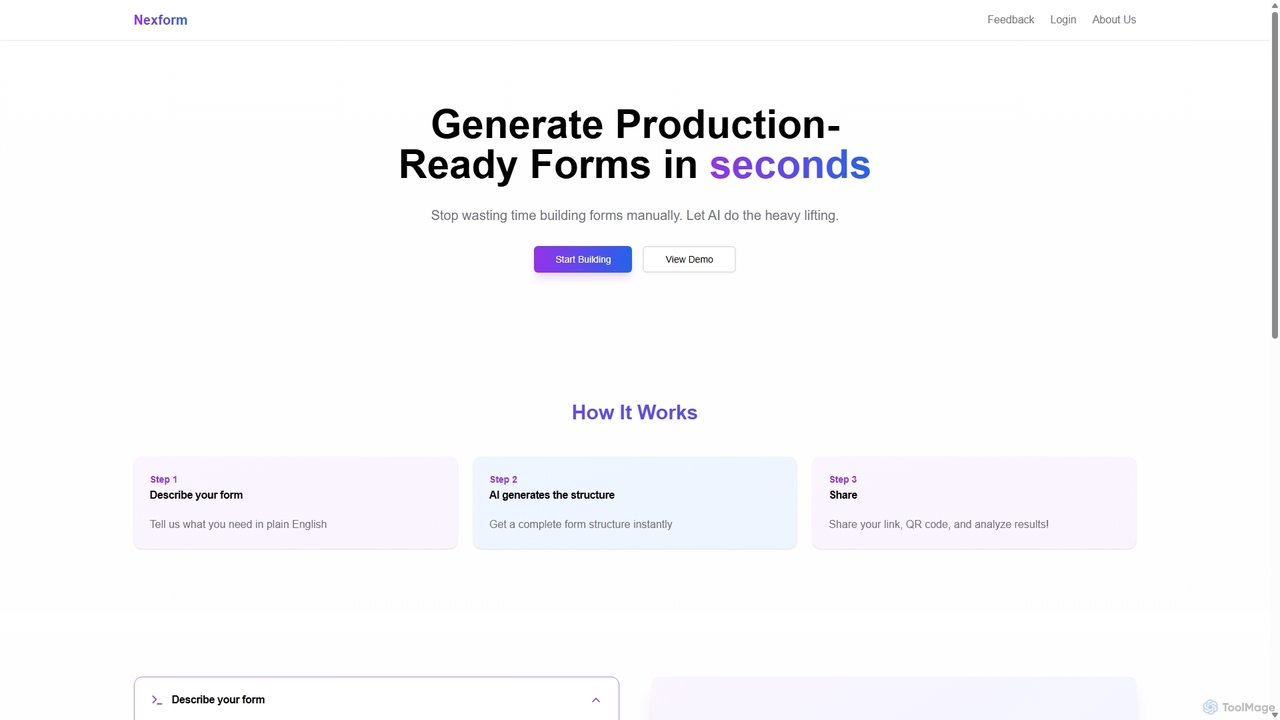
Nexform is an AI-powered form builder that transforms plain text descriptions into fully functional, production-ready web forms in seconds. It automates the entire form creation process, from structure generation to smart validation, empowering developers and businesses to build and deploy forms with unprecedented speed and efficiency.
No Code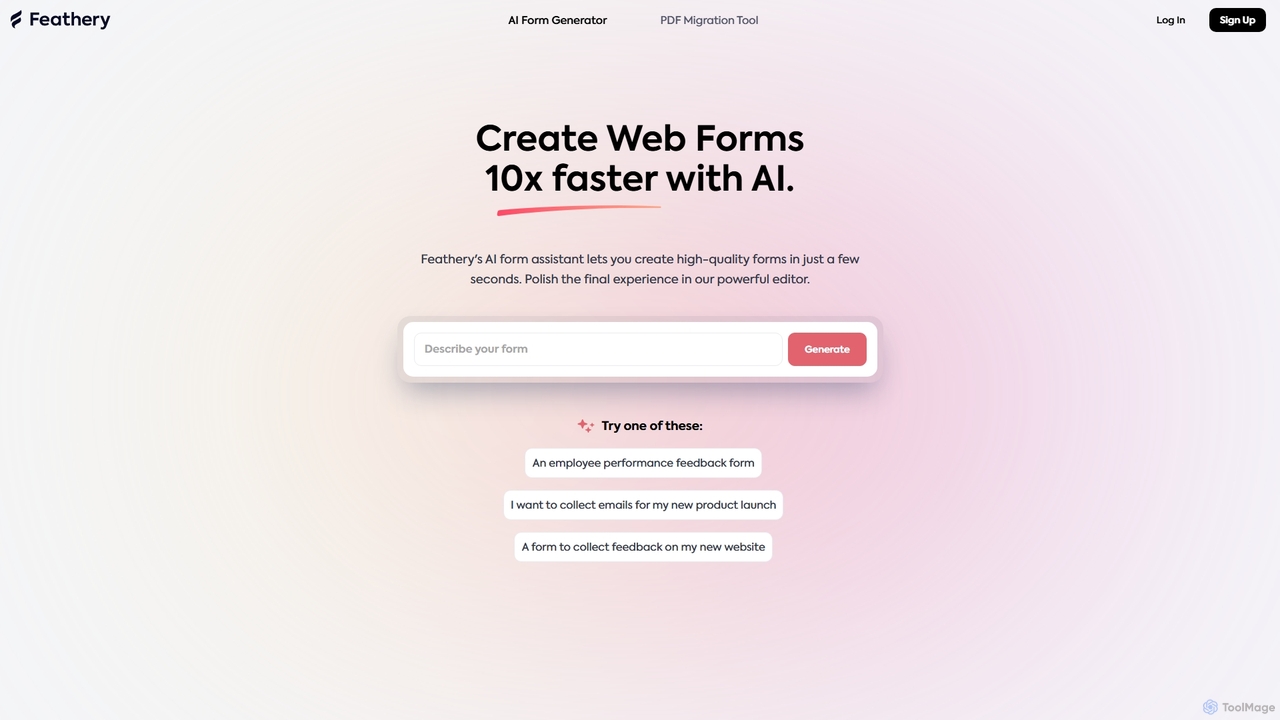
Feathery is an AI-powered form builder that accelerates web form creation by 10x. Use natural language to generate complex forms in seconds, or instantly convert static PDFs into interactive digital forms. Refine and customize your forms with a powerful no-code editor for a perfect user experience.
Data Collection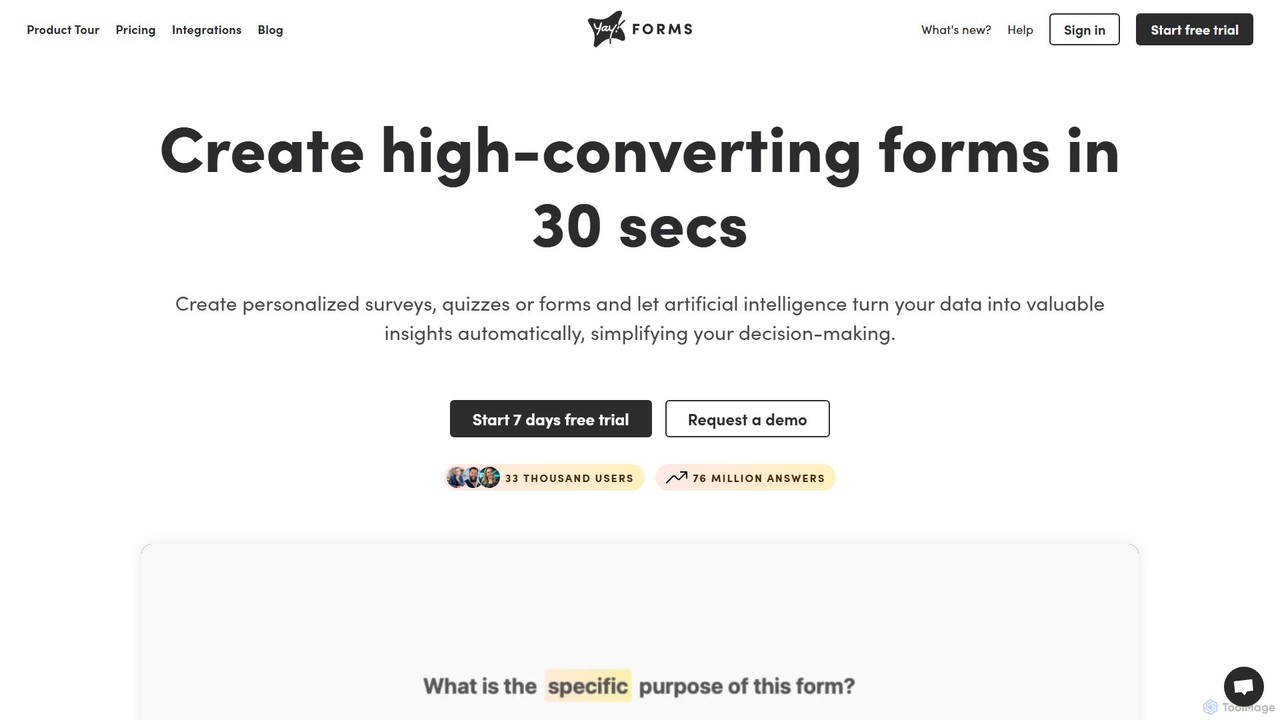
Yay! Forms is an AI-powered form builder designed to create high-converting forms and surveys in seconds. It leverages artificial intelligence to provide deep insights from responses, including sentiment analysis, emotion detection, and automatic keyword extraction. Ideal for marketing, sales, HR, and research, it helps automate workflows through seamless integrations with popular tools.
Feedback Collection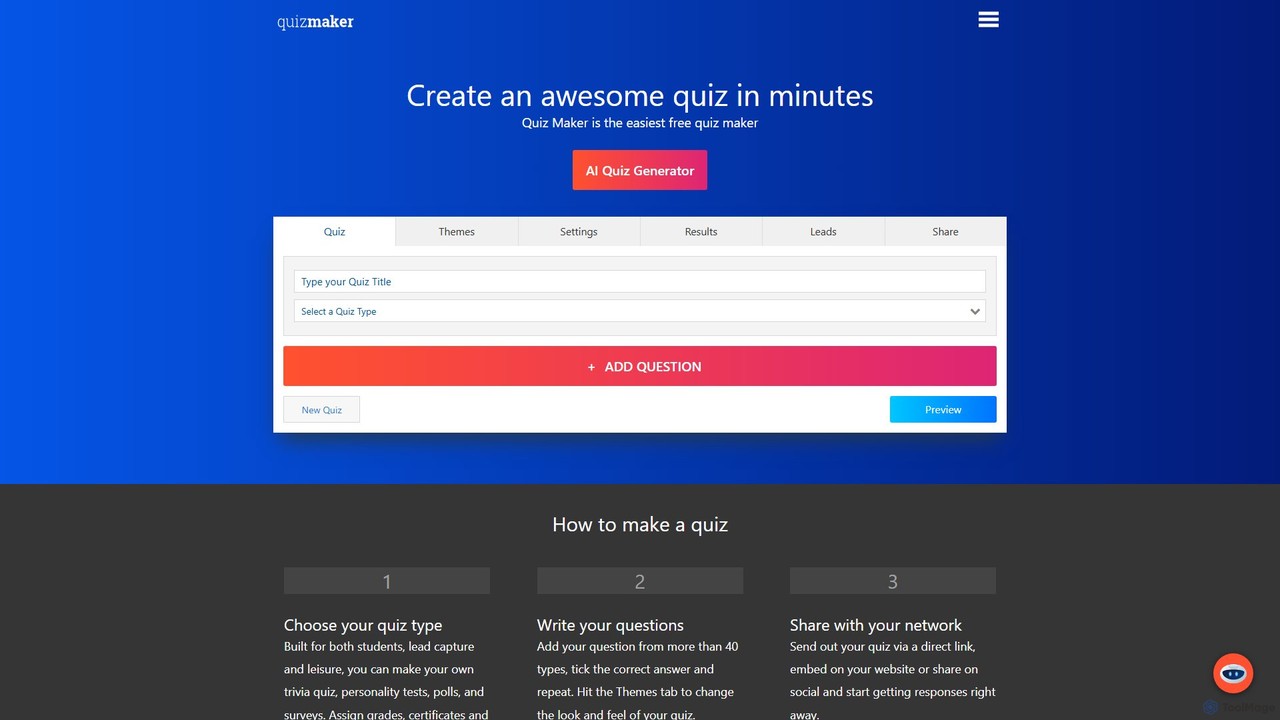
Quiz Maker is a versatile online platform that uses AI to help users create engaging quizzes, personality tests, surveys, and polls in minutes. It's designed for education, marketing, HR, and personal use, featuring an AI Quiz Generator, an AI Tutor for enhanced learning, robust lead capture tools, and extensive customization options.
Assessment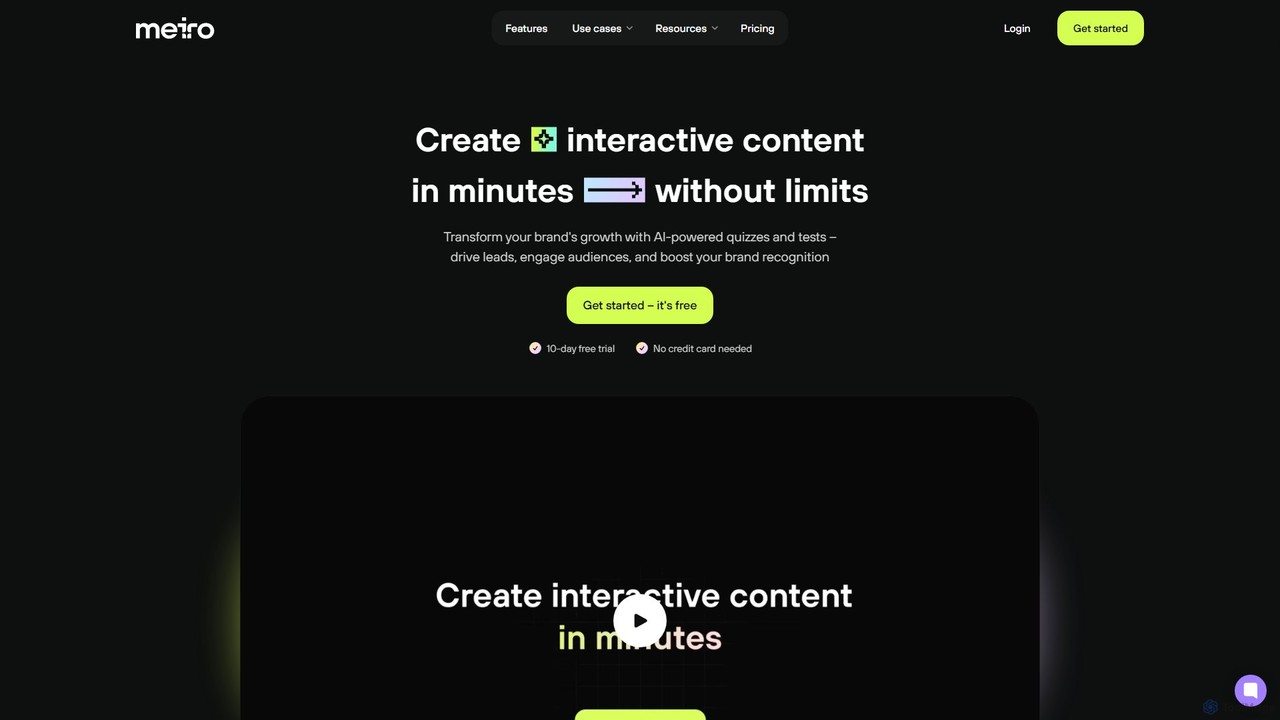
Meiro is an AI-powered platform for creating interactive quizzes and tests in minutes. It helps businesses and creators drive lead generation, engage audiences, and enhance brand recognition by transforming ideas or existing content into compelling interactive experiences with advanced analytics and customization.
Assessment
twilix is an open-source, AI-powered form builder, positioned as a powerful alternative to Typeform. It enables users to create beautiful, interactive forms, surveys, and quizzes from simple text descriptions. Offering self-hosting for complete data control, extensive customization, and seamless integrations, twilix is ideal for developers, marketers, and businesses seeking a flexible and cost-effective data collection solution.
Open Source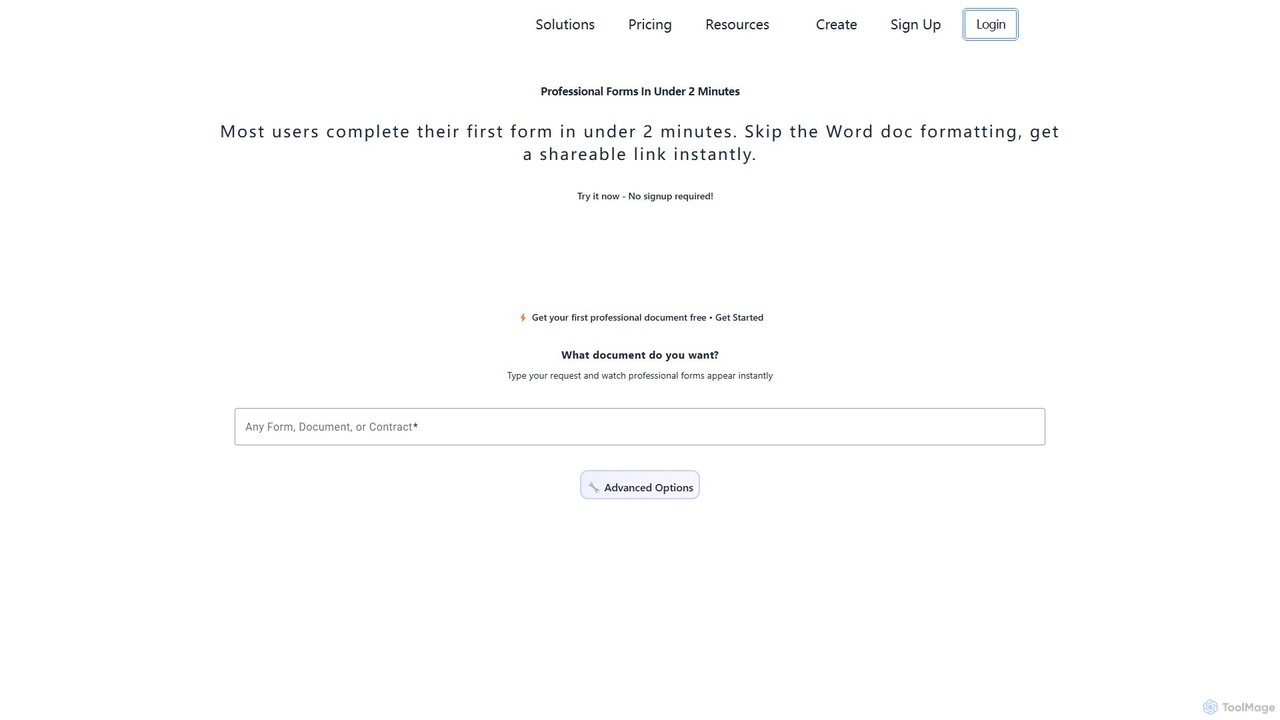
Formzil is an AI-powered form builder that creates professional forms, surveys, and contracts in minutes. Simply describe the document you need, and the AI generates it instantly. It's designed to save hours of work, improve data collection, and enhance client interactions with features like conditional logic, custom branding, and analytics.
Data Collection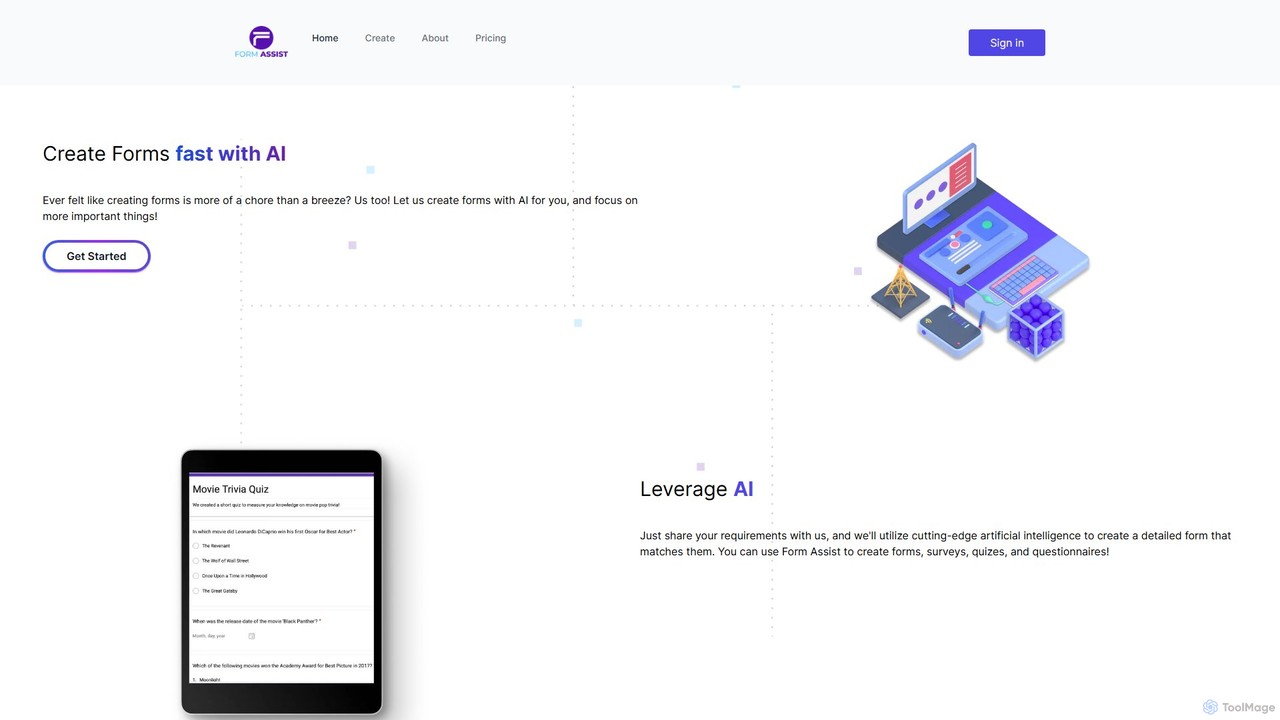
form_assist is an AI-powered tool that simplifies the creation of forms, surveys, quizzes, and questionnaires. Simply describe your requirements in a chat interface, and the AI generates a detailed Google Form directly in your Google Drive. It supports multiple languages and offers a flexible, token-based pricing model.
Data Collection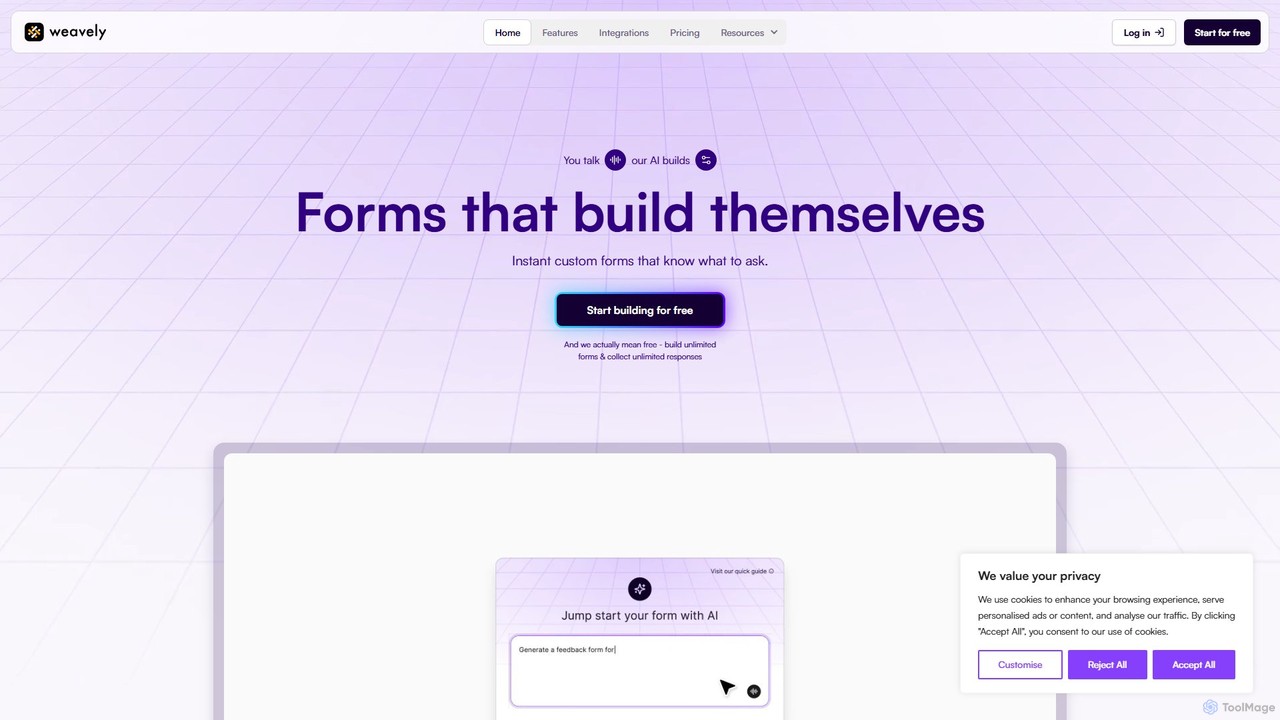
Weavely is an AI-powered form builder that creates intelligent, conversational forms instantly. Just describe your needs, and Weavely generates relevant questions and logic, streamlining data collection. It's a smarter, more engaging alternative to traditional tools like Google Forms and Typeform, designed to boost completion rates and save you time.
Surveys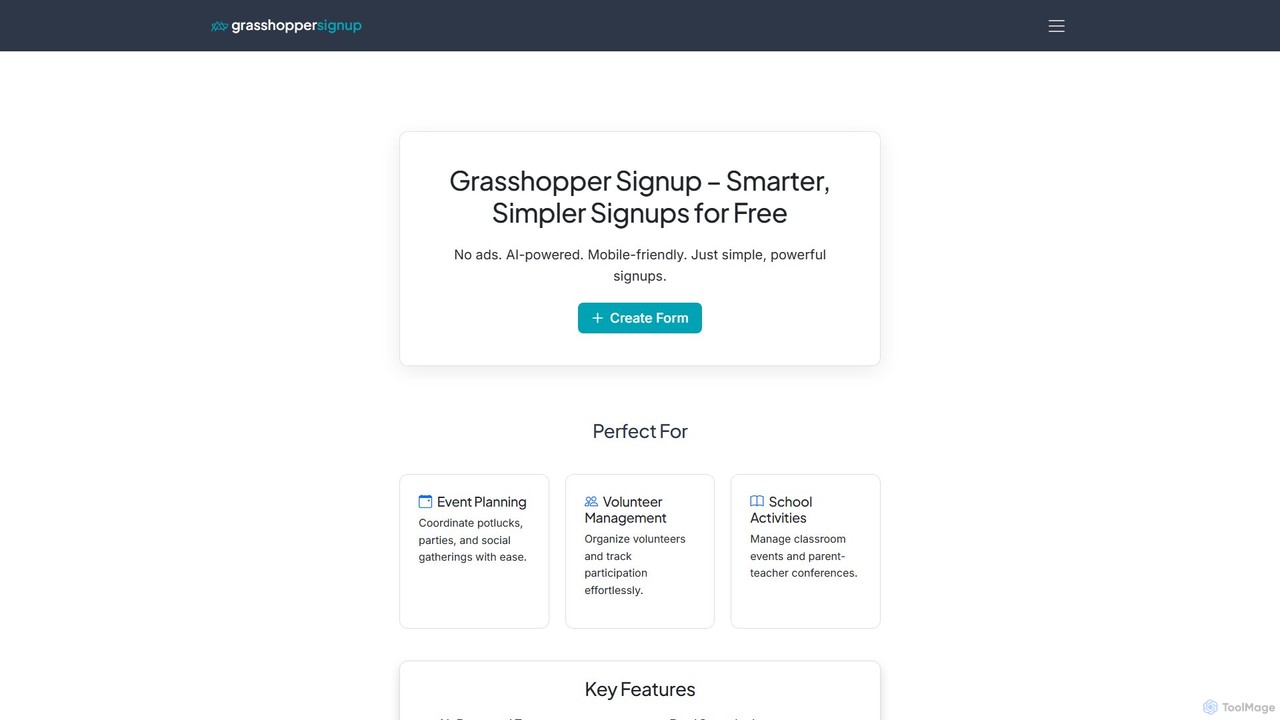
Grasshopper Signup is an ad-free, AI-powered tool for creating smart and simple online signup forms. Ideal for event planning, volunteer management, and school activities, it offers features like custom branding, payment collection via PayPal/Venmo, automatic reminders, and smart waitlists. Its AI assistant helps you build perfectly organized, mobile-friendly forms in seconds, completely free to start.
Registration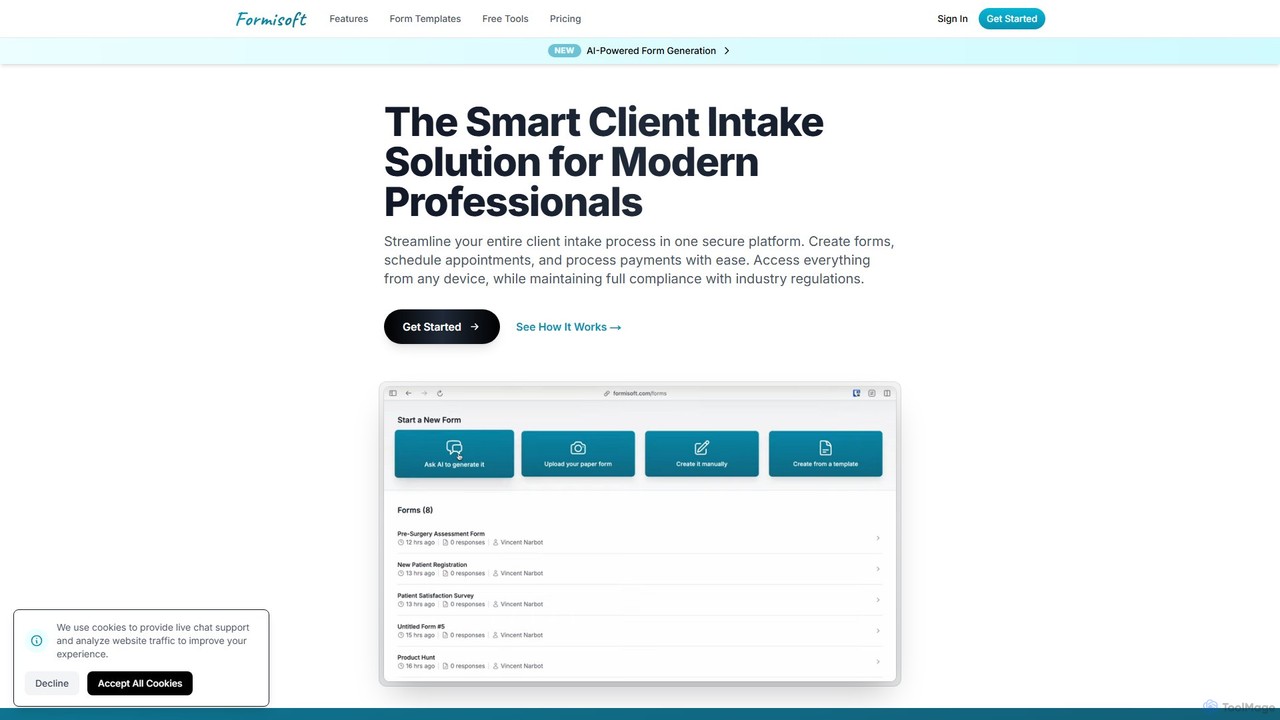
Formisoft is an AI-powered, secure client intake platform for modern professionals. It streamlines form creation, appointment scheduling, and payment processing in one compliant solution. Digitize paper forms, build dynamic forms with AI, and enhance the client experience with mobile-friendly, easy-to-use interfaces.
Client Management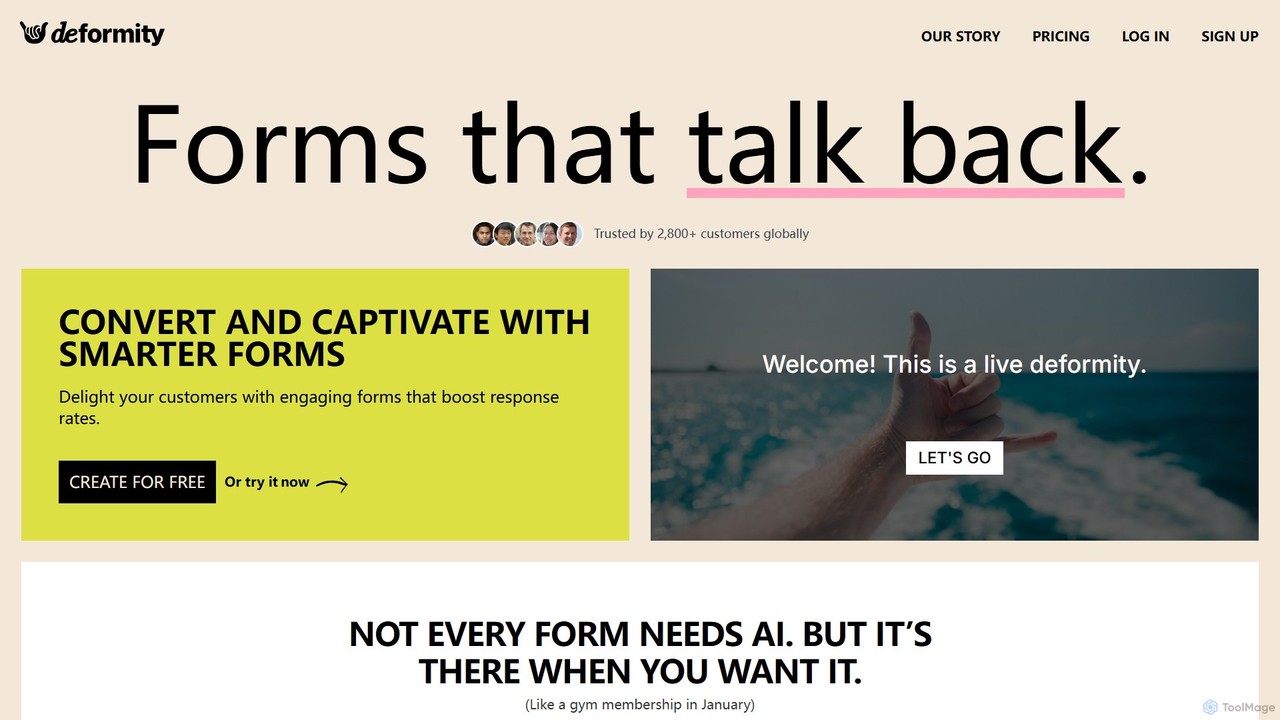
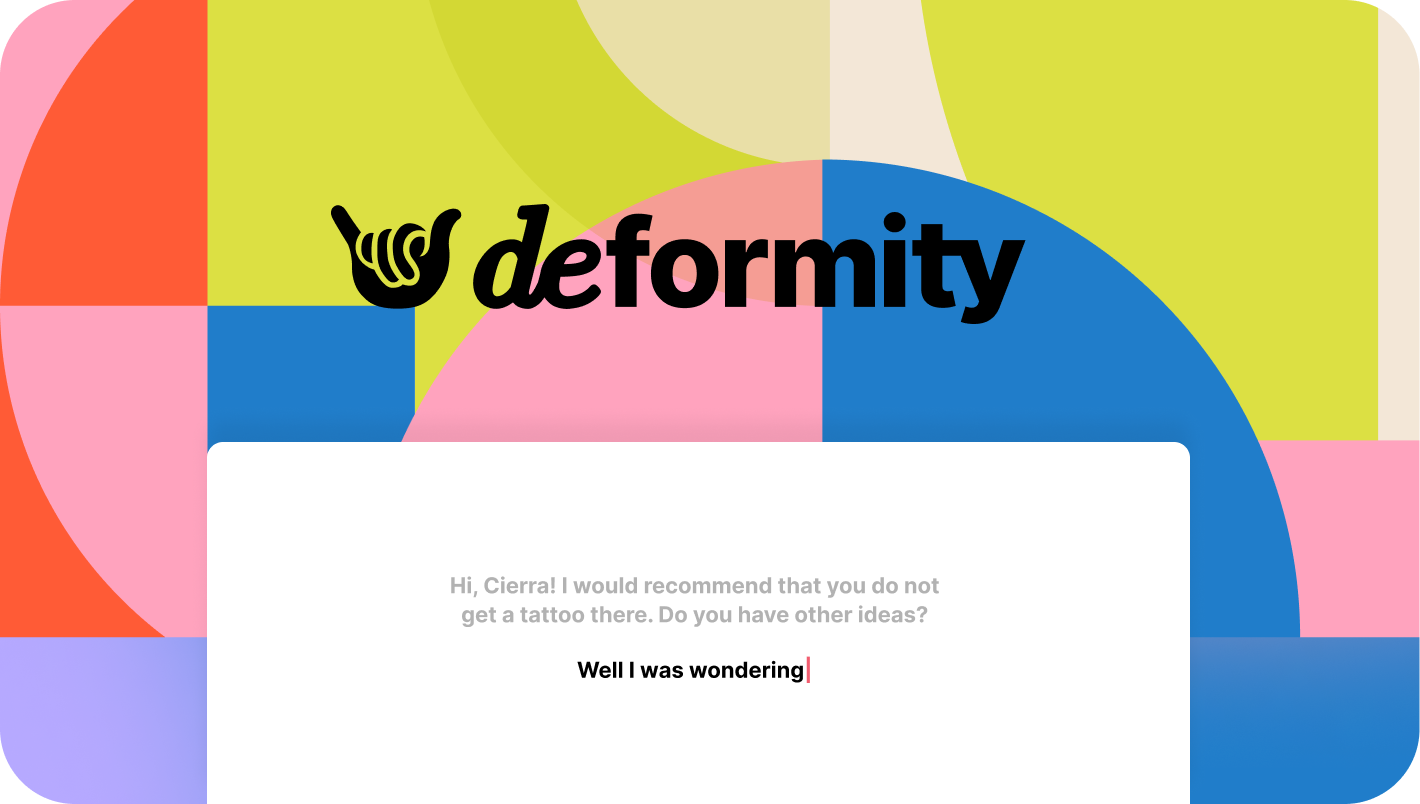
Deformity is an AI-powered form builder that creates engaging, conversational forms to boost response rates. It offers a unique dual-mode approach, allowing you to either let AI generate dynamic, adaptive flows or manually craft beautiful, branded forms. With no-code logic, 120+ language support, and extensive integrations, Deformity makes data collection smarter, smoother, and more human.
SurveysAI Form Builders are tools that use artificial intelligence to create, optimize, and analyze online forms, surveys, and quizzes. They leverage AI to automate question generation, implement conversational interfaces, and apply dynamic conditional logic. This streamlines data collection for tasks like lead generation, customer feedback, and market research, significantly improving user engagement and completion rates. Unlike traditional builders, AI-powered versions can adapt in real-time and extract deeper insights from submitted data, making them a core component of modern productivity workflows.
AI Form Builders are widely used across various departments. Marketing and sales teams use them for interactive lead capture and qualification. Product and customer success teams deploy them for gathering in-depth user feedback. HR departments utilize them for employee onboarding and satisfaction surveys, while researchers rely on them for creating more effective and less biased market research questionnaires.
When selecting an AI Form Builder, consider the depth of its AI capabilities—does it only generate questions or also analyze responses? Evaluate its integration ecosystem to ensure it connects with your existing CRM, email marketing, and database tools. Assess the level of customization for branding and design. Finally, consider the user interface's intuitiveness and the platform's data security and compliance standards.
A marketing manager needs to capture high-quality leads from a landing page and qualify them without manual effort. They use an AI form builder to create a conversational form that asks targeted qualifying questions. The form uses conditional logic to delve deeper based on the prospect's budget, timeline, and specific needs. Once submitted, the AI analyzes the responses, scores the lead, and automatically syncs the qualified contact to the CRM, assigning it to the correct sales representative. This process reduces lead response time significantly and increases the sales team's efficiency by focusing only on high-potential prospects.
A product manager wants to gather detailed feedback on a new feature. Instead of a static survey, they use an AI form builder to create a dynamic, chat-like experience. The form asks open-ended questions, and the AI performs real-time sentiment analysis on the text responses. If a user expresses frustration, a conditional logic path is triggered to ask for more specific details about their issue. This approach leads to higher completion rates and provides the product team with nuanced, actionable insights that are pre-categorized by the AI, saving hours of manual data analysis.
An event coordinator is managing registrations for a conference with multiple workshops and ticket types. They use an AI form builder to create a smart registration form. The form automatically shows relevant workshop options based on the attendee's selected ticket type. It can also suggest sessions based on the job title or industry provided by the registrant. Upon completion, the data is not only sent to a spreadsheet but also used to automatically segment attendees into different email lists for targeted pre-event communication, ensuring a personalized experience for every participant.
A content creator wants to boost audience engagement and capture email sign-ups. They use an AI form builder to design an interactive 'What's Your Marketing Superpower?' quiz. The AI helps generate engaging questions and assigns points to different answers. Based on the final score, the user is directed to one of several personalized results pages with tailored content recommendations. To see their results, users provide their email address. This gamified approach turns a simple form into a valuable content piece, significantly increasing lead capture rates compared to a standard newsletter sign-up form.
An HR specialist needs to create a consistent and efficient onboarding experience for new hires. They use an AI form builder to create a multi-step onboarding packet. The form intelligently guides new employees through submitting personal information, signing policy documents, and enrolling in benefits, using conditional logic to show only relevant sections. The platform then automatically schedules and sends out 30-day and 90-day feedback surveys. The AI analyzes responses from these surveys to identify common themes or potential issues in the onboarding process, allowing HR to make data-driven improvements.
A market researcher is tasked with understanding consumer preferences for a new product line. They provide a research brief to an AI form builder, which then generates a draft survey with suggested question types, wording, and logical flow to minimize bias. As responses come in, the AI dashboard provides real-time analysis, identifying key trends, demographic correlations, and sentiment patterns. This allows the researcher to quickly spot emerging themes and even adjust the survey on the fly, leading to richer, more accurate data and reducing the total project timeline by weeks.
An AI Form Builder is a software tool that uses artificial intelligence to streamline the creation and management of online forms, surveys, and quizzes. Unlike traditional builders that rely purely on manual drag-and-drop interfaces, AI-powered versions introduce intelligent features. These can include automatically generating relevant questions based on a form's goal, creating conversational interfaces that feel like a chat, and analyzing text-based responses for sentiment and key themes. The primary goal is to increase form completion rates, improve data quality, and save time on both creation and analysis.
Choosing the right AI Form Builder depends on your specific needs. Consider these key factors:
The core difference lies in intelligence and automation. A traditional form builder provides a manual, static framework where you drag and drop elements to build a form. An AI Form Builder enhances this process with intelligent features:
In essence, traditional builders are tools for construction, while AI builders are partners in both construction and data interpretation.
AI Form Builders are versatile tools used across many business functions to improve data collection and user engagement. Key use cases include:
Yes, integration is a critical feature of most modern AI Form Builders. They are designed to act as a data collection front-end for your broader productivity and business ecosystem. Common integrations include:
These integrations eliminate manual data entry, reduce errors, and enable immediate follow-up actions, making the entire data collection process more efficient.