ToolMage
Sign in

Best 6 Visual Content Creation AI tools for Productivity

Popular Visual Content Creation AI tools in Productivity include Nano Banana, VisualGPT, Seedream 4.0, and Phase.art, helping you work more efficiently.

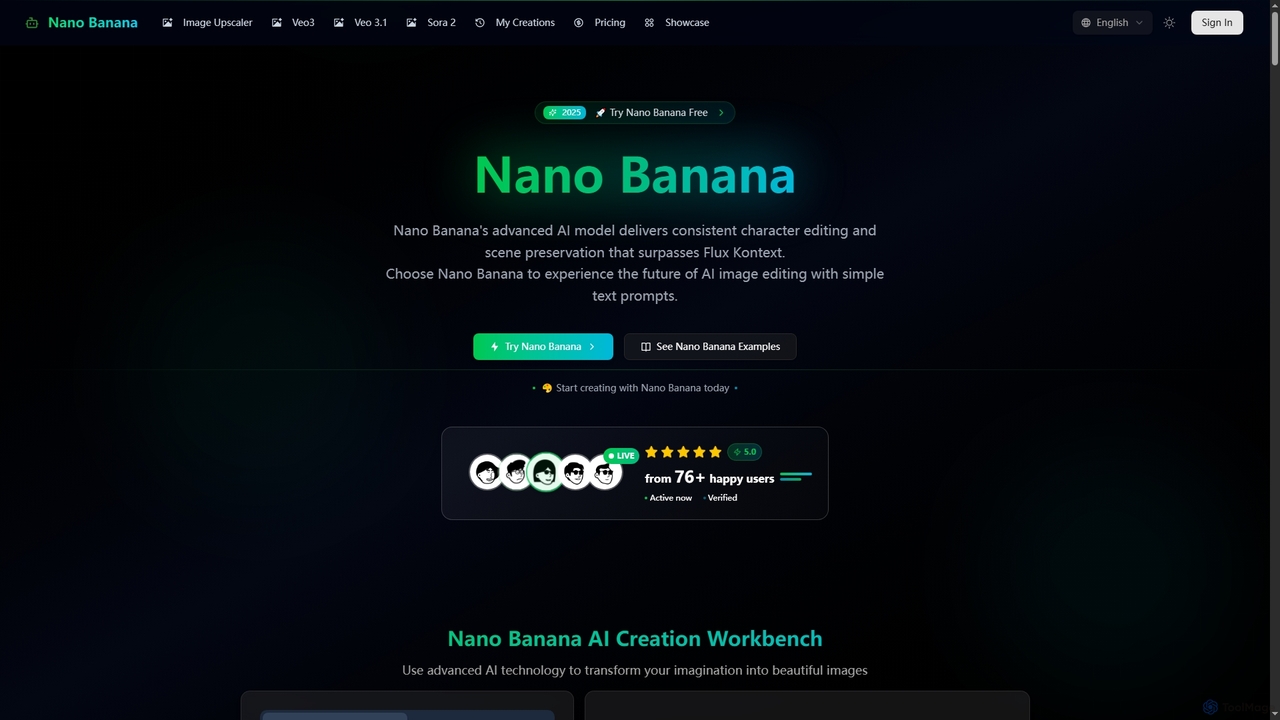
Nano Banana
Paid

Nano Banana

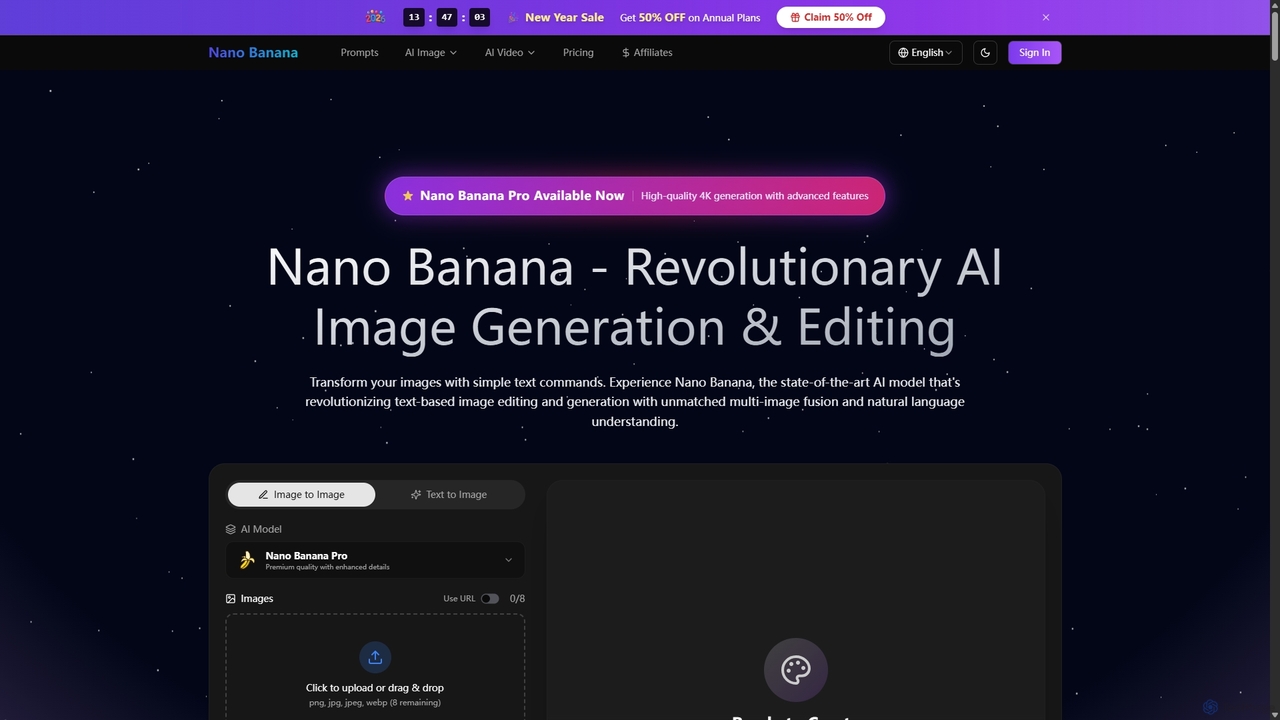
Nano Banana is a state-of-the-art AI platform that revolutionizes image generation and editing using natural language. It offers unmatched multi-image fusion, exceptional character consistency, and rapid creation of high-quality visuals from simple text commands, catering to a wide range of creative and commercial needs.

Enhancement
Visits 354KFavorites 32Likes 32
Nano Banana
Paid

Nano Banana

Nano Banana is an advanced AI-powered platform for image generation and editing, offering consistent character editing, scene preservation, and in-context visual modifications. It also features a professional AI image upscaler and two cutting-edge AI video generators, Veo 3.1 and Sora 2, enabling users to create stunning visuals and cinematic videos from text or images with unparalleled speed and quality.

Digital Art
Visits 606.1KFavorites 149Likes 154
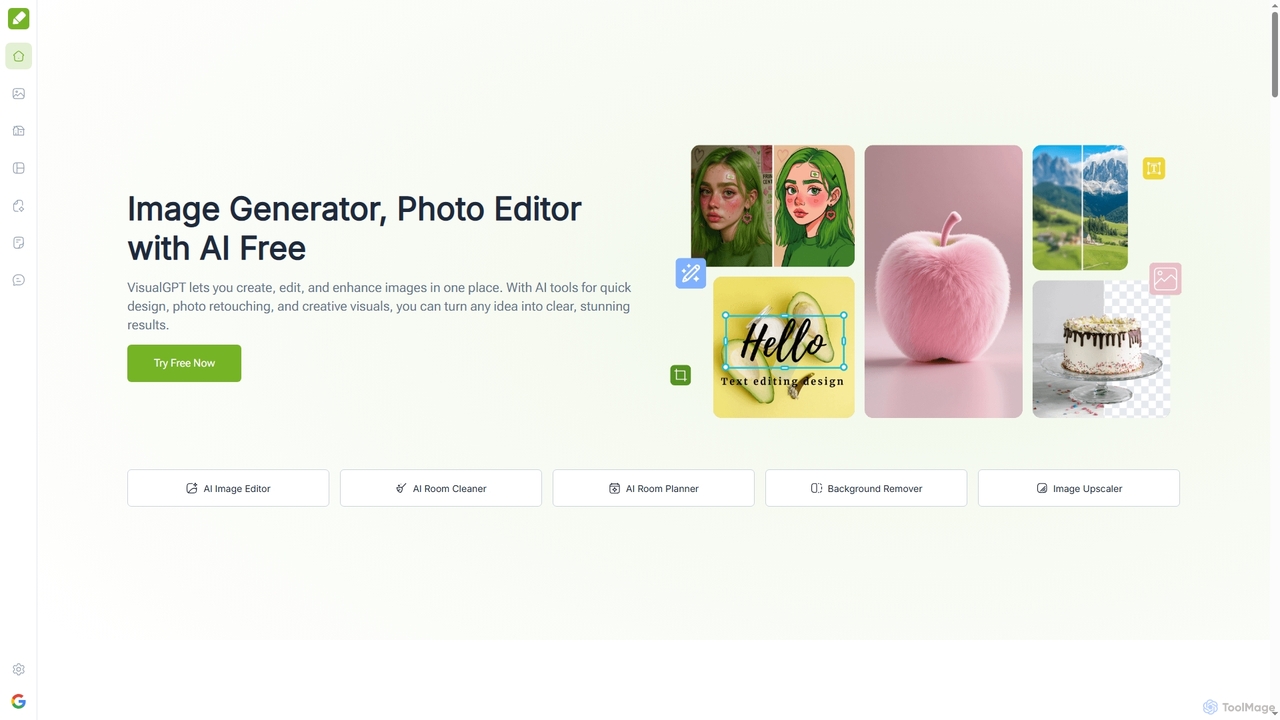
VisualGPT
Freemium

VisualGPT

VisualGPT is an all-in-one online AI platform for generating, editing, and enhancing images. It offers tools like AI image editing, background removal, room planning, and visualization, powered by advanced models like Nano Banana and Stable Diffusion. Designed for ease of use, it helps users create stunning visuals quickly without complex software or design skills.

Graphic Design
Visits 1.5MFavorites 99Likes 114
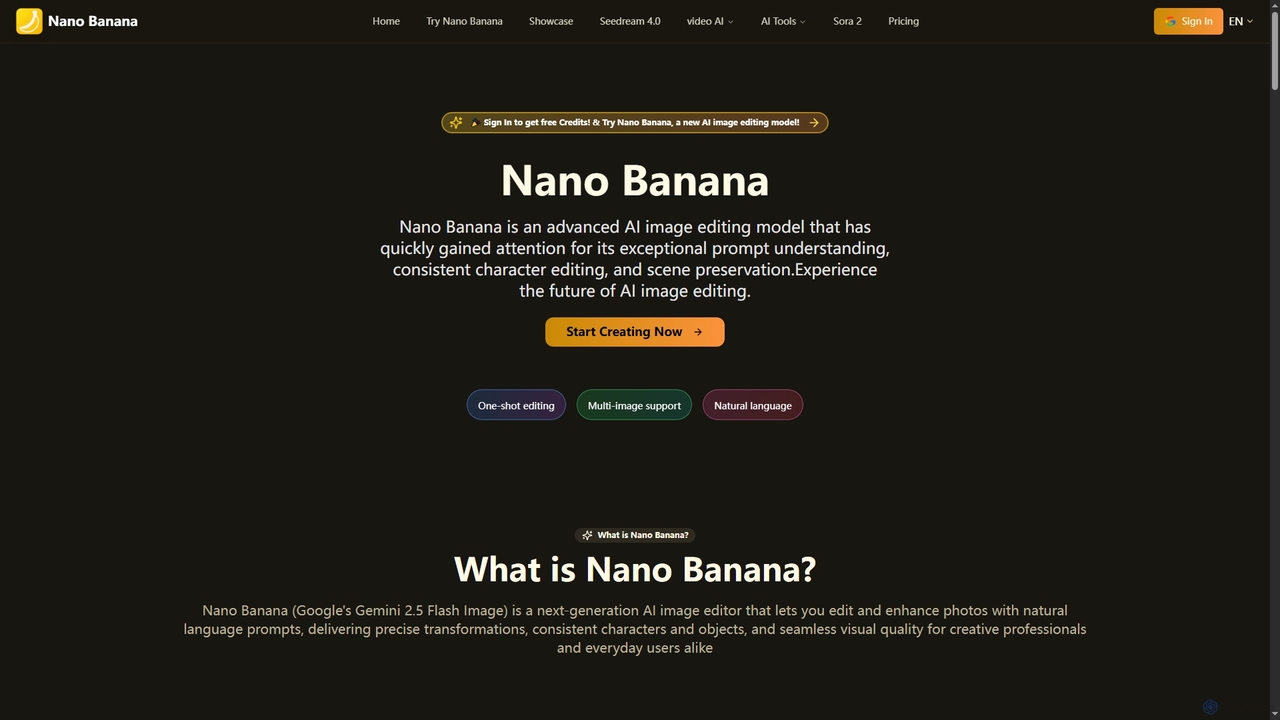
Nano Banana
Freemium

Nano Banana

Nano Banana is an advanced AI image editing model that transforms photos with natural language prompts. It excels in precise transformations, maintaining consistent characters, and preserving scene integrity, making professional-grade image editing accessible to creators and everyday users alike.

Generative Art
Visits 1.5MFavorites 130Likes 151
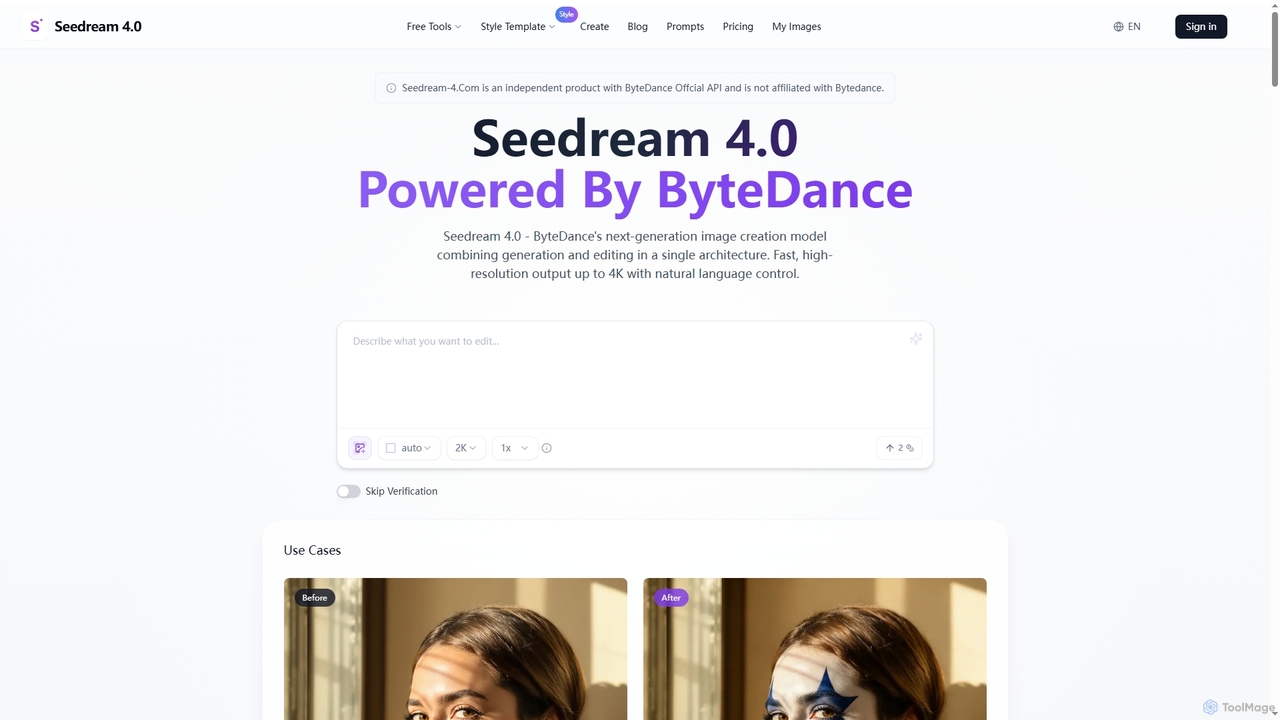
Seedream 4.0
Freemium

Seedream 4.0

Seedream 4.0 is ByteDance's advanced AI image creation and editing tool, unifying text-to-image generation and image modification in a single architecture. It delivers fast, high-resolution outputs up to 4K with natural language control, batch processing, and versatile style transfer, empowering creators with seamless visual content production.

Creative Asset Generation
Visits 4.3KFavorites 115Likes 122
Phase.art
Freemium

Phase.art

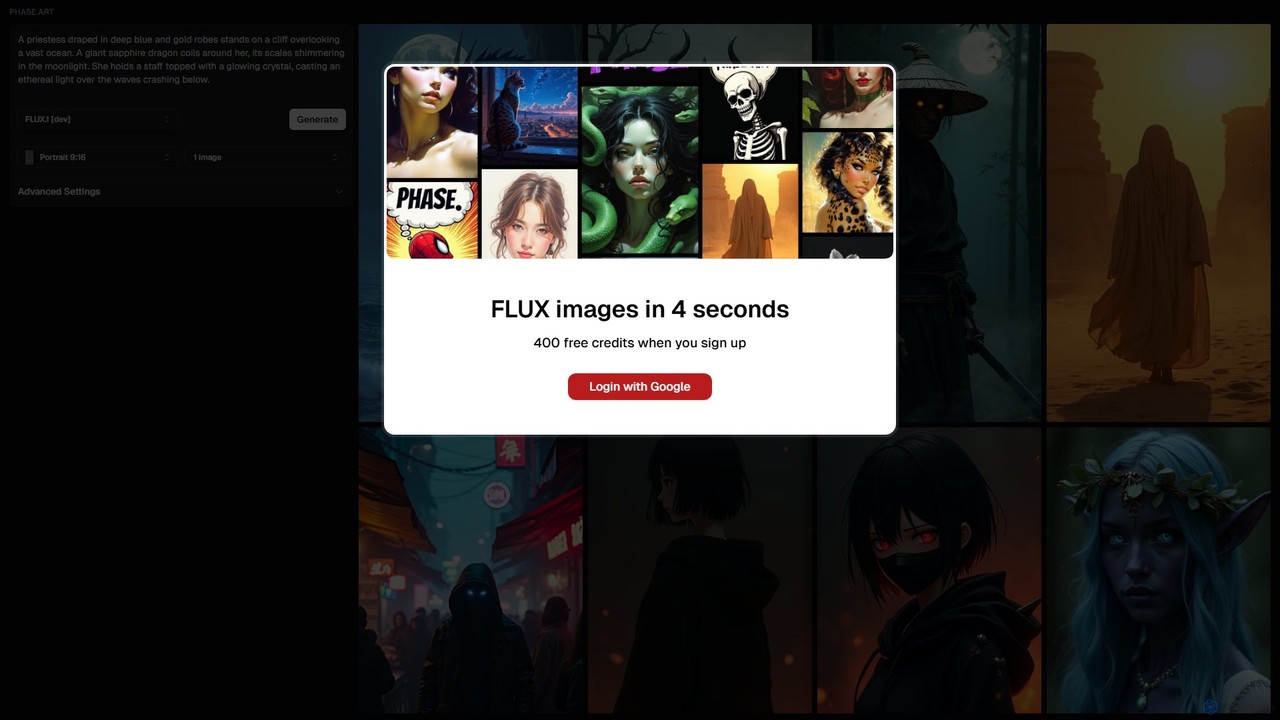
Phase.art is an ultra-fast AI image generator that creates stunning visuals from text prompts in just 4 seconds using its proprietary Flux technology. It's designed for artists, designers, and creators who need rapid iteration and high-quality results. New users receive 400 free credits to start exploring their creativity immediately.

Image Generation
Visits 4.2KFavorites 101Likes 112

About Visual Content Creation

AI Visual Content Creation tools are a class of software that automates and enhances the production of visual assets such as images, videos, presentations, and designs. These tools utilize generative AI models, like GANs and diffusion models, to transform text prompts, data, or simple inputs into complex, high-quality visuals. They empower users to generate unique graphics, edit videos, and design layouts with unprecedented speed, serving as a powerful productivity enhancer for creative workflows. This technology significantly reduces the time and technical skill required to produce professional-grade visual content.

Core Features

  • Generative Image & Video: Creates original images, art, and video clips from textual descriptions or existing media.
  • Automated Design & Layout: Intelligently arranges elements to produce balanced and aesthetically pleasing presentations, social media posts, and web banners.
  • Style Transfer & Enhancement: Applies artistic styles to images or videos and automatically improves quality through upscaling, color correction, and noise reduction.
  • 3D Model Generation: Constructs three-dimensional models from text prompts or 2D images for use in gaming, product design, and virtual reality.
  • Smart Template Customization: Suggests and customizes design templates based on brand guidelines, content, and target audience.

Use Cases

These tools are widely adopted in marketing, advertising, content creation, and e-commerce. Marketing teams use them to rapidly generate A/B test variations for ad creatives. Social media managers create daily engaging visual posts without extensive design work. E-commerce businesses produce professional product photos and lifestyle mockups at scale. Corporate teams can quickly assemble polished presentations and reports.

How to Choose

When selecting a tool, first consider the primary content type you need (e.g., static images, short-form video, presentations). Evaluate the quality and diversity of the AI's output and its ease of use—some tools are prompt-based while others offer a more guided, template-driven experience. Also, assess integration capabilities with your existing software stack (e.g., social media schedulers, design software) and review the pricing model, whether it's subscription-based, pay-per-use, or a freemium offering.

Featured tool rankings

Visual Content Creation use cases

1

Generate Ad Creatives for Social Media Campaigns

A marketing manager for an e-commerce brand needs to create a dozen visual variations for a new product launch on Instagram and Facebook. Using an AI visual content tool, they input a product photo and key marketing messages like '50% Off' and 'Limited Time Offer'. The AI generates multiple ad formats, including carousels, stories, and single-image posts, each with different layouts, fonts, and background scenes. This process reduces the design time from days to minutes, allowing the team to A/B test more creative concepts and optimize ad spend effectively.

2

Create Unique Illustrations for Blog Posts

A content creator writes articles on complex topics like finance or technology and needs custom images to make the content more engaging. Instead of using generic stock photos, they use an AI image generator. By providing a prompt describing the article's core concept, such as 'a robot and a human shaking hands over a circuit board,' the tool produces several unique, high-resolution illustrations in a consistent artistic style. This enhances the blog's visual identity, improves reader engagement, and avoids copyright issues associated with stock imagery.

3

Automate the Creation of Business Presentations

A consultant needs to prepare a detailed presentation for a client meeting on short notice. They input their raw text, data points, and key takeaways into an AI presentation maker. The tool automatically structures the content into a logical flow of slides, selects appropriate layouts, generates relevant icons and charts from the data, and applies the company's branding. The consultant can then make minor adjustments instead of building the entire deck from scratch. This saves hours of work and ensures a professional, visually consistent result every time.

4

Generate Short-Form Videos from Text Scripts

A social media manager wants to increase video content on platforms like TikTok and YouTube Shorts but lacks video editing skills. They use an AI video creation tool, where they simply paste a script or a link to an article. The AI analyzes the text, finds relevant stock footage and images, generates a synthetic voiceover, adds background music, and compiles everything into a short, engaging video complete with animated captions. This enables a single person to produce multiple videos daily, maintaining a consistent and active presence on video-centric platforms.

5

Rapidly Prototype UI/UX Design Concepts

A UI/UX designer is in the early stages of designing a new mobile app and needs to explore multiple visual directions quickly. Instead of manually creating wireframes and mockups, they use an AI tool to generate designs from text descriptions. By prompting 'a login screen for a minimalist finance app with a blue and white color scheme,' the tool instantly produces several distinct layout options. This allows the designer to visualize and iterate on ideas much faster, gather early feedback, and move to high-fidelity prototyping with a validated concept, accelerating the entire design lifecycle.

6

Create 3D Models for Product Visualization

An industrial designer has sketched a concept for a new piece of furniture and needs a 3D model for client presentations and manufacturing prototypes. Using a text-to-3D or image-to-3D AI tool, they upload their sketch or describe the object: 'a modern oak armchair with curved legs and grey fabric cushions.' The AI generates a detailed 3D model that can be rotated, textured, and exported to standard 3D software. This drastically reduces modeling time compared to traditional methods, enabling faster design validation and more compelling visual presentations for stakeholders.

Visual Content Creation FAQ

What are AI Visual Content Creation tools?

AI Visual Content Creation tools are applications that use artificial intelligence to generate or modify visual media like images, videos, presentations, and 3D models. They typically work by interpreting user inputs, such as text prompts or existing images, and using complex algorithms like generative adversarial networks (GANs) or diffusion models to produce new, original content. Their primary purpose is to accelerate creative workflows, lower the barrier to high-quality design, and enable the production of visual content at a large scale.

How to choose the right AI tool for visual content?

Choosing the right tool depends on your specific needs. Consider the following factors:

  • Content Type: Determine if you primarily need images, videos, presentations, or 3D models. Some tools specialize in one area, while others are multi-purpose.
  • Quality and Style Control: Evaluate the realism, artistic style, and consistency of the generated content. Check if the tool allows for fine-tuning and control over the output.
  • Ease of Use: Assess the user interface. Is it intuitive for your skill level? Some tools are simple prompt-based interfaces, while others offer more complex controls and features.
  • Integration: Check if the tool can integrate with your existing workflow and software, such as design programs, social media schedulers, or cloud storage.
  • Pricing and Usage Rights: Understand the pricing model (subscription, credits, etc.) and carefully review the terms regarding commercial use and ownership of the generated content.
What's the difference between AI visual creation and traditional design software?

The core difference lies in the creation process. Traditional design software, like Adobe Photoshop or Illustrator, provides a set of tools (brushes, layers, vectors) that require manual skill and direct manipulation by a human designer to create a visual from scratch. AI visual creation tools, on the other hand, act as a creative partner. The user provides a high-level prompt or input, and the AI generates the visual output based on its training data. Traditional software is about direct control and craftsmanship, while AI tools are about direction, iteration, and leveraging generative capabilities to explore ideas rapidly.

Can I use AI-generated visuals for commercial purposes?

The ability to use AI-generated visuals for commercial purposes depends entirely on the terms of service of the specific tool you are using. Many platforms offer commercial licenses, often as part of their paid subscription plans, which grant you the right to use the content in marketing, products, and other business activities. However, some free or trial versions may restrict usage to non-commercial projects only. It is crucial to always read and understand the licensing agreement of your chosen tool to ensure you are compliant and to clarify ownership rights of the generated assets.

Who benefits most from AI Visual Content Creation tools?

A wide range of users can benefit, but some key groups include:

  • Marketers and Social Media Managers: They can quickly produce a high volume of diverse ad creatives, social media posts, and campaign visuals without deep design expertise.
  • Content Creators and Bloggers: They can generate unique illustrations, thumbnails, and video clips to enhance their content and stand out from the competition.
  • Small Business Owners: They can create professional-grade branding materials, product photos, and marketing assets on a limited budget.
  • Designers and Artists: They can use these tools as a brainstorming partner to rapidly explore concepts, generate inspiration, and accelerate their creative process.
  • Corporate Professionals: They can create polished presentations, reports, and internal communications materials efficiently.