ToolMage
Sign in

Best 1,920 Video AI tools

Popular Video AI tools include Adobe, OpenAI, VidCap, labs.google/fx, Google Labs, Shutterstock, Vimeo, CapCut, ElevenLabs, and Manus, helping you work more efficiently.

Free AI Video Upscaler
Free

Free AI Video Upscaler

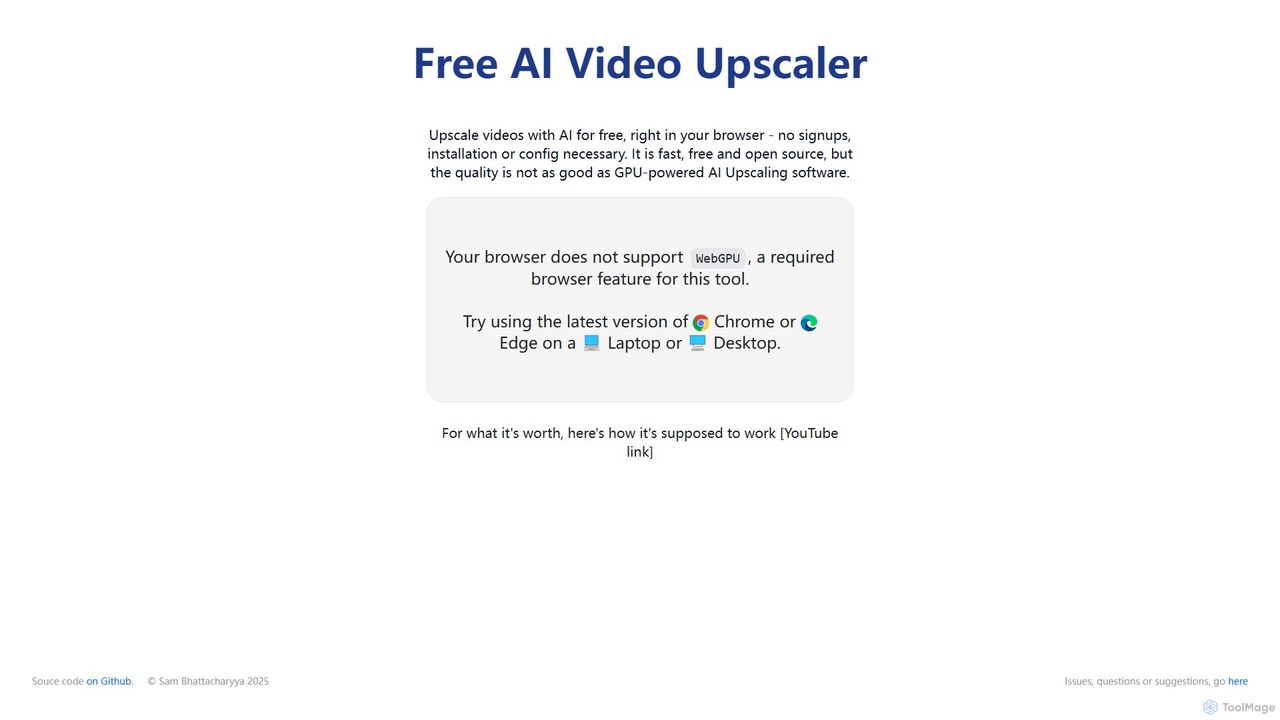
A free, browser-based AI tool that enhances and upscales video resolution without requiring any signup or software installation. It supports various content types, including animated, real-life, and 3D videos, offering different AI models for optimal results.

Editing
Visits 789.1KFavorites 114Likes 124
ListenRobo
Freemium

ListenRobo

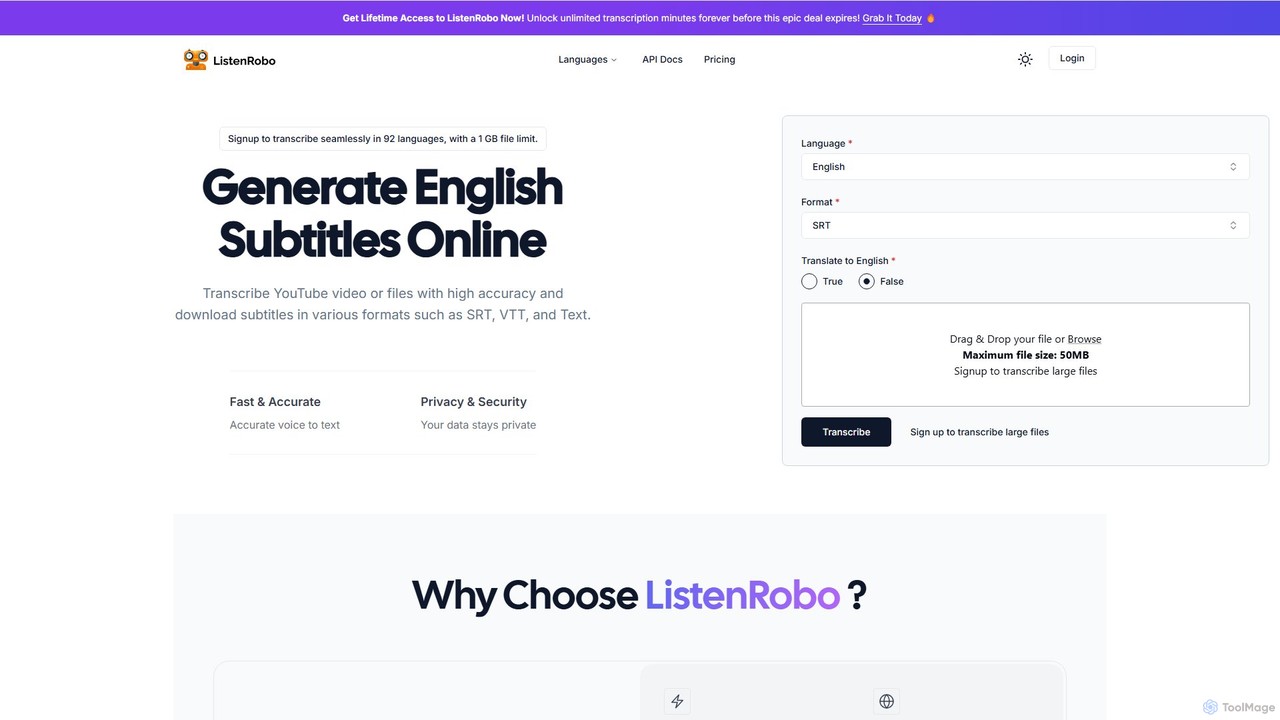
ListenRobo is an AI-powered transcription service that accurately converts audio and video into text in over 92 languages. It supports various file formats and direct transcription from URLs like YouTube. Key features include high-accuracy voice-to-text, subtitle generation (SRT, VTT), translation into English, and automated summaries. Designed for students, journalists, and businesses, it enhances accessibility, boosts SEO, and streamlines content repurposing.

Speech To Text
Visits 6.2KFavorites 150Likes 150
Sonix
Freemium

Sonix

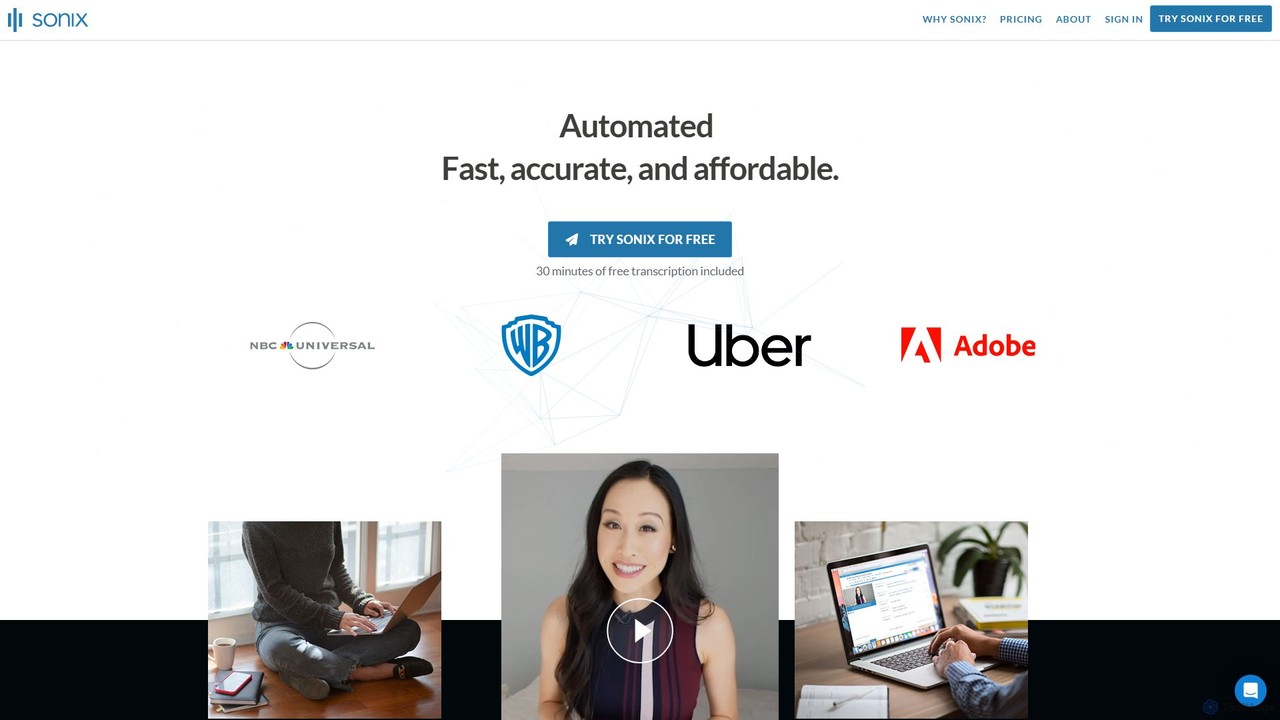
Sonix is an advanced AI-powered platform that automatically transcribes, translates, and analyzes audio and video content. It delivers fast, highly accurate speech-to-text conversion in over 53 languages. The platform includes an in-browser editor, automated subtitling, AI-driven summaries, and collaboration tools, making it ideal for journalists, researchers, marketers, and businesses to unlock insights from their media files.

Content Creation
Visits 718.5KFavorites 113Likes 119
Vidify
Freemium

Vidify

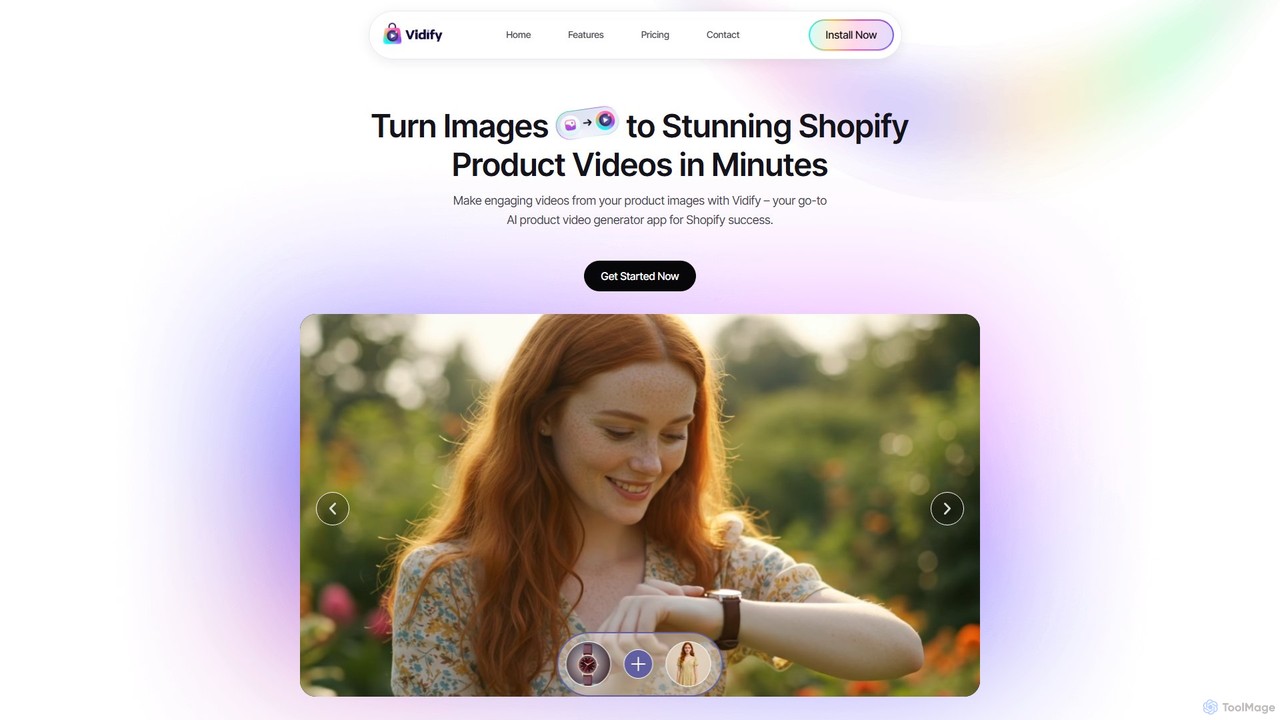
Vidify is an AI-powered video generator designed for Shopify merchants. It effortlessly transforms static product images into stunning, engaging videos in minutes, without any editing skills required. By using simple text prompts, you can direct the AI to create specific animation styles, perfect for social media marketing, product pages, and ad campaigns. It's the ideal tool for solo entrepreneurs and e-commerce businesses looking to boost engagement and sales with professional-quality video content.

Product Video Creation
Visits 7.6KFavorites 107Likes 108
colorize.cc
Paid

colorize.cc

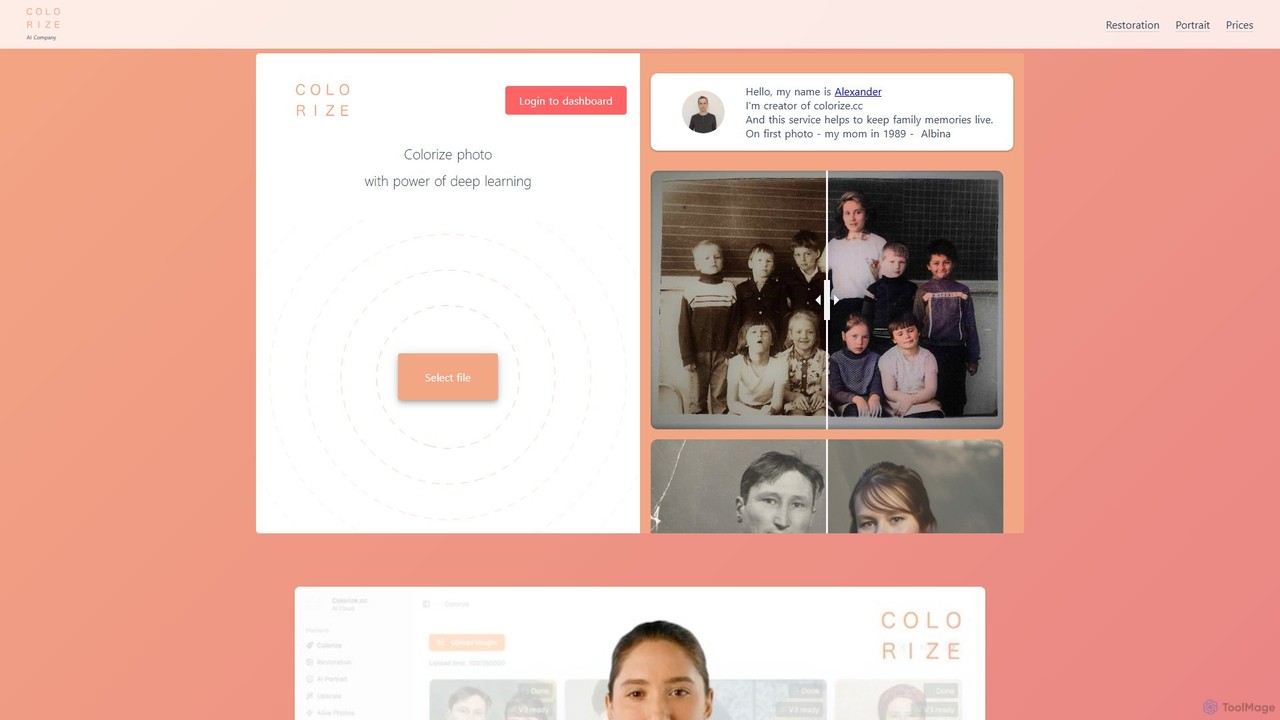
An AI-powered platform for colorizing, restoring, and enhancing photos and videos. It offers multiple AI models, 4K upscaling, photo animation, and AI portrait generation. It features a unique pay-as-you-go credit system with no subscriptions or expiring credits.

Restoration
Visits 103.4KFavorites 157Likes 153
heyeddie
Freemium

heyeddie

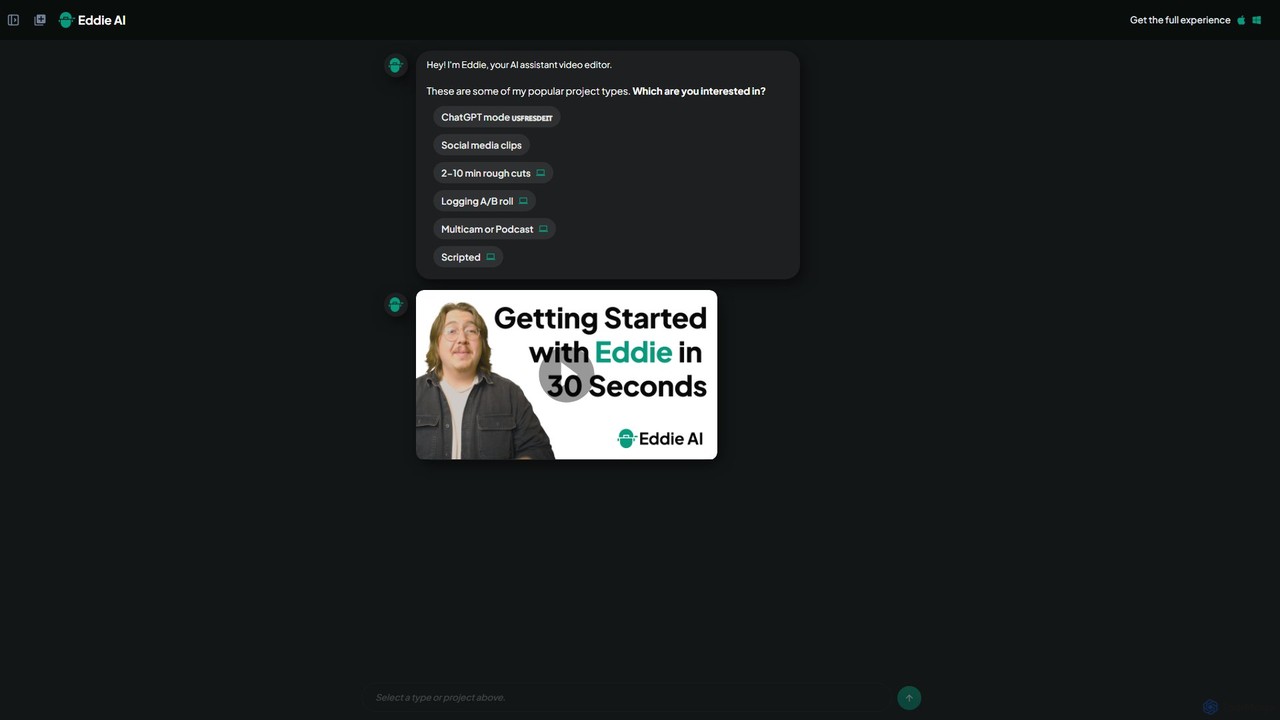
Heyeddie is an AI-powered video editing assistant that streamlines your workflow. Simply use natural language commands to have Eddie automatically create rough cuts, generate social media clips, log A/B roll, sync multicam footage, and edit based on a script. It's designed for content creators, marketers, and podcasters to save time and focus on storytelling.

Automation
Visits 86KFavorites 122Likes 125
Topaz Labs
Paid

Topaz Labs

Topaz Labs offers a suite of professional-grade photo and video editing software powered by AI. Its flagship product, Photo AI, intelligently sharpens, de-noises, and upscales images to achieve stunning clarity and detail. Designed for both professionals and enthusiasts, it operates locally on your machine for maximum speed and privacy, and integrates seamlessly into existing workflows as a standalone application or plugin for software like Photoshop and DaVinci Resolve.

Image Editing
Visits 3MFavorites 119Likes 144
maekersuite
Freemium

maekersuite

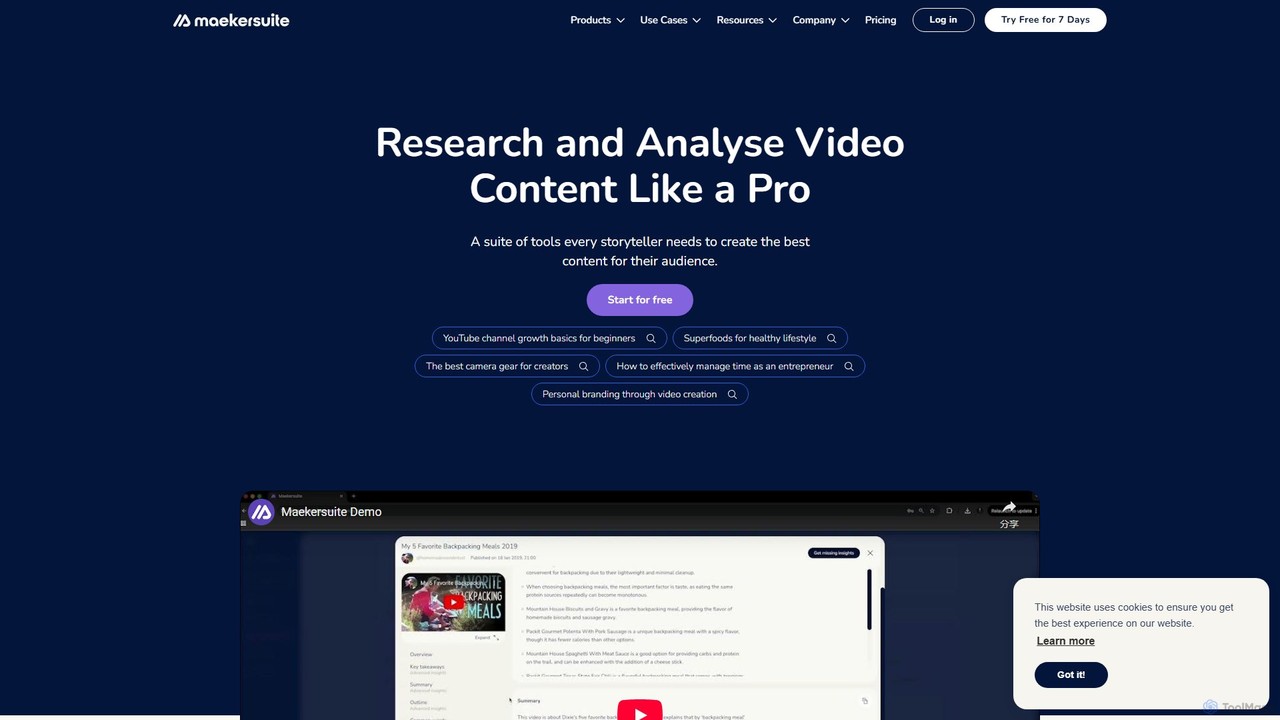
maekersuite is an AI-powered platform designed to revolutionize video pre-production. It helps content creators, especially on YouTube, by automating research, competitor analysis, and scriptwriting. By analyzing trending content and top-performing videos, it generates SEO-optimized ideas, titles, and detailed scripts in minutes. This tool is perfect for overcoming creator's block, saving significant time, and creating data-driven video content that engages audiences and boosts channel growth.

Youtube
Visits 22.4KFavorites 150Likes 149
thefluxtrain
Freemium

thefluxtrain

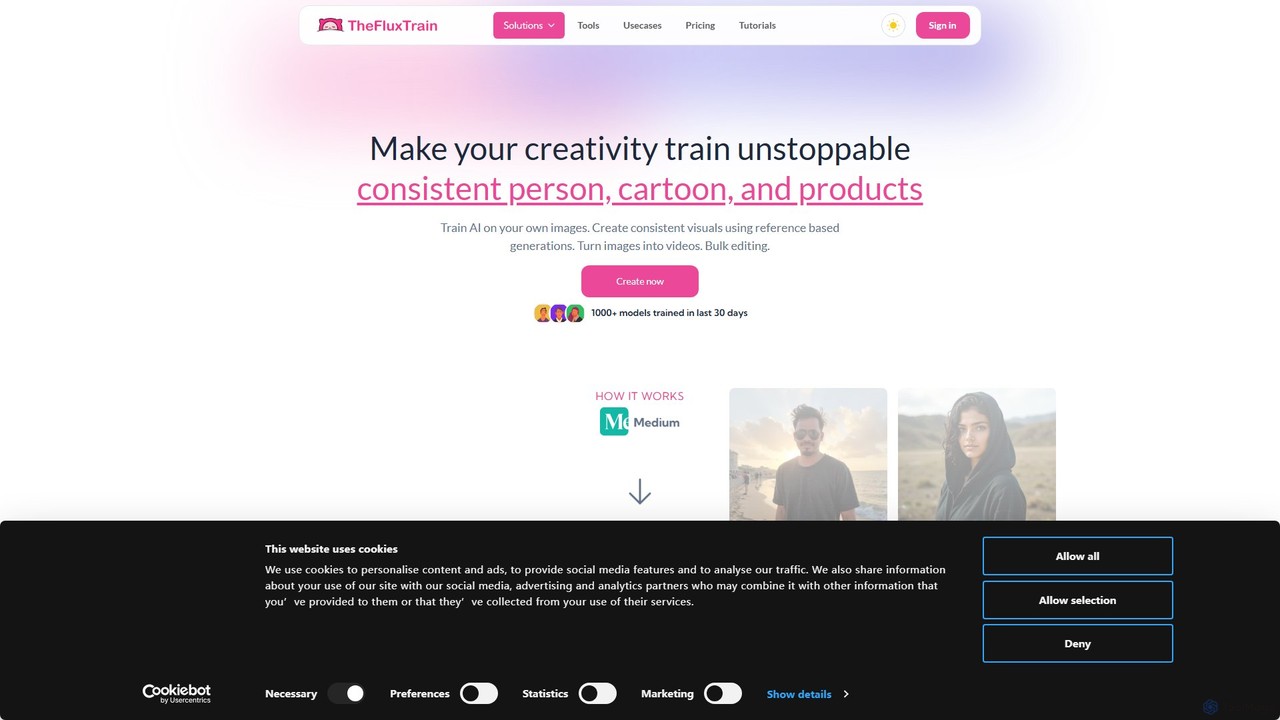
thefluxtrain is an AI-powered platform that transforms text into personalized visual stories. It enables creators, marketers, and educators to generate unique storyboards, comics, and short animated videos from simple prompts. Maintain character consistency across scenes and choose from a variety of artistic styles to bring your narratives to life effortlessly.

Storyboarding
Visits 12.6KFavorites 145Likes 122
Wrpup
Freemium

Wrpup

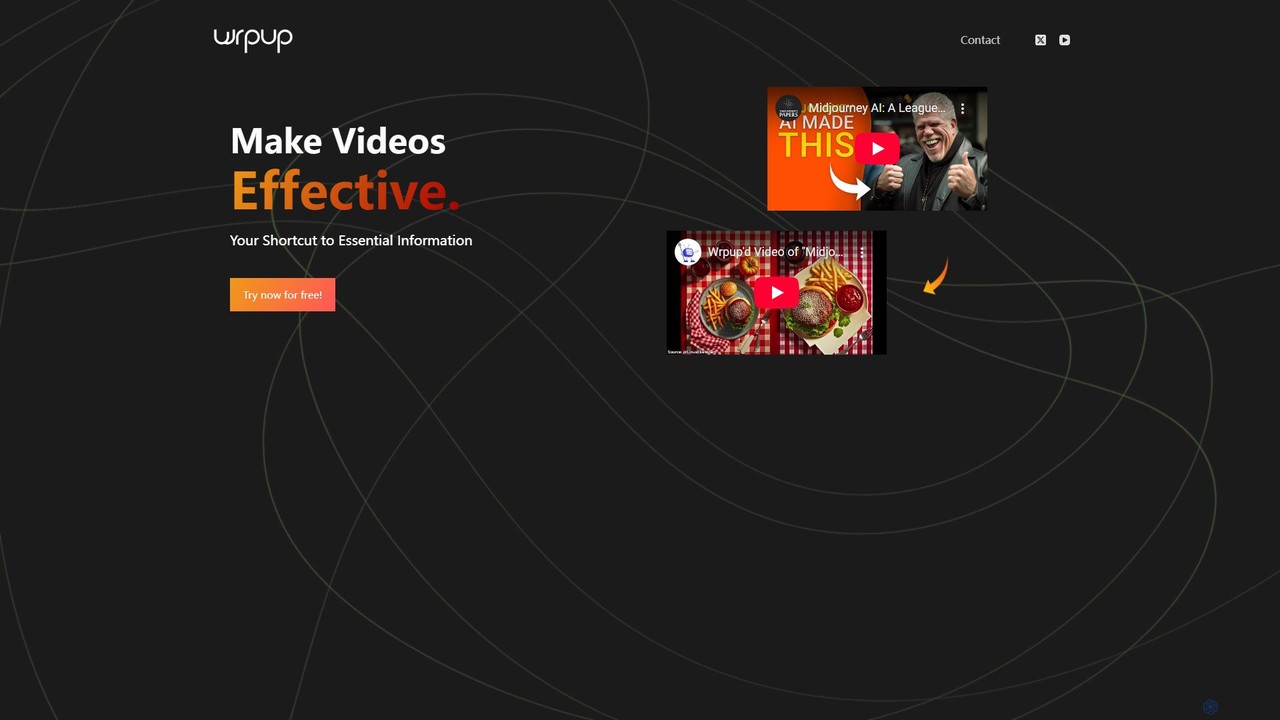
Wrpup is an AI-powered tool that transforms long YouTube videos into concise, shareable highlights. It saves time by automatically identifying key moments, helping users quickly grasp essential information. Ideal for marketers, students, and professionals looking to boost engagement and improve content ROI.

Social Media
Visits 5.5KFavorites 152Likes 144
Text To Speech Online
Free

Text To Speech Online

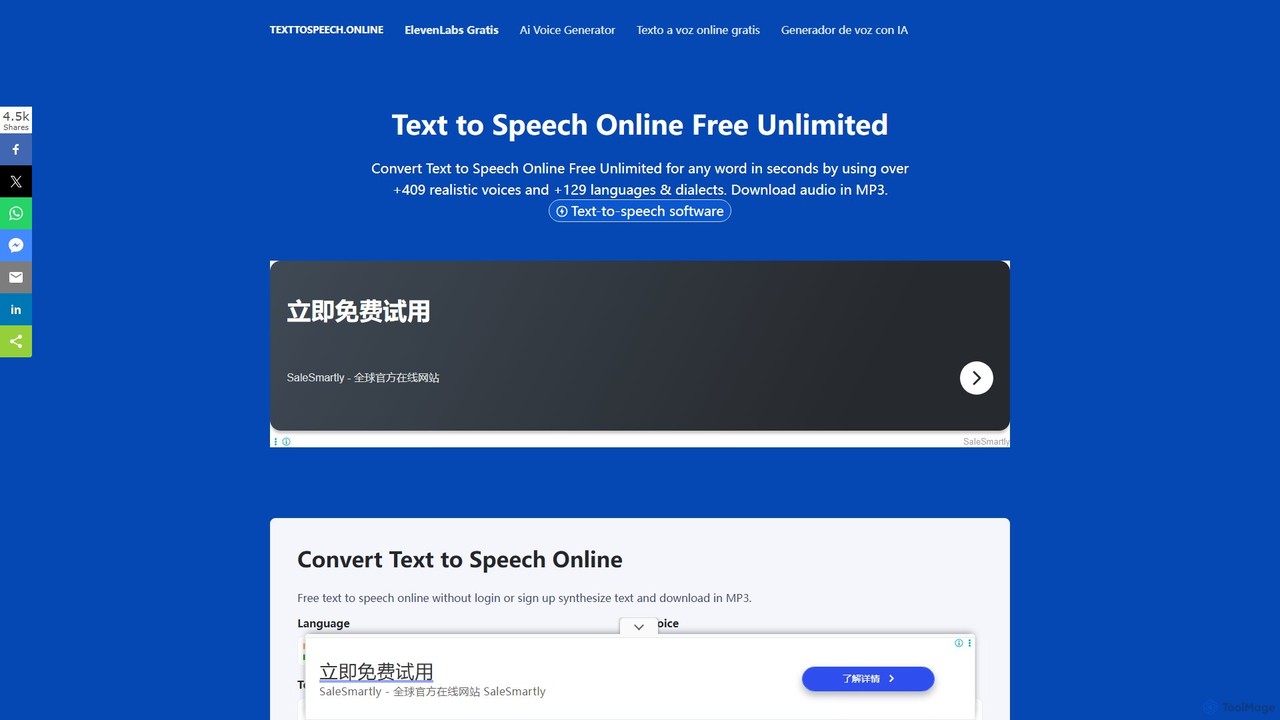
A free and unlimited online AI tool that converts text into natural-sounding speech. It supports over 129 languages and dialects with more than 409 realistic voices. Users can download the audio in MP3 or WAV format without needing to sign up, making it ideal for content creation, learning, and accessibility.

Text To Speech
Visits 34.5KFavorites 160Likes 145
Remaker AI
Freemium

Remaker AI

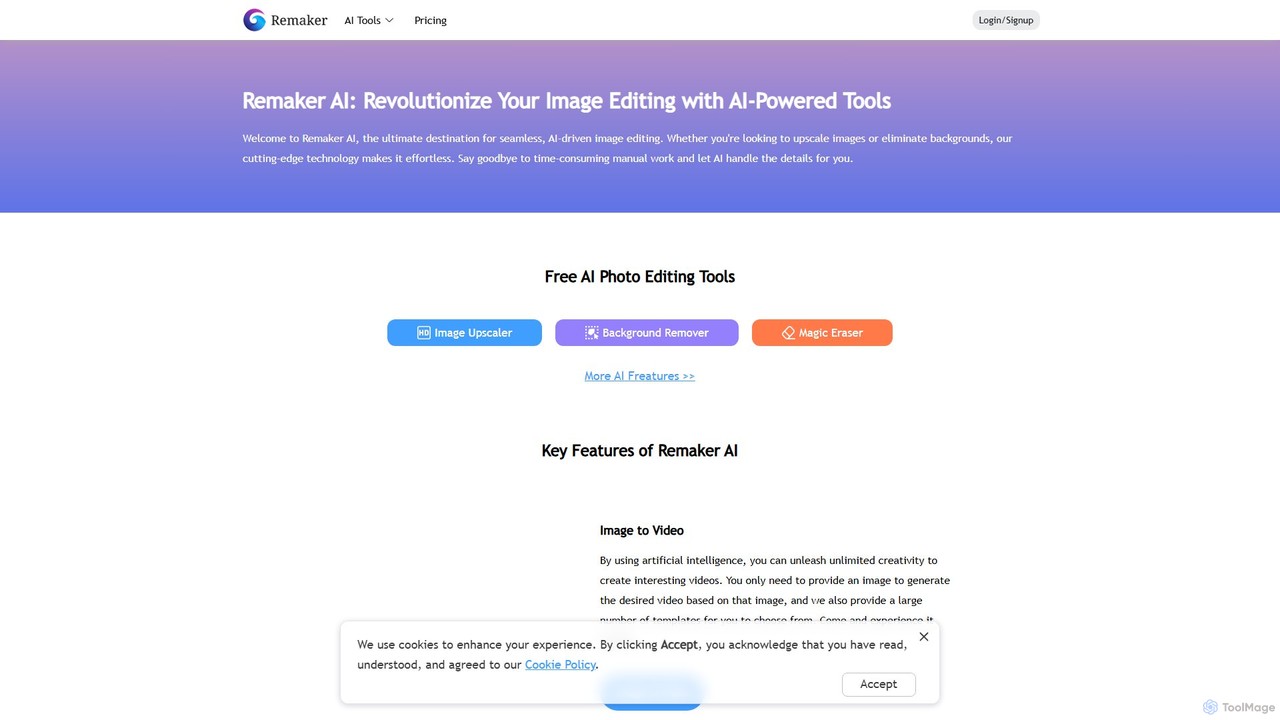
Remaker AI is a comprehensive suite of AI-powered tools for image and video editing. It offers features like image upscaling, background removal, AI art generation, professional headshot creation, and video enhancement. Designed for both professionals and individuals, it simplifies complex editing tasks with a user-friendly interface and a flexible pay-as-you-go pricing model.

Image Generation
Visits 2.8MFavorites 137Likes 136
Audiogen
Freemium

Audiogen

Audiogen is an AI Audio Copilot designed to empower creators by generating high-quality music and sound effects from text prompts. It aims to make audio creation a frictionless process, serving as a creative partner for musicians, filmmakers, game developers, and content creators of all skill levels.

Music Generation
Visits 11.3KFavorites 159Likes 159
Live Portrait AI
Freemium

Live Portrait AI

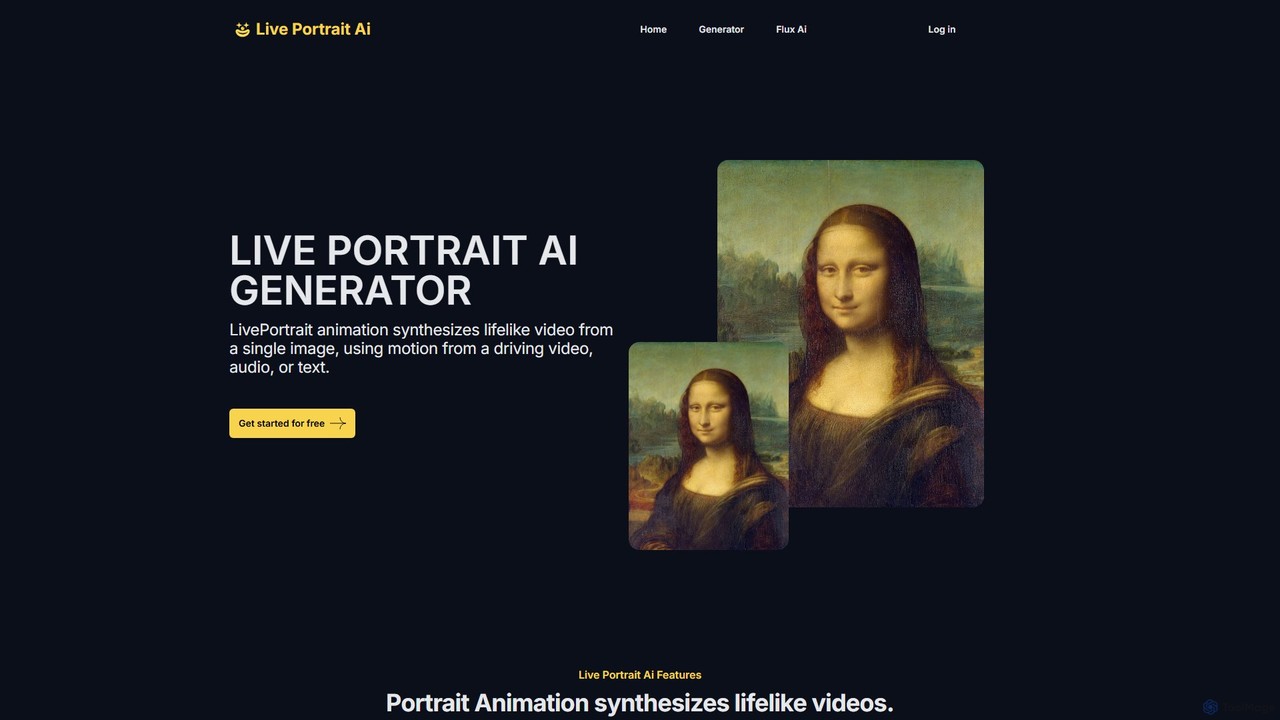
Live Portrait AI is an innovative tool that transforms static portrait images into lifelike animated videos. Using advanced AI, it synthesizes motion from a driving video, audio, or text to animate facial expressions and head movements. It requires no animation skills, offering a simple 3-step process to bring your photos to life. Features include fine-tuning controls, diverse artistic styles, and basic video editing, making it ideal for social media, marketing, and personal projects.

Social Media
Visits 5.5KFavorites 103Likes 107
Crea.ai
Freemium

Crea.ai

Crea.ai is a groundbreaking real-time AI image and video generator. It features an interactive AI canvas that transforms your sketches and prompts into high-quality visuals instantly. Designed for artists, designers, and marketers, it combines generation, upscaling, and stylization into one intuitive platform, accelerating the creative workflow with unparalleled speed and control.

Illustration
Visits 58KFavorites 142Likes 155
Creatus.ai
Freemium

Creatus.ai

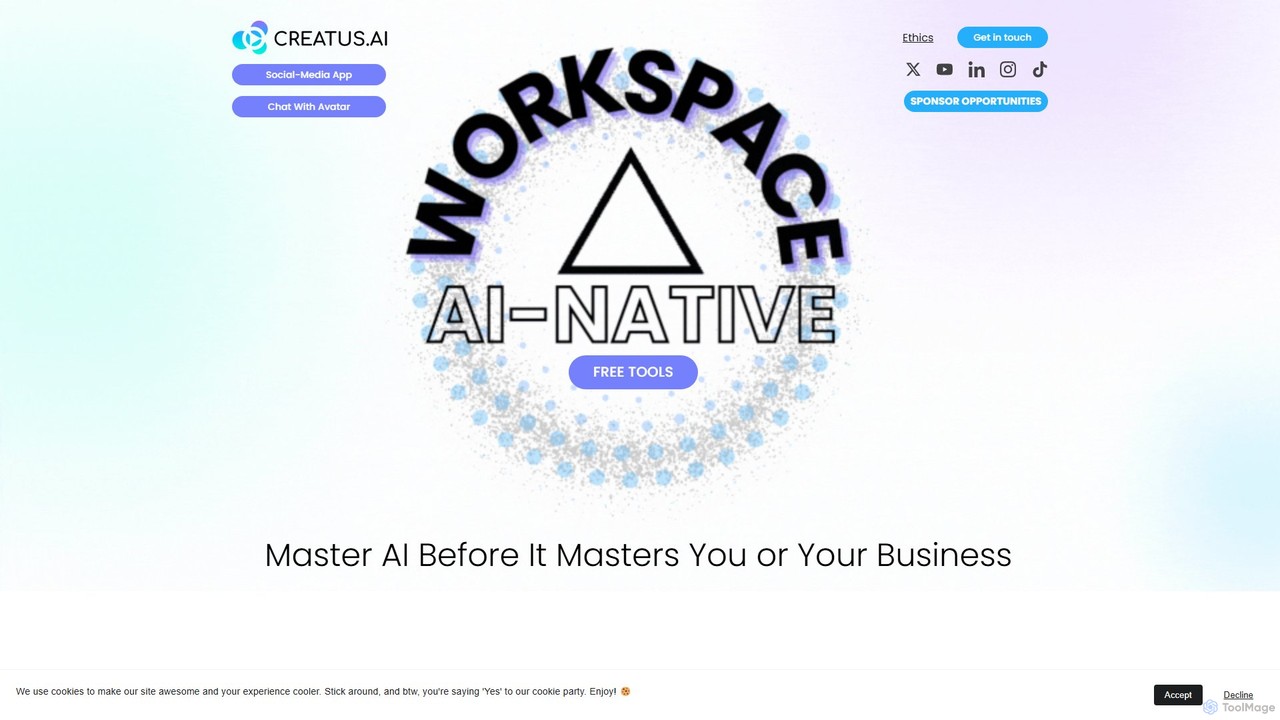
Creatus.ai is an AI-native workspace offering a suite of over 35 generative AI tools, including text-to-video, AI avatars, and image editing. It provides free online tools for experimentation and specializes in custom AI integrations, API/SDK solutions, and white-label services for SMEs and enterprises to boost productivity.

Voice Cloning
Visits 55.6KFavorites 123Likes 127
Komiko
Freemium

Komiko

Komiko is an all-in-one AI-powered platform designed for creating anime, manga, comics, and animations. It offers a suite of tools for consistent character design, art generation, comic layout, and video animation, catering to both professional artists and hobbyists.

Anime Generation
Visits 1.3MFavorites 132Likes 143
Conveo
Paid

Conveo

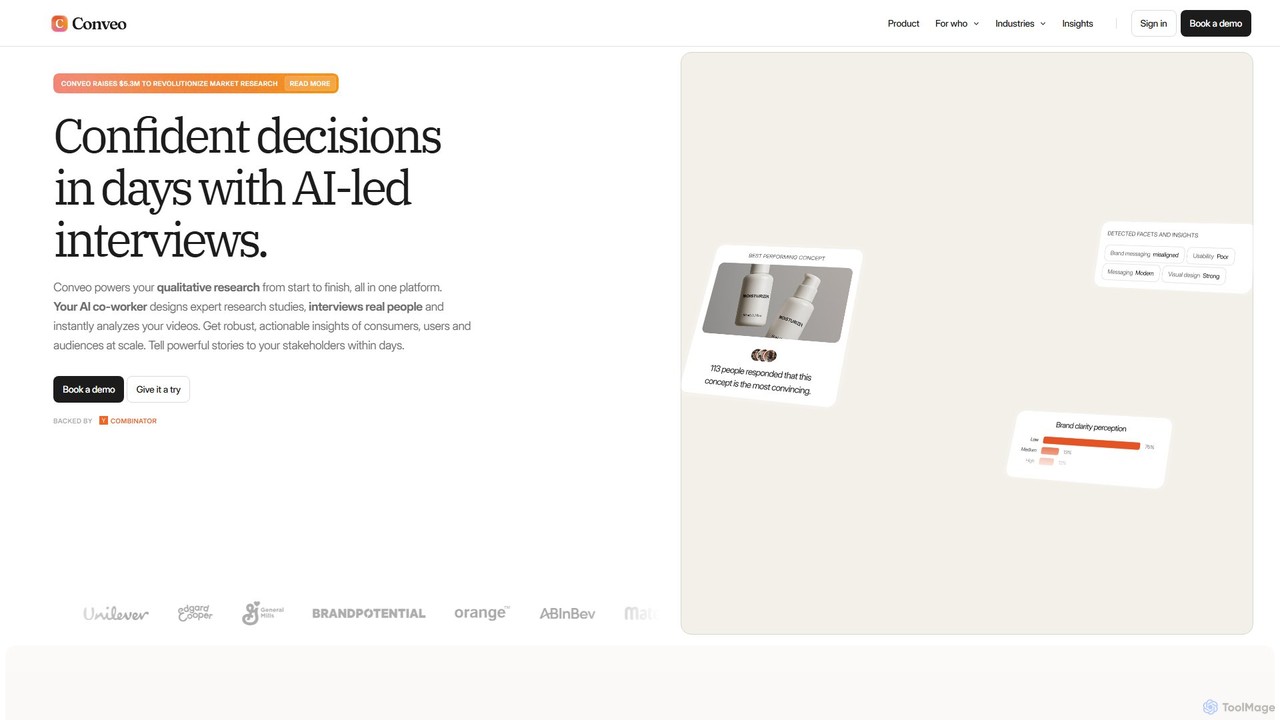
Conveo is an AI-powered platform that revolutionizes qualitative research by conducting automated, in-depth video interviews. It manages the entire research process from study design and participant recruitment to video analysis and insight generation, delivering actionable consumer insights in days instead of weeks.

Customer Feedback
Visits 225KFavorites 138Likes 137
hiretruffle
Freemium

hiretruffle

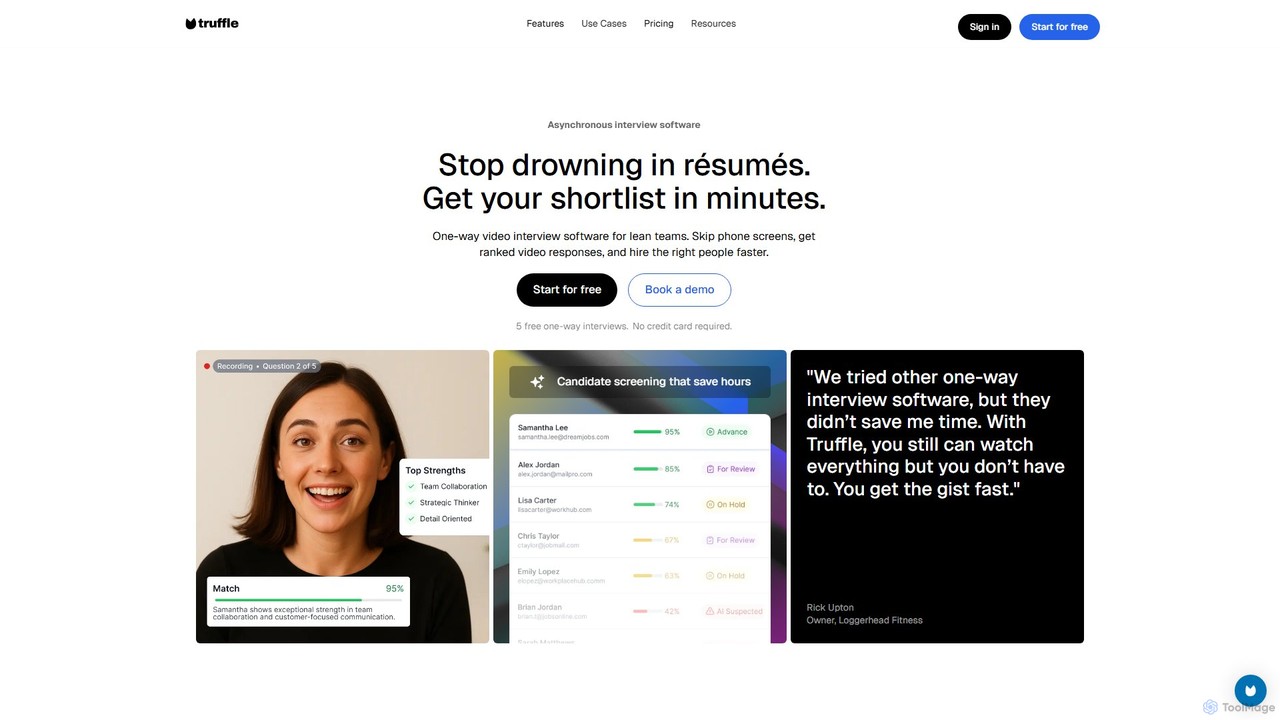
hiretruffle is an AI-powered one-way video interview platform designed to automate and streamline candidate screening. It helps hiring managers and small businesses save time by using asynchronous video interviews to analyze responses, generate executive summaries, and identify top candidates without the need for live calls or manual resume reviews.

Recruiting
Visits 35.8KFavorites 127Likes 125
sync.
Freemium

sync.

sync. is an advanced AI-powered lipsync tool that allows creators and developers to instantly synchronize any audio with any video. Featuring the state-of-the-art lipsync-2 model, it creates natural and expressive lip movements without prior training. Available via a user-friendly studio and a powerful API, sync. is ideal for video translation, dialogue replacement, and animation, enabling seamless localization and creative editing while preserving the original emotion.

Voice Cloning
Visits 358.1KFavorites 141Likes 124
Veo
Paid

Veo

Veo is an AI-powered sports camera and analytics platform designed for teams of all levels. It automatically records, live-streams, and analyzes matches without a cameraperson. The system uses advanced AI to follow the on-field action, detect key events like goals, and provide tools for coaches and players to review performance, create highlight reels, and share moments. It supports various sports including football, basketball, and rugby.

Analytics
Visits 3.5MFavorites 178Likes 163
Rapport
Freemium

Rapport

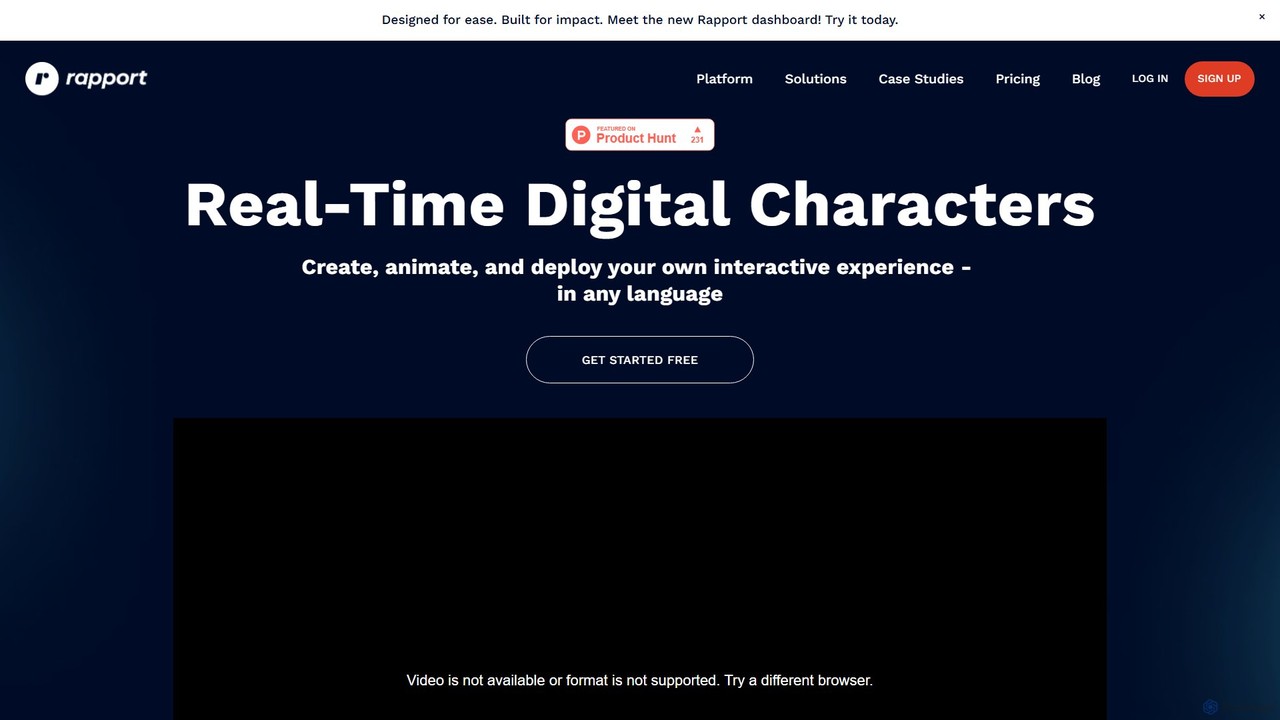
Rapport is a platform for creating, animating, and deploying interactive, AI-powered digital characters in real-time. It enables the development of immersive experiences for corporate training, marketing, and education, featuring realistic lip-sync, emotional intelligence, and multi-language support across any platform.

Training
Visits 16KFavorites 120Likes 125
Video Growth Engine
Paid

Video Growth Engine

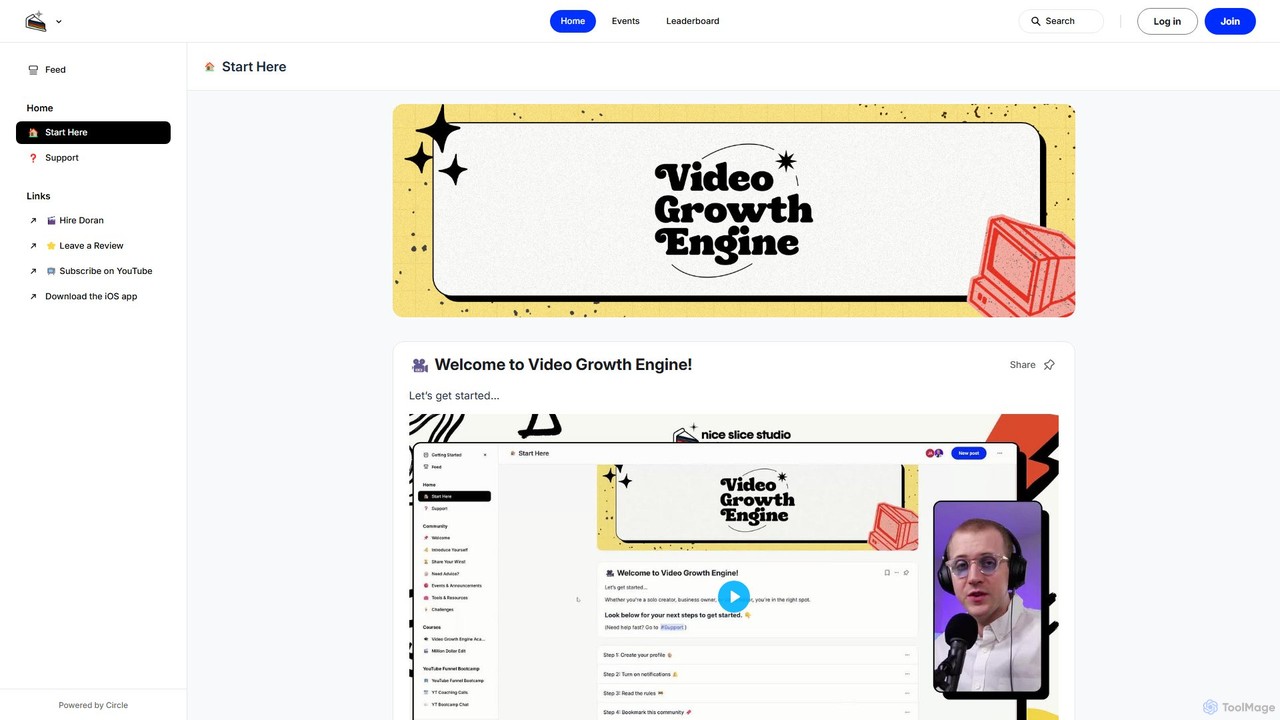
Video Growth Engine is an AI-powered platform combined with an expert community, designed for creators, businesses, and editors. It provides tools for idea generation, SEO optimization, and scriptwriting to accelerate video channel growth, particularly on YouTube. It helps users create high-performing content and build a sustainable audience.

Seo
Visits 5.5KFavorites 105Likes 123
unmixr
Freemium

unmixr

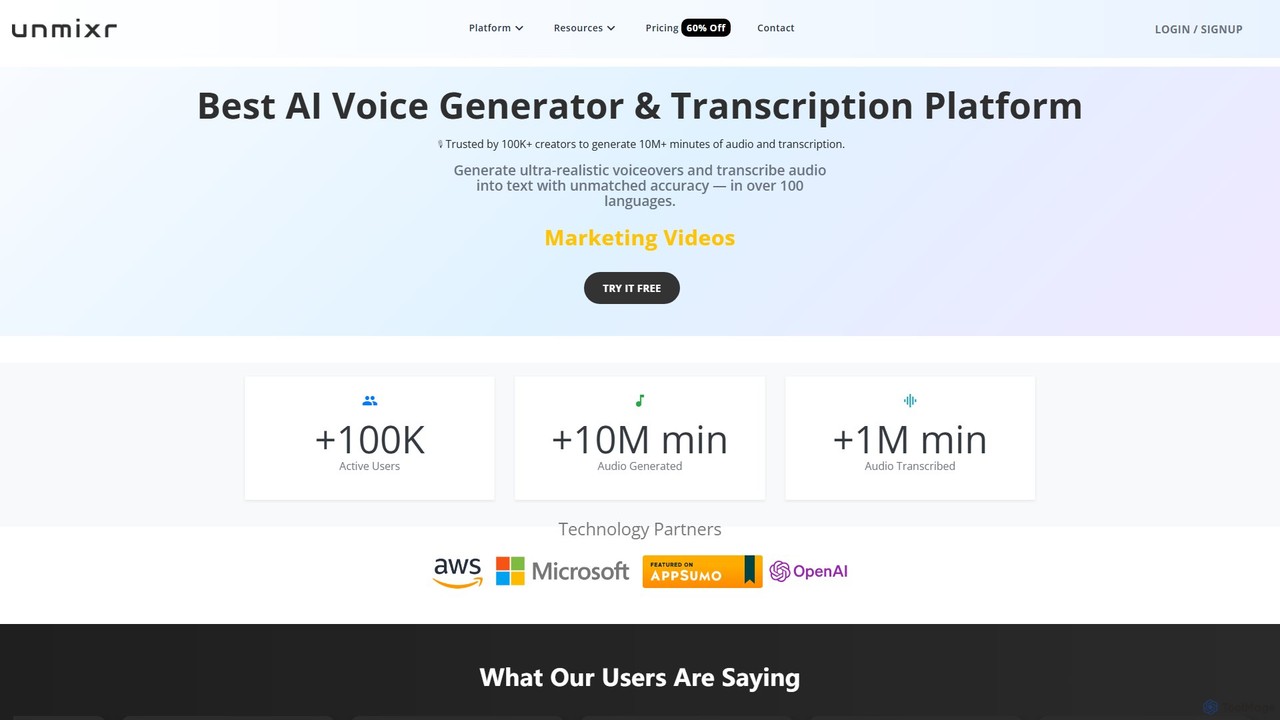
unmixr is an all-in-one AI platform for content creation, offering ultra-realistic text-to-speech, highly accurate audio/video transcription, and seamless video dubbing in over 100 languages. It also includes voice cloning, an AI chatbot, and copywriting tools, making it a comprehensive solution for creators, marketers, and filmmakers.

Text To Speech
Visits 37.2KFavorites 152Likes 147

About Video

AI Video tools are a class of software that use artificial intelligence to create, edit, and enhance video content. They leverage technologies like generative models, computer vision, and natural language processing to automate complex video production tasks. These tools are widely used for generating marketing videos, creating social media content, and personalizing video messages at scale. Their primary advantage is significantly reducing the time, cost, and technical skill required for professional video production.

Core Features

  • Text-to-Video Generation: Create video clips and scenes from simple text prompts.
  • AI Video Editing: Automate tasks like cutting, scene detection, removing silences, and adding effects.
  • Video Enhancement & Upscaling: Improve video quality, increase resolution, reduce noise, and stabilize shaky footage.
  • AI Avatars & Voiceovers: Generate realistic digital human presenters and synthetic voiceovers from text.
  • Content Repurposing: Automatically convert long-form videos into multiple short clips for social media.

Use Cases

These tools are valuable for marketing teams, content creators, e-learning developers, and sales departments. For example, a marketer can generate dozens of ad variations from a single script, while a YouTuber can quickly create short clips from a long podcast recording to increase their reach on different platforms.

How to Choose

When selecting an AI video tool, consider the specific features you need, such as generation versus editing. Evaluate the quality and style of the output, the platform's ease of use, and its pricing model (often based on generation time or credits). Also, check for integration capabilities with your existing software and workflow to ensure seamless operation.

Featured tool rankings

Video use cases

1

Create Marketing and Promotional Videos

A marketing manager for a small business needs to create a new product announcement video for social media. Using an AI video tool, they input a script, select a voice style, and choose from stock footage or AI-generated scenes. The tool automatically generates a complete video with subtitles, background music, and branding, reducing production time from days to minutes and eliminating the need for a professional video editor.

2

Generate Engaging Social Media Shorts

A content creator wants to repurpose their long-form YouTube videos into short, engaging clips for TikTok and Instagram Reels. They upload their video to an AI tool that automatically identifies the most interesting moments, reframes them into a vertical format (9:16), and adds dynamic captions. This allows them to create 10+ short clips from a single video in under an hour, dramatically increasing their content output and reach.

3

Produce Corporate Training and E-learning Videos

An instructional designer is tasked with creating a series of training modules. Instead of filming a presenter, they use an AI tool to create a realistic avatar. They simply type the script, and the avatar delivers the content with synchronized lip movements and gestures. This method allows for easy updates—if the script changes, they just edit the text instead of re-shooting the entire video, saving significant time and resources.

4

Personalize Video Outreach at Scale

A sales team aims to improve their outreach response rates. They use an AI video platform to create a template video and then dynamically insert personalized elements like the prospect's name, company, or a website screenshot into each video. This process generates thousands of unique, personalized video messages that appear individually recorded, leading to higher engagement and conversion rates compared to standard text-based emails.

5

Automate Video Dubbing and Translation

A media company wants to distribute its documentary to a global audience. They use an AI video tool to automatically transcribe the original audio, translate it into multiple languages, and generate a synthetic voiceover in the target language. The tool can even clone the original speaker's voice and sync the new audio with their lip movements, making the dubbed version feel natural and authentic without the high cost of traditional dubbing studios.

6

Enhance and Restore Low-Quality Footage

A user has old family videos or low-resolution clips they want to use in a project. They upload the footage to an AI video enhancer. The tool uses algorithms to upscale the resolution (e.g., from 480p to 4K), reduce noise and grain, sharpen details, and stabilize shaky camera movements. The result is a dramatically improved video that is clear and usable for modern displays, preserving valuable memories or salvaging important footage.

Video FAQ

What are AI Video tools?

AI Video tools are software applications that use artificial intelligence to automate the creation, editing, and enhancement of video content. They employ technologies like generative AI to create videos from text, computer vision to analyze and edit footage, and machine learning to improve video quality. Key functions include text-to-video generation, automated editing, creating AI avatars, and video upscaling.

How do I choose the right AI Video tool?

To choose the right tool, first identify your primary need: are you creating new videos from scratch (generation), editing existing footage, or enhancing quality? Then, consider these factors:

  • Feature Set: Does it offer text-to-video, avatars, automated editing, or repurposing?
  • Output Quality: Review samples to ensure the video and audio quality meet your standards.
  • Ease of Use: Is the interface intuitive for your skill level?
  • Pricing: Compare subscription plans, credit systems, and free trial limitations.
What is the difference between AI video generators and traditional video editors?

Traditional video editors (like Adobe Premiere Pro) provide a timeline and tools for manual manipulation of video clips, requiring significant skill and time. AI video generators, on the other hand, create new video content from prompts (text, images, audio) or automate complex editing tasks. The key difference is automation and creation versus manual control and editing. AI tools focus on speed and accessibility, while traditional editors offer more granular creative control.

What are the main capabilities of AI Video tools?

The main capabilities of AI Video tools include:

  • Video Generation: Creating video clips from text descriptions (text-to-video) or images (image-to-video).
  • Automated Editing: Automatically cutting scenes, removing filler words, adding subtitles, and selecting background music.
  • Content Repurposing: Transforming long videos into short, social-media-friendly clips.
  • AI Avatars: Generating realistic digital presenters from text scripts.
  • Video Enhancement: Upscaling resolution, reducing noise, and stabilizing footage.
Who can benefit from using AI Video tools?

A wide range of users can benefit. Marketers use them to quickly create ad campaigns and social media content. Content creators automate editing and repurpose videos to increase output. Businesses produce training and communication videos without large production teams. Educators create engaging e-learning materials. Even individuals can use them for personal projects without needing technical video editing skills.