ToolMage
Sign in

Best 1,920 Video AI tools

Popular Video AI tools include Adobe, OpenAI, VidCap, labs.google/fx, Google Labs, Shutterstock, Vimeo, CapCut, ElevenLabs, and Manus, helping you work more efficiently.

Dream3D
Freemium

Dream3D

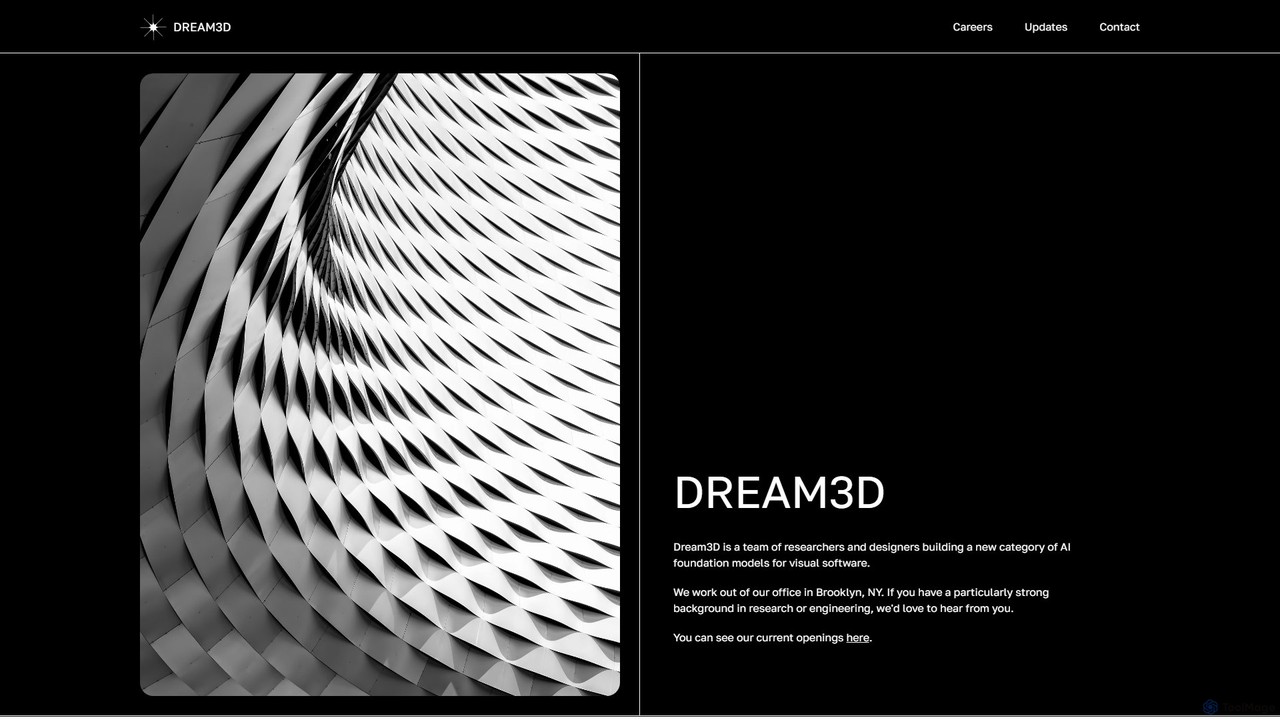
Dream3D is a pioneering AI platform that leverages foundational 3D models to generate dynamic, controllable, and consistent video content. It features an interactive 3D editor and a powerful 3D-powered video generation engine, enabling creators to produce cinematic-quality animations and visual effects with unprecedented control over scenes, objects, and camera movements.

3D Generation
Visits 6.4KFavorites 126Likes 133

aiscreenwriter
Freemium

aiscreenwriter

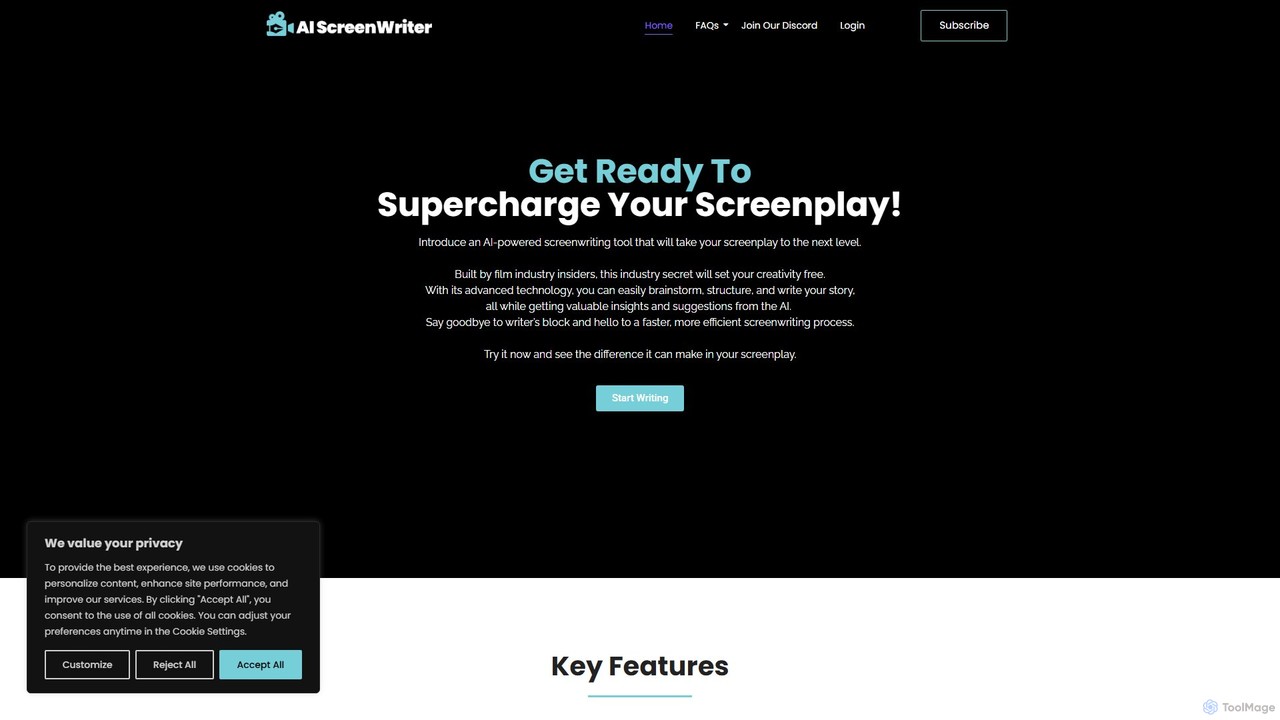
aiscreenwriter is an AI-powered tool designed for filmmakers, and storytellers. It helps generate film scripts, detailed story outlines, and comprehensive character sheets. This creative assistant streamlines the writing process, helps overcome writer's block, and provides tools for brainstorming, structuring narratives, and formatting scripts to industry standards, turning your ideas into production-ready content.

Creative Tools
Visits 7.6KFavorites 111Likes 132
pixelhaha
Freemium

pixelhaha

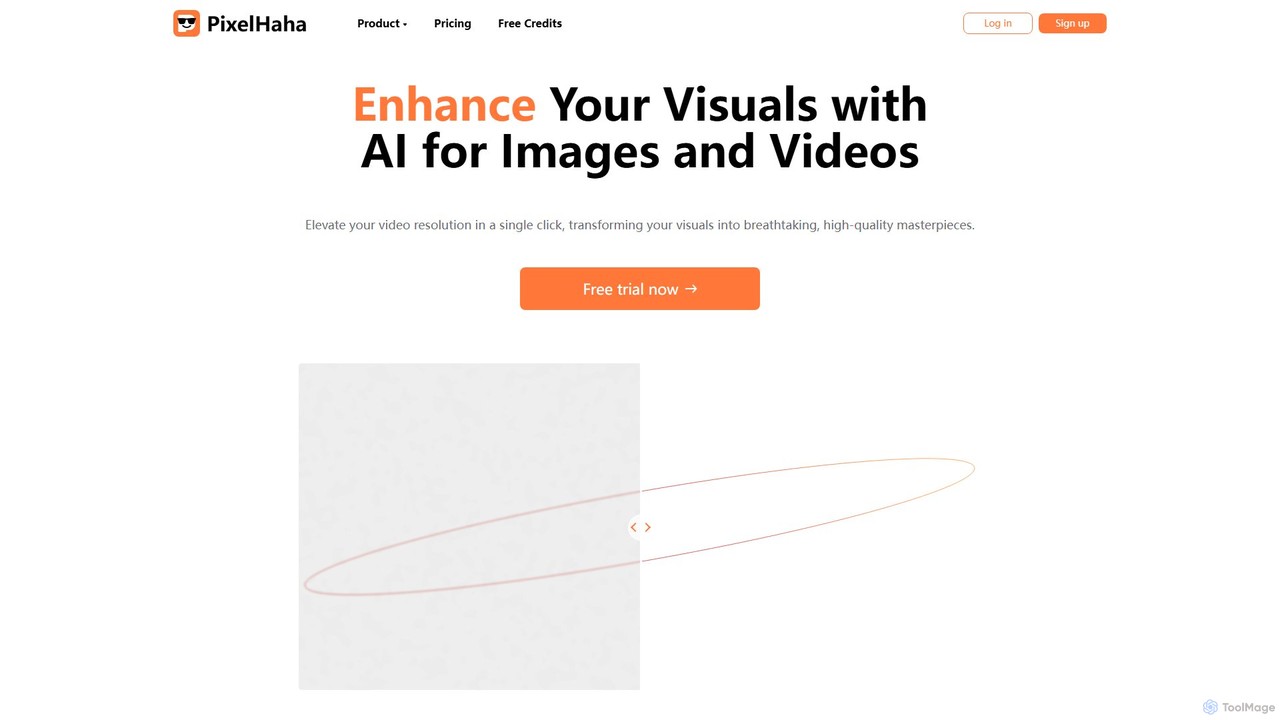
Pixelhaha is an AI-powered creative platform for enhancing visual media. It offers one-click tools to upscale video resolution and improve photo quality, bringing out vibrant colors and sharp details. It also features a text-to-image generator for creating unique AI art. With a user-friendly interface and a flexible pay-as-you-go pricing model, it's designed for content creators, marketers, and enthusiasts.

Image Enhancement
Visits 5.6KFavorites 174Likes 153
Subscribr
Freemium

Subscribr

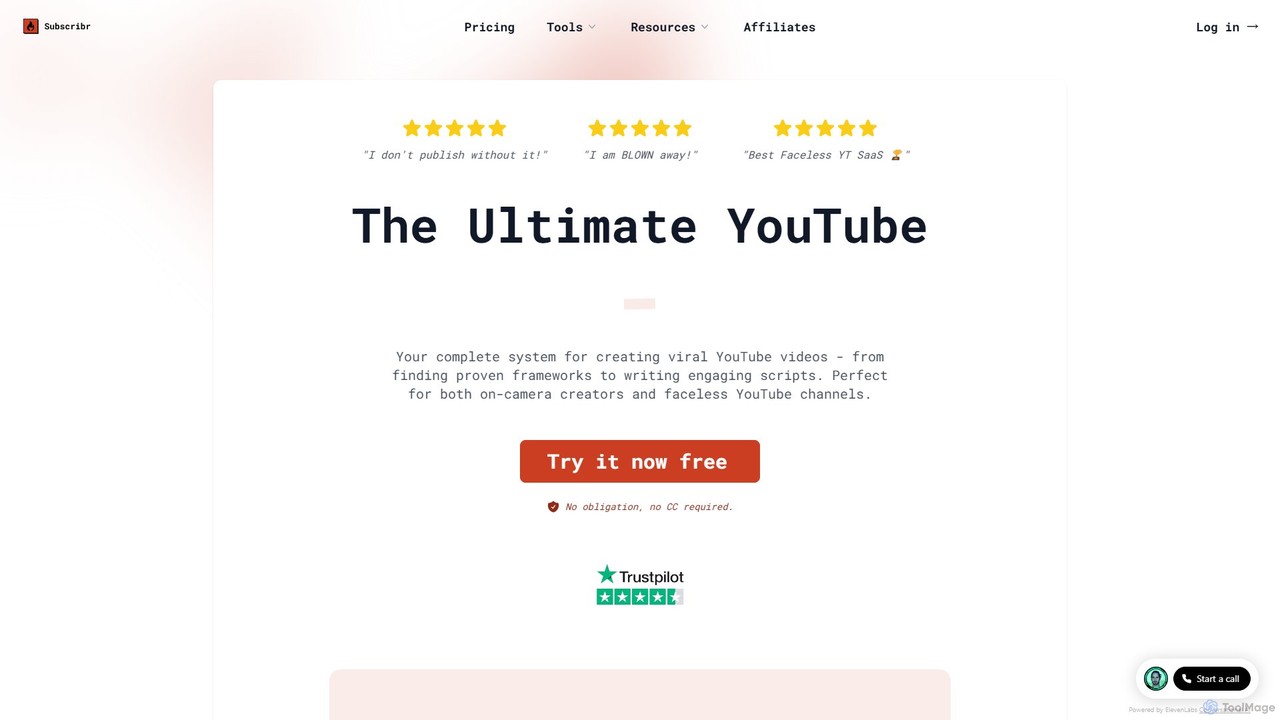
Subscribr is an AI-powered YouTube automation and scriptwriting platform. It helps creators find viral video ideas, analyze successful channels, and generate engaging, retention-optimized scripts in minutes. It's designed for both on-camera creators and faceless YouTube channels to accelerate growth.

Content Creation
Visits 131.6KFavorites 116Likes 128
Dub AI
Paid

Dub AI

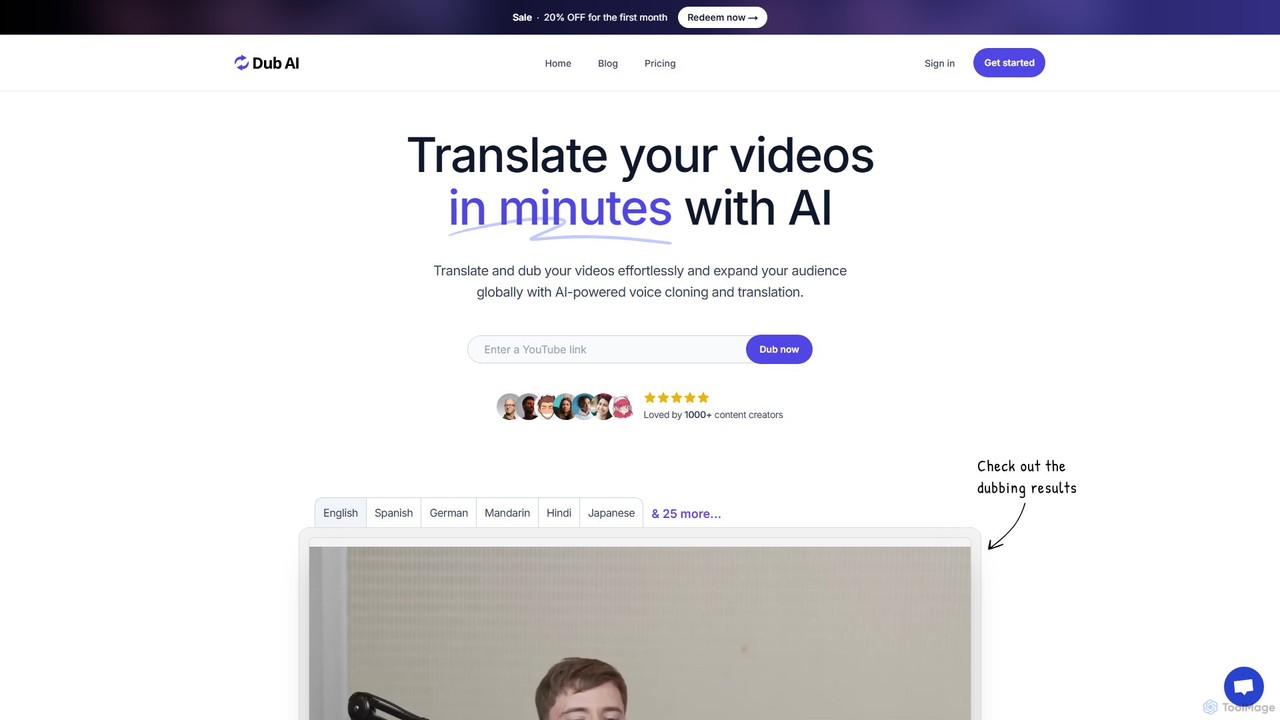
Dub AI is an AI-powered platform that enables content creators to effortlessly translate and dub videos into over 30 languages. Using advanced voice cloning and text-to-speech technology, it helps expand your audience globally by producing natural-sounding, high-quality dubbed content in minutes. It supports multiple speakers and provides transcripts and subtitles, making it a comprehensive solution for video localization.

Dubbing
Visits 10.5KFavorites 123Likes 118
Live Portrait
Freemium

Live Portrait

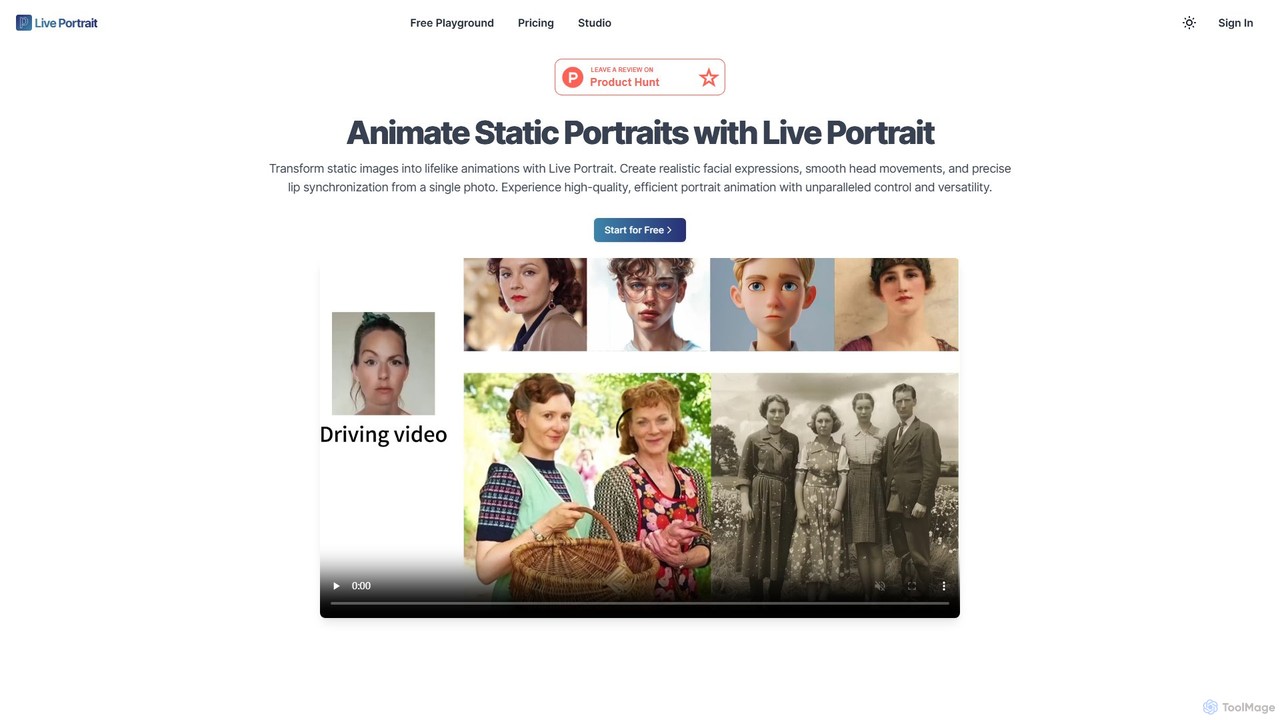
Live Portrait is an AI-powered tool that transforms static portrait photos into lifelike animations. Using a driving video, it generates realistic facial expressions, smooth head movements, and precise lip synchronization from a single image, offering unparalleled control and versatility for content creators and marketers.

Avatar
Visits 6.8KFavorites 102Likes 98
MyDetectAI
Paid

MyDetectAI

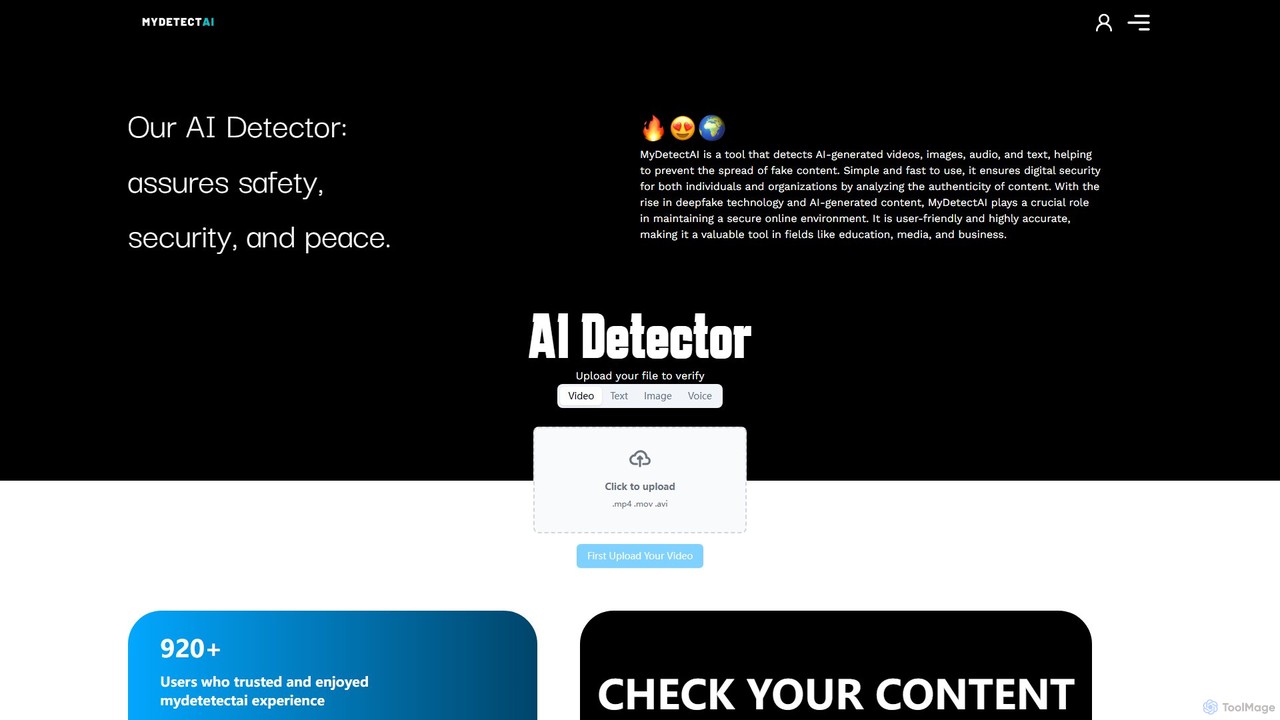
MyDetectAI is a powerful AI detection tool designed to identify AI-generated videos, images, audio, and text. It helps users combat misinformation and deepfakes by providing a simple, fast, and accurate analysis of digital content. Ideal for individuals, media, education, and businesses, it ensures digital security and content authenticity with a clear, percentage-based scoring system.

Analysis
Visits 6.8KFavorites 141Likes 145
ContentFries
Freemium

ContentFries

ContentFries is an AI-powered platform that transforms long-form videos into dozens of engaging, bite-sized clips for social media. It automates content repurposing with features like an AI clip detector, auto-subtitling in 120+ languages, animated captions, and one-click templates. Ideal for creators and marketers looking to maximize their content output and engagement effortlessly.

Repurposing
Visits 20.2KFavorites 115Likes 113
Presentory
Freemium

Presentory

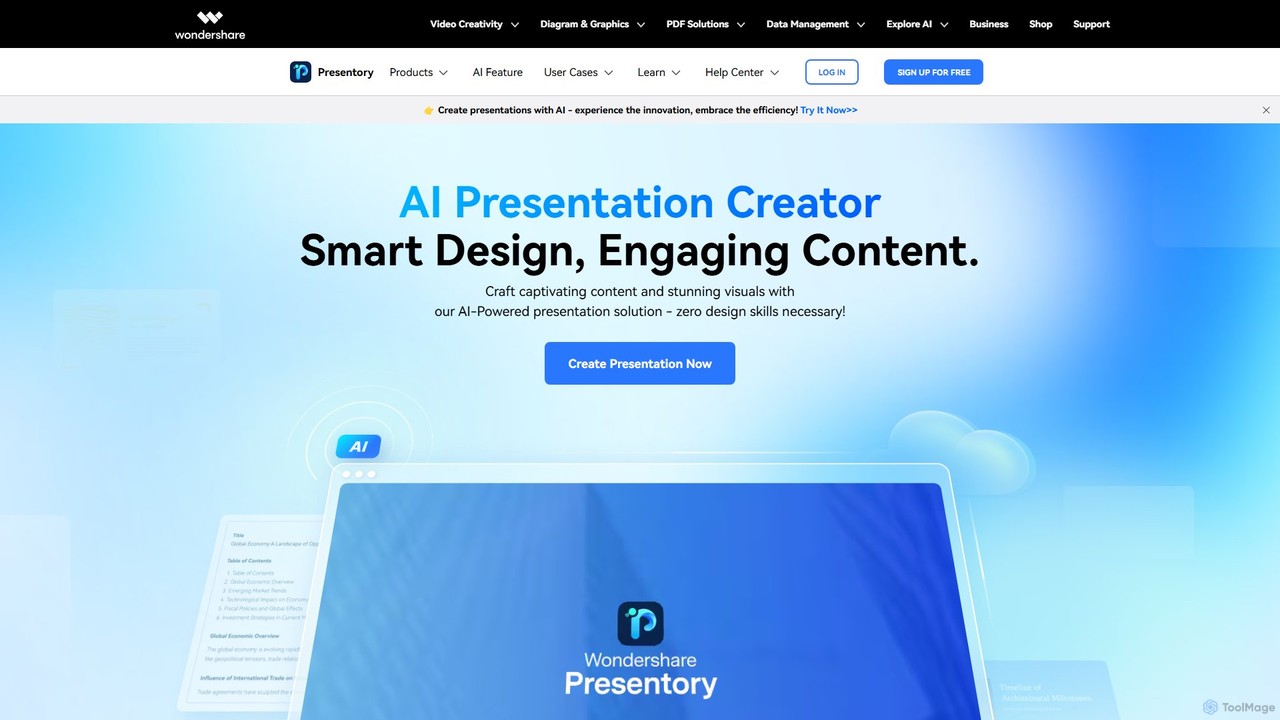
Presentory is an AI-powered presentation maker by Wondershare that enables users to create professional and engaging presentations effortlessly. Leveraging GPT-4, it automates content generation, visual design, and layout adjustments. Ideal for business, education, and marketing, it requires no design skills and offers features like AI image generation, video presentation recording, and seamless sharing in various formats.

Elearning
Visits 14.9KFavorites 106Likes 117
LitMedia
Freemium

LitMedia

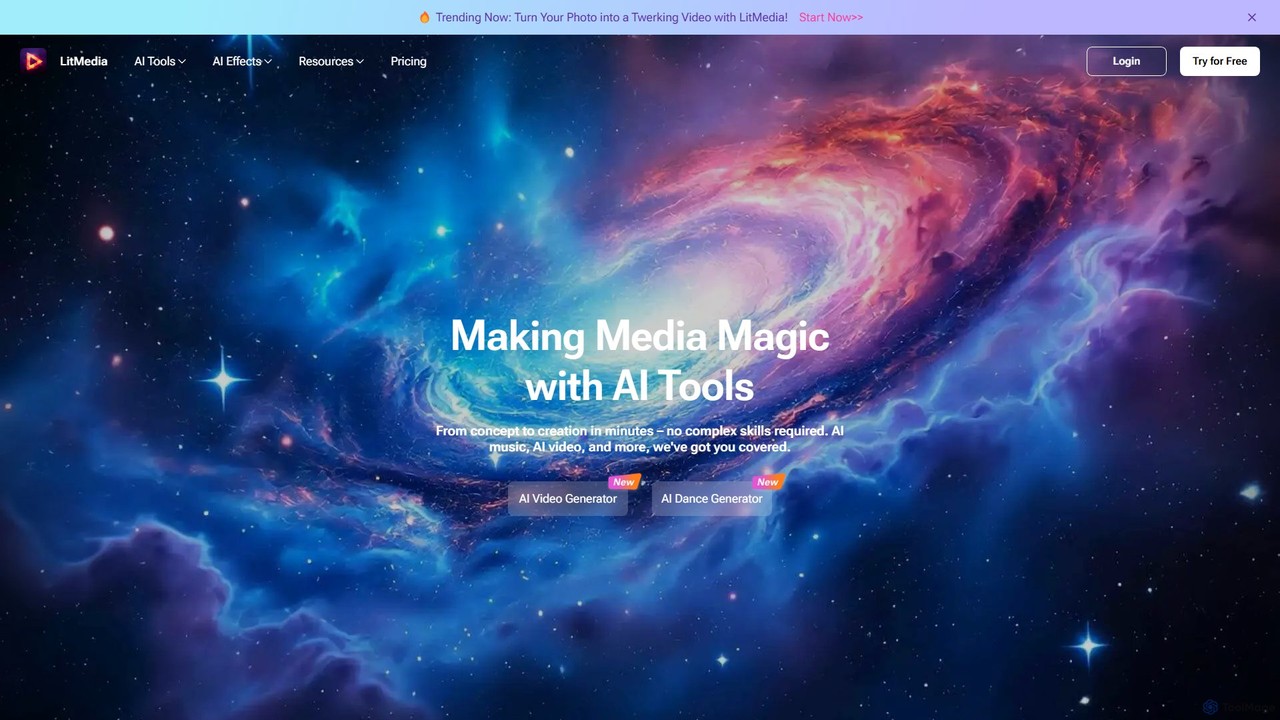
LitMedia is an all-in-one AI-powered creative suite designed to generate stunning videos, royalty-free music, and engaging dance animations. It integrates multiple advanced AI models like Kling and Vidu, allowing users to transform text, images, and videos into high-quality media content effortlessly. Ideal for content creators, marketers, and businesses, LitMedia simplifies the creative process, requiring no technical skills to produce professional-grade results in minutes.

Music Generation
Visits 435KFavorites 141Likes 135
Muvie
Freemium

Muvie

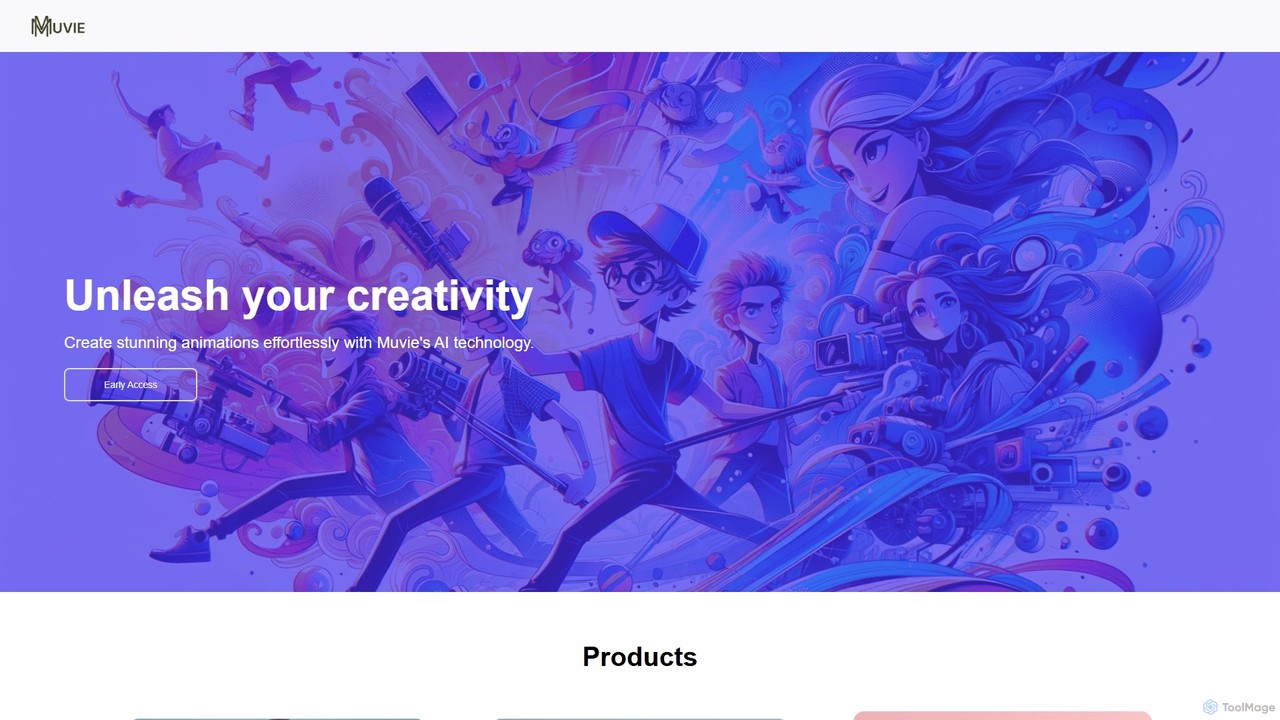
Muvie is an AI-powered animation platform that enables users to create stunning animated videos effortlessly. It integrates a character design engine, a text-to-animation studio, and a realistic text-to-speech voice studio. Ideal for creators, marketers, and educators, Muvie simplifies the entire animation workflow, from concept to final video, without requiring any technical expertise.

Character Generator
Visits 5.6KFavorites 132Likes 112
Reality Defender
Paid

Reality Defender

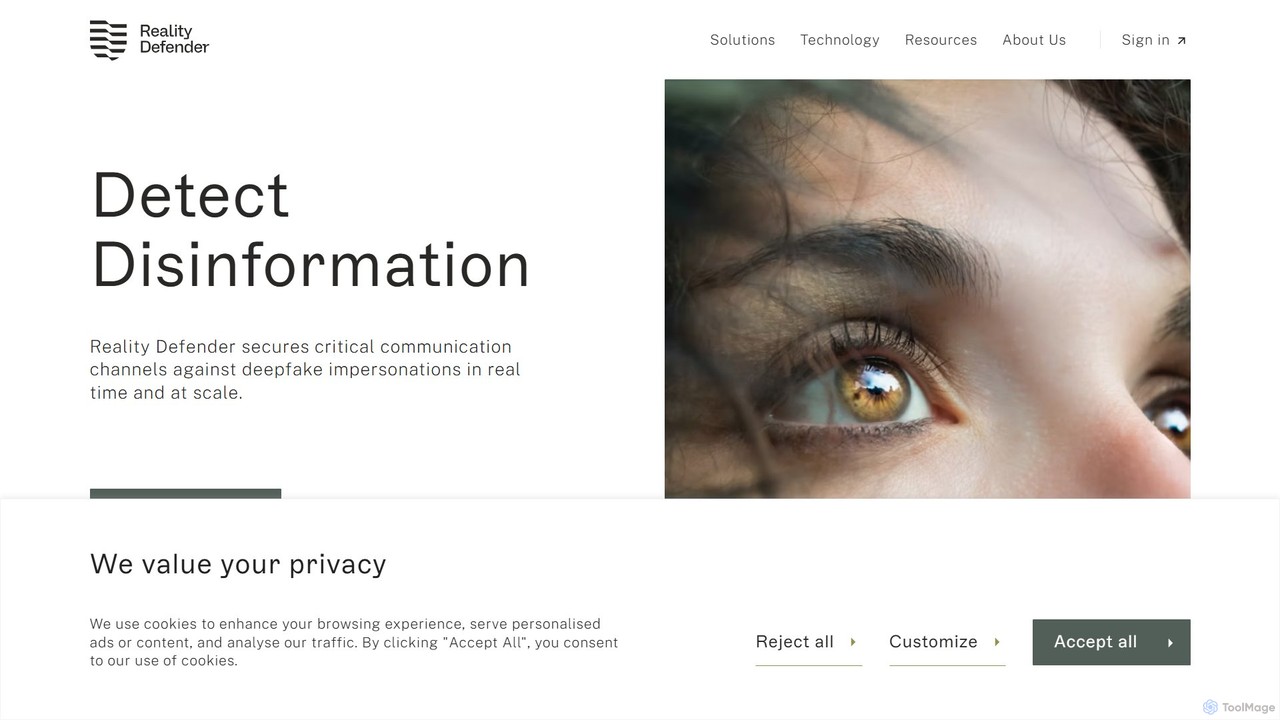
Reality Defender is an enterprise-grade platform for detecting AI-generated content and deepfakes. It provides multi-modal analysis of video, audio, images, and text to help businesses, governments, and platforms combat fraud, misinformation, and security threats. With its robust API and real-time scanning capabilities, it protects against sophisticated digital forgeries.

Audio Editing
Visits 30.6KFavorites 140Likes 129
Nim
Freemium

Nim

Nim is an all-in-one AI video production platform that consolidates the best AI models and editing tools. It enables users to create full-length videos from text or images with features like text-to-video, lip-sync, upscaling, and a comprehensive clip editor, catering to over 1.5 million creators.

Generative Art
Visits 561.3KFavorites 116Likes 142
Accuratescribe
Freemium

Accuratescribe

Accuratescribe is an AI-powered transcription service that converts audio and video to text with 99.8% accuracy. Powered by Whisper technology, it supports 134+ languages, speaker detection, and large file processing. Ideal for content creators, researchers, and legal professionals, it offers fast, secure, and reliable transcription with flexible export options like SRT, VTT, DOCX, and PDF.

Speech To Text
Visits 360.9KFavorites 153Likes 147
videodownloader.ai
Freemium

videodownloader.ai

An intelligent AI-powered video downloader that not only saves videos from major platforms in up to 8K resolution but also enhances them. Use AI to upscale quality, generate transcripts, extract smart clips, and repurpose content effortlessly. The ultimate tool for creators, marketers, and educators.

Transcription
Visits 6.4KFavorites 120Likes 137
Text2Audio
Free

Text2Audio

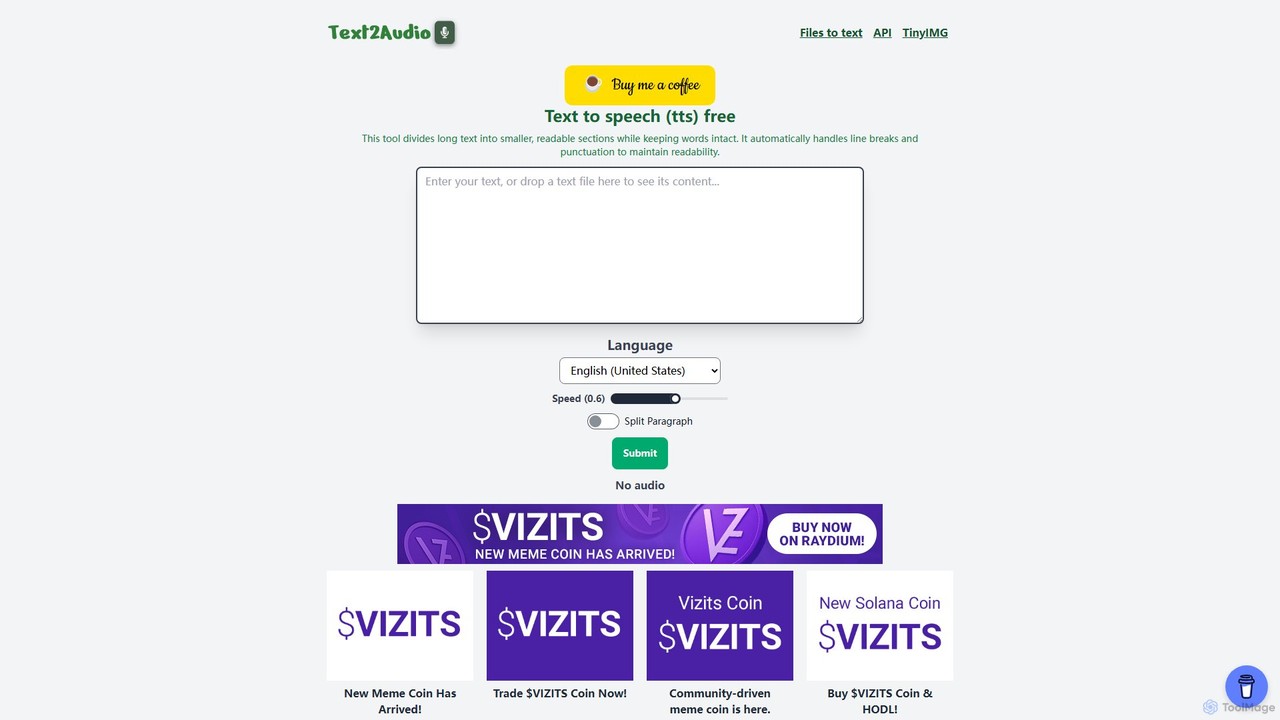
Text2Audio is a free, web-based text-to-speech (TTS) tool that converts written text into natural-sounding audio. It supports a vast array of languages, allows for voice speed customization, and provides instant MP3 downloads. Ideal for content creators, students, and accessibility purposes.

Text To Speech
Visits 5.6KFavorites 141Likes 153
Shedevrum
Freemium

Shedevrum

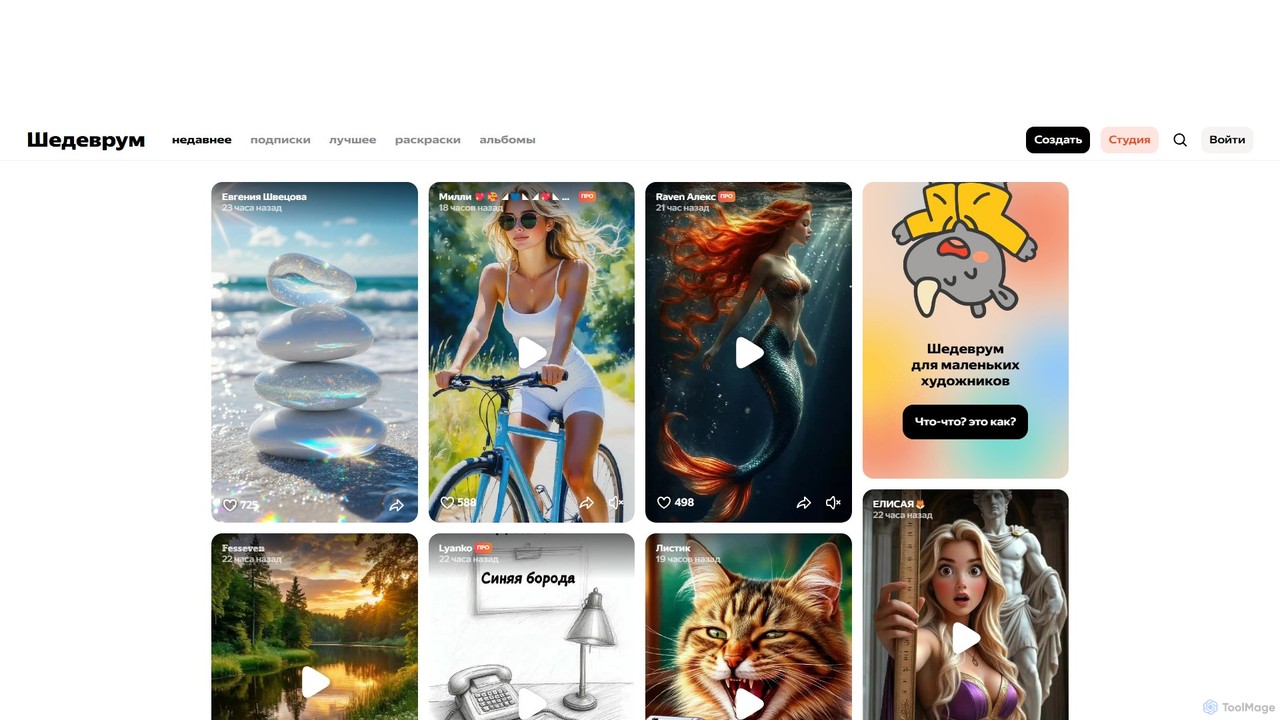
Shedevrum is an AI creative platform by Yandex that generates unique images, videos, and texts from prompts. It combines powerful generative models with a social network, allowing users to create, share, and discover AI-generated masterpieces within a vibrant community.

Generative Art
Visits 3.8MFavorites 139Likes 139
Kerplunk
Paid

Kerplunk

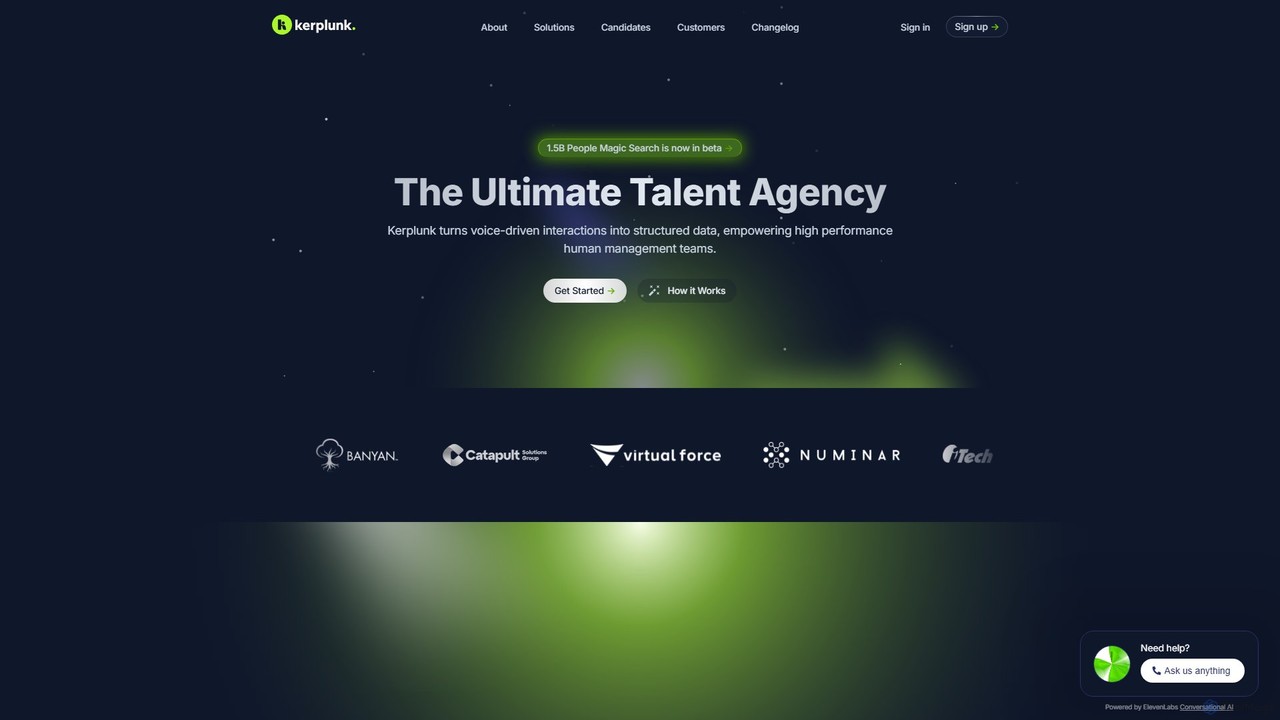
Kerplunk is an AI-powered talent assessment platform that revolutionizes hiring with asynchronous video interviews. It transforms spoken interactions into structured data, using bias-checked algorithms to score candidates on ability, not resume keywords. This saves recruiters time, reduces bias, and helps organizations quickly identify top talent from a global pool. Kerplunk integrates with major HR systems to streamline the entire recruitment process.

Recruiting
Visits 5.6KFavorites 137Likes 124
Chillin
Freemium

Chillin

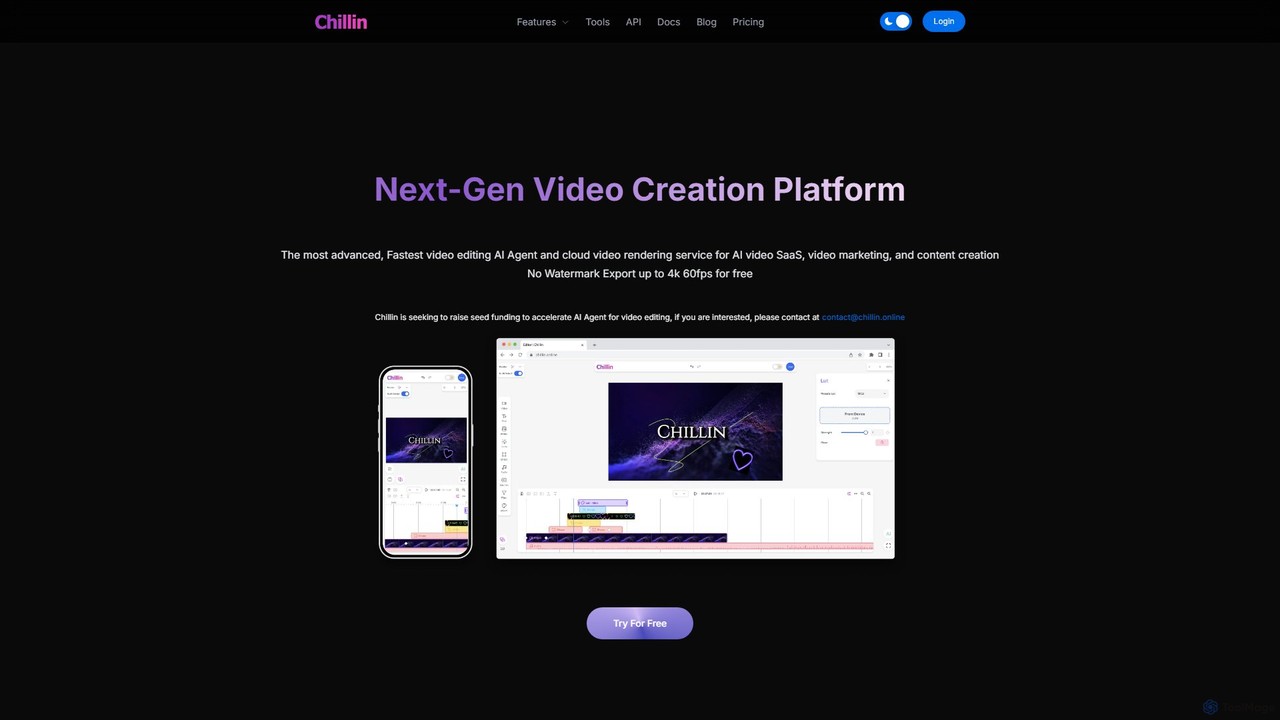
Chillin is an advanced AI-powered video creation platform offering a comprehensive suite of tools for both individual creators and businesses. It features an AI Agent for automated editing, high-speed cloud rendering, and a full-featured online editor. Key capabilities include AI-driven captioning, text-to-speech, image generation, and background removal. It also provides a powerful API for programmatic video creation, making it a versatile solution for content marketing and AI video SaaS applications.

Api
Visits 5.7KFavorites 156Likes 167
CassetteAI
Freemium

CassetteAI

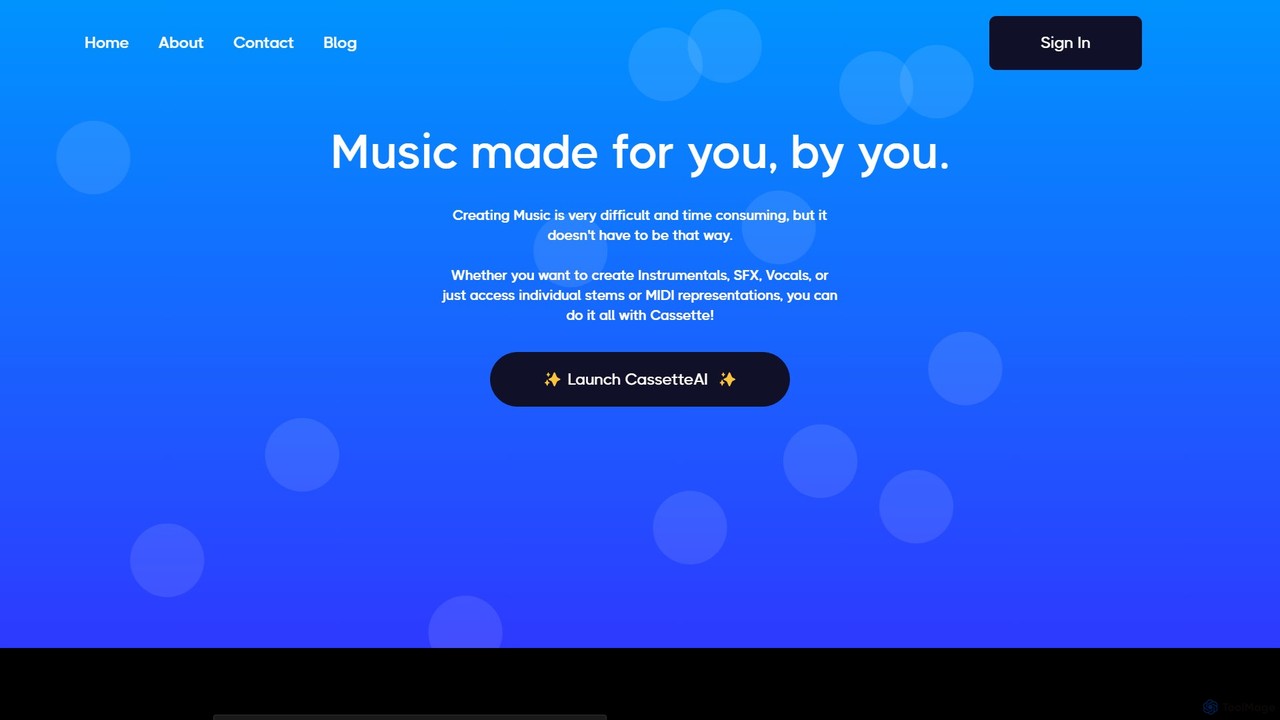
CassetteAI is an advanced AI music copilot that generates unique, high-quality music from text prompts. It empowers creators, musicians, and developers to produce instrumentals, vocals, sound effects, and full tracks in real-time. Features include stem separation, MIDI conversion, and an AI editing studio, with users retaining full ownership of their creations.

Music Generation
Visits 10.4KFavorites 126Likes 127
falcocut
Freemium

falcocut

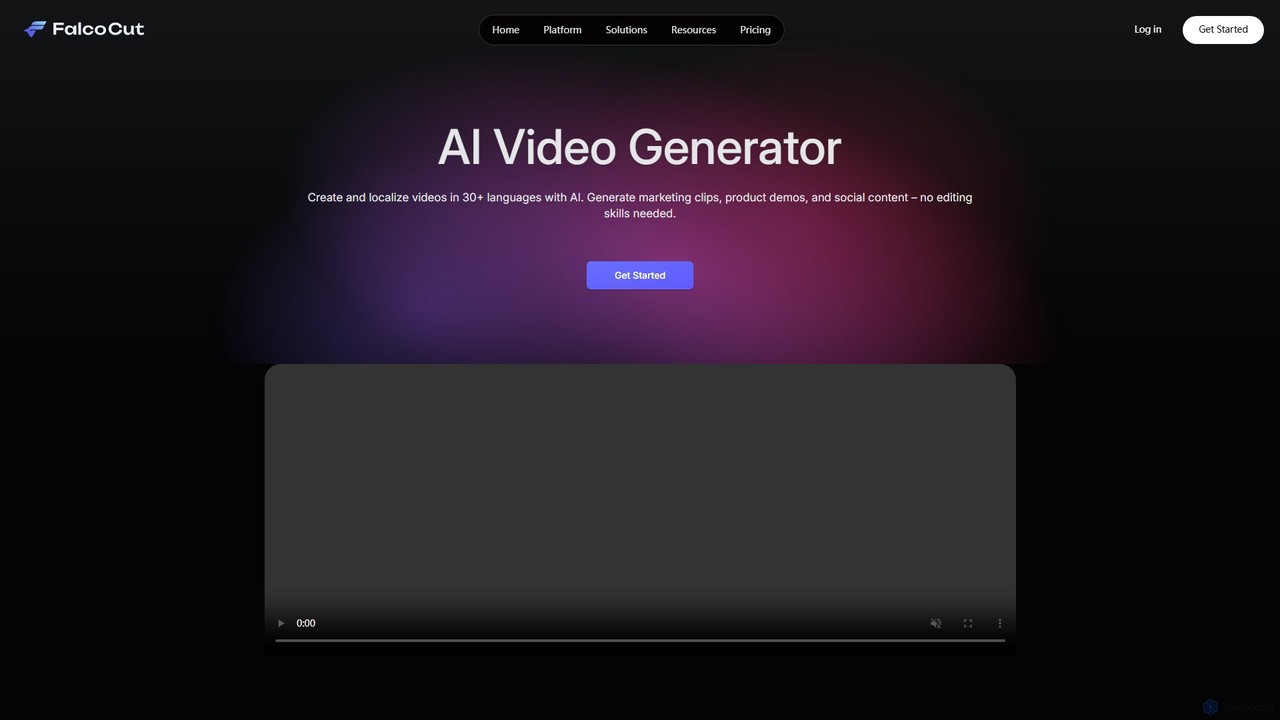
FalcoCut is an AI-powered video generator designed for creating and localizing social media and marketing content. It enables users to translate videos into over 30 languages with features like realistic lip-sync, voice cloning, and AI avatars. No advanced editing skills are required, making it ideal for marketers, content creators, and businesses aiming for a global audience.

Voice Cloning
Visits 5.6KFavorites 146Likes 149
Meitu
Freemium

Meitu

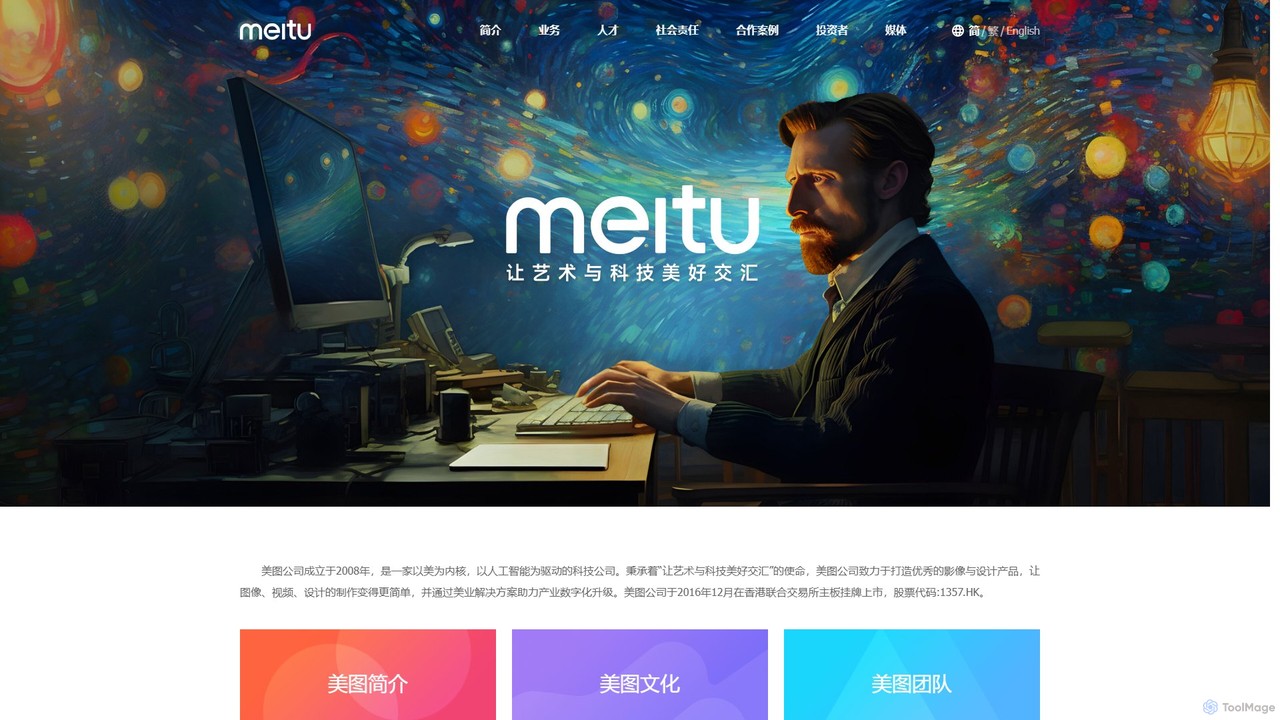
Meitu is a comprehensive suite of AI-powered tools for photo and video editing, graphic design, and professional creative workflows. It simplifies complex tasks like photo retouching, video quality restoration, and content creation, making advanced editing accessible to everyone from casual users to businesses.

Graphic Design
Visits 935.1KFavorites 149Likes 155
AI Trailers
Paid

AI Trailers

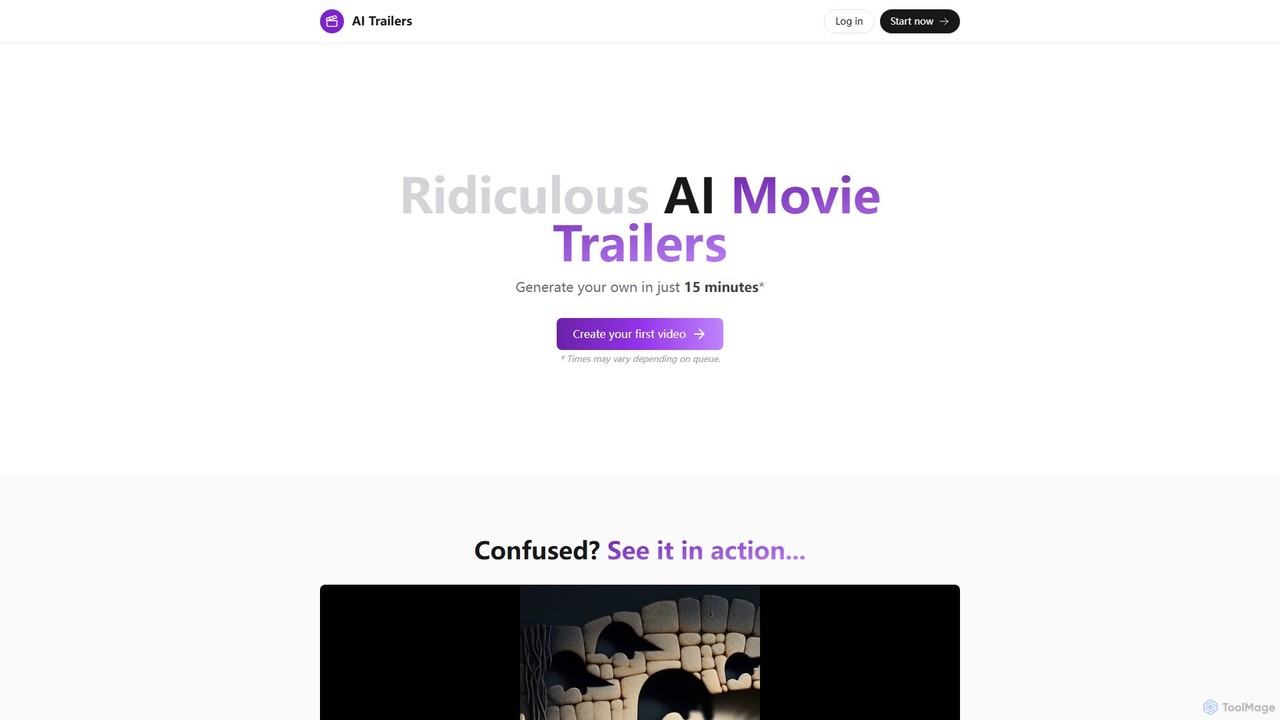
AI Trailers is a creative tool that generates short, often humorous, movie trailers using AI. Simply provide an idea, and the tool produces a 20-40 second video complete with an AI-generated script, images, and narration in about 15 minutes. It's perfect for social media content, visualizing concepts, or just for fun.

Meme Generator
Visits 5.8KFavorites 133Likes 130
FancyTech
Paid

FancyTech

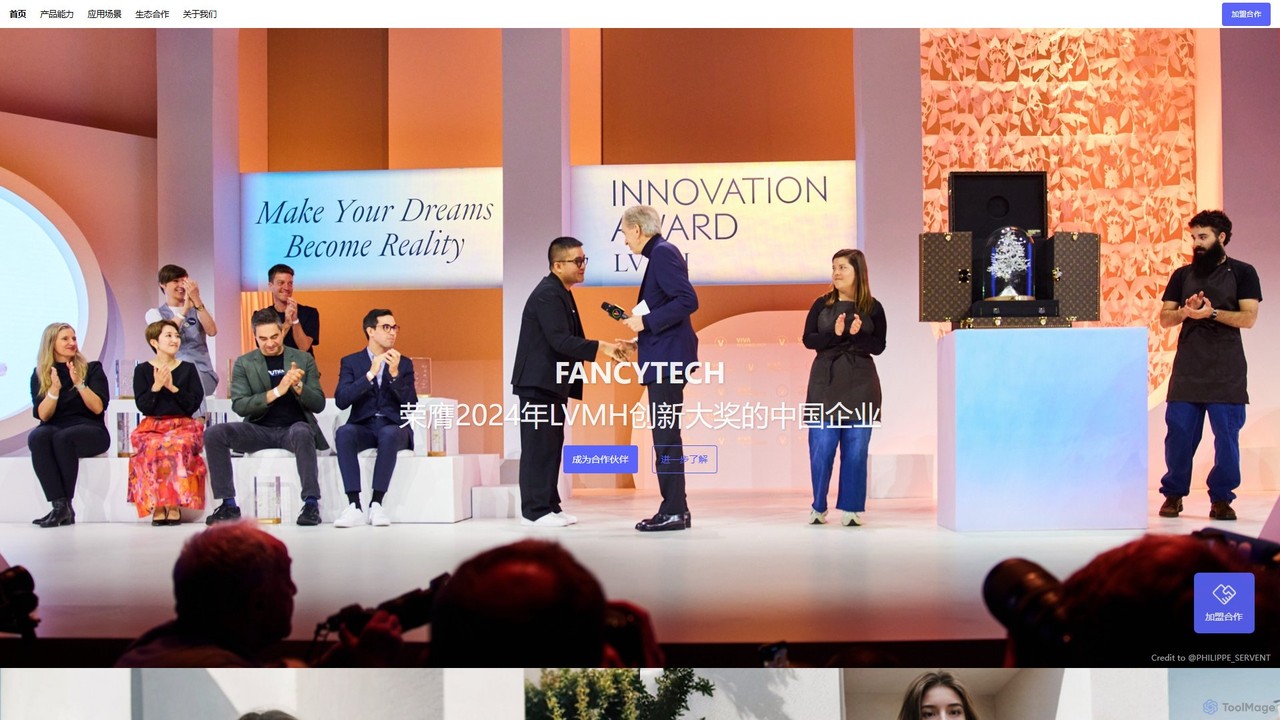
FancyTech is a leading AIGC platform specializing in commercial-grade video and image generation. It leverages AI and 3D technology to create stunning product videos, virtual model try-ons, and dynamic scenes, replacing traditional photoshoots for e-commerce and marketing.

Product Visualization
Visits 5.7KFavorites 146Likes 152

About Video

AI Video tools are a class of software that use artificial intelligence to create, edit, and enhance video content. They leverage technologies like generative models, computer vision, and natural language processing to automate complex video production tasks. These tools are widely used for generating marketing videos, creating social media content, and personalizing video messages at scale. Their primary advantage is significantly reducing the time, cost, and technical skill required for professional video production.

Core Features

  • Text-to-Video Generation: Create video clips and scenes from simple text prompts.
  • AI Video Editing: Automate tasks like cutting, scene detection, removing silences, and adding effects.
  • Video Enhancement & Upscaling: Improve video quality, increase resolution, reduce noise, and stabilize shaky footage.
  • AI Avatars & Voiceovers: Generate realistic digital human presenters and synthetic voiceovers from text.
  • Content Repurposing: Automatically convert long-form videos into multiple short clips for social media.

Use Cases

These tools are valuable for marketing teams, content creators, e-learning developers, and sales departments. For example, a marketer can generate dozens of ad variations from a single script, while a YouTuber can quickly create short clips from a long podcast recording to increase their reach on different platforms.

How to Choose

When selecting an AI video tool, consider the specific features you need, such as generation versus editing. Evaluate the quality and style of the output, the platform's ease of use, and its pricing model (often based on generation time or credits). Also, check for integration capabilities with your existing software and workflow to ensure seamless operation.

Featured tool rankings

Video use cases

1

Create Marketing and Promotional Videos

A marketing manager for a small business needs to create a new product announcement video for social media. Using an AI video tool, they input a script, select a voice style, and choose from stock footage or AI-generated scenes. The tool automatically generates a complete video with subtitles, background music, and branding, reducing production time from days to minutes and eliminating the need for a professional video editor.

2

Generate Engaging Social Media Shorts

A content creator wants to repurpose their long-form YouTube videos into short, engaging clips for TikTok and Instagram Reels. They upload their video to an AI tool that automatically identifies the most interesting moments, reframes them into a vertical format (9:16), and adds dynamic captions. This allows them to create 10+ short clips from a single video in under an hour, dramatically increasing their content output and reach.

3

Produce Corporate Training and E-learning Videos

An instructional designer is tasked with creating a series of training modules. Instead of filming a presenter, they use an AI tool to create a realistic avatar. They simply type the script, and the avatar delivers the content with synchronized lip movements and gestures. This method allows for easy updates—if the script changes, they just edit the text instead of re-shooting the entire video, saving significant time and resources.

4

Personalize Video Outreach at Scale

A sales team aims to improve their outreach response rates. They use an AI video platform to create a template video and then dynamically insert personalized elements like the prospect's name, company, or a website screenshot into each video. This process generates thousands of unique, personalized video messages that appear individually recorded, leading to higher engagement and conversion rates compared to standard text-based emails.

5

Automate Video Dubbing and Translation

A media company wants to distribute its documentary to a global audience. They use an AI video tool to automatically transcribe the original audio, translate it into multiple languages, and generate a synthetic voiceover in the target language. The tool can even clone the original speaker's voice and sync the new audio with their lip movements, making the dubbed version feel natural and authentic without the high cost of traditional dubbing studios.

6

Enhance and Restore Low-Quality Footage

A user has old family videos or low-resolution clips they want to use in a project. They upload the footage to an AI video enhancer. The tool uses algorithms to upscale the resolution (e.g., from 480p to 4K), reduce noise and grain, sharpen details, and stabilize shaky camera movements. The result is a dramatically improved video that is clear and usable for modern displays, preserving valuable memories or salvaging important footage.

Video FAQ

What are AI Video tools?

AI Video tools are software applications that use artificial intelligence to automate the creation, editing, and enhancement of video content. They employ technologies like generative AI to create videos from text, computer vision to analyze and edit footage, and machine learning to improve video quality. Key functions include text-to-video generation, automated editing, creating AI avatars, and video upscaling.

How do I choose the right AI Video tool?

To choose the right tool, first identify your primary need: are you creating new videos from scratch (generation), editing existing footage, or enhancing quality? Then, consider these factors:

  • Feature Set: Does it offer text-to-video, avatars, automated editing, or repurposing?
  • Output Quality: Review samples to ensure the video and audio quality meet your standards.
  • Ease of Use: Is the interface intuitive for your skill level?
  • Pricing: Compare subscription plans, credit systems, and free trial limitations.
What is the difference between AI video generators and traditional video editors?

Traditional video editors (like Adobe Premiere Pro) provide a timeline and tools for manual manipulation of video clips, requiring significant skill and time. AI video generators, on the other hand, create new video content from prompts (text, images, audio) or automate complex editing tasks. The key difference is automation and creation versus manual control and editing. AI tools focus on speed and accessibility, while traditional editors offer more granular creative control.

What are the main capabilities of AI Video tools?

The main capabilities of AI Video tools include:

  • Video Generation: Creating video clips from text descriptions (text-to-video) or images (image-to-video).
  • Automated Editing: Automatically cutting scenes, removing filler words, adding subtitles, and selecting background music.
  • Content Repurposing: Transforming long videos into short, social-media-friendly clips.
  • AI Avatars: Generating realistic digital presenters from text scripts.
  • Video Enhancement: Upscaling resolution, reducing noise, and stabilizing footage.
Who can benefit from using AI Video tools?

A wide range of users can benefit. Marketers use them to quickly create ad campaigns and social media content. Content creators automate editing and repurpose videos to increase output. Businesses produce training and communication videos without large production teams. Educators create engaging e-learning materials. Even individuals can use them for personal projects without needing technical video editing skills.