ToolMage
Sign in
autofillr
Chrome Extensions · 110 monthly visits

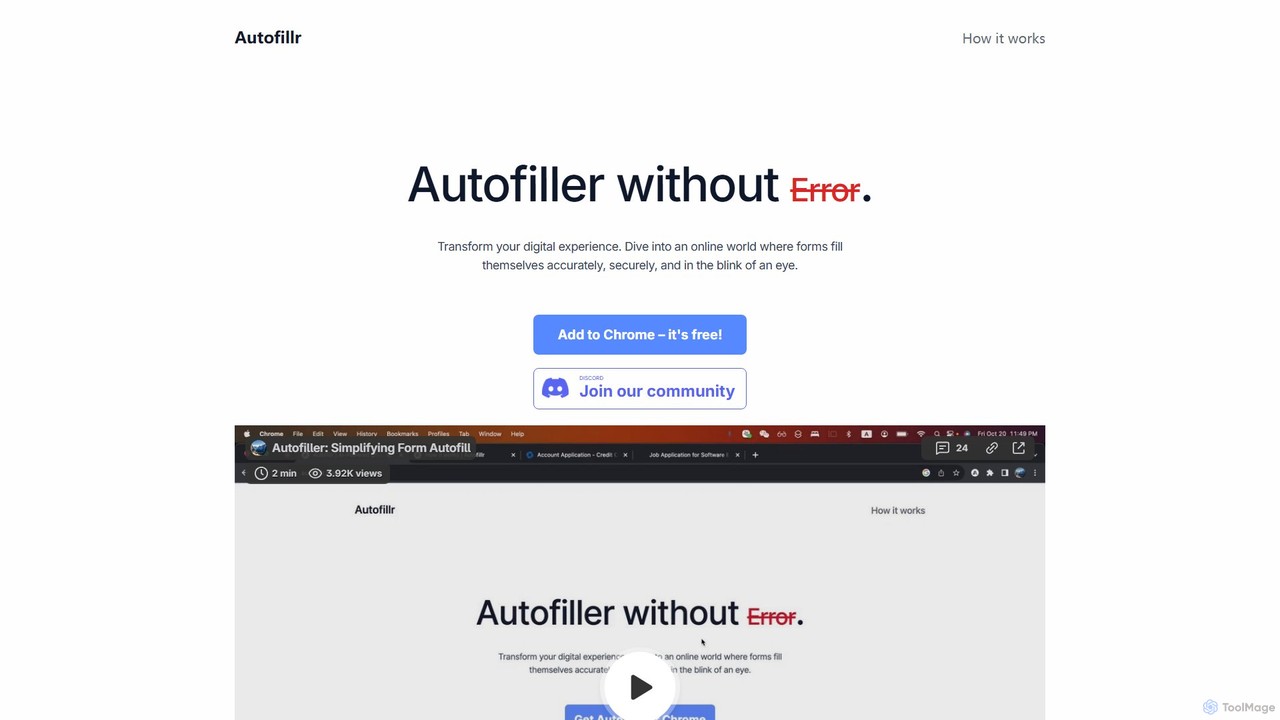
autofillr is a free, AI-powered Chrome extension that revolutionizes form filling. It intelligently analyzes any web form to provide fast, accurate, and flawless autofill with a single click. Prioritizing user privacy, all your data is stored locally on your device, never sent to a server. This tool is designed to save you time and eliminate the tedious task of repetitive data entry, making online applications, checkouts, and registrations effortless.

VS
Flowtext
Automation · 1.6K monthly visits

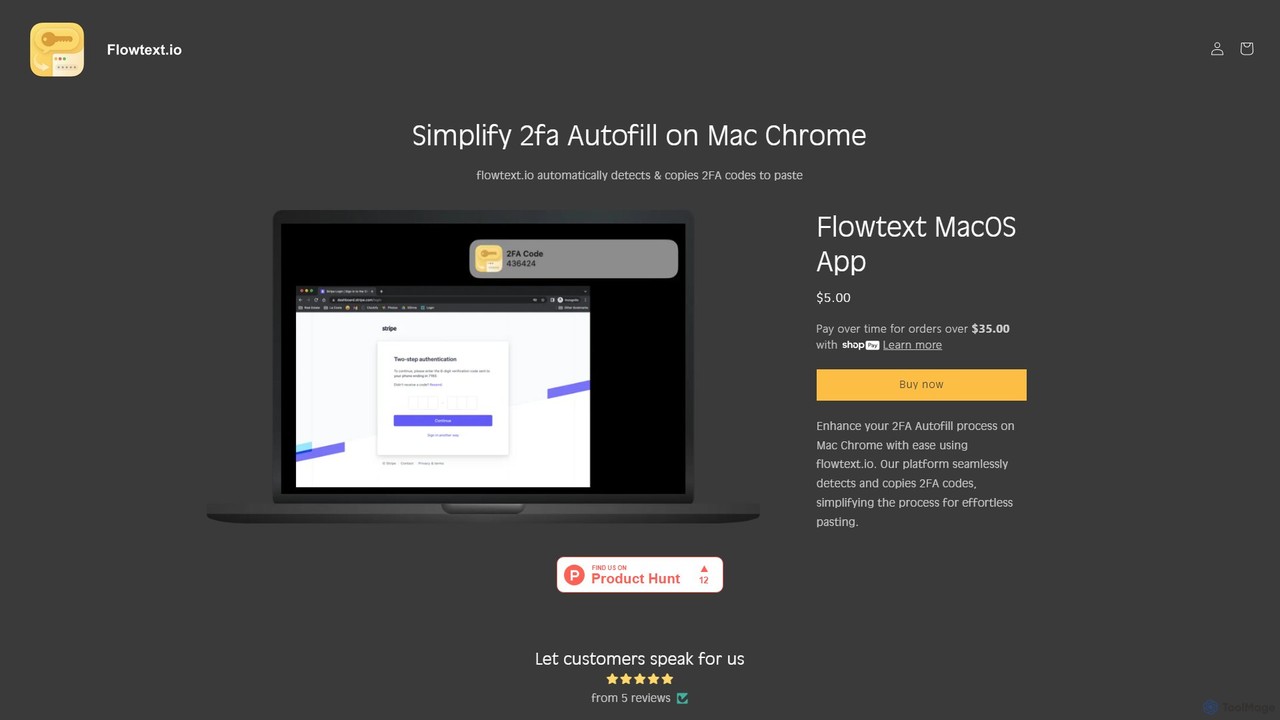
Flowtext is a macOS application designed to streamline your two-factor authentication (2FA) workflow. It automatically detects 2FA codes from SMS messages in iMessage and instantly copies them to your clipboard, eliminating the need to manually switch apps and copy-paste codes when logging into services on Google Chrome. This enhances both productivity and security.

autofillr vs Flowtext: pricing, features, traffic, and use cases

Compare autofillr and Flowtext across positioning, pricing, traffic, and user feedback using structured factual data.

Updated Aug 21, 2026

Product overview

autofillr Product overview

autofillr is a free, AI-powered Chrome extension that revolutionizes form filling. It intelligently analyzes any web form to provide fast, accurate, and flawless autofill with a single click. Prioritizing user privacy, all your data is stored locally on your device, never sent to a server. This tool is designed to save you time and eliminate the tedious task of repetitive data entry, making online applications, checkouts, and registrations effortless.
Preview

Flowtext Product overview

Flowtext is a macOS application designed to streamline your two-factor authentication (2FA) workflow. It automatically detects 2FA codes from SMS messages in iMessage and instantly copies them to your clipboard, eliminating the need to manually switch apps and copy-paste codes when logging into services on Google Chrome. This enhances both productivity and security.

Preview

Detailed feature comparison

FeatureautofillrFlowtext
Primary categoryChrome ExtensionsAutomation
Added2025-08-142025-08-11
PricingFreePaid
Official websitewww.autofillr.comflowtext.io
Product typeBrowser extensionApp
Performance data
User ratingNot verifiedNot verified
Comments00
Monthly visits1101.6K
Monthly growth-90.3%107.9%
Favorites134108
DetailsView detailsView details

autofillr vs Flowtext monthly traffic

Compare autofillr and Flowtext by monthly reach, traffic trend, visit depth, top regions, and acquisition sources.

How to interpret the traffic data

In the autofillr vs Flowtext monthly traffic comparison, autofillr currently shows 110 visits and Flowtext shows 1.6K; Flowtext has about 14.4 times the visible traffic of autofillr, an absolute difference of about 1.5K visits. This reflects visible reach, not feature quality or paid users.

Both tools provide verified traffic details, so monthly trends, visit depth, regions, and acquisition sources can be compared on the same basis.

autofillr monthly traffic:

Latest traffic

Monthly visits
110
Avg. visit duration
1:20
Pages per visit
2.5
Bounce rate
36.35%
Data updated 2026-06-15

Monthly traffic trend

  • 2025/9: 3.5K Monthly visits
  • 2026/1: 2.2K Monthly visits
  • 2026/2: 2.1K Monthly visits
  • 2026/3: 2.6K Monthly visits
  • 2026/4: 1.1K Monthly visits
  • 2026/5: 110 Monthly visits

Top regions

Top 5 countries/regions
Country/regionPercentageTraffic
🇺🇸United States100%110

Search keywords

autofill extensionautofill formsform filler chrome extensionform filler extensionquestion filler extension

Flowtext monthly traffic:

Latest traffic

Monthly visits
1.6K
Avg. visit duration
0:00
Pages per visit
1.18
Bounce rate
38.1%
Data updated 2026-06-15

Monthly traffic trend

  • 2025/9: 314 Monthly visits
  • 2026/1: 1.5K Monthly visits
  • 2026/2: 1.6K Monthly visits
  • 2026/3: 2.1K Monthly visits
  • 2026/4: 764 Monthly visits
  • 2026/5: 1.6K Monthly visits

Top regions

Top 5 countries/regions
Country/regionPercentageTraffic
🇺🇸United States100%1.6K

Search keywords

sms autofill chrome mac
Traffic-based selection guidance: If public market visibility is an important first-pass criterion, investigate Flowtext first. The final choice should still follow taxonomy, use case, and a real trial because higher traffic does not prove broader capabilities or better workflow fit.

Usage comparison

Compare the core capabilities of autofillr and Flowtext

autofillr Core features

Automation
Chrome Extensions
Data Management

Flowtext Core features

Automation
Authentication
Clipboard Manager

Use cases

autofillr Use cases

automation
productivity
security
AI assistant
autofill
chrome extension
data entry
form filler
one-click fill
privacy

Flowtext Use cases

automation
productivity
security
2FA
Chrome
clipboard
iMessage
macos
SMS
two-factor authentication

autofillr vs Flowtext:In-depth comparison and selection guidance

First decide whether the products solve the same kind of need

This in-depth autofillr vs Flowtext comparison uses only the product records, taxonomy, audience, traffic, and community signals available on this page. autofillr is primarily listed under “Chrome Extensions”, while Flowtext is primarily listed under “Automation”, so the first decision is whether your actual task matches their recorded scope.

The structured fields currently show these decision-relevant differences: Primary category (autofillr: Chrome Extensions; Flowtext: Automation); Product type (autofillr: Browser extension; Flowtext: App); Pricing (autofillr: Free; Flowtext: Paid); Monthly visits (autofillr: 110; Flowtext: 1.6K); Monthly growth (autofillr: -90.3%; Flowtext: 107.9%). These facts are more useful for selection than brand visibility alone.

What market visibility and monthly traffic mean

In the autofillr vs Flowtext monthly traffic comparison, autofillr currently shows 110 visits and Flowtext shows 1.6K; Flowtext has about 14.4 times the visible traffic of autofillr, an absolute difference of about 1.5K visits. This reflects visible reach, not feature quality or paid users.

Both tools provide verified traffic details, so monthly trends, visit depth, regions, and acquisition sources can be compared on the same basis.

If public market visibility is an important first-pass criterion, investigate Flowtext first. The final choice should still follow taxonomy, use case, and a real trial because higher traffic does not prove broader capabilities or better workflow fit.

Product positioning, use cases, and roles

autofillr and Flowtext currently overlap in shared categories: Automation; shared tags: automation, productivity, and security. This can place both on the same shortlist, but it does not prove equal implementation, depth, or cost.

autofillr's unique categories/tags are Chrome Extensions, Data Management, AI assistant, autofill, chrome extension, data entry, form filler, and one-click fill; Flowtext's are Authentication, Clipboard Manager, 2FA, Chrome, clipboard, iMessage, macos, and SMS. These unique fields are the strongest differentiators: validate the product whose recorded scope matches the task instead of following traffic alone.

What ratings, comments, and favorites can tell you

autofillr has no verified rating, 0 comments, 134 favorites, and 121 likes;Flowtext has no verified rating, 0 comments, 108 favorites, and 98 likes。

Neither product has enough rating or comment samples for a credible reputation ranking.

Selection guidance by actual need

When to evaluate autofillr first

Put autofillr on the priority trial list when the task aligns with “Chrome Extensions” and especially Chrome Extensions, Data Management, AI assistant, autofill, chrome extension, and data entry. This follows recorded positioning and does not imply unlisted capabilities are absent.

autofillr also currently records: pricing is free, product type is browser extension, 110 verified monthly visits, no verified user rating. Verify any hard requirement around price, platform, or reach before trial, and do not let sparse review data substitute for testing.

When to evaluate Flowtext first

Put Flowtext on the priority trial list when the task aligns with “Automation” and especially Authentication, Clipboard Manager, 2FA, Chrome, clipboard, and iMessage. This follows recorded positioning and does not imply unlisted capabilities are absent.

Flowtext also currently records: pricing is paid, product type is app, 1.6K verified monthly visits, no verified user rating. Verify any hard requirement around price, platform, or reach before trial, and do not let sparse review data substitute for testing.

How to validate the recommendation before deciding

The available data describes positioning, public visibility, and community signals, but it cannot prove output quality, speed, integration effort, privacy, or long-term cost in your workflow. Before deciding, run the same representative tasks in autofillr and Flowtext, then record completion time, accuracy, manual corrections, and the real paid threshold. A like-for-like trial turns this comparison into a defensible adoption decision.

Comparison FAQ

How should I choose between autofillr and Flowtext?
Compare positioning, pricing, taxonomy, and traffic maturity, then verify the latest details on each official website.
Where does this comparison data come from?
The factual baseline is derived from product, taxonomy, traffic, and community data. Reviewed editorial conclusions show their source and verification date.
What do unknown fields mean?
Unknown means there is not enough reliable evidence; the page does not fill gaps with assumptions.

Related AI tools

FillGenius
Freemium

FillGenius

FillGenius is an AI-powered Chrome extension that automates the tedious process of filling out online forms. By storing your information once, it intelligently detects and populates fields across various websites, from job applications on Upwork to e-commerce product listings. It saves you time, reduces manual errors, and boosts productivity, allowing you to focus on more important tasks.

Chrome Extensions
Visits 6.4KFavorites 125Likes 131
Ai Form Filler
Free

Ai Form Filler

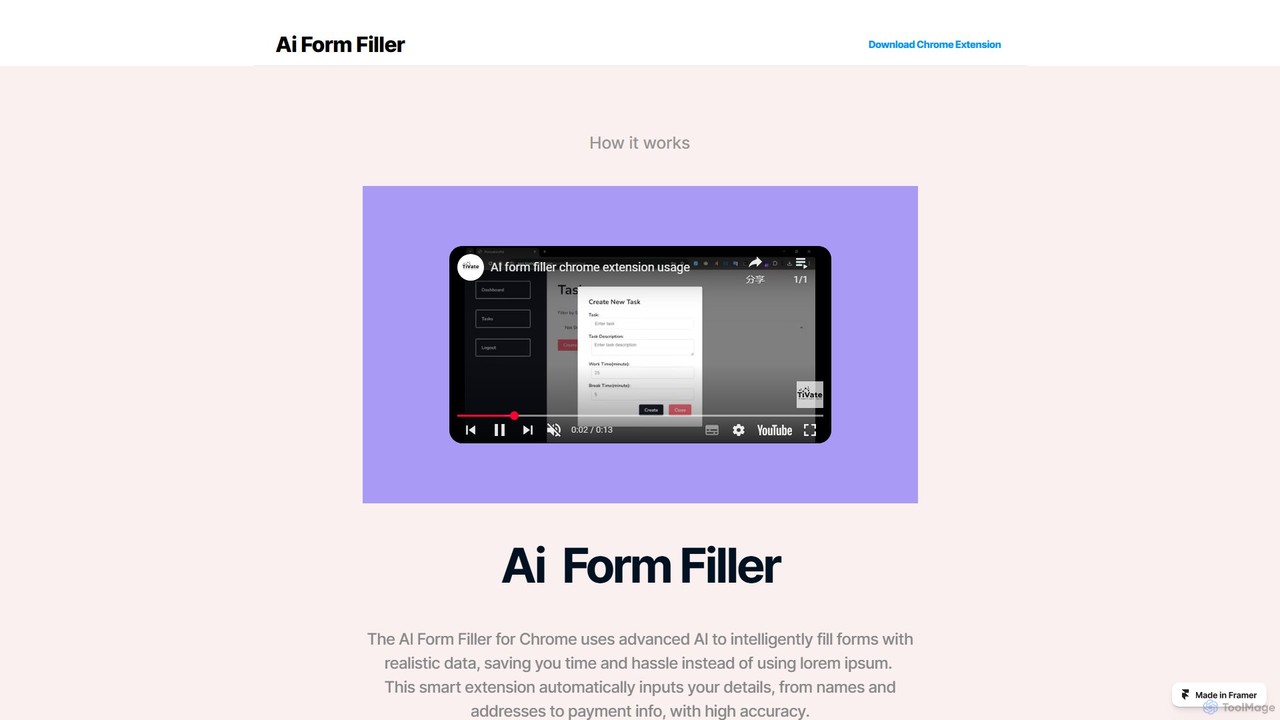
Ai Form Filler is an intelligent Chrome extension that automates the tedious process of filling out online forms. Using AI, it accurately recognizes and completes fields for names, addresses, payment information, and more with a single click. Securely manage multiple profiles to save time and reduce errors during online checkouts, registrations, and applications.

Chrome Extensions
Visits 4.6KFavorites 114Likes 93
fillaform.ai
Freemium

fillaform.ai

fillaform.ai is an AI-powered Chrome extension that automates form filling with a single click. It intelligently learns from your past entries and data libraries to accurately populate web forms, saving you time and eliminating tedious data entry. Ideal for online shoppers, business professionals, and HR managers, it streamlines workflows and boosts productivity by making online forms effortless.

Form Filler
Visits 10.6KFavorites 136Likes 142
filliny
Freemium

filliny

filliny is an AI-powered assistant designed to automate the tedious task of filling information. From web forms and applications to generating content for emails and documents, filliny intelligently completes fields and text, saving you time and reducing manual errors. It learns from your input to provide increasingly accurate and personalized suggestions.

Form Filler
Visits 6.2KFavorites 154Likes 158
inbox_ai
Paid

inbox_ai

inbox_ai is a powerful voice-driven AI automation tool for macOS. It allows you to create custom voice commands and build intelligent assistants to streamline your workflow. With features like on-screen quick capture, email filtering, and deep integration with native macOS apps and services like Raycast and PopClip, inbox_ai puts advanced AI capabilities at your fingertips. It operates entirely on-device, ensuring your data remains private and secure, with no login required.

Workflow
Visits 5.2KFavorites 137Likes 146
Smartpaste
Freemium

Smartpaste

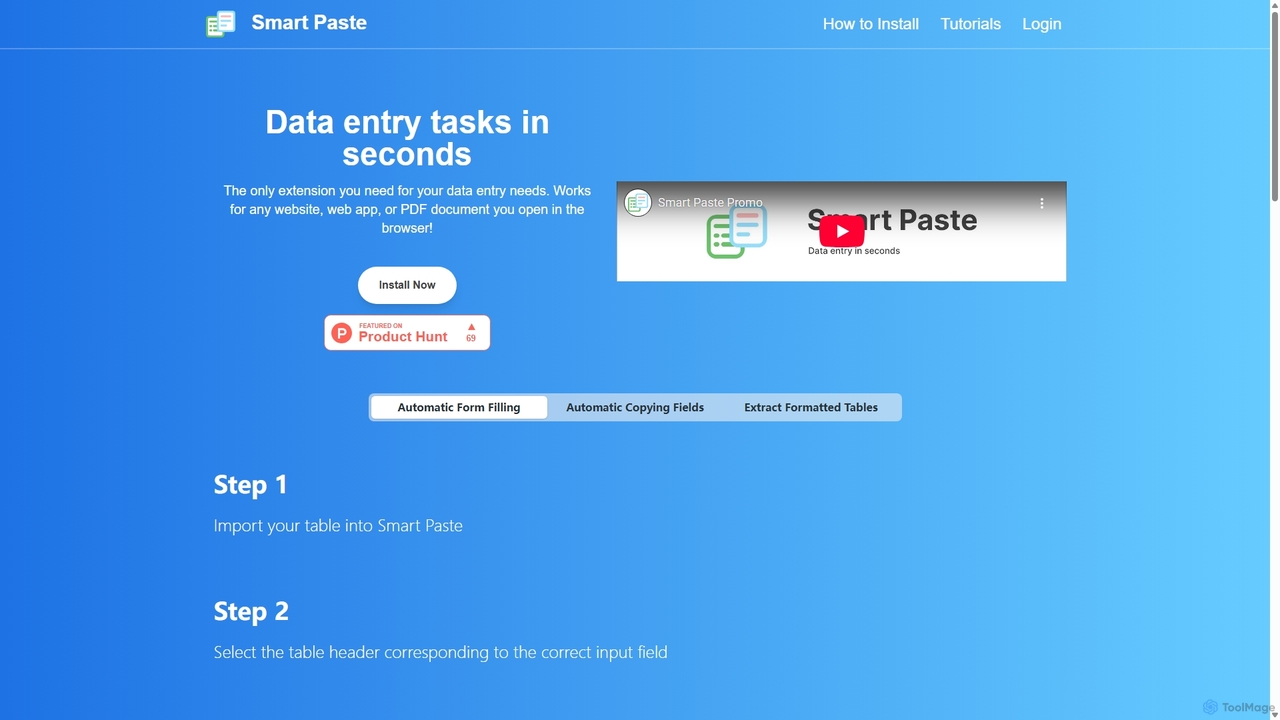
smartpaste is a powerful browser extension designed to automate data entry tasks. It allows users to effortlessly extract tables and specific data fields from any website or PDF, and instantly paste them into spreadsheets. It also automates form filling from your data, saving hours of manual work and reducing errors, all while ensuring your data remains secure on your computer.

Chrome Extensions
Visits 5.9KFavorites 118Likes 133
Omnipilot
Freemium

Omnipilot

Omnipilot, now part of Highlight, is a powerful AI assistant for Mac & Windows. It works across all your apps, providing context-aware assistance for writing, meetings, and tasks. It understands what's on your screen to reduce context switching and boost productivity without needing to copy-paste.

Utilities
Visits 31.3KFavorites 141Likes 115
WebFill
Freemium

WebFill

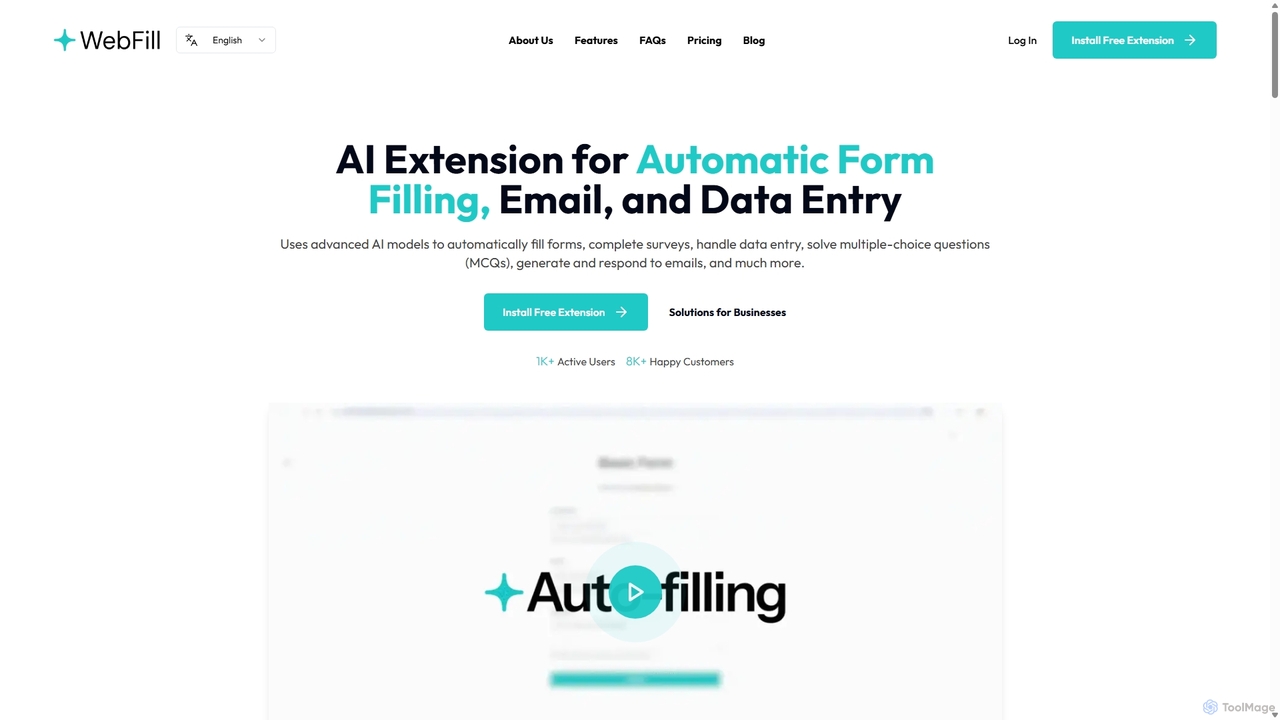
WebFill is an AI-powered browser extension designed to automate daily digital tasks. It excels at automatically filling forms, completing surveys, handling data entry, and solving multiple-choice questions. It also features an AI assistant for generating and responding to emails, and a unique 'Vision' tool for instant answers from screen captures.

Assistant
Visits 8KFavorites 95Likes 111
DeckAssistant
Freemium

DeckAssistant

DeckAssistant is a powerful AI assistant that integrates directly with your Elgato Stream Deck. It allows you to process selected text, generate content, or chat with an AI using a single button press, directly within any application on your macOS. This eliminates context switching and streamlines your workflow for tasks like writing, coding, and content creation.

Workflow
Visits 4.7KFavorites 130Likes 119
Uxer
Freemium

Uxer

Uxer is a no-code AI automation agent that boosts productivity by automating repetitive tasks across Windows, Mac, browsers, iOS, and Android. Using advanced computer vision and natural language, it allows both non-technical and advanced users to create powerful workflows without complex code. It learns from your interactions to become a smarter, personalized assistant.

Task Automation
Visits 4.7KFavorites 122Likes 100
aiformfill
Paid

aiformfill

aiformfill is an AI-powered browser extension that automatically completes online forms. It saves time on job applications, surveys, content creation, and more. With customizable instructions and support for models like GPT-4o, it intelligently fills fields with relevant, context-aware information, streamlining repetitive data entry tasks with a single click.

Form Filler
Visits 4.4KFavorites 164Likes 146
Macaify
Freemium

Macaify

Macaify is a native macOS application that integrates AI capabilities into any app on your Mac. With a simple keyboard shortcut, you can select text and instantly perform tasks like writing, translation, code generation, and more, without ever leaving your current application.

Code Assistant
Visits 4.3KFavorites 106Likes 107
Starizon
Freemium

Starizon

Starizon is an AI-powered Chrome extension that acts as an intelligent browser assistant. It simplifies web tasks by allowing users to extract and monitor data, create automation workflows, and interact with webpages through simple conversational commands. It's designed to boost productivity by automating repetitive online activities.

Chrome Extensions
Visits 4.4KFavorites 132Likes 118
Raycast
Freemium

Raycast

Raycast is a blazingly fast, extendable launcher for macOS that supercharges your productivity. It replaces Spotlight with a powerful command-line interface to control your tools, search files, run scripts, and automate tasks. With an integrated AI assistant, a vast store of community-built extensions, and features like Clipboard History, Snippets, and Window Management, Raycast centralizes your workflow, saving you time and context-switching.

Workflow Automation
Visits 1.1MFavorites 133Likes 136
Raycast
Freemium

Raycast

Raycast is a blazingly fast, extensible launcher for macOS that supercharges your productivity. It acts as a central command bar to control your tools, with integrated AI, an extensive extension store, and powerful built-in features like window management and clipboard history. It's designed to reduce context switching and keep you in the flow.

Personal Assistant
Visits 30.1KFavorites 99Likes 111