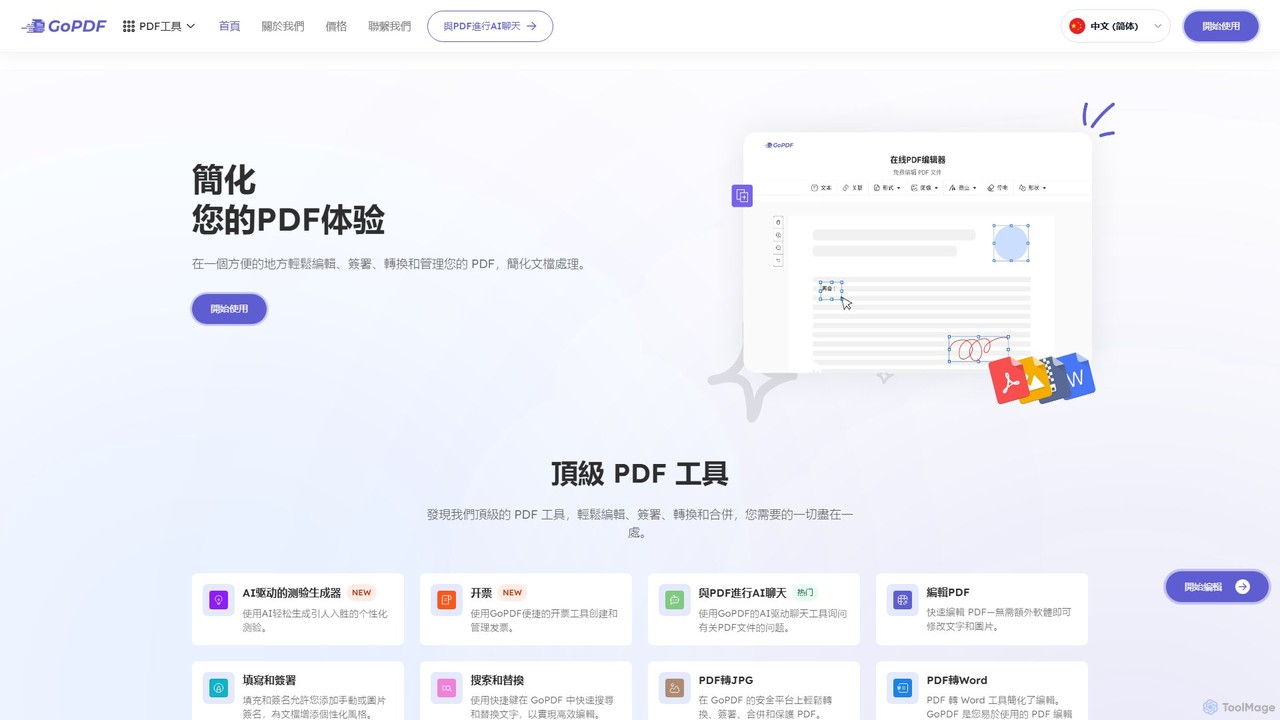
Docamine is an AI-powered tool that automates the process of filling out documents and forms. Simply upload a PDF or image, and the AI will identify fields, autofill information from your saved profiles or reference documents, and allow you to add a digital signature.
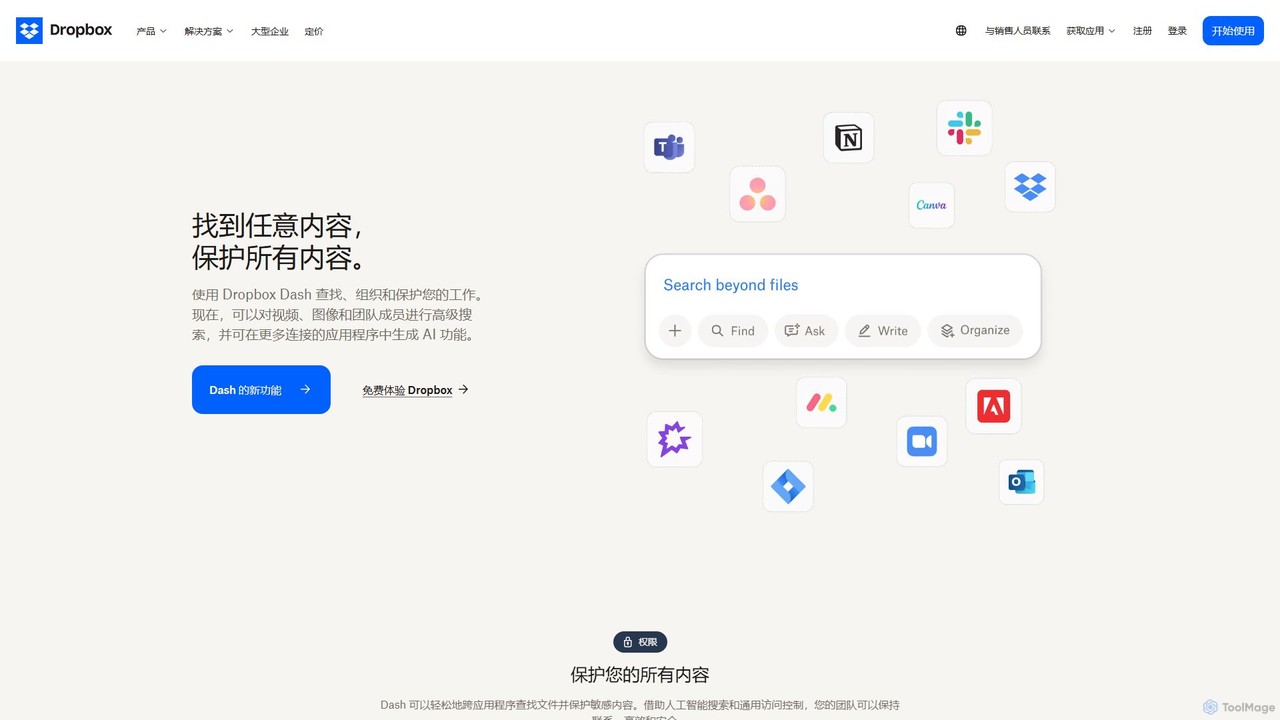
Dropbox is a modern workspace designed to reduce busywork, bringing your files, cloud content, and web shortcuts together in one place. It offers secure cloud storage, file synchronization, large file transfer, e-signatures, and AI-powered universal search to help you and your team stay organized, focused, and in sync.
Product overview
Docamine Product overview
Docamine is an AI-powered tool that automates the process of filling out documents and forms. Simply upload a PDF or image, and the AI will identify fields, autofill information from your saved profiles or reference documents, and allow you to add a digital signature.
Dropbox Product overview
Dropbox is a modern workspace designed to reduce busywork, bringing your files, cloud content, and web shortcuts together in one place. It offers secure cloud storage, file synchronization, large file transfer, e-signatures, and AI-powered universal search to help you and your team stay organized, focused, and in sync.
Detailed feature comparison
| Feature | Docamine | Dropbox |
|---|---|---|
| Primary category | Forms Automation | Collaboration |
| Added | 2025-08-13 | 2025-08-06 |
| Pricing | Freemium | Freemium |
| Official website | docamine.com | www.dropbox.com |
| Product type | Website | Website |
| Performance data | ||
| User rating | Not verified | Not verified |
| Comments | 0 | 0 |
| Monthly visits | 1K | 133.9M |
| Monthly growth | 2686.1% | -2.6% |
| Favorites | 110 | 125 |
| Details | View details | View details |
Docamine vs Dropbox monthly traffic
Compare Docamine and Dropbox by monthly reach, traffic trend, visit depth, top regions, and acquisition sources.
How to interpret the traffic data
In the Docamine vs Dropbox monthly traffic comparison, Docamine currently shows 1K visits and Dropbox shows 133.9M; Dropbox has about 133,475.1 times the visible traffic of Docamine, an absolute difference of about 133.9M visits. This reflects visible reach, not feature quality or paid users.
Both tools provide verified traffic details, so monthly trends, visit depth, regions, and acquisition sources can be compared on the same basis.
Docamine monthly traffic:
Latest traffic
Monthly traffic trend
- 2025/8: 0 Monthly visits
- 2025/9: 521 Monthly visits
- 2026/2: 0 Monthly visits
- 2026/3: 0 Monthly visits
- 2026/4: 36 Monthly visits
- 2026/5: 1K Monthly visits
Top regions
Top 5 countries/regions
| Country/region | Percentage | Traffic |
|---|---|---|
| 🇮🇳India | 100% | 1K |
Search keywords
Dropbox monthly traffic:
Latest traffic
Monthly traffic trend
- 2025/9: 145.2M Monthly visits
- 2026/1: 140.4M Monthly visits
- 2026/2: 131.6M Monthly visits
- 2026/3: 143.1M Monthly visits
- 2026/4: 137.5M Monthly visits
- 2026/5: 133.9M Monthly visits
Top regions
Top 5 countries/regions
| Country/region | Percentage | Traffic |
|---|---|---|
| 🇺🇸United States | 59.08% | 79.1M |
| 🇯🇵Japan | 19.13% | 25.6M |
| 🇬🇧United Kingdom | 9.62% | 12.9M |
| 🇦🇺Australia | 6.16% | 8.2M |
| 🇨🇦Canada | 6.01% | 8M |
Traffic sources
| Source type | Percentage | Traffic |
|---|---|---|
| Direct | 83.9% | 112.3M |
| Referral | 9.87% | 13.2M |
| 6.23% | 8.3M |
Search keywords
Usage comparison
Compare the core capabilities of Docamine and Dropbox
Docamine Core features
Dropbox Core features
Use cases
Docamine Use cases
Dropbox Use cases
Docamine vs Dropbox:In-depth comparison and selection guidance
First decide whether the products solve the same kind of need
This in-depth Docamine vs Dropbox comparison uses only the product records, taxonomy, audience, traffic, and community signals available on this page. Docamine is primarily listed under “Forms Automation”, while Dropbox is primarily listed under “Collaboration”, so the first decision is whether your actual task matches their recorded scope.
The structured fields currently show these decision-relevant differences: Primary category (Docamine: Forms Automation; Dropbox: Collaboration); Monthly visits (Docamine: 1K; Dropbox: 133.9M); Monthly growth (Docamine: 2686.1%; Dropbox: -2.6%); Favorites (Docamine: 110; Dropbox: 125); Website (Docamine: docamine.com; Dropbox: www.dropbox.com). These facts are more useful for selection than brand visibility alone.
What market visibility and monthly traffic mean
In the Docamine vs Dropbox monthly traffic comparison, Docamine currently shows 1K visits and Dropbox shows 133.9M; Dropbox has about 133,475.1 times the visible traffic of Docamine, an absolute difference of about 133.9M visits. This reflects visible reach, not feature quality or paid users.
Both tools provide verified traffic details, so monthly trends, visit depth, regions, and acquisition sources can be compared on the same basis.
If public market visibility is an important first-pass criterion, investigate Dropbox first. The final choice should still follow taxonomy, use case, and a real trial because higher traffic does not prove broader capabilities or better workflow fit.
Product positioning, use cases, and roles
Docamine and Dropbox currently overlap in shared categories: Document Management; shared tags: document management and productivity. This can place both on the same shortlist, but it does not prove equal implementation, depth, or cost.
Docamine's unique categories/tags are Forms Automation, Tax, Document Signing, AI document analysis, data entry automation, digital signature, document filler, and form automation; Dropbox's are Collaboration, File Sharing, Cloud Storage, AI search, backup, collaboration, e-signature, and file sharing. These unique fields are the strongest differentiators: validate the product whose recorded scope matches the task instead of following traffic alone.
What ratings, comments, and favorites can tell you
Docamine has no verified rating, 0 comments, 110 favorites, and 122 likes;Dropbox has no verified rating, 0 comments, 125 favorites, and 129 likes。
Neither product has enough rating or comment samples for a credible reputation ranking.
Selection guidance by actual need
When to evaluate Docamine first
Put Docamine on the priority trial list when the task aligns with “Forms Automation” and especially Forms Automation, Tax, Document Signing, AI document analysis, data entry automation, and digital signature. This follows recorded positioning and does not imply unlisted capabilities are absent.
Docamine also currently records: pricing is freemium, product type is website, 1K verified monthly visits, no verified user rating. Verify any hard requirement around price, platform, or reach before trial, and do not let sparse review data substitute for testing.
When to evaluate Dropbox first
Put Dropbox on the priority trial list when the task aligns with “Collaboration” and especially Collaboration, File Sharing, Cloud Storage, AI search, backup, and collaboration. This follows recorded positioning and does not imply unlisted capabilities are absent.
Dropbox also currently records: pricing is freemium, product type is website, 133.9M verified monthly visits, no verified user rating. Verify any hard requirement around price, platform, or reach before trial, and do not let sparse review data substitute for testing.
How to validate the recommendation before deciding
The available data describes positioning, public visibility, and community signals, but it cannot prove output quality, speed, integration effort, privacy, or long-term cost in your workflow. Before deciding, run the same representative tasks in Docamine and Dropbox, then record completion time, accuracy, manual corrections, and the real paid threshold. A like-for-like trial turns this comparison into a defensible adoption decision.
Comparison FAQ
How should I choose between Docamine and Dropbox?
Where does this comparison data come from?
What do unknown fields mean?
Related AI tools

LightPDF
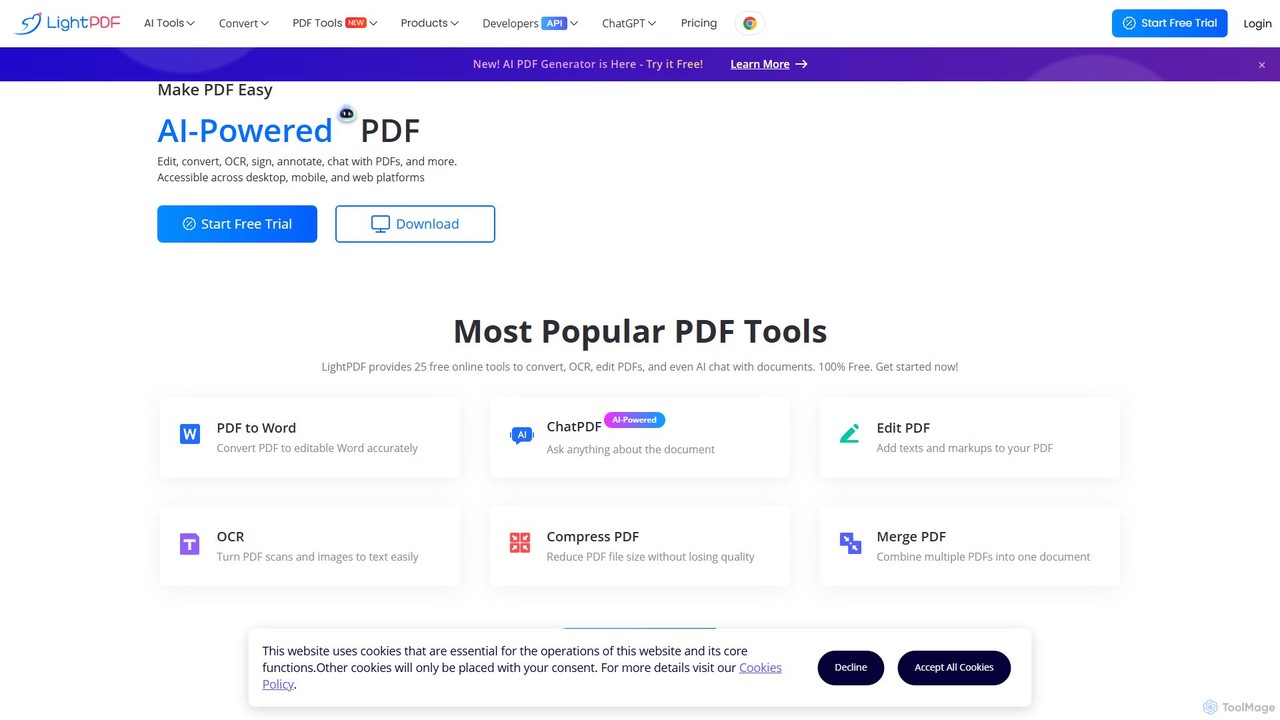
LightPDF is an AI-powered, all-in-one PDF solution designed to simplify document workflows. It allows users to chat with documents, get instant summaries, and ask questions. Beyond its AI capabilities, it offers a comprehensive suite of tools for editing, converting, merging, signing, and performing OCR on PDF files. Available on web, desktop, and mobile, LightPDF makes managing documents efficient and intuitive for students, professionals, and businesses alike.
Chat With Your Docs
Box
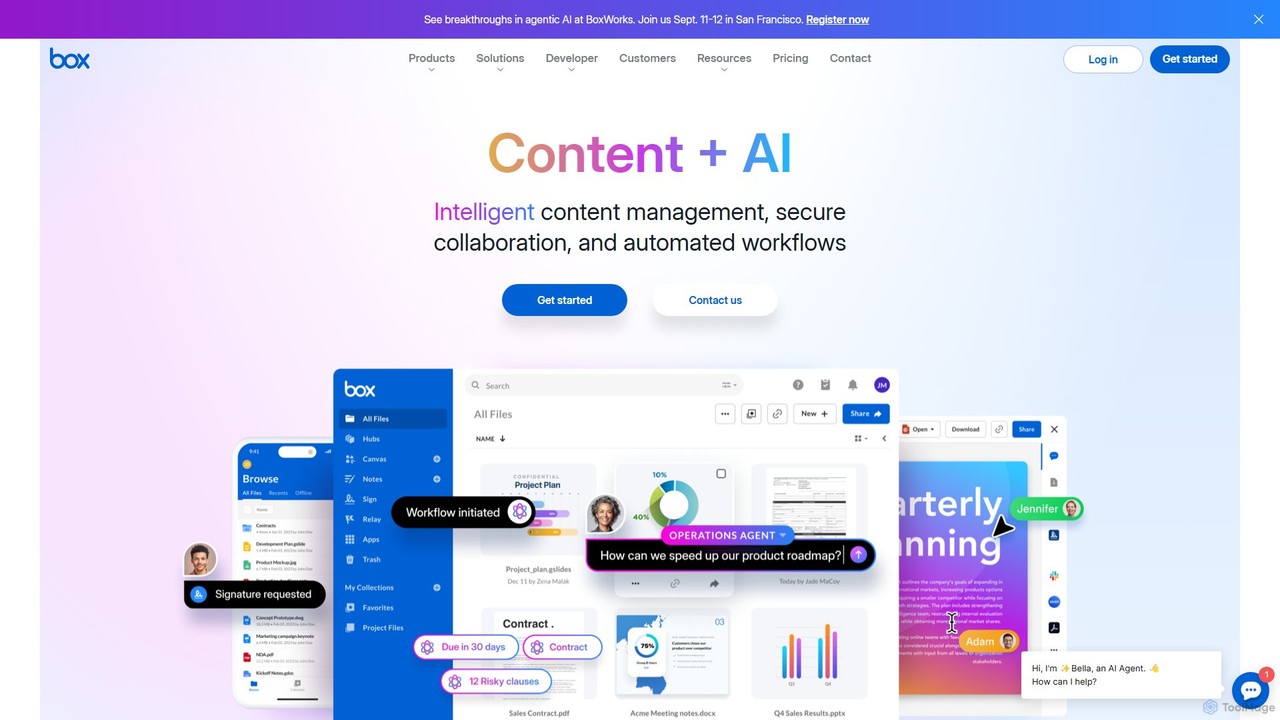
Box is an AI-powered intelligent content management platform that provides secure cloud storage, seamless collaboration, and automated workflows. It enables businesses to manage the entire content lifecycle, from creation and sharing to e-signature, classification, and retention, all while leveraging AI to unlock insights from unstructured data.
Document Management
TeraBox
TeraBox is a comprehensive cloud storage solution offering a generous 1TB of free space. It integrates a powerful suite of AI tools for enhanced productivity, including a document scanner, essay writer, and slideshow maker. With a focus on security and cross-platform accessibility, TeraBox allows users to store, back up, share, and manage their files effortlessly, while also providing opportunities to monetize content through its referral program.
Presentation Maker
AwesomeSuite
AwesomeSuite is a comprehensive cloud-based software suite for businesses and agencies, offering integrated tools for social media management, electronic signatures, and business communication. It's designed to streamline workflows, enhance productivity, and scale with your business needs.
Cloud Communication
FileDrop
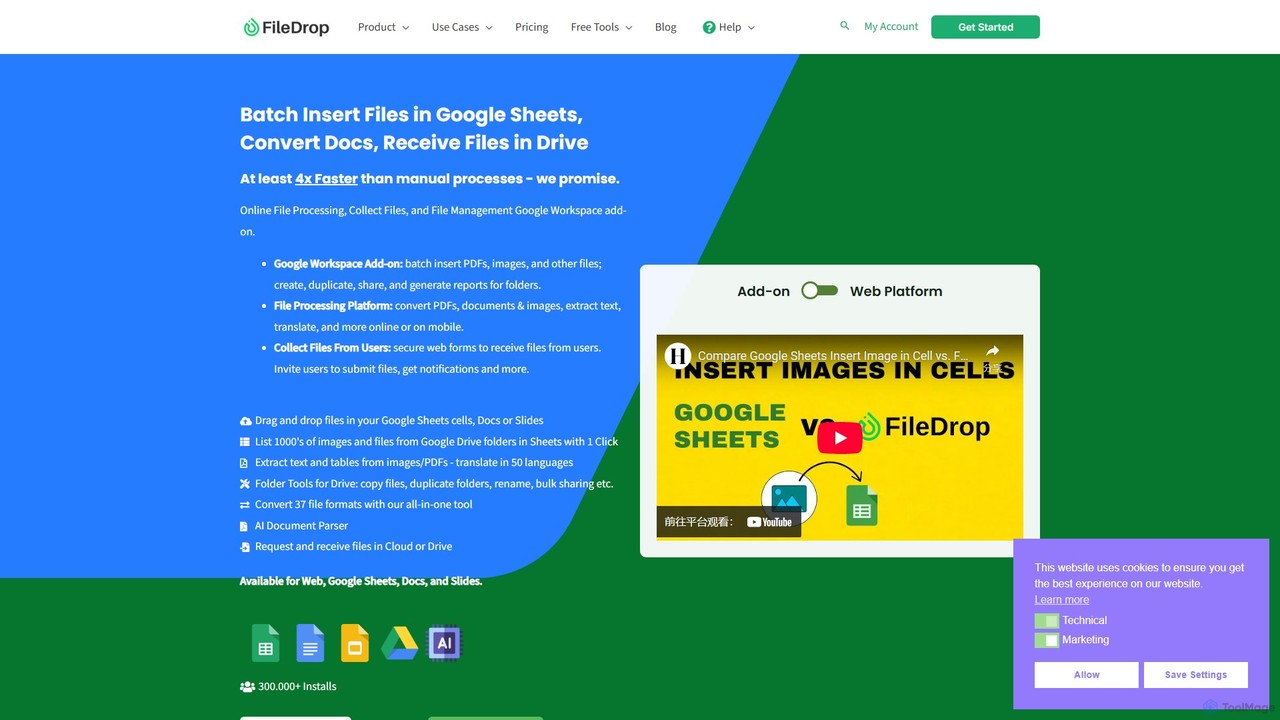
FileDrop is a productivity suite for Google Workspace and a web platform that streamlines file management. It enables batch insertion of files into Google Sheets & Docs, offers a powerful file converter for 37+ formats, extracts text with AI-powered OCR, and provides secure file collection forms.
Data Extraction
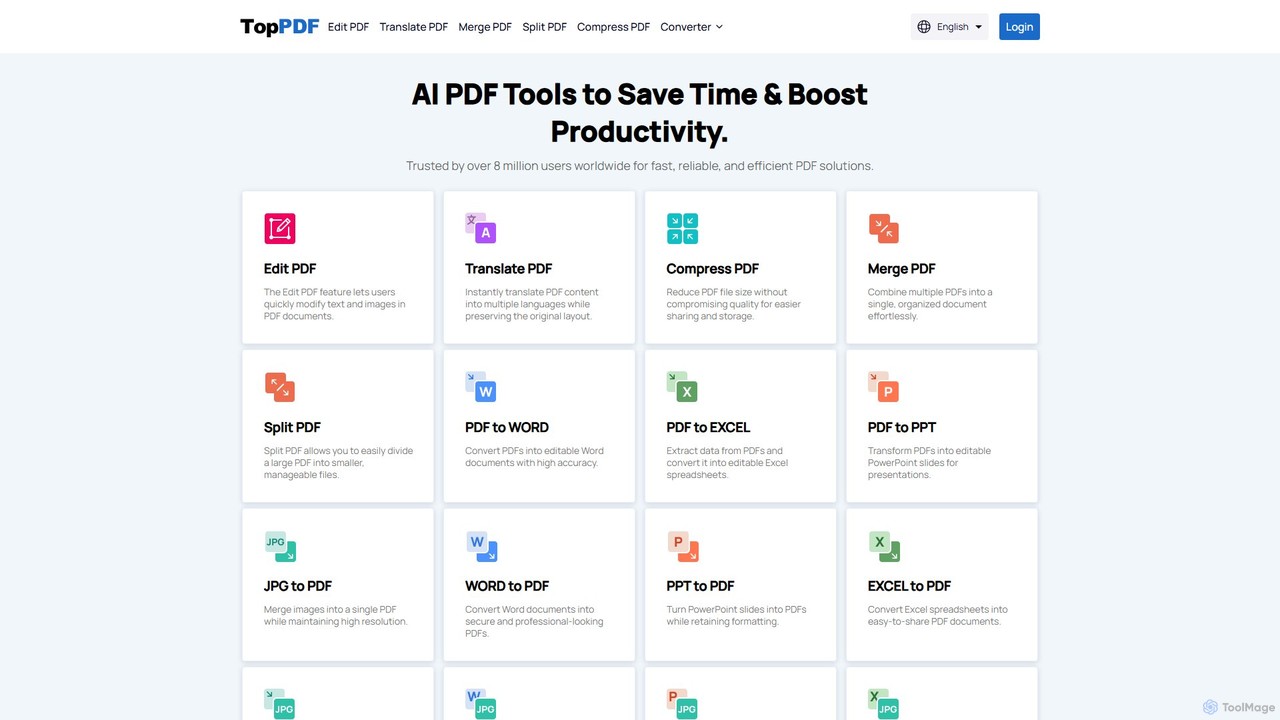
TopPDF
TopPDF is an all-in-one, AI-powered online platform offering a comprehensive suite of tools to edit, convert, translate, merge, split, and compress PDF files. It's designed to enhance productivity by simplifying document workflows for users worldwide.
File Conversion
mega
mega is an intelligent cloud storage and digital asset management platform. It uses powerful AI to automatically organize, tag, and search your files, transforming how you manage your digital life. Securely store, share, and collaborate with AI-driven features that streamline workflows and help you find what you need instantly.
Digital Asset Management
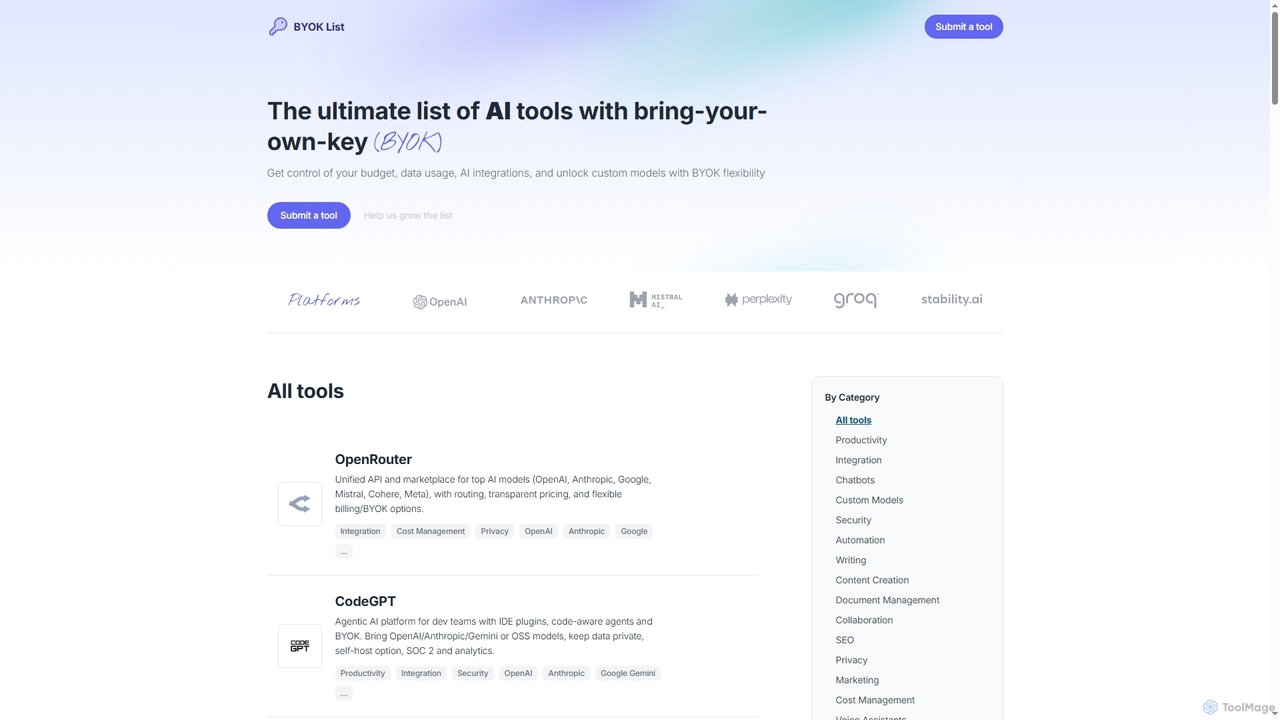
BYOKList
BYOKList is the ultimate directory for discovering AI tools that support Bring-Your-Own-Key (BYOK) functionality. It empowers users to manage their budget, data usage, and AI integrations, while also enabling access to custom models with enhanced flexibility.
Ai Resource
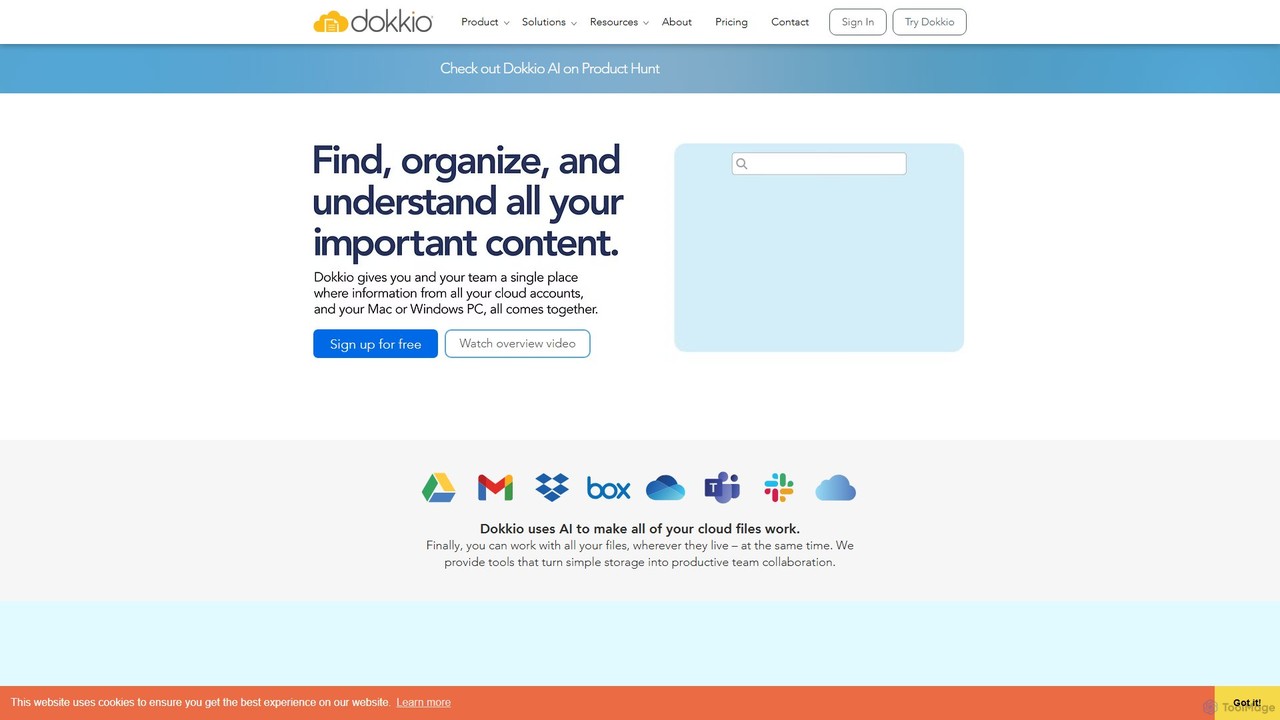
Dokkio
Dokkio is an AI-powered platform that unifies all your files from various cloud services like Google Drive, Dropbox, and Slack. It intelligently finds, organizes, and helps you understand your content, transforming scattered files into a centralized, searchable knowledge base for enhanced productivity and team collaboration.
Teamwork
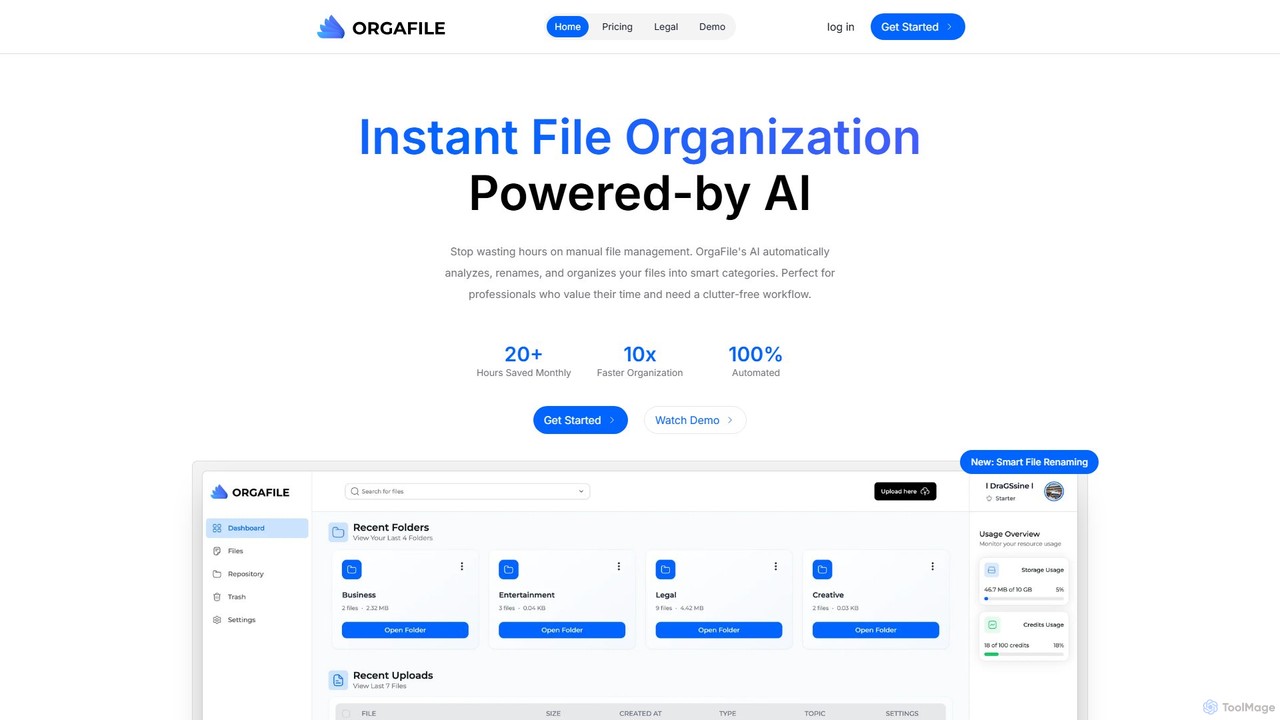
OrgaFile
OrgaFile is an AI-powered tool that automatically analyzes, renames, and organizes your files into smart, customizable categories. Designed for professionals and individuals, it saves hours of manual work, enhances productivity with a 10x faster organization process, and ensures your digital workspace remains clutter-free and secure.
Workflow
PDFflex
PDFflex is a comprehensive, all-in-one online platform for managing PDF documents. It allows users to edit, convert, merge, split, and sign PDFs with ease. Featuring an intuitive interface and robust security, PDFflex also incorporates AI-powered tools like OCR for scanned documents and summarizers for long texts. It supports a vast range of file formats, making it a versatile solution for both personal and professional use, accessible from any browser without installation.
Summarizer
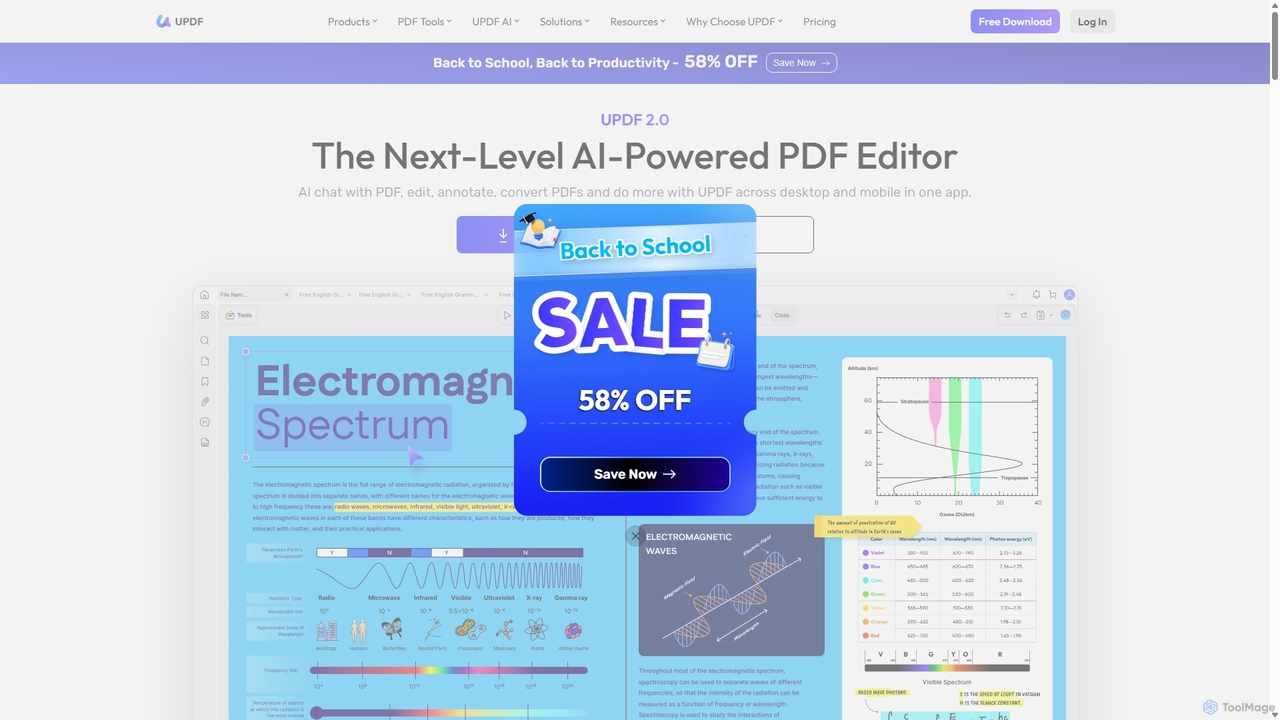
UPDF
UPDF is an AI-integrated, all-in-one PDF editor that allows users to edit, annotate, convert, summarize, translate, and chat with PDF documents. It offers a seamless experience across Windows, macOS, iOS, and Android, boosting productivity for individuals, students, and businesses.
Document Analysis
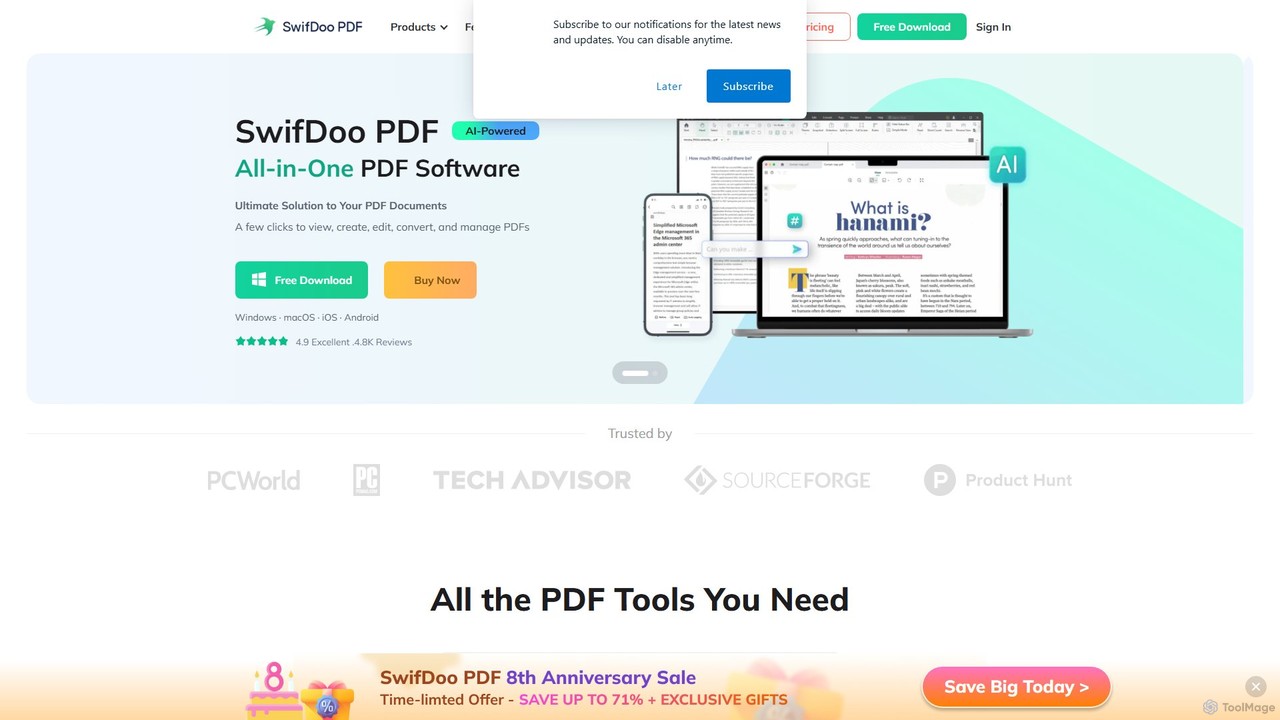
SwifDoo PDF
SwifDoo PDF is an all-in-one, AI-powered PDF software for effortless document management. It allows users to create, edit, convert, merge, compress, and sign PDF files. With integrated AI features, you can summarize, translate, proofread, and chat with your documents. Available on Windows, macOS, iOS, and Android, it offers a lightweight yet powerful solution for both individual and business users.
Document Signing
GoPDF
GoPDF is an AI-powered, all-in-one online PDF solution. It allows users to easily edit, convert, sign, merge, compress, and interact with PDF documents through an intuitive web interface and mobile app. AI features enable users to chat with their documents for quick summaries and answers.
Chat With Document
Kaagaz
Kaagaz is an all-in-one, mobile-first productivity suite featuring an AI-powered PDF scanner, editor, poster maker, and resume builder. Designed for modern users, it simplifies document management, creative design, and job applications, offering a powerful alternative to traditional desktop software and tools like CamScanner.
Graphics