ToolMage
Sign in
Google Chrome
Web Development · 56.5K monthly visits

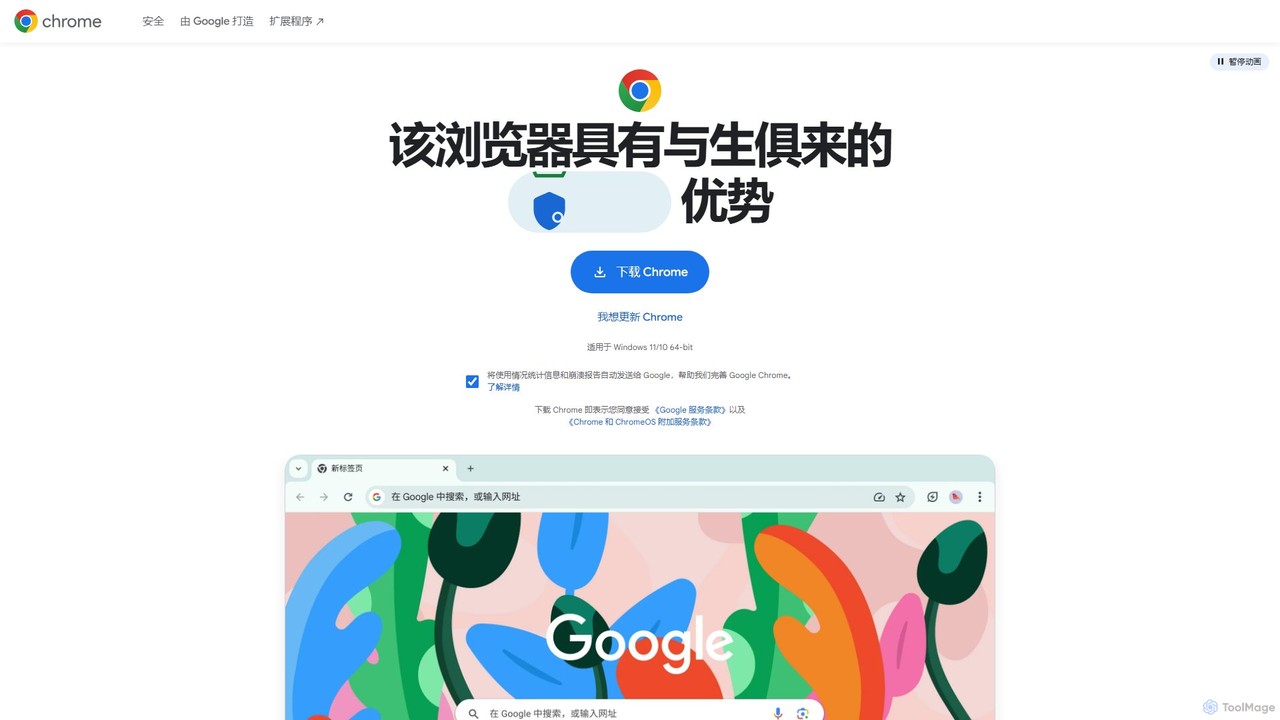
Google Chrome is a fast, secure, and customizable web browser developed by Google. It features seamless cross-device syncing, a vast library of extensions, and robust security tools like a built-in password manager and safety checks. With integrated Google services and new AI-powered features, Chrome offers a personalized, intelligent, and efficient browsing experience on all major platforms.

VS
Ulaa Browser
Enterprise Software · 127.2K monthly visits

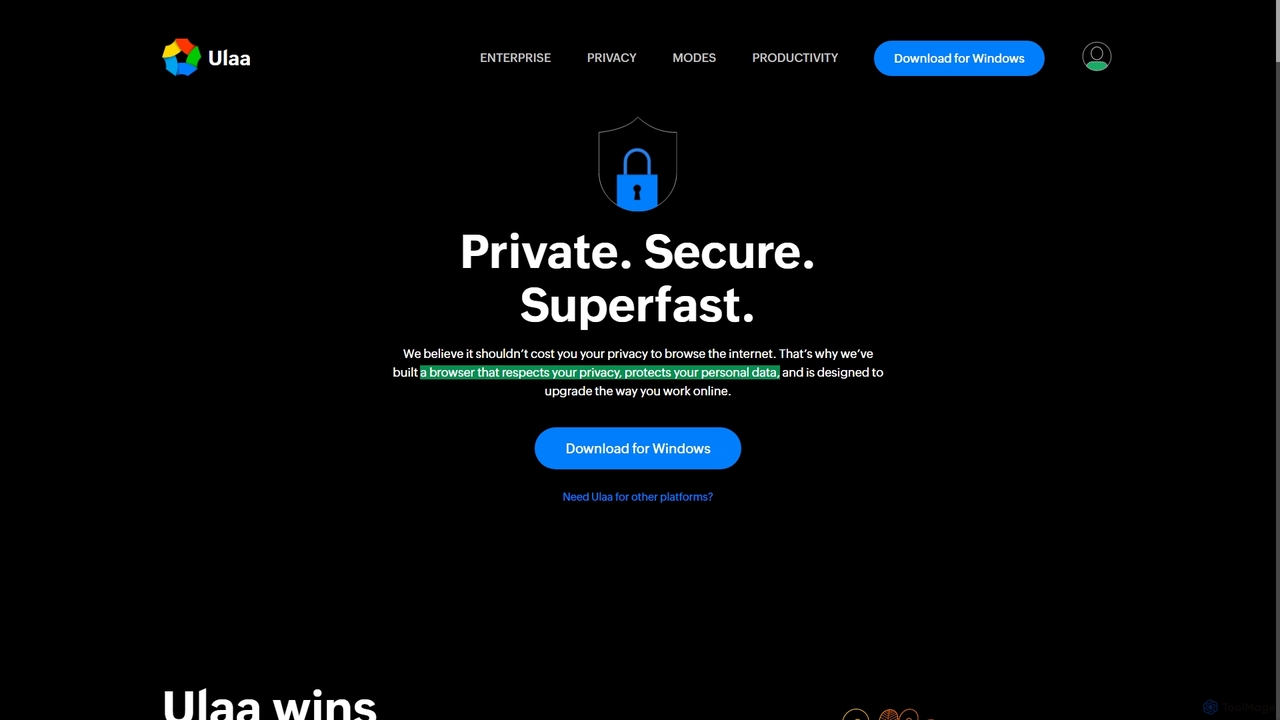
Ulaa Browser, by Zoho, is a privacy-first, Chromium-based web browser designed for individuals and enterprises. It champions security with a built-in ad blocker, phishing protection, and unique browsing "Modes" to isolate work, personal, and other contexts. For businesses, Ulaa Enterprise offers advanced data loss prevention, centralized management, and AI-powered intelligence by Zia to create a secure and productive browsing environment.

Google Chrome vs Ulaa Browser: pricing, features, traffic, and use cases

Compare Google Chrome and Ulaa Browser across positioning, pricing, traffic, and user feedback using structured factual data.

Updated Aug 18, 2026

Product overview

Google Chrome Product overview

Google Chrome is a fast, secure, and customizable web browser developed by Google. It features seamless cross-device syncing, a vast library of extensions, and robust security tools like a built-in password manager and safety checks. With integrated Google services and new AI-powered features, Chrome offers a personalized, intelligent, and efficient browsing experience on all major platforms.
Preview

Ulaa Browser Product overview

Ulaa Browser, by Zoho, is a privacy-first, Chromium-based web browser designed for individuals and enterprises. It champions security with a built-in ad blocker, phishing protection, and unique browsing "Modes" to isolate work, personal, and other contexts. For businesses, Ulaa Enterprise offers advanced data loss prevention, centralized management, and AI-powered intelligence by Zia to create a secure and productive browsing environment.

Preview

Detailed feature comparison

FeatureGoogle ChromeUlaa Browser
Primary categoryWeb DevelopmentEnterprise Software
Added2025-08-092025-09-10
PricingFreeFreemium
Official websitewww.google.comulaa.com
Product typeAppApp
Performance data
User ratingNot verifiedNot verified
Comments00
Monthly visits56.5K127.2K
Monthly growthNot verified3.7%
Favorites12692
DetailsView detailsView details

Google Chrome vs Ulaa Browser monthly traffic

Compare Google Chrome and Ulaa Browser by monthly reach, traffic trend, visit depth, top regions, and acquisition sources.

How to interpret the traffic data

In the Google Chrome vs Ulaa Browser monthly traffic comparison, Google Chrome currently shows 56.5K visits and Ulaa Browser shows 127.2K; Ulaa Browser has about 2.3 times the visible traffic of Google Chrome, an absolute difference of about 70.8K visits. This reflects visible reach, not feature quality or paid users.

Only Ulaa Browser has complete third-party traffic details; Google Chrome uses visits recorded inside ToolMage. These scopes cannot estimate market share directly, and on-site views should not be treated as the product’s total website traffic.

Google Chrome is registered at the www.google.com/chrome subpage. Because the current data does not state whether other host pages are excluded, treat this as domain-level context rather than independent traffic for one product or project.

Google Chrome monthly traffic:

Latest traffic

Monthly visits
56.5K

Ulaa Browser monthly traffic:

Latest traffic

Monthly visits
127.2K
Avg. visit duration
0:15
Pages per visit
1.7
Bounce rate
41.96%
Data updated 2026-06-11

Monthly traffic trend

  • 2025/9: 410.3K Monthly visits
  • 2026/1: 191K Monthly visits
  • 2026/2: 139.7K Monthly visits
  • 2026/3: 114.4K Monthly visits
  • 2026/4: 122.7K Monthly visits
  • 2026/5: 127.2K Monthly visits

Top regions

Top 5 countries/regions
Country/regionPercentageTraffic
🇮🇳India83.53%106.3K
🇺🇸United States7.83%10K
🇧🇷Brazil3.46%4.4K
🇻🇳Vietnam2.8%3.6K
🇬🇧United Kingdom2.38%3K

Traffic sources

Source typePercentageTraffic
Direct83.09%105.7K
Referral15.99%20.3K
Email0.92%1.2K

Search keywords

ulaaulaa browserulaa browser downloadulaa downloadulla browser
Traffic-based selection guidance: The current traffic scope is not sufficient for a reliable product ranking. Treat monthly visits as a market-interest signal, then decide using taxonomy, use cases, pricing, and a like-for-like trial rather than reading exposure as product capability.

Usage comparison

Compare the core capabilities of Google Chrome and Ulaa Browser

Google Chrome Core features

Browser
Web Development
Search

Ulaa Browser Core features

Browser
Enterprise Software
Privacy

Use cases

Google Chrome Use cases

productivity
security
web browser
AI browser
cross-platform
developer tools
extensions
google
internet browser

Ulaa Browser Use cases

productivity
security
web browser
ad blocker
browser
chromium
data loss prevention
enterprise browser
focus mode
privacy
Zoho

Best suited roles

Google Chrome Best suited roles

No verified data available

Ulaa Browser Best suited roles

Business Owner
Content Creator
HR Manager
IT Manager
Marketing Manager
Parent
Sales Representative
Security Analyst
Software Developer
Student

Google Chrome vs Ulaa Browser:In-depth comparison and selection guidance

First decide whether the products solve the same kind of need

This in-depth Google Chrome vs Ulaa Browser comparison uses only the product records, taxonomy, audience, traffic, and community signals available on this page. Google Chrome is primarily listed under “Web Development”, while Ulaa Browser is primarily listed under “Enterprise Software”, so the first decision is whether your actual task matches their recorded scope.

The structured fields currently show these decision-relevant differences: Primary category (Google Chrome: Web Development; Ulaa Browser: Enterprise Software); Pricing (Google Chrome: Free; Ulaa Browser: Freemium); Monthly visits (Google Chrome: 56.5K; Ulaa Browser: 127.2K); Favorites (Google Chrome: 126; Ulaa Browser: 92); Website (Google Chrome: www.google.com; Ulaa Browser: ulaa.com). These facts are more useful for selection than brand visibility alone.

What market visibility and monthly traffic mean

In the Google Chrome vs Ulaa Browser monthly traffic comparison, Google Chrome currently shows 56.5K visits and Ulaa Browser shows 127.2K; Ulaa Browser has about 2.3 times the visible traffic of Google Chrome, an absolute difference of about 70.8K visits. This reflects visible reach, not feature quality or paid users.

Only Ulaa Browser has complete third-party traffic details; Google Chrome uses visits recorded inside ToolMage. These scopes cannot estimate market share directly, and on-site views should not be treated as the product’s total website traffic.

Google Chrome is registered at the www.google.com/chrome subpage. Because the current data does not state whether other host pages are excluded, treat this as domain-level context rather than independent traffic for one product or project.

The current traffic scope is not sufficient for a reliable product ranking. Treat monthly visits as a market-interest signal, then decide using taxonomy, use cases, pricing, and a like-for-like trial rather than reading exposure as product capability.

Product positioning, use cases, and roles

Google Chrome and Ulaa Browser currently overlap in shared categories: Browser; shared tags: productivity, security, and web browser. This can place both on the same shortlist, but it does not prove equal implementation, depth, or cost.

Google Chrome's unique categories/tags are Web Development, Search, AI browser, cross-platform, developer tools, extensions, google, and internet browser; Ulaa Browser's are Enterprise Software, Privacy, ad blocker, browser, chromium, data loss prevention, enterprise browser, and focus mode. These unique fields are the strongest differentiators: validate the product whose recorded scope matches the task instead of following traffic alone.

What ratings, comments, and favorites can tell you

Google Chrome has no verified rating, 0 comments, 126 favorites, and 112 likes;Ulaa Browser has no verified rating, 0 comments, 92 favorites, and 90 likes。

Neither product has enough rating or comment samples for a credible reputation ranking.

Selection guidance by actual need

When to evaluate Google Chrome first

Put Google Chrome on the priority trial list when the task aligns with “Web Development” and especially Web Development, Search, AI browser, cross-platform, developer tools, and extensions. This follows recorded positioning and does not imply unlisted capabilities are absent.

Google Chrome also currently records: pricing is free, product type is app, 56.5K on-site monthly views, no verified user rating. Verify any hard requirement around price, platform, or reach before trial, and do not let sparse review data substitute for testing.

When to evaluate Ulaa Browser first

Put Ulaa Browser on the priority trial list when the task aligns with “Enterprise Software” and especially Enterprise Software, Privacy, ad blocker, browser, chromium, and data loss prevention, or the users include Business Owner, Content Creator, HR Manager, and IT Manager. This follows recorded positioning and does not imply unlisted capabilities are absent.

Ulaa Browser also currently records: pricing is freemium, product type is app, 127.2K verified monthly visits, no verified user rating. Verify any hard requirement around price, platform, or reach before trial, and do not let sparse review data substitute for testing.

How to validate the recommendation before deciding

The available data describes positioning, public visibility, and community signals, but it cannot prove output quality, speed, integration effort, privacy, or long-term cost in your workflow. Before deciding, run the same representative tasks in Google Chrome and Ulaa Browser, then record completion time, accuracy, manual corrections, and the real paid threshold. A like-for-like trial turns this comparison into a defensible adoption decision.

Comparison FAQ

How should I choose between Google Chrome and Ulaa Browser?
Compare positioning, pricing, taxonomy, and traffic maturity, then verify the latest details on each official website.
Where does this comparison data come from?
The factual baseline is derived from product, taxonomy, traffic, and community data. Reviewed editorial conclusions show their source and verification date.
What do unknown fields mean?
Unknown means there is not enough reliable evidence; the page does not fill gaps with assumptions.

Related AI tools

Opera
Freemium

Opera

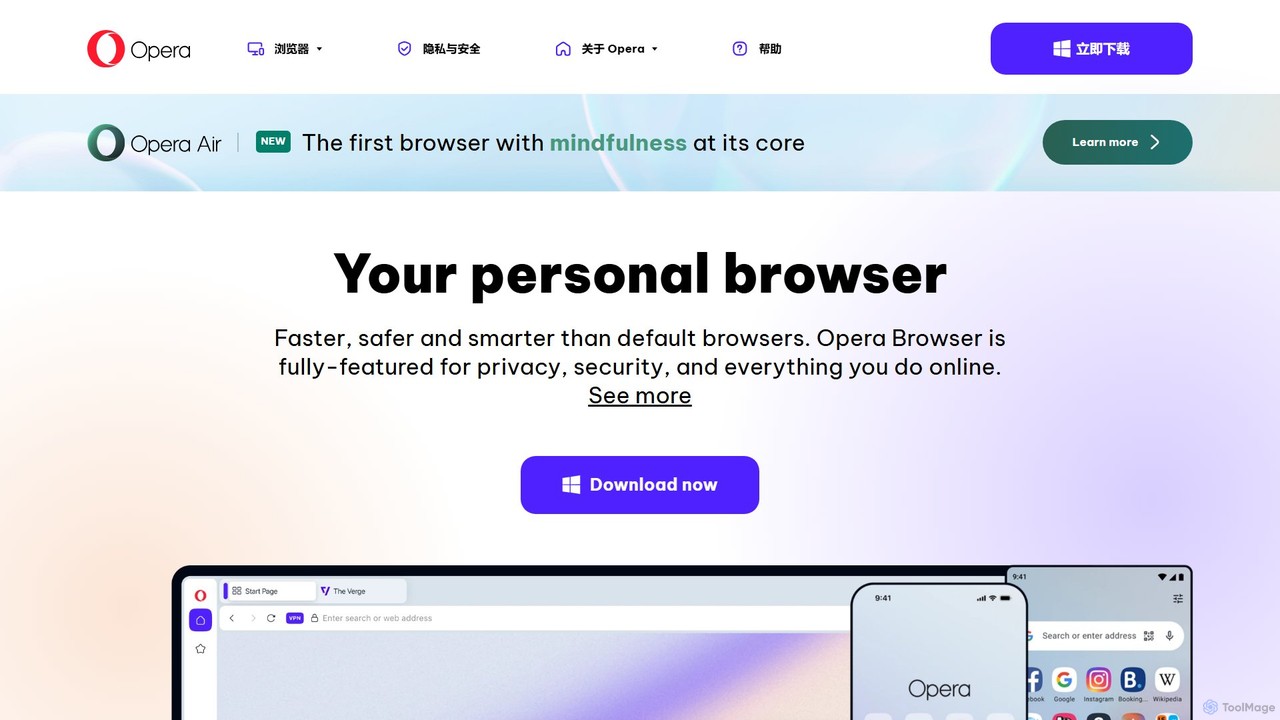
Opera is a smart, secure web browser with a native AI assistant, Aria. It offers innovative features like Tab Islands for organization, a free built-in VPN, and an ad blocker. Designed for speed and privacy, Opera provides a more productive and distraction-free browsing experience.

Browser
Visits 94.2MFavorites 121Likes 111
Cronos
Free

Cronos

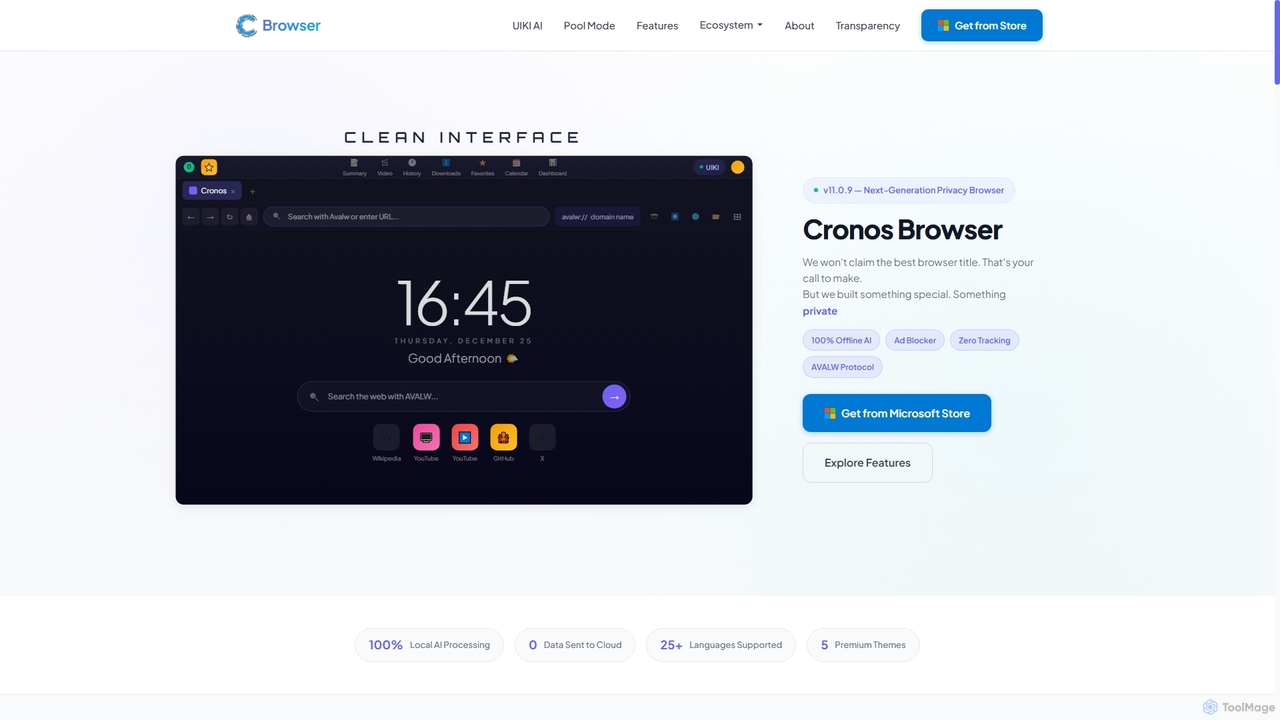
Cronos is a privacy-first web browser integrating 100% local AI, offering unparalleled data protection and enhanced performance. It features an offline AI assistant, a decentralized network, built-in ad blocking, and advanced security protocols, ensuring your browsing experience is fast, secure, and completely private without cloud data transmission.

Privacy Browser
Visits 4.1KFavorites 40Likes 47
Quetta
Free

Quetta

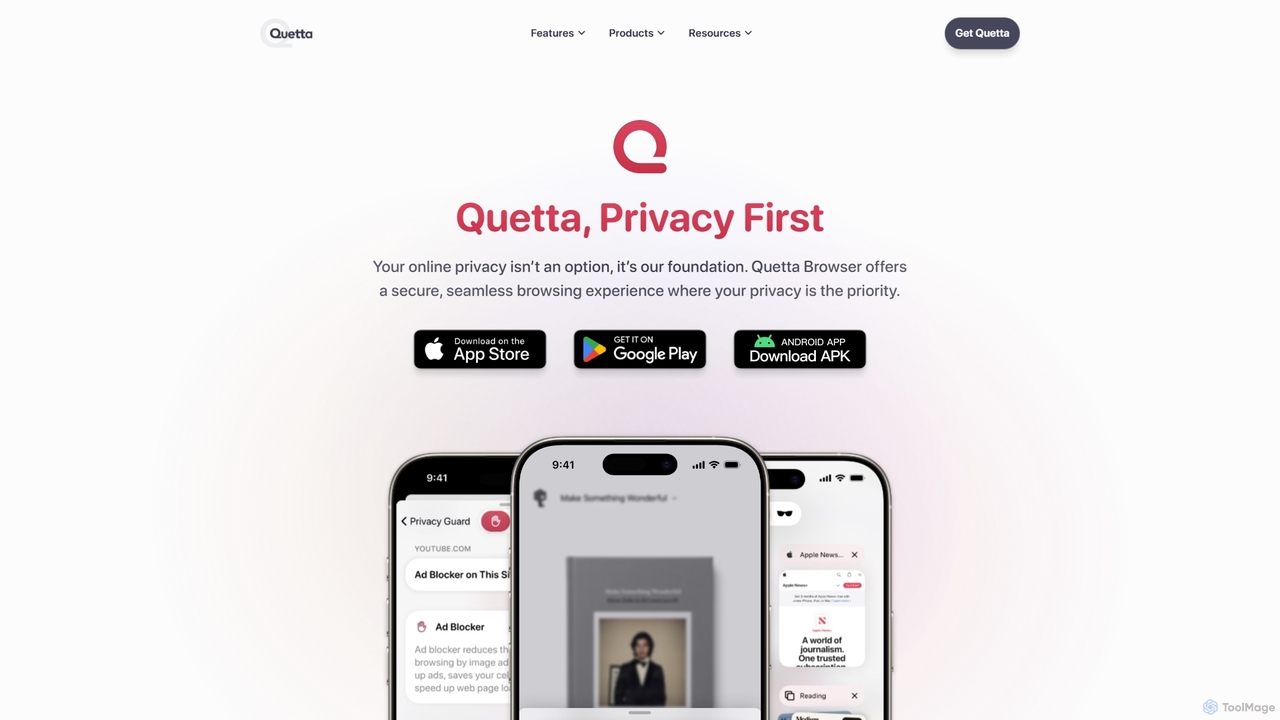
Quetta is a private mobile browser featuring a powerful AI-powered ad blocker, full extension support, and advanced privacy protection. It offers a fast, clean, and secure browsing experience with unique utilities like a video downloader, offline playlist, and magazine-style reader mode, all within a minimalist, user-friendly interface.

Browser
Visits 135.8KFavorites 106Likes 93
Arc
Free

Arc

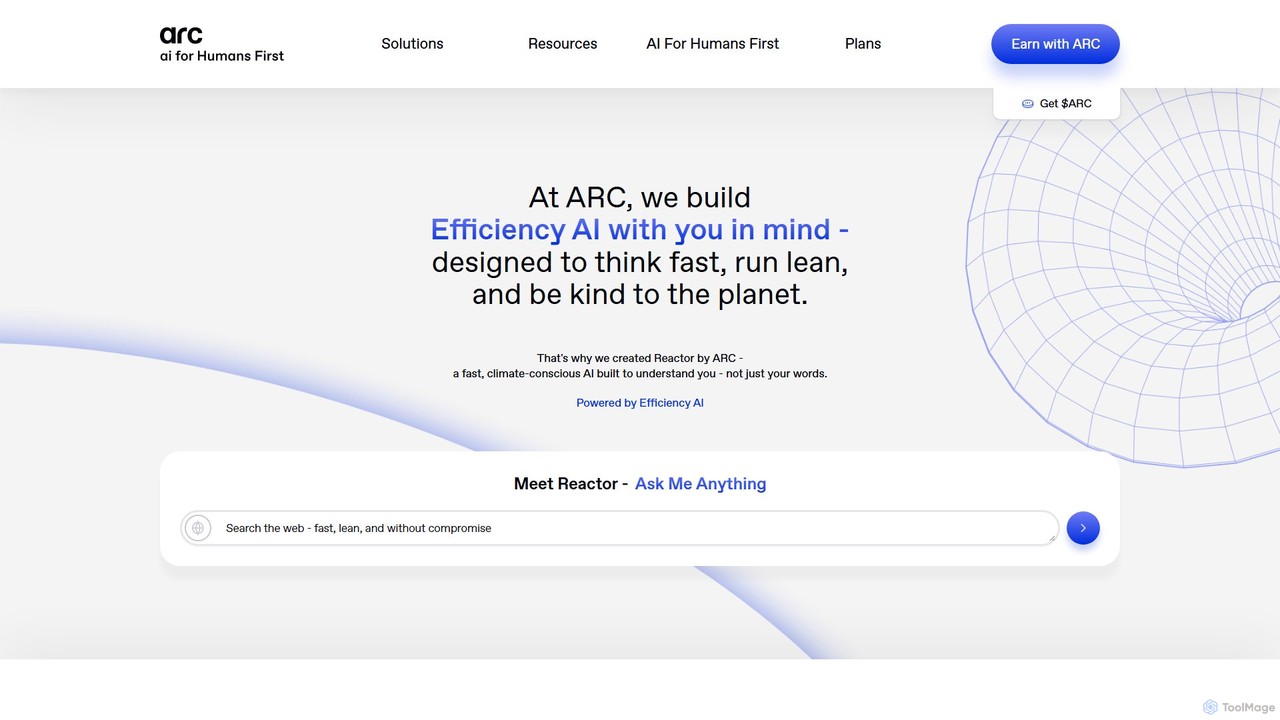
Arc is a revolutionary browser by The Browser Company, designed to be a smart, organized, and private alternative to Chrome. It integrates AI features to enhance productivity, offers unique organization tools like Spaces and Split View, and provides a seamless, ad-free experience across desktop and mobile.

Search Assistant
Visits 754.2KFavorites 143Likes 125
BYOKList
Free

BYOKList

BYOKList is the ultimate directory for discovering AI tools that support Bring-Your-Own-Key (BYOK) functionality. It empowers users to manage their budget, data usage, and AI integrations, while also enabling access to custom models with enhanced flexibility.

Ai Resource
Visits 11.4KFavorites 102Likes 95
Twos
Freemium

Twos

Twos is an all-in-one productivity app powered by AI that helps you organize notes, to-dos, reminders, lists, and calendar events in one simple place. Capture thoughts quickly as "things" and let the AI assistant, PALs, provide smart suggestions to help you stay organized and productive across all your devices.

Note Taking
Visits 68.8KFavorites 106Likes 120
ChatLLM
Freemium

ChatLLM

ChatLLM is an advanced conversational AI platform designed for professionals and developers. It provides unified access to multiple leading Large Language Models (LLMs) like GPT-4, Claude 3, and more. The platform focuses on enhancing productivity, streamlining workflows, and enabling powerful integrations through a robust API.

Api
Visits 11.5KFavorites 140Likes 144
Smart Bot
Freemium

Smart Bot

Smart Bot is a highly customizable AI assistant that boosts productivity by integrating multiple top-tier AI models like ChatGPT, Claude, and Gemini into a single interface. It allows users to compare responses simultaneously, manage a shared library of custom prompts for team collaboration, and even visualize and test generated code. With features like image and file reading, it streamlines daily workflows for individuals and organizations.

Code Assistant
Visits 4.9KFavorites 142Likes 117
Nexform
Freemium

Nexform

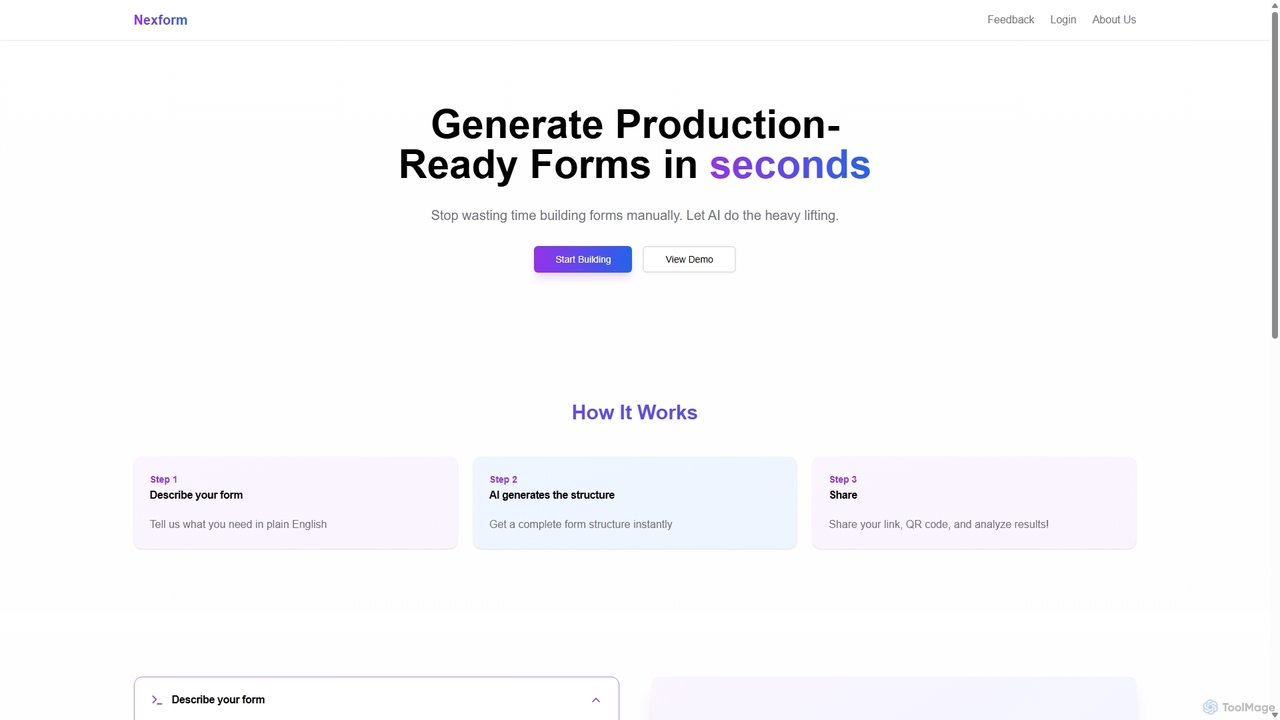
Nexform is an AI-powered form builder that transforms plain text descriptions into fully functional, production-ready web forms in seconds. It automates the entire form creation process, from structure generation to smart validation, empowering developers and businesses to build and deploy forms with unprecedented speed and efficiency.

No Code
Visits 4.3KFavorites 86Likes 98
PromptMagic
Freemium

PromptMagic

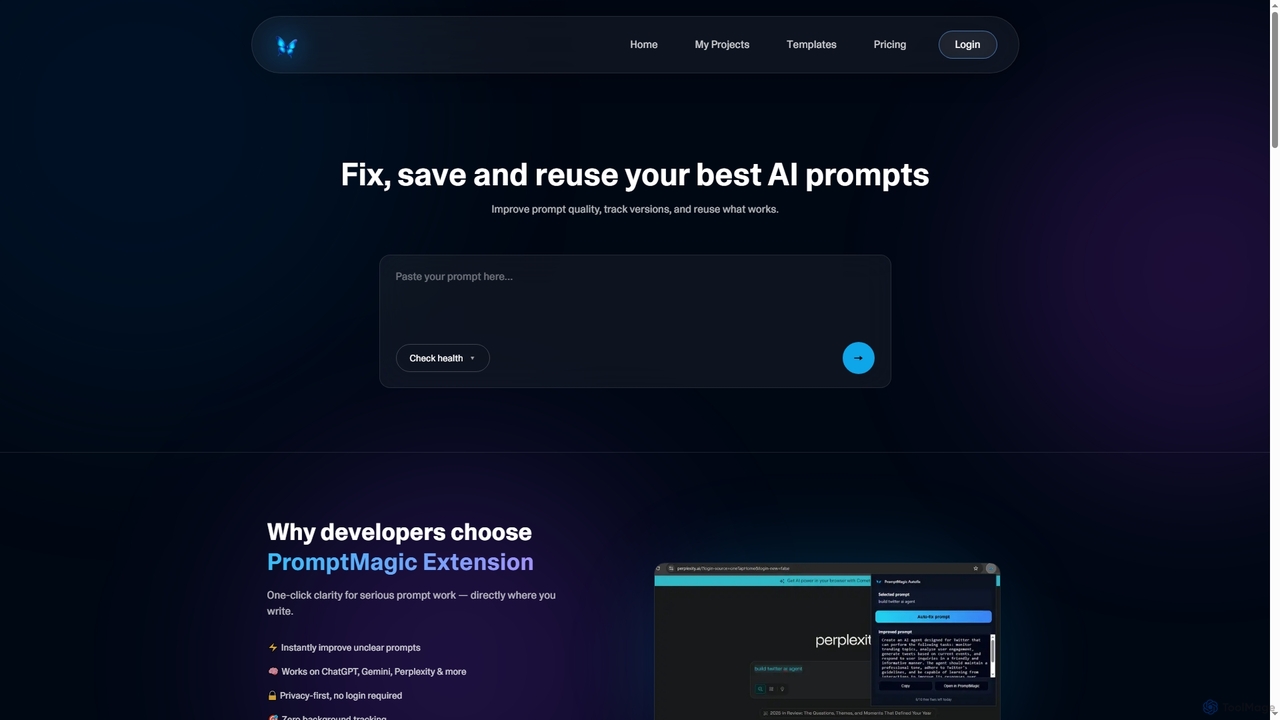
PromptMagic is an AI tool and Chrome extension designed to help users write, optimize, save, and reuse high-quality AI prompts. It enhances clarity, tracks versions, and makes prompt engineering accessible across various AI models like ChatGPT, Gemini, and Claude.

Ai Development
Visits 4.1KFavorites 19Likes 21
Inboxdetox
Free

Inboxdetox

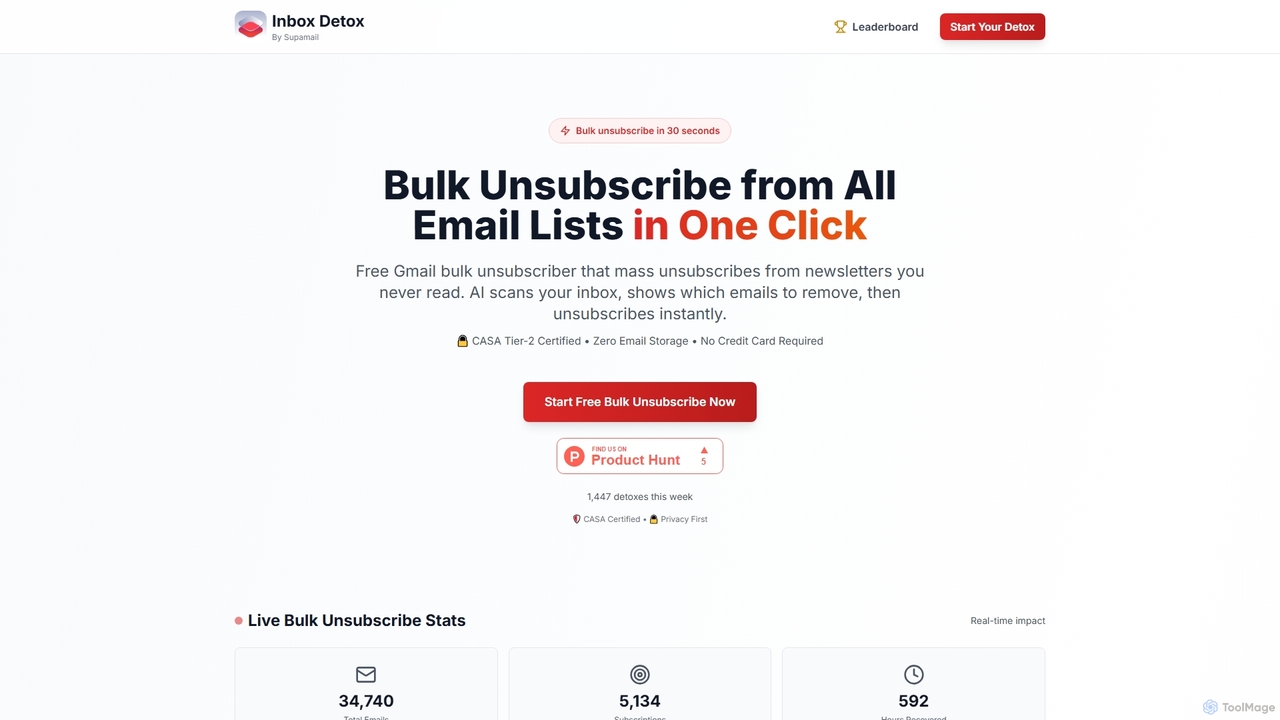
Inboxdetox is a free, AI-powered tool for Gmail that helps you bulk unsubscribe from unwanted newsletters and promotional emails in one click. It prioritizes user privacy and security, offering a fast way to declutter your inbox without storing your emails or selling your data.

Email Management
Visits 4KFavorites 110Likes 127
Taskavel
Freemium

Taskavel

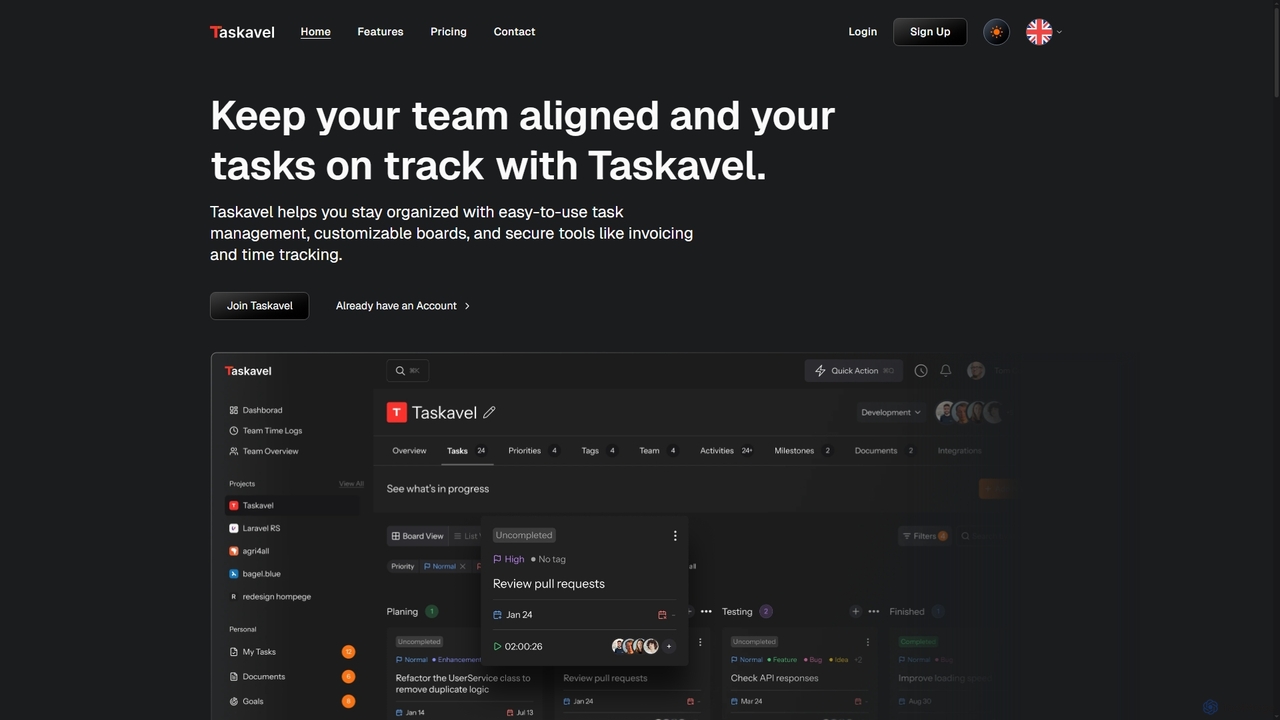
Taskavel is a comprehensive task and project management platform designed to keep teams aligned and tasks on track. It offers intuitive tools like customizable Kanban boards, integrated time tracking, invoicing, and robust collaboration features, especially tailored for developers and agile teams.

Workflow Automation
Visits 4KFavorites 87Likes 101
Zapier
Freemium

Zapier

Zapier is a leading no-code automation platform that empowers you to connect over 8,000 web apps. It now features a powerful AI toolkit, allowing you to build custom AI workflows, agents, and chatbots to automate tasks, streamline processes, and scale your business operations without writing a single line of code. From simple two-step integrations to complex, multi-step AI-powered workflows, Zapier makes automation accessible to everyone.

Ai Agent Builder
Visits 6MFavorites 113Likes 107
GPT Workspace
Freemium

GPT Workspace

GPT Workspace integrates AI-powered features directly into Google Workspace applications like Docs, Sheets, Slides, and Gmail. It enhances productivity by automating content creation, data analysis, email drafting, and document editing, allowing users to leverage the power of models like GPT-4o seamlessly within their existing workflow.

Document Management
Visits 276.6KFavorites 112Likes 113
Felo Chat
Freemium

Felo Chat

Felo Chat is a versatile AI assistant platform providing free access to leading AI models like GPT-4o, Claude, and Gemini. It features an extensive library of specialized AI bots for various tasks, from coding and content creation to translation and data analysis. With support for text, file, and image uploads, Felo Chat serves as a comprehensive, all-in-one solution for professionals, students, and creatives.

Code Assistant
Visits 11.5KFavorites 114Likes 113