Spreadsheet Daddy is an advanced AI-driven add-on for Google Sheets that automates complex tasks. It allows users to generate formulas, Apps Script, and regular expressions from simple text prompts. The tool also excels at bulk content generation, data analysis, and even allows for the creation of custom AI models, transforming your spreadsheet into a powerful productivity hub.
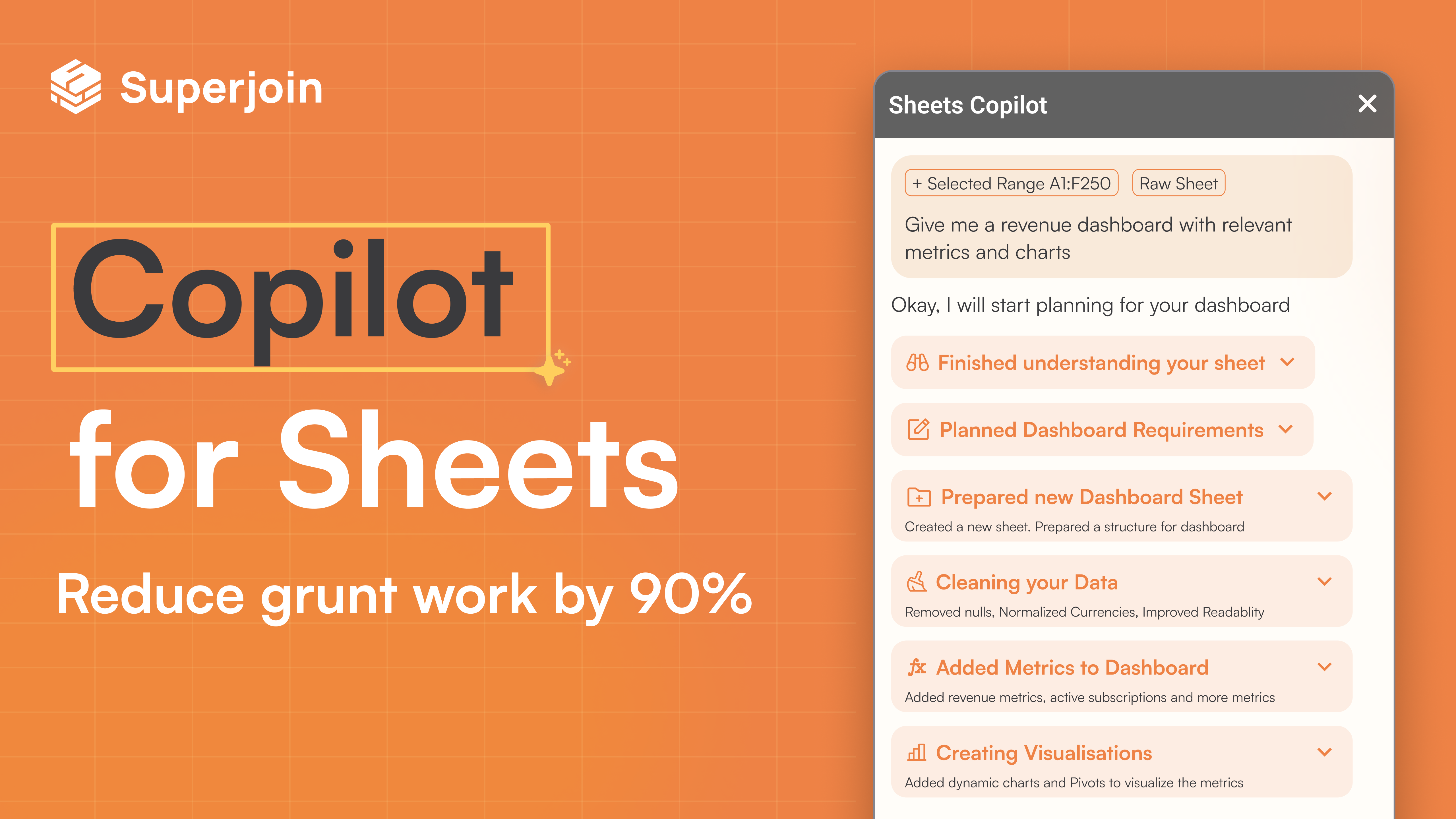
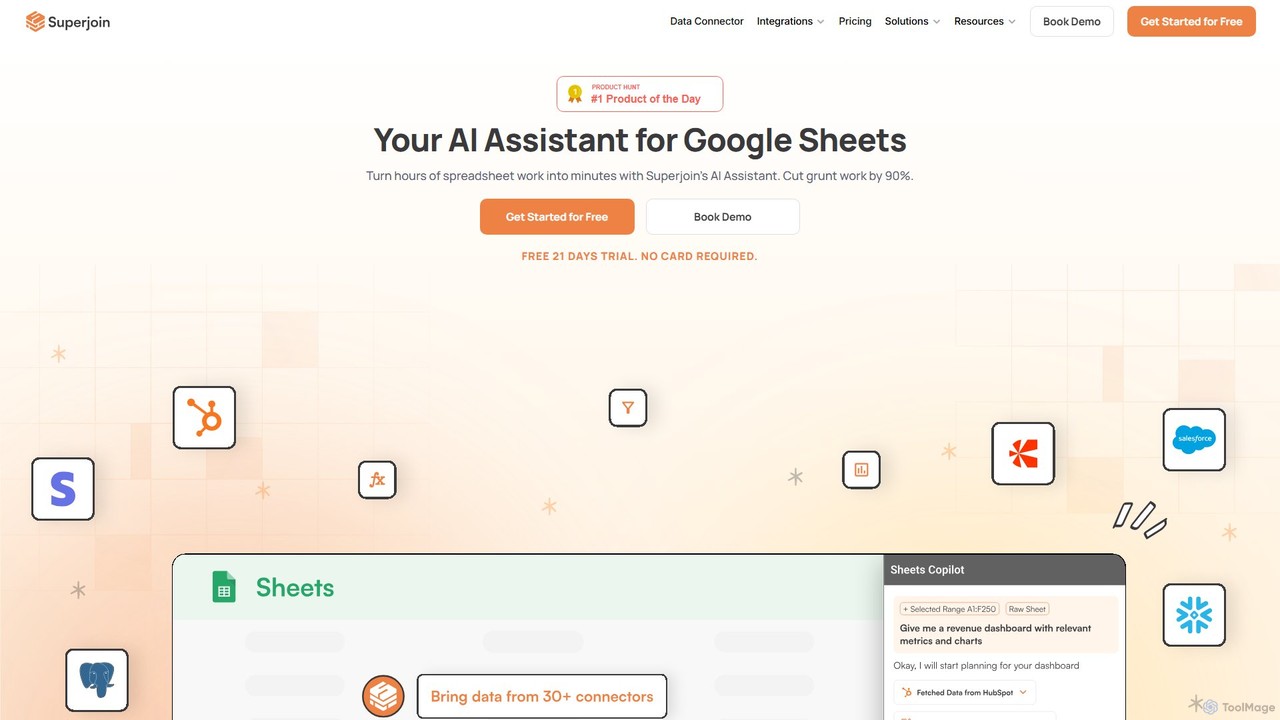
Superjoin is an AI assistant for Google Sheets designed to automate data tasks. It connects to over 30 data sources, allowing for automatic data pulls and refreshes. Users can leverage natural language to clean data, generate charts, create formulas, and build automated workflows, saving up to 90% of manual spreadsheet time.
Product overview
Spreadsheet Daddy Product overview
Spreadsheet Daddy is an advanced AI-driven add-on for Google Sheets that automates complex tasks. It allows users to generate formulas, Apps Script, and regular expressions from simple text prompts. The tool also excels at bulk content generation, data analysis, and even allows for the creation of custom AI models, transforming your spreadsheet into a powerful productivity hub.

Superjoin Product overview
Superjoin is an AI assistant for Google Sheets designed to automate data tasks. It connects to over 30 data sources, allowing for automatic data pulls and refreshes. Users can leverage natural language to clean data, generate charts, create formulas, and build automated workflows, saving up to 90% of manual spreadsheet time.
Detailed feature comparison
| Feature | Spreadsheet Daddy | Superjoin |
|---|---|---|
| Primary category | Low Code No Code | Workflow |
| Added | 2025-09-10 | 2025-08-12 |
| Pricing | Not verified | Freemium |
| Official website | spreadsheetdaddy.com | www.superjoin.ai |
| Product type | Browser extension | Browser extension |
| Performance data | ||
| User rating | Not verified | Not verified |
| Comments | 0 | 0 |
| Monthly visits | 18.3K | 41.4K |
| Monthly growth | -18% | -1.1% |
| Favorites | 99 | 102 |
| Details | View details | View details |
Spreadsheet Daddy vs Superjoin monthly traffic
Compare Spreadsheet Daddy and Superjoin by monthly reach, traffic trend, visit depth, top regions, and acquisition sources.
How to interpret the traffic data
In the Spreadsheet Daddy vs Superjoin monthly traffic comparison, Spreadsheet Daddy currently shows 18.3K visits and Superjoin shows 41.4K; Superjoin has about 2.3 times the visible traffic of Spreadsheet Daddy, an absolute difference of about 23.1K visits. This reflects visible reach, not feature quality or paid users.
Both tools provide verified traffic details, so monthly trends, visit depth, regions, and acquisition sources can be compared on the same basis.
Spreadsheet Daddy monthly traffic:
Latest traffic
Monthly traffic trend
- 2025/9: 30.2K Monthly visits
- 2026/1: 35.1K Monthly visits
- 2026/2: 27.9K Monthly visits
- 2026/3: 27.6K Monthly visits
- 2026/4: 22.3K Monthly visits
- 2026/5: 18.3K Monthly visits
Top regions
Top 5 countries/regions
| Country/region | Percentage | Traffic |
|---|---|---|
| 🇺🇸United States | 75.48% | 13.8K |
| 🇮🇳India | 8.94% | 1.6K |
| 🇵🇭Philippines | 8.33% | 1.5K |
| 🇻🇳Vietnam | 4.88% | 893 |
| 🇲🇽Mexico | 2.37% | 434 |
Traffic sources
| Source type | Percentage | Traffic |
|---|---|---|
| Direct | 67.19% | 12.3K |
| Referral | 32.81% | 6K |
Search keywords
Superjoin monthly traffic:
Latest traffic
Monthly traffic trend
- 2025/9: 115K Monthly visits
- 2026/1: 121.3K Monthly visits
- 2026/2: 72.5K Monthly visits
- 2026/3: 54.9K Monthly visits
- 2026/4: 41.9K Monthly visits
- 2026/5: 41.4K Monthly visits
Top regions
Top 5 countries/regions
| Country/region | Percentage | Traffic |
|---|---|---|
| 🇮🇳India | 33.04% | 13.7K |
| 🇺🇸United States | 32.46% | 13.4K |
| 🇩🇪Germany | 15.42% | 6.4K |
| 🇻🇳Vietnam | 10.31% | 4.3K |
| 🇮🇩Indonesia | 8.77% | 3.6K |
Search keywords
Usage comparison
Compare the core capabilities of Spreadsheet Daddy and Superjoin
Spreadsheet Daddy Core features
Superjoin Core features
Use cases
Spreadsheet Daddy Use cases
Superjoin Use cases
Best suited roles
Spreadsheet Daddy Best suited roles
Superjoin Best suited roles
Spreadsheet Daddy vs Superjoin:In-depth comparison and selection guidance
First decide whether the products solve the same kind of need
This in-depth Spreadsheet Daddy vs Superjoin comparison uses only the product records, taxonomy, audience, traffic, and community signals available on this page. Spreadsheet Daddy is primarily listed under “Low Code No Code”, while Superjoin is primarily listed under “Workflow”, so the first decision is whether your actual task matches their recorded scope.
The structured fields currently show these decision-relevant differences: Primary category (Spreadsheet Daddy: Low Code No Code; Superjoin: Workflow); Pricing (Spreadsheet Daddy: Not disclosed; Superjoin: Freemium); Monthly visits (Spreadsheet Daddy: 18.3K; Superjoin: 41.4K); Monthly growth (Spreadsheet Daddy: -18%; Superjoin: -1.1%); Favorites (Spreadsheet Daddy: 99; Superjoin: 102). These facts are more useful for selection than brand visibility alone.
What market visibility and monthly traffic mean
In the Spreadsheet Daddy vs Superjoin monthly traffic comparison, Spreadsheet Daddy currently shows 18.3K visits and Superjoin shows 41.4K; Superjoin has about 2.3 times the visible traffic of Spreadsheet Daddy, an absolute difference of about 23.1K visits. This reflects visible reach, not feature quality or paid users.
Both tools provide verified traffic details, so monthly trends, visit depth, regions, and acquisition sources can be compared on the same basis.
If public market visibility is an important first-pass criterion, investigate Superjoin first. The final choice should still follow taxonomy, use case, and a real trial because higher traffic does not prove broader capabilities or better workflow fit.
Product positioning, use cases, and roles
Spreadsheet Daddy and Superjoin currently overlap in shared categories: Spreadsheets; shared tags: AI assistant, data analysis, Google Sheets, no-code, and spreadsheet automation. This can place both on the same shortlist, but it does not prove equal implementation, depth, or cost.
Spreadsheet Daddy's unique categories/tags are Low Code No Code, Content Generation, apps script, content generation, formula generator, OpenAI, and productivity; Superjoin's are Workflow, business intelligence, data connector, report automation, and workflow automation. These unique fields are the strongest differentiators: validate the product whose recorded scope matches the task instead of following traffic alone.
What ratings, comments, and favorites can tell you
Spreadsheet Daddy has no verified rating, 0 comments, 99 favorites, and 111 likes;Superjoin has no verified rating, 0 comments, 102 favorites, and 95 likes。
Neither product has enough rating or comment samples for a credible reputation ranking.
Selection guidance by actual need
When to evaluate Spreadsheet Daddy first
Put Spreadsheet Daddy on the priority trial list when the task aligns with “Low Code No Code” and especially Low Code No Code, Content Generation, apps script, content generation, formula generator, and OpenAI, or the users include Business Owner, Content Creator, Data Analyst, and Marketing Manager. This follows recorded positioning and does not imply unlisted capabilities are absent.
Spreadsheet Daddy also currently records: pricing is not verified, product type is browser extension, 18.3K verified monthly visits, no verified user rating. Verify any hard requirement around price, platform, or reach before trial, and do not let sparse review data substitute for testing.
When to evaluate Superjoin first
Put Superjoin on the priority trial list when the task aligns with “Workflow” and especially Workflow, business intelligence, data connector, report automation, and workflow automation. This follows recorded positioning and does not imply unlisted capabilities are absent.
Superjoin also currently records: pricing is freemium, product type is browser extension, 41.4K verified monthly visits, no verified user rating. Verify any hard requirement around price, platform, or reach before trial, and do not let sparse review data substitute for testing.
How to validate the recommendation before deciding
The available data describes positioning, public visibility, and community signals, but it cannot prove output quality, speed, integration effort, privacy, or long-term cost in your workflow. Before deciding, run the same representative tasks in Spreadsheet Daddy and Superjoin, then record completion time, accuracy, manual corrections, and the real paid threshold. A like-for-like trial turns this comparison into a defensible adoption decision.
Comparison FAQ
How should I choose between Spreadsheet Daddy and Superjoin?
Where does this comparison data come from?
What do unknown fields mean?
Related AI tools

Chatsheet
Chatsheet is an AI-powered spreadsheet platform that automates research, content creation, and data analysis. Using a familiar spreadsheet interface, users can build complex, no-code workflows to process documents, scrape websites, and generate personalized content at scale, effectively turning each cell into a smart AI agent.
Spreadsheets
ExcelFormulaBot
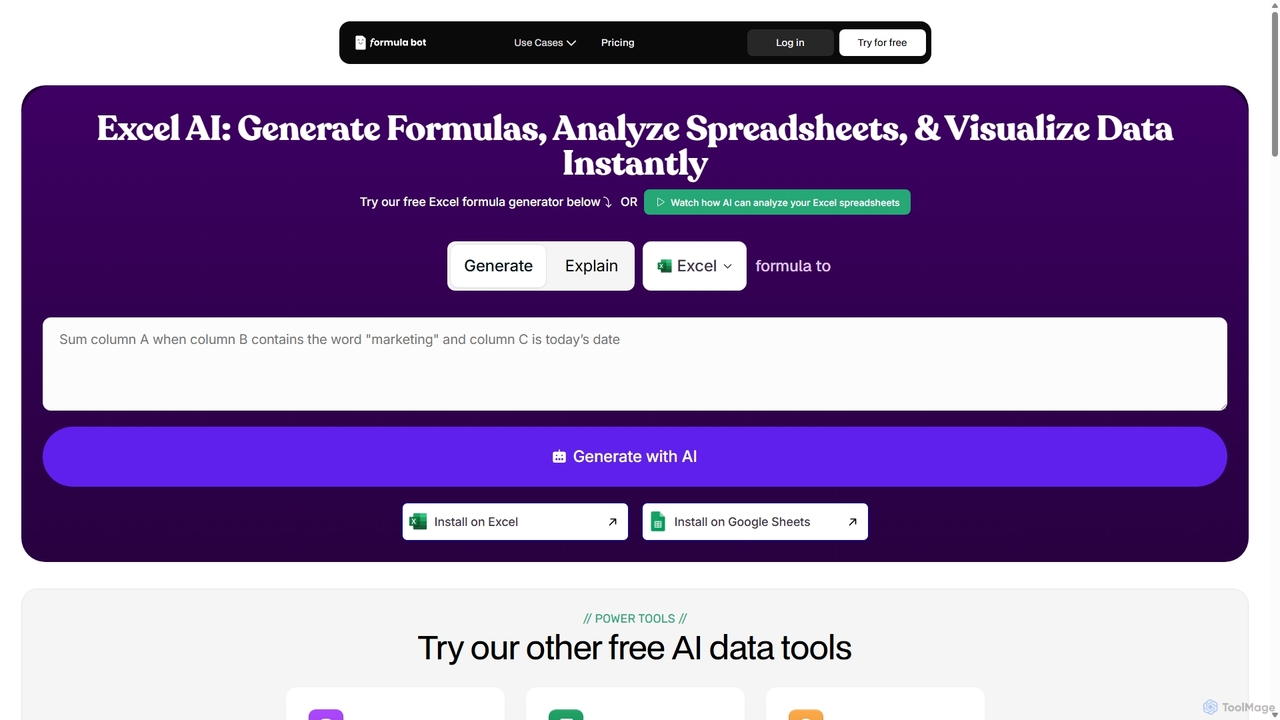
ExcelFormulaBot is an AI-powered tool that generates complex Excel and Google Sheets formulas from text instructions in seconds. It also analyzes data, creates charts, generates VBA/SQL code, and explains formulas, making spreadsheet tasks faster and more accessible for everyone, from beginners to experts.
Data Analysis
Sheet Copilot
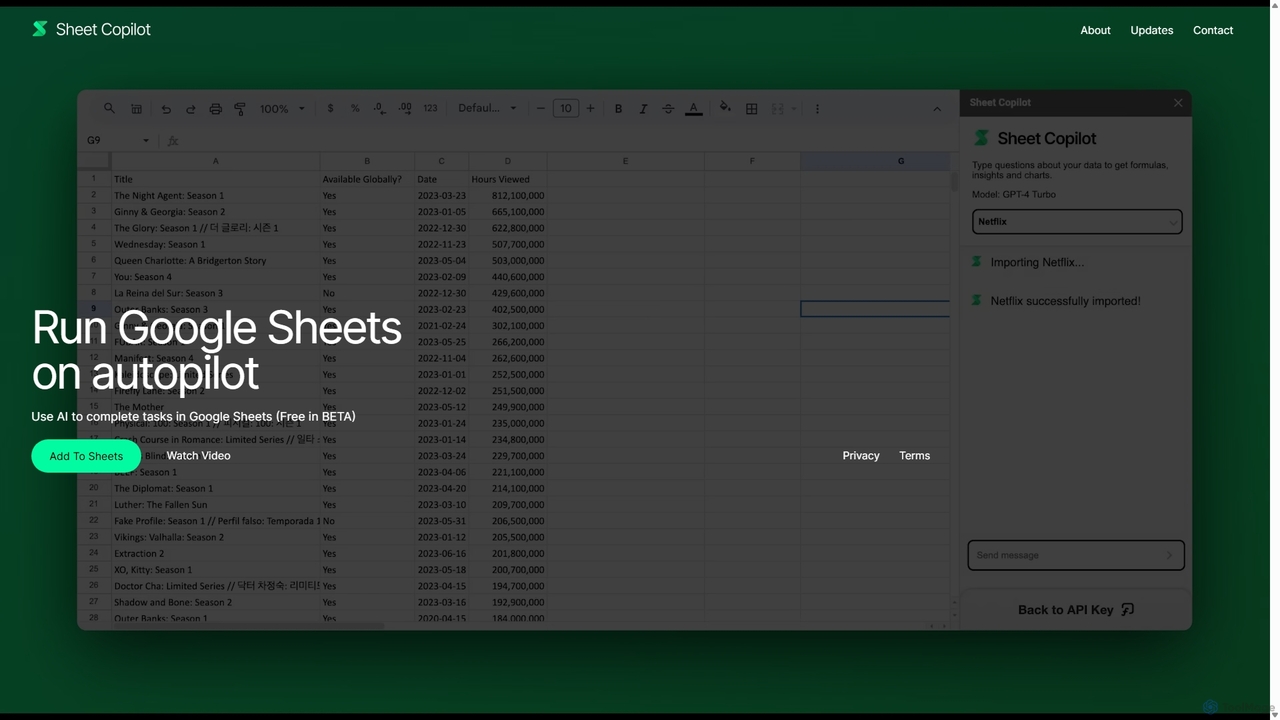
Sheet Copilot is an AI-powered assistant that automates tasks and answers questions directly within Google Sheets. By using natural language commands, you can clean data, generate formulas, create summaries, and analyze information without writing complex functions. It's currently free in beta and operates using your own OpenAI API key for enhanced privacy and security.
Automation
Sheetplus
Sheetplus is an AI-powered toolkit designed to supercharge your spreadsheet experience in Google Sheets and Excel. By leveraging natural language, it allows users to generate complex formulas, clean and analyze data, automate tasks, and extract insights without writing code. It acts as an intelligent assistant, making data management faster, more intuitive, and accessible to everyone, regardless of their technical expertise.
Automation
Charm
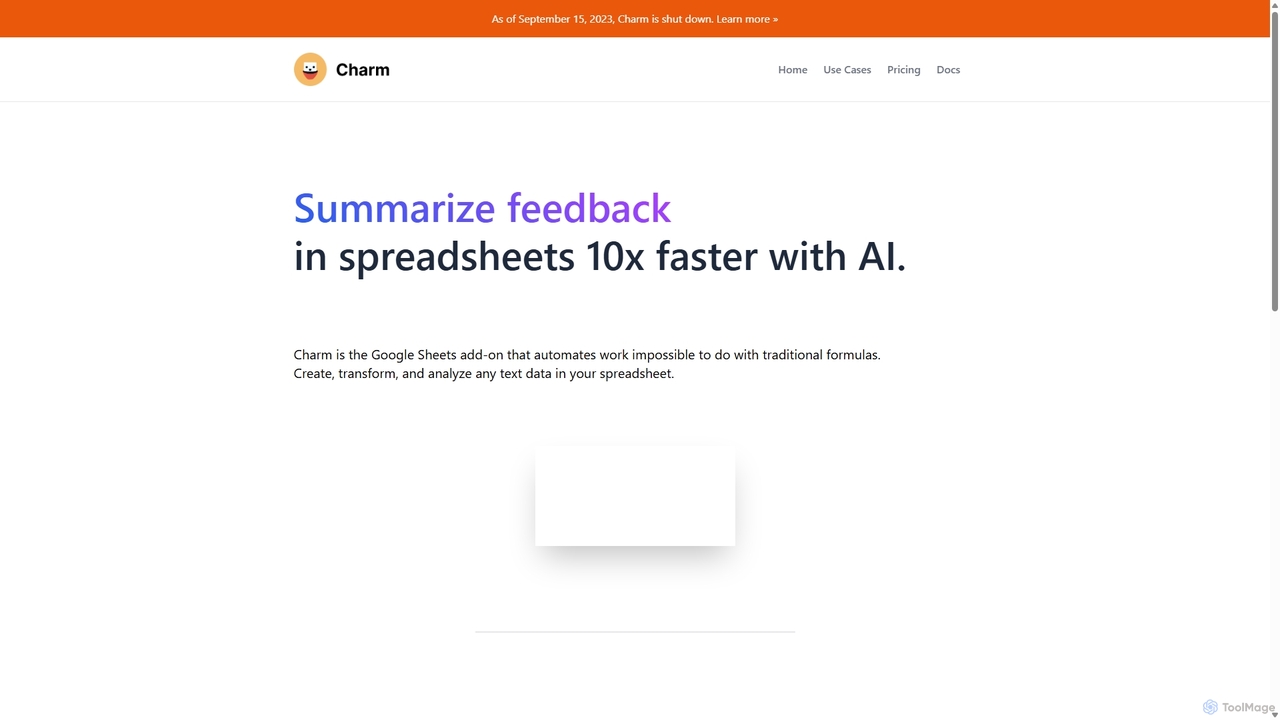
Charm was an AI-powered assistant integrated directly into Google Sheets as an add-on. It was designed to automate complex text-based tasks, such as cleaning messy data, generating content, summarizing text, and classifying information, without requiring traditional formulas or coding. Please note: Charm was officially shut down on September 15, 2023.
Automation
Abacus.AI
Abacus.AI is an advanced AI super assistant and generative AI platform designed for both enterprises and individuals. It enables the creation of AI agents, custom chatbots, and automated workflows to enhance productivity, analyze data, and build applied AI systems with minimal human intervention.
Chatbot
Lula
Lula is an AI-powered workflow automation platform designed to enhance team productivity. It integrates seamlessly with your existing tools to automate repetitive tasks, summarize meetings and communications, generate content, and provide actionable insights, acting as a central intelligence hub for your team.
Team Collaboration
Coefficient
Coefficient is a data connector that links Google Sheets and Excel with over 100 business systems like Salesforce and HubSpot. It automates data imports, enables two-way syncing, and uses AI to help users build formulas, SQL queries, and charts, transforming static spreadsheets into dynamic, real-time dashboards.
Data Analysis
excelformulagpt
excelformulagpt is an AI-powered tool that instantly converts natural language descriptions into complex Excel and Google Sheets formulas. It helps users save time, reduce errors, and boost productivity without needing to memorize complex syntax. Features include formula generation, context-aware suggestions from uploaded files, and formula explanations.
Automation
Prompting Sheets
Prompting Sheets is an AI-powered add-on for Google Sheets that transforms your spreadsheets into dynamic tools. It allows users to generate custom project plans, to-do lists, and automate data analysis and content creation using powerful AI formulas and an integrated chatbot, eliminating the need for generic templates.
Project Management
Sulta AI
Sulta AI is a no-code platform empowering users to build and deploy custom AI agents for any task, from student research to business operations. It offers a rich library of pre-built agents, community sharing, and data training capabilities to revolutionize individual and team workflows without writing a single line of code.
Content Generation
SheetAI
SheetAI integrates the power of AI directly into Google Sheets, allowing users to generate content, analyze data, and automate tasks using simple functions. It eliminates the need for complex formulas, making spreadsheet management more efficient and intuitive for everyone.
No Code
sheeter
Sheeter is an AI-powered tool that generates complex formulas for Excel and Google Sheets from plain English descriptions. It also creates VBA scripts, Google Apps Scripts, and Regex, significantly boosting spreadsheet productivity and saving users time by eliminating the need to memorize or look up formulas.
Data Analysis
OmniChat AI
OmniChat AI is a powerful SaaS platform for building and deploying custom AI agents without coding. It enables businesses to automate workflows, analyze data, and enhance customer experiences through intelligent, API-integratable agents with advanced analytics and enterprise-grade security.
Chatbot
MindPal
MindPal is a no-code platform for building and deploying an AI workforce. It enables users to create specialized AI agents and connect them into multi-agent workflows to automate complex business processes, from marketing and sales to operations and research, boosting productivity by up to 25x.
Operations