

AICosts.ai Overview
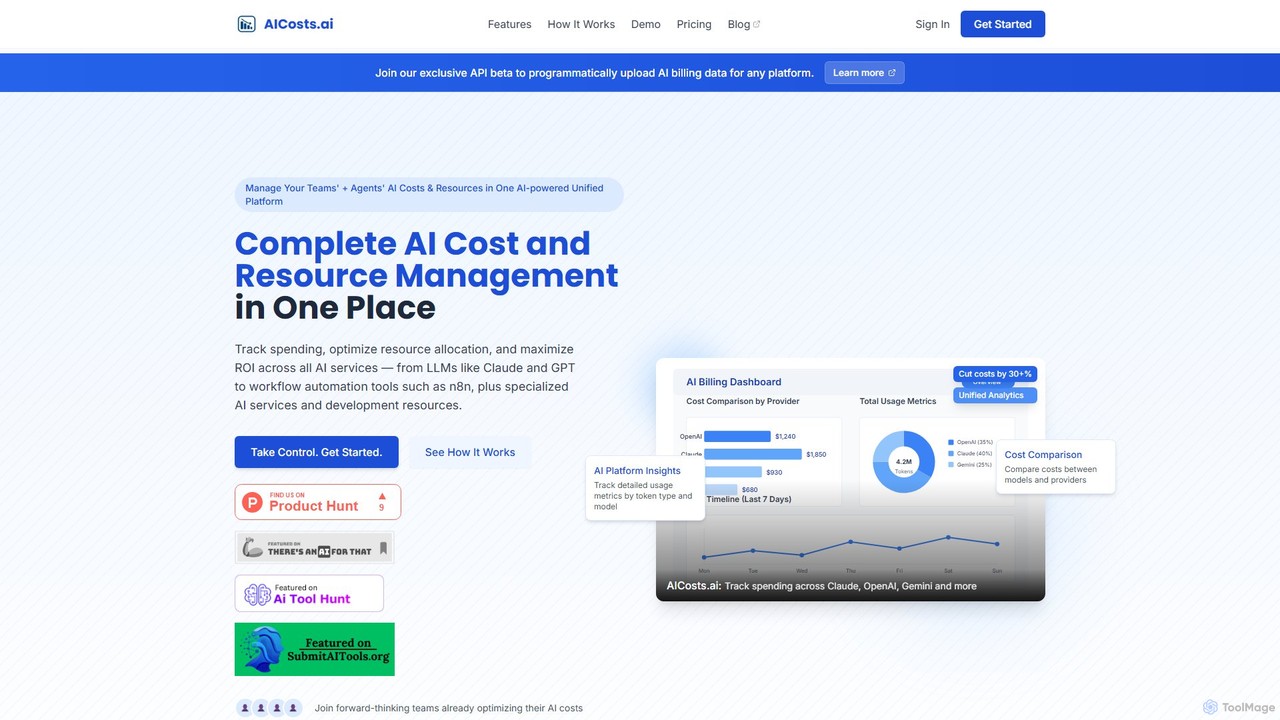
AICosts.ai is a comprehensive AI cost and resource management platform that provides a unified dashboard to consolidate all your AI-related expenses. In an era where teams leverage a diverse stack of AI services—from large language models (LLMs) like OpenAI's GPT, Anthropic's Claude, and Google's Gemini, to workflow automation tools like n8n and Make, and specialized services like Pinecone and RunwayML—managing costs becomes a fragmented and complex task. AICosts.ai solves this by bringing all billing and usage data into one centralized location, offering complete visibility and control over your AI budget.
The platform is engineered for AI power users, including AI automation agencies, AI-first startups, SaaS companies, and finance teams, who need to track spending, optimize resource allocation, and maximize the return on investment (ROI) of their AI initiatives. By providing detailed analytics and comparative insights, AICosts.ai helps businesses cut costs by up to 30% or more, preventing budget overruns before they happen.
How to use AICosts.ai
Getting started with AICosts.ai is a straightforward, three-step process designed for efficiency:
- Connect Your AI Stack: Begin by selecting and integrating all the AI services you use. The platform supports a wide range of providers, including LLMs, workflow tools, vector databases, and other specialized AI services. You can connect your accounts or simply upload your billing and usage data via CSV, Excel, or Google Sheets. The platform also offers an API for programmatic data uploads.
- View Unified Analytics: Once your data is connected, the AICosts.ai dashboard provides a holistic view of your AI spending. You can analyze detailed breakdowns by model, provider, token usage, and specific workflows. This unified view eliminates the need to juggle multiple billing portals and spreadsheets.
- Optimize Costs & Resources: With clear insights, you can start optimizing. Monitor spending trends, compare the cost-effectiveness of different models (e.g., GPT-4 vs. Claude 3), and set up alerts for usage spikes or upcoming charges. The platform provides predictive insights and recommendations to help you make informed decisions about resource allocation. For AI agent workflows, you can implement granular tracking by adding a logger node in tools like n8n to capture cost data for each operation and then upload the logs for analysis.
Core Features of AICosts.ai
- Unified Dashboard: Consolidates cost and usage data from all your AI providers (LLMs, workflow automation, etc.) into a single interface.
- Cost Comparison Analytics: Compare costs between different models and providers to identify the most cost-effective solutions for your tasks.
- Detailed Usage Metrics: Track granular data, including token usage (input/output), performance metrics, and API quota utilization.
- AI Agent Workflow Tracking: Gain visibility into the costs of your AI agent operations by logging and analyzing data from platforms like n8n and Make.com.
- Billing Data Upload: Easily upload billing files (CSV, Excel) from any AI platform for comprehensive cost analysis. An API is also available for automated uploads.
- Smart Alerts & Budgeting: Set resource budgets and receive automated alerts for usage spikes and approaching quota limits to prevent unexpected expenses.
- ROI and Performance Analysis: Go beyond cost tracking to analyze resource utilization and the overall ROI of your AI investments.
Use Cases for AICosts.ai
AICosts.ai is built for a variety of professionals and teams who rely on AI:
- AI Automation Agencies & AI-First Startups: Manage client budgets effectively and optimize internal AI usage to maintain profitability.
- CTOs & Technical Leads: Gain a high-level overview of the entire AI stack's cost and performance, enabling strategic decisions on technology adoption.
- SaaS Companies Using AI: Integrate AI features responsibly by monitoring costs and ensuring the economic viability of AI-powered services.
- Finance Teams: Accurately forecast and manage AI budgets, attribute costs to specific projects or departments, and report on spending with confidence.
- Solopreneurs & Power Users: Keep personal or small project AI costs in check while experimenting with and leveraging the latest AI tools.
Advantages of AICosts.ai
The primary advantage of AICosts.ai is providing a single source of truth for all AI-related expenditures. This leads to significant cost savings (up to 30%+), eliminates hours of manual data consolidation, and empowers teams with actionable insights. By offering proactive alerts and detailed comparisons, it transforms reactive cost management into a strategic, forward-thinking process. It provides the clarity needed to scale AI operations sustainably and maximize the value derived from AI investments.
Pricing and Plans
AICosts.ai offers a transparent pricing structure with a 7-day free trial on all plans. Annual subscriptions include a discount equivalent to four months free.
- Starter Plan: $19.99/month. Ideal for individuals and small projects. Includes tracking for up to 3 platforms and 30 days of data retention.
- Professional Plan: $49.99/month. The most popular choice, designed for growing teams. Includes tracking for all supported AI providers, 90 days of data retention, billing file uploads, data export, and priority email support.
- Enterprise Plan: Custom pricing (Contact Sales). For large teams and organizations. Includes unlimited platforms, unlimited data retention, priority phone & email support, and options for custom integrations.
Traffic
Latest traffic
Status
Monthly traffic trend
- 2025-8: 78
- 2025-9: 399
- 2026-3: 986
- 2026-4: 0
- 2026-5: 1.1K
Geography
Top 5 countries / regions
- 🇺🇸United States100.0%
Top keywords
| Keyword | Cost per click |
|---|---|
| accio pricing | $0.00 |
| api credits increas billing | $0.00 |
| hwo much is 887 toke s in claude] | $0.00 |
| is api usage cheaper than credit based usage | $0.00 |
| what is the true price of ai use | $0.00 |
AICosts.ai Alternatives
AI Spend
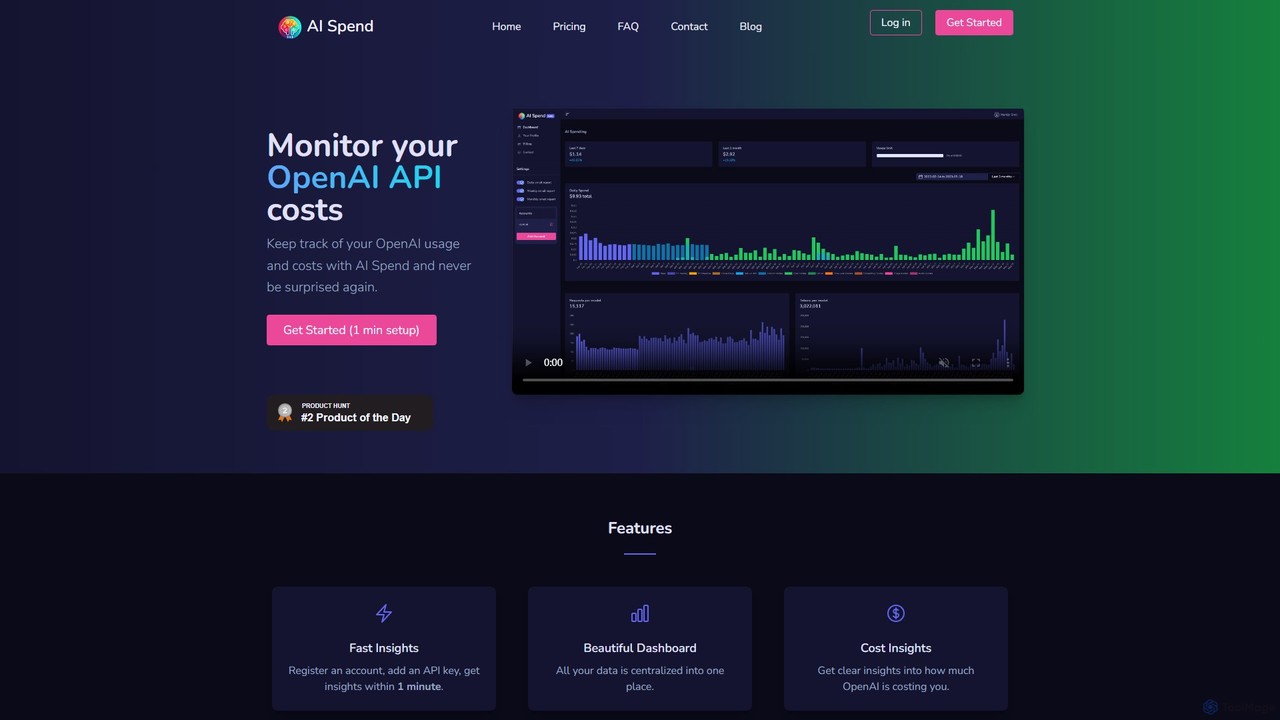
AI Spend is a dedicated monitoring tool for OpenAI API costs. It provides a centralized dashboard to track usage, analyze spending trends, and receive timely notifications, helping developers, startups, and businesses prevent unexpected bills and manage their AI budget effectively.
Api Management
Dataiku
Dataiku is the Universal AI Platform™, enabling organizations to build, deploy, and manage AI and analytics applications. It provides a collaborative, end-to-end environment for everyone, from data analysts to data scientists, to work with data, create machine learning models, and build enterprise-grade Generative AI solutions with robust governance and scalability.
Business Intelligence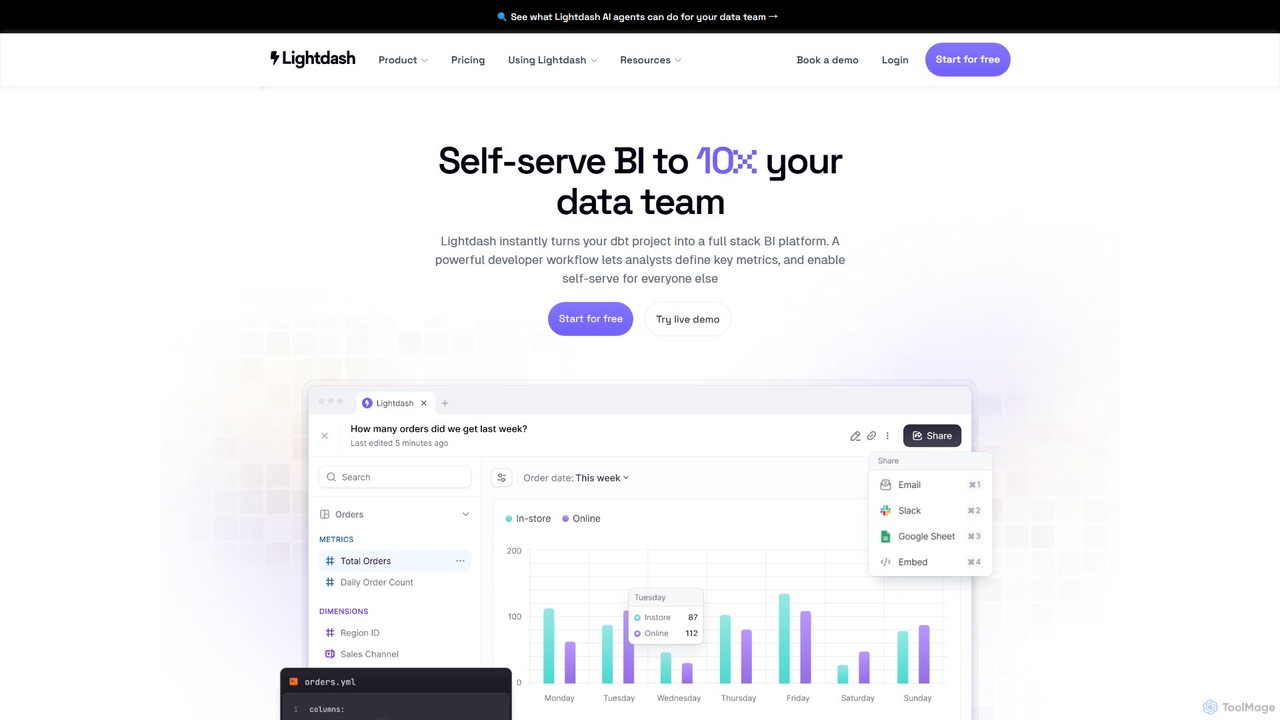
Lightdash
Lightdash is an open-source, AI-powered business intelligence (BI) platform built specifically for dbt. It empowers entire teams with self-serve analytics, allowing users to ask data questions in plain English. With developer-friendly workflows and no per-user pricing, it's designed to make data accessible to everyone, from data engineers to business stakeholders.
Data Science
Athenic
Athenic is an AI-powered data analyst and self-service Business Intelligence (BI) platform. It enables teams to get instant insights from their data by asking questions in natural language, eliminating the need for complex SQL queries. It's designed for SaaS, CPG, and manufacturing industries to accelerate analysis and empower non-technical users.
Business Intelligence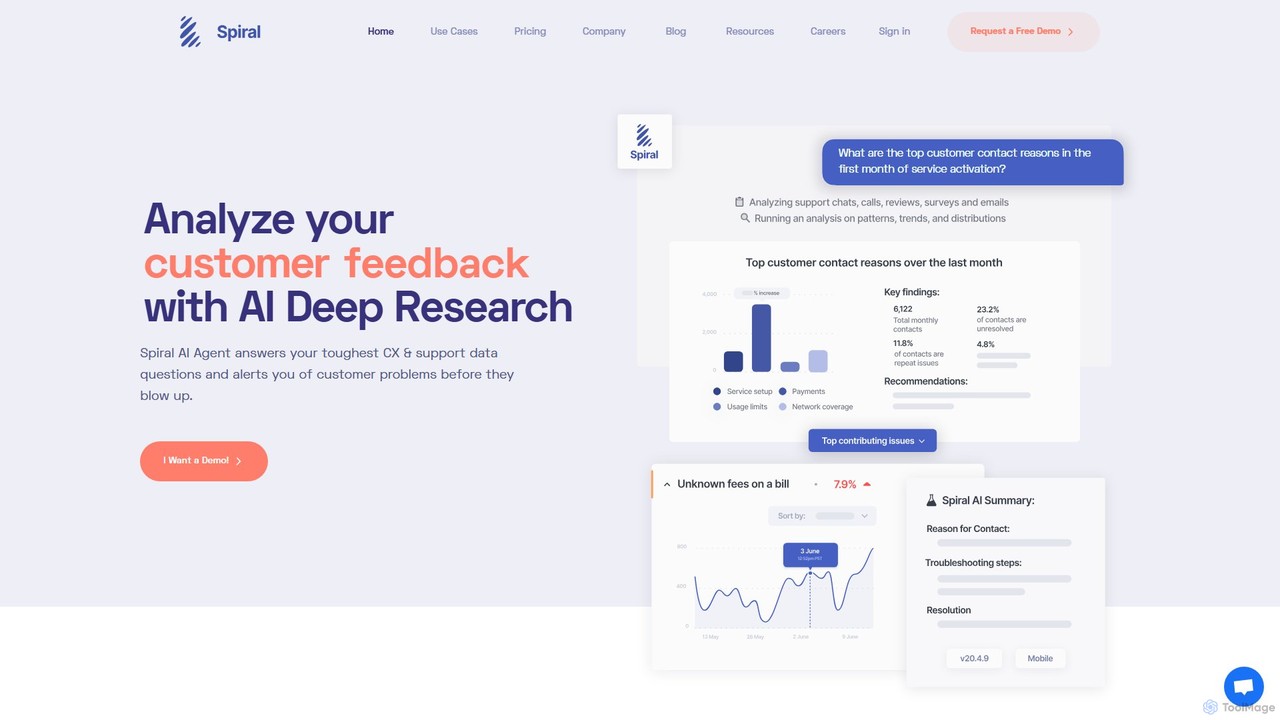
Spiral
Spiral is an AI-powered platform that analyzes unstructured customer feedback from multiple channels. It intelligently classifies interactions, detects issues, and provides actionable insights to improve customer support, product quality, and overall customer experience. It helps businesses save time on data analysis and make data-driven decisions.
Business IntelligenceAICosts.ai Categories
AICosts.ai Embed Widget
Copy this embed code to place the badge on your blog, article, or product site and send readers directly to this ToolMage detail page.

Related AI tools
AI Spend
AI Spend is a dedicated monitoring tool for OpenAI API costs. It provides a centralized dashboard to track usage, analyze spending trends, and receive timely notifications, helping developers, startups, and businesses prevent unexpected bills and manage their AI budget effectively.
Api ManagementDataiku
Dataiku is the Universal AI Platform™, enabling organizations to build, deploy, and manage AI and analytics applications. It provides a collaborative, end-to-end environment for everyone, from data analysts to data scientists, to work with data, create machine learning models, and build enterprise-grade Generative AI solutions with robust governance and scalability.
Business Intelligence
Orq.ai
Orq.ai is an end-to-end Generative AI Collaboration Platform designed for software teams to scale LLM applications from prototype to production. It provides tools for experimentation, deployment, and observability, enabling teams to build, monitor, and optimize agentic AI systems with confidence and control.
Model Deployment
Fiddler AI
Fiddler AI is an enterprise-grade AI Observability platform designed to build trust and transparency into AI systems. It provides unified monitoring, explainability, and security for both traditional machine learning (ML) models and large language models (LLMs). The platform helps teams detect and resolve issues like data drift, performance degradation, bias, and security vulnerabilities, ensuring AI applications are reliable, fair, and compliant.
Model Monitoring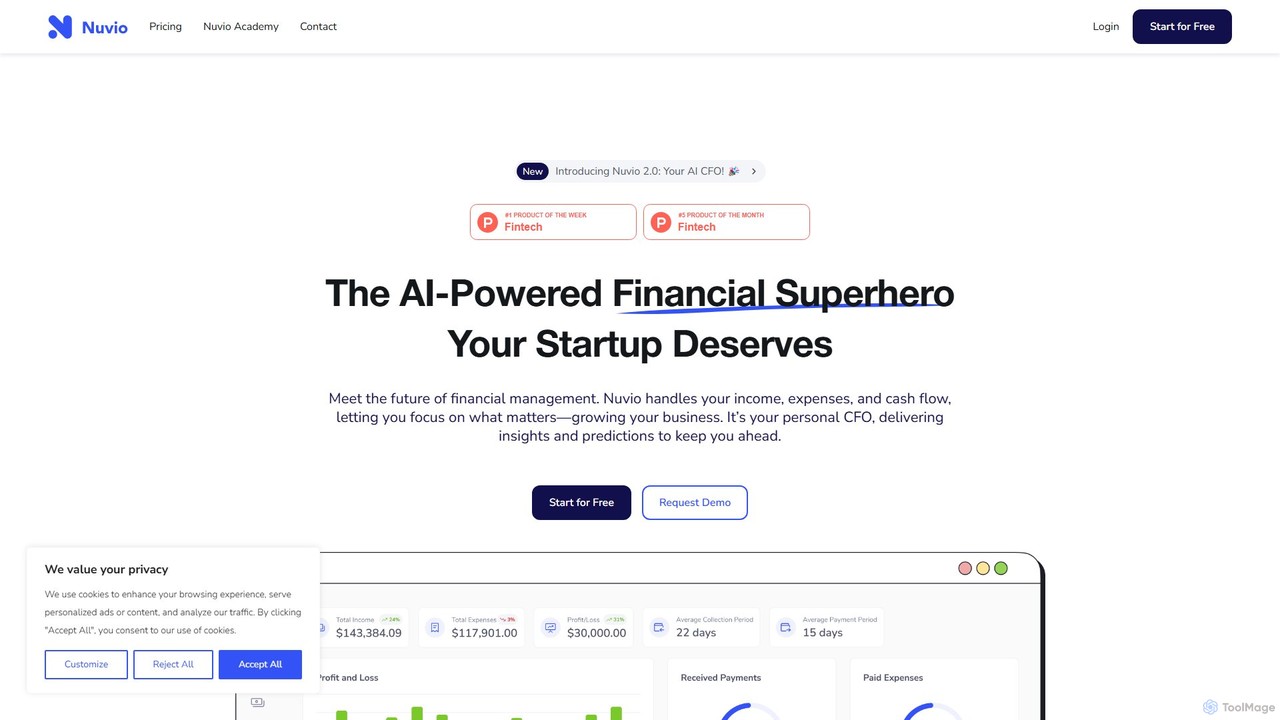
nuvio
Nuvio is an AI-powered financial analytics platform designed to go beyond traditional accounting. It makes complex financial data accessible to businesses of all sizes, offering automated reporting, intelligent forecasting, and real-time KPI tracking. Nuvio transforms raw financial data into actionable insights, empowering founders, executives, and finance teams to make smarter, data-driven decisions for strategic growth.
Business Intelligence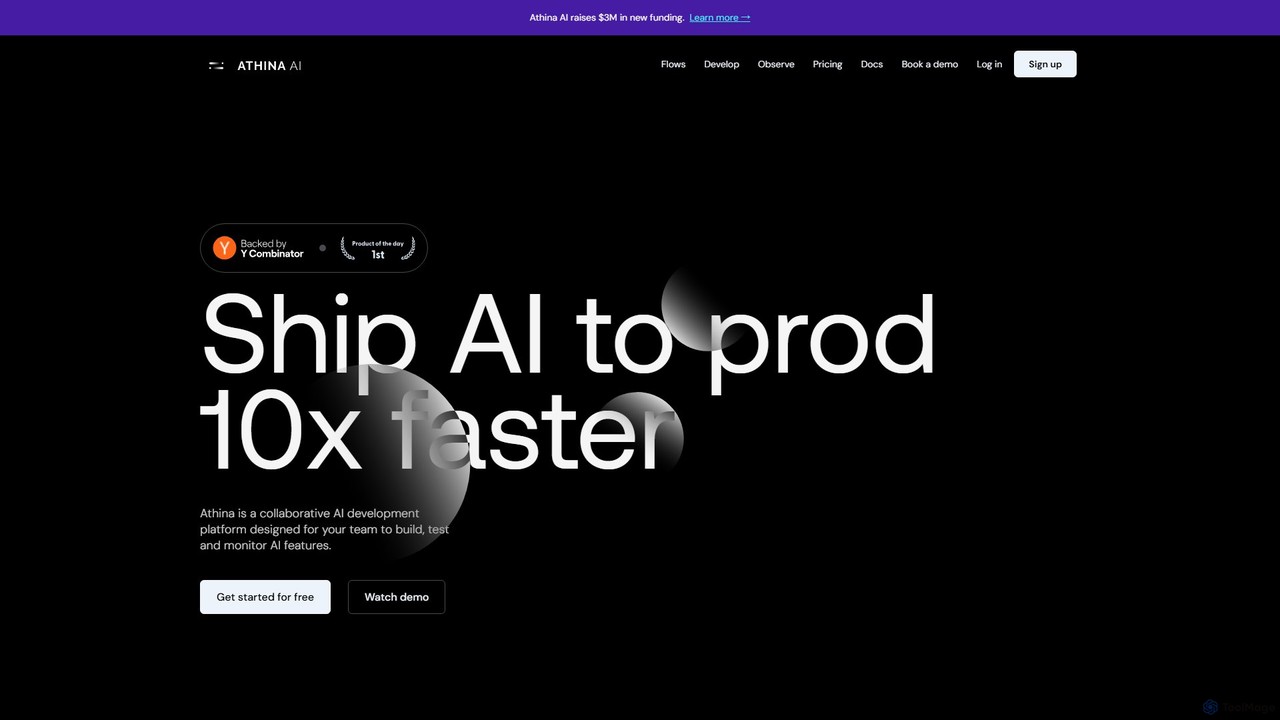
Athina
Athina is a collaborative AI development platform designed to help teams build, test, and monitor LLM applications 10x faster. It provides a comprehensive suite of tools for prompt engineering, evaluation, experimentation, annotation, and production monitoring. Athina supports both technical and non-technical users, ensuring seamless collaboration and the deployment of high-quality, reliable AI systems.
Annotation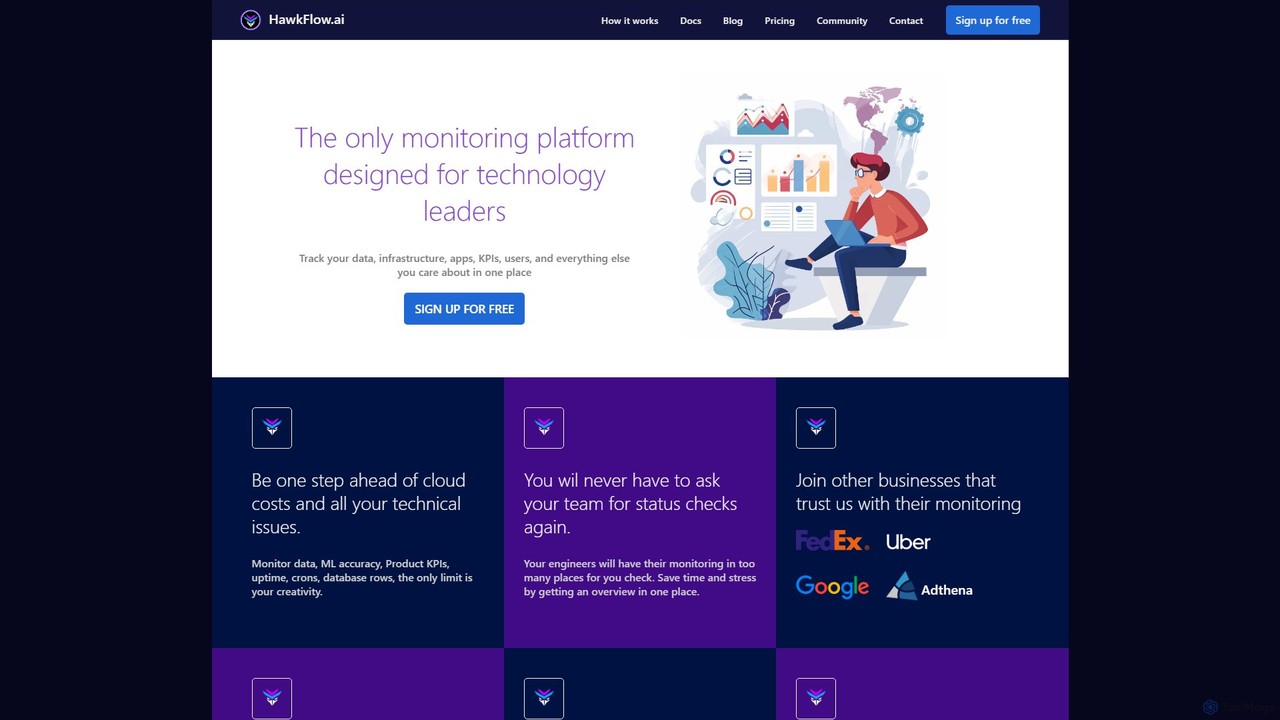
hawkflow.ai
HawkFlow.ai is a unified monitoring platform for developers and technology leaders. It allows you to track application performance, infrastructure, data, KPIs, and ML models in one centralized place. With simple code integration, it helps teams proactively identify issues, monitor costs, and gain a comprehensive overview of their entire tech stack.
Monitoring
dflux
dflux is a unified, no-code/low-code data science platform that empowers businesses to perform end-to-end data engineering, build machine learning models, and create interactive visualizations. It streamlines the entire data lifecycle from integration and preparation to model deployment and MLOps, making advanced analytics accessible to both technical and non-technical users.
Business Intelligence
OctoAI
OctoAI is a high-performance compute platform for developers to run, tune, and scale generative AI models efficiently. It offers optimized, production-ready API endpoints for popular open-source models like Llama, Mixtral, and Stable Diffusion. By focusing on deep system optimizations, OctoAI provides faster inference speeds and lower costs, enabling businesses to build and deploy scalable AI applications without managing complex infrastructure.
Api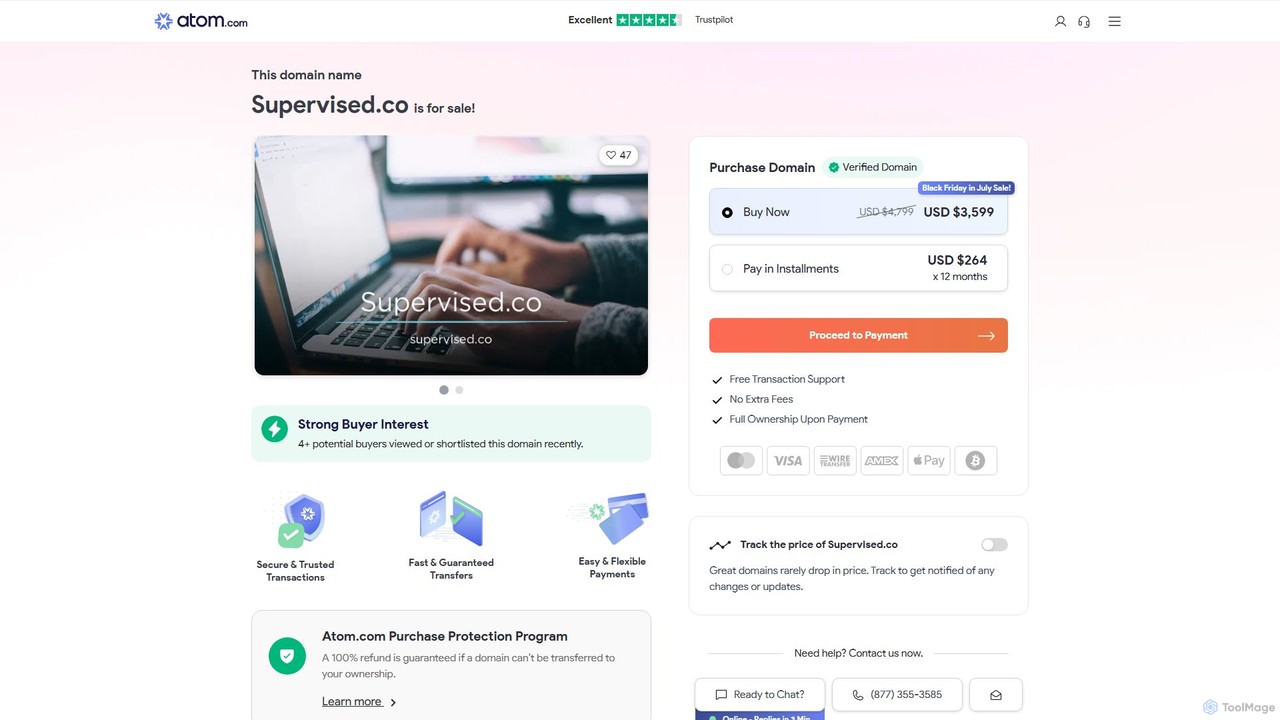
Supervised.co
Supervised.co is an end-to-end platform for building, training, and deploying supervised machine learning models. It simplifies the MLOps lifecycle with integrated data annotation, automated model training, and one-click API deployment, empowering teams to create high-performance AI solutions efficiently.
Data Annotation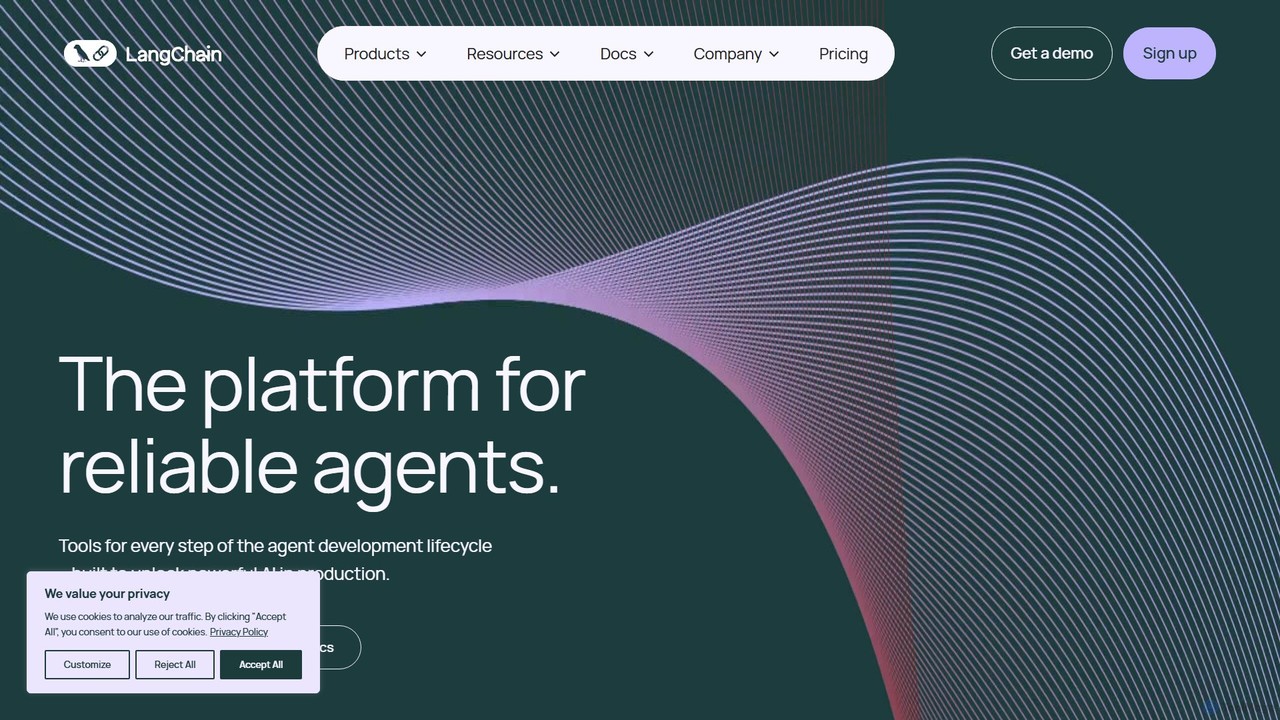
LangChain
LangChain is a comprehensive framework and developer platform for building, deploying, and managing production-grade LLM applications. It provides a full suite of tools, including LangChain framework, LangGraph for agent orchestration, and LangSmith for observability, enabling developers to create sophisticated, reliable, and scalable AI agents.
Llm Ops
Weights & Biases
Weights & Biases is the leading MLOps platform for developers to build better models faster. It helps machine learning teams track experiments, version datasets, manage model lifecycles, and collaborate seamlessly. Ideal for everything from academic research to enterprise-level AI development.
Visualization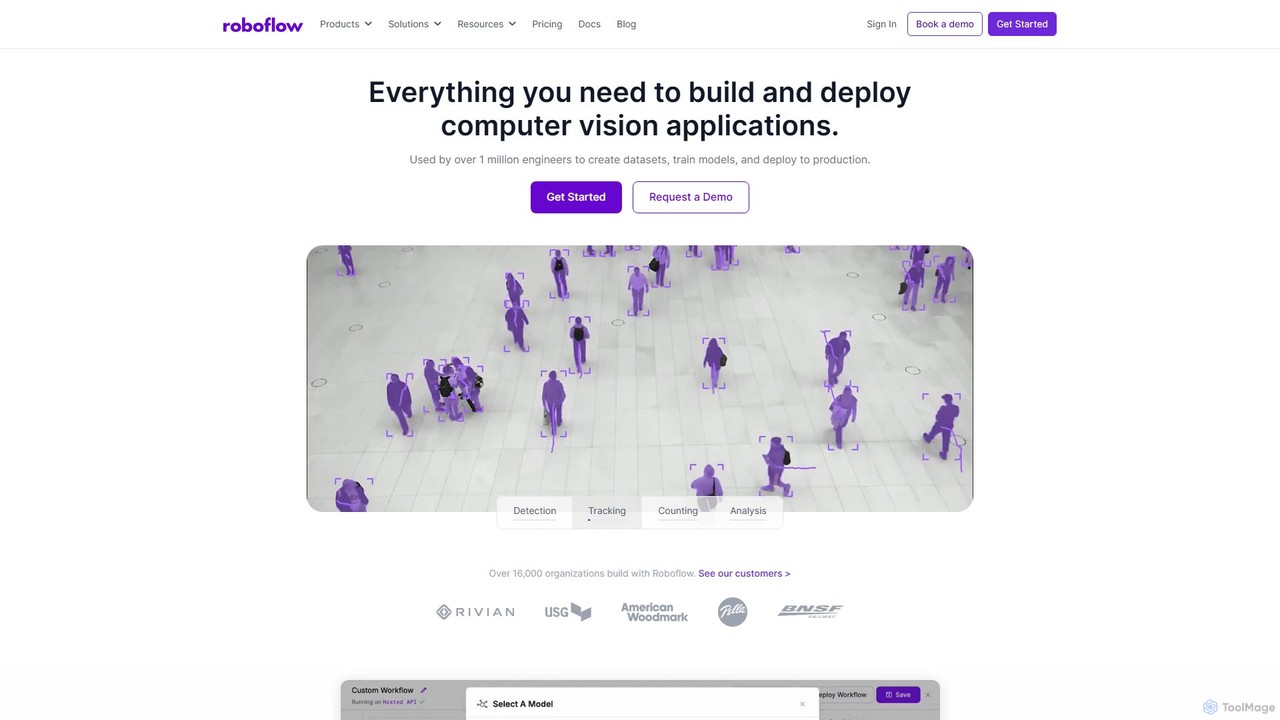
Roboflow
Roboflow is an end-to-end computer vision platform for developers and enterprises. It provides a comprehensive suite of tools to build, train, and deploy computer vision models at scale. From dataset creation and collaborative labeling to one-click model training and deployment to cloud or edge devices, Roboflow streamlines the entire MLOps lifecycle for vision AI, empowering over a million engineers to give their software the sense of sight.
Data Labeling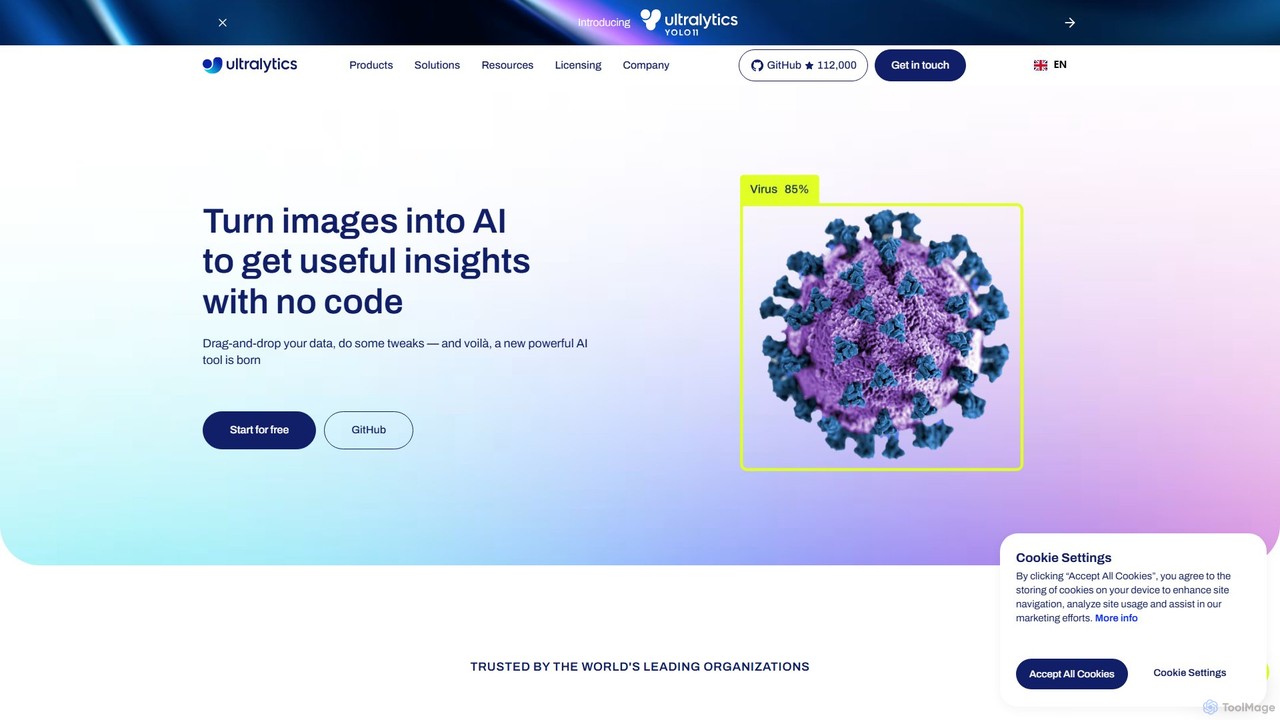
Ultralytics
Ultralytics is a leading Vision AI company, creators of the world-renowned YOLO (You Only Look Once) models. They provide a comprehensive ecosystem, including the open-source YOLOv8 framework and the Ultralytics HUB, a no-code platform for training and deploying AI models.
Machine Learning
Jyek
Jyek is an AI agent platform that understands objectives, creates execution plans, uses tools, and delivers verifiable results for complex, multi-step tasks.
Automation
AICosts.ai Comments (0)
Sign in to comment.
Sign inNo comments yet.