

Greyhound Overview
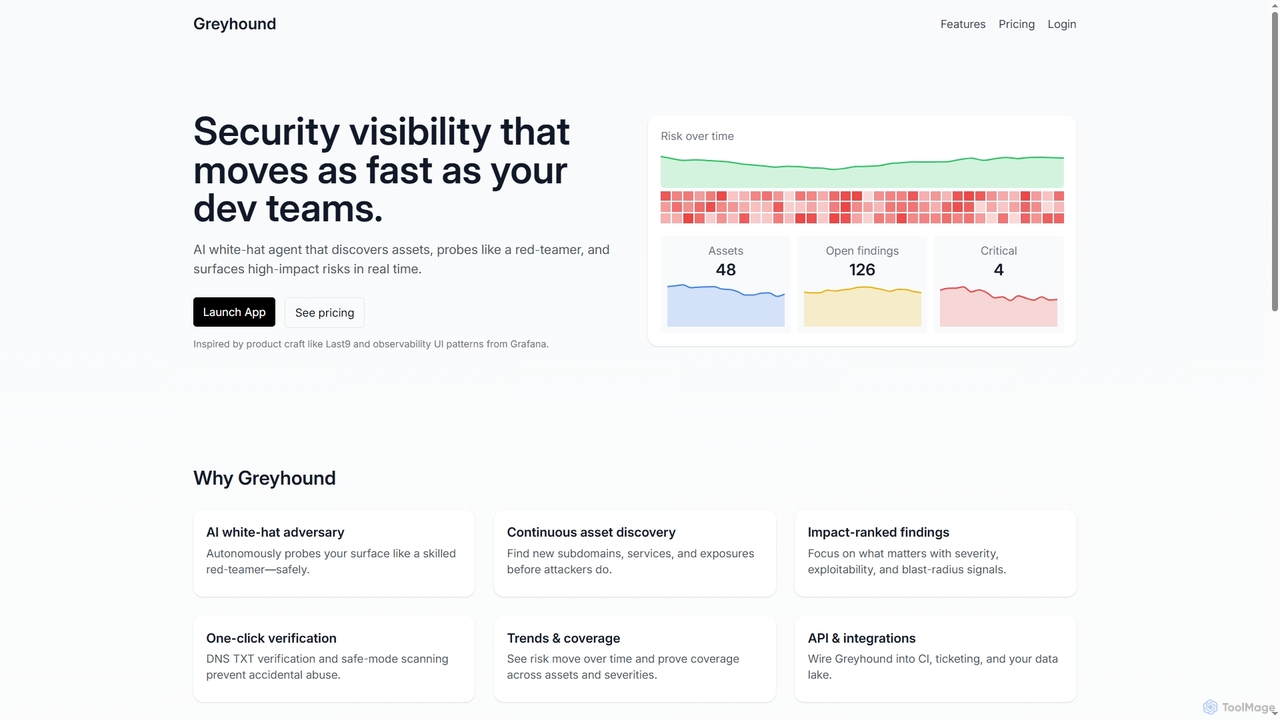
Greyhound is a continuous AI security scanning tool designed for modern web and cloud environments. It employs an AI-driven white-hat adversary that autonomously probes your attack surface, mimicking the behavior of a real attacker through discovery, fingerprinting, and safe exploit attempts. This approach allows it to continuously discover new subdomains, services, and exposures before malicious actors do. The platform filters out noise by providing impact-ranked findings based on severity, exploitability, and blast radius, delivering clear, actionable remediation steps instead of an overwhelming list of CVEs. It is built to be developer-friendly, integrating seamlessly into existing workflows.
How to use Greyhound
To use Greyhound, start by creating an account and verifying ownership of your domains via a simple one-click DNS TXT verification. Once verified, you can configure and schedule automated, continuous scans across your web applications, APIs, and cloud infrastructure. The platform will begin discovering assets and identifying vulnerabilities. You can then review the prioritized, impact-ranked findings and use the provided context and remediation steps to fix issues quickly. For seamless integration, use the REST API to connect Greyhound with your CI/CD pipeline, ticketing systems like Jira, or communication tools like Slack to automate scans and sync findings.
Core Features of Greyhound
- AI White-Hat Adversary: Autonomously simulates attacker behavior to probe your digital surface safely.
- Continuous Asset Discovery: Automatically finds new subdomains, services, and potential exposures.
- Impact-Ranked Findings: Prioritizes vulnerabilities based on severity, exploitability, and potential impact, filtering out noise.
- API & Integrations: A REST API allows for integration with CI pipelines, Jira, Slack, and custom workflows.
- Trends & Coverage Visualization: Tracks risk posture over time with Grafana-style visuals to monitor remediation velocity.
- Team Collaboration: Features for inviting teammates, sharing reports, and exporting findings for engineering and SOC workflows.
- One-Click Verification: Ensures scans are run only on owned domains using DNS TXT verification for safety.
Use Cases for Greyhound
Greyhound is ideal for developer and security teams looking to automate their security processes. It can be used for continuous vulnerability assessment of web applications and APIs, automated attack surface management to track digital assets, and as a pre-deployment security check within a CI/CD pipeline to catch issues before they reach production. It is also suitable for organizations needing to prove security coverage and track remediation progress over time.
Advantages of Greyhound
The primary advantage of Greyhound is its AI-driven, noise-reduced approach to security scanning. It provides actionable, high-context findings that allow teams to focus on what truly matters. Its developer-friendly design and robust API make it easy to integrate into DevOps workflows (DevSecOps). The platform is scalable, with plans that grow with your organization, from personal projects to large enterprises, ensuring predictable costs and performance.
Pricing and Plans
Greyhound offers several plans with a 20% discount on yearly billing:
- Basic Plan: ₹4500/month. Designed for trials and personal projects, it includes up to 10 assets, 2 concurrent scans, 500 total scans, web application scanning, and basic vulnerability detection. Support is provided via email and community forums.
- Pro Plan: ₹9000/month. Best for small teams, this plan supports up to 100 assets, 10 concurrent scans, and unlimited total scans. It adds advanced web & API scanning, active reconnaissance, custom scan configurations, priority email support, advanced reporting, and team collaboration tools.
- Enterprise Plan: Custom pricing (Contact Sales). Tailored for regulated organizations and large estates, offering custom asset and concurrency limits, private agent deployments, SSO/SAML, audit logs, SLAs, and dedicated support.
Greyhound FAQ
Greyhound Alternatives
Zerothreat
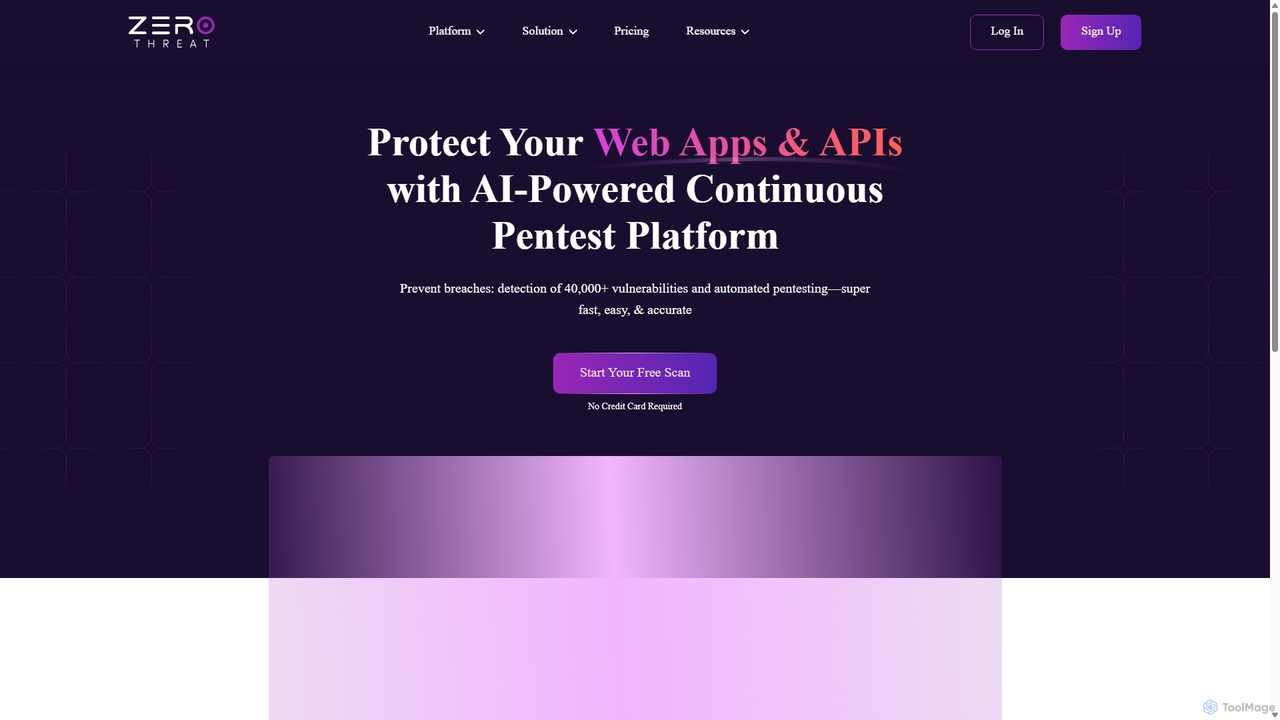
ZeroThreat is an AI-powered continuous penetration testing and DAST platform designed to secure web applications and APIs. It automates the detection of over 40,000 vulnerabilities, including OWASP Top 10 and CVEs, providing fast, accurate, and actionable security insights for developers and security teams.
Testing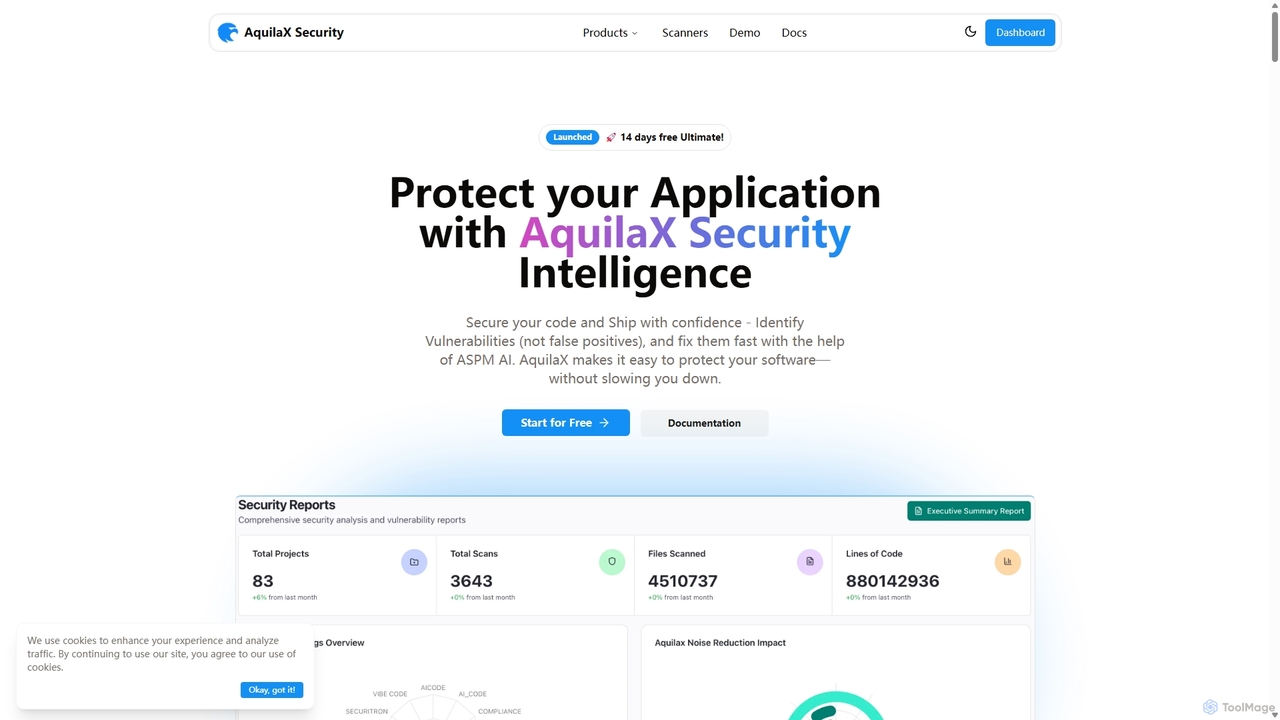
Aquilax
AquilaX is an AI-powered DevSecOps platform designed to secure software throughout the development lifecycle. It integrates seamlessly into CI/CD pipelines, offering a suite of 12 advanced scanners for vulnerabilities, secrets, and compliance. With its self-learning AI model, AquilaX dramatically reduces false positives, provides actionable remediation steps, and empowers teams to ship secure code with confidence and speed.
Code Security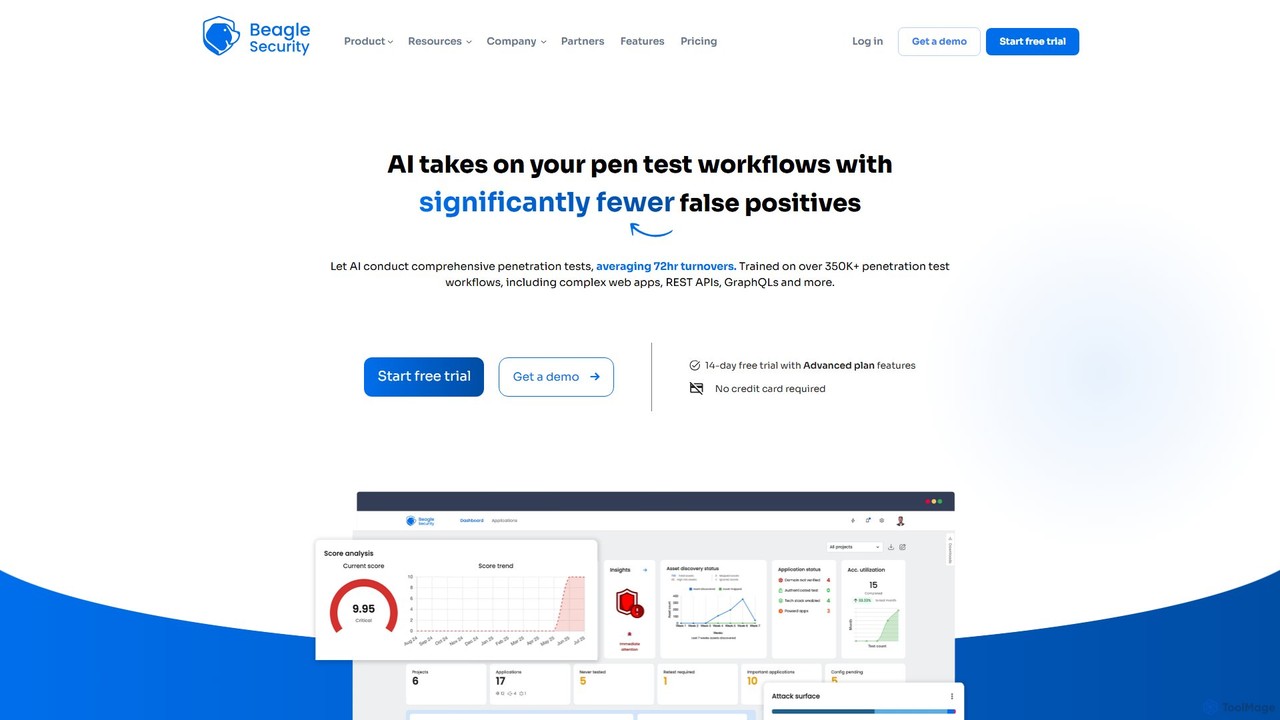
Beagle Security
Beagle Security is an AI-powered, automated penetration testing tool for web applications and APIs. It helps businesses proactively identify and remediate security vulnerabilities by integrating seamlessly into the DevSecOps lifecycle. The platform offers comprehensive scanning, detailed reporting, compliance management (HIPAA, PCI DSS), and actionable, LLM-based recommendations to strengthen your application security posture.
Testing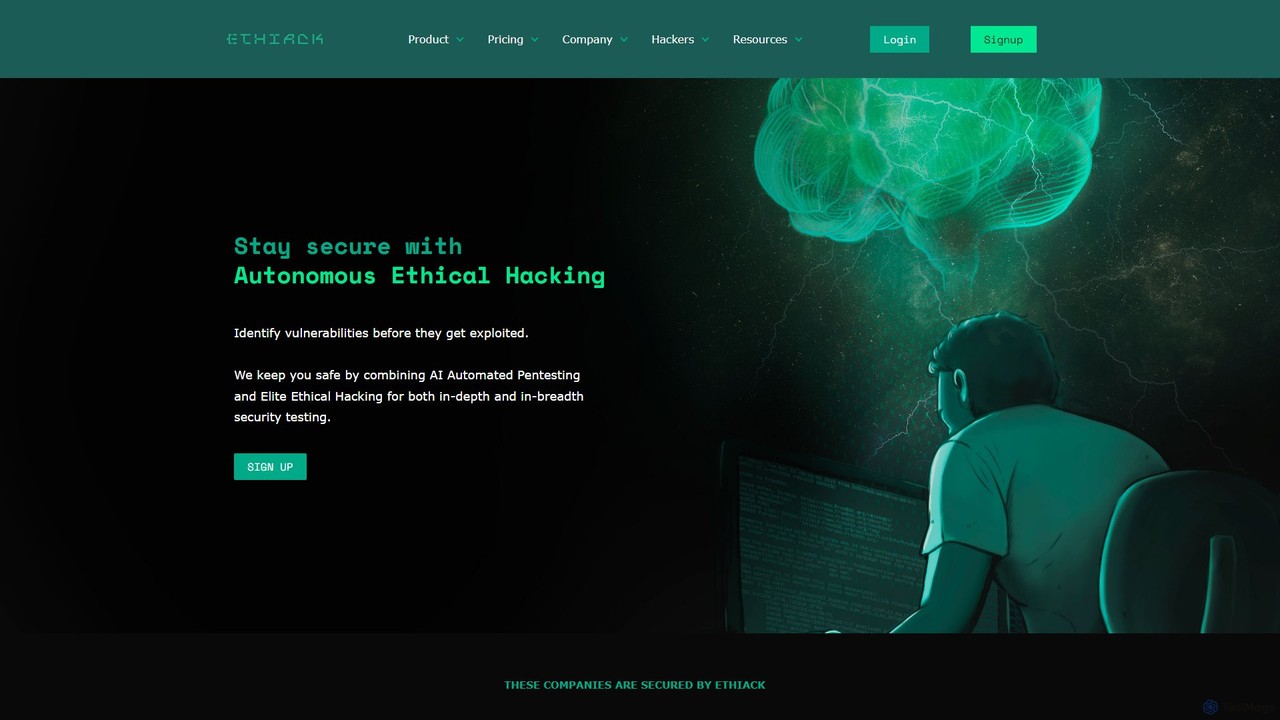
ethiack
Ethiack is an autonomous ethical hacking platform that combines AI-powered automated penetration testing with elite human hackers. It provides continuous 24/7 security testing to identify and prioritize vulnerabilities across your entire digital infrastructure, helping you stay compliant and secure before threats are exploited.
Testing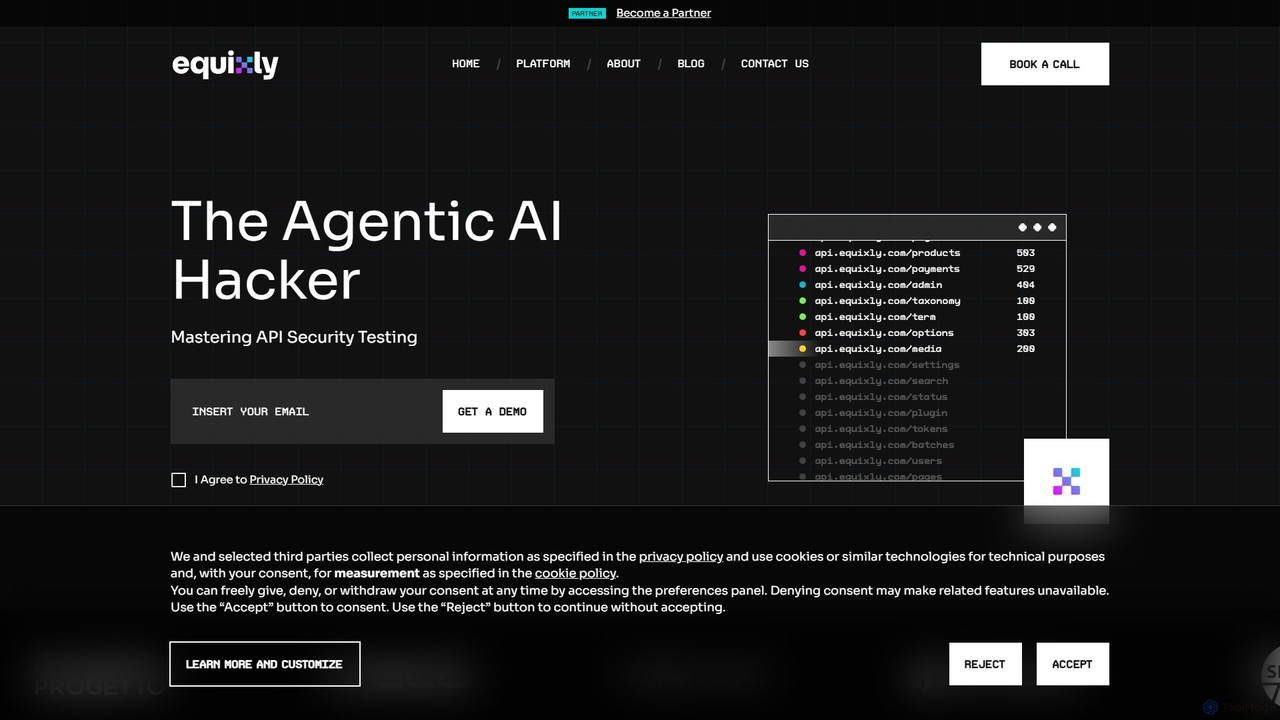
equixly
Equixly is an agentic AI hacker platform designed for mastering API security. It automates penetration testing by mapping your entire API attack surface, launching attacks based on OWASP Top 10 risks, and simplifying compliance reporting. It helps developers and security teams to continuously test, identify, and remediate vulnerabilities within the CI/CD pipeline.
Security & TestingGreyhound Categories
Greyhound Jobs
Greyhound Embed Widget
Copy this embed code to place the badge on your blog, article, or product site and send readers directly to this ToolMage detail page.

Related AI tools
Zerothreat
ZeroThreat is an AI-powered continuous penetration testing and DAST platform designed to secure web applications and APIs. It automates the detection of over 40,000 vulnerabilities, including OWASP Top 10 and CVEs, providing fast, accurate, and actionable security insights for developers and security teams.
Testing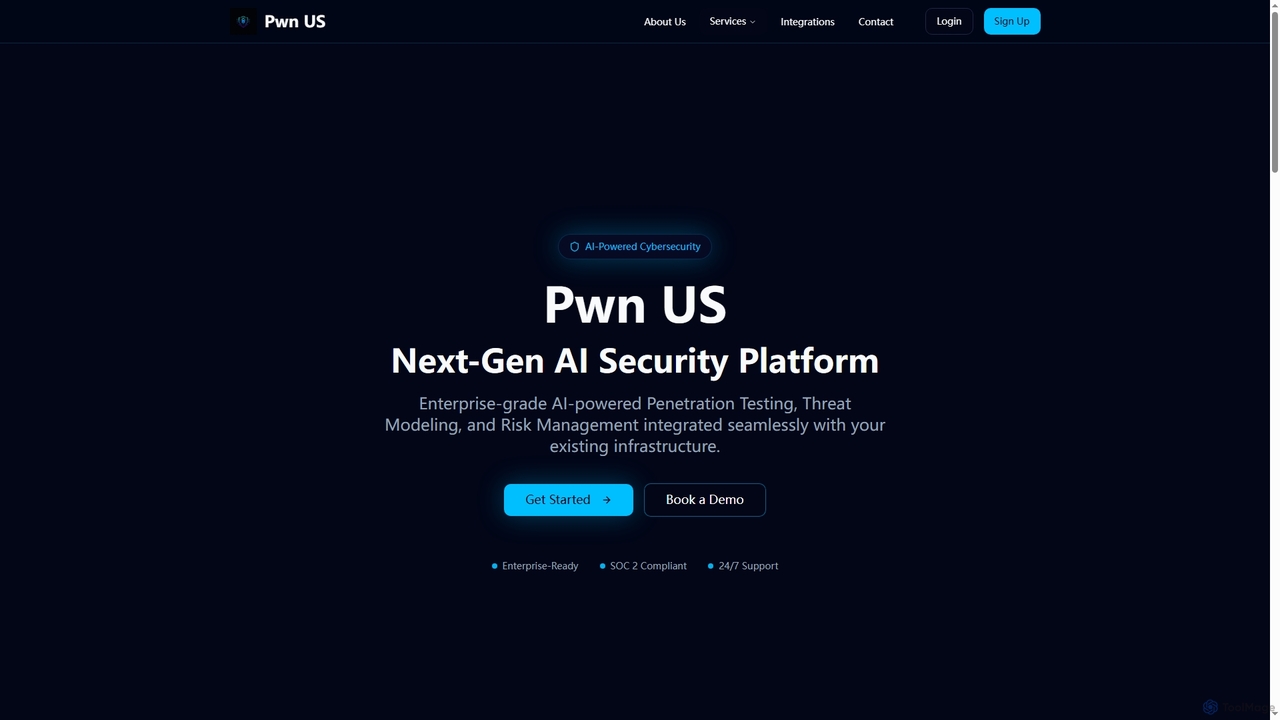
Pwnus
Pwnus is an AI-powered enterprise cybersecurity platform offering next-generation solutions for automated penetration testing, intelligent threat modeling, and comprehensive risk management. It seamlessly integrates with existing infrastructure to provide continuous security monitoring, compliance management, and third-party risk assessment, safeguarding organizations from evolving cyber threats with advanced AI algorithms and machine learning.
Penetration TestingAquilax
AquilaX is an AI-powered DevSecOps platform designed to secure software throughout the development lifecycle. It integrates seamlessly into CI/CD pipelines, offering a suite of 12 advanced scanners for vulnerabilities, secrets, and compliance. With its self-learning AI model, AquilaX dramatically reduces false positives, provides actionable remediation steps, and empowers teams to ship secure code with confidence and speed.
Code Security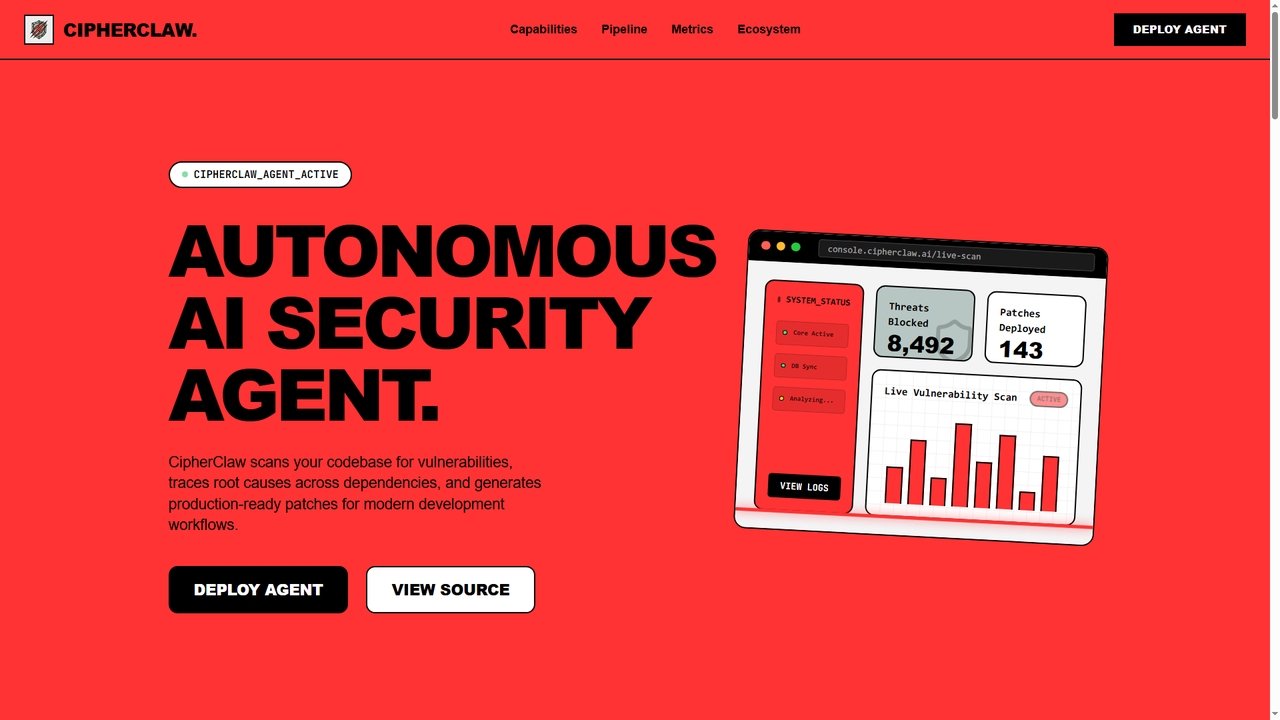
CipherClaw
CipherClaw is an autonomous AI security agent that proactively scans your codebase for vulnerabilities, performs root cause analysis across dependencies using advanced causal graph and abstract geometric analysis, and autonomously generates and deploys production-ready patches. Designed for modern, AI-generated development workflows, it integrates seamlessly with ecosystems like OpenClaw, NVIDIA Nemo Claw, Lovable, and n8n.
Code Generation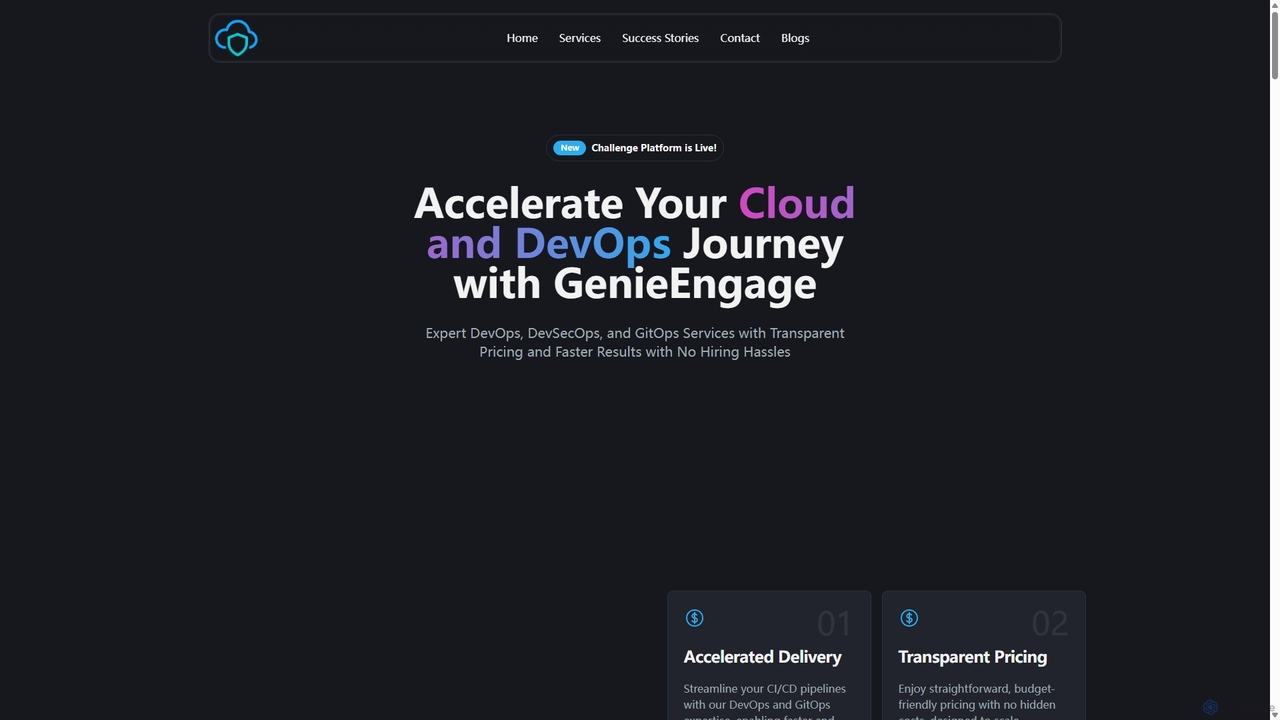
GenieEngage
GenieEngage is a DevOps-as-a-Service partner providing expert solutions in DevOps, DevSecOps, and GitOps. It helps businesses accelerate software delivery, enhance security, and scale infrastructure on clouds like AWS, Azure, and GCP, offering a full team of experts as a cost-effective alternative to in-house hiring.
Infrastructure Management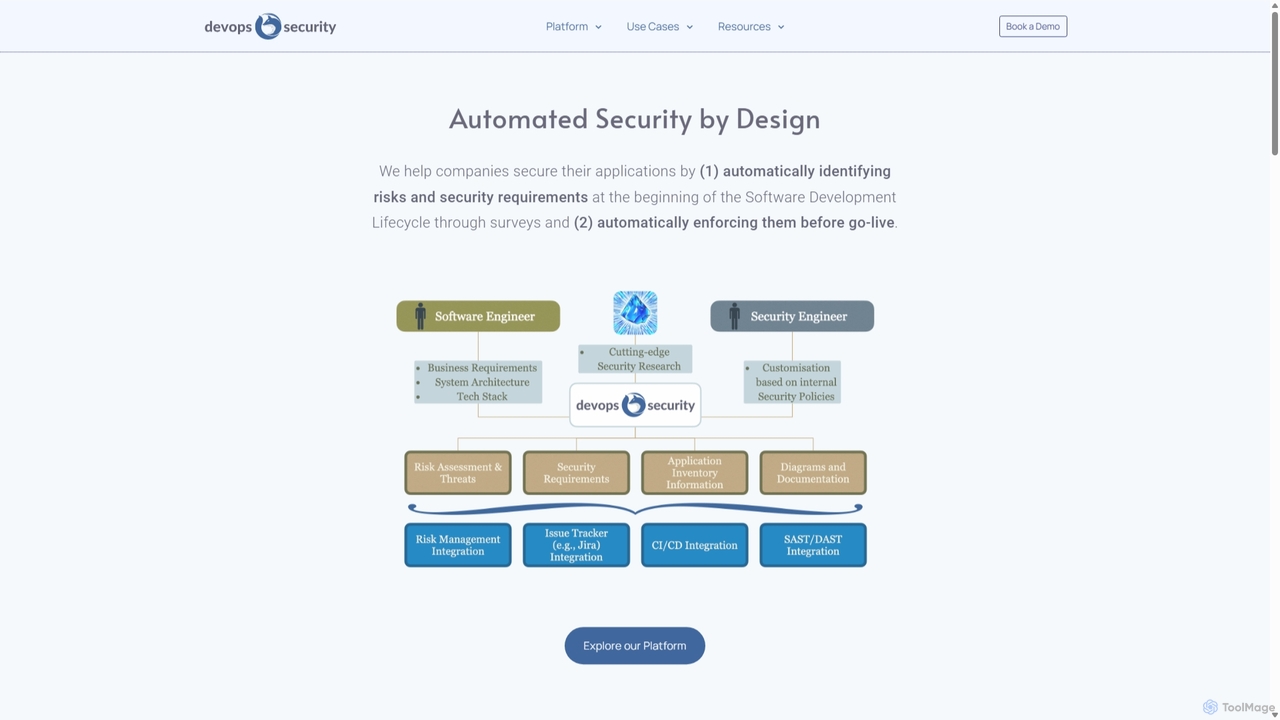
DevOps Security
An AI-native platform that automates application security by integrating risk assessment and requirement enforcement directly into the Software Development Lifecycle (SDLC). It helps companies shift security left, empowering developers and streamlining security processes from design to deployment.
SecurityBeagle Security
Beagle Security is an AI-powered, automated penetration testing tool for web applications and APIs. It helps businesses proactively identify and remediate security vulnerabilities by integrating seamlessly into the DevSecOps lifecycle. The platform offers comprehensive scanning, detailed reporting, compliance management (HIPAA, PCI DSS), and actionable, LLM-based recommendations to strengthen your application security posture.
Testingethiack
Ethiack is an autonomous ethical hacking platform that combines AI-powered automated penetration testing with elite human hackers. It provides continuous 24/7 security testing to identify and prioritize vulnerabilities across your entire digital infrastructure, helping you stay compliant and secure before threats are exploited.
Testingequixly
Equixly is an agentic AI hacker platform designed for mastering API security. It automates penetration testing by mapping your entire API attack surface, launching attacks based on OWASP Top 10 risks, and simplifying compliance reporting. It helps developers and security teams to continuously test, identify, and remediate vulnerabilities within the CI/CD pipeline.
Security & Testing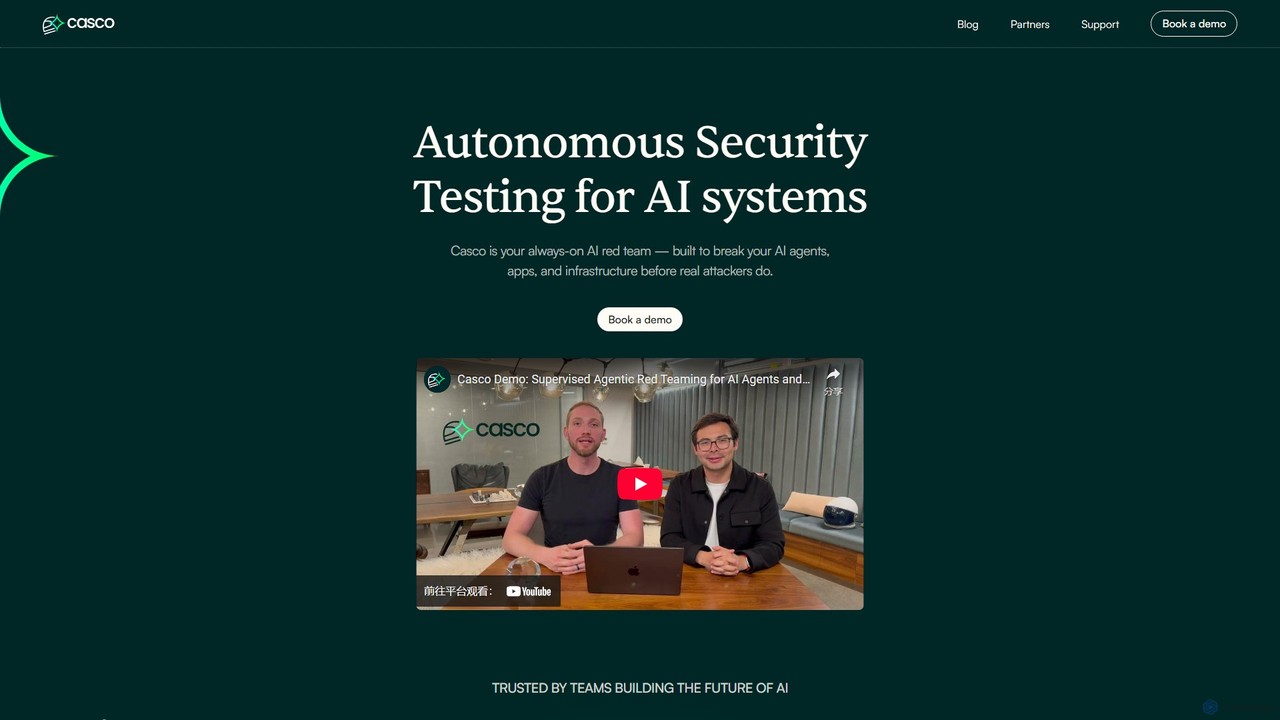
Casco
Casco is an autonomous security testing platform for AI systems. It acts as a continuous, always-on AI red team, proactively identifying and helping to fix vulnerabilities in AI agents, applications, and infrastructure before malicious attackers can exploit them, replacing periodic penetration testing with year-round automated monitoring.
Model Security
win3zz
win3zz is an AI-powered cybersecurity platform designed for proactive threat detection and vulnerability management. It automates penetration testing, scans for vulnerabilities across web, mobile, and network assets, and provides AI-driven code analysis to help developers and security teams build and maintain secure applications.
Code Analysis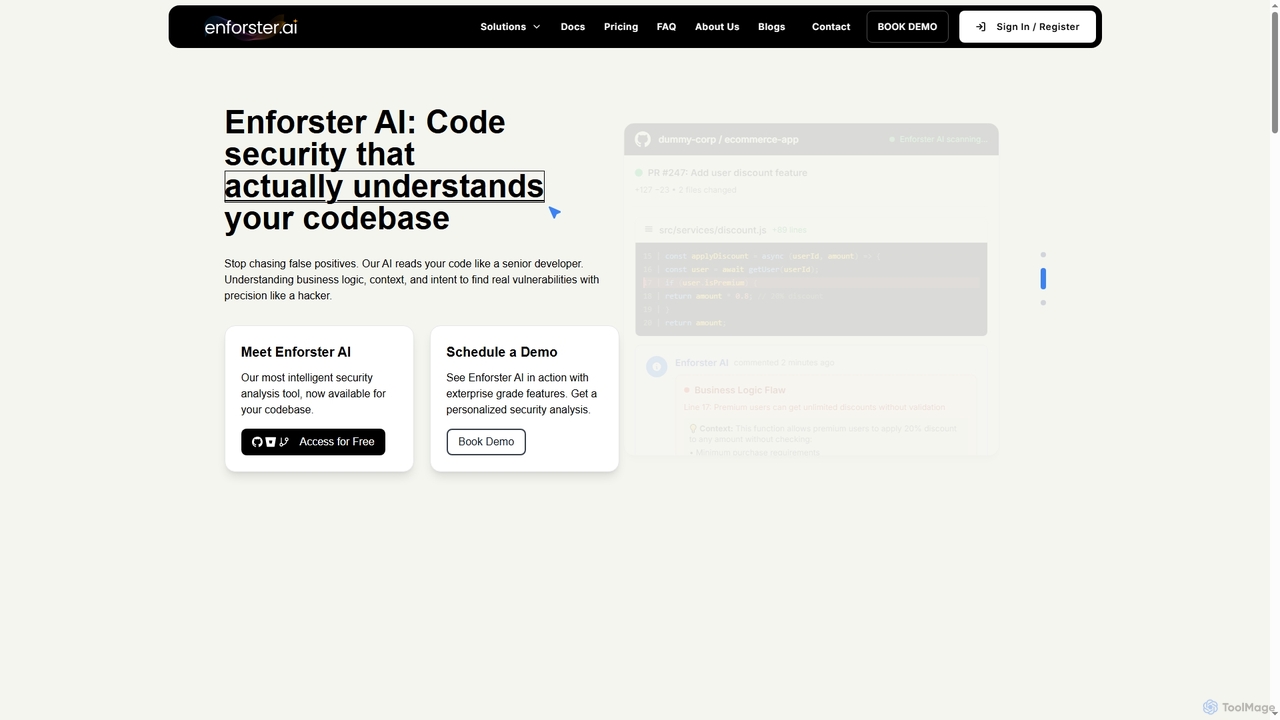
Enforster AI
Enforster AI is an AI-native Static Application Security Testing (SAST) tool that analyzes code like a senior developer. It understands business logic and context to identify real vulnerabilities with 90% accuracy, reducing false positives by 60% and providing AI-generated fixes.
Code Analysis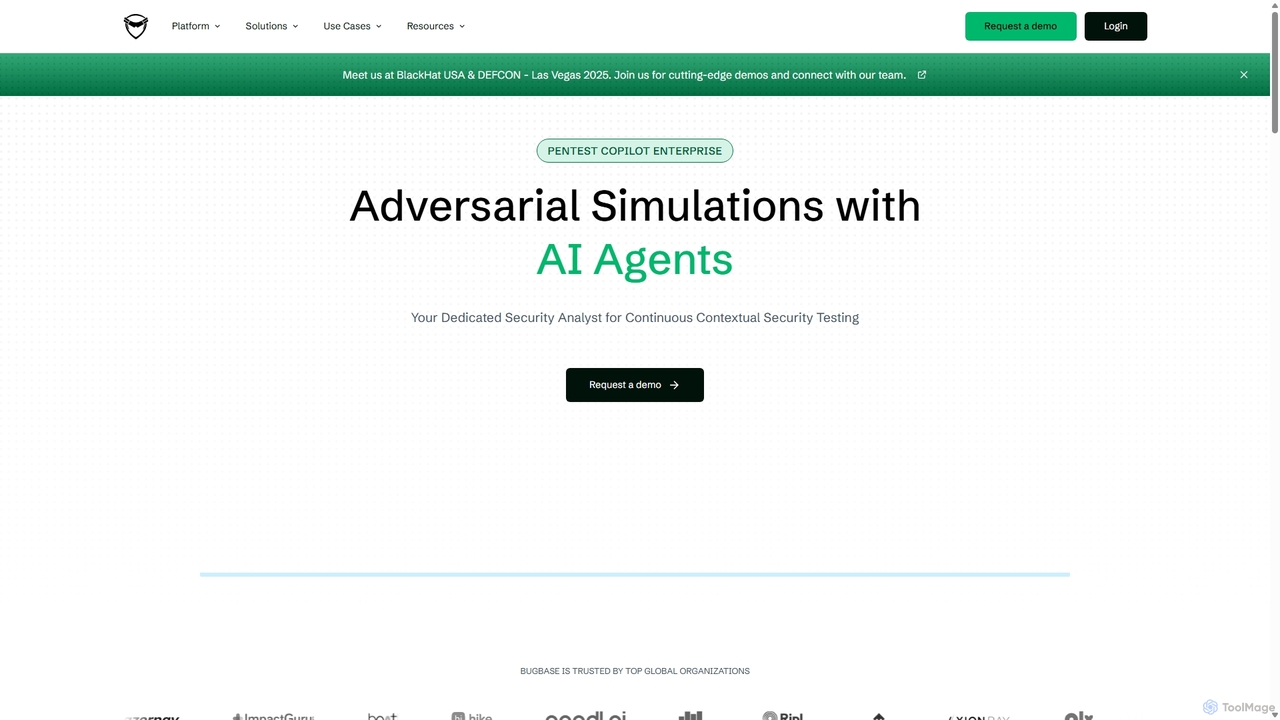
Pentest Copilot
Pentest Copilot is an AI-powered adversarial exposure validation platform that automates red teaming and penetration testing. It uses AI agents to conduct continuous, context-driven security assessments, including external, internal, phishing, and credential compromise simulations. The platform visualizes attack paths with dynamic graphs and provides prioritized, actionable remediation reports for enterprises.
Security & Compliance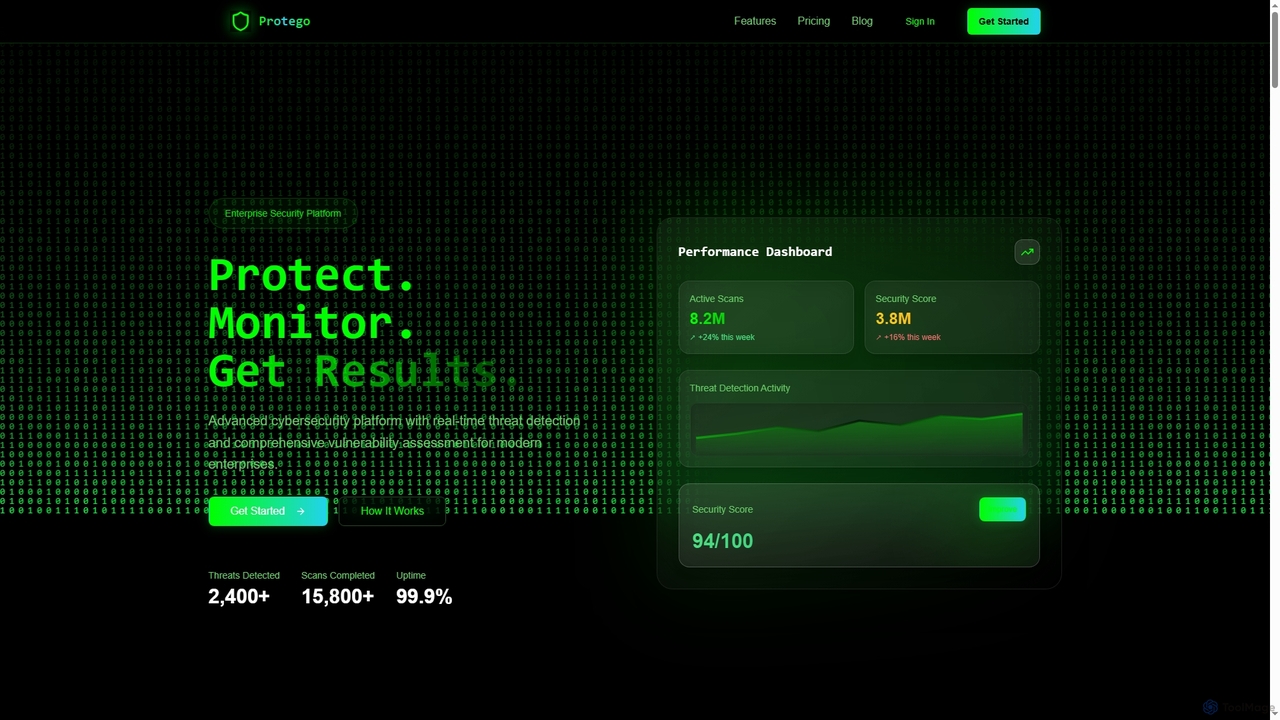
Protego
Protego is an advanced AI-powered cybersecurity platform offering real-time threat detection and comprehensive vulnerability assessment for enterprises. It provides continuous monitoring, lightning-fast automated scans, and deep analytics to protect digital assets and ensure compliance.
Data Protection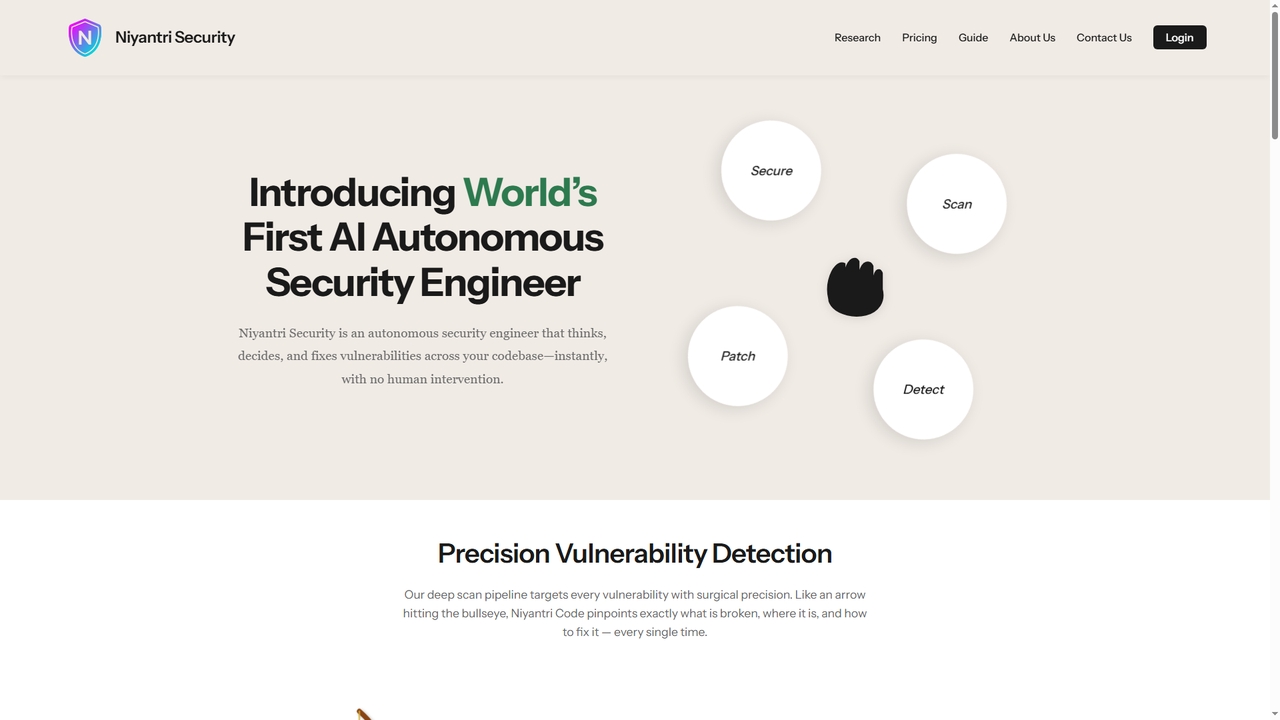
Niyantri Security
Niyantri Security is an AI-powered autonomous security engineer designed to automatically detect and fix vulnerabilities in your codebase. It performs deep, multi-phase scans to identify security flaws with context, provides surgical auto-fixes, and seamlessly integrates into development workflows via GitHub or direct file upload.
Automation
Greyhound Comments (0)
Sign in to comment.
Sign inNo comments yet.