
StampJam Overview
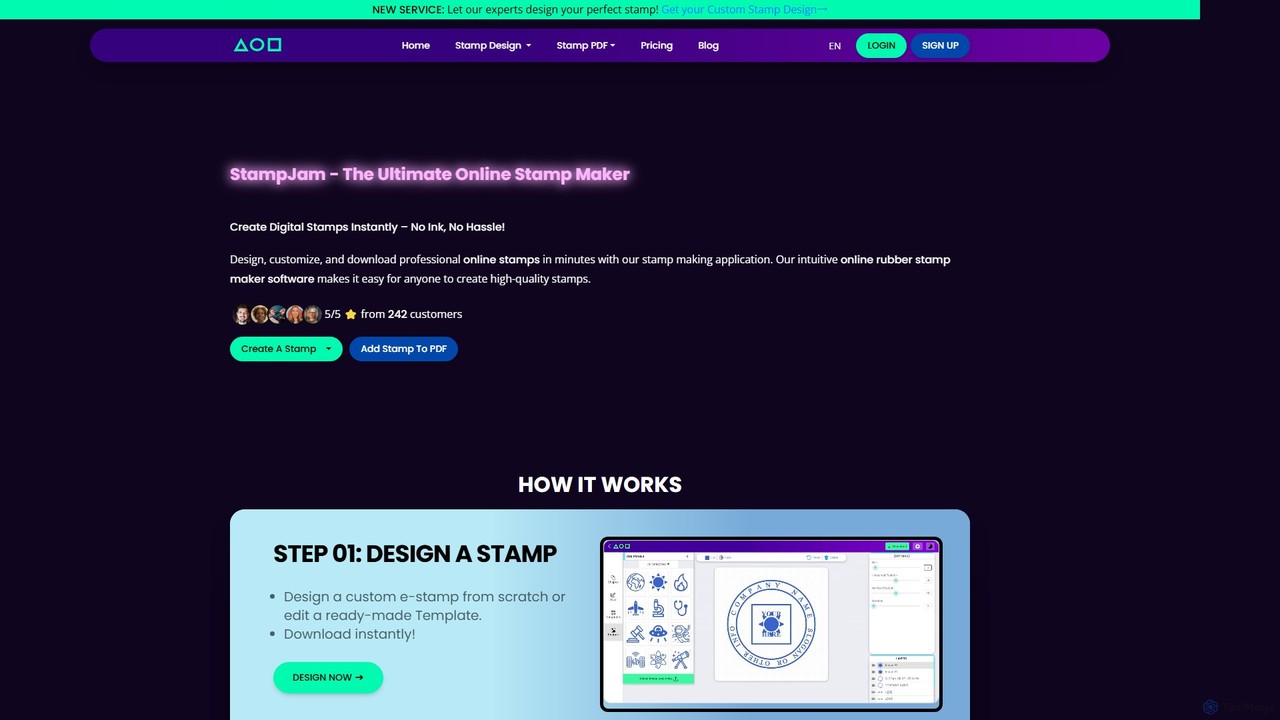
StampJam is a comprehensive online platform designed for professionals and businesses to create, manage, and apply custom digital stamps and electronic signatures. It streamlines the process of authenticating and branding digital documents, eliminating the need for physical stamps and ink. With an intuitive editor, users can design high-quality stamps tailored to their specific needs, from official company seals to personalized name stamps.
The platform offers full creative control, allowing users to choose from various shapes like round, oval, and rectangular, and customize every element including borders, fonts, text alignment, and colors. For those seeking a quicker solution, StampJam provides a vast library of hundreds of free, professionally designed templates catering to a wide range of industries and use cases, such as engineering, legal, medical, and real estate.
How to use StampJam
Using StampJam is a straightforward process, whether you're creating a new stamp or applying it to a document.
To Create a Custom Stamp:
- Choose a Shape or Template: Start by selecting a basic shape (circle, rectangle, oval, etc.) or browse the extensive template library to find a design that fits your needs.
- Customize Your Design: Use the powerful editor to add and modify elements. You can insert curved or straight text, upload your company logo or a personal image (PNG format), and add symbols. Adjust font styles, sizes, letter spacing, and rotation to achieve the perfect look. The layer system allows you to manage and edit individual elements with precision.
- Download Your Stamp: Once you are satisfied with the design, you can download it in multiple high-resolution formats, including PNG (with a transparent background), SVG, PDF, EPS, and JPG.
To Add a Stamp to a PDF:
- Upload Your PDF: Drag and drop your PDF file into the StampJam PDF editor.
- Add Your Stamp and Signature: Upload your previously created stamp image. You can choose to apply it to a single page or all pages at once. The tool also allows you to add a signature by typing, drawing, or uploading an image of your handwritten signature.
- Add Other Elements: Enhance your document by adding custom text boxes, shapes (to redact or highlight information), or freehand sketches.
- Position and Edit: Drag and drop all elements to their desired positions. You can adjust opacity, rotation, and size for each element.
- Download the Final PDF: Once all edits are complete, download the newly stamped and signed PDF document.
Core Features of StampJam
- Custom Stamp Designer: Full control over stamp creation with customizable shapes, borders, fonts, and text.
- Extensive Template Library: Hundreds of pre-made, editable templates for various professions and industries (engineers, doctors, notaries, etc.).
- PDF Stamping and Signing: A dedicated tool to apply stamps and signatures directly to multi-page PDF documents with a single click.
- Multi-Format Export: Download your final stamp designs in high-resolution PNG, SVG, PDF, EPS, and JPG formats.
- Logo and Signature Integration: Easily upload and incorporate your business logo or a personal signature into any stamp design.
- Advanced Editing Tools: A layer-based editor allows for precise control over each element, including opacity, rotation, and positioning.
- Multi-Language Support: Create stamps with text in various languages, including Arabic, Hindi, and English, to meet global needs.
- Personal Stamp Library: Paid plans offer a personal library to save, manage, duplicate, and re-edit your designs anytime.
Use Cases for StampJam
StampJam is versatile and serves a wide array of professional and personal needs:
- Professional Certification: Engineers, architects, and chartered accountants can create official stamps for blueprints, financial reports, and certifications.
- Business & Corporate: Create official company seals, proprietor stamps, and director stamps for contracts, invoices, and corporate communications.
- Administrative Tasks: Design 'Paid' stamps for invoices, date stamps for records, address stamps for mail, and inspection stamps for quality control.
- Legal and Notary: Notaries and legal professionals can create custom stamps for legal documents, contracts, and affidavits that meet professional standards.
- Branding and Marketing: Use custom logo stamps on digital packaging, marketing materials, and official documents to enhance brand identity.
- Personal Use: Create personalized name stamps, wedding invitation stamps, or stamps for personal letters and projects.
Advantages of StampJam
Switching to StampJam's digital stamps offers significant benefits over traditional rubber stamps:
- Instant Availability: Create and use your stamp in seconds, with no waiting for physical production or shipping.
- Cost-Effective: A one-time or subscription payment eliminates recurring costs for ink pads, refills, and new physical stamps for design changes.
- Eco-Friendly: A completely digital process that saves paper and eliminates ink and plastic waste.
- Highly Versatile and Editable: Unlike fixed physical stamps, digital designs can be modified and updated anytime with an active plan.
- Seamless Digital Integration: Perfectly suited for modern digital workflows, allowing easy application to PDFs, Word documents, and other electronic files.
Pricing and Plans
StampJam offers several straightforward pricing plans to suit different needs:
- Starter (1 Stamp): A one-time purchase for a single stamp design. Includes download in PNG, PDF, SVG, EPS, and JPG formats, and access to the PDF stamper. No sign-up is required.
- 30 Days Unlimited: Provides unlimited stamp creation and downloads for 30 days. Includes a personal library to save and manage all your designs. Sign-up is required.
- 365 Days Unlimited: Offers the same benefits as the 30-day plan but for a full year, at a discounted annual rate.
- Enterprise: A custom plan for teams and businesses requiring bulk solutions and potential collaboration features. Interested parties can contact StampJam for a quote.
Traffic
Latest traffic
Status
Monthly traffic trend
- 2025-9: 169.9K
- 2026-1: 137.5K
- 2026-2: 119.3K
- 2026-3: 102.3K
- 2026-4: 86.4K
- 2026-5: 77.9K
Geography
Top 5 countries / regions
- 🇮🇳India59.5%
- 🇮🇩Indonesia14.9%
- 🇧🇷Brazil12.7%
- 🇳🇬Nigeria6.6%
- 🇺🇸United States6.3%
Traffic sources
| Source type | Percentage |
|---|---|
Direct | 92.7% |
Referral | 7.3% |
Top keywords
| Keyword | Cost per click |
|---|---|
| online stamp maker | $0.02 |
| rubber seal stamp square examples | $0.00 |
| stamp maker | $0.32 |
| stamp maker online | $0.13 |
| stempel digital online | $0.00 |
StampJam Alternatives
boloforms
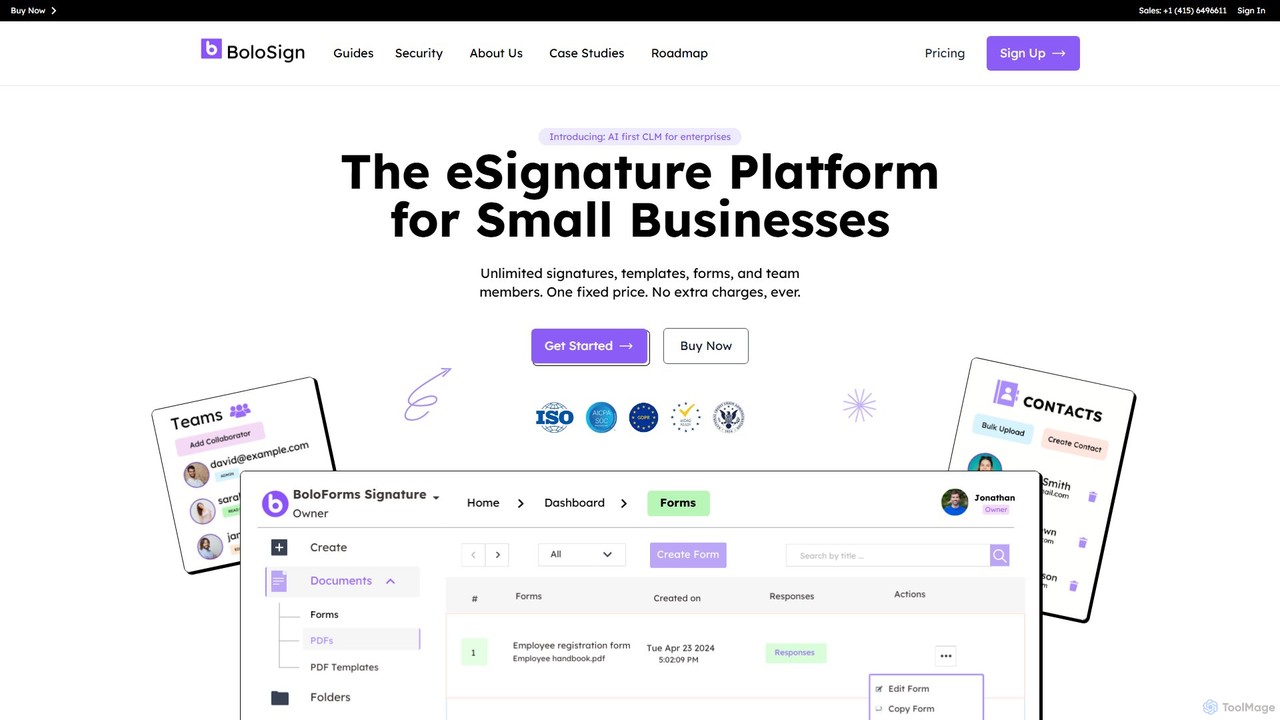
BoloForms offers BoloSign, an affordable and user-friendly e-signature platform designed for small businesses. It provides unlimited signatures, templates, and team members for one fixed price. The platform streamlines document workflows, ensures legal compliance with global standards like ESIGN and eIDAS, and features AI-powered Contract Lifecycle Management (CLM) to enhance productivity and collaboration.
Legal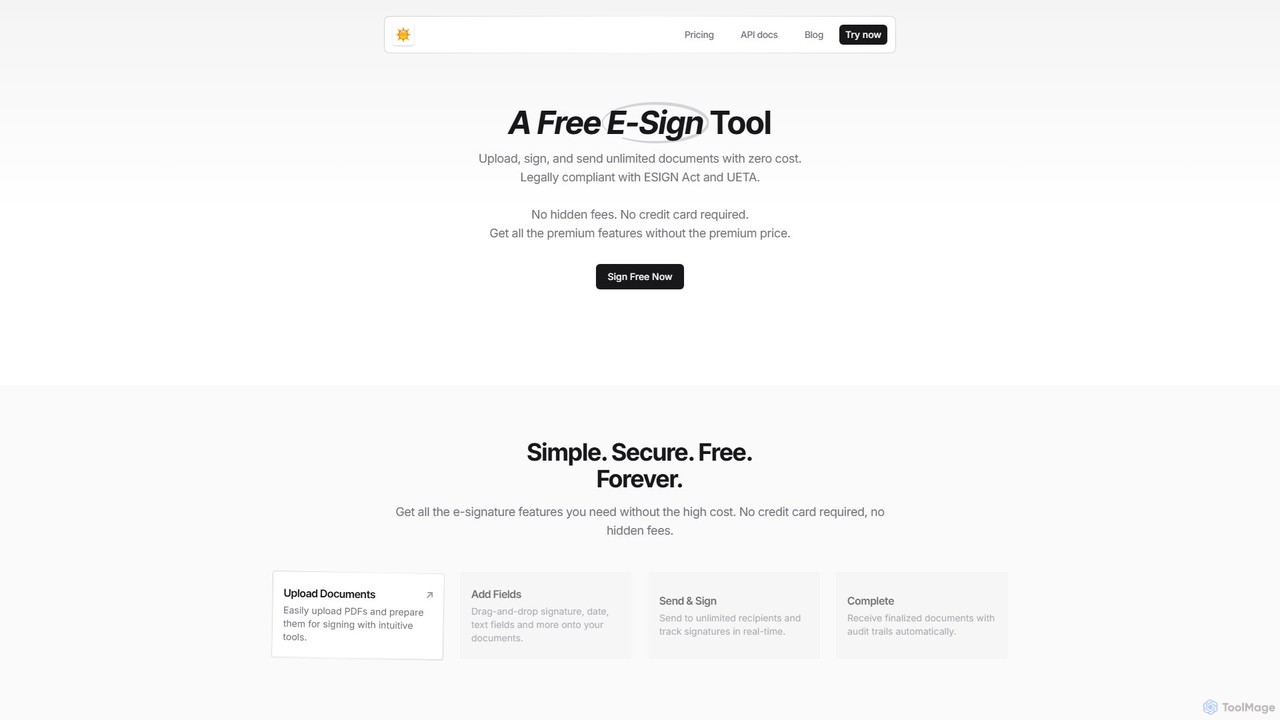
spryngtime
spryngtime is a completely free electronic signature tool that allows you to upload, sign, and send unlimited documents. It is legally compliant with the ESIGN Act and UETA, ensuring all signatures are legally binding. The platform requires no credit card and has no hidden fees, making it an ideal, cost-effective solution for individuals and businesses.
Legal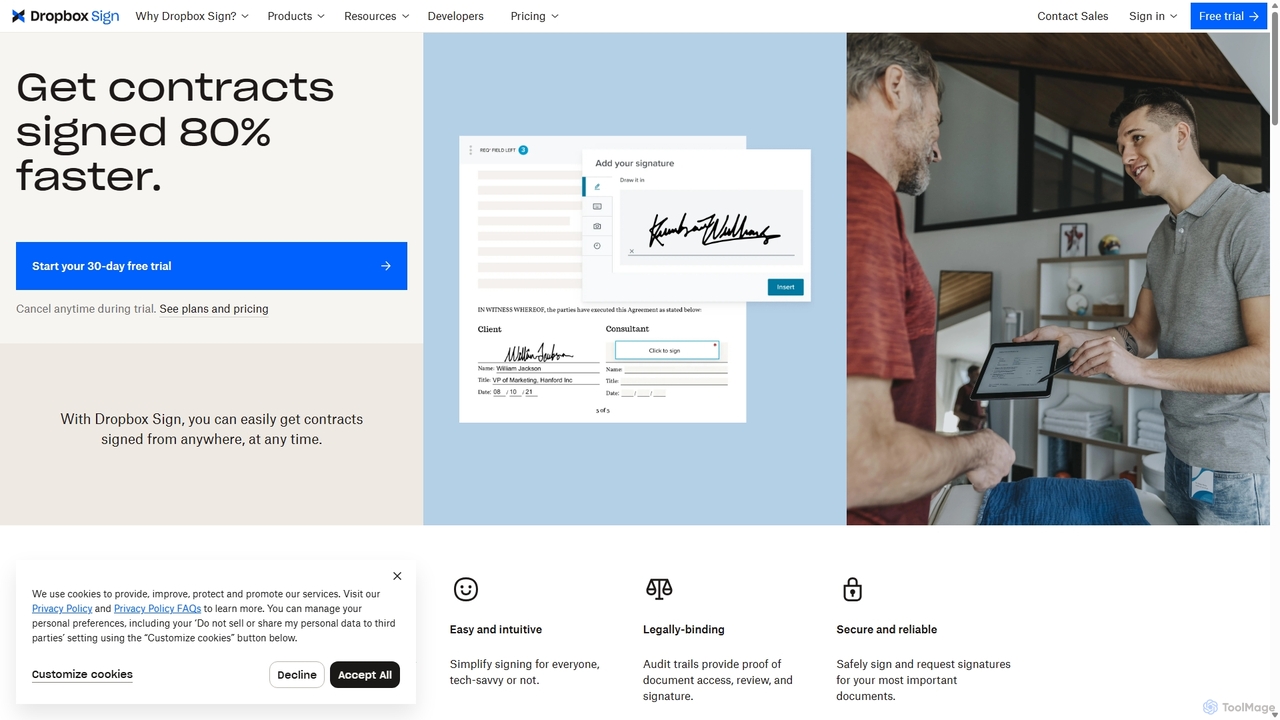
HelloSign
HelloSign (now Dropbox Sign) is a leading e-signature solution that simplifies workflows for individuals and businesses. It allows users to securely send, sign, and manage legally binding documents online from any device. With robust integrations, reusable templates, and a strong focus on security and compliance, it streamlines processes like sales contracts, HR onboarding, and legal agreements.
Legal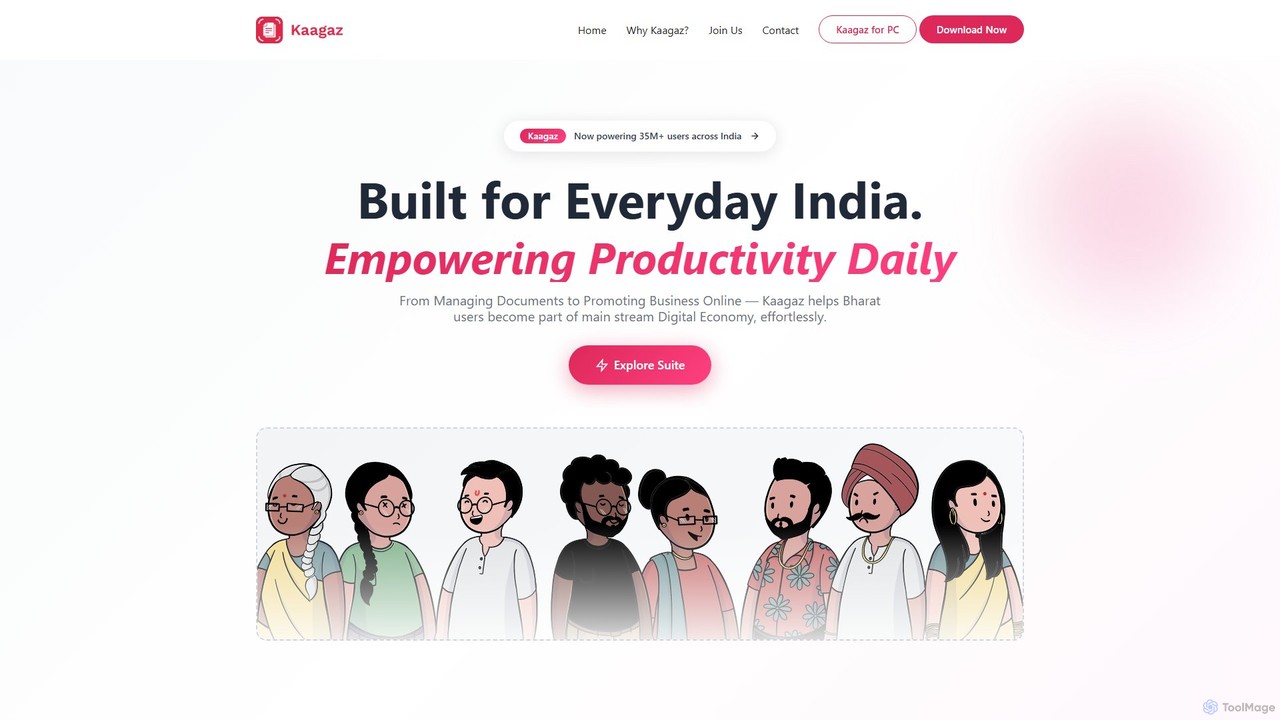
Kaagaz
Kaagaz is an all-in-one, mobile-first productivity suite featuring an AI-powered PDF scanner, editor, poster maker, and resume builder. Designed for modern users, it simplifies document management, creative design, and job applications, offering a powerful alternative to traditional desktop software and tools like CamScanner.
Graphics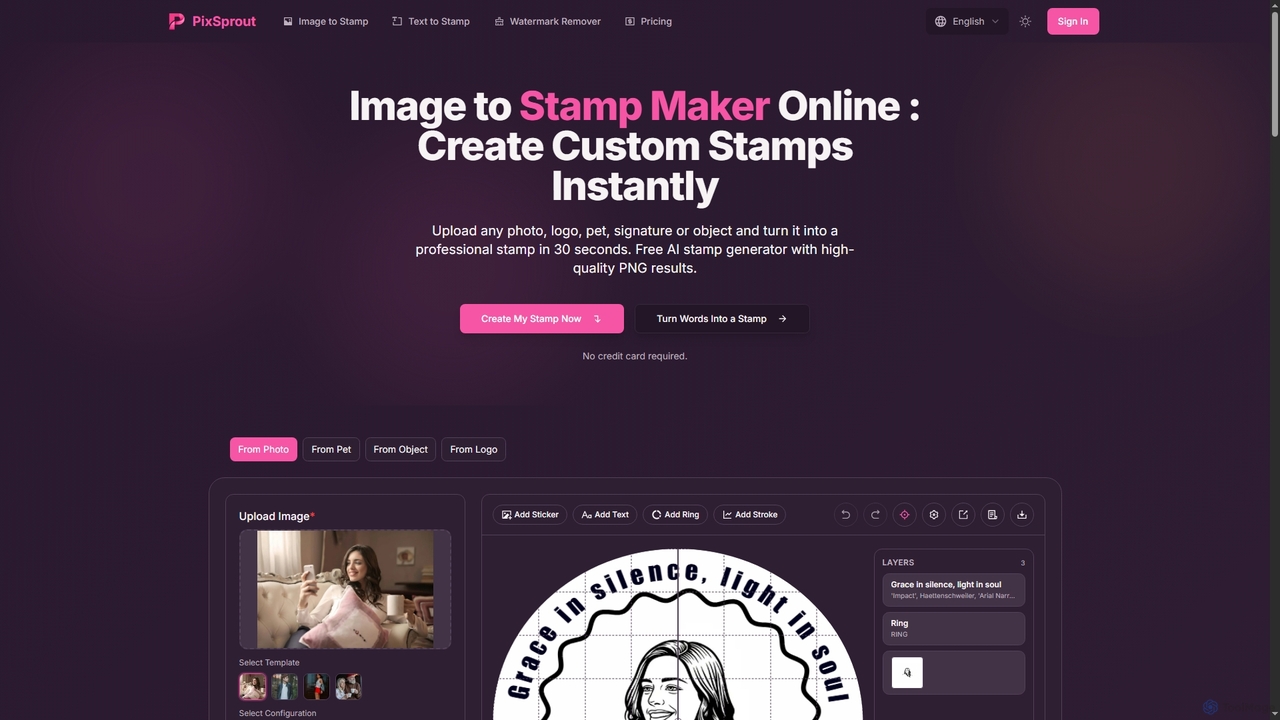
Pixsprout
Pixsprout is an AI-powered online toolkit for creating custom digital stamps from images or text prompts in seconds. It also features an automatic AI watermark remover. Ideal for business branding, personal projects, and creative designs, offering high-resolution, watermark-free PNG downloads.
Logo GeneratorStampJam Categories
StampJam Embed Widget
Copy this embed code to place the badge on your blog, article, or product site and send readers directly to this ToolMage detail page.

Related AI tools
boloforms
BoloForms offers BoloSign, an affordable and user-friendly e-signature platform designed for small businesses. It provides unlimited signatures, templates, and team members for one fixed price. The platform streamlines document workflows, ensures legal compliance with global standards like ESIGN and eIDAS, and features AI-powered Contract Lifecycle Management (CLM) to enhance productivity and collaboration.
Legalspryngtime
spryngtime is a completely free electronic signature tool that allows you to upload, sign, and send unlimited documents. It is legally compliant with the ESIGN Act and UETA, ensuring all signatures are legally binding. The platform requires no credit card and has no hidden fees, making it an ideal, cost-effective solution for individuals and businesses.
LegalPixsprout
Pixsprout is an AI-powered online toolkit for creating custom digital stamps from images or text prompts in seconds. It also features an automatic AI watermark remover. Ideal for business branding, personal projects, and creative designs, offering high-resolution, watermark-free PNG downloads.
Logo Generator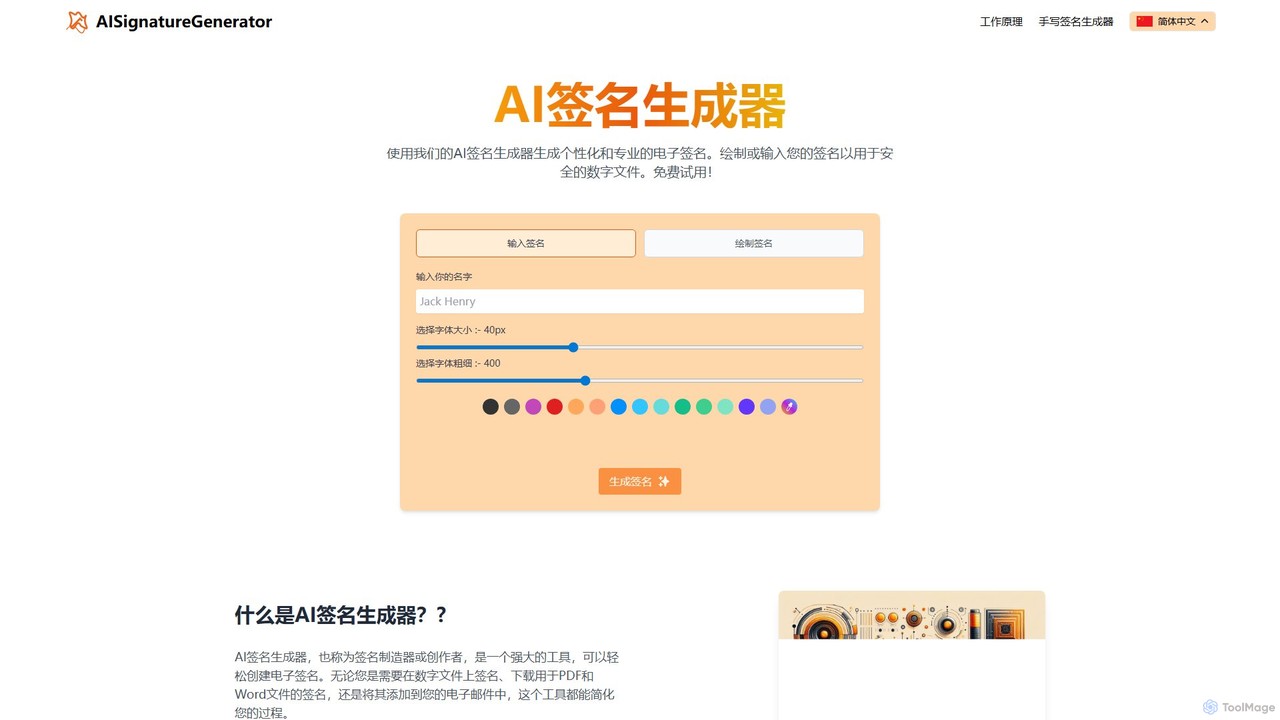
ai_signaturegenerator
A free, AI-powered tool for creating unique and professional electronic signatures. Easily generate a signature by typing your name or drawing it directly. Ideal for signing digital documents like PDFs and Word files, and for personalizing your email signature.
E Signature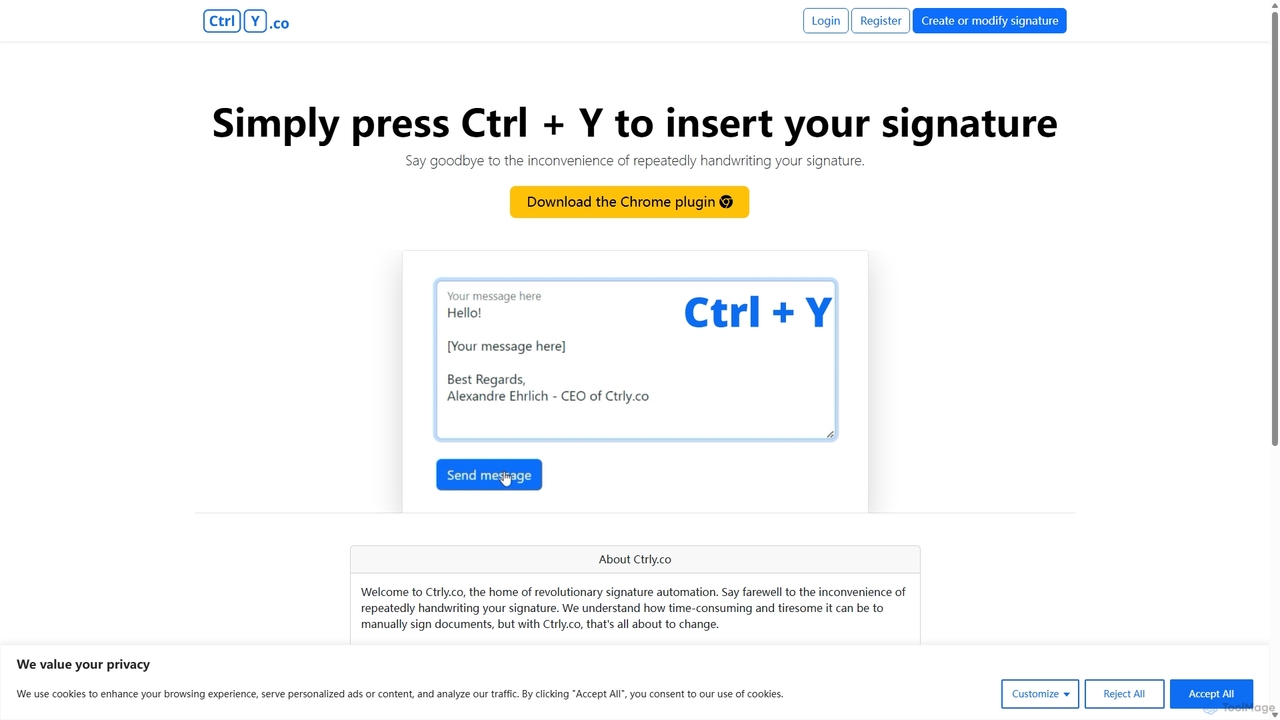
Ctrly
Ctrly is a revolutionary Chrome extension that automates your signature process. Simply press Ctrl + Y to instantly insert your pre-saved digital signature into any web-based document, email, or form. It eliminates the need for printing, signing, and scanning, saving you valuable time and boosting productivity. Ideal for professionals, entrepreneurs, and anyone who frequently signs digital documents, Ctrly streamlines your workflow with unparalleled ease and efficiency.
E Signature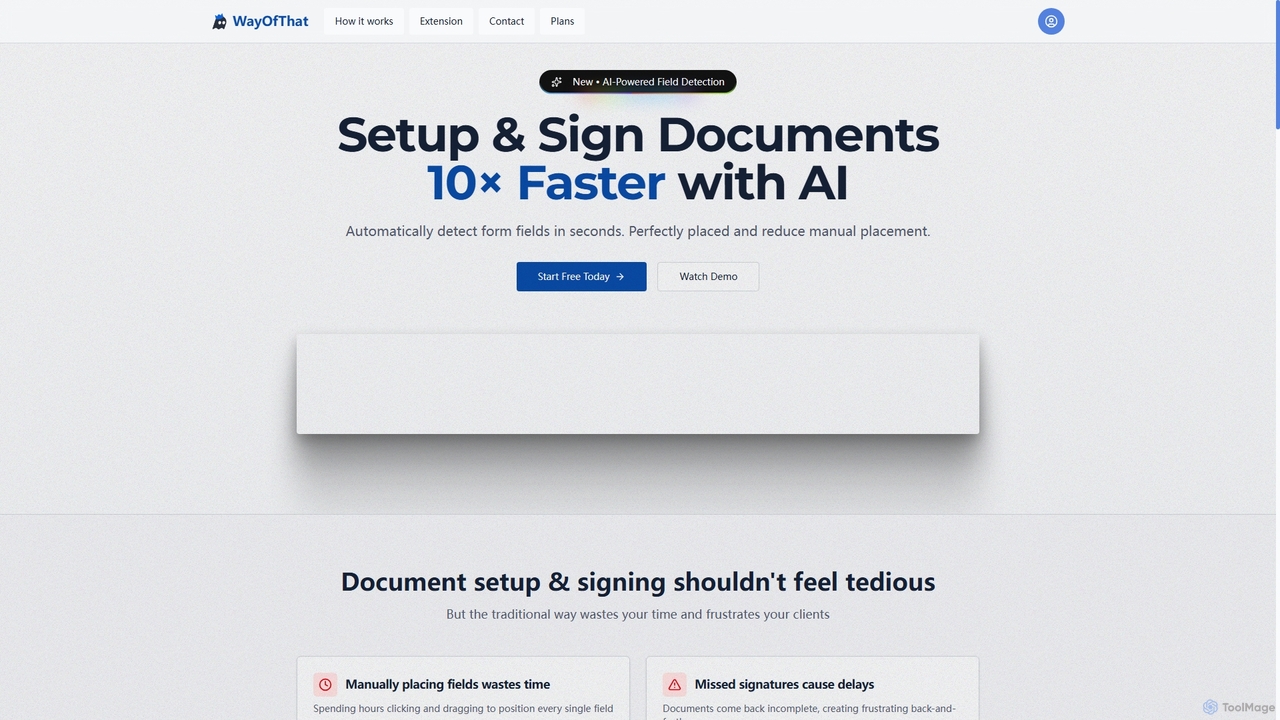
WayOfThat
WayOfThat is an AI-powered document setup and e-signature platform designed to automate the detection and placement of form fields. It helps users sign documents up to 10 times faster, eliminating tedious manual work and improving workflow efficiency for various business and legal documents.
Workflow AutomationHelloSign
HelloSign (now Dropbox Sign) is a leading e-signature solution that simplifies workflows for individuals and businesses. It allows users to securely send, sign, and manage legally binding documents online from any device. With robust integrations, reusable templates, and a strong focus on security and compliance, it streamlines processes like sales contracts, HR onboarding, and legal agreements.
LegalKaagaz
Kaagaz is an all-in-one, mobile-first productivity suite featuring an AI-powered PDF scanner, editor, poster maker, and resume builder. Designed for modern users, it simplifies document management, creative design, and job applications, offering a powerful alternative to traditional desktop software and tools like CamScanner.
Graphics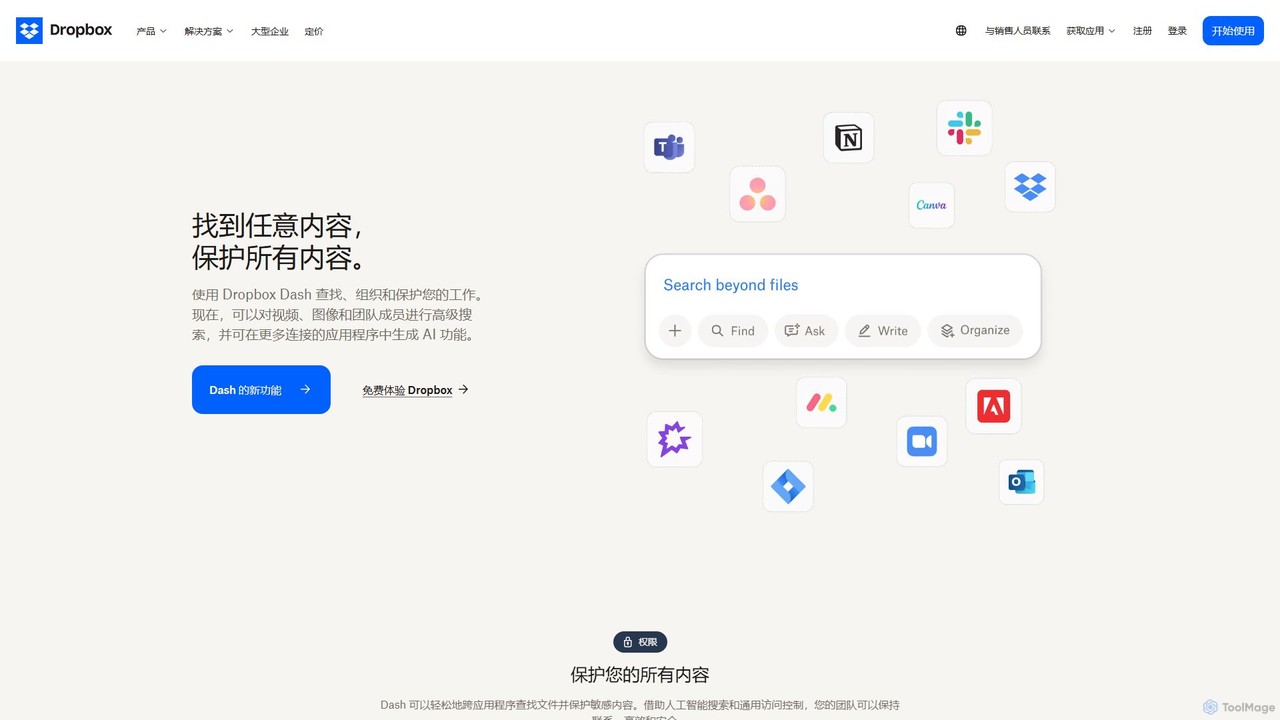
Dropbox
Dropbox is a modern workspace designed to reduce busywork, bringing your files, cloud content, and web shortcuts together in one place. It offers secure cloud storage, file synchronization, large file transfer, e-signatures, and AI-powered universal search to help you and your team stay organized, focused, and in sync.
Collaboration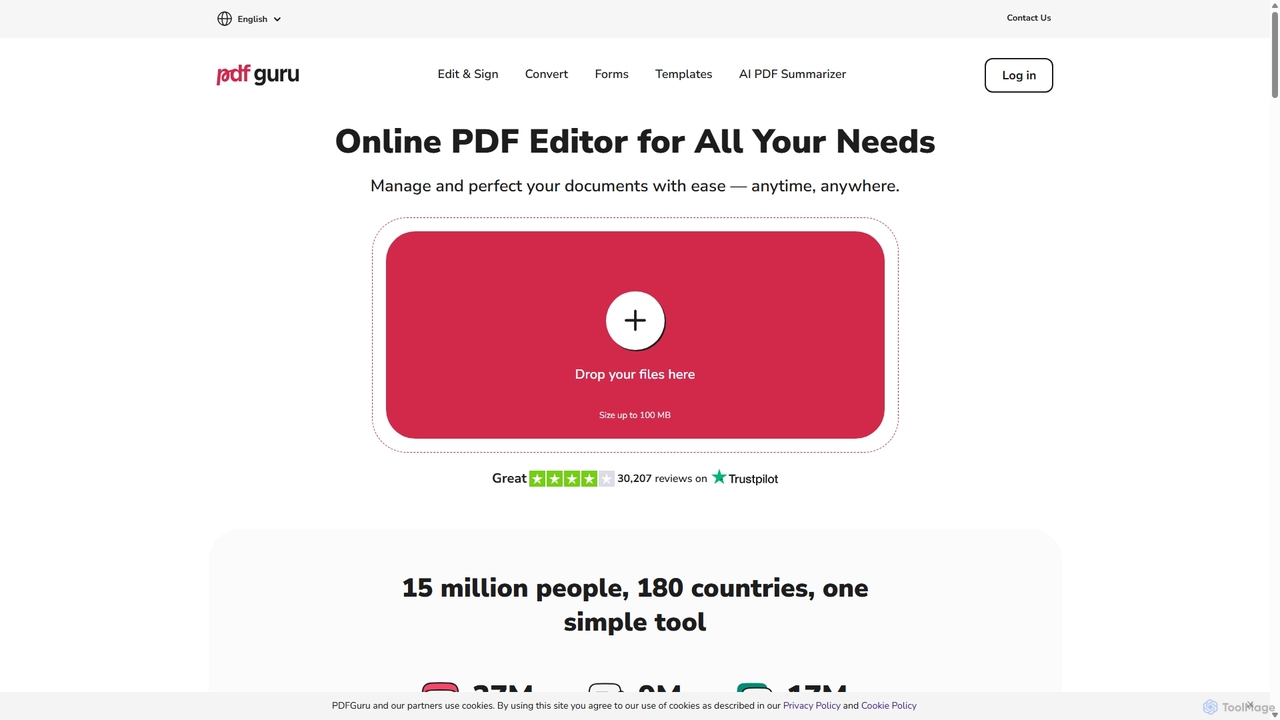
PDFflex
PDFflex is a comprehensive, all-in-one online platform for managing PDF documents. It allows users to edit, convert, merge, split, and sign PDFs with ease. Featuring an intuitive interface and robust security, PDFflex also incorporates AI-powered tools like OCR for scanned documents and summarizers for long texts. It supports a vast range of file formats, making it a versatile solution for both personal and professional use, accessible from any browser without installation.
Summarizer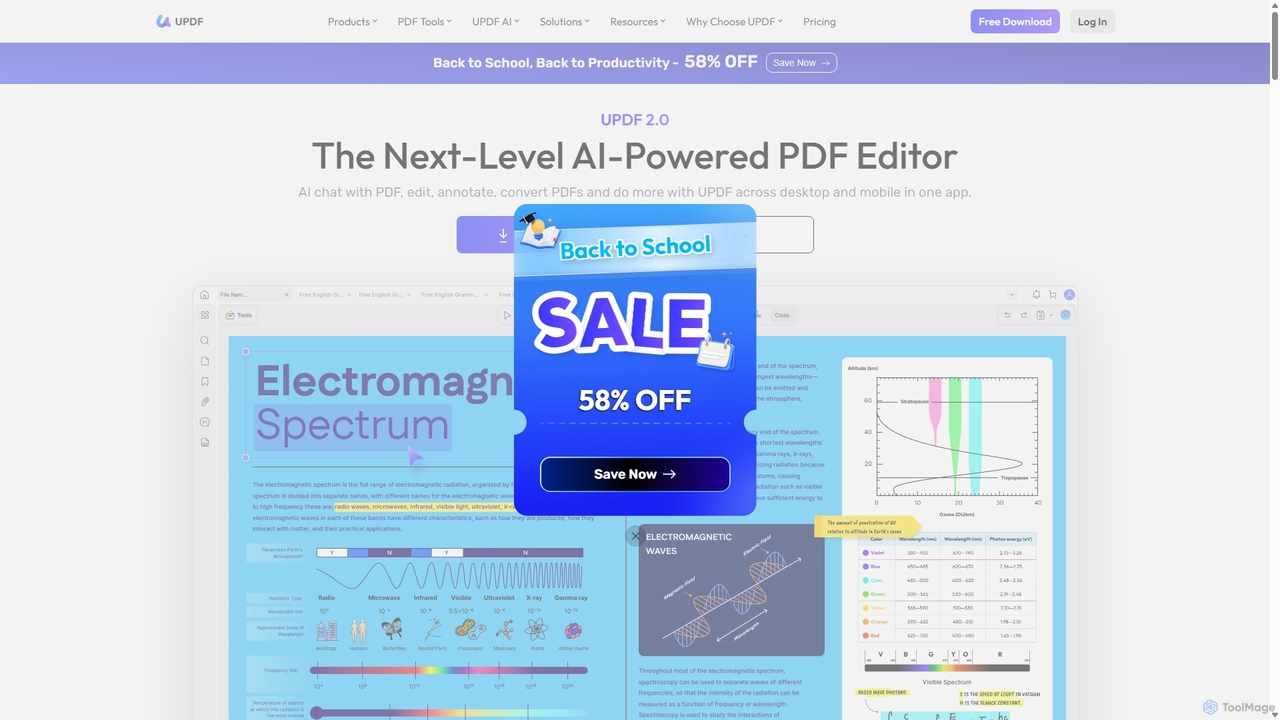
UPDF
UPDF is an AI-integrated, all-in-one PDF editor that allows users to edit, annotate, convert, summarize, translate, and chat with PDF documents. It offers a seamless experience across Windows, macOS, iOS, and Android, boosting productivity for individuals, students, and businesses.
Document Analysis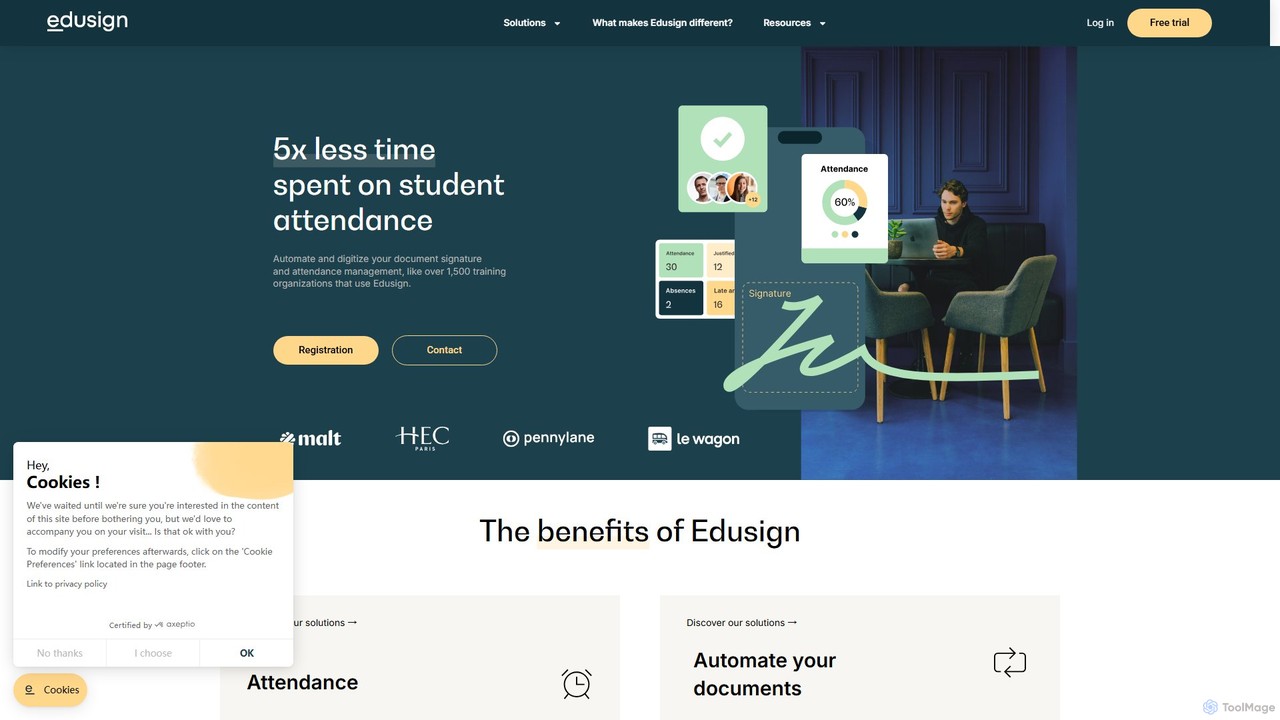
Edusign
Edusign is a comprehensive digital platform for educational and training institutions to automate attendance tracking, document management, and electronic signatures. It saves significant administrative time, reduces absenteeism, and streamlines workflows through powerful integrations and analytics.
Human Resources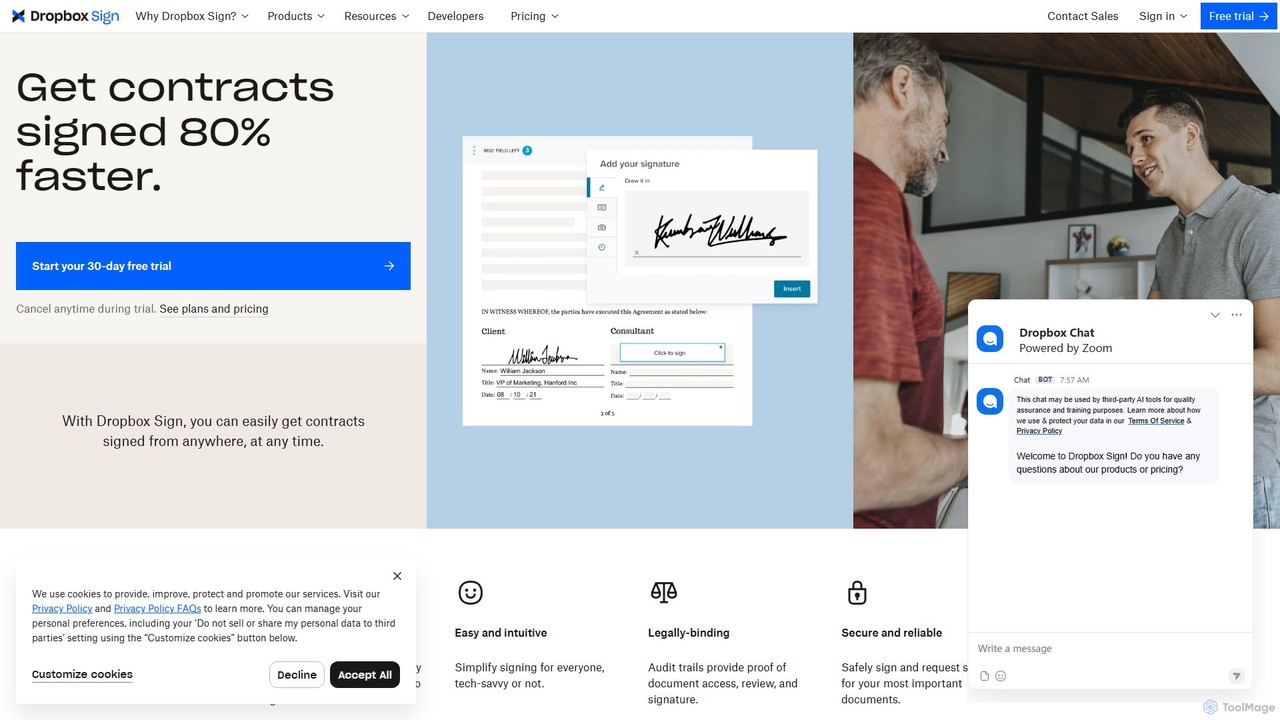
Dropbox Sign
Dropbox Sign (formerly HelloSign) is a secure, legally-binding eSignature solution that streamlines document workflows. It allows users to send, sign, and track agreements from any device, integrating seamlessly with tools like Salesforce, Dropbox, and more. Ideal for sales, HR, and legal teams to accelerate processes.
Contract Management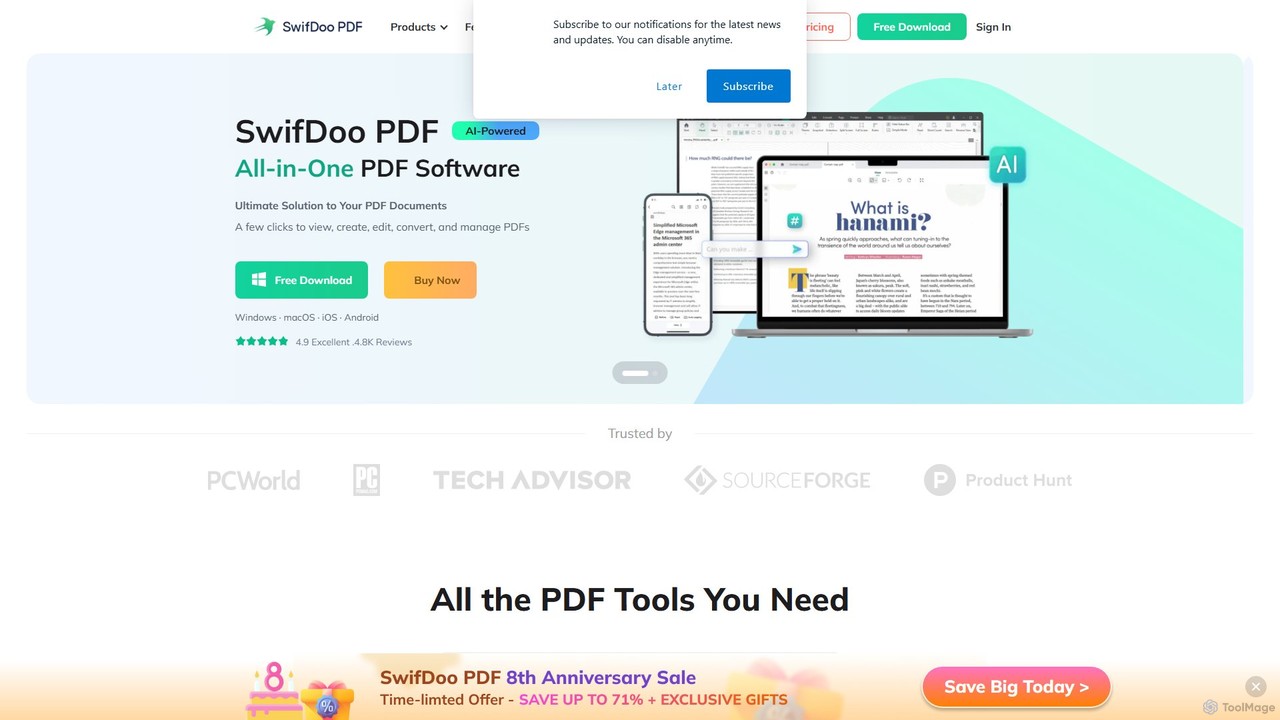
SwifDoo PDF
SwifDoo PDF is an all-in-one, AI-powered PDF software for effortless document management. It allows users to create, edit, convert, merge, compress, and sign PDF files. With integrated AI features, you can summarize, translate, proofread, and chat with your documents. Available on Windows, macOS, iOS, and Android, it offers a lightweight yet powerful solution for both individual and business users.
Document Signing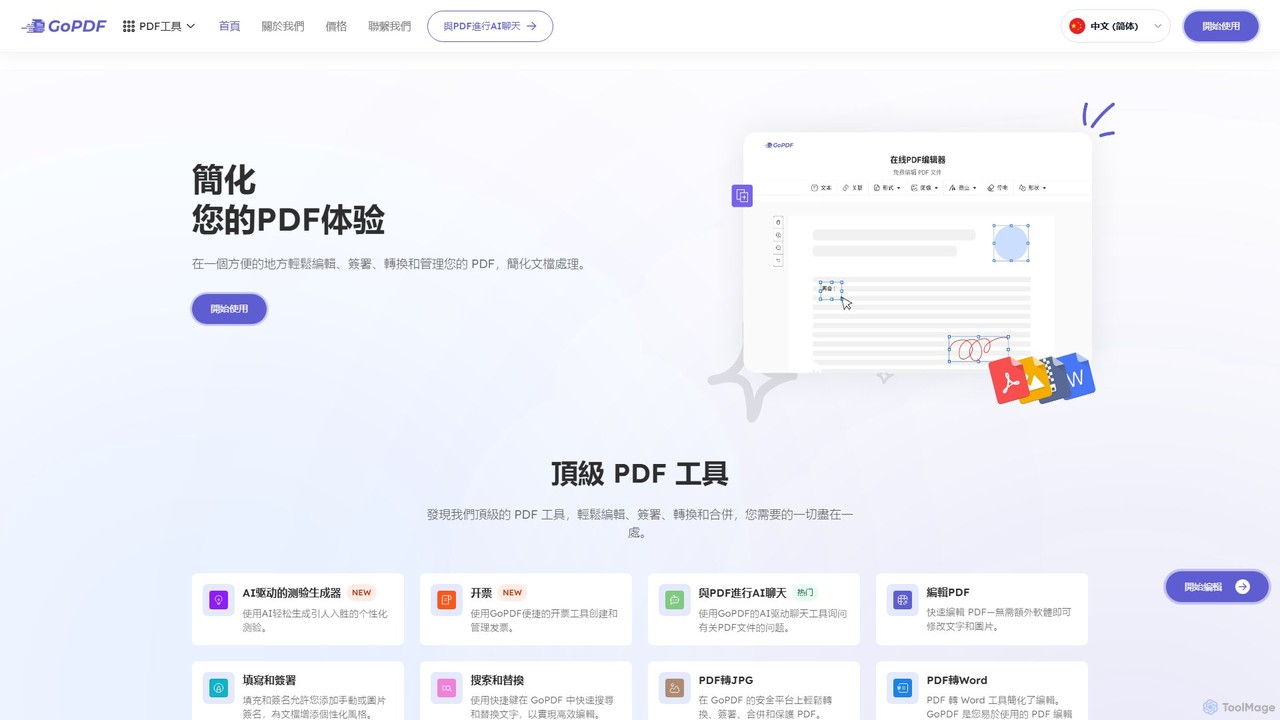
GoPDF
GoPDF is an AI-powered, all-in-one online PDF solution. It allows users to easily edit, convert, sign, merge, compress, and interact with PDF documents through an intuitive web interface and mobile app. AI features enable users to chat with their documents for quick summaries and answers.
Chat With Document
StampJam Comments (0)
Sign in to comment.
Sign inNo comments yet.