ToolMage
Sign in

Best 443 3D AI tools

Popular 3D AI tools include Tripo3D, Meshy, VSCO, Picsart, Adobe Podcast, Cutout.Pro, Fotor, experiments, Oura Ring, and WHOOP, helping you work more efficiently.

Uptechai
Freemium

Uptechai

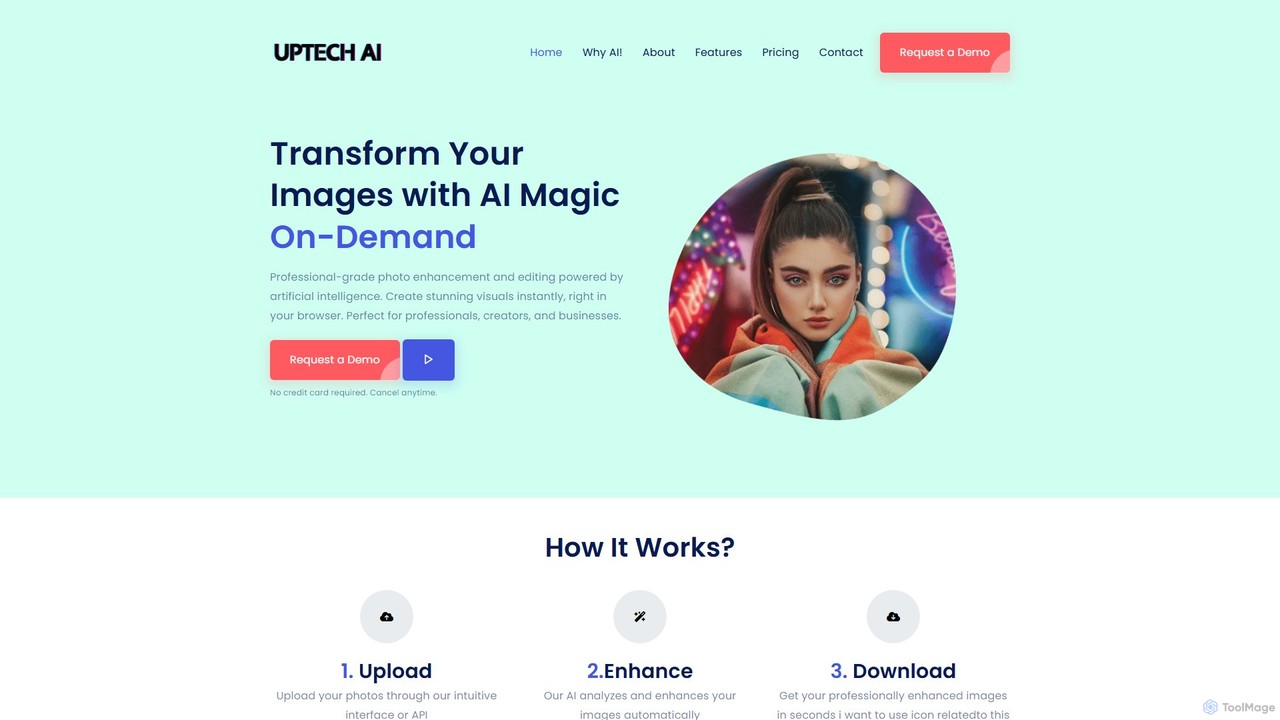
Uptechai is an AI-powered photo enhancement and editing platform designed for professionals, creators, and businesses. It transforms images instantly in your browser, providing professional-grade results with features like automated enhancement, API integration, and customizable editing tools to streamline workflows and improve visual quality.

3D
Visits 6.1KFavorites 85Likes 85
Posture Reminder App
Freemium

Posture Reminder App

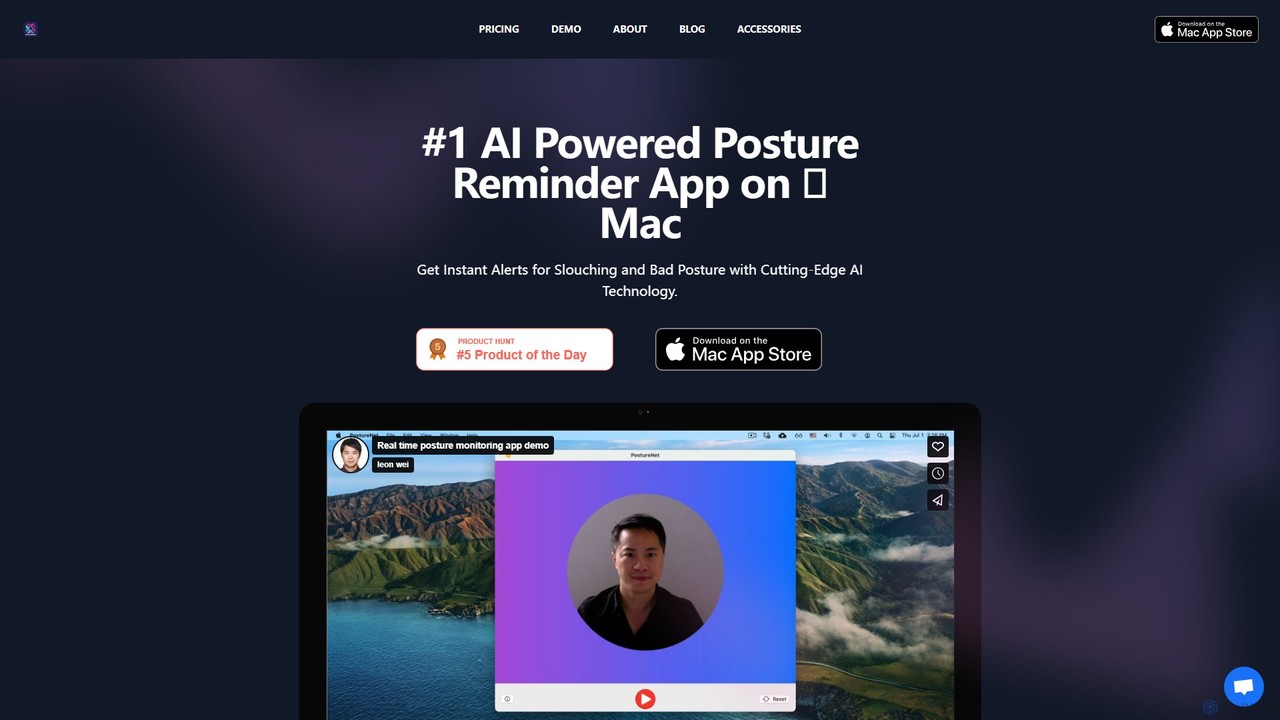
An AI-powered Mac app that uses your camera to monitor your posture in real-time. It gently reminds you to sit up straight, helping to prevent back and neck pain caused by slouching. Privacy is paramount, with all processing done on-device.

3D
Visits 6.3KFavorites 138Likes 152
Adobe Podcast
Freemium

Adobe Podcast

Adobe Podcast is an AI-powered, web-based platform for audio recording, editing, and enhancement. It enables users to create professional-quality podcasts and voiceovers by removing background noise, transcribing audio for text-based editing, and facilitating remote recording. It's designed for both beginners and professionals seeking studio-quality sound without complex equipment.

3D
Visits 10.5MFavorites 122Likes 128
Aiarty
Freemium

Aiarty

Aiarty is a suite of AI-powered desktop software for next-generation image and video enhancement. It offers dedicated tools for upscaling visuals to 4K/8K/32K, denoising, deblurring, and performing precise, professional-grade image matting (background removal). Optimized for AIPC and GPU acceleration, it serves photographers, designers, e-commerce professionals, and content creators.

3D
Visits 446.3KFavorites 144Likes 146
Design0
Freemium

Design0

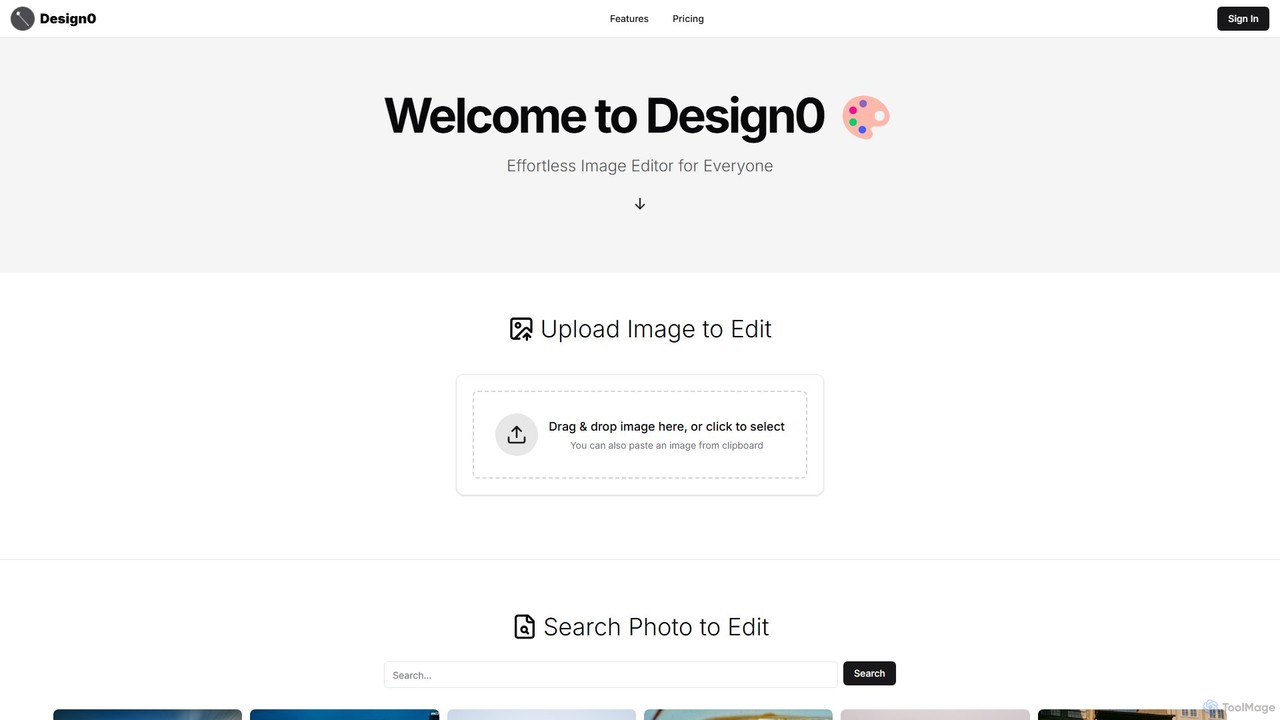
Design0 is an AI-powered image editor designed for everyone, especially non-designers. It simplifies creating professional-looking visuals for social media, marketing, and personal projects. Users can search for images, mask specific areas, and use text prompts to add, modify, or transform elements, including generating highly stylized text. Its pay-as-you-go model makes advanced editing accessible and affordable.

3D
Visits 5.6KFavorites 140Likes 143
oakveda
Freemium

oakveda

Oakveda is an AI-powered wellness platform that blends ancient Ayurvedic wisdom with modern science. It offers personalized health plans, including diet, lifestyle, and mindfulness routines, based on an AI analysis of your unique mind-body constitution (dosha). Achieve holistic balance and well-being with data-driven, customized guidance.

3D
Visits 5.5KFavorites 132Likes 116
Datasette
Free

Datasette

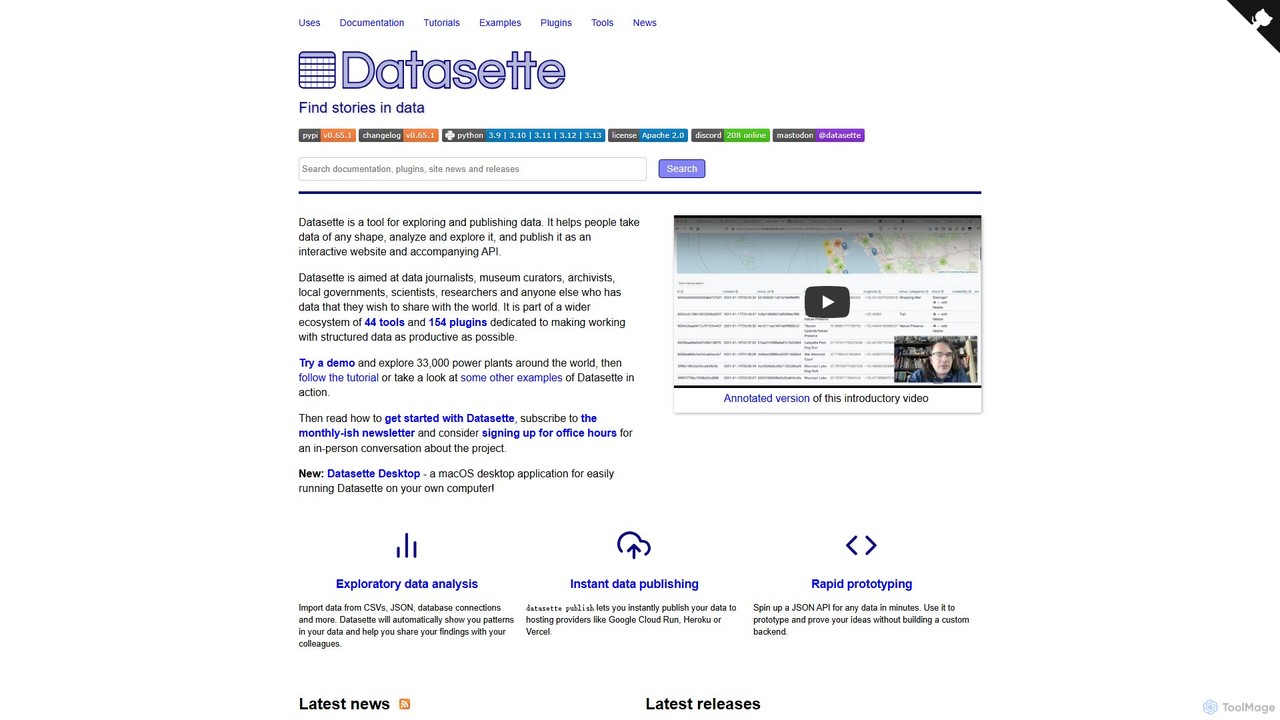
Datasette is an open-source multi-tool for exploring and publishing data. It transforms datasets of any shape into interactive websites and APIs, making it ideal for data journalists, researchers, and archivists. With its extensive plugin ecosystem, you can add visualizations, search capabilities, and even AI-powered querying.

3D
Visits 93.8KFavorites 153Likes 137
Retouch4me
Freemium

Retouch4me

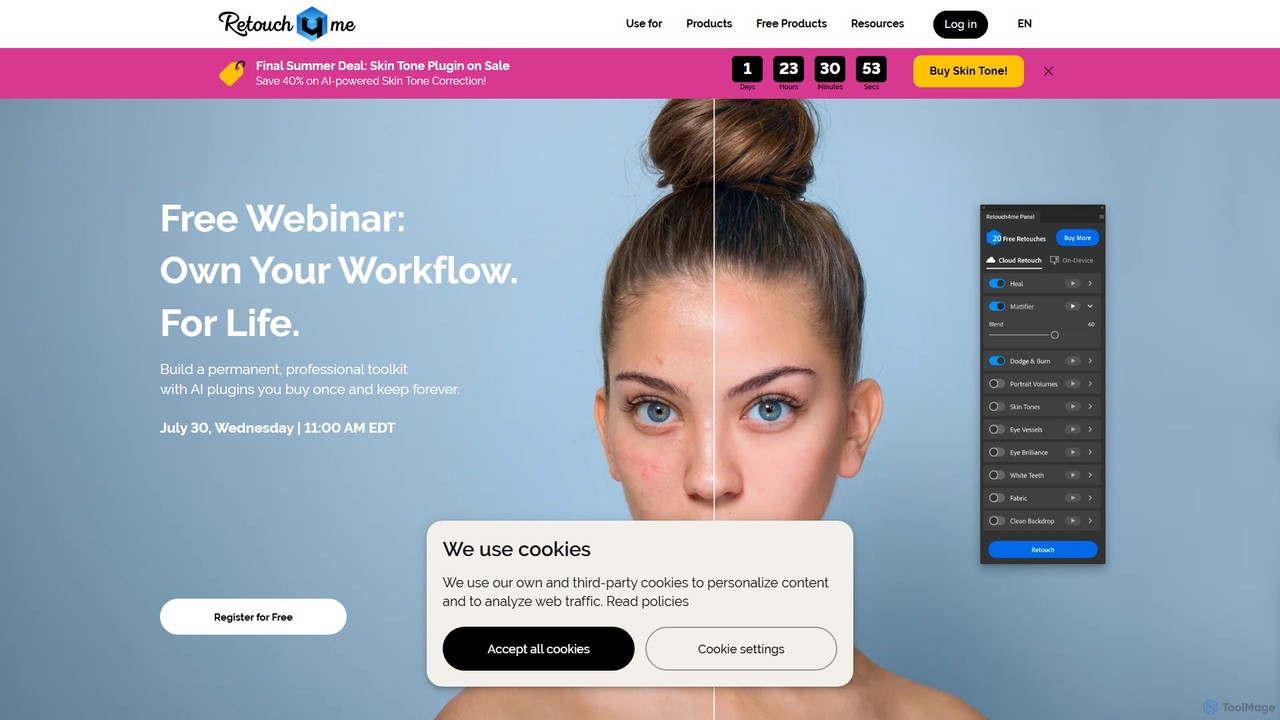
Retouch4me is a suite of AI-powered plugins and standalone apps designed for professional photographers and videographers. It automates complex retouching tasks like skin smoothing, background cleaning, and color correction, integrating seamlessly with Photoshop, Lightroom, and other editors to dramatically speed up workflows while maintaining natural-looking results.

3D
Visits 285.2KFavorites 145Likes 119
Instant3D
Freemium

Instant3D

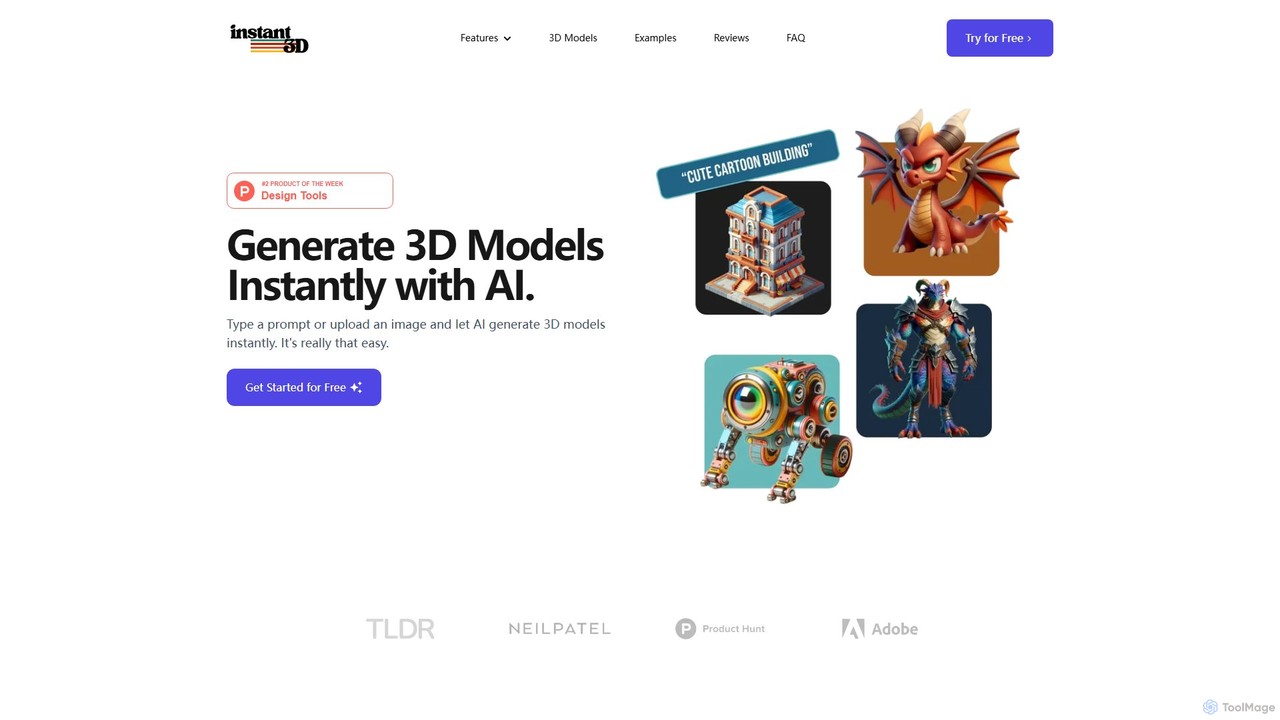
Instant3D is an AI-powered platform that generates high-quality 3D models from text prompts or 2D images in seconds. It's designed for designers, game developers, animators, and hobbyists to accelerate their creative workflow, offering tools for character generation, model optimization, and in-browser editing.

Generator
Visits 6.9KFavorites 155Likes 149
photogov
Freemium

photogov

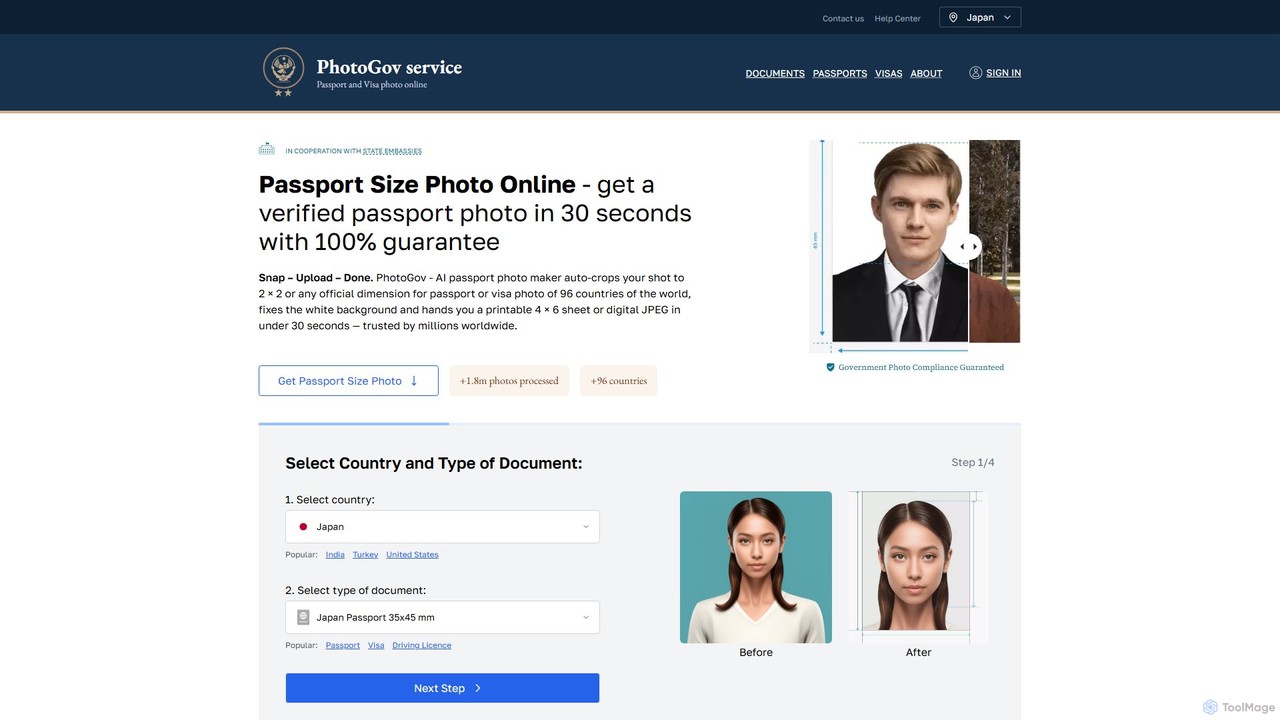
An AI-powered online tool that creates fully compliant passport, visa, and ID photos in seconds. It automatically crops, resizes, removes the background, and adjusts your photo to meet the official requirements of over 120 countries. Get a government-approved photo from home, saving time and money.

3D
Visits 324.5KFavorites 125Likes 133
eyeq
Paid

eyeq

eyeq provides world-leading AI-powered automatic photo correction and video enhancement solutions for businesses. Its core technology, Perfectly Clear, uses 20+ years of scientific research and AI to deliver vibrant, accurate colors, intelligent retouching, and automated workflows, helping companies improve quality, reduce costs, and increase revenue.

3D
Visits 16KFavorites 99Likes 113

About 3D

AI 3D tools are a class of software that leverage artificial intelligence to generate, modify, and optimize three-dimensional models and scenes. These tools often utilize advanced models like NeRF (Neural Radiance Fields), GANs, and diffusion models to interpret text prompts, 2D images, or video footage and transform them into complex 3D assets. They significantly accelerate workflows in game development, architecture, product design, and virtual reality, enabling creators to produce high-quality 3D content with greater speed and less manual effort. This technology lowers the barrier to entry for 3D creation, making it accessible to a broader range of users.

Core Features

  • Text-to-3D Generation: Creates 3D models directly from descriptive text prompts.
  • Image/Video-to-3D Conversion: Transforms 2D images or video clips into 3D models or scenes (photogrammetry/NeRF).
  • AI-Powered Texturing: Automatically generates realistic or stylized textures and materials for 3D objects.
  • Scene Composition: Populates and arranges 3D environments based on high-level descriptions.
  • Model Optimization: Uses AI to simplify mesh geometry (retopology) or automate character rigging.

Use Cases

AI 3D tools are widely used in industries like game development for rapid asset prototyping, in film and VFX for pre-visualization, and in architecture for creating concept models. E-commerce businesses use them to generate 3D product visuals for websites and AR experiences, while designers and artists leverage them for creative exploration and digital art.

How to Choose

When selecting an AI 3D tool, consider the input method (text, image, video) that best suits your workflow. Evaluate the output quality, level of detail, and artistic style. Check for compatibility with your existing software by confirming supported export formats like FBX, OBJ, or glTF. Finally, consider the tool's learning curve and whether it's designed for beginners or professionals requiring advanced controls.

Featured tool rankings

3D use cases

1

Rapid Prototyping of Game Assets

A solo game developer needs to create numerous props for a fantasy-themed level, such as chests, barrels, and furniture. Instead of manually modeling each item, which could take days, they use a text-to-3D tool. By inputting prompts like 'ornate wooden treasure chest with iron fittings' or 'weathered oak barrel,' they generate dozens of unique 3D model variations in minutes. This allows for rapid iteration on the level's design and visual style, significantly accelerating the prototyping phase.

2

Creating 3D Models for E-commerce

An online furniture store wants to provide an interactive 360-degree view of its products. They use an image-to-3D tool, uploading a series of photos of a chair taken from different angles. The AI processes these images and generates a detailed, textured 3D model. This model is then embedded on the product page, allowing customers to rotate and inspect the chair from all sides. It can also be used in an AR application, enabling shoppers to visualize the furniture in their own homes before purchasing.

3

Generating Architectural Concept Models

An architect needs to quickly visualize a building concept for a client presentation. Instead of spending hours on detailed modeling, they use an AI 3D tool. They can either upload a 2D floor plan sketch for conversion into a basic 3D massing model or use text prompts like 'modernist two-story house with large glass windows and a flat roof.' The AI generates several design variations, which can be refined and used to create compelling visualizations, helping the client better understand the project's vision early on.

4

Creating Pre-visualization (Previz) Scenes for Film

A VFX supervisor needs to plan a complex action sequence involving a car chase in a futuristic city. Using an AI 3D tool, they generate a rough 3D model of the city environment with the prompt 'cyberpunk city street at night, raining.' They then populate the scene with basic 3D models of cars and characters. This allows the director and cinematographer to experiment with camera angles, shot composition, and timing in a low-cost 3D environment before committing to expensive on-set filming or detailed CGI work.

5

Building Digital Twins from Drone Footage

An engineering firm monitors a large construction site using drones. They upload the captured video footage to an AI 3D tool that uses NeRF (Neural Radiance Fields) technology. The AI analyzes the footage from multiple viewpoints and reconstructs a highly detailed, photorealistic 3D model of the entire site. This 'digital twin' can be explored virtually, allowing engineers to track progress, measure distances, identify potential issues, and plan logistics without needing to be physically present on site, improving safety and efficiency.

6

Designing Personalized Metaverse Avatars

A user wants a unique avatar for a virtual reality platform that truly represents them. They upload a single selfie to an AI avatar creator. The tool analyzes their facial features and generates a base 3D avatar that captures their likeness. The user can then refine the avatar using text prompts, such as 'give me cyberpunk-style glasses,' 'add long, flowing silver hair,' or 'wear a medieval knight's armor.' This process combines personalization with creative freedom, allowing anyone to create a detailed, custom 3D avatar without any modeling skills.

3D FAQ

What are AI 3D tools?

AI 3D tools are software applications that use artificial intelligence to automate or assist in the creation of three-dimensional models, scenes, and textures. They can generate 3D assets from various inputs like text descriptions (text-to-3D), 2D images, or video footage. These tools are designed to speed up the 3D creation process, making it more accessible to both professionals and beginners by reducing the need for complex manual modeling skills.

How do I choose the right AI 3D tool?

To choose the right AI 3D tool, consider these factors:

  • Your Goal: Do you need to create models from scratch (text-to-3D), convert photos into 3D objects (image-to-3D), or generate textures?
  • Output Quality: Assess the level of detail, realism, and artistic style the tool can produce. Look at examples from its gallery.
  • Ease of Use: Determine if the interface is intuitive for your skill level. Some tools are for beginners, while others offer advanced controls for professionals.
  • Integration: Check if it exports to file formats (.FBX, .OBJ, .glTF) compatible with your primary 3D software, like Blender, Unity, or Unreal Engine.
What's the difference between AI 3D generation and traditional 3D modeling?

The primary difference is the creation process. Traditional 3D modeling (e.g., in Blender, Maya) is a manual, skill-intensive process where artists build models polygon by polygon. It offers precise control but requires significant time and expertise. AI 3D generation automates this process, creating models from simple inputs like text or images. It is much faster and ideal for rapid prototyping, concept art, and accessibility for non-artists, though it may currently offer less fine-grained control than manual methods.

How do AI 3D tools actually work?

AI 3D tools work by using complex machine learning models trained on vast datasets of 3D shapes, images, and text descriptions. For text-to-3D, a model like a diffusion model learns the relationship between words and 3D geometry, allowing it to generate a shape that matches a text prompt. For image-to-3D, technologies like Photogrammetry or Neural Radiance Fields (NeRF) analyze multiple images of an object to infer its 3D structure and appearance, creating a detailed model or scene.

Who can benefit from using AI 3D tools?

A wide range of users can benefit from AI 3D tools. Professionals like game developers, architects, and product designers use them to accelerate prototyping and ideation. VFX artists and animators use them for pre-visualization. E-commerce businesses use them for creating product showcases. Additionally, hobbyists, students, and content creators who lack traditional 3D modeling skills can now create complex 3D assets easily, opening up new creative possibilities for everyone.