Paid
Popular 3D AI tools include Tripo3D, Meshy, VSCO, Picsart, Adobe Podcast, Cutout.Pro, Fotor, experiments, Oura Ring, and WHOOP, helping you work more efficiently.

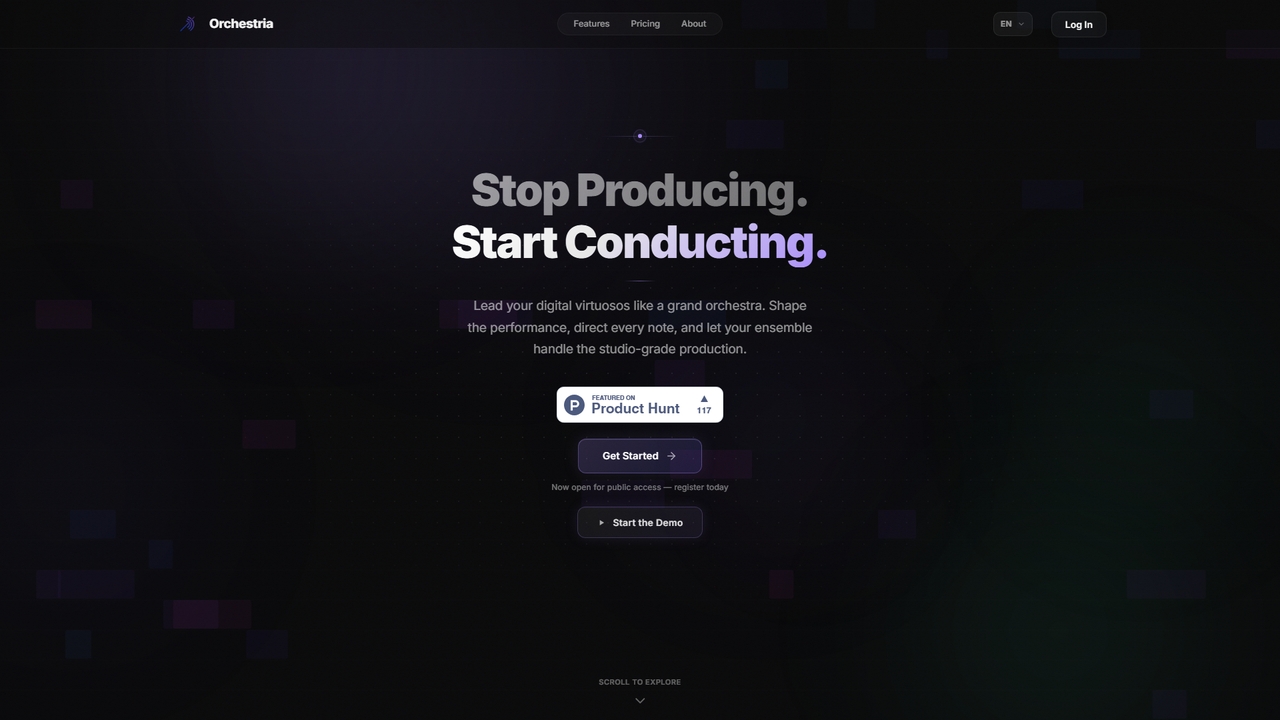
An AI music studio where specialized agents (drummer, melodist, critic, mixer) collaborate in real-time to turn your ideas into studio-quality tracks via natural language commands.
3D
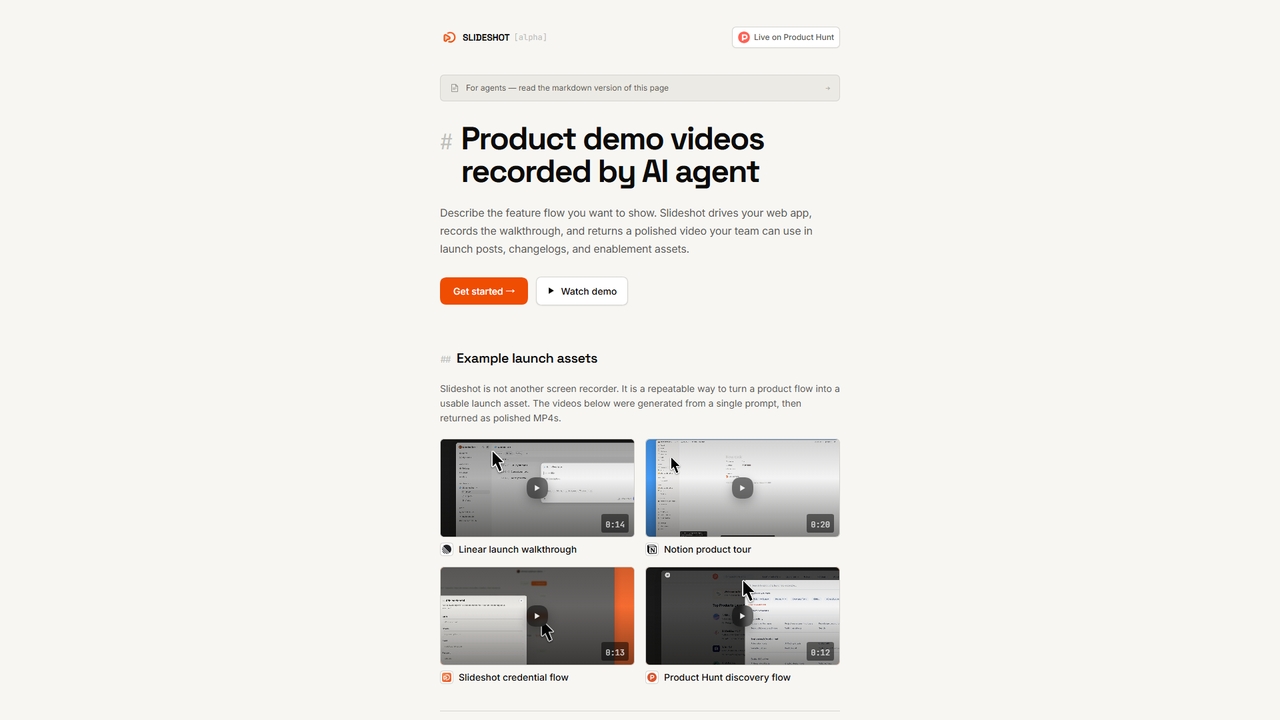
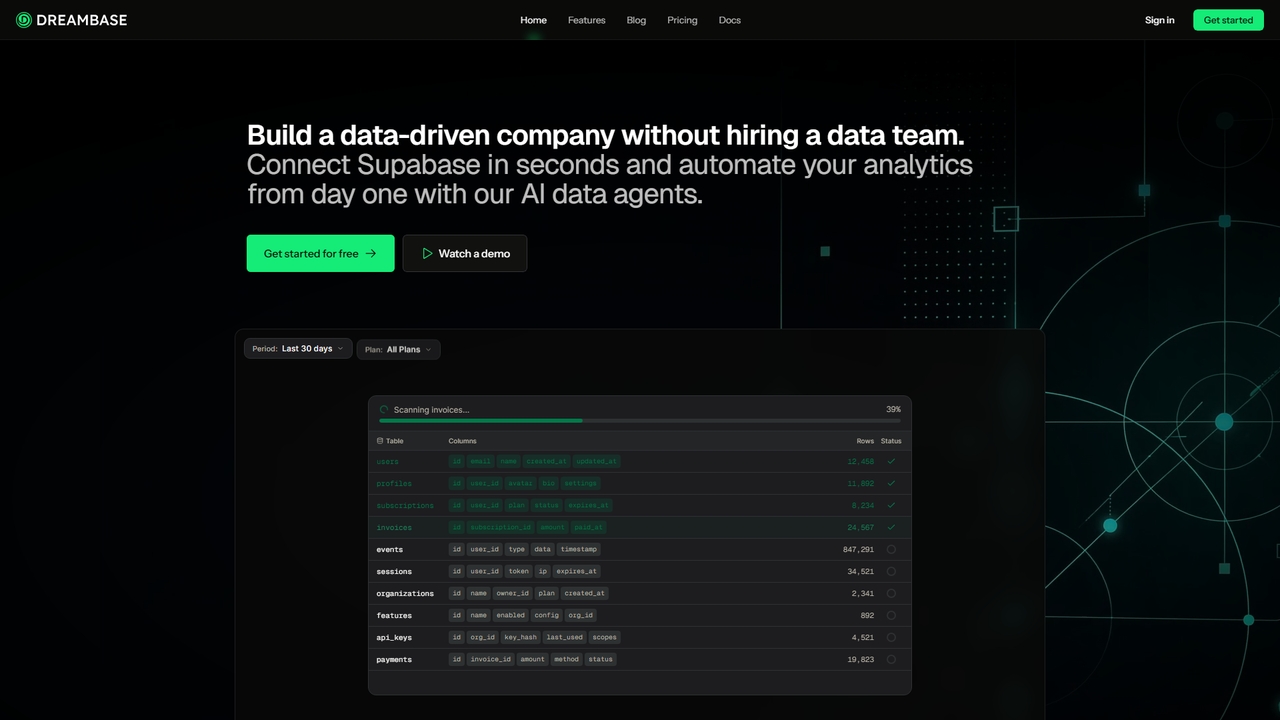
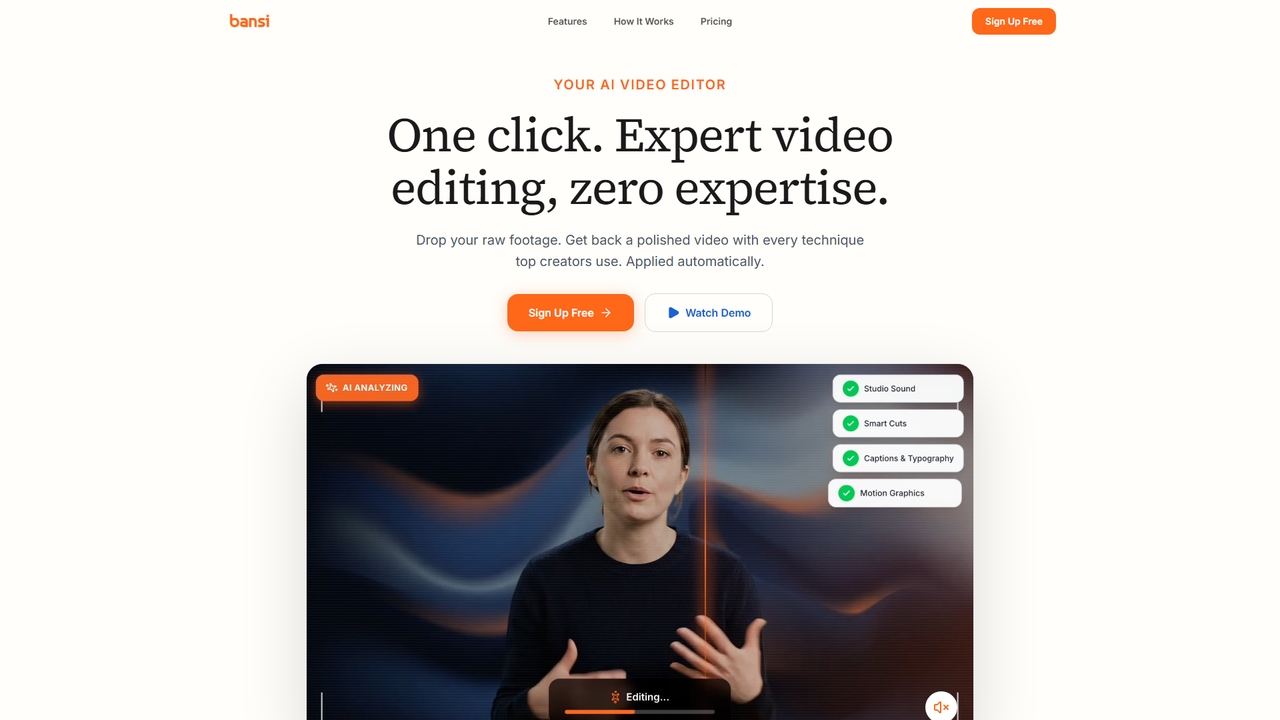

Supapin is an AI-powered Pinterest automation tool designed to streamline content creation and scheduling. It automatically scans your website, generates professional pin designs, writes SEO-optimized titles and descriptions, and publishes pins to relevant boards at optimal times, all to drive more traffic from Pinterest with minimal manual effort.
3D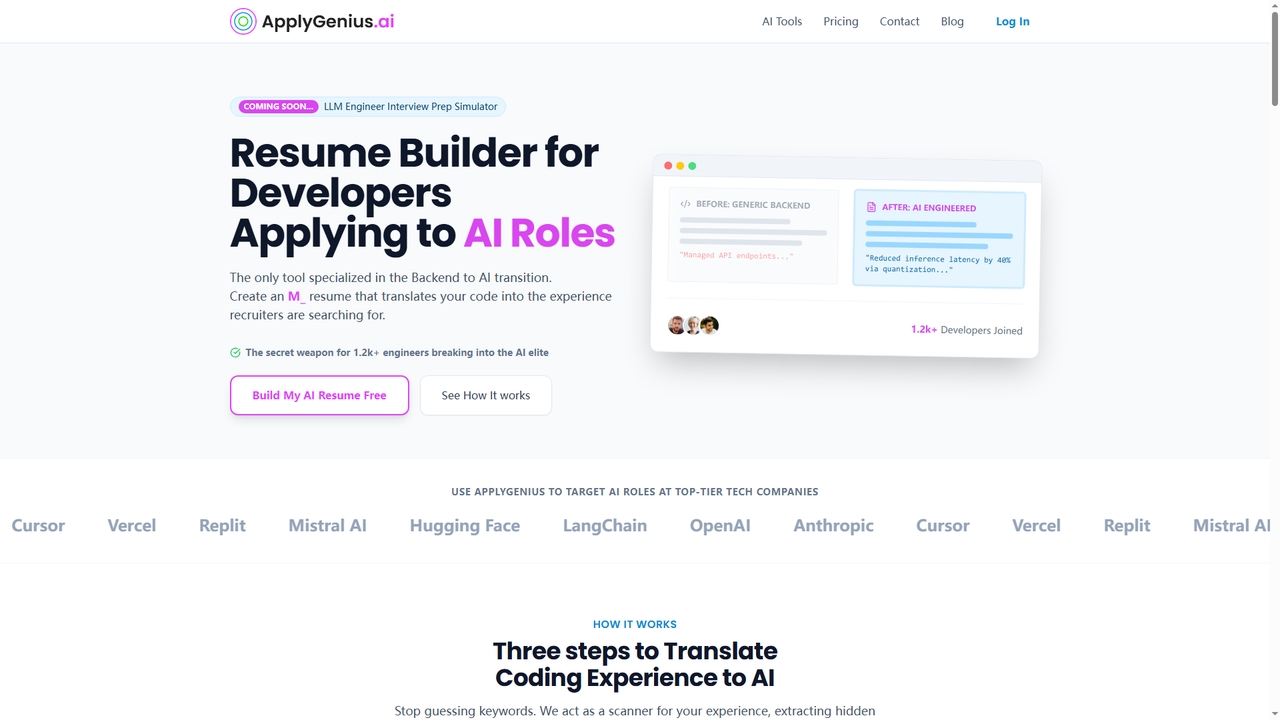
ApplyGenius is a specialized AI career tool designed to help software engineers, particularly backend and full-stack developers, successfully transition into AI, ML, and LLM (Large Language Model) engineering roles. It translates technical coding experience into AI-relevant language, optimizes resumes for ATS (Applicant Tracking Systems), and provides interview preparation specifically for AI technical screens, helping users overcome auto-rejection and land interviews at top tech companies.
3D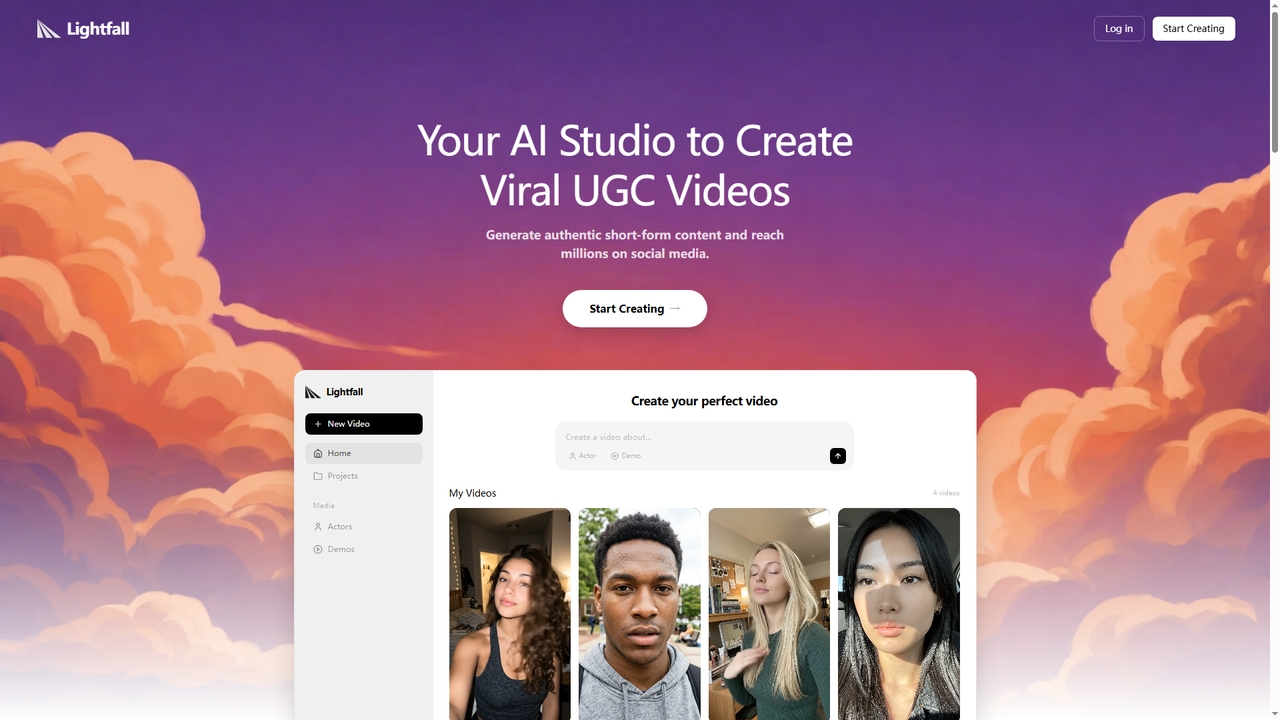
Lightfall is an AI-powered UGC (User-Generated Content) video creation studio designed for social media marketers and content creators. It enables users to quickly generate authentic-looking short-form videos featuring AI actors, AI-written scripts and captions, and export-ready formats for platforms like TikTok, Instagram Reels, and YouTube Shorts.
3D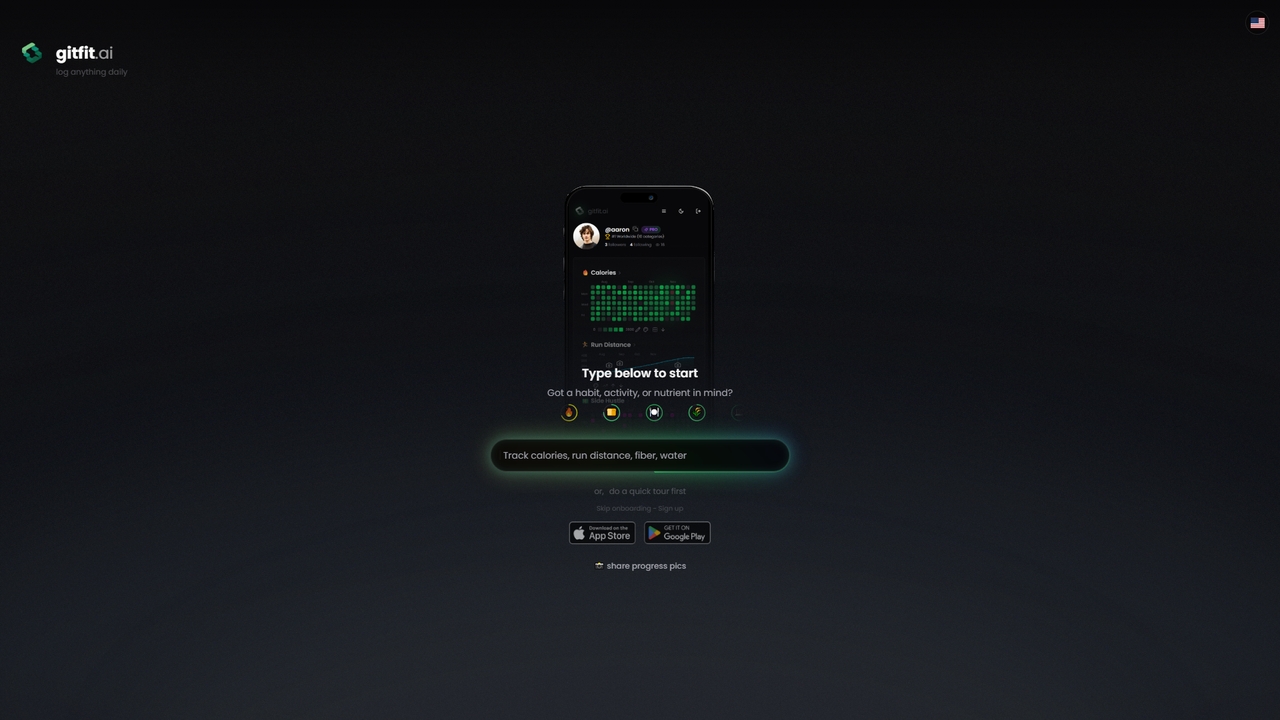
GitFit is an AI-powered fitness and habit-tracking application that combines calorie counting, activity logging, and progress visualization. It allows you to track any custom metric using AI scanning, featuring a clean interface inspired by GitHub commit charts. Your data is fully encrypted and exportable, ensuring privacy and flexibility.
3D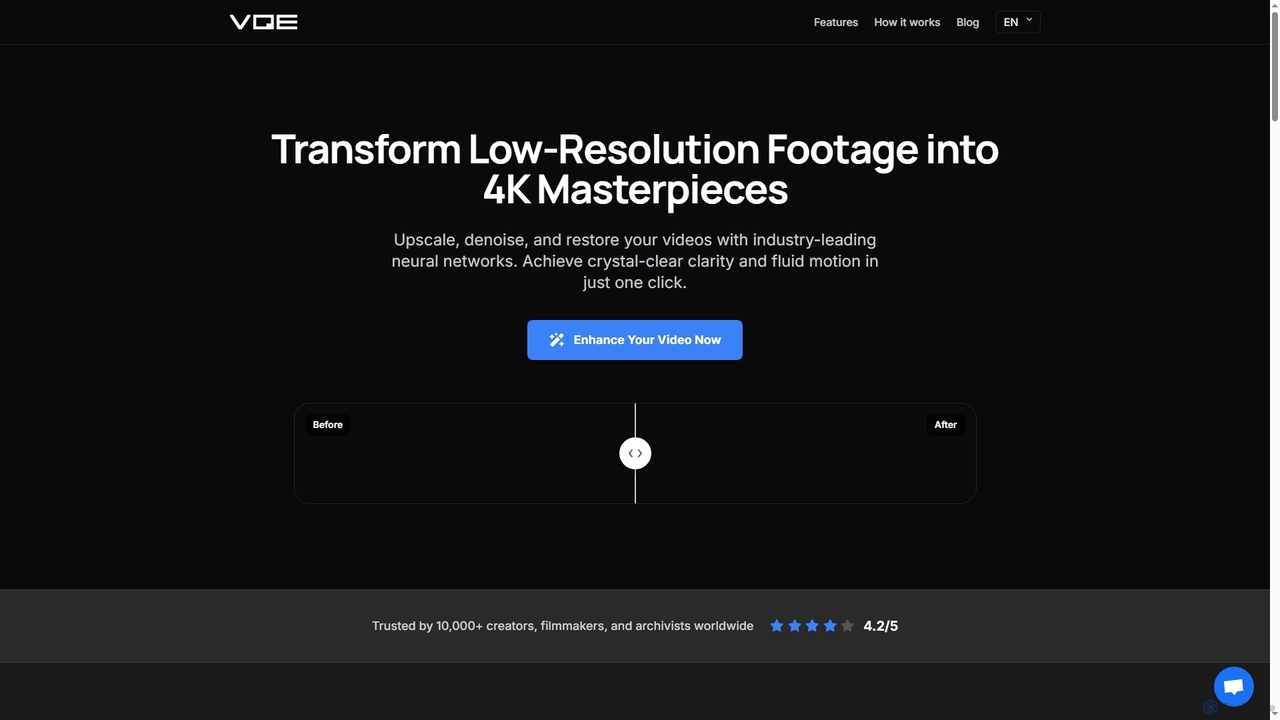
Video Quality Enhancer is an AI-powered online tool that transforms low-resolution videos into stunning 4K/8K masterpieces. It intelligently upscales, denoises, restores old footage, and refines details like faces, all within your browser.
3D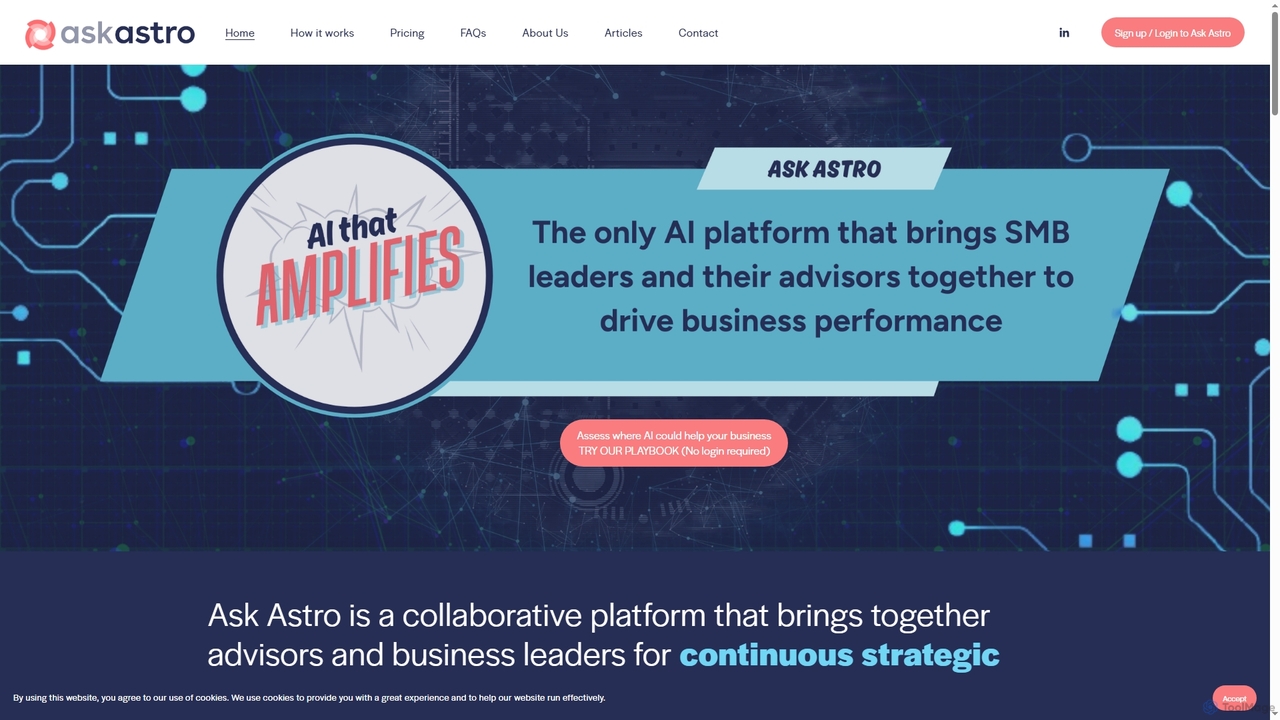
Ask Astro is an AI-powered collaborative intelligence platform designed for business leaders, advisors, and franchisors. It integrates real-time data, automates reporting, and generates strategic insights to foster proactive decision-making and enhance continuous partnerships, eliminating data fragmentation and manual busywork.
3D
Compledio is an AI-powered automated B-roll generator and studio editor that transforms audio and video content into engaging visual narratives. It intelligently analyzes your narrative, synthesizes contextually relevant, commercial-safe B-roll footage, and places it directly onto a professional timeline, saving creators hours of manual editing and stock footage searching.
3D
VCV8 is an AI-powered idea validation and strategy platform designed for founders and innovators. It helps users make confident decisions by evaluating business concepts across eight critical dimensions and three analytical stages, grounded in real-world data, before committing significant resources.
3D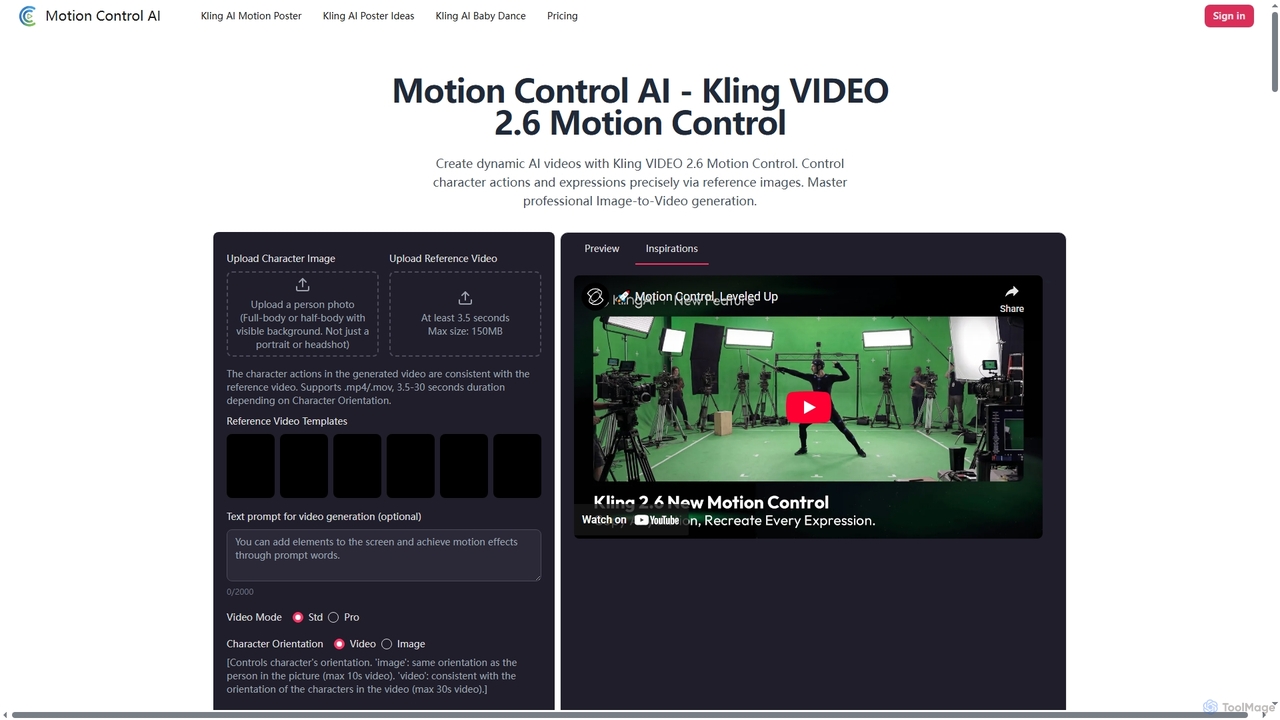
Motion Control AI, powered by Kling 2.6, transforms static images into dynamic, high-fidelity videos. It offers precise control over character actions, expressions, and camera movements using reference images and text prompts, enabling professional-grade image-to-video generation for various creative and commercial applications.
3D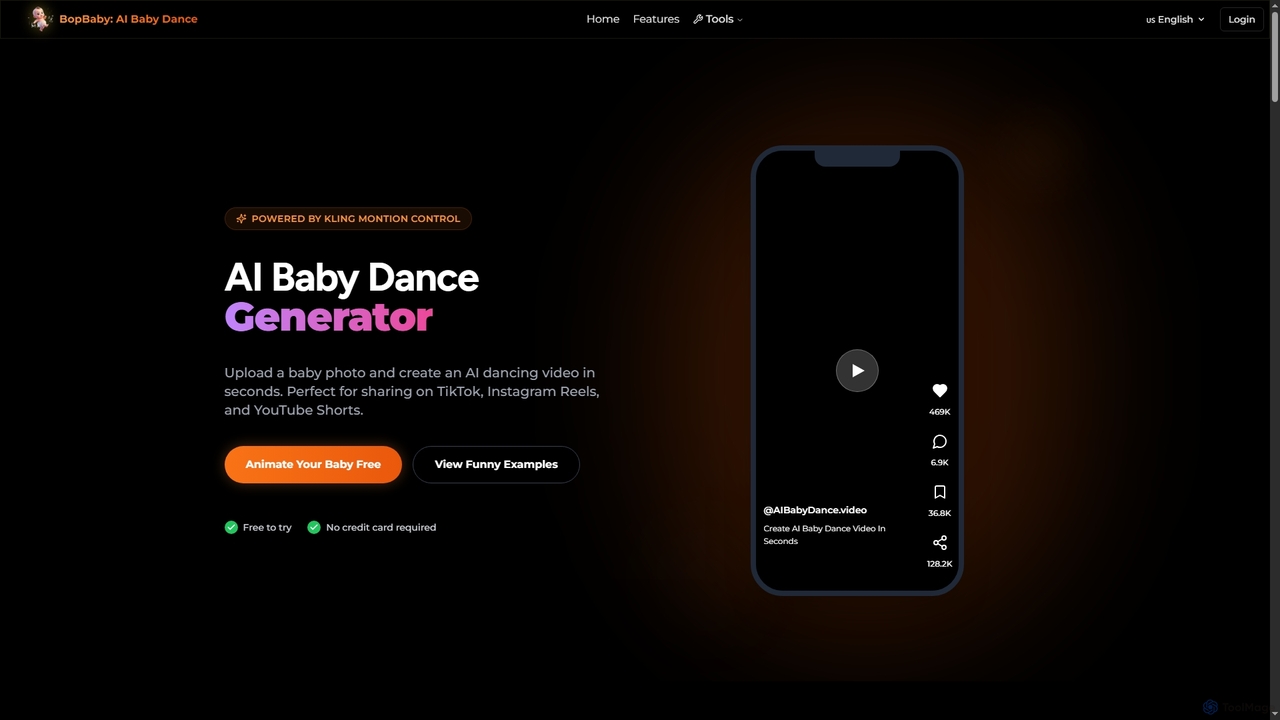
Aibabydance is an innovative AI video generator that transforms a single baby photo into an adorable dancing video in seconds. Leveraging advanced AI, it offers a vast library of dance styles, preserves facial features naturally, and produces social media-ready HD videos perfect for sharing on platforms like TikTok and Instagram. It's free to try and designed for ease of use, making memory creation magical and instant.
3D
myChintak is an AI-powered platform that transforms natural language prompts into instant data insights, dynamic reports, and interactive dashboards. It connects to various data sources, enabling businesses to quickly analyze performance, understand customer behavior, and make data-driven decisions without complex coding.
3D
Guardrail Layer enables safe, natural language interaction with your databases, providing robust role-based access control, automatic PII redaction, and comprehensive audit trails. It empowers teams to query data in plain English without SQL, preventing unauthorized access and ensuring data security in production environments while leveraging AI capabilities.
3D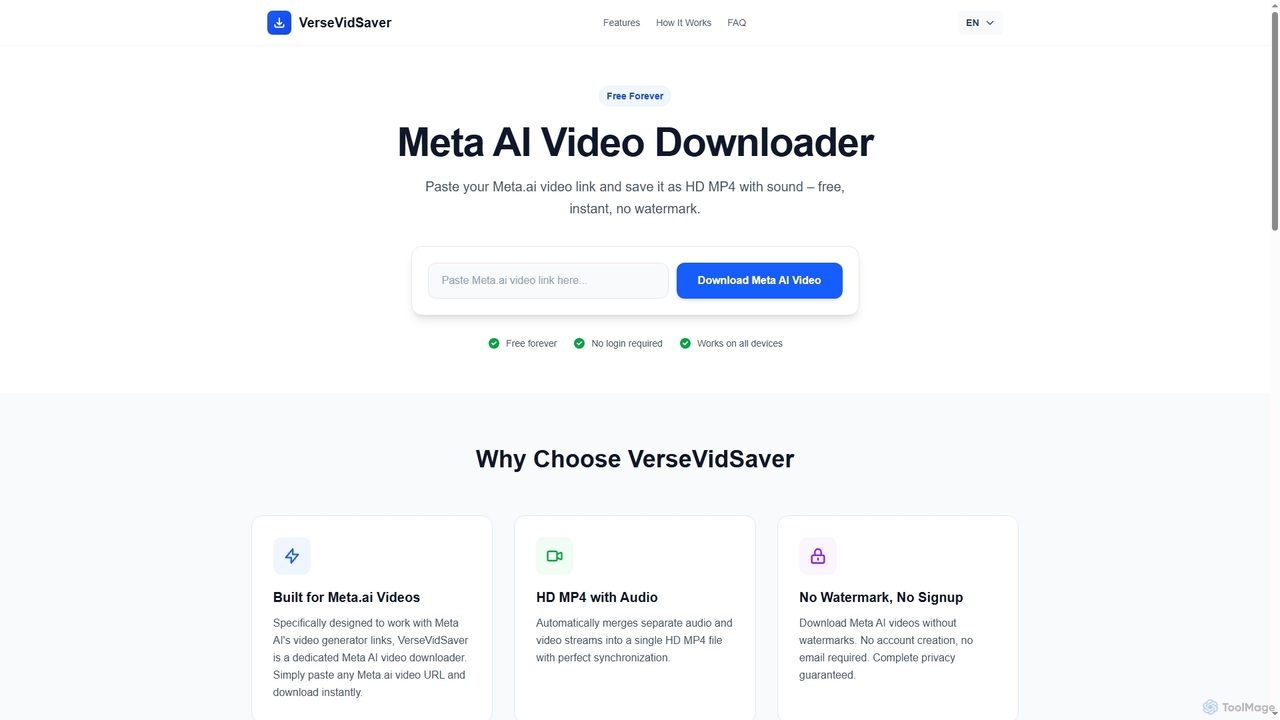
VerseVidSaver is a free online tool specifically designed to download high-definition videos generated by Meta's AI platform. It seamlessly extracts and merges video and audio streams into a single, watermark-free HD MP4 file, offering unlimited downloads without hidden costs.
3DAI 3D tools are a class of software that leverage artificial intelligence to generate, modify, and optimize three-dimensional models and scenes. These tools often utilize advanced models like NeRF (Neural Radiance Fields), GANs, and diffusion models to interpret text prompts, 2D images, or video footage and transform them into complex 3D assets. They significantly accelerate workflows in game development, architecture, product design, and virtual reality, enabling creators to produce high-quality 3D content with greater speed and less manual effort. This technology lowers the barrier to entry for 3D creation, making it accessible to a broader range of users.
AI 3D tools are widely used in industries like game development for rapid asset prototyping, in film and VFX for pre-visualization, and in architecture for creating concept models. E-commerce businesses use them to generate 3D product visuals for websites and AR experiences, while designers and artists leverage them for creative exploration and digital art.
When selecting an AI 3D tool, consider the input method (text, image, video) that best suits your workflow. Evaluate the output quality, level of detail, and artistic style. Check for compatibility with your existing software by confirming supported export formats like FBX, OBJ, or glTF. Finally, consider the tool's learning curve and whether it's designed for beginners or professionals requiring advanced controls.
A solo game developer needs to create numerous props for a fantasy-themed level, such as chests, barrels, and furniture. Instead of manually modeling each item, which could take days, they use a text-to-3D tool. By inputting prompts like 'ornate wooden treasure chest with iron fittings' or 'weathered oak barrel,' they generate dozens of unique 3D model variations in minutes. This allows for rapid iteration on the level's design and visual style, significantly accelerating the prototyping phase.
An online furniture store wants to provide an interactive 360-degree view of its products. They use an image-to-3D tool, uploading a series of photos of a chair taken from different angles. The AI processes these images and generates a detailed, textured 3D model. This model is then embedded on the product page, allowing customers to rotate and inspect the chair from all sides. It can also be used in an AR application, enabling shoppers to visualize the furniture in their own homes before purchasing.
An architect needs to quickly visualize a building concept for a client presentation. Instead of spending hours on detailed modeling, they use an AI 3D tool. They can either upload a 2D floor plan sketch for conversion into a basic 3D massing model or use text prompts like 'modernist two-story house with large glass windows and a flat roof.' The AI generates several design variations, which can be refined and used to create compelling visualizations, helping the client better understand the project's vision early on.
A VFX supervisor needs to plan a complex action sequence involving a car chase in a futuristic city. Using an AI 3D tool, they generate a rough 3D model of the city environment with the prompt 'cyberpunk city street at night, raining.' They then populate the scene with basic 3D models of cars and characters. This allows the director and cinematographer to experiment with camera angles, shot composition, and timing in a low-cost 3D environment before committing to expensive on-set filming or detailed CGI work.
An engineering firm monitors a large construction site using drones. They upload the captured video footage to an AI 3D tool that uses NeRF (Neural Radiance Fields) technology. The AI analyzes the footage from multiple viewpoints and reconstructs a highly detailed, photorealistic 3D model of the entire site. This 'digital twin' can be explored virtually, allowing engineers to track progress, measure distances, identify potential issues, and plan logistics without needing to be physically present on site, improving safety and efficiency.
A user wants a unique avatar for a virtual reality platform that truly represents them. They upload a single selfie to an AI avatar creator. The tool analyzes their facial features and generates a base 3D avatar that captures their likeness. The user can then refine the avatar using text prompts, such as 'give me cyberpunk-style glasses,' 'add long, flowing silver hair,' or 'wear a medieval knight's armor.' This process combines personalization with creative freedom, allowing anyone to create a detailed, custom 3D avatar without any modeling skills.
AI 3D tools are software applications that use artificial intelligence to automate or assist in the creation of three-dimensional models, scenes, and textures. They can generate 3D assets from various inputs like text descriptions (text-to-3D), 2D images, or video footage. These tools are designed to speed up the 3D creation process, making it more accessible to both professionals and beginners by reducing the need for complex manual modeling skills.
To choose the right AI 3D tool, consider these factors:
The primary difference is the creation process. Traditional 3D modeling (e.g., in Blender, Maya) is a manual, skill-intensive process where artists build models polygon by polygon. It offers precise control but requires significant time and expertise. AI 3D generation automates this process, creating models from simple inputs like text or images. It is much faster and ideal for rapid prototyping, concept art, and accessibility for non-artists, though it may currently offer less fine-grained control than manual methods.
AI 3D tools work by using complex machine learning models trained on vast datasets of 3D shapes, images, and text descriptions. For text-to-3D, a model like a diffusion model learns the relationship between words and 3D geometry, allowing it to generate a shape that matches a text prompt. For image-to-3D, technologies like Photogrammetry or Neural Radiance Fields (NeRF) analyze multiple images of an object to infer its 3D structure and appearance, creating a detailed model or scene.
A wide range of users can benefit from AI 3D tools. Professionals like game developers, architects, and product designers use them to accelerate prototyping and ideation. VFX artists and animators use them for pre-visualization. E-commerce businesses use them for creating product showcases. Additionally, hobbyists, students, and content creators who lack traditional 3D modeling skills can now create complex 3D assets easily, opening up new creative possibilities for everyone.