ToolMage
Sign in

Best 189 Graphics AI tools for Design

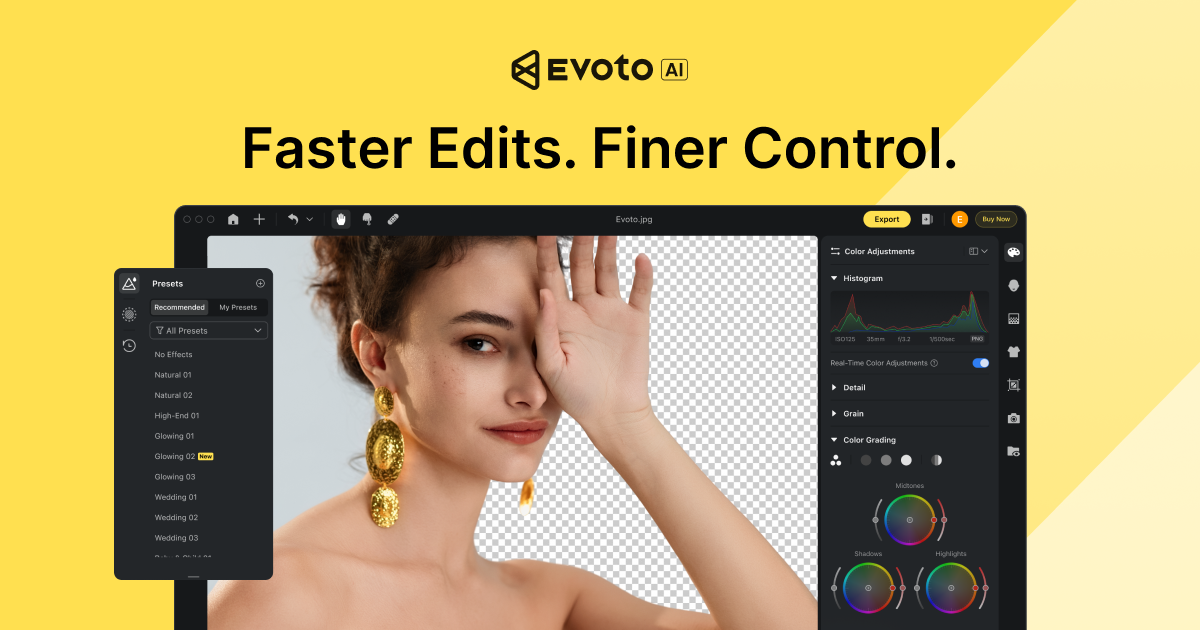
Popular Graphics AI tools in Design include CapCut, IconScout, Evoto, Skylum, Pitch, Beautiful.ai, Piktochart, Clipdrop, ImageUpscaler, and Vexels, helping you work more efficiently.

qr_art
Freemium

qr_art

qr_art is an AI-powered tool that transforms standard QR codes into stunning, scannable works of art. By combining advanced image generation models with QR code technology, it allows users to embed functional QR codes seamlessly into beautiful images described by text prompts, enhancing marketing and branding efforts.

Qr Code Generation
Visits 5.6KFavorites 124Likes 131
Pixificial
Freemium

Pixificial

Pixificial is an advanced AI image generator that transforms your text descriptions into stunning, high-quality visuals. From photorealistic images and artistic creations to character designs and marketing assets, Pixificial empowers creators, marketers, and developers to produce unique visuals effortlessly. Its intuitive interface and powerful customization options make professional-grade art accessible to everyone.

Generative Art
Visits 5.8KFavorites 126Likes 116
UnderlayX
Free

UnderlayX

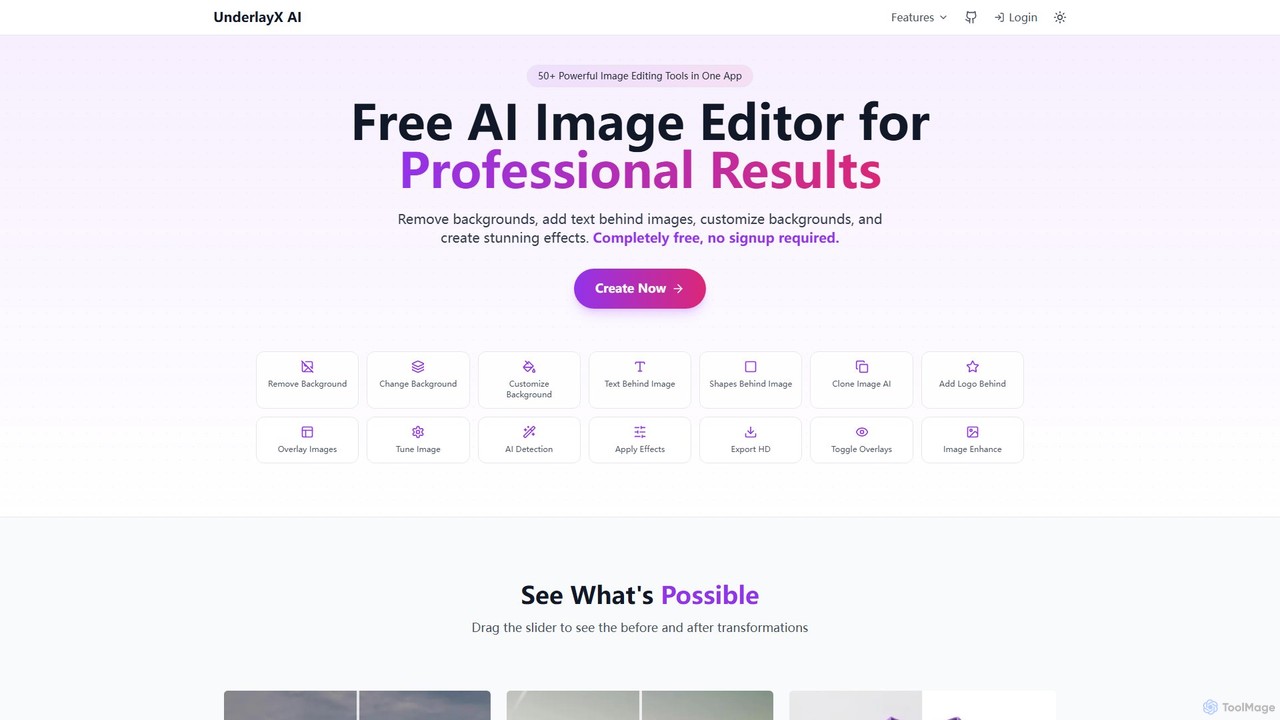
UnderlayX is a free, all-in-one AI image editor that requires no signup. It specializes in advanced features like one-click background removal, placing text and objects behind subjects, and AI-powered object cloning. Ideal for content creators, marketers, and photographers to create professional visuals effortlessly.

Graphics
Visits 16.1KFavorites 147Likes 126
ArtBot.ai
Freemium

ArtBot.ai

ArtBot.ai is a user-friendly AI art generator app that transforms your text prompts into stunning visuals. Specializing in thematic art styles, like its popular Halloween collection, it allows anyone to create unique images effortlessly. Perfect for social media content, digital artists, and personal projects, ArtBot.ai makes creative expression accessible to everyone, right from their mobile device.

Graphics
Visits 6.2KFavorites 154Likes 154
background_remover
Free

background_remover

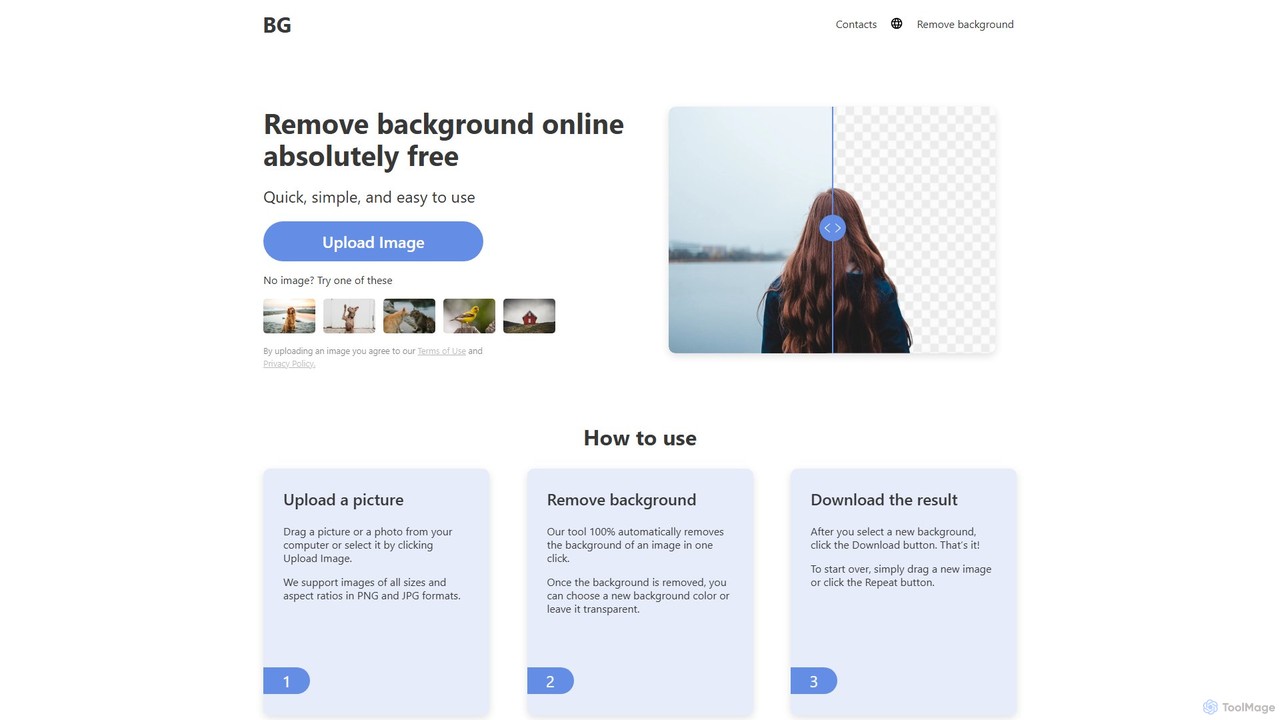
background_remover is a free, AI-powered online tool that automatically removes the background from any image in a single click. It requires no registration or software installation. Simply upload your JPG or PNG image to get a high-quality, transparent background instantly. Ideal for e-commerce, graphic design, and personal projects, it supports high-resolution images and works on any device.

3D
Visits 20.7KFavorites 79Likes 89
Vose.ai
Freemium

Vose.ai

Vose.ai is a powerful AI image generator that transforms your text prompts into stunning visuals. It offers a variety of AI models, including Photorealism, Anime, and Universal, along with numerous style presets. With advanced controls for resolution, aspect ratio, and guidance, users can fine-tune their creations. Vose.ai operates on a freemium model, providing both free access and premium plans with enhanced features like faster generation, private mode, and higher-quality upscaling.

Generative Art
Visits 5.7KFavorites 113Likes 124
Pebblely
Freemium

Pebblely

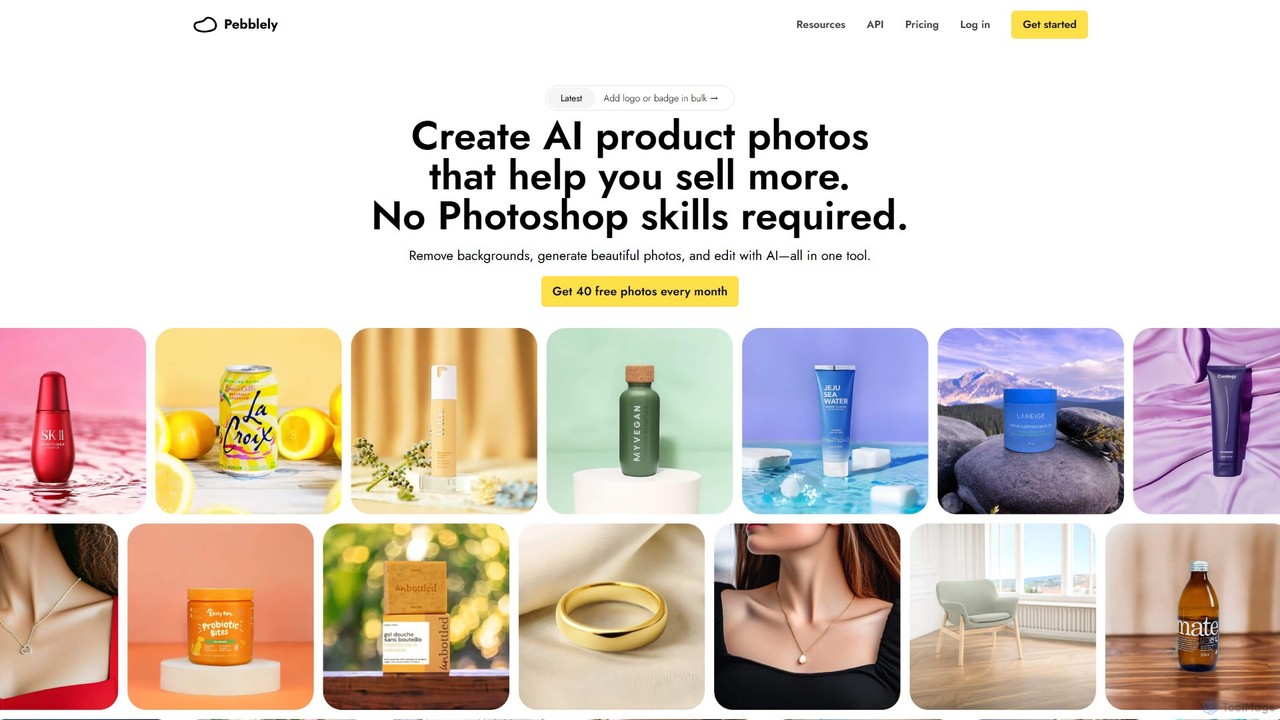
Pebblely is an AI-powered tool that transforms standard product images into stunning, professional-grade photographs in seconds. It automatically removes backgrounds, generates realistic new scenes from text prompts or themes, and adds appropriate lighting and shadows. Ideal for e-commerce businesses, marketers, and designers, it streamlines content creation for websites, social media, and ads without requiring any design skills. Get 40 free images every month.

Graphics
Visits 104.4KFavorites 163Likes 154
Imaginator
Paid

Imaginator

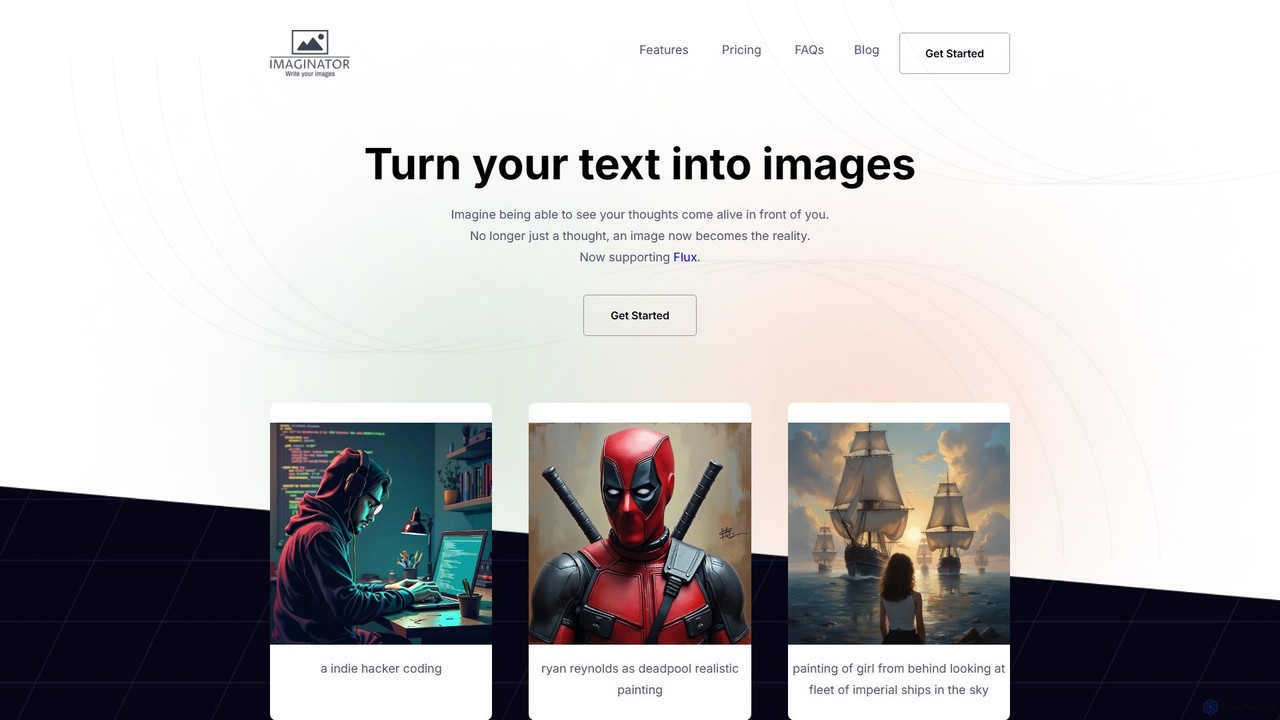
Imaginator is an advanced AI image generator that transforms your text descriptions into stunning visuals. Leveraging the cutting-edge Flux model, it allows users to create high-quality, realistic, and artistic images from simple prompts. It features a straightforward credit-based system and is designed for creators, developers, and marketers.

Ai Art
Visits 6.4KFavorites 135Likes 144
dreamy_ai
Freemium

dreamy_ai

dreamy_ai is an AI-powered art generator that transforms text prompts into stunning, dreamlike visuals. It specializes in creating ethereal, fantasy, and surrealist artwork, perfect for artists, designers, and content creators looking to bring their imaginative concepts to life with a unique aesthetic.

Creative Tools
Visits 5.7KFavorites 109Likes 120
EmojAI
Free

EmojAI

EmojAI is an AI-powered emoji generator that creates unique, custom emojis from text prompts. Generate multiple emoji variations at once, adjust creativity levels, and easily copy them for use in any app. Perfect for spicing up conversations, marketing materials, and digital content.

Graphics
Visits 5.7KFavorites 131Likes 124
Paint by Text
Freemium

Paint by Text

Paint by Text is an innovative AI-powered image editing tool that allows you to modify photos using simple text instructions. By leveraging the power of models on Replicate, you can change colors, add or remove objects, and alter styles with natural language commands, eliminating the need for complex photo editing software.

Graphics
Visits 5.7KFavorites 134Likes 147
Makeayo
Free

Makeayo

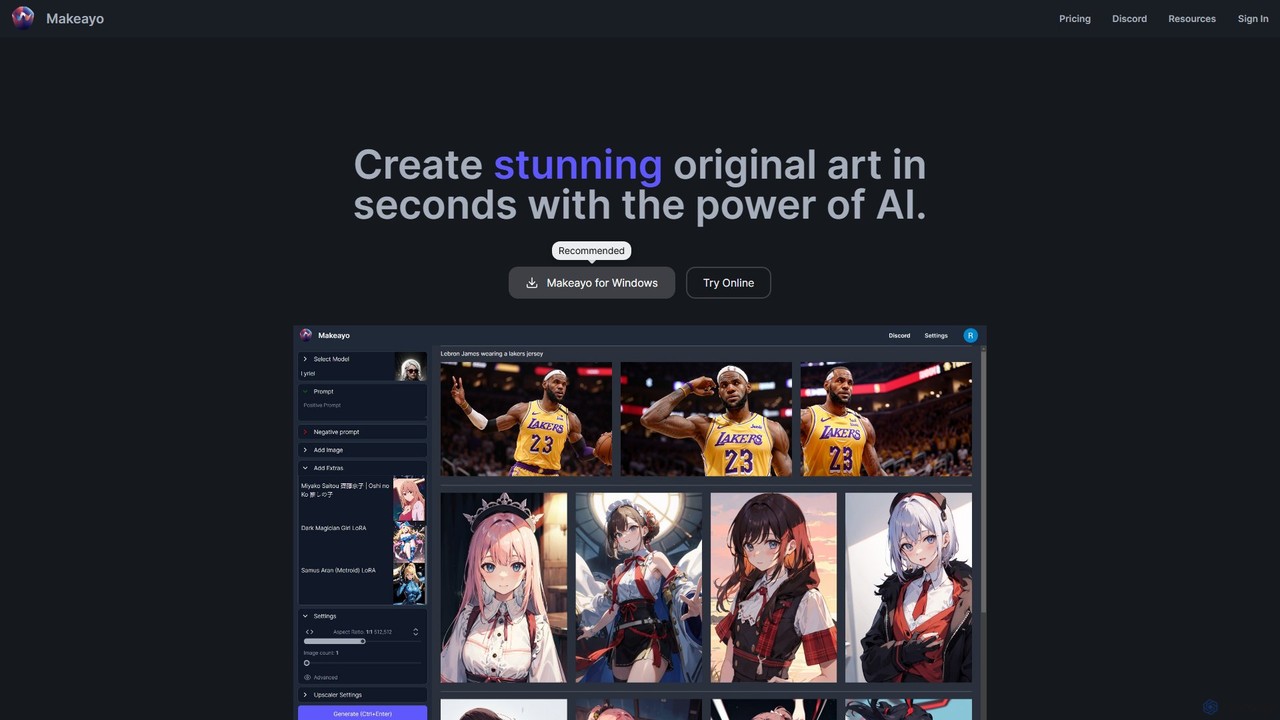
Makeayo is a free, user-friendly AI art generator for Windows. It runs locally on your desktop, offering unlimited image generation without subscriptions. Features include a vast model library, image-to-image transformation, ControlNet for pose matching, and HD upscaling to 4K, empowering artists and enthusiasts to create stunning original art with complete control and privacy.

Image Generation
Visits 6.4KFavorites 145Likes 153
ipic.ai
Freemium

ipic.ai

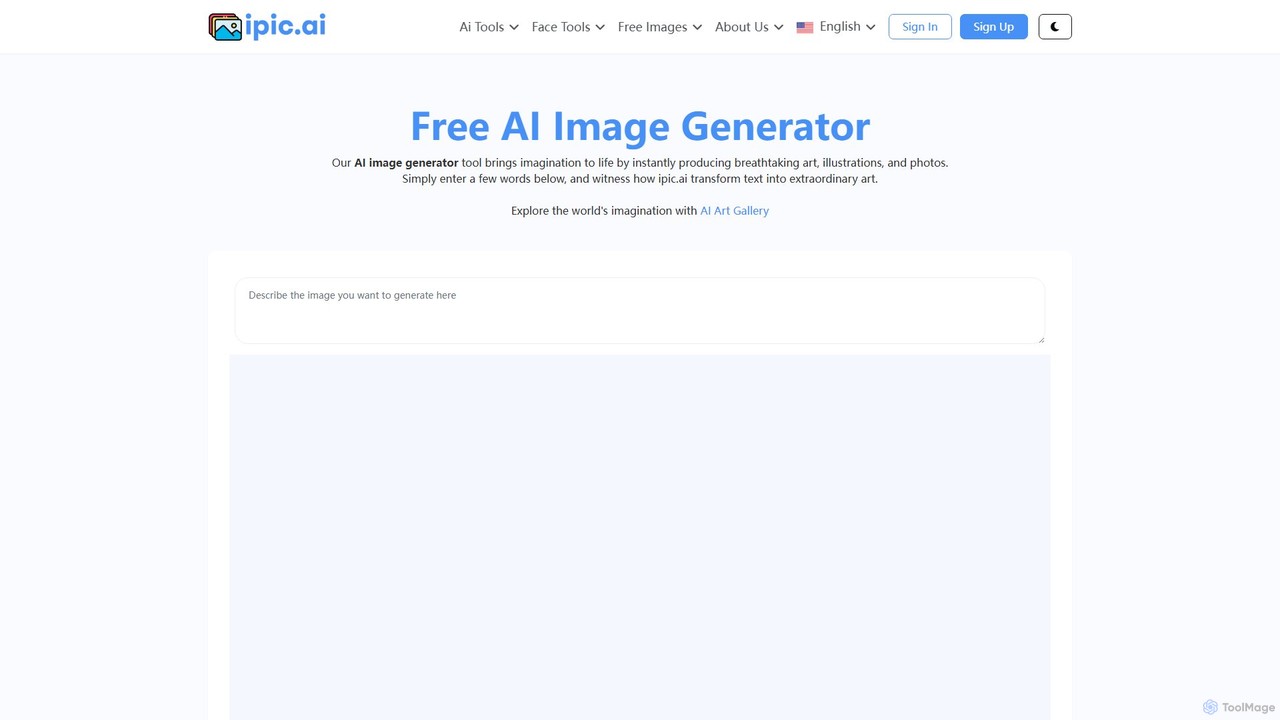
ipic.ai is a powerful and accessible AI image generator that creates unique, high-quality visuals from text prompts. It offers a generous free plan for personal use and scalable paid plans for professionals, marketers, and developers, featuring commercial licenses, API access, and enhanced privacy controls. Its user-friendly interface makes it easy for anyone to generate stunning, custom images for any project.

Graphics
Visits 62KFavorites 119Likes 109
aiimagegen
Freemium

aiimagegen

aiimagegen is a powerful AI image generator that leverages the advanced FLUX.1 AI models to transform text prompts into stunning, high-quality visuals. It offers a user-friendly interface with various customization options, including multiple models, aspect ratios, and output formats. With both free and paid plans, it caters to everyone from casual users to professional designers, providing a fast, ethical, and creative solution for generating unique images.

Generative Art
Visits 5.7KFavorites 135Likes 146
stablediffusionai.ai
Freemium

stablediffusionai.ai

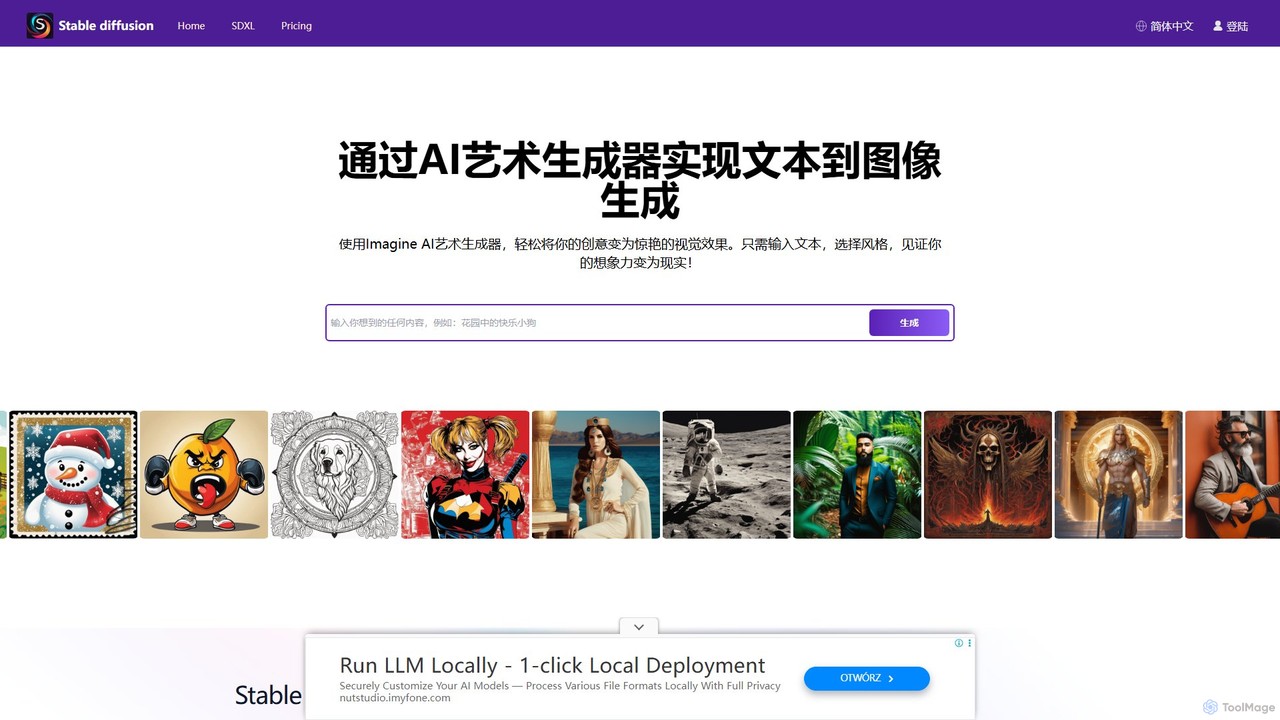
stablediffusionai.ai is a user-friendly online platform for generating high-quality AI art using the powerful Stable Diffusion XL model. It allows users to transform text prompts into stunning visuals, offering features like preset styles, negative prompts, and high-resolution output. Suitable for both beginners and experienced artists, it provides a simple interface to explore advanced AI image generation, including image editing and model customization with LoRAs and embeddings. A freemium model offers both free access and premium plans for enhanced features.

Ai Art
Visits 59.6KFavorites 170Likes 158
foxify
Freemium

foxify

foxify is a powerful AI art generator that transforms text prompts into stunning, high-quality images. Leveraging advanced generative models, it allows artists, designers, and creators to visualize their ideas in seconds, offering a wide range of artistic styles and customization options.

Graphics
Visits 5.8KFavorites 130Likes 119
StockPhoto.app
Freemium

StockPhoto.app

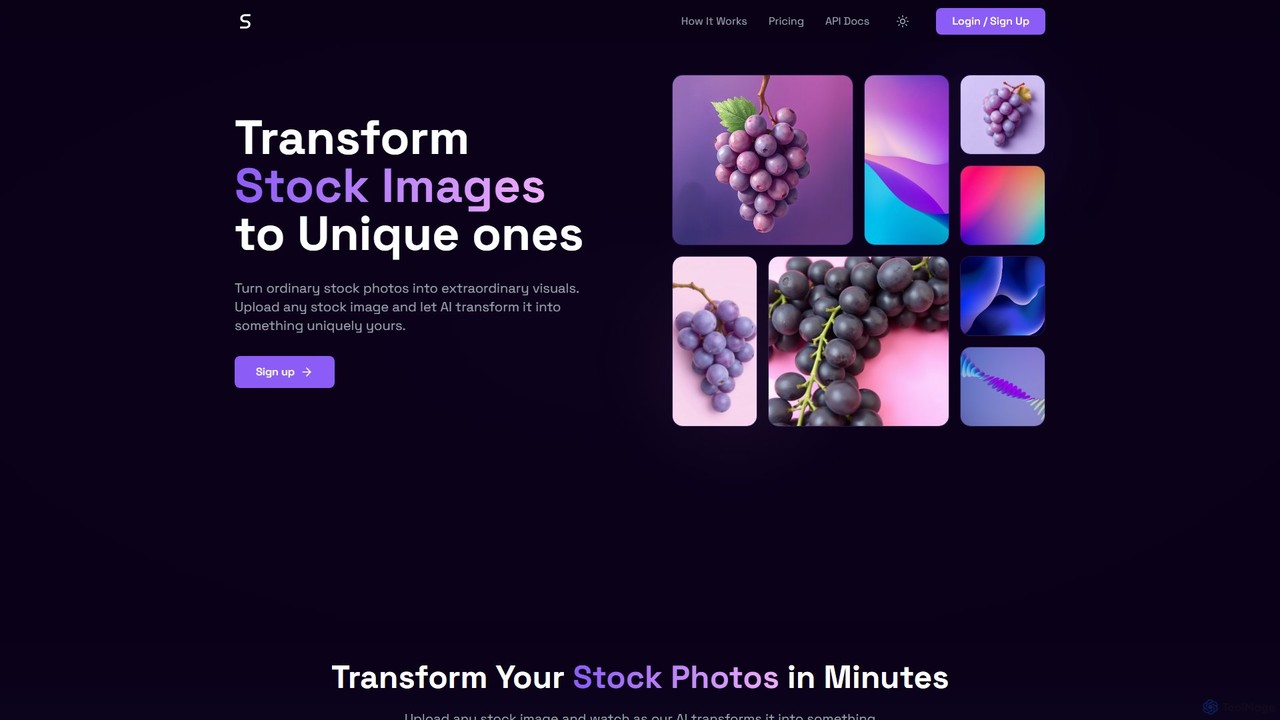
StockPhoto.app is an AI-powered tool that transforms ordinary stock photos into unique, extraordinary visuals. Simply upload any image, adjust the similarity level, and let the AI generate new variations while preserving the core essence of the original. It's perfect for marketers, designers, and content creators looking to create one-of-a-kind images for their projects, avoiding the repetitive look of common stock photography. Features include a developer API and a privacy-focused approach.

Graphics
Visits 5.7KFavorites 142Likes 131
BlueWillow
Freemium

BlueWillow

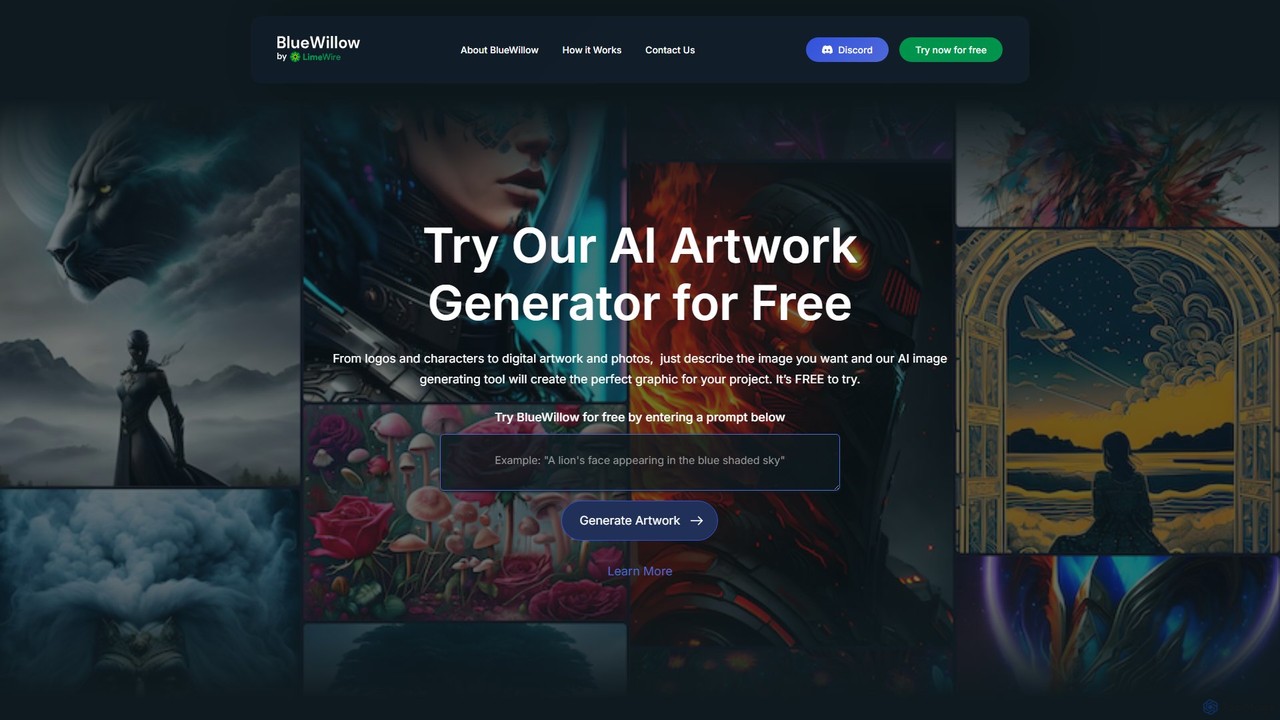
BlueWillow is a user-friendly AI image generator designed to help users create high-quality logos, graphics, photo-realistic scenes, and more from simple text prompts. It emphasizes accessibility, offering a free tier and a vibrant community on Discord. Whether you're a designer, marketer, or hobbyist, BlueWillow provides the tools to turn your creative ideas into stunning visuals effortlessly.

Generative Art
Visits 22.9KFavorites 128Likes 147
SketchEdge
Freemium

SketchEdge

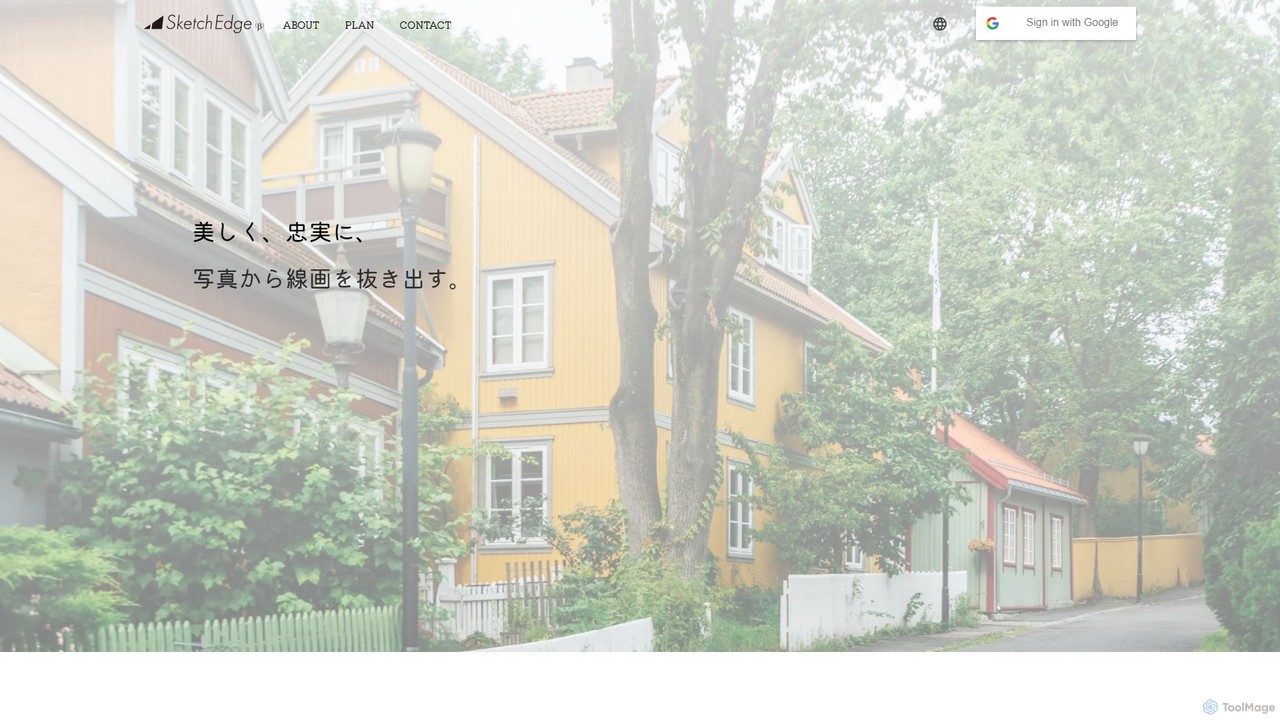
SketchEdge is an AI-powered tool that transforms photos and images into beautiful, high-fidelity line art. It specializes in creating natural, human-like lines, moving beyond simple edge detection to produce artistically valuable sketches perfect for designers, illustrators, and manga artists.

Illustration
Visits 7.7KFavorites 145Likes 140
Lusion AI
Free

Lusion AI

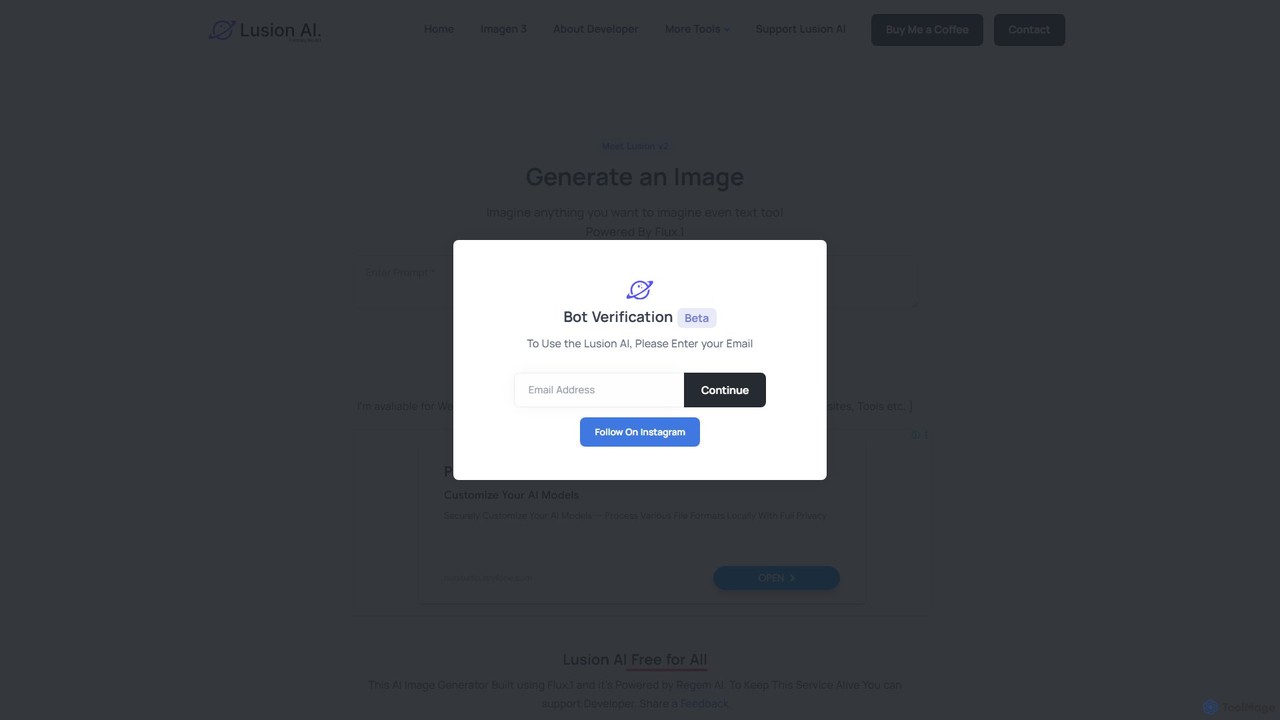
Lusion AI is a free, user-friendly AI image generator powered by the advanced Flux.1 model. It allows users to create high-quality images, including those with embedded text, from simple text prompts. The platform is completely free to use and is actively developing new features like an AI background remover, making creative AI accessible to everyone.

Generative Art
Visits 6.2KFavorites 105Likes 127
Ceacle Pipeline
Freemium

Ceacle Pipeline

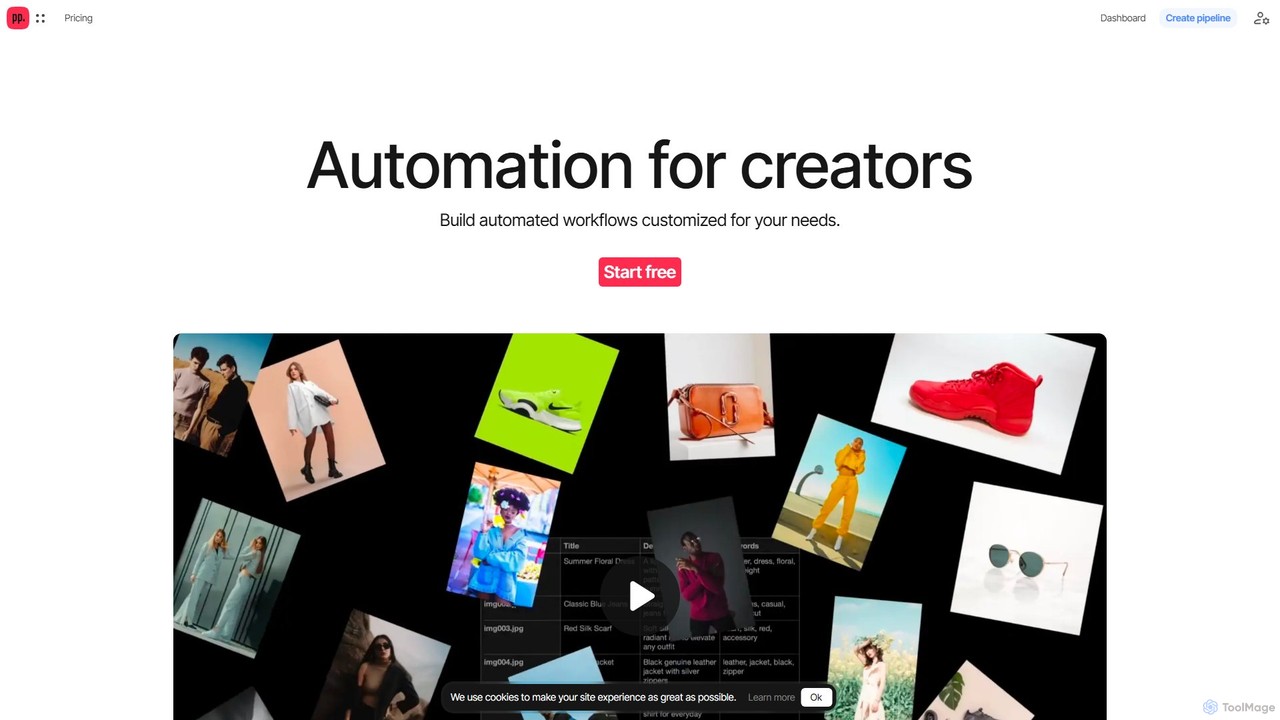
Ceacle Pipeline is an AI-powered automation platform for creators. It enables the creation of custom workflows to automate repetitive tasks in image processing, content generation, and design. Build pipelines using natural language or templates to save time and boost productivity.

Graphics
Visits 9.4KFavorites 109Likes 104
ComfyUI Web
Free

ComfyUI Web

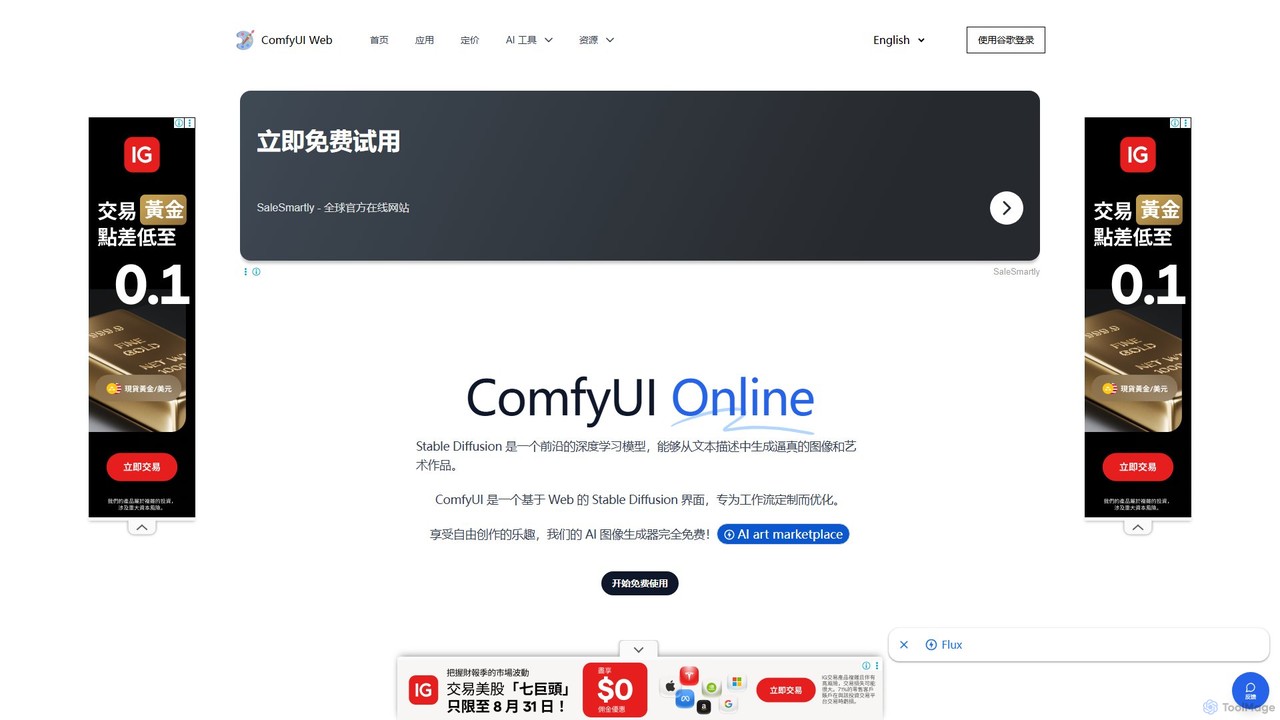
ComfyUI Web is a free, online AI image generator that provides a web-based interface for Stable Diffusion. It leverages the powerful and flexible node-based workflow of ComfyUI, allowing users to create complex and customized AI art without needing powerful local hardware or any installation. It supports high-quality models like SDXL Turbo and is designed for both beginners and advanced users.

Ai Art Generator
Visits 155.9KFavorites 164Likes 150
ArtSpace.ai
Freemium

ArtSpace.ai

ArtSpace.ai is a powerful AI image generator that transforms text prompts into unique, high-quality art and photorealistic images in seconds. It features a comprehensive suite of editing tools, including 4K upscaling, background removal, inpainting, and outpainting. With multiple AI models for various styles like anime and photorealism, it's an all-in-one solution for creators, marketers, and designers seeking to produce stunning visuals efficiently and affordably.

Digital Art
Visits 342.2KFavorites 145Likes 151
PixelSynthesis
Freemium

PixelSynthesis

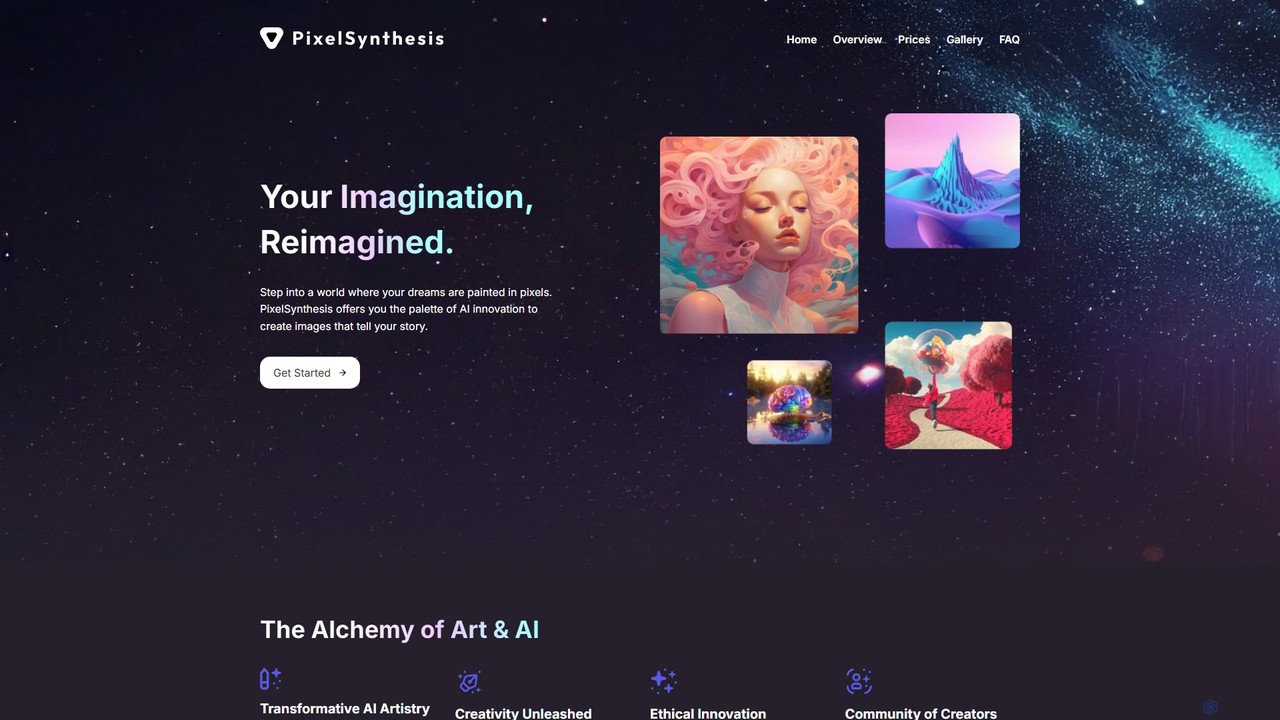
PixelSynthesis is an advanced AI-powered platform that transforms your text descriptions into unique, high-quality visual art. Designed for both beginners and professionals, it offers a user-friendly interface to bring creative ideas to life. With flexible pricing and commercial use options, it's a powerful tool for artists, marketers, and content creators.

Digital Art
Visits 5.6KFavorites 117Likes 130

About Graphics

AI Graphics tools are a specialized category of AI-powered applications designed to create, manipulate, and enhance visual content across various mediums. Leveraging advanced machine learning models, particularly generative adversarial networks (GANs) and diffusion models, these tools can generate stunning images from text prompts, transform existing visuals with new styles, or automate complex graphic design tasks like background removal and object manipulation. They empower designers, marketers, and content creators to produce high-quality visual assets with unprecedented speed and efficiency, significantly streamlining workflows and pushing the boundaries of creative expression within the broader field of digital design.

Core Features

  • Text-to-Image Generation: Create diverse images, illustrations, and art from simple text descriptions, enabling rapid ideation and content creation.
  • Image Editing & Enhancement: Automate tasks like background removal, object manipulation, upscaling low-resolution images, and applying artistic style transfers.
  • Vector & Icon Creation: Generate scalable vector graphics, logos, and icons based on input images, sketches, or conceptual text prompts.
  • 3D Asset Generation: Produce 3D models, textures, and environments from 2D images or text prompts, accelerating game development and architectural visualization.
  • Style Transfer & Variation: Apply artistic styles from one image to another or generate multiple stylistic variations of a single visual asset.

Use Cases

These tools are invaluable for professionals requiring rapid visual asset production and creative exploration. Marketing teams, for instance, can quickly generate multiple ad creatives, social media visuals, or campaign mockups tailored to specific demographics. Game developers can accelerate concept art and in-game asset creation, iterating on character designs or environmental elements. E-commerce businesses can produce consistent product imagery at scale, including lifestyle shots or variations for different platforms. Furthermore, individual content creators can easily visualize complex ideas, generate unique artwork, or enhance their existing portfolios without extensive manual effort.

How to Choose

When selecting AI Graphics tools, consider the primary output type (e.g., 2D images, vectors, 3D models) and the specific quality and style of generated content that aligns with your brand or project needs. Evaluate the ease of use and learning curve for your team's skill level, as well as integration capabilities with existing design software like Adobe Creative Suite. Important technical considerations include prompt engineering capabilities, the level of control over generated outputs, available editing features, and the maximum output resolution. Finally, compare pricing models, including subscription tiers and credit-based systems, to ensure it fits your budget and usage frequency.


Featured tool rankings

Graphics use cases

1

Generating Marketing Campaign Visuals

Marketing specialists can leverage AI Graphics tools to rapidly create diverse visual assets for digital campaigns. By inputting text prompts describing target audiences, product features, or campaign themes, they can generate multiple variations of ad banners, social media posts, and email graphics. This significantly reduces the time spent on design iterations, allowing for A/B testing of visuals and quicker deployment of engaging content across various platforms, ultimately improving campaign performance and brand consistency.

2

Accelerating Game Concept Art & Asset Creation

Game designers and artists can utilize AI Graphics tools to quickly visualize and iterate on concept art for characters, environments, and props. Instead of manual sketching, they can input descriptive text or rough images to generate numerous stylistic variations and detailed concepts. This speeds up the pre-production phase, enabling faster exploration of creative directions and providing a solid foundation for 3D modelers and texture artists, thereby streamlining the entire game development pipeline.

3

Automating E-commerce Product Image Enhancement

E-commerce businesses and online retailers can use AI Graphics tools to automate the enhancement and standardization of product images. Features like AI background removal, object resizing, and consistent lighting adjustments can be applied across hundreds or thousands of product photos in minutes. This ensures high-quality, uniform product displays on websites and marketplaces, improving visual appeal, reducing manual editing costs, and enhancing the overall customer shopping experience.

4

Creating Unique Illustrations for Content Creators

Bloggers, YouTubers, and independent content creators can employ AI Graphics tools to generate unique and engaging illustrations for their articles, videos, and social media channels. By simply describing their desired visual, they can produce custom artwork that perfectly matches their content's theme and tone, without needing advanced drawing skills or hiring a professional illustrator. This helps differentiate their content, attract more viewers, and maintain a consistent visual brand identity.

5

Designing Architectural Visualizations & Interior Concepts

Architects and interior designers can utilize AI Graphics tools to quickly generate realistic or stylized visualizations of their projects. From floor plans or text descriptions, AI can render various design options for building exteriors, room layouts, and material palettes. This allows for rapid client presentations, exploration of different aesthetic choices, and identification of potential design flaws early in the process, significantly reducing design cycle times and improving client communication.

6

Transforming Sketches into Professional Vector Graphics

Graphic designers and branding agencies can use AI Graphics tools to convert rough sketches or raster images into high-quality, scalable vector graphics. This is particularly useful for logo design, icon sets, or illustrations that need to be resized without loss of quality. The AI can intelligently trace and refine lines, fill shapes, and optimize paths, saving significant manual effort and ensuring professional-grade output for print and digital applications.

Graphics FAQ

What are AI Graphics tools?

AI Graphics tools are software applications that leverage artificial intelligence, primarily deep learning models, to automate and enhance various aspects of visual content creation and manipulation. They can generate images, illustrations, and 3D assets from text or existing visuals, perform complex editing tasks like background removal or style transfer, and optimize visual elements. These tools aim to streamline creative workflows, making advanced graphic capabilities accessible to a wider range of users, from professional designers to casual content creators.

How do AI Graphics tools differ from traditional graphic design software?

Traditional graphic design software (like Adobe Photoshop or Illustrator) requires manual input and skill for every action, offering precise control. AI Graphics tools, conversely, use algorithms to automate complex tasks or generate content autonomously based on prompts or parameters. While traditional software offers granular control, AI tools excel at speed, generating variations, and performing repetitive tasks at scale. Many modern workflows integrate both, using AI for initial generation or automation, then refining with traditional tools.

What are the main benefits of using AI Graphics tools?

The primary benefits of using AI Graphics tools include significantly increased speed in content creation and iteration, enhanced creative exploration through rapid generation of diverse concepts, and reduced manual effort for repetitive tasks like image editing. They also lower the barrier to entry for visual content production, allowing individuals without extensive design skills to create high-quality graphics. This leads to cost savings, improved productivity, and the ability to scale visual content output efficiently.

Can AI Graphics tools generate 3D models?

Yes, many advanced AI Graphics tools are capable of generating 3D models. These tools can often create 3D assets from various inputs, including text descriptions, 2D images (e.g., converting a sketch into a 3D object), or even other 3D models. They can also generate textures, materials, and entire 3D environments. This capability is particularly valuable for industries like gaming, virtual reality, and product design, where 3D asset creation is traditionally time-consuming and resource-intensive.

What should I consider when choosing an AI Graphics tool for my team?

When selecting an AI Graphics tool for your team, consider its specific functionalities (e.g., text-to-image, editing, 3D generation) and how well they align with your team's primary needs. Evaluate the quality and consistency of its output, the ease of integration with your existing design software, and the user-friendliness of its interface. Also, assess the pricing structure, including subscription costs and credit usage, and review the tool's data privacy policies, especially if handling sensitive content. Finally, look for tools with active community support and regular updates.