ToolMage
Sign in

Best 163 No Code AI tools for Developer Tools

Popular No Code AI tools in Developer Tools include Make, MindStudio, aify, Gumloop, Dust, YourGPT, thunderbit, Anakin.ai, Browse AI, and Relevance AI, helping you work more efficiently.

Prompt Studio
Freemium

Prompt Studio

Prompt Studio is an AI-powered data analytics platform that enables teams to gain insights from their data using natural language. It provides a collaborative, no-code workspace where users can ask questions, generate visualizations, and make data-driven decisions without writing any SQL. It's designed to democratize data access and accelerate the path from raw data to actionable insights.

Business Intelligence
Visits 7.8KFavorites 157Likes 164
Sola
Paid

Sola

Sola is an AI-powered Robotic Process Automation (RPA) platform designed for enterprises. It transforms repetitive tasks into intelligent, adaptive automations using a no-code visual editor. Sola enables business users to build, manage, and scale complex workflows by simply recording their screen actions, significantly reducing development time and increasing operational efficiency.

Workflow Management
Visits 53.3KFavorites 146Likes 133
Godmode
Freemium

Godmode

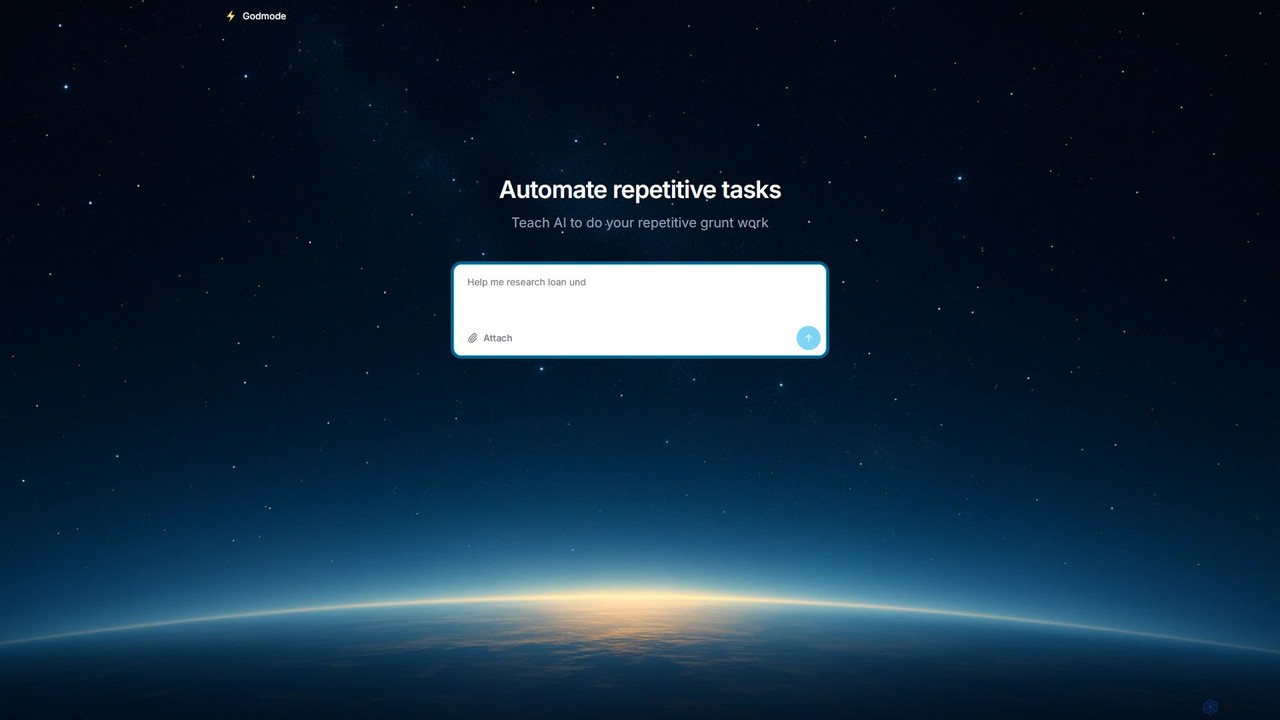
Godmode is an AI agent platform that automates repetitive web tasks. Teach the AI to perform complex workflows, from data entry and web scraping to social media management, all through natural language instructions without writing any code.

Web Scraping
Visits 14.7KFavorites 118Likes 112
AgentX
Freemium

AgentX

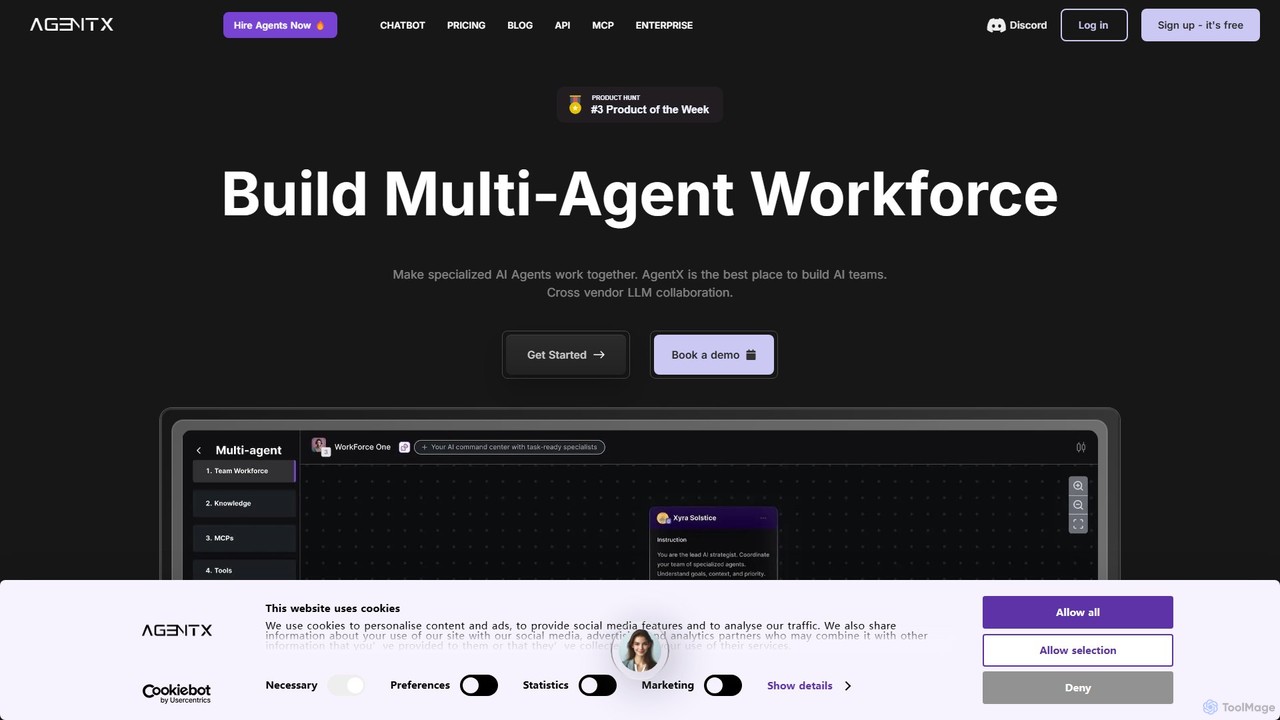
AgentX is a no-code platform for building, training, and deploying sophisticated AI agents and collaborative multi-agent workforces. It supports a wide range of LLMs like GPT-4o and Claude 3.5, enabling seamless integration into websites, Slack, Discord, and more for tasks like lead generation, customer support, and process automation.

Chatbots
Visits 62.7KFavorites 109Likes 109
BuildMyAgent
Paid

BuildMyAgent

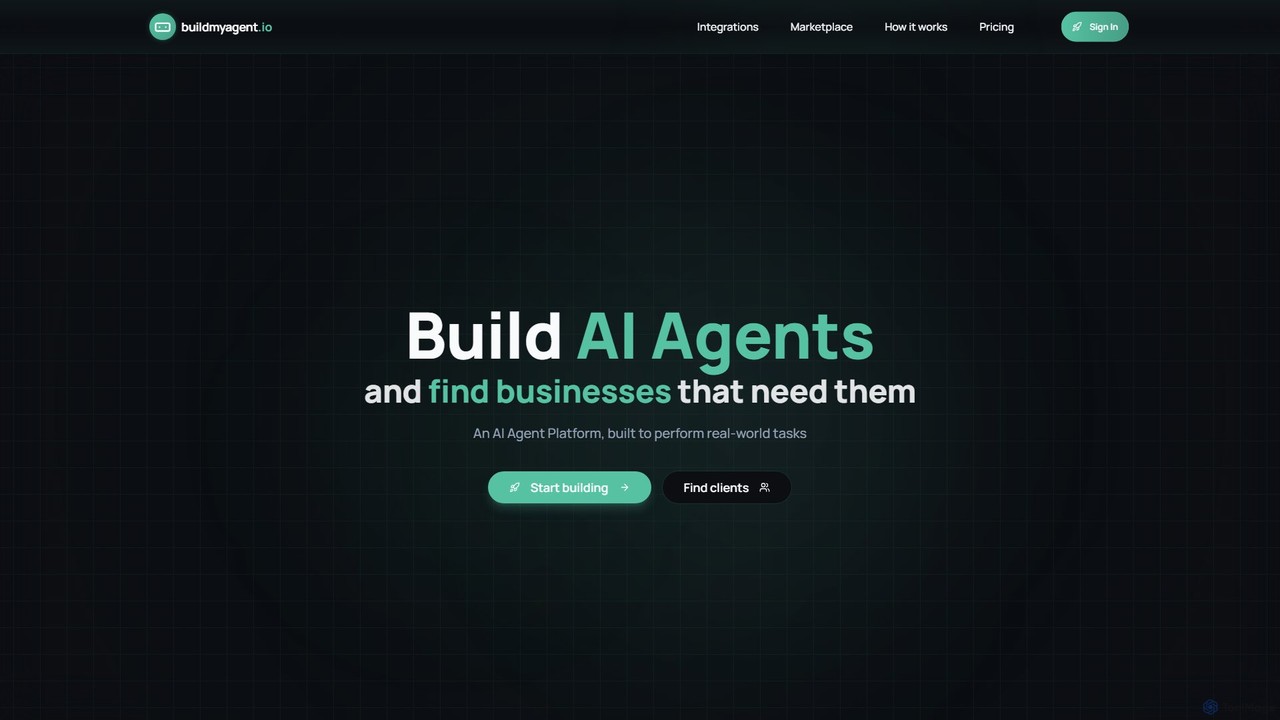
BuildMyAgent is a no-code AI automation platform for creating, testing, and deploying AI agents. It features an advanced prompt editor, seamless integrations with apps like Instagram and Zapier, and a unique AI marketplace connecting developers with businesses seeking automation solutions.

Chatbots
Visits 8.6KFavorites 102Likes 104
mlblocks
Freemium

mlblocks

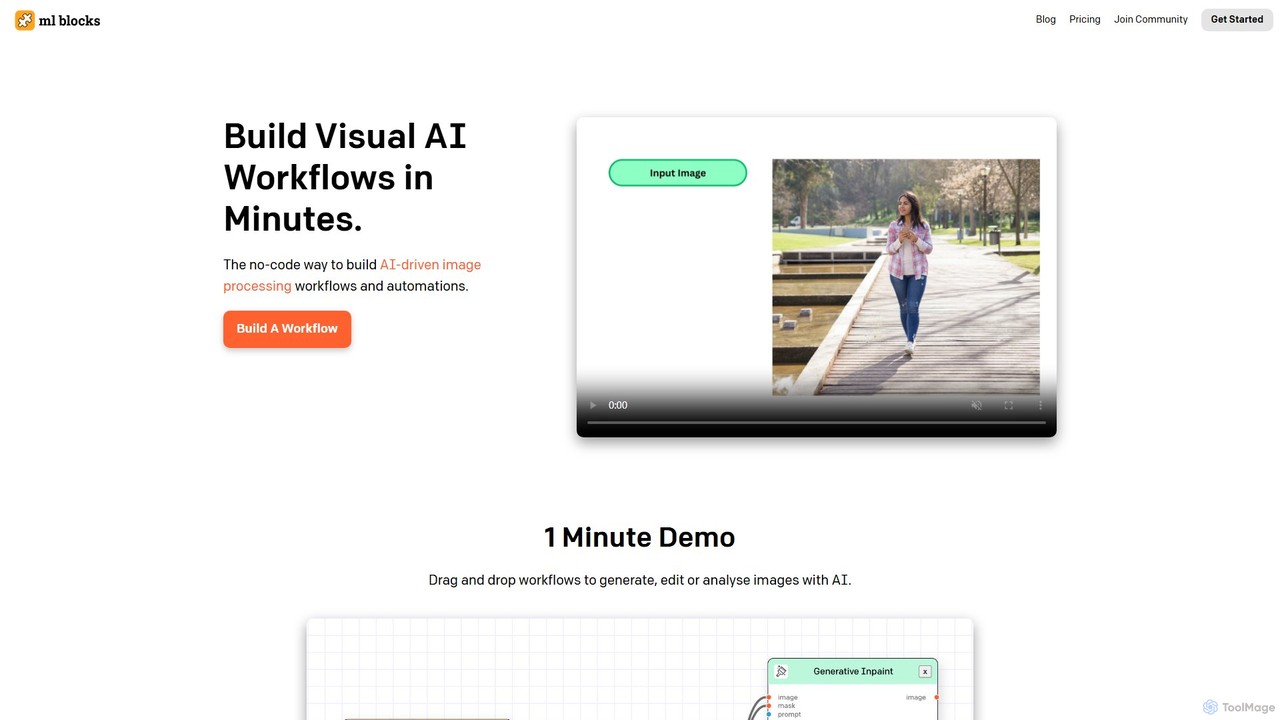
mlblocks is a no-code platform for building visual AI workflows to process images in minutes. Drag and drop AI models and editing functions to create powerful automations for generating, editing, and analyzing images without writing any code.

3D
Visits 4.1KFavorites 138Likes 139
CustomFit.ai
Freemium

CustomFit.ai

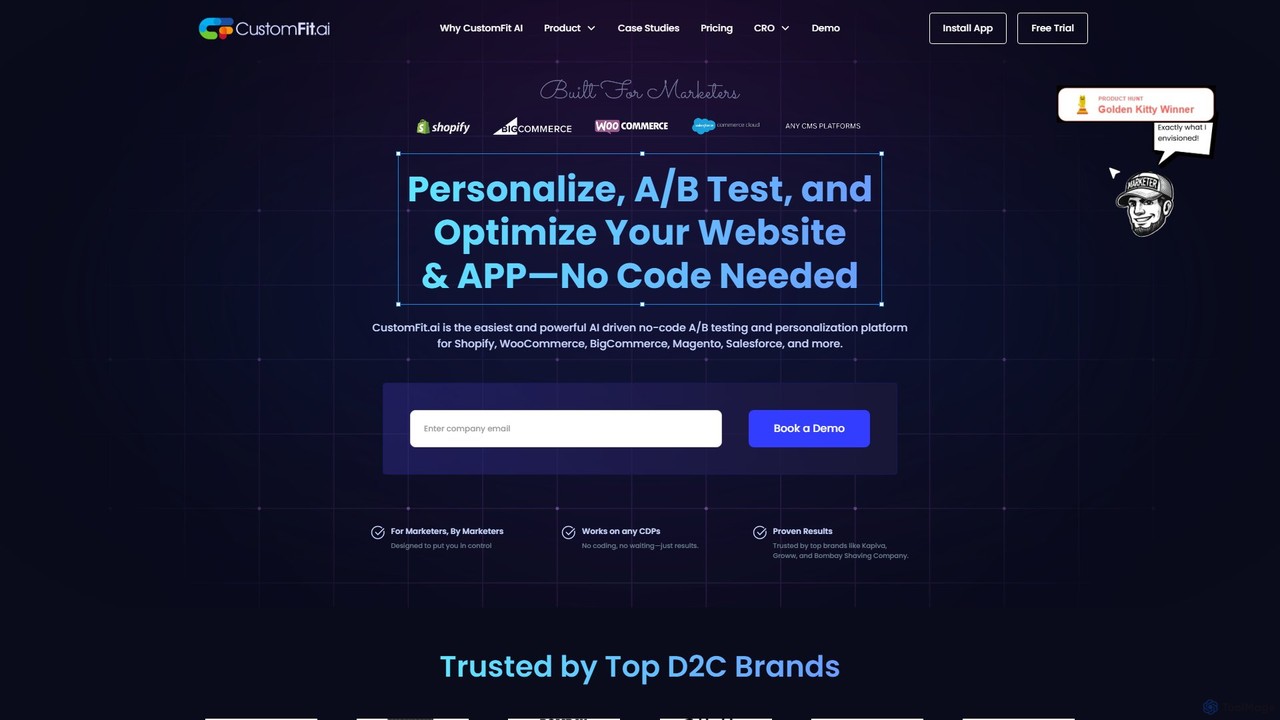
CustomFit.ai is an AI-driven, no-code platform for A/B testing, website personalization, and conversion rate optimization (CRO). Designed for marketers, it allows for easy modification of website content, hyper-targeted campaigns, and real-time performance tracking to boost engagement and sales on platforms like Shopify, WooCommerce, and more.

B Testing
Visits 13.6KFavorites 152Likes 150
CustomJS
Freemium

CustomJS

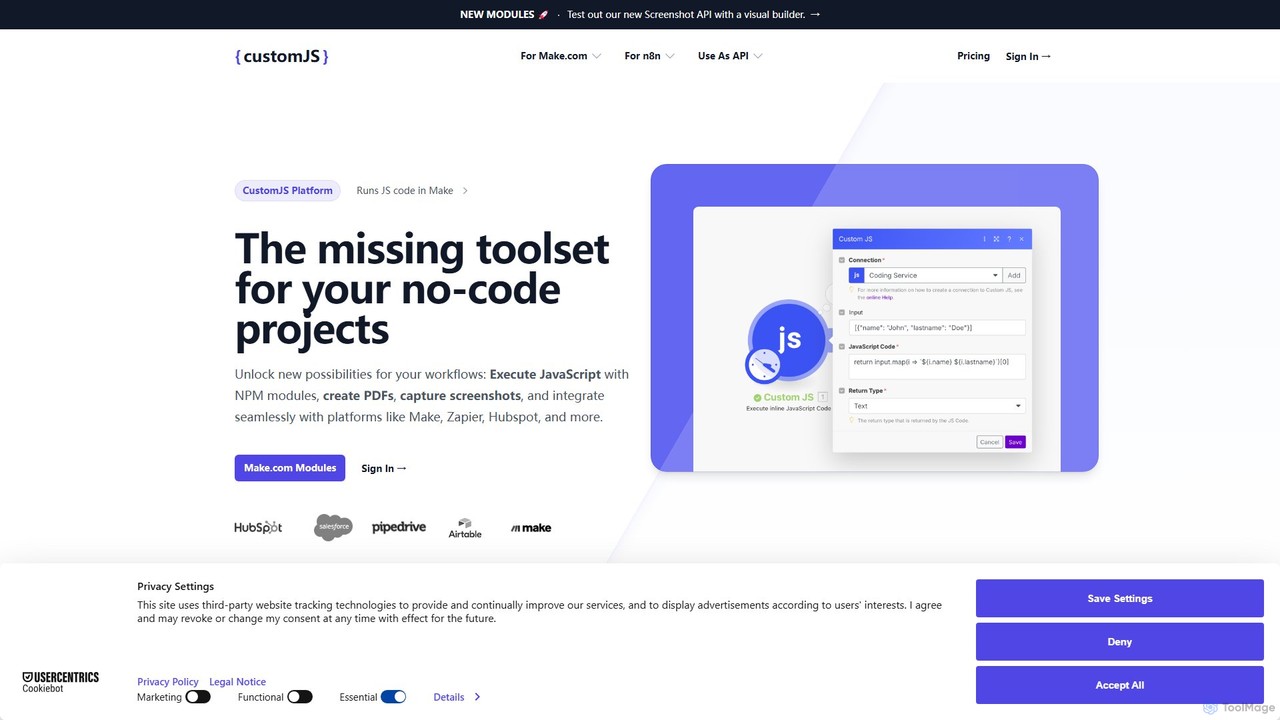
CustomJS is a powerful platform that bridges the gap between no-code and custom development. It allows you to execute JavaScript, use NPM modules, and integrate custom logic into your favorite automation platforms like Make, Zapier, and Airtable. Unlock advanced functionalities like PDF generation, web scraping, and API creation without managing your own servers.

Backend
Visits 23.1KFavorites 131Likes 131
Astral
Paid

Astral

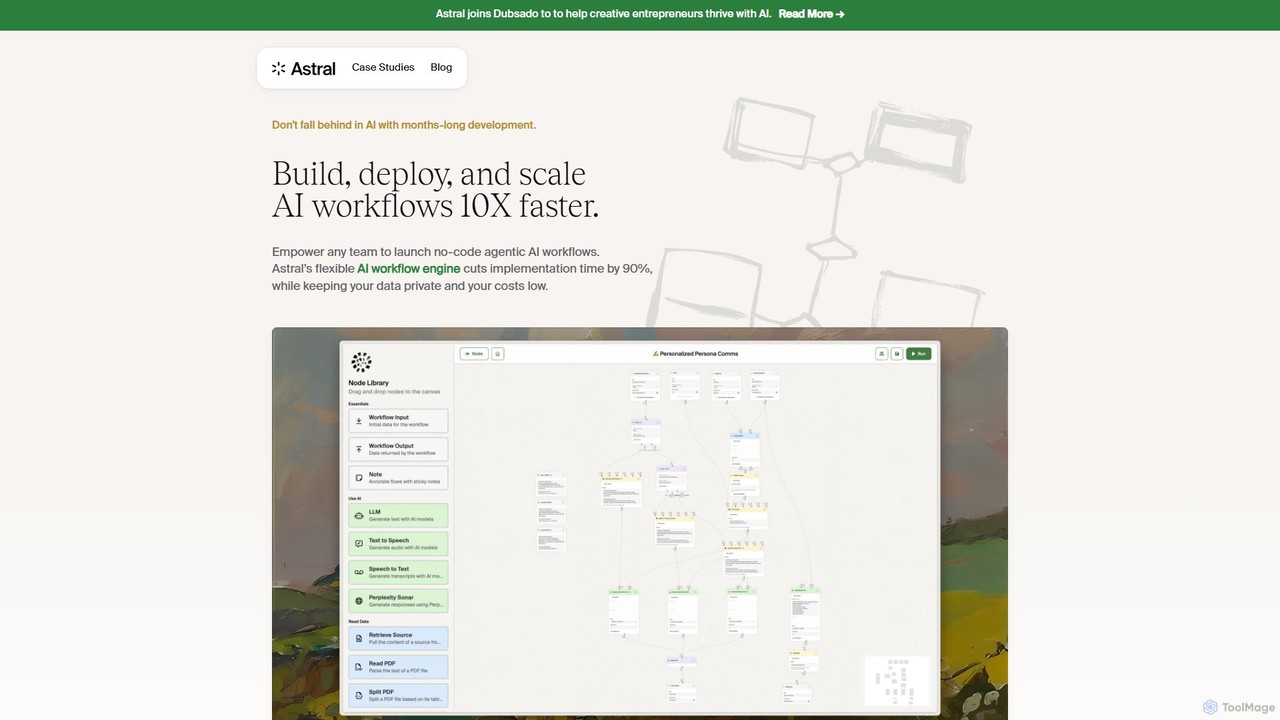
Astral is an enterprise-grade AI workflow engine that empowers teams to build, deploy, and scale secure, no-code agentic AI workflows 10x faster. It integrates seamlessly with leading AI models and your existing tech stack, enabling rapid automation, content creation, and hyper-personalization while ensuring complete data privacy.

Enterprise Solutions
Visits 6.6KFavorites 95Likes 83
rapidbott
Freemium

rapidbott

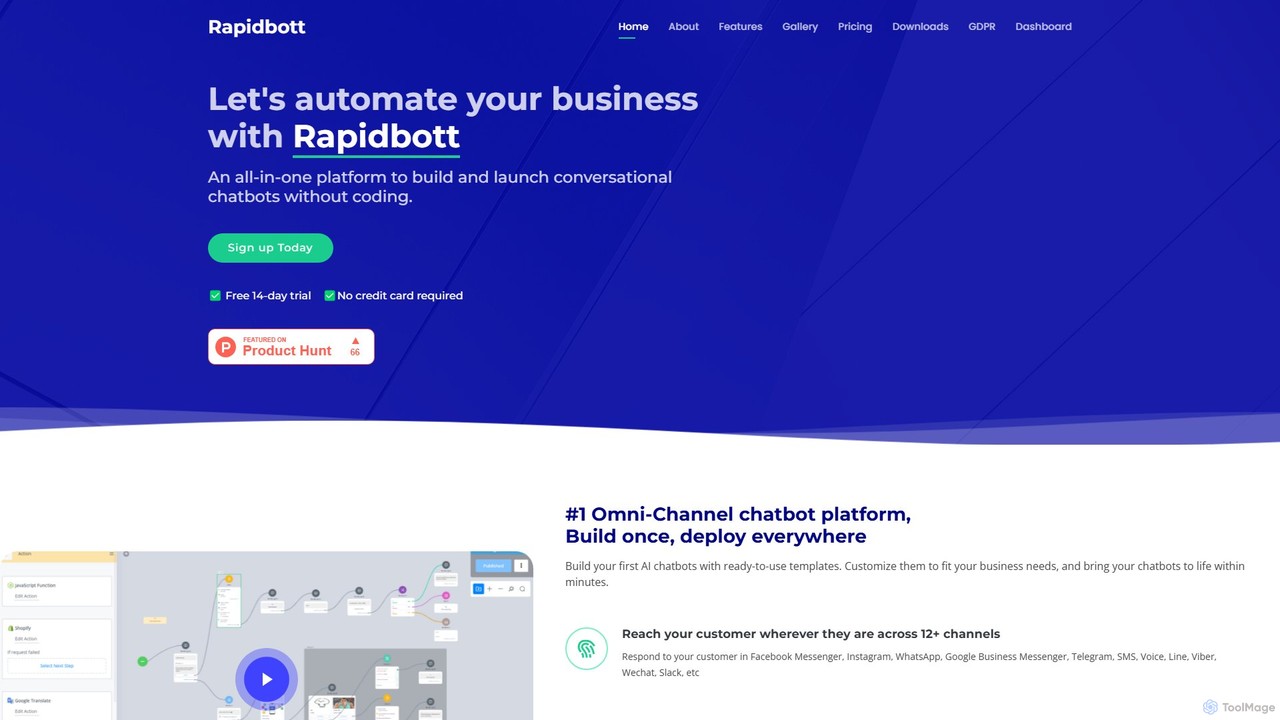
rapidbott is a no-code, omni-channel chatbot platform that allows businesses to build and deploy AI-powered chatbots across 12+ channels. Featuring a drag-and-drop builder, ready-to-use templates, and GPT-3 integration, it automates customer support, lead generation, and e-commerce processes, connecting with tools like Shopify, HubSpot, and Zapier.

Chatbots
Visits 5.3KFavorites 97Likes 115
Visor.ai
Paid

Visor.ai

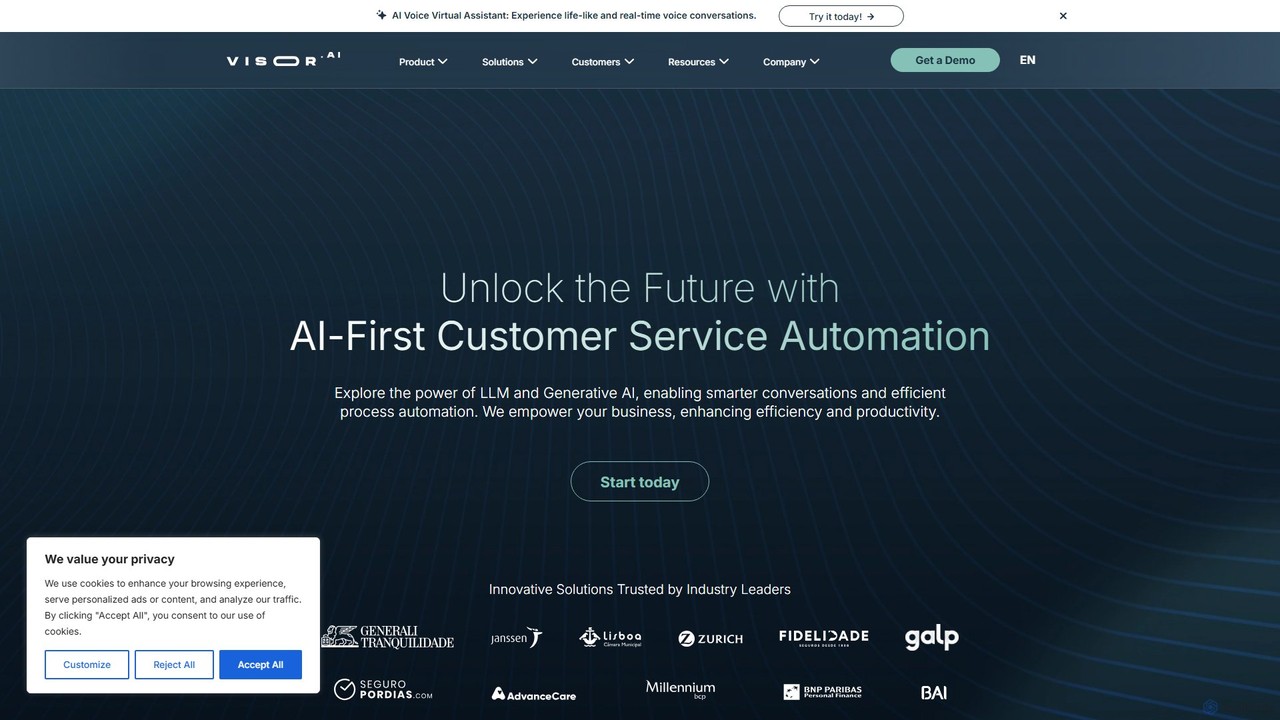
Visor.ai is a no-code, omnichannel conversational AI platform designed to automate customer service. It leverages Machine Learning and NLP to build intelligent chatbots that can handle up to 80% of customer interactions on websites, WhatsApp, Messenger, and more, improving satisfaction and optimizing operational costs.

Chatbot
Visits 7.7KFavorites 94Likes 113
DatViz AI
Freemium

DatViz AI

DatViz AI is an advanced analytics platform that uses natural language to transform complex datasets into insightful, visually appealing charts and graphs. Powered by OpenAI's LLM, it simplifies data analysis, calculates key statistics, and generates visualizations like bar charts, heatmaps, and geomaps without any coding required.

Business Intelligence
Visits 4.2KFavorites 114Likes 120
Sourcetable
Freemium

Sourcetable

Sourcetable is an AI-powered spreadsheet that combines the functionality of traditional spreadsheets with an AI data analyst. It allows users to connect to live data sources, ask questions in plain English, generate formulas, create charts, and automate reports. By integrating AI, Python, and SQL capabilities directly into the spreadsheet interface, Sourcetable empowers users of all skill levels to perform complex data analysis, cleaning, and visualization tasks effortlessly, turning raw data into actionable insights in seconds.

No Code
Visits 47.1KFavorites 123Likes 145
Inline Help
Freemium

Inline Help

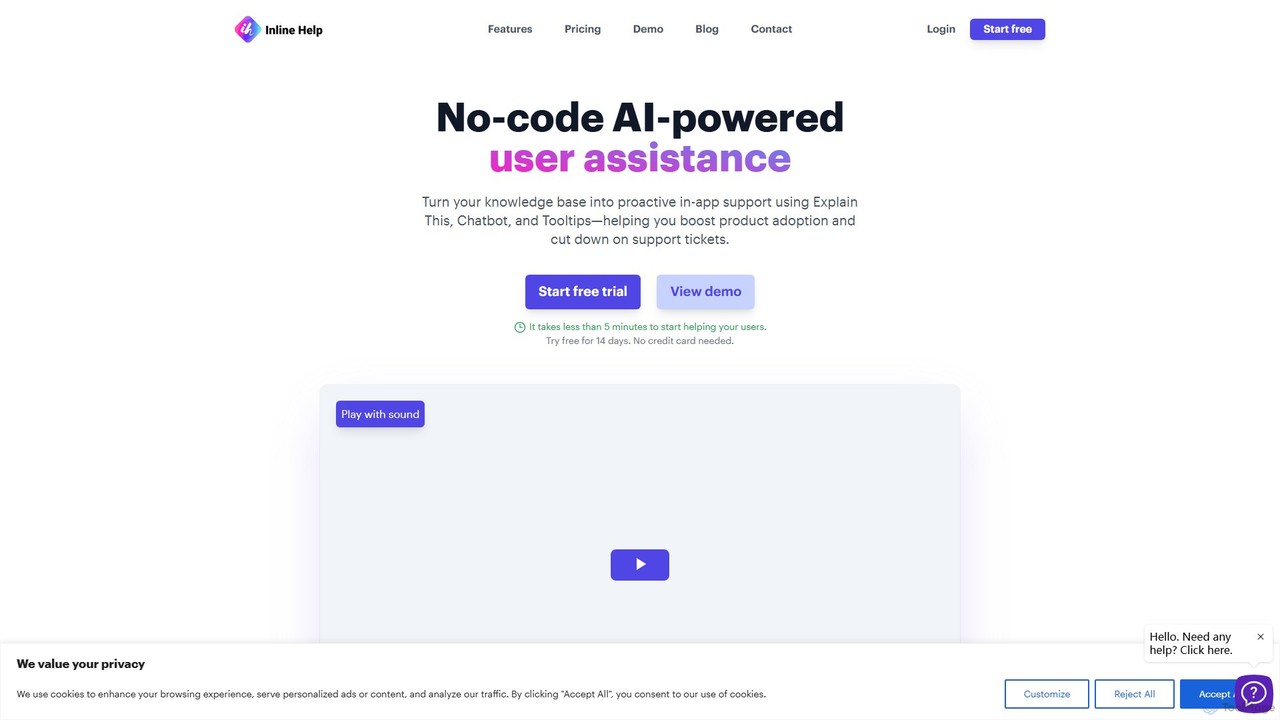
Inline Help is a no-code, AI-powered user assistance platform that transforms your knowledge base into proactive in-app support. It uses an AI chatbot, contextual tooltips, and an 'Explain This' feature to answer customer questions instantly, aiming to boost product adoption and significantly reduce support tickets.

Chatbot
Visits 4.1KFavorites 125Likes 133
csvgetter
Freemium

csvgetter

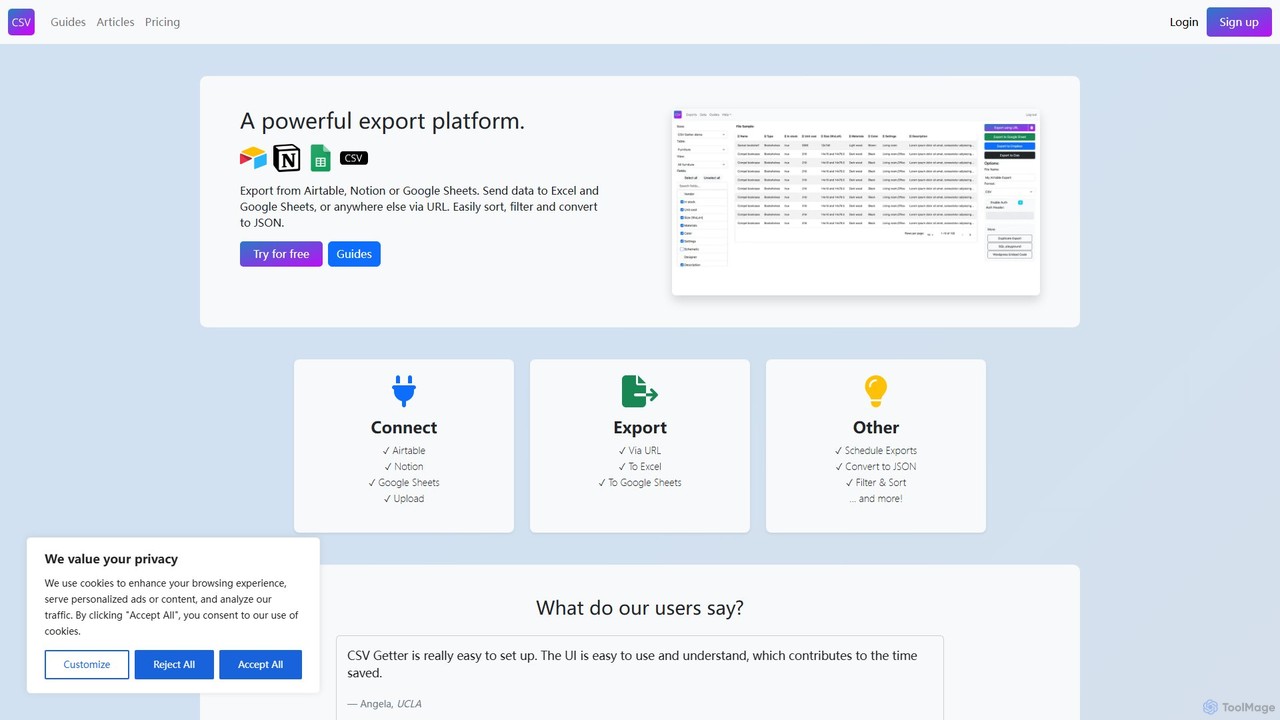
csvgetter is a no-code automation tool designed for easy data export and backups from popular SaaS platforms. It allows users to schedule and automate the extraction of data from services like Airtable, Stripe, and Notion, delivering it in accessible formats like CSV and JSON. This ensures data security, facilitates analysis, and prevents vendor lock-in.

Database
Visits 10KFavorites 141Likes 136
RTILA
Paid

RTILA

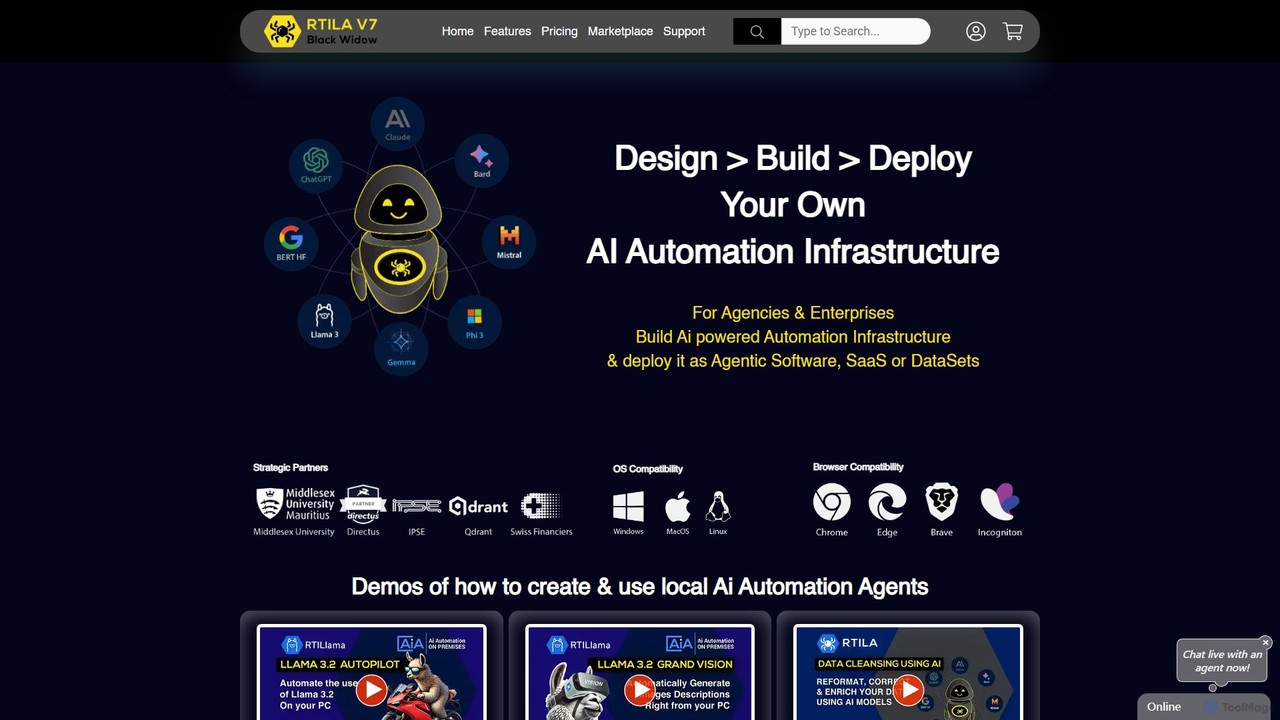
RTILA is a powerful Robotic Process Automation (RPA) and web automation software for building, deploying, and managing automation bots. It enables users to automate tasks like web scraping, data mining, and process workflows without extensive coding, featuring a visual builder and the ability to create standalone applications.

Web Scraping
Visits 9.6KFavorites 111Likes 100
Coinrule
Freemium

Coinrule

Coinrule is a smart, no-code trading bot platform that empowers cryptocurrency traders to automate their strategies across 10+ major exchanges. It allows users to build custom trading rules using an intuitive "if-this-then-that" logic or choose from over 300 pre-built templates. Designed for both beginners and advanced traders, it provides algorithmic trading power without requiring any coding skills, ensuring you never miss a market opportunity.

No Code
Visits 109.3KFavorites 108Likes 130
xokind
Freemium

xokind

xokind is an advanced AI platform for building and deploying personalized, empathetic AI agents. Create no-code chatbots and virtual assistants with unique personalities, connect them to knowledge bases, and deploy them across multiple channels for customer support, personal coaching, or interactive marketing.

Virtual Assistant
Visits 4.7KFavorites 119Likes 103
Chat Thing
Freemium

Chat Thing

Chat Thing is a no-code platform for building custom AI chatbots trained on your own data. Connect sources like Notion, websites, and YouTube to create intelligent agents for customer support, lead generation, and internal documentation. Deploy bots across multiple channels including websites, Slack, and Discord, with advanced features like power-ups and analytics.

Automation
Visits 20.8KFavorites 130Likes 145

About No Code

No Code tools are a category of developer tools that enable users to build applications, websites, and automated workflows without writing a single line of code. These platforms utilize intuitive visual interfaces, drag-and-drop functionalities, and pre-built components, democratizing software development. They empower entrepreneurs, business users, and citizen developers to rapidly bring ideas to life, significantly reducing development time and costs.

Core Features

  • Visual Interface Builder: Design user interfaces with drag-and-drop elements and real-time previews.
  • Workflow Automation: Create complex automated processes and integrations between different services.
  • Database Management: Easily structure, store, and manage data without needing SQL knowledge.
  • Pre-built Templates & Components: Accelerate development with ready-to-use templates for common applications and UI components.
  • Integration Capabilities: Connect with popular third-party services and APIs to extend functionality.

Use Cases

No Code tools are ideal for rapidly prototyping and deploying solutions across various business functions. They are frequently used by small to medium-sized businesses to create custom internal tools, by startups to launch Minimum Viable Products (MVPs) quickly, and by marketing teams to build landing pages or automate campaigns without relying on IT resources.

How to Choose

When selecting a No Code platform, consider the specific type of application you need to build (web, mobile, backend), the complexity of your desired workflows, and its integration ecosystem. Evaluate the platform's scalability for future growth, the learning curve for your team, and the pricing model, ensuring it aligns with your budget and technical capabilities.

Featured tool rankings

No Code use cases

1

Building Custom Internal Tools

Small business owners or operations managers can design and deploy bespoke CRM systems, project management dashboards, or inventory trackers tailored precisely to their unique workflows, eliminating reliance on off-the-shelf software that may not fit perfectly. This allows for streamlined operations and improved data management without hiring developers.

2

Launching a Minimum Viable Product (MVP)

Startup founders and entrepreneurs can quickly validate business ideas by building functional web or mobile applications with core features in weeks, not months. This rapid prototyping allows for early user feedback, iterative development, and significant cost savings before committing to extensive traditional coding.

3

Automating Marketing & Sales Workflows

Marketing specialists and sales teams can create automated lead nurturing sequences, personalized email campaigns, or dynamic landing pages. By integrating with CRM and email marketing tools, they can automate data capture, follow-ups, and reporting, freeing up time for strategic activities and improving conversion rates.

4

Creating Customer Portals or Community Sites

Customer success managers or community builders can develop interactive portals where users can access support resources, manage their accounts, or engage with a community. This enhances customer experience and reduces support load by providing self-service options and fostering engagement.

5

Developing Event Registration & Management Apps

Event organizers can build custom mobile or web applications for event registration, agenda display, speaker information, and attendee networking. This provides a seamless experience for participants and simplifies event logistics, from ticketing to post-event feedback collection.

6

Data Collection and Reporting Dashboards

Analysts or researchers can design custom forms for data collection, integrate with various data sources, and create interactive dashboards for real-time reporting and visualization. This enables quick insights and data-driven decision-making without complex database queries or specialized BI software.

No Code FAQ

What are No Code tools?

No Code tools are platforms that allow individuals to create software applications, websites, and automated processes without writing any programming code. They achieve this through visual development environments, drag-and-drop interfaces, and pre-built components, making app creation accessible to non-technical users and accelerating development cycles.

How do No Code tools differ from Low Code tools?

The primary difference lies in the requirement for coding. No Code platforms require absolutely no coding, relying entirely on visual interfaces and configurations. Low Code platforms, while also using visual development, allow developers to inject custom code for specific functionalities or integrations, offering greater flexibility and customization for more complex projects.

What types of applications can be built using No Code platforms?

No Code platforms are versatile and can be used to build a wide range of applications, including web applications (e.g., internal tools, customer portals, marketplaces), mobile applications (for both iOS and Android), automated workflows (e.g., data synchronization, email automation), and simple databases or content management systems. They are particularly effective for business-specific solutions and MVPs.

Who benefits most from using No Code development?

No Code development primarily benefits entrepreneurs, small business owners, marketing professionals, operations managers, and citizen developers who need to build functional applications quickly and cost-effectively without deep technical expertise. It also empowers larger organizations to offload simpler app development from their IT departments, accelerating digital transformation.

What are the main advantages and limitations of No Code development?

Advantages: Rapid development, reduced costs, increased accessibility for non-developers, and faster iteration cycles. Limitations: Potential for vendor lock-in, limited customization options compared to traditional coding, scalability challenges for highly complex or high-traffic applications, and reliance on the platform's inherent features and integrations.