ToolMage
Sign in

Best 59 No Code AI tools

Popular No Code AI tools include Tally, Readdy, Browser Use, WebWave, Wegic, CodeDesign.ai, Adaptive, excelmatic, Superapp, and Parabola, helping you work more efficiently.

Freemium

Adaptive

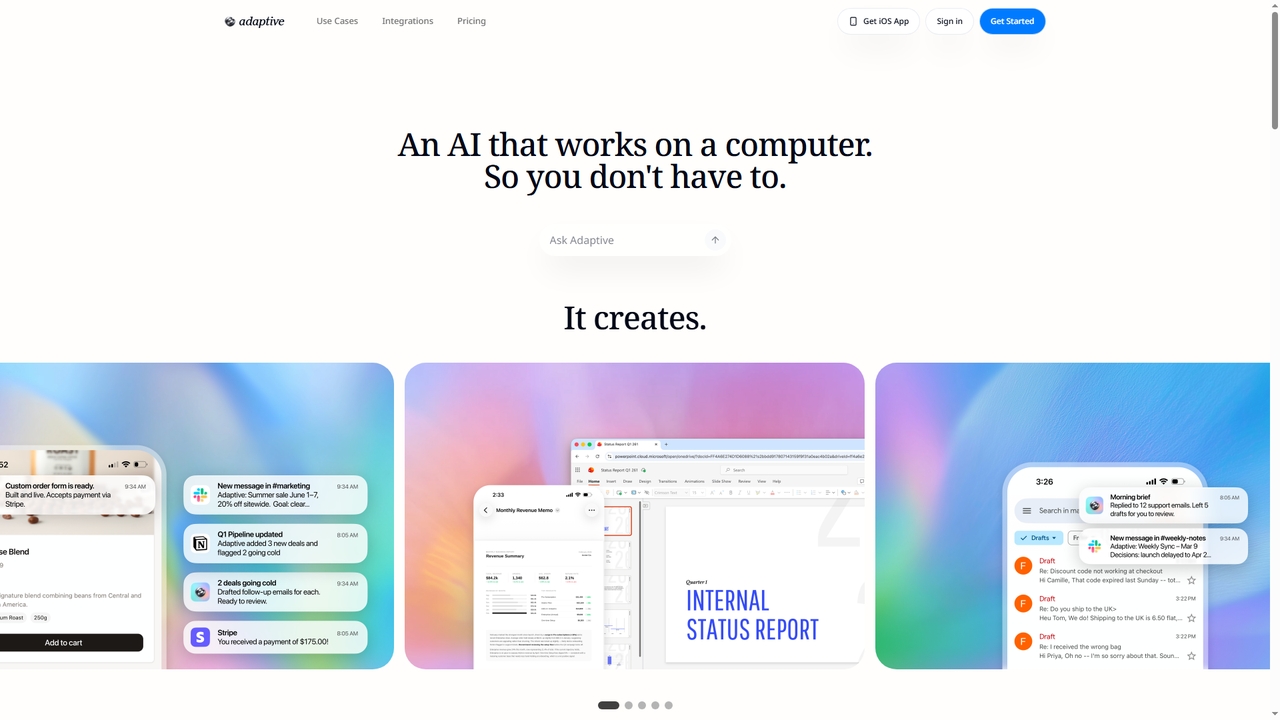
Adaptive is an AI agent platform that automates workflows by connecting your existing tools. Using plain English descriptions, it builds and runs custom systems for tasks like email triage, data analysis, app creation, and outreach—no coding required. It's designed for both individuals and teams, offering enterprise-grade security and a no-code setup that gets workflows running in minutes.

Workflow Management
Visits 76KFavorites 19Likes 16
Freemium

Bilt

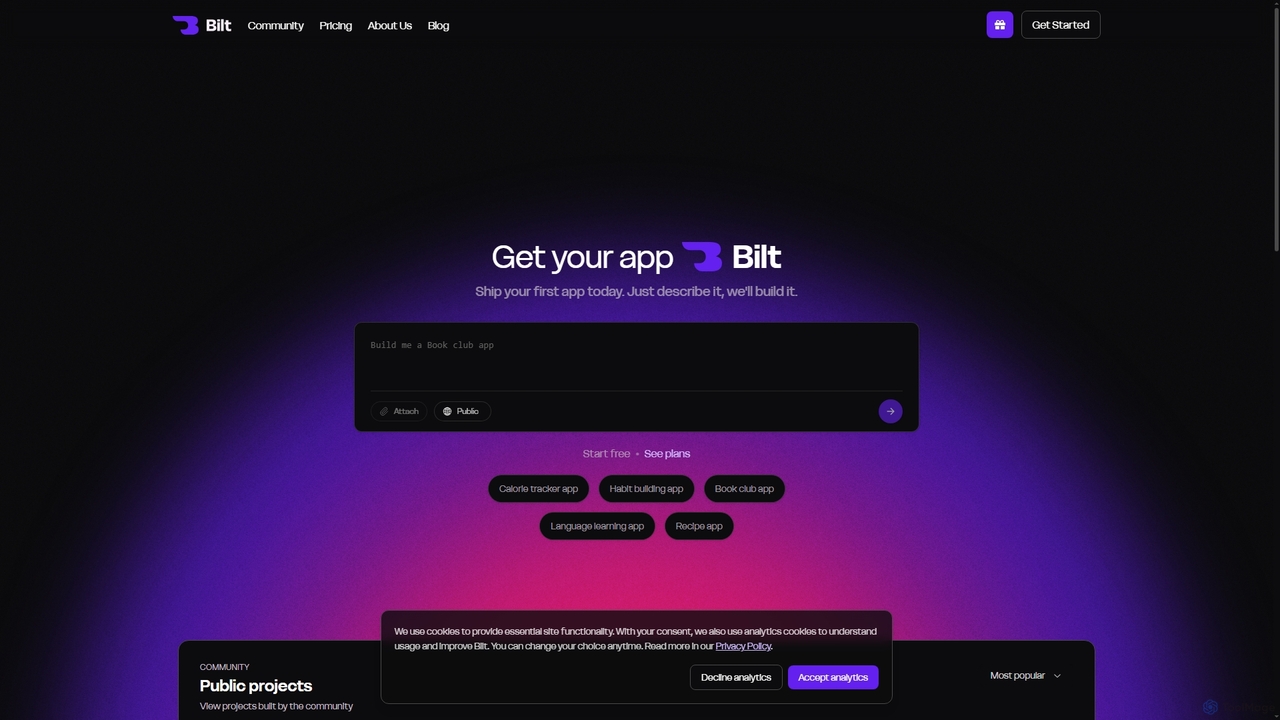
Bilt is an AI-powered mobile app builder that transforms natural language descriptions into native iOS and Android applications without writing any code. It offers real-time previews, seamless deployment to app stores, and full source code access, making app development accessible to everyone.

Code Generation
Visits 49.3KFavorites 50Likes 56
Freemium

Mayson

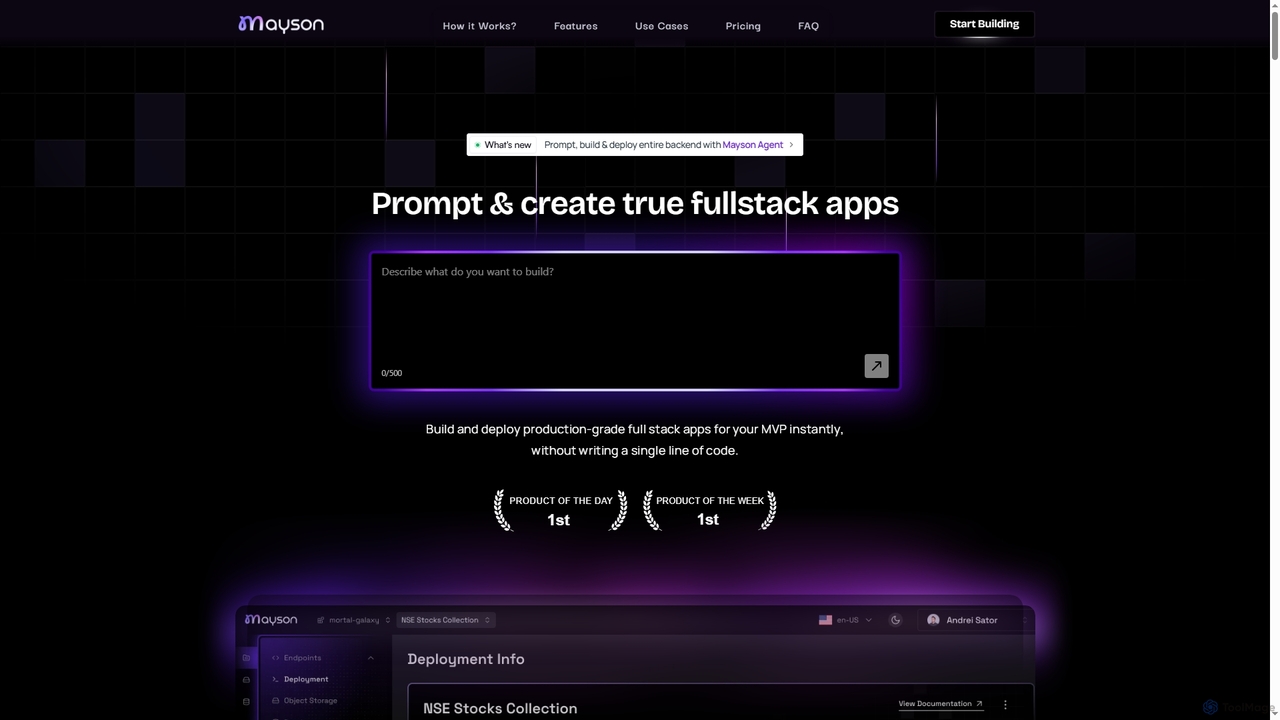
Mayson is a no-code Backend-as-a-Service (BaaS) platform that empowers developers and teams to build, deploy, and scale production-grade full-stack applications instantly. It eliminates the need for manual API development, offering a streamlined process to create robust backends with enterprise-grade security and no vendor lock-in.

Baas
Visits 9.5KFavorites 65Likes 60
Freemium

Eazemyapi

Eazemyapi is a no-code platform that allows founders, developers, and startups to create secure, scalable backend APIs and integrate AI models in minutes. It eliminates the need for manual database setup and repetitive coding, enabling rapid product development and deployment.

Api Integration
Visits 4.5KFavorites 134Likes 136
Freemium

Superapp

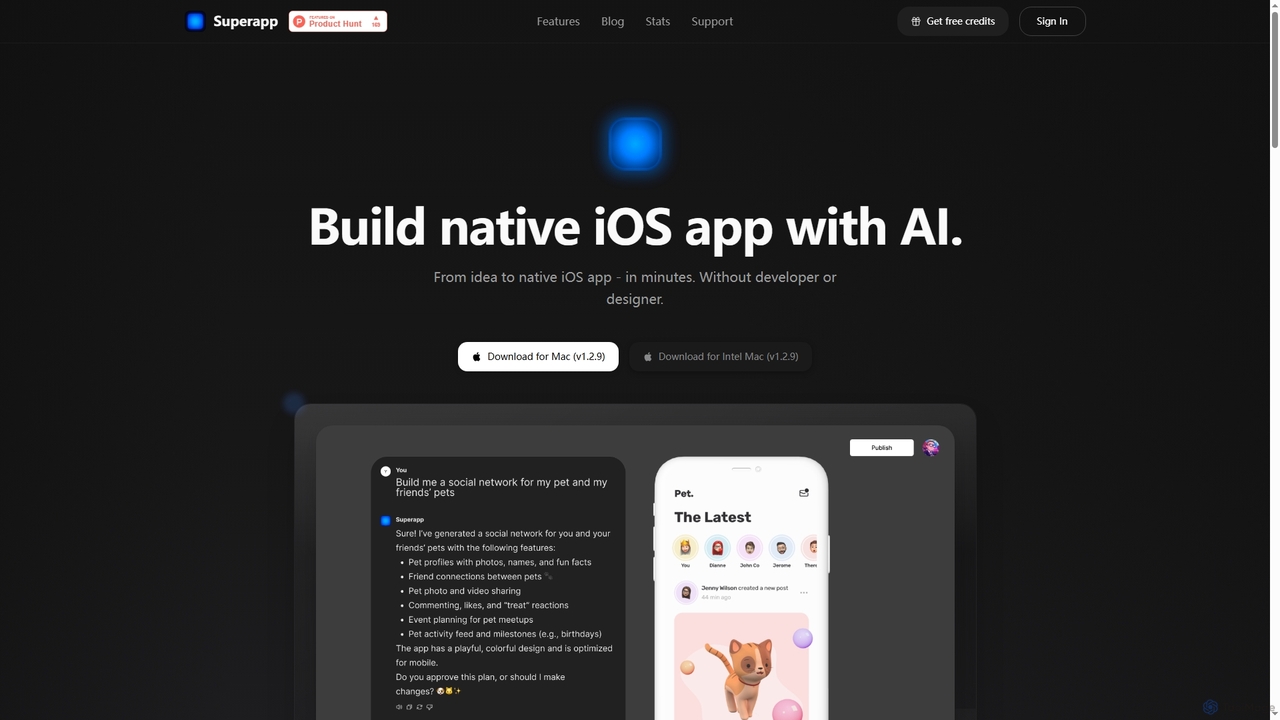
Superapp is an AI-powered desktop application for Mac that enables anyone, regardless of technical skill, to build native iOS applications from an idea to a fully functional app in minutes. It generates high-quality Swift code, integrates with Supabase for backend, and includes a built-in design system, making app development accessible and efficient for founders and non-developers.

Ios Development
Visits 60.5KFavorites 94Likes 98
Freemium

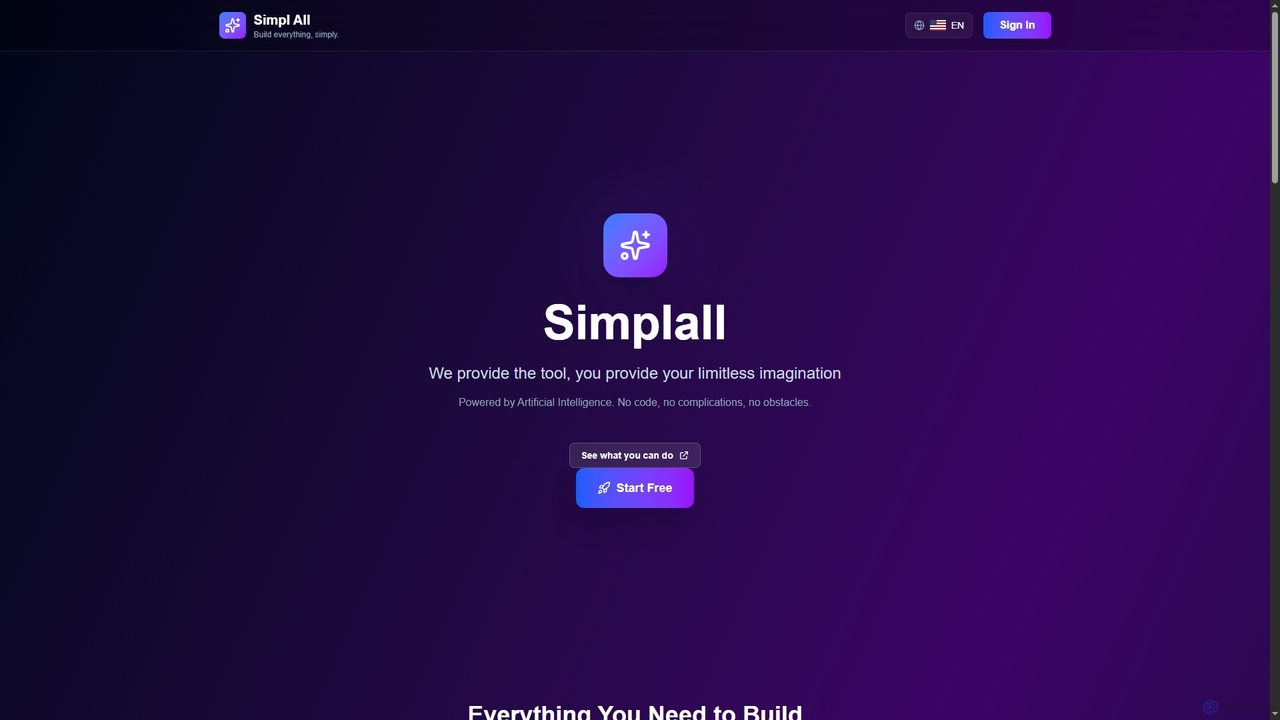
Simplall

Simplall is an AI-powered code generator that transforms natural language descriptions into functional web applications. It enables users, regardless of coding experience, to instantly create professional React apps, HTML websites, and interactive dashboards with live previews, clean code, and easy modification capabilities.

Code Generation
Visits 3.4KFavorites 108Likes 119
Freemium

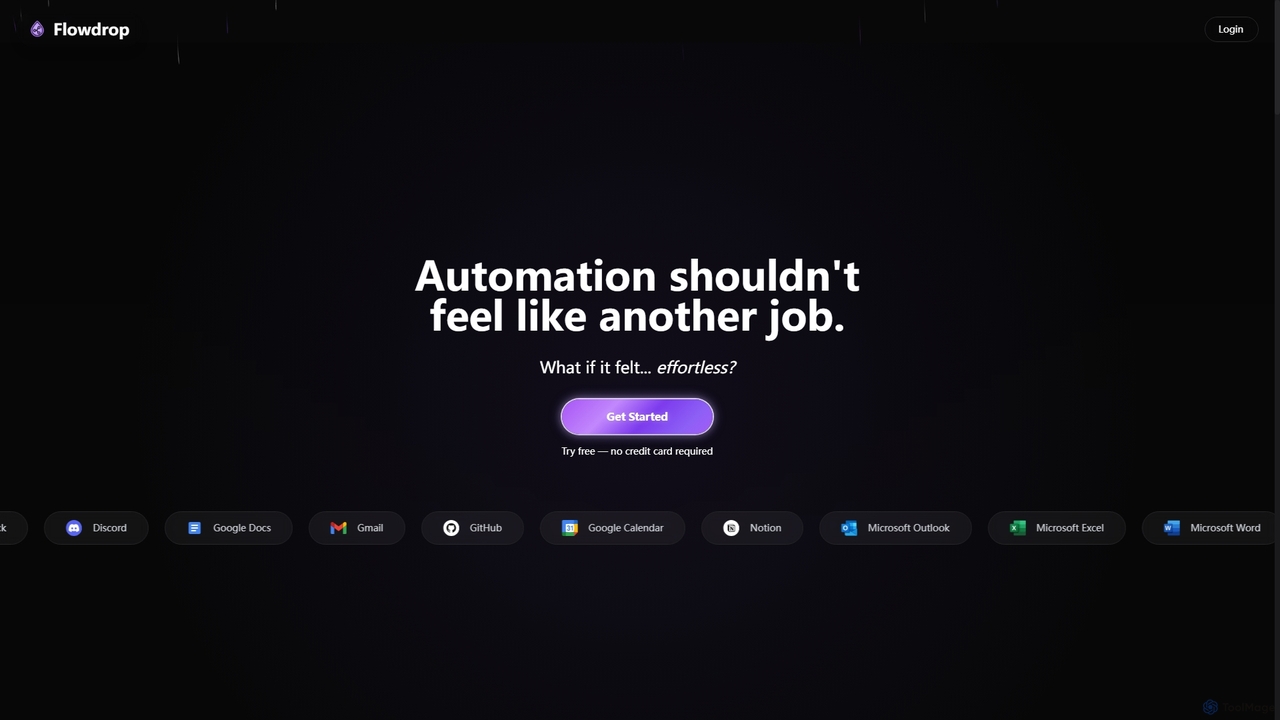
Flowdrop

Flowdrop is an AI-powered, no-code workflow builder designed for non-coders, enabling rapid deployment of production automations in under five minutes. It simplifies complex tasks through intuitive visual tools and conversational AI, making automation effortless and accessible for individuals and teams.

Process Automation
Visits 3.5KFavorites 100Likes 105
Freemium

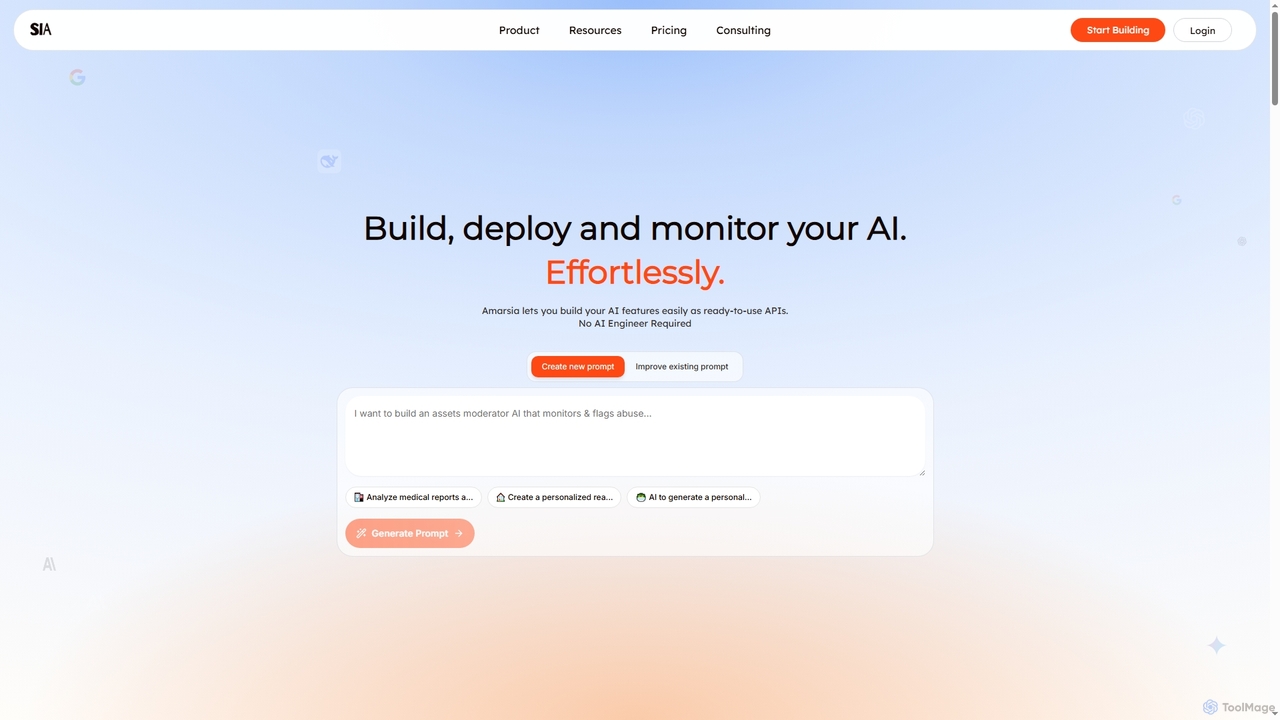
Amarsia

Amarsia is an intuitive platform designed to help teams effortlessly build, deploy, and monitor custom AI features as ready-to-use APIs. It eliminates the need for extensive coding or AI engineering expertise, enabling rapid development of intelligent workflows, knowledge bases, and multimodal AI solutions with built-in version control and performance monitoring.

Workflow Automation
Visits 3.4KFavorites 149Likes 143
Freemium

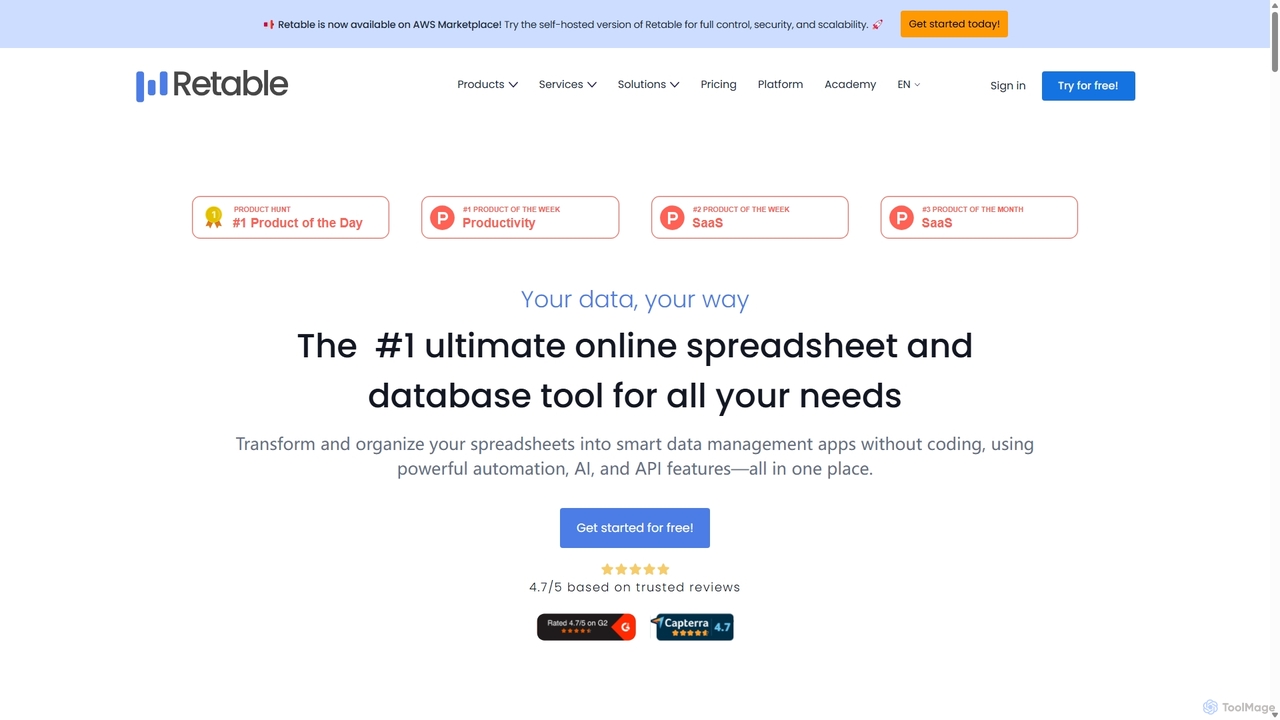
Retable

Retable is a powerful no-code online spreadsheet and database solution. It transforms your data into smart, collaborative applications with features like AI integration, multiple data views, and workflow automation, making it an ideal Airtable alternative for teams of all sizes.

Project Management
Visits 36.2KFavorites 115Likes 100
Freemium

Othor AI

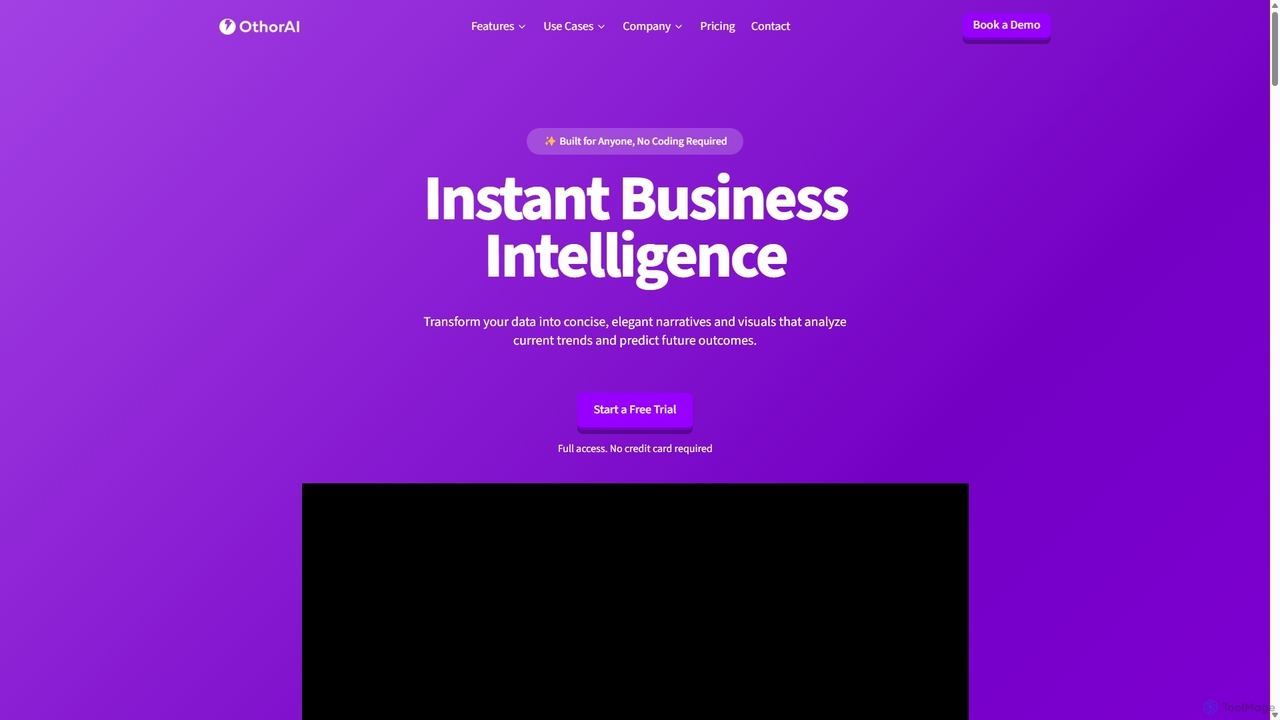
Othor AI is a no-code business intelligence platform that transforms your data into actionable insights in seconds. It automatically generates narrative-driven reports, smart charts, and predictive analytics, enabling anyone in your organization to make faster, data-driven decisions without technical expertise. Connect your data sources and get instant dashboards and executive summaries.

Business Intelligence
Visits 4.8KFavorites 166Likes 164
Freemium

Readdy

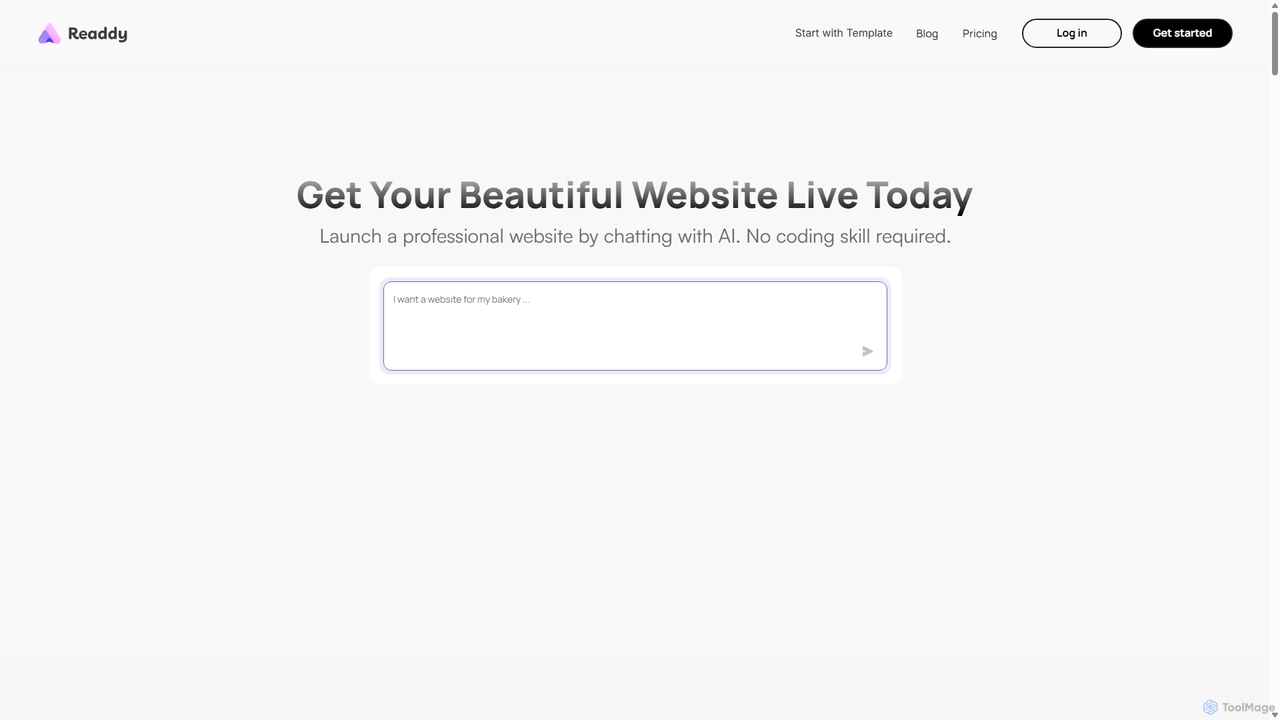
Readdy is an AI-powered website builder that creates professional, mobile-friendly, and SEO-optimized websites in minutes from a simple text prompt. No coding skills are required. Simply describe your business or idea, and Readdy's AI will automatically generate a complete site with layout, content, and images, ready to launch or customize.

3D
Visits 553.9KFavorites 113Likes 100
Freemium

Supadash

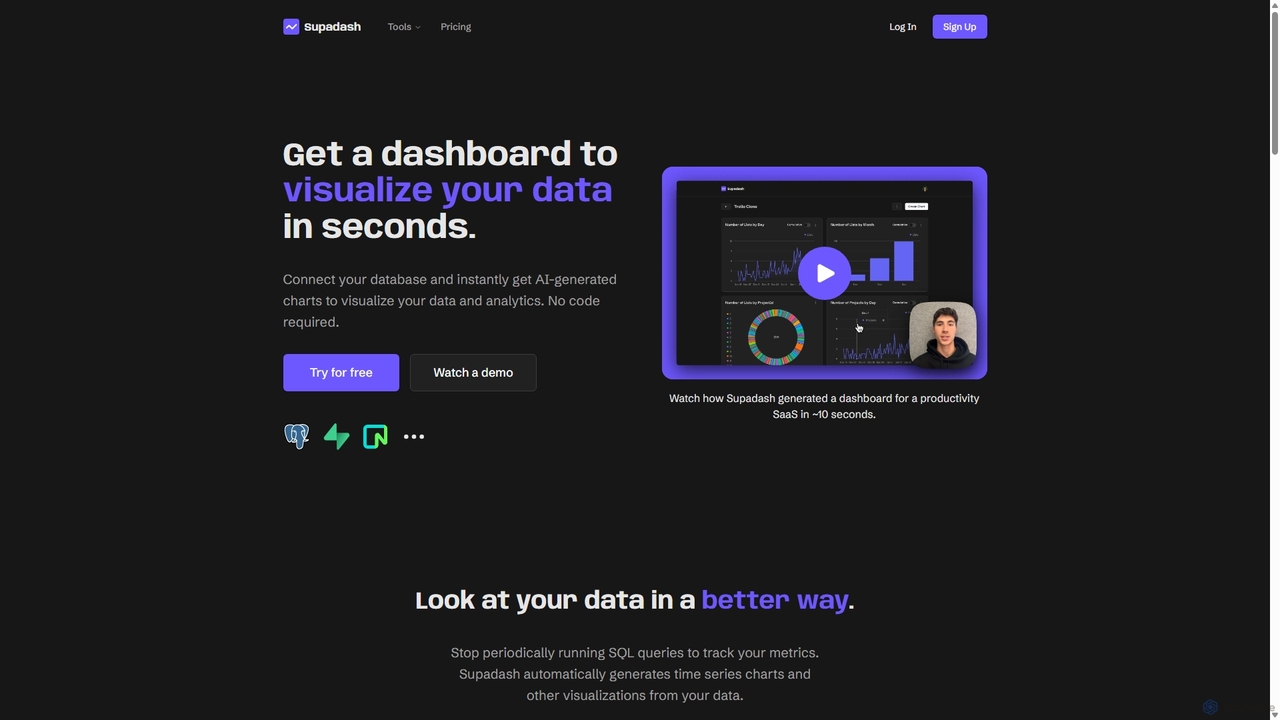
Supadash is an AI-powered, no-code platform that instantly generates visual dashboards from your database. Connect your data source, and within seconds, Supadash's AI analyzes your tables and creates insightful charts and analytics. It's designed for developers, startups, and teams who need to track key metrics without writing complex SQL queries, transforming raw data into actionable insights effortlessly.

Business Intelligence
Visits 3.6KFavorites 123Likes 130
Freemium

FormBuilderGPT

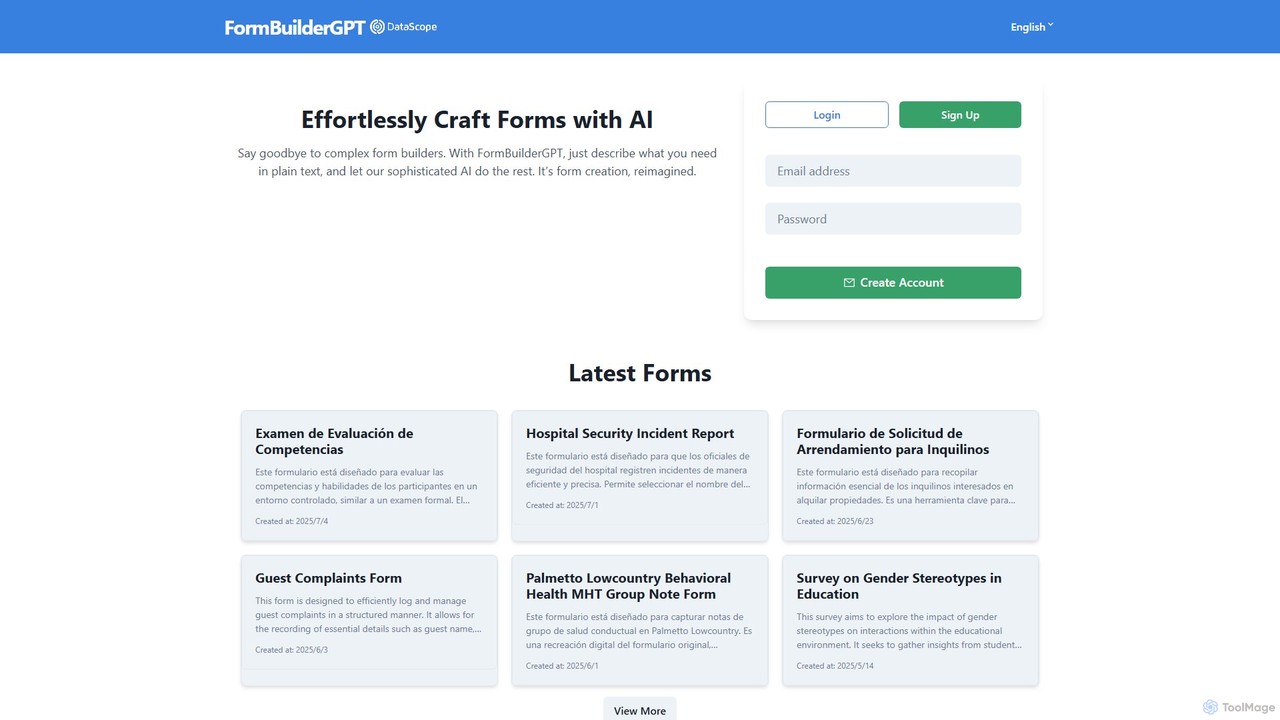
FormBuilderGPT is an AI-powered tool that revolutionizes form creation. Simply describe the form you need in plain text, and the AI will instantly generate a structured, professional form. It eliminates the need for complex drag-and-drop builders, making it ideal for creating surveys, checklists, reports, and data collection forms across various industries.

Data Collection
Visits 3.7KFavorites 98Likes 105
Freemium

Asekio

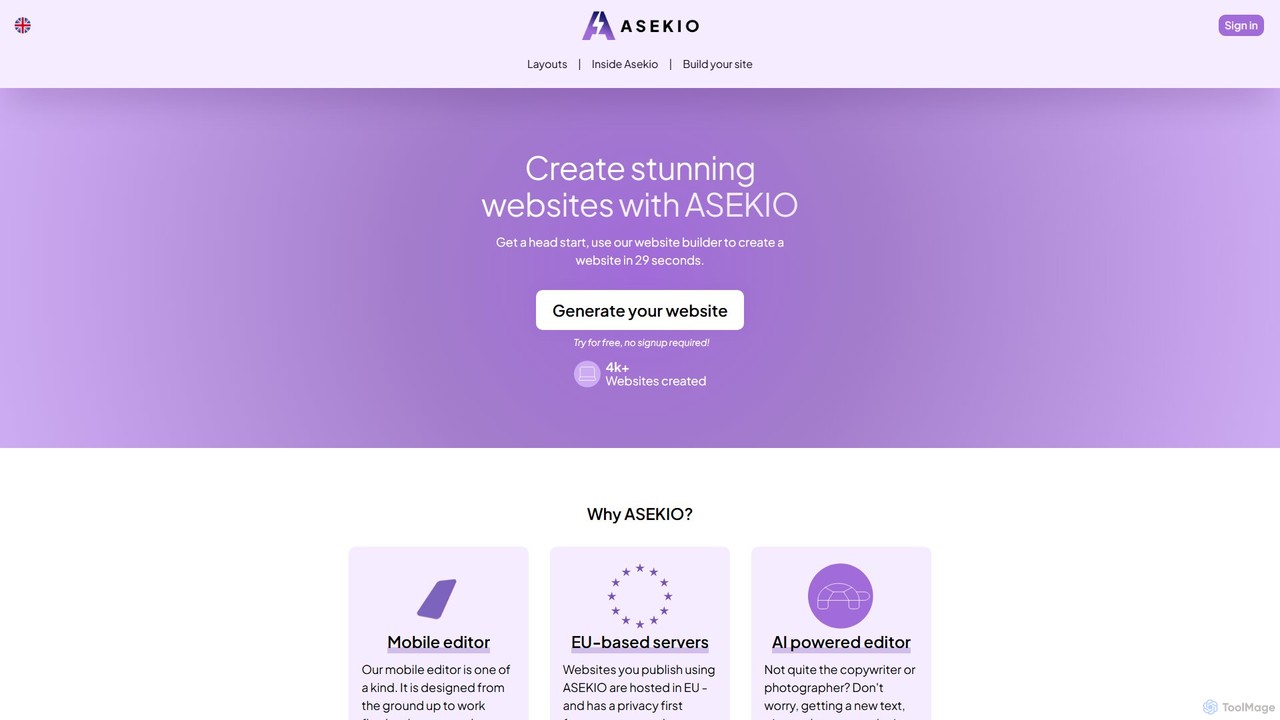
Asekio is an AI-powered website builder that enables users to create stunning, professional websites in under 30 seconds. Designed for small businesses and entrepreneurs, it features a unique mobile-first editor, AI-driven content generation, and EU-based hosting. No coding skills are required to build and launch a fully functional website with custom domains, SEO optimization, and more.

Landing Page Builder
Visits 3.4KFavorites 139Likes 123
Freemium

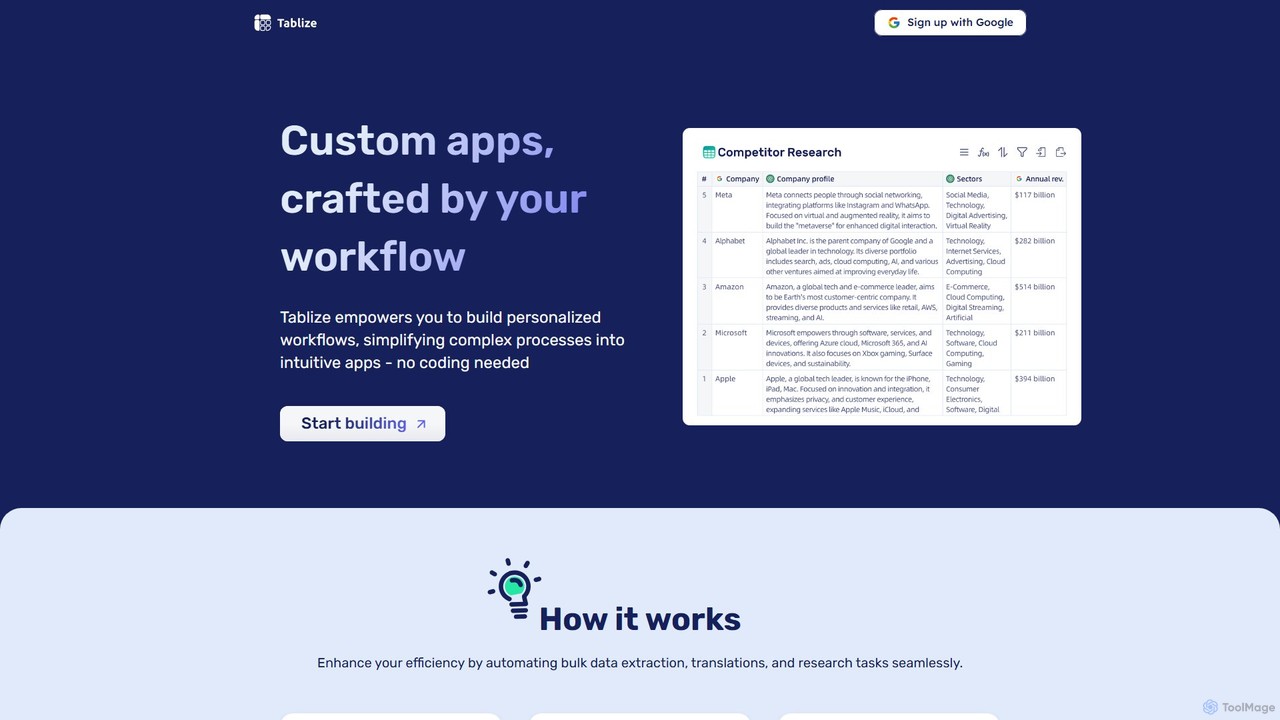
Tablize

Tablize is a no-code AI platform that transforms complex tasks into simple, automated workflows. Using a familiar spreadsheet interface, you can build custom applications to perform bulk data extraction, research, and translations without writing any code. Simply define tasks in columns with natural language, and let AI do the work.

Spreadsheets
Visits 3.5KFavorites 111Likes 109
Freemium

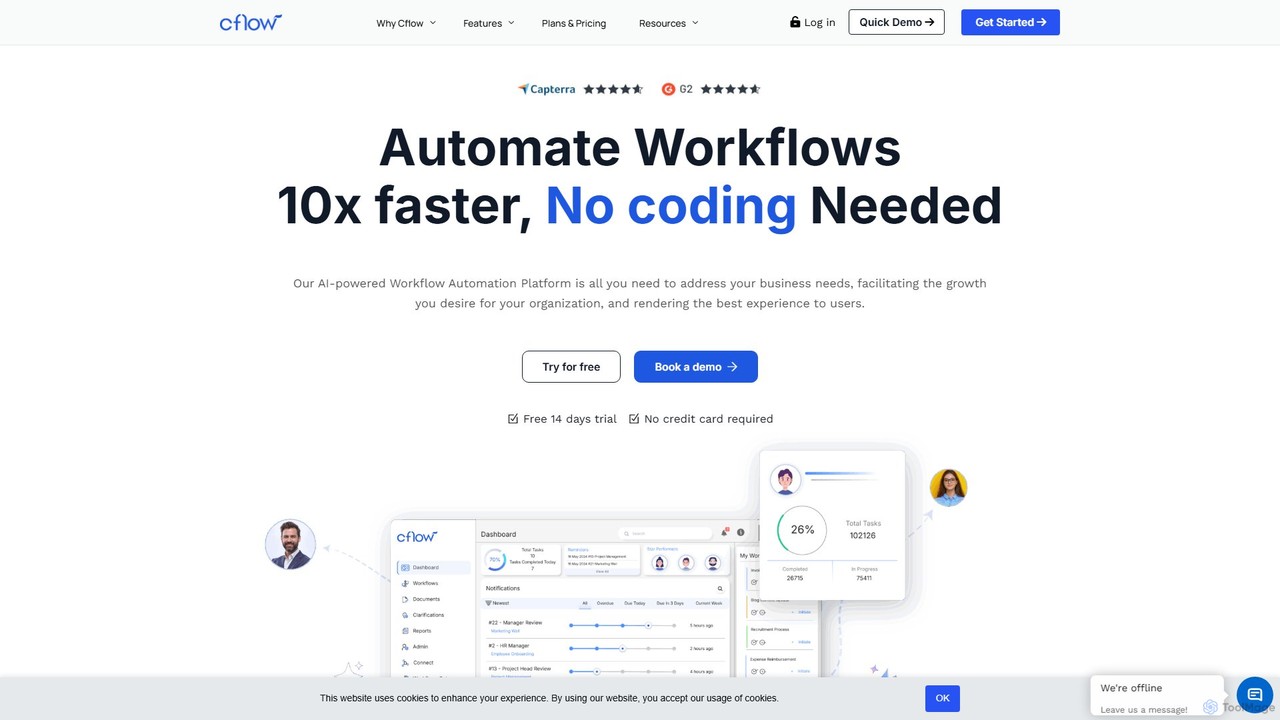
Cflow

Cflow is an AI-powered, no-code platform for workflow automation and business process management (BPM). It enables businesses to digitize and automate processes across departments like HR, finance, and procurement using a visual builder, OCR, and advanced analytics.

Process Management
Visits 49.5KFavorites 110Likes 115
Freemium

NeoAnalyst

NeoAnalyst is a no-code AI data analysis platform designed for business leaders and analysts. It transforms raw data into actionable insights, visualizations, and statistical recommendations with a single click, eliminating the need for coding or data science expertise. It supports any dataset and provides pre-built models for instant analysis.

Data Analysis
Visits 3.5KFavorites 136Likes 138
Freemium

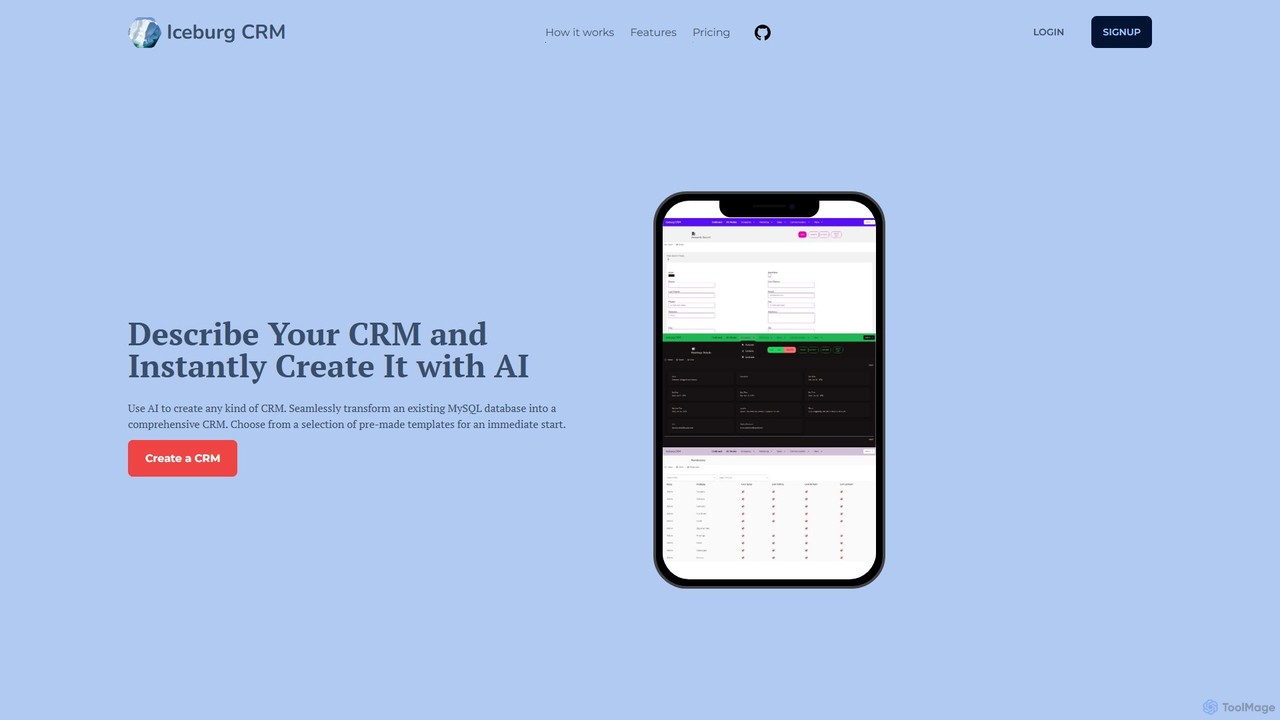
IceburgCRM

IceburgCRM is an AI-powered platform that allows you to instantly create custom CRM systems. Generate a CRM by describing your needs in plain text, choosing from pre-made templates, or seamlessly converting an existing MySQL database. It's designed for rapid development, customization, and efficient data management for any niche.

Sales
Visits 3.4KFavorites 107Likes 97
Paid

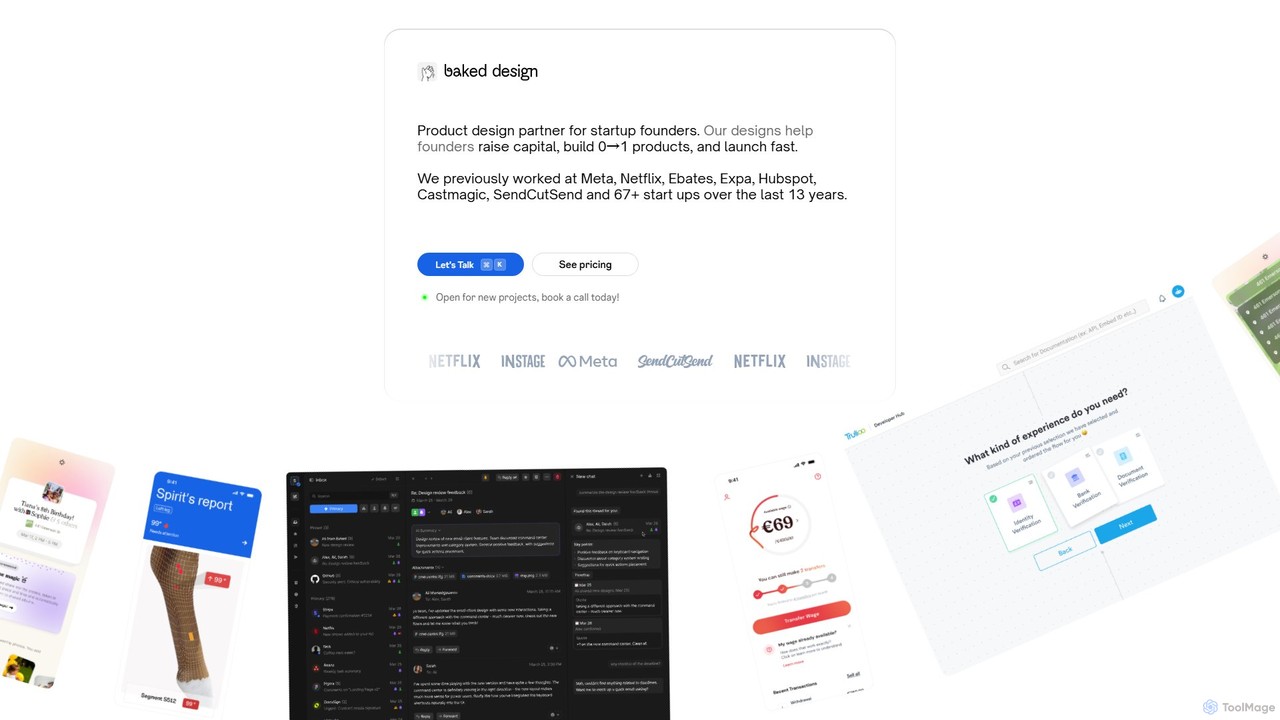
Baked Design

Baked Design is a product design partner for startups, offering world-class design services on a flexible monthly subscription. Get access to senior designers from Meta, Netflix, and Hubspot to help you build 0→1 products, raise capital, and launch faster. Services include product design, UI/UX, branding, and marketing websites.

Startups
Visits 9.4KFavorites 115Likes 130
Freemium

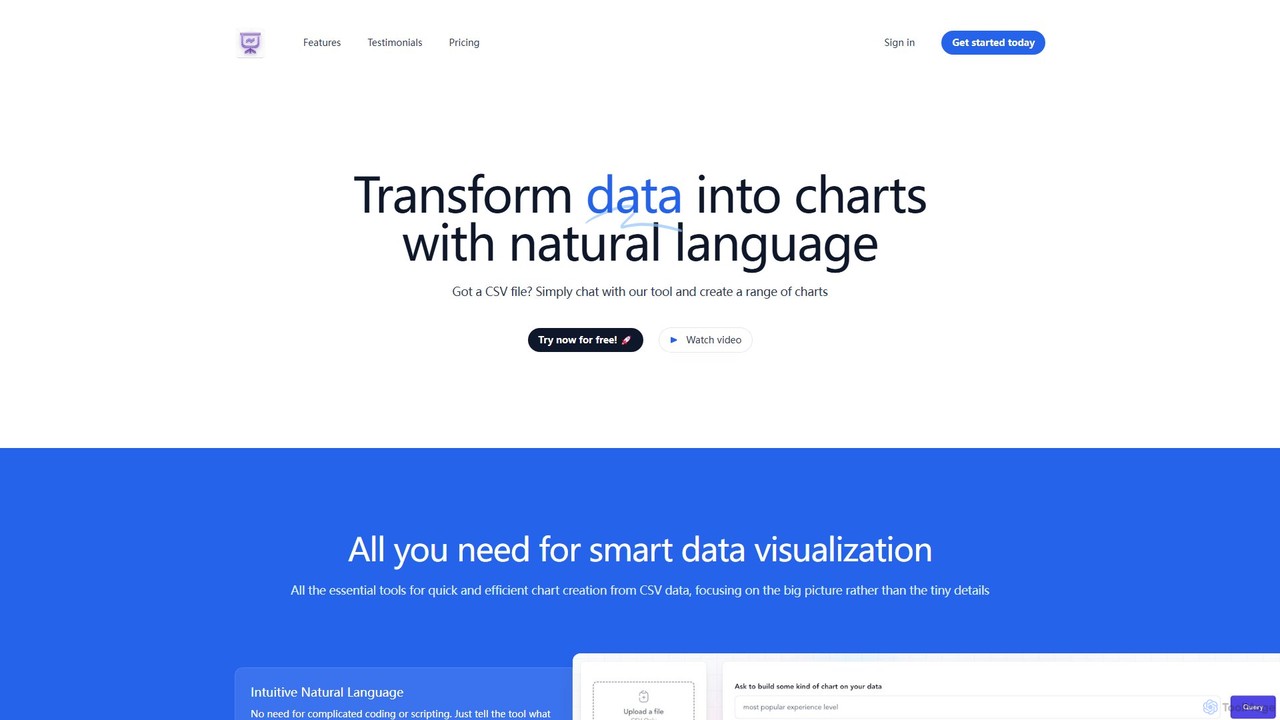
chat2csv

chat2csv is an AI-powered data visualization tool that transforms CSV files into various charts using simple, natural language commands. No coding is required. Just upload your data, chat with the AI, and instantly generate bar charts, pie charts, line graphs, and more. It's designed for quick, intuitive analysis while prioritizing user data privacy.

Business Intelligence
Visits 4.4KFavorites 98Likes 102
Freemium

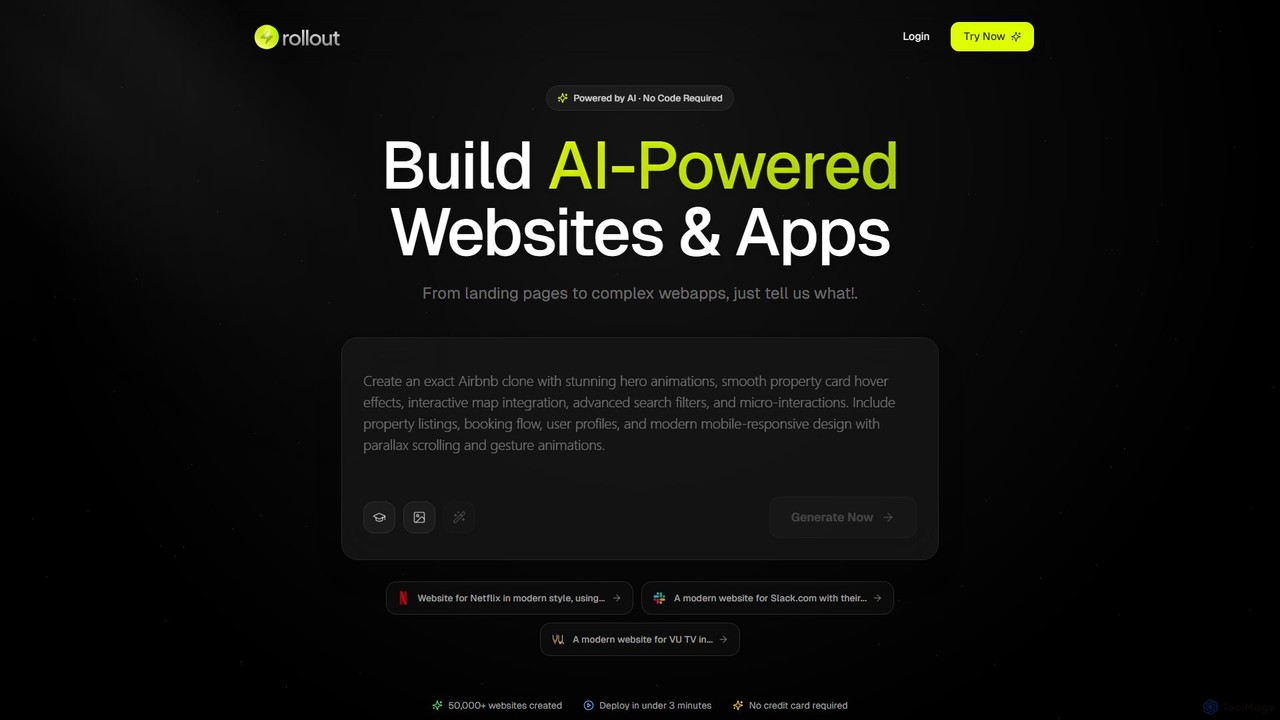
Rollout AI

Rollout AI is a no-code, AI-powered website and landing page builder. Simply describe your vision in any language, and the AI will generate a professional, mobile-responsive website in minutes. It features AI-driven design and copywriting, allowing for instant edits and regeneration. Users can export the final code, making it ideal for rapid prototyping, startups, and creating production-ready sites without any coding skills.

Website Builder
Visits 4KFavorites 119Likes 129
Freemium

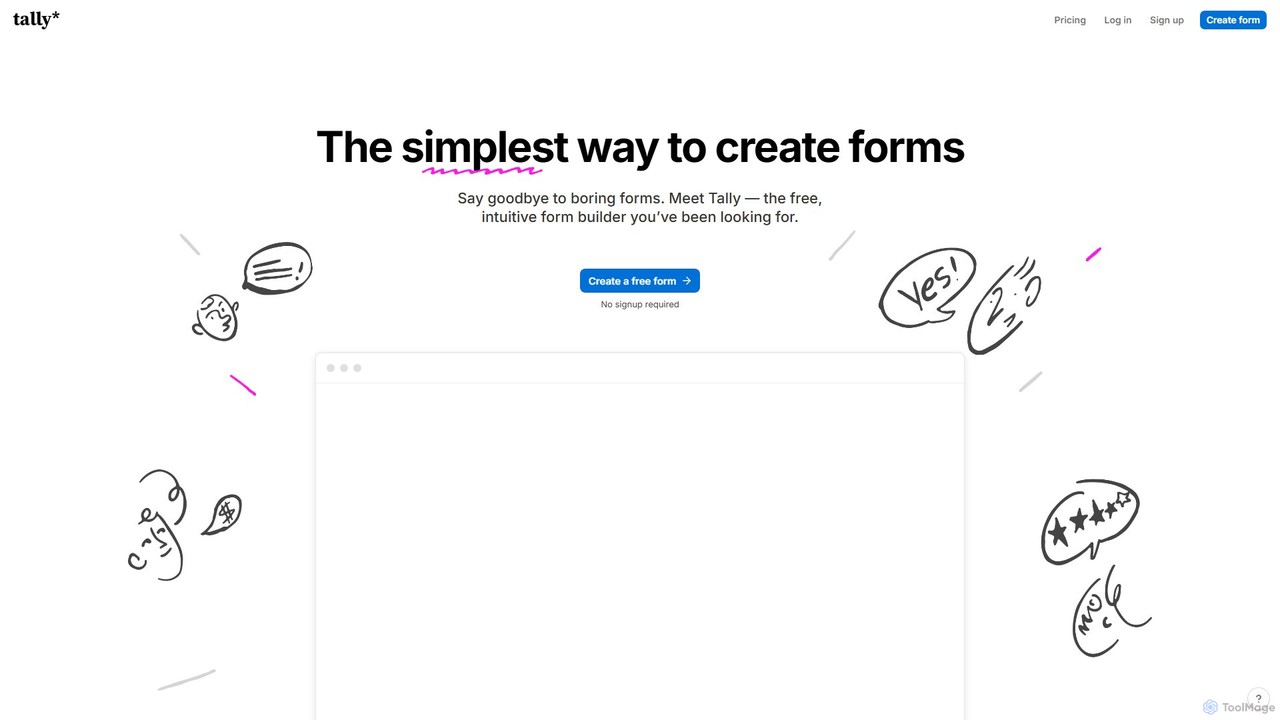
Tally

Tally is an intuitive and powerful online form builder that works like a text document. It offers unlimited forms and submissions for free, making it easy to create everything from simple surveys to complex checkout forms without any coding knowledge. It's a privacy-focused, user-friendly alternative to traditional form builders.

Data Collection
Visits 12MFavorites 124Likes 127
Freemium

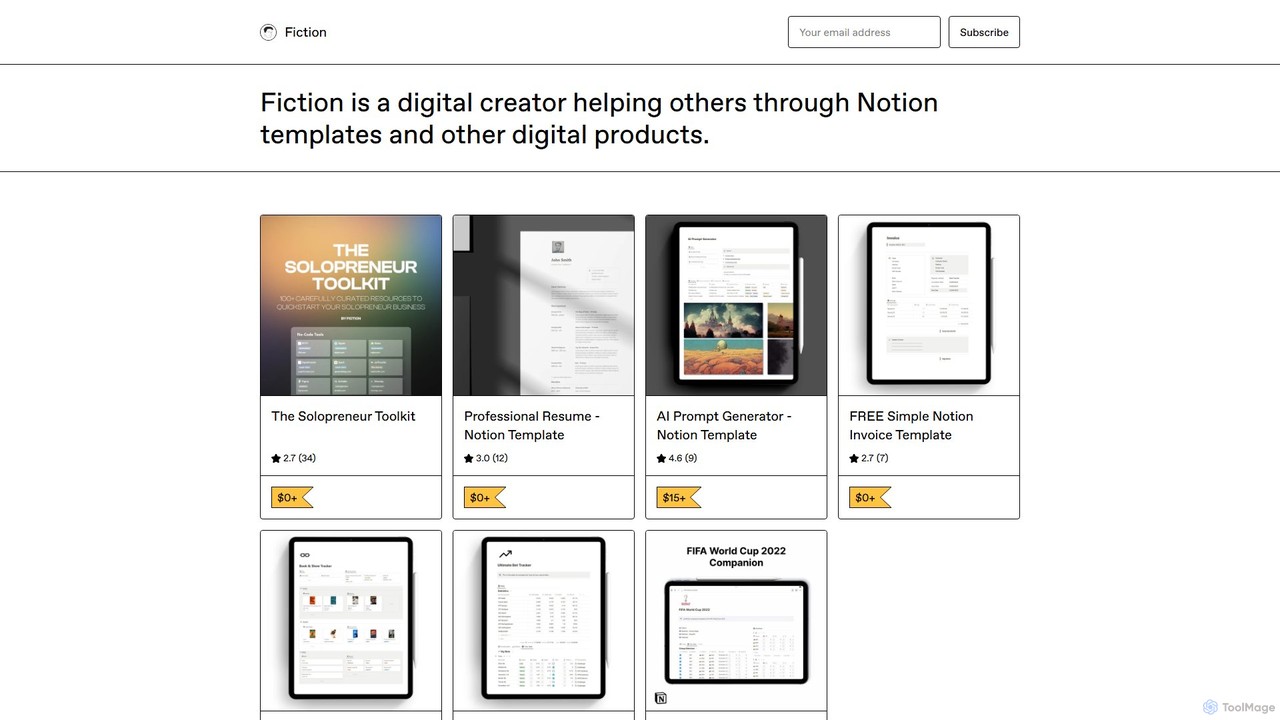
The Solopreneur Toolkit

A comprehensive, free Notion template by Fiction, curating over 100 battle-tested tools and resources for solopreneurs. It covers no-code, visual design (including AI tools), productivity, social media, and hiring to help you build and scale your business efficiently.

Startup Tools
Visits 3.6KFavorites 108Likes 120
Freemium

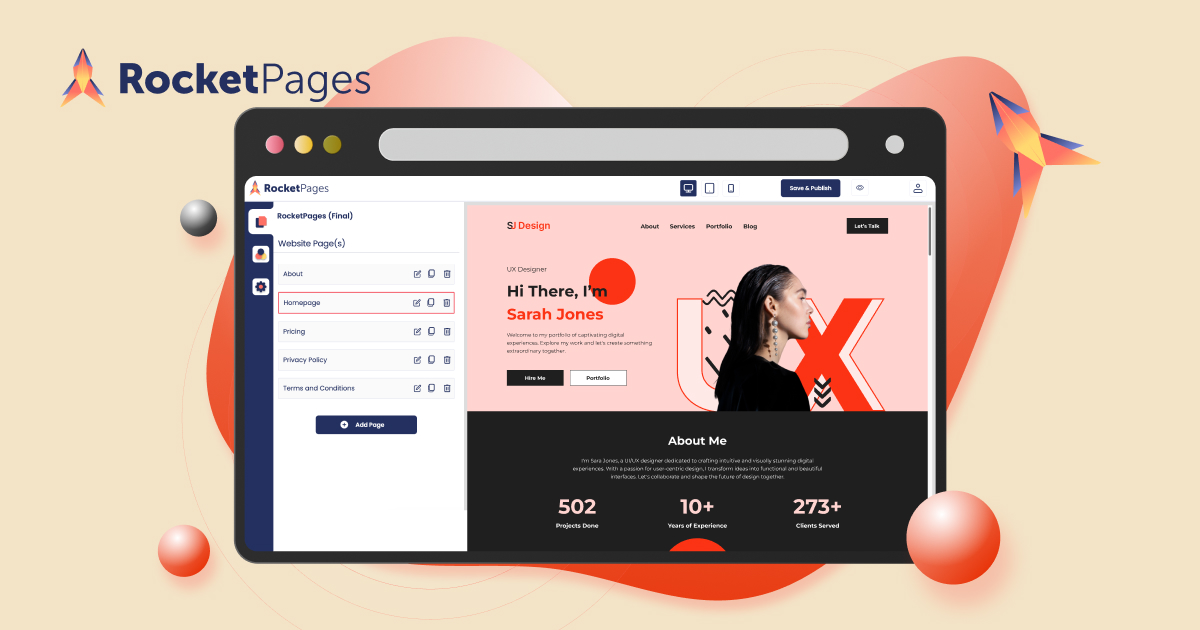
rocketpages

RocketPages is an intuitive, no-code website builder that empowers users to create stunning, professional websites for free. It offers a generous free plan with custom domain support, responsive templates, robust SEO tools, and secure hosting. Features like in-place editing, team collaboration, and upcoming AI-powered content generation make it ideal for small businesses, freelancers, and individuals.

Landing Page Builder
Visits 12.5KFavorites 96Likes 108

About No Code

No Code tools are platforms that enable users to build applications, websites, and automate workflows without writing traditional programming code. These tools leverage visual development interfaces, often featuring drag-and-drop functionality and pre-built components, to empower individuals and businesses to create digital solutions rapidly. They democratize technology by making app and web development accessible to non-technical users, significantly accelerating innovation and digital transformation.

Core Features

  • Visual Development Interface: Provides intuitive drag-and-drop editors for designing user interfaces and logic flows.
  • Pre-built Templates & Components: Offers a library of ready-to-use elements and templates for common functionalities and designs.
  • Workflow Automation: Enables the creation of automated processes by connecting different applications and services.
  • Data Management & Integration: Facilitates the handling of databases, user data, and integration with external APIs and services.
  • Scalability & Deployment: Supports deploying applications to various environments and scaling them as user needs grow.

Applicable Scenarios

No Code tools are ideal for entrepreneurs launching new ventures, small to medium-sized businesses developing internal tools, and marketing teams automating campaigns. They are also widely used by individuals creating personal websites or portfolios, and by product managers for rapid prototyping and validating new ideas without extensive technical resources.

How to Choose

When selecting a No Code platform, consider the complexity and scalability requirements of your project, the range of integrations with other services, and the platform's learning curve. Evaluate the pricing model, community support, and the level of customization offered to ensure it aligns with your specific business needs and future growth plans.

Featured tool rankings

No Code use cases

1

Building a Custom CRM or Project Management Tool

Small businesses or teams often struggle with generic software that doesn't fit their unique workflows. No Code platforms allow a business analyst or team lead to design and deploy a tailored CRM or project management system, integrating specific data fields, custom dashboards, and automated task assignments, saving significant development costs and time.

2

Launching an E-commerce Store or Online Marketplace

Entrepreneurs can quickly establish an online presence without needing to hire developers. Using No Code tools, they can build a fully functional e-commerce store with product listings, shopping carts, secure payment gateways, and inventory management. This enables rapid market entry and testing of business models with minimal upfront investment.

3

Automating Marketing and Sales Workflows

Marketing and sales teams can leverage No Code tools to streamline repetitive tasks. This includes setting up automated lead capture forms, integrating them with email marketing platforms for drip campaigns, and updating CRM records based on customer interactions. This frees up personnel to focus on strategy and customer engagement, improving efficiency by up to 60%.

4

Creating Interactive Web Applications or Customer Portals

Departments or non-technical founders can develop interactive web applications, such as customer self-service portals, internal dashboards, or event registration sites. These tools allow for visual design and logic building, enabling users to access information, submit requests, or manage their accounts without requiring custom coding, enhancing user experience and operational efficiency.

5

Developing Mobile Apps for Events or Internal Use

Event organizers or HR departments can quickly create simple mobile applications for specific purposes, like event schedules, internal communication hubs, or employee directories. No Code mobile app builders provide templates and visual editors to design interfaces and integrate features, allowing for rapid deployment and updates without complex native development.

6

Rapid Prototyping and Minimum Viable Product (MVP) Development

Startups and product managers can use No Code platforms to quickly build and test prototypes or MVPs. This allows them to validate business ideas, gather user feedback, and iterate on features without significant investment in traditional development. The speed of development enables faster market validation and reduces the risk associated with new product launches.

No Code FAQ

What are No Code tools?

No Code tools are software platforms that enable users to create applications, websites, and automated workflows using visual interfaces and pre-built components, without writing any programming code. They democratize software development, making it accessible to individuals without technical backgrounds, and significantly accelerate the process of bringing digital ideas to life.

How do No Code tools differ from traditional coding?

The primary difference lies in the method of creation. No Code tools use graphical user interfaces, drag-and-drop elements, and pre-configured logic to build solutions, focusing on visual assembly. Traditional coding involves writing text-based instructions in programming languages, offering ultimate flexibility and control but requiring specialized technical skills and more time for development.

What are the main benefits of using No Code platforms?

No Code platforms offer several key benefits: rapid development, significantly reducing time-to-market; cost-effectiveness, as they often eliminate the need for expensive developers; increased accessibility, empowering non-technical users to build solutions; and enhanced agility, allowing for quick iterations and adjustments based on feedback. They enable a focus on business logic rather than technical implementation.

Who can benefit most from using No Code tools?

A wide range of users can benefit, including entrepreneurs and startups looking to launch MVPs quickly, small to medium-sized businesses needing custom internal tools, marketing and sales teams automating processes, and individuals creating personal projects. Product managers, designers, and citizen developers also leverage No Code to bring their ideas to fruition without relying on IT departments.

What should I consider when choosing a No Code platform?

When selecting a No Code platform, evaluate your project's specific needs, including its complexity, required integrations with existing systems, and future scalability. Consider the platform's ease of use, the availability of templates and components, pricing structure, and the level of community support or documentation. Security features and data handling capabilities are also crucial considerations.