ToolMage
Sign in

Best 3,328 Automation AI tools for Productivity

Popular Automation AI tools in Productivity include vocode, codegate, Telegram Messenger, Shopify, boundlessai, remove.bg, Jotform, Breeze Copilot, ClickUp Brain, and Manus 1.5, helping you work more efficiently.

Photonium
Paid

Photonium

Photonium is an AI-powered platform that revolutionizes optical system design by automating the optomechanical workflow. It enables engineers to move seamlessly from concept to production-ready designs, integrating intuitive drag-and-drop optical layout with auto-generated 3D mechanical structures. This significantly reduces engineering time and accelerates innovation across various high-tech industries.

Cad
Visits 5.9KFavorites 102Likes 103

Nametag
Paid

Nametag

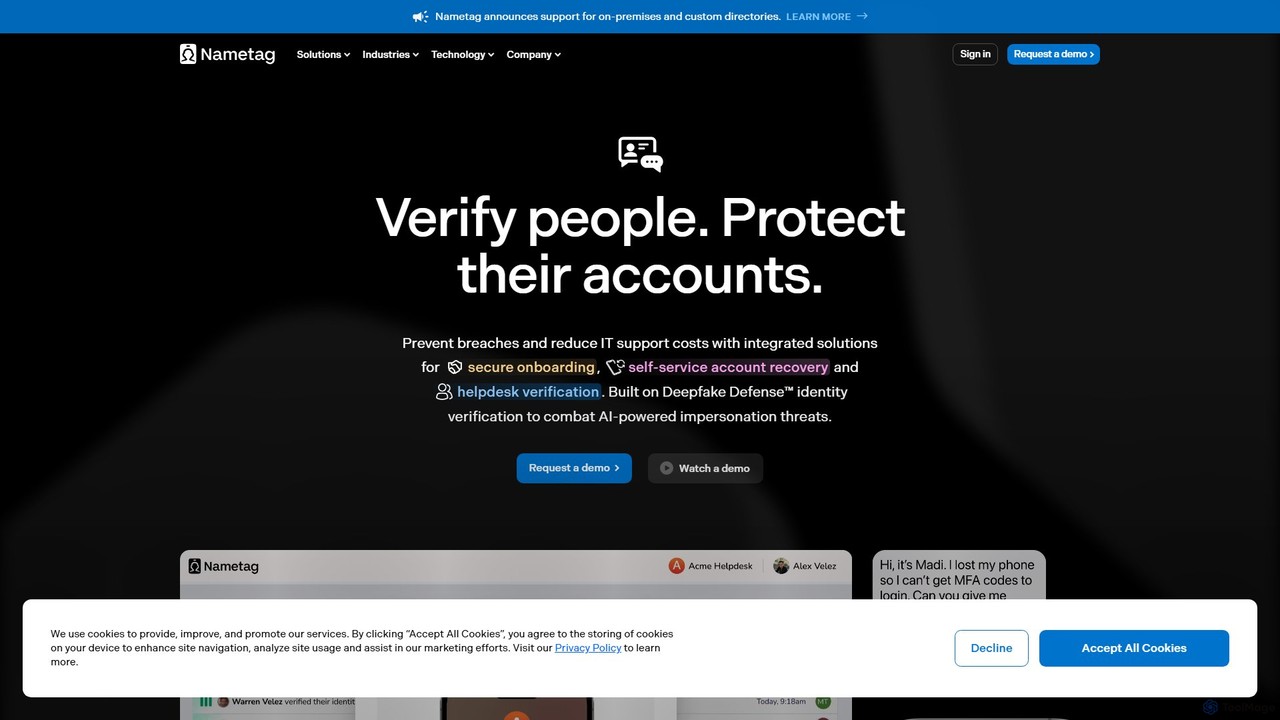
Nametag is an AI-powered identity verification platform designed to protect online accounts. It uses advanced technology, including Deepfake Defense™, to quickly and securely verify users via their government ID and a selfie, streamlining support operations and preventing fraud.

Helpdesk
Visits 22.2KFavorites 141Likes 150
phidata
Free

phidata

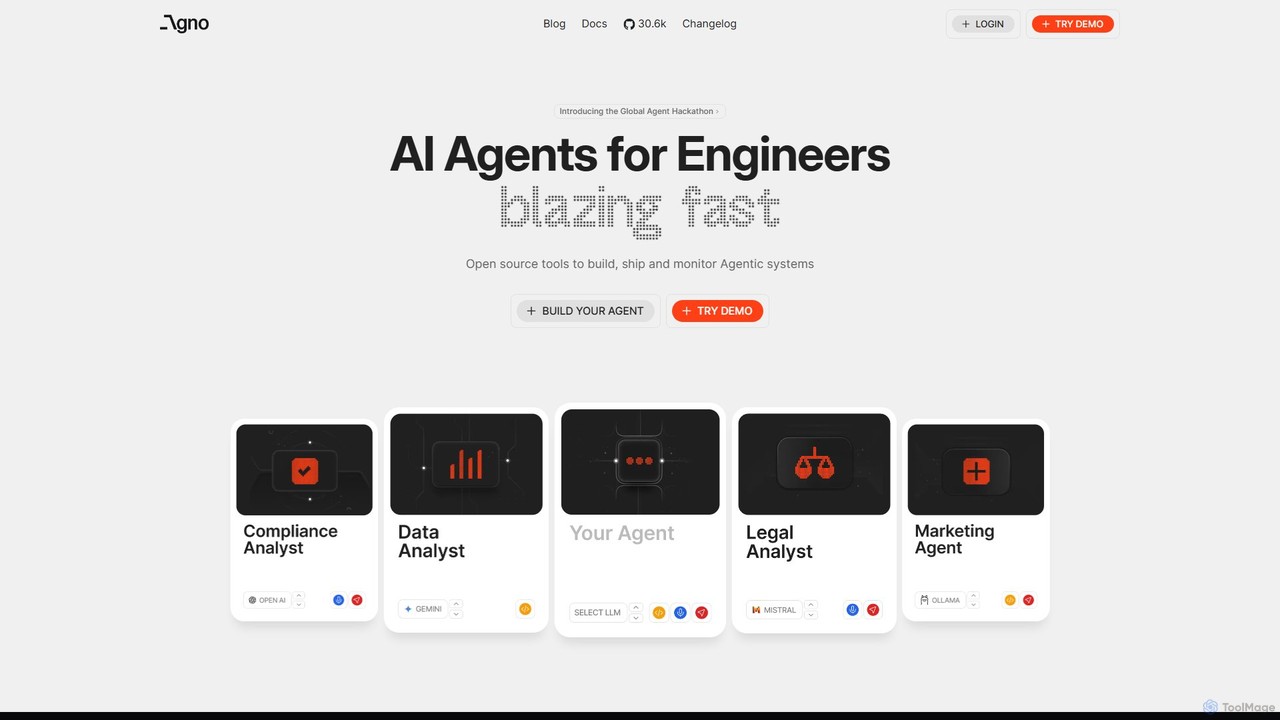
phidata is an open-source Python framework for building autonomous AI Assistants. It simplifies the integration of LLMs with memory, knowledge bases, and external tools, enabling developers to create powerful, stateful AI applications with ease.

Frameworks
Visits 178.5KFavorites 93Likes 99
Shopify
Freemium

Shopify

Shopify is an all-in-one commerce platform to start, run, and grow a business. It allows you to create an online store, sell across multiple channels including web, mobile, social media, and in-person, and manage your products, inventory, payments, and shipping. It also integrates AI tools like Shopify Magic to streamline operations.

Store Builder
Visits 230.8MFavorites 136Likes 156
abacum
Paid

abacum

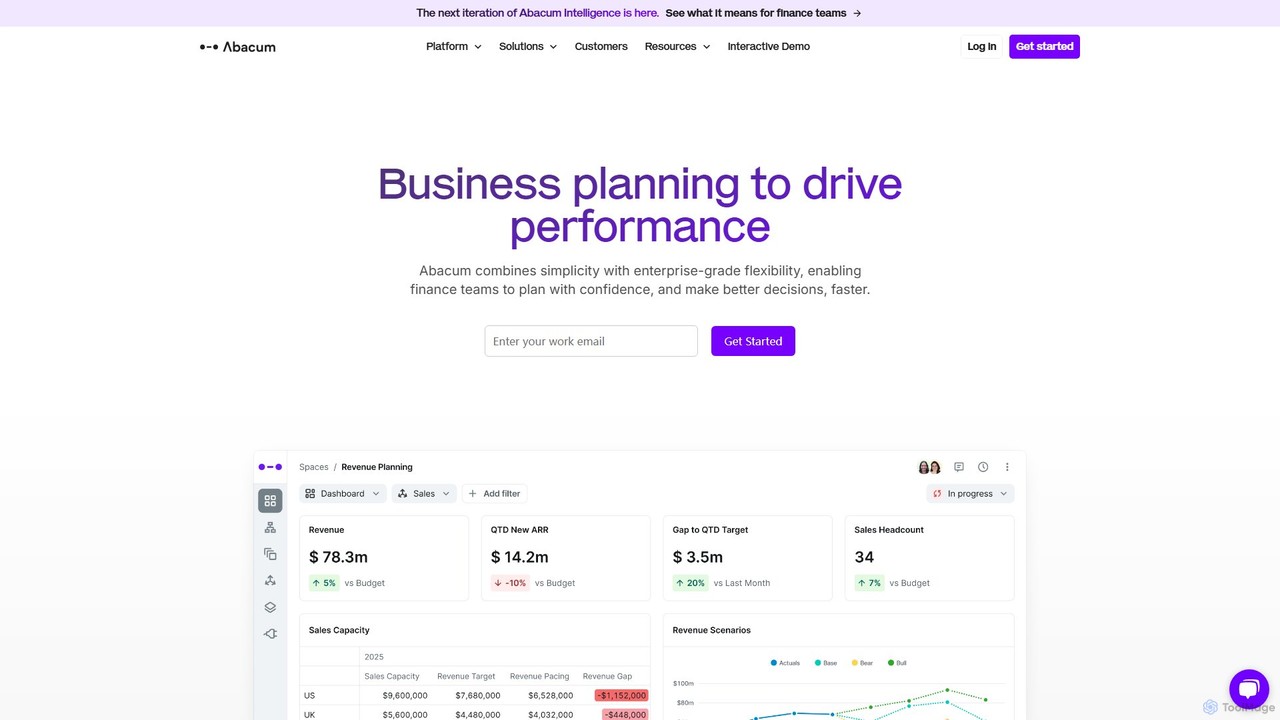
Abacum is an AI-powered Financial Planning and Analysis (FP&A) platform designed for modern finance teams. It automates data collection, streamlines budgeting and forecasting, and provides real-time insights to drive strategic decision-making. By integrating with over 50 business systems, Abacum eliminates manual tasks, enhances collaboration, and transforms finance departments into key drivers of business growth.

Analytics
Visits 111.1KFavorites 121Likes 147
Folderer
Freemium

Folderer

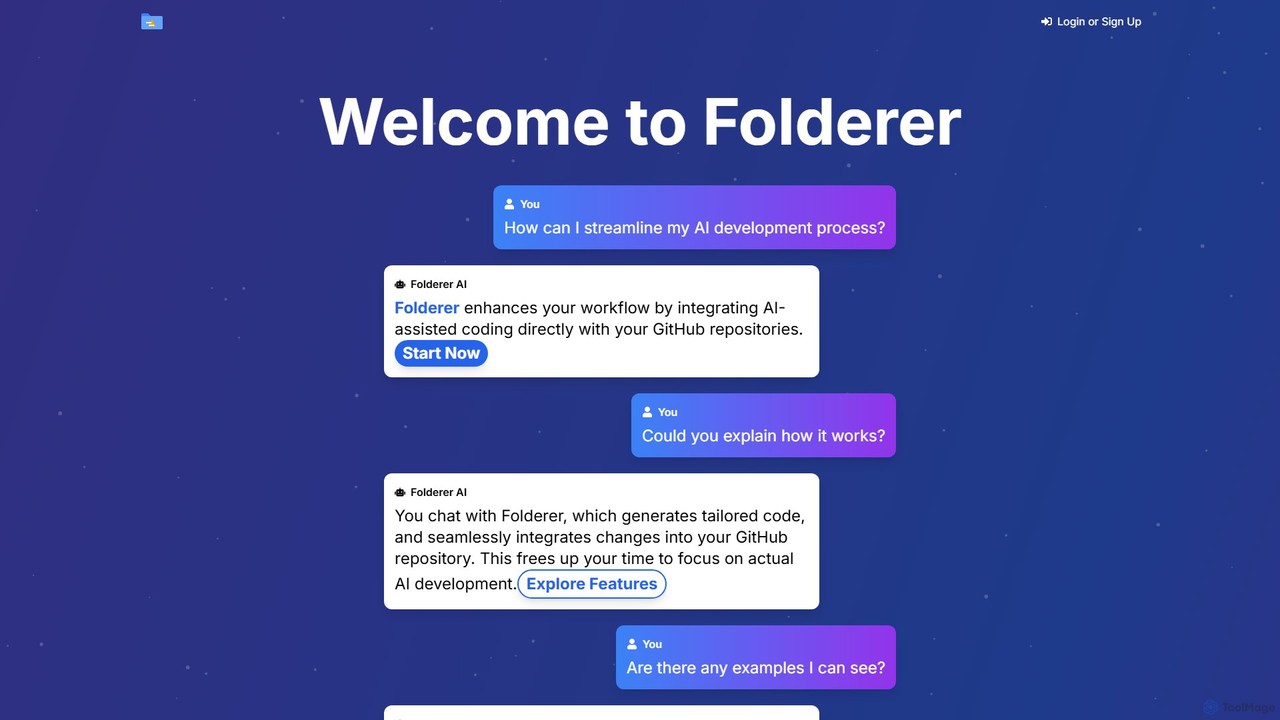
Folderer is an AI-powered coding assistant that integrates directly with your GitHub repositories. It uses a conversational chat interface to generate, refine, and commit high-quality code, streamlining the entire development workflow from idea to deployment.

Code Generation
Visits 5.8KFavorites 121Likes 107
Clyr
Paid

Clyr

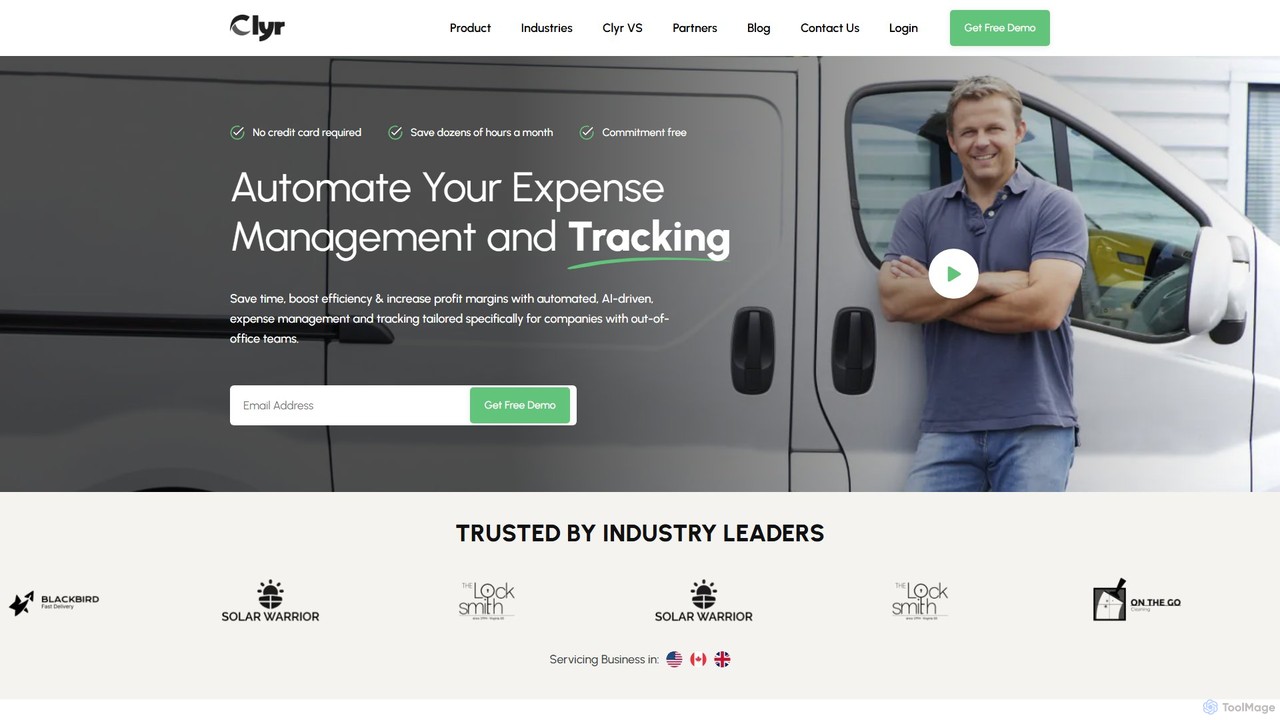
Clyr is an AI-powered expense and bill management platform designed for contractors, project managers, and businesses with field teams. It automates expense tracking, receipt capture, and accounts payable to save time, boost efficiency, and increase profit margins. Clyr integrates seamlessly with your existing CRM, ERP, and accounting software.

Accounting
Visits 12.3KFavorites 150Likes 125
eyeq
Paid

eyeq

eyeq provides world-leading AI-powered automatic photo correction and video enhancement solutions for businesses. Its core technology, Perfectly Clear, uses 20+ years of scientific research and AI to deliver vibrant, accurate colors, intelligent retouching, and automated workflows, helping companies improve quality, reduce costs, and increase revenue.

3D
Visits 16.4KFavorites 102Likes 120
omnitrain
Paid

omnitrain

Omnitrain is an AI-powered ad creation platform that generates high-converting ad images and videos in minutes. Designed for marketers and businesses, it transforms product information into hundreds of scroll-stopping visuals and compelling copy without requiring any design skills. It focuses on performance, scalability, and rapid A/B testing to maximize campaign results.

Image Generation
Visits 8.8KFavorites 111Likes 131
Mailead
Freemium

Mailead

Mailead is an AI-powered cold email outreach platform designed for B2B sales and lead generation. It offers unlimited mailboxes, automated email warmup, A/B testing, and contact scraping to help businesses scale their outreach campaigns. The platform focuses on maximizing deliverability and automating the entire prospecting process, from finding leads to managing replies in a unified inbox.

Email Marketing
Visits 14KFavorites 191Likes 195
Linked API
Paid

Linked API

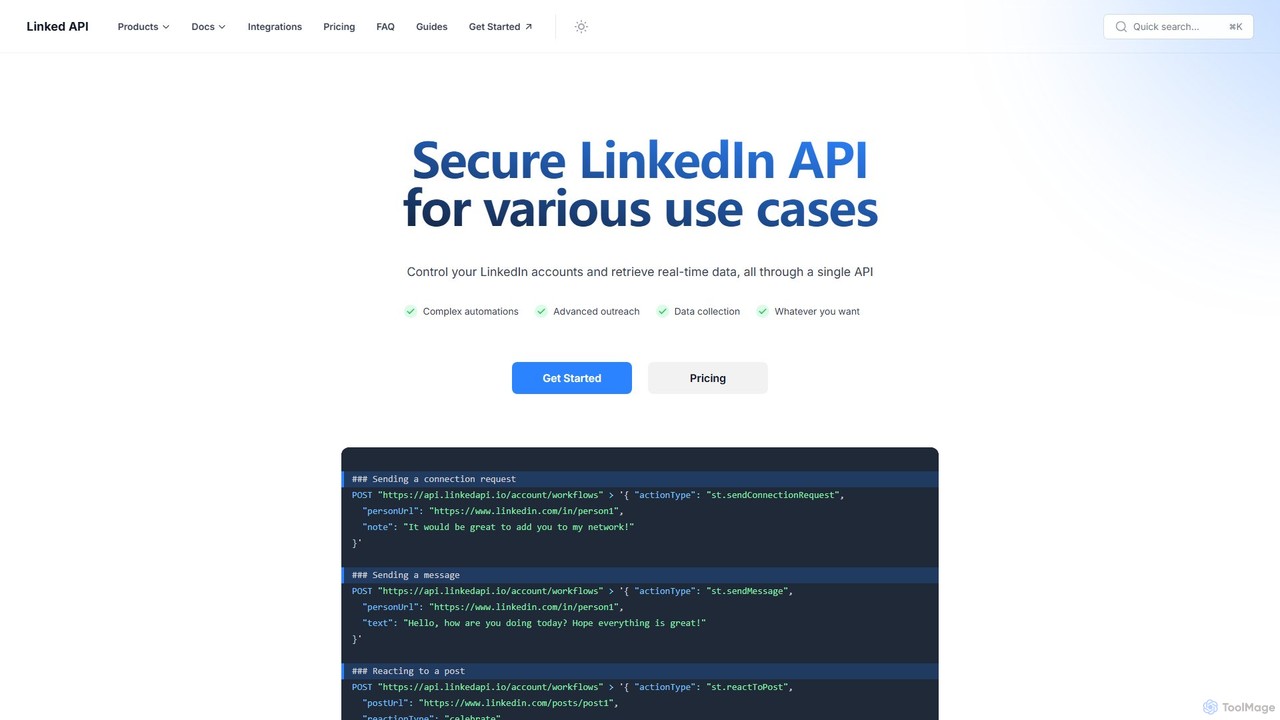
Linked API provides a secure and robust API to automate LinkedIn activities and retrieve real-time data. It's designed for developers, sales teams, and marketers to programmatically manage accounts, automate outreach, and collect valuable data for lead generation, recruitment, and market research.

Api
Visits 35.1KFavorites 130Likes 124
gmbapi
Freemium

gmbapi

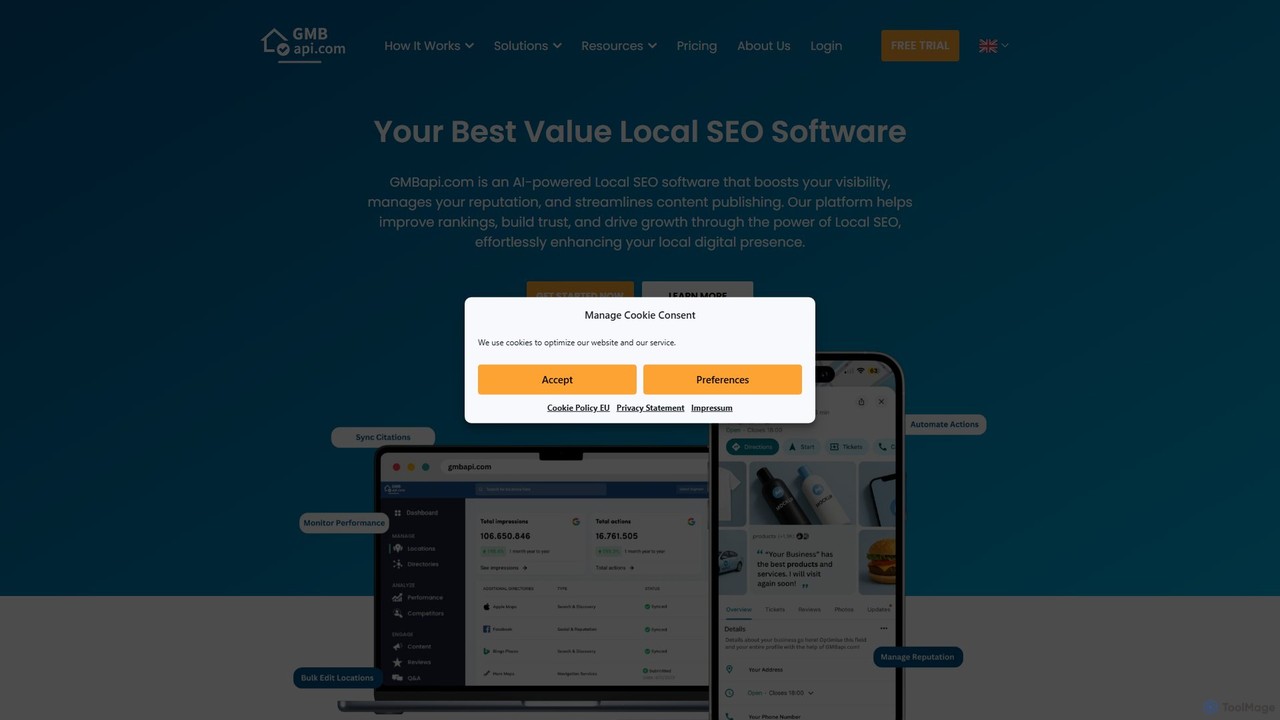
gmbapi is an AI-powered Local SEO platform designed for multi-location businesses and agencies. It streamlines Google Business Profile management, automates review responses with AI, enables bulk content publishing, and provides in-depth competitor and keyword tracking. Recognized for its value and user-friendly interface, gmbapi helps businesses enhance local visibility, manage online reputation, and drive customer growth efficiently.

Reputation Management
Visits 45.4KFavorites 154Likes 165
ChattyHiring
Paid

ChattyHiring

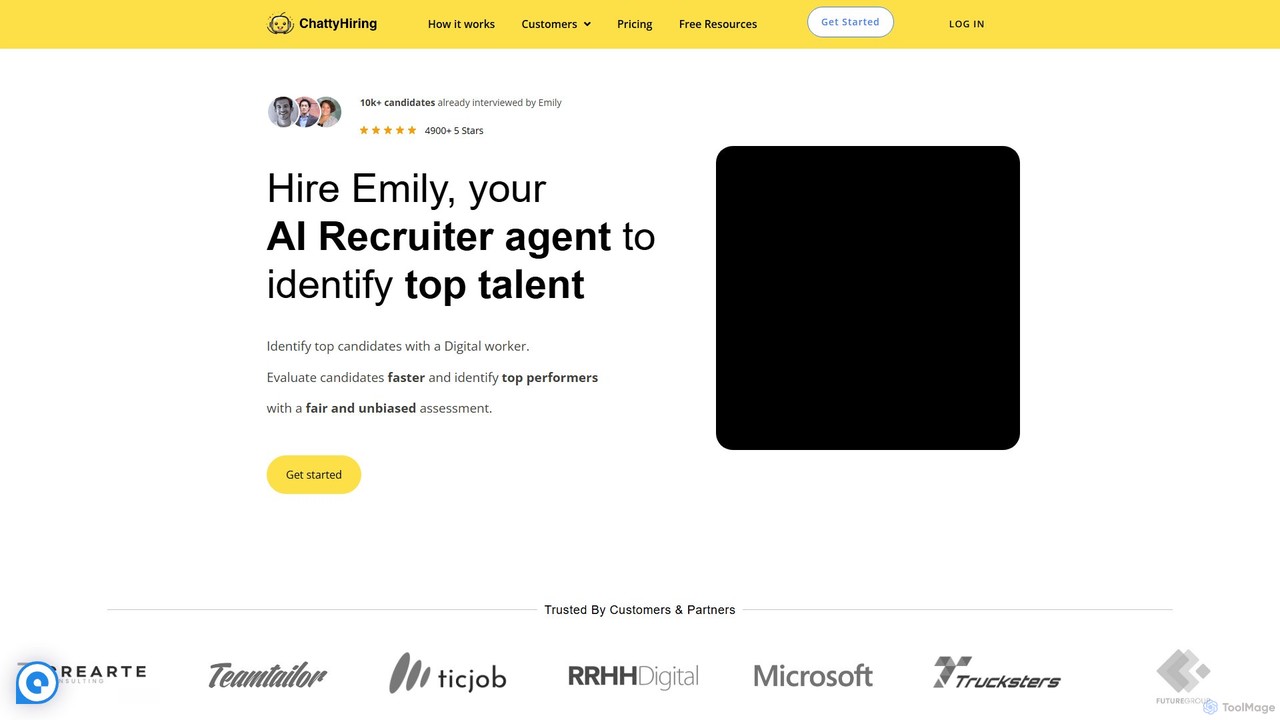
ChattyHiring provides an AI recruiting agent, Emily, to automate the hiring process. It identifies top talent through automated voice interviews, competency-based assessments, and role-playing scenarios, delivering a ranked shortlist of qualified candidates to save time and reduce costs.

Sales
Visits 7.5KFavorites 140Likes 148
GuestGuru

GuestGuru

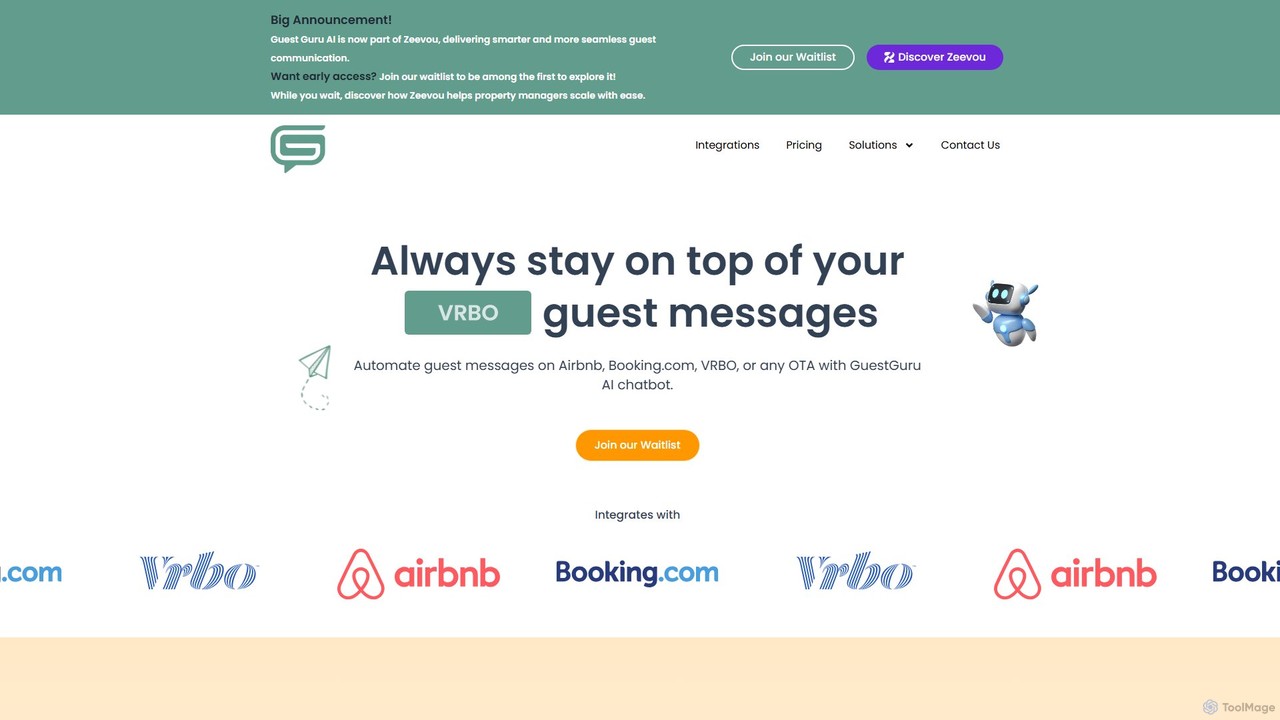
GuestGuru is an AI-powered chatbot designed for the short-term rental industry. It automates guest communication on platforms like Airbnb, Booking.com, and Vrbo, handling inquiries, sending check-in instructions, and providing 24/7 support to enhance the guest experience and save hosts significant time.

Chatbot
Visits 8.8KFavorites 113Likes 109
Interviewer.AI
Freemium

Interviewer.AI

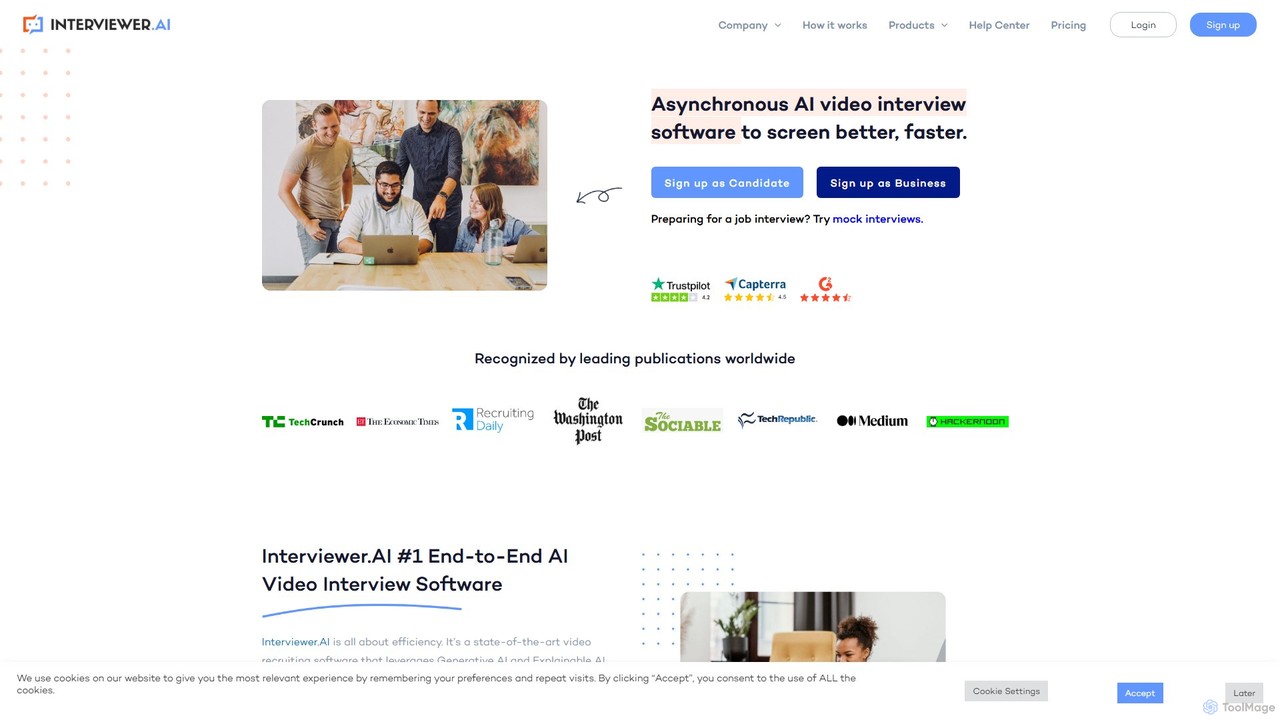
An AI-powered video interview platform that automates candidate screening. It uses generative and explainable AI to analyze video responses, resumes, and skills, providing bias-free insights to help recruiters hire better talent faster and more efficiently.

Recruiting
Visits 62.5KFavorites 113Likes 124
Base64.ai
Freemium

Base64.ai

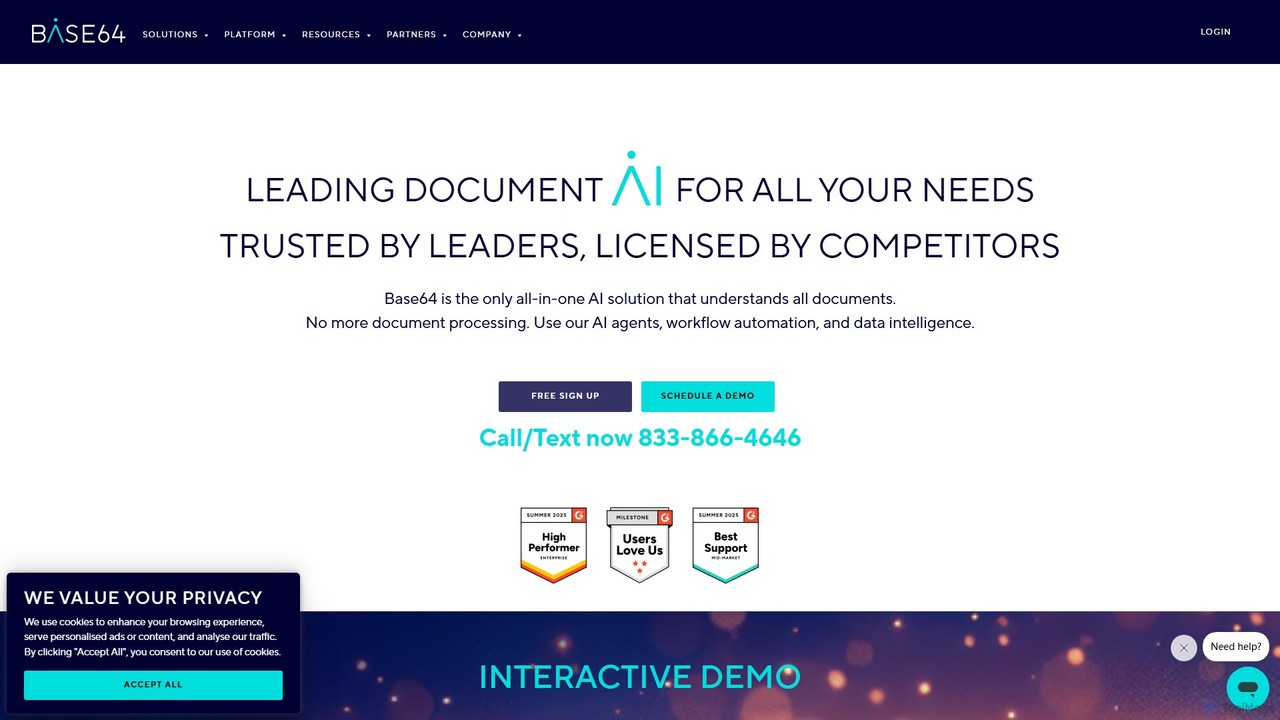
Base64.ai is an enterprise-grade, all-in-one Document Intelligence platform. It uses AI to automate data extraction and processing from any document, image, or multimedia file. With over 2,800 pre-trained models and seamless API/no-code integrations, it helps businesses in finance, insurance, and healthcare achieve 99.7% accuracy, reduce costs by 5x, and cut processing time from weeks to seconds.

Document Management
Visits 25.8KFavorites 145Likes 130

About Automation

AI Automation tools are a class of software that uses artificial intelligence to execute repetitive tasks and streamline complex workflows without direct human intervention. These tools leverage technologies like machine learning (ML) and natural language processing (NLP) to understand data, make decisions, and interact with other digital systems. Their primary purpose is to enhance productivity by reducing manual effort, minimizing errors, and freeing up human teams to focus on strategic initiatives. Unlike traditional automation, AI-powered platforms can handle unstructured data and adapt to variations in processes.

Core Features

  • Workflow Builder: Visually design, build, and manage multi-step automated processes that connect various applications and services.
  • Intelligent Data Processing: Automatically extract, classify, and validate information from documents, emails, and images using AI models.
  • AI-Powered Decision Making: Implement conditional logic and predictive models that allow the system to make autonomous choices within a workflow.
  • Cross-Application Integration: Connect seamlessly with hundreds of third-party apps (SaaS, databases, APIs) to create a unified automated ecosystem.
  • No-Code/Low-Code Interface: Enable users with limited technical skills to create and deploy complex automations through drag-and-drop interfaces.

Use Cases

AI Automation tools are widely used across various departments. Marketing teams automate lead nurturing campaigns and social media posting. Finance departments use them for invoice processing and expense report approvals. In customer support, they are used to route tickets and send automated responses, significantly improving response times and operational efficiency.

How to Choose

When selecting an AI Automation tool, first evaluate its integration library to ensure it supports the apps you use. Consider the complexity of its AI capabilities—do you need simple data extraction or advanced predictive analytics? Assess the user interface; a no-code platform is better for business users, while a low-code option offers more flexibility for developers. Finally, review the scalability and pricing model to ensure it aligns with your business growth.

Featured tool rankings

Automation use cases

1

Automate Social Media Content Publishing

A social media manager for a growing e-commerce brand needs to maintain a consistent posting schedule across multiple platforms like Instagram, Facebook, and Twitter. Instead of manually uploading and scheduling each post, they use an AI automation tool. They set up a workflow that triggers whenever a new product is added to their website's blog. The tool automatically pulls the product image and description, uses an AI writing assistant to generate several engaging caption variations, and then schedules them to be posted at optimal times on each platform over the next week. This saves hours of manual work and ensures a steady stream of content.

2

Streamline Customer Onboarding Process

A SaaS company's customer success team needs to ensure every new user has a smooth onboarding experience. They use an automation platform to connect their payment gateway (e.g., Stripe) with their CRM and email marketing tool. When a new customer subscribes, a workflow is initiated:

  • A new contact is created in the CRM with the 'New Customer' tag.
  • A welcome email is sent immediately with login details and a link to a setup guide.
  • A task is assigned to a customer success manager for a personal follow-up call in three days.
  • The customer is added to an automated 7-day onboarding email sequence that introduces key features.
This automation ensures no new customer is overlooked and provides a consistent, professional welcome.

3

Intelligent Invoice and Receipt Processing

An accounting department processes hundreds of invoices and receipts monthly. This manual data entry is time-consuming and prone to errors. By implementing an AI automation tool with Optical Character Recognition (OCR), the process is transformed. Staff simply scan or email the documents to a designated inbox. The AI tool automatically:

  • Extracts key information like vendor name, invoice number, date, and total amount.
  • Categorizes the expense based on the vendor or line items.
  • Creates a draft entry in the accounting software (e.g., QuickBooks) for review.
  • Flags any discrepancies or missing information for human attention.
This reduces data entry time by over 80% and improves accuracy significantly.

4

Automate Lead Nurturing in Marketing

A marketing team wants to personalize communication with new leads who download an e-book from their website. They set up an automation that triggers upon form submission. The lead's contact information is added to their CRM and they are entered into a specific nurturing sequence. The sequence starts with an email delivering the e-book, followed by a series of emails over two weeks that provide related content, case studies, and finally, an invitation to a product demo. The automation uses conditional logic: if a lead clicks on a specific case study, they are tagged with that interest and might receive more targeted content, making the nurturing process highly relevant and effective.

5

Automate IT Help Desk Ticket Routing

An IT department in a large company receives hundreds of support requests daily via email. Manually reading, categorizing, and assigning these tickets is a bottleneck. They deploy an AI automation tool that monitors the support inbox. Using Natural Language Processing (NLP), the tool analyzes the content of each email to determine the issue's category (e.g., 'Password Reset', 'Hardware Failure', 'Software Access') and urgency. Based on predefined rules, it automatically creates a ticket in their help desk system (like Jira or Zendesk) and assigns it to the appropriate specialist or team. This ensures faster response times and a more balanced workload for the IT staff.

6

Sync Data Across Disparate Business Systems

An operations manager struggles with data inconsistencies between their CRM (Salesforce) and ERP (NetSuite) systems. Sales updates in the CRM don't always reflect in the ERP, leading to billing errors. They implement an automation platform to act as a bridge. A workflow is created to monitor for 'Closed-Won' opportunities in Salesforce. When this occurs, the automation tool instantly retrieves the customer and deal information and uses it to create a corresponding sales order in NetSuite. This two-way sync ensures that both sales and finance teams are always working with the most up-to-date, accurate information, eliminating manual data reconciliation.

Automation FAQ

What are AI Automation tools?

AI Automation tools are software platforms that use artificial intelligence technologies like machine learning (ML) and natural language processing (NLP) to perform tasks and manage workflows that traditionally require human intelligence. Unlike simple rule-based automation, they can interpret unstructured data, adapt to new situations, and make complex decisions. Common applications include automating data entry from documents, routing customer support tickets based on email content, and managing multi-step marketing campaigns.

How do I choose the right AI Automation tool?

To choose the right tool, consider these factors:

  • Integration Capabilities: Ensure the tool connects with the applications you use daily (e.g., CRM, email, project management software). A robust library of pre-built integrations is crucial.
  • Ease of Use: Determine if you need a no-code platform for non-technical users or a low-code/pro-code solution that offers more customization for developers.
  • AI Features: Assess the specific AI functionalities offered. Do you need basic OCR for data extraction, or more advanced NLP for sentiment analysis and decision-making?
  • Scalability and Reliability: Choose a platform that can handle an increasing volume of tasks as your business grows and offers reliable performance.
What's the difference between AI Automation and traditional Robotic Process Automation (RPA)?

The key difference lies in intelligence and adaptability. Traditional RPA is rule-based and excels at automating structured, repetitive tasks by mimicking human actions on a user interface (like clicks and keystrokes). It struggles with variation. AI Automation, often seen as an evolution of RPA, incorporates cognitive abilities. It can process unstructured data (like text in an email), understand context, learn from experience, and make decisions. In essence, RPA automates tasks, while AI Automation automates entire processes that involve judgment and interpretation.

What kind of tasks can be automated with these tools?

AI Automation tools can handle a wide spectrum of tasks, from simple to complex. Examples include:

  • Data Management: Automatically moving and syncing data between applications like spreadsheets, CRMs, and databases.
  • Communication: Sending personalized emails, scheduling social media posts, and routing customer inquiries.
  • Document Processing: Extracting information from invoices, contracts, and receipts using OCR and NLP.
  • Reporting: Aggregating data from multiple sources to generate daily or weekly performance reports.
  • Complex Workflows: Managing entire processes like employee onboarding or lead nurturing, which involve multiple steps, applications, and conditional logic.
Who can benefit from using AI Automation tools?

A wide range of users can benefit from AI Automation. In a business context, roles like marketing operations managers, sales representatives, finance controllers, and IT administrators use these tools to streamline departmental workflows and eliminate repetitive tasks. Small business owners and entrepreneurs can automate core business processes without a large team. Even individuals can use them for personal productivity, such as managing personal finances, organizing files, or automating social media activity, thereby saving time for more important activities.