ToolMage
Sign in

Best 76 Team Collaboration AI tools for Productivity

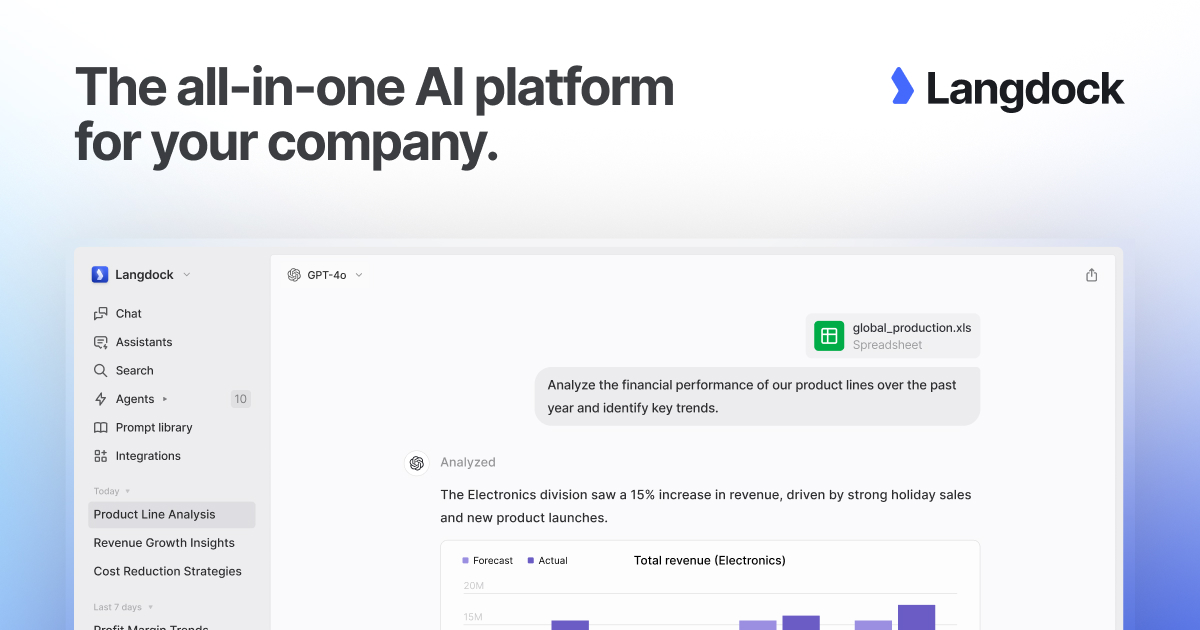
Popular Team Collaboration AI tools in Productivity include Discord, Workhuman, Langdock, Officevibe, Leapsome, Lattice, Geekbot, AdvantageClub.ai, Roster, and Springworks, helping you work more efficiently.

Considerful
Freemium

Considerful

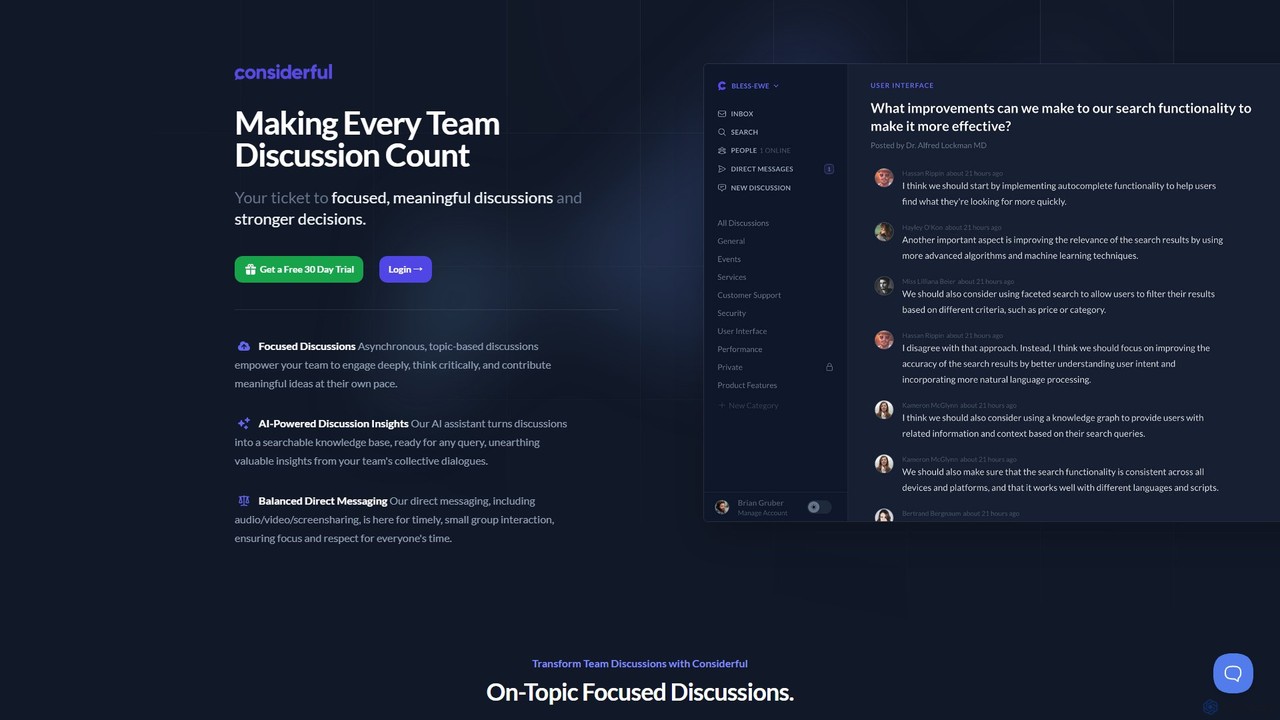
Considerful is an AI-powered communication platform designed for productive teams. It fosters focused, asynchronous, topic-based discussions to encourage deep thinking and meaningful contributions, while its AI assistant transforms conversations into a searchable knowledge base. It also includes balanced direct messaging for timely interactions.

Project Management
Visits 5.9KFavorites 134Likes 121
gptpanda
Freemium

gptpanda

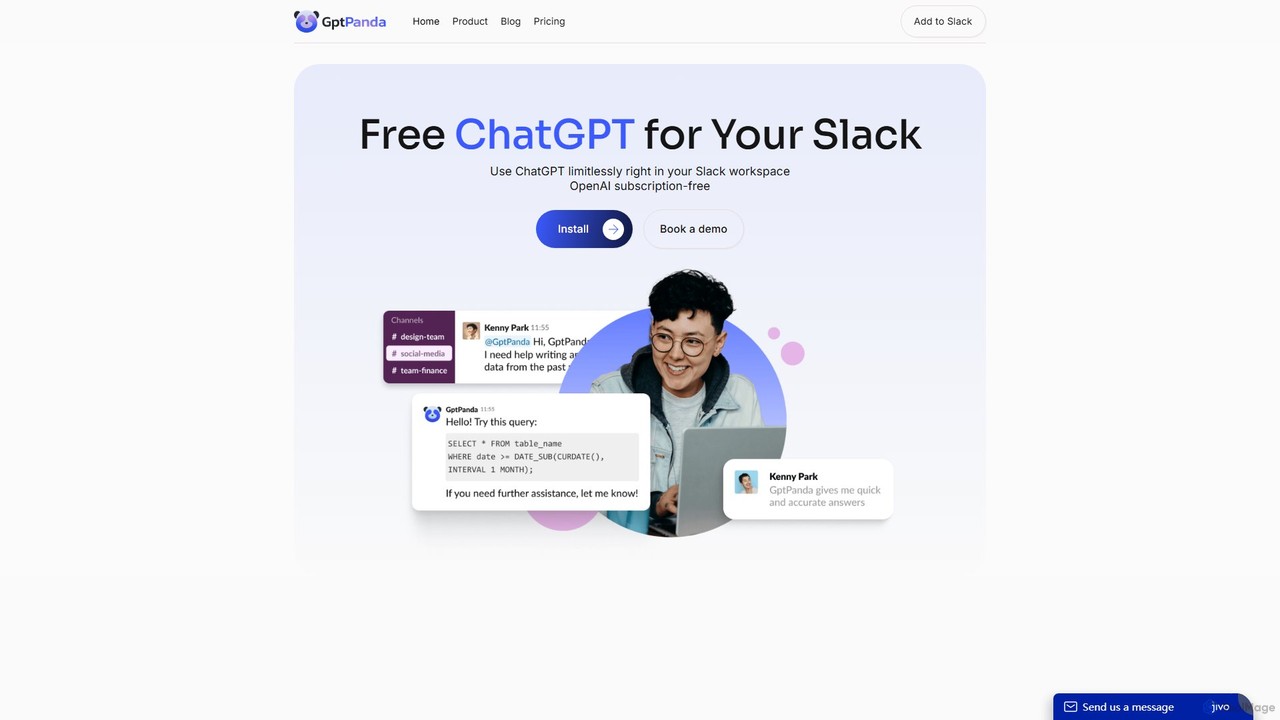
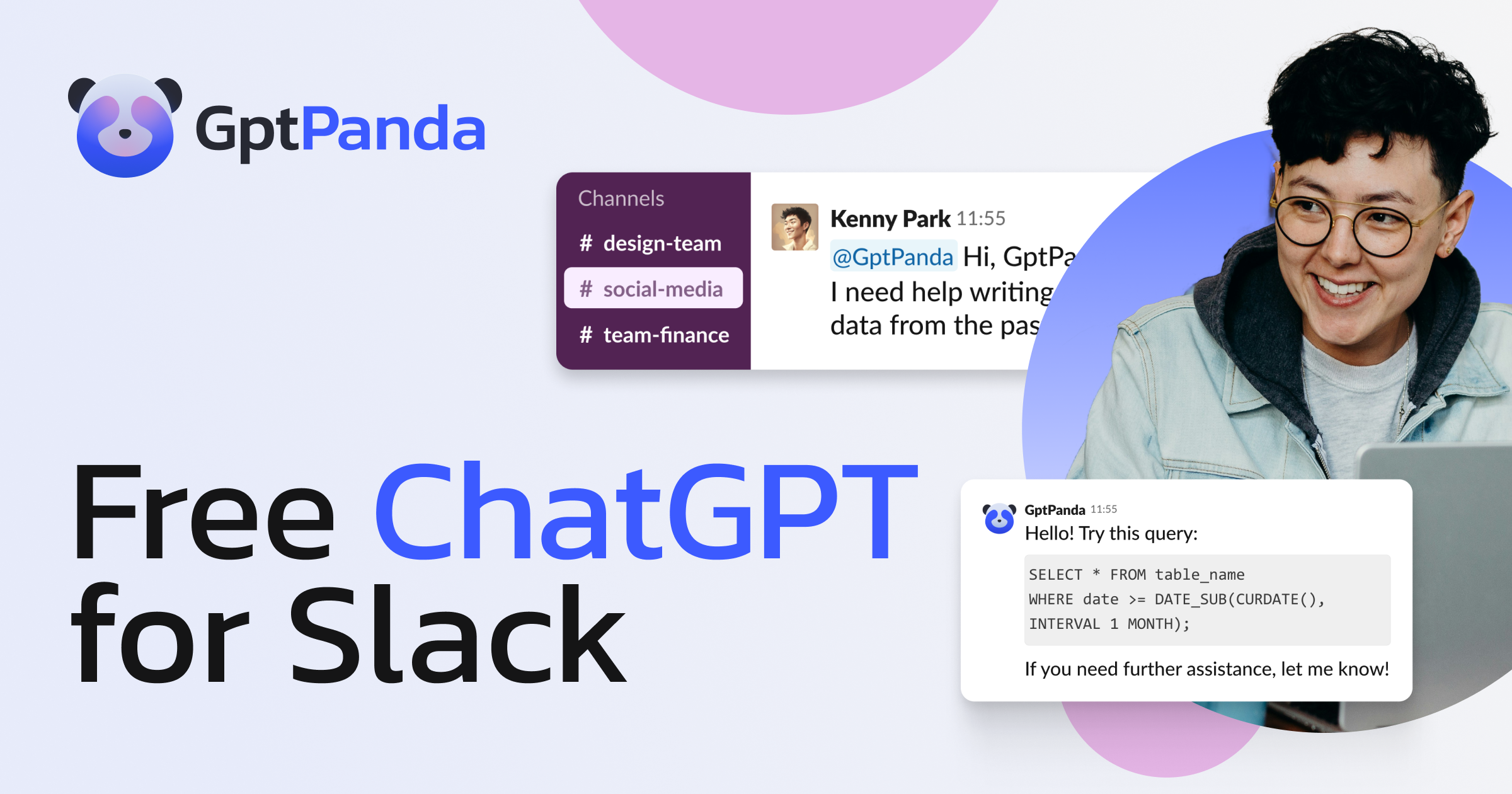
gptpanda integrates the latest ChatGPT models, like GPT-4o, directly into your Slack workspace. It allows teams to make unlimited requests in channels and private messages without leaving Slack. This tool boosts productivity by providing instant answers, facilitating brainstorming, and assisting with tasks, all while ensuring data privacy. It's designed for startups and small businesses, offering a powerful free tier to make AI accessible to everyone.

Chatbot
Visits 5.8KFavorites 202Likes 192
Sup Bot
Freemium

Sup Bot

Sup Bot is an all-in-one productivity and HR bot for Slack, MS Teams, and Webex. It automates daily stand-ups, tracks vacations and leaves, manages employee reimbursements, and runs custom workflows, helping teams stay synchronized and efficient without endless meetings.

Leave Management
Visits 18.8KFavorites 157Likes 155
orgengage
Freemium

orgengage

orgengage is an AI-powered Slack application designed to enhance team engagement and build a strong company culture, especially for remote and distributed teams. It fosters meaningful connections by creating rich employee profiles, automating introductions, and facilitating team-building activities directly within Slack.

Team Building
Visits 6.3KFavorites 127Likes 138

About Team Collaboration

Team Collaboration AI tools are intelligent platforms designed to optimize how teams communicate, coordinate, and execute shared objectives. These tools leverage artificial intelligence to automate routine tasks, facilitate seamless information exchange, and provide actionable insights, significantly enhancing collective productivity. By integrating advanced AI capabilities, they transform traditional workflows into more efficient, data-driven, and interconnected processes, enabling teams to achieve their goals faster and with greater precision.

Core Features

  • Intelligent Task Management: AI-driven prioritization, assignment, and progress tracking for project tasks.
  • Automated Communication Summaries: AI summarizes meeting transcripts, chat logs, and email threads to extract key information.
  • Smart Document Co-creation: AI assists in drafting, editing, and version control for shared documents and presentations.
  • Predictive Project Scheduling: AI analyzes team workloads and deadlines to suggest optimal timelines and resource allocation.
  • Enhanced Knowledge Sharing: AI organizes and retrieves team knowledge bases, providing instant answers to common queries.

Use Cases

These tools are invaluable across various sectors, from tech startups to large enterprises, for roles like project managers, marketing teams, and product development groups. They are used to streamline complex projects, improve cross-functional communication, and ensure all team members are aligned and informed. For instance, a marketing team might use AI to summarize campaign performance reports, while a development team could leverage it for intelligent code review suggestions.

How to Choose

When selecting a Team Collaboration AI tool, consider its integration capabilities with your existing software ecosystem (e.g., CRM, project management tools). Evaluate the specific AI features offered, such as natural language processing for summaries or predictive analytics for scheduling, ensuring they align with your team's core needs. Assess the scalability and security features, as well as the user interface's intuitiveness and the vendor's support for seamless adoption and long-term use.

Featured tool rankings

Team Collaboration use cases

1

Streamlining Project Planning & Execution

Project managers utilize AI team collaboration tools to break down complex projects into manageable tasks, intelligently assign responsibilities based on team member skills and availability, and proactively monitor progress. The AI identifies potential bottlenecks or delays, suggesting adjustments to timelines or resource allocation, ensuring projects stay on track and are completed efficiently.

2

Automating Meeting Summaries & Action Items

Teams leverage AI tools to transcribe virtual or in-person meetings in real-time, automatically generate concise summaries of discussions, and extract key decisions and action items. These summaries, complete with assigned owners and deadlines, are then distributed to relevant team members, significantly reducing manual note-taking and ensuring everyone is aligned on next steps.

3

Facilitating Cross-functional Communication

Large organizations with diverse departments use AI collaboration platforms to bridge communication gaps. The AI can summarize complex technical discussions for non-technical stakeholders or translate jargon between different teams, ensuring clear understanding and fostering better inter-departmental cooperation on shared initiatives.

4

Optimizing Shared Document Creation & Review

Content creation teams, legal departments, or marketing agencies use AI tools to collaboratively draft reports, proposals, or presentations. The AI assists by suggesting grammatical improvements, checking for consistency, tracking all changes and comments, and managing version control, leading to faster, more accurate, and polished final documents.

5

Enhancing Team Knowledge Management

Customer support teams or internal HR departments deploy AI-powered knowledge bases where team members can quickly find answers to common questions or access critical information. The AI organizes vast amounts of data, learns from queries, and provides instant, accurate responses, reducing the time spent searching for information and improving overall team efficiency.

6

Onboarding New Team Members Efficiently

HR and team leads use AI collaboration tools to streamline the onboarding process for new hires. AI-driven chatbots can guide new employees through company policies, training modules, and team introductions, answering frequently asked questions and providing personalized support, ensuring a smoother and faster integration into the team.

Team Collaboration FAQ

What are AI Team Collaboration tools?

AI Team Collaboration tools are software applications that integrate artificial intelligence to enhance how teams work together. They leverage AI to automate tasks like summarizing communications, managing projects, and facilitating knowledge sharing, aiming to improve efficiency, communication, and decision-making within a group. These tools go beyond basic shared documents or chat by providing intelligent assistance and insights.

How do AI tools enhance team collaboration?

AI tools enhance team collaboration by automating repetitive tasks, such as generating meeting minutes or organizing shared files, freeing up team members for more strategic work. They improve communication through intelligent summaries and language processing, ensure better project coordination with predictive analytics for task management, and centralize knowledge for faster information retrieval, ultimately boosting overall team productivity and alignment.

What should I consider when choosing an AI team collaboration platform?

When selecting an AI team collaboration platform, prioritize its core AI capabilities, such as natural language processing for communication analysis or machine learning for task prediction, ensuring they meet your specific needs. Evaluate its integration potential with your existing tech stack, user-friendliness, and scalability for future growth. Also, consider data security protocols, compliance standards, and the vendor's support services to ensure a reliable and secure environment.

How do AI collaboration tools differ from traditional collaboration software?

Traditional collaboration software provides basic functionalities like shared documents, chat, and task lists. AI collaboration tools, however, integrate intelligence to actively assist teams. They can proactively suggest actions, summarize complex information, automate workflows, and provide predictive insights, moving beyond passive platforms to become active partners in enhancing team efficiency and strategic decision-making.

Can AI collaboration tools integrate with existing workflows?

Yes, most modern AI team collaboration tools are designed with robust integration capabilities. They often offer APIs or direct connectors to popular business applications like CRM systems (e.g., Salesforce), project management software (e.g., Jira, Asana), communication platforms (e.g., Slack, Microsoft Teams), and cloud storage services (e.g., Google Drive, Dropbox). This allows for seamless data flow and avoids disrupting established team workflows, enhancing rather than replacing current systems.