ToolMage
Sign in

Best 36 Virtual Assistant for Productivity

Popular Virtual Assistant in Productivity include Sintra, realpha, Pickle, inboxdone, Soul Machines, ChatBoo, freeday, Orga AI, Tochat, and Vetdodo, helping you work more efficiently.

Pickle

Pickle

Pickle is a digital clone factory that creates a living AI avatar of you. This digital twin can learn from your daily life, represent you in video calls with perfect lip-sync, and manage your social media presence 24/7, offering a seamless blend of productivity and digital identity.

Digital Twin
Visits 67.5KFavorites 114Likes 127
Twine Launcher
Freemium

Twine Launcher

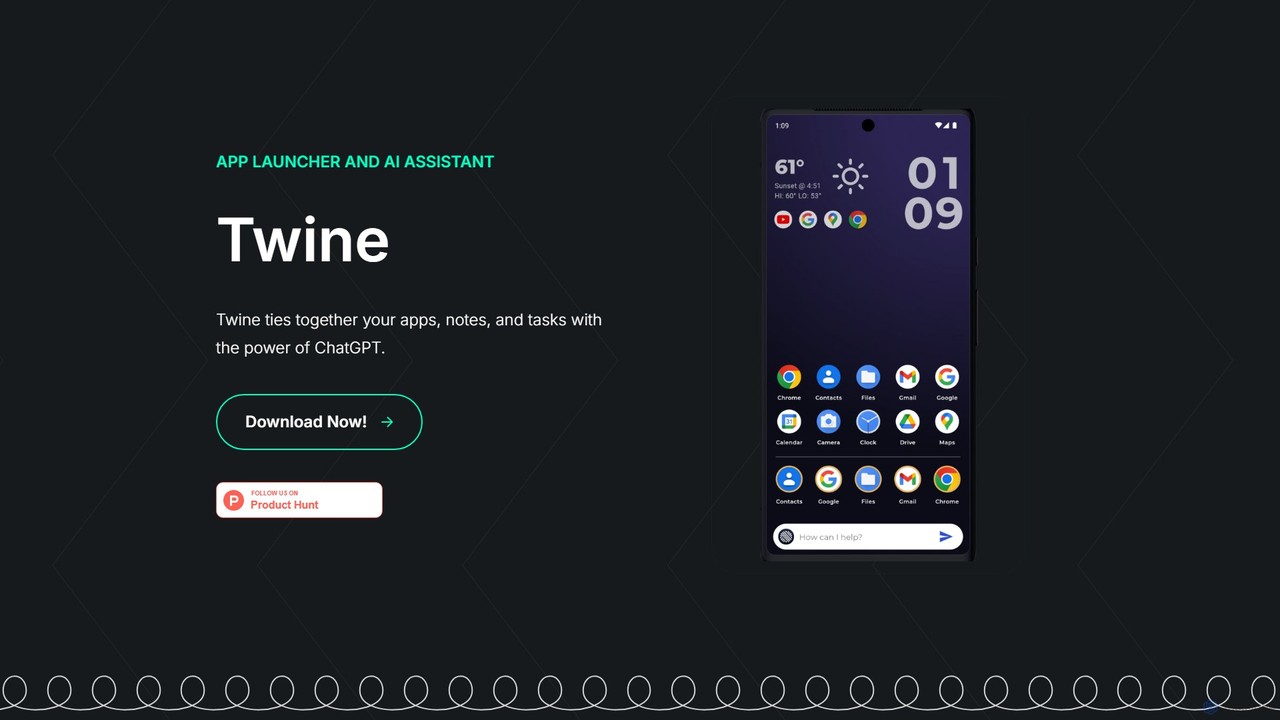
Twine Launcher is an intelligent Android app launcher and AI assistant powered by ChatGPT. It integrates your apps, notes, and tasks, allowing you to manage your digital life directly from your homescreen through natural language commands for enhanced productivity.

Launcher
Visits 7.4KFavorites 123Likes 138
Onley
Paid

Onley

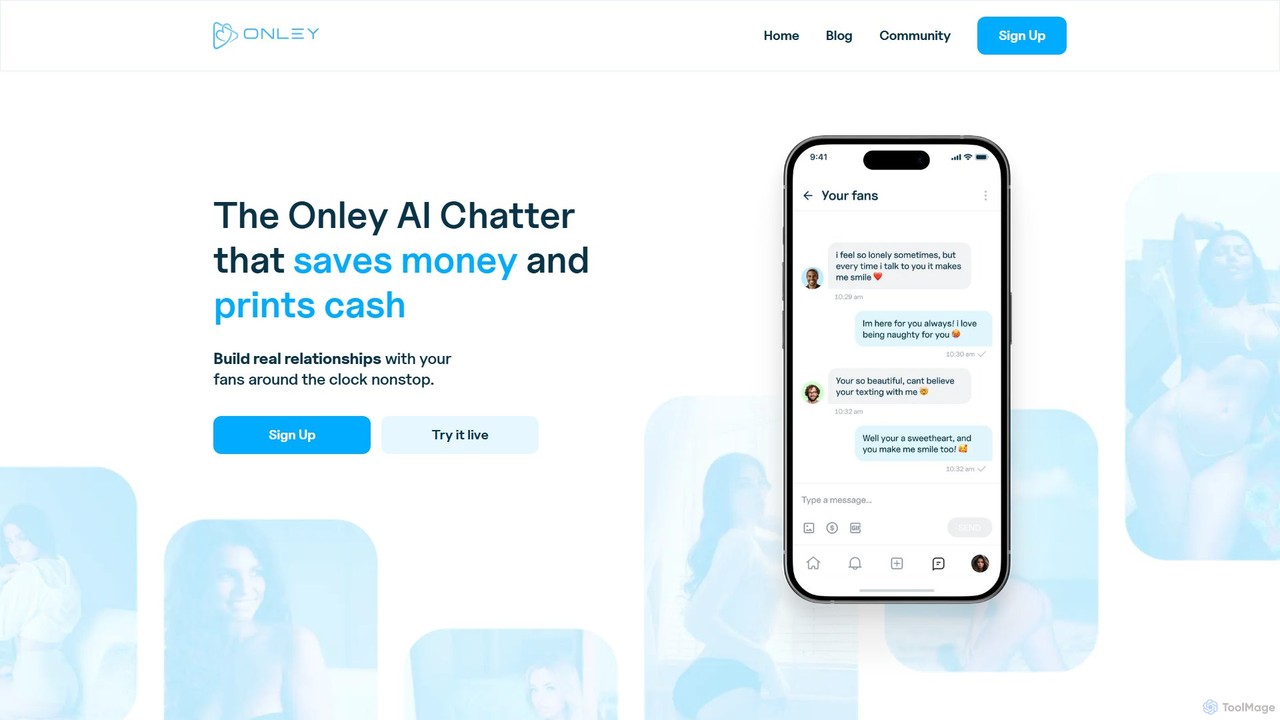
Onley is an AI-powered chatter designed for OnlyFans creators to automate fan communication, increase engagement, and boost revenue. It creates a unique AI persona that mimics the creator, handles conversations 24/7, and intelligently upsells content, allowing creators to save time and maximize their earnings.

Sales Automation
Visits 6.2KFavorites 126Likes 119
Orga AI

Orga AI

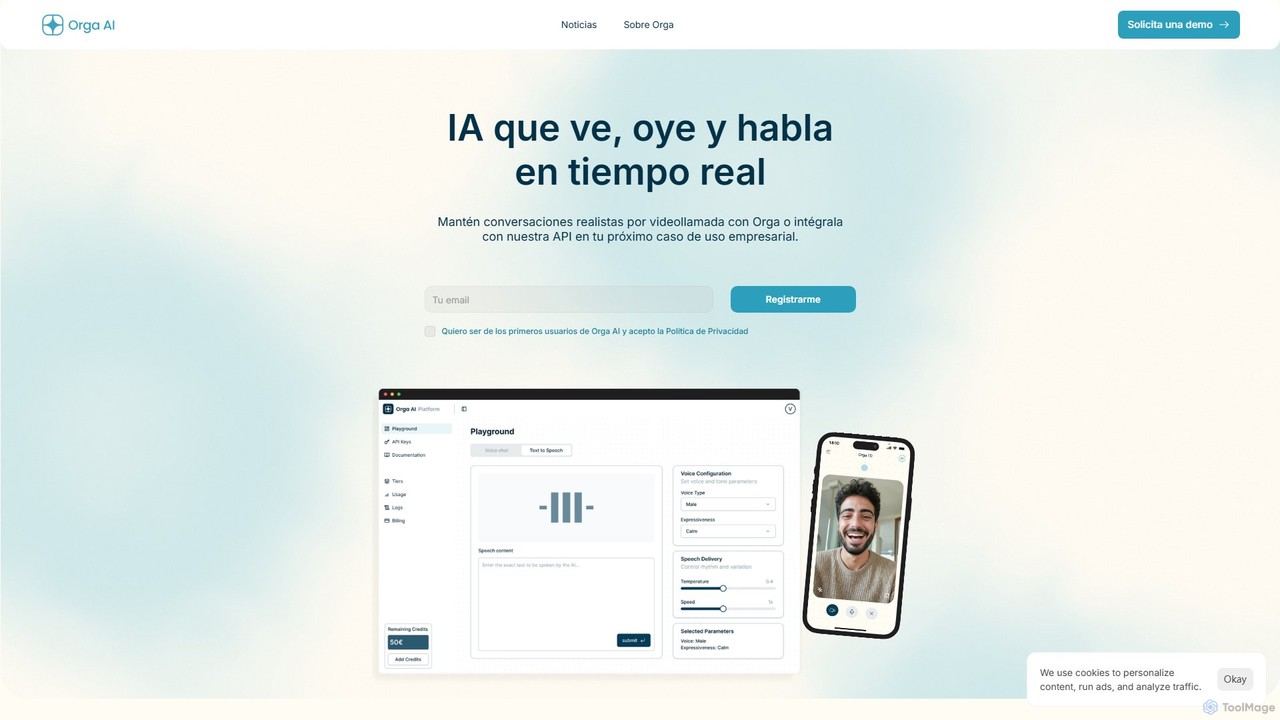
Orga AI is an advanced, open-source conversational AI platform that can see, hear, and speak. It's designed to humanize technology by creating highly realistic, multimodal interactions, making it ideal for next-generation customer support, virtual assistants, and immersive applications. Currently in beta, it offers API access for businesses.

Chatbot
Visits 8.5KFavorites 128Likes 139
Sintra
Paid

Sintra

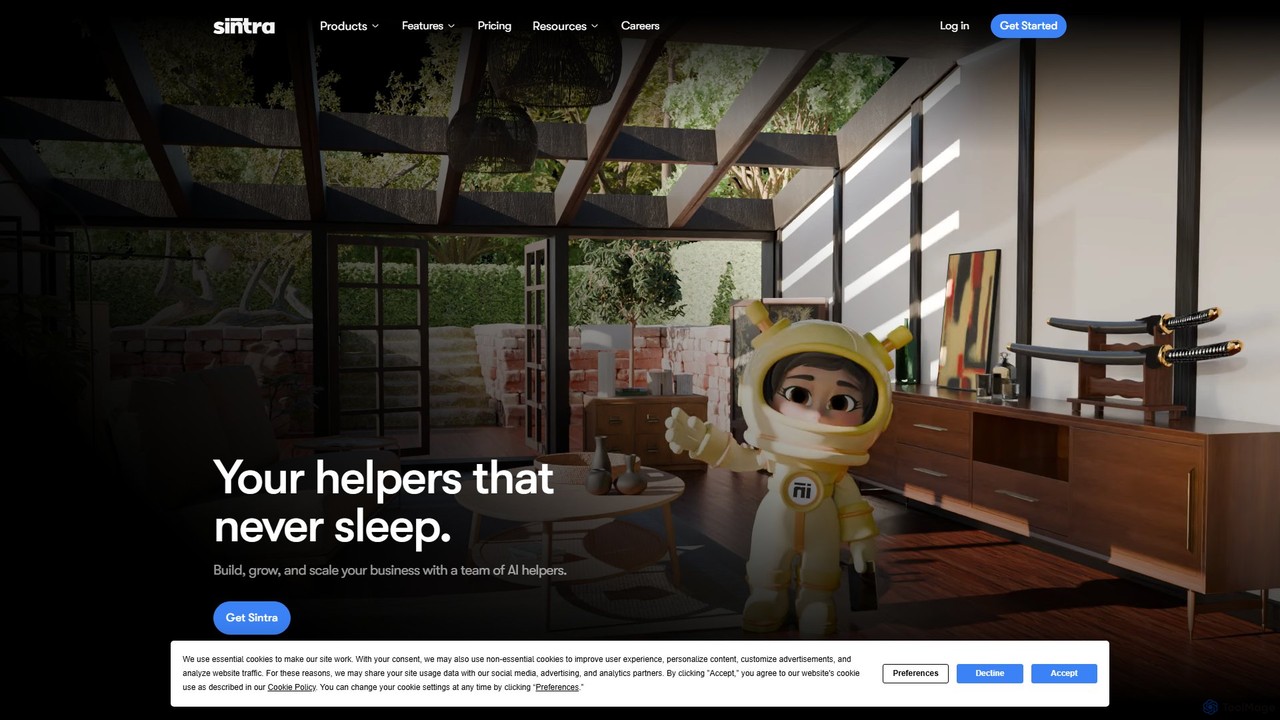
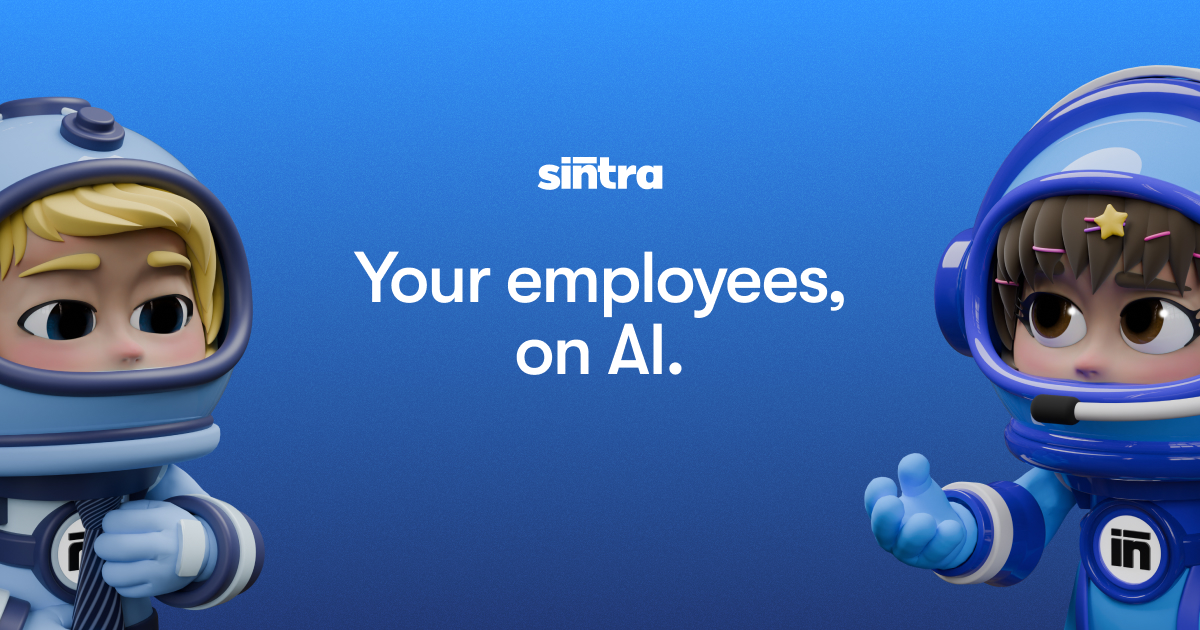
Sintra provides a team of specialized AI helpers designed to automate various business functions. From SEO and social media to sales and customer support, these AI employees work 24/7, learning your brand through a central 'Brain AI' to deliver personalized, context-aware results and boost overall productivity.

Automation
Visits 423.3KFavorites 149Likes 159
AiryChat
Paid

AiryChat

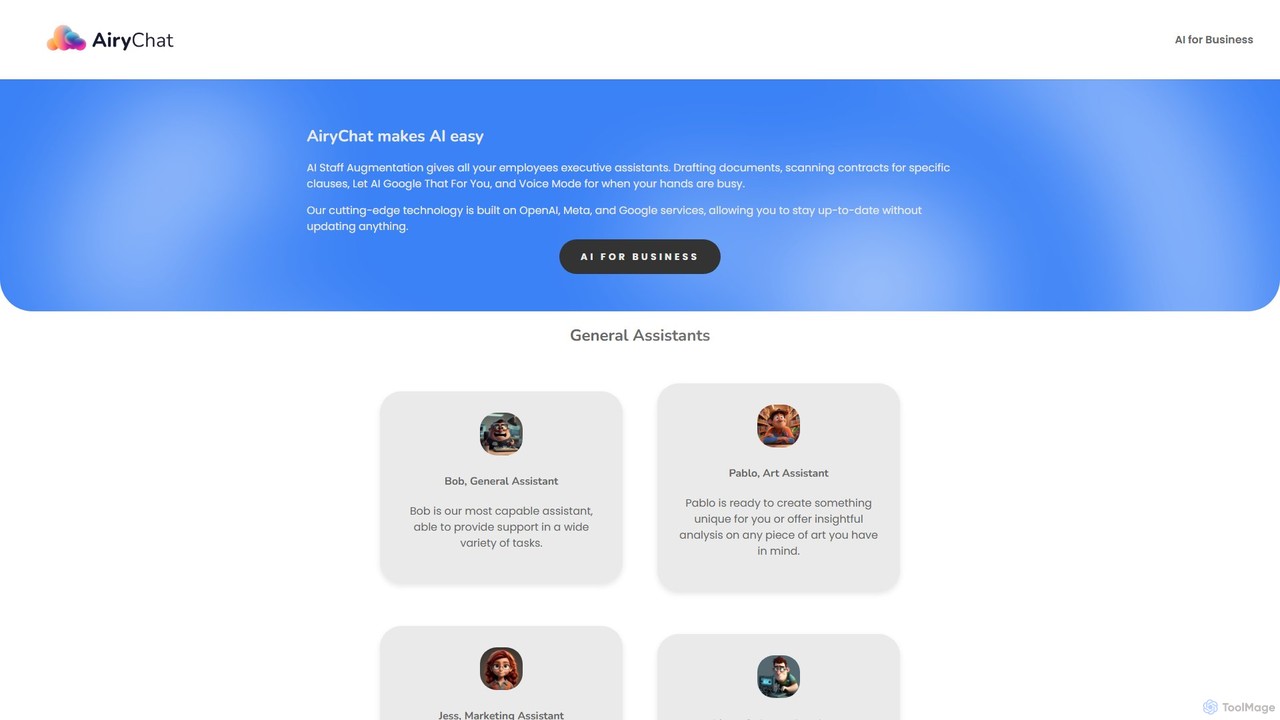
AiryChat provides AI staff augmentation, equipping every employee with a suite of specialized virtual assistants. Built for business, it offers role-specific AI for marketing, software development, design, and general tasks. Features include advanced document processing (PDF, DOCX), web search integration, image generation, and voice-to-voice communication, all within a secure, business-class environment to boost team productivity and streamline workflows.

Team Collaboration
Visits 5.8KFavorites 152Likes 148
HeyLuna
Freemium

HeyLuna

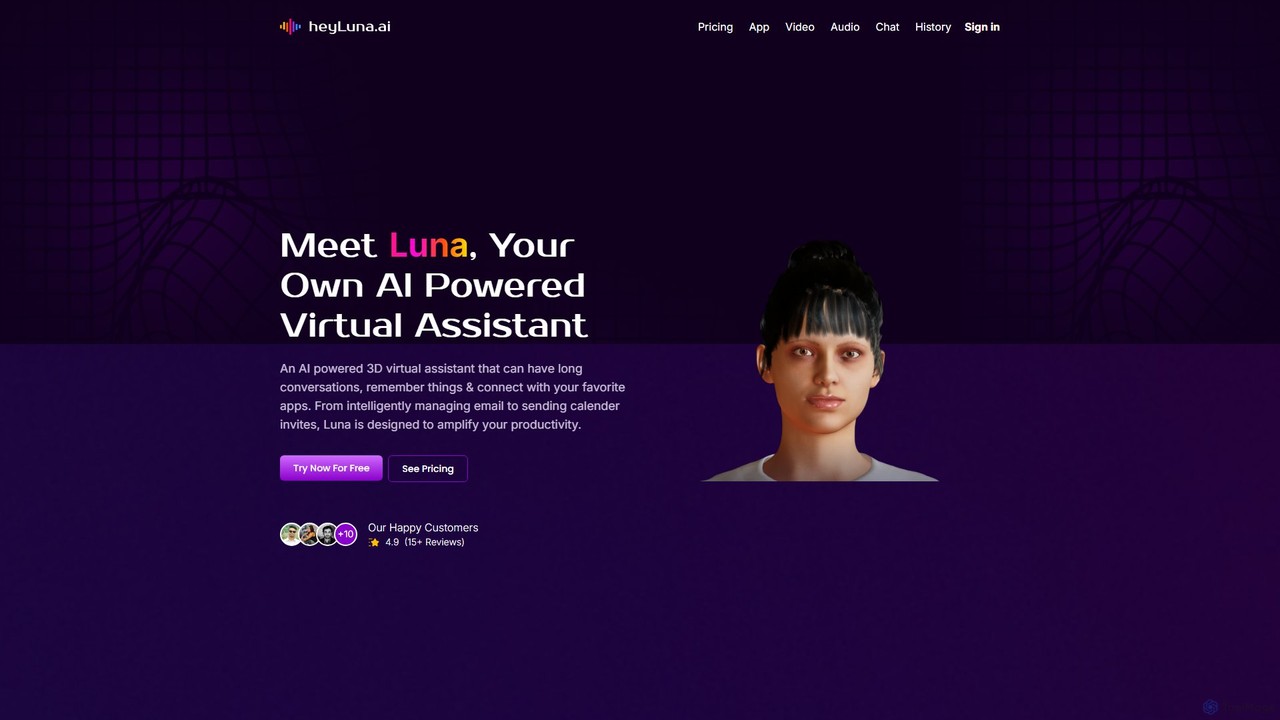
HeyLuna is an AI-powered 3D virtual assistant designed to boost your productivity. It engages in natural language conversations, remembers past interactions, and integrates with essential apps like Gmail, Slack, and Google Calendar to automate tasks such as sending emails and scheduling meetings.

Email Assistant
Visits 7.4KFavorites 122Likes 127
OutsourceBreeze
Freemium

OutsourceBreeze

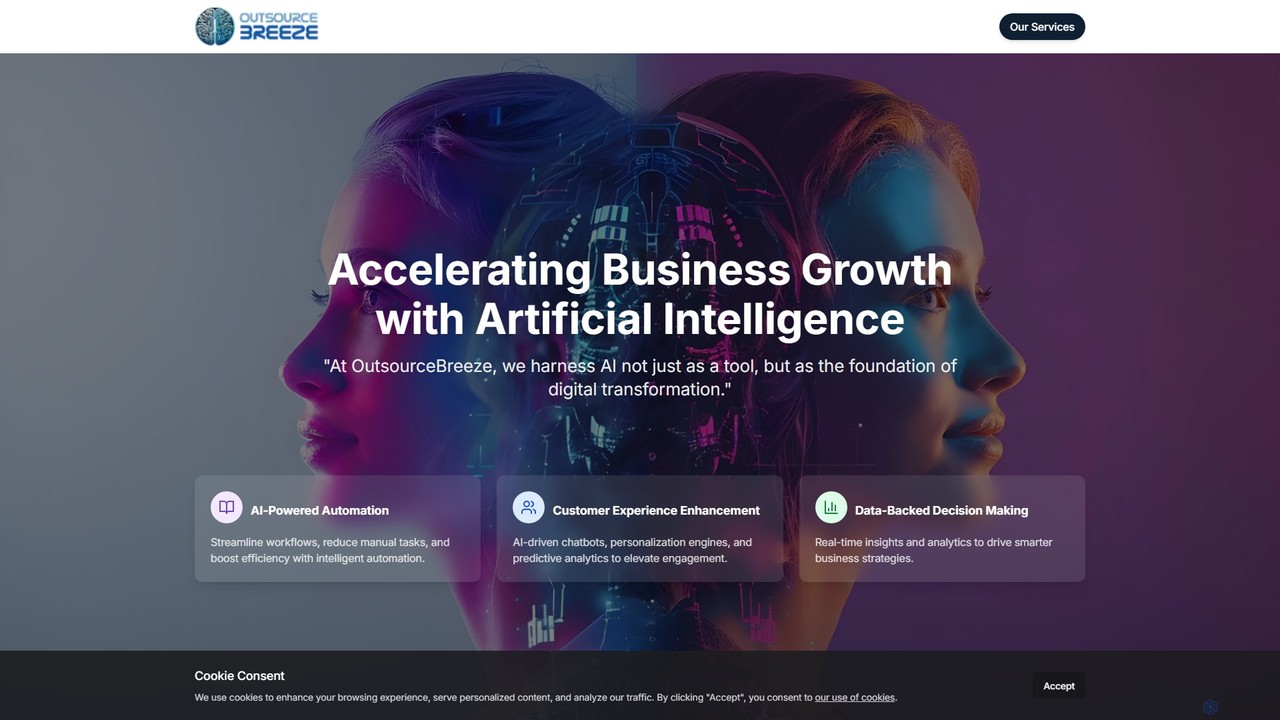
OutsourceBreeze provides AI-powered virtual assistants for both learning and business. It offers AI tutors to enhance education with personalized plans and progress tracking, and business assistants to automate workflows, manage customer interactions, and streamline operations, boosting productivity and growth.

Automation
Visits 5.8KFavorites 112Likes 113
Caseflood.ai
Paid

Caseflood.ai

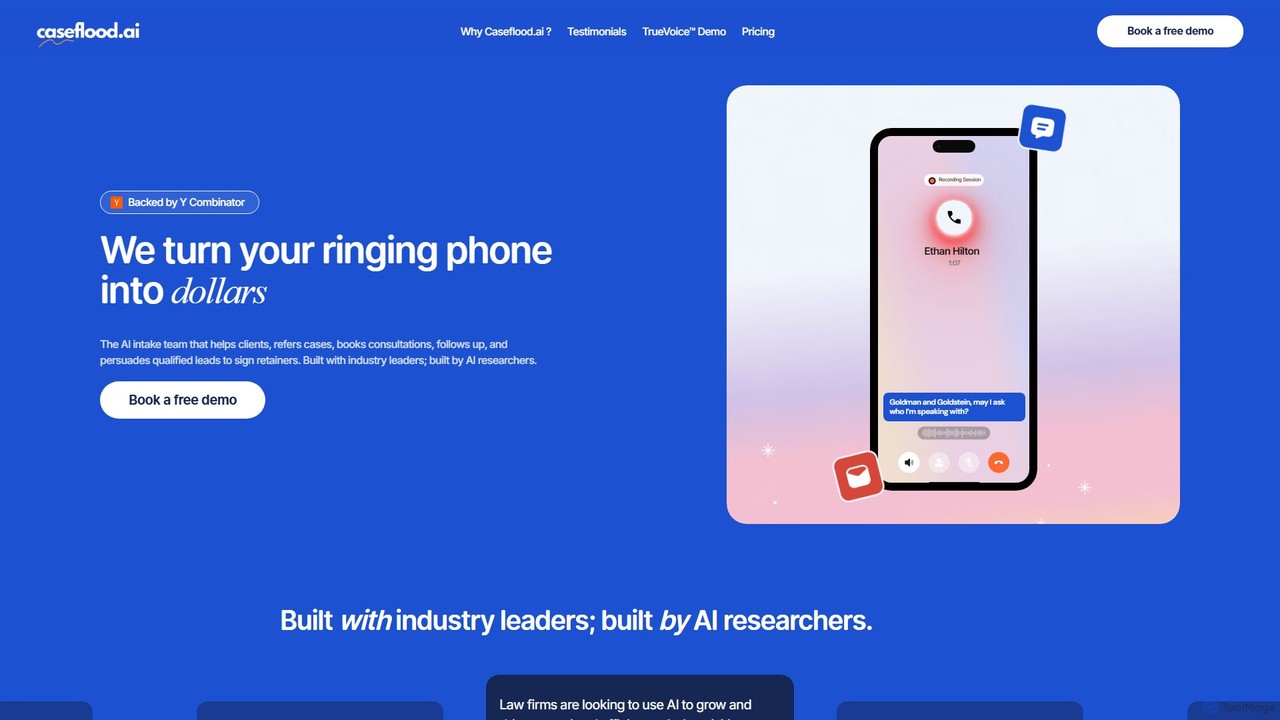
Caseflood.ai is an AI-powered intake team for law firms. It operates 24/7 to answer calls, qualify leads, book consultations, and sign retainers. It helps firms convert more leads into clients, generate referral revenue, and improve operational efficiency without missing a single call.

Lead Generation
Visits 8.1KFavorites 121Likes 125
Role Model AI
Freemium

Role Model AI

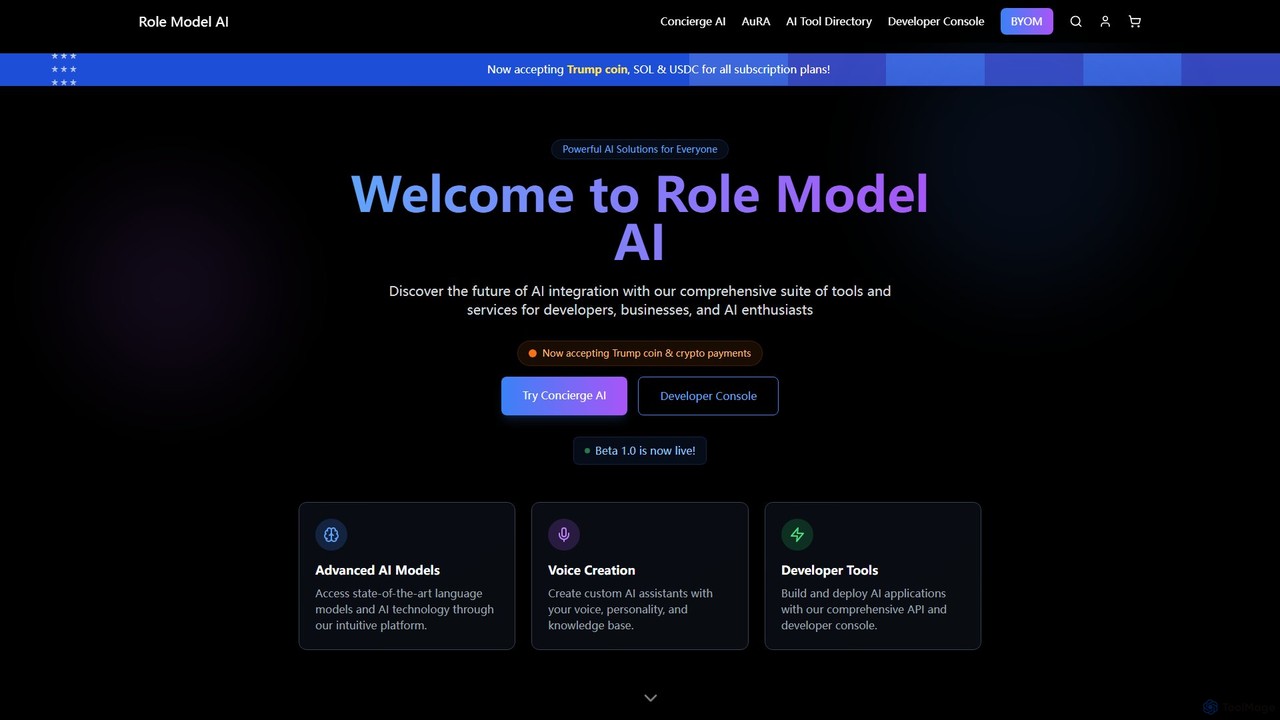
Role Model AI is a powerful platform for creating custom AI assistants with your own voice, personality, and knowledge. It offers advanced voice cloning, integration with top AI models like GPT-4 and Claude 3, and a comprehensive suite of developer tools, including an API and console. Users can build specialized agents for tasks ranging from personal assistance and business advising to creative writing and financial analysis. The platform also includes an extensive directory of other AI tools.

Api Platform
Visits 5.6KFavorites 118Likes 111
inboxdone
Paid

inboxdone

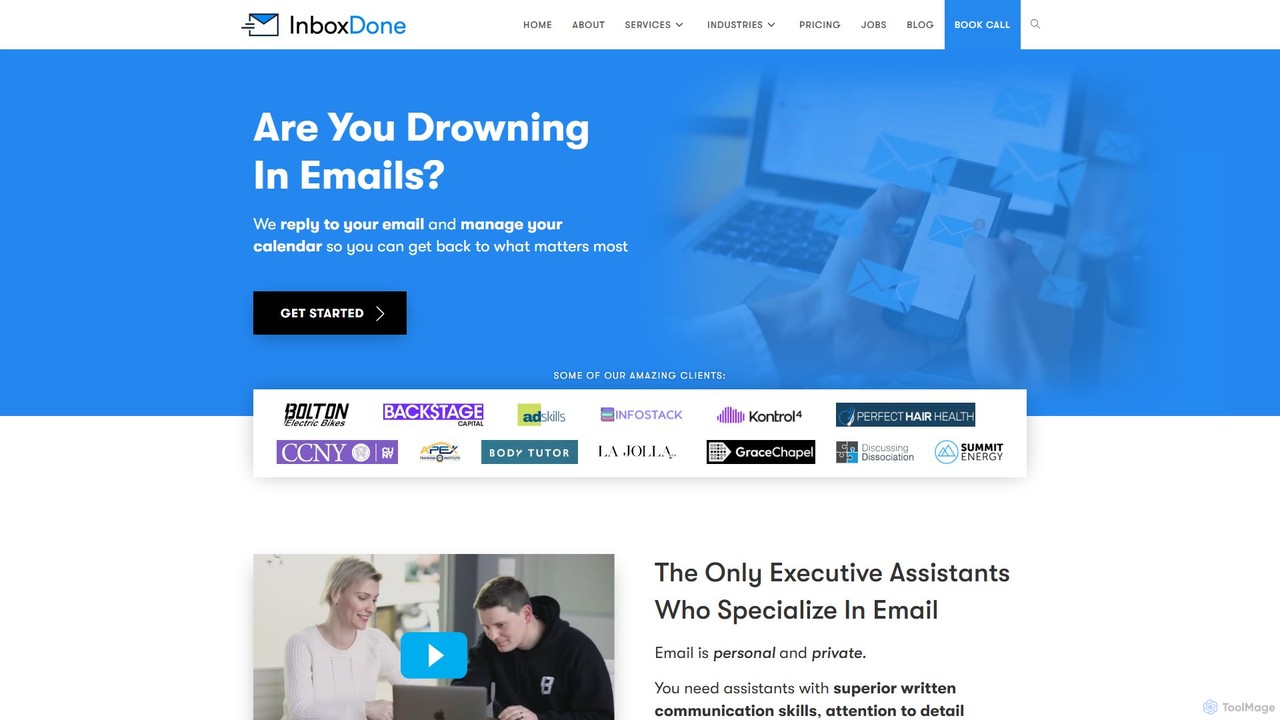
inboxdone is a premium executive assistant service specializing in email and administrative task management. It provides highly-vetted, North American-based human assistants who leverage AI as a co-pilot to achieve maximum efficiency. The service aims to save busy professionals over 20 hours per week by managing emails, calendars, social media, and more, allowing them to focus on core business growth.

Email Management
Visits 41.8KFavorites 153Likes 147
realpha
Free

realpha

reAlpha is an AI-powered real estate platform that simplifies the entire homeownership journey. It integrates property search, mortgage financing, and title services into a single, streamlined experience. Featuring a 24/7 AI assistant named Claire, reAlpha helps users find personalized listings, compare loans from over 100 lenders, and book showings. The platform's key advantage is a significant cash back offer at closing, saving users an average of $8,000 by bundling services.

Mortgage Lending
Visits 77.1KFavorites 125Likes 124

About Virtual Assistant

A Virtual Assistant is an AI-powered application designed to perform tasks and provide services for users based on voice or text commands. These tools leverage Natural Language Processing (NLP) and machine learning to understand user intent, manage personal information, and interact with other digital services. Virtual Assistants streamline daily productivity by automating routine activities like scheduling meetings, setting reminders, and retrieving information, acting as a central hub for personal and professional management. Unlike broader productivity suites, they focus on conversational interaction and proactive task execution.

Core Features

  • Task Automation: Executes repetitive actions such as setting alarms, creating to-do lists, and sending pre-formatted messages.
  • Information Retrieval: Provides quick, conversational answers to questions, delivers weather forecasts, and shares news updates.
  • Schedule Management: Creates, modifies, and manages calendar events, appointments, and reminders through simple commands.
  • Device & App Control: Integrates with and controls smart home devices, music streaming services, and other third-party applications.
  • Personalized Communication: Initiates calls, sends text messages, and reads notifications aloud on behalf of the user.

Use Cases

Virtual Assistants are widely used by professionals to manage busy schedules, dictate emails, and set project reminders, freeing up time for strategic work. In a personal context, they serve as a central controller for smart home ecosystems, managing lighting, thermostats, and entertainment. They are also invaluable for hands-free operation in vehicles, providing navigation and communication while driving.

How to Choose

When selecting a Virtual Assistant, first consider its ecosystem integration—how well it works with your existing devices (e.g., Google, Apple, Amazon) and applications. Evaluate its platform availability across your phone, computer, and smart speakers. Assess the accuracy of its natural language understanding for your accent and command style. Finally, carefully review its privacy controls and data management policies to ensure they align with your preferences.

Featured tool rankings

Virtual Assistant use cases

1

Streamlining the Daily Professional Workflow

For busy professionals and managers, a Virtual Assistant acts as a personal productivity hub. Instead of manually checking calendars and typing emails, they can use voice commands to manage their day. For example, while reviewing emails, a user can say, 'Schedule a meeting with the marketing team for tomorrow at 10 AM' or 'Remind me to follow up on the Q3 report this afternoon.' This allows for seamless task management without interrupting the primary workflow, saving significant time on administrative duties and reducing the chance of missing important deadlines or appointments.

2

Managing a Unified Smart Home Ecosystem

Homeowners use Virtual Assistants to centralize control over various smart devices. Instead of juggling multiple apps for lights, thermostats, and security cameras, a user can issue simple voice commands to a smart speaker or display. For instance, saying 'Hey, set the living room to movie mode' could trigger a routine that dims the lights, lowers the blinds, and turns on the TV. This creates a seamless, integrated home automation experience, making daily routines more convenient and energy-efficient. It also simplifies complex setups for less tech-savvy family members.

3

Hands-Free Information and Communication While Driving

For commuters and drivers, safety is paramount. A Virtual Assistant integrated into a car's infotainment system or a smartphone provides a crucial hands-free interface. Drivers can ask for turn-by-turn directions, initiate phone calls, or have incoming text messages read aloud without taking their hands off the wheel or eyes off the road. For example, a user can say, 'Get me directions to the nearest gas station' or 'Send a text to Jane saying I'm running 10 minutes late.' This functionality enhances safety and convenience, making commutes more productive and less stressful.

4

Assisting Users with Accessibility Needs

Virtual Assistants serve as a powerful accessibility tool for individuals with visual or motor impairments. Voice commands replace the need for manual interaction with screens and keyboards. A user can ask the assistant to read news articles aloud, compose and send emails by dictation, or search for information online without any physical input. This empowers users to interact with technology more independently and efficiently, breaking down barriers to digital information and communication. It provides a vital bridge to the digital world, enhancing autonomy and quality of life.

5

Quick Language Translation and Unit Conversion

For travelers, students, or anyone working with international information, a Virtual Assistant offers instant support. Instead of opening a dedicated app or website, a user can simply ask a question like, 'How do you say 'where is the train station' in French?' or 'What is 20 pounds in kilograms?'. The assistant provides an immediate, audible answer. This is particularly useful when hands are full or when a quick, on-the-spot conversion is needed, such as when cooking or shopping abroad. It streamlines access to practical information, making everyday tasks simpler.

6

Personalized News Briefings and Media Control

Users can customize their Virtual Assistant to deliver personalized content, such as a morning news briefing. By saying 'Good morning,' a user can trigger a routine that reads out their calendar for the day, provides a weather forecast, and plays a summary from their preferred news sources. Similarly, they can control media playback across various services with voice commands like 'Play my workout playlist on Spotify' or 'Resume the podcast I was listening to.' This transforms the assistant into a personalized media curator, providing tailored information and entertainment on demand.

Virtual Assistant FAQ

What is a Virtual Assistant?

A Virtual Assistant is an AI-powered software agent that performs tasks or provides services based on user commands, typically delivered via voice or text. It uses Natural Language Processing (NLP) to understand requests and can integrate with various apps and devices. Key functions include managing schedules, retrieving information, controlling smart home devices, and automating personal tasks. Unlike a simple chatbot, a virtual assistant is designed for broad, personalized support across a user's digital ecosystem.

How do I choose the right Virtual Assistant?

Choosing the right Virtual Assistant depends on your specific needs and existing technology. Consider these factors:

  • Ecosystem Integration: Select an assistant that works seamlessly with your primary devices and services (e.g., Google Assistant for Android/Google Home, Siri for Apple devices, Alexa for Amazon Echo).
  • Functionality: Determine your primary use cases. Do you need strong smart home control, deep integration with work calendars, or superior conversational abilities?
  • Platform Availability: Ensure the assistant is available on all the platforms you use, including your smartphone, computer, and smart speakers.
  • Privacy Policies: Review how the provider handles your data, including voice recordings and personal information, and what controls are available to you.
What's the difference between a Virtual Assistant and a Chatbot?

The primary difference lies in their scope and purpose. A Virtual Assistant (like Siri or Google Assistant) is a broad, user-centric tool designed to provide personalized assistance across many tasks and applications within a user's ecosystem. It aims to be a general-purpose helper. In contrast, a Chatbot is typically task-specific and domain-focused. It's designed to handle a narrow set of queries, such as answering customer service questions on a website or processing an order within a messaging app. Virtual Assistants are proactive and integrated, while chatbots are often reactive and confined to a specific channel.

Are Virtual Assistants secure and private?

Security and privacy are significant considerations for Virtual Assistants. Reputable providers use encryption to protect data in transit and at rest. However, to function effectively, they often need access to personal data like contacts, calendars, and location. Most assistants process voice commands in the cloud, which involves sending recordings to servers. Users should actively manage their privacy by reviewing the provider's policies, using features to delete voice history, and being mindful of what information they share. The level of security and user control varies significantly between different services.

What are the main functions of a Virtual Assistant?

Virtual Assistants perform a wide range of functions to enhance productivity and convenience. The most common capabilities include:

  • Answering Questions: Providing quick facts, definitions, calculations, and search results from the web.
  • Managing Time: Setting alarms, timers, reminders, and creating/managing calendar appointments.
  • Controlling Devices: Operating smart home devices like lights, thermostats, and locks, as well as controlling music playback.
  • Communication: Making calls, sending text messages, and reading notifications hands-free.
  • Task Automation: Creating routines that trigger multiple actions with a single command (e.g., a 'good night' routine).