ToolMage
Sign in

Best 51 Team Collaboration AI tools

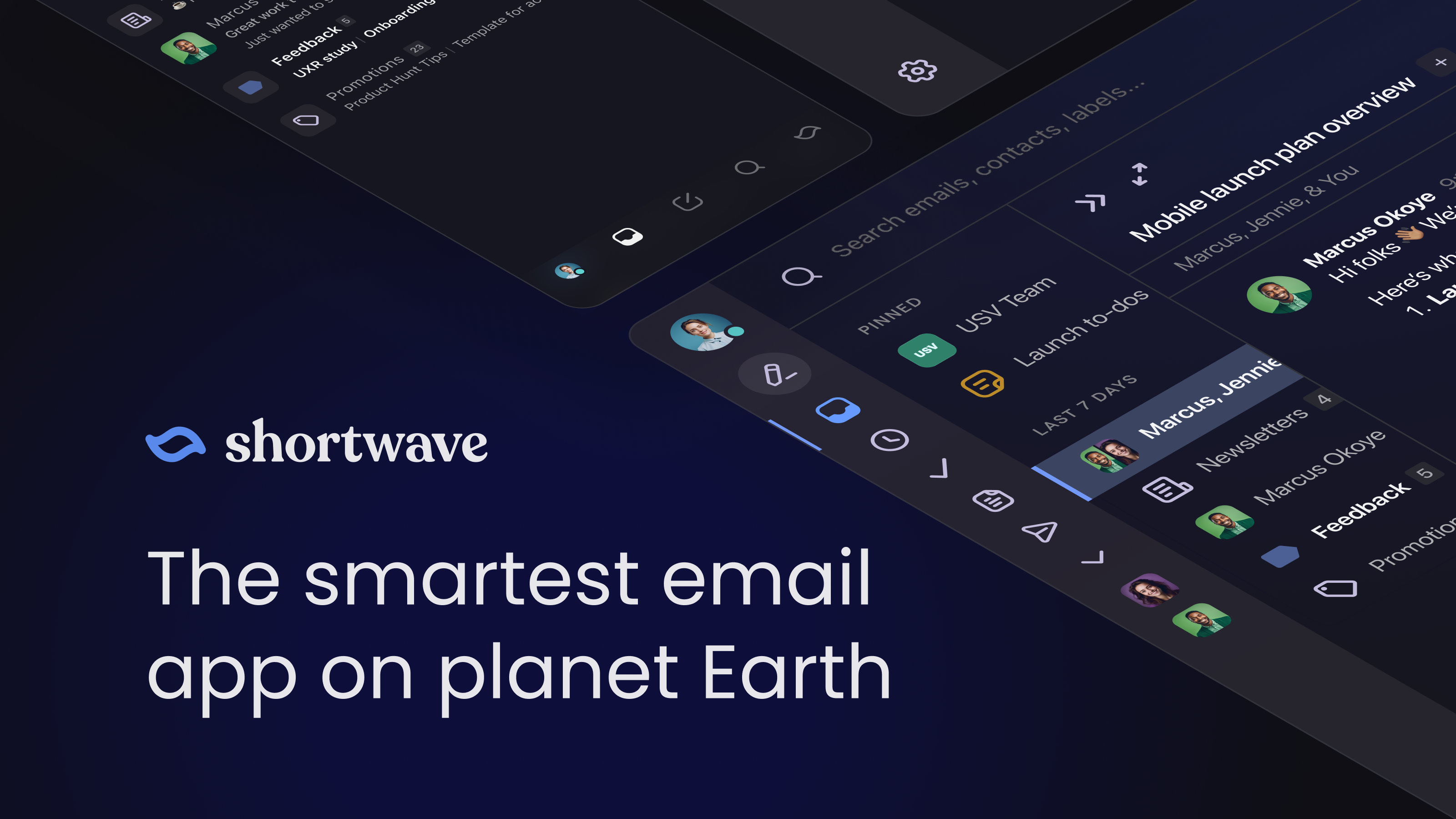
Popular Team Collaboration AI tools include JetBrains, tldv, GitKraken, Helpjuice, Shortwave, Grain, Superlist, Magai, Komodo, and Macro, helping you work more efficiently.

GitKraken
Freemium

GitKraken

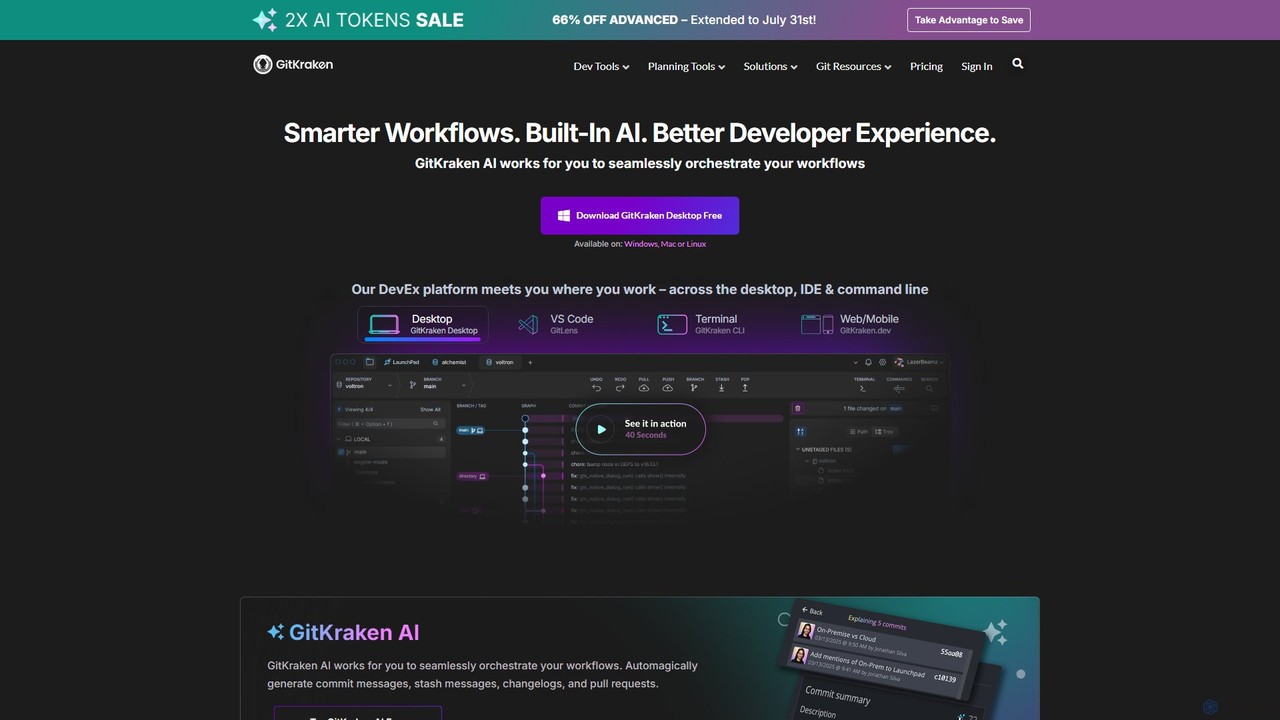
GitKraken is a legendary suite of Git tools designed to enhance the developer experience. Featuring a visual Git GUI, a powerful CLI, and IDE integrations, it leverages built-in AI to automate tasks like generating commit messages and pull requests. It streamlines workflows, improves team collaboration, and provides powerful visualization for complex repositories.

Version Control
Visits 570.5KFavorites 111Likes 112
getindigo
Freemium

getindigo

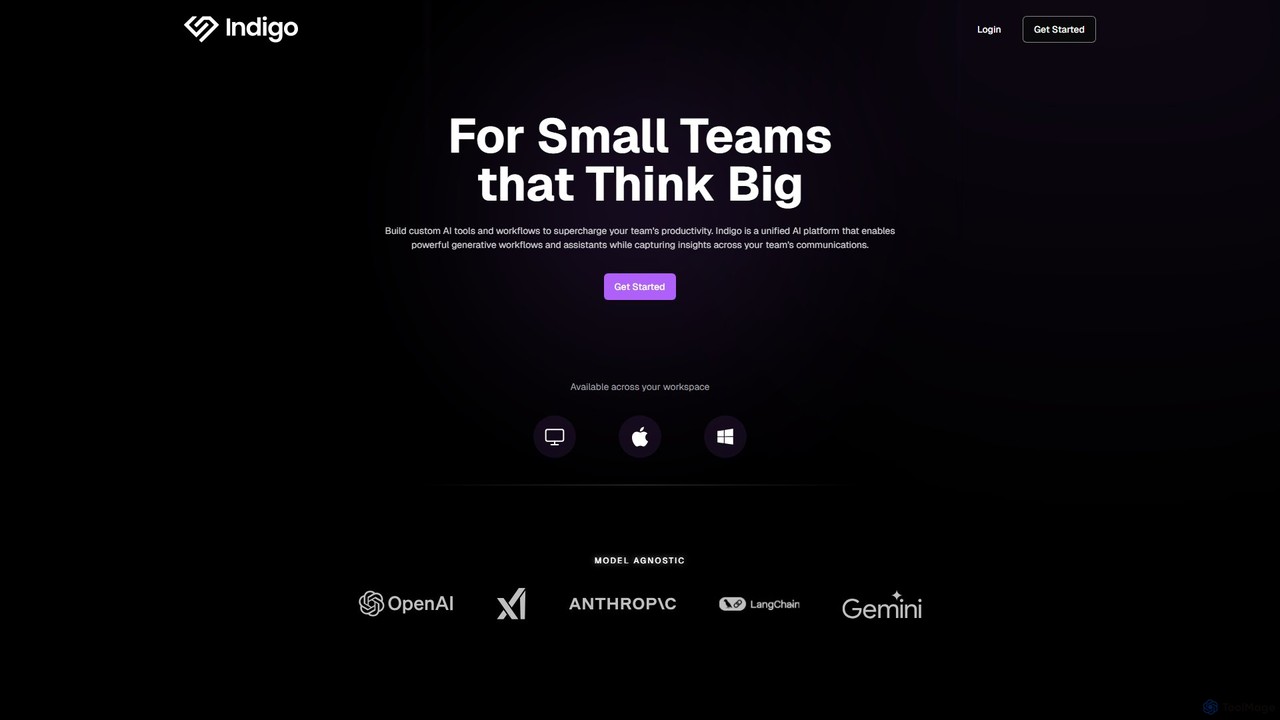
Indigo is a unified AI copilot platform designed for high-performance teams. It enables the creation of custom, no-code AI workflows and specialized assistants trained on your team's data. By integrating with your workspace, Indigo automates tasks, analyzes meetings, and turns scattered communications into a structured, searchable team memory, significantly boosting productivity and providing actionable insights.

No Code Platform
Visits 8.7KFavorites 159Likes 145
The North
Freemium

The North

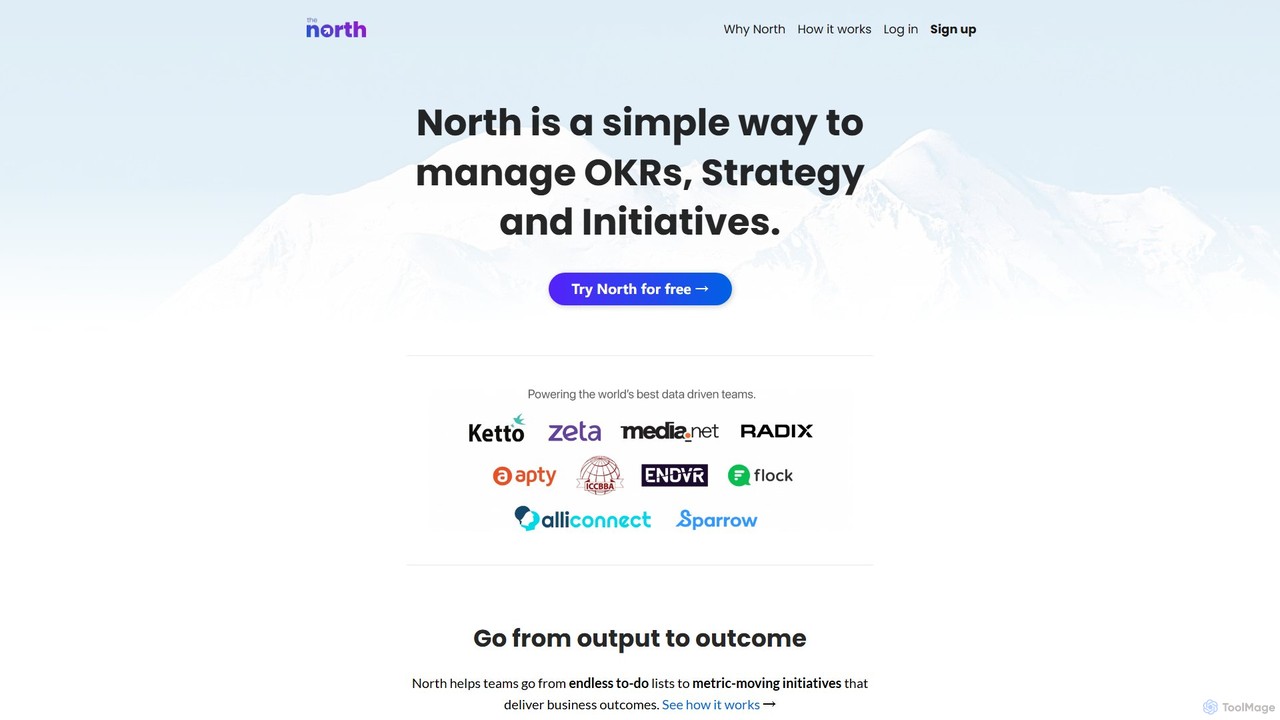
The North is a powerful yet simple OKR management platform designed to help teams shift from task-based outputs to metric-driven outcomes. It provides a unified space for managing strategy, objectives, key results, and initiatives, ensuring every team is aligned with core business goals. Ideal for data-driven companies of all sizes, it enhances transparency, focus, and collaboration, especially for remote teams.

Goal Setting
Visits 8.5KFavorites 151Likes 141

About Team Collaboration

AI Team Collaboration tools are platforms that use artificial intelligence to streamline communication, automate workflows, and enhance project management. These tools leverage technologies like natural language processing (NLP) to summarize meetings and machine learning to prioritize tasks. They enable teams to reduce administrative overhead, make data-driven decisions, and maintain alignment in remote or hybrid work environments. By automating repetitive processes and providing intelligent insights, these platforms help teams focus on strategic, high-value work.

Core Features

  • AI Meeting Assistant: Automatically transcribes conversations, generates concise summaries, and identifies action items from meetings.
  • Intelligent Task Management: Prioritizes tasks based on urgency, dependencies, and individual workloads to optimize team productivity.
  • Automated Workflow Builder: Creates and manages multi-step processes across different applications without manual intervention.
  • Semantic Knowledge Base: Organizes team documents and conversations, allowing users to find information using natural language queries.
  • Predictive Project Analytics: Forecasts project timelines, identifies potential risks, and suggests resource allocation adjustments.

Use Cases

These tools are widely used by software development teams for agile project management, marketing agencies for coordinating campaigns, and remote-first companies for maintaining seamless communication. They are also valuable for large enterprises managing complex, cross-departmental projects where clear coordination and information flow are critical.

How to Choose

When selecting an AI Team Collaboration tool, evaluate its integration capabilities with your existing software stack (e.g., Slack, Jira, Google Workspace). Assess the specific AI features you need, such as meeting summarization versus predictive analytics. Also consider the tool's scalability to support your team's growth and its data security and compliance standards.

Featured tool rankings

Team Collaboration use cases

1

Automate Post-Meeting Follow-ups

A project manager leads a weekly client check-in call. Instead of manually taking notes, they use an AI collaboration tool to record and transcribe the meeting in real-time. Immediately after the call, the AI generates a structured summary highlighting key decisions, open questions, and assigned action items with deadlines. The manager reviews the summary, makes minor edits, and shares it with all stakeholders in under five minutes. This process eliminates note-taking errors and saves approximately 30 minutes of administrative work per meeting, ensuring everyone is aligned on next steps.

2

Optimize Agile Sprint Planning

A software development team uses an AI collaboration platform integrated with their code repository and project management board. During sprint planning, the AI analyzes historical data on task completion times and developer performance. It suggests realistic story point estimates for new tasks and recommends assigning specific tasks to developers best suited for them based on skills and past work. The tool also flags potential dependencies and risks that could impact the sprint goal. This data-driven approach helps the team create more accurate and achievable sprint plans, reducing scope creep and improving delivery predictability.

3

Centralize Marketing Campaign Knowledge

A marketing team uses an AI-powered knowledge base to store all campaign-related documents, reports, and discussions. When a new team member needs to understand the performance of last year's holiday campaign, they can simply ask the system in natural language, "What was our ROI for the Q4 2023 campaign and which channels performed best?" The AI scans all relevant documents and provides a synthesized answer with key metrics and links to source materials. This avoids lengthy searches through shared drives and empowers team members to find information independently, accelerating onboarding and campaign planning.

4

Streamline Cross-Departmental Projects

An operations team designs an automated workflow for new employee onboarding. When a candidate's status is changed to "Hired" in the HR system, it triggers a multi-step process in the AI collaboration tool. The tool automatically creates and assigns tasks: IT receives a ticket to provision a laptop, Finance is notified to set up payroll, and the hiring manager gets a task to schedule a welcome meeting. The AI monitors the progress of all tasks and sends reminders for any overdue items, ensuring a smooth and consistent onboarding experience for every new hire without manual coordination.

5

Enhance Asynchronous Communication

A globally distributed team across different time zones relies on an AI collaboration platform for asynchronous work. When a developer in Asia logs on, the AI provides a personalized daily digest summarizing key decisions made, important messages they were mentioned in, and urgent tasks assigned while they were offline. The platform can also summarize long chat threads on demand, allowing team members to quickly catch up on conversations without reading through hundreds of messages. This ensures everyone stays informed and can contribute effectively, regardless of their working hours.

6

Proactive Risk Management in Projects

A large construction firm uses an AI collaboration tool with predictive analytics to oversee a major building project. The tool analyzes daily progress reports, resource allocation data, supply chain updates, and even external factors like weather forecasts. It identifies patterns that indicate potential delays or cost overruns, such as a specific subcontractor consistently falling behind schedule. The AI then flags this as a high-risk item on the project dashboard and suggests proactive measures, like reallocating resources or engaging a backup supplier, allowing managers to mitigate problems before they escalate.

Team Collaboration FAQ

What are AI Team Collaboration tools?

AI Team Collaboration tools are software platforms that use artificial intelligence to improve how teams work together. They go beyond traditional collaboration tools by actively automating tasks, providing intelligent insights, and streamlining workflows. Key features often include automatic meeting summarization, intelligent task prioritization based on project goals, and semantic search capabilities that allow users to find information within the team's knowledge base using natural language. The primary goal is to reduce manual administrative work and empower teams with data-driven guidance to enhance productivity and decision-making.

How do I choose the right AI collaboration tool?

To choose the right AI collaboration tool, consider these key factors:

  • Integration Capabilities: Ensure the tool integrates seamlessly with your existing ecosystem, such as project management software (Jira, Asana), communication platforms (Slack, Microsoft Teams), and cloud storage (Google Drive, Dropbox).
  • Core AI Features: Identify your primary need. Do you need powerful meeting transcription and summarization, predictive project analytics, or automated workflow creation? Choose a tool that excels in the features most critical to your team.
  • Scalability and Team Size: Select a tool that can grow with your team. Check its pricing tiers and ability to handle an increasing number of users, projects, and data without a drop in performance.
  • Security and Compliance: Verify that the tool meets your organization's security standards, including data encryption, access controls, and compliance with regulations like GDPR or SOC 2.
What's the difference between a standard collaboration tool and an AI-powered one?

The primary difference lies in intelligence and automation. A standard collaboration tool (like a basic chat app or project board) provides a passive platform for communication and organization; users must manually perform all actions like taking notes, assigning tasks, and finding information. An AI-powered collaboration tool is an active participant. It uses AI to automate these manual processes, such as generating meeting summaries, suggesting task priorities, and proactively surfacing relevant documents. In essence, standard tools provide the space to collaborate, while AI tools enhance the collaboration process itself with intelligent assistance.

What are the key functions of AI in team collaboration?

AI performs several key functions to enhance team collaboration:

  • Natural Language Processing (NLP): This enables tools to understand, transcribe, and summarize human language from meetings and chats, extracting key insights and action items.
  • Machine Learning (ML): ML algorithms analyze past project data to predict future outcomes, such as project completion dates, identify potential risks, and recommend optimal task assignments.
  • Workflow Automation: AI connects different apps and services to automate routine, multi-step tasks (like onboarding new hires) based on predefined triggers, reducing manual effort.
  • Semantic Search: Instead of relying on keywords, AI understands the context and intent behind a query to find the most relevant information across all team documents and conversations.
Who can benefit from using AI Team Collaboration tools?

A wide range of teams and roles can benefit from these tools. Project Managers use them to automate reporting, track progress, and manage risks. Remote and Hybrid Teams rely on them to bridge communication gaps across time zones and maintain alignment. Software Development Teams leverage them for more accurate sprint planning and resource allocation. Marketing and Creative Agencies use them to centralize campaign assets and streamline client feedback loops. Essentially, any team that deals with complex projects, high volumes of information, and a need for efficient coordination can see significant improvements in productivity and outcomes.