ToolMage
Sign in

Best 273 Video Editing AI tools for Video

Popular Video Editing AI tools in Video include Adobe, Envato Elements, Clipchamp, Epidemic Sound, aifaceswap, Media.io, Insta360, Wondershare, Topaz Labs, and Remaker AI, helping you work more efficiently.

bigroom
Paid

bigroom

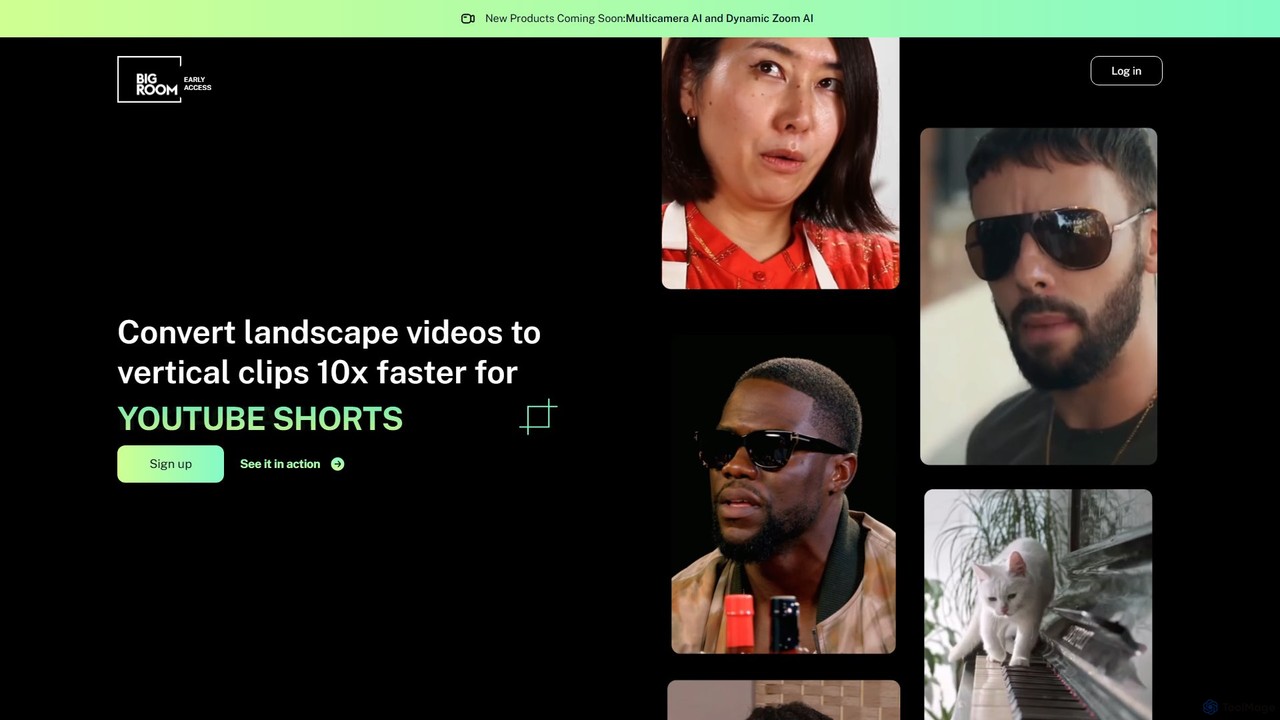
bigroom is an AI-powered video tool that automatically converts landscape videos into engaging vertical clips for social media like TikTok, Instagram Reels, and YouTube Shorts. It uses AI to intelligently track subjects, reframe shots, and make smart cuts, simulating a professional multi-camera production 10x faster.

Automation
Visits 5.9KFavorites 150Likes 157
Mubert
Freemium

Mubert

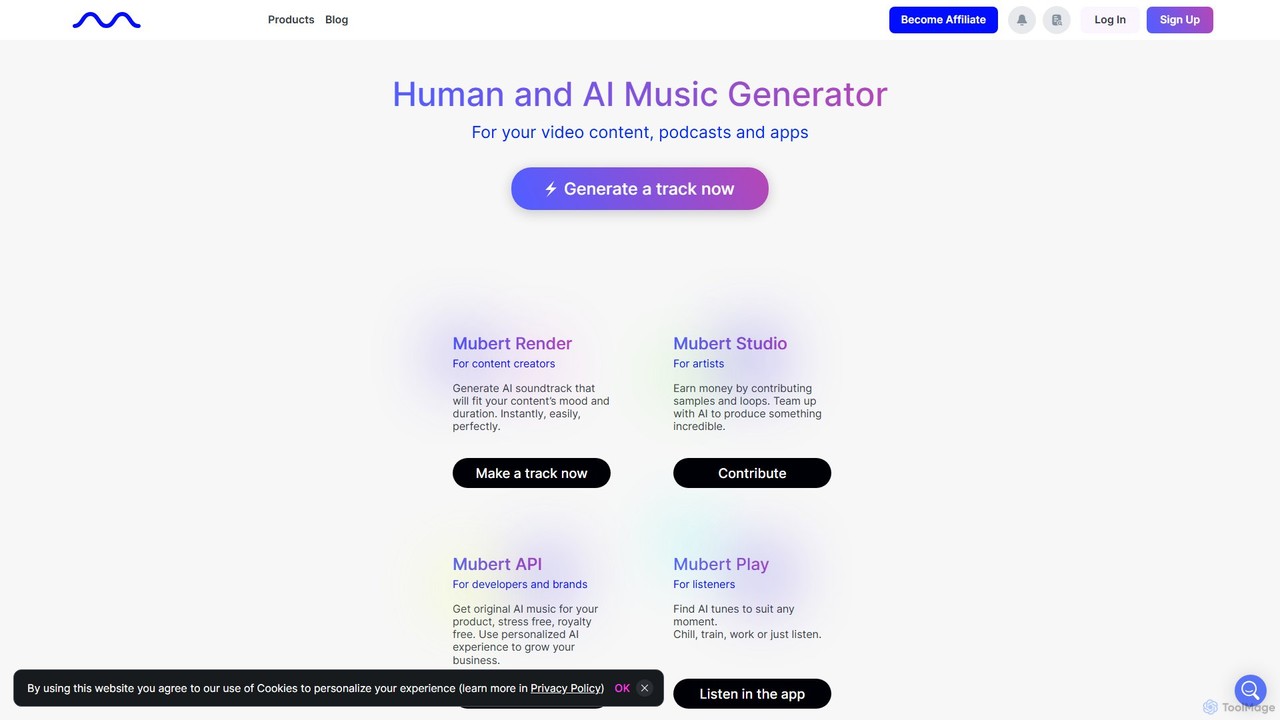
Mubert is an AI-powered music generation platform that creates unique, high-quality, royalty-free music for content creators, developers, and brands. By combining human creativity with artificial intelligence, Mubert instantly generates soundtracks tailored to specific moods, genres, and durations, including a text-to-music feature. It provides a comprehensive ecosystem for creating, licensing, and monetizing music.

Music Generation
Visits 312.7KFavorites 112Likes 120
darkforce.ai
Freemium

darkforce.ai

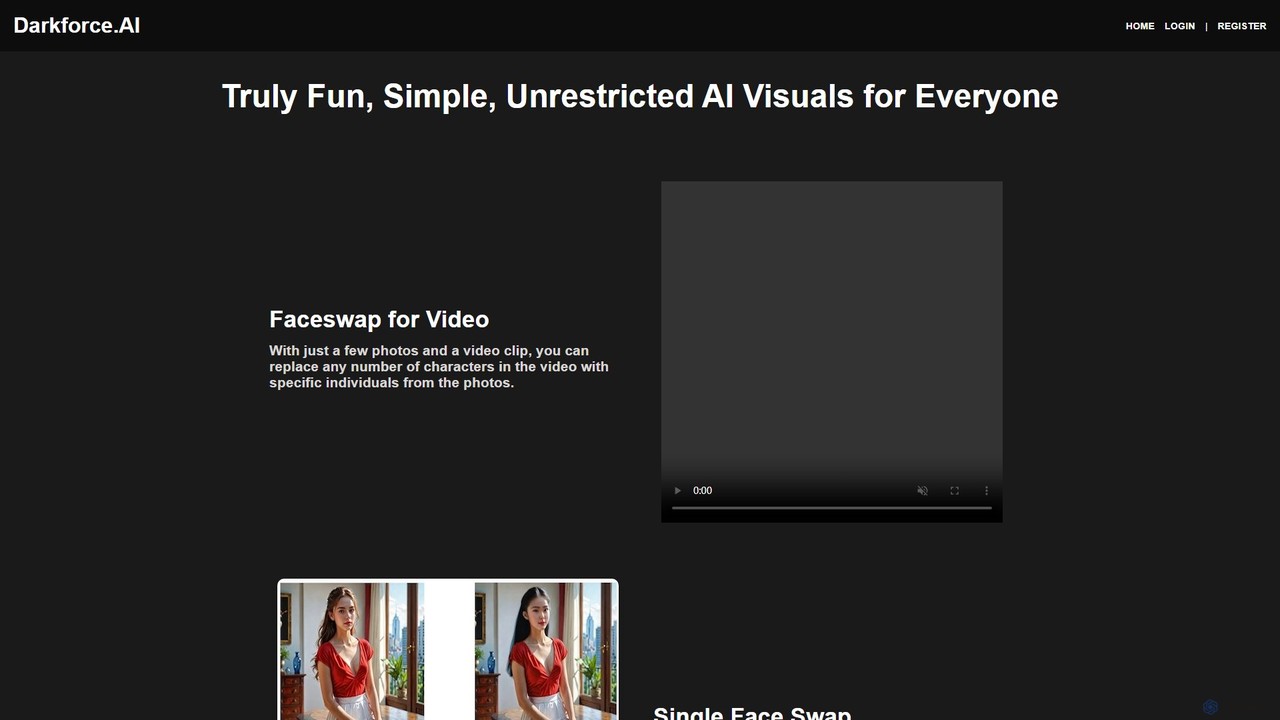
darkforce.ai is a user-friendly, unrestricted AI visual creation platform. It specializes in high-quality video and photo faceswapping, digital model creation, virtual cloth changing, and background removal. With a focus on simplicity and creative freedom, it allows users to generate fun, imaginative, and even adult-themed visuals with just a few clicks, no technical expertise required.

Image Generation
Visits 5.8KFavorites 130Likes 128
bestfaceswap
Freemium

bestfaceswap

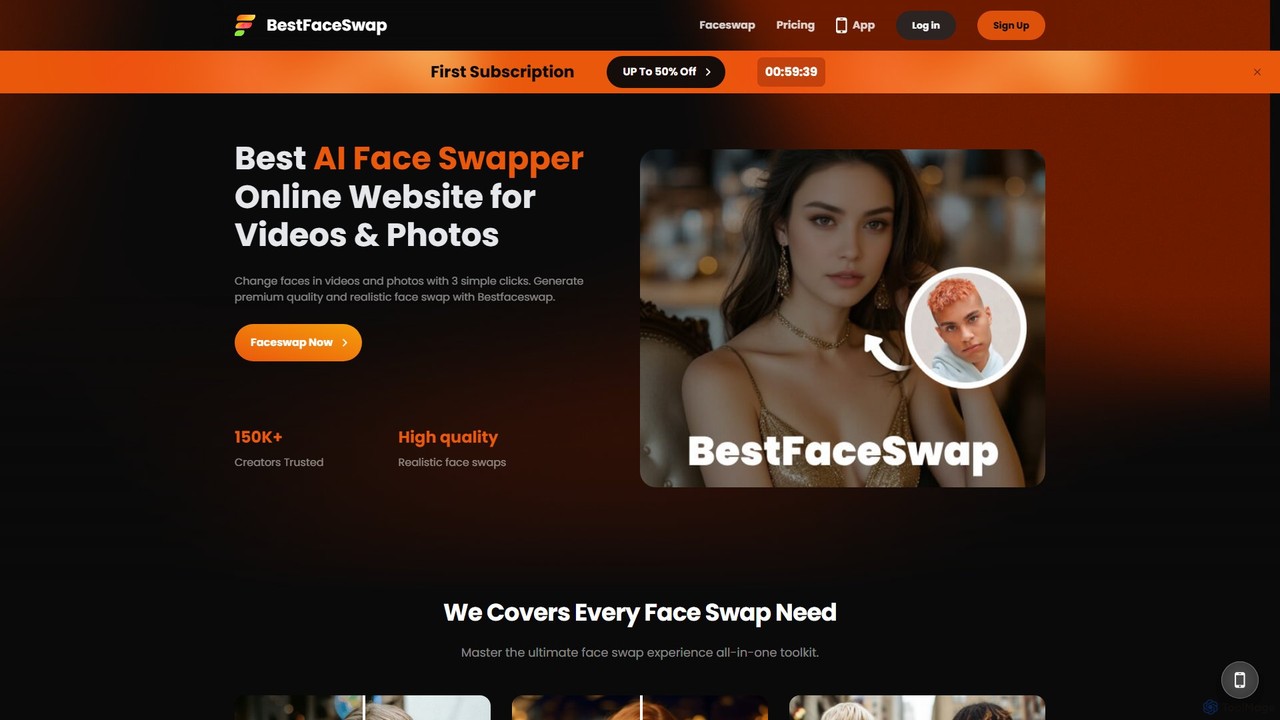
bestfaceswap is an advanced AI-powered online tool for creating high-quality, realistic face swaps in both videos and photos. With a simple 3-step process, users can easily generate entertaining content, memes, or professional marketing materials. It supports high-resolution output, ensures user privacy, and offers a seamless experience with no downloads required.

Meme Generator
Visits 8KFavorites 138Likes 149
QuickSight
Freemium

QuickSight

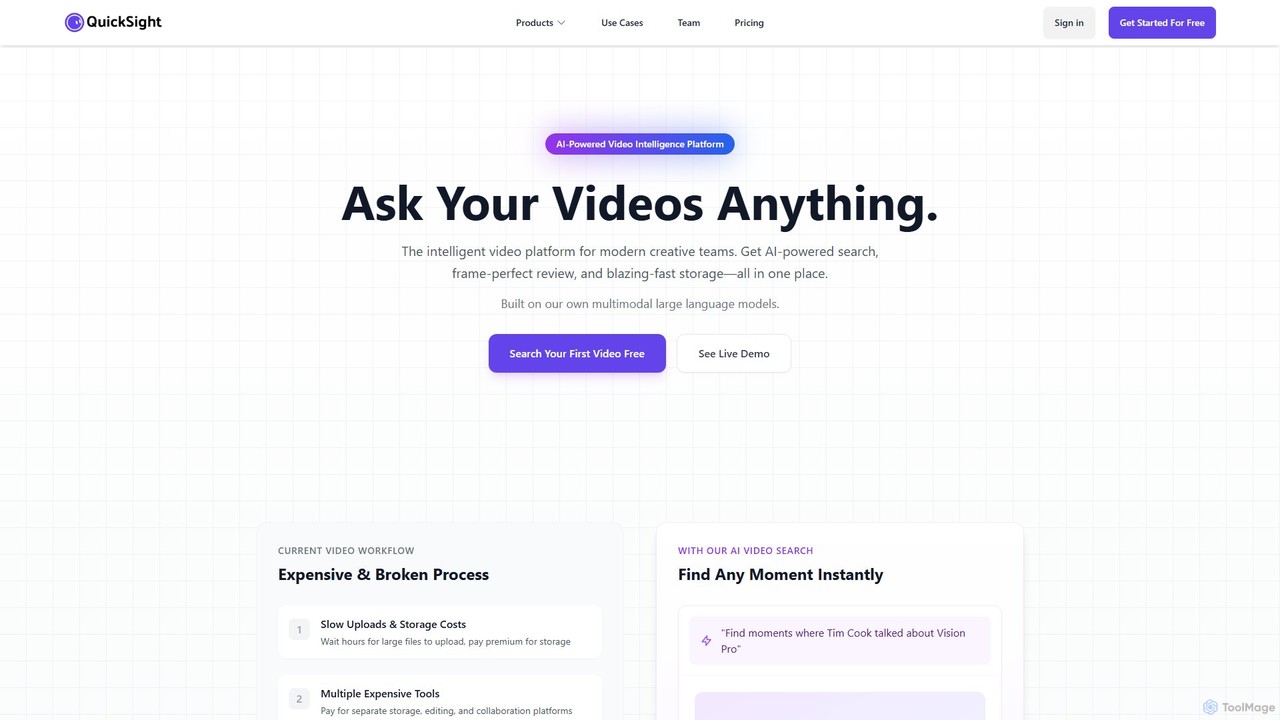
QuickSight is an AI-powered video intelligence platform for creative teams. It uses proprietary multimodal large language models to make video libraries instantly searchable via natural language. It combines AI search, frame-perfect review, and high-speed storage into a single, cost-effective solution. Users can find specific moments, transcribe content, and collaborate on video reviews with unparalleled speed and accuracy, streamlining the entire video workflow.

Content Creation
Visits 7KFavorites 137Likes 135
BgRem
Freemium

BgRem

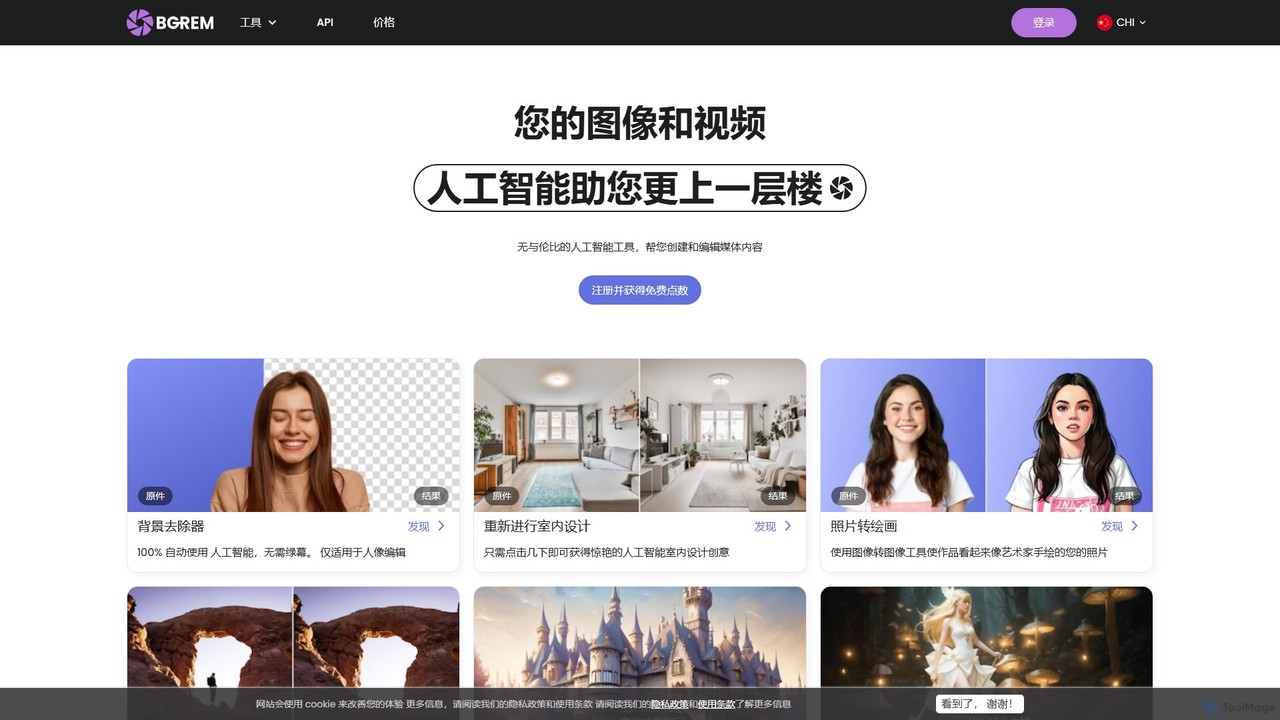
BgRem is a comprehensive AI-powered creative suite for image and video editing. It offers a wide range of tools, including background removal, text-to-image generation, photo-to-art conversion, object removal, and AI interior design. Designed for both professionals and beginners, it simplifies complex editing tasks and boosts creativity with just a few clicks.

Image Generation
Visits 57.3KFavorites 135Likes 131
HiDream.ai
Freemium

HiDream.ai

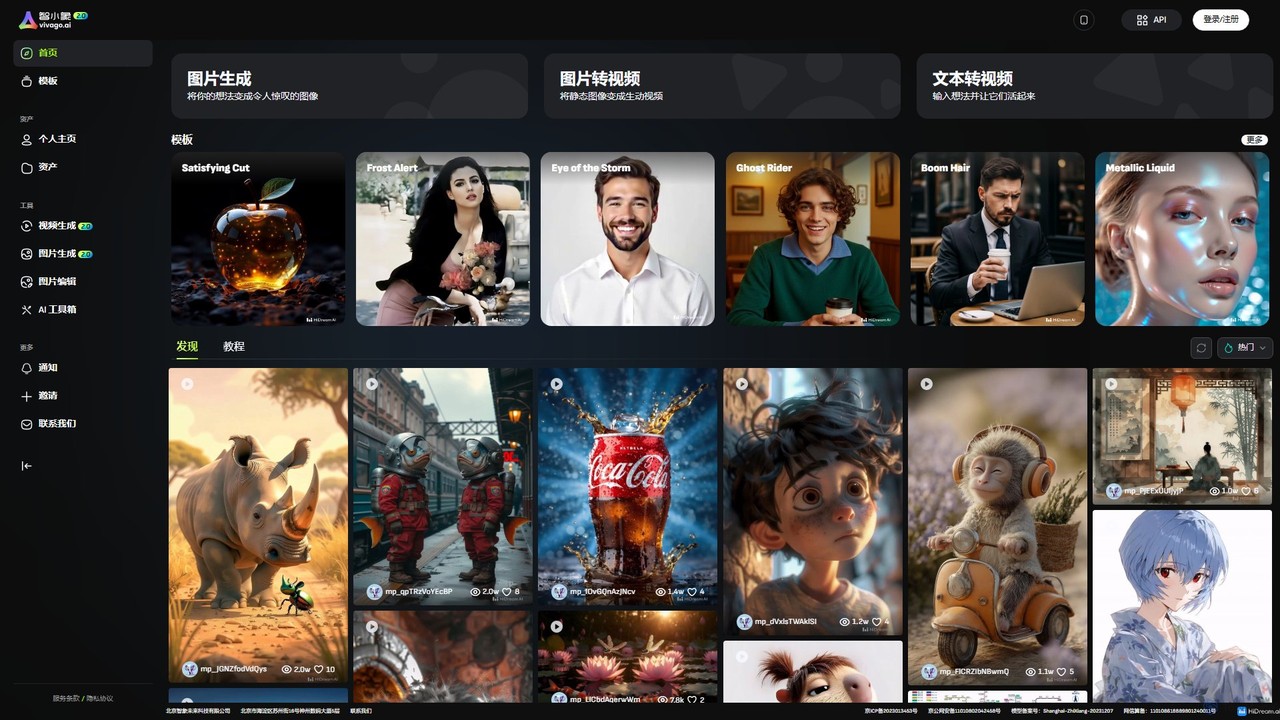
HiDream.ai is a comprehensive AI creative suite for generating and editing images and videos. It offers powerful tools like text-to-video, image-to-video, 4K enhancement for both images and videos, smart inpainting/outpainting, and unique features like AI Try-on and local animation with a smart brush.

Image Editing
Visits 23.3KFavorites 143Likes 141
pixalto
Freemium

pixalto

Pixalto is an all-in-one AI creative suite for effortless content creation. It allows users to generate stunning videos and images from text, perform advanced photo and video editing like background removal and object erasing, and utilize creative tools such as face swap and style transfer.

Generative Art
Visits 81.2KFavorites 168Likes 182
augxlabs
Freemium

augxlabs

Augie is an AI-powered video studio that enables creators, marketers, and brands to produce scroll-stopping social media videos in minutes. It automates the editing process, transforming long-form content like podcasts or streams into engaging short clips for platforms like TikTok, Reels, and YouTube Shorts, with no complex editing skills required.

Social Media Marketing
Visits 8.3KFavorites 135Likes 137
TheClipCast
Paid

TheClipCast

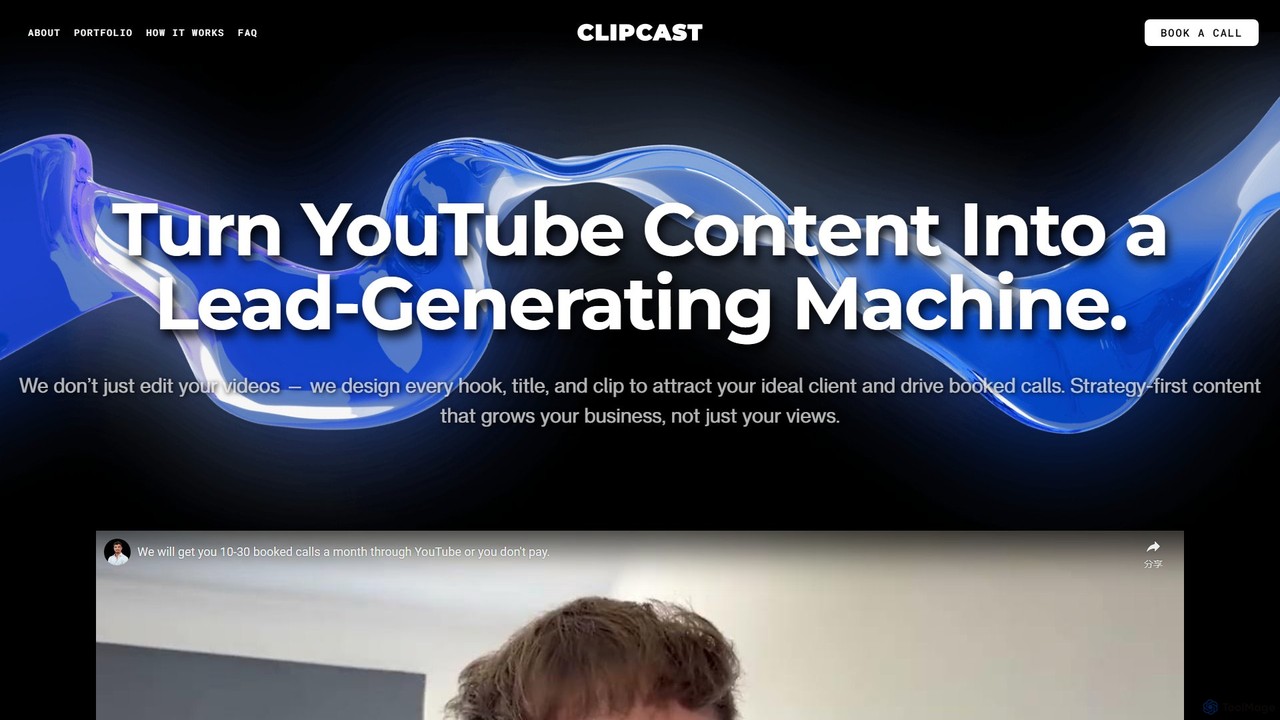
TheClipCast is a strategic video content service that transforms your YouTube channel into a lead-generating machine. More than just editors, they act as YouTube growth partners, handling everything from content ideation and scripting to professional editing and multi-platform distribution. Their focus is on creating content that attracts ideal clients and drives tangible business results, such as booked calls.

Content Marketing
Visits 5.9KFavorites 130Likes 139
EaseUS Multimedia
Freemium

EaseUS Multimedia

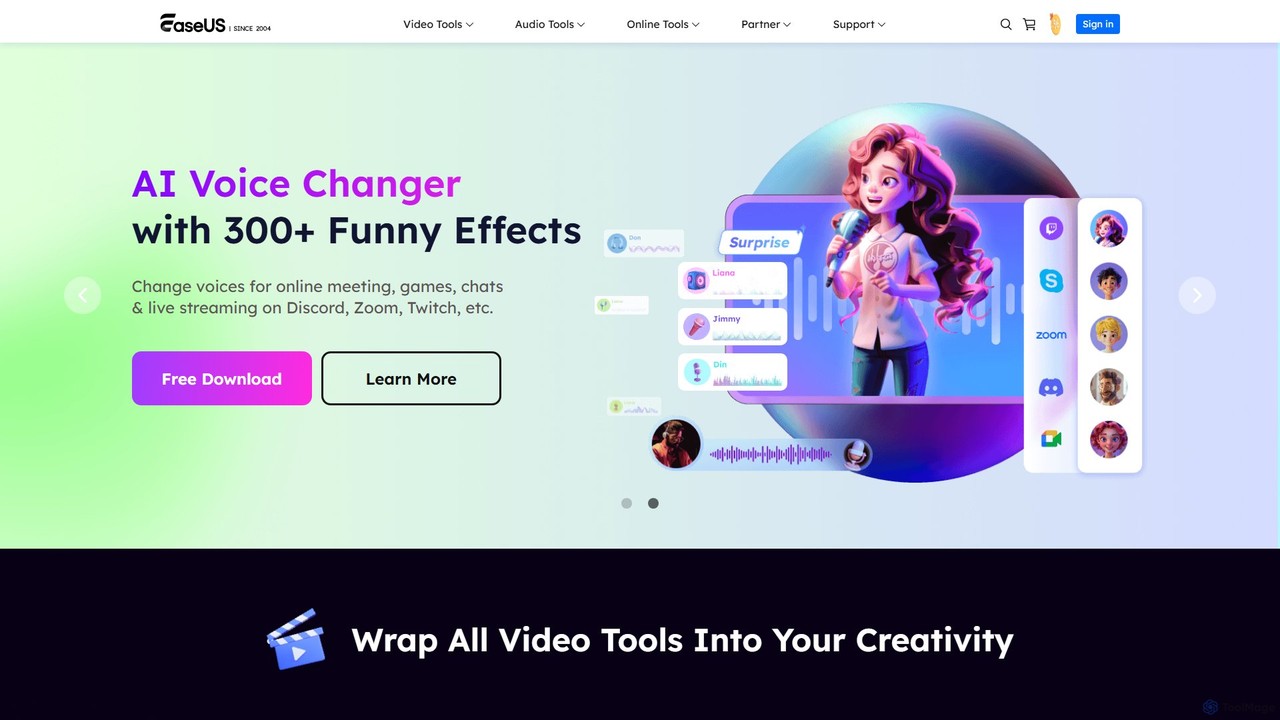
EaseUS Multimedia is an all-in-one AI-powered toolkit for video and audio processing. It includes a video converter, editor, downloader, screen recorder, and AI voice changer. Ideal for content creators, gamers, and general users, it simplifies tasks like format conversion, audio extraction, noise removal, and creating AI song covers.

Transcription
Visits 340.7KFavorites 157Likes 153
imageenhan
Freemium

imageenhan

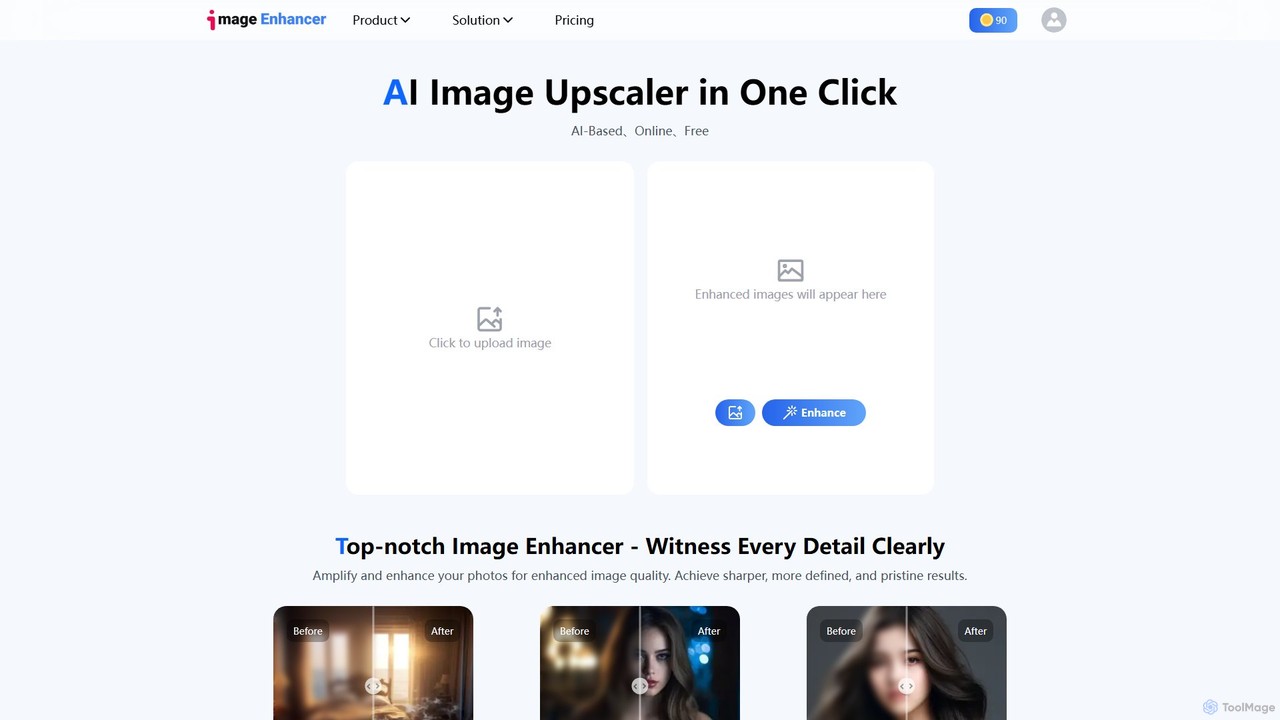
An AI-powered suite of tools for enhancing images and videos. It offers one-click upscaling, sharpening, denoising, background removal, and creative features like cartoonizers and face swapping. Ideal for photographers, designers, and social media users to improve visual quality effortlessly.

Generators
Visits 7.6KFavorites 129Likes 124
HeyEditor
Freemium

HeyEditor

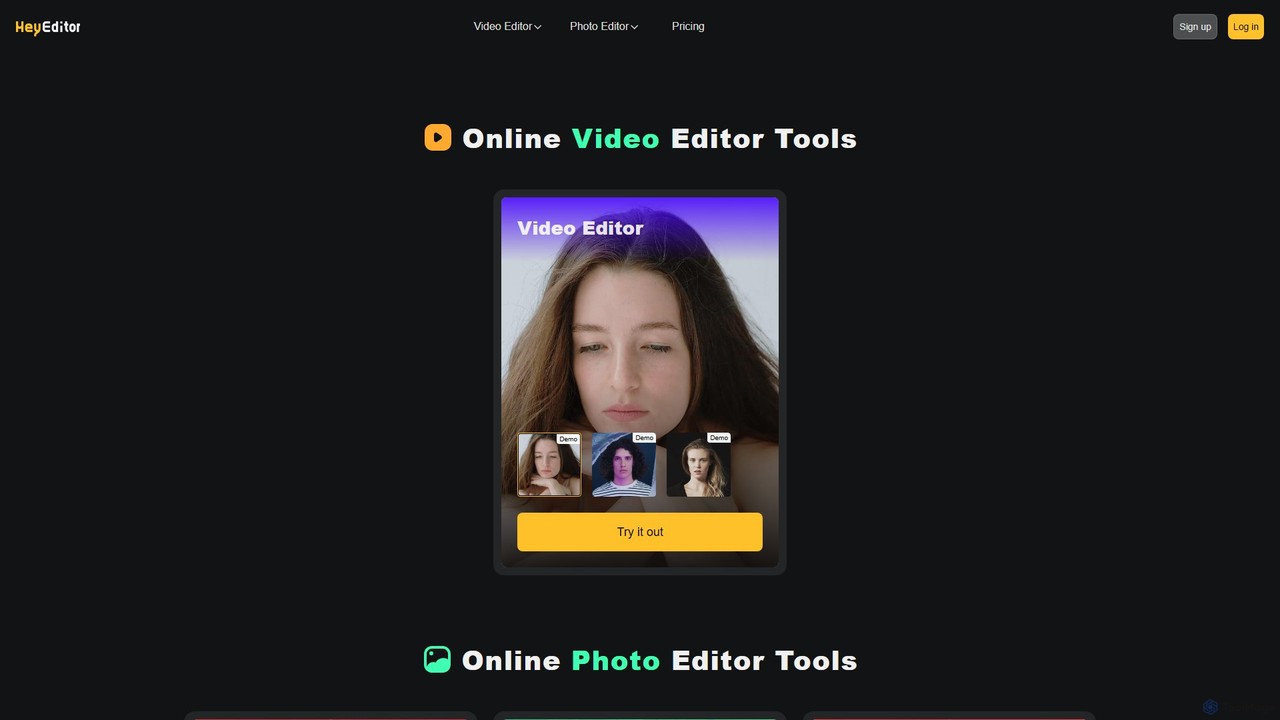
HeyEditor is a comprehensive online AI-powered suite for video and photo editing. It offers a range of tools including a high-fidelity faceswap for videos and photos, a photo enhancer, a photo-to-anime converter, and general video/photo editing capabilities. Designed for ease of use, it allows users to create professional or entertaining content without complex software.

Face Swap
Visits 5.9KFavorites 152Likes 149
LipDub AI
Freemium

LipDub AI

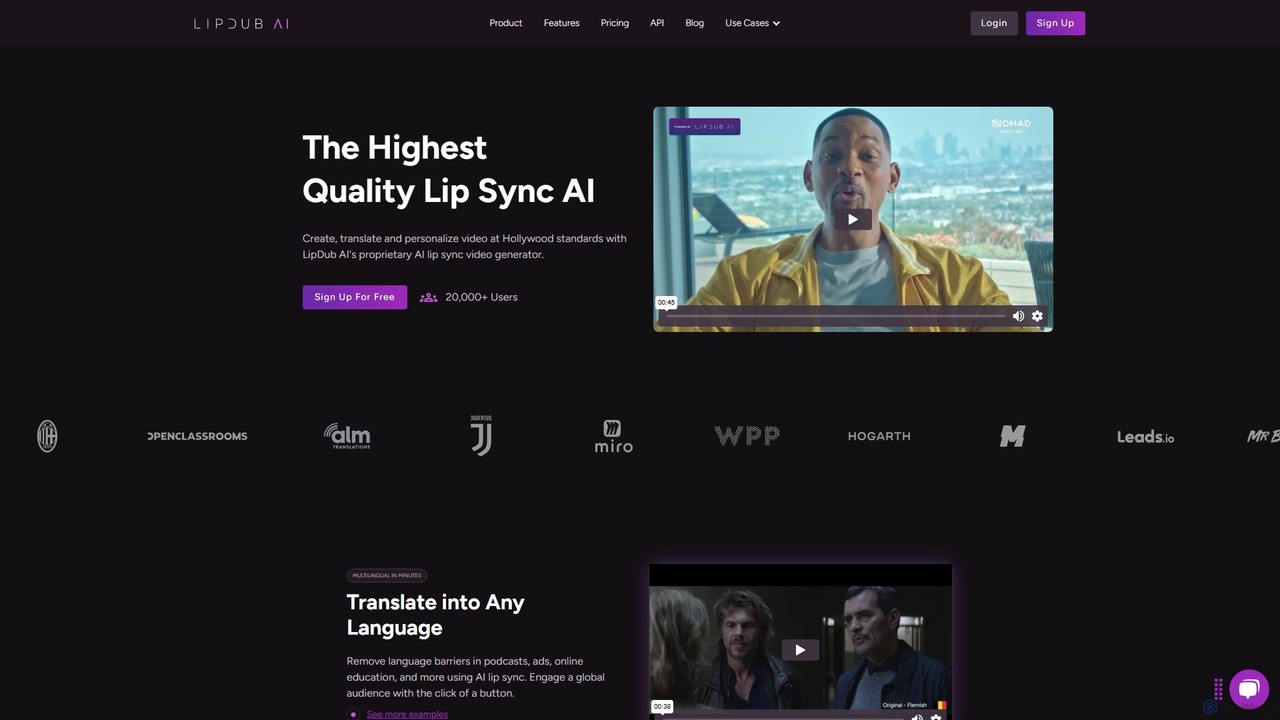
LipDub AI is a state-of-the-art AI lip-sync video generator that enables creators to produce, translate, and personalize video content to Hollywood standards. It allows users to break language barriers, create scalable content with digital avatars, and rapidly iterate on video messaging for global audiences.

Dubbing
Visits 51.8KFavorites 129Likes 136
SNAPVID.AI
Freemium

SNAPVID.AI

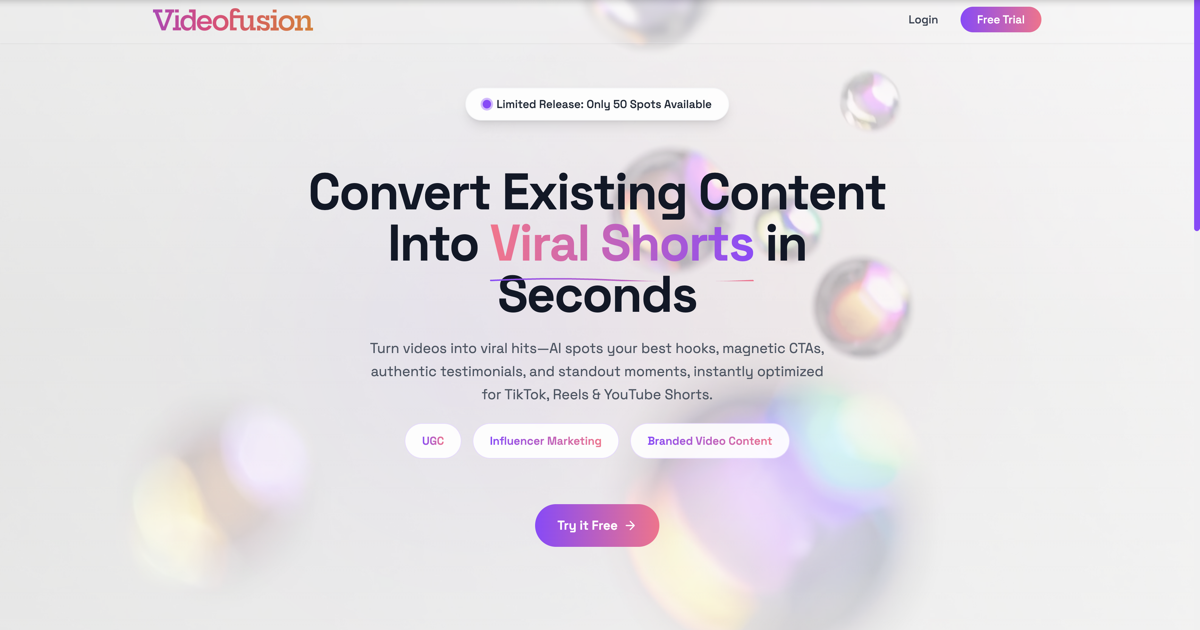
SNAPVID.AI is an AI-powered video editor designed for content creators to quickly transform long-form videos into viral short clips. It automates tedious tasks like cutting, adding subtitles, and inserting B-roll footage, enabling users to produce more content for platforms like TikTok, Reels, and YouTube Shorts, saving significant time and money.

Automation
Visits 26.2KFavorites 124Likes 135
TikTok Voice Generator
Freemium

TikTok Voice Generator

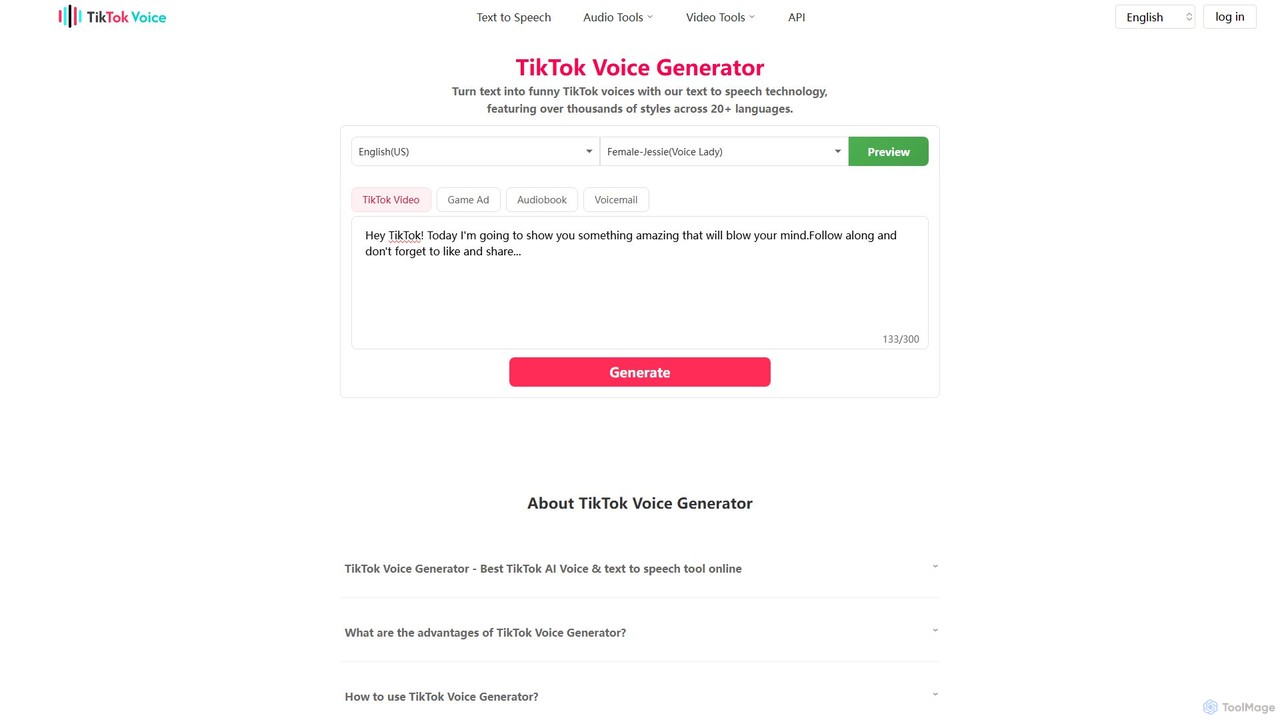
An AI-powered text-to-speech tool that transforms text into popular and funny TikTok voices. It offers a vast library of over 100 voice styles, including famous characters and narrators, across more than 20 languages, empowering creators to produce engaging and viral content effortlessly.

Text To Speech
Visits 133.4KFavorites 145Likes 143
Filme
Freemium

Filme

Filme by iMyFone is an all-in-one AI-powered creative suite for content creators and gamers. It includes a real-time voice changer, a user-friendly video editor, text-to-speech, AI music generation, and image editing tools. Enhance your gaming, streaming, and video production with a comprehensive set of easy-to-use applications for desktop and mobile.

Voice Modulation
Visits 327.1KFavorites 117Likes 122
TikNeuron
Freemium

TikNeuron

TikNeuron is an AI-powered toolkit designed specifically for TikTok. It helps users summarize long videos, generate accurate transcriptions with speaker identification, convert food videos into recipes, and manage community engagement with an AI comment picker. It's built for content creators, marketers, and viewers to save time and repurpose content efficiently.

Summarizer
Visits 61.7KFavorites 115Likes 111
Aimi
Freemium

Aimi

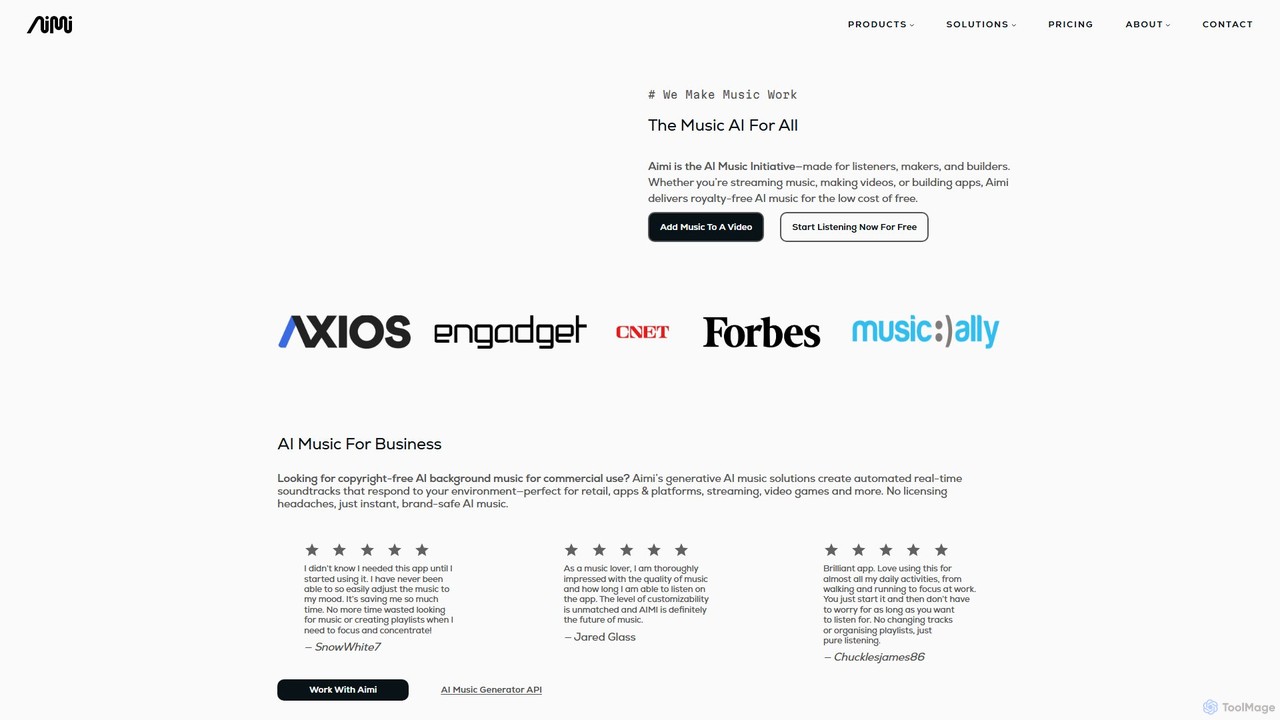
Aimi is an ethical AI music generation platform that creates high-quality, royalty-free music for various applications. It offers an adaptive music player for listeners, a scene-aware video soundtrack tool (Aimi Sync) for creators, and a powerful API for developers. Aimi's unique approach involves collaborating with real artists, ensuring all music is copyright-safe and supports the creative community.

Music Generation
Visits 14.5KFavorites 139Likes 132
Storyboard Hero
Freemium

Storyboard Hero

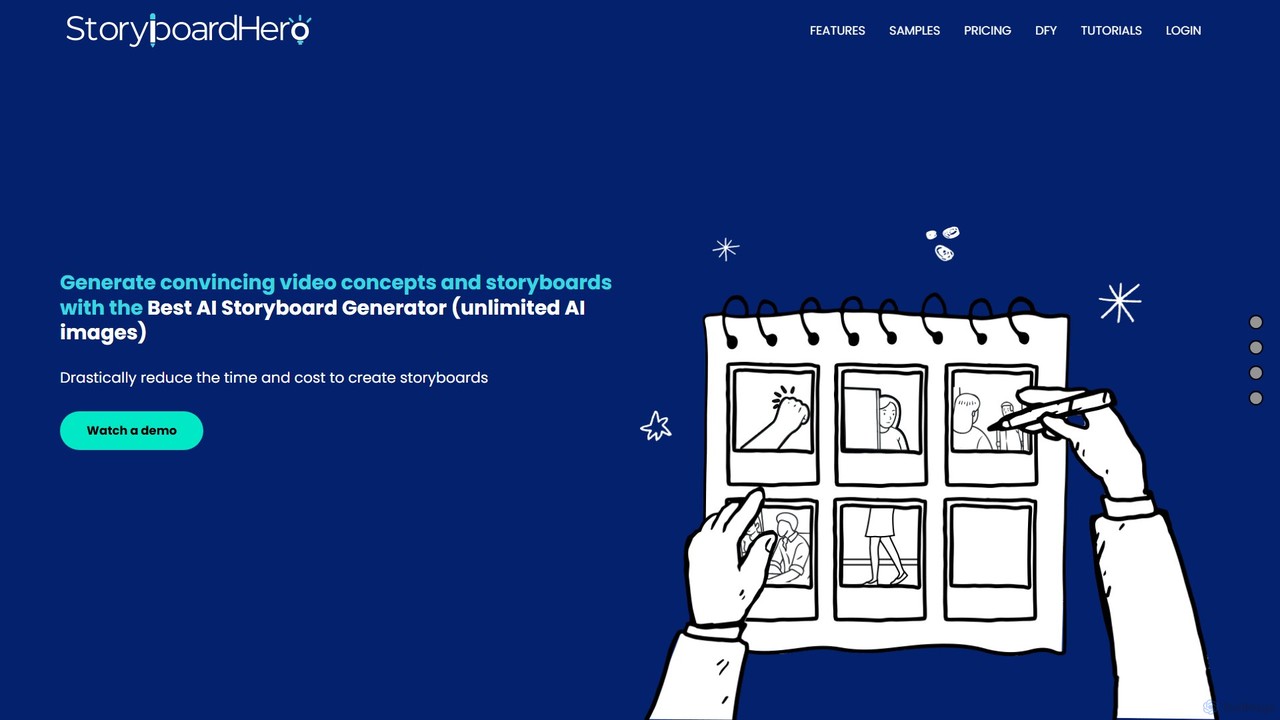
Storyboard Hero is an AI-powered platform designed for video agencies and creators to generate compelling video concepts, scripts, and storyboards in minutes. It streamlines the pre-production process by automating scriptwriting and image generation, ensuring character consistency, and facilitating team collaboration, ultimately saving significant time and cost.

Image Generation
Visits 30.7KFavorites 116Likes 134
dejavideos
Freemium

dejavideos

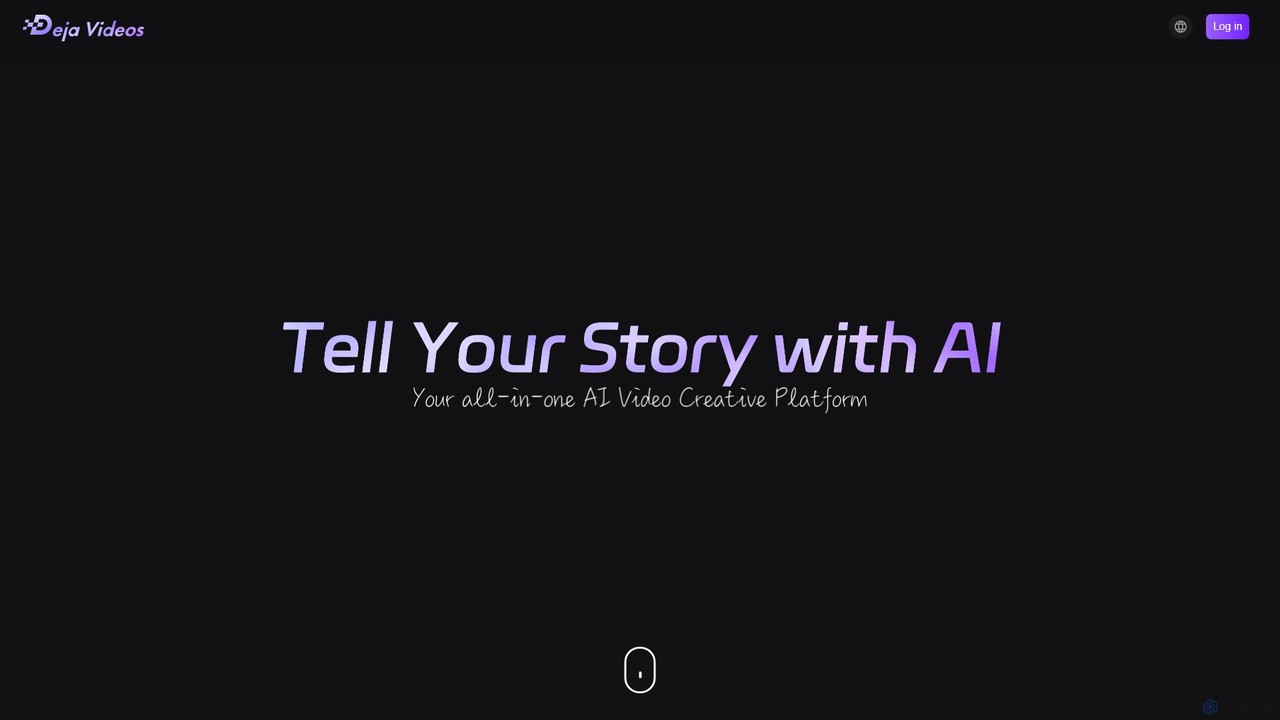
dejavideos is an AI-powered creative video generator that empowers users to transform their videos. Key features include one-click character replacement with anime figures, video-to-animation style transfer, intelligent object and text removal, and video quality enhancement to high-definition resolutions. It's designed for creators, artists, and marketers seeking powerful yet easy-to-use tools to produce stunning visual content.

Memes
Visits 5.9KFavorites 107Likes 130
heyeddie
Freemium

heyeddie

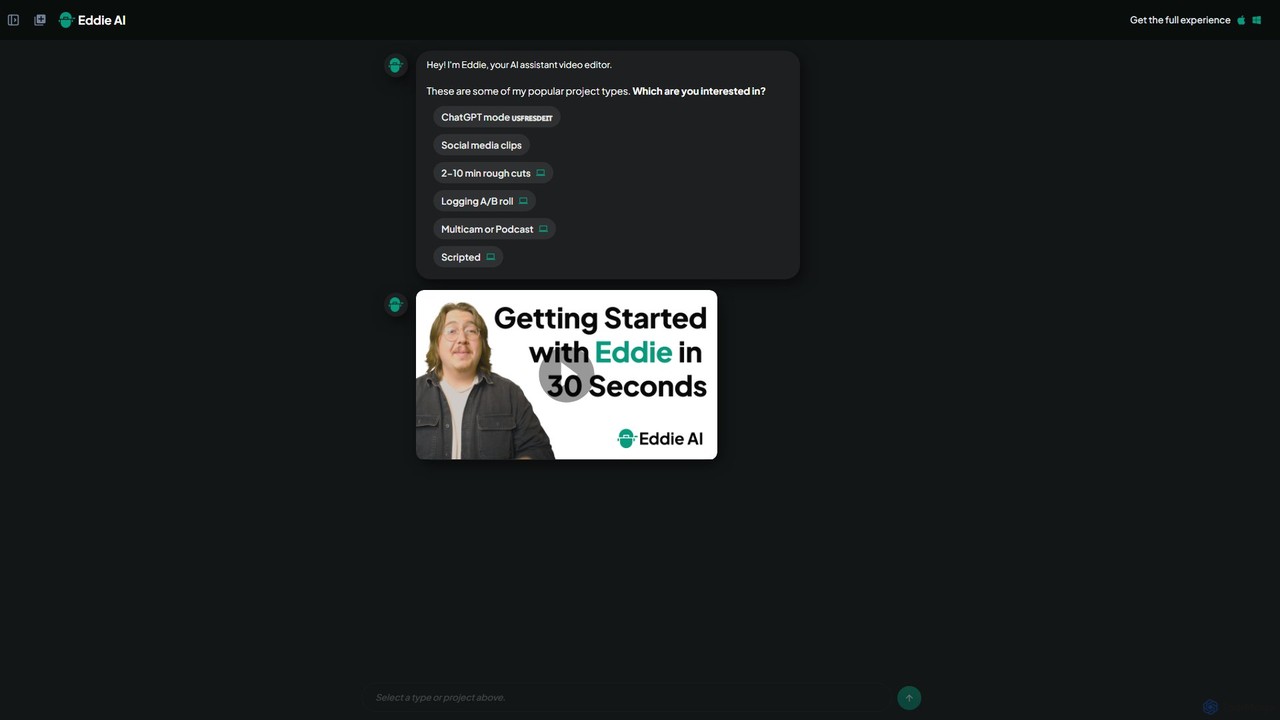
Heyeddie is an AI-powered video editing assistant that streamlines your workflow. Simply use natural language commands to have Eddie automatically create rough cuts, generate social media clips, log A/B roll, sync multicam footage, and edit based on a script. It's designed for content creators, marketers, and podcasters to save time and focus on storytelling.

Automation
Visits 86.3KFavorites 123Likes 126
Topaz Labs
Paid

Topaz Labs

Topaz Labs offers a suite of professional-grade photo and video editing software powered by AI. Its flagship product, Photo AI, intelligently sharpens, de-noises, and upscales images to achieve stunning clarity and detail. Designed for both professionals and enthusiasts, it operates locally on your machine for maximum speed and privacy, and integrates seamlessly into existing workflows as a standalone application or plugin for software like Photoshop and DaVinci Resolve.

Image Editing
Visits 3MFavorites 119Likes 145
Text To Speech Online
Free

Text To Speech Online

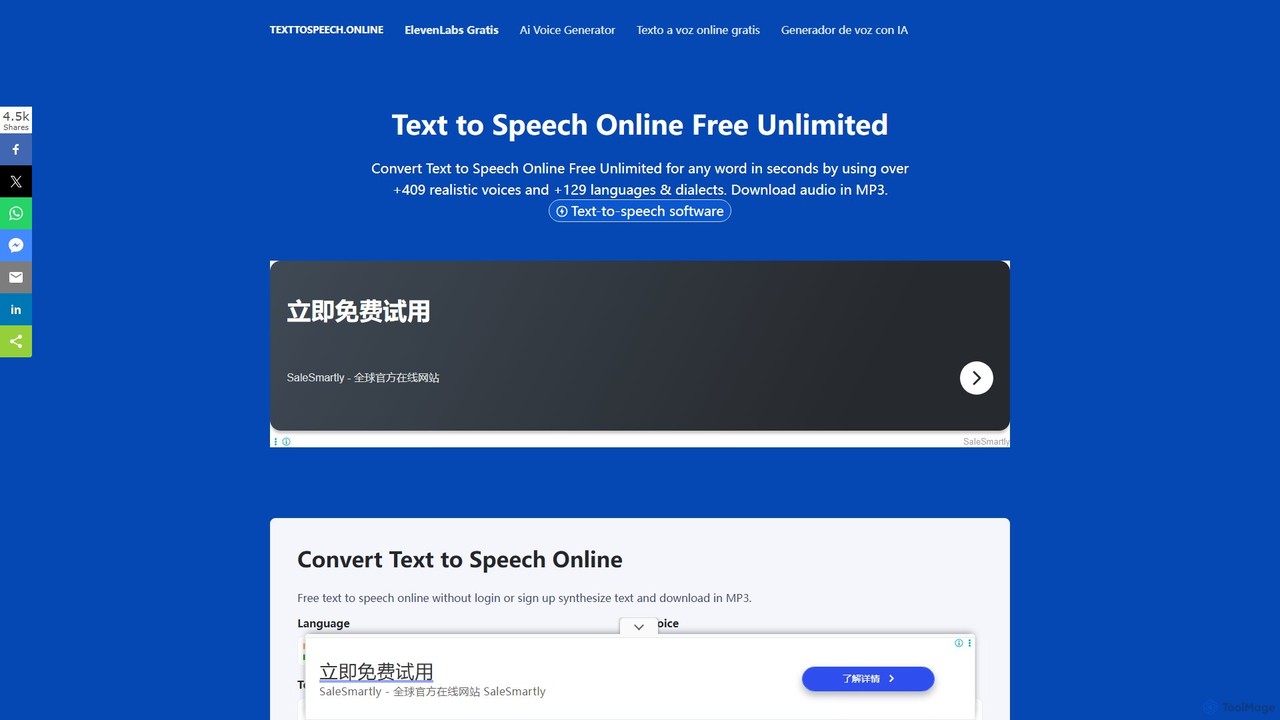
A free and unlimited online AI tool that converts text into natural-sounding speech. It supports over 129 languages and dialects with more than 409 realistic voices. Users can download the audio in MP3 or WAV format without needing to sign up, making it ideal for content creation, learning, and accessibility.

Text To Speech
Visits 34.8KFavorites 163Likes 147

About Video Editing

AI Video Editing tools are applications that leverage artificial intelligence to automate and enhance the video creation process. These tools use machine learning algorithms to analyze video content, enabling features like automated scene detection, smart reframing, and text-based editing. This significantly accelerates post-production workflows, allowing creators to produce high-quality content faster and more efficiently. AI-powered features handle tedious tasks, freeing up editors to focus on creative storytelling and polishing the final product.

Core Features

  • Automated Scene Detection: Intelligently identifies and splits clips based on scene changes, camera angles, or content shifts, saving hours of manual logging.
  • Text-Based Video Editing: Automatically transcribes video audio, allowing you to edit the video by simply editing the text transcript.
  • Smart Reformatting: Automatically reframes horizontal video for vertical formats (like TikTok or Reels), keeping the main subject in the frame.
  • AI-Powered Effects & Enhancement: Applies advanced color grading, background removal, noise reduction, and style transfers with minimal user input.
  • Filler Word Removal: Automatically detects and removes filler words (e.g., 'um', 'ah') and long pauses from speech-heavy videos.

Use Cases

AI Video Editing tools are ideal for social media managers, content creators, and marketing teams who need to produce a high volume of content quickly. They are also valuable for corporate trainers creating educational materials and journalists on tight deadlines. Any workflow involving transcription, repurposing content for different platforms, or cleaning up interview footage can benefit immensely.

How to Choose

When selecting an AI Video Editing tool, first evaluate the specific AI features that match your workflow—do you need text-based editing or smart reframing most? Consider its integration capabilities with traditional editing software like Adobe Premiere Pro or Final Cut Pro. Also, assess the tool's performance and processing speed, especially for high-resolution footage. Finally, compare pricing models, whether subscription-based or pay-per-use, to align with your budget and project frequency.

Featured tool rankings

Video Editing use cases

1

Repurpose Long-Form Content for Social Media

A content marketer needs to adapt a 20-minute webinar into multiple short clips for TikTok, Instagram Reels, and YouTube Shorts. Instead of manually scrubbing through the footage to find engaging moments, they use an AI video editor. The tool automatically transcribes the entire webinar, identifies key topics and viral-worthy soundbites, and suggests several short clips. Using the smart reformatting feature, it instantly converts the 16:9 video into vertical 9:16 clips, automatically keeping the speaker centered. This process reduces a day's work to under an hour.

2

Streamline Documentary and Interview Editing

A documentary filmmaker has hours of interview footage to sift through. Using an AI video editor with text-based editing, the entire audio is transcribed in minutes. The filmmaker can now search for keywords to instantly find relevant sections. Instead of setting in and out points on a timeline, they simply highlight the desired text in the transcript, and the corresponding video clips are added to the sequence. They can also delete text to remove sections of video, making the rough cut assembly process as easy as editing a text document and saving dozens of hours.

3

Automate Highlight Reel Generation for Gaming

A Twitch streamer wants to create a weekly highlight reel for their YouTube channel but lacks the time to re-watch hours of streams. They upload their raw stream recordings to an AI video editing tool. The AI, trained on gaming content, automatically detects key moments like kills, victories, and funny reactions. It then compiles these clips into a draft highlight reel, even adding simple transitions. The streamer only needs to spend a few minutes reviewing, reordering clips, and adding their own commentary, turning a multi-hour editing task into a 30-minute process.

4

Enhance Corporate Training Videos Efficiently

An HR department records a virtual training session led by a manager. The raw footage contains many filler words ('ums', 'ahs') and awkward pauses. Using an AI video editor, the training coordinator can automatically remove all filler words and shorten long silences with a single click. The tool also auto-generates accurate subtitles, which can then be translated into multiple languages for a global workforce. This transforms a rough recording into a professional, easy-to-follow training module without needing a professional video editor.

5

Apply Creative Visual Effects without Technical Skills

An independent musician wants to create a visually striking music video on a tight budget. They lack the skills for complex visual effects like rotoscoping or style transfer. Using an AI video editor, they can upload their performance footage and apply various artistic styles with a single click, transforming their video to look like a painting or an animation. The AI handles the frame-by-frame processing automatically. They can also use AI background removal to place themselves in different virtual environments without a green screen, achieving a high-production look with minimal effort and cost.

6

Fast-Track News Package Production

A broadcast journalist covering a live event needs to produce a news package for airtime in two hours. They upload field interviews and B-roll footage to an AI editing platform. The AI instantly transcribes all interviews, allowing the journalist to quickly find the most impactful quotes. Using scene detection, the tool automatically logs and categorizes the B-roll footage. The journalist can then quickly assemble a sequence by dragging relevant transcript sections and suggested B-roll clips onto a timeline. This rapid assembly process allows them to meet the tight deadline, a task that would be nearly impossible with traditional editing workflows.

Video Editing FAQ

What is AI Video Editing?

AI Video Editing refers to using software that incorporates artificial intelligence to automate or assist in the video post-production process. Unlike traditional editors that rely entirely on manual commands, AI tools can analyze content to perform tasks like automatically detecting scenes, transcribing audio for text-based editing, removing filler words, or reframing shots for different aspect ratios. The primary goal is to handle repetitive and time-consuming tasks, allowing human editors to focus more on creative aspects like storytelling and pacing.

How is AI Video Editing different from traditional editors like Adobe Premiere Pro?

The main difference lies in automation and content awareness. Traditional editors like Premiere Pro or Final Cut Pro are powerful toolkits that require the user to perform every action manually. AI video editors act as an intelligent assistant within the editing process. For example:

  • Traditional: You manually watch footage and set in/out points to create clips.
  • AI: The tool can automatically identify scenes or highlight key moments for you.
  • Traditional: You manually sync audio and create subtitles.
  • AI: The tool auto-transcribes and syncs subtitles, and even allows editing the video by editing the text.

Many AI tools are designed to complement, not replace, traditional editors. They speed up the initial rough cut and preparation stages, with the final polish often still done in a traditional NLE (Non-Linear Editor).

Who should use AI Video Editing tools?

AI video editing tools are beneficial for a wide range of users. They are particularly useful for:

  • Content Creators & YouTubers: To quickly edit vlogs, tutorials, and gaming videos by automating tasks like cutting silences and generating subtitles.
  • Social Media Managers: To rapidly repurpose one piece of content into multiple formats for different platforms (e.g., 16:9 to 9:16).
  • Marketers: To efficiently create promotional videos, testimonials, and webinar highlights without a large production team.
  • Educators & Corporate Trainers: To clean up lecture recordings and create professional-looking training materials with ease.
  • Beginners: To produce high-quality videos without needing to learn the complex interfaces of professional editing software.
How do I choose the right AI Video Editing tool?

Choosing the right tool depends on your specific needs. Consider these factors:

  • Primary Use Case: Are you mainly editing interviews (look for text-based editing), creating social media clips (prioritize smart reframing), or producing vlogs (filler word removal is key)?
  • Workflow Integration: Does the tool export projects or XML files that can be opened in professional software like Premiere Pro or DaVinci Resolve for final color grading and sound mixing?
  • Ease of Use: Evaluate the user interface. Some tools are designed for absolute beginners, while others offer more advanced controls for experienced editors.
  • Pricing Model: Compare subscription costs, pay-per-minute of video processed, or one-time purchase options. Choose one that aligns with your project volume and budget.
  • Performance: Check reviews or use trial versions to assess how quickly the tool processes and exports your videos, especially with 4K or higher resolution footage.
Can AI completely replace human video editors?

Currently, AI is best viewed as a powerful assistant rather than a complete replacement for human editors. AI excels at objective, repetitive, and data-driven tasks like transcription, scene detection, and removing simple errors. However, it lacks the nuanced understanding of storytelling, emotional pacing, comedic timing, and creative intent that a human editor brings to a project. The most effective workflow often involves using AI to handle the tedious 80% of the work (like organizing footage and creating a rough cut), freeing up the human editor to focus on the creative 20% that truly elevates the final product.