ToolMage
Sign in
Iris
Coding Assistant Β· 392 monthly visits

Iris is a seamless AI assistant for macOS, designed to integrate into your workflow. It provides instant access to top AI models like GPT-4o and Claude 3.5, allowing you to chat, capture your screen for context, and get answers without ever leaving your current application. With intuitive gestures and powerful shortcuts, Iris is there when you need it and invisible when you don't.


VS
ThinkBoxAI
Image Generation Β· 2.5K monthly visits

ThinkBoxAI is a cost-effective, privacy-focused desktop client for AI models like GPT and DALL-E. Use your own API key for a pay-as-you-go experience, avoiding monthly subscriptions. It features advanced customization, a prompt library, and cross-platform support for Windows, macOS, and Linux.

Iris vs ThinkBoxAI: pricing, features, traffic, and use cases

Compare Iris and ThinkBoxAI across positioning, pricing, traffic, and user feedback using structured factual data.

Updated Aug 19, 2026

Product overview

Iris Product overview

Iris is a seamless AI assistant for macOS, designed to integrate into your workflow. It provides instant access to top AI models like GPT-4o and Claude 3.5, allowing you to chat, capture your screen for context, and get answers without ever leaving your current application. With intuitive gestures and powerful shortcuts, Iris is there when you need it and invisible when you don't.
Preview

ThinkBoxAI Product overview

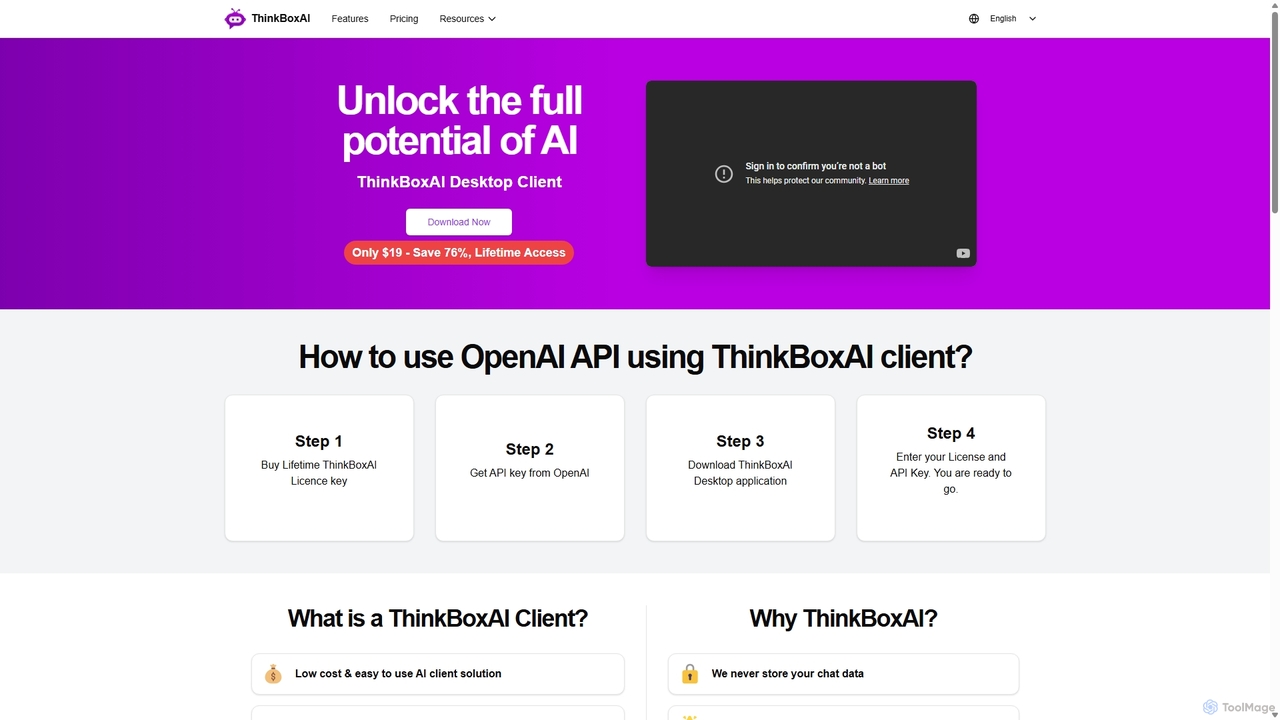
ThinkBoxAI is a cost-effective, privacy-focused desktop client for AI models like GPT and DALL-E. Use your own API key for a pay-as-you-go experience, avoiding monthly subscriptions. It features advanced customization, a prompt library, and cross-platform support for Windows, macOS, and Linux.

Preview

Detailed feature comparison

FeatureIrisThinkBoxAI
Primary categoryCoding AssistantImage Generation
Added2025-09-082025-09-17
PricingFreemiumPaid
Official websiteiris.funthinkboxai.com
Product typeAppApp
Performance data
User ratingNot verifiedNot verified
Comments00
Monthly visits3922.5K
Monthly growth-71%84.9%
Favorites108142
DetailsView detailsView details

Iris vs ThinkBoxAI monthly traffic

Compare Iris and ThinkBoxAI by monthly reach, traffic trend, visit depth, top regions, and acquisition sources.

How to interpret the traffic data

In the Iris vs ThinkBoxAI monthly traffic comparison, Iris currently shows 392 visits and ThinkBoxAI shows 2.5K; ThinkBoxAI has about 6.3 times the visible traffic of Iris, an absolute difference of about 2.1K visits. This reflects visible reach, not feature quality or paid users.

Both tools provide verified traffic details, so monthly trends, visit depth, regions, and acquisition sources can be compared on the same basis.

Iris monthly traffic:

Latest traffic

Monthly visits
392
Avg. visit duration
0:00
Pages per visit
1.16
Bounce rate
34.43%
Data updated 2026-06-15

Monthly traffic trend

  • 2025/9: 405 Monthly visits
  • 2026/1: 773 Monthly visits
  • 2026/2: 2.6K Monthly visits
  • 2026/3: 1.4K Monthly visits
  • 2026/4: 0 Monthly visits
  • 2026/5: 392 Monthly visits

Search keywords

iris appiris__now

ThinkBoxAI monthly traffic:

Latest traffic

Monthly visits
2.5K
Avg. visit duration
0:00
Pages per visit
1.07
Bounce rate
36.22%
Data updated 2026-06-15

Monthly traffic trend

  • 2025/9: 1.2K Monthly visits
  • 2026/1: 0 Monthly visits
  • 2026/2: 305 Monthly visits
  • 2026/3: 1.3K Monthly visits
  • 2026/4: 1.3K Monthly visits
  • 2026/5: 2.5K Monthly visits

Top regions

Top 5 countries/regions
Country/regionPercentageTraffic
πŸ‡ΊπŸ‡ΈUnited States35.49%880
πŸ‡²πŸ‡ΎMalaysia32.79%813
πŸ‡©πŸ‡΄Dominican Republic11.86%294
πŸ‡ΈπŸ‡¬Singapore11.45%284
πŸ‡¦πŸ‡ΊAustralia8.41%209

Search keywords

opai api keyopenai api keyopenai api key.openai api-keyopenai apikeyx
Traffic-based selection guidance: If public market visibility is an important first-pass criterion, investigate ThinkBoxAI first. The final choice should still follow taxonomy, use case, and a real trial because higher traffic does not prove broader capabilities or better workflow fit.

Usage comparison

Compare the core capabilities of Iris and ThinkBoxAI

Iris Core features

Assistant
Writing Assistant
Coding Assistant
Desktop Enhancement

ThinkBoxAI Core features

Assistant
Writing Assistant
Image Generation
Api Management

Use cases

Iris Use cases

desktop AI
AI assistant
claude 3
coding assistant
gemini
gpt-4o
macos
productivity
screen capture
system-wide AI
workflow automation
writing tool

ThinkBoxAI Use cases

desktop AI
AI client
ai writer
BYOK
cross-platform
DALL-E client
GPT client
image generation
OpenAI client
pay-as-you-go AI
privacy AI
prompt management

Best suited roles

Iris Best suited roles

Content Creator
Graphic Designer
Marketing Manager
Researcher
Software Developer
Student
Customer Support
Data Analyst
Product Manager

ThinkBoxAI Best suited roles

Content Creator
Graphic Designer
Marketing Manager
Researcher
Software Developer
Student
Social Media Manager
Writer

Iris vs ThinkBoxAI:In-depth comparison and selection guidance

First decide whether the products solve the same kind of need

This in-depth Iris vs ThinkBoxAI comparison uses only the product records, taxonomy, audience, traffic, and community signals available on this page. Iris is primarily listed under β€œCoding Assistant”, while ThinkBoxAI is primarily listed under β€œImage Generation”, so the first decision is whether your actual task matches their recorded scope.

The structured fields currently show these decision-relevant differences: Primary category (Iris: Coding Assistant; ThinkBoxAI: Image Generation); Pricing (Iris: Freemium; ThinkBoxAI: Paid); Monthly visits (Iris: 392; ThinkBoxAI: 2.5K); Monthly growth (Iris: -71%; ThinkBoxAI: 84.9%); Favorites (Iris: 108; ThinkBoxAI: 142). These facts are more useful for selection than brand visibility alone.

What market visibility and monthly traffic mean

In the Iris vs ThinkBoxAI monthly traffic comparison, Iris currently shows 392 visits and ThinkBoxAI shows 2.5K; ThinkBoxAI has about 6.3 times the visible traffic of Iris, an absolute difference of about 2.1K visits. This reflects visible reach, not feature quality or paid users.

Both tools provide verified traffic details, so monthly trends, visit depth, regions, and acquisition sources can be compared on the same basis.

If public market visibility is an important first-pass criterion, investigate ThinkBoxAI first. The final choice should still follow taxonomy, use case, and a real trial because higher traffic does not prove broader capabilities or better workflow fit.

Product positioning, use cases, and roles

Iris and ThinkBoxAI currently overlap in shared categories: Assistant and Writing Assistant; shared tags: desktop AI; shared roles: Content Creator, Graphic Designer, Marketing Manager, Researcher, Software Developer, and Student. This can place both on the same shortlist, but it does not prove equal implementation, depth, or cost.

Iris's unique categories/tags are Coding Assistant, Desktop Enhancement, AI assistant, claude 3, coding assistant, gemini, gpt-4o, and macos; ThinkBoxAI's are Image Generation, Api Management, AI client, ai writer, BYOK, cross-platform, DALL-E client, and GPT client. These unique fields are the strongest differentiators: validate the product whose recorded scope matches the task instead of following traffic alone.

What ratings, comments, and favorites can tell you

Iris has no verified rating, 0 comments, 108 favorites, and 99 likesοΌ›ThinkBoxAI has no verified rating, 0 comments, 142 favorites, and 131 likes。

Neither product has enough rating or comment samples for a credible reputation ranking.

Selection guidance by actual need

When to evaluate Iris first

Put Iris on the priority trial list when the task aligns with β€œCoding Assistant” and especially Coding Assistant, Desktop Enhancement, AI assistant, claude 3, coding assistant, and gemini, or the users include Customer Support, Data Analyst, and Product Manager. This follows recorded positioning and does not imply unlisted capabilities are absent.

Iris also currently records: pricing is freemium, product type is app, 392 verified monthly visits, no verified user rating. Verify any hard requirement around price, platform, or reach before trial, and do not let sparse review data substitute for testing.

When to evaluate ThinkBoxAI first

Put ThinkBoxAI on the priority trial list when the task aligns with β€œImage Generation” and especially Image Generation, Api Management, AI client, ai writer, BYOK, and cross-platform, or the users include Social Media Manager and Writer. This follows recorded positioning and does not imply unlisted capabilities are absent.

ThinkBoxAI also currently records: pricing is paid, product type is app, 2.5K verified monthly visits, no verified user rating. Verify any hard requirement around price, platform, or reach before trial, and do not let sparse review data substitute for testing.

How to validate the recommendation before deciding

The available data describes positioning, public visibility, and community signals, but it cannot prove output quality, speed, integration effort, privacy, or long-term cost in your workflow. Before deciding, run the same representative tasks in Iris and ThinkBoxAI, then record completion time, accuracy, manual corrections, and the real paid threshold. A like-for-like trial turns this comparison into a defensible adoption decision.

Comparison FAQ

How should I choose between Iris and ThinkBoxAI?
Compare positioning, pricing, taxonomy, and traffic maturity, then verify the latest details on each official website.
Where does this comparison data come from?
The factual baseline is derived from product, taxonomy, traffic, and community data. Reviewed editorial conclusions show their source and verification date.
What do unknown fields mean?
Unknown means there is not enough reliable evidence; the page does not fill gaps with assumptions.

Related AI tools

Thinkbuddy
Freemium

Thinkbuddy

Thinkbuddy is a native desktop AI client designed for fast, secure, and organized interaction with multiple AI models. It acts as a unified workspace, allowing you to switch between models like GPT-4o, Claude 3, and Llama 3, manage conversations in projects, and save prompts in a library for a streamlined workflow.

Code Assistant
Visits 5.4KFavorites 130Likes 113
Side Space
Paid

Side Space

Side Space is a powerful AI assistant that integrates seamlessly into your desktop workflow. It operates from a convenient sidebar, providing instant access to AI-powered tools for writing, coding, and general productivity without ever leaving your current application. Enhance your efficiency with contextual actions on selected text and customizable commands.

Code Assistant
Visits 4.1KFavorites 97Likes 77
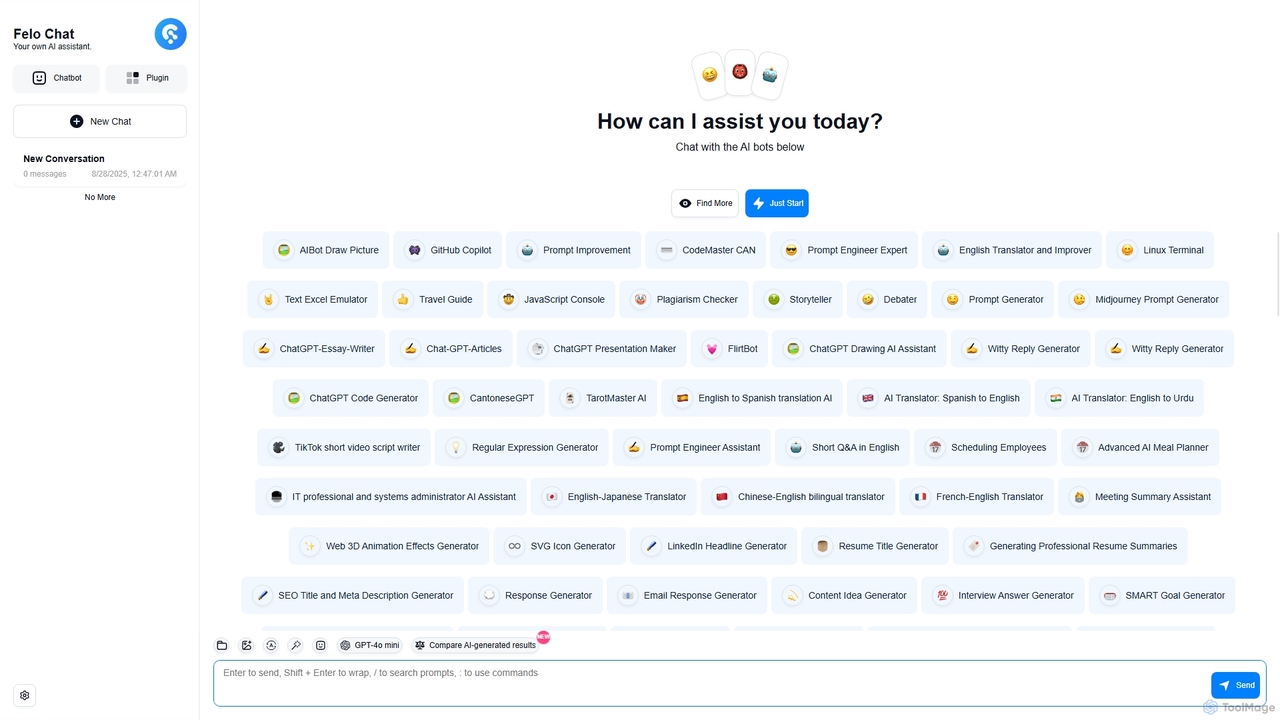
Felo Chat
Freemium

Felo Chat

Felo Chat is a versatile AI assistant platform providing free access to leading AI models like GPT-4o, Claude, and Gemini. It features an extensive library of specialized AI bots for various tasks, from coding and content creation to translation and data analysis. With support for text, file, and image uploads, Felo Chat serves as a comprehensive, all-in-one solution for professionals, students, and creatives.

Code Assistant
Visits 11.5KFavorites 114Likes 115
Kairo
Freemium

Kairo

Kairo is an AI-powered desktop assistant for macOS that integrates seamlessly into your workflow, eliminating the need to switch applications for AI tasks. It offers smart text transformation, visual analysis of screenshots, and deep analysis of files directly from any app using simple keyboard shortcuts.

Document Analysis
Visits 4.7KFavorites 130Likes 121
Omnipilot

Omnipilot

Omnipilot is a system-wide AI copilot for macOS, designed to integrate seamlessly into any application. It provides contextual assistance, allowing you to generate text, write code, and automate tasks in any text field, boosting productivity by eliminating the need to switch between apps. Note: Omnipilot has been acquired by and merged into Highlight AI.

Coding Assistant
Visits 5.3KFavorites 149Likes 158
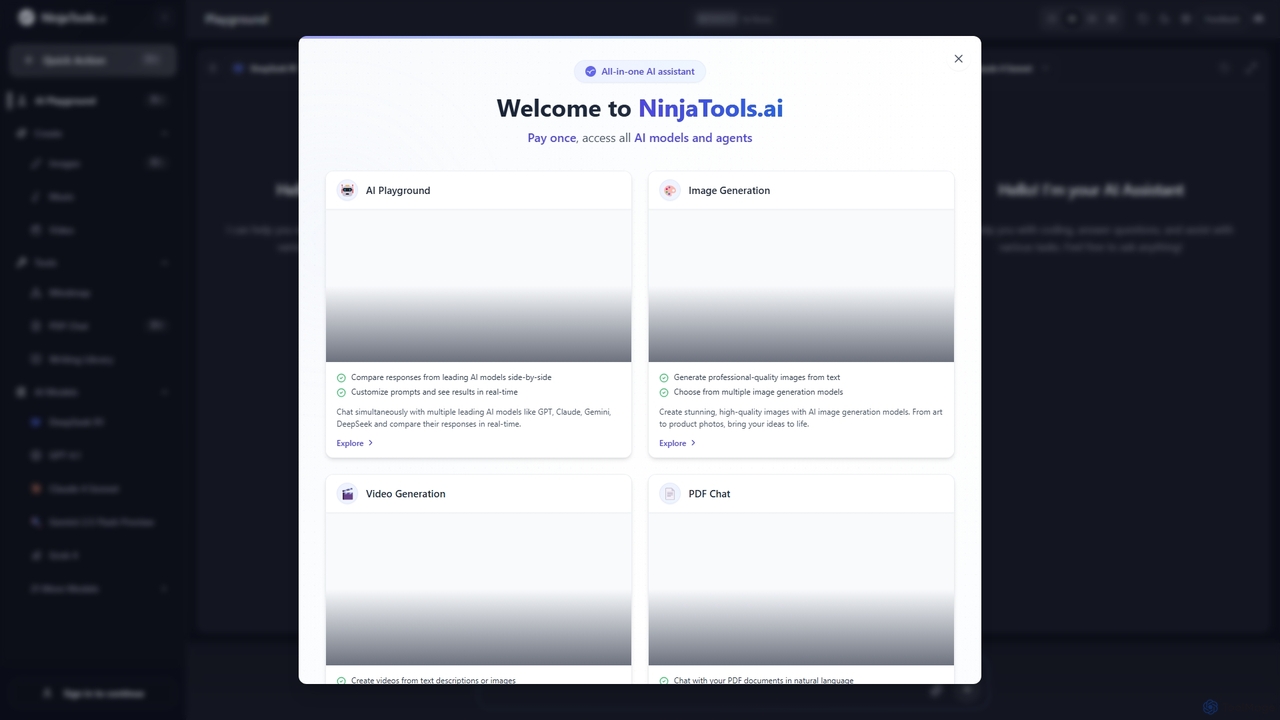
Ninjatools
Freemium

Ninjatools

Ninjatools is an all-in-one AI platform providing unified access to a vast array of leading AI models like GPT, Claude, Gemini, and more. It enables users to generate text, images, videos, and music, chat with PDFs, and compare model responses side-by-side in a single, intuitive interface. It's designed for creators, developers, and marketers seeking efficiency and versatility.

Music Generation
Visits 22.9KFavorites 102Likes 129
Google Gemini
Freemium

Google Gemini

Google Gemini is a powerful, multimodal AI assistant designed to enhance creativity and productivity. It can understand and process text, code, images, and video to help you write, plan, learn, and create. Integrated with Google's ecosystem, it offers features like advanced content generation, deep research, and seamless collaboration within Google apps.

Image Generator
Visits 36MFavorites 137Likes 131
Microsoft Copilot
Freemium

Microsoft Copilot

Microsoft Copilot is your everyday AI companion, enhancing productivity and creativity. It provides intelligent search, content generation, and image creation capabilities by leveraging the latest AI models like GPT-4 and DALL-E 3. Integrated across the Microsoft ecosystem, it assists with writing, coding, planning, and design tasks.

Image Generator
Visits 131.6MFavorites 143Likes 143
Merlin AI
Freemium

Merlin AI

Merlin is an all-in-one AI assistant, available as a browser extension and app, that integrates top AI models like GPT-4, Claude 3, and Gemini. It allows you to research, write, summarize content, generate images, and code with a single click on any website, streamlining your workflow and boosting productivity without switching tabs.

Chrome Extensions
Visits 4.1KFavorites 107Likes 93
Jyek
AD

Jyek

Jyek is an AI agent platform that understands objectives, creates execution plans, uses tools, and delivers verifiable results for complex, multi-step tasks.

Automation
Visits 2.6KFavorites 4Likes 6
Z.ai
Freemium

Z.ai

Z.ai is a powerful, free AI assistant powered by the advanced GLM-4.5 model. It's more than just a chatbot, offering a suite of integrated tools for coding, creating presentations, designing, and conducting research. Z.ai aims to be an all-in-one productivity platform, streamlining complex tasks through a simple conversational interface.

Code Assistant
Visits 13.8MFavorites 96Likes 100
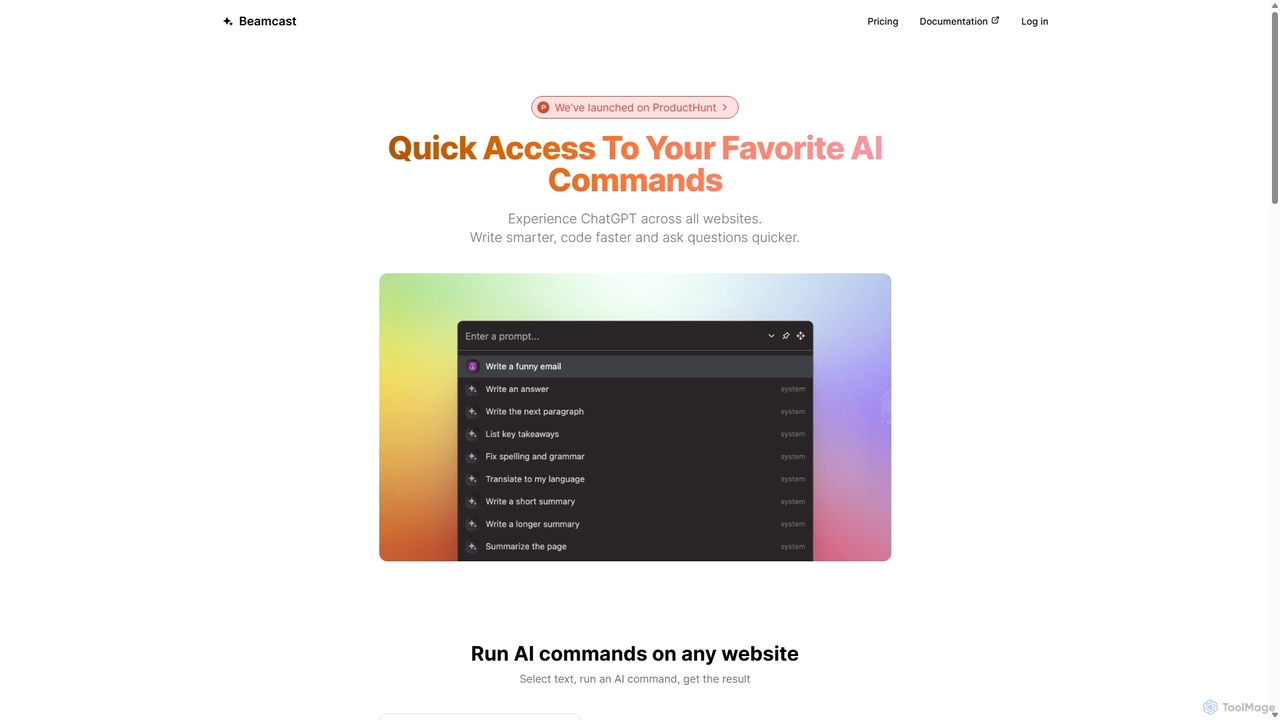
Beamcast
Freemium

Beamcast

A browser extension that puts ChatGPT and Gemini at your fingertips. Select text on any website to run built-in or custom AI commands for writing, coding, and quick answers, streamlining your workflow and boosting productivity without ever leaving the page.

Search
Visits 4.2KFavorites 121Likes 120
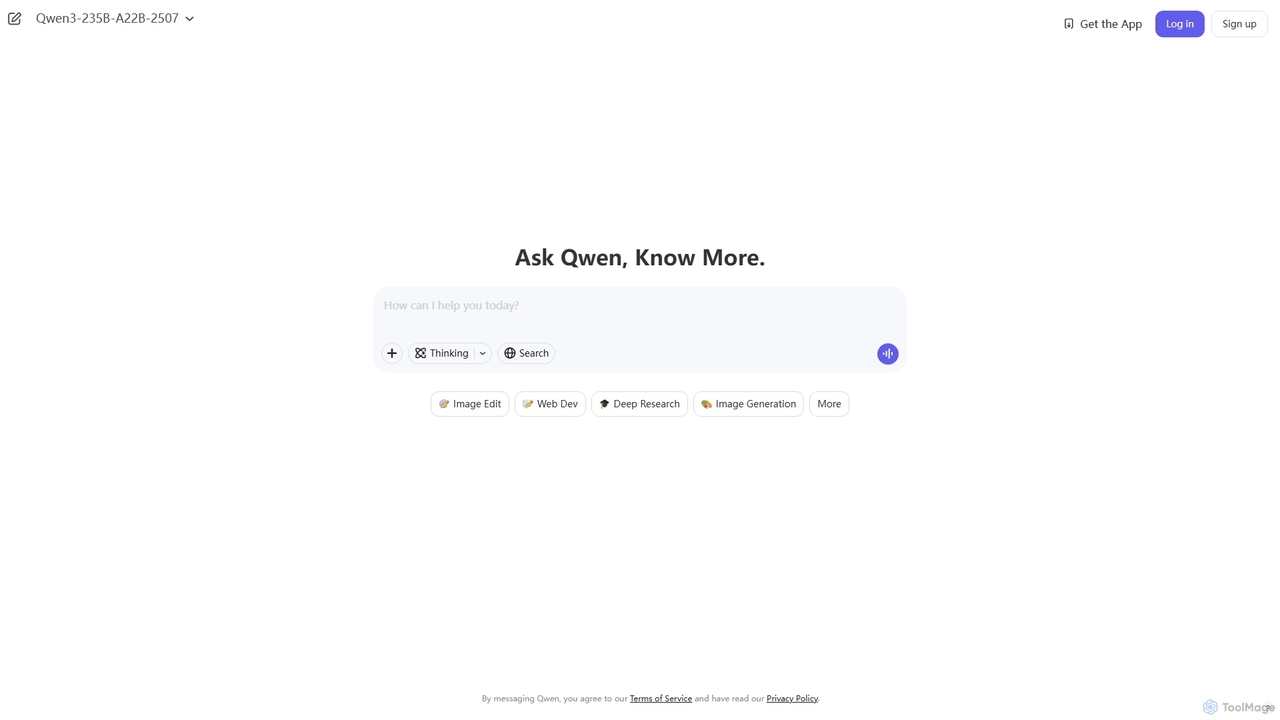
Qwen
Freemium

Qwen

Qwen is a powerful multimodal AI chat assistant from Alibaba Cloud. It excels at natural language conversations, content creation, code generation, data analysis, and even image generation. With integrated web search and document analysis, Qwen provides comprehensive, up-to-date, and accurate answers for a wide range of tasks.

Image Generation
Visits 35.5MFavorites 92Likes 92
Postdio
Freemium

Postdio

Postdio is an all-in-one AI studio for modern creators, integrating AI chat with specialized characters, image and video generation, AI-powered notes, and advanced agents to streamline creative and professional workflows.

Writing
Visits 4.2KFavorites 127Likes 137
Baidu AI Search
Freemium

Baidu AI Search

Baidu AI Search is an all-in-one AI-powered platform that integrates conversational search, content creation, document analysis, and image editing. It provides a one-stop solution for work, study, and creative tasks, leveraging Baidu's powerful ERNIE model to deliver comprehensive answers and generate high-quality content.

Writing
Visits 39.1MFavorites 159Likes 148