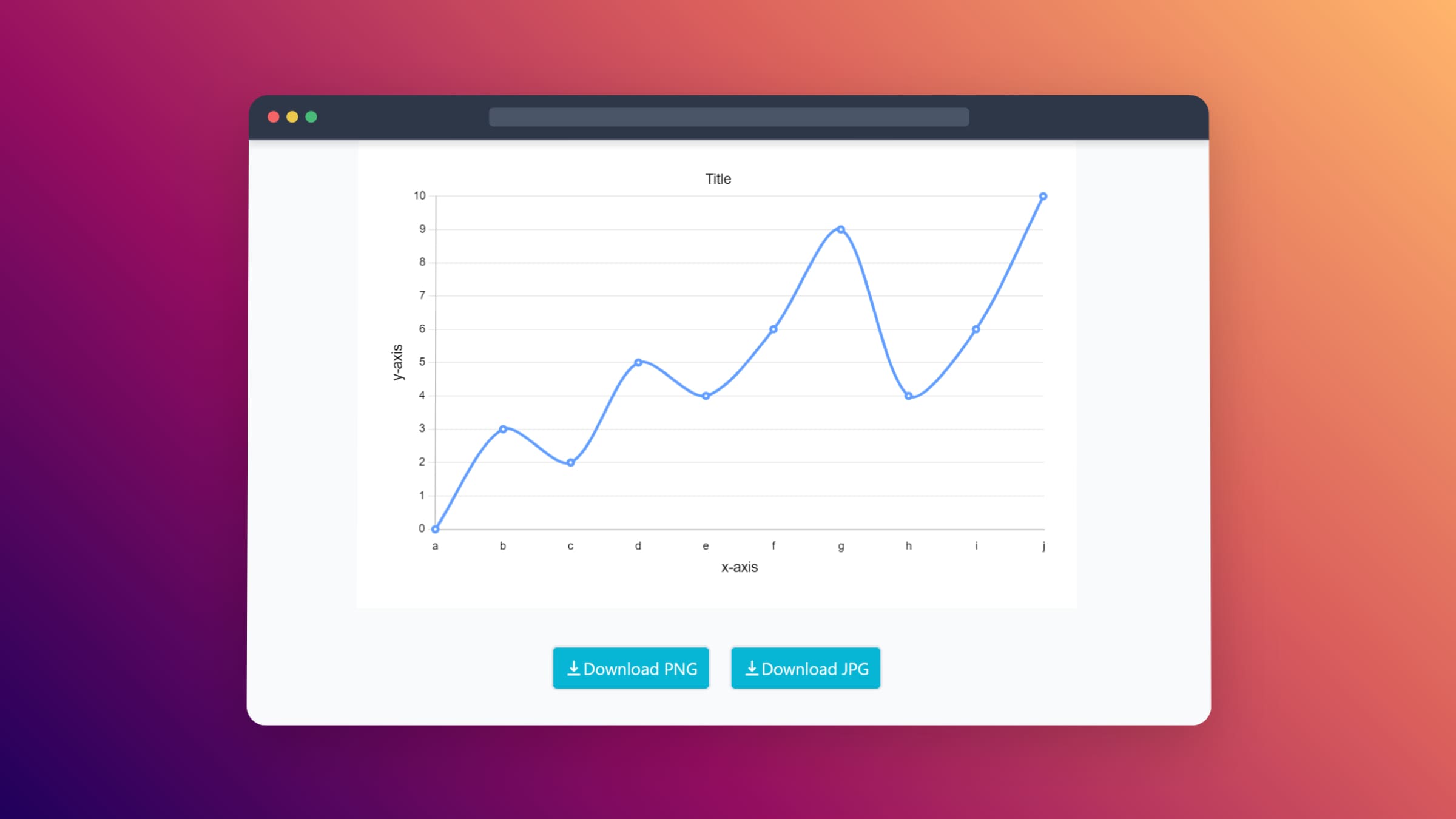
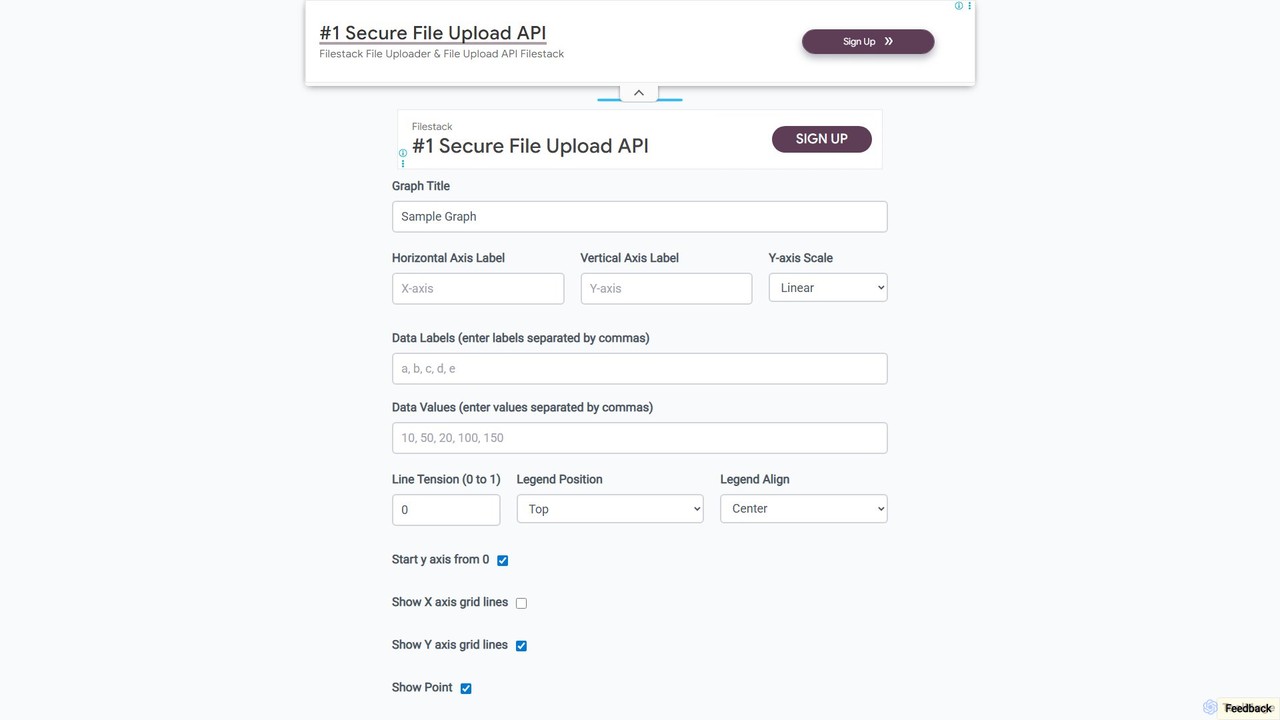
A free, web-based tool for instantly creating custom line and bar graphs. Input your data, customize labels, colors, and styles, then download your chart in PNG, JPG, or SVG format. Ideal for students, educators, and professionals for quick data visualization.
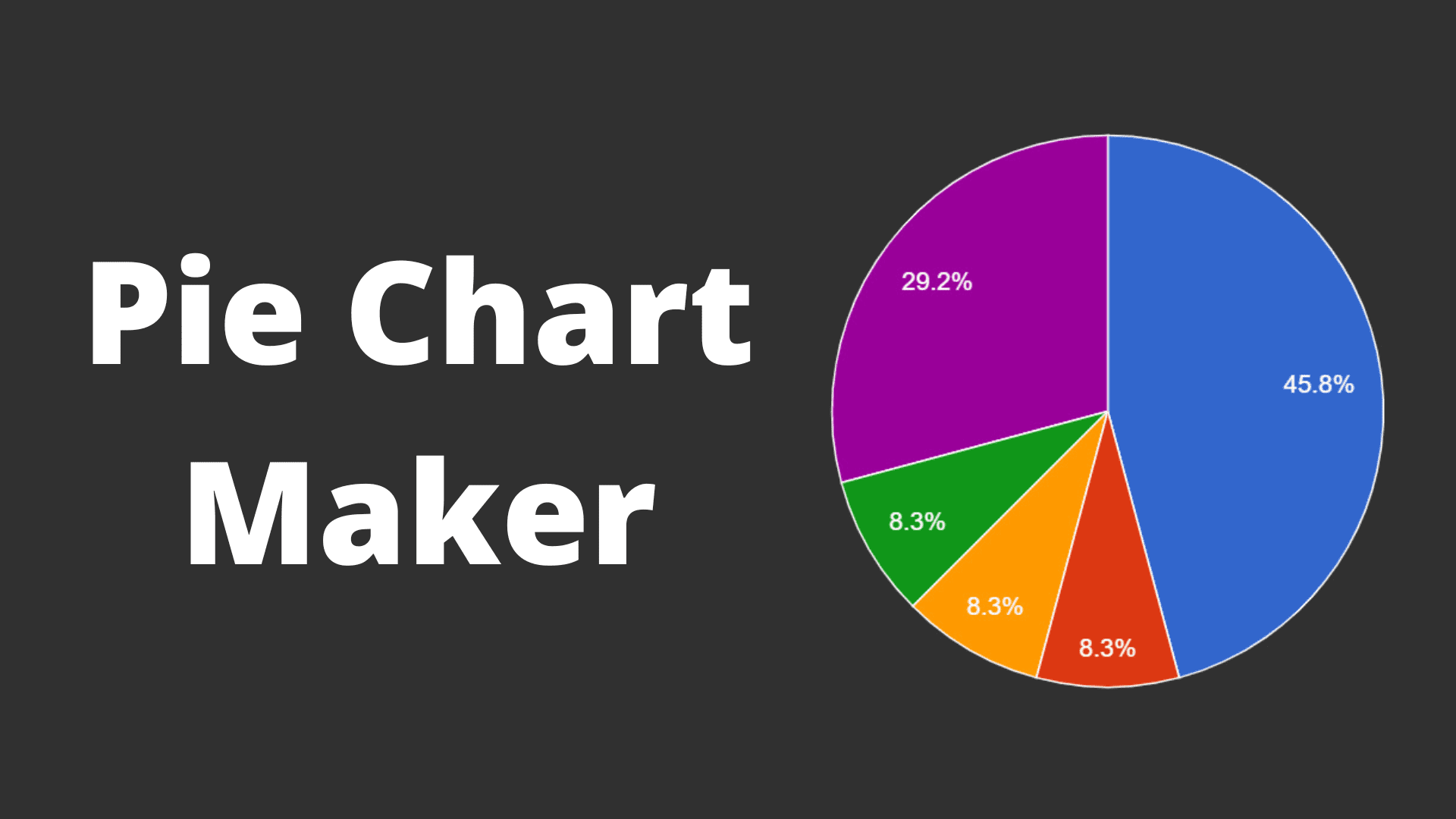
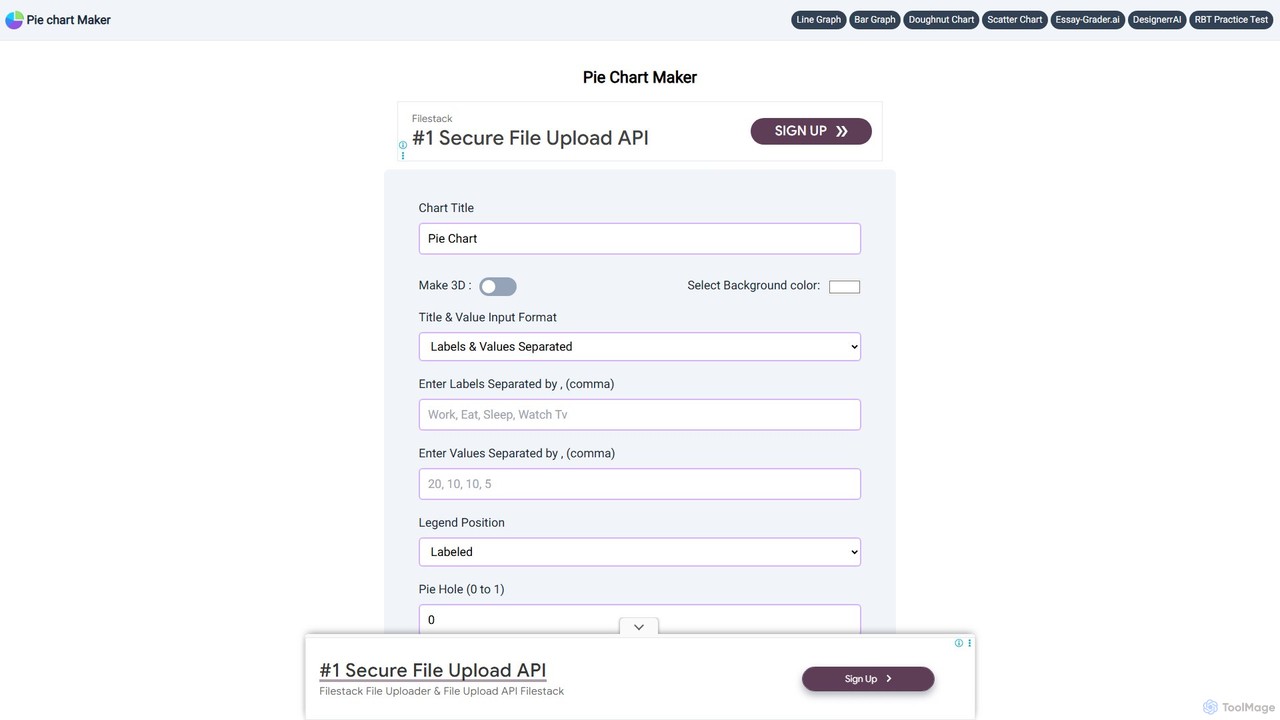
A free, user-friendly online tool for creating beautiful and customizable pie charts, doughnut charts, and line graphs in just a few clicks. Instantly visualize your data by simply entering labels and values, and download your charts in various formats like PNG, JPEG, and SVG.
Product overview
Line Graph Maker Product overview
A free, web-based tool for instantly creating custom line and bar graphs. Input your data, customize labels, colors, and styles, then download your chart in PNG, JPG, or SVG format. Ideal for students, educators, and professionals for quick data visualization.
Pie Chart Maker Product overview
A free, user-friendly online tool for creating beautiful and customizable pie charts, doughnut charts, and line graphs in just a few clicks. Instantly visualize your data by simply entering labels and values, and download your charts in various formats like PNG, JPEG, and SVG.
Detailed feature comparison
| Feature | Line Graph Maker | Pie Chart Maker |
|---|---|---|
| Primary category | Charts & Graphs | Student Tools |
| Added | 2025-08-16 | 2025-08-14 |
| Pricing | Free | Free |
| Official website | linegraphmaker.co | piechartmaker.co |
| Product type | Website | Website |
| Performance data | ||
| User rating | Not verified | Not verified |
| Comments | 0 | 0 |
| Monthly visits | 54.4K | 50K |
| Monthly growth | 13.1% | -8.8% |
| Favorites | 107 | 140 |
| Details | View details | View details |
Line Graph Maker vs Pie Chart Maker monthly traffic
Compare Line Graph Maker and Pie Chart Maker by monthly reach, traffic trend, visit depth, top regions, and acquisition sources.
How to interpret the traffic data
In the Line Graph Maker vs Pie Chart Maker monthly traffic comparison, Line Graph Maker currently shows 54.4K visits and Pie Chart Maker shows 50K; the two products have similar visible traffic, an absolute difference of about 4.3K visits. This reflects visible reach, not feature quality or paid users.
Both tools provide verified traffic details, so monthly trends, visit depth, regions, and acquisition sources can be compared on the same basis.
Line Graph Maker monthly traffic:
Latest traffic
Monthly traffic trend
- 2025/9: 34.3K Monthly visits
- 2026/1: 54K Monthly visits
- 2026/2: 41.3K Monthly visits
- 2026/3: 36.6K Monthly visits
- 2026/4: 48.1K Monthly visits
- 2026/5: 54.4K Monthly visits
Top regions
Top 5 countries/regions
| Country/region | Percentage | Traffic |
|---|---|---|
| 🇺🇸United States | 42.59% | 23.2K |
| 🇯🇴Jordan | 22.5% | 12.2K |
| 🇦🇺Australia | 13.93% | 7.6K |
| 🇮🇳India | 11.27% | 6.1K |
| 🇬🇧United Kingdom | 9.71% | 5.3K |
Traffic sources
| Source type | Percentage | Traffic |
|---|---|---|
| Direct | 86.03% | 46.8K |
| Referral | 11.15% | 6.1K |
| 2.82% | 1.5K |
Search keywords
Pie Chart Maker monthly traffic:
Latest traffic
Monthly traffic trend
- 2025/9: 68.2K Monthly visits
- 2026/1: 46.6K Monthly visits
- 2026/2: 69K Monthly visits
- 2026/3: 50.8K Monthly visits
- 2026/4: 54.9K Monthly visits
- 2026/5: 50K Monthly visits
Top regions
Top 5 countries/regions
| Country/region | Percentage | Traffic |
|---|---|---|
| 🇺🇸United States | 56.98% | 28.5K |
| 🇵🇭Philippines | 12.29% | 6.2K |
| 🇬🇧United Kingdom | 11.96% | 6K |
| 🇮🇳India | 9.42% | 4.7K |
| 🇮🇩Indonesia | 9.35% | 4.7K |
Traffic sources
| Source type | Percentage | Traffic |
|---|---|---|
| Direct | 80.1% | 40.1K |
| Referral | 14.35% | 7.2K |
| 5.55% | 2.8K |
Search keywords
Usage comparison
Compare the core capabilities of Line Graph Maker and Pie Chart Maker
Line Graph Maker Core features
Pie Chart Maker Core features
Use cases
Line Graph Maker Use cases
Pie Chart Maker Use cases
Line Graph Maker vs Pie Chart Maker:In-depth comparison and selection guidance
First decide whether the products solve the same kind of need
This in-depth Line Graph Maker vs Pie Chart Maker comparison uses only the product records, taxonomy, audience, traffic, and community signals available on this page. Line Graph Maker is primarily listed under “Charts & Graphs”, while Pie Chart Maker is primarily listed under “Student Tools”, so the first decision is whether your actual task matches their recorded scope.
The structured fields currently show these decision-relevant differences: Primary category (Line Graph Maker: Charts & Graphs; Pie Chart Maker: Student Tools); Monthly visits (Line Graph Maker: 54.4K; Pie Chart Maker: 50K); Monthly growth (Line Graph Maker: 13.1%; Pie Chart Maker: -8.8%); Favorites (Line Graph Maker: 107; Pie Chart Maker: 140); Website (Line Graph Maker: linegraphmaker.co; Pie Chart Maker: piechartmaker.co). These facts are more useful for selection than brand visibility alone.
What market visibility and monthly traffic mean
In the Line Graph Maker vs Pie Chart Maker monthly traffic comparison, Line Graph Maker currently shows 54.4K visits and Pie Chart Maker shows 50K; the two products have similar visible traffic, an absolute difference of about 4.3K visits. This reflects visible reach, not feature quality or paid users.
Both tools provide verified traffic details, so monthly trends, visit depth, regions, and acquisition sources can be compared on the same basis.
The current traffic scope is not sufficient for a reliable product ranking. Treat monthly visits as a market-interest signal, then decide using taxonomy, use cases, pricing, and a like-for-like trial rather than reading exposure as product capability.
Product positioning, use cases, and roles
Line Graph Maker and Pie Chart Maker currently overlap in shared categories: Student Tools and Data Visualization; shared tags: data analysis and data visualization. This can place both on the same shortlist, but it does not prove equal implementation, depth, or cost.
Line Graph Maker's unique categories/tags are Charts & Graphs, bar graph creator, chart generator, free chart tool, line graph maker, online graph maker, and student tools; Pie Chart Maker's are Content Creation, chart maker, doughnut chart, free tool, graph maker, line graph, online chart generator, and pie chart. These unique fields are the strongest differentiators: validate the product whose recorded scope matches the task instead of following traffic alone.
What ratings, comments, and favorites can tell you
Line Graph Maker has no verified rating, 0 comments, 107 favorites, and 115 likes;Pie Chart Maker has no verified rating, 0 comments, 140 favorites, and 153 likes。
Neither product has enough rating or comment samples for a credible reputation ranking.
Selection guidance by actual need
When to evaluate Line Graph Maker first
Put Line Graph Maker on the priority trial list when the task aligns with “Charts & Graphs” and especially Charts & Graphs, bar graph creator, chart generator, free chart tool, line graph maker, and online graph maker. This follows recorded positioning and does not imply unlisted capabilities are absent.
Line Graph Maker also currently records: pricing is free, product type is website, 54.4K verified monthly visits, no verified user rating. Verify any hard requirement around price, platform, or reach before trial, and do not let sparse review data substitute for testing.
When to evaluate Pie Chart Maker first
Put Pie Chart Maker on the priority trial list when the task aligns with “Student Tools” and especially Content Creation, chart maker, doughnut chart, free tool, graph maker, and line graph. This follows recorded positioning and does not imply unlisted capabilities are absent.
Pie Chart Maker also currently records: pricing is free, product type is website, 50K verified monthly visits, no verified user rating. Verify any hard requirement around price, platform, or reach before trial, and do not let sparse review data substitute for testing.
How to validate the recommendation before deciding
The available data describes positioning, public visibility, and community signals, but it cannot prove output quality, speed, integration effort, privacy, or long-term cost in your workflow. Before deciding, run the same representative tasks in Line Graph Maker and Pie Chart Maker, then record completion time, accuracy, manual corrections, and the real paid threshold. A like-for-like trial turns this comparison into a defensible adoption decision.
Comparison FAQ
How should I choose between Line Graph Maker and Pie Chart Maker?
Where does this comparison data come from?
What do unknown fields mean?
Related AI tools

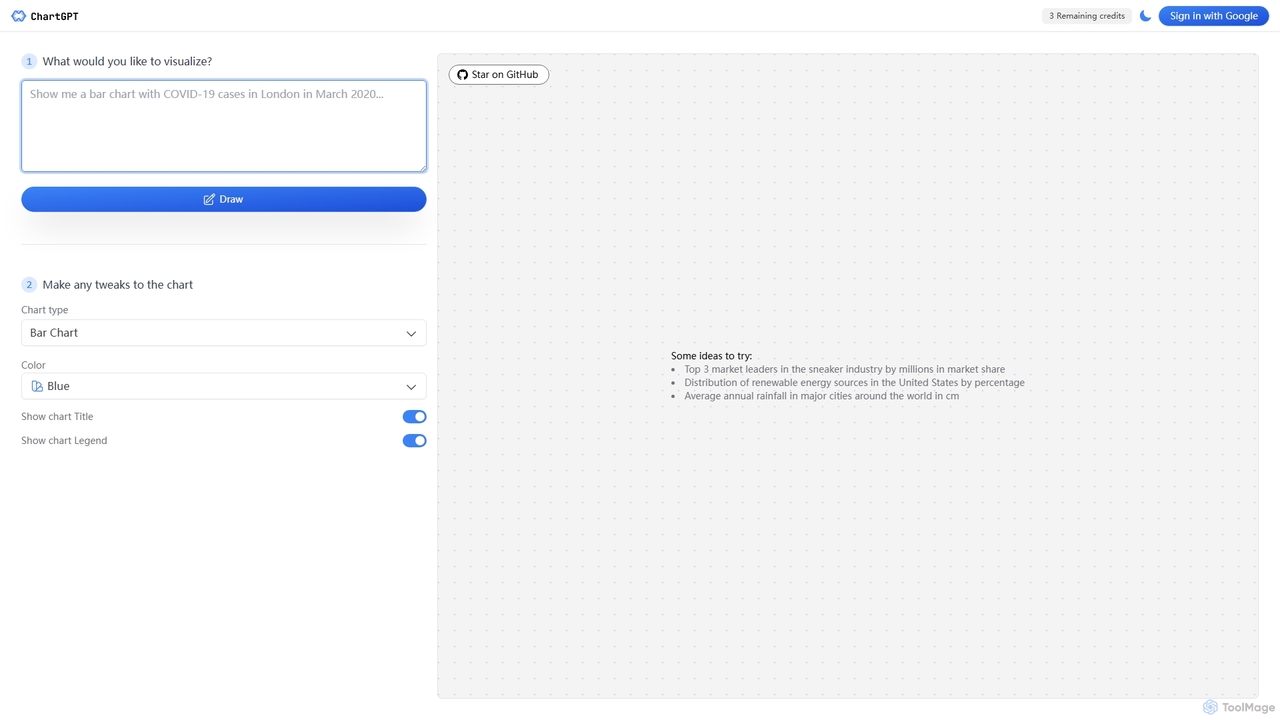
ChartGPT
ChartGPT is an AI-powered tool that transforms natural language text prompts into a wide variety of stunning charts and graphs. Simply describe the data you want to visualize, and ChartGPT instantly generates customizable charts, making data visualization accessible to everyone, regardless of technical skill.
Business Intelligence
ChartGPT
ChartGPT is an AI-powered tool that transforms natural language prompts and raw data into stunning, customizable charts and graphs. Effortlessly create complex visualizations like bar charts, line graphs, and pie charts without any coding, simply by describing what you want to see.
Infographics
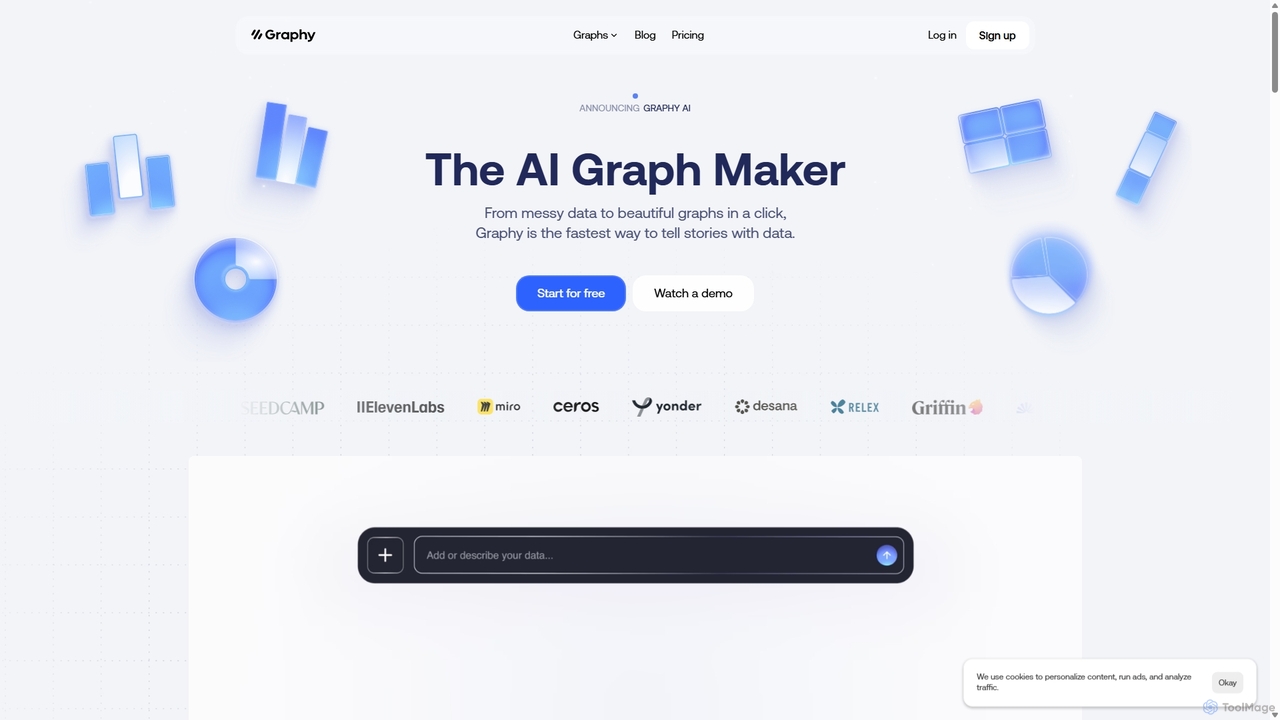
Graphy
Graphy is an AI-powered data visualization tool that transforms raw data into beautiful, interactive charts and graphs in seconds. It simplifies data storytelling by automatically identifying key insights, allowing users to chat with their data, and offering extensive customization. Ideal for marketers, analysts, and teams who need to create compelling visual reports and presentations without complex software.
3D
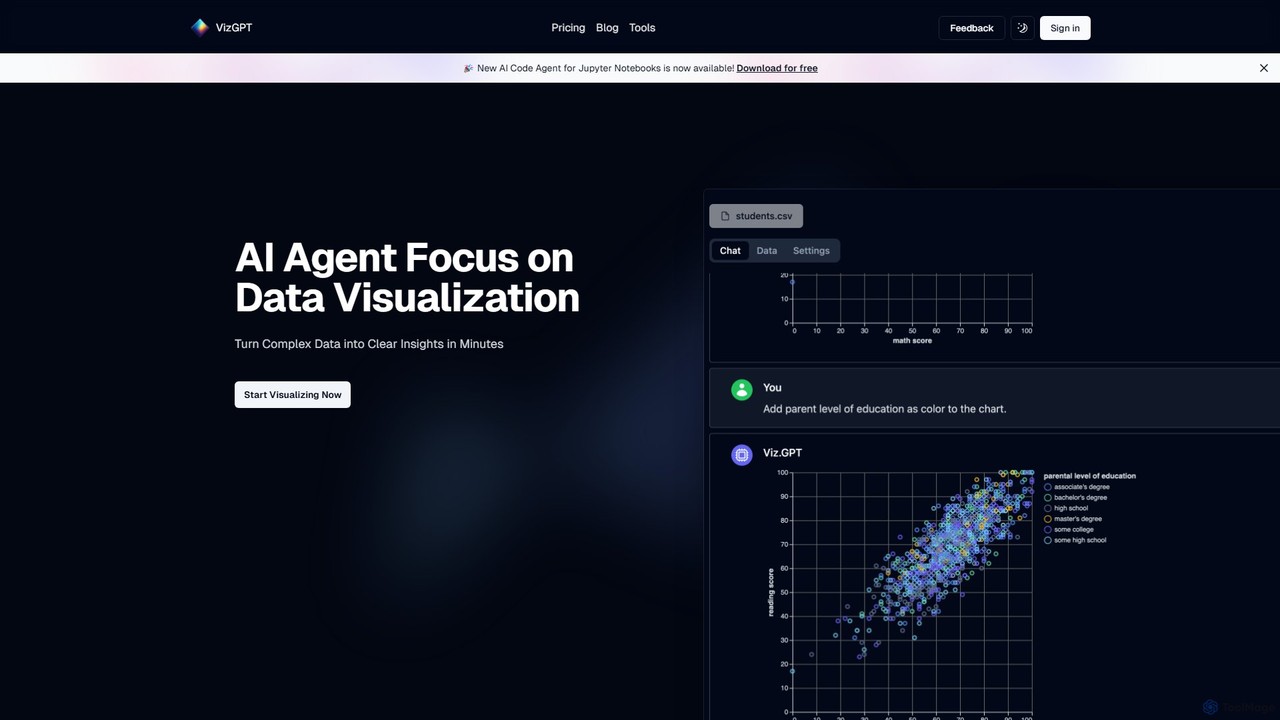
vizGPT
vizGPT is an AI-powered data visualization tool that transforms complex data into clear insights using natural language. Simply ask questions in plain English to generate charts and graphs instantly, without any coding. It supports various data sources and offers both a conversational interface and a no-code drag-and-drop editor, making data analysis accessible to everyone.
Jupyter
CalcGen AI
CalcGen AI is a no-code platform that transforms natural language prompts into interactive calculators, charts, and data visualizations. Effortlessly create custom tools for finance, science, business, and more, simply by describing what you need. Upload your data or provide parameters to generate embeddable widgets in seconds.
Calculators
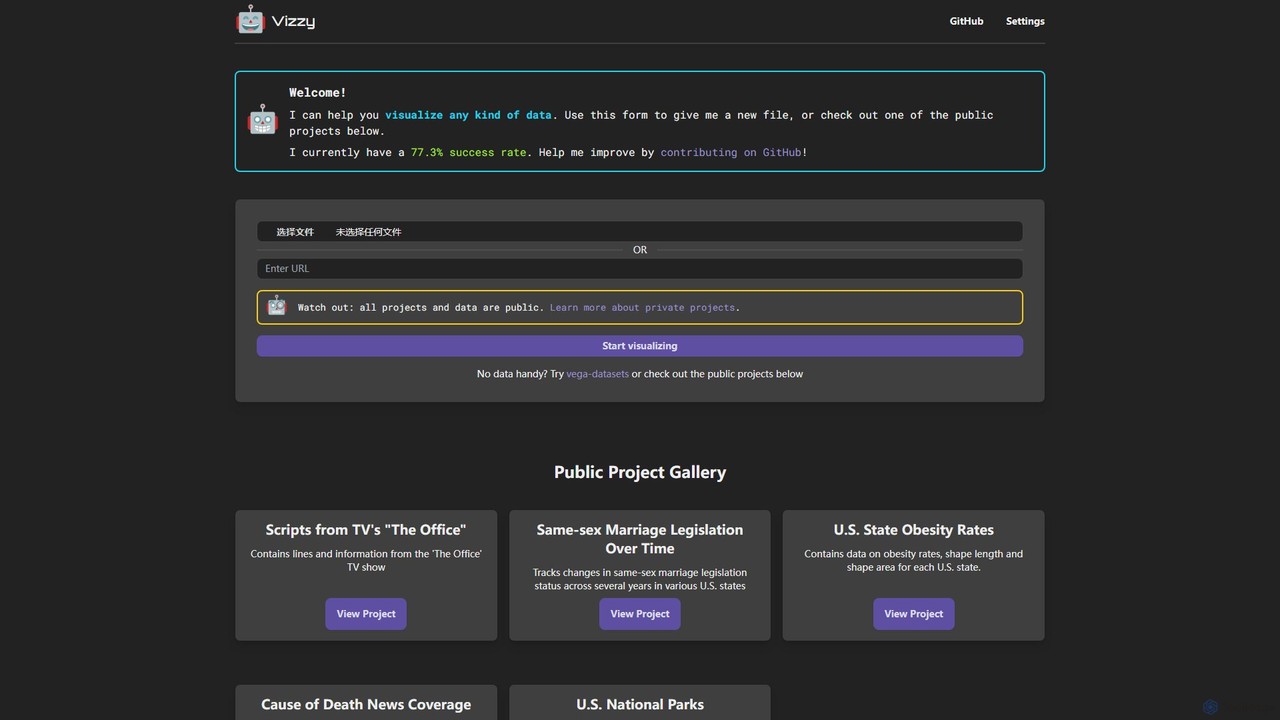
Vizzy
Vizzy is an AI-powered tool that leverages Large Language Models (LLMs) for rapid data visualization. Simply upload your data file, and Vizzy's AI will analyze it to automatically generate insightful charts, graphs, and maps. It's a no-code, open-source platform designed to make data analysis accessible to everyone, from researchers to business analysts. Explore public datasets or visualize your own, turning raw numbers into clear visuals in seconds.
Visualization
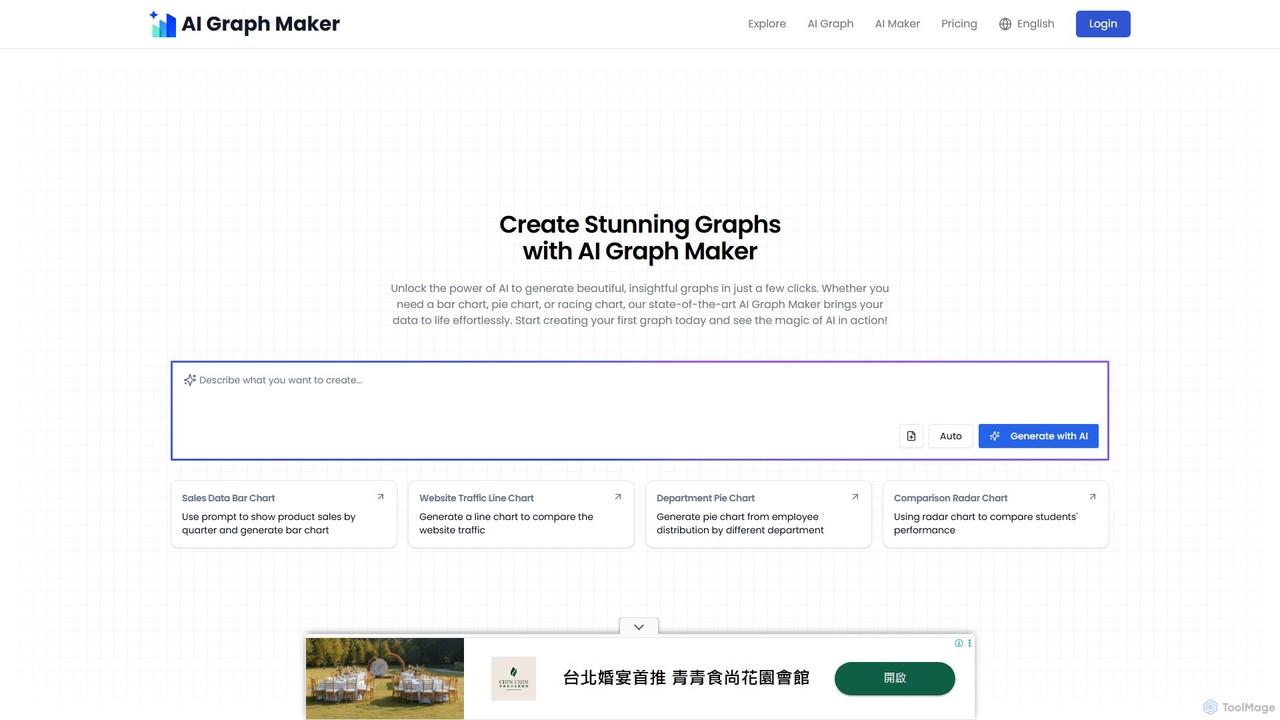
aigraphmaker
aigraphmaker is an AI-powered platform that transforms raw data and text prompts into a wide variety of professional and interactive charts and diagrams. It enables users, from beginners to experts, to effortlessly create stunning visualizations like bar charts, mind maps, flowcharts, and knowledge graphs in seconds, without any coding or design skills required.
Analytics
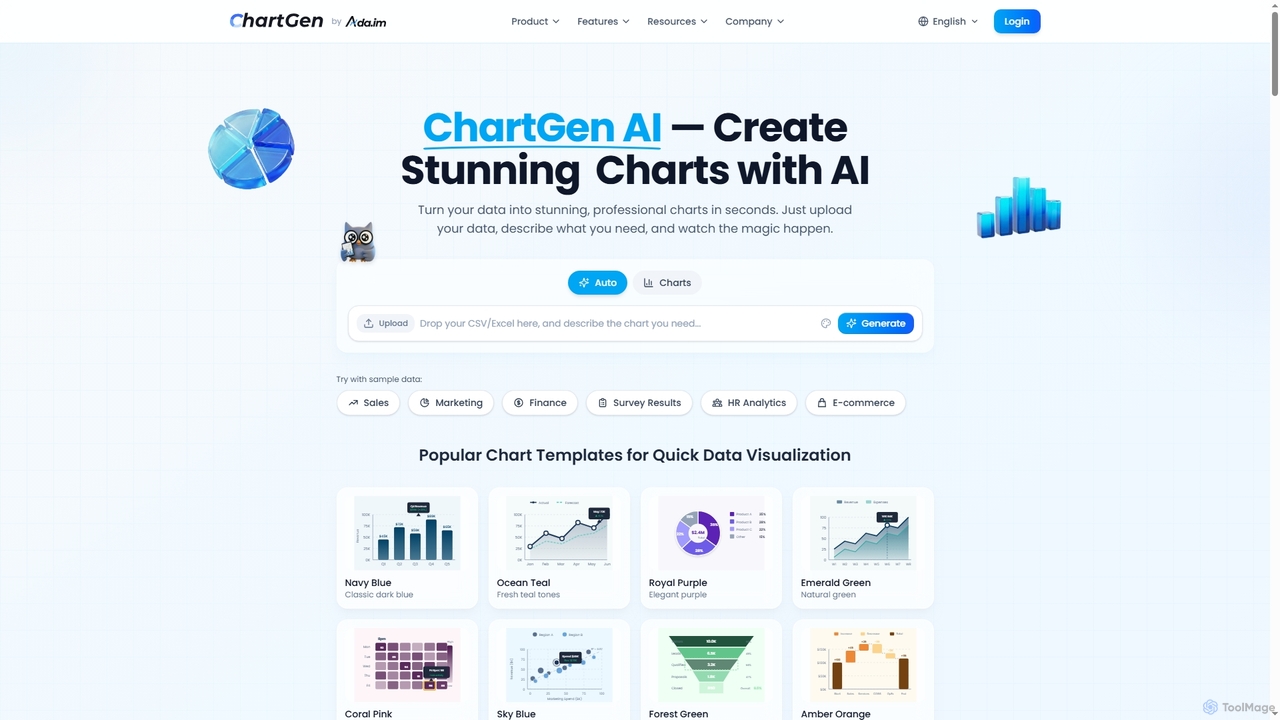
ChartGen
ChartGen is an AI-powered chart generator that transforms raw data into stunning, professional visualizations in seconds. Users simply upload CSV or Excel files, describe their desired chart in plain English, and the AI instantly creates various chart types like bar, line, and pie charts. It's designed for quick, effortless data visualization without requiring design or coding skills.
Charts & Graphs
AiBiao
AiBiao is an AI-powered tool that instantly generates professional charts and diagrams from text descriptions. It streamlines the creation of visual data for presentations, reports, and online content, significantly boosting productivity by eliminating manual drawing processes.
Data Visualization
ChatExcel
ChatExcel is an AI-powered data analysis tool that allows users to process spreadsheets and analyze data through a simple chat interface. It automates tasks like data cleaning, merging, and analysis, and generates over 100 types of charts and visualizations from natural language commands. No coding or complex formulas required, boosting productivity by up to 90%.
Business Intelligence
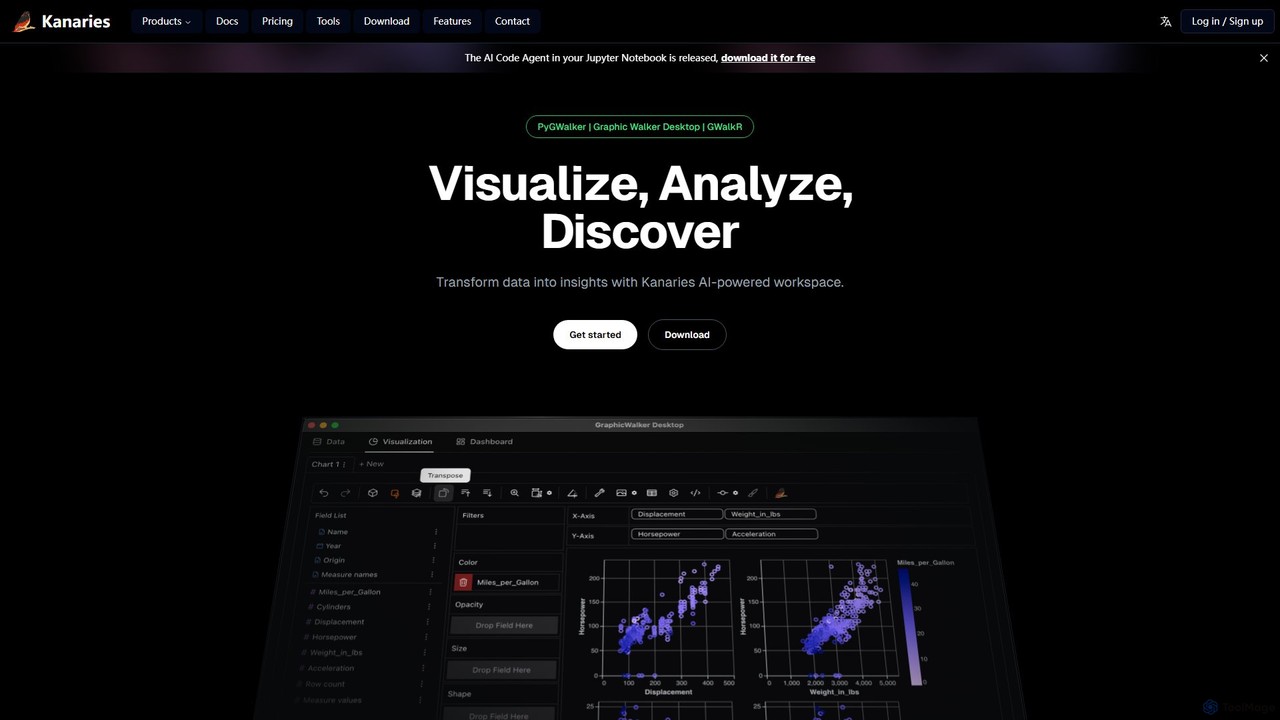
Kanaries
Kanaries is an AI-powered workspace designed for exploratory data analysis (EDA) and visualization. It offers a suite of tools, including PyGWalker for Python and GWalkR for R, that transform dataframes into interactive visual analytics applications with a single line of code. It features a drag-and-drop interface, AI-powered chat for data querying, and collaborative features, streamlining the entire data-to-insight workflow for analysts, data scientists, and developers.
3D
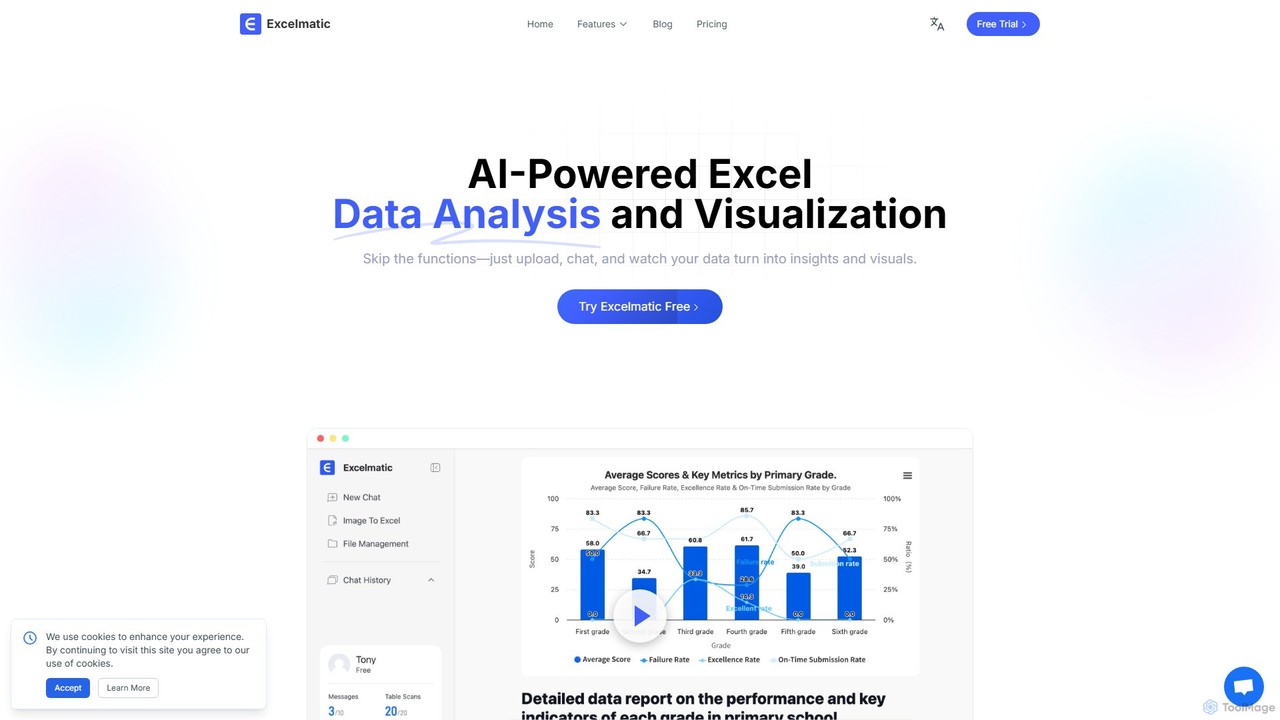
excelmatic
Excelmatic is an AI-powered assistant that transforms your Excel and spreadsheet tasks. Simply upload your data, ask questions in plain English, and instantly get data analysis, visualizations, and generated formulas. It's a no-code solution designed to automate data cleaning, chart creation, and insight discovery, making data accessible to everyone.
Business Intelligence
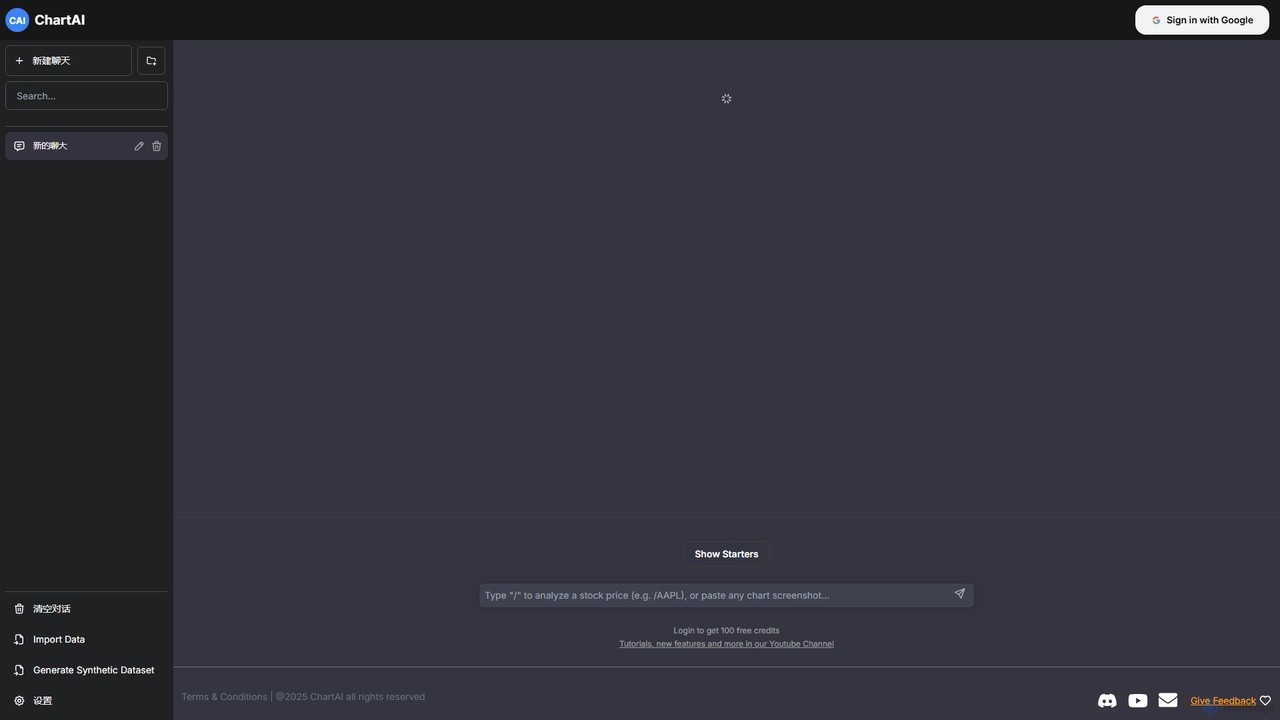
ChartAI
ChartAI is an AI-powered data visualization tool that transforms natural language prompts into stunning charts and graphs. Import your own data or generate synthetic datasets, then simply chat with the AI to analyze information and create visualizations instantly. Ideal for analysts, researchers, and anyone needing to quickly understand and present data without writing code.
Visualization
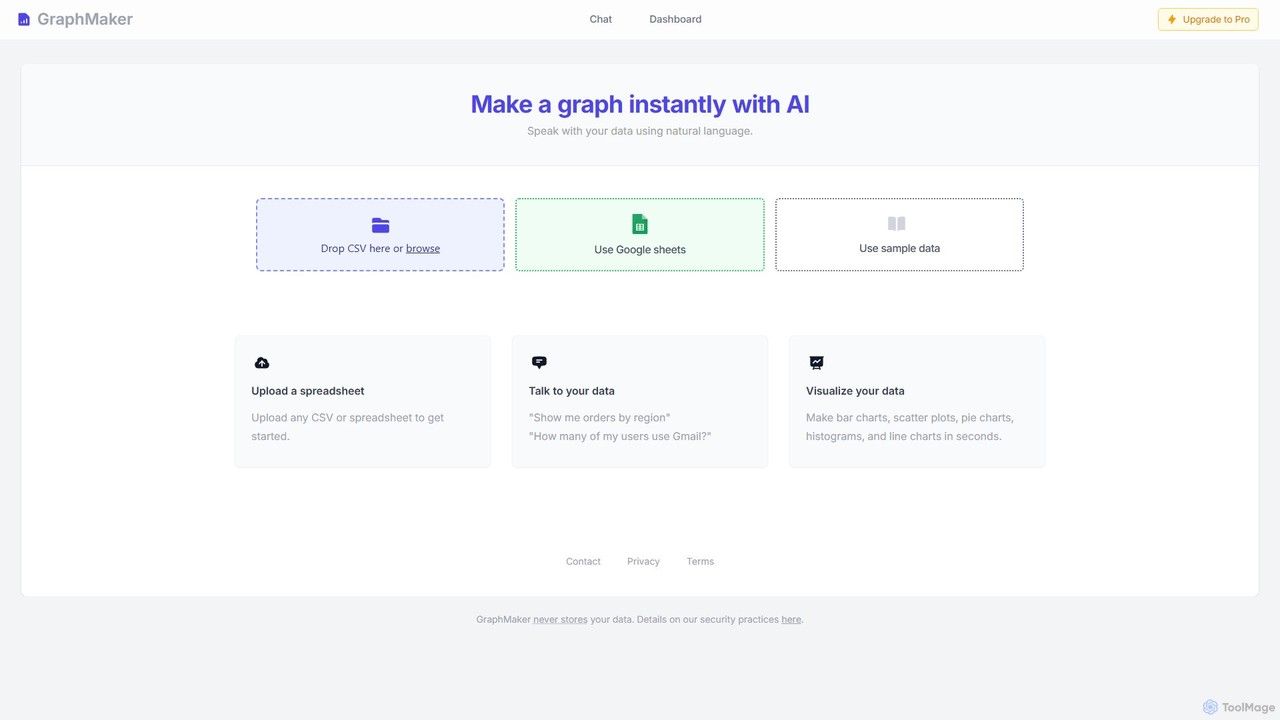
GraphMaker
GraphMaker is an AI-powered data visualization tool that allows you to create various charts and graphs in seconds. Simply upload your data from a CSV file or Google Sheets, and use natural language commands to generate insightful visualizations like bar charts, pie charts, and histograms. It's designed for speed, simplicity, and security, as it never stores your data.
Business IntelligenceChartPixel
ChartPixel is an AI-powered data analysis and visualization platform that instantly transforms raw, messy data into interactive charts and actionable insights. With a no-code interface, it allows users to chat with their data, generate forecasts, and uncover statistical patterns effortlessly. It's designed for everyone from students and researchers to business professionals, ensuring secure and reliable data-driven decision-making.
Business Intelligence