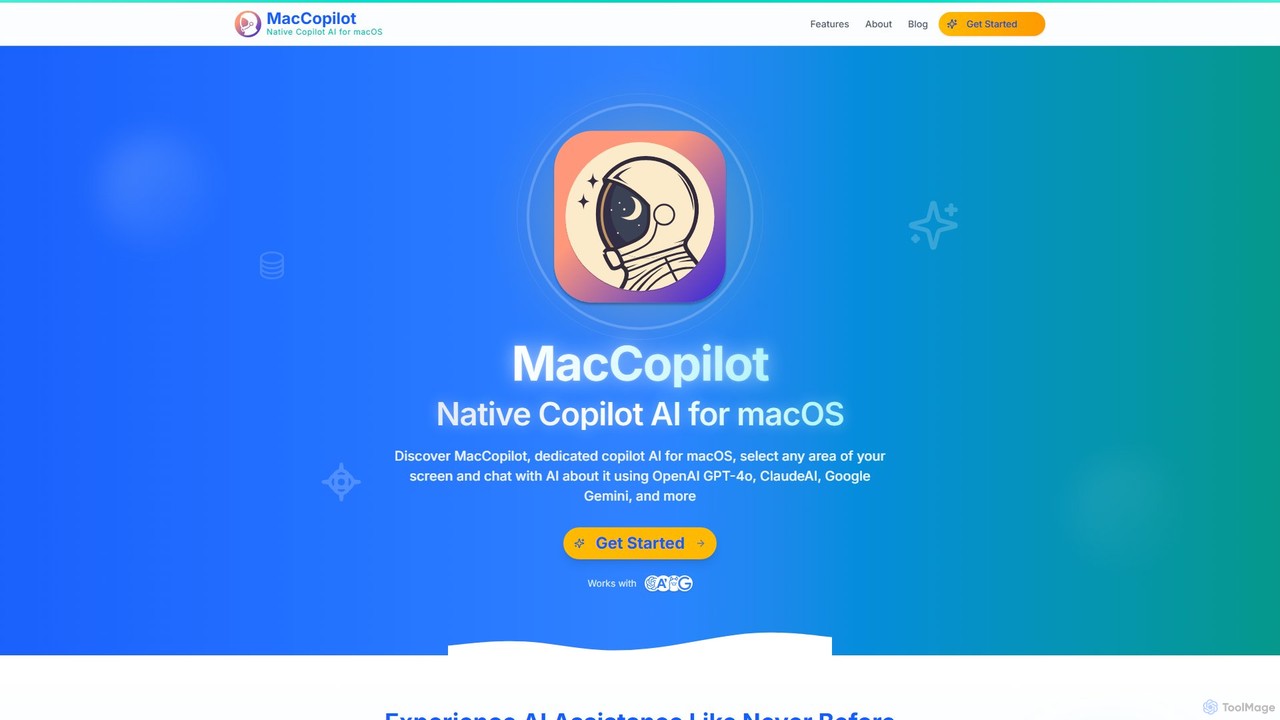
MacCopilot is a native AI assistant for macOS that revolutionizes productivity. It allows you to select any area of your screen and instantly start a conversation with advanced AI models like GPT-4o, Claude 3.5, and Gemini. Get immediate insights, code explanations, email drafts, and more, without ever leaving your current window. It's a seamless bridge between your screen's content and powerful AI.
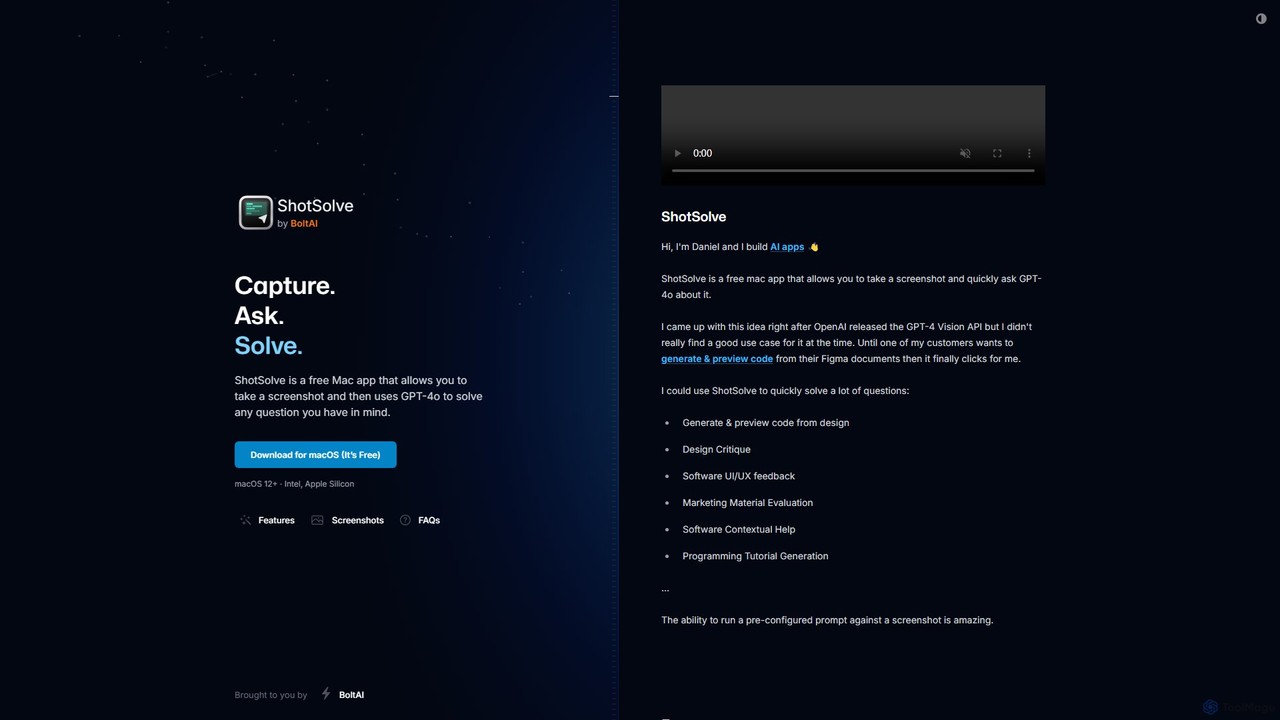
ShotSolve is a free native Mac app that empowers users to instantly solve problems using AI. Simply take a screenshot with a universal shortcut, ask a question, and get an answer from GPT-4o. It's perfect for developers, designers, and marketers for tasks like code generation from designs, UI/UX feedback, and contextual help. It's lightweight, privacy-focused, and requires your own OpenAI API key.
Product overview
MacCopilot Product overview
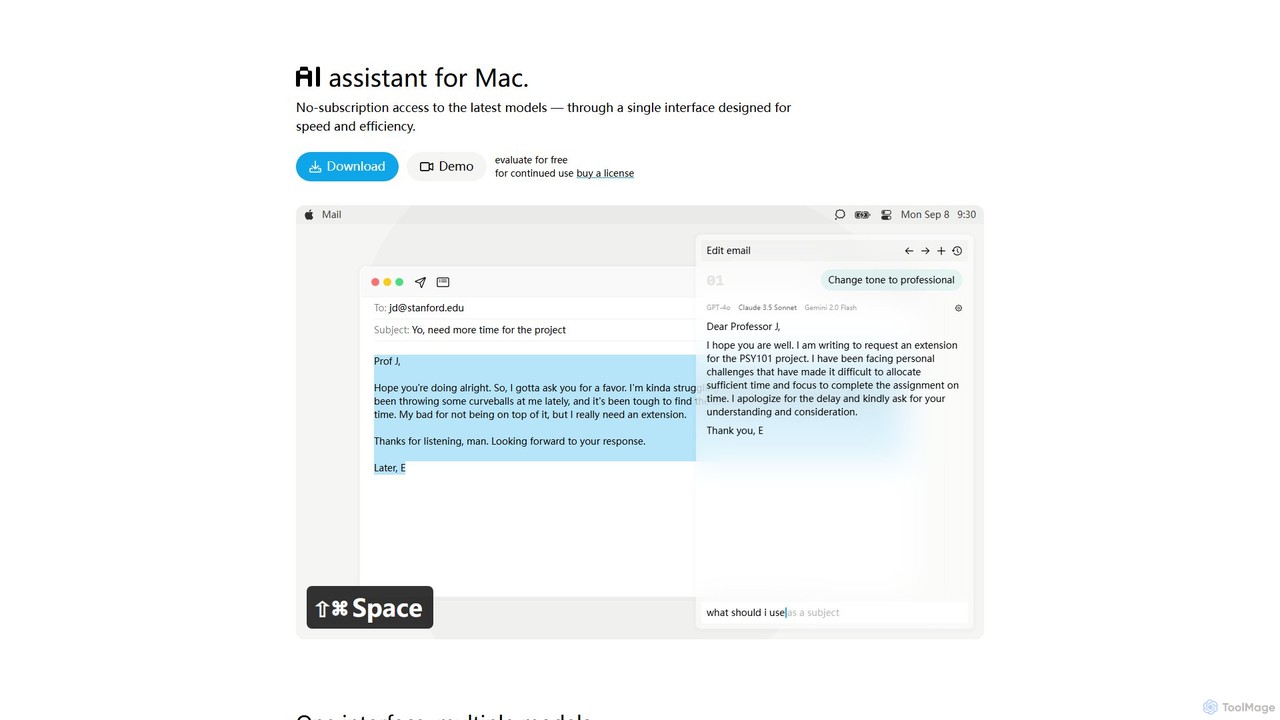
MacCopilot is a native AI assistant for macOS that revolutionizes productivity. It allows you to select any area of your screen and instantly start a conversation with advanced AI models like GPT-4o, Claude 3.5, and Gemini. Get immediate insights, code explanations, email drafts, and more, without ever leaving your current window. It's a seamless bridge between your screen's content and powerful AI.
ShotSolve Product overview
ShotSolve is a free native Mac app that empowers users to instantly solve problems using AI. Simply take a screenshot with a universal shortcut, ask a question, and get an answer from GPT-4o. It's perfect for developers, designers, and marketers for tasks like code generation from designs, UI/UX feedback, and contextual help. It's lightweight, privacy-focused, and requires your own OpenAI API key.
Detailed feature comparison
| Feature | MacCopilot | ShotSolve |
|---|---|---|
| Primary category | Code Assistant | Feedback |
| Added | 2025-08-04 | 2025-08-05 |
| Pricing | Paid | Free |
| Official website | maccopilot.co | shotsolve.com |
| Product type | App | App |
| Performance data | ||
| User rating | Not verified | Not verified |
| Comments | 0 | 0 |
| Monthly visits | 2.2K | 1.4K |
| Monthly growth | 38.8% | 878.3% |
| Favorites | 156 | 133 |
| Details | View details | View details |
MacCopilot vs ShotSolve monthly traffic
Compare MacCopilot and ShotSolve by monthly reach, traffic trend, visit depth, top regions, and acquisition sources.
How to interpret the traffic data
In the MacCopilot vs ShotSolve monthly traffic comparison, MacCopilot currently shows 2.2K visits and ShotSolve shows 1.4K; MacCopilot has about 1.7 times the visible traffic of ShotSolve, an absolute difference of about 885 visits. This reflects visible reach, not feature quality or paid users.
Both tools provide verified traffic details, so monthly trends, visit depth, regions, and acquisition sources can be compared on the same basis.
MacCopilot monthly traffic:
Latest traffic
Monthly traffic trend
- 2025/9: 322 Monthly visits
- 2026/1: 2.7K Monthly visits
- 2026/2: 2.6K Monthly visits
- 2026/3: 2.5K Monthly visits
- 2026/4: 1.6K Monthly visits
- 2026/5: 2.2K Monthly visits
Top regions
Top 5 countries/regions
| Country/region | Percentage | Traffic |
|---|---|---|
| 🇺🇸United States | 68.05% | 1.5K |
| 🇸🇪Sweden | 31.95% | 714 |
Search keywords
ShotSolve monthly traffic:
Latest traffic
Monthly traffic trend
- 2025/8: 64 Monthly visits
- 2025/9: 374 Monthly visits
- 2026/2: 0 Monthly visits
- 2026/3: 0 Monthly visits
- 2026/4: 138 Monthly visits
- 2026/5: 1.4K Monthly visits
Top regions
Top 5 countries/regions
| Country/region | Percentage | Traffic |
|---|---|---|
| 🇺🇸United States | 68.66% | 927 |
| 🇮🇳India | 31.34% | 423 |
Search keywords
Usage comparison
Compare the core capabilities of MacCopilot and ShotSolve
MacCopilot Core features
ShotSolve Core features
Use cases
MacCopilot Use cases
ShotSolve Use cases
MacCopilot vs ShotSolve:In-depth comparison and selection guidance
First decide whether the products solve the same kind of need
This in-depth MacCopilot vs ShotSolve comparison uses only the product records, taxonomy, audience, traffic, and community signals available on this page. MacCopilot is primarily listed under “Code Assistant”, while ShotSolve is primarily listed under “Feedback”, so the first decision is whether your actual task matches their recorded scope.
The structured fields currently show these decision-relevant differences: Primary category (MacCopilot: Code Assistant; ShotSolve: Feedback); Pricing (MacCopilot: Paid; ShotSolve: Free); Monthly visits (MacCopilot: 2.2K; ShotSolve: 1.4K); Monthly growth (MacCopilot: 38.8%; ShotSolve: 878.3%); Favorites (MacCopilot: 156; ShotSolve: 133). These facts are more useful for selection than brand visibility alone.
What market visibility and monthly traffic mean
In the MacCopilot vs ShotSolve monthly traffic comparison, MacCopilot currently shows 2.2K visits and ShotSolve shows 1.4K; MacCopilot has about 1.7 times the visible traffic of ShotSolve, an absolute difference of about 885 visits. This reflects visible reach, not feature quality or paid users.
Both tools provide verified traffic details, so monthly trends, visit depth, regions, and acquisition sources can be compared on the same basis.
If public market visibility is an important first-pass criterion, investigate MacCopilot first. The final choice should still follow taxonomy, use case, and a real trial because higher traffic does not prove broader capabilities or better workflow fit.
Product positioning, use cases, and roles
MacCopilot and ShotSolve currently overlap in shared categories: Assistant; shared tags: AI assistant, developer tool, gpt-4o, and productivity. This can place both on the same shortlist, but it does not prove equal implementation, depth, or cost.
MacCopilot's unique categories/tags are Code Assistant, Macos, Claude, gemini, macos, OCR, Ollama, and screen capture; ShotSolve's are Feedback, Code Generation, code generation, contextual help, design feedback, mac app, OpenAI API, and screenshot. These unique fields are the strongest differentiators: validate the product whose recorded scope matches the task instead of following traffic alone.
What ratings, comments, and favorites can tell you
MacCopilot has no verified rating, 0 comments, 156 favorites, and 139 likes;ShotSolve has no verified rating, 0 comments, 133 favorites, and 110 likes。
Neither product has enough rating or comment samples for a credible reputation ranking.
Selection guidance by actual need
When to evaluate MacCopilot first
Put MacCopilot on the priority trial list when the task aligns with “Code Assistant” and especially Code Assistant, Macos, Claude, gemini, macos, and OCR. This follows recorded positioning and does not imply unlisted capabilities are absent.
MacCopilot also currently records: pricing is paid, product type is app, 2.2K verified monthly visits, no verified user rating. Verify any hard requirement around price, platform, or reach before trial, and do not let sparse review data substitute for testing.
When to evaluate ShotSolve first
Put ShotSolve on the priority trial list when the task aligns with “Feedback” and especially Feedback, Code Generation, code generation, contextual help, design feedback, and mac app. This follows recorded positioning and does not imply unlisted capabilities are absent.
ShotSolve also currently records: pricing is free, product type is app, 1.4K verified monthly visits, no verified user rating. Verify any hard requirement around price, platform, or reach before trial, and do not let sparse review data substitute for testing.
How to validate the recommendation before deciding
The available data describes positioning, public visibility, and community signals, but it cannot prove output quality, speed, integration effort, privacy, or long-term cost in your workflow. Before deciding, run the same representative tasks in MacCopilot and ShotSolve, then record completion time, accuracy, manual corrections, and the real paid threshold. A like-for-like trial turns this comparison into a defensible adoption decision.
Comparison FAQ
How should I choose between MacCopilot and ShotSolve?
Where does this comparison data come from?
What do unknown fields mean?
Related AI tools

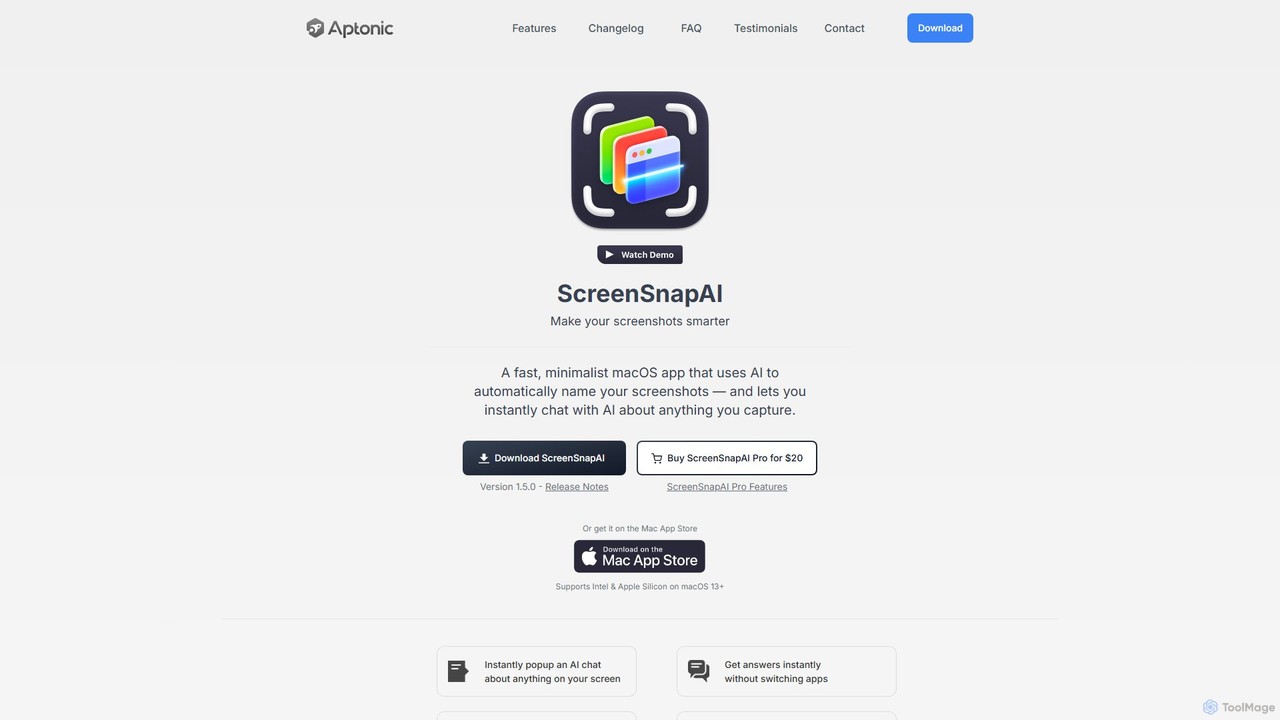
ScreenSnapAI
ScreenSnapAI is a smart macOS application that uses AI to automatically rename, tag, and organize your screenshots. It features an integrated AI assistant that allows you to instantly chat about, translate, or extract text and code from any captured image, dramatically improving productivity and workflow efficiency.
Code Assistant
Iris
Iris is a seamless AI assistant for macOS, designed to integrate into your workflow. It provides instant access to top AI models like GPT-4o and Claude 3.5, allowing you to chat, capture your screen for context, and get answers without ever leaving your current application. With intuitive gestures and powerful shortcuts, Iris is there when you need it and invisible when you don't.
Coding Assistant
IntelliBar
IntelliBar is a native AI assistant for Mac, providing a unified interface to access the latest large language models like GPT-4o, Claude 3.5, and Gemini, plus local models via Ollama. It focuses on speed, efficiency, and privacy, with a one-time purchase model instead of recurring subscriptions. Compare models, use powerful shortcuts, and keep your data secure on your device.
Api Management
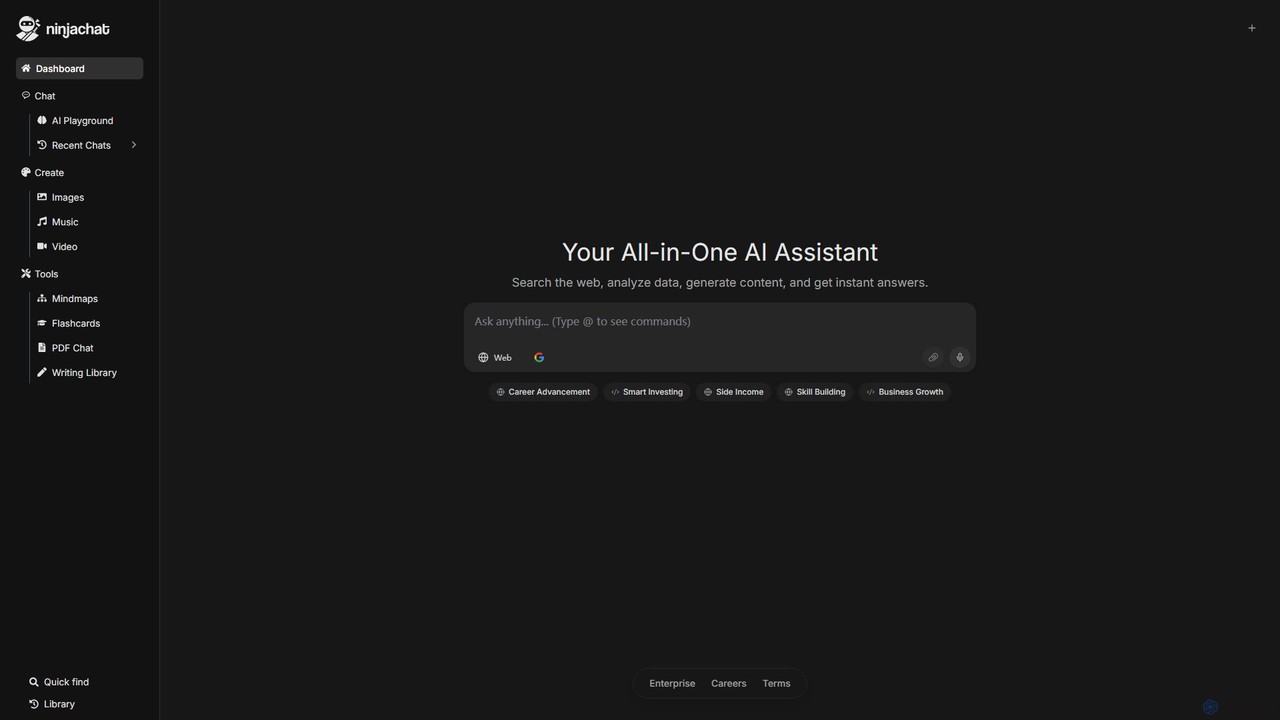
Ninjachat
Ninjachat is an all-in-one AI assistant that provides access to a wide range of leading large language models (LLMs) through a single, unified interface. Compare outputs from models like GPT-4o, Gemini 1.5 Pro, Claude 3.7 Sonnet, and Llama 4 to find the best results for any task, from content creation and coding to complex research.
Code Assistant
Haye
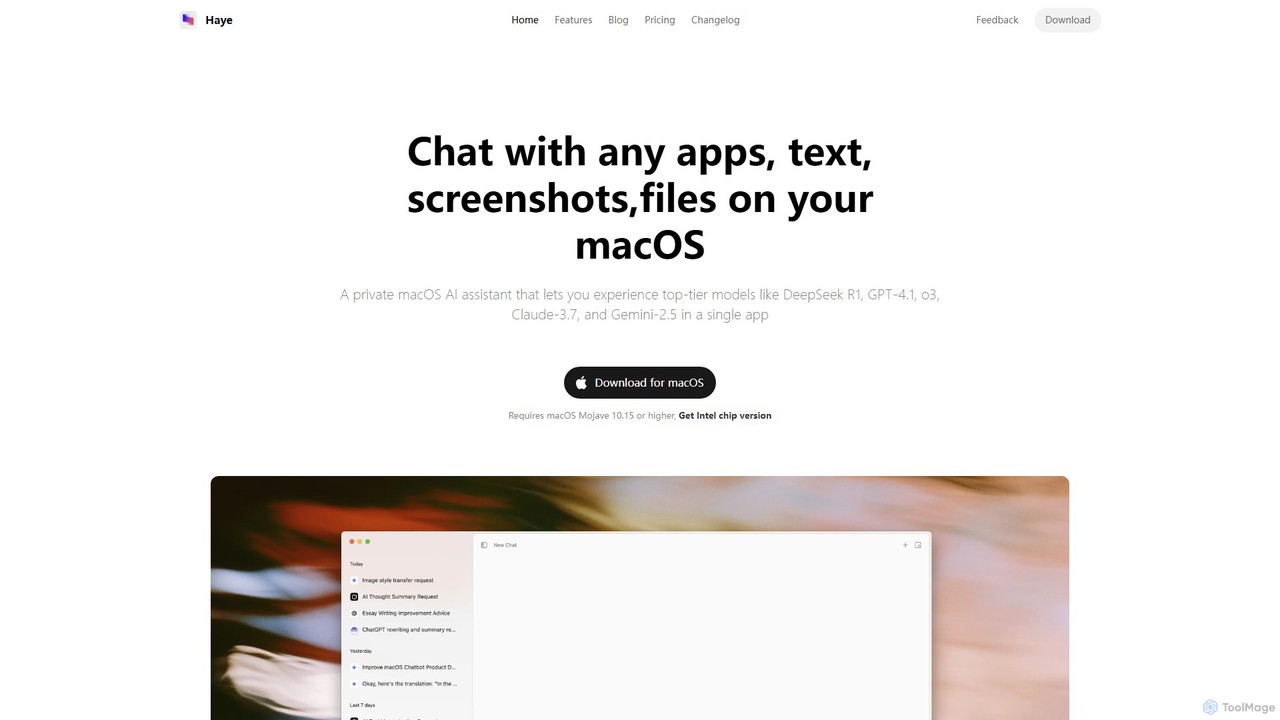
Haye is a powerful, all-in-one AI chat assistant for macOS, integrating top-tier models like GPT-4.1, Claude-3.7, and Gemini-2.5. It allows users to seamlessly interact with any app, text, screenshot, or file on their desktop, boosting productivity with features like AI search, document chat, and advanced customization.
Code Assistant
Sidekick
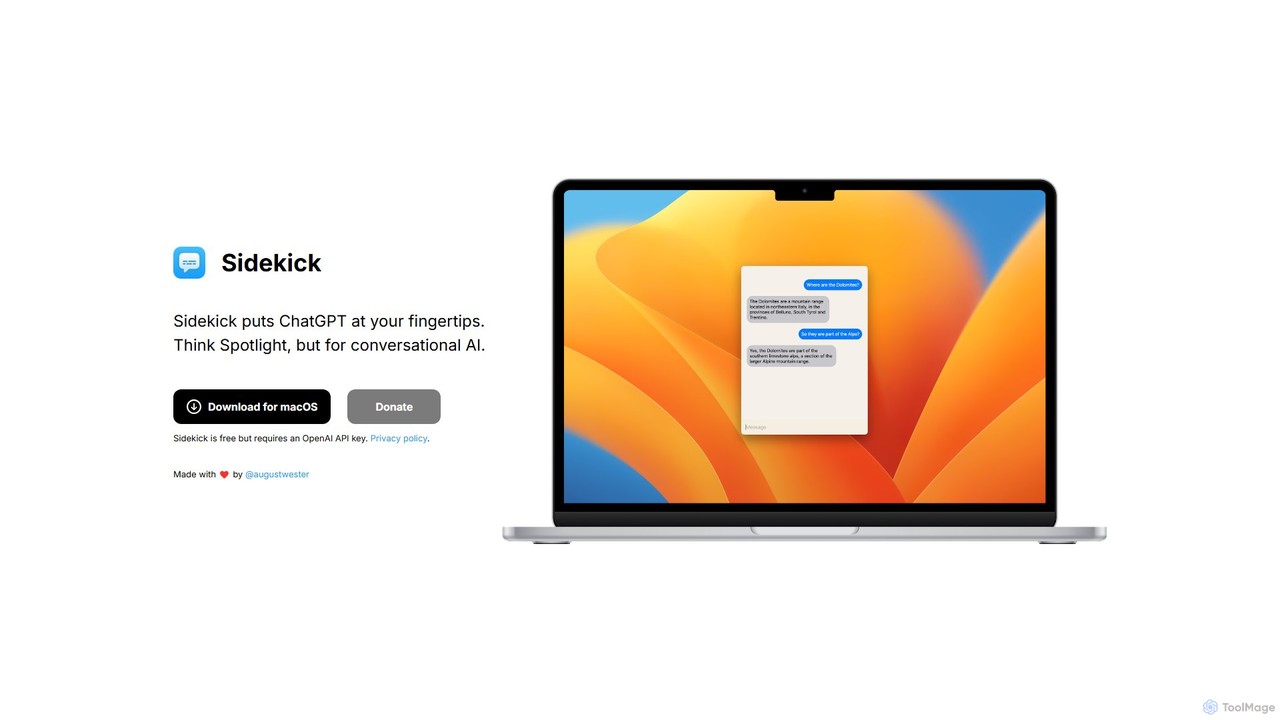
Sidekick is a free macOS application that provides instant access to ChatGPT from anywhere on your desktop. Functioning like Spotlight for conversational AI, it allows users to summon an AI assistant with a simple keyboard shortcut, streamlining workflows and boosting productivity without needing a browser.
Code Assistant
Beloga
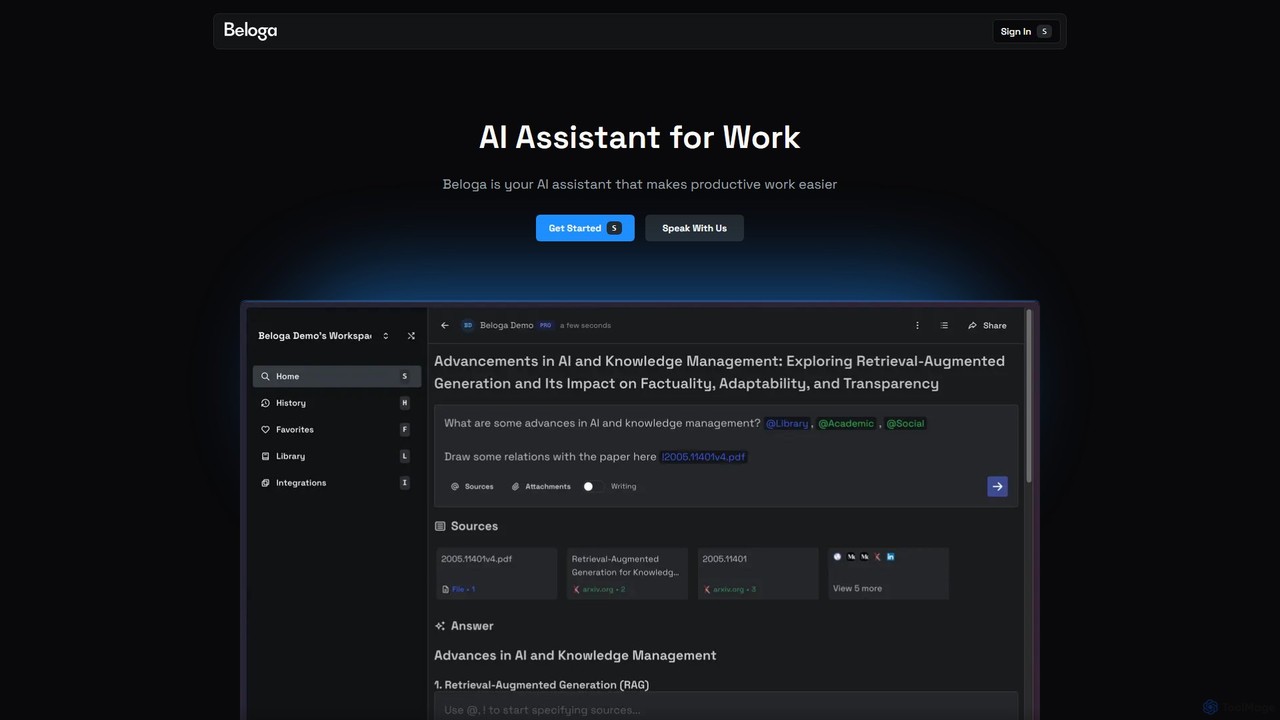
Beloga is an AI-powered productivity platform that integrates multiple large language models (like GPT-4o, Claude 3, Gemini 1.5) into a seamless workflow. Through its command spotlight interface, users can perform intelligent searches, automate tasks, and access personalized knowledge bases, boosting efficiency for individuals and teams.
Code Assistant
Blue
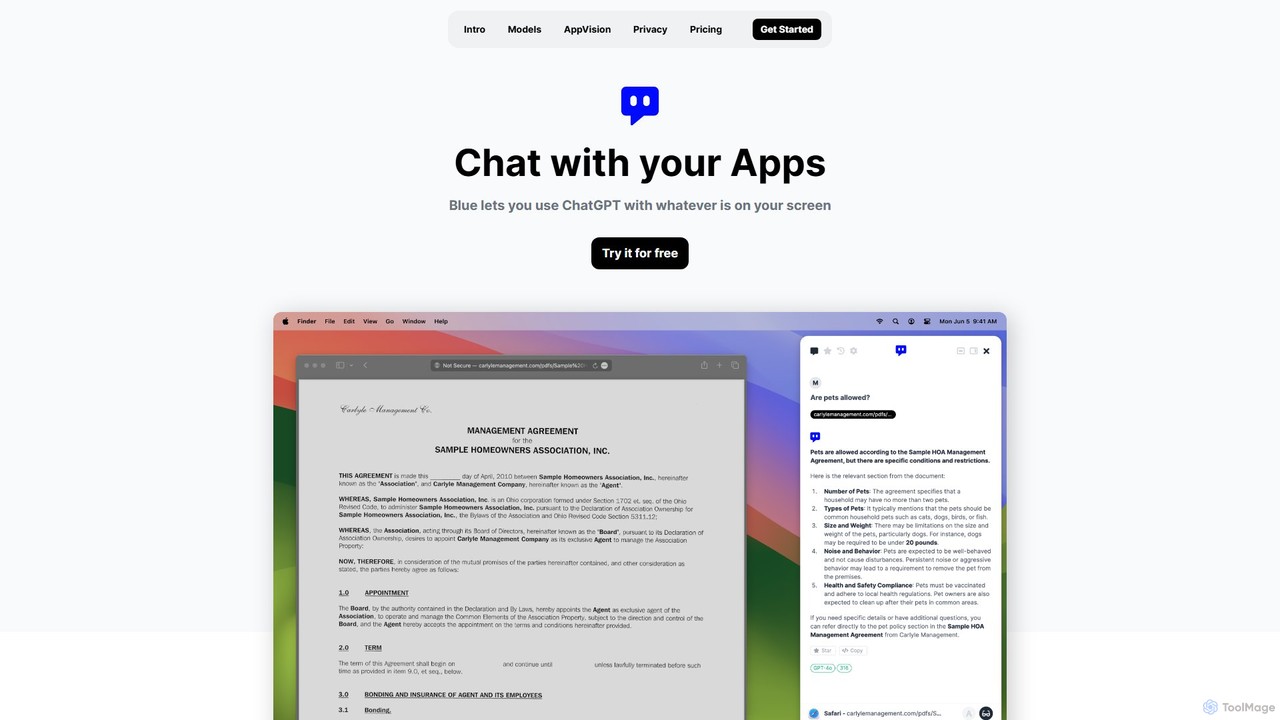
Blue is a native macOS AI assistant that integrates ChatGPT and other advanced AI models directly into your workflow. Featuring unique screen context awareness (AppVision) and a strong focus on privacy, it allows you to analyze, summarize, or create content in any app with a simple keyboard shortcut, boosting productivity for professionals.
Coding Assistant
anygpt.app
anygpt.app is a powerful desktop utility that allows you to access GPT-4, Claude, and other large language models from any application on your computer. Simply use a keyboard shortcut to instantly get AI assistance for writing, coding, summarizing, and more, seamlessly integrating AI into your daily workflow.
Coding Assistant
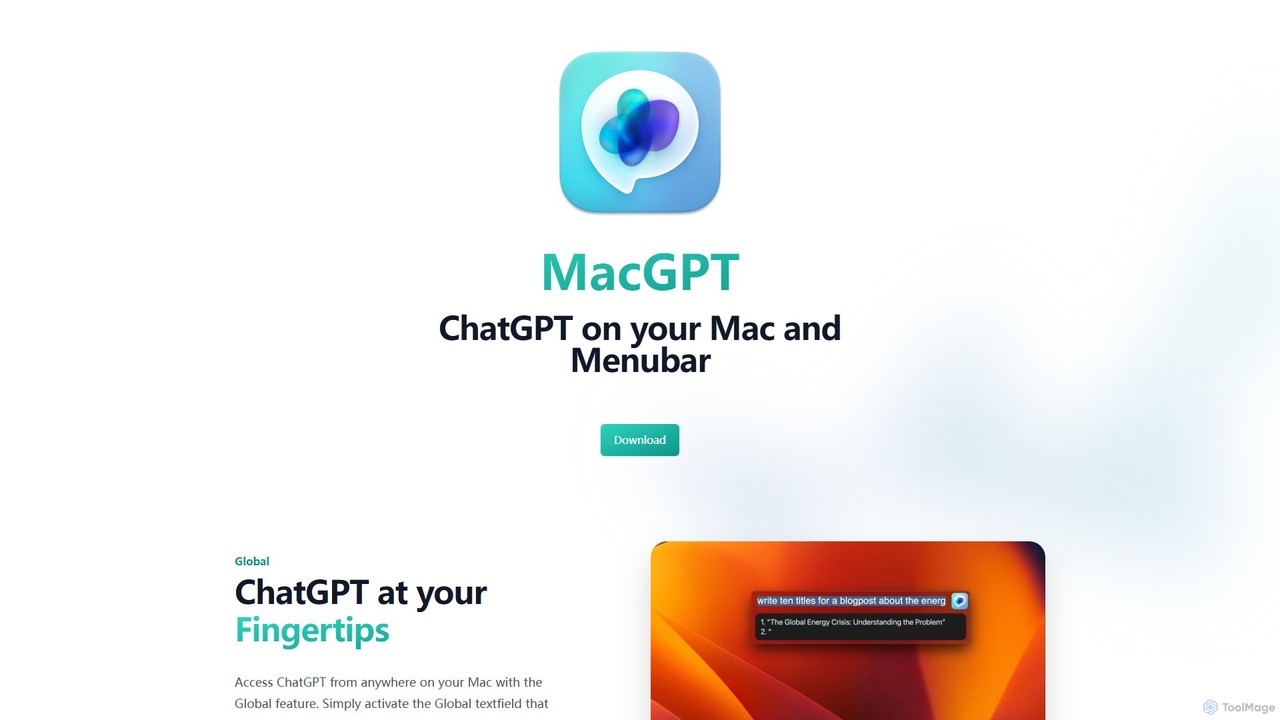
MacGPT
MacGPT brings the power of ChatGPT directly to your macOS desktop. Access OpenAI's models instantly from your menubar, use the Inline feature to write in any application, and switch between a native or web interface for ultimate flexibility and productivity.
Code Assistant
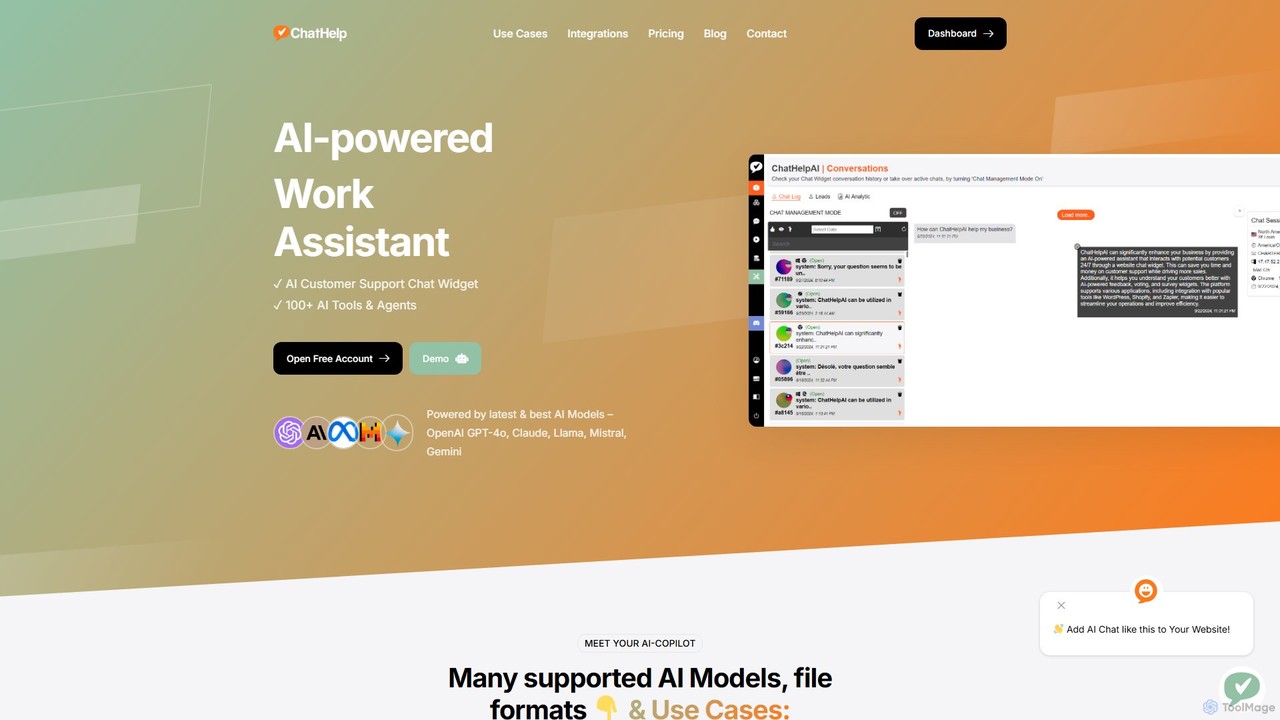
ChatHelp.ai
ChatHelp.ai is an all-in-one AI platform featuring a customizable website chatbot, a versatile AI assistant for business, work, and study, and a toolbox with over 100 AI agents. Powered by leading models like GPT-4o and Claude, it supports various file formats and allows users to bring their own API keys for cost-effective access. It's designed to streamline workflows, enhance productivity, and improve customer engagement.
Chatbot
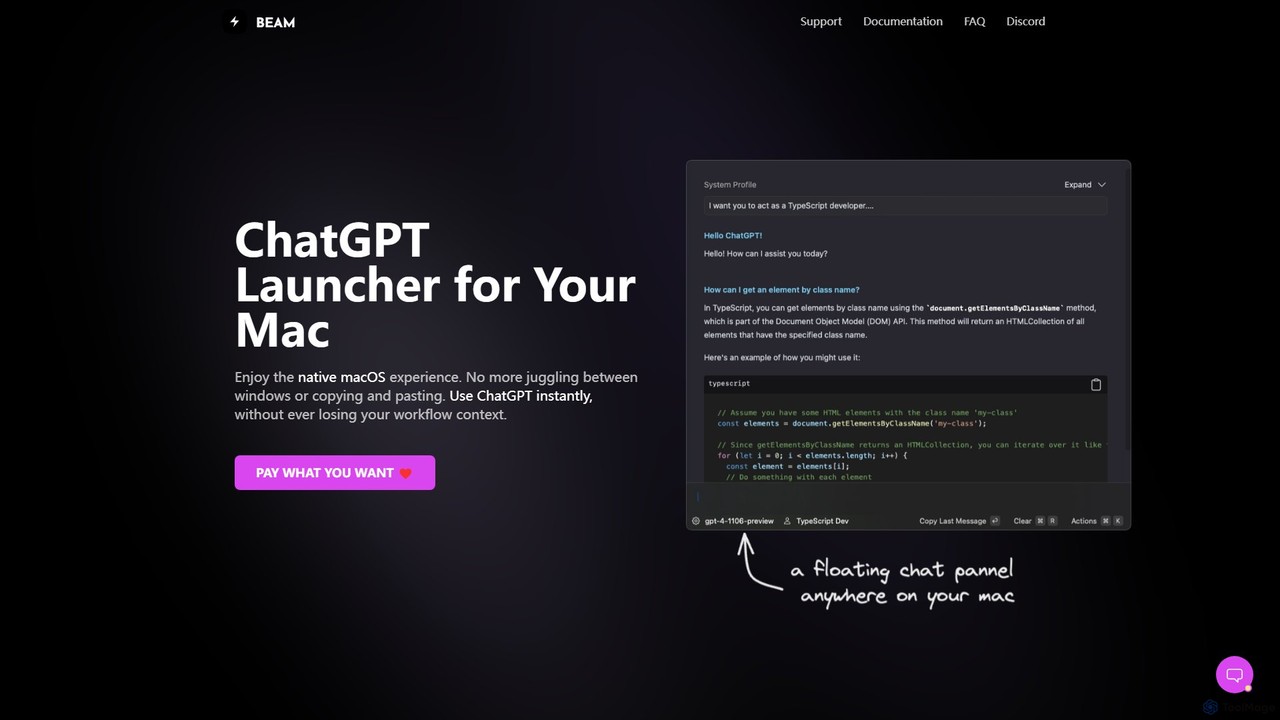
getbeam
A native macOS application that provides instant, system-wide access to ChatGPT. It enhances productivity with features like hotkey activation, contextual chat, screen interaction, and customizable templates. Beam integrates seamlessly into your workflow, allowing you to use AI without switching contexts, all within a secure, fast, and lightweight native interface.
Code Assistant
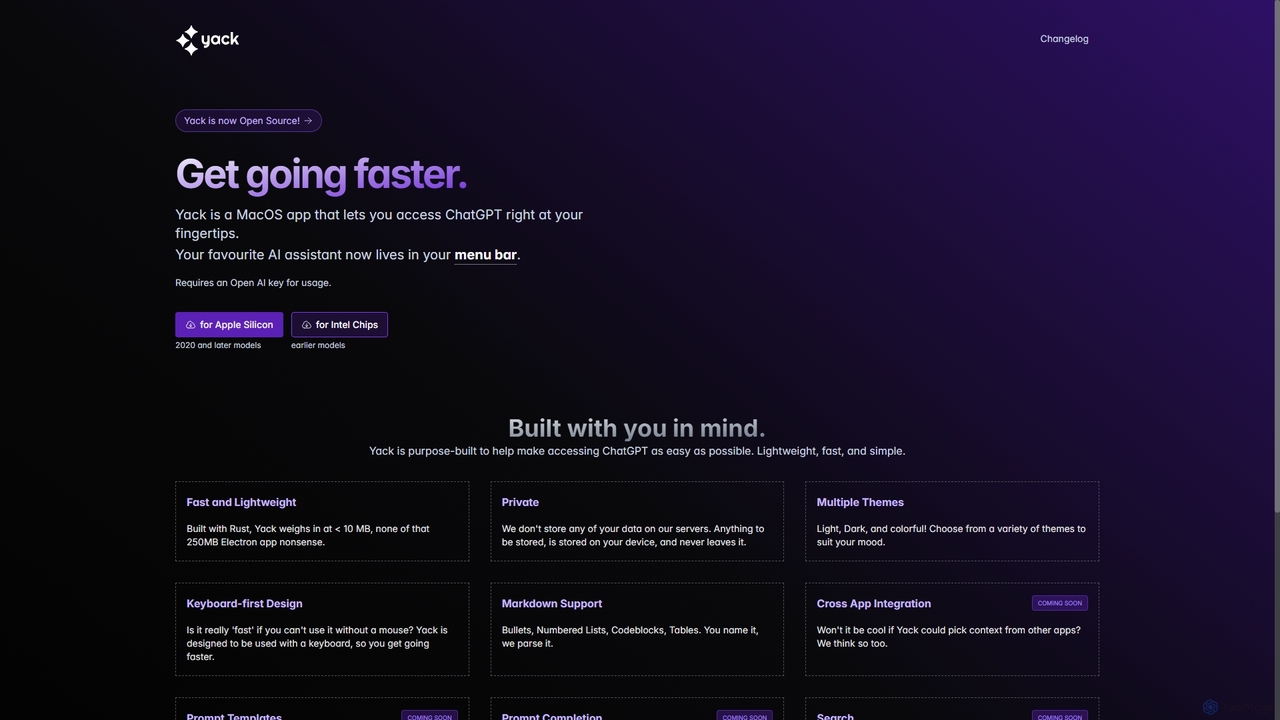
Yack
Yack is a lightweight, fast, and private open-source native macOS application that provides instant access to ChatGPT directly from your menu bar. Built with Rust, it's designed for efficiency with a keyboard-first approach, ensuring you can interact with AI without disrupting your workflow.
Api Client
Monica
Monica is an all-in-one AI assistant powered by leading models like GPT-4o, Claude 3.7, and Gemini 1.5. It integrates seamlessly into your workflow as a browser extension, desktop, and mobile app, offering features for chat, search, writing, translation, and image creation to boost productivity.
Chrome Extensions
Lunabot
Lunabot is a versatile, all-in-one AI assistant that works across all your devices. It integrates leading AI models like GPT-4o, Gemini, and Claude into a seamless experience on your browser, desktop, and mobile. Boost your productivity with features like document chat, AI image generation, voice interaction, and customizable shortcut commands, all from a single, budget-friendly platform.
Chat