ToolMage
Sign in
ReMind
Utilities ยท 2.1K monthly visits

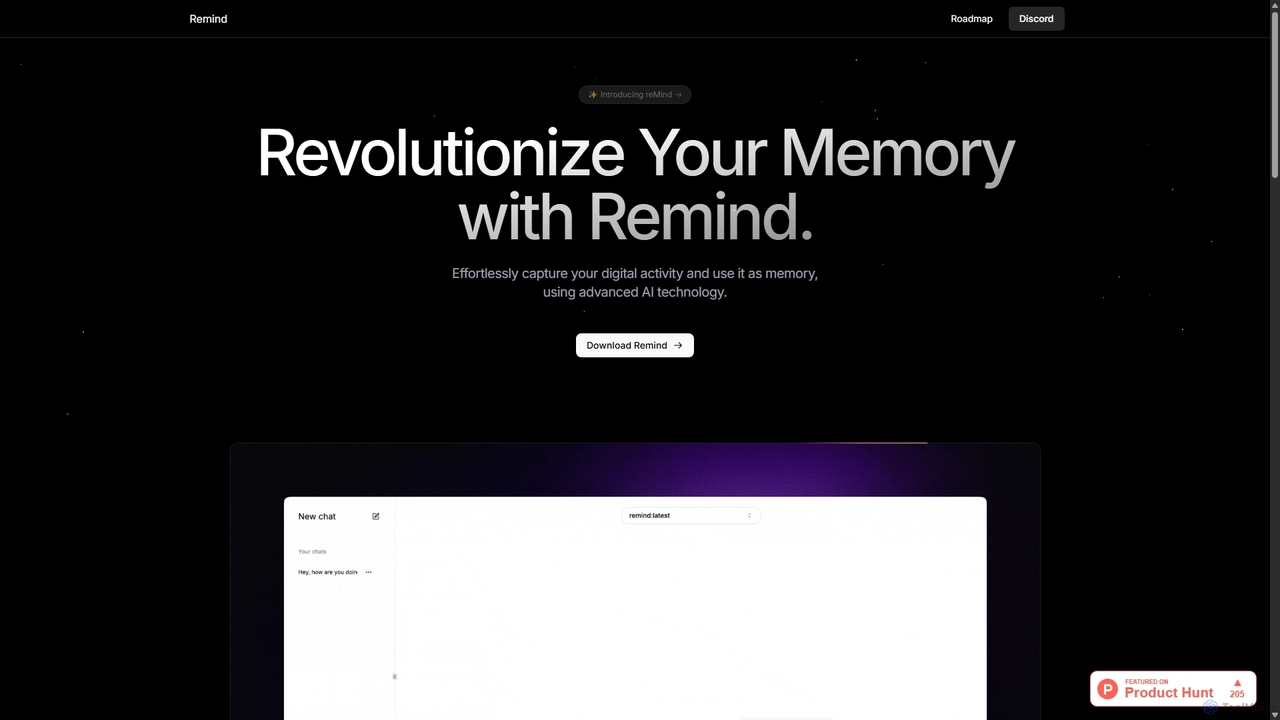
reMind is an open-source, privacy-first AI tool that acts as your personal memory. It captures your digital activity locally, allowing you to search and recall anything you've seen or done on your computer using natural language. It runs entirely on your machine for maximum security.

VS
Screenpipe
Personal Data ยท 49.4K monthly visits

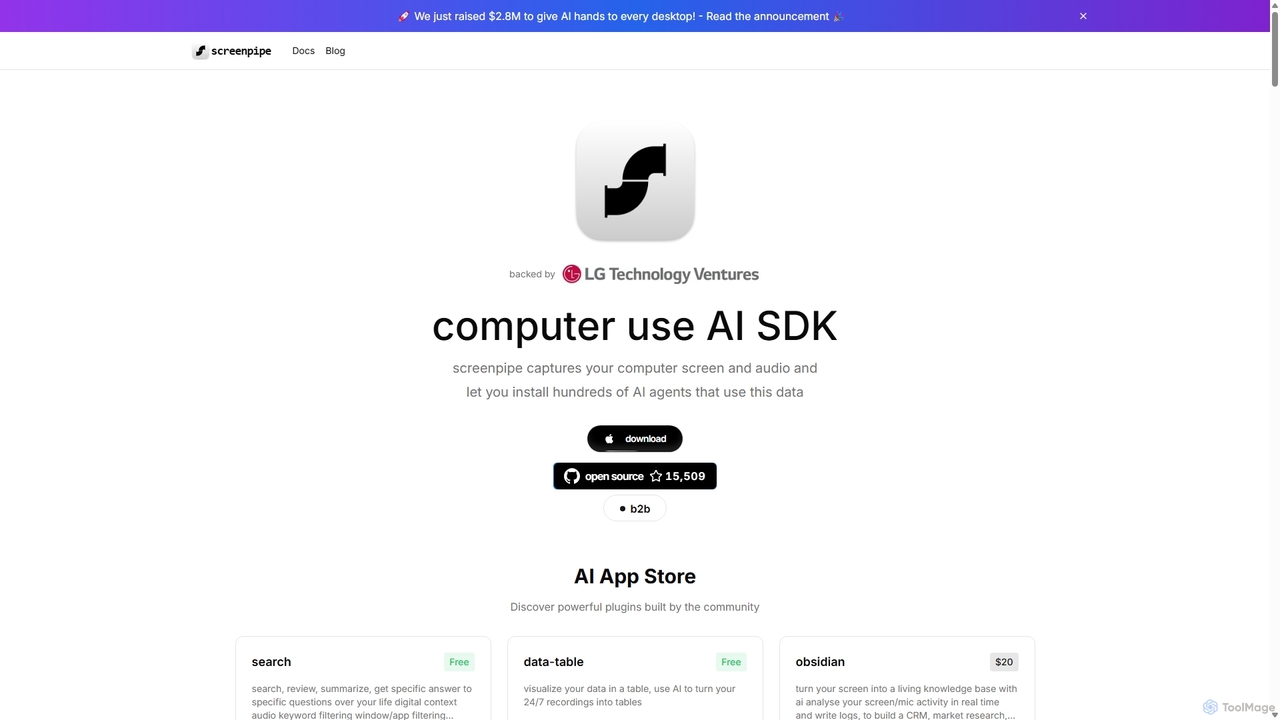
Screenpipe is an open-source AI SDK that captures your computer's screen and audio 24/7, creating a local, private digital memory. It powers a rich ecosystem of AI agents that can search, summarize, and automate tasks based on your complete digital context, turning your computer usage into a powerful, personalized AI.

ReMind vs Screenpipe: pricing, features, traffic, and use cases

Compare ReMind and Screenpipe across positioning, pricing, traffic, and user feedback using structured factual data.

Updated Aug 5, 2026

Product overview

ReMind Product overview

reMind is an open-source, privacy-first AI tool that acts as your personal memory. It captures your digital activity locally, allowing you to search and recall anything you've seen or done on your computer using natural language. It runs entirely on your machine for maximum security.
Preview

Screenpipe Product overview

Screenpipe is an open-source AI SDK that captures your computer's screen and audio 24/7, creating a local, private digital memory. It powers a rich ecosystem of AI agents that can search, summarize, and automate tasks based on your complete digital context, turning your computer usage into a powerful, personalized AI.

Preview

Detailed feature comparison

FeatureReMindScreenpipe
Primary categoryUtilitiesPersonal Data
Added2025-09-062025-09-11
PricingFreeFreemium
Official websiterecallmemory.ioscreenpi.pe
Product typeAppApp
Performance data
User ratingNot verifiedNot verified
Comments00
Monthly visits2.1K49.4K
Monthly growth362.6%-12.6%
Favorites9676
DetailsView detailsView details

ReMind vs Screenpipe monthly traffic

Compare ReMind and Screenpipe by monthly reach, traffic trend, visit depth, top regions, and acquisition sources.

How to interpret the traffic data

In the ReMind vs Screenpipe monthly traffic comparison, ReMind currently shows 2.1K visits and Screenpipe shows 49.4K; Screenpipe has about 23.9 times the visible traffic of ReMind, an absolute difference of about 47.3K visits. This reflects visible reach, not feature quality or paid users.

Both tools provide verified traffic details, so monthly trends, visit depth, regions, and acquisition sources can be compared on the same basis.

ReMind monthly traffic:

Latest traffic

Monthly visits
2.1K
Avg. visit duration
0:14
Pages per visit
1.75
Bounce rate
51.36%
Data updated 2026-06-15

Monthly traffic trend

  • 2025/9: 868 Monthly visits
  • 2026/1: 1.1K Monthly visits
  • 2026/2: 726 Monthly visits
  • 2026/3: 242 Monthly visits
  • 2026/4: 446 Monthly visits
  • 2026/5: 2.1K Monthly visits

Top regions

Top 5 countries/regions
Country/regionPercentageTraffic
๐Ÿ‡บ๐Ÿ‡ธUnited States65.56%1.4K
๐Ÿ‡ฎ๐Ÿ‡ณIndia34.44%710

Search keywords

memories airecall airemindremind airemind it

Screenpipe monthly traffic:

Latest traffic

Monthly visits
49.4K
Avg. visit duration
0:35
Pages per visit
1.95
Bounce rate
42.34%
Data updated 2026-06-15

Monthly traffic trend

  • 2025/9: 14.3K Monthly visits
  • 2026/1: 22.1K Monthly visits
  • 2026/2: 26.8K Monthly visits
  • 2026/3: 42.6K Monthly visits
  • 2026/4: 56.4K Monthly visits
  • 2026/5: 49.4K Monthly visits

Top regions

Top 5 countries/regions
Country/regionPercentageTraffic
๐Ÿ‡บ๐Ÿ‡ธUnited States54.22%26.8K
๐Ÿ‡ฎ๐Ÿ‡ณIndia17.53%8.7K
๐Ÿ‡ท๐Ÿ‡บRussia10.04%5K
๐Ÿ‡ฉ๐Ÿ‡ชGermany9.54%4.7K
๐Ÿ‡น๐Ÿ‡ผTaiwan8.67%4.3K

Traffic sources

Source typePercentageTraffic
Direct81.67%40.3K
Referral12.34%6.1K
Email5.99%3K

Search keywords

screenpi $200screen pipescreenpipescreenpipe alternativescreenpipe download
Traffic-based selection guidance: If public market visibility is an important first-pass criterion, investigate Screenpipe first. The final choice should still follow taxonomy, use case, and a real trial because higher traffic does not prove broader capabilities or better workflow fit.

Usage comparison

Compare the core capabilities of ReMind and Screenpipe

ReMind Core features

Utilities
Local Ai
Knowledge Management

Screenpipe Core features

Personal Data
Sdk
Desktop Enhancement
Automation

Use cases

ReMind Use cases

knowledge management
local AI
open source
privacy
productivity
desktop assistant
Ollama
personal memory
recall
screen capture
self-hosted

Screenpipe Use cases

knowledge management
local AI
open source
privacy
productivity
ai agents
AI SDK
audio transcription
automation
context layer
desktop AI
personal AI
screen recording

Best suited roles

ReMind Best suited roles

Content Creator
Data Analyst
Knowledge Worker
Product Manager
Software Developer
Researcher
Student
Writer

Screenpipe Best suited roles

Content Creator
Data Analyst
Knowledge Worker
Product Manager
Software Developer
AI Researcher
Founder
Market Researcher
Productivity Enthusiast

ReMind vs Screenpipe๏ผšIn-depth comparison and selection guidance

First decide whether the products solve the same kind of need

This in-depth ReMind vs Screenpipe comparison uses only the product records, taxonomy, audience, traffic, and community signals available on this page. ReMind is primarily listed under โ€œUtilitiesโ€, while Screenpipe is primarily listed under โ€œPersonal Dataโ€, so the first decision is whether your actual task matches their recorded scope.

The structured fields currently show these decision-relevant differences: Primary category (ReMind: Utilities; Screenpipe: Personal Data); Pricing (ReMind: Free; Screenpipe: Freemium); Monthly visits (ReMind: 2.1K; Screenpipe: 49.4K); Monthly growth (ReMind: 362.6%; Screenpipe: -12.6%); Favorites (ReMind: 96; Screenpipe: 76). These facts are more useful for selection than brand visibility alone.

What market visibility and monthly traffic mean

In the ReMind vs Screenpipe monthly traffic comparison, ReMind currently shows 2.1K visits and Screenpipe shows 49.4K; Screenpipe has about 23.9 times the visible traffic of ReMind, an absolute difference of about 47.3K visits. This reflects visible reach, not feature quality or paid users.

Both tools provide verified traffic details, so monthly trends, visit depth, regions, and acquisition sources can be compared on the same basis.

If public market visibility is an important first-pass criterion, investigate Screenpipe first. The final choice should still follow taxonomy, use case, and a real trial because higher traffic does not prove broader capabilities or better workflow fit.

Product positioning, use cases, and roles

ReMind and Screenpipe currently overlap in shared tags: knowledge management, local AI, open source, privacy, and productivity; shared roles: Content Creator, Data Analyst, Knowledge Worker, Product Manager, and Software Developer. This can place both on the same shortlist, but it does not prove equal implementation, depth, or cost.

ReMind's unique categories/tags are Utilities, Local Ai, Knowledge Management, desktop assistant, Ollama, personal memory, recall, and screen capture; Screenpipe's are Personal Data, Sdk, Desktop Enhancement, Automation, ai agents, AI SDK, audio transcription, and automation. These unique fields are the strongest differentiators: validate the product whose recorded scope matches the task instead of following traffic alone.

What ratings, comments, and favorites can tell you

ReMind has no verified rating, 0 comments, 96 favorites, and 91 likes๏ผ›Screenpipe has no verified rating, 0 comments, 76 favorites, and 92 likesใ€‚

Neither product has enough rating or comment samples for a credible reputation ranking.

Selection guidance by actual need

When to evaluate ReMind first

Put ReMind on the priority trial list when the task aligns with โ€œUtilitiesโ€ and especially Utilities, Local Ai, Knowledge Management, desktop assistant, Ollama, and personal memory, or the users include Researcher, Student, and Writer. This follows recorded positioning and does not imply unlisted capabilities are absent.

ReMind also currently records: pricing is free, product type is app, 2.1K verified monthly visits, no verified user rating. Verify any hard requirement around price, platform, or reach before trial, and do not let sparse review data substitute for testing.

When to evaluate Screenpipe first

Put Screenpipe on the priority trial list when the task aligns with โ€œPersonal Dataโ€ and especially Personal Data, Sdk, Desktop Enhancement, Automation, ai agents, and AI SDK, or the users include AI Researcher, Founder, Market Researcher, and Productivity Enthusiast. This follows recorded positioning and does not imply unlisted capabilities are absent.

Screenpipe also currently records: pricing is freemium, product type is app, 49.4K verified monthly visits, no verified user rating. Verify any hard requirement around price, platform, or reach before trial, and do not let sparse review data substitute for testing.

How to validate the recommendation before deciding

The available data describes positioning, public visibility, and community signals, but it cannot prove output quality, speed, integration effort, privacy, or long-term cost in your workflow. Before deciding, run the same representative tasks in ReMind and Screenpipe, then record completion time, accuracy, manual corrections, and the real paid threshold. A like-for-like trial turns this comparison into a defensible adoption decision.

Comparison FAQ

How should I choose between ReMind and Screenpipe?
Compare positioning, pricing, taxonomy, and traffic maturity, then verify the latest details on each official website.
Where does this comparison data come from?
The factual baseline is derived from product, taxonomy, traffic, and community data. Reviewed editorial conclusions show their source and verification date.
What do unknown fields mean?
Unknown means there is not enough reliable evidence; the page does not fill gaps with assumptions.

Related AI tools

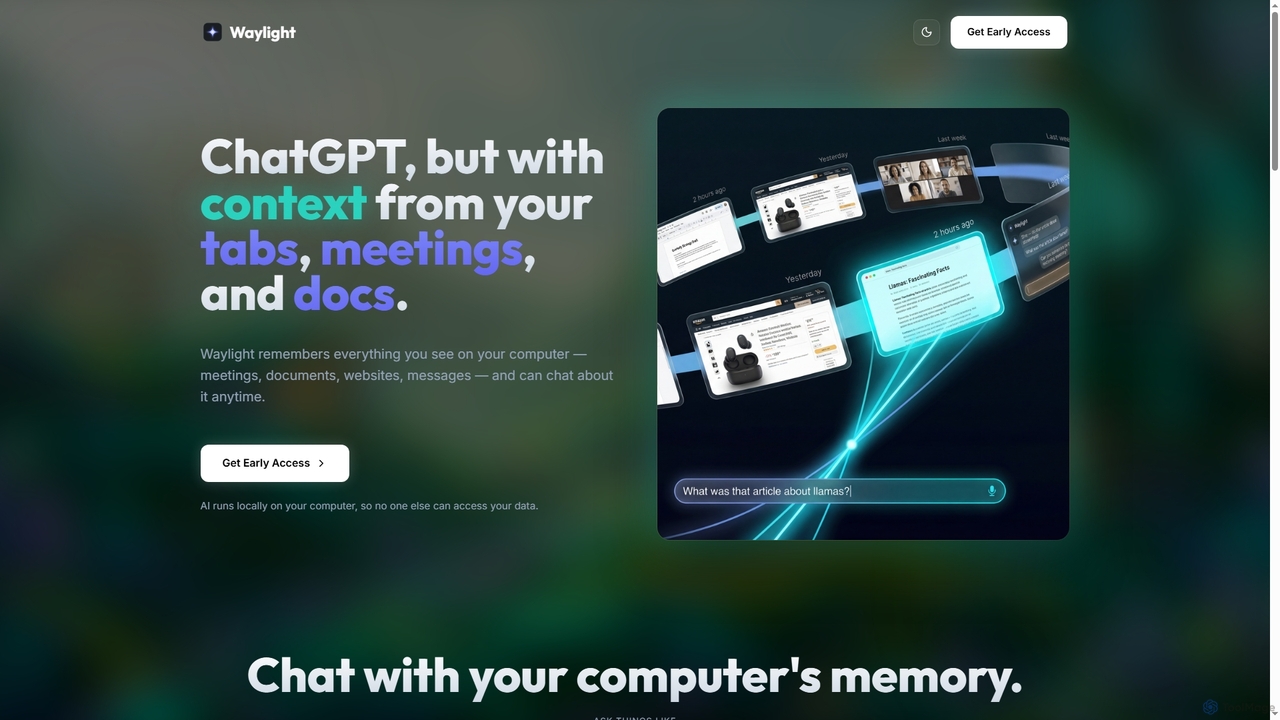
Waylight

Waylight

Waylight is a privacy-first AI assistant that runs locally on your computer. It remembers everything you seeโ€”meetings, documents, and websitesโ€”creating a searchable memory you can chat with, without ever uploading your data to the cloud.

Desktop Assistant
Visits 3.9KFavorites 75Likes 67
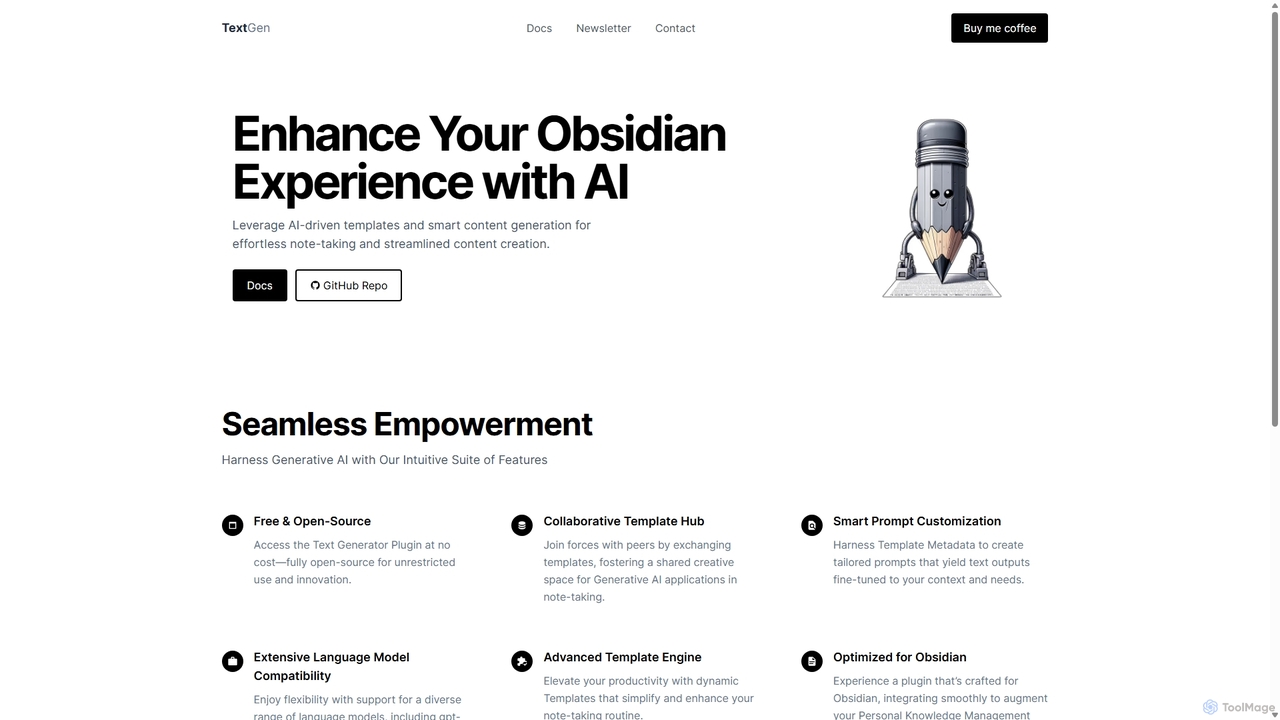
TextGen
Free

TextGen

TextGen is a free, open-source AI plugin for Obsidian that supercharges your note-taking and content creation. It integrates seamlessly with various large language models like GPT-4, Claude, and Llama, allowing you to generate, summarize, and transform text using customizable templates directly within your knowledge base.

Code Assistant
Visits 10.2KFavorites 89Likes 89
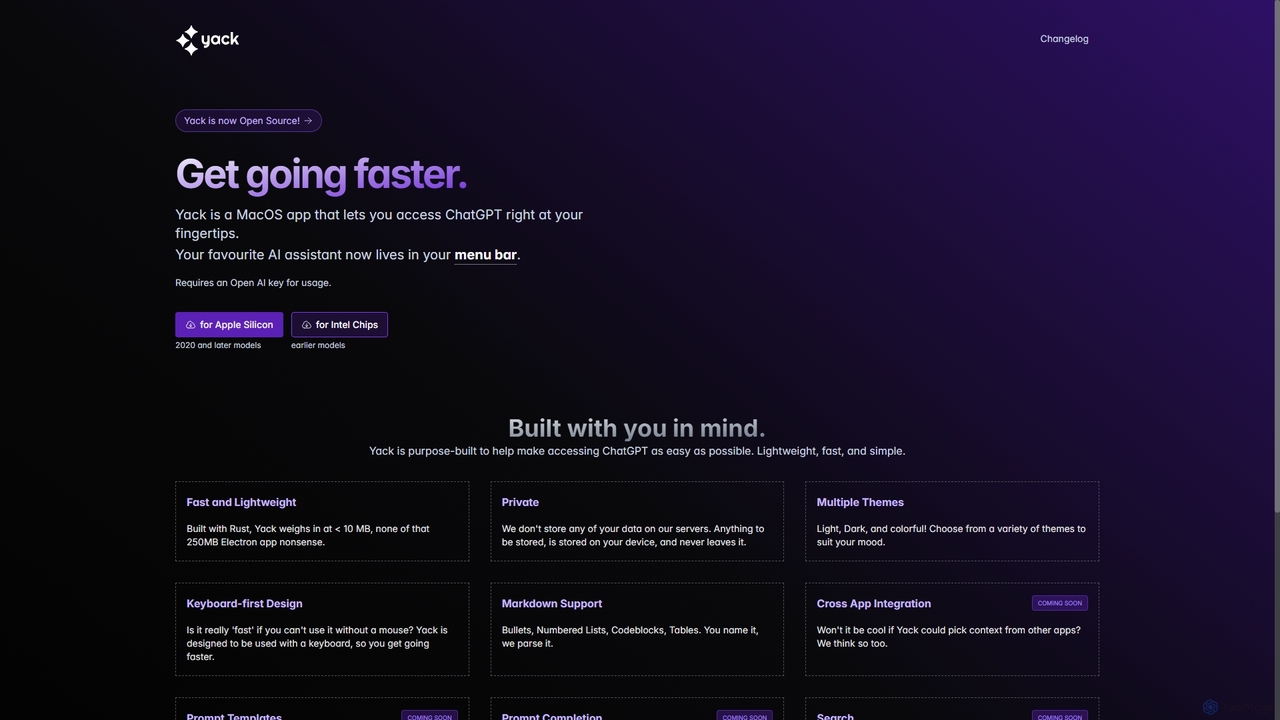
Yack
Free

Yack

Yack is a lightweight, fast, and private open-source native macOS application that provides instant access to ChatGPT directly from your menu bar. Built with Rust, it's designed for efficiency with a keyboard-first approach, ensuring you can interact with AI without disrupting your workflow.

Api Client
Visits 5.7KFavorites 112Likes 119
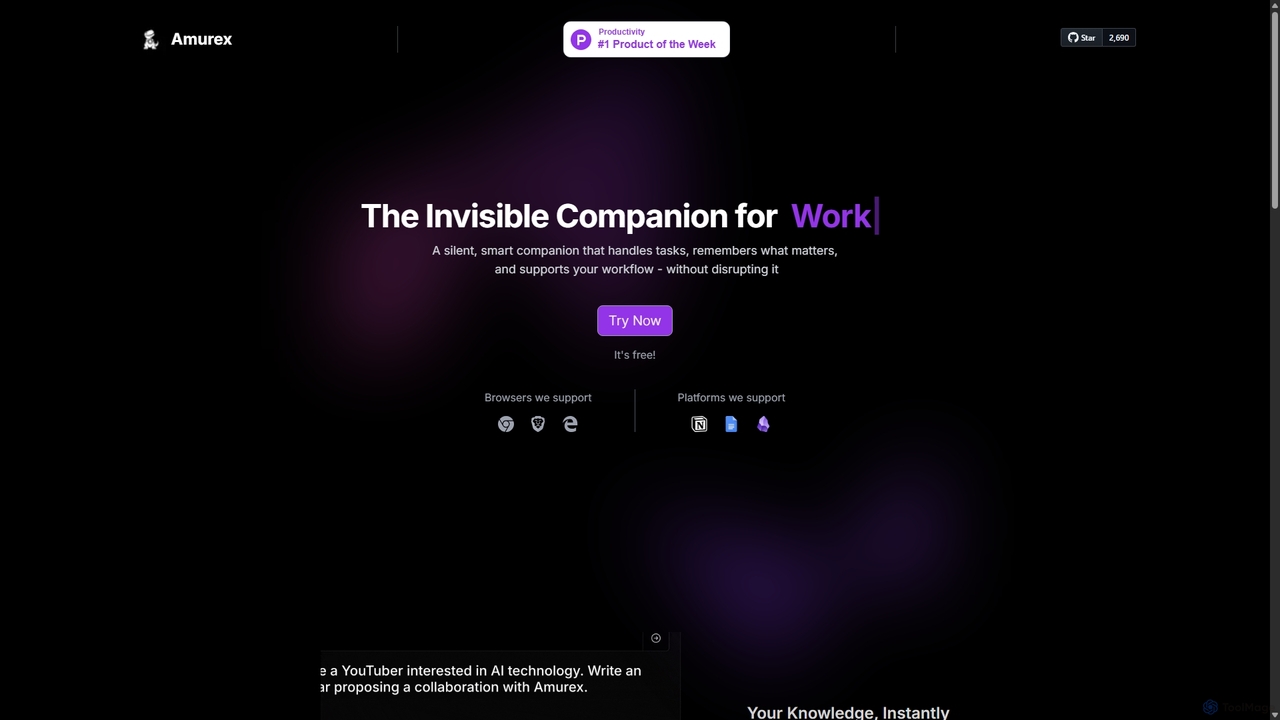
Amurex
Free

Amurex

Amurex is an open-source AI invisible companion that works silently in the background to streamline your workflow. It integrates with your existing apps like Notion, Google Drive, and Obsidian to create a searchable knowledge base, automates meeting transcriptions and summaries, and intelligently categorizes your inbox.

Automation
Visits 6.9KFavorites 113Likes 112
GPT4All
Free

GPT4All

GPT4All is a free, open-source, and privacy-focused AI chatbot that runs powerful language models locally on your desktop. It works offline, ensuring your data never leaves your device, and allows you to chat with your own documents securely.

Machine Learning
Visits 70.9KFavorites 121Likes 123
Reflect
Paid

Reflect

Reflect is an AI-powered, networked note-taking app designed to help you think better. It acts as a 'second brain' by connecting your notes through backlinks, creating a graph of your ideas. With features like AI-driven transcription, summarization, end-to-end encryption, and seamless cross-device sync, it's built for speed, security, and frictionless thought capture.

Personal Assistant
Visits 172.9KFavorites 105Likes 109
Jyek
AD

Jyek

Jyek is an AI agent platform that understands objectives, creates execution plans, uses tools, and delivers verifiable results for complex, multi-step tasks.

Automation
Visits 1.8KFavorites 1Likes 1
AnythingLLM
Freemium

AnythingLLM

AnythingLLM is an open-source, all-in-one AI application that runs locally on your desktop or can be self-hosted. It allows you to create a private knowledge base from any document, chat with your data, and utilize powerful AI agents while ensuring complete data privacy and control.

Document Management
Visits 80.3KFavorites 105Likes 109
Perfect Memory AI
Freemium

Perfect Memory AI

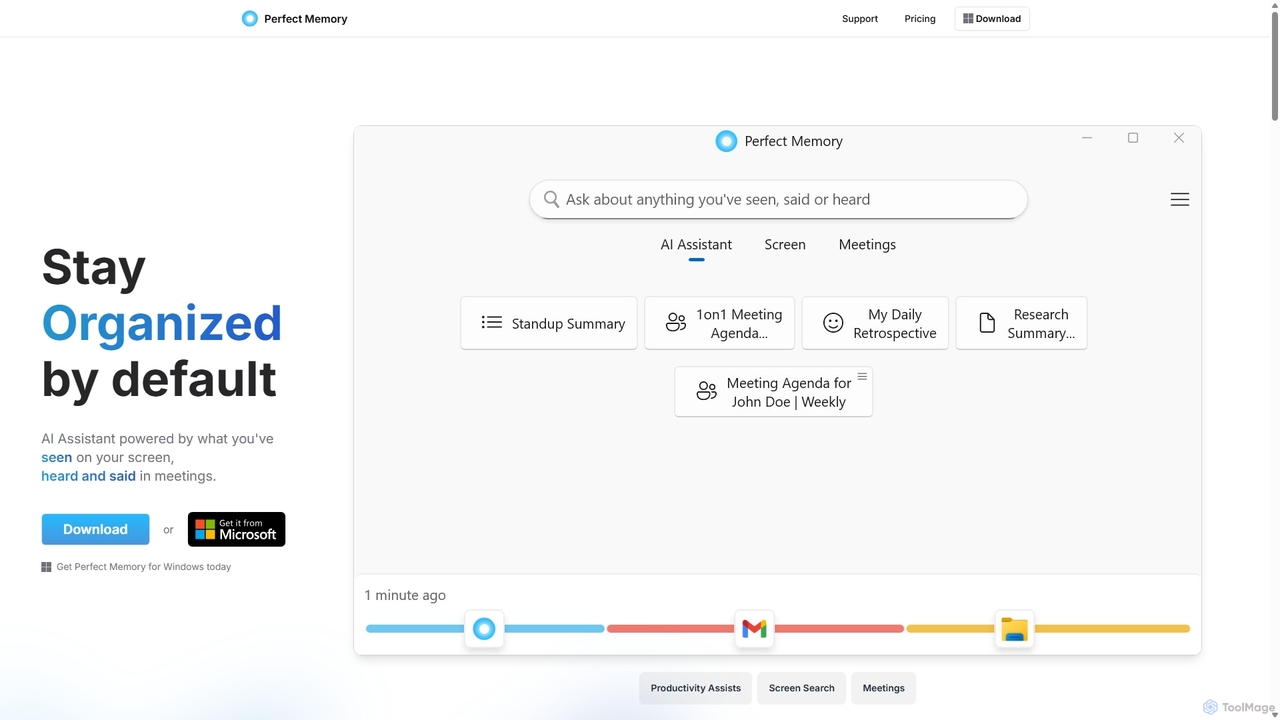
Perfect Memory AI is a privacy-focused productivity assistant that acts as your second brain. It records your screen activity and meetings, making everything you've seen or heard fully searchable. With a powerful AI assistant, it helps you recall information, summarize research, and prepare for meetings, all while keeping your data securely on your local device.

Local Processing
Visits 4.4KFavorites 152Likes 125
Bookmark
Freemium

Bookmark

Bookmark is an AI-powered knowledge management platform that helps you save, organize, and rediscover digital content. It uses AI to automatically summarize articles, tag content, and enable powerful semantic search, transforming your collection of links into a personal knowledge base or a collaborative team hub.

Study Tools
Visits 3.4KFavorites 125Likes 138
RecallAI
Freemium

RecallAI

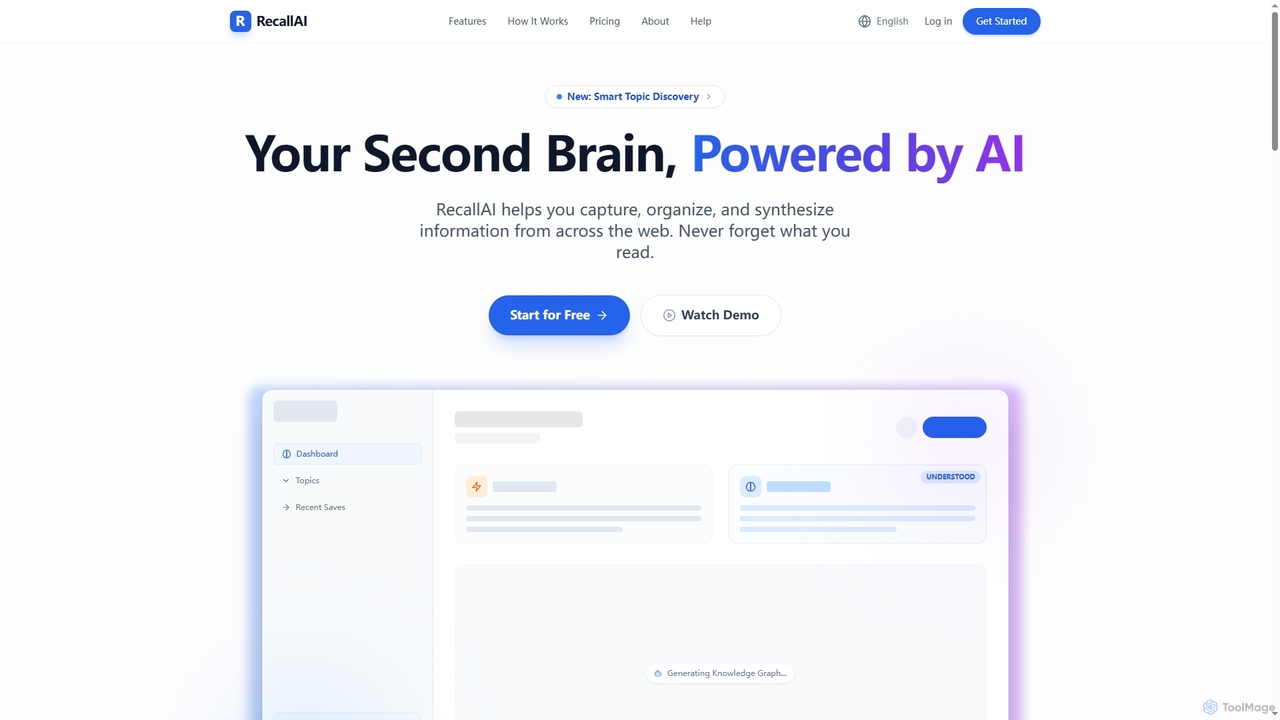
RecallAI is an AI-powered 'second brain' designed to help users capture, organize, and synthesize information from across the web. It automatically summarizes articles, videos, and podcasts, categorizes content into relevant topics, and allows for instant knowledge retrieval through natural language queries and a visual knowledge graph.

Learning Assistant
Visits 3.5KFavorites 12Likes 11
Novice

Novice

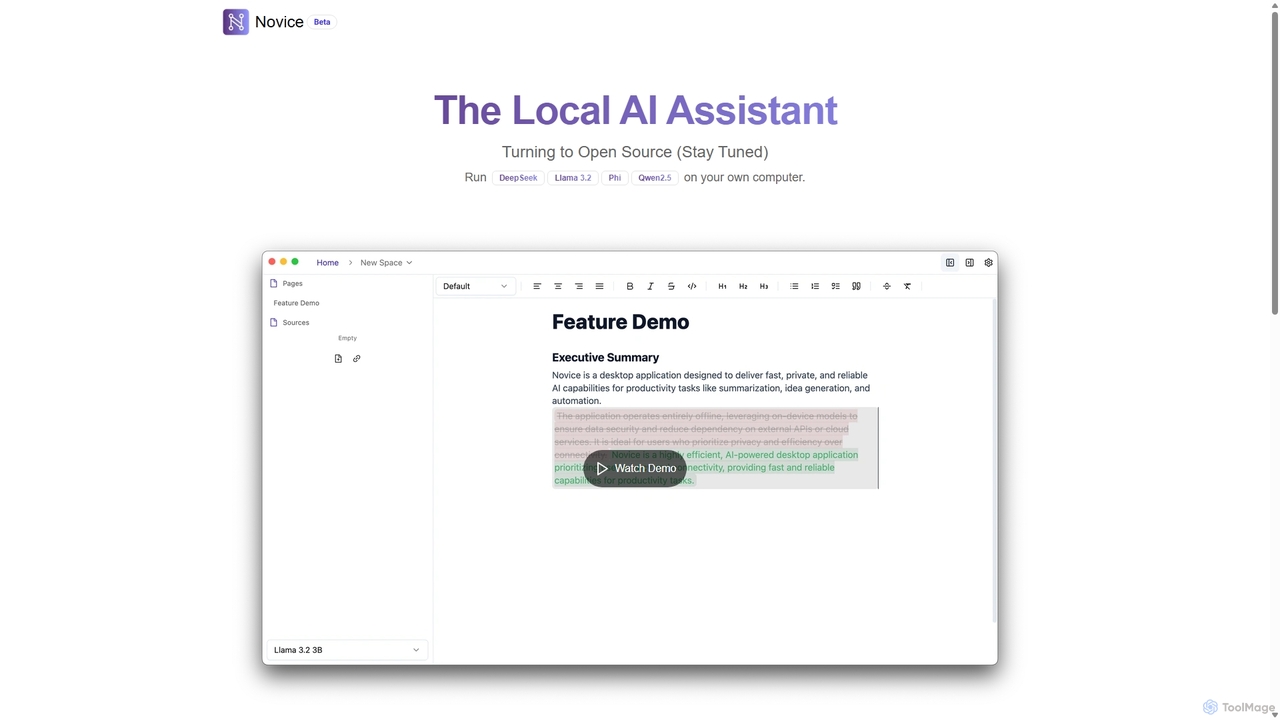
Novice is a local-first AI assistant that runs powerful language models like Llama 3.2 and Phi directly on your computer. It transforms your documents into a private, offline knowledge base, allowing you to analyze, summarize, and query information with complete data privacy. Every answer is backed by clear citations from your sources, ensuring accuracy and trust.

Local Ai
Visits 3.4KFavorites 109Likes 127
Orma
Freemium

Orma

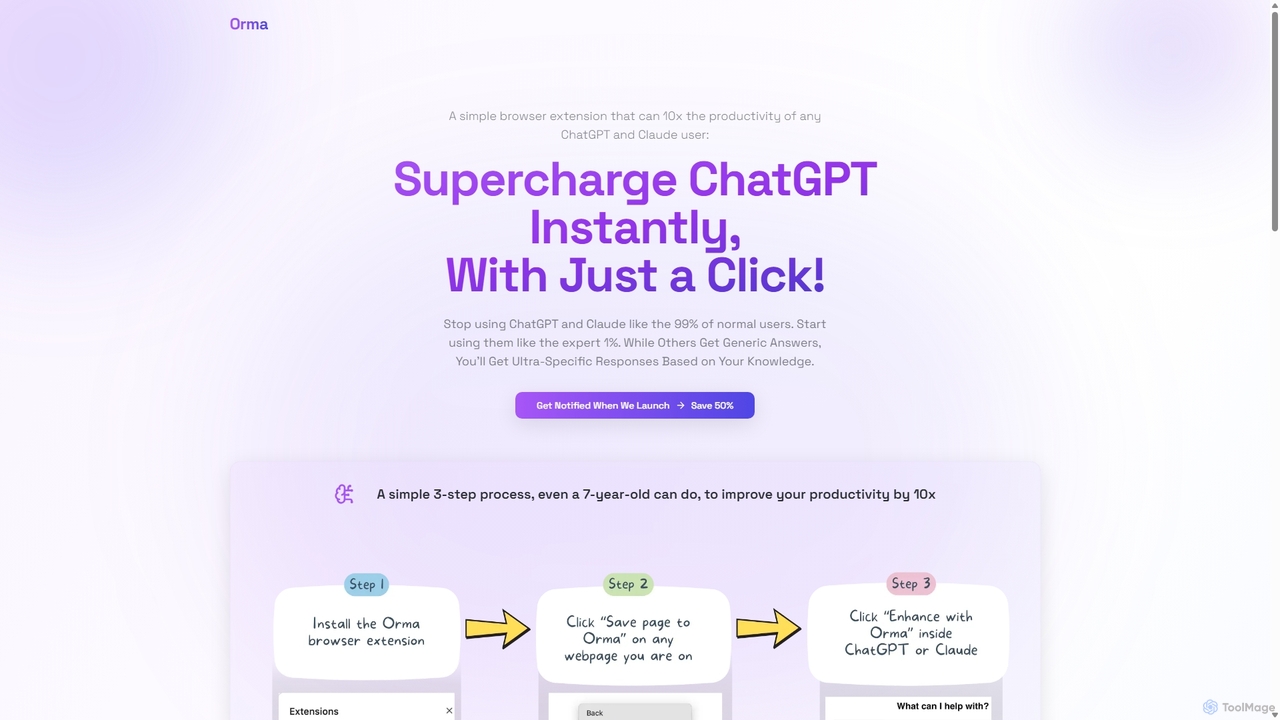
Orma is a browser extension that transforms your web browsing into a personal knowledge base, or 'digital memory layer'. It allows you to intelligently capture web content and seamlessly integrate it with AI models like ChatGPT and Claude. This turns generic AI responses into highly specific, personalized insights based on your own curated knowledge, boosting productivity by up to 10x.

Search Tools
Visits 3.5KFavorites 143Likes 139
ClippingMini
Freemium

ClippingMini

ClippingMini is an intelligent bookmark manager that uses AI to automatically organize links into a searchable knowledge base. It instantly checks safety, adds tags, categorizes content, and allows inline previews of various file types without downloads.

Information Curation
Visits 3.9KFavorites 73Likes 87
Iris
Freemium

Iris

Iris is a seamless AI assistant for macOS, designed to integrate into your workflow. It provides instant access to top AI models like GPT-4o and Claude 3.5, allowing you to chat, capture your screen for context, and get answers without ever leaving your current application. With intuitive gestures and powerful shortcuts, Iris is there when you need it and invisible when you don't.

Coding Assistant
Visits 3.8KFavorites 103Likes 95