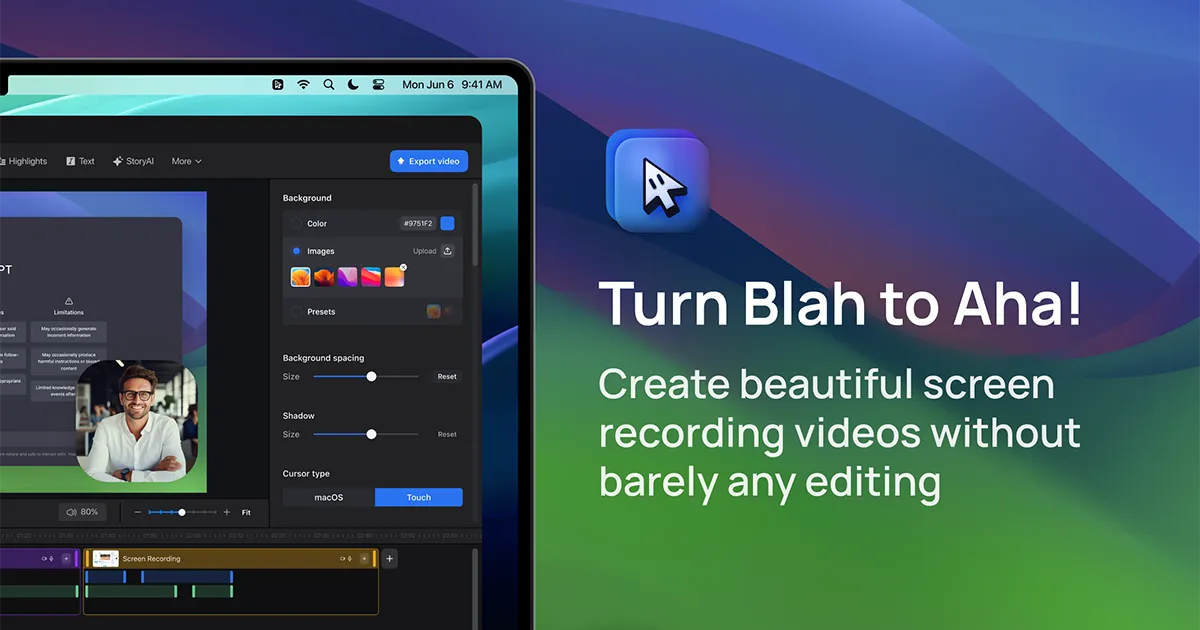
ScreenStory is an intelligent screen recording app for macOS that automatically transforms standard screen captures into polished, professional-looking videos. It adds dynamic zooms, smooth cursor movements, and motion blur without manual editing. Ideal for creating engaging product demos, tutorials, and marketing content, it simplifies video production for users of all skill levels.

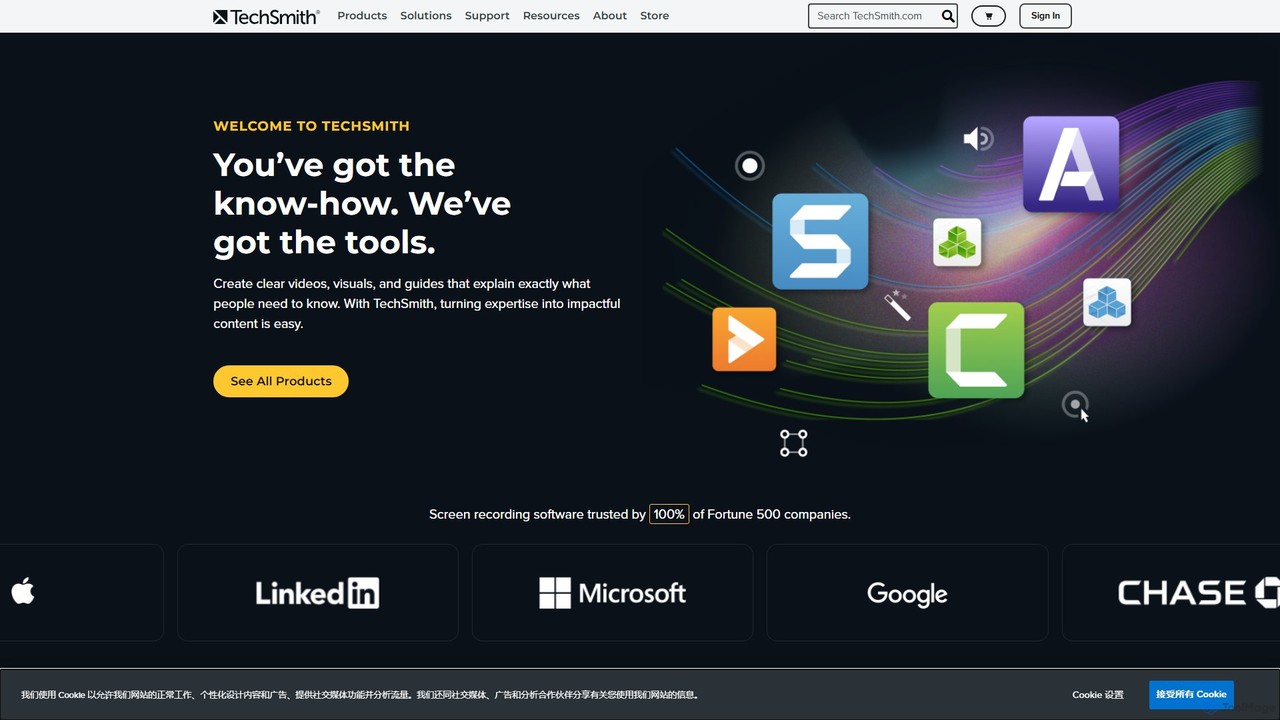
TechSmith offers a powerful suite of tools, including Snagit and Camtasia, for professional screen capture and video creation. Leveraging AI-assisted features, users can easily record, edit, and share high-quality tutorials, training videos, and presentations. It simplifies complex communication by transforming expertise into clear, engaging visual content, trusted by professionals and Fortune 500 companies worldwide.
Product overview
ScreenStory Product overview
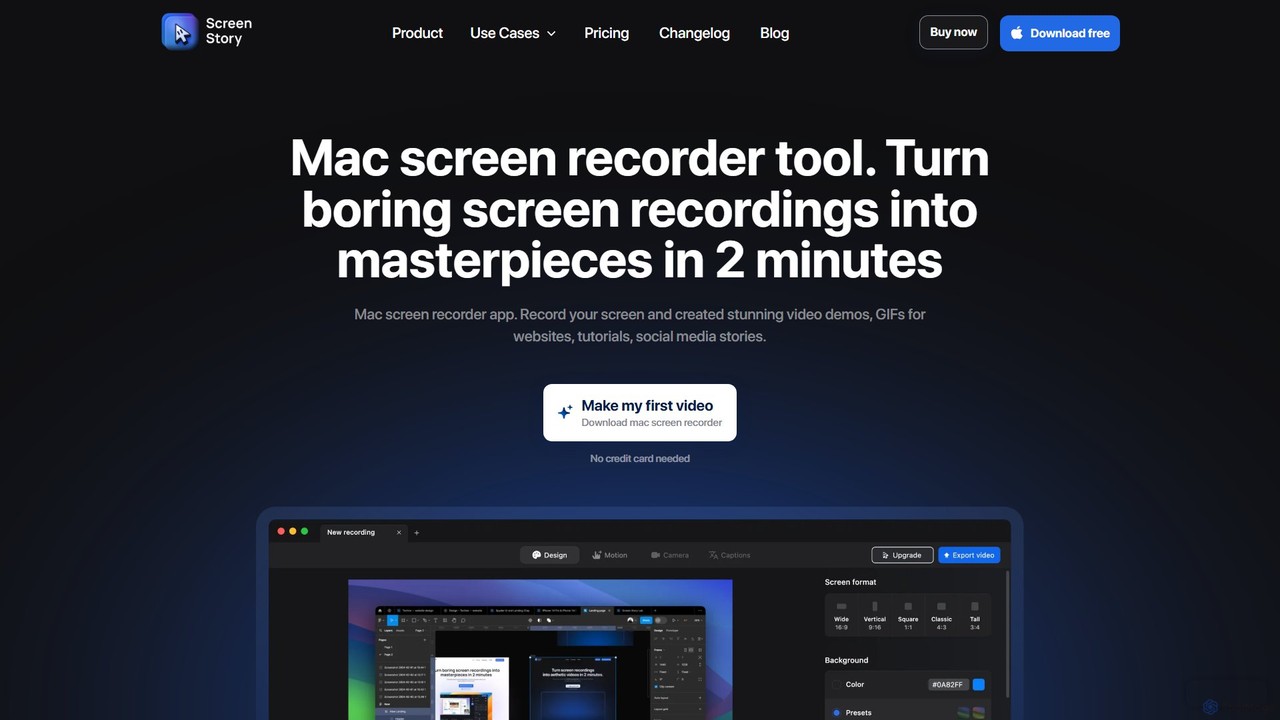
ScreenStory is an intelligent screen recording app for macOS that automatically transforms standard screen captures into polished, professional-looking videos. It adds dynamic zooms, smooth cursor movements, and motion blur without manual editing. Ideal for creating engaging product demos, tutorials, and marketing content, it simplifies video production for users of all skill levels.
TechSmith Product overview
TechSmith offers a powerful suite of tools, including Snagit and Camtasia, for professional screen capture and video creation. Leveraging AI-assisted features, users can easily record, edit, and share high-quality tutorials, training videos, and presentations. It simplifies complex communication by transforming expertise into clear, engaging visual content, trusted by professionals and Fortune 500 companies worldwide.
Detailed feature comparison
| Feature | ScreenStory | TechSmith |
|---|---|---|
| Primary category | Tutorials | E Learning |
| Added | 2025-08-14 | 2025-08-07 |
| Pricing | Freemium | Paid |
| Official website | www.screenstory.io | www.techsmith.com |
| Product type | App | App |
| Performance data | ||
| User rating | Not verified | Not verified |
| Comments | 0 | 0 |
| Monthly visits | 9.4K | 871.3K |
| Monthly growth | -9.3% | -10.8% |
| Favorites | 106 | 89 |
| Details | View details | View details |
ScreenStory vs TechSmith monthly traffic
Compare ScreenStory and TechSmith by monthly reach, traffic trend, visit depth, top regions, and acquisition sources.
How to interpret the traffic data
In the ScreenStory vs TechSmith monthly traffic comparison, ScreenStory currently shows 9.4K visits and TechSmith shows 871.3K; TechSmith has about 93.2 times the visible traffic of ScreenStory, an absolute difference of about 862K visits. This reflects visible reach, not feature quality or paid users.
Both tools provide verified traffic details, so monthly trends, visit depth, regions, and acquisition sources can be compared on the same basis.
ScreenStory monthly traffic:
Latest traffic
Monthly traffic trend
- 2025/9: 26.4K Monthly visits
- 2026/1: 26.9K Monthly visits
- 2026/2: 16.3K Monthly visits
- 2026/3: 14.7K Monthly visits
- 2026/4: 10.3K Monthly visits
- 2026/5: 9.4K Monthly visits
Top regions
Top 5 countries/regions
| Country/region | Percentage | Traffic |
|---|---|---|
| 🇺🇸United States | 49.67% | 4.6K |
| 🇩🇪Germany | 18.09% | 1.7K |
| 🇮🇳India | 12.91% | 1.2K |
| 🇧🇷Brazil | 10.38% | 971 |
| 🇬🇧United Kingdom | 8.95% | 837 |
Search keywords
TechSmith monthly traffic:
Latest traffic
Monthly traffic trend
- 2025/9: 1.1M Monthly visits
- 2026/1: 1.2M Monthly visits
- 2026/2: 1M Monthly visits
- 2026/3: 1.1M Monthly visits
- 2026/4: 977.4K Monthly visits
- 2026/5: 871.3K Monthly visits
Top regions
Top 5 countries/regions
| Country/region | Percentage | Traffic |
|---|---|---|
| 🇺🇸United States | 77.37% | 674.2K |
| 🇮🇳India | 12.05% | 105K |
| 🇨🇦Canada | 3.86% | 33.6K |
| 🇩🇪Germany | 3.47% | 30.2K |
| 🇬🇧United Kingdom | 3.25% | 28.3K |
Traffic sources
| Source type | Percentage | Traffic |
|---|---|---|
| Direct | 79.69% | 694.4K |
| Referral | 13.55% | 118.1K |
| 6.76% | 58.9K |
Search keywords
Usage comparison
Compare the core capabilities of ScreenStory and TechSmith
ScreenStory Core features
TechSmith Core features
Use cases
ScreenStory Use cases
TechSmith Use cases
ScreenStory vs TechSmith:In-depth comparison and selection guidance
First decide whether the products solve the same kind of need
This in-depth ScreenStory vs TechSmith comparison uses only the product records, taxonomy, audience, traffic, and community signals available on this page. ScreenStory is primarily listed under “Tutorials”, while TechSmith is primarily listed under “E Learning”, so the first decision is whether your actual task matches their recorded scope.
The structured fields currently show these decision-relevant differences: Primary category (ScreenStory: Tutorials; TechSmith: E Learning); Pricing (ScreenStory: Freemium; TechSmith: Paid); Monthly visits (ScreenStory: 9.4K; TechSmith: 871.3K); Monthly growth (ScreenStory: -9.3%; TechSmith: -10.8%); Favorites (ScreenStory: 106; TechSmith: 89). These facts are more useful for selection than brand visibility alone.
What market visibility and monthly traffic mean
In the ScreenStory vs TechSmith monthly traffic comparison, ScreenStory currently shows 9.4K visits and TechSmith shows 871.3K; TechSmith has about 93.2 times the visible traffic of ScreenStory, an absolute difference of about 862K visits. This reflects visible reach, not feature quality or paid users.
Both tools provide verified traffic details, so monthly trends, visit depth, regions, and acquisition sources can be compared on the same basis.
If public market visibility is an important first-pass criterion, investigate TechSmith first. The final choice should still follow taxonomy, use case, and a real trial because higher traffic does not prove broader capabilities or better workflow fit.
Product positioning, use cases, and roles
ScreenStory and TechSmith currently overlap in shared categories: Content Creation and Screen Recording; shared tags: screen recorder, tutorial maker, and video editor. This can place both on the same shortlist, but it does not prove equal implementation, depth, or cost.
ScreenStory's unique categories/tags are Tutorials, Presentations, animated gif, automatic zoom, content creation, macos, marketing video, and product demo; TechSmith's are E Learning, Training, ai video editing, background removal, Camtasia, corporate training, e-learning, and screen capture. These unique fields are the strongest differentiators: validate the product whose recorded scope matches the task instead of following traffic alone.
What ratings, comments, and favorites can tell you
ScreenStory has no verified rating, 0 comments, 106 favorites, and 125 likes;TechSmith has no verified rating, 0 comments, 89 favorites, and 92 likes。
Neither product has enough rating or comment samples for a credible reputation ranking.
Selection guidance by actual need
When to evaluate ScreenStory first
Put ScreenStory on the priority trial list when the task aligns with “Tutorials” and especially Tutorials, Presentations, animated gif, automatic zoom, content creation, and macos. This follows recorded positioning and does not imply unlisted capabilities are absent.
ScreenStory also currently records: pricing is freemium, product type is app, 9.4K verified monthly visits, no verified user rating. Verify any hard requirement around price, platform, or reach before trial, and do not let sparse review data substitute for testing.
When to evaluate TechSmith first
Put TechSmith on the priority trial list when the task aligns with “E Learning” and especially E Learning, Training, ai video editing, background removal, Camtasia, and corporate training. This follows recorded positioning and does not imply unlisted capabilities are absent.
TechSmith also currently records: pricing is paid, product type is app, 871.3K verified monthly visits, no verified user rating. Verify any hard requirement around price, platform, or reach before trial, and do not let sparse review data substitute for testing.
How to validate the recommendation before deciding
The available data describes positioning, public visibility, and community signals, but it cannot prove output quality, speed, integration effort, privacy, or long-term cost in your workflow. Before deciding, run the same representative tasks in ScreenStory and TechSmith, then record completion time, accuracy, manual corrections, and the real paid threshold. A like-for-like trial turns this comparison into a defensible adoption decision.
Comparison FAQ
How should I choose between ScreenStory and TechSmith?
Where does this comparison data come from?
What do unknown fields mean?
Related AI tools

FocuSee
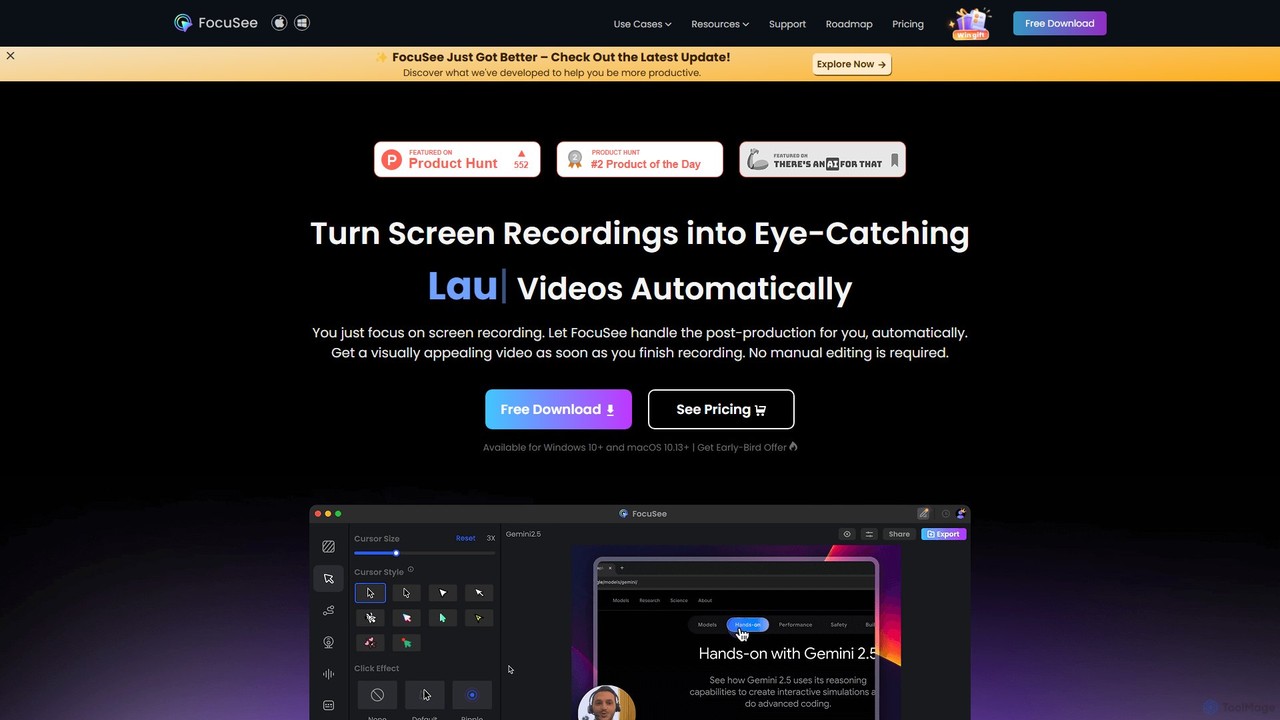
FocuSee is an AI-powered screen recording and video editing software designed to create professional-looking videos with ease. Its standout feature is the automatic zoom and pan effect, which intelligently follows your cursor movements to highlight key actions. This makes it ideal for creating engaging product demos, tutorials, and presentations without complex manual editing, simplifying the entire video creation workflow.
E Learning
Tella
Tella is an AI-powered screen recorder and video editor for Mac and Windows, designed for entrepreneurs and creators. It simplifies video production by recording in manageable clips and using AI to automatically remove filler words and silences. With features like customizable backgrounds, dynamic zooms, and 4K exports, Tella helps users create professional-looking demos, tutorials, and courses in minutes, not hours, without needing any video editing expertise.
Course Creation
Tight Studio
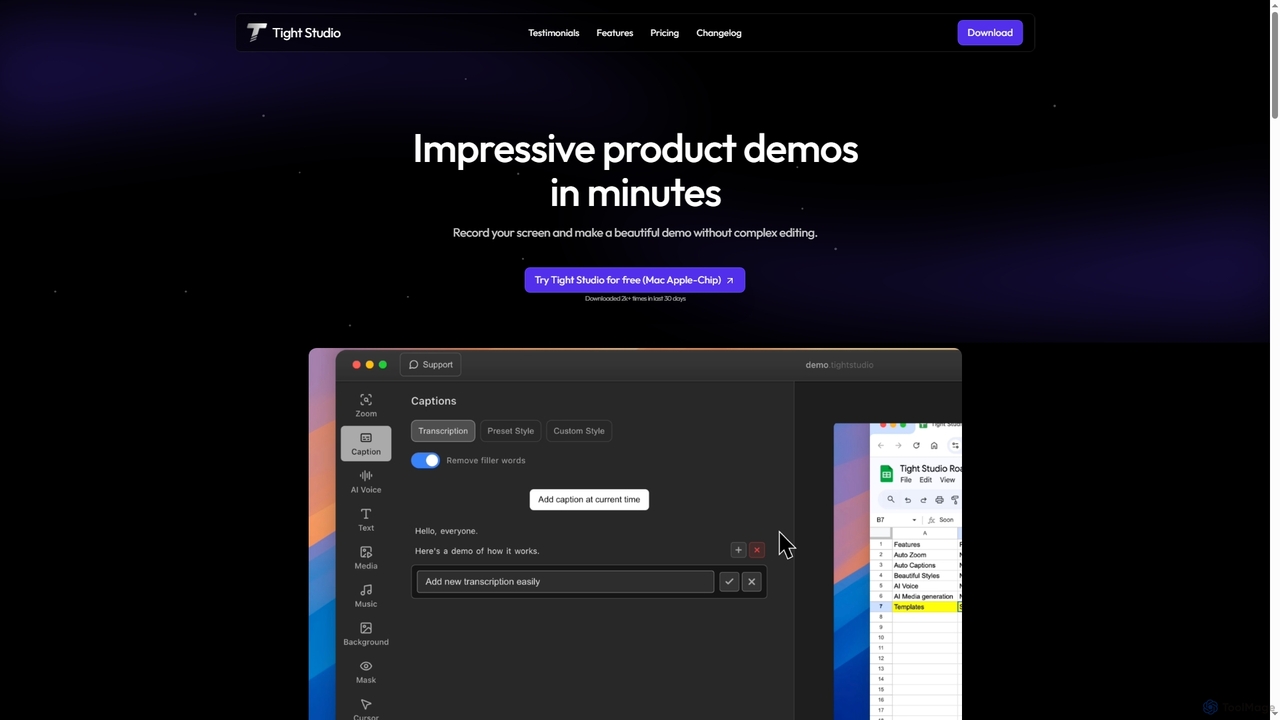
Tight Studio is an AI-powered screen recording and video editing application for Mac, designed to create professional product demos and tutorials in minutes. It features smart zoom, automatic captions, AI narration, and an intuitive editor, enabling users without editing skills to produce high-quality, engaging videos effortlessly.
Tutorials
Tella
Tella is an AI-powered screen recorder and video editor for Mac & Windows that simplifies video creation. It automatically removes silences and filler words, offers transcript-based editing, and provides professional customization options like backgrounds, layouts, and zooms. Ideal for creating tutorials, product demos, and online courses in minutes, not hours.
E Learning
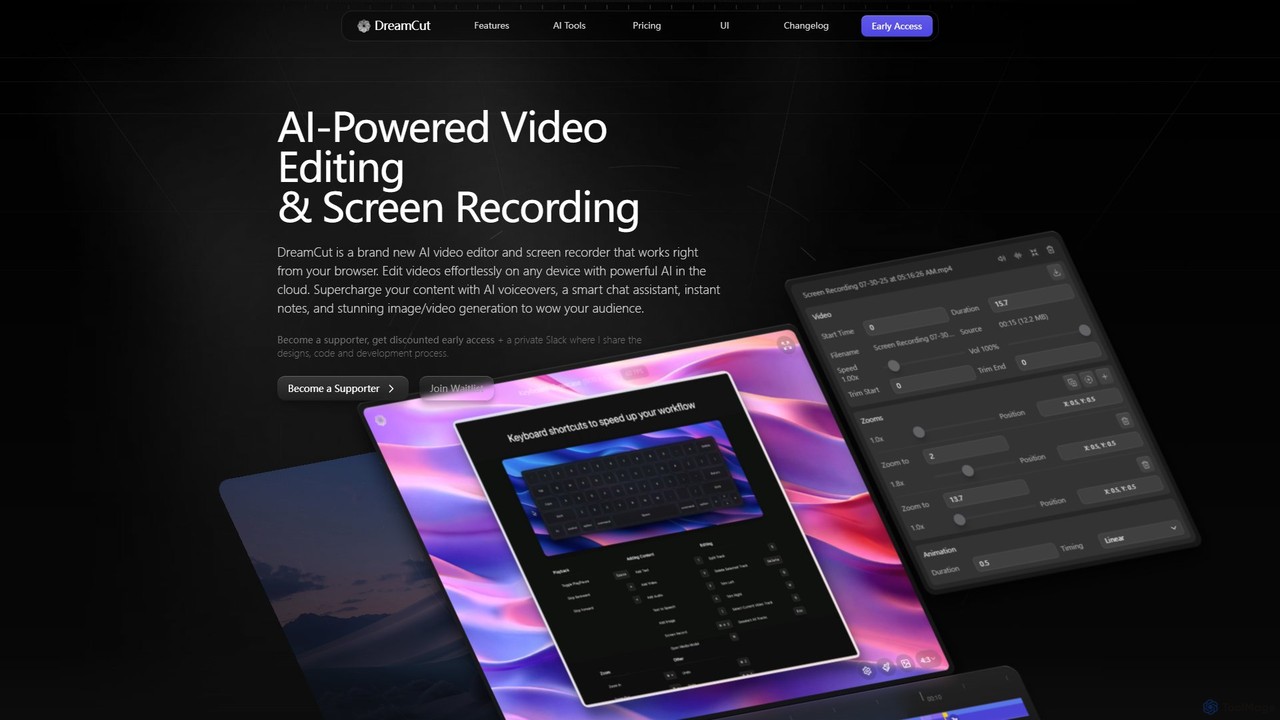
DreamCut
DreamCut is an all-in-one, AI-powered video editor and screen recorder that operates directly from your browser. It combines a multi-track editor, high-quality screen capture, AI voice generation, an AI chat assistant, and image/video creation into a single, cloud-based platform, enabling users to create professional content effortlessly on any device.
Text To Speech
Kite
Kite is a powerful screen recorder for Mac that helps you create stunning, professional-grade product demo videos in minutes. It combines screen recording with AI-powered features like automatic zoom, 3D animations, AI voiceovers, and a music library to make your videos look as polished as an Apple commercial.
Voice Synthesis
Canvid
Canvid is an AI-powered screen recorder for Windows and Mac designed to create professional-looking demos effortlessly. It automatically tracks clicks, applies smart zooms, and uses AI to enhance audio by removing background noise. With features like webcam background replacement and instant captions, Canvid simplifies video production, making it a powerful alternative to tools like Loom.
Content Creation
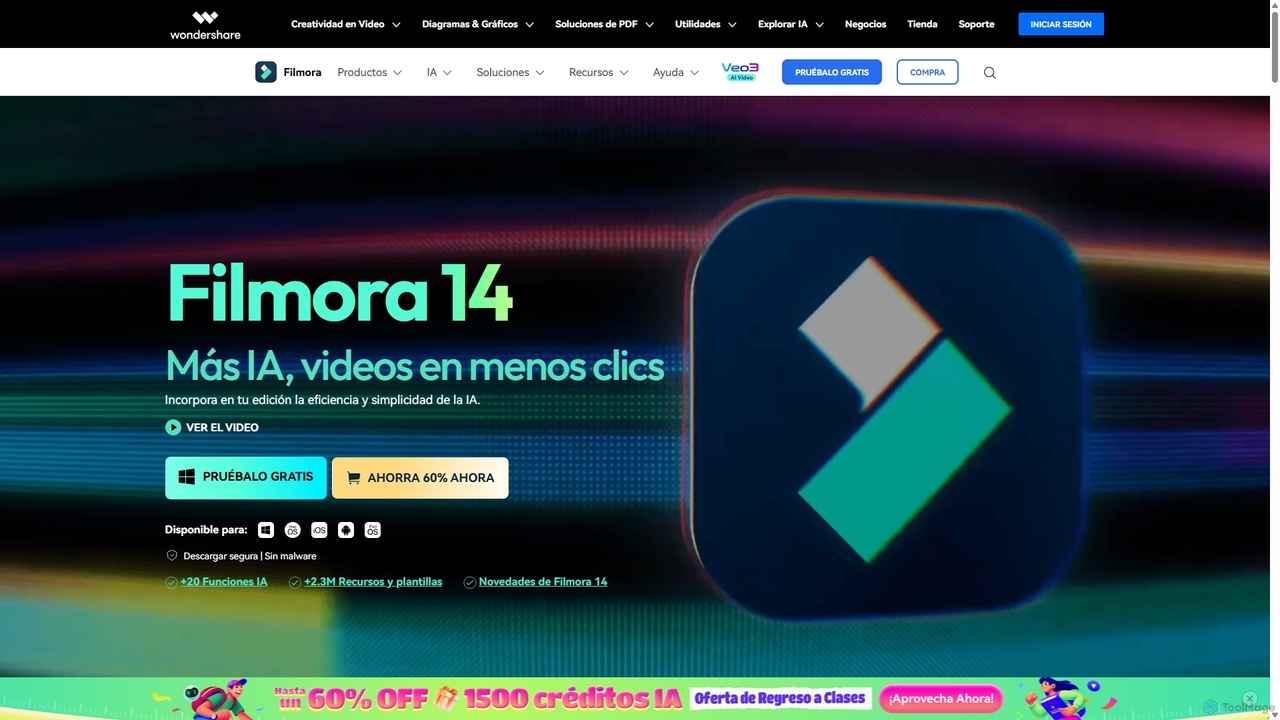
Filmora
Filmora is an AI-powered video editor that simplifies the creation process for both beginners and professionals. It offers a vast suite of AI tools, including smart clip generation, text-to-video, and advanced audio enhancement, combined with a user-friendly interface and a massive library of effects and resources to make video editing faster and more creative.
Social Media
BeeCut
BeeCut is an intuitive and feature-rich video editing software designed for users of all skill levels. It simplifies video creation with a clean interface, extensive asset library, and powerful AI features like auto-subtitling and text-to-speech, making it ideal for vlogs, tutorials, social media content, and more.

Social Media
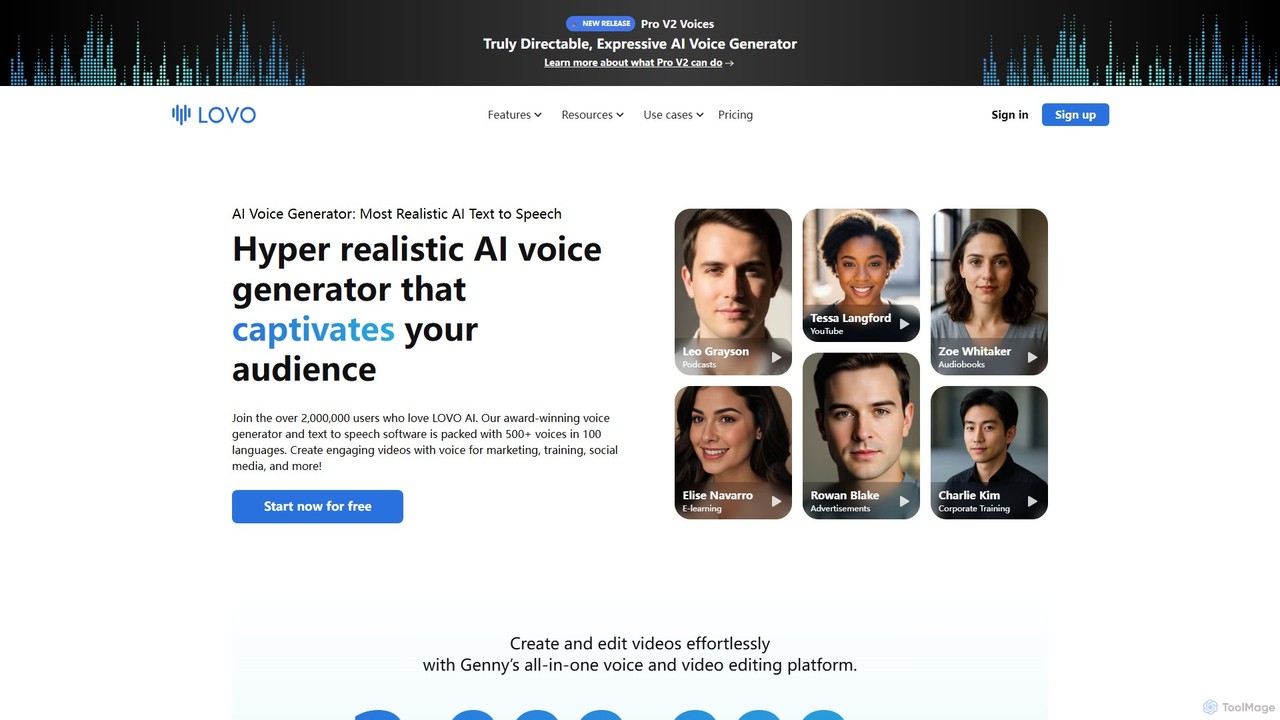
LOVO
LOVO is an award-winning AI voice generator and text-to-speech platform featuring over 500 hyper-realistic voices in 100+ languages. Its all-in-one tool, Genny, combines voice generation with a powerful online video editor, AI writer, and art generator, enabling users to create engaging content for marketing, training, and social media efficiently.
Text To Speech
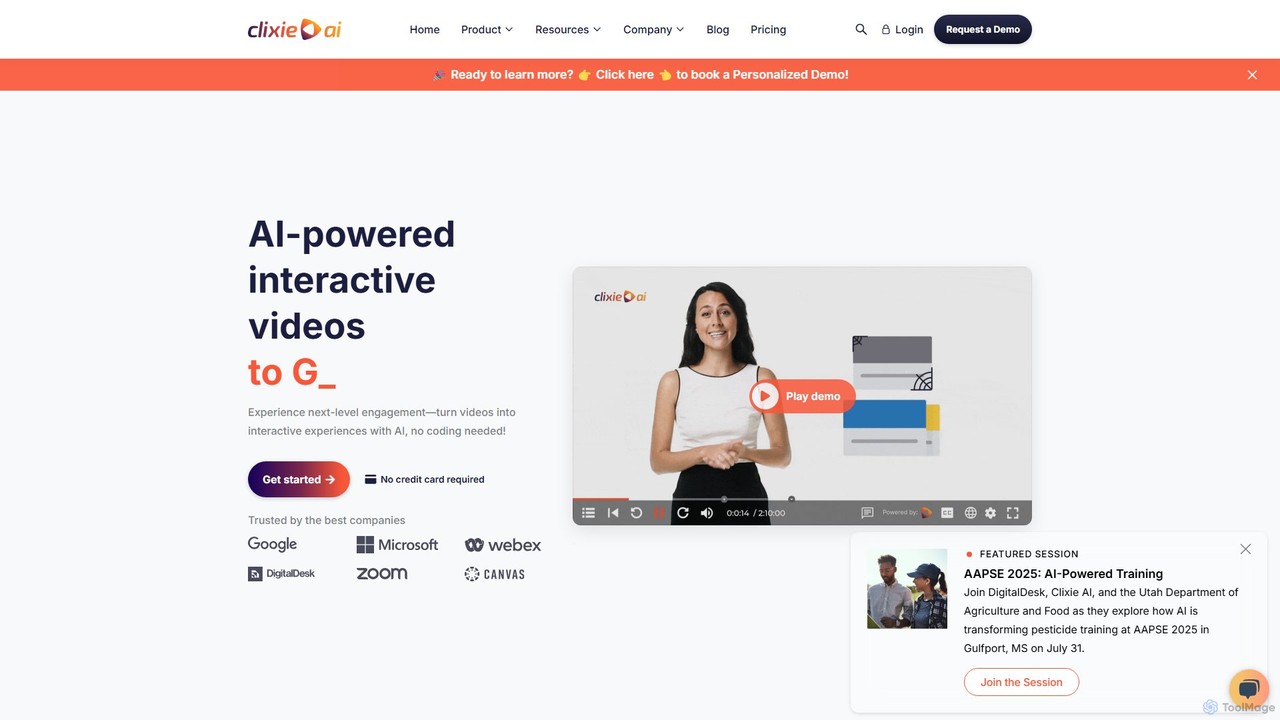
Clixie
Clixie is an AI-powered platform that transforms standard videos into captivating, interactive experiences. It enables users to add elements like quizzes, hotspots, and branching logic without any coding. Ideal for corporate training, e-learning, and marketing, Clixie boosts viewer engagement, provides deep analytics, and supports content localization in over 40 languages.
E Learning
Synthesia
Synthesia is a leading AI video generation platform that enables users to create professional-quality videos with realistic AI avatars and voiceovers in over 140 languages. It eliminates the need for cameras, microphones, and studios, making video production scalable, affordable, and fast. Ideal for corporate training, marketing, and sales communications.
E Learning
Animoto
Animoto is an intuitive online video maker that enables users to create professional-quality videos with ease. Using a drag-and-drop interface, you can combine photos, video clips, and screen recordings. It offers a vast library of templates, licensed music, and stock media from Getty Images, making it ideal for marketing, business communications, and personal projects without requiring any prior editing experience.
Corporate Communications
VEED.IO
VEED.IO is a powerful, AI-driven online video editor designed for teams and creators. It simplifies professional video creation with a suite of intuitive tools, including auto-subtitling, text-to-video, AI avatars, and collaborative workspaces. Create, edit, and share high-quality videos directly from your browser, no complex software required.
Social Media
Clipchamp
Clipchamp is a user-friendly, AI-powered online video editor from Microsoft. It enables everyone, from beginners to professionals, to create stunning videos with features like AI-driven text-to-speech, automatic subtitles, and smart editing tools. Available on browsers, Windows, and iOS, it's an all-in-one solution for content creators, businesses, and educators.
Text To Speech