

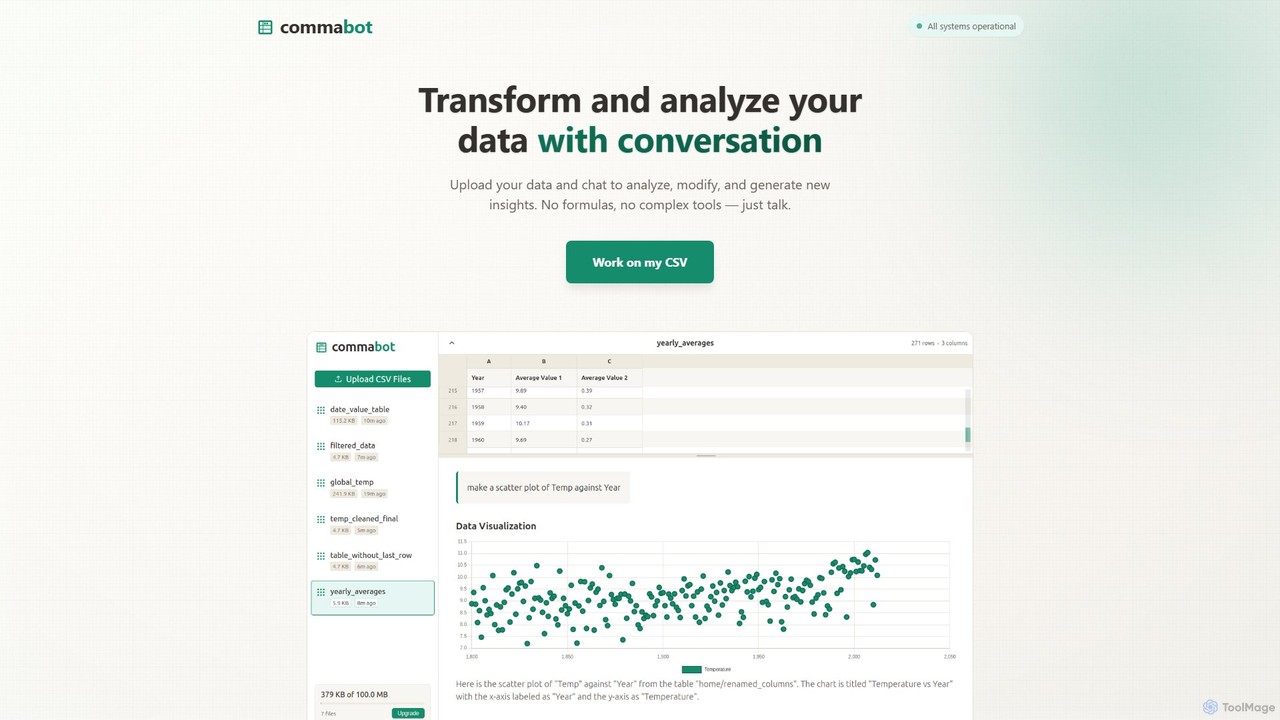
Commabot Overview
Commabot is an innovative AI-powered tool designed to revolutionize how you interact with your data, particularly contact lists and CSV files. It addresses the universal pain point of manual data cleaning and preparation, transforming it into a simple, conversational, and automated process. Instead of wrestling with complex Excel formulas or writing custom scripts, Commabot allows you to simply 'talk' to your data. By uploading a CSV file, you can ask questions in plain English to analyze, modify, and generate new insights, making data analysis accessible to everyone, regardless of their technical expertise.
The platform is especially powerful for contact management. It provides a comprehensive library of specialized, pre-built workflows designed to clean, organize, and prepare your contact lists for any purpose. Whether you're migrating data to a new CRM, launching an email marketing campaign, or simply organizing your prospect database, Commabot ensures your data is pristine, properly formatted, and ready for action. The tool is built with data privacy at its core, processing your information securely on Google Cloud infrastructure without storing it permanently or using it for model training, giving you full control over your data.
How to use Commabot
Using Commabot is designed to be an intuitive, three-step process that saves you hours of manual work:
- Upload Your Data: Start by uploading your CSV file directly to the platform. This could be anything from a messy list of contacts from a trade show, a sales report, survey results, or financial records.
- Choose Your Action: You have two primary ways to interact with your data. You can select a pre-built workflow from the library for common tasks like 'Format Phone Numbers to E.164', 'Remove Duplicates', or 'Prepare for HubSpot Import'. Alternatively, you can engage with the conversational AI. Ask questions in plain English, such as "Show me all contacts in New York," "Generate a chart of sales by country," or "Combine the 'First Name' and 'Last Name' columns into a 'Full Name' column."
- Process and Download: Once you've given your command or selected a workflow, Commabot's AI gets to work. It processes the data transformations, cleaning, and analysis in seconds. You can preview the changes and, once satisfied, download the perfectly formatted, clean CSV file, ready for your next step.
Core Features of Commabot
- Conversational Data Analysis: Interact with your data using natural language. Ask questions, request summaries, and generate charts without writing a single formula.
- Automated Workflow Library: Access a collection of proven, pre-built workflows for specific tasks like standardizing phone numbers, intelligently removing duplicates, and merging multiple lists.
- CRM-Ready Preparation: Specialized workflows to format and structure your contact lists for seamless import into major platforms like HubSpot and Salesforce, handling field mapping and data validation.
- Advanced Data Cleaning: Go beyond simple find-and-replace. The tool can intelligently identify and remove duplicate contacts, clean out unsubscribed users, and standardize inconsistent data entries.
- No-Code Data Transformation: Easily modify your dataset by merging or splitting columns, changing date formats, or cleaning up text, all through simple commands.
- Secure and Private: Your data is processed securely and is never used for training AI models. You retain full control and can delete your data at any time.
Use Cases for Commabot
Commabot is a versatile tool for various professionals and teams:
- Sales Teams: Quickly clean and deduplicate lead lists from various sources before importing them into a CRM. Analyze sales reports to identify trends and top-performing regions.
- Marketing Professionals: Prepare and segment email lists for campaigns, remove unsubscribed contacts to maintain list hygiene, and analyze survey data to understand customer feedback.
- Recruiters: Consolidate and organize candidate databases from different platforms, ensuring consistent formatting and removing duplicate entries.
- Event Organizers: Clean and manage attendee lists for communications, ticketing, and post-event follow-ups.
- Business Owners & Analysts: Analyze financial records, track inventory, or gain insights from any tabular data without needing to be a spreadsheet expert.
Advantages of Commabot
The primary advantage of Commabot is its ability to democratize data preparation. It saves countless hours of tedious manual work, reduces the risk of human error, and empowers non-technical users to perform complex data tasks. By replacing formulas with natural language and automated workflows, it streamlines processes, improves data quality, and accelerates the journey from raw data to actionable insights. This leads to more efficient CRM management, more effective marketing campaigns, and better-informed business decisions.
Pricing and Plans
Commabot typically operates on a freemium model, making it accessible for users of all sizes. While you should visit the official website for the most current information, the plans are generally structured as follows:
- Free Plan: Ideal for individuals and small tasks, offering a limited number of file uploads or rows processed per month to test the core features.
- Pro Plan: Designed for professionals and small teams, providing a higher processing limit, access to all workflows, and priority support.
- Business Plan: Tailored for larger teams and enterprises, offering unlimited usage, team collaboration features, advanced security, and potential API access for custom integrations.
Commabot Alternatives
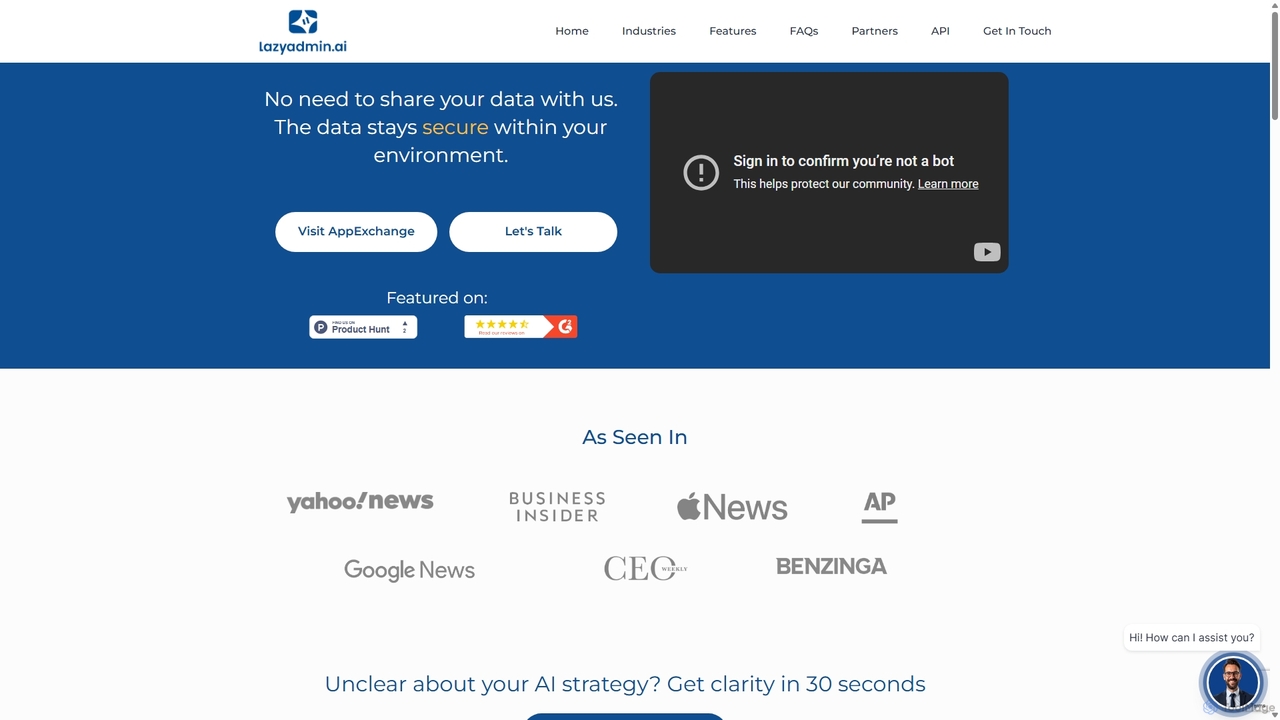
Lazy Admin
Lazy Admin is an AI-powered data analysis and reporting solution designed primarily for Salesforce. It enables users to query data, generate charts, and create dashboards using natural language. The tool emphasizes security by keeping all data within your environment and can be personalized to understand your specific business terminology, making data insights accessible to everyone on your team.
Business Intelligence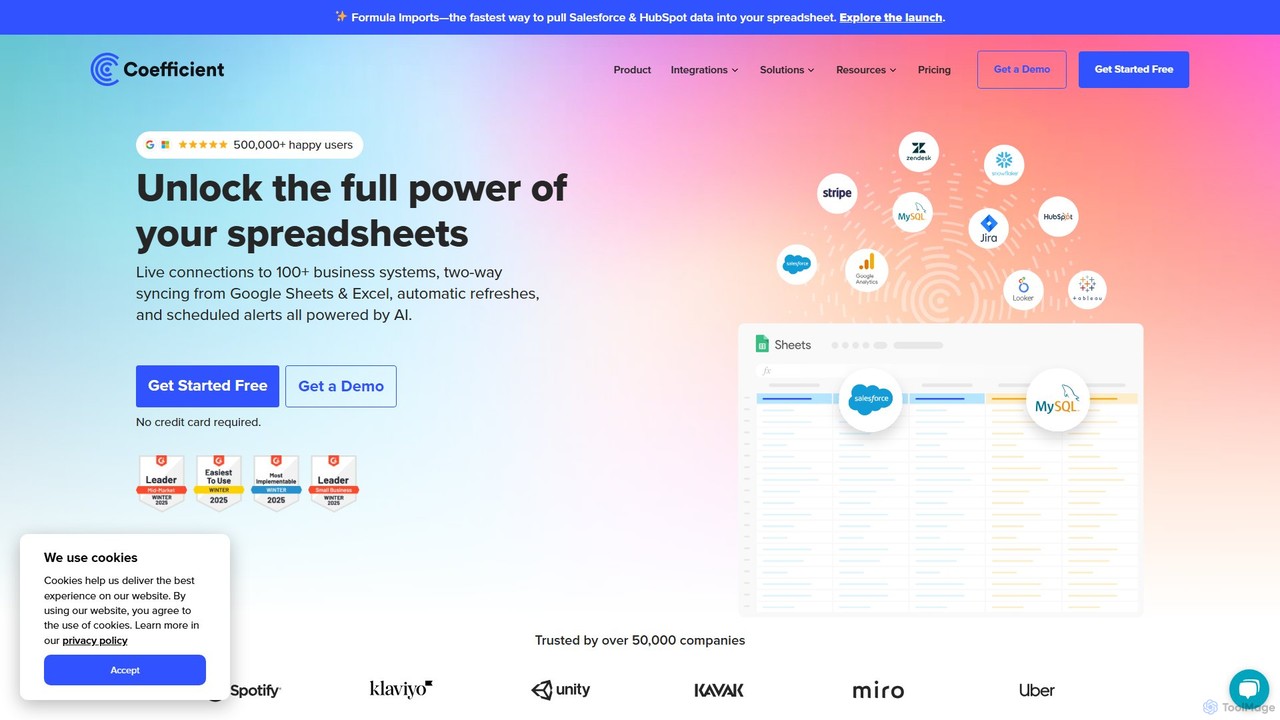
Coefficient
Coefficient is a data connector that links Google Sheets and Excel with over 100 business systems like Salesforce and HubSpot. It automates data imports, enables two-way syncing, and uses AI to help users build formulas, SQL queries, and charts, transforming static spreadsheets into dynamic, real-time dashboards.
Data Analysis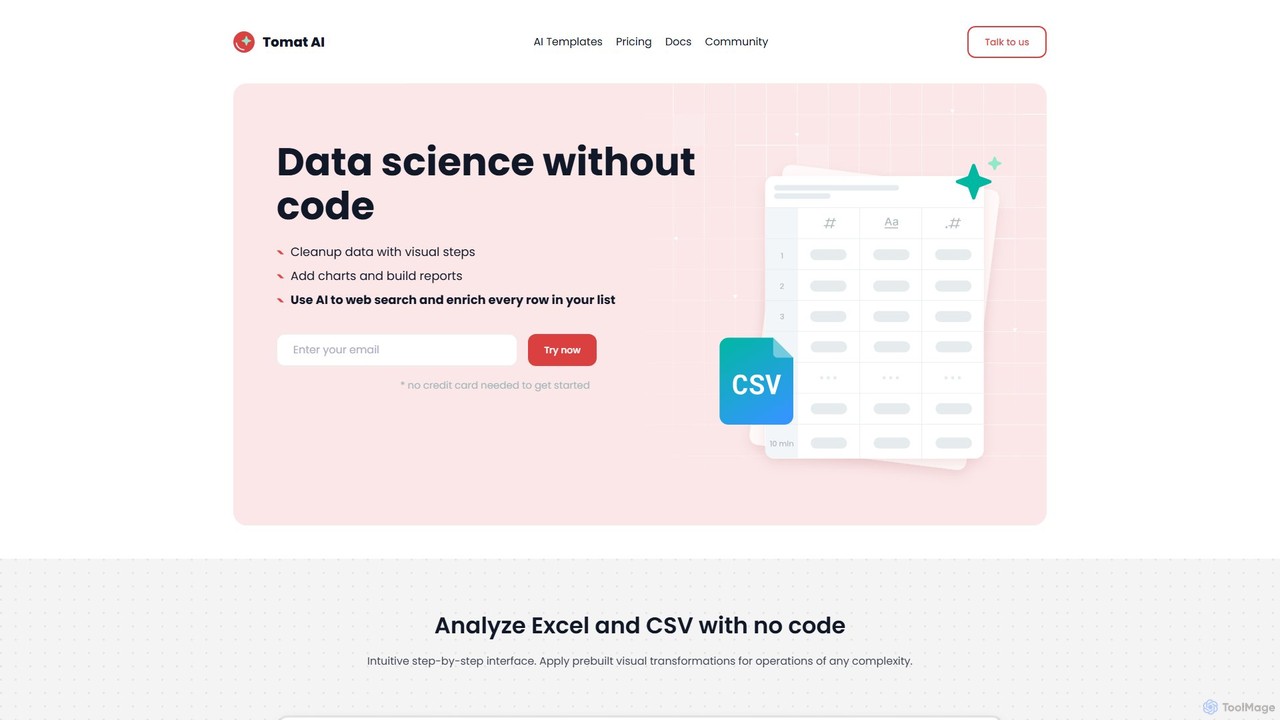
Tomat.AI
Tomat.AI is a no-code data science tool that empowers users to clean, analyze, and enrich data from Excel and CSV files. It features a visual, step-by-step interface and powerful AI capabilities for tasks like bulk web research, data extraction, and text transformation, all without writing a single line of code. It's a desktop app designed for security and handling large datasets efficiently.
Data Enrichment
XLeads
XLeads is an all-in-one, AI-powered software for real estate wholesalers. It combines unlimited free skiptracing, AI property searching, a built-in CRM, dialer, SMS blasting, and an AI disposition platform. Designed to replace multiple expensive tools, it helps wholesalers find motivated sellers, manage leads, and close deals more efficiently.
Automation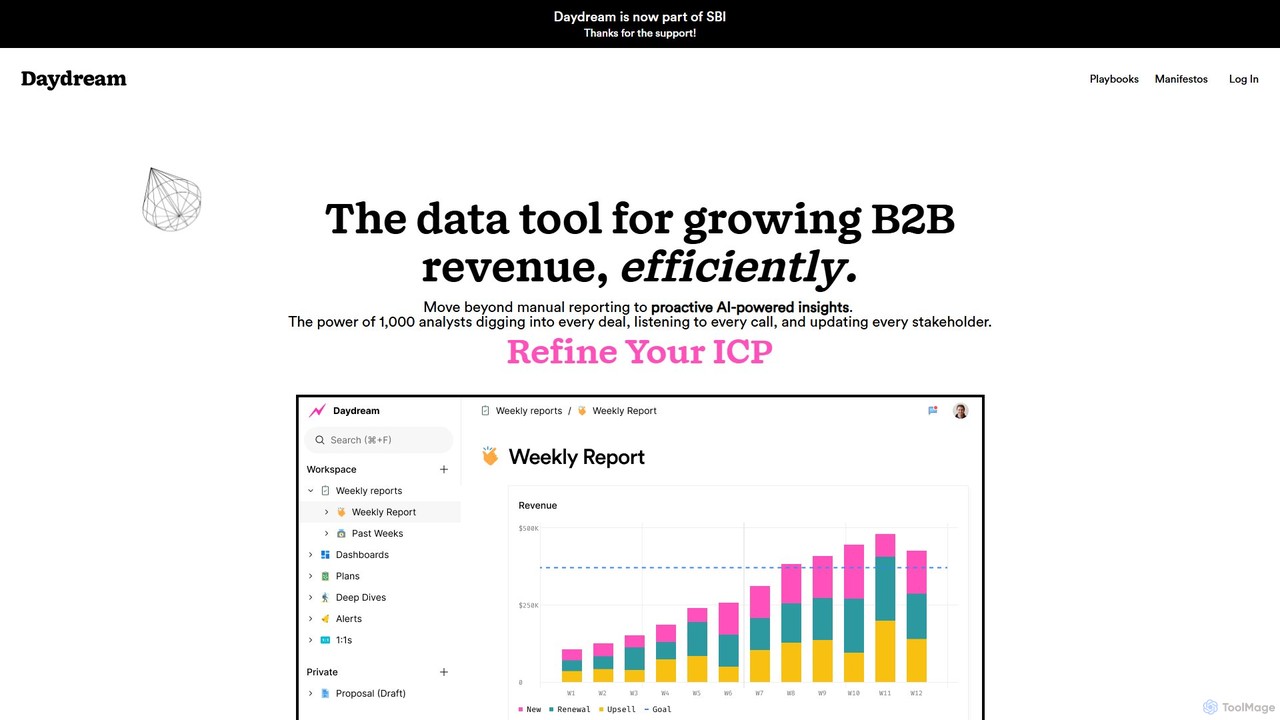
Daydream
Daydream is an AI-powered revenue intelligence platform designed for B2B companies. It unifies data from sales, marketing, and finance to provide proactive insights, automate reporting, and foster cross-functional collaboration. Move beyond manual dashboards to a collaborative workspace that helps teams hit ambitious revenue goals efficiently.
Business IntelligenceCommabot Categories
Commabot Embed Widget
Copy this embed code to place the badge on your blog, article, or product site and send readers directly to this ToolMage detail page.

Related AI tools
Coefficient
Coefficient is a data connector that links Google Sheets and Excel with over 100 business systems like Salesforce and HubSpot. It automates data imports, enables two-way syncing, and uses AI to help users build formulas, SQL queries, and charts, transforming static spreadsheets into dynamic, real-time dashboards.
Data AnalysisTomat.AI
Tomat.AI is a no-code data science tool that empowers users to clean, analyze, and enrich data from Excel and CSV files. It features a visual, step-by-step interface and powerful AI capabilities for tasks like bulk web research, data extraction, and text transformation, all without writing a single line of code. It's a desktop app designed for security and handling large datasets efficiently.
Data Enrichment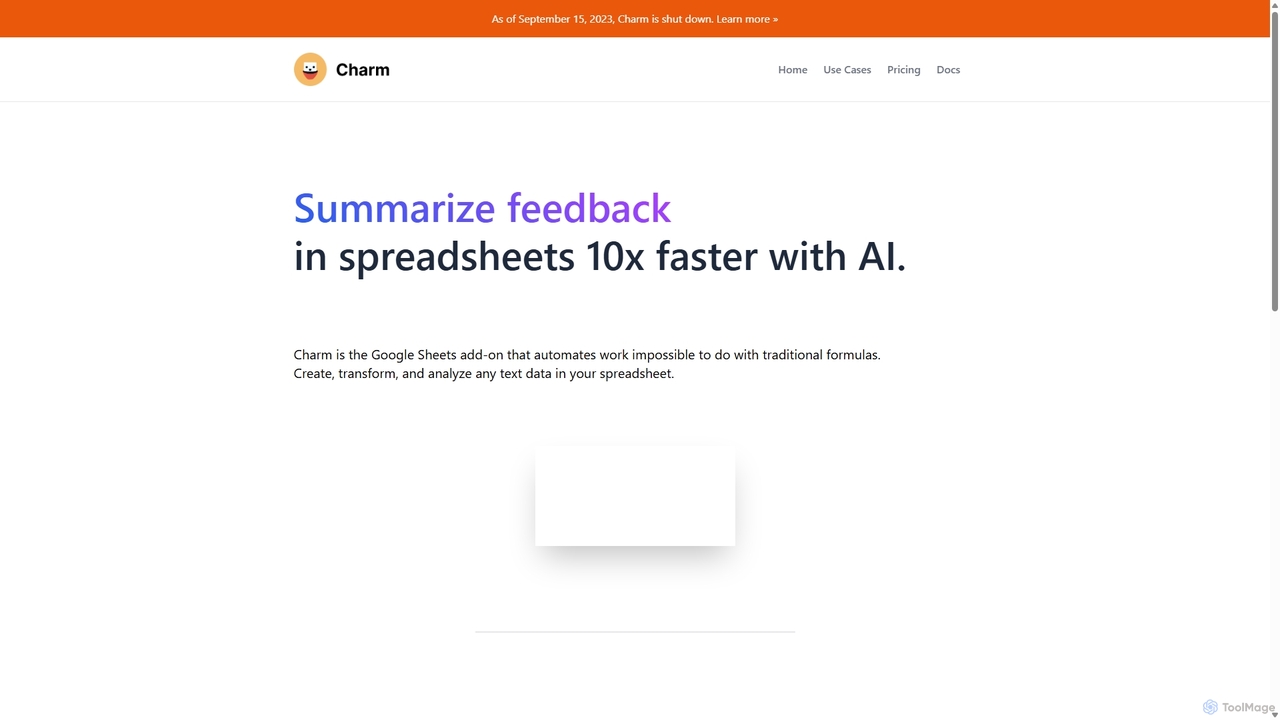
Charm
Charm was an AI-powered assistant integrated directly into Google Sheets as an add-on. It was designed to automate complex text-based tasks, such as cleaning messy data, generating content, summarizing text, and classifying information, without requiring traditional formulas or coding. Please note: Charm was officially shut down on September 15, 2023.
Automation
Sheetplus
Sheetplus is an AI-powered toolkit designed to supercharge your spreadsheet experience in Google Sheets and Excel. By leveraging natural language, it allows users to generate complex formulas, clean and analyze data, automate tasks, and extract insights without writing code. It acts as an intelligent assistant, making data management faster, more intuitive, and accessible to everyone, regardless of their technical expertise.
Automation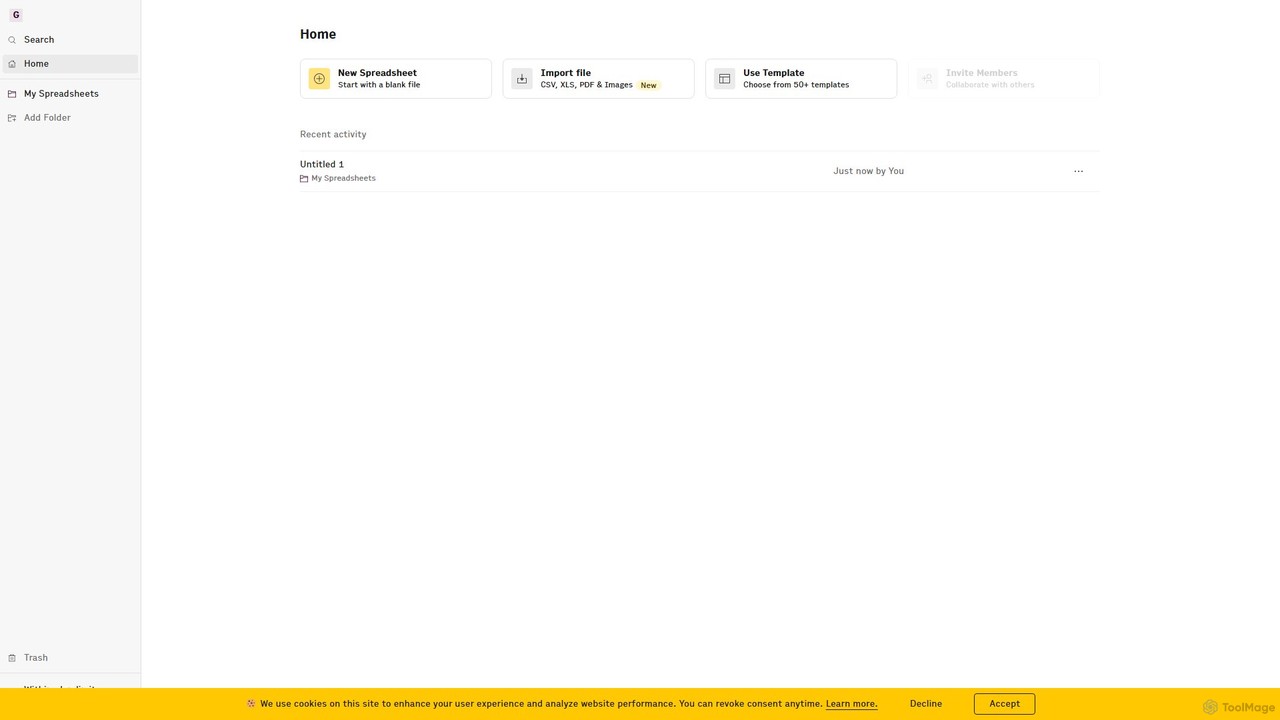
Rows
Rows is a next-generation spreadsheet that combines a familiar interface with powerful AI capabilities and seamless data integration. Connect to over 50 sources like Google Analytics, social media, and databases to automate data analysis, create live dashboards, and generate insights with an AI Analyst copilot.
Reporting
ChatExcel
ChatExcel is an AI-powered data analysis tool that allows users to process spreadsheets and analyze data through a simple chat interface. It automates tasks like data cleaning, merging, and analysis, and generates over 100 types of charts and visualizations from natural language commands. No coding or complex formulas required, boosting productivity by up to 90%.
Business Intelligence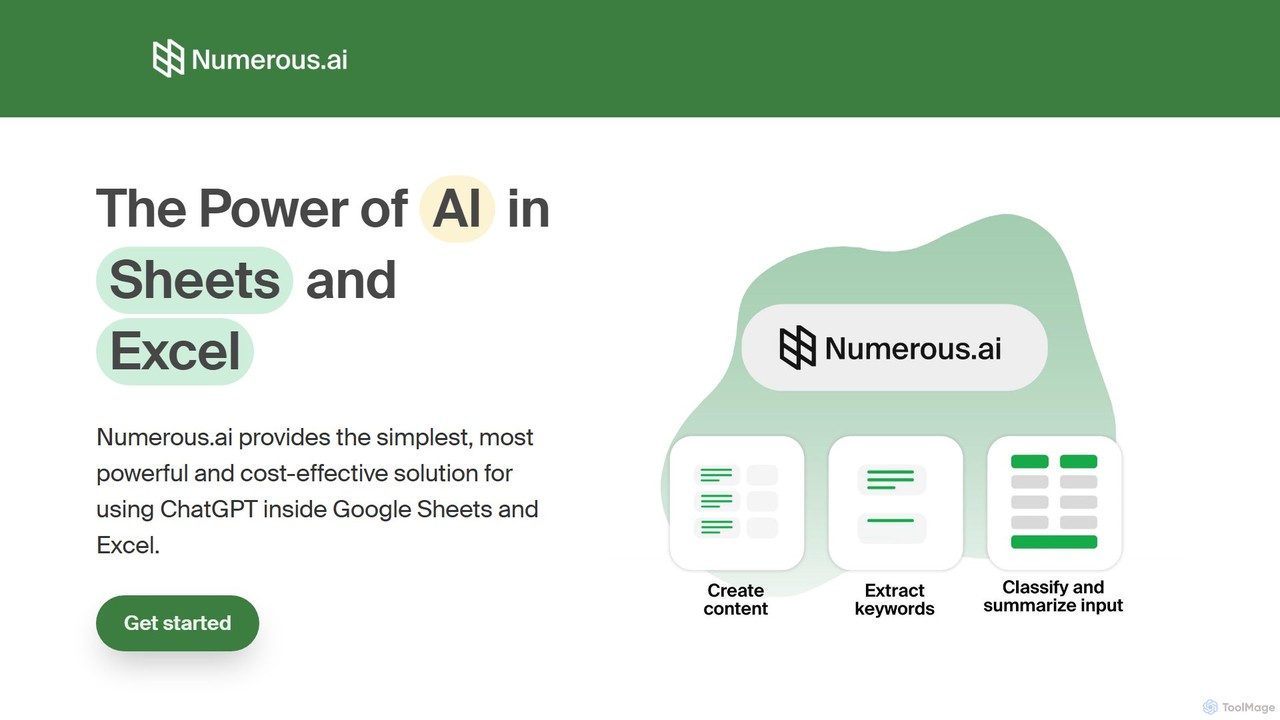
Numerous.ai
Numerous.ai is a powerful AI assistant that integrates directly into Google Sheets and Excel. It allows users to automate tasks, generate content, clean and classify data, and perform complex analysis using a simple '=AI()' function, without needing any API keys or coding skills.
Data Analysis
Ajelix
Ajelix is an AI-powered suite of tools designed to enhance productivity for Excel and Google Sheets users. It acts as an AI data analyst, automating tasks, generating formulas and VBA scripts, creating insightful reports, and providing advanced data analysis through a simple chat interface.
Business Intelligence
vika
vika is a pioneering multi-dimensional table and an API-oriented, easy-to-use low-code platform. It empowers teams to build flexible, scalable digital systems and automate workflows without extensive coding, integrating the functionality of a database with the simplicity of a spreadsheet.
Project Management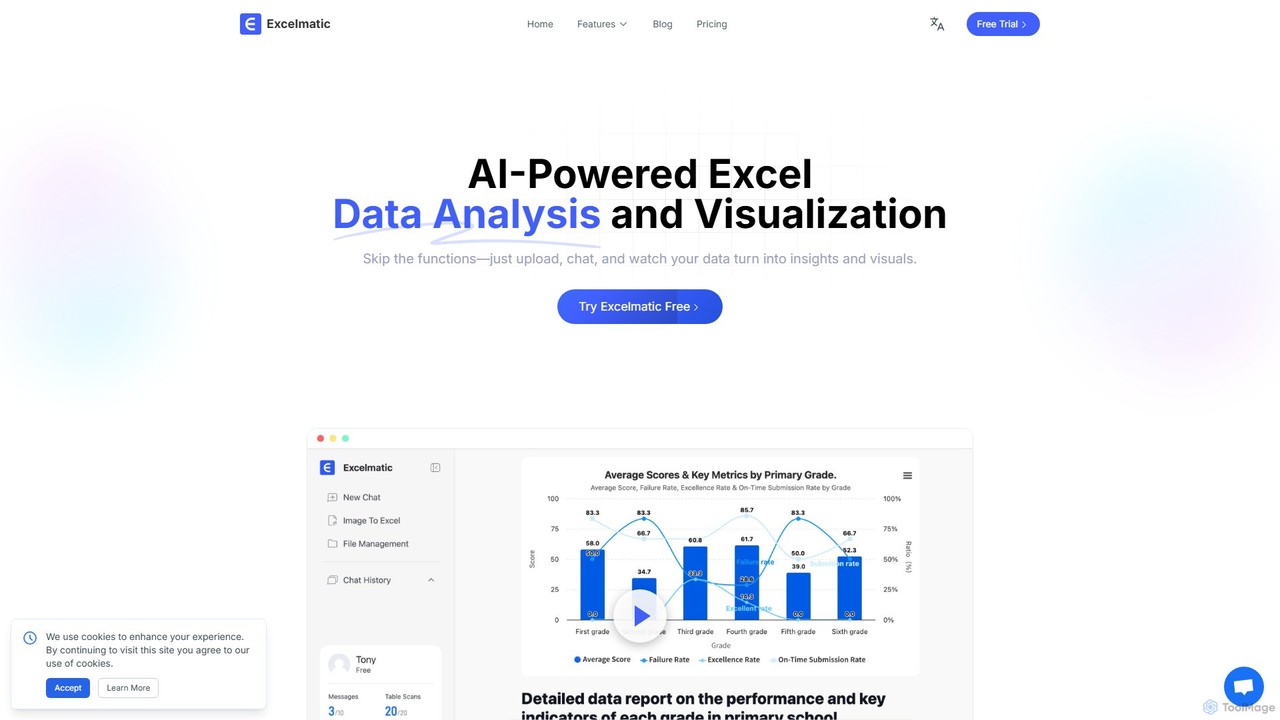
excelmatic
Excelmatic is an AI-powered assistant that transforms your Excel and spreadsheet tasks. Simply upload your data, ask questions in plain English, and instantly get data analysis, visualizations, and generated formulas. It's a no-code solution designed to automate data cleaning, chart creation, and insight discovery, making data accessible to everyone.
Business Intelligence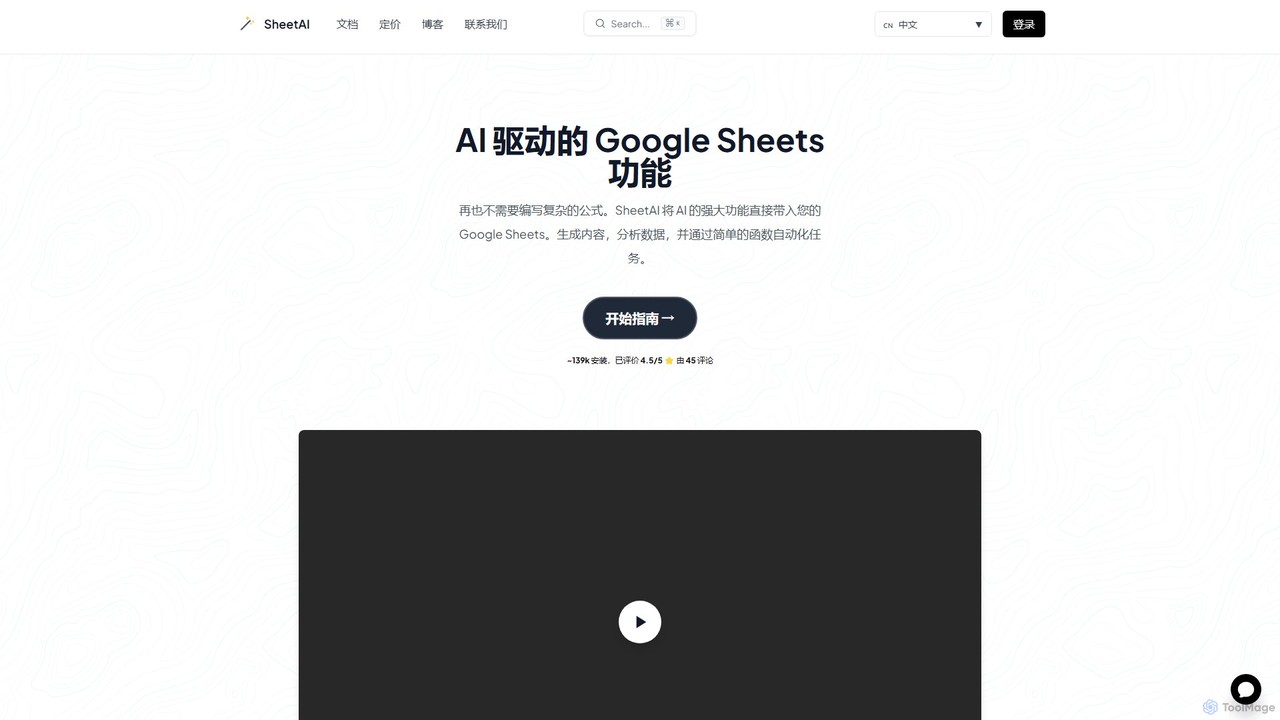
SheetAI
SheetAI integrates the power of AI directly into Google Sheets, allowing users to generate content, analyze data, and automate tasks using simple functions. It eliminates the need for complex formulas, making spreadsheet management more efficient and intuitive for everyone.
No Code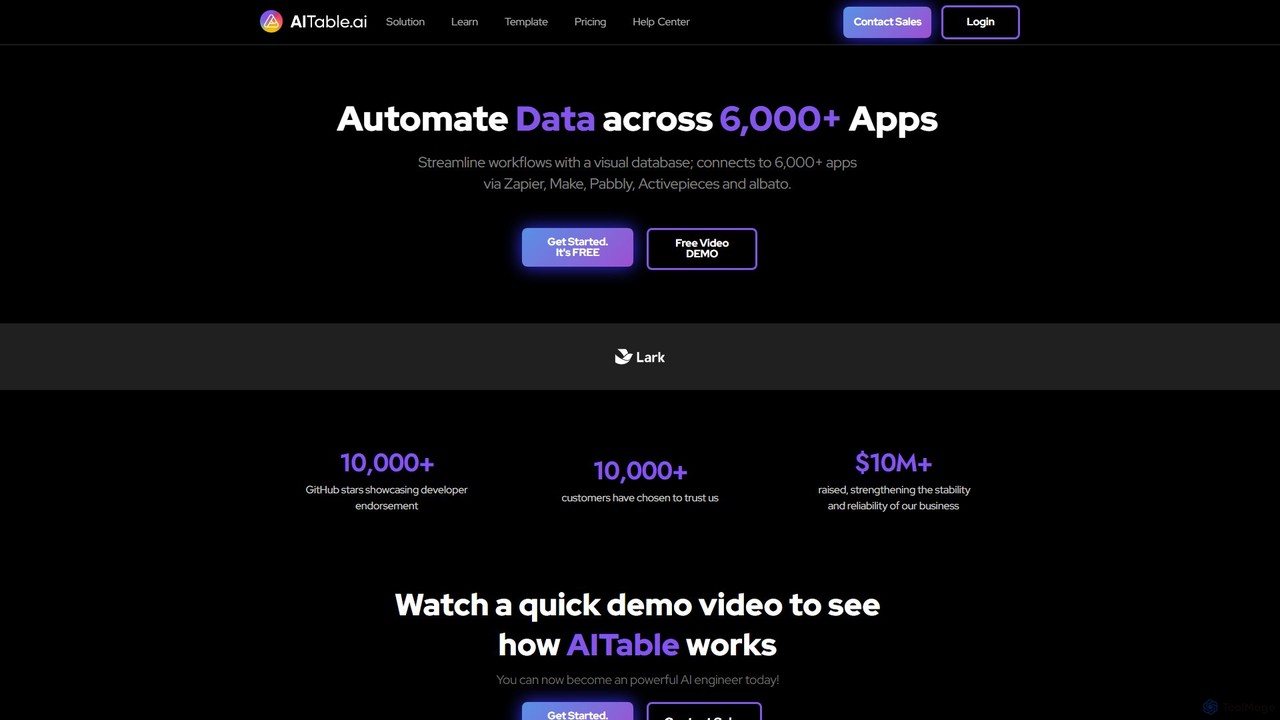
AITable.ai
AITable.ai is a visual, AI-powered database and workflow automation platform. It combines a spreadsheet-like interface with robust database capabilities, allowing users to organize any data, automate repetitive tasks, and build custom AI agents. It integrates with over 6,000 apps via platforms like Zapier and Make, making it a powerful no-code solution for CRM, project management, and business operations.
Crm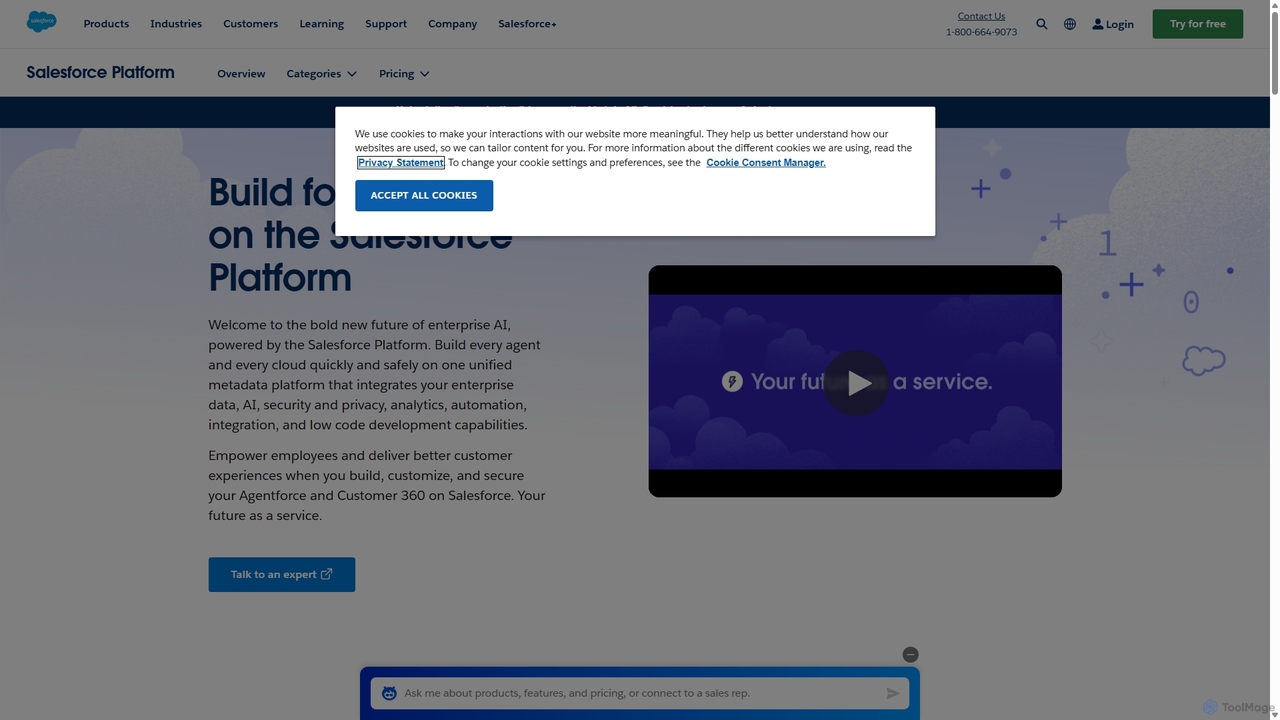
Salesforce Platform
The Salesforce Platform is an enterprise-grade, low-code application development platform powered by AI. It enables businesses to build, deploy, and manage custom applications, automate complex workflows, and integrate systems seamlessly. Leveraging Einstein AI, Data Cloud, and robust security, it empowers teams to create intelligent, data-driven experiences for both customers and employees, accelerating innovation and reducing IT costs.
Crm
Sourcetable
Sourcetable is an AI-powered spreadsheet that combines the functionality of traditional spreadsheets with an AI data analyst. It allows users to connect to live data sources, ask questions in plain English, generate formulas, create charts, and automate reports. By integrating AI, Python, and SQL capabilities directly into the spreadsheet interface, Sourcetable empowers users of all skill levels to perform complex data analysis, cleaning, and visualization tasks effortlessly, turning raw data into actionable insights in seconds.
No Code
Feishu Base
Feishu Base is an AI-powered no-code platform that combines the flexibility of a spreadsheet with the power of a database. It enables teams to build custom business systems, automate workflows, and analyze data through intuitive dashboards without writing any code. It's designed for seamless collaboration and data management.
Data Analysis
Commabot Comments (0)
Sign in to comment.
Sign inNo comments yet.