
dstack Overview
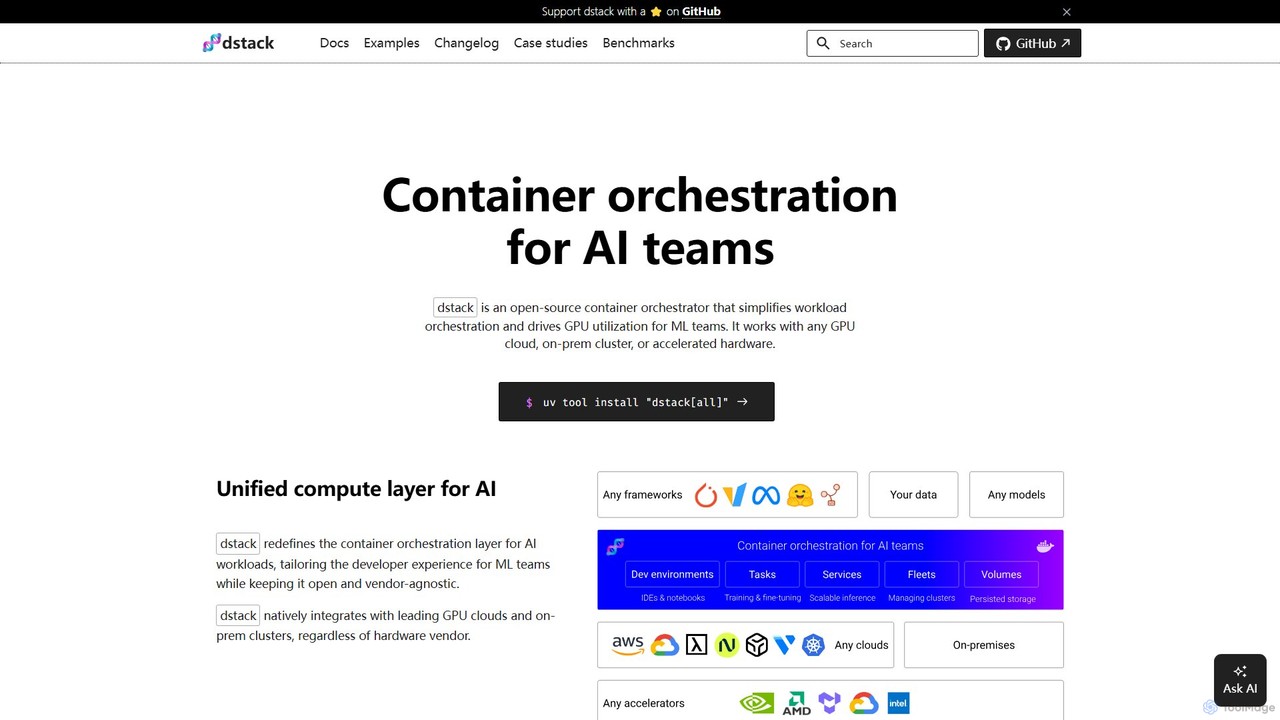
dstack is a powerful open-source container orchestrator specifically engineered to address the challenges faced by AI and Machine Learning teams. Its primary goal is to simplify the complex process of workload orchestration and significantly improve the utilization of expensive GPU resources. As a vendor-agnostic platform, dstack offers a unified compute layer that seamlessly integrates with any GPU cloud (like AWS, GCP, Azure, OCI), on-premise clusters, and a wide array of accelerated hardware, including NVIDIA, AMD, TPUs, and more. This flexibility ensures that teams are not locked into a single provider and can leverage the best hardware for their needs, wherever it is located.
The platform is designed with the developer experience at its core, abstracting away the underlying infrastructure complexities. This allows ML engineers and researchers to focus on building, training, and deploying models rather than managing servers, dependencies, and scaling. dstack is trusted by world-class ML teams at companies like Electronic Arts and Mobius Labs for its ability to scale from quick prototyping to large, multi-node distributed training jobs.
How to use dstack
Getting started with dstack is a straightforward process designed for rapid adoption:
- Setup the Server: You can begin by installing the dstack server on your local machine using a simple command like
uv tool install "dstack[all]"and running it withdstack server. Alternatively, you can deploy it anywhere using the official Docker image or sign up for dstack Sky, the managed cloud version, to avoid hosting it yourself. - Define Configurations: Workflows in dstack are defined using simple YAML files within your project repository. These configurations describe the environment, resources, and commands for your tasks. Key configuration types include:
- Dev Environments: For interactive development, allowing you to connect your local IDE (like VS Code) to a powerful remote GPU machine.
- Tasks: For scheduling batch jobs, such as pre-training or fine-tuning models. This is ideal for workloads that run to completion.
- Services: For deploying models as secure, auto-scaling, OpenAI-compatible endpoints.
- Fleets: For managing groups of cloud or on-premise instances as a single resource pool.
- Apply Configurations: Once your YAML file is ready, you apply it using the command line interface:
dstack apply. dstack then handles the rest: provisioning the necessary infrastructure, scheduling the job, managing auto-scaling, handling port-forwarding, and streaming logs back to your terminal. For detached execution, you can use the-dflag.
Core Features of dstack
- Unified Compute Layer: Provides a single, vendor-agnostic control plane for all your AI compute resources, whether on-cloud or on-premise.
- Broad Accelerator Support: Natively supports a wide range of hardware, including NVIDIA GPUs, AMD GPUs, Google Cloud TPUs, Intel Gaudi, and Tenstorrent accelerators.
- Developer-Centric Workflows: Offers specialized configurations like Dev Environments for interactive coding, Tasks for batch processing, and Services for easy model deployment.
- Efficient Resource Management: Features a built-in scheduler to maximize GPU utilization. It includes policies to automatically terminate underutilized instances, saving costs.
- Seamless Integration: Works smoothly with leading GPU clouds (AWS, GCP, Azure, OCI) and can run on top of existing Kubernetes clusters. SSH fleets allow connecting bare-metal servers.
- Auto-Scaling Services: Easily deploy models as production-ready services with features like auto-scaling, HTTPS, and OpenAI-compatible API endpoints.
- Data Persistence: Supports network and instance volumes to persist data, models, and caches across runs, ensuring state is not lost.
- Advanced Configuration: Allows for fine-grained control with features like retry policies for capacity issues, environment variable management, and custom Docker image support.
Use Cases for dstack
dstack is versatile and supports a wide range of ML workflows:
- Model Training and Fine-Tuning: Run single-node or distributed training jobs for large language models (LLMs) using popular frameworks like TRL, Axolotl, and DeepSpeed.
- Inference and Model Serving: Deploy optimized models for inference using high-performance serving frameworks like vLLM, SGLang, TGI, and NVIDIA NIM.
- Interactive AI Development: ML engineers can spin up powerful GPU-backed development environments in seconds, connecting their local IDE to experiment and debug code interactively.
- High-Performance Cluster Management: Set up, configure, and run tests (e.g., NCCL tests) on specialized multi-node clusters like GCP A3 Mega or AWS EFA-enabled instances.
- Cross-Cloud Cost Optimization: Effortlessly compare and utilize the most cost-effective GPU instances across different cloud providers for any given task.
Advantages of dstack
The primary advantage of dstack is its ability to dramatically simplify AI infrastructure. It empowers ML teams by letting them focus on their research and models instead of infrastructure. Key benefits include increased productivity, significant cost savings through better GPU utilization and access to spot instances, and prevention of vendor lock-in. Its open-source nature fosters transparency and community-driven development, while the developer-centric design makes it incredibly easy to define a configuration and run it without worrying about GPU availability or complex setups.
Pricing and Plans
dstack offers a flexible pricing structure to suit different needs:
- dstack (Open-Source): The core platform is open-source and free to use. You can self-host it on your own infrastructure without any licensing fees.
- dstack Sky: A managed cloud service that handles the hosting of the dstack server for you. It also provides access to a marketplace of the cheapest GPUs. It offers a free tier to get started.
- dstack Enterprise: A self-hosted version designed for larger organizations, which includes enterprise-grade features like Single Sign-On (SSO), advanced governance controls, and dedicated enterprise support. A trial can be requested for this version.
This model makes dstack accessible to individual researchers, startups, and large enterprises alike.
Traffic
Latest traffic
Status
Monthly traffic trend
- 2025-9: 4.8K
- 2026-1: 16.2K
- 2026-2: 19.7K
- 2026-3: 11.8K
- 2026-4: 9.4K
- 2026-5: 13.1K
Geography
Top 5 countries / regions
- 🇫🇷France65.0%
- 🇺🇸United States15.0%
- 🇷🇺Russia7.8%
- 🇮🇳India7.3%
- 🇩🇪Germany4.9%
Traffic sources
| Source type | Percentage |
|---|---|
Direct | 61.1% |
Email | 20.7% |
Referral | 18.2% |
Top keywords
| Keyword | Cost per click |
|---|---|
| dstack | $0.00 |
| dstack server | $0.00 |
| dstack sky free credits | $0.00 |
| sglang router | $0.00 |
| trl sft コマンドで複数ノードで実行する方法 | $0.00 |
dstack Videos on YouTube





dstack Alternatives
Union.ai
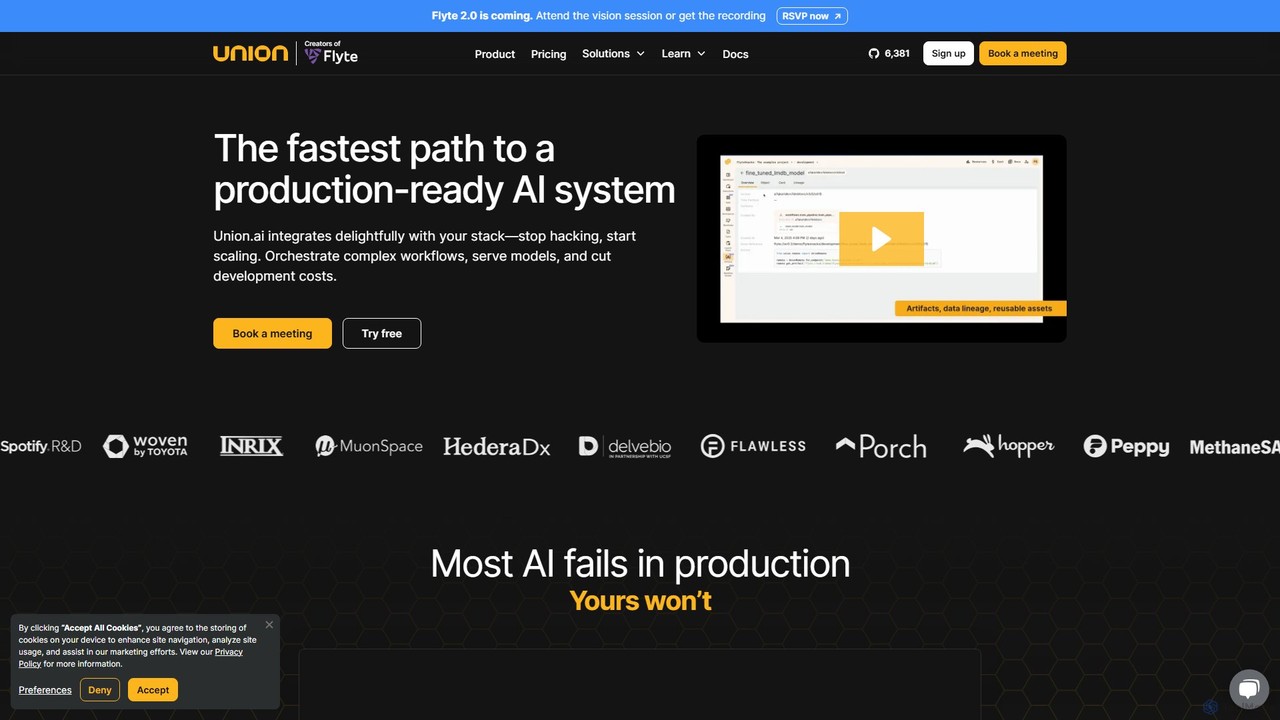
Union.ai is an enterprise-grade, production-ready platform for orchestrating complex AI and machine learning workflows. Built on the open-source Flyte, it empowers teams to build, serve, and scale compound AI systems with unparalleled performance and efficiency. It bridges the data-ML gap, optimizes cloud costs with features like scale-to-zero, and enhances developer velocity through a seamless, integrated experience.
Orchestration
UbiOps
UbiOps is a powerful MLOps platform for AI model serving, orchestration, and training. It enables data scientists and AI teams to seamlessly deploy, manage, and scale their models on any infrastructure—local, hybrid, or multi-cloud—without deep engineering expertise. The platform handles containerization, API creation, and auto-scaling, accelerating the path from development to production for various AI applications, including Generative AI and Computer Vision.
Platform As A Service (Paas)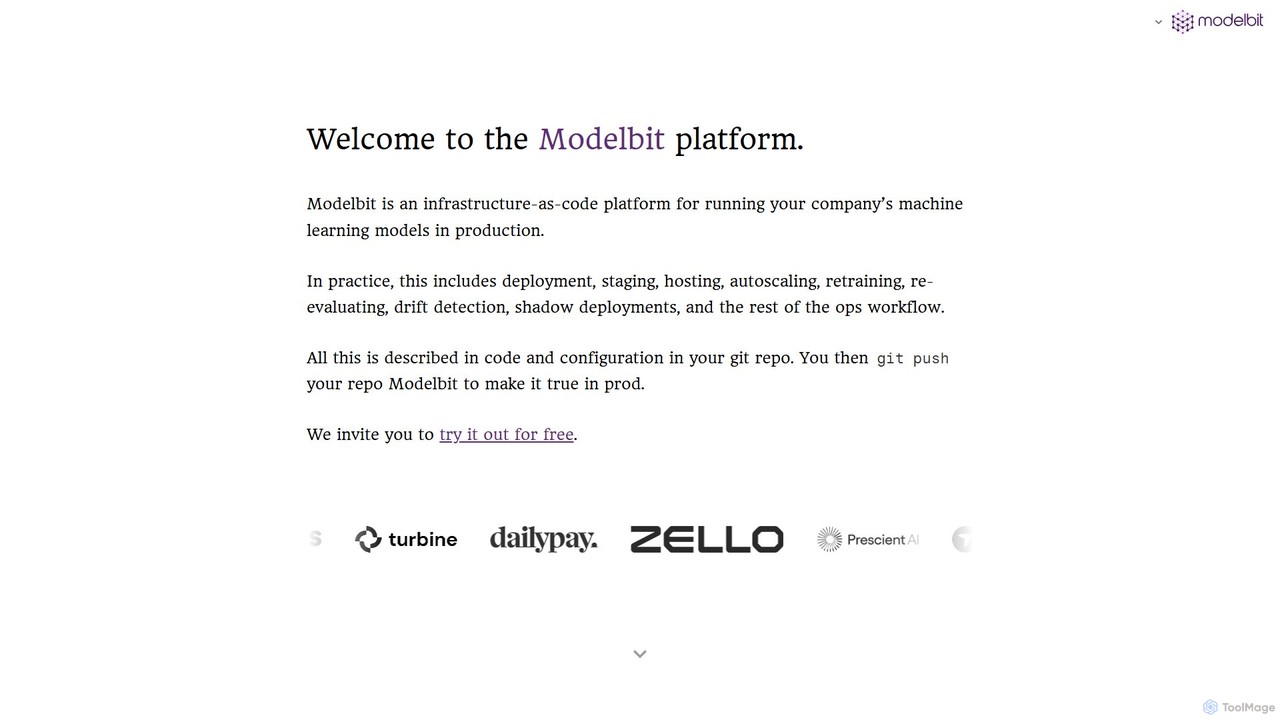
Modelbit
Modelbit is an MLOps platform for deploying machine learning models directly from Python notebooks to production. It provides an infrastructure-as-code workflow, enabling data scientists to deploy, host, scale, and manage models with a single line of code and a git push.
Mlops
Neural Vault
Neural Vault is a secure, centralized platform for AI developers and MLOps teams to store, version, manage, and deploy machine learning models. It streamlines the model lifecycle, enhances collaboration, and ensures the security and reproducibility of AI projects.
Storage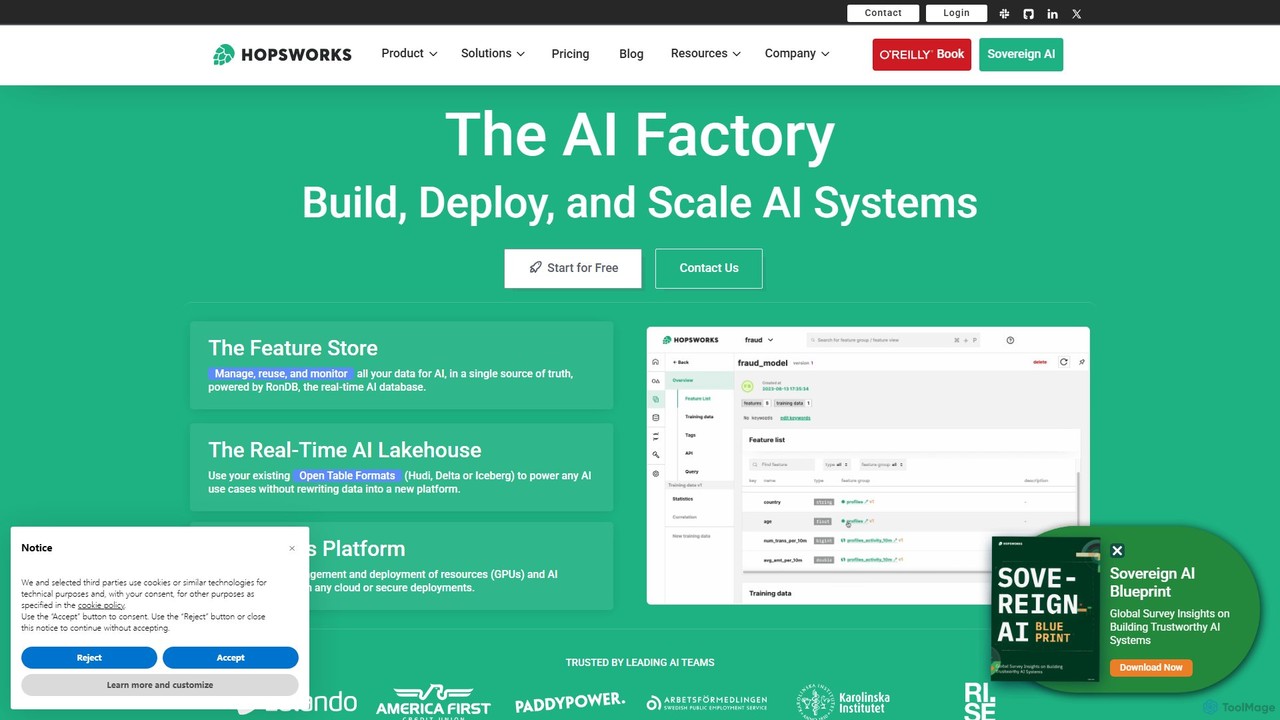
Hopsworks
Hopsworks is a real-time AI Lakehouse and the industry's most advanced Feature Store. It's designed for MLOps, unifying data and compute to build and operate reliable, real-time AI systems. It supports any framework, cloud, or on-premises environment, enabling faster model development and significant cost reduction.
Databasedstack Categories
dstack Embed Widget
Copy this embed code to place the badge on your blog, article, or product site and send readers directly to this ToolMage detail page.

Related AI tools
Union.ai
Union.ai is an enterprise-grade, production-ready platform for orchestrating complex AI and machine learning workflows. Built on the open-source Flyte, it empowers teams to build, serve, and scale compound AI systems with unparalleled performance and efficiency. It bridges the data-ML gap, optimizes cloud costs with features like scale-to-zero, and enhances developer velocity through a seamless, integrated experience.
OrchestrationUbiOps
UbiOps is a powerful MLOps platform for AI model serving, orchestration, and training. It enables data scientists and AI teams to seamlessly deploy, manage, and scale their models on any infrastructure—local, hybrid, or multi-cloud—without deep engineering expertise. The platform handles containerization, API creation, and auto-scaling, accelerating the path from development to production for various AI applications, including Generative AI and Computer Vision.
Platform As A Service (Paas)Modelbit
Modelbit is an MLOps platform for deploying machine learning models directly from Python notebooks to production. It provides an infrastructure-as-code workflow, enabling data scientists to deploy, host, scale, and manage models with a single line of code and a git push.
MlopsNeural Vault
Neural Vault is a secure, centralized platform for AI developers and MLOps teams to store, version, manage, and deploy machine learning models. It streamlines the model lifecycle, enhances collaboration, and ensures the security and reproducibility of AI projects.
Storage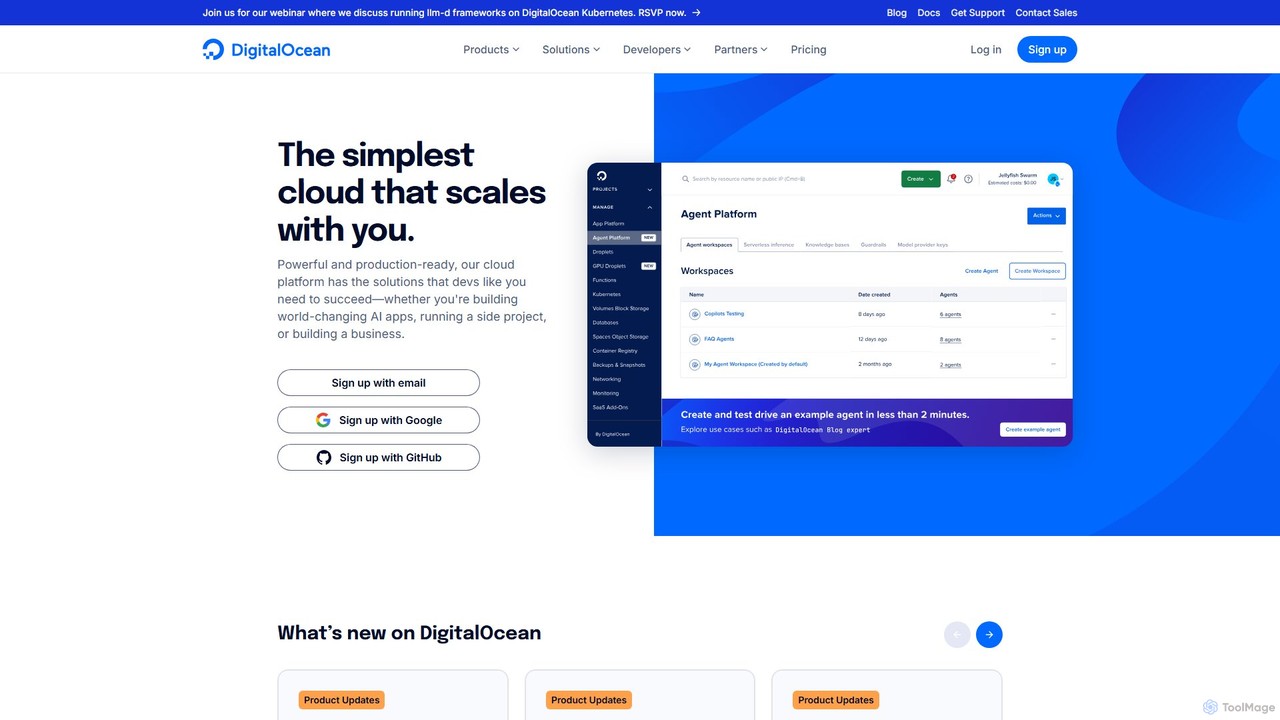
DigitalOcean
DigitalOcean is a developer-focused cloud infrastructure platform that simplifies building, deploying, and scaling applications. It offers a comprehensive suite of products, including virtual machines (Droplets), managed Kubernetes, and the GradientAI platform, providing powerful GPU resources and tools for creating and hosting world-changing AI applications, from side projects to large-scale businesses.
Hosting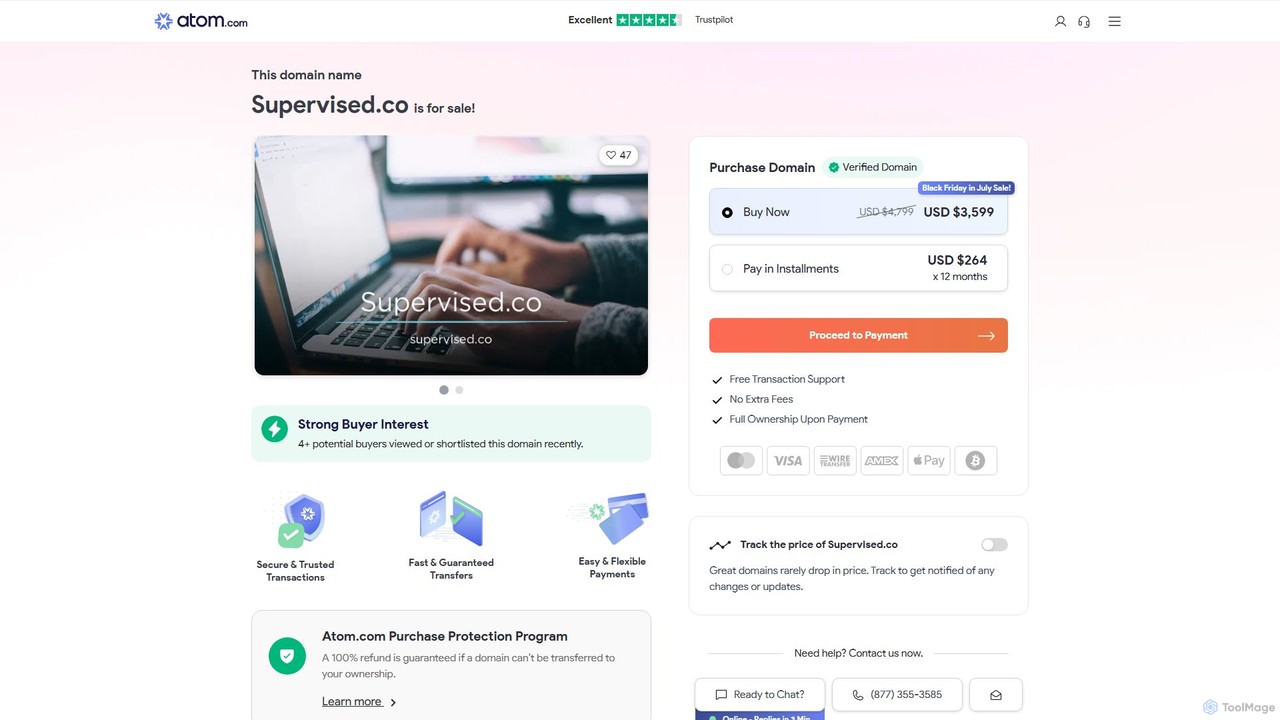
Supervised.co
Supervised.co is an end-to-end platform for building, training, and deploying supervised machine learning models. It simplifies the MLOps lifecycle with integrated data annotation, automated model training, and one-click API deployment, empowering teams to create high-performance AI solutions efficiently.
Data Annotation
Paperspace
Paperspace is a high-performance cloud computing platform designed for AI and Machine Learning. It provides effortless access to powerful cloud GPUs, managed Jupyter notebooks, and a complete MLOps platform (Gradient) to build, train, and deploy models. Ideal for developers, data scientists, and enterprises looking to accelerate their AI workflows without the complexity of managing infrastructure.
Machine Learning
MLflow
MLflow is an open-source platform for managing the end-to-end machine learning lifecycle. It enables developers and data scientists to track experiments, package code into reproducible runs, version and share models, and deploy them to production, supporting both traditional ML and modern GenAI applications.
Data Science
Anyscale
Anyscale is a fully-managed compute platform for scaling AI and Python workloads. Built on the open-source Ray framework by its original creators, it empowers developers to build, run, and scale distributed applications, from LLM training to data processing, with optimized performance and cost-efficiency on any cloud.
Mlops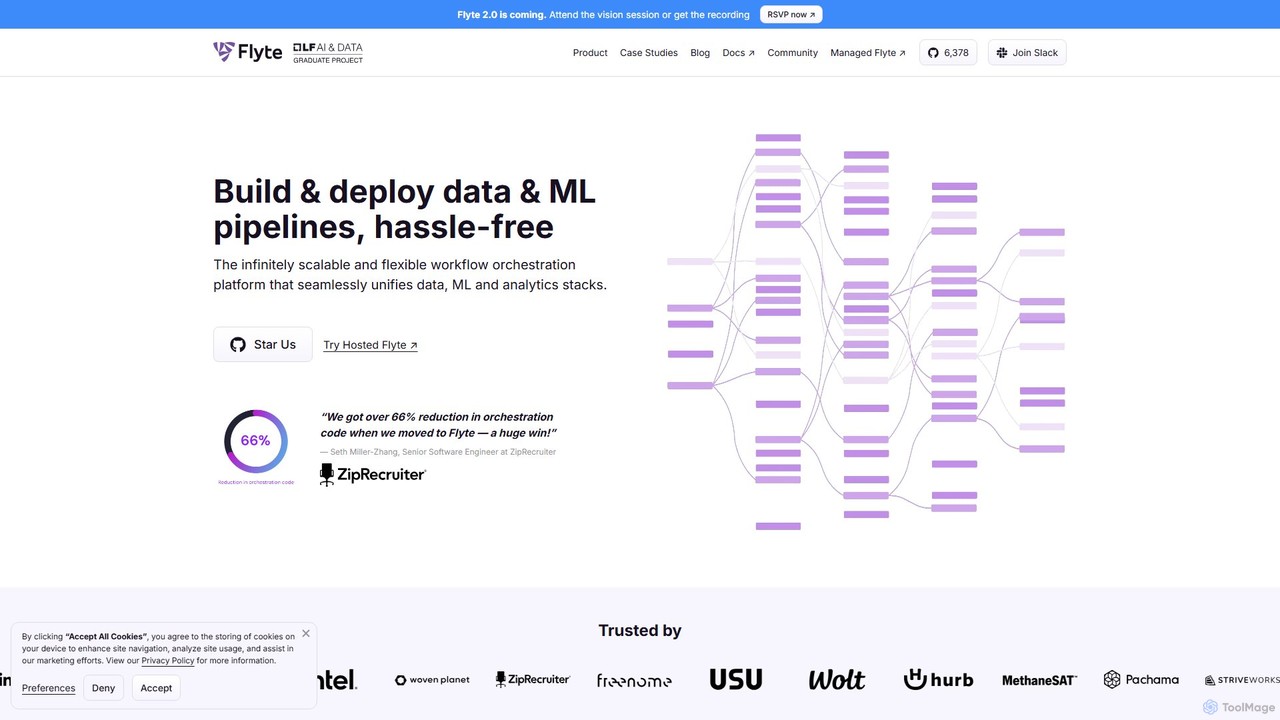
Flyte
Flyte is an open-source, cloud-native workflow orchestration platform designed for building, deploying, and managing production-grade data, machine learning, and analytics pipelines. It emphasizes scalability, reproducibility, and ease of use, enabling teams to move from local development to large-scale production seamlessly. With a Python-first SDK and support for multiple languages, Flyte empowers data scientists and engineers to create complex, versioned, and maintainable workflows.
Mlops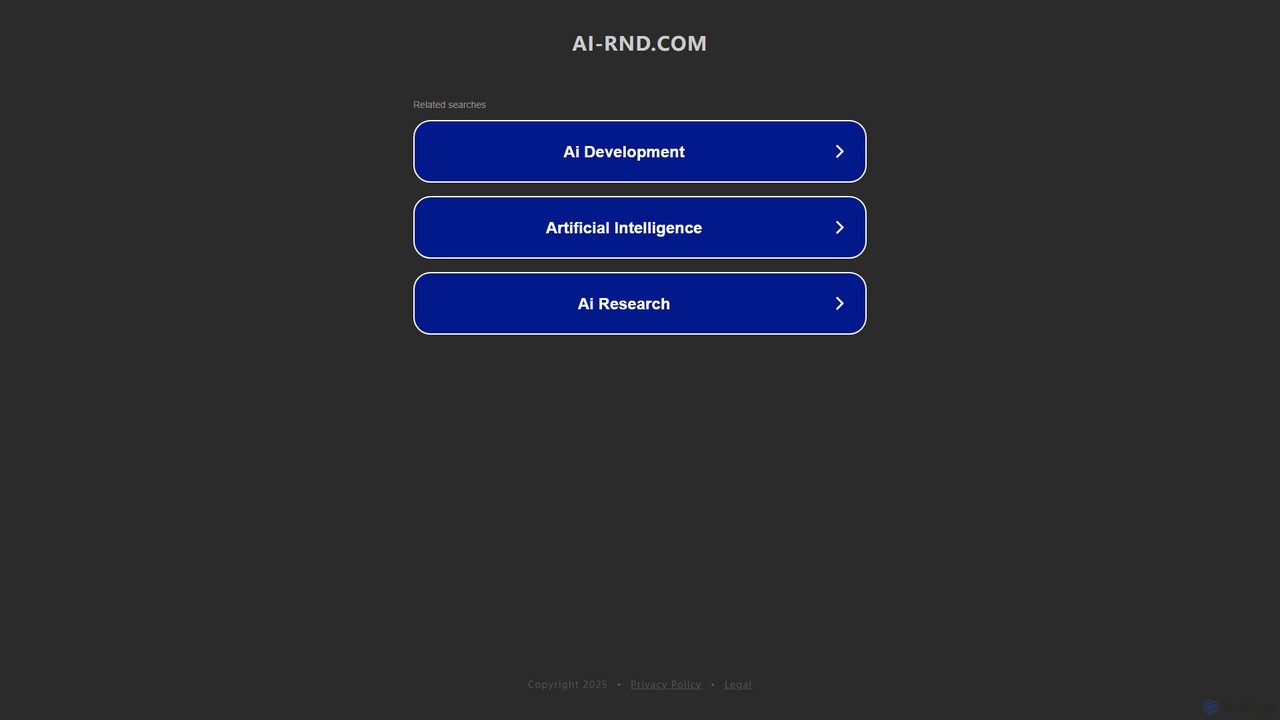
ai-rnd.com
An integrated platform for AI research and development, providing a unified workspace, pre-trained models, and one-click deployment to accelerate the entire AI lifecycle. Ideal for developers, researchers, and enterprises.
Data Management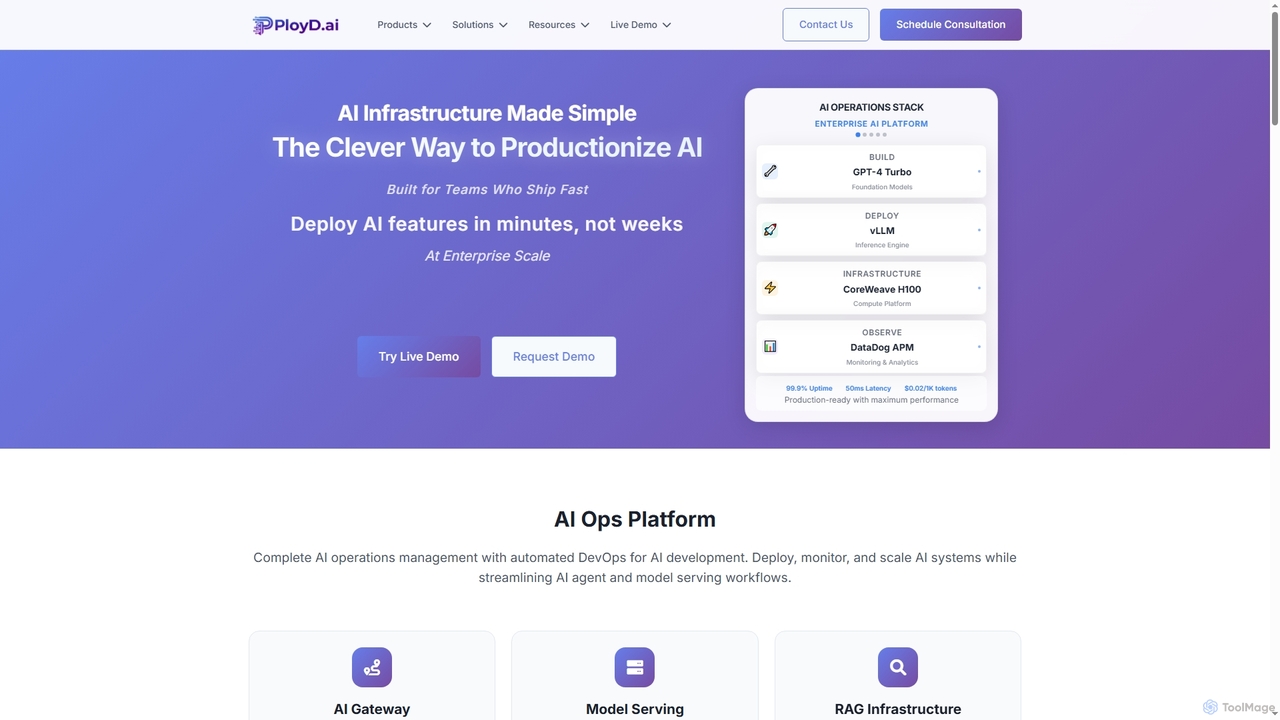
PloyD
PloyD is an enterprise AI operations platform designed to streamline the productionization of AI models and applications. It tackles common challenges like developer velocity bottlenecks, infrastructure complexity, team efficiency, and security compliance, enabling organizations to deploy, manage, and scale AI solutions with confidence and speed.
Rag Systems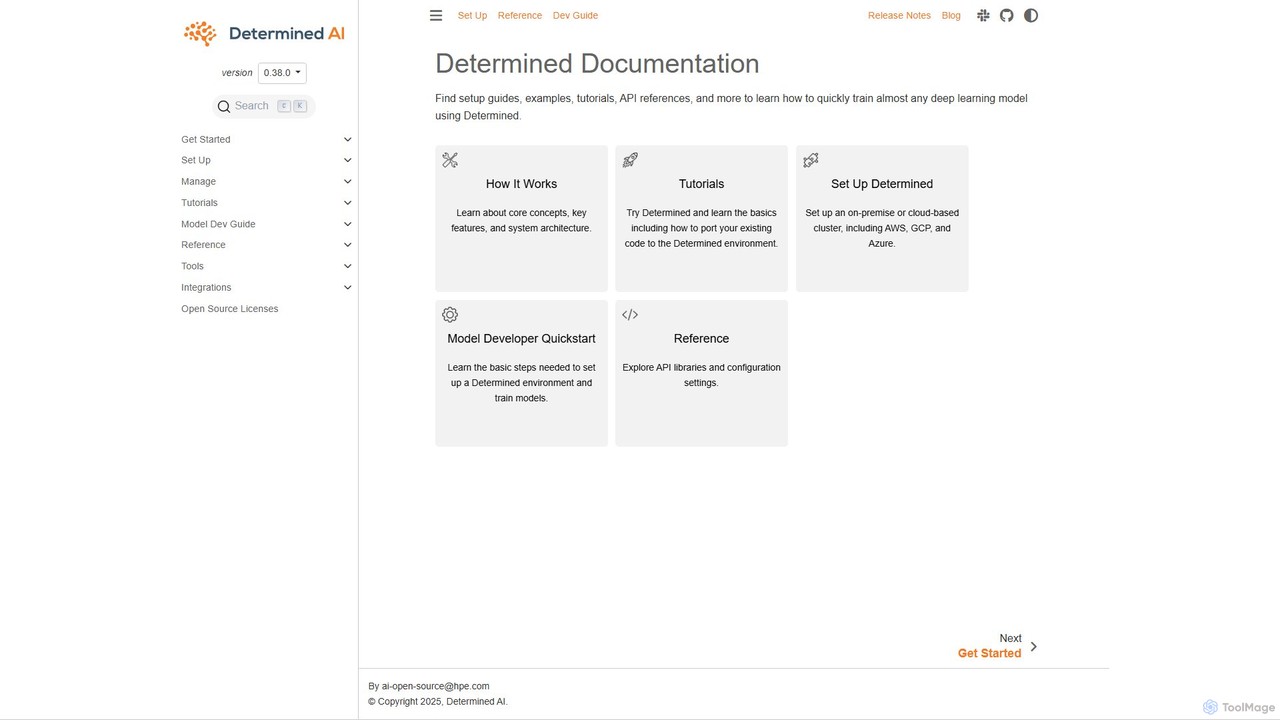
Determined AI
Determined AI is an open-source deep learning training platform that simplifies and accelerates model development. It offers integrated tools for hyperparameter tuning, distributed training, and experiment tracking, enabling data scientists to train better models faster and more efficiently.
Data ScienceHopsworks
Hopsworks is a real-time AI Lakehouse and the industry's most advanced Feature Store. It's designed for MLOps, unifying data and compute to build and operate reliable, real-time AI systems. It supports any framework, cloud, or on-premises environment, enabling faster model development and significant cost reduction.
Database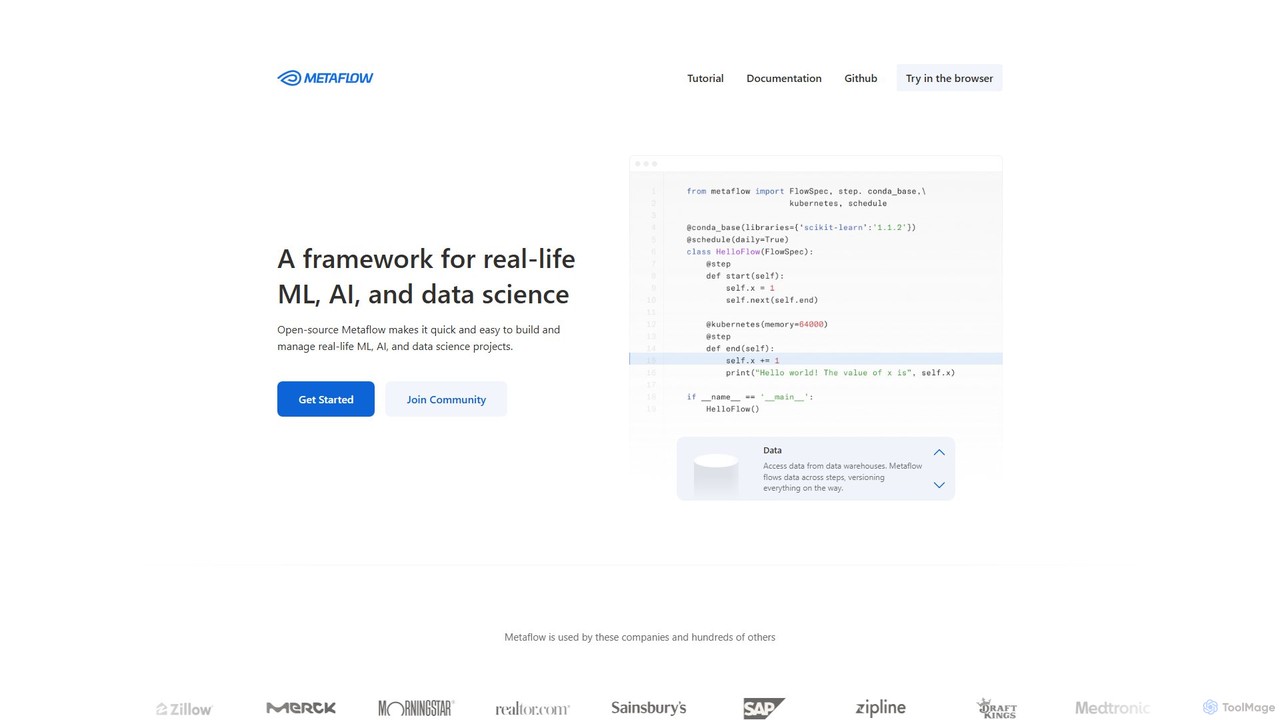
Metaflow
A human-centric Python framework, originally from Netflix, for building and managing real-life data science, ML, and AI projects. It simplifies workflow orchestration, data management, and model deployment, enabling rapid prototyping and scalable production pipelines.
Mlops
dstack Comments (0)
Sign in to comment.
Sign inNo comments yet.