

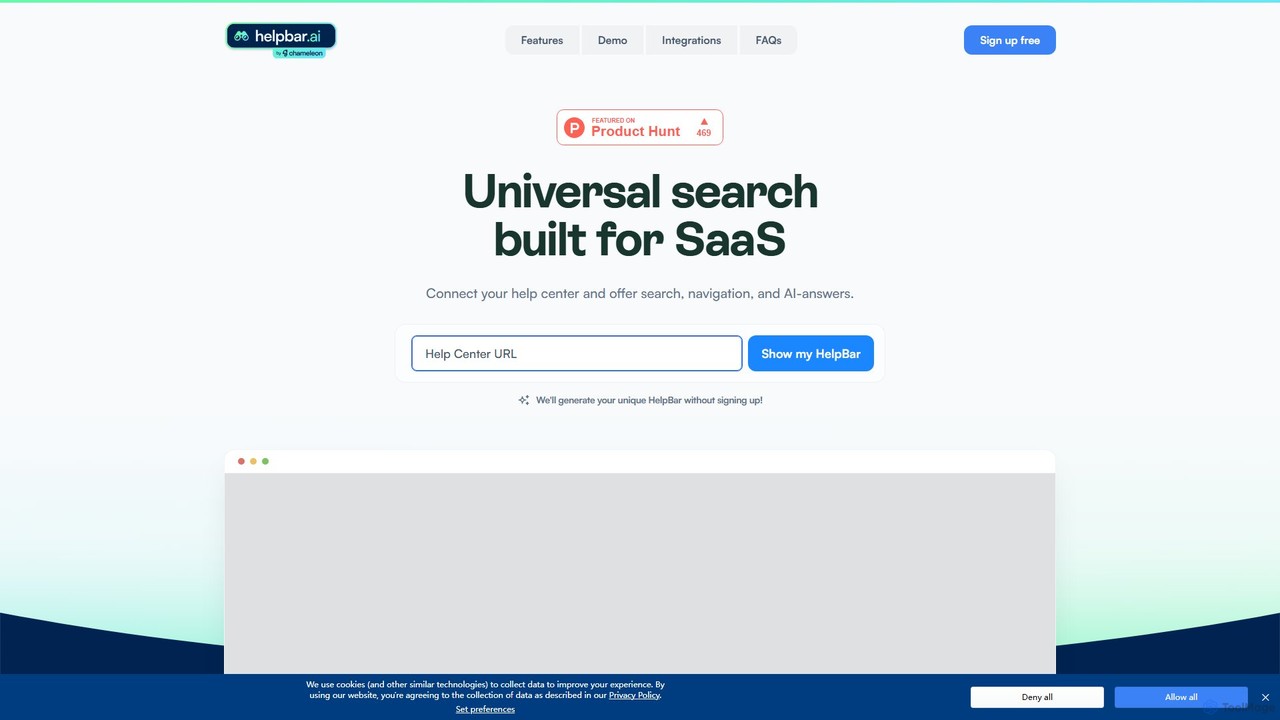
Helpbar Overview
Helpbar is a powerful tool designed to revolutionize the user experience within SaaS applications by providing a universal, AI-powered search bar. Accessible via a simple keyboard shortcut (commonly Command + K), it acts as a central hub for users to find information, navigate the application, and execute key actions without ever leaving their current context. This seamless integration helps businesses accelerate user adoption, significantly reduce customer support workload, and increase overall user satisfaction and proficiency.
By aggregating content from various sources such as help centers, developer documentation, blogs, and even third-party tools, Helpbar delivers instant, relevant answers to user queries. Its AI capabilities allow it to understand natural language and provide direct responses, rather than just a list of links. This empowers users to self-serve and resolve issues independently, fostering a more efficient and autonomous user journey.
How to use Helpbar
Integrating Helpbar into your application is a straightforward process designed to be completed in minutes:
- Set Your Style: Customize the Helpbar's appearance, including fonts and colors, to perfectly match your application's native design and branding for a seamless look and feel.
- Plug in Your Content: Connect your content sources by simply adding URLs to your help center, developer docs, blog, and more. You can also add page navigation links via a CSV upload or API to enable in-app routing.
- Pin Key Actions: Drive feature discovery by pinning important links, actions, or interactive demos in a special “Recommended” section, making them easily accessible to all users.
- Install the Code Snippet: Embed Helpbar into your app using a simple Javascript snippet. It's compatible with all major frameworks and can be installed manually via npm or through a CDP like Twilio Segment.
- Test and Launch: Configure your preferred keyboard shortcut and click targets. Once set up, your users can immediately start searching and asking questions to navigate your app like a pro.
Core Features of Helpbar
- AI-Powered Universal Search: A single search interface (Cmd+K) that provides AI-generated answers from all connected content sources.
- In-App Navigation: Allows users to quickly find and jump to any page or feature within your application.
- Action Execution: Enables users to trigger in-app shortcuts and actions directly from the search bar, streamlining workflows.
- Seamless Integrations: Connects with your existing tech stack, including help centers (Zendesk, Intercom), analytics tools, and productivity apps like Loom, Figma, and more.
- Full Customization: Offers complete control over the look and feel to ensure the Helpbar blends perfectly with your app's UI.
- Content Pinning & Discovery: Surface crucial features, announcements, or help articles in a dedicated section to boost visibility and user engagement.
- Usage Analytics: Gain insights into what your users are searching for through data available via CSV, API, or connected analytics platforms.
Use Cases for Helpbar
Helpbar is versatile and can be applied to dramatically improve various aspects of the user experience:
- Accelerate User Onboarding: New users can quickly learn the application by asking questions and finding features without needing a guided tour.
- Reduce Support Costs: By providing instant, self-serve answers, Helpbar deflects a significant number of common support tickets, freeing up your customer support team for more complex issues.
- Increase Feature Adoption: Make it easy for users to discover and use advanced features they might not know exist.
- Create Power Users: Enable experienced users to navigate and operate your application with maximum speed and efficiency.
- Enhance Product-Led Growth (PLG): Integrate Helpbar into your PLG stack to create a frictionless, self-service experience that drives user activation and retention.
Advantages of Helpbar
Implementing Helpbar offers a competitive edge by directly addressing user friction. It speeds up the time-to-value for new users, making your product stickier from the start. The intuitive, keyboard-first navigation makes your app feel modern and efficient, catering to the expectations of power users. By reducing the need for users to switch tabs to find help or use other tools, it keeps them engaged within your ecosystem. Ultimately, it transforms your app's UX from good to exceptional, fostering user loyalty and reducing churn.
Pricing and Plans
Helpbar operates on a freemium model. There is a free plan available that allows you to get started with universal search and improve your in-app UX at no cost. For businesses requiring more advanced features, such as deeper integrations, enhanced analytics, and more extensive customization, Helpbar offers paid plans. For specific details on the different tiers and their features, it is recommended to visit the official website or take the interactive demo.
Traffic
Latest traffic
Status
Monthly traffic trend
- 2025-8: 68
- 2025-9: 319
- 2026-2: 0
- 2026-3: 0
- 2026-4: 102
- 2026-5: 330
Geography
Top 5 countries / regions
- 🇩🇪Germany100.0%
Helpbar Alternatives
TwelveLabs
TwelveLabs is a powerful multimodal AI platform for video understanding. It provides APIs and SDKs for developers to build applications that can search, analyze, and generate text from video content. By understanding visuals, audio, and speech, it unlocks deep insights from large video libraries.
Api & Sdk
Vapi
Vapi is a developer-first API platform for building, deploying, and scaling advanced, human-like voice AI agents. It enables the creation of sophisticated conversational AI for inbound/outbound calls, in-app assistants, and more, with ultra-low latency and high configurability.
Voice Assistant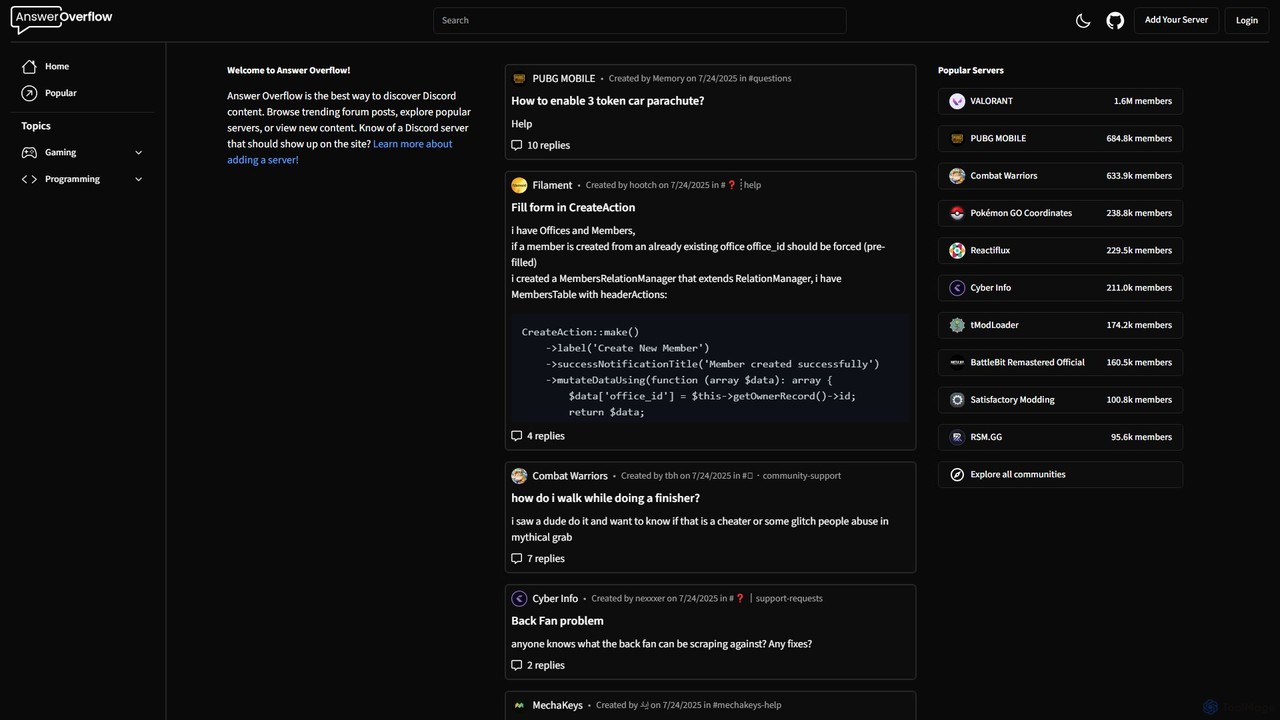
Answer Overflow
Answer Overflow transforms your Discord community into a searchable knowledge base. It indexes conversations, making them discoverable on Google to drive organic growth. It also provides AI-powered answers to recurring questions and offers valuable insights into your community's needs, automating support and enhancing user engagement.
Knowledge Base
Userpilot
Userpilot is a comprehensive product growth platform designed for SaaS companies to improve user onboarding, engagement, and feature adoption. It enables teams to create personalized in-app experiences, track user behavior with advanced analytics, and gather actionable feedback through surveys, all without writing any code. It aims to boost user activation and long-term retention.
User Behavior
Graphlit
Graphlit is a developer-focused Knowledge API platform for building AI applications and agents. It streamlines the ingestion, memory, and retrieval of unstructured data from any source, offering a powerful RAG-as-a-Service solution. With SDKs for major languages and tools for AI agent integration, it simplifies the creation of sophisticated AI systems.
RagHelpbar Categories
Helpbar Embed Widget
Copy this embed code to place the badge on your blog, article, or product site and send readers directly to this ToolMage detail page.

Related AI tools
kapa.ai
kapa.ai is an AI platform that transforms technical documentation and knowledge bases into a highly accurate, enterprise-grade AI assistant. It uses advanced RAG technology to provide instant, reliable answers to complex technical questions, helping companies reduce support tickets, improve user onboarding, and gain insights into documentation gaps.
Chatbot
Brainfish
Brainfish is an ambient AI agent for customer support that embeds directly into your product. It autonomously learns from user behavior, automatically generates and updates help documentation, and proactively solves customer issues to increase self-service success rates up to 90%.
Customer Experience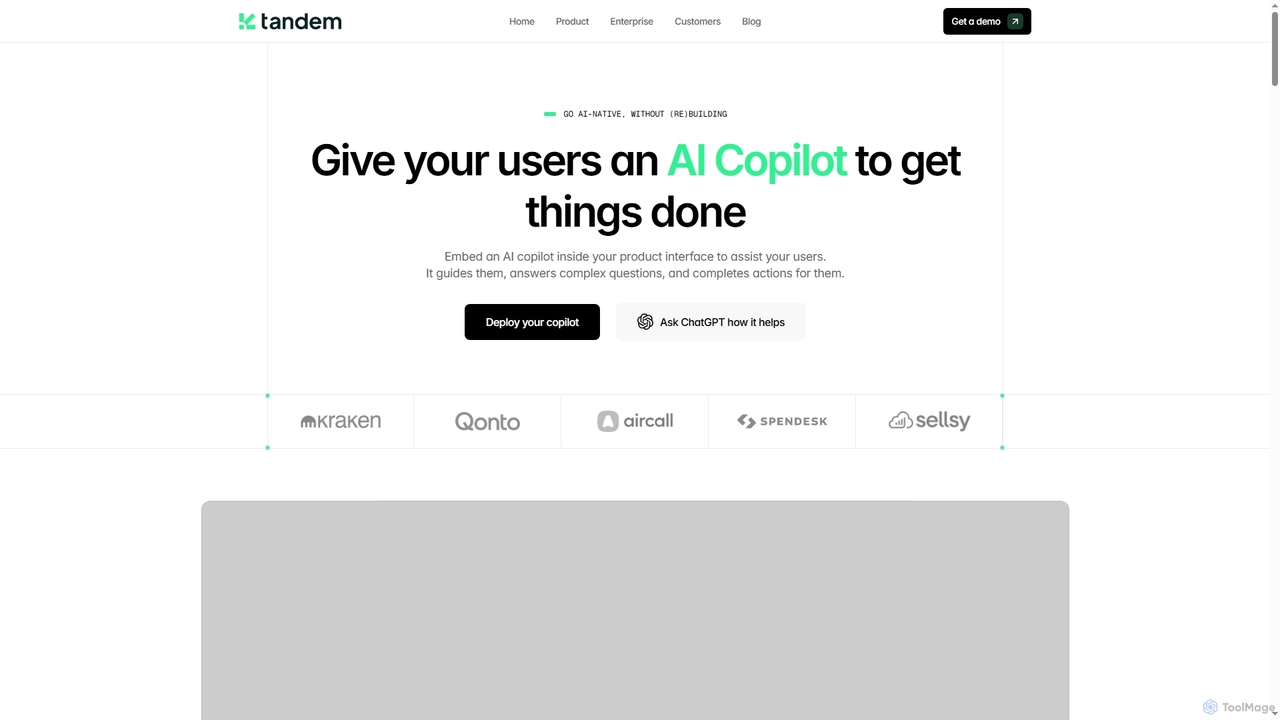
Tandem
Tandem provides an AI Copilot solution designed to be embedded directly into customer-facing products and internal tools. It guides users, answers complex questions, and completes actions within the product interface, enhancing user experience, boosting product adoption, and reducing support load without requiring extensive engineering effort.
Customer Support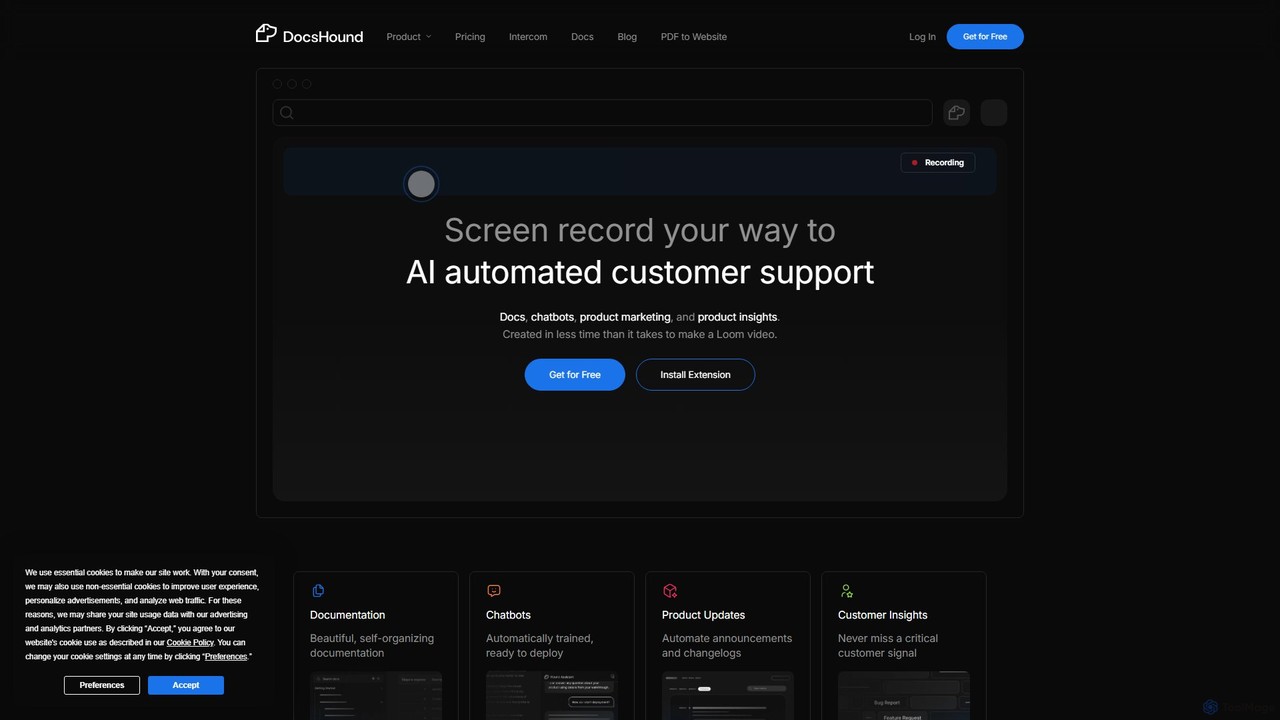
DocsHound
DocsHound is an AI-powered platform that transforms screen recordings of product demos into comprehensive documentation, intelligent chatbots, and actionable product insights. It automates the entire knowledge base creation process, allowing teams to generate beautiful, self-organizing docs and support assets in minutes, keeping pace with rapid product development.
Chatbots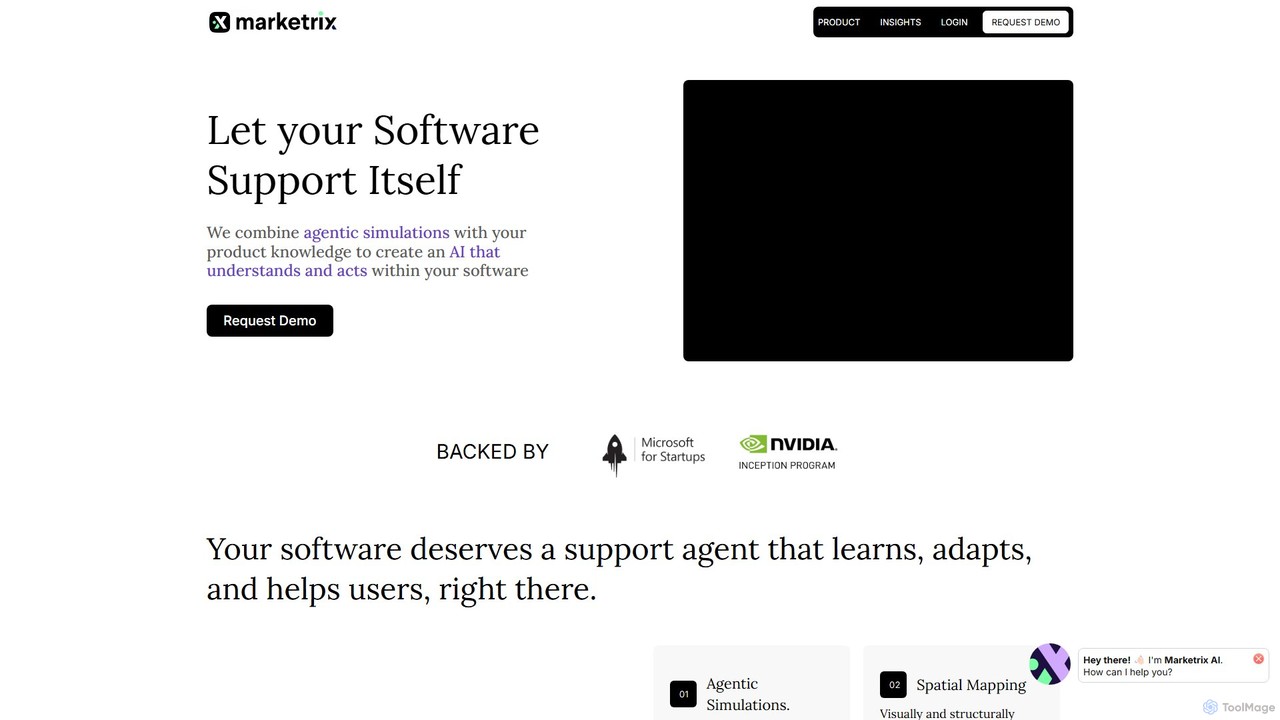
Marketrix
Marketrix is an AI platform that enables software to support itself. It uses agentic simulations to learn your product's UI and workflows, creating an intelligent AI that provides real-time, in-app guidance and hands-free task automation. This helps improve user onboarding, reduce support costs, and boost user productivity.
Self Service Portals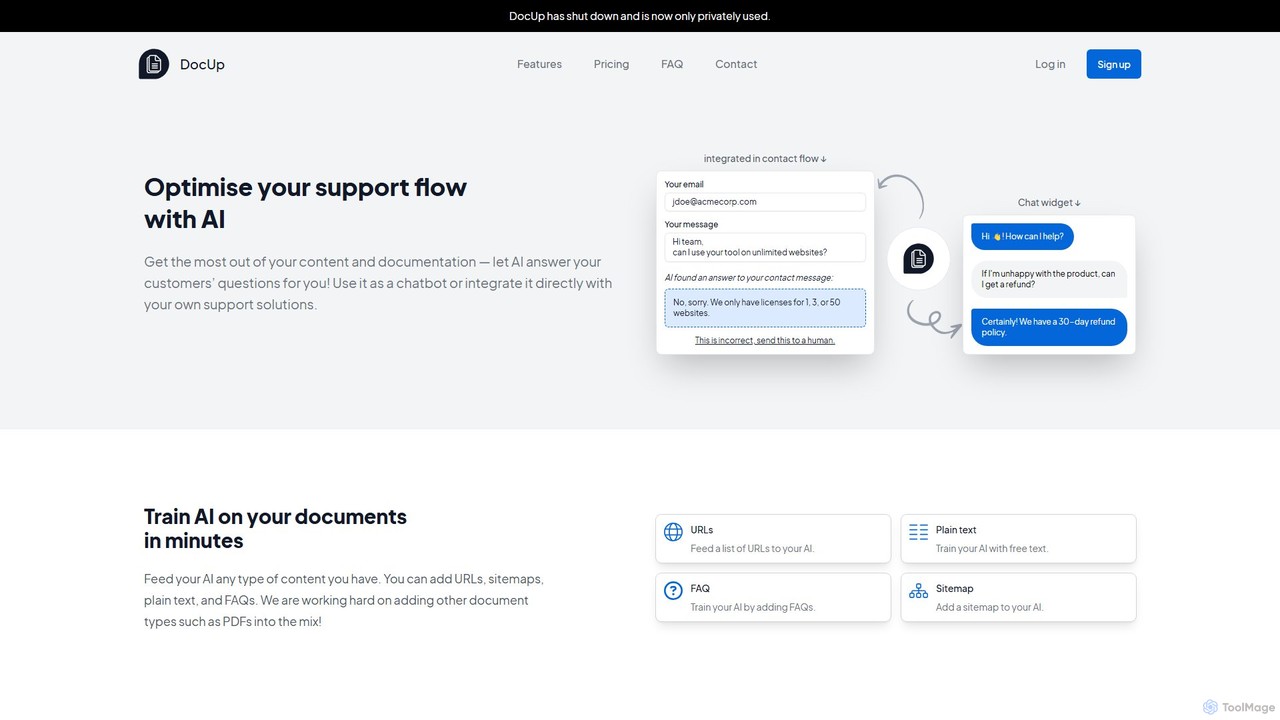
DocUp
DocUp is an AI-powered platform that transforms your documentation into an intelligent chatbot and Q&A system. Instantly answer customer questions, reduce support tickets, and improve user self-service by deploying an AI assistant trained on your knowledge base, FAQs, and manuals. Offers both a customizable widget and a flexible API for seamless integration.
Chatbot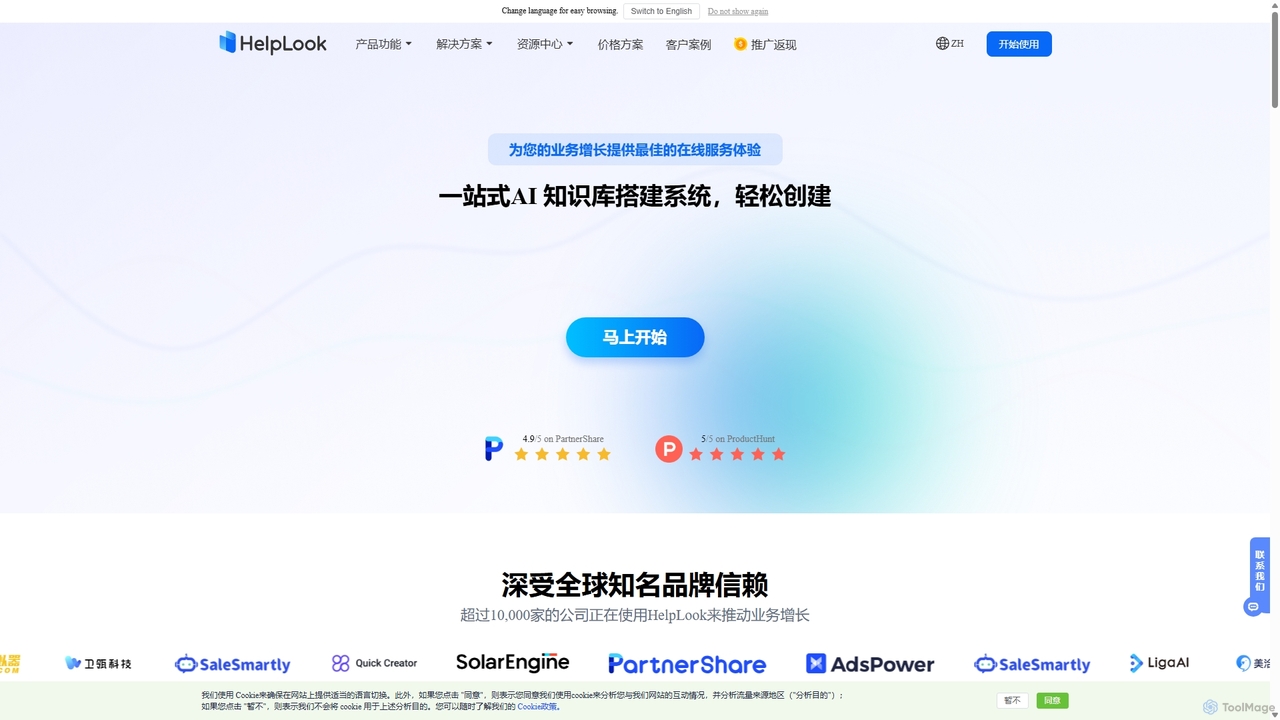
HelpLook
HelpLook is an all-in-one, no-code AI platform for building intelligent knowledge bases, help centers, and product documentation. It integrates a powerful AI chatbot to automate customer support, reduce service costs, and enhance user self-service experiences, trusted by over 10,000 companies worldwide.
Chatbot Builder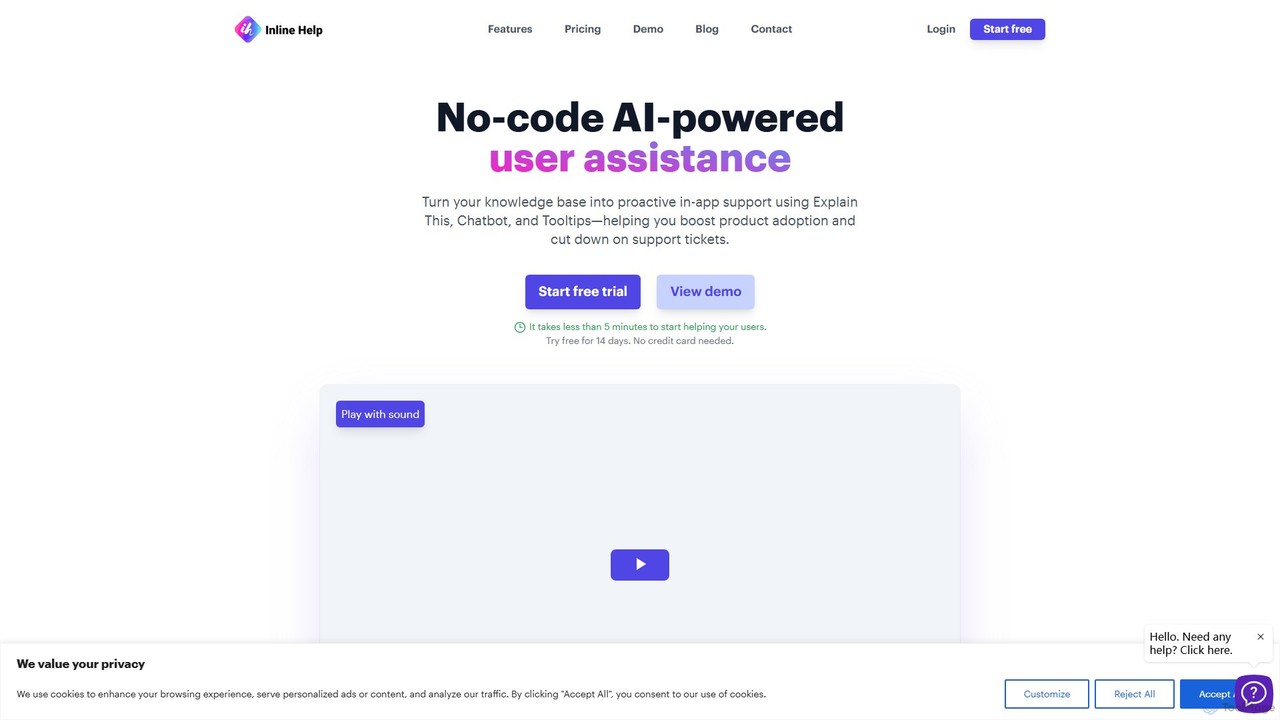
Inline Help
Inline Help is a no-code, AI-powered user assistance platform that transforms your knowledge base into proactive in-app support. It uses an AI chatbot, contextual tooltips, and an 'Explain This' feature to answer customer questions instantly, aiming to boost product adoption and significantly reduce support tickets.
Chatbot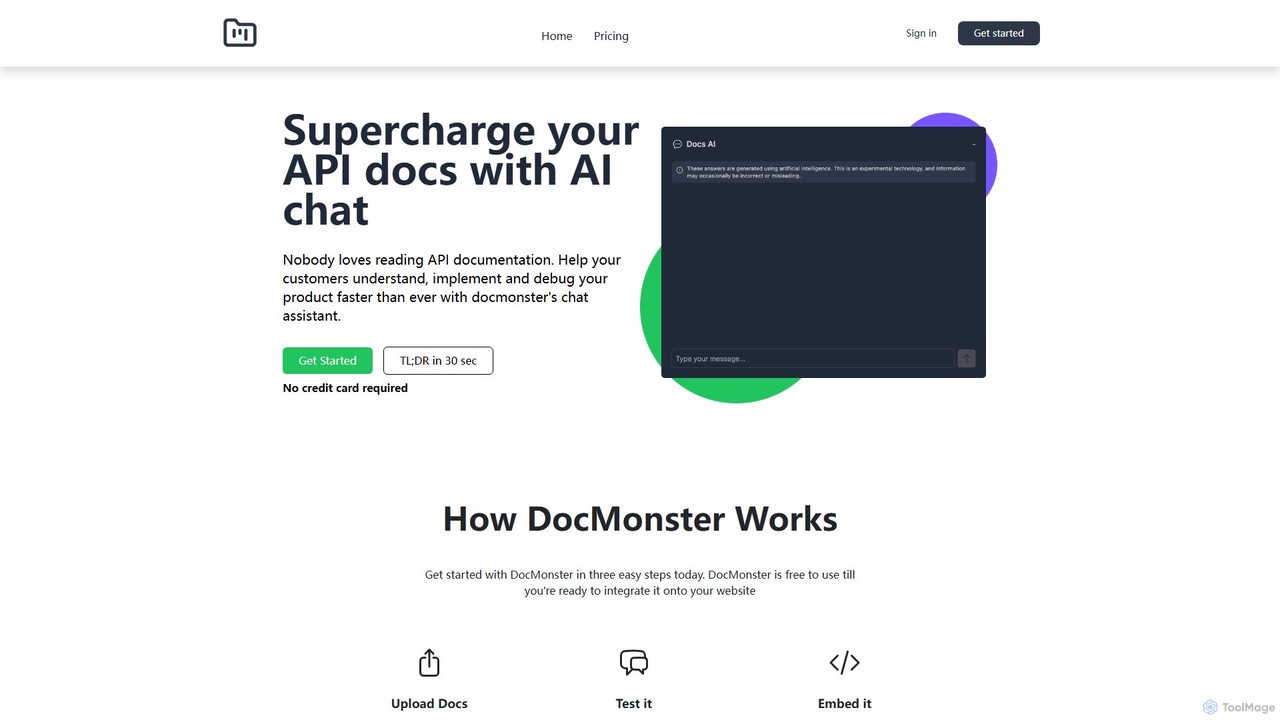
Docmonster
Docmonster enhances API documentation by adding an intelligent AI chat assistant. It allows developers to quickly understand, implement, and debug APIs by asking natural language questions. The tool generates custom code examples, provides instant answers from your documentation, and offers analytics on user queries to help you improve your docs. Simply upload your documents, test the chatbot, and embed it on your website with a few lines of code to significantly reduce integration time and improve the developer experience.
Chatbots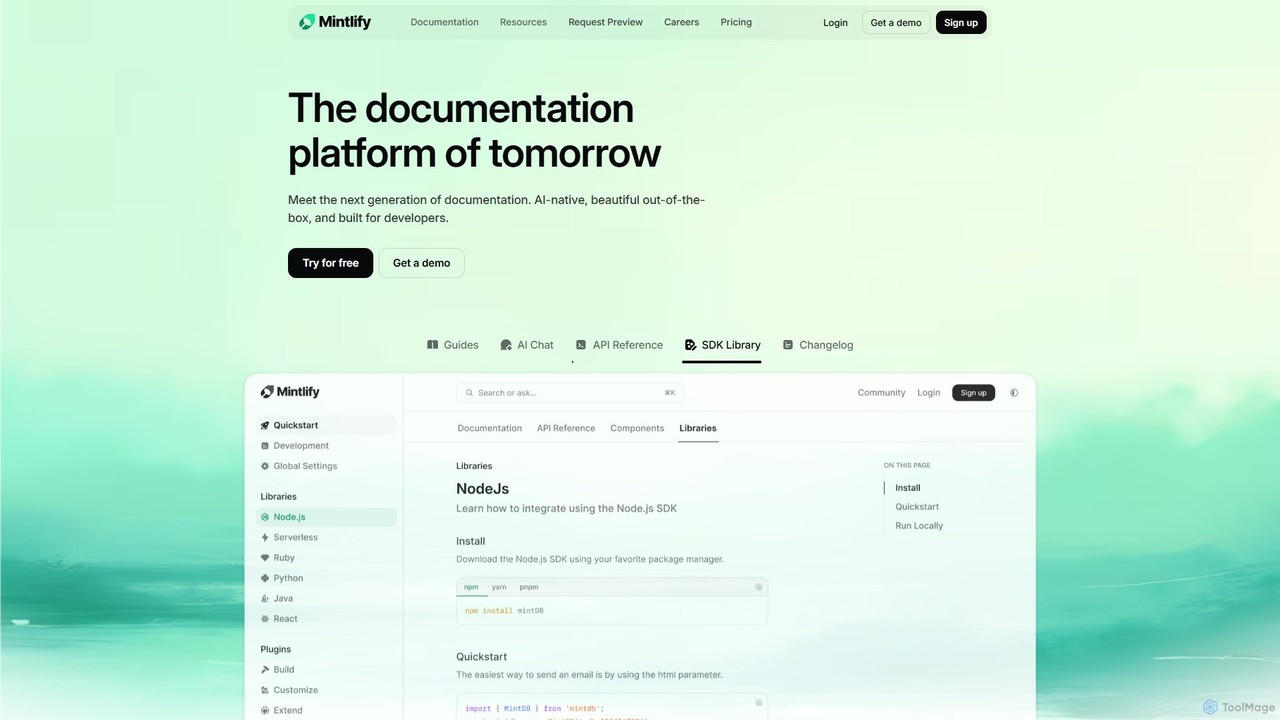
Mintlify
Mintlify is an AI-powered documentation platform designed for modern teams. It helps create beautiful, interactive, and conversion-focused documentation with features like an AI assistant, real-time writing suggestions, and seamless Git integration. Built for collaboration and scalability, it enables companies to provide a world-class developer experience and turn their docs into a growth engine.
Knowledge Base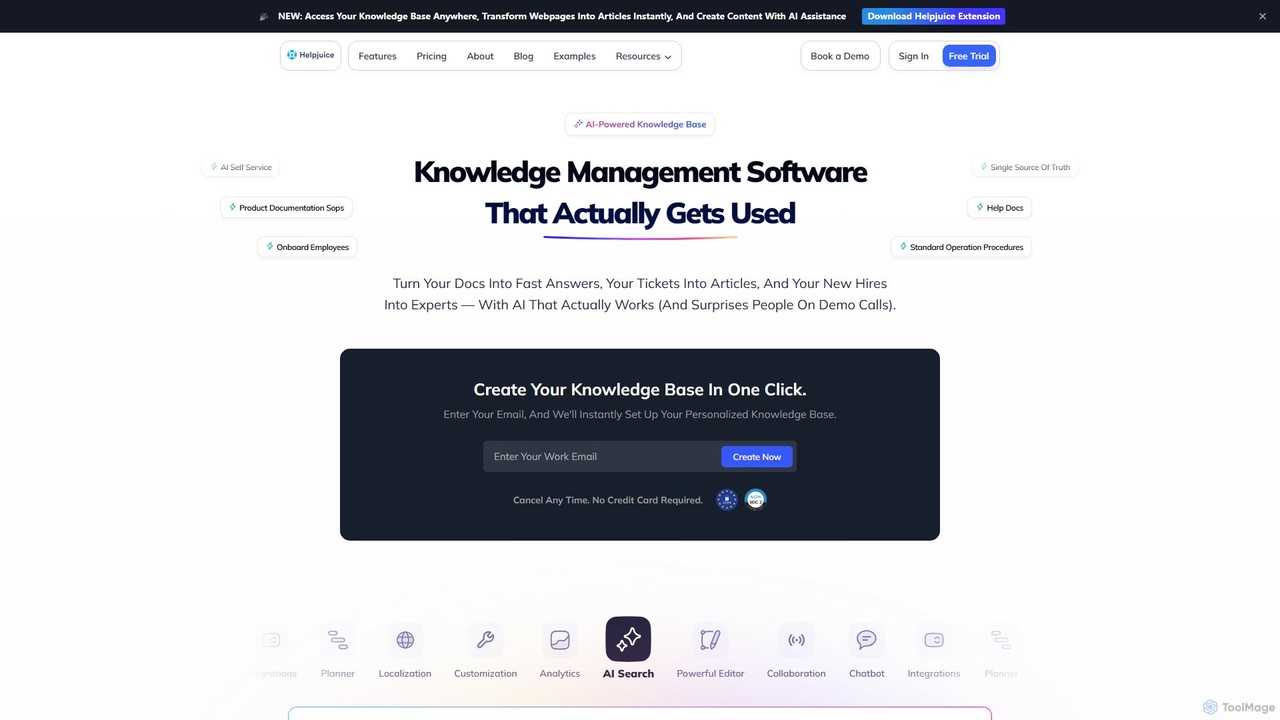
Helpjuice
Helpjuice is an AI-powered knowledge base software designed to streamline customer support and internal documentation. It helps teams create a centralized, searchable source of truth, reducing repetitive questions, speeding up employee onboarding, and enabling 24/7 customer self-service with a powerful AI search and chatbot.
Knowledge Base
DevRev
DevRev is an AI-native platform designed to bring developers closer to customers. It unifies customer support, product development, and user data into a single conversational interface, leveraging AI agents to automate workflows, provide real-time insights, and enhance customer relationships for product-led growth.
Business Intelligence
Stonly
Stonly is an AI-powered knowledge platform designed for customer service. It helps businesses create interactive guides, knowledge bases, and AI-driven answers to enhance customer self-service, reduce support tickets, and accelerate agent training. By delivering personalized and contextual knowledge, Stonly improves resolution times and overall customer satisfaction.
Customer Onboarding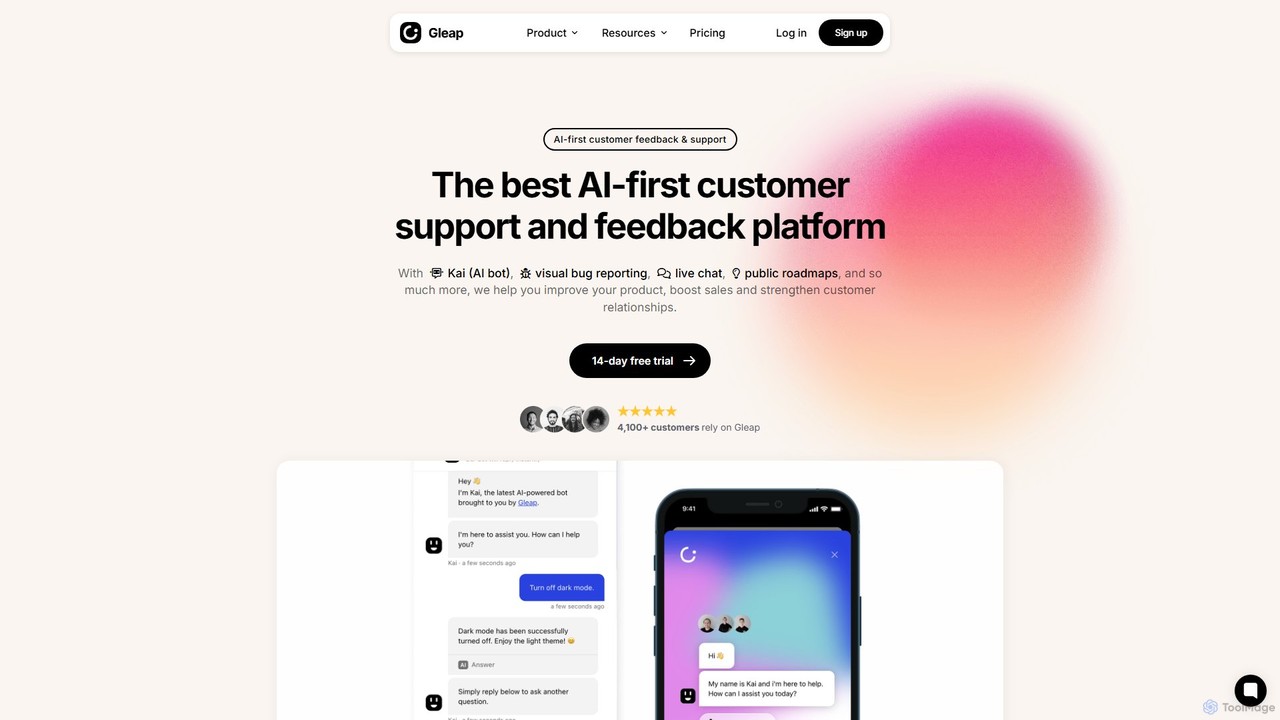
Gleap
Gleap is an all-in-one, AI-powered customer feedback platform. It helps businesses collect bug reports and user feedback, provide automated support with an AI chatbot, engage users with in-app messaging, and manage a public product roadmap.
Feedback Management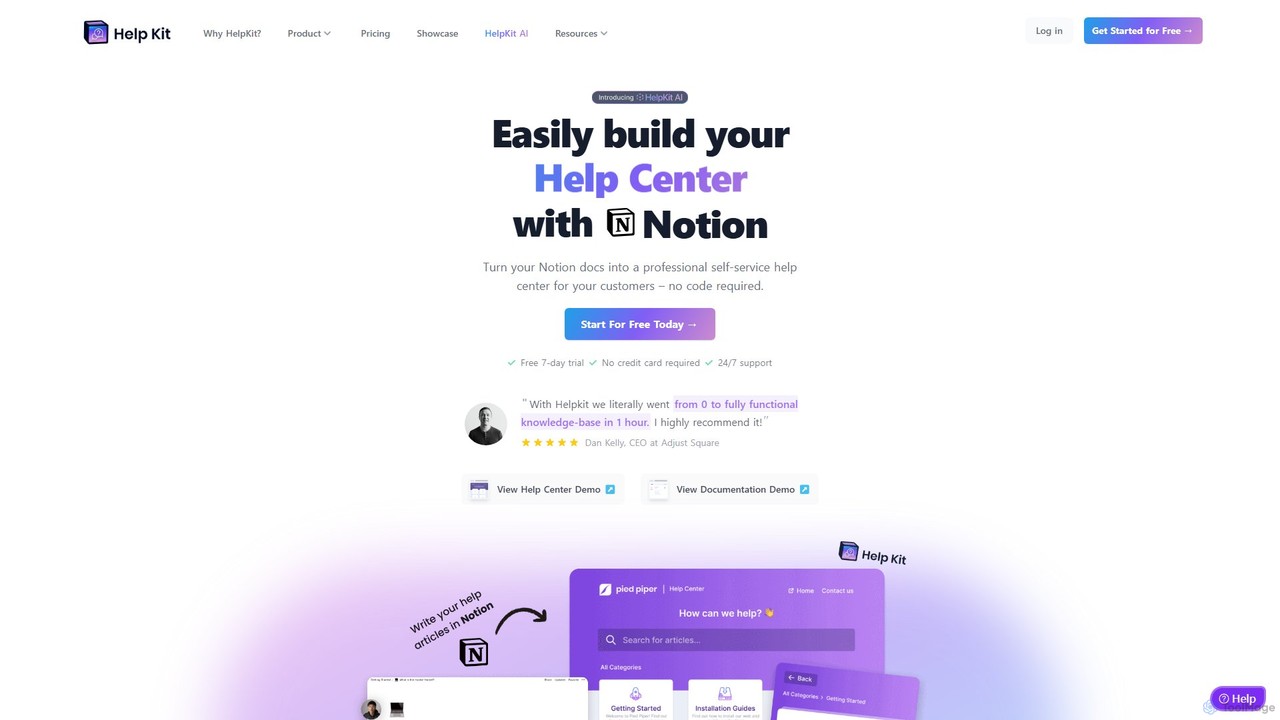
HelpKit
HelpKit is a no-code platform that transforms your Notion documents into a professional, fast, and SEO-optimized knowledge base, help center, or documentation site. It helps reduce support tickets by enabling customers to find answers themselves, 24/7.
Help Desk
Helpbar Comments (0)
Sign in to comment.
Sign inNo comments yet.