

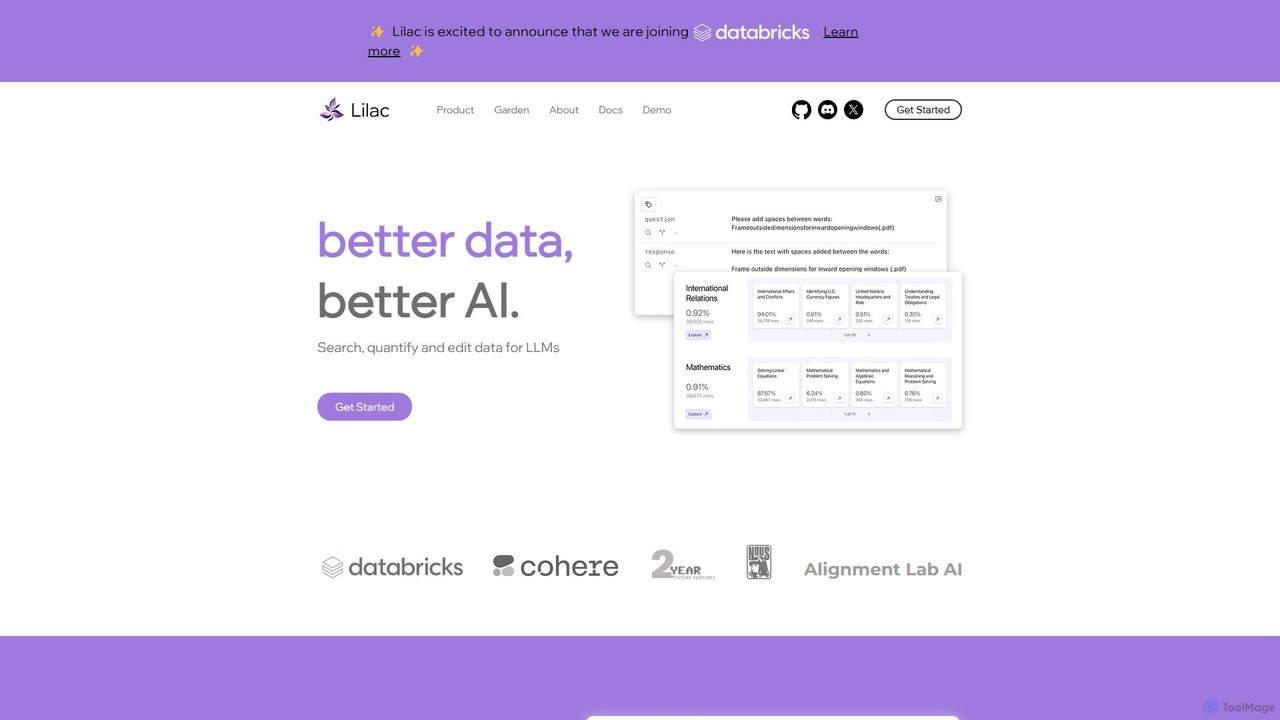
Lilac Overview
Lilac is a powerful open-source platform designed to revolutionize how developers and data scientists interact with data for AI model development. Built on the principle of "Better data, better AI," Lilac provides a comprehensive suite of tools to search, quantify, and edit datasets, particularly those used for training and fine-tuning Large Language Models (LLMs). It addresses the critical need for high-quality data by making the process of data exploration, cleaning, and curation more efficient, intuitive, and scalable.
The platform is trusted by leading organizations like Alignment Lab AI and NousResearch, empowering teams to move beyond simple keyword searches and gain a deep, conceptual understanding of their data. With its blazing-fast computation engine, Lilac can process massive datasets with remarkable speed, such as clustering one million data points in just 20 minutes or embedding data at a rate of half a billion tokens per minute. This performance makes it a critical component in any serious data quality evaluation pipeline.
How to use Lilac
Getting started with Lilac is straightforward, especially for those familiar with the Python ecosystem. The primary method of use involves a local installation and a web-based user interface for exploration.
- Installation: Begin by installing the Lilac library using pip, the Python package installer. Open your terminal or command prompt and run the command:
pip install lilac. - Launch Lilac: After installation, you can start the Lilac server from your terminal. This is typically done by running a command like
lilac start [path_to_your_project_dir]. This command will process your datasets and launch a local web server. - Load Data: Point Lilac to your dataset. It can handle various data formats and sources, allowing you to import data from local files (CSV, JSON, etc.) or directly from hubs like Hugging Face.
- Explore and Analyze: Once the server is running, open the provided URL in your web browser to access the Lilac UI. Here, you can use its powerful features to explore your data. Perform semantic searches, view data clusters, and analyze signals like PII or language.
- Curate and Edit: Use the interface to tag, filter, and even edit data points directly. You can create new labels, remove duplicates, or clean up noisy entries.
- Export and Utilize: After curating your dataset, you can export the improved version or the generated insights (e.g., a list of IDs to remove) for use in your model training pipeline.
Core Features of Lilac
- Semantic & Keyword Search: Go beyond basic text matching. Lilac allows you to search your dataset using natural language queries to find conceptually similar entries, in addition to traditional keyword search.
- Automatic Data Clustering: Lilac automatically groups similar data points and assigns titles to these clusters, giving you an instant high-level overview of the topics and themes present in your data.
- Fuzzy-Concept Search: Search for abstract or nuanced concepts that are difficult to define with specific keywords, allowing for more sophisticated data slicing and exploration.
- Built-in Data Quality Signals: The platform comes with pre-built signals to automatically detect Personally Identifiable Information (PII), near-duplicates, text complexity, and the language of the text.
- Custom Signal Creation: Users can extend Lilac's capabilities by defining and running their own custom signals and transformations on their datasets, tailoring the analysis to their specific needs.
- Data Editing and Comparison: Directly edit data fields within the UI and compare different fields or versions of your dataset side-by-side to understand the impact of your changes.
- High-Performance Engine: Engineered for speed and scale, Lilac can handle datasets with billions of tokens, making large-scale data curation feasible.
Use Cases for Lilac
Lilac is a versatile tool applicable across the entire AI development lifecycle:
- Pre-training Data Curation: Analyze and clean massive web-scale datasets to remove low-quality content, duplicates, and PII before pre-training a foundation model.
- Fine-Tuning Dataset Improvement: For tasks like instruction fine-tuning, use Lilac to analyze the quality of instruction-response pairs, identify biases, and ensure diversity in the data.
- Model Evaluation and Debugging: Discover and analyze specific data slices where your model performs poorly. By clustering and examining failure cases, you can understand the model's weaknesses and target them with better data.
- Data Exploration and Understanding: Quickly get a qualitative feel for any new text dataset. Understand its composition, identify major topics, and spot potential issues before any code is written.
- Content Moderation and Safety: Use semantic search and custom signals to efficiently identify and tag toxic, harmful, or otherwise sensitive content within a dataset.
Advantages of Lilac
Lilac offers significant advantages for teams working with LLMs:
- Improved Model Performance: By systematically improving data quality, Lilac helps you build more accurate, reliable, and less biased AI models.
- Accelerated Development Workflow: It dramatically reduces the time and manual effort required for data exploration and cleaning, allowing teams to iterate faster.
- Democratization of Data Insights: The intuitive UI makes deep dataset analysis accessible to all team members, including product managers and domain experts, not just ML engineers.
- Open Source and Extensible: Being free and open-source fosters transparency, community collaboration, and allows for complete customization to fit unique project requirements.
- Scalability for Real-World Data: Its efficient architecture ensures that you can apply the same rigorous data quality processes to both small and massive, production-scale datasets.
Pricing and Plans
Lilac is an open-source project, making its core library and user interface completely free to use. You can install and run it on your local machine or private infrastructure without any cost. The project is sustained by its community and contributors. While the core tool is free, there may be future enterprise-level offerings, such as the mentioned "Lilac Garden," which could provide managed cloud services, dedicated support, or advanced features for commercial use. However, for individual developers, researchers, and most teams, the open-source version provides full functionality.
Traffic
Latest traffic
Status
Monthly traffic trend
- 2025-8: 682
- 2025-9: 504
- 2026-2: 693
- 2026-3: 0
- 2026-4: 709
- 2026-5: 16.7K
Geography
Top 5 countries / regions
- 🇺🇸United States100.0%
Top keywords
| Keyword | Cost per click |
|---|---|
| lilac data management | $0.00 |
| sportwetten ohne lugas | $0.00 |
Lilac Alternatives

Open Interpreter
An open-source tool that lets Large Language Models (LLMs) run code (Python, Shell, etc.) locally on your computer. It provides a natural language interface to your machine, enabling complex tasks like data analysis, file management, and automation with full access to your system's capabilities.
Data Analysis
gts.ai
GTS.ai is a leading AI data solutions provider with over 25 years of experience. They offer high-quality, customized datasets for machine learning, including image, video, speech, and text data. Leveraging a global workforce of over 4.5 million, GTS provides comprehensive services from data collection and annotation to transcription and data management. They ensure data accuracy, security (ISO, GDPR, HIPAA compliant), and scalability for AI projects across various industries, helping businesses propel their AI initiatives forward with reliable data.
Data Annotation
jsonai
jsonai is an AI-powered toolkit for developers and data analysts, designed to streamline working with JSON data. It allows users to generate, validate, transform, and query JSON files using natural language prompts, significantly boosting productivity and reducing errors.
Data Transformation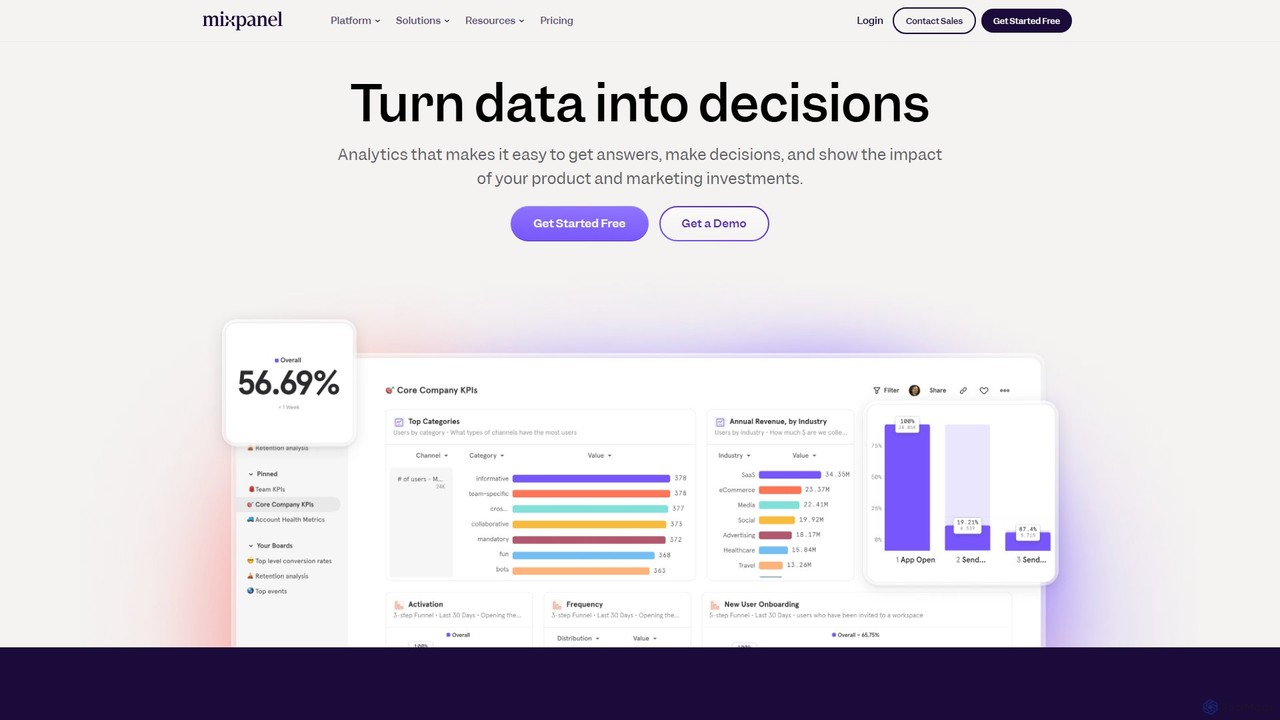
Mixpanel
Mixpanel is a powerful product analytics platform that helps businesses understand user behavior, measure key metrics, and make data-driven decisions. It offers self-serve analytics, session replays, and data integrations to empower teams across product, marketing, and engineering to drive growth and retention.
Analytics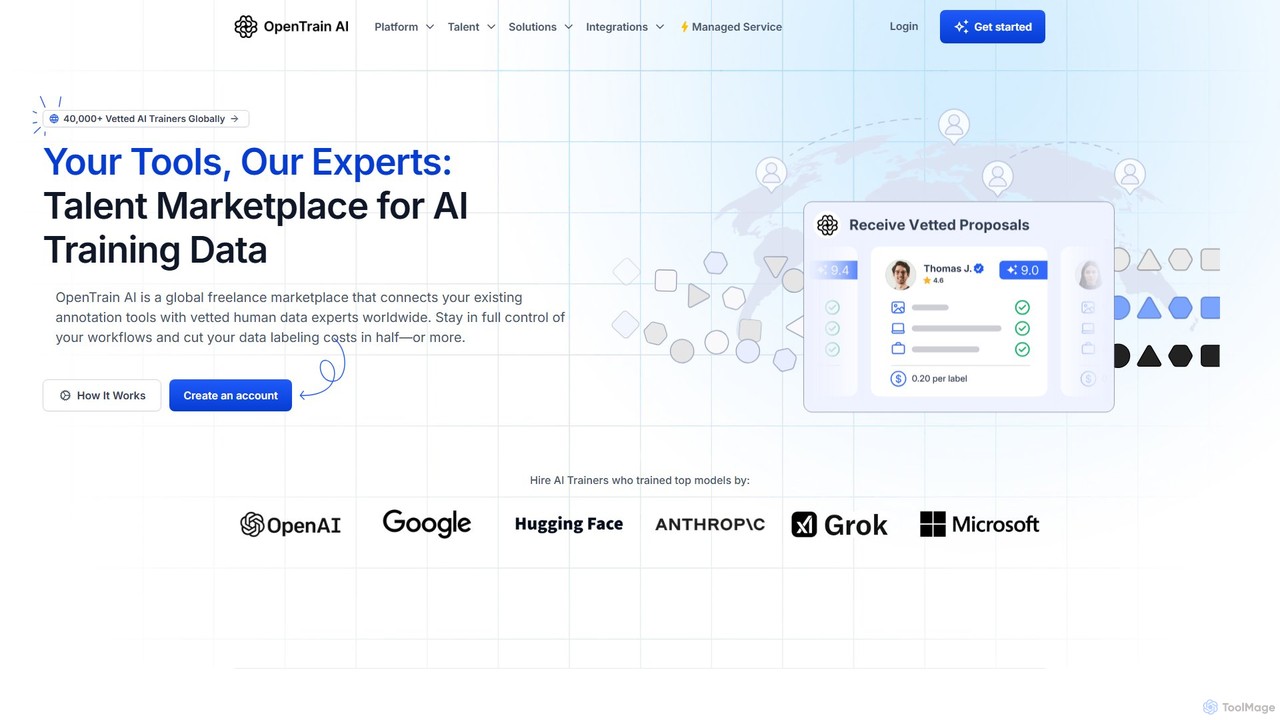
OpenTrain AI
OpenTrain AI is a global talent marketplace connecting businesses with over 40,000 vetted human data experts for AI training and data annotation. It allows you to use your existing annotation tools while hiring specialized freelancers or managed teams from 110+ countries. This flexible approach helps you maintain full control over your workflows, improve data quality, and significantly reduce labeling costs.
AnnotationLilac Categories
Lilac Embed Widget
Copy this embed code to place the badge on your blog, article, or product site and send readers directly to this ToolMage detail page.

Related AI tools

Milvus
Milvus is a high-performance, open-source vector database built for AI applications. It enables developers to manage and search through billions of high-dimensional vectors with minimal latency. Ideal for building scalable systems like retrieval-augmented generation (RAG), recommendation engines, and semantic search, Milvus offers flexible deployment options from local prototyping to large-scale distributed clusters.
Machine Learning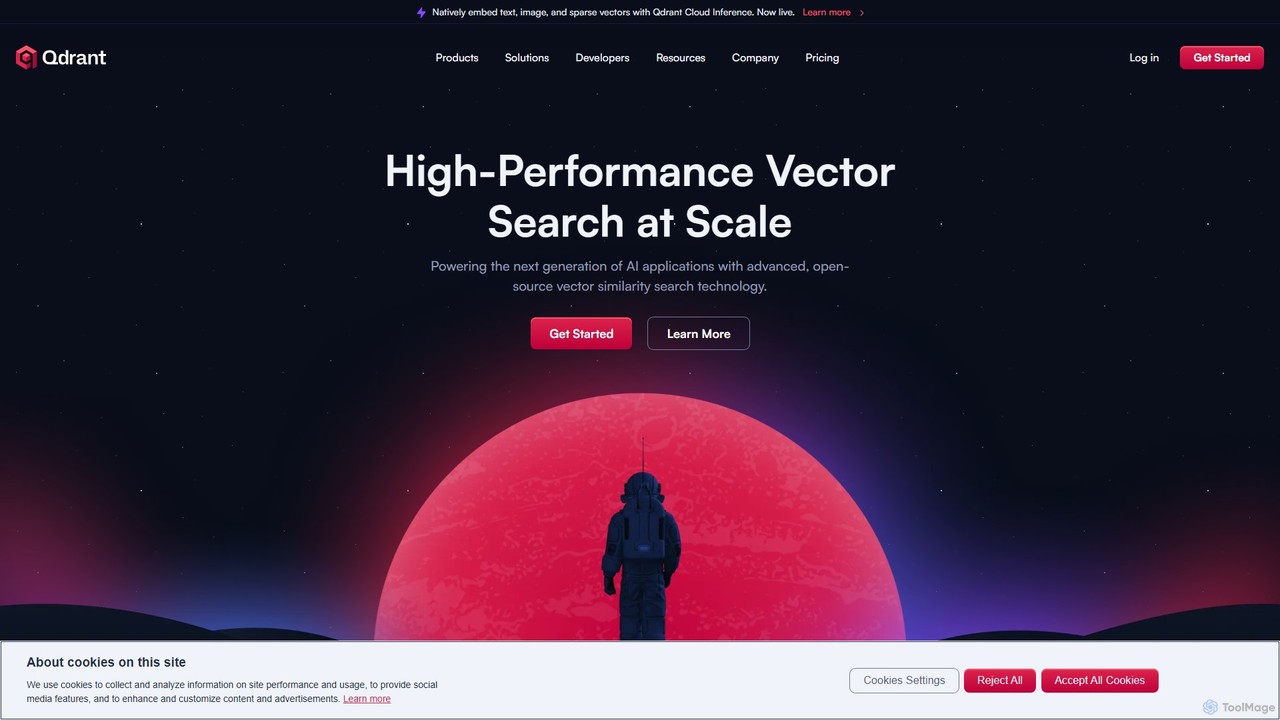
Qdrant
Qdrant is a high-performance, open-source vector database and similarity search engine built in Rust. It's designed to power next-generation AI applications by efficiently managing and searching billions of high-dimensional vectors. With advanced features like rich filtering, payload storage, and various quantization methods, Qdrant enables developers to build scalable and cost-effective solutions for semantic search, recommendation systems, and Retrieval Augmented Generation (RAG).
Vector Search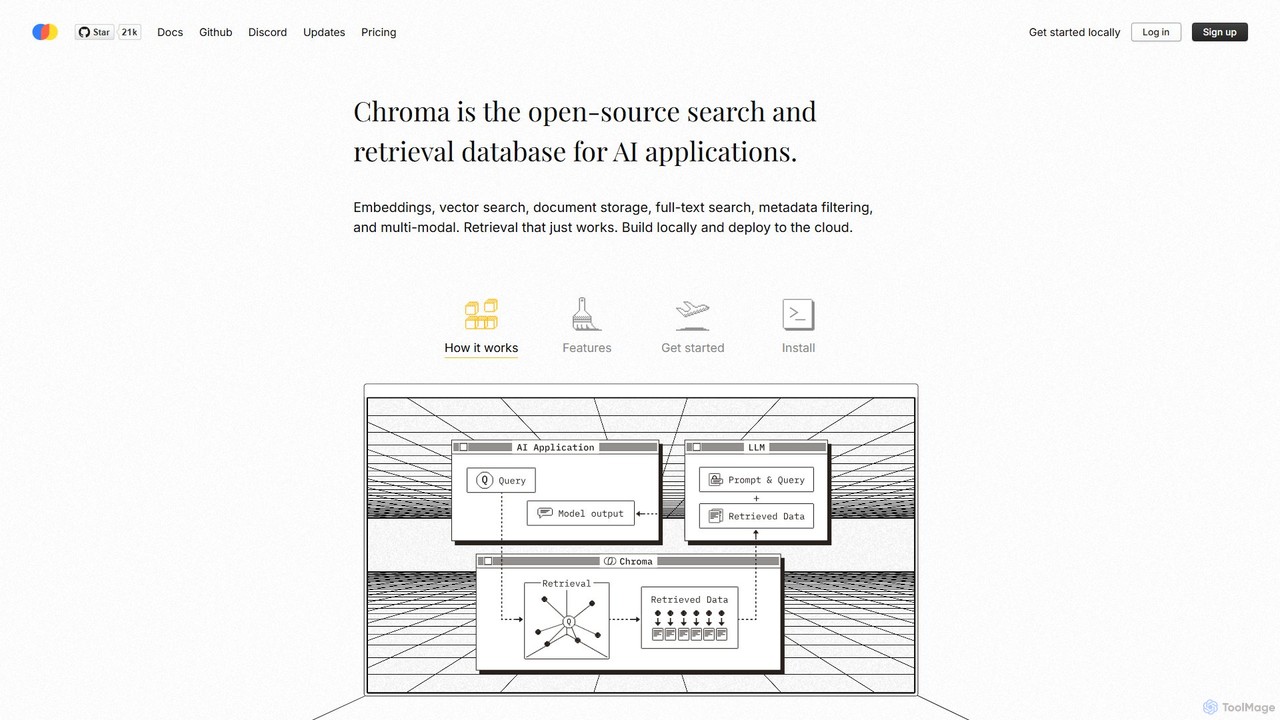
Chroma
Chroma is the open-source, AI-native retrieval database designed for building powerful AI applications with Retrieval-Augmented Generation (RAG). It simplifies storing and searching embeddings, documents, and metadata, offering vector search, full-text search, and a scalable, serverless cloud platform. It's built to be easy to use, cost-effective, and powerful, from local development to large-scale production.
Vector Database
MLflow
MLflow is an open-source platform for managing the end-to-end machine learning lifecycle. It enables developers and data scientists to track experiments, package code into reproducible runs, version and share models, and deploy them to production, supporting both traditional ML and modern GenAI applications.
Data Science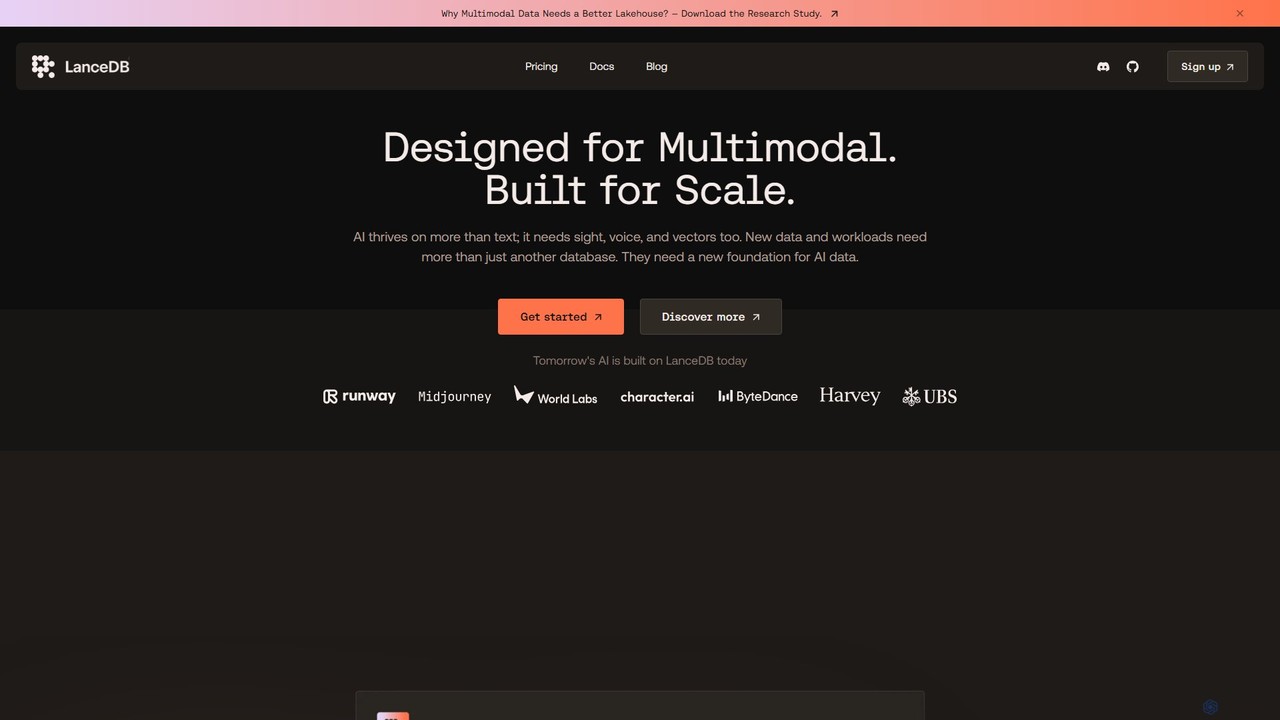
LanceDB
LanceDB is an open-source, AI-native multimodal lakehouse designed for building and scaling AI applications. It provides a unified platform for storing, searching, and managing complex data like text, images, voice, and vectors. Ideal for RAG, semantic search, and model training, LanceDB offers blazing-fast hybrid search, massive scalability to petabytes, and significant cost savings, making it a powerful foundation for enterprise-grade AI.
Vector Database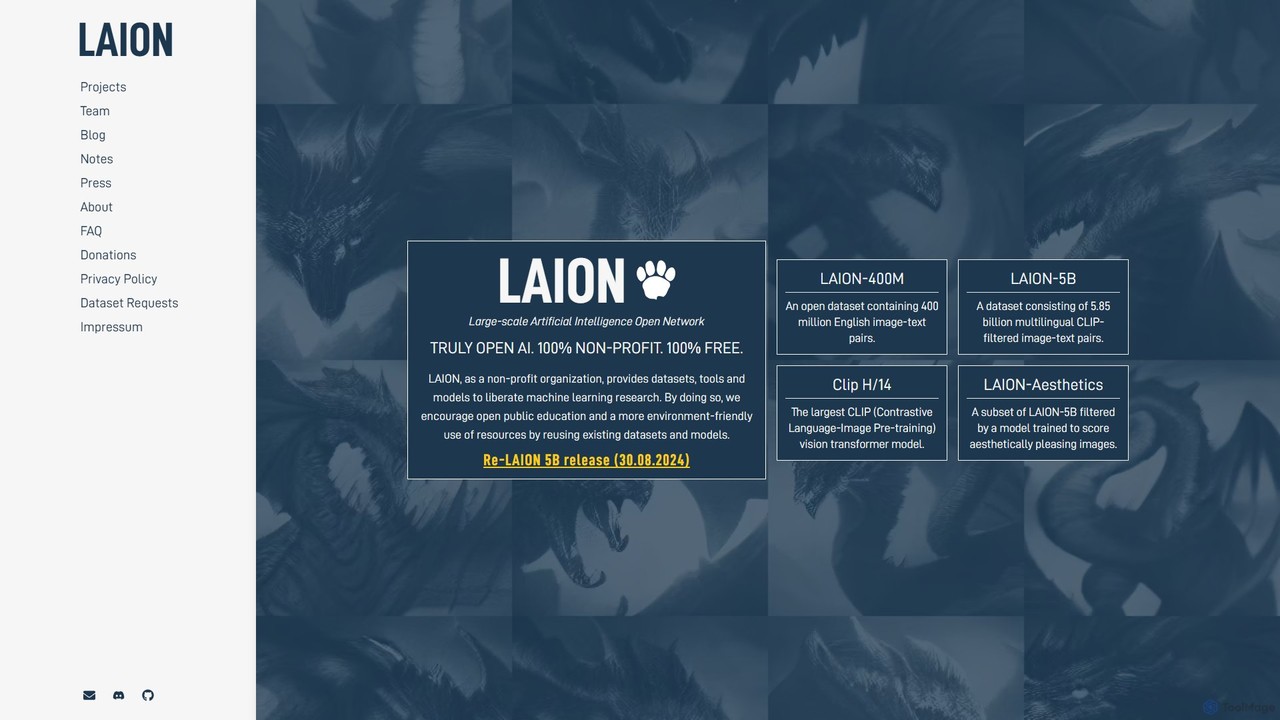
LAION
LAION (Large-scale Artificial Intelligence Open Network) is a non-profit organization dedicated to democratizing AI research. It provides massive, open-source datasets, pre-trained models, and tools to the public, fostering open research, education, and resource-efficient development in machine learning.
Datasets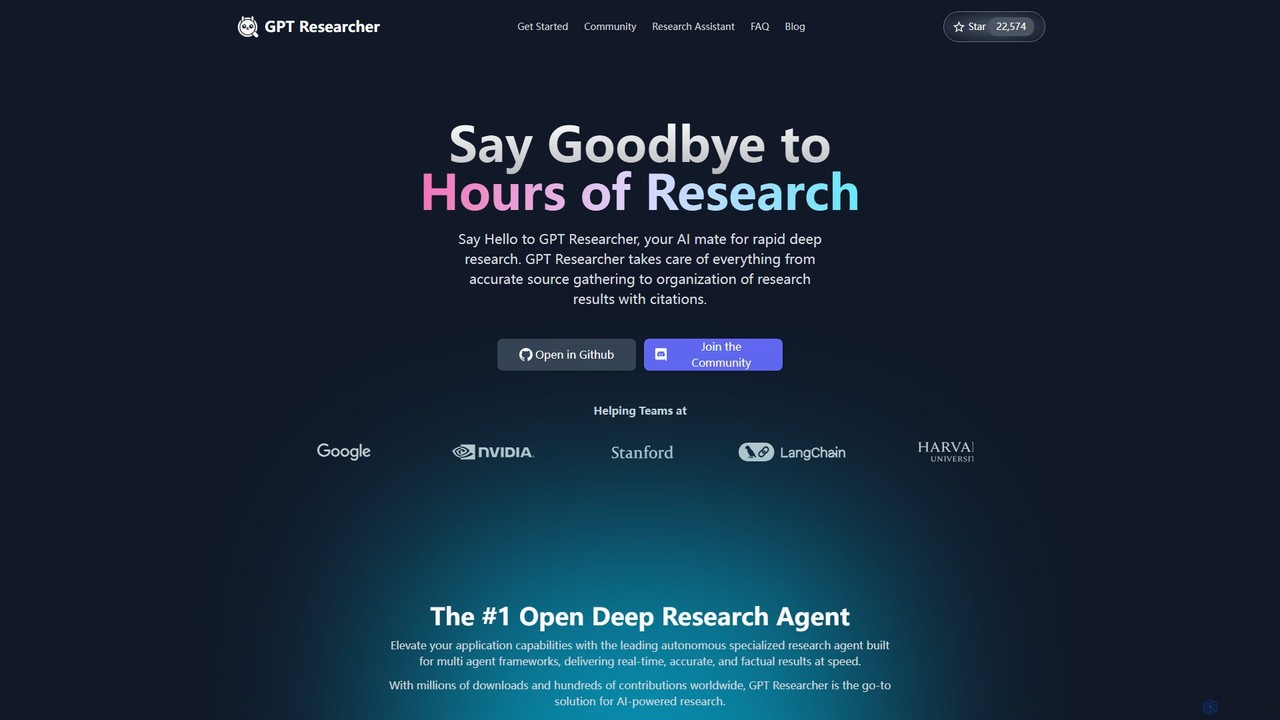
GPT Researcher
GPT Researcher is an open-source autonomous AI agent designed for rapid and in-depth research. It automates the entire research process, from gathering information from reliable sources to organizing findings and generating comprehensive, cited reports. Ideal for developers, analysts, and researchers, it integrates with any LLM and search engine to deliver accurate, factual results on any topic in minutes.
Api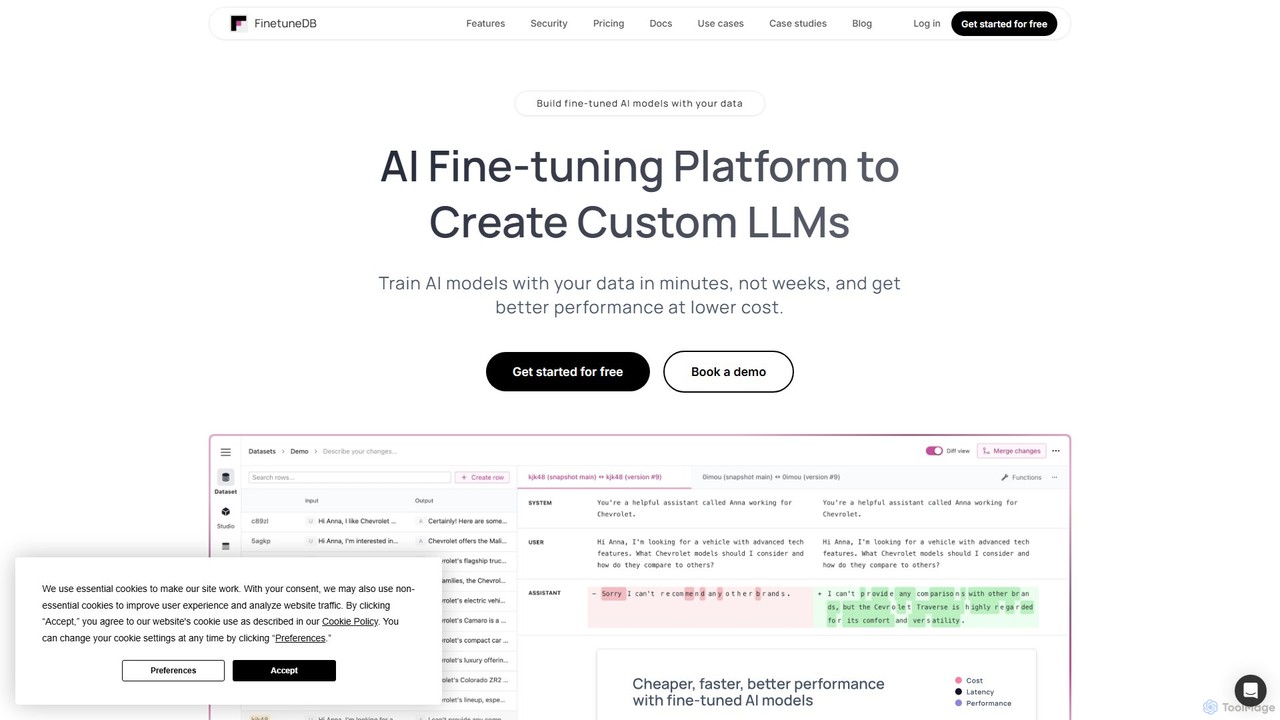
FinetuneDB
FinetuneDB is an all-in-one AI fine-tuning platform for developers. It simplifies the entire workflow of creating custom Large Language Models (LLMs), from building high-quality datasets and fine-tuning models like Llama 3 and GPT-4o mini, to deployment and continuous evaluation on a single, secure platform.
Llmops
Falcon LLM
Falcon LLM is a family of powerful, open-source, and open-access large language models developed by the Technology Innovation Institute (TII). Known for state-of-the-art performance, scalability, and multimodality, Falcon models range from efficient edge-deployable versions to massive 180B parameter models, aiming to democratize access to advanced AI for developers, researchers, and enterprises worldwide.
Machine Learning
infiniflow
infiniflow is a high-performance, open-source, AI-native database specifically designed for LLM applications. It offers incredibly fast vector search, powerful hybrid search capabilities (vector, full-text, tensor), and simplified deployment. With an intuitive Python API, it's built to power demanding AI tasks like Retrieval-Augmented Generation (RAG) and semantic search with millisecond latency.
Vector Search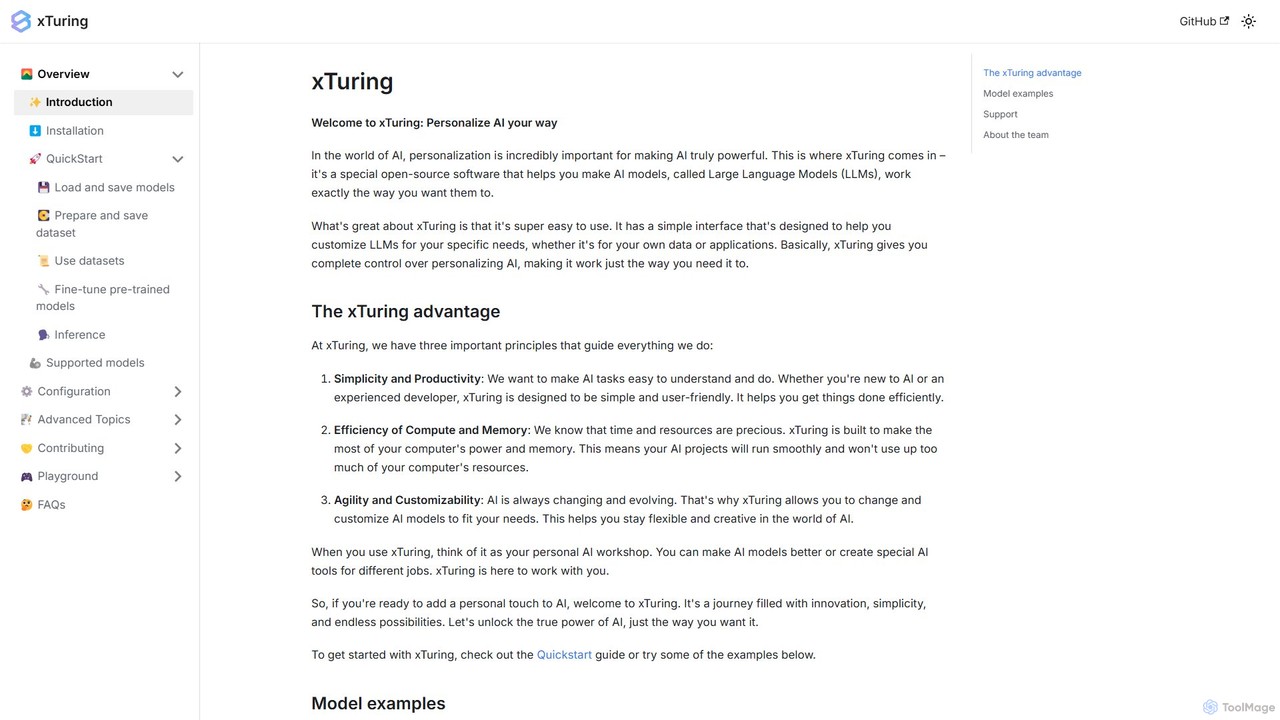
xTuring
xTuring is an open-source Python library designed to simplify the process of building, fine-tuning, and controlling Large Language Models (LLMs). It provides a user-friendly interface for developers and researchers to personalize AI models for specific data and applications with high efficiency and customizability.
Model Training
dataset.gold
A curated directory of high-quality, open-source datasets for AI and machine learning. Discover the gold standard of data for training your models in computer vision, NLP, and more.
Datasets
hyperficient
hyperficient is an open-source AI tool for developers and ML engineers that automates the search for the most efficient fine-tuning strategies for neural networks. It significantly reduces computational costs, GPU time, and manual effort, enabling optimal model performance on limited resources.
Libraries
Jyek
Jyek is an AI agent platform that understands objectives, creates execution plans, uses tools, and delivers verifiable results for complex, multi-step tasks.
AutomationOpen Interpreter
An open-source tool that lets Large Language Models (LLMs) run code (Python, Shell, etc.) locally on your computer. It provides a natural language interface to your machine, enabling complex tasks like data analysis, file management, and automation with full access to your system's capabilities.
Data Analysis
Lilac Comments (0)
Sign in to comment.
Sign inNo comments yet.